

GitLab Overview
What is GitLab
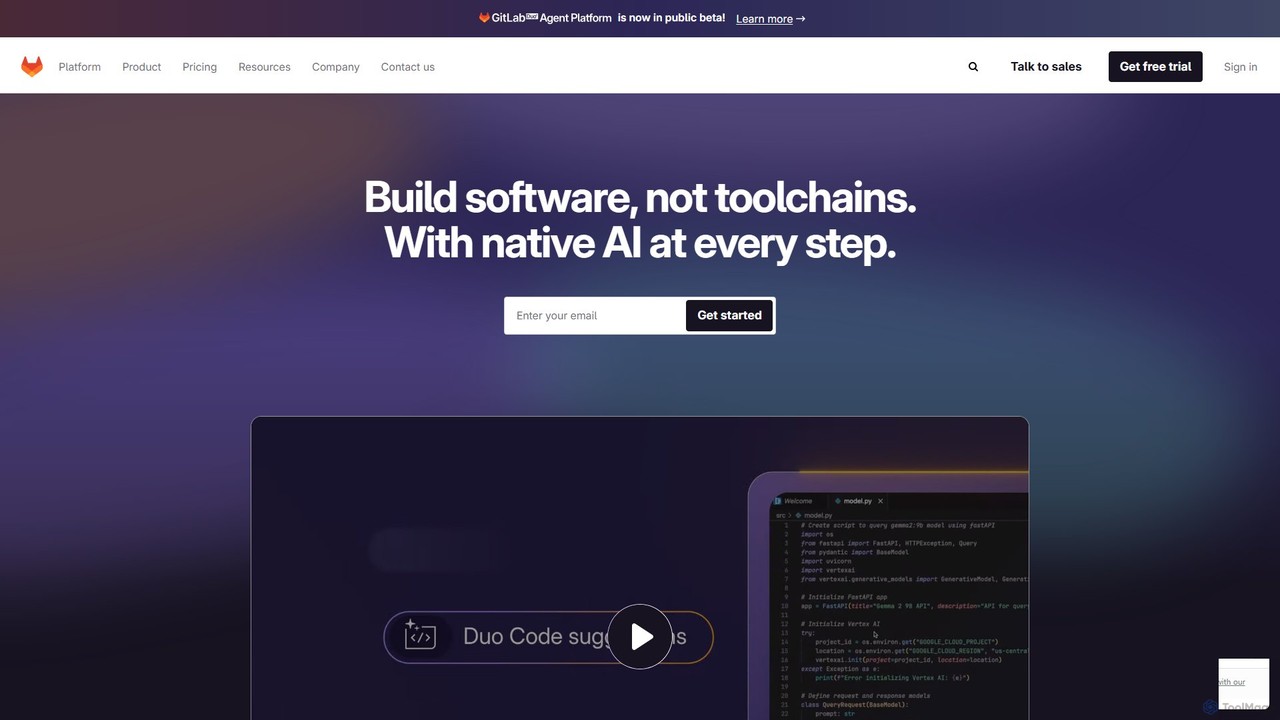
GitLab is an all-in-one, open-core DevSecOps platform that enables teams to collaborate on software development from concept to production. It provides a single application for the entire software development lifecycle (SDLC), eliminating the need for a complex toolchain of disparate applications. By integrating source code management, continuous integration/continuous delivery (CI/CD), security testing, monitoring, and project management, GitLab offers unprecedented visibility and control over the development process. Recently, GitLab has integrated a powerful suite of AI features, branded as GitLab Duo, which acts as an intelligent assistant across the entire platform. This AI integration helps developers write better code faster, identify and fix vulnerabilities, summarize issues, and streamline workflows, making GitLab a truly comprehensive and intelligent solution for modern software development.
How to use GitLab
Getting started with GitLab involves a straightforward workflow that covers the entire development lifecycle:
- Create a Project: Start by creating a new project, which will host your Git repository, issue tracker, CI/CD pipelines, and more.
- Source Code Management: Push your code to the repository. Collaborate with your team using branches, merge requests (MRs), and code reviews.
- Leverage AI with GitLab Duo: While coding in your IDE, use GitLab Duo Code Suggestions to get real-time code completions. Use AI Chat to ask questions, refactor code, or generate tests.
- Automate with CI/CD: Define your build, test, and deployment stages in a
.gitlab-ci.ymlfile. GitLab Runners will automatically execute these pipelines on every commit or merge request. - Integrate Security (DevSecOps): Configure security scans like Static Application Security Testing (SAST), Dynamic Application Security Testing (DAST), and Secret Detection to run within your CI/CD pipelines. GitLab will report vulnerabilities directly in the merge request.
- Manage Projects and Plan Work: Use GitLab Issues, Epics, and Boards for agile project management. Track progress, plan sprints, and visualize your workflow from idea to release.
- Deploy and Monitor: Deploy your application to various environments (staging, production) and use GitLab's monitoring features to track application performance and stability.
Core Features of GitLab
- AI-Powered DevSecOps (GitLab Duo): Includes Code Suggestions, AI Chat in the IDE, code generation, test generation, vulnerability explanation and resolution, and summarization of issues and merge requests.
- Source Code Management (SCM): Provides robust, scalable Git-based repositories with fine-grained access controls, code reviews, and merge request workflows.
- Continuous Integration & Delivery (CI/CD): Industry-leading, built-in CI/CD to automate building, testing, and deploying applications. Highly configurable and scalable.
- Integrated Security Scanning: A full suite of security tools, including SAST, DAST, Dependency Scanning, Container Scanning, and Secret Detection, integrated directly into the development workflow.
- Enterprise Agile Planning: Advanced project management tools like Epics, Roadmaps, Value Stream Analytics, and portfolio management to align development work with business objectives.
- Package & Container Registry: Built-in registries for managing Docker containers, npm packages, Maven artifacts, and more.
- Governance and Compliance: Features like compliance pipelines, audit logs, and vulnerability management dashboards to meet enterprise security and regulatory requirements.
Use Cases for GitLab
GitLab is versatile and can be adapted for various teams and organizations:
- Startups and Small Teams: Utilize the Free or Premium plans to establish a complete, cost-effective DevOps workflow from day one without managing multiple tools.
- Large Enterprises: Leverage the Ultimate plan for advanced security, compliance, and portfolio management to standardize DevSecOps practices across hundreds of teams.
- Open Source Projects: Use the generous free tier to host code, collaborate with the community, and automate builds and tests.
- DevSecOps Transformation: Companies can use GitLab to shift security left, embedding automated security testing and vulnerability management directly into the CI/CD pipeline, catching issues earlier and reducing risk.
- Cloud-Native Development: Teams building microservices and deploying to Kubernetes can use GitLab's integrated container registry and Kubernetes integration for a seamless workflow.
Advantages of GitLab
The primary advantage of GitLab is its single-platform approach, which offers several key benefits:
- Reduced Toolchain Complexity: Replaces multiple point solutions (e.g., GitHub, Jenkins, Jira, SonarQube) with a single, unified interface, reducing integration costs and administrative overhead.
- Enhanced Collaboration and Visibility: A single source of truth for all development activities improves communication and provides end-to-end visibility across the entire lifecycle.
- Accelerated Delivery Cycles: Tightly integrated CI/CD, testing, and AI assistance help teams automate more, reduce manual handoffs, and release software faster.
- Built-in Security and Compliance: DevSecOps is a core part of the platform, not an afterthought, enabling teams to build more secure software from the start.
- Scalability and Flexibility: Offers multiple deployment options (SaaS, Self-Managed, Dedicated) to meet the needs of any organization, from small teams to the largest public companies.
Pricing and Plans
GitLab offers a tiered pricing model to suit different needs, available as a cloud-hosted (GitLab.com) or self-managed solution.
- Free Plan: $0/user/month. Ideal for individuals and small projects. Includes source code management, CI/CD (with 400 compute minutes/month), and 5 licensed users.
- Premium Plan: $29/user/month (billed annually). For scaling teams needing enhanced productivity. Includes everything in Free, plus AI Chat and Code Suggestions in the IDE, priority support, advanced project management, release controls, and 10,000 compute minutes/month.
- Ultimate Plan: Contact Sales for pricing. For enterprises requiring advanced security and compliance. Includes everything in Premium, plus advanced application security testing (DAST, Fuzz Testing), software supply chain security, vulnerability management, portfolio management, and 50,000 compute minutes/month.
- Add-ons:
- GitLab Duo Pro: $19/user/month. Extends AI capabilities across the GitLab UI for Premium and Ultimate customers.
- GitLab Duo Enterprise: Contact Sales. The most comprehensive AI offering with features like root cause analysis and vulnerability resolution.
- Compute Minutes & Storage: Available for purchase as needed.
Traffic
Latest traffic
Status
Monthly traffic trend
- 2025-9: 1.5M
- 2026-1: 1.7M
- 2026-2: 1.7M
- 2026-3: 2.0M
- 2026-4: 1.8M
- 2026-5: 1.6M
Geography
Top 5 countries / regions
- 🇺🇸United States33.3%
- 🇮🇳India29.8%
- 🇩🇪Germany14.1%
- 🇫🇷France12.0%
- 🇮🇩Indonesia10.8%
Traffic sources
| Source type | Percentage |
|---|---|
Direct | 83.5% |
Referral | 12.6% |
Email | 4.0% |
Top keywords
| Keyword | Cost per click |
|---|---|
| github | $1.34 |
| git lab | $2.03 |
| gitlab | $1.91 |
| gitlab careers | $1.63 |
| gitlab pricing | $3.30 |
GitLab Videos on YouTube






GitLab Alternatives
Devozy.ai
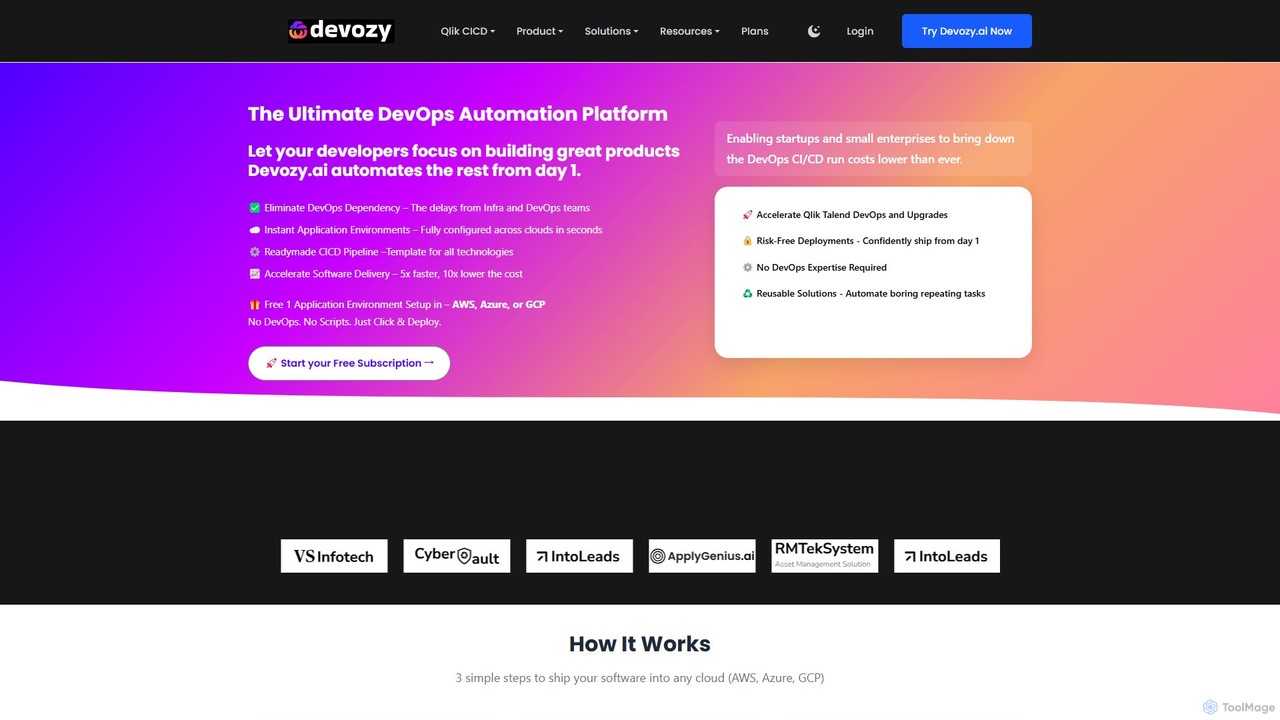
Devozy.ai is a self-service DevOps automation platform designed for IT engineering teams. It streamlines software deployment to multi-cloud environments like AWS, Azure, and GCP, providing ready-made CI/CD pipelines and instant application environments. This allows developers to focus on coding by eliminating DevOps dependencies, accelerating delivery by up to 5x and reducing costs.
Multi Cloud Management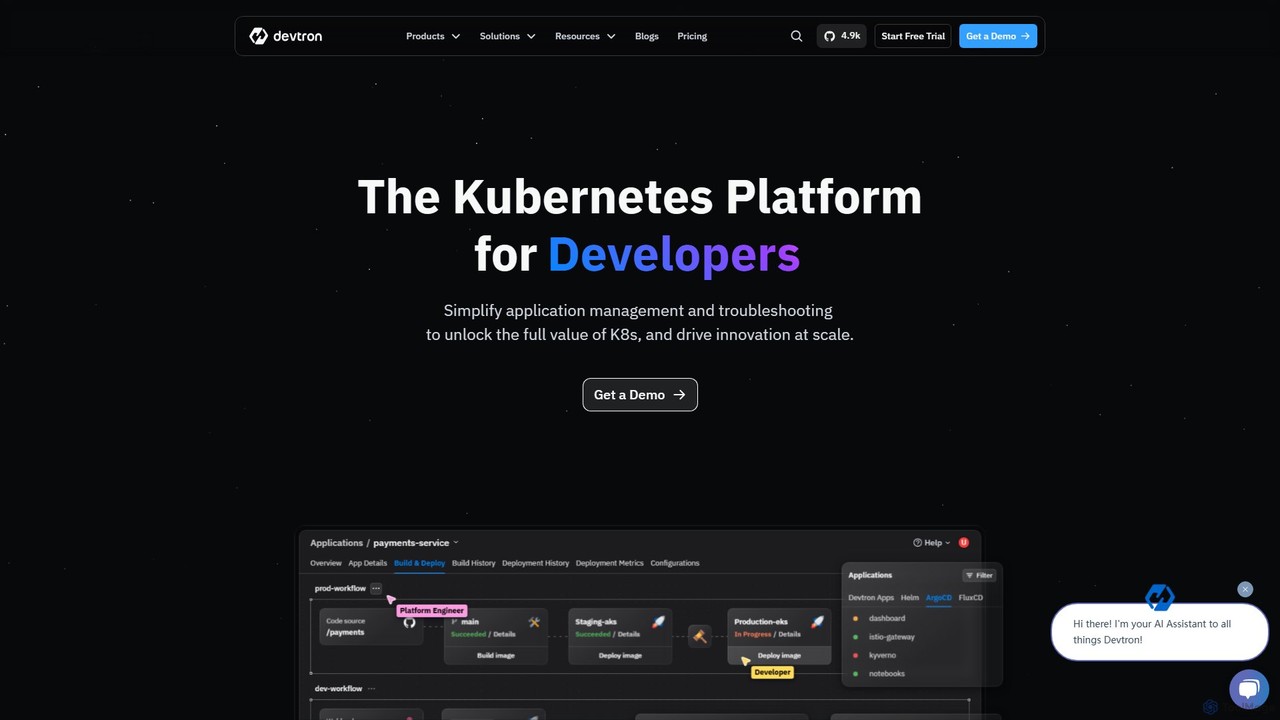
Devtron
Devtron is an open-source, Kubernetes-native software delivery platform that simplifies application management. It integrates CI/CD, GitOps, security, and observability into a unified dashboard, empowering developers and DevOps teams to manage complex Kubernetes environments with ease, accelerate release cycles, and improve productivity without a steep learning curve.
Cloud Computing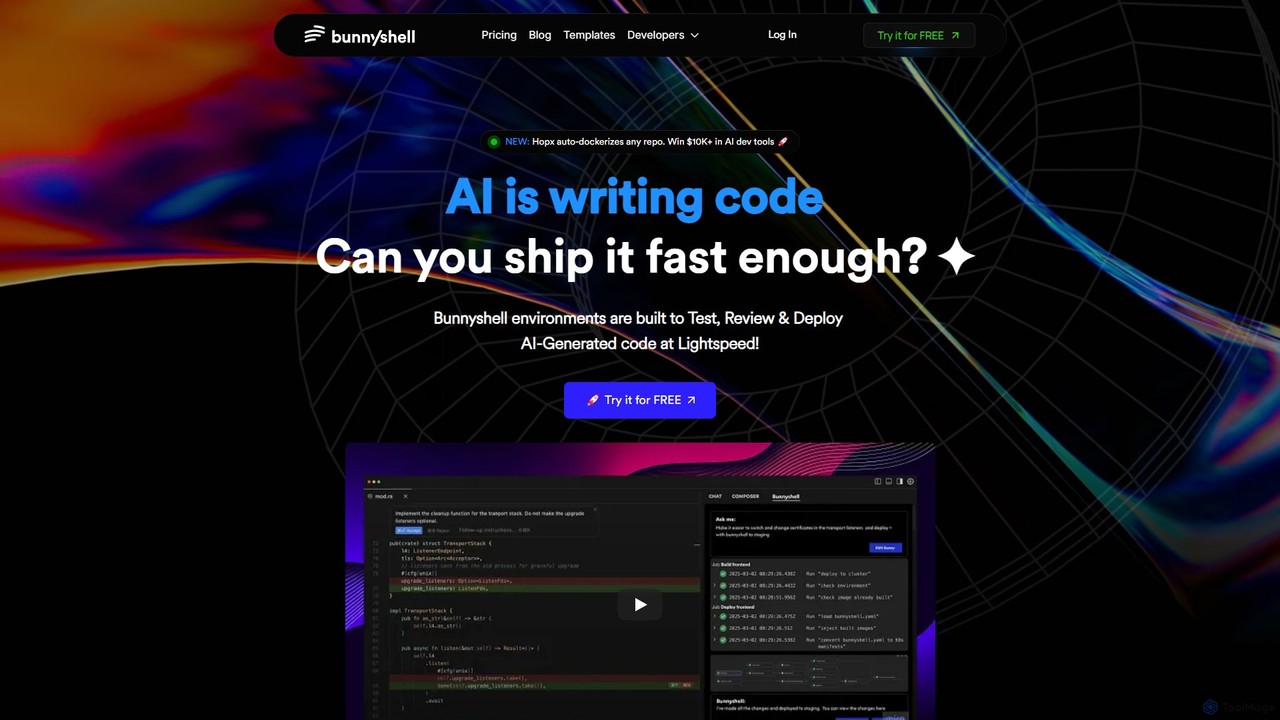
Bunnyshell
Bunnyshell is an AI-orchestrated Environments as a Service (EaaS) platform that automates the creation of ephemeral, production-like environments. It's designed to accelerate the testing, review, and deployment of code, especially AI-generated code, enabling teams to ship software up to 100x faster while reducing cloud costs by up to 70%.
Infrastructure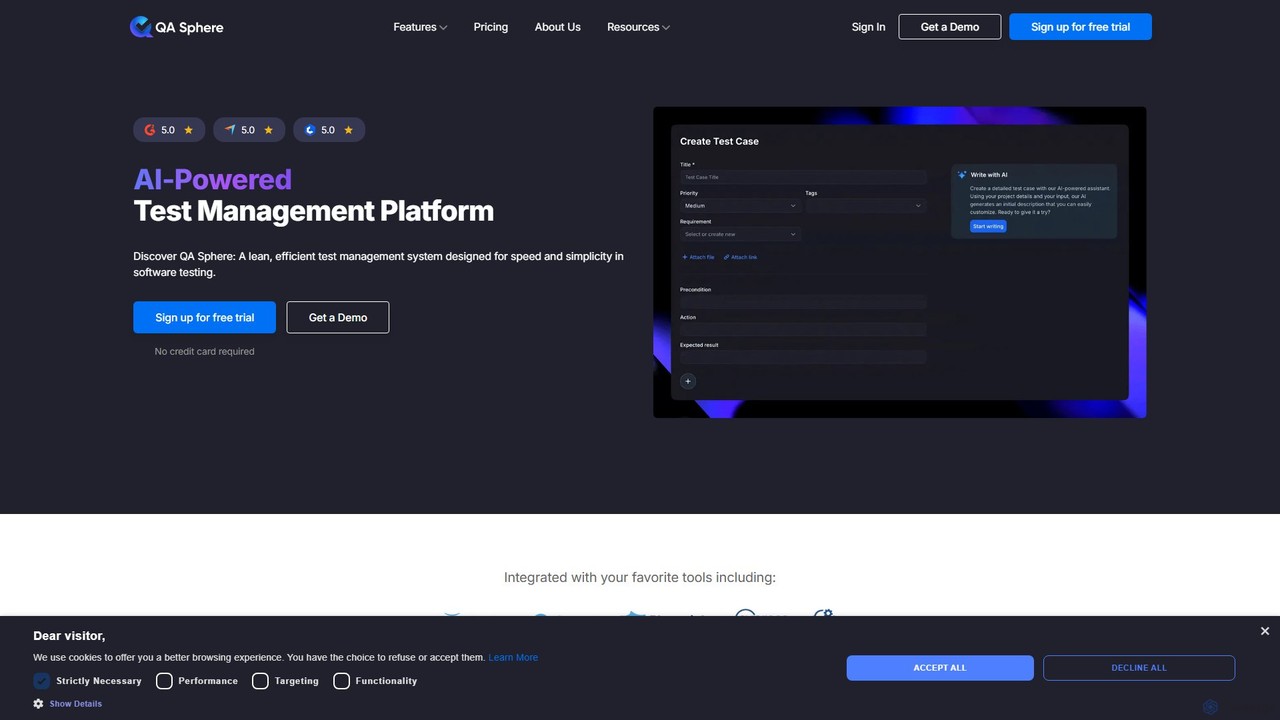
QA Sphere
QA Sphere is an AI-powered test management platform designed for speed and simplicity. It helps software teams streamline their QA process by organizing test cases, generating tests with AI, planning efficient test runs, and integrating with existing development tools.
Code Assistant
Rebolt
Rebolt is an AI-powered platform designed to automate the entire software development lifecycle. It helps developer and DevOps teams build, test, and deploy applications faster and more reliably by leveraging AI for CI/CD pipeline optimization, code generation, and intelligent monitoring.
Code AssistantGitLab Categories
GitLab Embed Widget
Copy this embed code to place the badge on your blog, article, or product site and send readers directly to this ToolMage detail page.

Related AI tools
Bitbucket
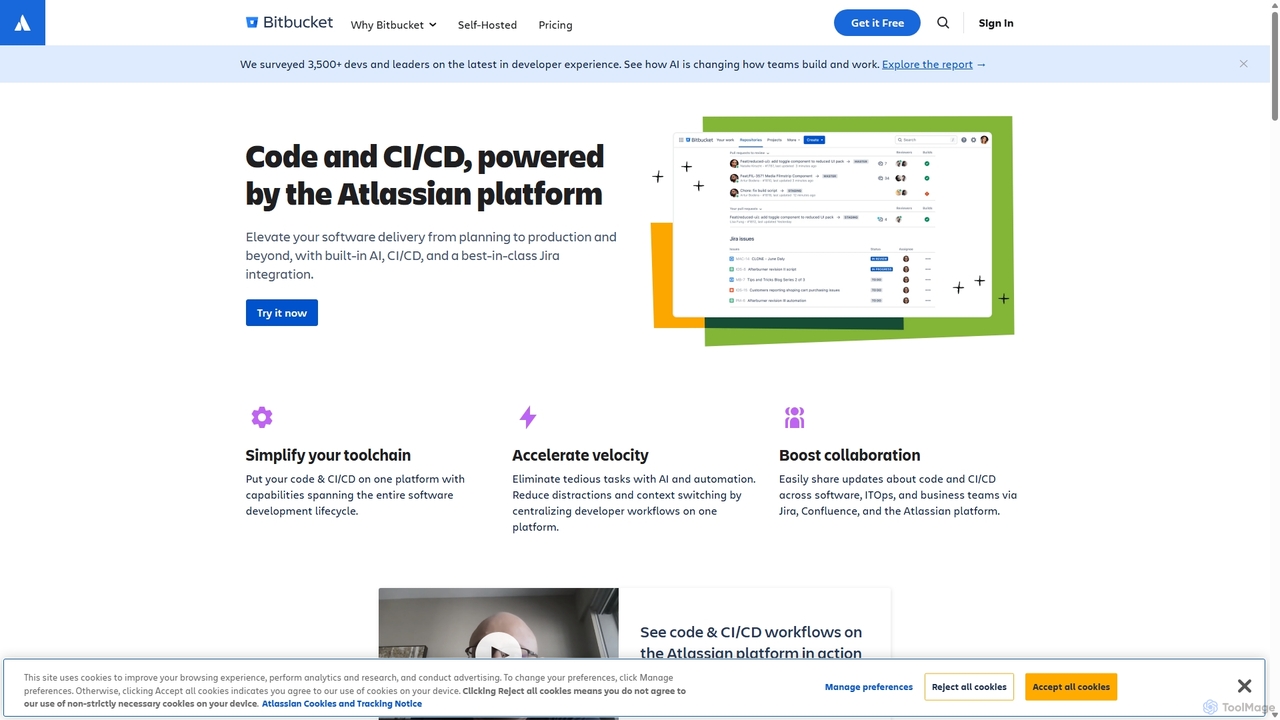
Bitbucket is a Git-based code hosting and collaboration platform for professional teams. It offers best-in-class Jira integration, built-in CI/CD (Pipelines), and AI-powered features to streamline the entire software development lifecycle, from planning to deployment and beyond.
Code Management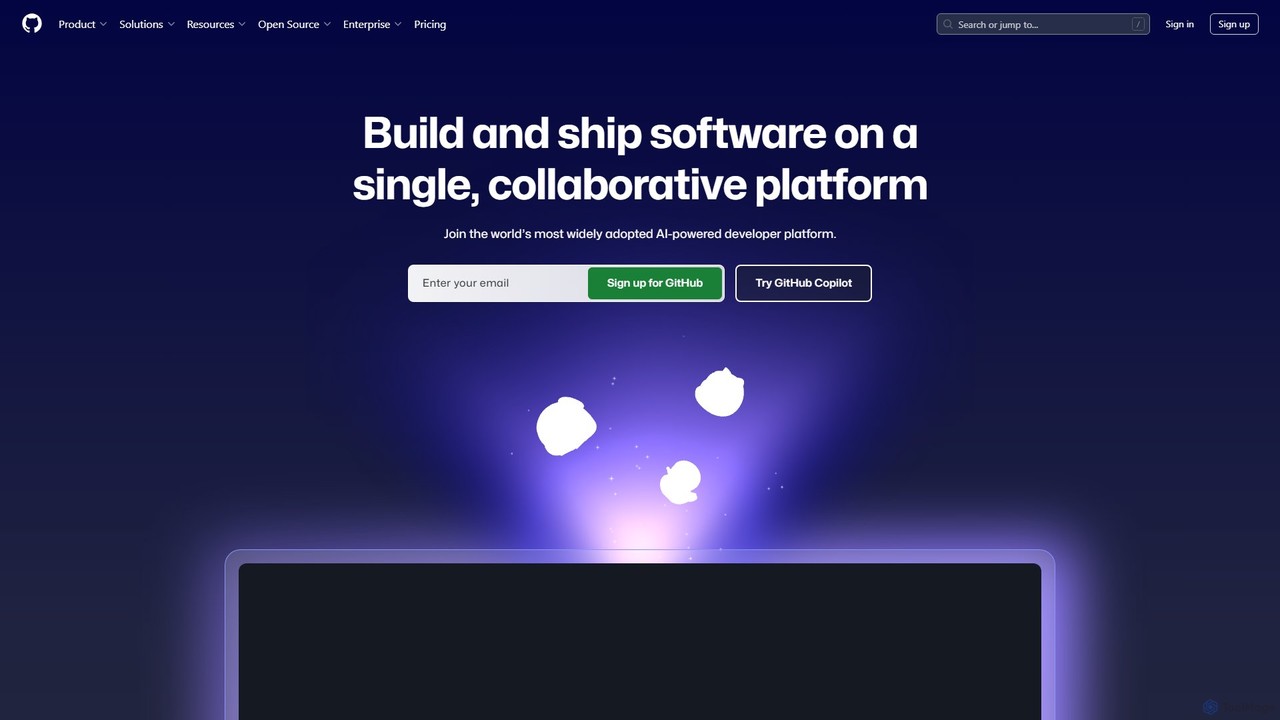
GitHub
GitHub is the world's leading AI-powered developer platform for building, shipping, and maintaining software. It provides Git-based version control, collaborative tools, and a complete DevOps lifecycle, supercharged by GitHub Copilot, an advanced AI code assistant that accelerates development and enhances code quality.
Code Assistant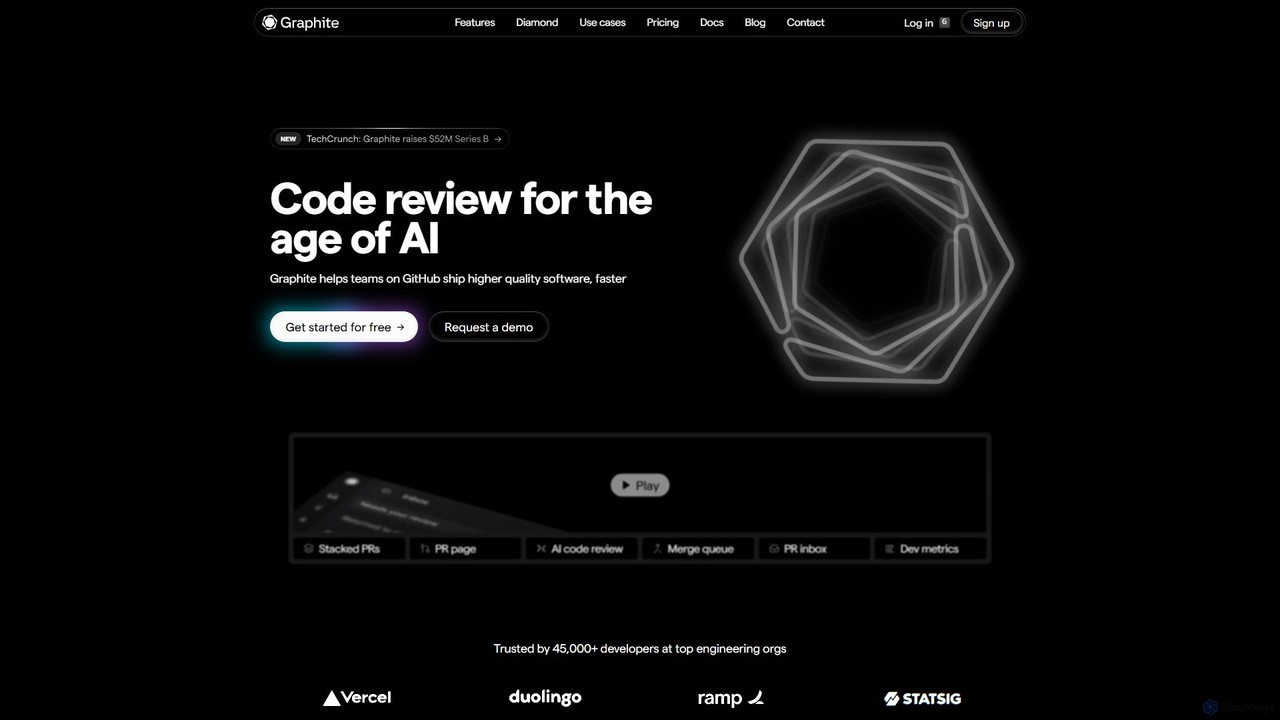
Graphite
Graphite is an end-to-end developer platform that supercharges teams on GitHub. It accelerates software development with features like stacked pull requests, AI-powered code review, a unified PR inbox, and an intelligent merge queue. By streamlining the entire code review lifecycle, Graphite helps engineering teams ship higher-quality code, faster, while keeping developers unblocked and productive.
Code ReviewDevozy.ai
Devozy.ai is a self-service DevOps automation platform designed for IT engineering teams. It streamlines software deployment to multi-cloud environments like AWS, Azure, and GCP, providing ready-made CI/CD pipelines and instant application environments. This allows developers to focus on coding by eliminating DevOps dependencies, accelerating delivery by up to 5x and reducing costs.
Multi Cloud ManagementRebolt
Rebolt is an AI-powered platform designed to automate the entire software development lifecycle. It helps developer and DevOps teams build, test, and deploy applications faster and more reliably by leveraging AI for CI/CD pipeline optimization, code generation, and intelligent monitoring.
Code Assistant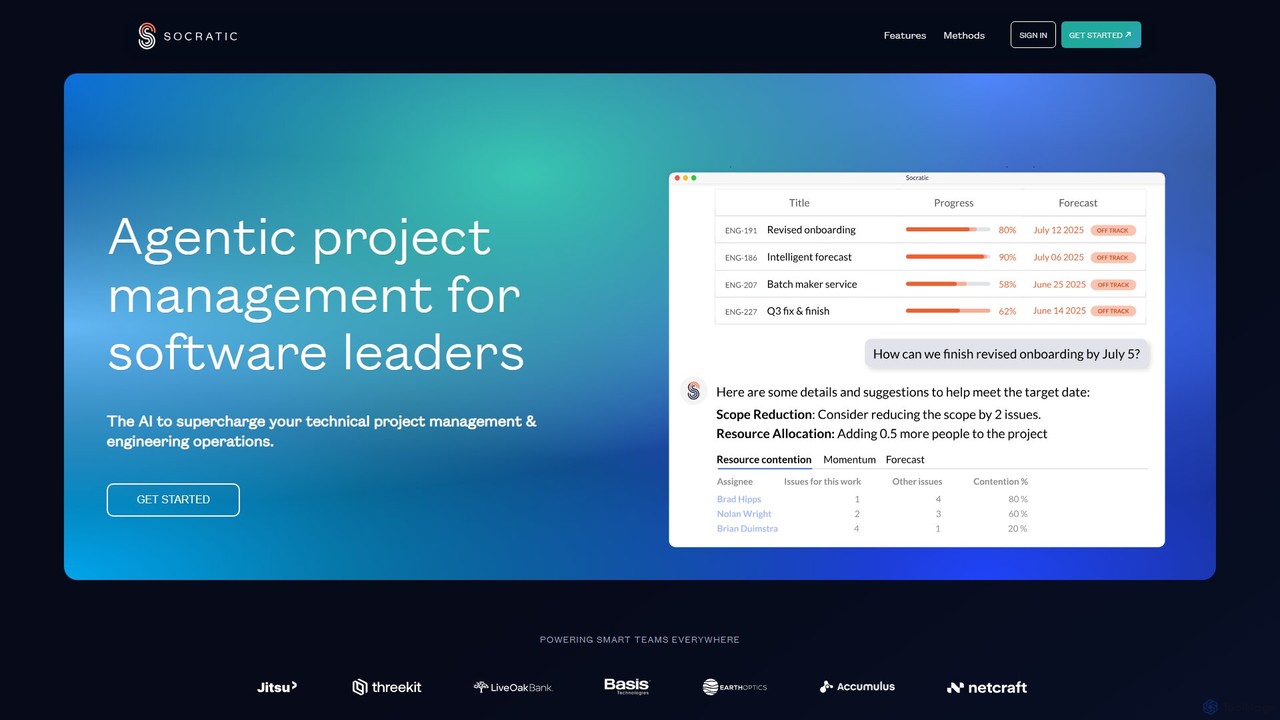
socraticworks
socraticworks is an agentic AI platform designed to supercharge technical project management and engineering operations. By applying machine learning to your Jira and Git metadata, it provides predictive forecasts, risk analysis, and deep insights into team productivity and capacity, enabling data-driven decision-making for software leaders.
Devops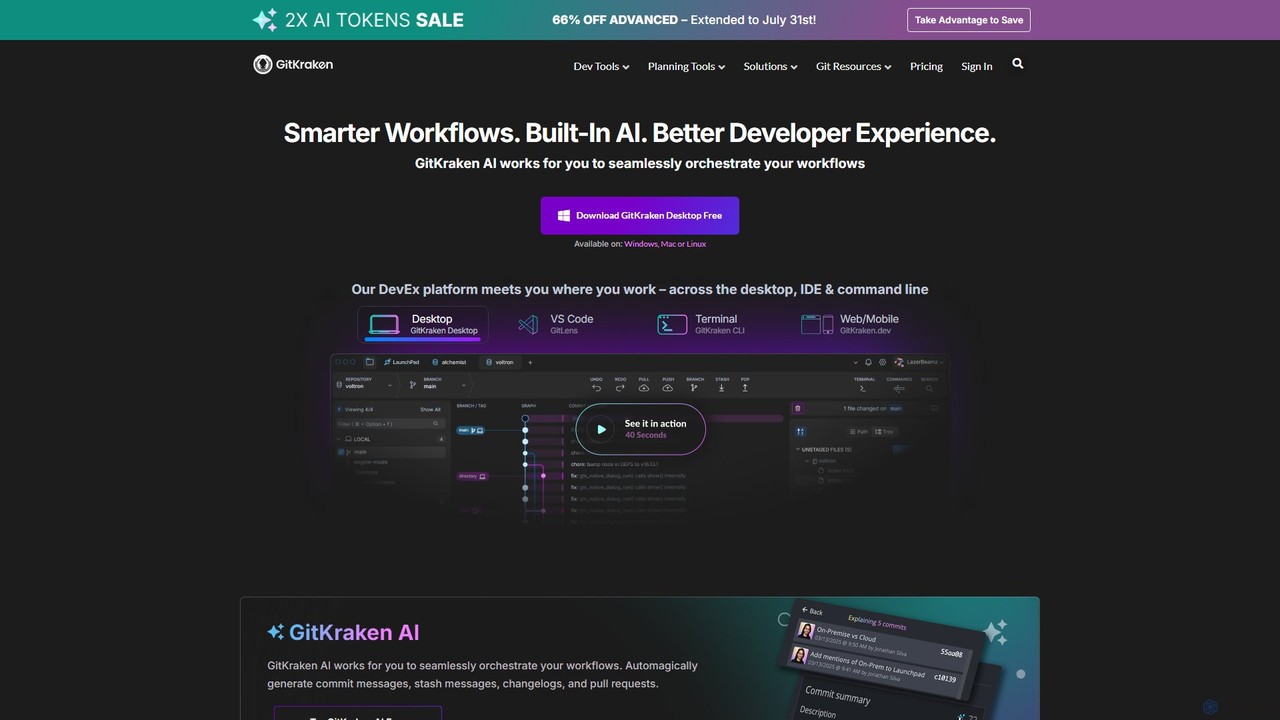
GitKraken
GitKraken is a legendary suite of Git tools designed to enhance the developer experience. Featuring a visual Git GUI, a powerful CLI, and IDE integrations, it leverages built-in AI to automate tasks like generating commit messages and pull requests. It streamlines workflows, improves team collaboration, and provides powerful visualization for complex repositories.
Version Control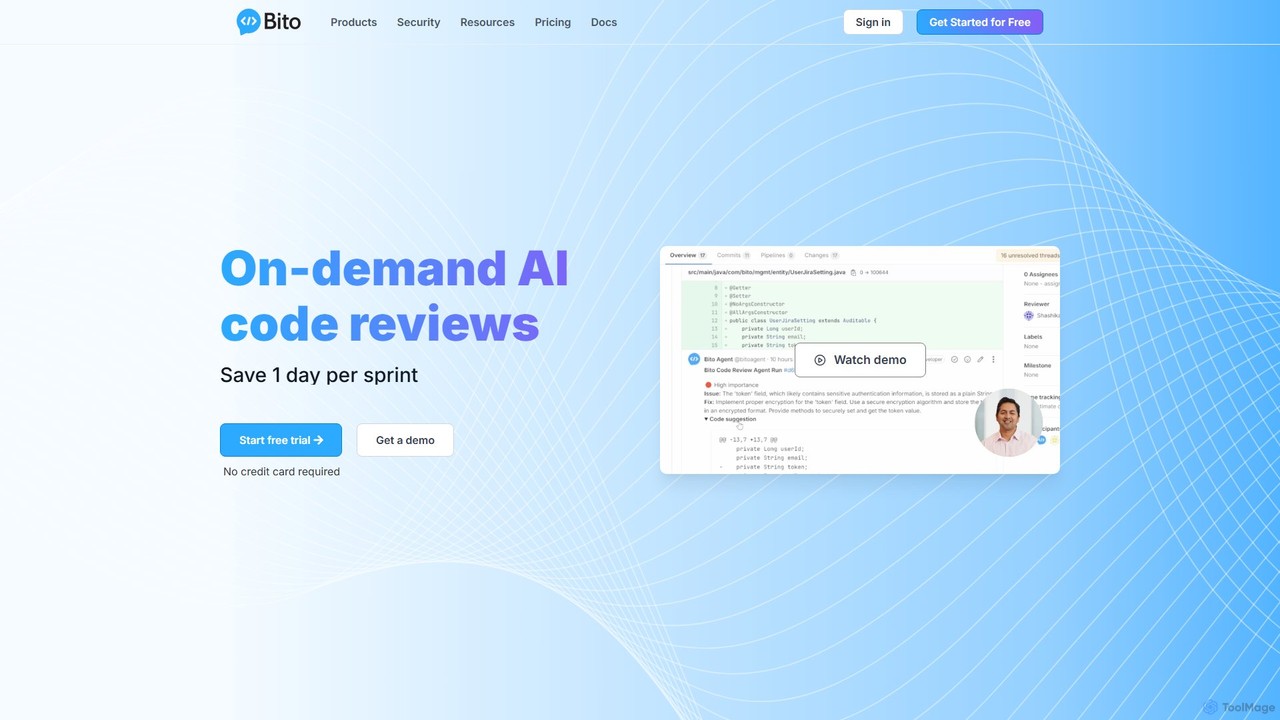
Bito
Bito is an AI-powered code review assistant that integrates directly into your IDE and Git provider. It helps development teams accelerate their workflow, improve code quality, and reduce regressions by providing on-demand, context-aware feedback and suggestions. Bito is designed to save time, upskill junior engineers, and ensure enterprise-grade security.
Code Quality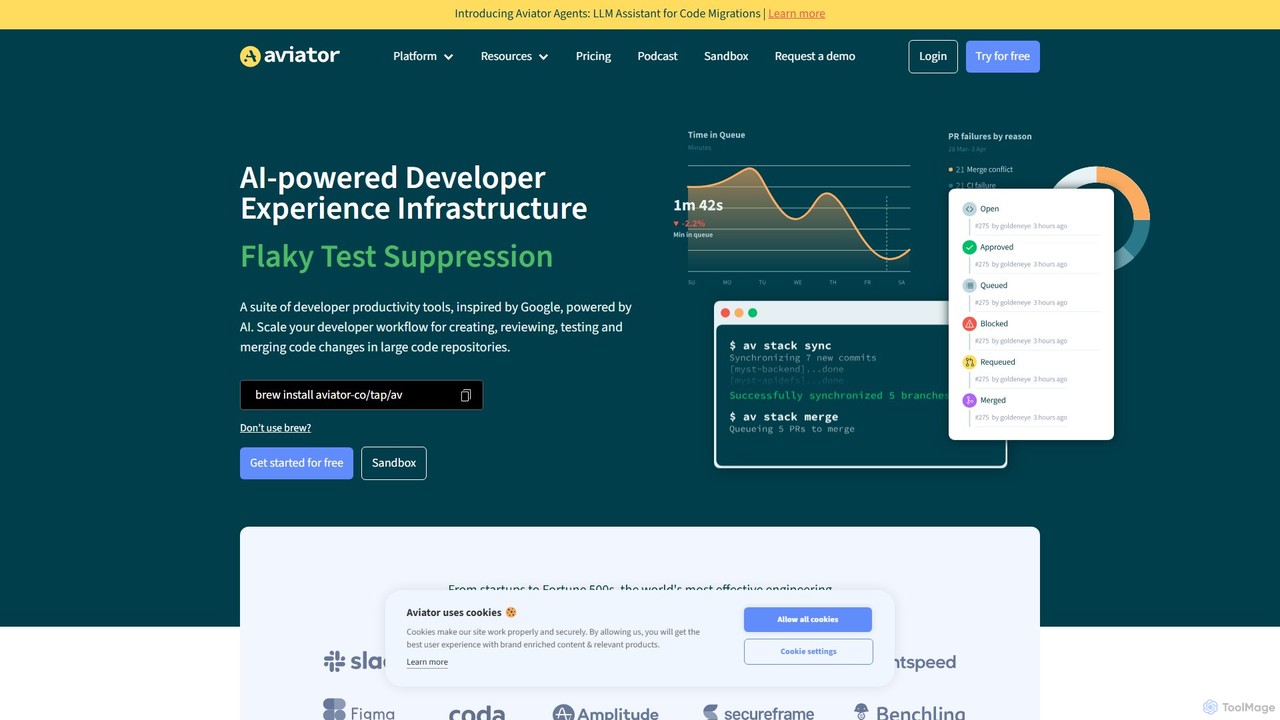
Aviator
Aviator is a developer collaboration suite that automates the CI/CD pipeline, focusing on pull request management. It uses an automated merge queue to test, rebase, and merge code, ensuring the main branch remains stable and deployable, thereby boosting developer productivity and code quality.
Code Collaboration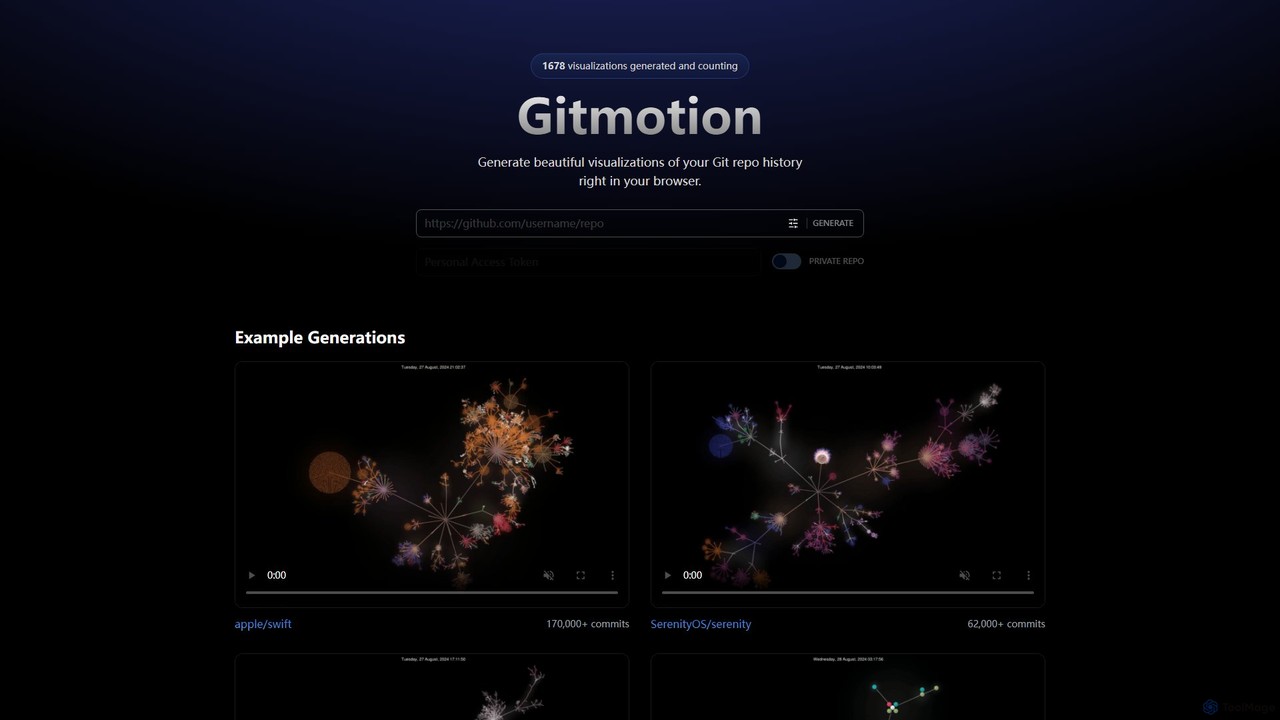
Gitmotion
Gitmotion is a web-based tool that generates beautiful, animated visualizations of your Git repository history. It transforms complex commit logs into dynamic and easy-to-understand videos or images, perfect for project analysis, presentations, and team onboarding. It supports both public and private repositories, offering a simple way to see the evolution of your code.
Data Visualization
Enso
Enso is an AI-powered development environment designed for developers to parallelize intelligence across multiple AI agents within a single project. It integrates advanced Git control, a robust code editor, and AI-driven code review, offering a seamless workflow with persistent AI sessions for each branch.
DevelopmentDevtron
Devtron is an open-source, Kubernetes-native software delivery platform that simplifies application management. It integrates CI/CD, GitOps, security, and observability into a unified dashboard, empowering developers and DevOps teams to manage complex Kubernetes environments with ease, accelerate release cycles, and improve productivity without a steep learning curve.
Cloud Computing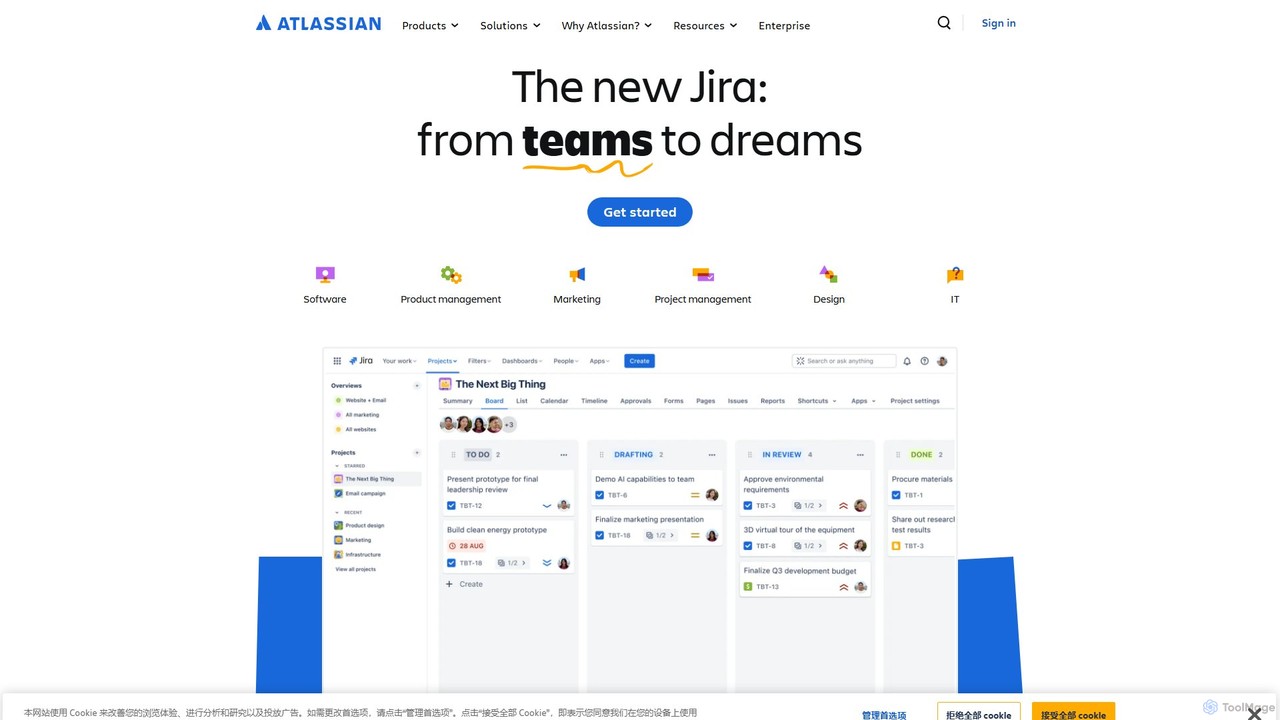
Atlassian
Atlassian provides an integrated suite of collaboration, development, and issue-tracking tools for teams of all sizes. Powered by Atlassian Intelligence, products like Jira, Confluence, and Trello help software, IT, and business teams plan, track, and deliver work more efficiently. It's a comprehensive platform designed to unleash the potential of every team through seamless integration and AI-driven productivity.
Collaboration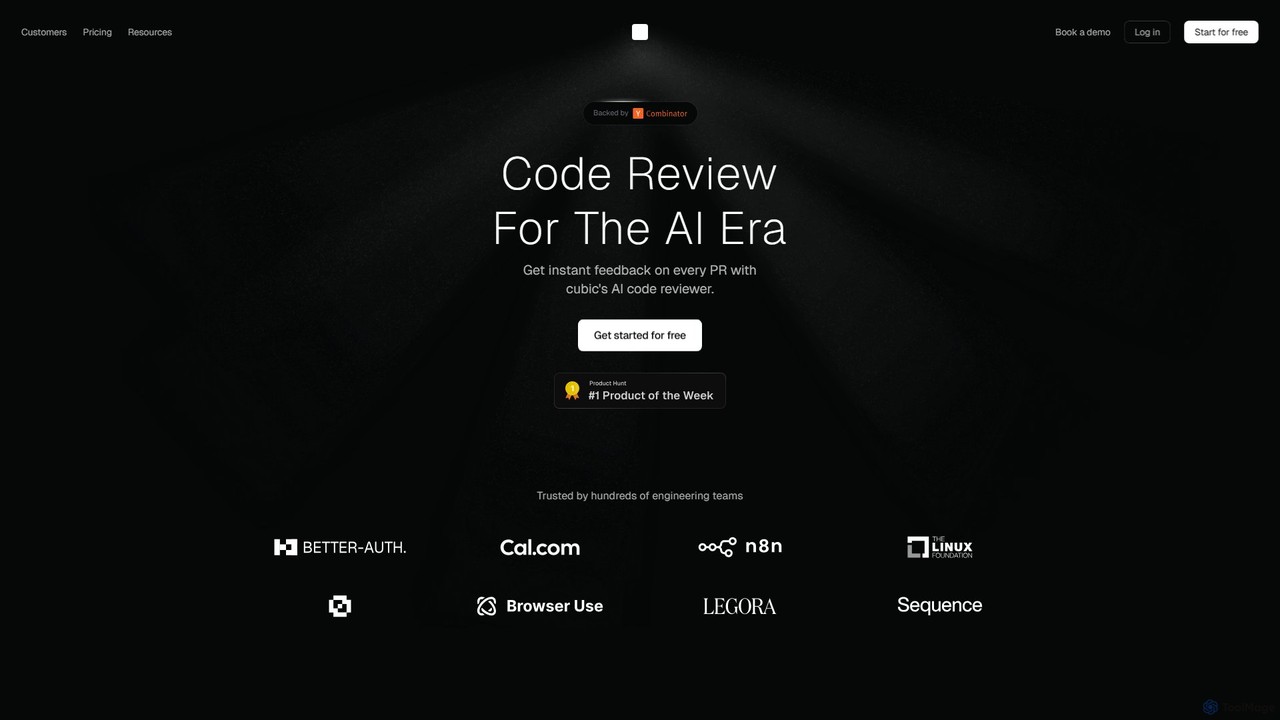
cubic
cubic is an AI-powered code review platform that helps software teams ship higher-quality code up to 3x faster. It automatically reviews pull requests in GitHub, catches bugs, enforces custom style guides, and provides one-click fixes, significantly reducing review bottlenecks and improving developer productivity.
Code Assistant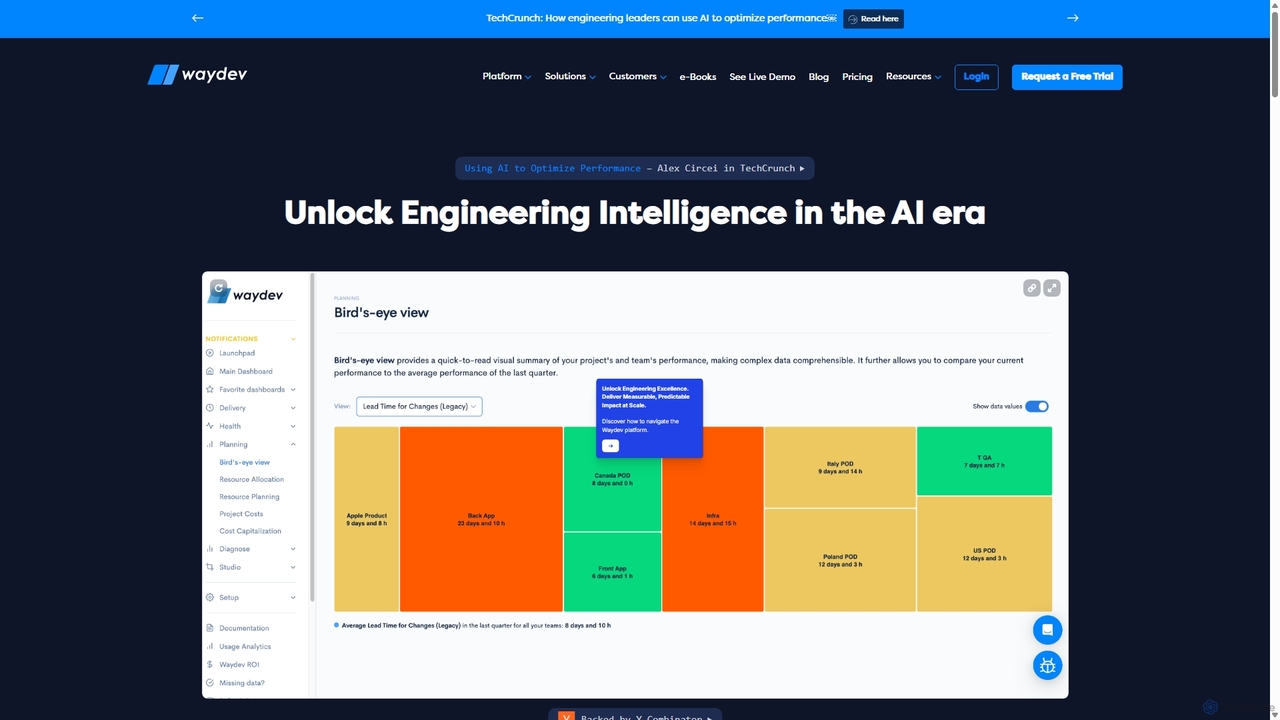
Waydev
Waydev is an AI-powered engineering intelligence platform that provides visibility into software development processes. It analyzes data from Git, CI/CD, and project management tools to deliver insights based on DORA and SPACE frameworks, helping teams optimize productivity, accelerate delivery, and align engineering work with business goals.
Business Intelligence
GitLab Comments (0)
Sign in to comment.
Sign inNo comments yet.