

Emdash Overview
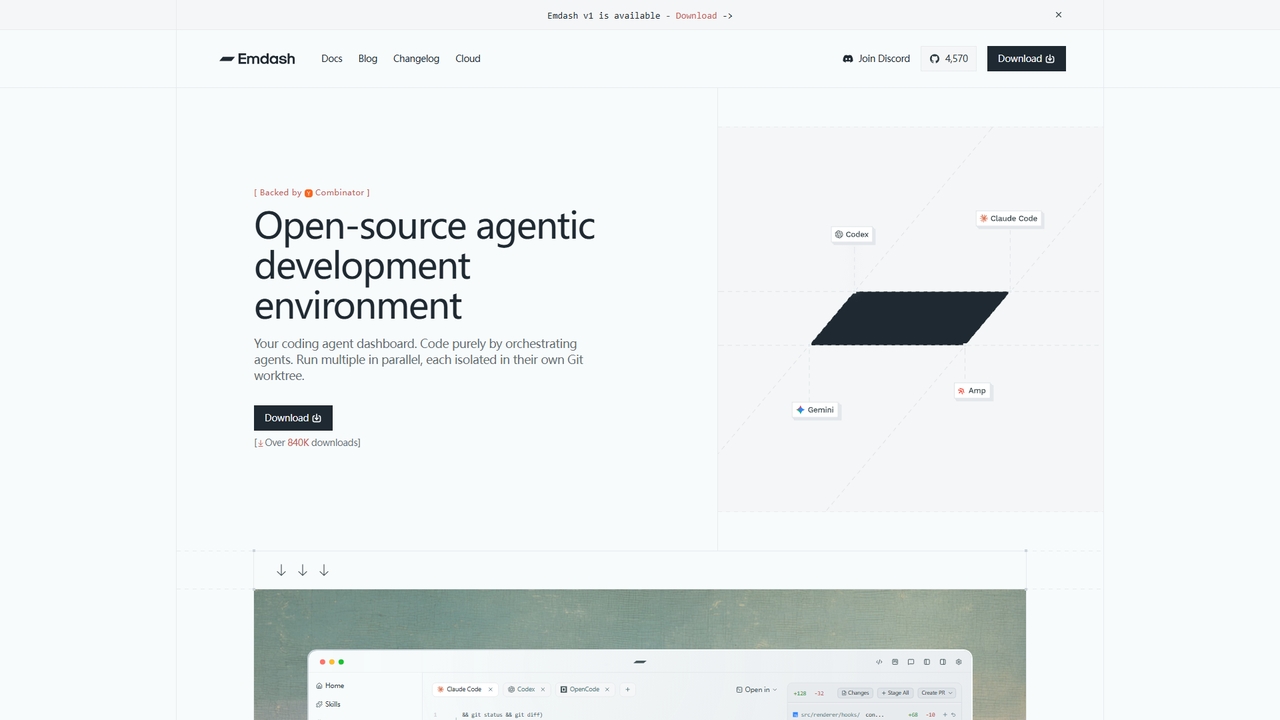
Emdash is an open-source, agentic development environment (ADE) designed to streamline the workflow of modern developers. Built by General Action and backed by Y Combinator W26, it provides a powerful dashboard to orchestrate multiple coding agents simultaneously. Each agent operates in its own isolated Git worktree, preventing conflicts and allowing developers to parallelize tasks such as feature development, bug fixing, and refactoring with confidence. With over 840,000 downloads, Emdash offers a unified interface for code writing, diff review, and pull request management, accelerating the shipping cycle.
How to use Emdash
Begin by downloading the Emdash desktop application for macOS, Windows, or Linux. After installation, the app can auto-detect your installed coding agent CLIs (like Claude Code, Codex, Cursor). To start working, create a new task, which automatically provisions an isolated Git worktree. You can then select a supported coding agent (from a list of 28+) to execute the task within that worktree. Emdash provides tools to monitor progress, review the generated code diffs side-by-side, stage changes, and create a pull request—all without leaving the application. For remote development, you can connect via SSH to a dev server or provision ephemeral workspaces using provided scripts.
Core Features of Emdash
- Parallel Agent Orchestration: Run multiple coding agents at the same time, each in its own worktree, to handle different tasks concurrently.
- Multi-Agent Support: Compatible with over 28 CLI-based coding agents, including Codex, Cursor, Claude Code, Amp, Gemini, Devin, and more.
- Integrated Diff View & PR Creation: Review code changes with a built-in diff editor, stage commits, and create pull requests directly within the app.
- Remote Development: Connect to remote machines via SSH to run agents on development servers or cloud VMs, supporting full worktree isolation remotely.
- Issue Integration: Import tasks and context directly from issue trackers like Linear, Jira, GitHub Issues, and Asana to feed into your coding agents.
- Prompt Library & MCP Support: Manage reusable prompts, connect to Model Context Protocol (MCP) servers for tooling, and organize skills for your agents.
- Open Source & BYOI: Fully open source on GitHub. Supports "Bring Your Own Infrastructure" with provisioning scripts for ephemeral workspaces.
Use Cases for Emdash
Emdash is ideal for software developers and engineering teams looking to maximize productivity and leverage AI-assisted coding. It excels in scenarios where parallel development is key, such as simultaneously working on multiple features, conducting large-scale refactors, or triaging and fixing a backlog of issues. It is particularly useful for teams using Git-based workflows who want to review and merge AI-generated code efficiently. The remote SSH feature makes it a strong candidate for teams with dedicated development servers or those exploring cloud-based development environments.
Advantages of Emdash
The primary advantage of Emdash is its focus on enabling asynchronous, parallel development workflows, effectively giving an individual developer "engineering scale." By isolating each agent's work in its own Git worktree, it eliminates the conflicts and context-switching overhead inherent in running multiple tasks sequentially. Its extensive agent support and integrations create a flexible, vendor-agnostic platform. The combination of a polished desktop UI with powerful backend capabilities like remote SSH and ephemeral workspaces positions it as a comprehensive solution for the next generation of agent-native software development.
Emdash FAQ
Traffic
Latest traffic
Status
Monthly traffic trend
- 2026-2: 23.2K
- 2026-3: 29.3K
- 2026-4: 45.9K
- 2026-5: 48.8K
Geography
Top 5 countries / regions
- 🇺🇸United States47.1%
- 🇮🇳India21.0%
- 🇩🇪Germany12.3%
- 🇻🇳Vietnam11.7%
- 🇮🇩Indonesia8.0%
Traffic sources
| Source type | Percentage |
|---|---|
Direct | 94.7% |
Referral | 4.4% |
Email | 0.9% |
Top keywords
| Keyword | Cost per click |
|---|---|
| emdash | $0.39 |
| emdash ai | $0.00 |
| emdash app | $0.00 |
| emdash tool | $0.00 |
| emdesh claude | $0.00 |
Emdash Videos on YouTube
Matt Tutorials




Top Click Media

AI, Marketing, and Automations

Emdash Alternatives
Plandex
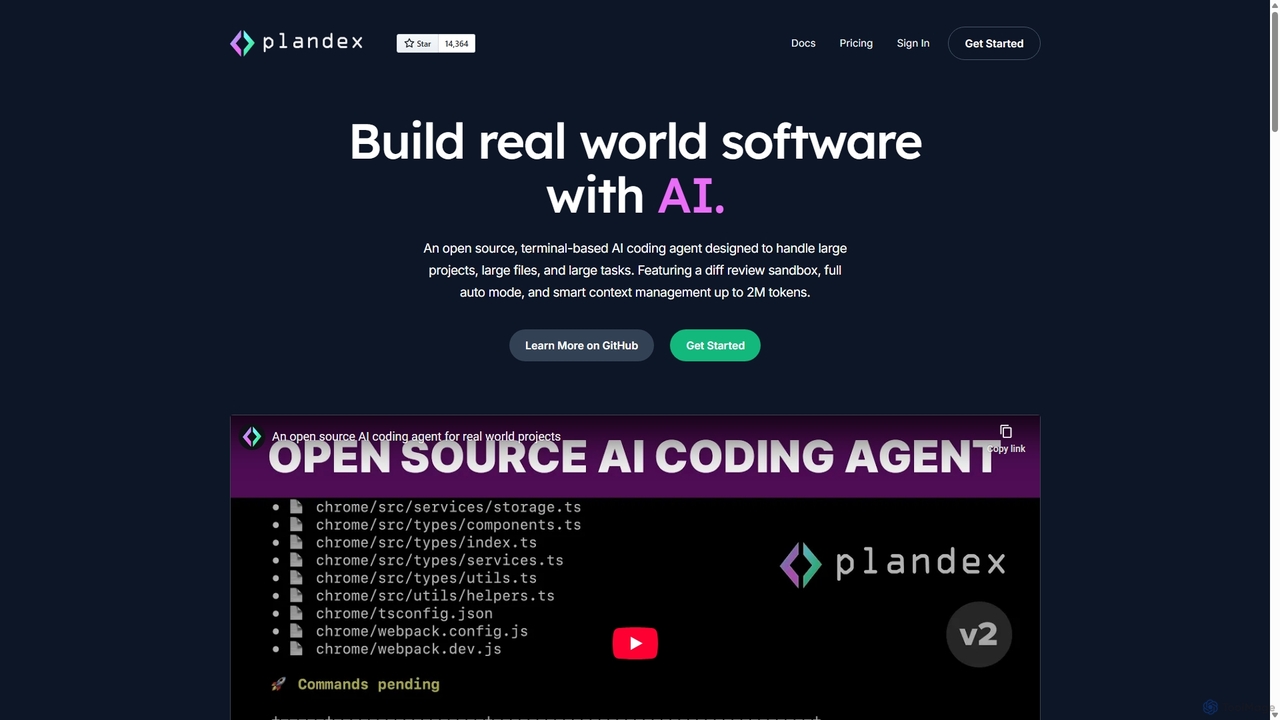
Plandex is an open-source, terminal-based AI coding agent designed for complex, large-scale software development tasks. It excels at handling large projects and files with its 2M token context window. Featuring a diff review sandbox, configurable autonomy, and multi-model support, Plandex empowers developers to build, debug, and refactor entire applications with AI assistance, ensuring control and productivity in a dev-friendly workflow.
Code Generation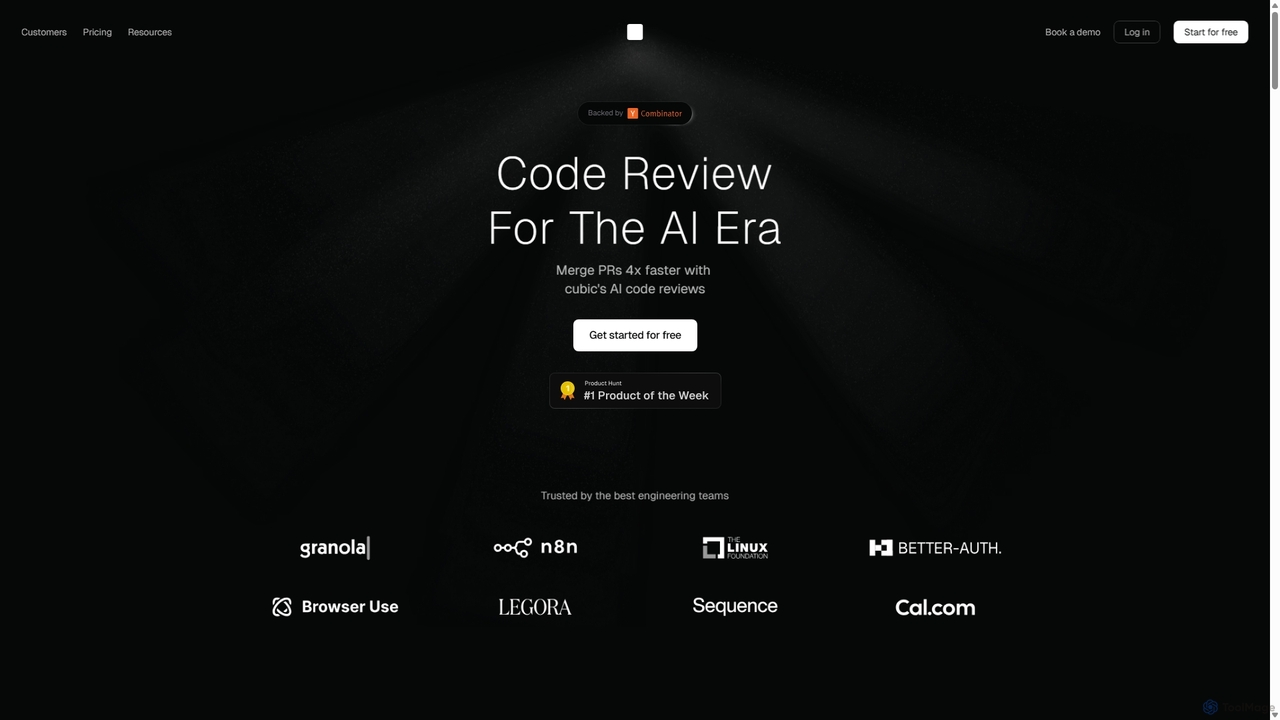
Cubic
Cubic is an AI-powered code review platform designed to accelerate development cycles. It integrates with GitHub to automatically review pull requests, catch bugs, enforce coding standards, and provide one-click fixes, helping engineering teams merge PRs up to 4x faster while improving code quality.
Code Assistant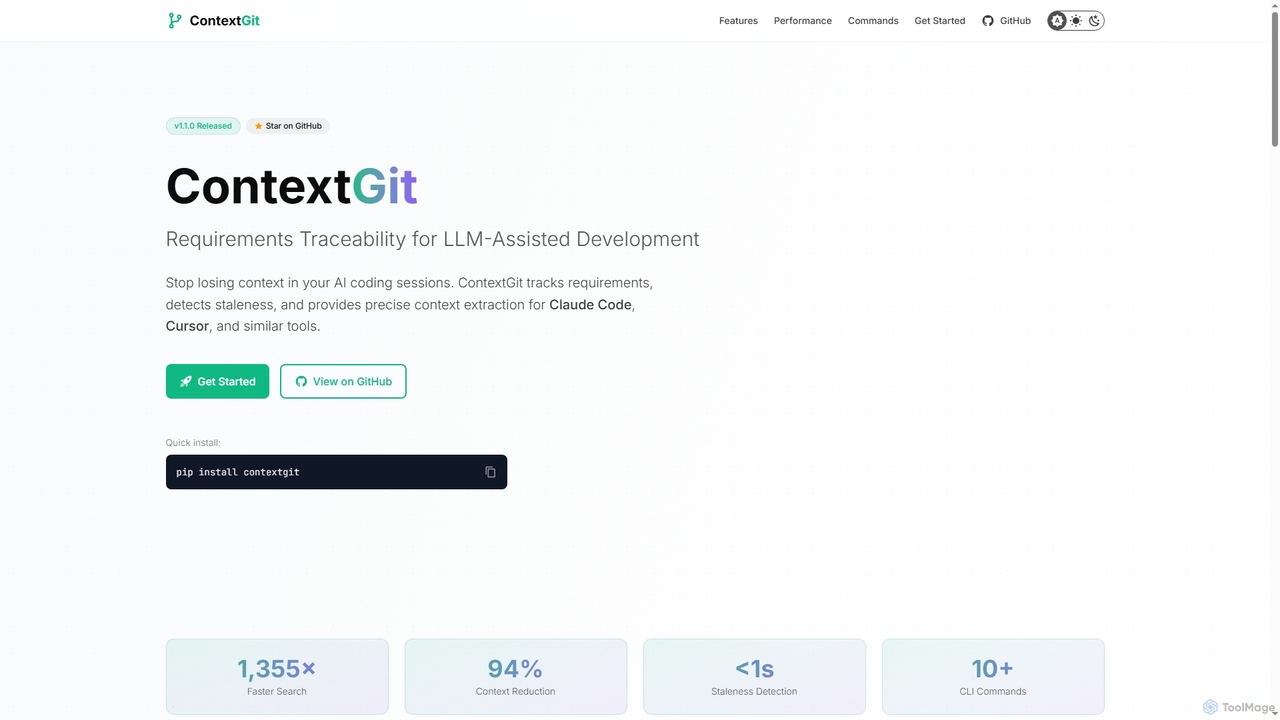
Contextgit
A command-line tool for developers using LLMs, providing requirements traceability, staleness detection, and precise context extraction to enhance AI-assisted coding workflows. It significantly reduces token usage and syncs AI tools with project requirements.
Code Assistant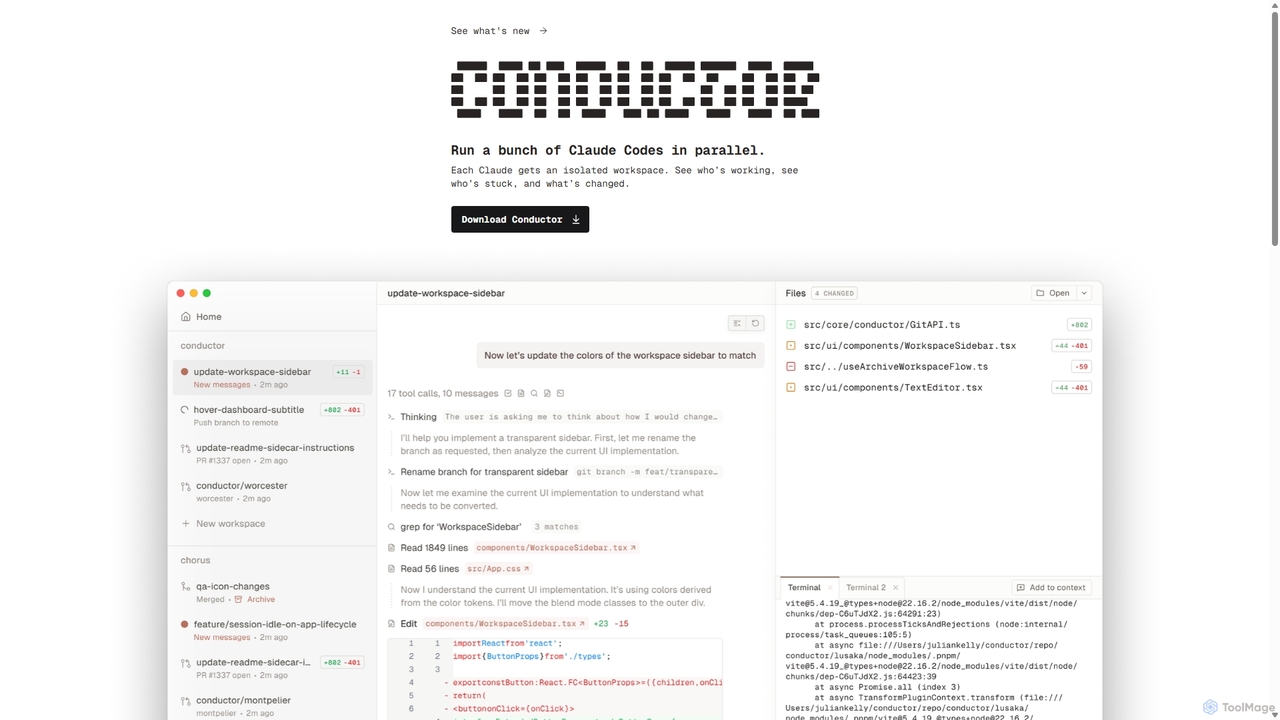
Conductor
A powerful Mac application for orchestrating multiple AI coding agents. Run parallel instances of Claude Code in isolated workspaces to accelerate software development, monitor progress, and review code through a beautiful, intuitive UI.
Code Assistant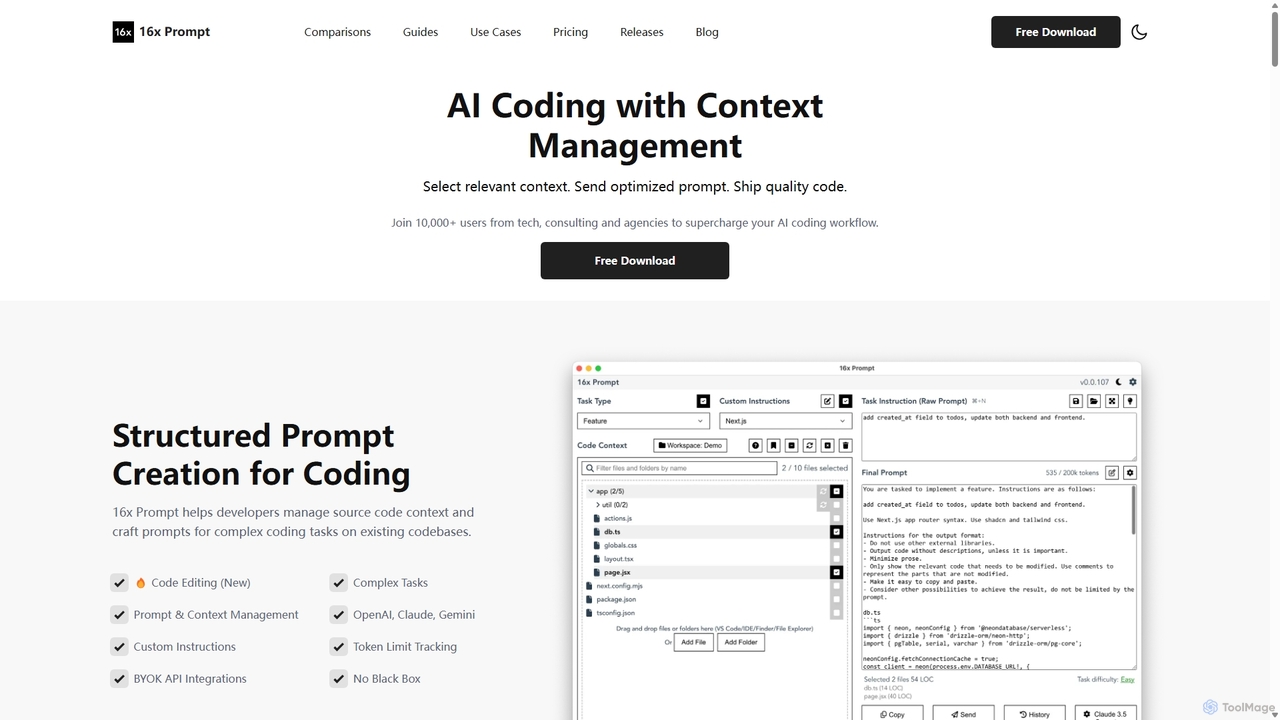
16x Prompt
16x Prompt is a desktop application for developers that enhances AI-assisted coding by enabling advanced context management. It helps you compose complex, context-rich prompts from task instructions and multiple source code files to get superior code generation from any LLM, all while running locally to ensure data privacy and IP protection.
Code GenerationEmdash Categories
Emdash Jobs
Emdash Embed Widget
Copy this embed code to place the badge on your blog, article, or product site and send readers directly to this ToolMage detail page.

Related AI tools
Plandex
Plandex is an open-source, terminal-based AI coding agent designed for complex, large-scale software development tasks. It excels at handling large projects and files with its 2M token context window. Featuring a diff review sandbox, configurable autonomy, and multi-model support, Plandex empowers developers to build, debug, and refactor entire applications with AI assistance, ensuring control and productivity in a dev-friendly workflow.
Code Generation16x Prompt
16x Prompt is a desktop application for developers that enhances AI-assisted coding by enabling advanced context management. It helps you compose complex, context-rich prompts from task instructions and multiple source code files to get superior code generation from any LLM, all while running locally to ensure data privacy and IP protection.
Code Generation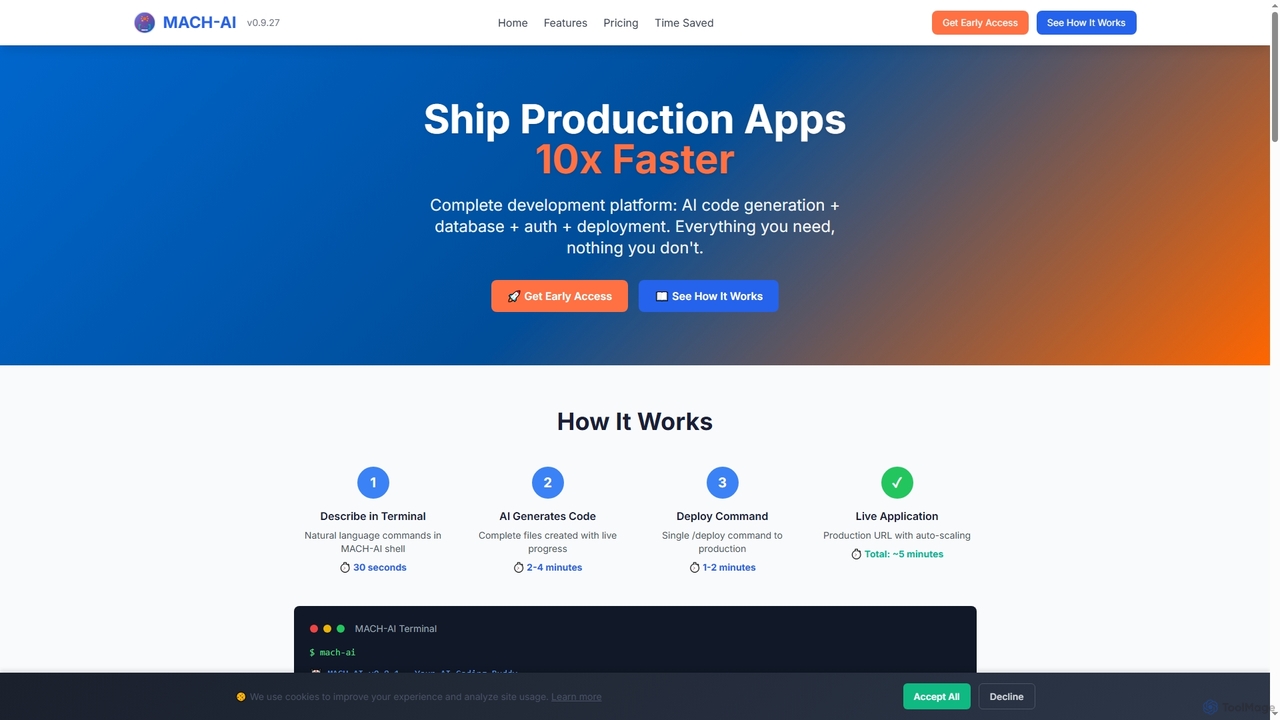
MACH-AI
MACH-AI is an AI coding assistant and complete development platform that transforms concepts into production-ready cloud applications in minutes. It integrates AI code generation, built-in database, authentication, and one-command deployment, enabling developers to build and launch scalable web applications 10x faster across Python, JavaScript, and TypeScript.
Application Deployment
Enso
Enso is an AI-powered development environment designed for developers to parallelize intelligence across multiple AI agents within a single project. It integrates advanced Git control, a robust code editor, and AI-driven code review, offering a seamless workflow with persistent AI sessions for each branch.
Development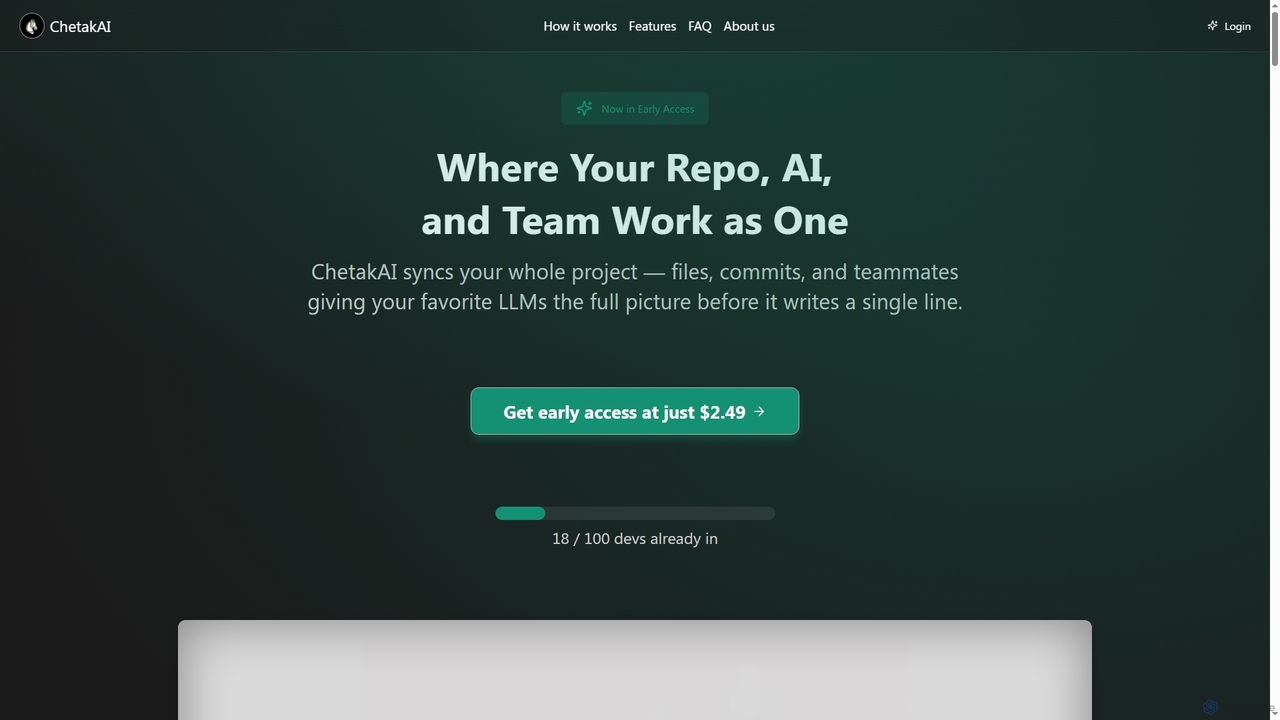
ChetakAI
ChetakAI is an AI-powered development platform that unifies your code, AI, and team into a single, context-aware workspace. It syncs your entire project, including files, commits, and team activity, to provide large language models with a complete understanding before generating any code, enhancing collaboration and productivity.
Team Development
Buildt
Buildt is an AI-powered code search and understanding tool for developers. It integrates directly into your IDE, allowing you to search your entire codebase using natural language, understand complex code snippets, and generate or modify code on the fly, acting as an intelligent assistant.
Code Generation
Aider
Aider is an AI-powered pair programmer that operates directly in your terminal. It intelligently maps your entire codebase, providing full project context for complex tasks. Seamlessly integrated with Git, it automates commits and allows you to manage AI-driven changes with familiar tools. Aider supports over 100 programming languages, connects to leading cloud and local LLMs, and even accepts voice and image inputs, making it a versatile and powerful assistant for any developer seeking to accelerate their workflow and improve code quality.
Programming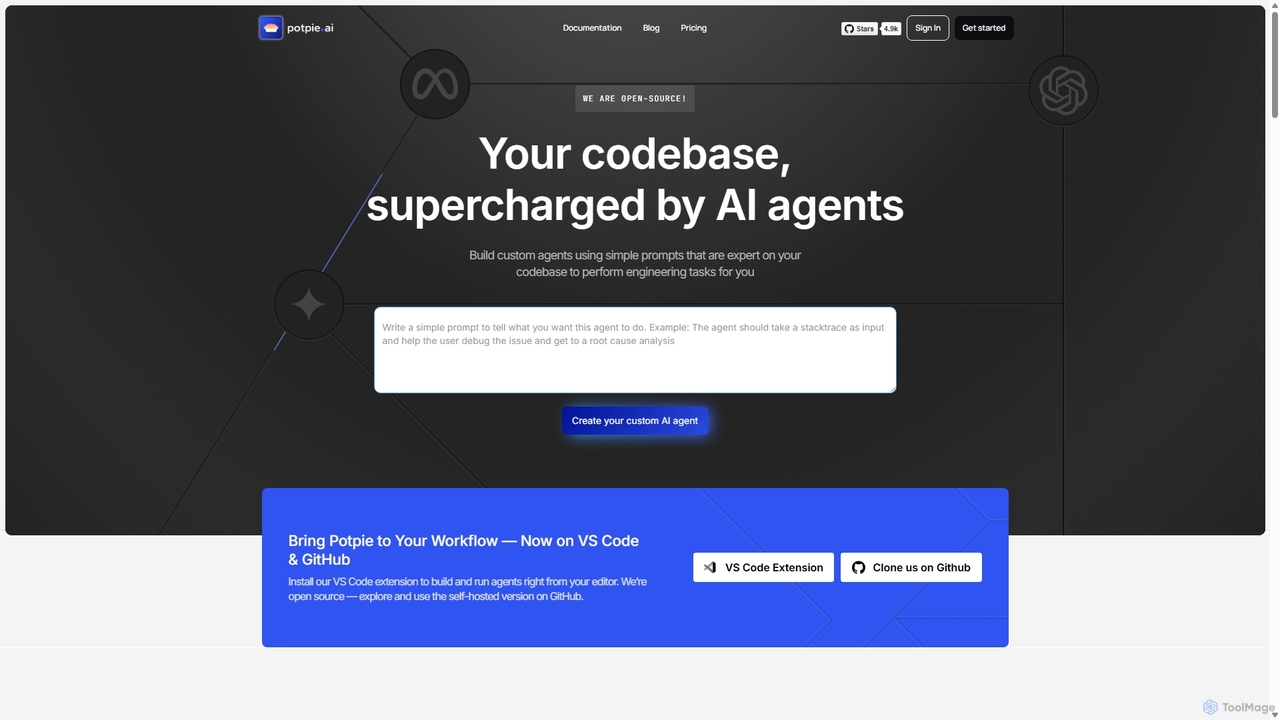
Potpie
Potpie is an open-source platform that empowers developers to build custom AI agents expert on their codebase. These agents automate complex engineering tasks, from debugging and testing to system design, integrating seamlessly into workflows via VS Code and GitHub.
Custom Agent Builder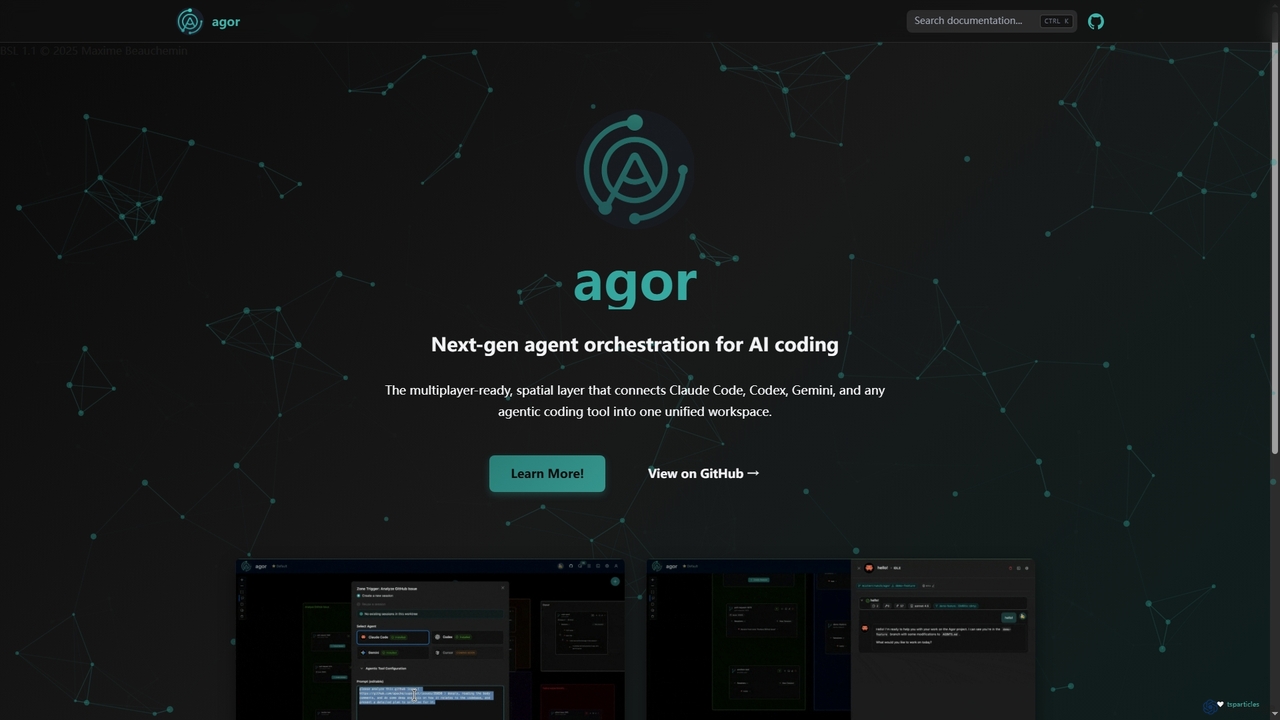
Agor
Agor is a next-generation agent orchestration platform for AI coding. It provides a multiplayer, spatial canvas that unifies coding agents like Claude Code, Codex, and Gemini into a single workspace. Teams can visualize, coordinate, and automate complex coding workflows in real-time, using isolated environments to enhance parallel development.
Ai Code Assistant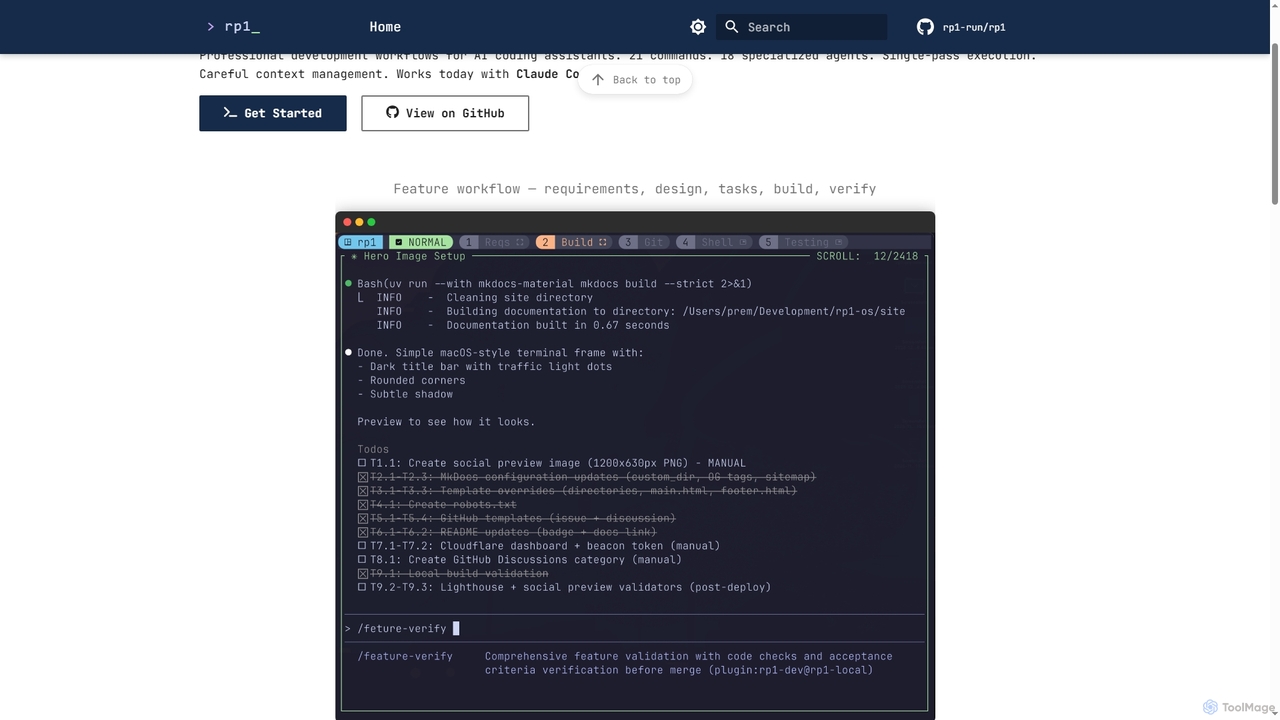
Rp1
Rp1 is a professional development workflow tool for AI coding assistants, designed to streamline software creation from requirements to deployment. It offers 21 commands and 18 specialized agents for efficient, single-pass execution of complex coding tasks, ensuring structured outputs and deep codebase awareness.
Ai Assistant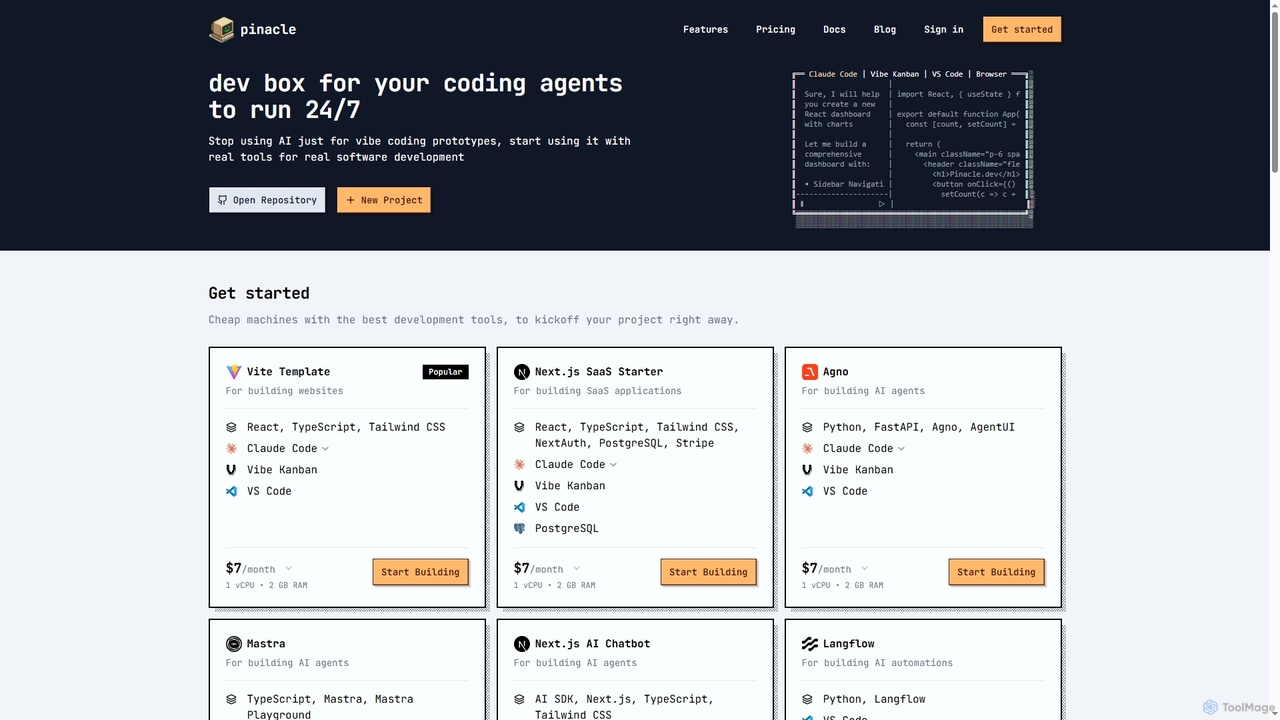
Pinacle
Pinacle provides instant, browser-based cloud development environments (VMs) designed for real software development and 24/7 AI agent operations. It offers pre-configured stacks, root access, and integrates popular tools like VS Code, enabling developers to build, test, and deploy projects without local setup complexities.
Code Collaboration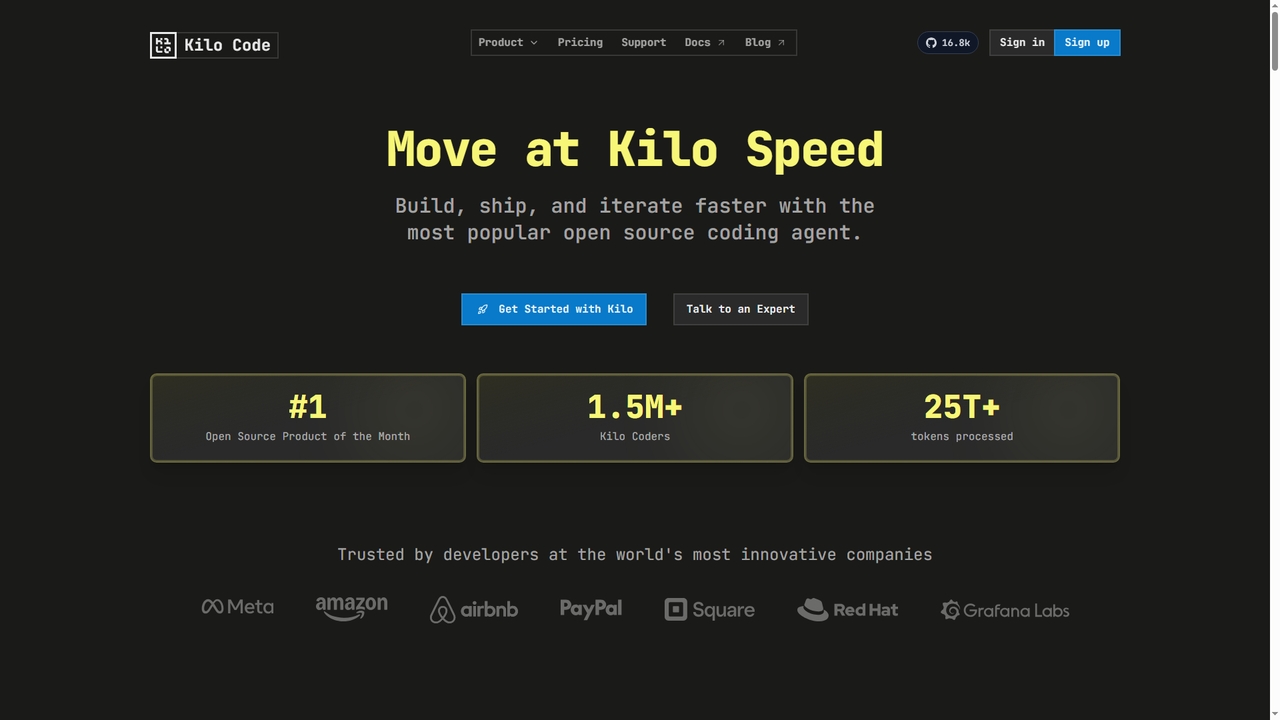
Kilo
Kilo is an open-source, all-in-one AI coding agent and orchestration platform designed to accelerate software development. It integrates seamlessly into your workflow via VS Code, JetBrains IDEs, and the CLI, offering access to 500+ AI models, automated code reviews, cloud agents, and deployment tools—all while emphasizing transparency, control, and developer productivity.
Ai Code Assistant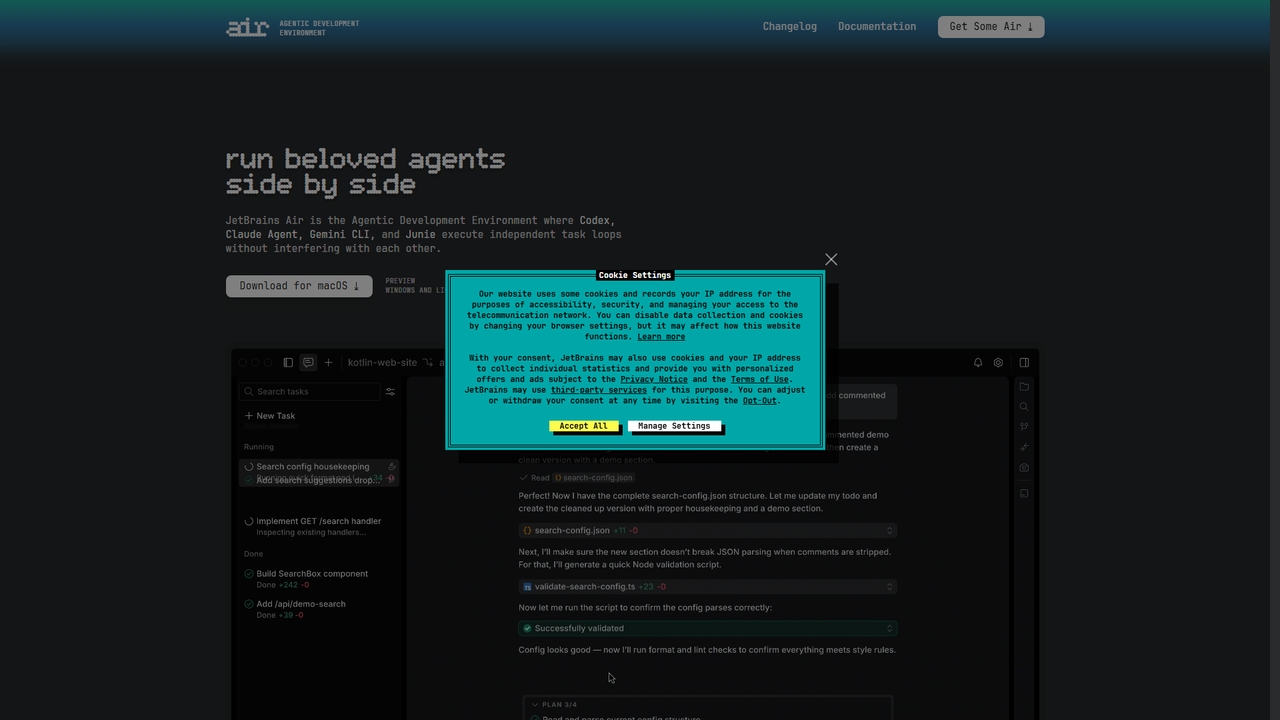
Air
Air is an agentic development environment from JetBrains that enables developers to delegate and run multiple AI coding agents (like Claude Agent, Codex, Gemini CLI, and Junie) in parallel within isolated workspaces. It focuses on the workflow around AI agents, providing precise task definition with code-aware context, isolated execution environments, and comprehensive review tools to manage concurrent coding tasks efficiently.
Ai Coding Assistant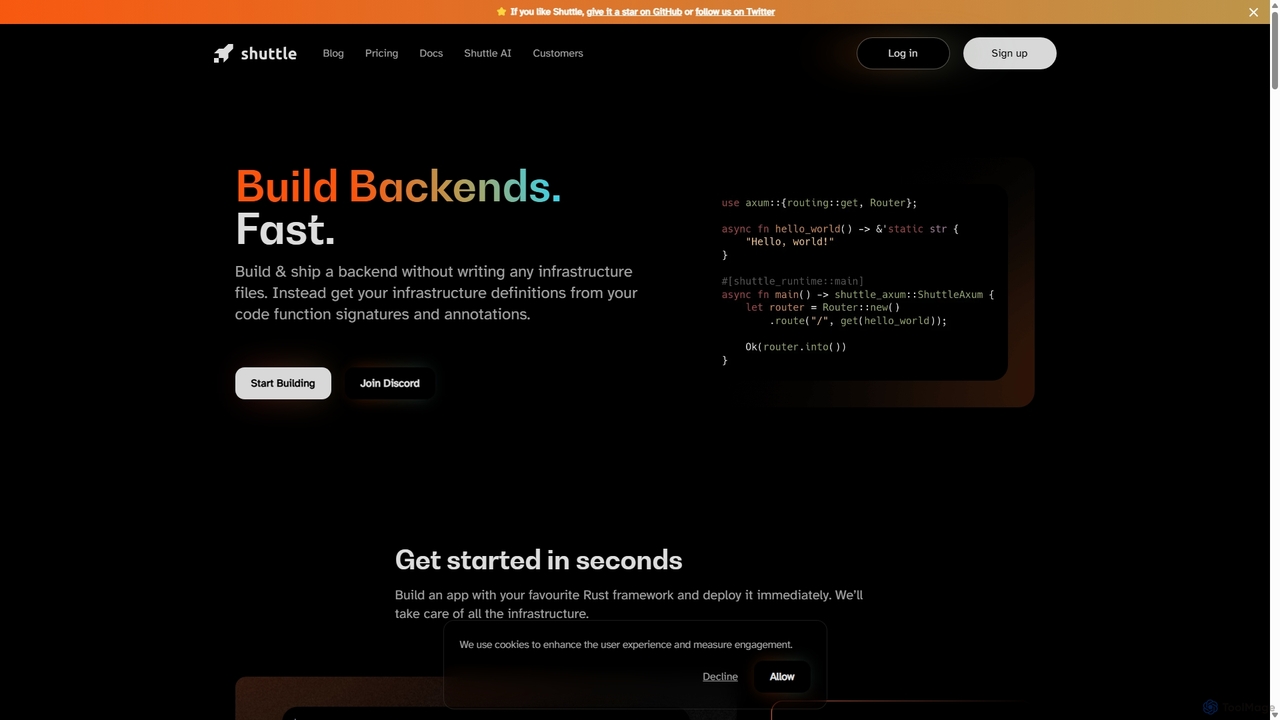
Shuttle
Shuttle is an open-source cloud platform designed to accelerate backend development in Rust. It eliminates infrastructure management by allowing developers to provision resources like databases and secrets directly within their code using simple annotations. Focus on building your application, and let Shuttle handle the deployment and scaling.
Backend Development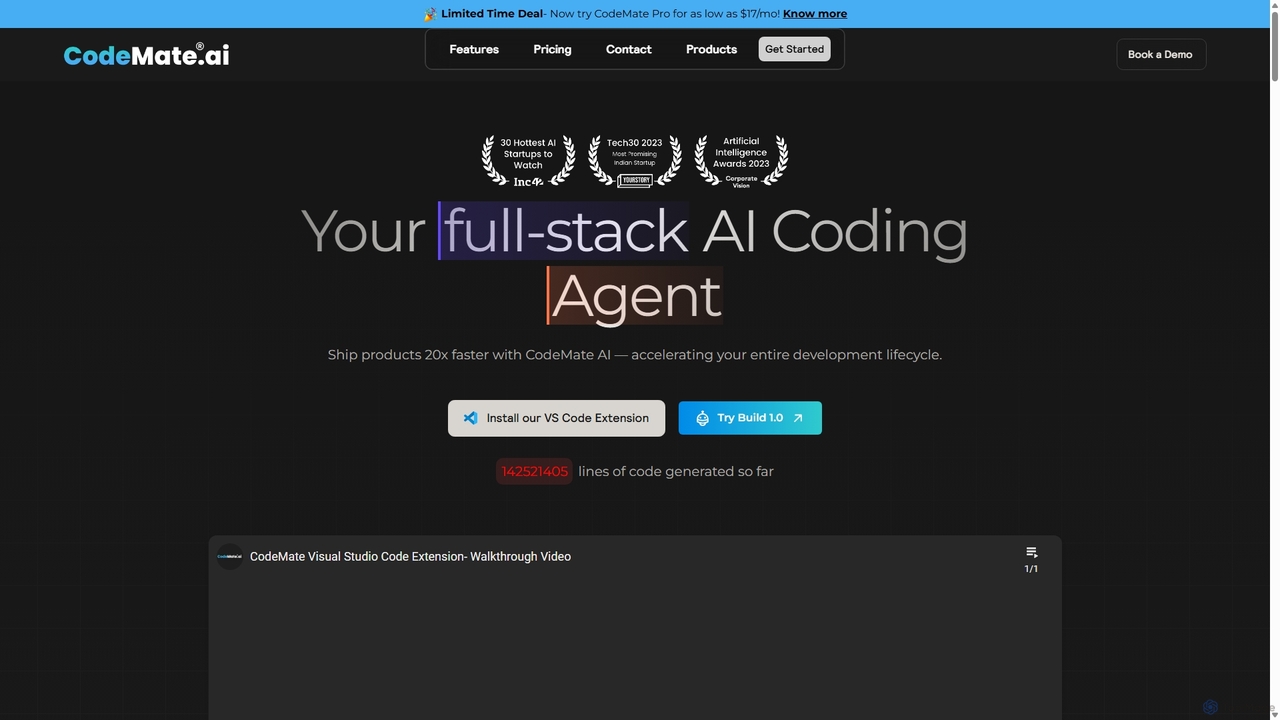
CodeMate
CodeMate is a secure, personalized AI pair programmer designed to enhance developer productivity. It assists with debugging, reviewing, and optimizing code, offering context-aware chat and seamless integration with IDEs like VS Code to help developers build software up to 20x faster.
Code Assistant
Emdash Comments (0)
Sign in to comment.
Sign inNo comments yet.