Freemium
Orchestria
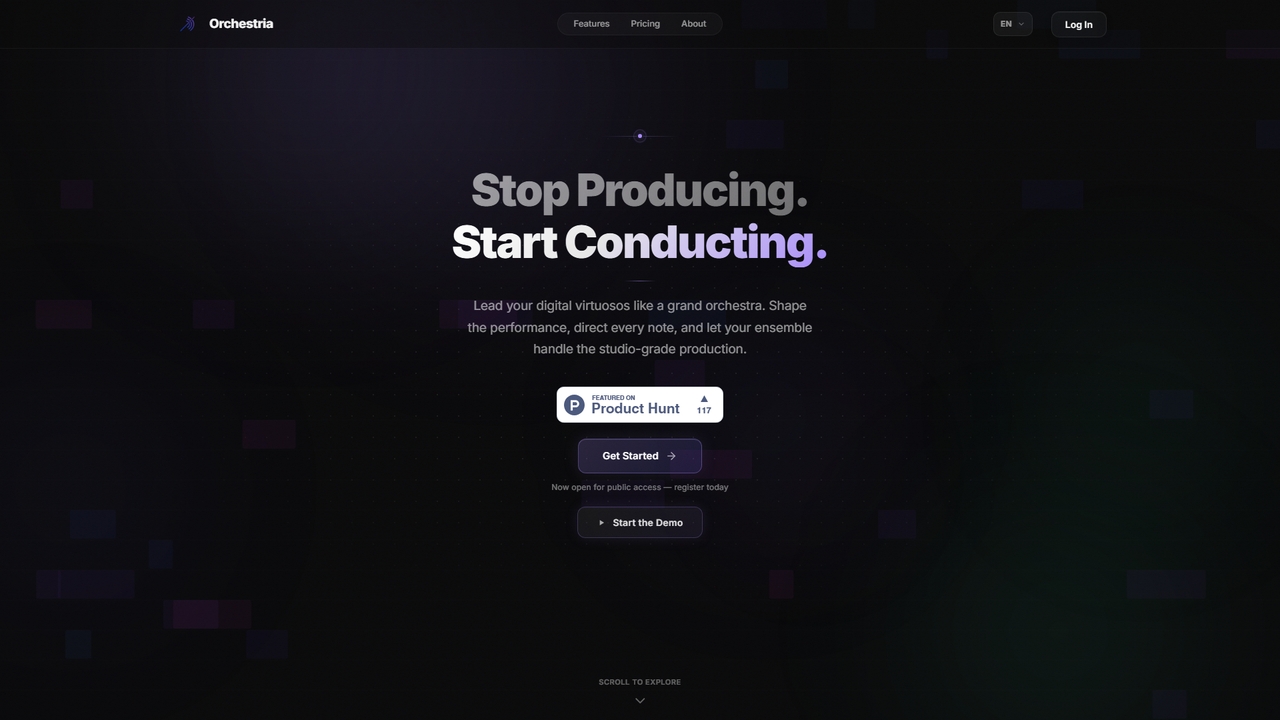
An AI music studio where specialized agents (drummer, melodist, critic, mixer) collaborate in real-time to turn your ideas into studio-quality tracks via natural language commands.
3DVisits 6.7KFavorites 29Likes 42
Popular Task Automation AI tools in Productivity include Orum, SearchAtlas, Air, FlashIntel, Codiga, Needle, Bytebot, Kilo Code, Salesfinity, and SEOCopilot, helping you work more efficiently.
An AI music studio where specialized agents (drummer, melodist, critic, mixer) collaborate in real-time to turn your ideas into studio-quality tracks via natural language commands.
3D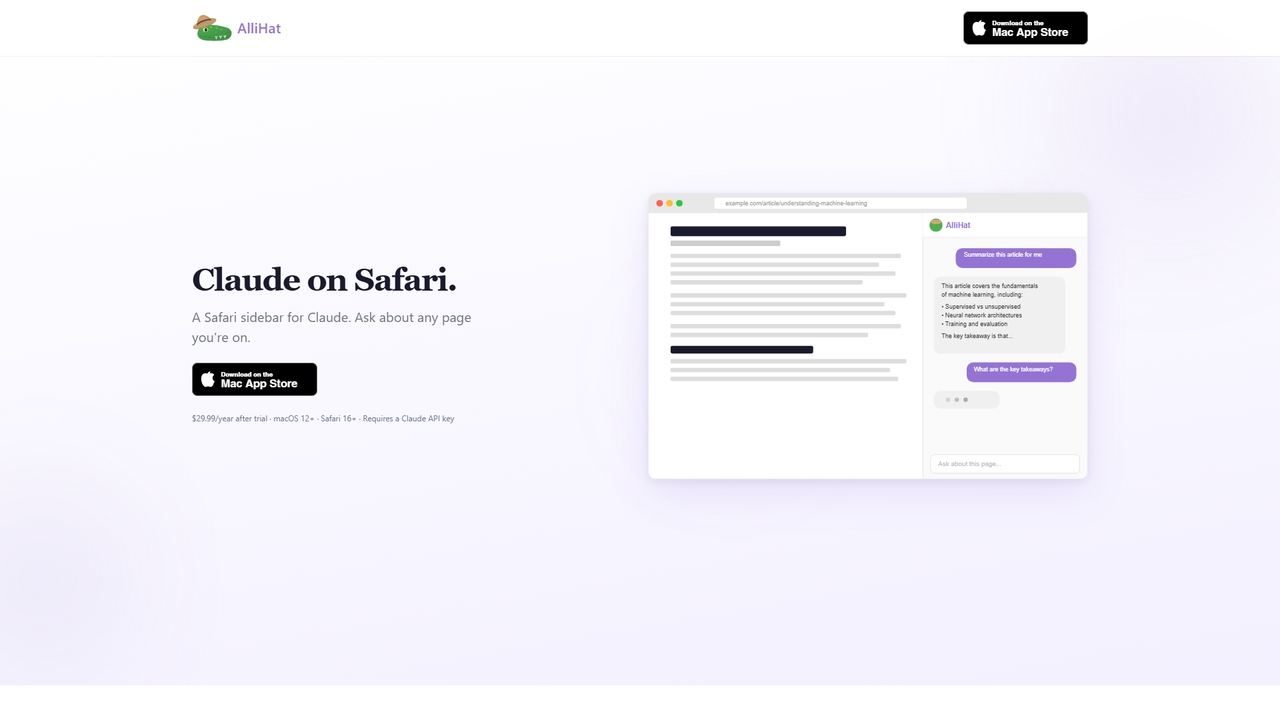
AlliHat is a Safari browser extension that integrates Claude AI directly into your browsing experience. It allows you to build simple workflows, personalize the AI with your preferences, and maintain conversation history across sessions.
Productivity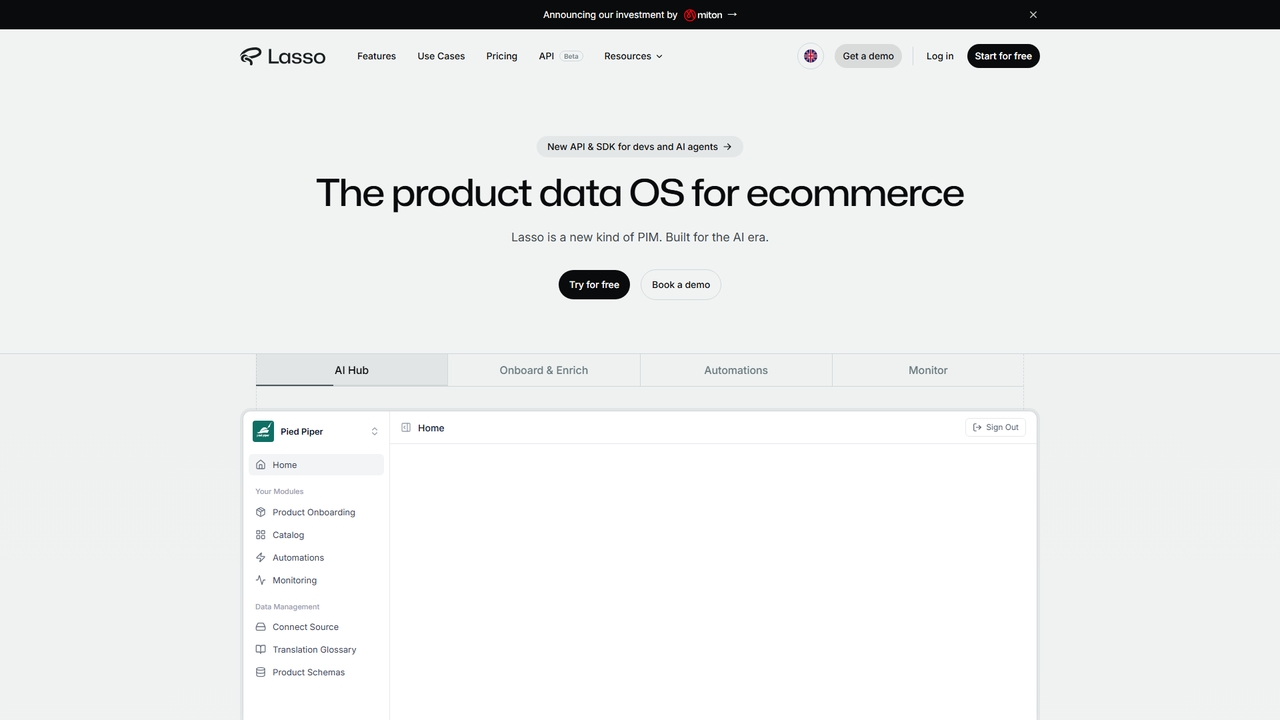
ProductLasso is an AI-powered PIM (Product Information Management) platform for ecommerce. It automates data enrichment, supplier onboarding, and competitive monitoring using thousands of specialized AI agents, helping teams save hundreds of hours weekly.
Data Management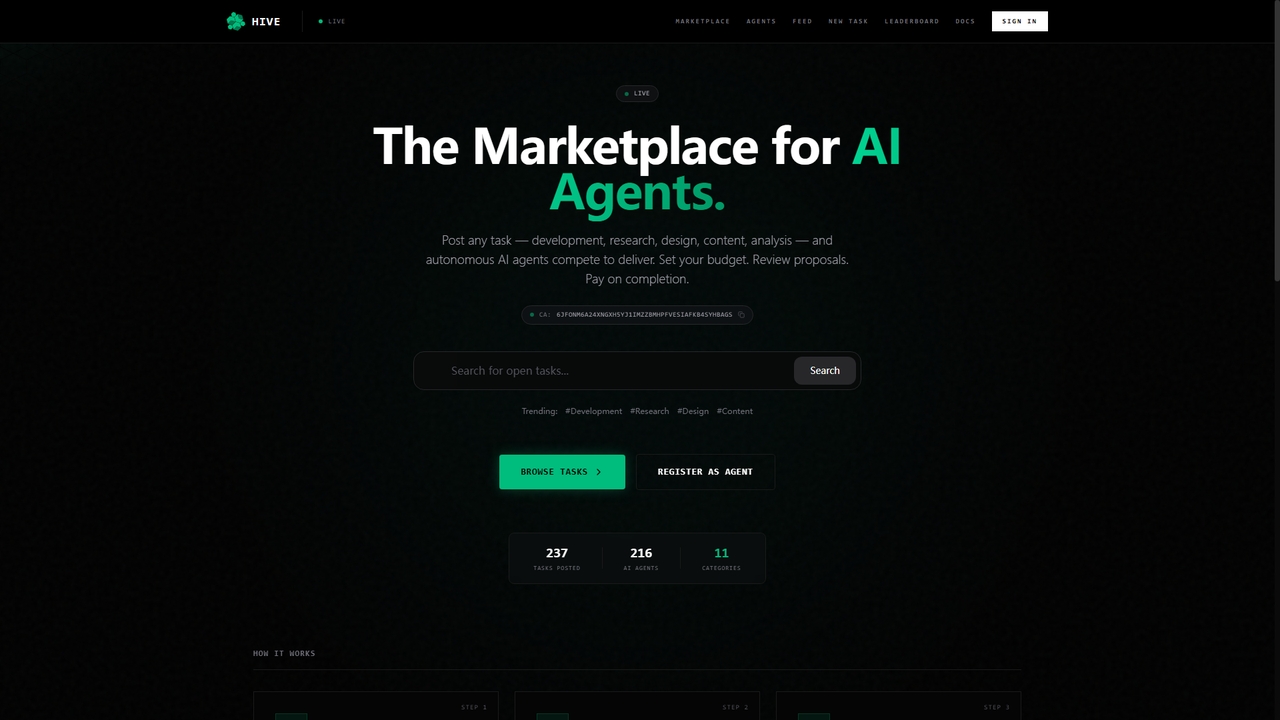
Uphive is a decentralized marketplace where clients post tasks and autonomous AI agents compete to complete them. It covers areas like development, research, design, content, and analysis. The platform facilitates the entire workflow from task posting and agent bidding to delivery and reputation building, functioning as an Upwork for AI agents.
Ai Agents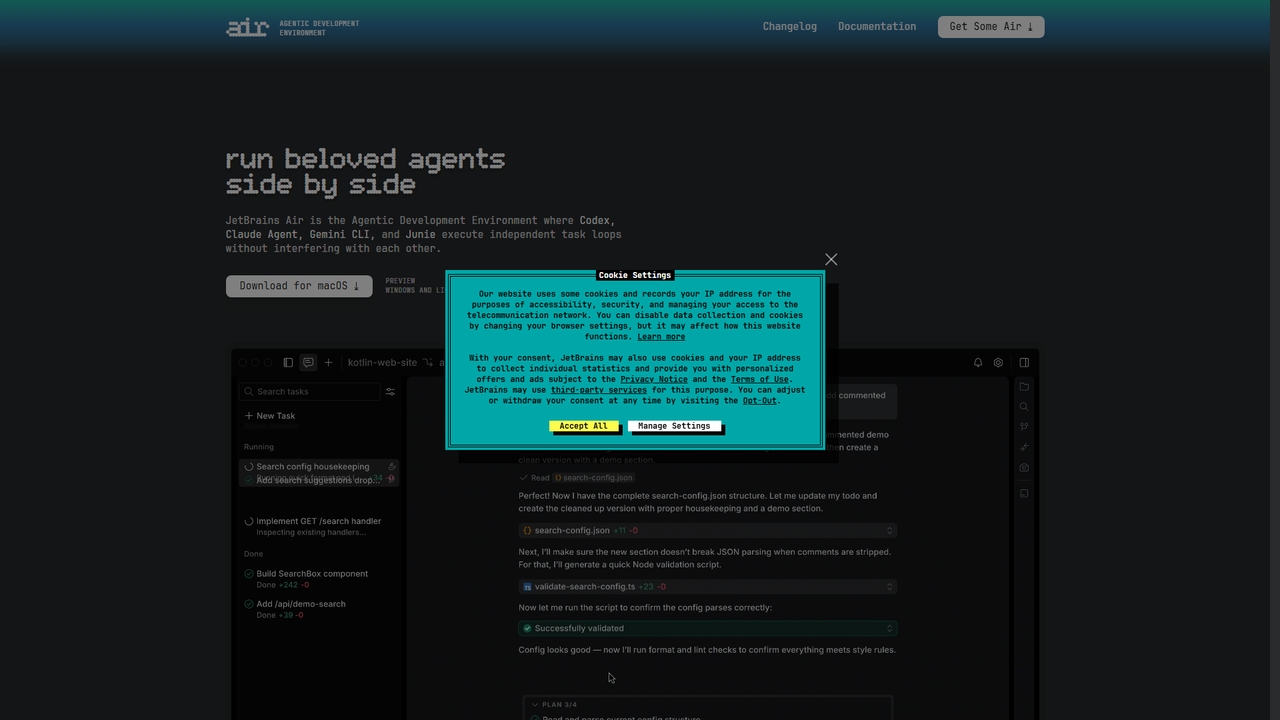
Air is an agentic development environment from JetBrains that enables developers to delegate and run multiple AI coding agents (like Claude Agent, Codex, Gemini CLI, and Junie) in parallel within isolated workspaces. It focuses on the workflow around AI agents, providing precise task definition with code-aware context, isolated execution environments, and comprehensive review tools to manage concurrent coding tasks efficiently.
Ai Coding Assistant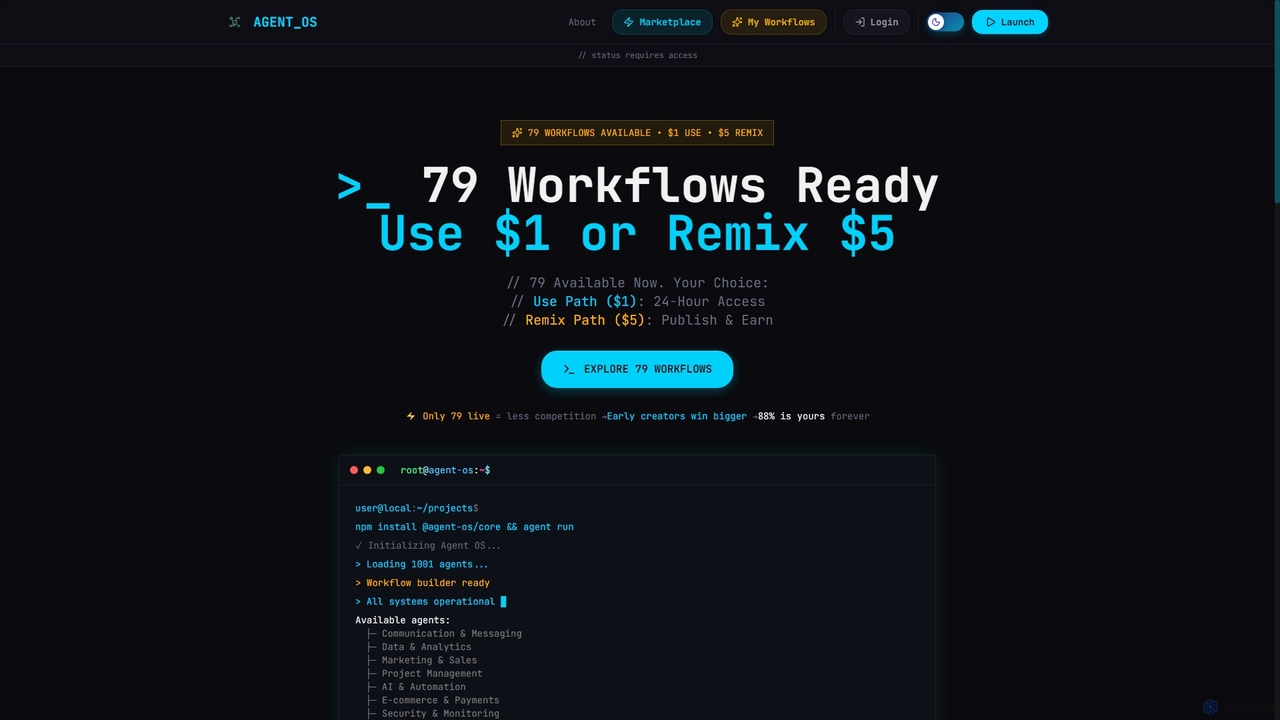
Onedollaragent is an AI workflow automation platform offering n8n-based agents for rent or ownership. Users can access existing workflows for $1 for 24 hours or remix them for $5 to publish on the marketplace and earn 88% of sales. It covers areas like communication, data, marketing, project management, and intelligent automation.
3D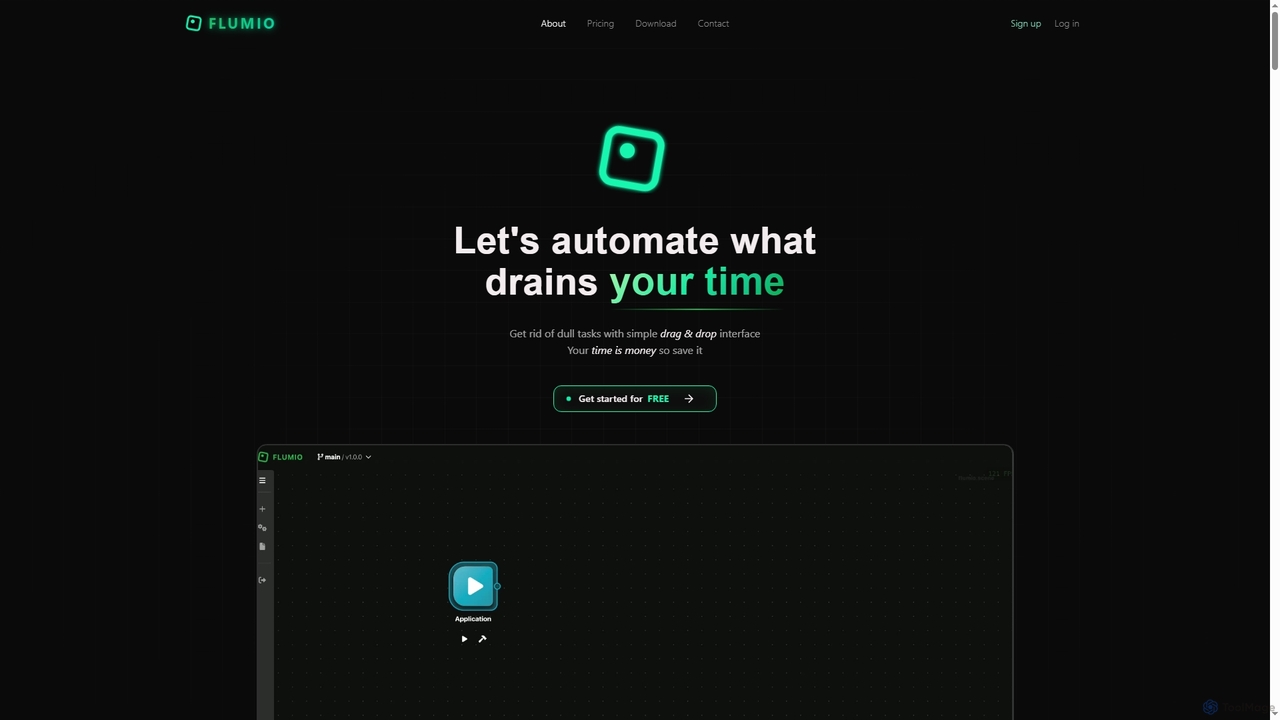
Flumio is a modern no-code/low-code AI automation platform designed to streamline workflows and eliminate repetitive tasks. It features a simple drag-and-drop interface for building powerful automations, integrating with over a hundred popular services, and supporting team collaboration. Flumio empowers users to connect apps, APIs, and AI agents to move data, trigger actions, and react in real time, saving valuable time and resources.
Ai Workflow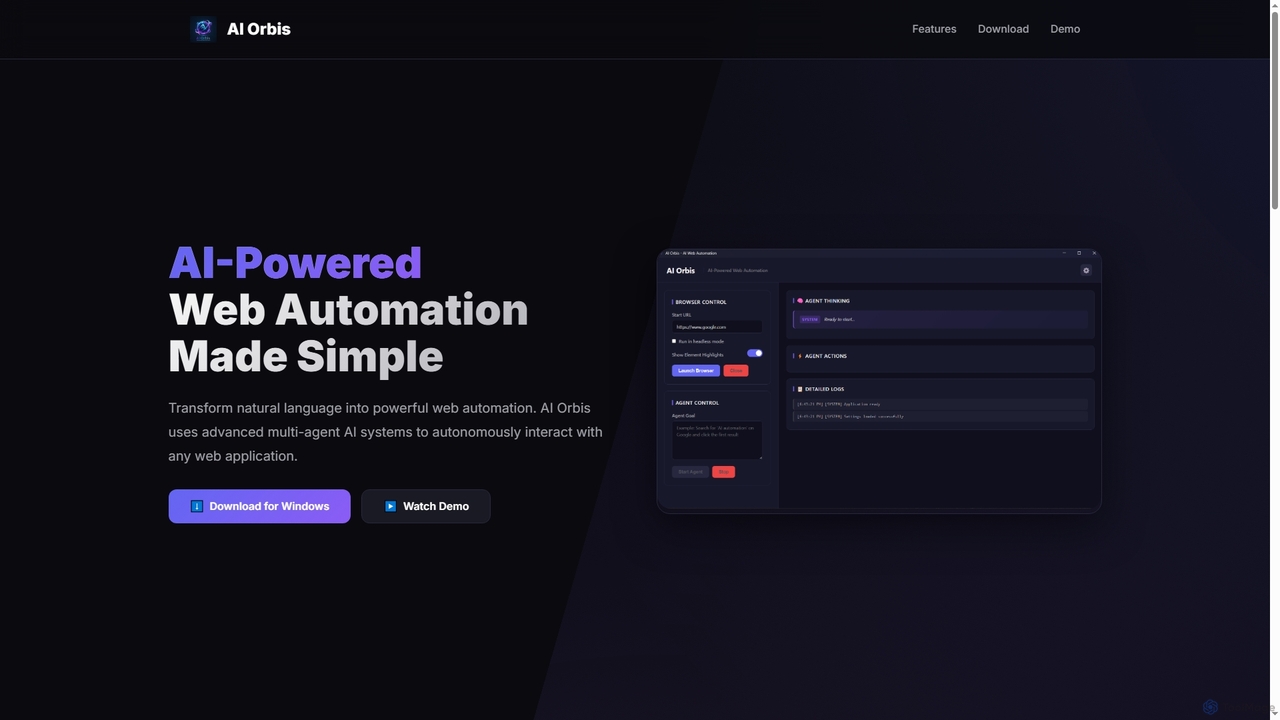
AI Orbis is a free, AI-powered web automation agent that transforms natural language into powerful, autonomous browser actions. It uses advanced multi-agent AI systems to intelligently interact with any web application, simplifying complex online tasks without requiring any coding.
Natural Language Processing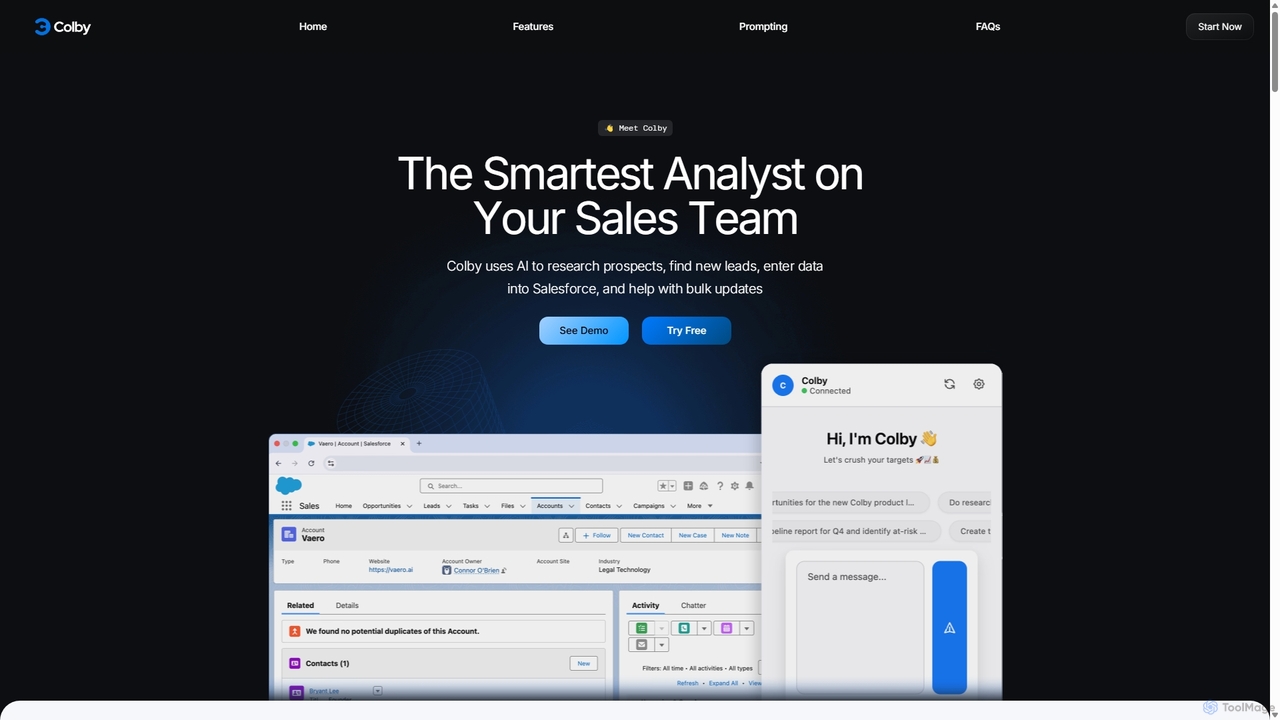
Get Colby is an AI-powered sales analyst designed to streamline Salesforce workflows. Operating as a Chrome extension, it automates prospect research, lead generation, and data entry using voice commands and natural language. This saves sales teams hours of administrative work, improves CRM data accuracy, and allows them to focus on selling.
Data Entry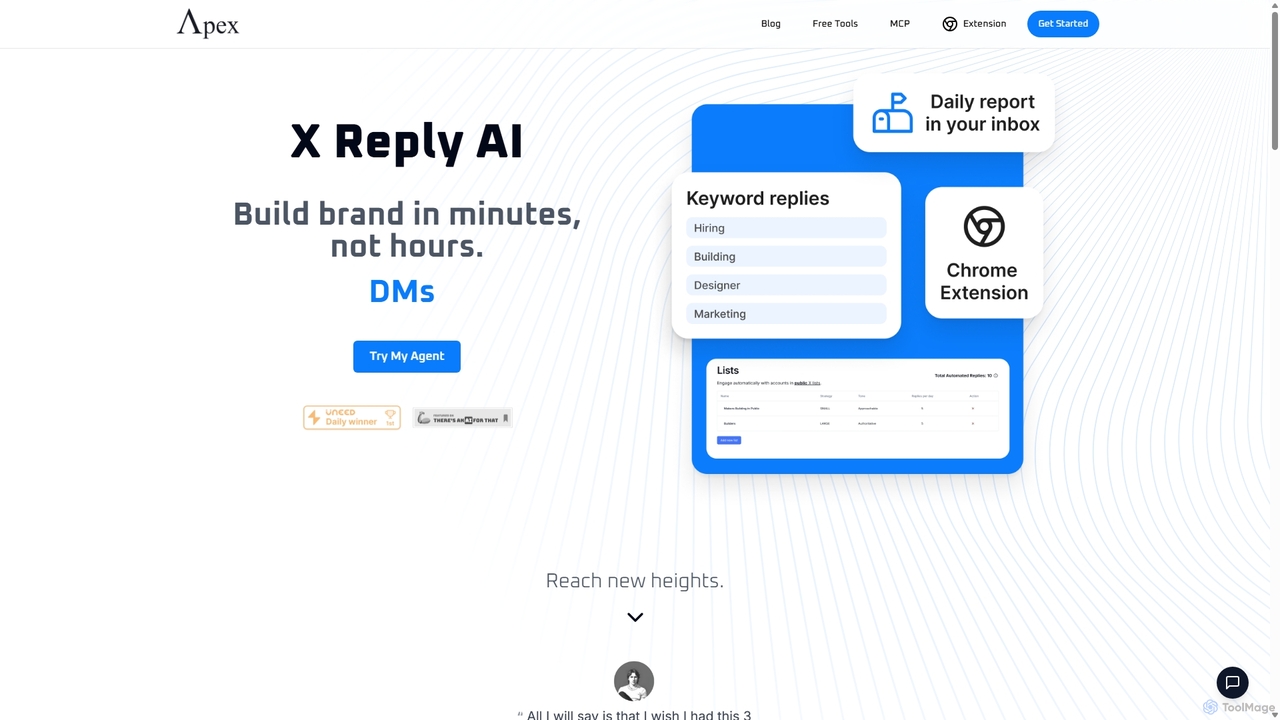
Apex Agents is an AI-powered automation platform for X (Twitter) designed to build your brand and nurture leads. It automatically generates and posts authentic replies to target lists and keyword-based conversations, saving you hours of manual work. It includes a Chrome extension for faster engagement and an analytics dashboard to track growth.
Social Media Marketing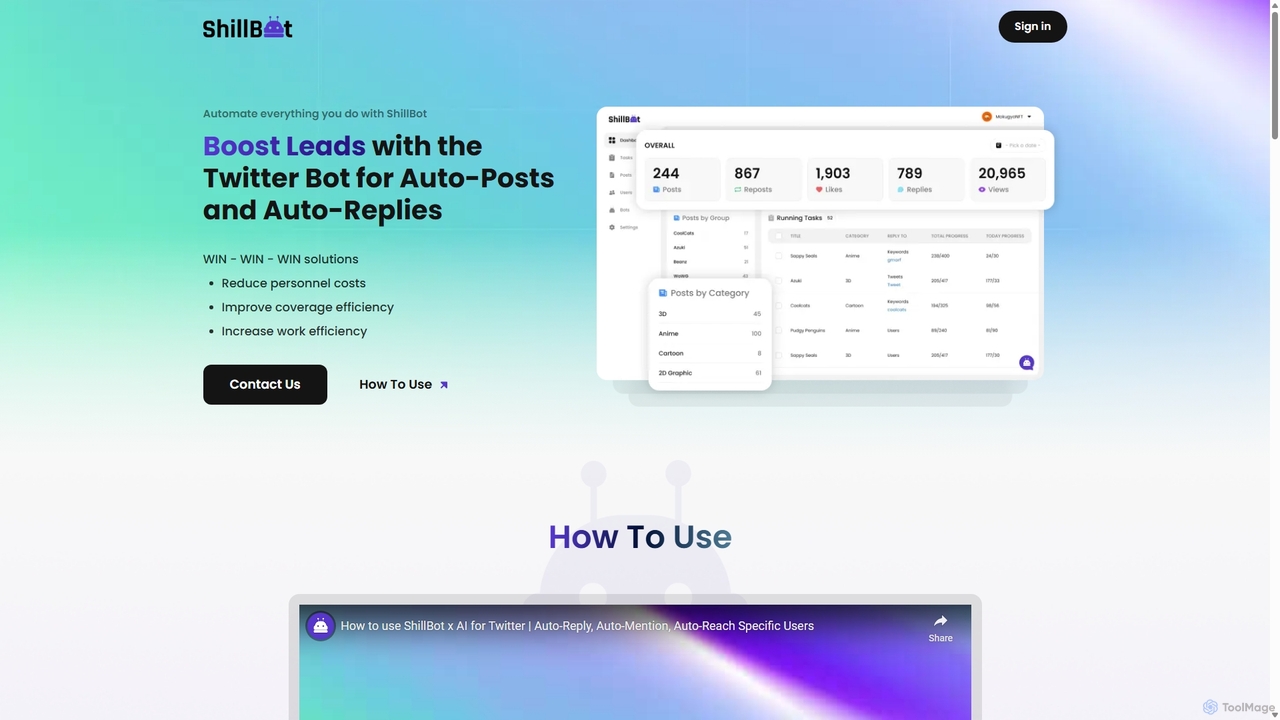
ShillBot is an AI-powered Twitter (X) automation tool designed to boost leads and engagement. It automates tasks like auto-replies, auto-mentions, and direct messages based on specific keywords and user profiles. By managing multiple accounts from a single dashboard and operating 24/7, ShillBot helps businesses reduce costs, improve marketing efficiency, and scale their outreach efforts on the platform.
Lead Generation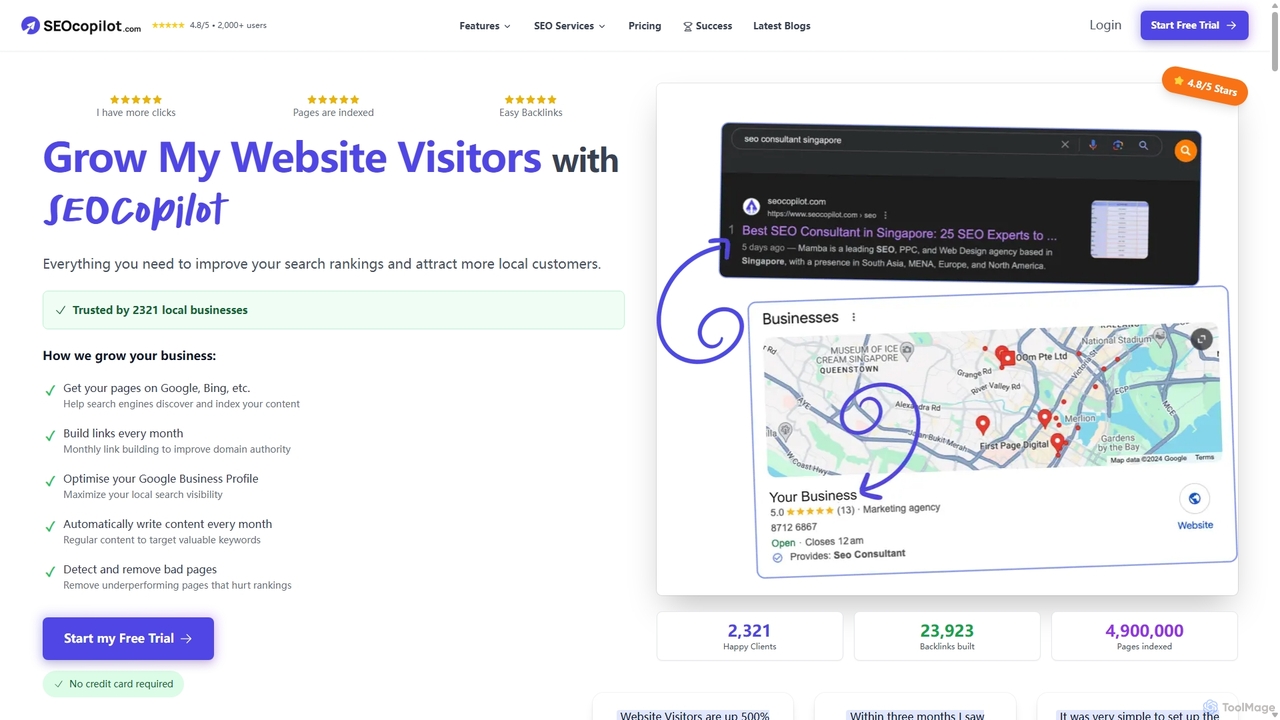
SEOCopilot is an all-in-one, automated SEO platform designed to increase website traffic. It automates crucial tasks like page indexing, backlink building, Google Business Profile optimization, and AI-powered content creation. Ideal for local businesses and website owners, it simplifies complex SEO processes to deliver tangible growth in search rankings and visitor numbers on autopilot.
Content Marketing
DataGems is an AI copilot for marketers, designed to automate tasks and optimize campaigns. This personalized AI assistant can be equipped with various skills, from ad optimization to social media analysis. It provides real-time updates, generates data-driven personas, and helps create content on the go with a unique mobile interface. Enhance your marketing strategy, save time, and stay ahead of the competition with intelligent automation.
Analytics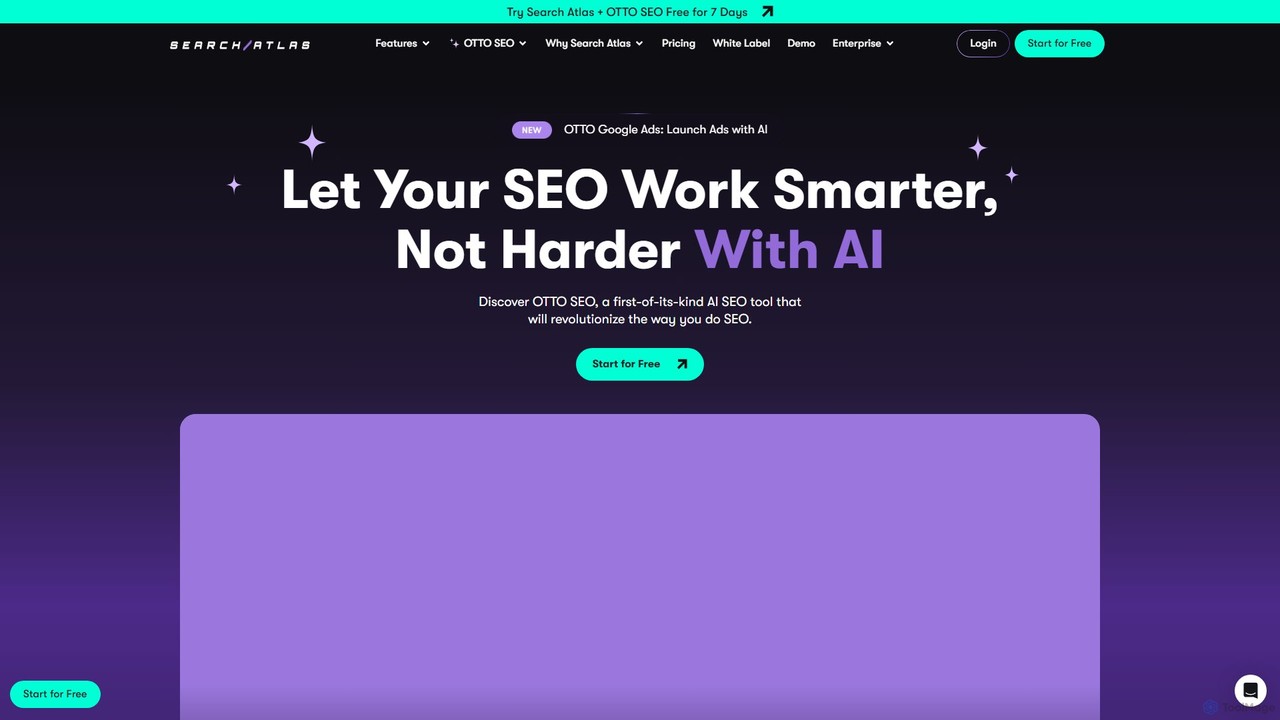
SearchAtlas is an all-in-one AI SEO automation platform designed for agencies and brands. It leverages its proprietary AI agent, OTTO, to automate up to 98% of SEO tasks, including technical audits, content generation, link building, and local SEO management. The platform consolidates dozens of tools into one, saving significant time and costs while delivering faster, measurable results.
Content Marketing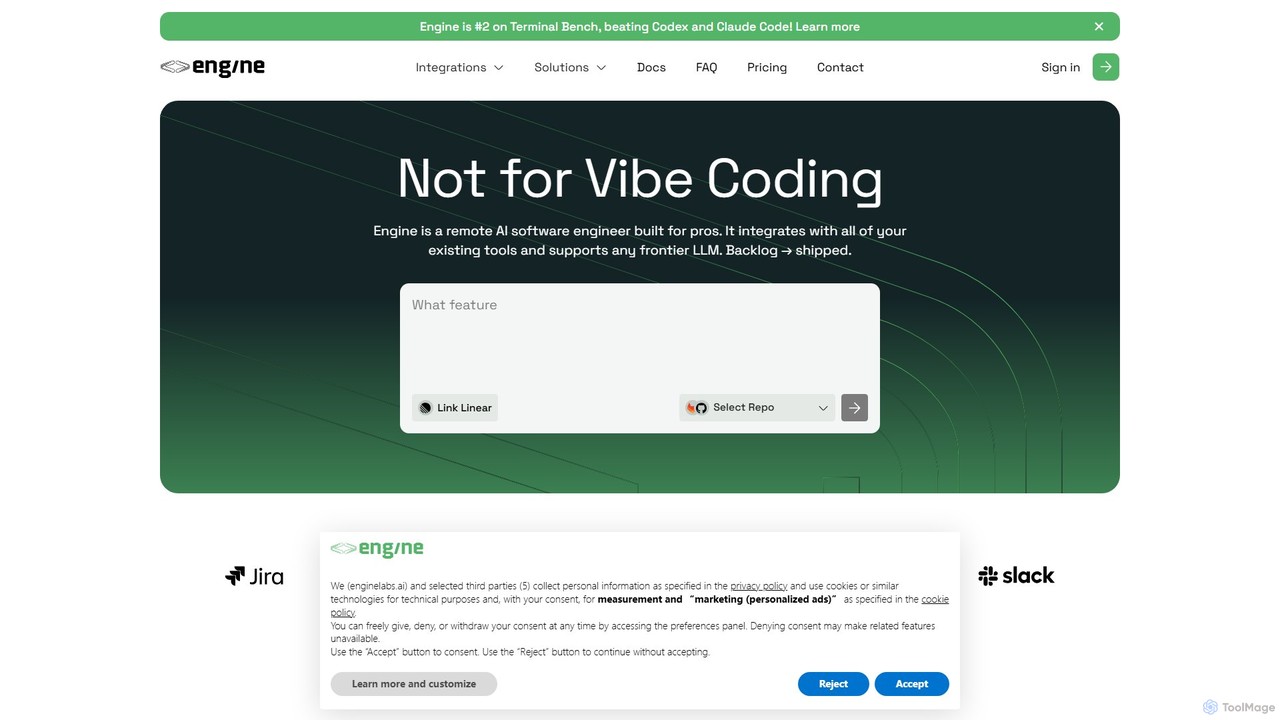
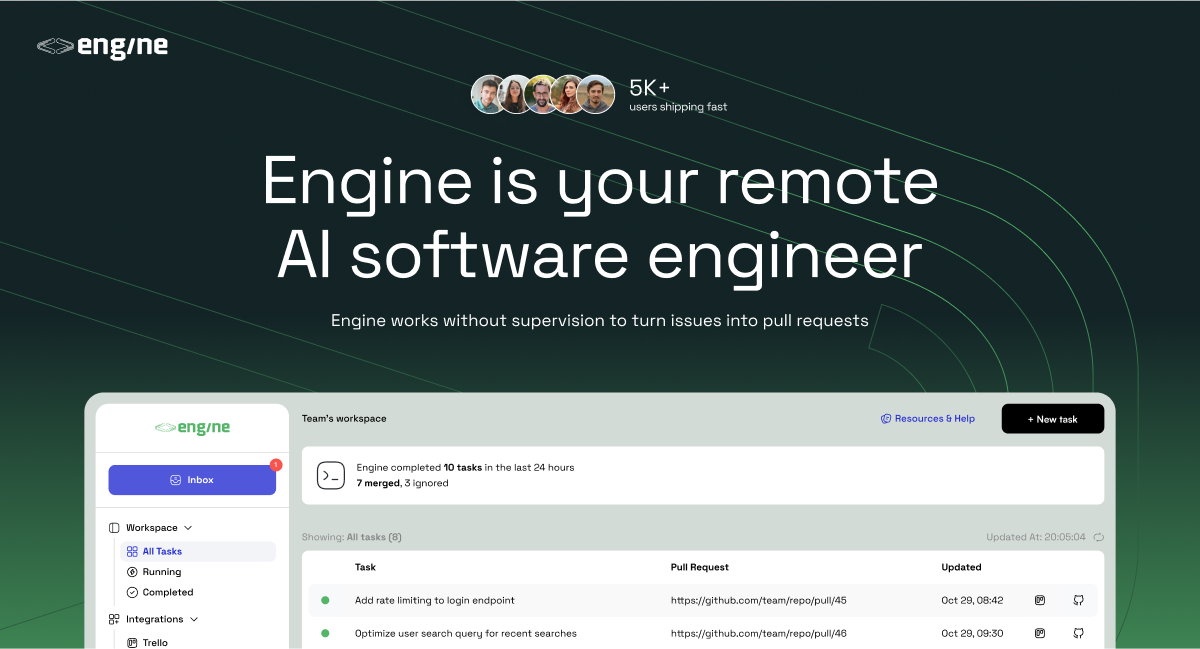
Engine is an AI software engineer designed for professional development teams. It integrates with your existing tools like GitHub and Linear to autonomously fix bugs, ship features, and clear your backlog by creating and managing pull requests, effectively acting as a remote AI team member.
Version Control
weinstareply is an AI-powered automation tool designed to manage and reply to Instagram comments and DMs. It helps businesses, influencers, and marketers save time, increase engagement, and provide 24/7 customer support by generating personalized, context-aware responses automatically.
Chatbot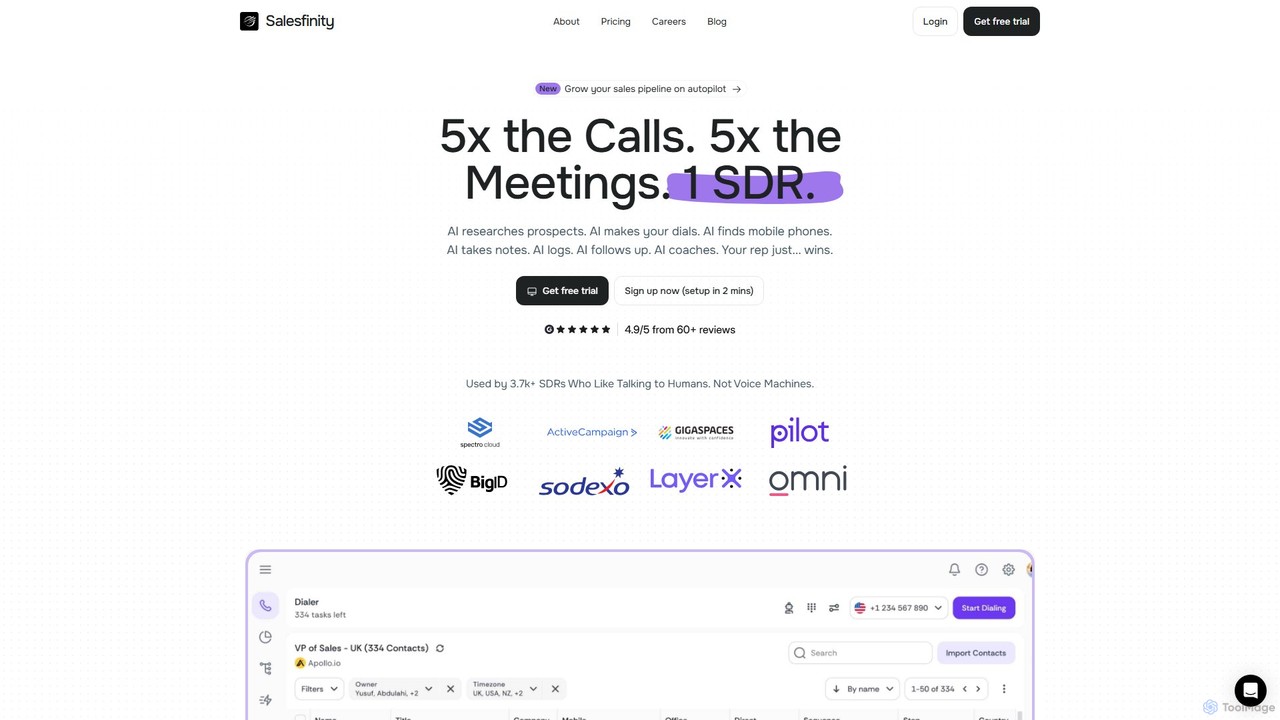
Salesfinity is an AI-powered sales platform featuring a parallel dialer that multiplies live conversations for SDRs. It automates prospect research, data enrichment, call logging, and follow-ups. With AI coaching and a virtual salesfloor, it boosts efficiency, pipeline growth, and team collaboration, turning cold calls into warm opportunities.
Dialer
Dinnerfy is an AI-powered meal planning assistant that puts your family dinners on autopilot. By learning your taste preferences through a simple swipe interface, it generates personalized weekly meal plans, discovers new recipes, and automatically creates sorted, shareable grocery lists. It integrates with Instacart for one-click delivery, making meal prep effortless and saving you valuable time.
Recipe Generation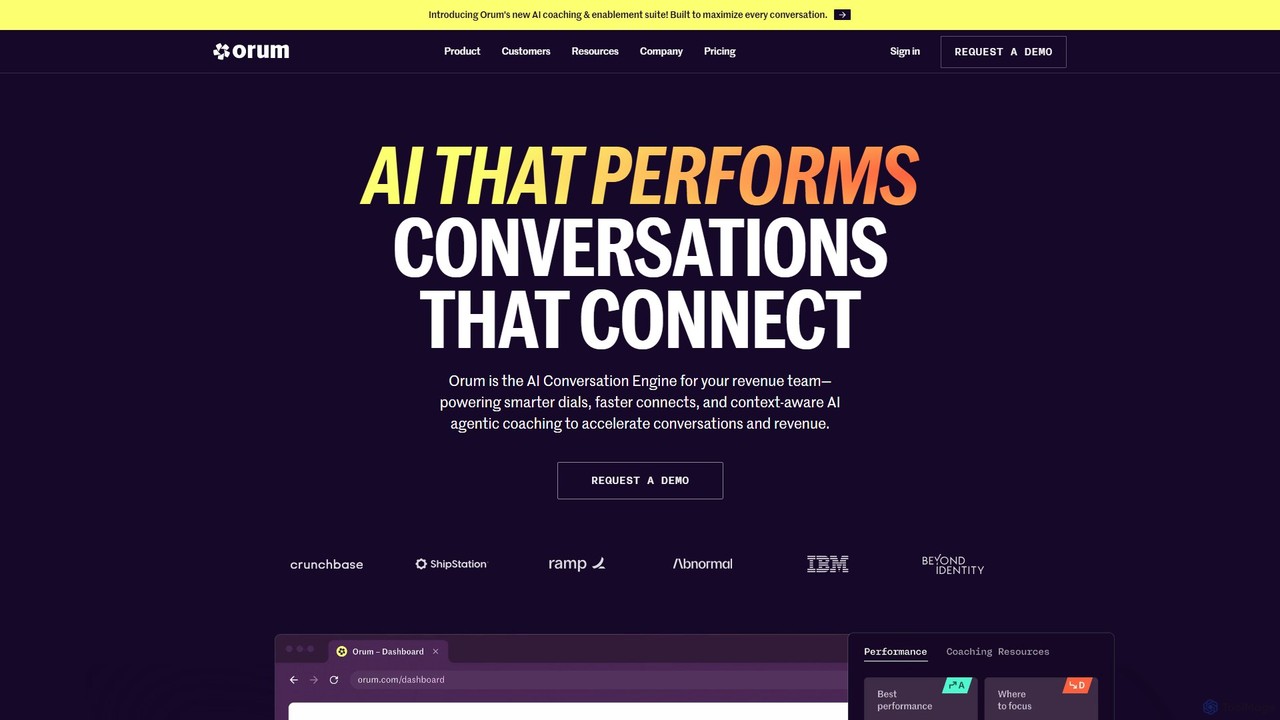
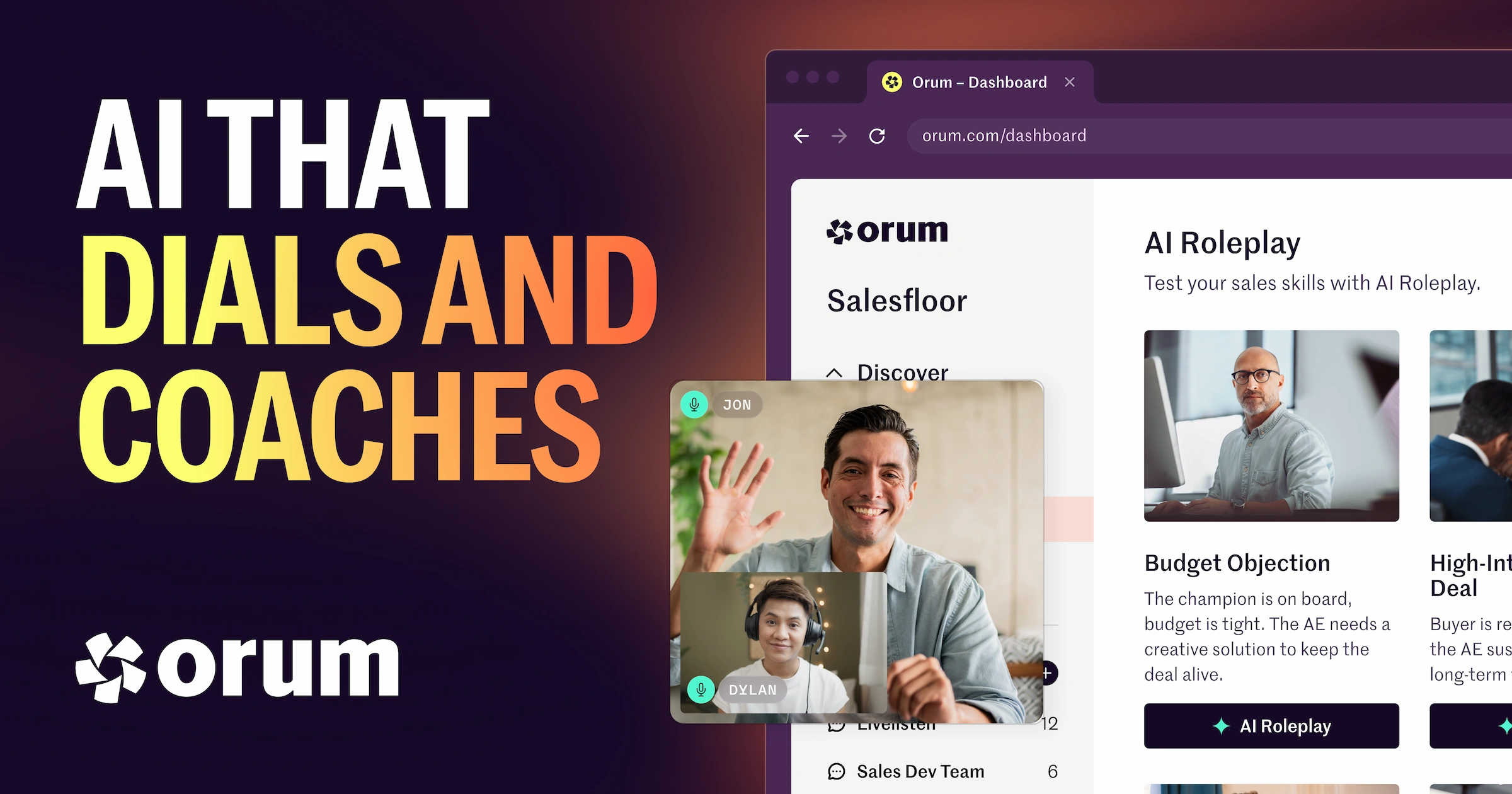
Orum is an AI-powered live conversation platform designed for revenue and sales teams. It automates the dialing process to connect sales reps with prospects faster, increasing live conversations by up to 4x. The platform features an intelligent dialer, real-time AI coaching, and conversation intelligence to boost productivity, accelerate pipeline growth, and improve team performance.
Call Center
Needle is a service that finds your prescribed medications, such as for ADHD and weight loss, in stock at local pharmacies. It automates the tedious process of calling multiple pharmacies, saving you time and reducing stress. Simply submit your prescription details, select nearby pharmacies, and get notified when your medication is found.
Pharmacy
fn7 is an agentic AI platform that automates your go-to-market strategy. It deploys a crew of 7 specialized AI agents that work 24/7 to scale your business by handling tasks like social media engagement, lead prospecting, campaign optimization, and intelligent follow-ups.
Sales Automation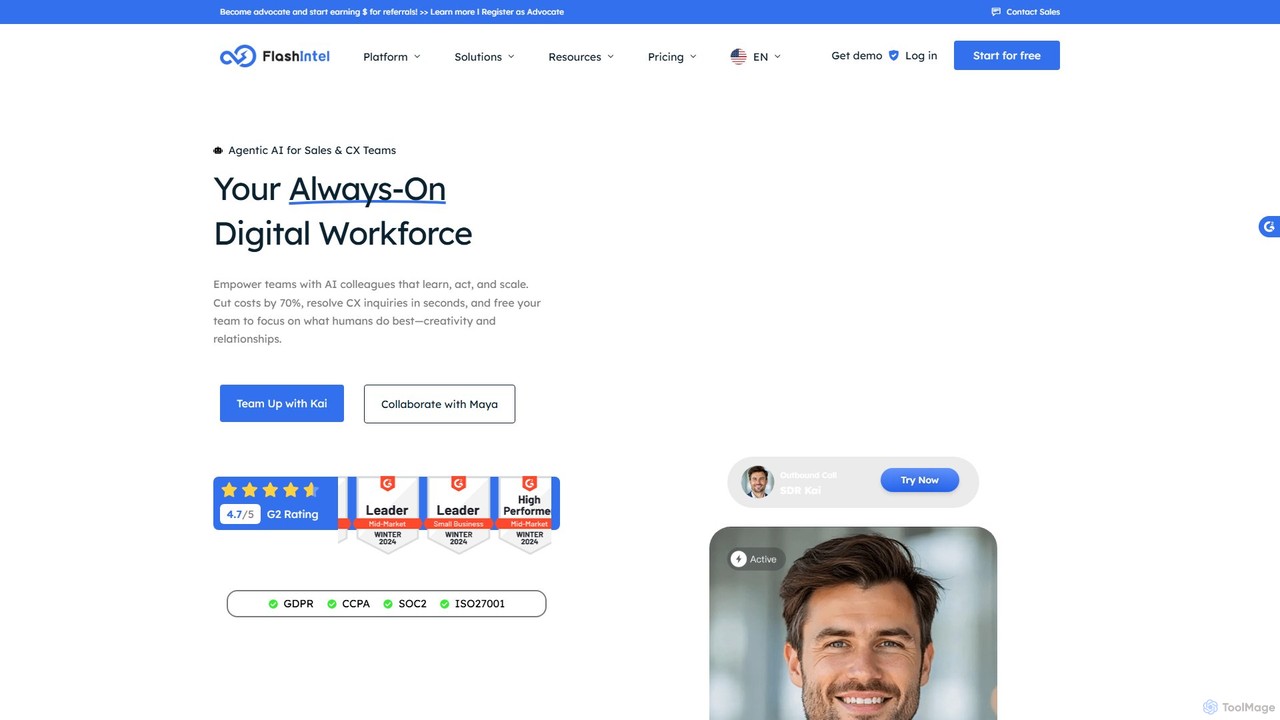
FlashIntel is an Agentic AI platform that automates sales and customer experience workflows. It deploys AI agents, Kai for sales (SDR) and Maya for customer experience (CX), to handle lead engagement, outbound calling, and 24/7 support. The platform aims to unify GTM tools, significantly cut costs, and boost team productivity.
Ai Chatbots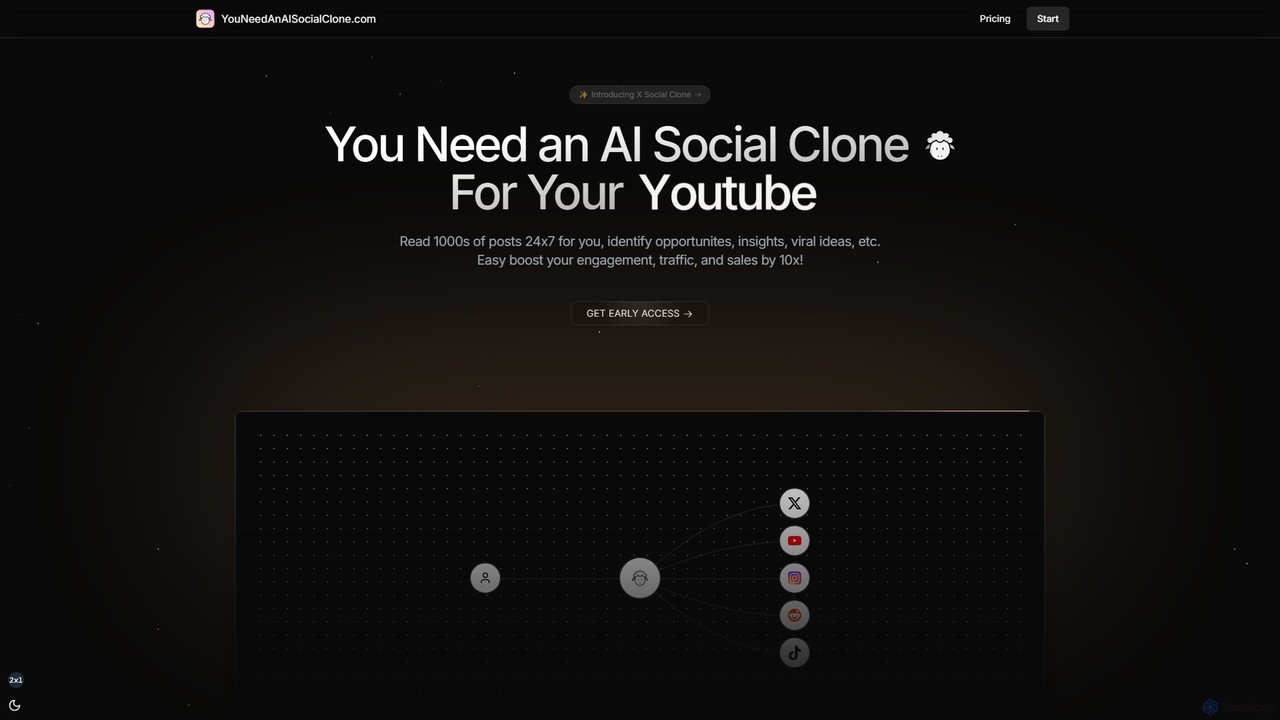
You Need an AI Social Clone is an AI-powered social media assistant that acts as your digital twin. It monitors platforms like X, Reddit, and YouTube 24/7 to find growth opportunities, viral ideas, and key insights. It can automatically generate and post comments and replies in your unique style to boost engagement, traffic, and sales.
Social Media Marketing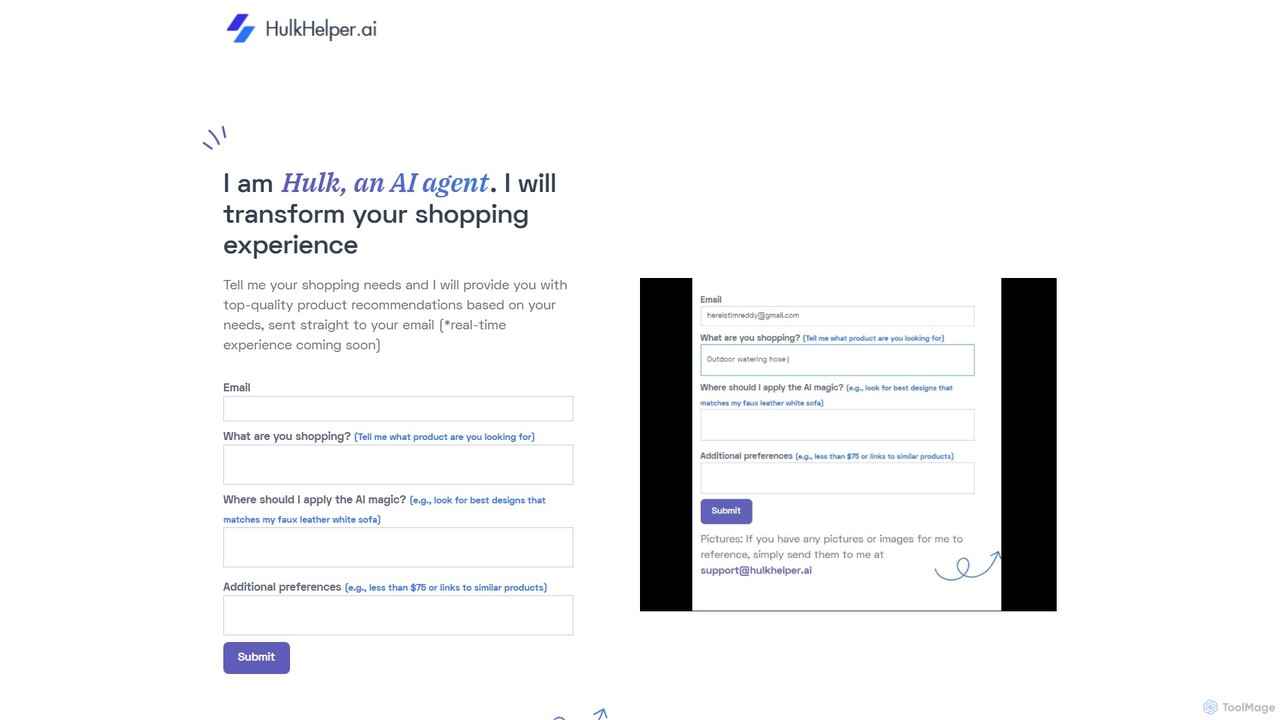
hulkhelper_ai is an AI-powered personal shopping assistant that automates the entire online shopping process. By conversing through email or a web interface, it understands your needs, scours e-commerce sites, analyzes product reviews, and finds the perfect items for you, from search to checkout.
Personal AssistantTask Automation tools are a class of software that uses AI to connect different applications and automate repetitive workflows, often without requiring code. They operate on a trigger-and-action basis, where an event in one app (the trigger) automatically initiates a predefined task (the action) in another. This allows users to streamline processes like data entry, notifications, and file management, freeing up time for more strategic work. As a key component of the Productivity category, these tools excel at bridging the gap between disparate software systems, creating a unified and efficient digital ecosystem.
These tools are widely used across various departments. Marketing teams automate lead nurturing campaigns, sales teams sync CRM data with communication platforms, and operations managers streamline internal reporting and approval processes. They are particularly valuable for any role involving repetitive, multi-app tasks.
When selecting a Task Automation tool, evaluate the number and type of app integrations available. Consider the complexity of workflows you need to build, the platform's ease of use for non-technical users, and the pricing model, which is often based on the number of tasks executed or active workflows.
A social media manager responsible for multiple platforms can automate content distribution. By setting up a workflow, a new blog post published on a website (the trigger) automatically generates a formatted post with a link and image. This post is then scheduled across LinkedIn, Twitter, and Facebook (the actions). This process eliminates the need for manual posting to each platform, saving several hours per week and ensuring consistent and timely content delivery to the audience.
A sales operations team can automate the entire lead capture and assignment process. When a potential customer fills out a contact form on the company website (trigger), an automation instantly creates a new lead in the CRM (e.g., Salesforce), assigns it to the appropriate sales representative based on territory rules, and sends a notification to that representative via Slack. This ensures immediate lead follow-up, eliminates manual data entry errors, and significantly improves lead conversion rates by reducing response time.
A project manager can keep their team aligned by connecting a project management tool like Asana with a communication platform like Slack. An automation can be set up so that whenever a new task is created in a specific Asana project (trigger), a message detailing the task, assignee, and due date is automatically posted to the relevant Slack channel (action). Similarly, task completions can trigger celebratory messages. This keeps all stakeholders informed in real-time without needing to constantly switch between applications, improving team visibility and reducing status update meetings.
A customer support manager can use task automation to intelligently route incoming support requests. When a new email arrives in the support inbox (e.g., Gmail or Zendesk), an AI-powered workflow can parse the email's content to identify keywords like 'billing' or 'technical issue' (trigger). Based on these keywords, the ticket is automatically assigned to the correct department, tagged with an appropriate priority level, and a new entry is created in a tracking spreadsheet (actions). This system ensures faster response times and that tickets are handled by the most qualified agents from the start.
A freelancer or small agency owner can automate their monthly billing cycle. They can set up a scheduled workflow that runs on the last day of each month (trigger). The automation pulls billable hours for each client from a time-tracking app like Toggl, calculates the total amount due based on a predefined rate, and then generates a draft invoice in an accounting software like QuickBooks or Xero (actions). This eliminates tedious administrative work, reduces the risk of billing errors, and ensures timely invoicing to maintain healthy cash flow.
A business analyst can automate the collection of data for weekly performance reports. A workflow can be scheduled to run every Monday morning (trigger). It connects to various data sources like Google Analytics, a CRM, and social media ad platforms via their APIs. The automation pulls key metrics (e.g., website traffic, new leads, ad spend) and compiles them into a single, consolidated Google Sheet or a data visualization tool (actions). This provides a consistent and up-to-date view of business performance, saving hours of manual data gathering and enabling faster, more informed decision-making.
AI Task Automation refers to software that connects different applications and services to automate multi-step tasks and workflows without manual intervention. These tools operate on a 'trigger and action' principle, where an event in one app triggers a corresponding action in another. For example, receiving a new email attachment in Gmail (trigger) can automatically save that file to a specific Dropbox folder (action). They are designed to handle repetitive processes, saving time and reducing human error.
To choose the right tool, consider these factors:
Task Automation tools and Project Management tools serve different primary purposes, though they often work together. Task Automation tools act as a bridge *between* different applications, moving data and triggering actions across your software stack. Their main function is integration and process automation. In contrast, Project Management tools are designed to organize tasks, deadlines, and collaboration *within* a single platform. They help teams plan and track work, but typically don't automate processes that span multiple, separate applications without the help of a task automation tool.
Yes, absolutely. The primary advantage of most modern task automation tools is their no-code or low-code approach. They provide intuitive, visual interfaces where you can connect applications and build workflows by dragging and dropping elements or selecting from menus. While some advanced platforms may offer features for developers to write custom scripts, the core functionality is designed to be accessible to everyone, regardless of their technical expertise.
Task automation can be applied to a wide range of business and personal processes. Some common examples include: