

Sourcegraph Overview
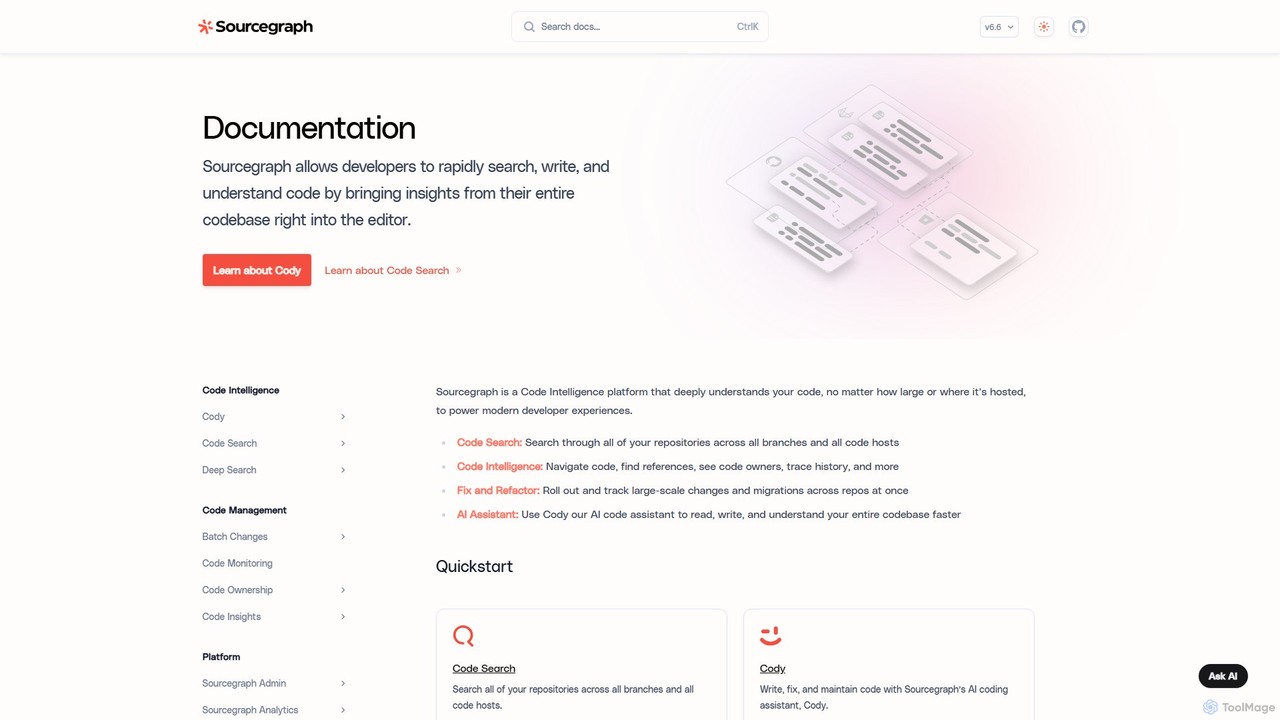
Sourcegraph is a comprehensive code intelligence platform designed to give developers a deep, holistic understanding of their entire codebase. It acts as a universal interface for all of an organization's code, regardless of where it's hosted—be it on GitHub, GitLab, Bitbucket, or other code hosts. At its core, Sourcegraph indexes all your repositories, making them searchable and navigable in a way that traditional tools cannot. The platform is supercharged by Cody, a powerful AI coding assistant that is context-aware of your entire codebase, enabling it to provide highly relevant assistance for writing, fixing, and maintaining code.
By transforming code into a queryable and understandable graph, Sourcegraph empowers developers to move faster, fix issues with greater precision, and onboard new team members more efficiently. It's an essential tool for any organization dealing with large-scale or complex codebases, microservices architectures, or a polyglot programming environment.
How to use Sourcegraph
Getting started with Sourcegraph involves a few key steps to unlock its full potential. First, you connect your code repositories to the Sourcegraph instance, which can be the cloud version or a self-hosted deployment. Once connected, Sourcegraph begins indexing your code. Developers can then use the powerful web interface to perform universal searches using regular expressions, filters, and other operators to find any piece of code. For AI-powered assistance, developers can interact with Cody directly in their IDE (via extensions for VS Code, JetBrains, etc.) or in the Sourcegraph web UI. They can ask Cody to explain code, generate new functions, write unit tests, or identify potential bugs. For large-scale changes, the Batch Changes feature allows you to define a change, preview its impact across all affected repositories, and then apply it as a series of managed pull/merge requests.
Core Features of Sourcegraph
- Cody, the AI Coding Assistant: An AI assistant that understands your entire codebase. It can answer questions, write code, and automate fixes with full context, directly within your IDE or the Sourcegraph UI.
- Universal Code Search: A fast, powerful search engine for your code. It supports literal, regular expression, and structural searches across every repository and commit in your organization.
- Precise Code Intelligence: IDE-grade code navigation features like 'Go to Definition' and 'Find References' that work across repository boundaries in your web browser.
- Batch Changes: A tool to automate and track large-scale code changes, such as library upgrades, security patches, or major refactors, across many repositories at once.
- Code Insights: A feature that turns your codebase into a queryable database. Create dashboards to track migrations, version adoption, code smells, security vulnerabilities, and other important metrics over time.
- Extensive Integrations: Seamlessly integrates with popular code hosts, IDEs, code review tools, and deployment pipelines to fit into existing developer workflows.
Use Cases for Sourcegraph
Sourcegraph is versatile and addresses numerous challenges in the software development lifecycle. For developer onboarding, new hires can use it to independently explore and understand a complex codebase, finding code owners and tracing logic without needing to constantly ask senior developers. During incident response, engineers can quickly search across all microservices to pinpoint the root cause of a production issue. For large-scale refactoring, teams can use Batch Changes to deprecate an old API or migrate to a new framework across hundreds of repositories in a controlled and automated fashion. Security teams also leverage Sourcegraph to find and remediate all instances of a newly discovered vulnerability across the entire organization's code.
Advantages of Sourcegraph
The primary advantage of Sourcegraph is the massive boost in developer velocity and efficiency it provides. By creating a single, searchable source of truth for all code, it eliminates the time developers waste searching for code and understanding its context. Cody's deep context awareness makes it significantly more powerful than standalone AI assistants, as its suggestions and explanations are tailored to your specific codebase. The platform's ability to handle massive, polyglot codebases makes it uniquely suited for modern enterprises. Furthermore, features like Batch Changes and Code Insights provide a strategic, high-level view of code health and evolution, enabling data-driven decisions for engineering leadership.
Pricing and Plans
Sourcegraph operates on a freemium model, offering plans suitable for individuals, teams, and large enterprises. The pricing structure is generally as follows:
- Free Plan: Aimed at individual developers and small teams. It includes core Code Search and Code Intelligence features, along with a free tier of Cody usage for AI assistance.
- Pro Plan: A paid, per-user plan designed for professional teams. It offers higher usage limits for Cody, more advanced AI capabilities, and additional team-oriented features.
- Enterprise Plan: A custom-priced plan for large organizations. It includes all features of the Pro plan, plus advanced functionalities like Batch Changes and Code Insights, self-hosting options for maximum security and control, dedicated support, and enterprise-grade security features. Specific pricing for the Enterprise plan is available upon consultation with the Sourcegraph sales team.
Traffic
Latest traffic
Status
Monthly traffic trend
- 2026-1: 377.2K
- 2026-2: 305.8K
- 2026-3: 312.4K
- 2026-4: 254.6K
- 2026-5: 244.5K
Geography
Top 5 countries / regions
- 🇺🇸United States74.1%
- 🇨🇳China13.0%
- 🇮🇳India6.0%
- 🇻🇳Vietnam3.5%
- 🇪🇸Spain3.4%
Traffic sources
| Source type | Percentage |
|---|---|
Direct | 90.9% |
Referral | 7.2% |
Email | 1.9% |
Top keywords
| Keyword | Cost per click |
|---|---|
| claude code | $2.93 |
| cody | $2.97 |
| sourcegraph | $2.26 |
| sourcegraph careers | $2.25 |
| sourcegraph cody | $6.38 |
Sourcegraph Videos on YouTube


Sourcegraph


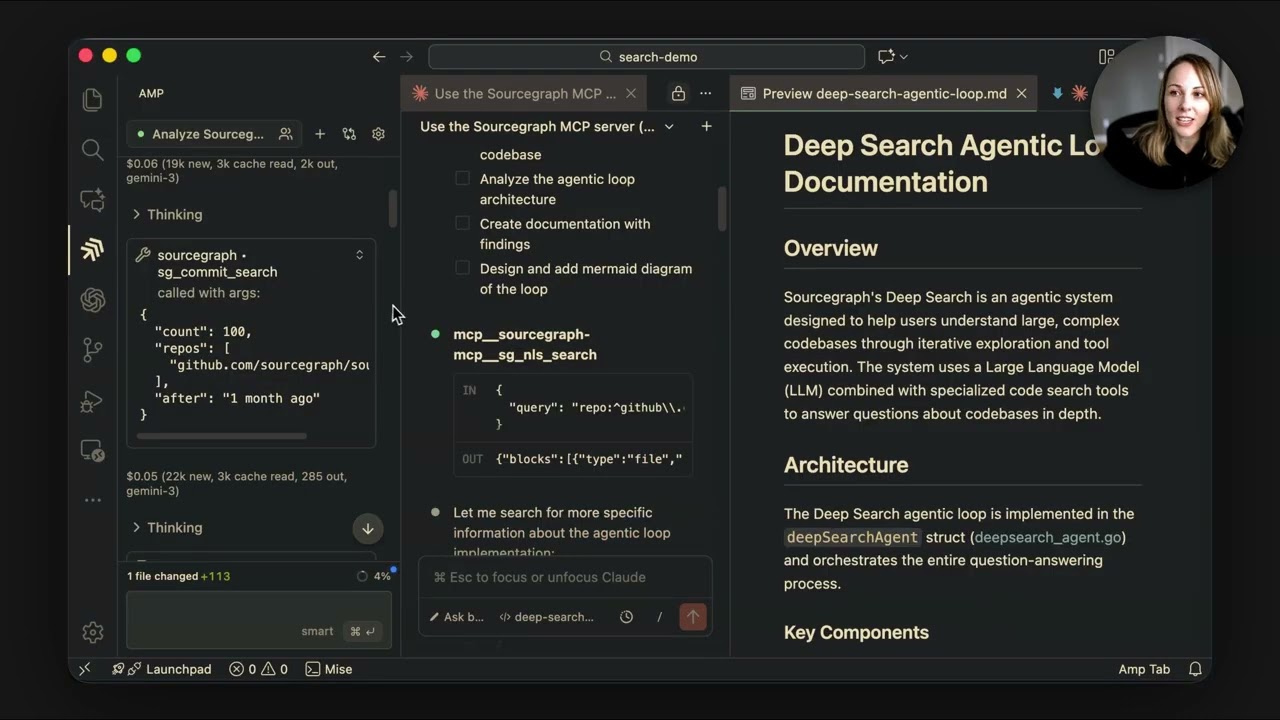
Sourcegraph


This New Way Podcast - Aydin Mirzaee
Sourcegraph Alternatives
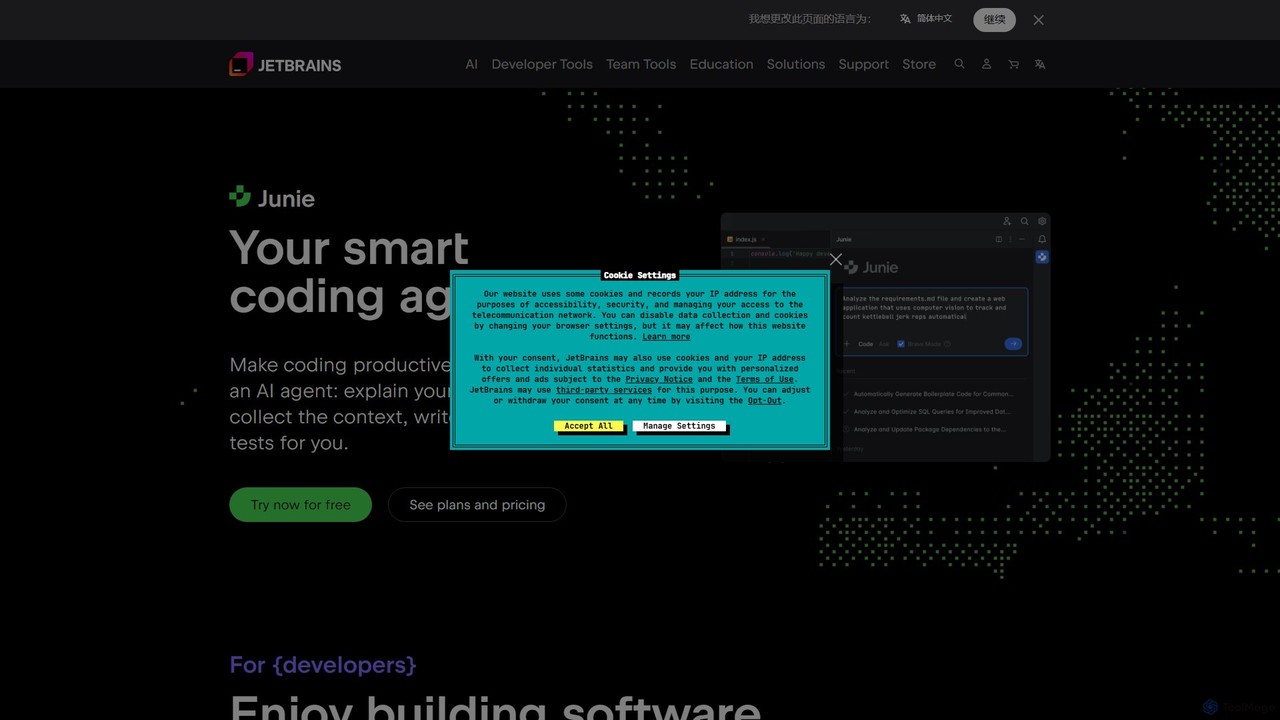
JetBrains
JetBrains provides a comprehensive suite of intelligent tools for software developers and teams, including powerful IDEs and an integrated AI Assistant. It enhances productivity with smart code completion, refactoring, and bug detection, streamlining the entire development lifecycle from coding to deployment. It supports a wide range of languages and offers robust team collaboration platforms.
Integrated Development Environment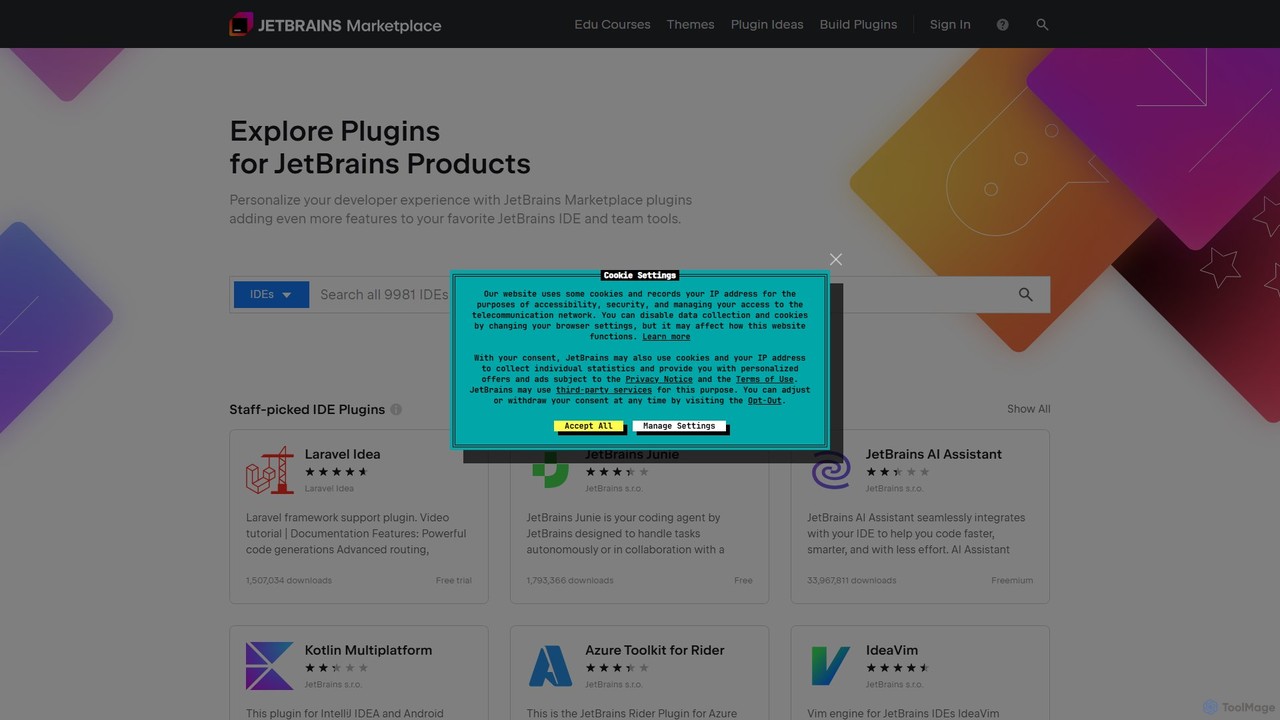
JetBrains Marketplace
The official hub for plugins and extensions for all JetBrains IDEs. Discover thousands of tools, including AI-powered coding assistants, framework integrations, themes, and more, designed to personalize your development environment and significantly boost productivity.
Ide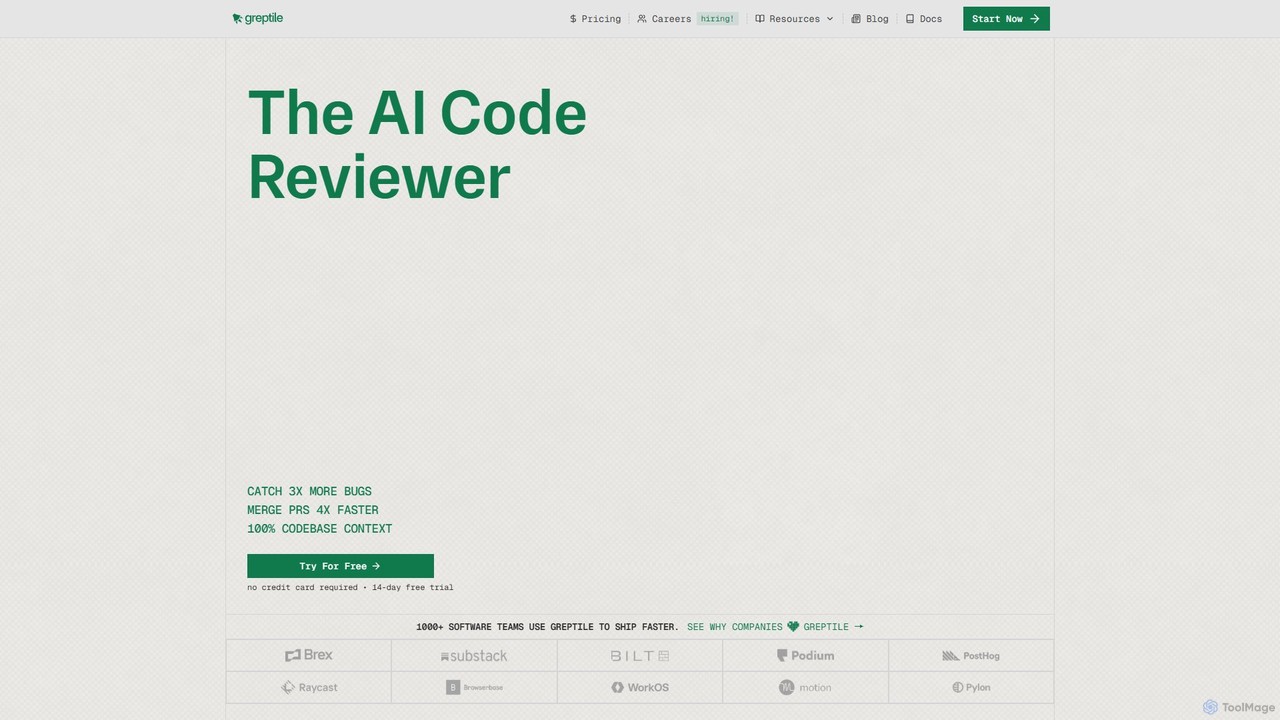
Greptile
Greptile is an AI-powered code review tool that integrates with GitHub and GitLab to help development teams merge pull requests 4x faster and catch 3x more bugs. By understanding the full context of your codebase, it provides in-line comments, actionable suggestions, and natural-language summaries for every PR. It supports over 30 programming languages and can be customized with specific rules and style guides to enhance code quality and consistency.
Code Review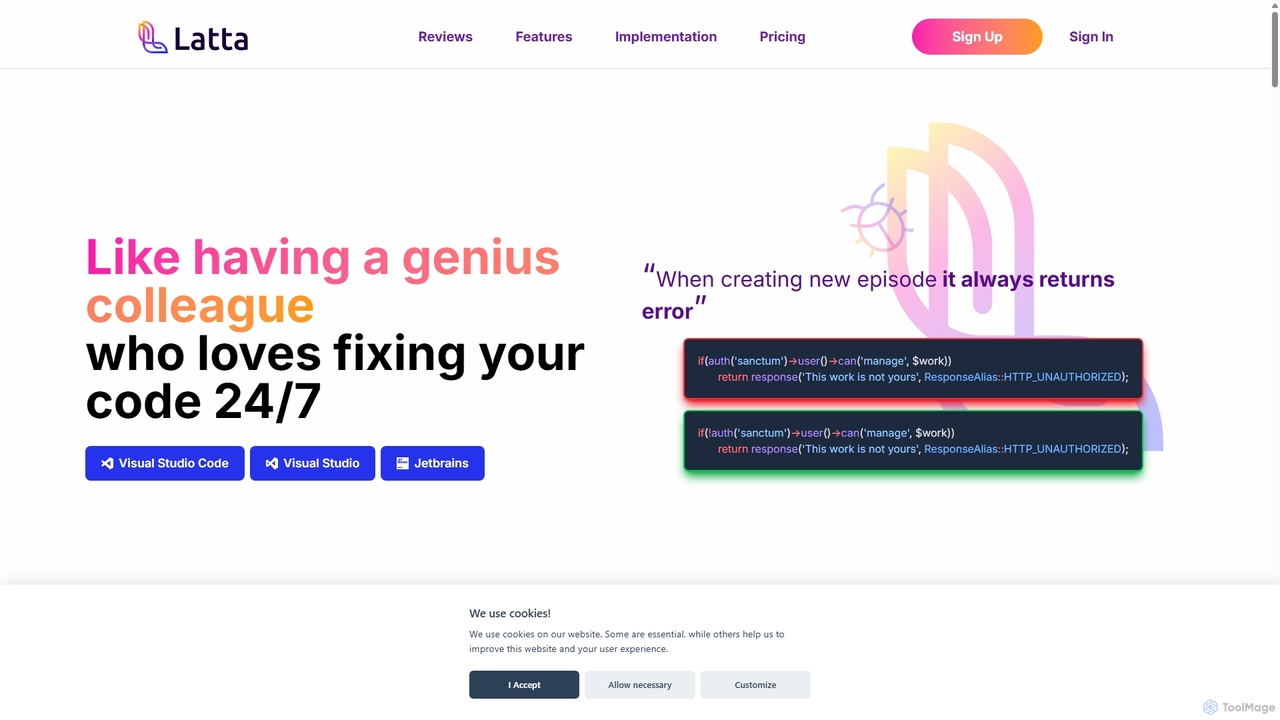
Latta
Latta is an AI-powered coding assistant designed to be your 24/7 genius colleague for debugging. It integrates with popular IDEs like VS Code and JetBrains to find and fix bugs across complex projects. With features like user session replay and Git integration, Latta streamlines bug reporting and resolution, saving developers significant time and effort.
Debugging
Greb
Greb is an intelligent code search service that allows developers to find precise code chunks in massive codebases using natural language queries. It integrates seamlessly with AI coding assistants via MCP and offers a faster, more accurate alternative to traditional RAG systems.
Code AssistantSourcegraph Categories
Sourcegraph Embed Widget
Copy this embed code to place the badge on your blog, article, or product site and send readers directly to this ToolMage detail page.

Related AI tools
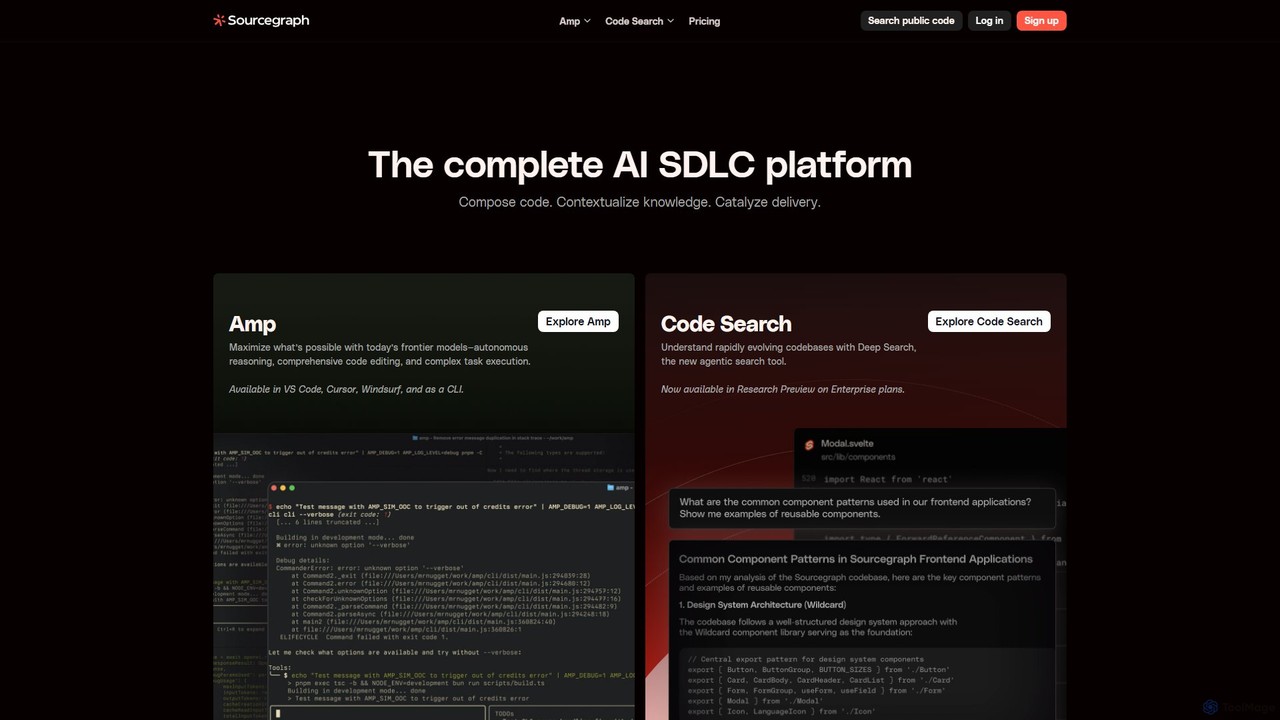
Sourcegraph
Sourcegraph is an AI-powered code intelligence platform that helps developers search, write, and understand code across their entire codebase. It integrates AI agents (Amp) and advanced search to accelerate the entire software development lifecycle (SDLC).
Code Assistant
Devgen
Devgen is an AI-powered coding assistant designed to accelerate the software development lifecycle. It helps developers write better code faster by providing intelligent code generation, completion, refactoring, and automated testing, directly within their IDE.
Code Assistant
Codeium
Codeium is an AI-powered code acceleration toolkit that provides free, ultra-fast code completion, in-editor chat, and other intelligent features. It supports over 70 programming languages and integrates seamlessly with more than 40 popular IDEs to help developers code faster and more efficiently.
Code Assistant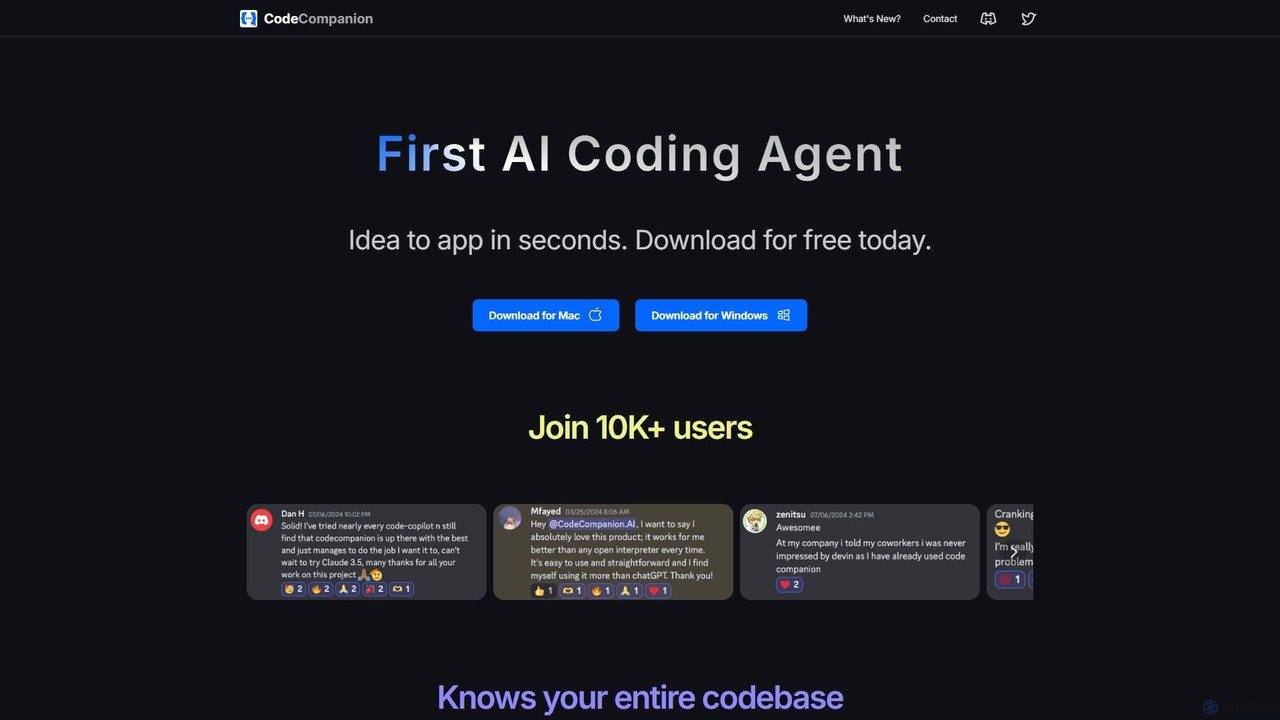
CodeCompanion
CodeCompanion is an advanced AI coding agent that functions as a junior developer on your local machine. It understands your entire codebase, uses an integrated terminal and browser to research and execute tasks, and can turn ideas into applications in seconds. It prioritizes privacy by keeping all data local.
Code Assistant
jetcode.app
jetcode.app is an AI-powered coding assistant designed to accelerate software development. It helps developers write, debug, and optimize code faster by providing intelligent code generation, real-time completion, and powerful refactoring tools directly within their IDE.
Code Assistant
Repodex
Repodex is an AI-powered code intelligence platform that helps developers and teams search, understand, and manage their code repositories. Using natural language, you can find code, get explanations, and generate documentation instantly.
Code Generation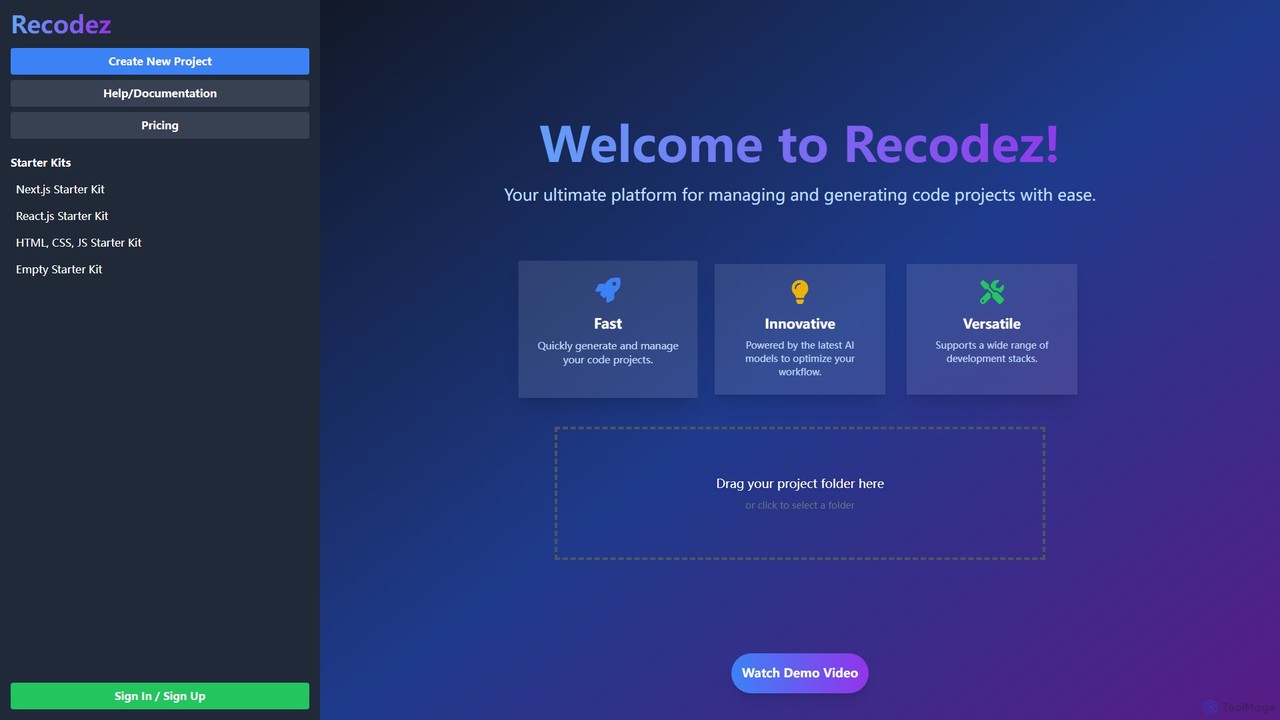
Recodez
Recodez is an AI-powered platform designed to streamline software development. It enables developers to generate, manage, and refactor code projects with ease, supporting various frameworks like Next.js and React. By leveraging advanced AI models, Recodez accelerates the entire development lifecycle, from project scaffolding to code optimization.
Code Assistant
Buildt
Buildt is an AI-powered code search and understanding tool for developers. It integrates directly into your IDE, allowing you to search your entire codebase using natural language, understand complex code snippets, and generate or modify code on the fly, acting as an intelligent assistant.
Code Generation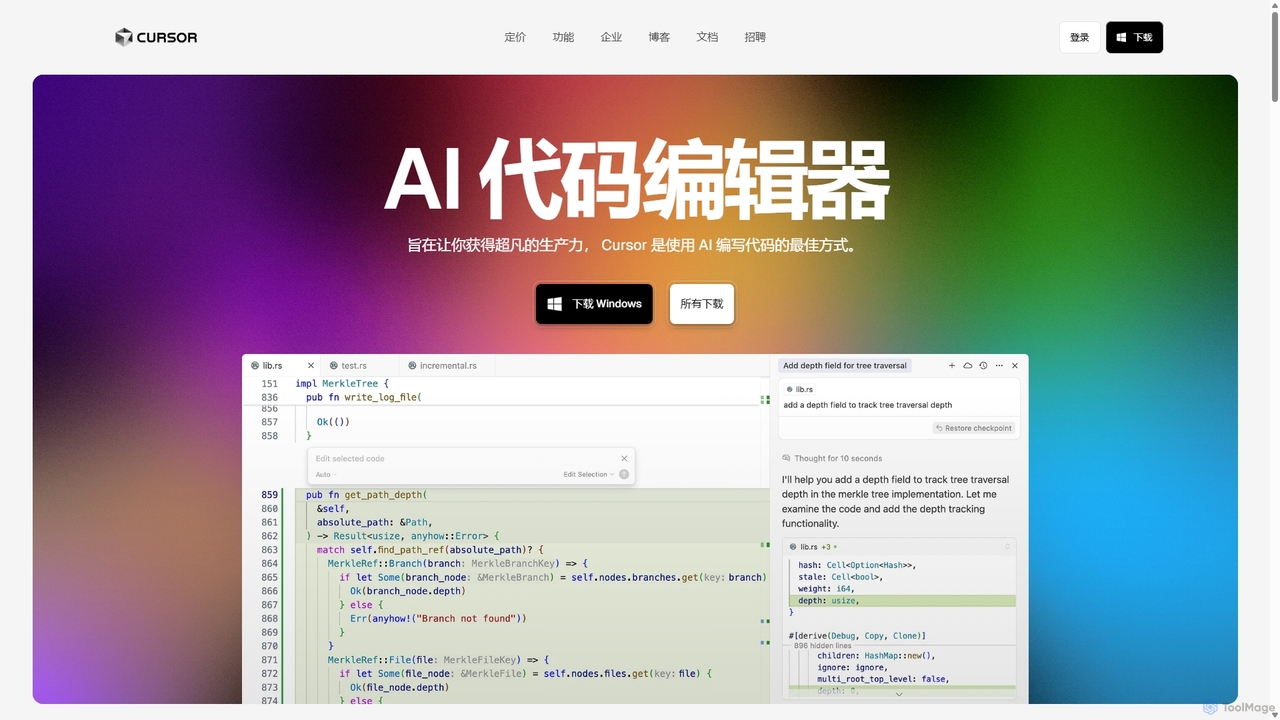
Cursor
Cursor is an AI-first code editor designed for pair-programming with artificial intelligence. Built as a fork of VS Code, it offers a familiar environment supercharged with advanced AI capabilities for code generation, editing, debugging, and codebase comprehension, aiming to significantly boost developer productivity.
Code Assistant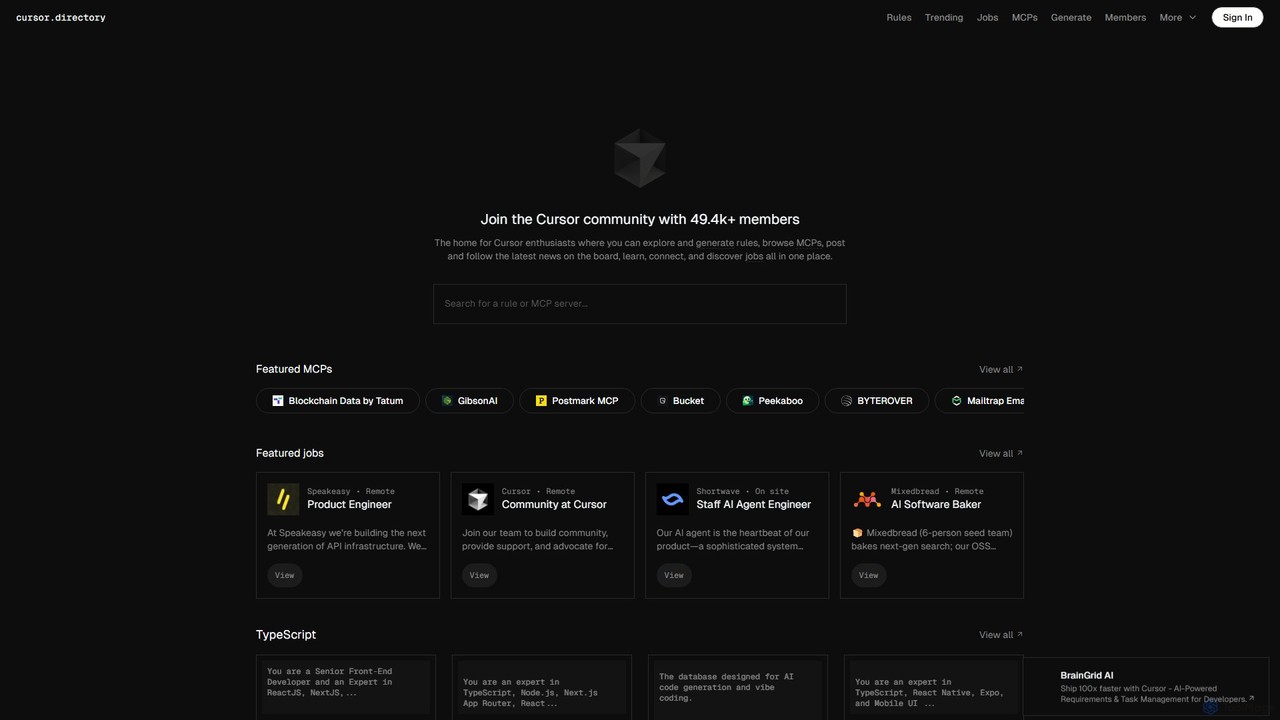
Cursor
Cursor is an AI-first code editor designed for modern software development. Built as a fork of VS Code, it integrates powerful AI capabilities directly into the editing experience, allowing developers to chat with their codebase, generate, edit, and debug code with unprecedented speed and context-awareness.
Code Generation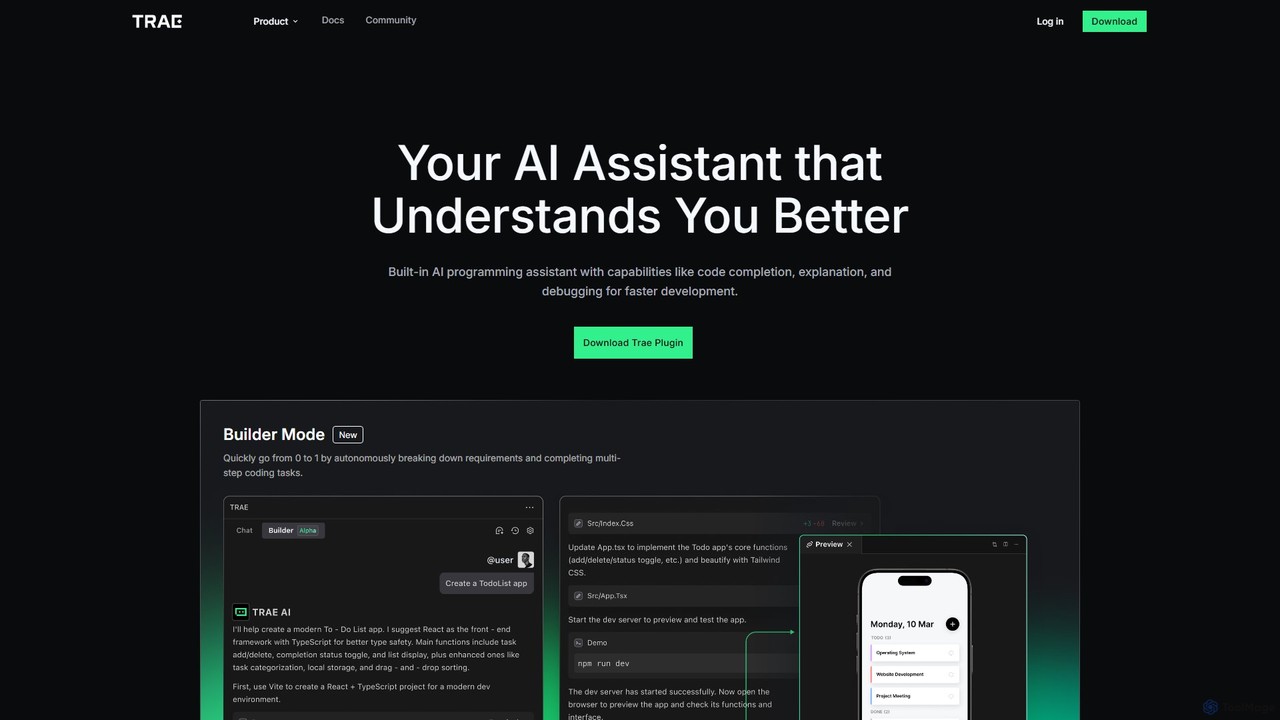
MarsCode Trae
MarsCode Trae is an intelligent AI coding assistant plugin for VSCode and JetBrains IDEs. It enhances developer productivity with features like autonomous task completion, advanced code completion, one-click debugging, unit test generation, and in-depth code explanation, supporting over 100 programming languages.
Code Generation
All Hands AI (OpenHands)
All Hands AI (OpenHands) is a leading open-source AI coding agent designed to automate software development. It helps engineers with tasks like code reviews, refactoring, bug fixing, and test generation. Available as a flexible SaaS, self-hosted, or open-source solution, it integrates with tools like GitHub and GitLab to accelerate development cycles and improve code quality.
Code Generation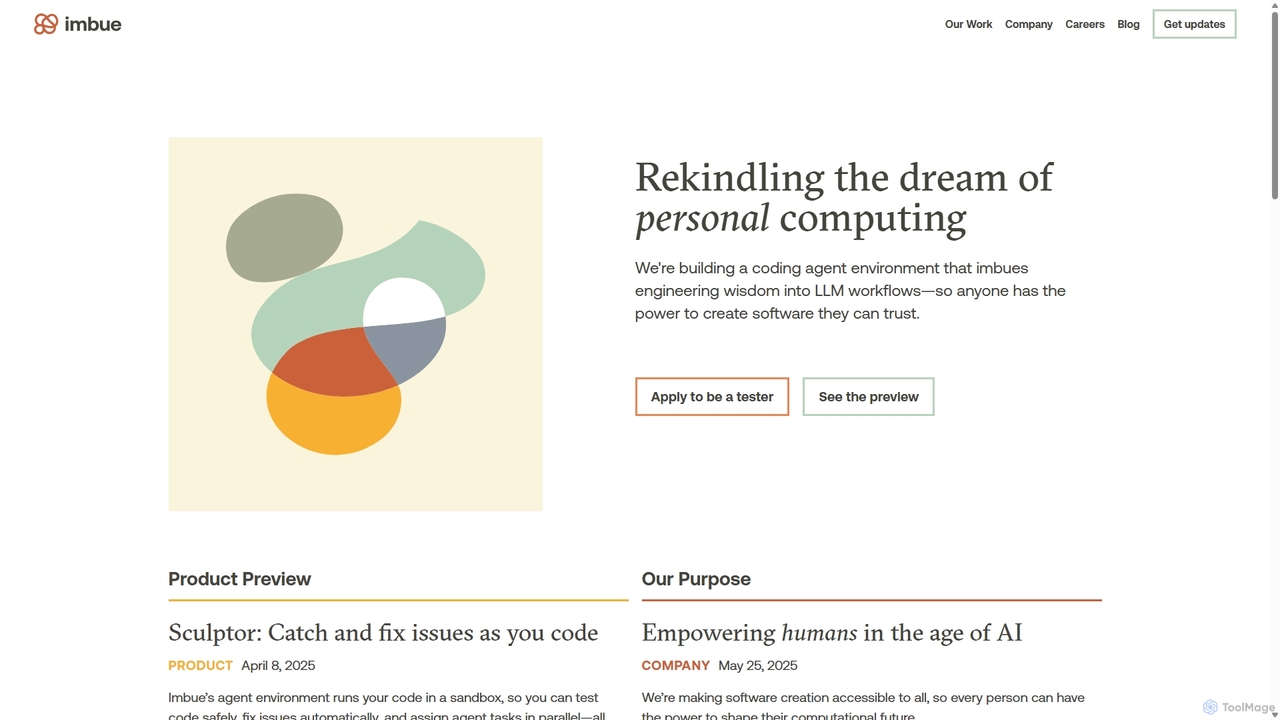
Imbue
Imbue is an AI research and product company building AI agents that can reason and code. Its flagship product, Sculptor, is a coding agent environment that helps developers write high-quality, reliable software by automatically detecting issues, generating tests, and fixing bugs in a safe, sandboxed environment.
Machine Learning
explain.dev
explain.dev is an AI-powered tool for developers that instantly generates clear, natural-language explanations for any code snippet. It helps demystify complex algorithms, legacy code, and unfamiliar libraries, boosting productivity and accelerating the learning process.
Code Assistant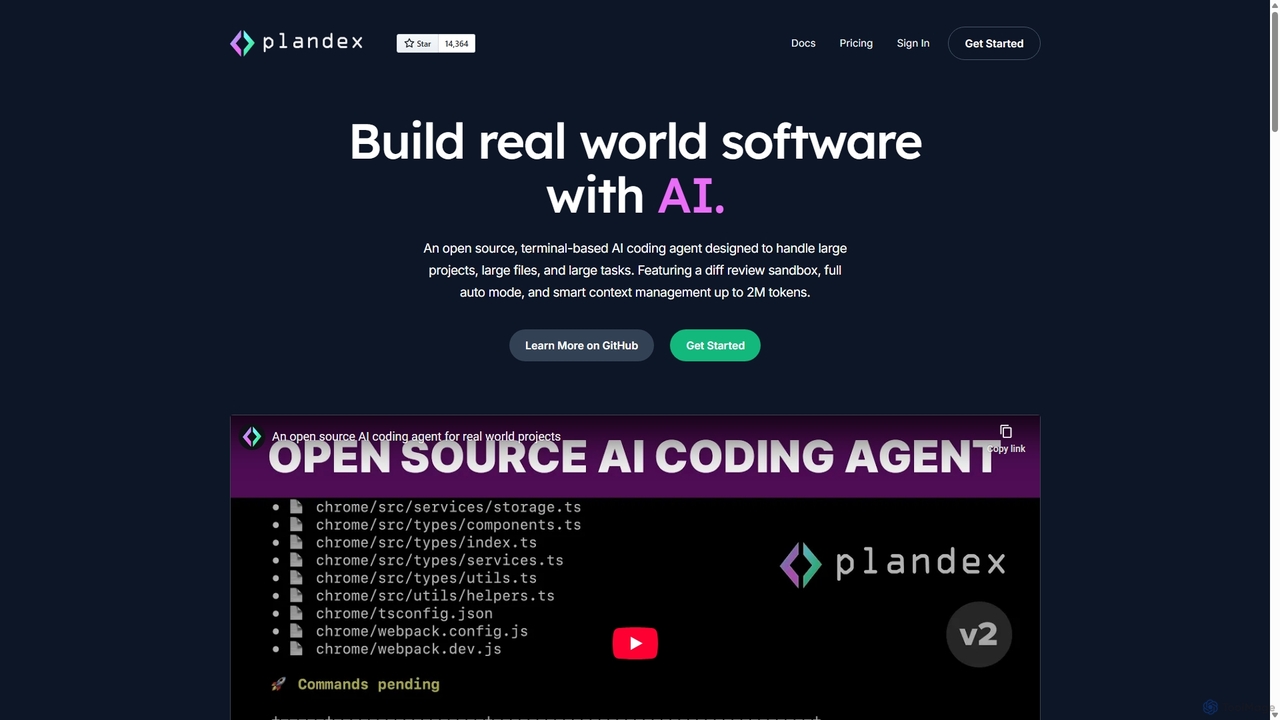
Plandex
Plandex is an open-source, terminal-based AI coding agent designed for complex, large-scale software development tasks. It excels at handling large projects and files with its 2M token context window. Featuring a diff review sandbox, configurable autonomy, and multi-model support, Plandex empowers developers to build, debug, and refactor entire applications with AI assistance, ensuring control and productivity in a dev-friendly workflow.
Code Generation
Sourcegraph Comments (0)
Sign in to comment.
Sign inNo comments yet.