

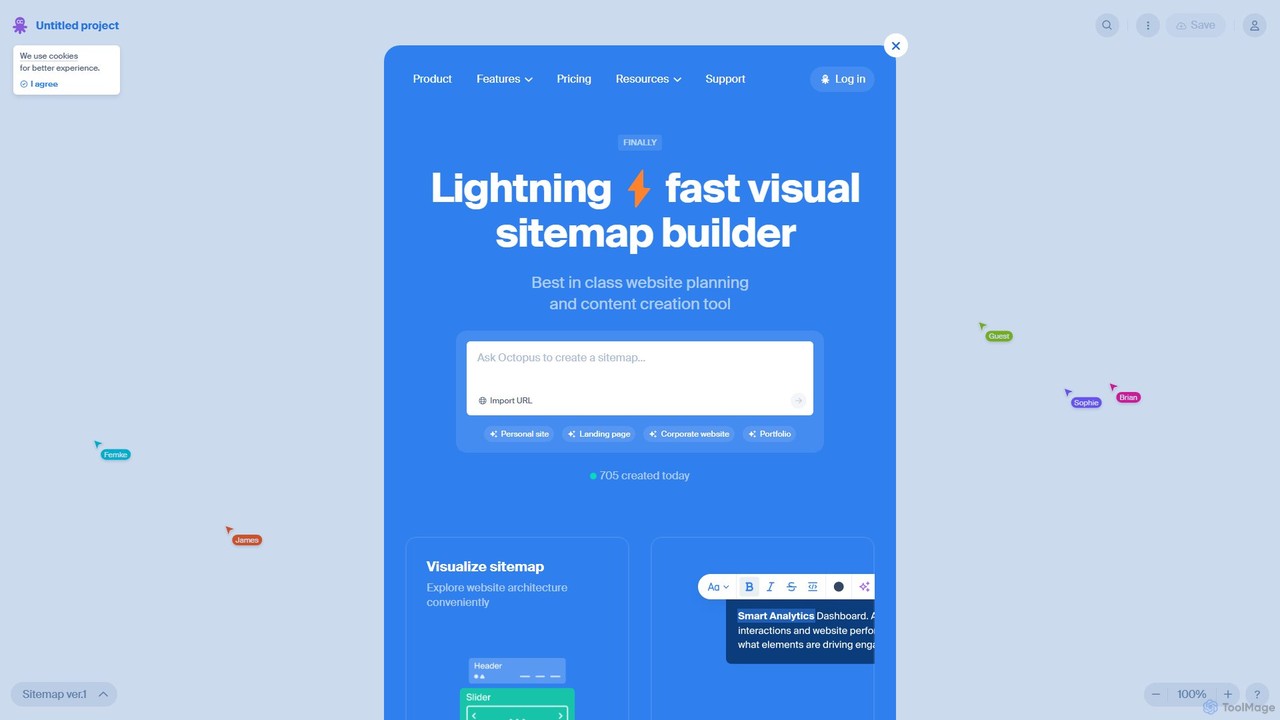
Octopus.do Overview
Octopus.do is a comprehensive, visual website planning and sitemap tool designed to streamline the web development process for professionals and beginners alike. It serves as a central hub for visualizing website architecture, organizing content, and prototyping page structures before any code is written. The platform's core philosophy is built around the "Content Brick Method," which strikes a perfect balance between mind maps and wireframes, allowing users to plan content structure with exceptional clarity and focus. This approach helps teams avoid the common pitfall of building a website without a solid blueprint, thus saving significant time and resources by identifying potential issues early in the project lifecycle.
The tool is packed with features that cater to various roles involved in web creation, including UX/UI designers, project managers, developers, copywriters, and SEO specialists. Its intuitive drag-and-drop interface makes creating and modifying sitemaps effortless, while the AI-powered capabilities can generate a complete site structure from a simple text prompt or by crawling an existing URL. This makes starting a new project incredibly fast and efficient.
How to use Octopus.do
Using Octopus.do is designed to be an intuitive and straightforward process. Here’s a typical workflow:
- Start Your Project: You can begin in several ways. Start from a blank canvas for complete creative freedom, choose from a variety of pre-designed templates tailored to different website types (e.g., corporate, portfolio, landing page), import an existing website's structure by entering its URL, or use the AI assistant to generate a sitemap from a descriptive prompt.
- Build the Visual Sitemap: Use the drag-and-drop editor to add, arrange, and connect pages. Create a clear hierarchical structure that represents your website's navigation. You can customize page frames to distinguish between different page types or groups.
- Plan Content and Wireframes: For each page on your sitemap, you can add content blocks using the "Content Brick Method." Dive deeper by adding low-fidelity or high-fidelity wireframes from the extensive library to define the page layout and user journey. Combine multiple wireframes to create complex page structures.
- Collaborate with Your Team: Share a link to your project with team members or clients. They can view the sitemap and provide feedback in real-time, often without needing to sign up, which streamlines the approval process.
- Customize and Refine: Use features like tags to mark progress, symbols for reusable global blocks, and arrows to map out specific user flows or internal linking strategies. Customize the visual theme and color palette to match your brand.
- Export or Publish: Once the plan is finalized, export your sitemap to various formats like PNG, PDF, or data files like XML and CSV. For deeper integration, export directly to Figma to start the design phase or to WordPress. You can also generate a `sitemap.xml` for SEO purposes or even publish your sitemap as a simple, live website directly from the tool.
Core Features of Octopus.do
- AI Sitemap Generator: Instantly create a website structure by providing a text prompt about your project idea.
- Visual Sitemap Builder: An intuitive drag-and-drop interface to create, organize, and visualize website architecture.
- Content Planning & Wireframing: Utilize the "Content Brick Method" and a vast library of wireframes to plan page layouts and content structure.
- Import from URL: Automatically generate a sitemap by crawling an existing website.
- Real-Time Collaboration: Share projects with a simple link for seamless team and client collaboration.
- Versatile Export Options: Export projects to PNG, PDF, XML, CSV, and directly to Figma and WordPress.
- Website Publishing: Transform your visual sitemap into a functional, live website with a single click.
- Project Management Tools: Features like tags, symbols (globally managed blocks), attachments, and arrows help manage project complexity and user flows.
- Customization: Personalize projects with different themes, color palettes, and page frames (web or mobile).
Use Cases for Octopus.do
Octopus.do is versatile and serves multiple purposes across the web development lifecycle:
- Web Design & UX/UI: Designers use it to create visual sitemaps, map out user flows, and build low-fidelity wireframes, ensuring a user-centric structure before diving into high-fidelity design tools like Figma.
- Project Management: Project managers can define the project scope, create accurate cost and time estimates, and use the visual plan as a single source of truth for the entire team.
- Agencies & Freelancers: It's an excellent tool for presenting website structures to clients for clear communication and faster approvals.
- SEO & Content Strategy: Strategists can plan the website's content hierarchy, keyword distribution, and internal linking strategy to optimize for search engines from the ground up.
- Development: Developers receive a clear, detailed blueprint of the website's structure and content, reducing ambiguity and rework during the coding phase.
Advantages of Octopus.do
The primary advantage of Octopus.do is its ability to make website planning fast, visual, and collaborative. It bridges the gap between initial ideas and final implementation. Key benefits include improved clarity and communication among stakeholders, significant time and cost savings by catching structural issues early, better SEO outcomes through deliberate planning, and a streamlined workflow that integrates with popular design and development tools. Its user-friendly interface makes it accessible to non-technical users, democratizing the website planning process.
Pricing and Plans
Octopus.do operates on a freemium model, offering plans for individuals and teams:
- Free Plan: Ideal for small projects or trying out the tool. Includes 1 project, 2 editors, and basic features.
- Pro Plan: Designed for professionals and freelancers. Offers unlimited projects, unlimited editors, AI features, advanced export options (Figma, WordPress), password-protected projects, and more.
- Team Plan: Best for agencies and larger teams. Includes all Pro features plus team management, a shared component library, and priority support.
Pricing is available on a monthly or discounted annual basis.
Traffic
Latest traffic
Status
Monthly traffic trend
- 2025-9: 201.9K
- 2026-1: 219.3K
- 2026-2: 196.1K
- 2026-3: 187.8K
- 2026-4: 136.8K
- 2026-5: 148.1K
Geography
Top 5 countries / regions
- 🇺🇸United States52.8%
- 🇳🇬Nigeria14.9%
- 🇬🇧United Kingdom12.3%
- 🇮🇳India11.1%
- 🇨🇦Canada9.0%
Traffic sources
| Source type | Percentage |
|---|---|
Direct | 91.9% |
Referral | 7.3% |
Email | 0.8% |
Top keywords
| Keyword | Cost per click |
|---|---|
| octopus | $1.32 |
| octopus.do | $0.00 |
| site map generator | $1.02 |
| sitemap generator | $1.57 |
| xml sitemap generator | $1.34 |
Octopus.do Alternatives
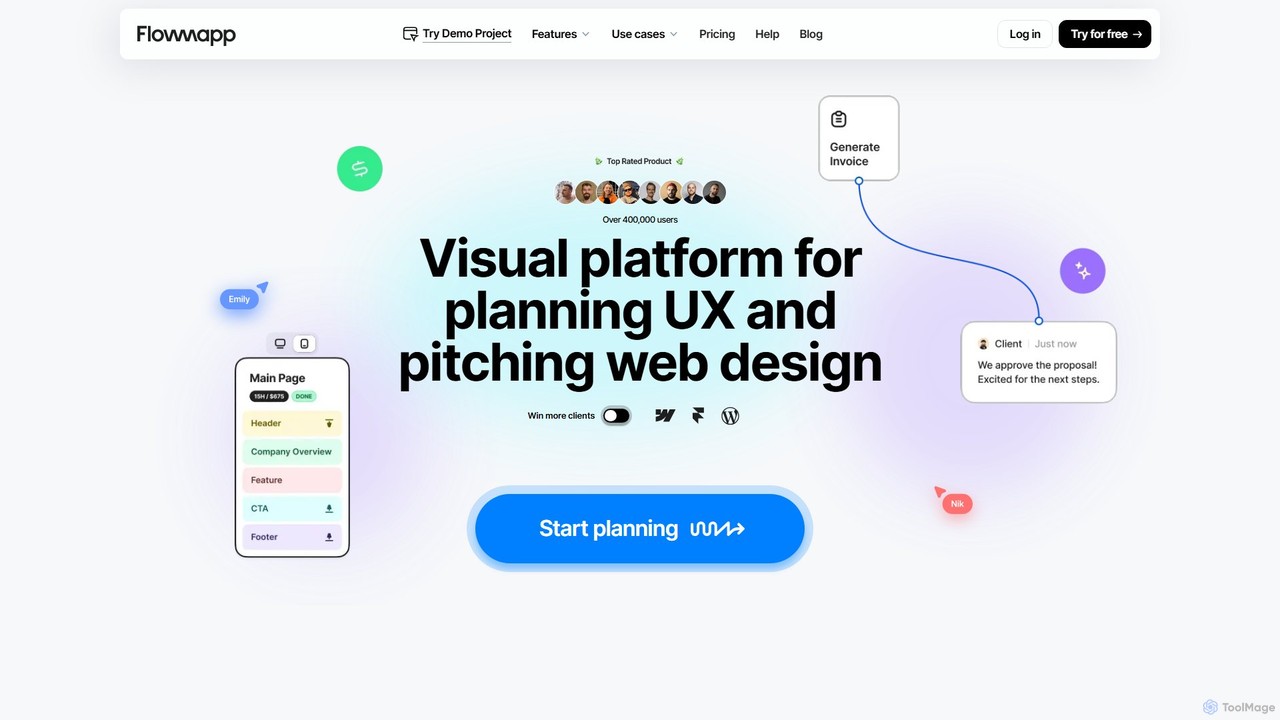
Flowmapp
Flowmapp is an all-in-one UX planning tool designed for freelancers, agencies, and product teams. It streamlines website and app development by integrating AI-powered sitemap and wireframe generation, user flow diagrams, content planning, and collaborative project management into a single platform. Create high-converting project proposals and accelerate your design workflow.
Ux Design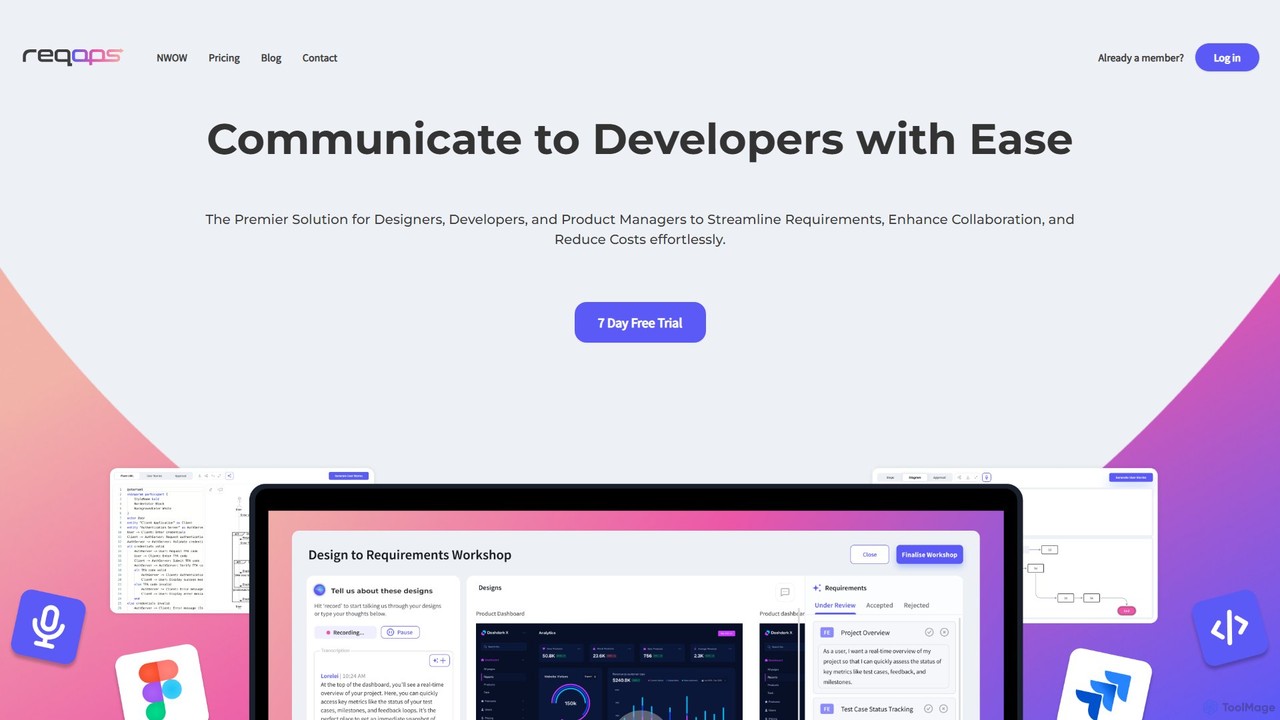
Reqops
Reqops is an AI-powered platform that automates the software requirements process. It transforms UX designs, documents, and other artifacts into detailed, implementation-ready requirements, user stories, and test cases in minutes. Designed for product managers, designers, and developers, it streamlines workflows, enhances collaboration, and accelerates the software delivery lifecycle.
Prototyping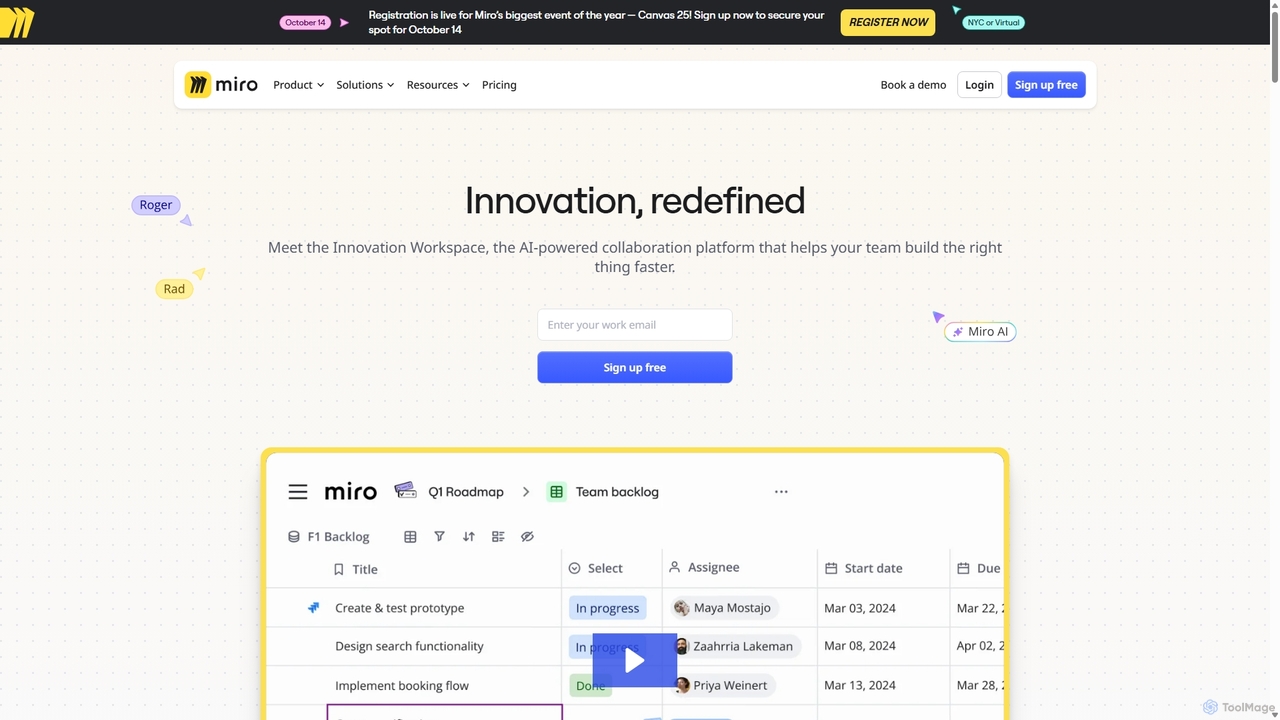
Miro
Miro is an AI-powered online collaborative whiteboard platform designed for modern teams. It provides an infinite canvas for brainstorming, planning, designing, and managing projects in real-time. With a vast template library, powerful integrations, and AI-driven features, Miro helps teams centralize communication and accelerate innovation from idea to execution.
Brainstorming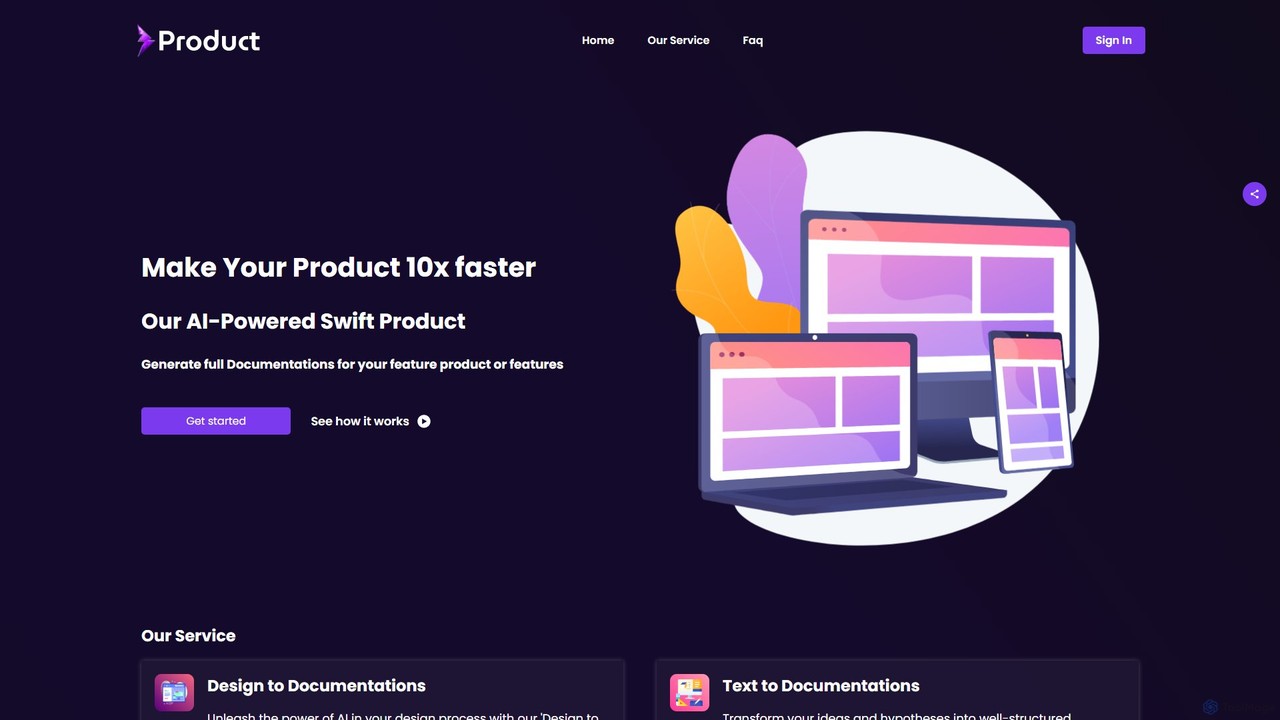
swiftproduct
swiftproduct is an AI-powered platform designed to accelerate product development by automatically generating comprehensive documentation. It transforms designs, mockups, or simple text descriptions into structured documents like user stories and acceptance criteria, aiming to speed up the process by up to 10x for product managers, developers, and startups.
Prototyping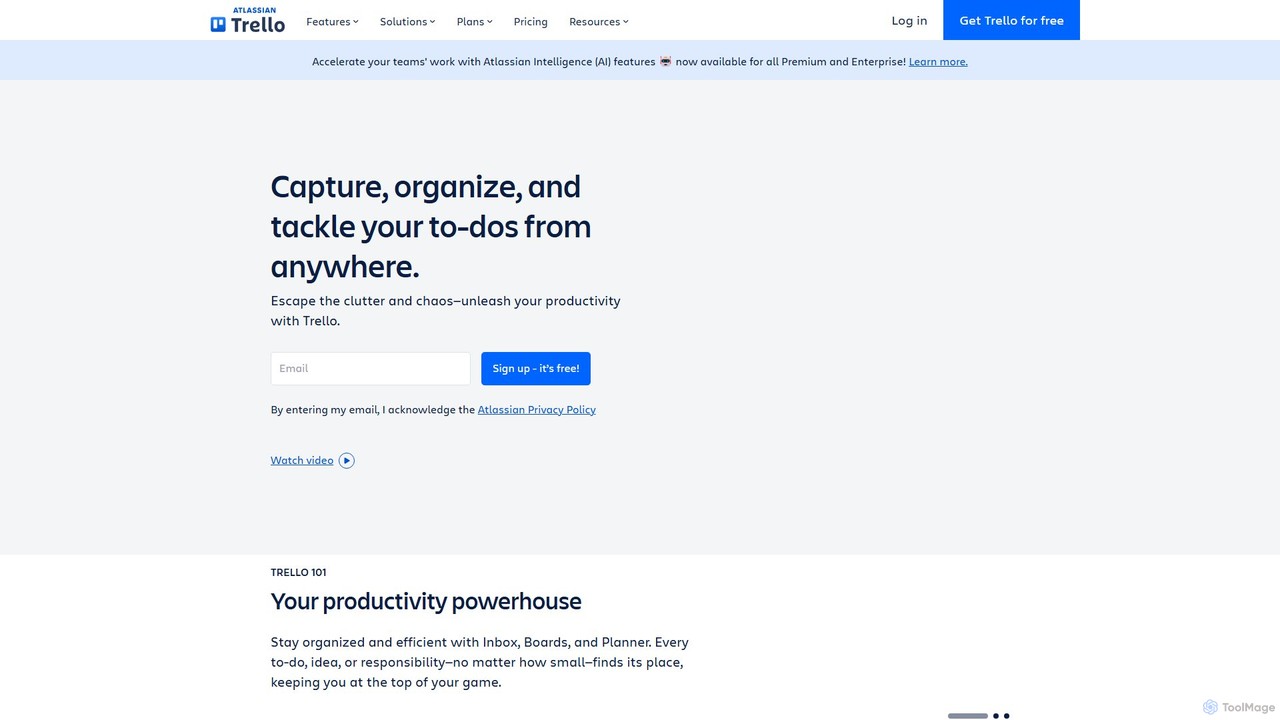
Trello
Trello is a visual collaboration and project management tool that helps teams organize tasks, collaborate on projects, and track progress using boards, lists, and cards. Enhanced with Atlassian Intelligence (AI), it streamlines workflows by turning communications into actionable items and automating repetitive tasks.
Workflow AutomationOctopus.do Categories
Octopus.do Embed Widget
Copy this embed code to place the badge on your blog, article, or product site and send readers directly to this ToolMage detail page.

Related AI tools
Flowmapp
Flowmapp is an all-in-one UX planning tool designed for freelancers, agencies, and product teams. It streamlines website and app development by integrating AI-powered sitemap and wireframe generation, user flow diagrams, content planning, and collaborative project management into a single platform. Create high-converting project proposals and accelerate your design workflow.
Ux DesignMiro
Miro is an AI-powered online collaborative whiteboard platform designed for modern teams. It provides an infinite canvas for brainstorming, planning, designing, and managing projects in real-time. With a vast template library, powerful integrations, and AI-driven features, Miro helps teams centralize communication and accelerate innovation from idea to execution.
Brainstorming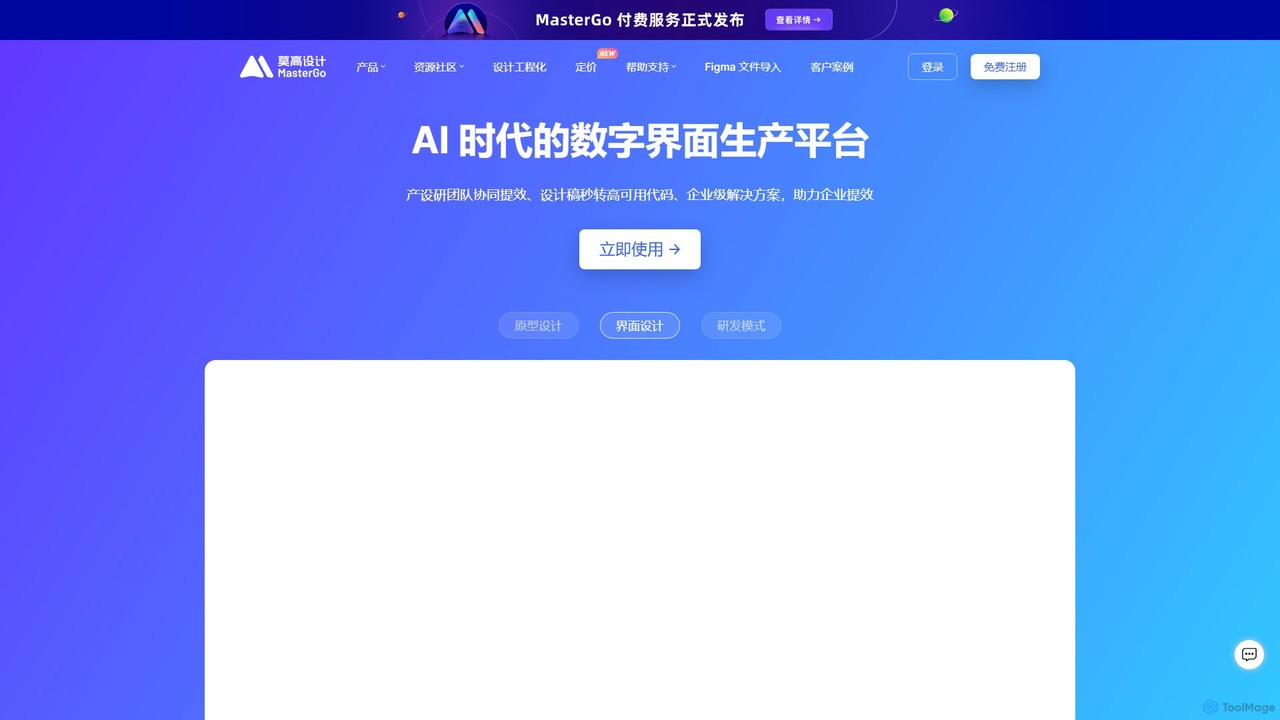
MasterGo
MasterGo is an AI-powered, all-in-one collaborative UI/UX design platform. It streamlines the entire workflow from prototyping and interface design to developer handoff. Built for real-time collaboration, it helps teams create, iterate, and manage digital products efficiently with features like design systems, AI-assisted generation, and enterprise-level security.
Ui Ux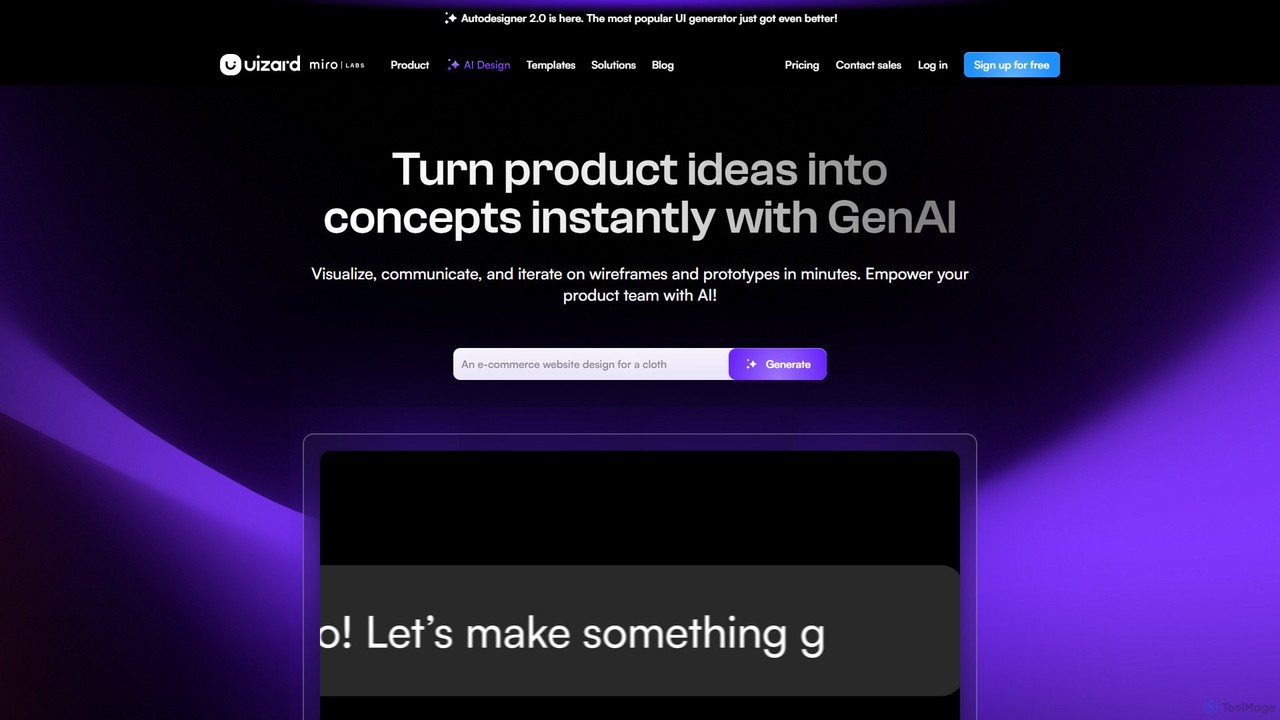
Uizard
Uizard is an AI-powered UI design tool that empowers both designers and non-designers to create stunning websites, web apps, and mobile app mockups in minutes. Transform text prompts, hand-drawn sketches, or screenshots into editable, interactive prototypes. It's designed for rapid ideation, real-time collaboration, and streamlining the entire product design workflow from concept to handoff.
Ui Ux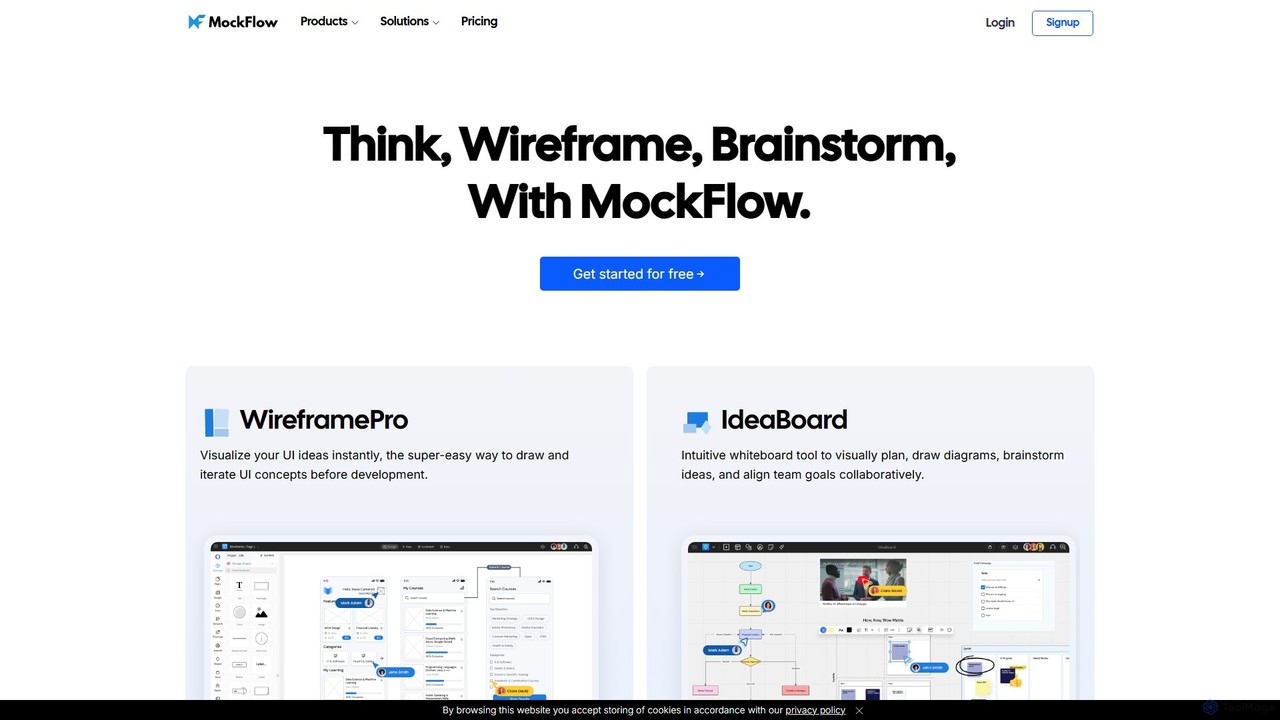
MockFlow
MockFlow is an all-in-one suite for product design, offering tools for wireframing, prototyping, and brainstorming. It leverages AI to accelerate the design process, allowing users to convert text or screenshots into editable wireframes, generate diagrams, and create content automatically. With extensive collaboration features and integrations, it streamlines the entire workflow from initial idea to developer handoff.
Ui Ux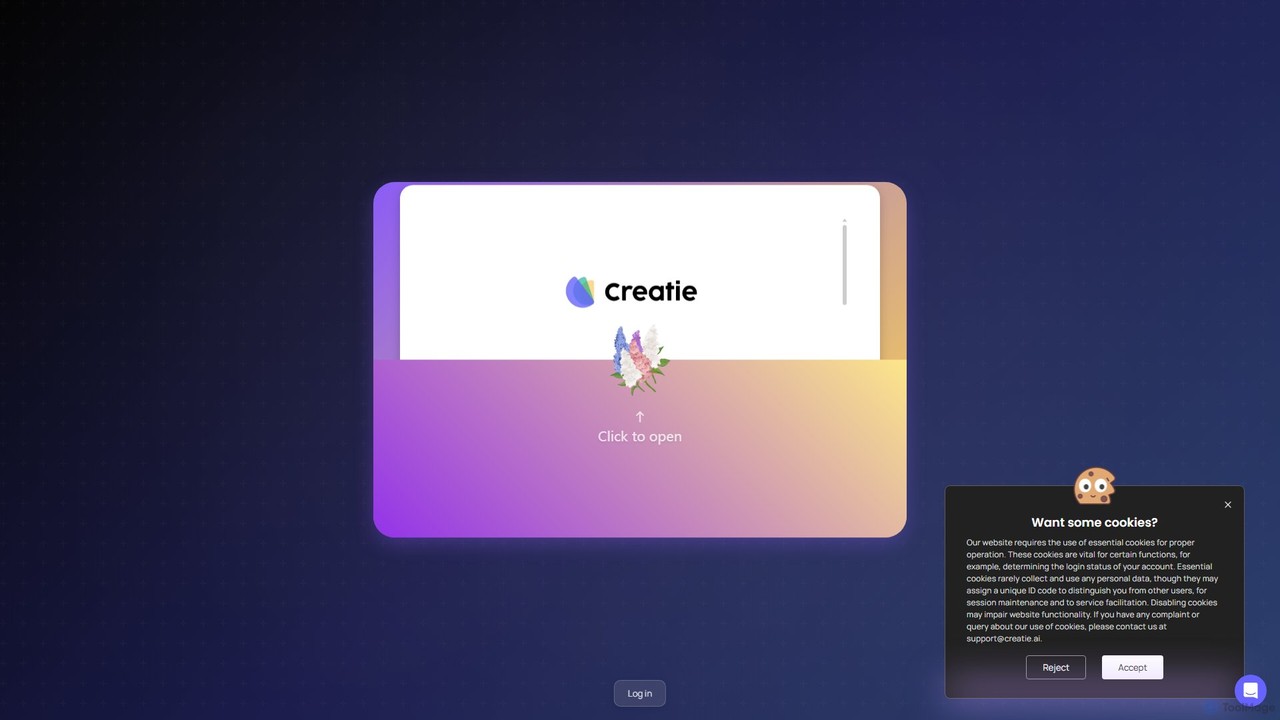
Creatie
Creatie is an intuitive, AI-powered product design and collaboration platform. It enables teams to move from wireframes to high-fidelity mockups, interactive prototypes, and developer handoff seamlessly. Featuring AI tools like a mockup wizard, icon generator, and image enhancer, it's designed to accelerate the UI/UX workflow for designers, product managers, and developers.
Icon Generation
usersketch
usersketch is an AI-powered platform designed to accelerate the UX/UI design process. It enables users to instantly generate wireframes, user flows, sitemaps, and personas from simple text descriptions. Ideal for product managers, designers, and developers, it streamlines ideation, prototyping, and collaboration, turning concepts into visual designs in minutes.
Ux DesignTrello
Trello is a visual collaboration and project management tool that helps teams organize tasks, collaborate on projects, and track progress using boards, lists, and cards. Enhanced with Atlassian Intelligence (AI), it streamlines workflows by turning communications into actionable items and automating repetitive tasks.
Workflow Automation
Atlassian
Atlassian provides an integrated suite of collaboration, development, and issue-tracking tools for teams of all sizes. Powered by Atlassian Intelligence, products like Jira, Confluence, and Trello help software, IT, and business teams plan, track, and deliver work more efficiently. It's a comprehensive platform designed to unleash the potential of every team through seamless integration and AI-driven productivity.
Collaboration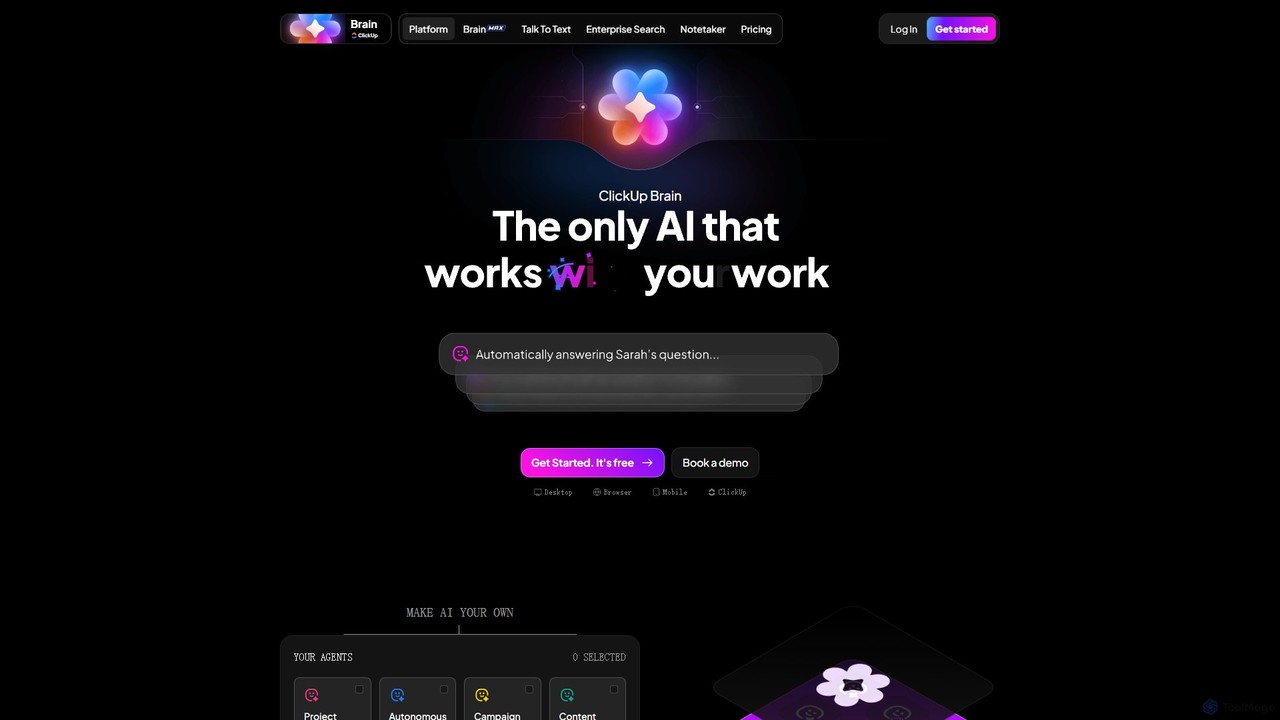
ClickUp Brain
ClickUp Brain is an all-in-one AI assistant integrated directly into the ClickUp productivity platform. It automates tasks, manages projects, summarizes meetings, and generates content by leveraging the full context of your work. It aims to replace multiple standalone AI tools by providing a unified, intelligent workspace that enhances team collaboration and accelerates project completion.
Collaboration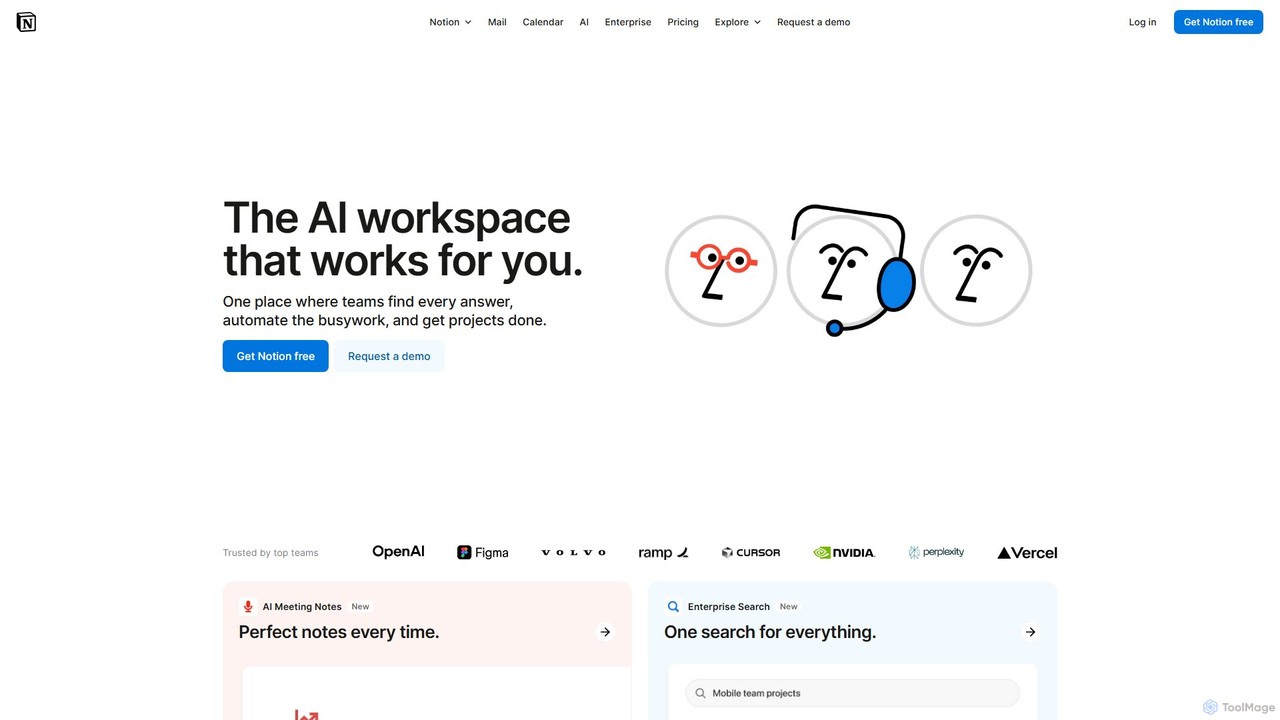
Notion
Notion is the all-in-one AI workspace that combines notes, documents, project management, and wikis. It provides a flexible, customizable platform where individuals and teams can organize work, collaborate in real-time, and build custom workflows. With integrated AI features, Notion helps automate tasks, summarize content, and generate ideas, consolidating multiple tools into a single, powerful space for enhanced productivity.
Knowledge Management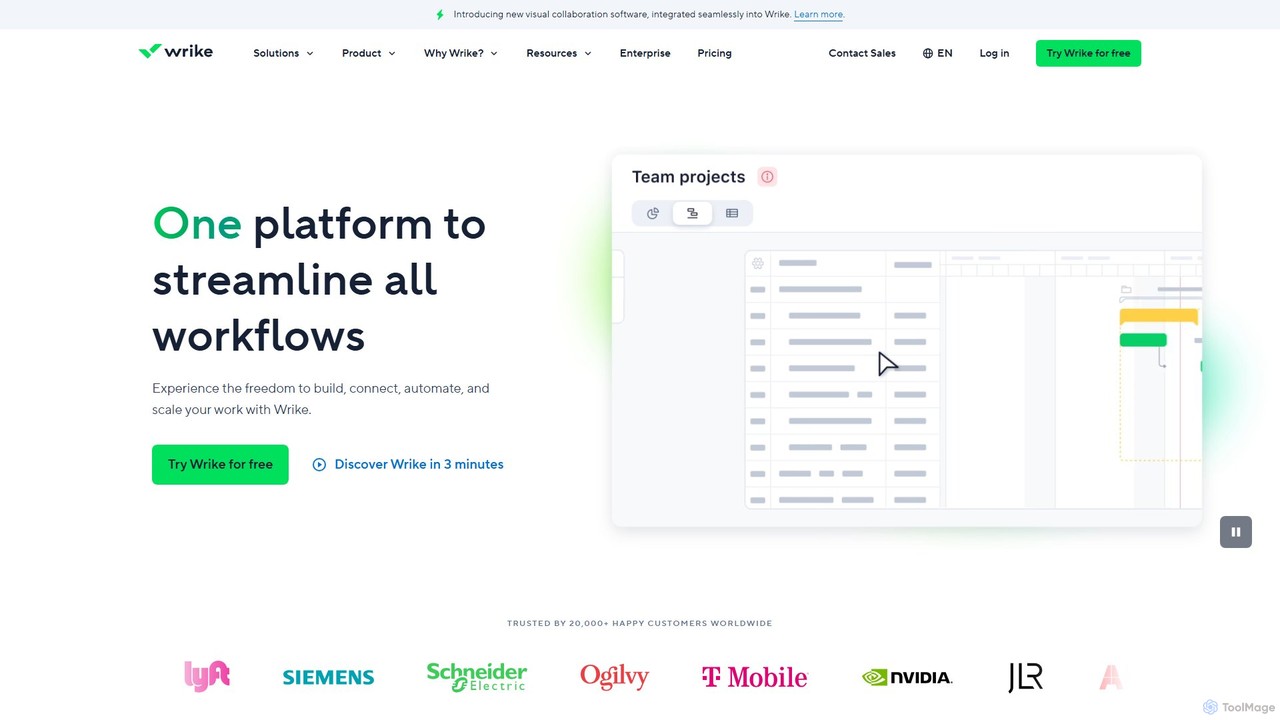
Wrike
Wrike is a versatile and robust project management software powered by AI. It helps teams of all sizes to ideate, plan, execute, and report on work in a single, unified platform. With its Work Intelligence® AI, Wrike automates tasks, predicts project risks, and provides data-driven insights to enhance productivity and collaboration.
Automation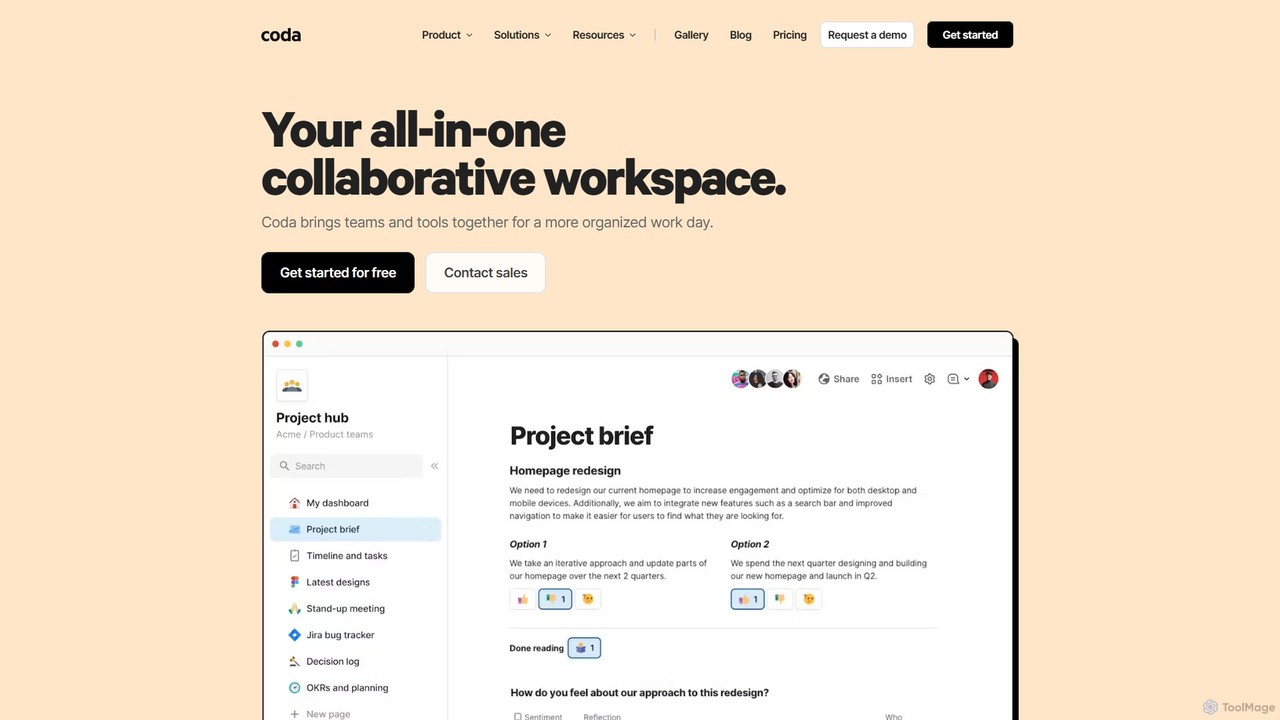
Coda
Coda is an all-in-one collaborative workspace that blends documents, spreadsheets, and applications into a single, flexible surface. Powered by Coda AI, it helps teams centralize information, automate workflows, and make faster decisions. Replace your scattered tool stack with a unified platform for writing, tracking, and building custom solutions.
Knowledge Base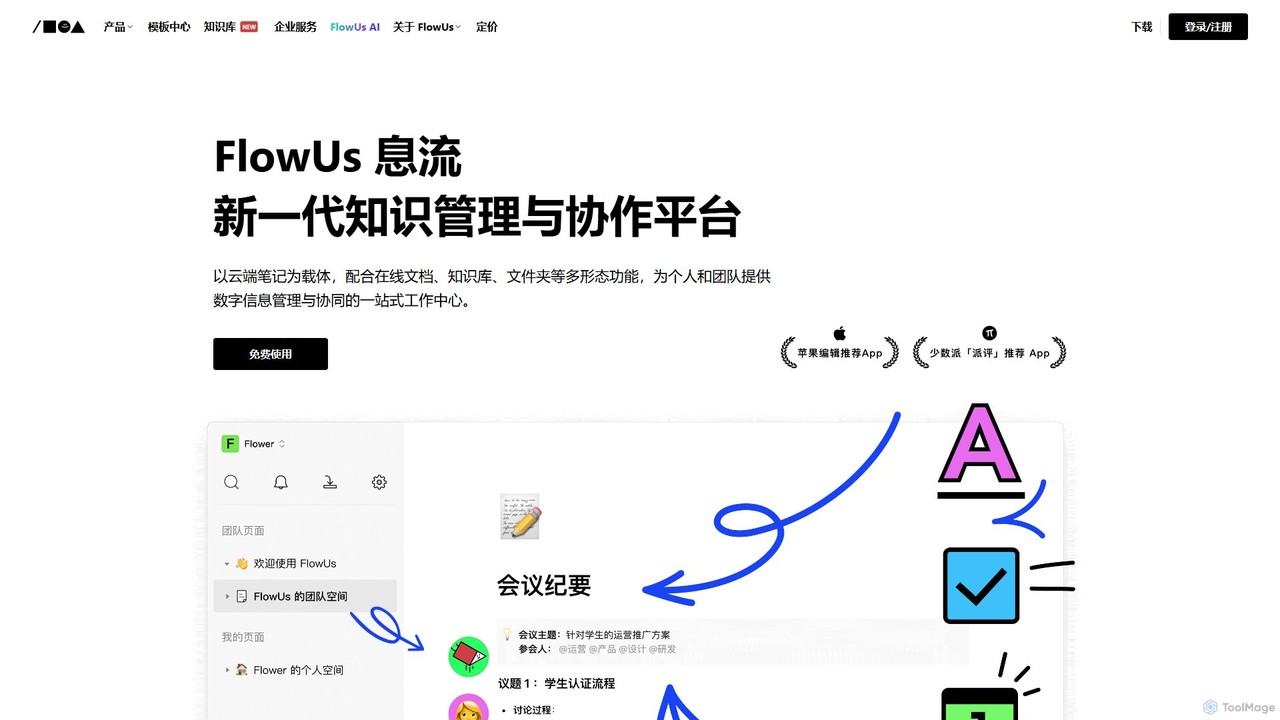
FlowUs
FlowUs is a next-generation knowledge management and collaboration platform that integrates documents, notes, databases, and project management into a unified workspace. It features a powerful, natively embedded AI assistant to streamline workflows for individuals and teams.
Writing
Octopus.do Comments (0)
Sign in to comment.
Sign inNo comments yet.