ToolMage
Sign in

Best 2 Website Builders AI tools for Development

Popular Website Builders AI tools in Development include Octopus.do and Botroast, helping you work more efficiently.

Octopus.do
Freemium

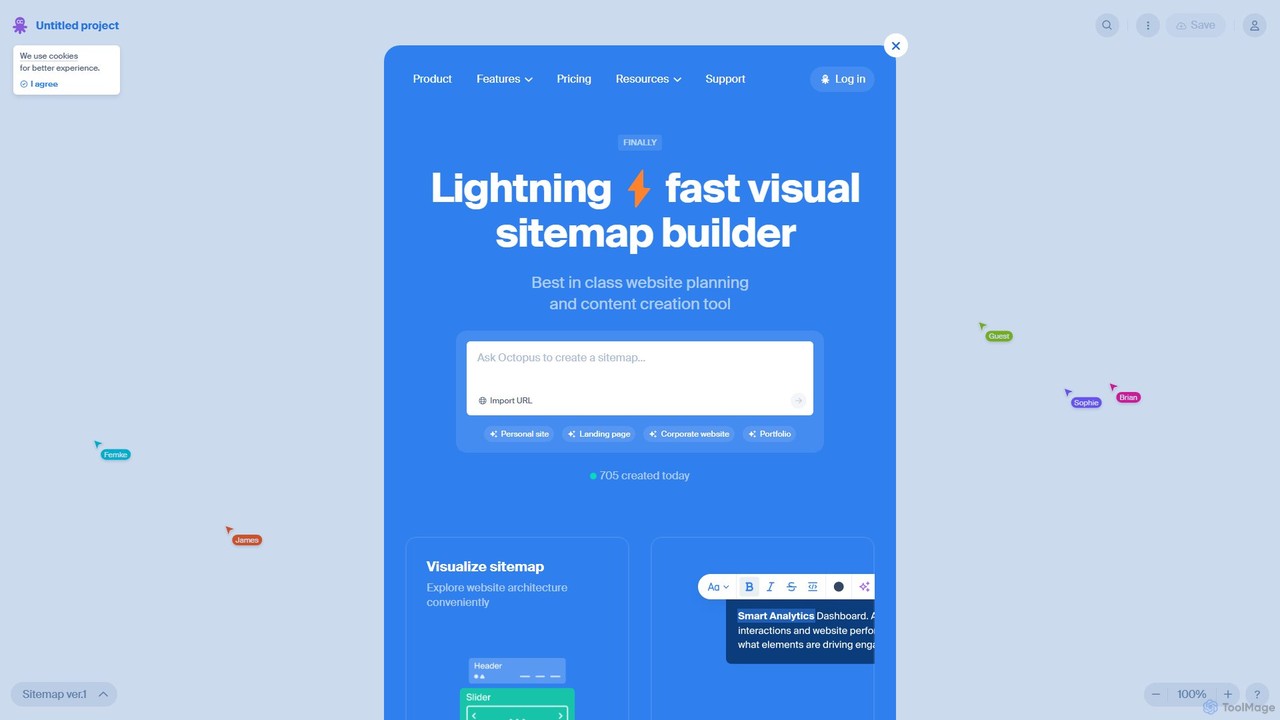
Octopus.do

Octopus.do is a lightning-fast visual sitemap builder and website planning tool. It helps teams visualize website architecture, plan content, create wireframes, and collaborate effectively. With AI-powered generation and seamless integrations, it streamlines the entire web development process from idea to launch.

Prototyping
Visits 152.4KFavorites 122Likes 156
Botroast
Paid

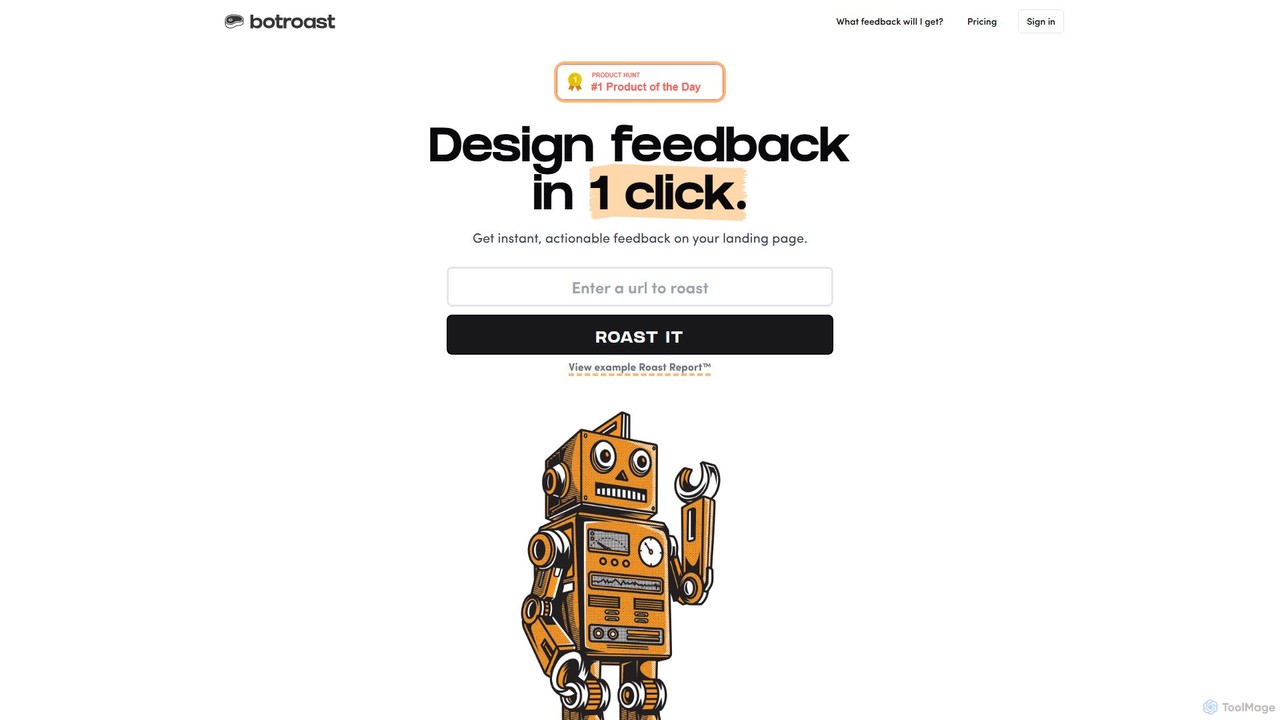
Botroast

Botroast is an AI-powered tool that provides instant, actionable feedback on your landing page designs. With a single click, it generates a comprehensive 'Roast Report™' analyzing key design principles like visual hierarchy, typography, color theory, and layout to help you improve user experience and conversion rates.

Feedback
Visits 4.1KFavorites 114Likes 109

About Website Builders

AI Website Builders are tools that use artificial intelligence to automatically generate complete, functional websites from simple text prompts or user inputs. They leverage generative AI models to create unique layouts, color schemes, typography, and even draft initial content, significantly accelerating the development process. This approach empowers users without technical or design skills to create professional-looking websites in minutes. Unlike traditional template-based builders, AI website builders offer a more dynamic and personalized starting point for any online project.

Core Features

  • AI-Powered Design Generation: Creates entire website layouts, visual styles, and color palettes based on a description of your business or idea.
  • Automated Content Creation: Generates relevant headlines, paragraphs, and call-to-action text tailored to your website's purpose.
  • Intelligent Image and Icon Selection: Automatically suggests or sources royalty-free images and icons that match your site's content and industry.
  • Responsive Layout Adaptation: Ensures the generated website is automatically optimized and fully functional across desktops, tablets, and mobile devices.
  • Built-in SEO Assistance: Provides AI-driven suggestions for meta titles, descriptions, and keywords to improve search engine visibility from the start.

Use Cases

These tools are ideal for small business owners, freelancers, artists, and marketers who need to establish an online presence quickly and affordably. Common applications include creating portfolio sites to showcase work, building landing pages for marketing campaigns, launching simple e-commerce stores, or setting up informational websites for local businesses.

How to Choose

When selecting an AI Website Builder, consider the level of customization available after the initial AI generation. Evaluate the quality and relevance of the AI-generated content and design. Also, check for integration capabilities with other essential tools like analytics, marketing automation, or e-commerce platforms, and consider the platform's pricing model and scalability.

Featured tool rankings

Website Builders use cases

1

Launch a Website for a Local Business

A small business owner, like a baker or a consultant, needs a professional online presence but lacks the time and technical skills. Using an AI Website Builder, they can describe their business, services, and target audience in a few sentences. The AI then generates a complete, multi-page website with a suitable design, relevant images, and initial text for pages like 'Home', 'About Us', and 'Services'. The owner can then make minor adjustments, add their specific details, and publish the site within an hour, a process that would traditionally take days or weeks.

2

Create a Personal Portfolio for a Freelancer

A freelance graphic designer needs an online portfolio to attract clients. Instead of struggling with complex design tools, they use an AI Website Builder. They specify their profession, style (e.g., 'minimalist and modern'), and upload a few key projects. The AI generates a visually appealing portfolio layout that emphasizes images, creates project description pages, and adds a contact form. This allows the designer to focus on their creative work rather than web development, getting a professional portfolio online in a fraction of the time.

3

Rapidly Build a Landing Page for a Campaign

A marketing team is launching a new product and needs a dedicated landing page quickly. They provide the AI Website Builder with the product name, key features, target audience, and the desired call to action (e.g., 'Sign up for early access'). The AI instantly generates a high-converting landing page structure, including a compelling headline, benefit-oriented copy, social proof sections, and a prominent sign-up form. The team can then quickly brand it with their colors and logo, launching the page in hours instead of days, allowing them to capture leads sooner.

4

Set Up a Simple E-commerce Store

An entrepreneur wants to start selling a small line of handmade products online. They use an AI Website Builder with e-commerce capabilities. By describing their products (e.g., 'organic scented candles') and brand aesthetic, the AI generates a clean, product-focused online store. It creates a homepage featuring best-sellers, individual product pages with AI-generated descriptions, and a functional shopping cart and checkout process. This allows the entrepreneur to launch their business and start accepting orders without needing to hire a developer or learn a complex e-commerce platform.

5

Create a Website for an Event or Conference

An event organizer needs a website for an upcoming conference. They input key details into an AI Website Builder: event name, date, location, a list of speakers, and the schedule. The AI generates a professional event website with a clear countdown timer, speaker profiles, a detailed agenda section, and an integrated registration or ticketing form. The organizer can then easily update information as it becomes available, providing attendees with a central, easy-to-navigate source for all event-related details, all created in a very short amount of time.

6

Prototype a New Website Idea

A developer or product manager has an idea for a new web application but wants to create a quick visual prototype to get feedback. Instead of wireframing or coding, they use an AI Website Builder to describe the concept and its key pages (e.g., dashboard, user profile, settings). The AI generates a realistic-looking website prototype in minutes. This allows them to present a tangible concept to stakeholders, conduct user testing, and validate ideas before investing significant time and resources into full-scale development.

Website Builders FAQ

What are AI Website Builders?

AI Website Builders are advanced platforms that use artificial intelligence to automate the website creation process. Instead of choosing a template, you provide a text prompt describing your business or purpose, and the AI generates a unique website layout, design, and initial content. They are designed to dramatically speed up website development, especially for users without coding or design experience.

How do AI builders differ from traditional website builders like Wix or Squarespace?

The main difference lies in the starting process. Traditional builders are template-based; you choose a pre-designed layout and customize it. AI builders are generative; they create a custom layout and content from scratch based on your text description. This often results in a more unique starting point and can significantly reduce the initial setup and content creation time. However, both types of platforms typically offer drag-and-drop editors for further customization after the initial setup.

Do I need coding skills to use an AI Website Builder?

No, absolutely not. AI Website Builders are specifically designed for users without any coding or technical background. The entire process, from generation to customization, is typically handled through a user-friendly visual interface and simple text prompts. Their primary goal is to democratize web development, making it accessible to everyone.

Can I customize a website after it's generated by AI?

Yes. The AI-generated site serves as a strong starting point, not a final product. Nearly all AI Website Builders provide a visual, drag-and-drop editor that allows you to modify every aspect of the generated site. You can change text, swap images, adjust colors, move sections, and add new elements, giving you full creative control to refine the website to your exact specifications.

What kind of websites can I create with an AI Website Builder?

AI Website Builders are versatile and can be used to create a wide range of websites. They are particularly well-suited for:

  • Portfolio websites for artists, designers, and freelancers.
  • Small business websites for services like consulting, bakeries, or local shops.
  • Landing pages for marketing campaigns or product launches.
  • Simple blogs or personal websites.
  • Basic e-commerce stores for selling a limited number of products.

While they are excellent for these purposes, they may not be the best fit for highly complex, data-driven web applications or large-scale enterprise sites which often require custom development.