Developer Tools Best in category 3 results Design Handoff AI Tool

Popular AI tools in the Design Handoff field of Developer Tools include Figma、MasterGo、Creatie, etc., helping you quickly improve efficiency.

MasterGo

MasterGo

MasterGo is an AI-powered, all-in-one collaborative UI/UX design platform. It streamlines the entire workflow from prototyping and interface …

1.2M
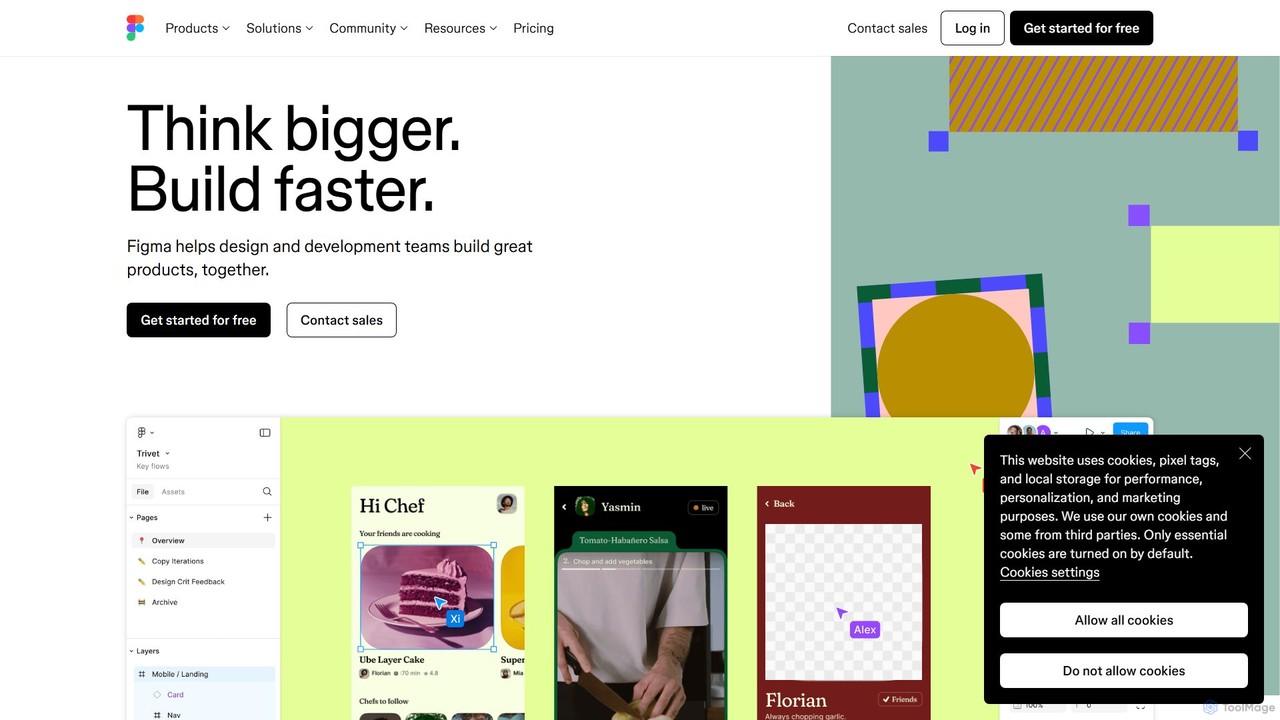
Figma

Figma

Figma is a leading collaborative interface design platform that allows teams to design, prototype, and gather feedback in …

94.9M
Creatie

Creatie

Creatie is an intuitive, AI-powered product design and collaboration platform. It enables teams to move from wireframes to …

11.3K

About Design Handoff

AI Design Handoff tools are a specialized category of developer tools that automate the translation of user interface designs into code and assets. They analyze design files from platforms like Figma or Sketch to generate clean, component-based code and detailed specifications. This process significantly reduces manual work for developers, minimizes human error, and accelerates the product development lifecycle. These tools act as a crucial bridge, ensuring high fidelity between the designer's vision and the final coded product.

Core Features

  • Design-to-Code Conversion: Automatically generates UI code for components in frameworks like React, Vue, or Swift.
  • Asset & Spec Export: Extracts optimized images and fonts, and creates detailed style guides for colors and typography.
  • Component Synchronization: Maintains a link between design components and their code counterparts for easy updates.
  • Interaction Inspection: Allows developers to inspect and replicate complex animations and user flows accurately.

Use Cases

These tools are primarily used by front-end and mobile development teams, design systems managers, and product teams in agile environments. They are essential for projects requiring high design fidelity, rapid iteration, and seamless collaboration between design and engineering departments, helping to maintain a single source of truth.

How to Choose

When selecting a tool, consider its framework support (React, Angular, etc.), integration with your design software (Figma, Sketch, Adobe XD), the quality and customizability of the generated code, and its ability to handle complex design systems and component states. Evaluating how it fits into your existing CI/CD pipeline is also important.

Design HandoffUse Cases

1

Accelerating Front-End Component Building

A front-end developer is tasked with building a new dashboard UI from a completed Figma file. Instead of manually writing HTML and CSS for each component, they use an AI Design Handoff tool. The tool analyzes the Figma components—buttons, cards, and input fields—and generates corresponding React components with props and styled-components CSS. This provides a high-quality starting point, reducing the initial component creation time by over 70% and allowing the developer to focus on business logic and state management.

2

Ensuring Design System Consistency

A design systems team manages a large library of components used across multiple products. To prevent discrepancies between the design library in Figma and the code library in Storybook, they integrate a Design Handoff tool into their workflow. Whenever a designer updates a master component, the tool automatically flags the change and suggests updates to the corresponding code component. This automated synchronization ensures that all products using the design system remain visually consistent and up-to-date.

3

Streamlining Mobile App UI Development

A mobile development team is building a new iOS application from a Sketch design. The developers use a Design Handoff tool to automatically export all assets, including icons and images, in the required formats (@1x, @2x, @3x). The tool also generates layout code snippets in SwiftUI, accurately translating spacing, colors, and typography from the design file. This eliminates the tedious process of manually measuring pixels and exporting assets, significantly speeding up the UI implementation phase.

4

Improving Cross-Functional Collaboration

During a sprint review, a product manager, designer, and developer need to discuss a complex user flow. Instead of sharing static screenshots, they use the interactive preview generated by the Design Handoff tool. The developer can inspect animations, click through the prototype, and view code specifications for any element in real-time. This provides a single source of truth, clarifying requirements and technical constraints instantly, and reducing back-and-forth communication.

5

Rapid Conversion of Prototypes to MVPs

A startup needs to quickly build a Minimum Viable Product (MVP) to test a market hypothesis. Their designer creates a high-fidelity prototype in Adobe XD. Using an AI Design Handoff tool, the small development team converts the entire prototype into a functional web application front-end in a matter of hours, not weeks. While the code may require some refinement, it provides a fully interactive and visually accurate foundation, enabling them to launch and gather user feedback much faster.

6

Automating Style Guide and Documentation

A developer joins a new project and needs to get up to speed on the existing design language. Instead of relying on outdated documentation, they use a Design Handoff tool connected to the project's main design file. The tool generates a live, interactive style guide webpage. This page documents all color variables, typography scales, spacing rules, and icon libraries directly from the design source, ensuring the documentation is always accurate and serving as a reliable reference for development.

Design HandoffFrequently Asked Questions