UXPin
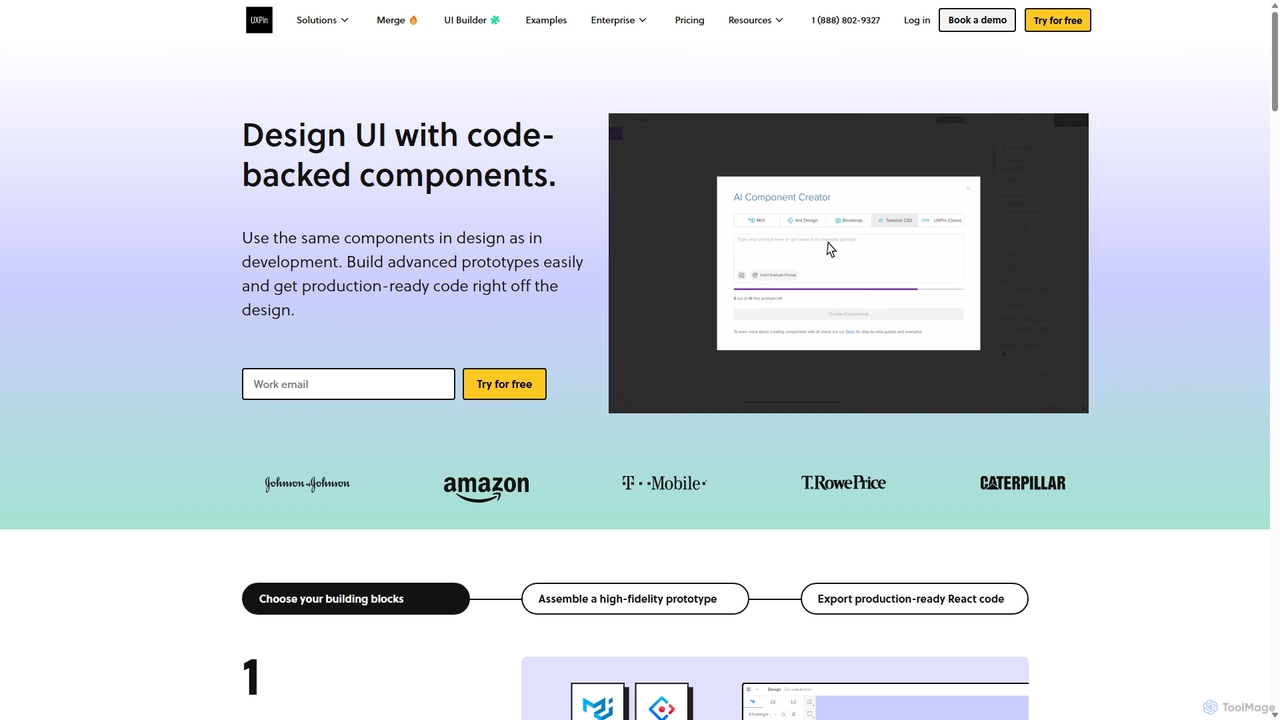
UXPin is a code-based design and prototyping tool that bridges the gap between design and engineering. It enables …
UXPin is a code-based design and prototyping tool that bridges the gap between design and engineering. It enables teams to create high-fidelity, interactive prototypes using real code components, ensuring consistency and dramatically speeding up the product development lifecycle from concept to launch.
About Ui Frameworks
AI UI Frameworks are comprehensive toolkits that provide pre-built components, styles, and structures to accelerate the development of user interfaces. These frameworks often integrate AI to generate code from design mockups, suggest optimal layouts, or automate accessibility compliance. This approach allows developers to build visually consistent and highly functional web applications with significantly reduced effort, focusing on business logic rather than repetitive UI coding. Unlike basic component libraries, UI frameworks offer a more opinionated and integrated system for managing themes, responsiveness, and application-wide design consistency.
Core Features
- Comprehensive Component Library: A rich set of pre-built, customizable components like buttons, forms, modals, and data tables.
- Responsive Grid System: Tools for creating layouts that automatically adapt to various screen sizes, from mobile to desktop.
- Theming and Customization: Centralized control over design tokens like colors, typography, and spacing for brand consistency.
- AI-Powered Code Generation: Features that convert design files (e.g., Figma) or natural language prompts into functional UI code.
- Accessibility (a11y) Standards: Components are built with WAI-ARIA standards to ensure usability for people with disabilities.
Use Cases
UI Frameworks are primarily used by front-end developers and full-stack engineers in various settings. They are essential for startups building MVPs, large enterprises maintaining complex design systems, and agencies developing websites for multiple clients. Common applications include building SaaS dashboards, e-commerce platforms, internal admin panels, and content-rich marketing websites where speed and consistency are critical.
How to Choose
When selecting a UI Framework, first consider its compatibility with your existing technology stack (e.g., React, Vue, Svelte). Evaluate the richness and design of its component library to ensure it meets your project's needs. Assess the level of customization and theming capabilities. For AI-enhanced frameworks, analyze the effectiveness of their code generation or design-to-code features. Finally, check the quality of documentation and the size of the community for support.

Ui FrameworksUse Cases
Rapid Prototyping of a SaaS Dashboard
A startup founder with limited front-end resources needs to create a functional prototype for investor demos. Using an AI UI Framework, they can describe the required dashboard layout in natural language, such as 'Create a dashboard with a sidebar, a header with user profile, and a main content area with three stat cards and a data table.' The AI generates the corresponding React or Vue code with pre-styled, responsive components. This allows the founder to build a visually appealing and interactive prototype in hours, not weeks, drastically accelerating the feedback and funding cycle.
Converting Figma Designs to Production-Ready Code
A UI/UX design team finalizes a complex interface in Figma. Instead of developers manually translating every element into code, they use an AI-powered UI Framework. The tool analyzes the Figma file, identifies reusable components (buttons, inputs), respects the design system's spacing and typography, and generates clean, production-ready code. This process reduces the risk of human error, ensures a pixel-perfect implementation of the design, and frees up developer time to focus on implementing complex logic and API integrations.
Enforcing a Corporate Design System
A large enterprise needs to ensure all its internal and external applications have a consistent look and feel. They adopt a UI Framework as the foundation of their official design system. Developers across different teams are required to use this framework. This guarantees that all buttons, forms, and color palettes adhere to corporate branding guidelines. The framework acts as a single source of truth, simplifying maintenance, speeding up onboarding for new developers, and providing a unified user experience across the company's entire digital ecosystem.
Building an Accessible E-commerce Website
An online retailer wants to ensure their website is usable by everyone, including people with disabilities, to comply with regulations like the ADA. They choose a UI Framework known for its strong accessibility support. Developers can use its pre-built components like modals, dropdowns, and forms, which already include proper ARIA attributes, keyboard navigation, and focus management. This saves the team from having to become deep accessibility experts and significantly reduces the time and cost associated with building and auditing a compliant website.
Developing a Multi-Language Marketing Site
A global company needs to launch a marketing website that supports multiple languages, including right-to-left (RTL) languages like Arabic or Hebrew. A developer chooses a UI Framework with built-in internationalization (i18n) and RTL support. The framework automatically flips the layout for RTL languages, adjusts text alignment, and provides utilities for managing language translations. This integrated approach saves the developer from manually writing complex CSS and logic to handle different text directions, ensuring a consistent and correct presentation across all supported regions.
Creating Interactive Data Visualizations
A data analyst needs to build an interactive web-based report for stakeholders. They use a UI Framework that includes a rich set of data visualization components, such as charts, graphs, and sortable tables. Instead of building these complex components from scratch with libraries like D3.js, the analyst can simply pass their data to the framework's components. The framework handles rendering, interactivity (like tooltips on hover), and responsiveness, allowing the analyst to create a powerful and professional-looking data dashboard with minimal front-end coding knowledge.