

PyBrain Overview
PyBrain (Python-Based Reinforcement Learning, Artificial Intelligence, and Neural Network Library) is a versatile and powerful open-source library for machine learning in Python. Although it is an older library compared to modern frameworks like TensorFlow or PyTorch, it remains a valuable tool for educational purposes and for researchers who need a simple, transparent, and flexible environment for prototyping algorithms, especially in the realms of neural networks and reinforcement learning.
The core philosophy of PyBrain is modularity. It allows users to build complex neural network architectures and training scenarios by connecting simple, reusable components. This makes it an excellent tool for learning the fundamental concepts of machine learning, as users can see how different parts (datasets, networks, trainers) interact. It supports a wide range of network types, including feed-forward networks, recurrent networks, and even Long Short-Term Memory (LSTM) networks, which were a significant feature at the time of its development.
How to use PyBrain
Using PyBrain is straightforward for anyone familiar with Python. The typical workflow involves these steps:
- Installation: PyBrain can be easily installed using pip:
pip install pybrain. - Import Modules: Import the necessary components from the library, such as
buildNetworkfor creating networks,SupervisedDataSetfor data, andBackpropTrainerfor training. - Define Network Architecture: Create a neural network. You can use the
buildNetworkshortcut for standard feed-forward networks or manually construct more complex, custom architectures, including recurrent connections. - Create a Dataset: Structure your data into a PyBrain-compatible format. For supervised learning, this is typically the
SupervisedDataSet, which holds input and target pairs. - Initialize a Trainer: Choose a training algorithm, such as backpropagation, and create a trainer instance. The trainer connects the network, the dataset, and the learning algorithm.
- Train the Model: Call the trainer's
train()ortrainUntilConvergence()method to start the learning process. The trainer will iteratively adjust the network's weights to minimize the error on the dataset. - Activate and Test: Once trained, use the network's
activate()method to make predictions on new, unseen data.
Core Features of PyBrain
- Neural Networks: Comprehensive support for various network types, including Feed-Forward Networks (FFN), Recurrent Neural Networks (RNN), and Long Short-Term Memory (LSTM).
- Learning Algorithms: Implements a variety of learning paradigms, including supervised, unsupervised, and reinforcement learning. This includes algorithms like backpropagation, Q-learning, and SARSA.
- Modularity and Flexibility: Networks, datasets, trainers, and experiments are all distinct objects, allowing for high flexibility in designing and testing custom models and learning scenarios.
- Python-Native: Written purely in Python, making it easy to read, understand, and extend without needing to compile external code.
- Educational Focus: Its clear and explicit structure makes it an excellent tool for teaching and learning the underlying principles of neural networks and machine learning.
Use Cases for PyBrain
PyBrain is well-suited for a range of applications, particularly in academic and prototyping contexts:
- Academic Research: Researchers can quickly implement and test novel network architectures or variations of learning algorithms.
- Educational Tool: It is widely used in university courses and by individuals to learn the fundamentals of neural networks, backpropagation, and reinforcement learning.
- Prototyping Simple Models: Developers can use it to build and validate simple models for tasks like time-series prediction, classification, and regression before moving to more complex, production-level frameworks.
- Reinforcement Learning Experiments: Its built-in support for agents, environments, and RL algorithms makes it ideal for experimenting with tasks like pole-balancing, simple mazes, or other classic control problems.
Advantages of PyBrain
Despite the emergence of newer frameworks, PyBrain holds several key advantages:
- Simplicity and Intuitiveness: The API is straightforward and easy to grasp, lowering the barrier to entry for beginners in machine learning.
- Transparency: As a pure Python library, the source code is highly readable, allowing users to delve into the implementation details of algorithms.
- Open Source: It is completely free to use, modify, and distribute, fostering a collaborative and open environment for learning and research.
- Lightweight: It has minimal dependencies and is less resource-intensive than larger frameworks, making it suitable for smaller-scale projects and learning environments.
Pricing and Plans
PyBrain is an open-source project distributed under the BSD license. It is completely free for academic, personal, and commercial use. There are no pricing plans, subscriptions, or hidden costs. Development and maintenance are driven by community contributions.
PyBrain Alternatives
TensorFlow
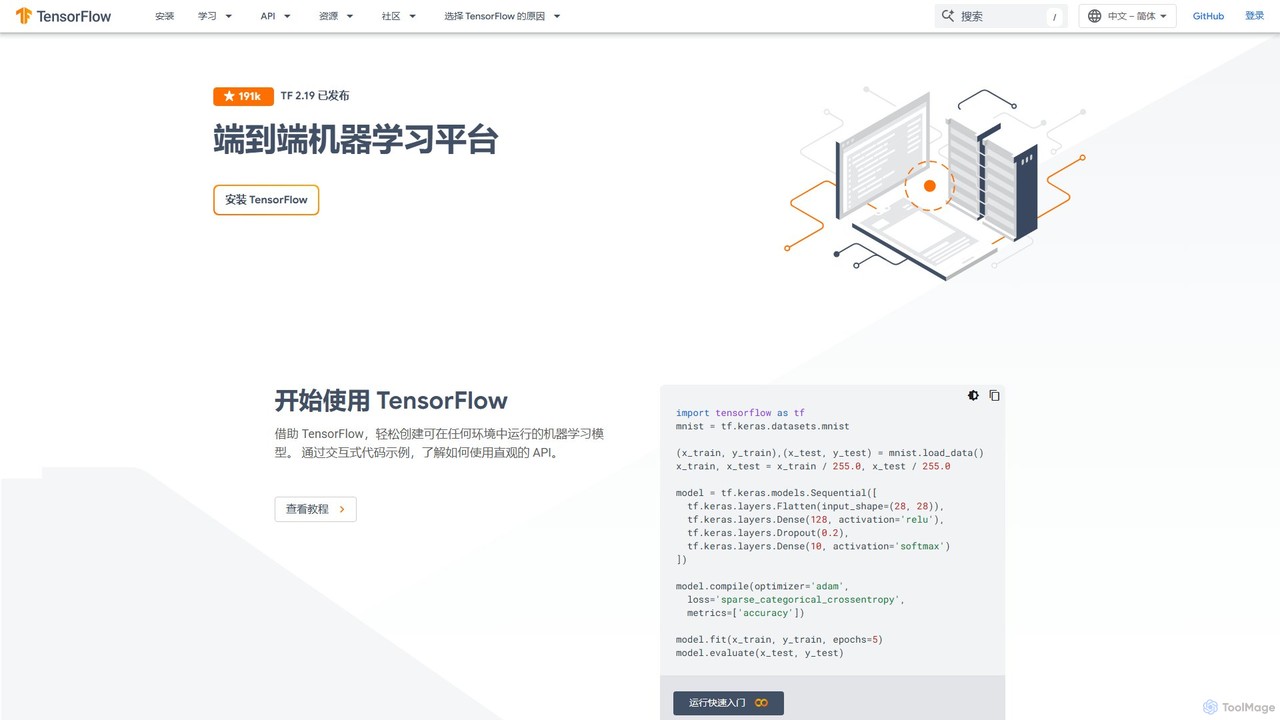
TensorFlow is an end-to-end open-source platform for machine learning developed by Google. It provides a comprehensive, flexible ecosystem of tools, libraries, and community resources that lets researchers and developers build and deploy ML-powered applications. From beginners to experts, TensorFlow offers intuitive high-level APIs for easy model building and powerful low-level APIs for advanced research, enabling deployment across servers, edge devices, and browsers.
Frameworks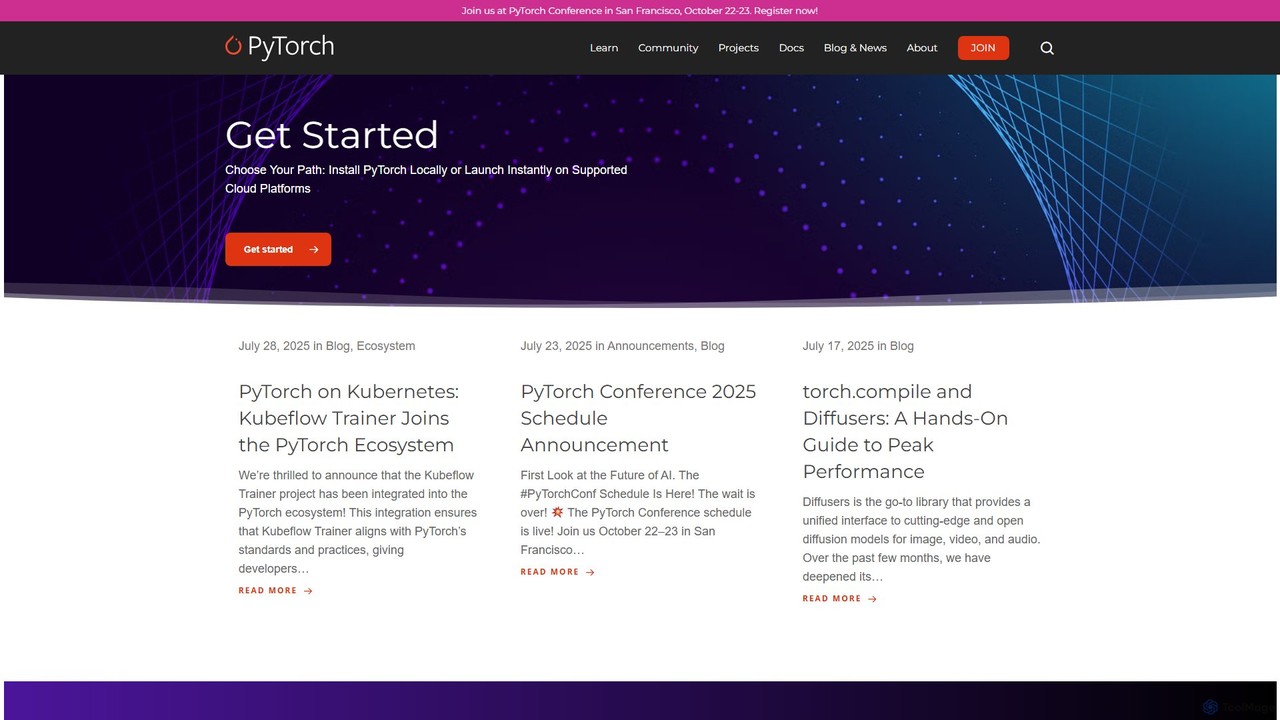
PyTorch
PyTorch is an open-source machine learning framework based on the Torch library, used for applications such as computer vision and natural language processing. It offers a flexible, Python-first environment that accelerates the path from research prototyping to production deployment.
Deep Learning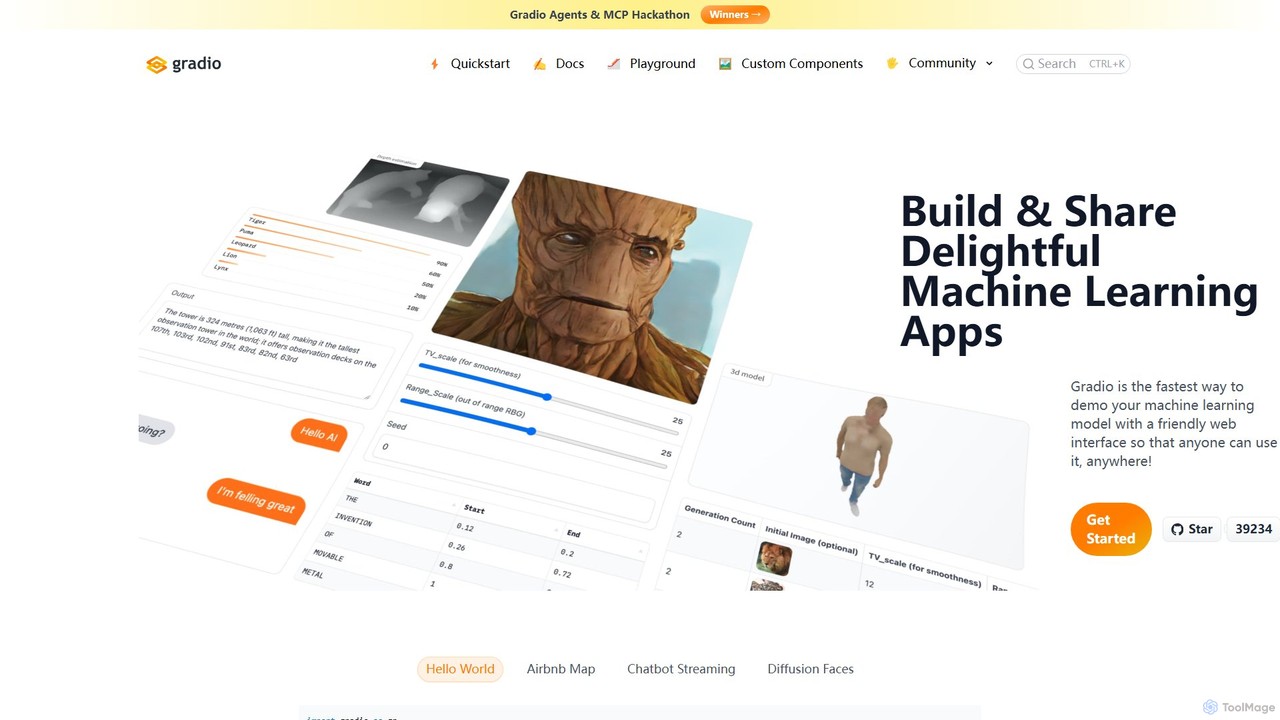
Gradio
Gradio is an open-source Python library that allows you to quickly build and share user-friendly web interfaces for your machine learning models, APIs, or any Python function. No web development experience is required.
Data Visualization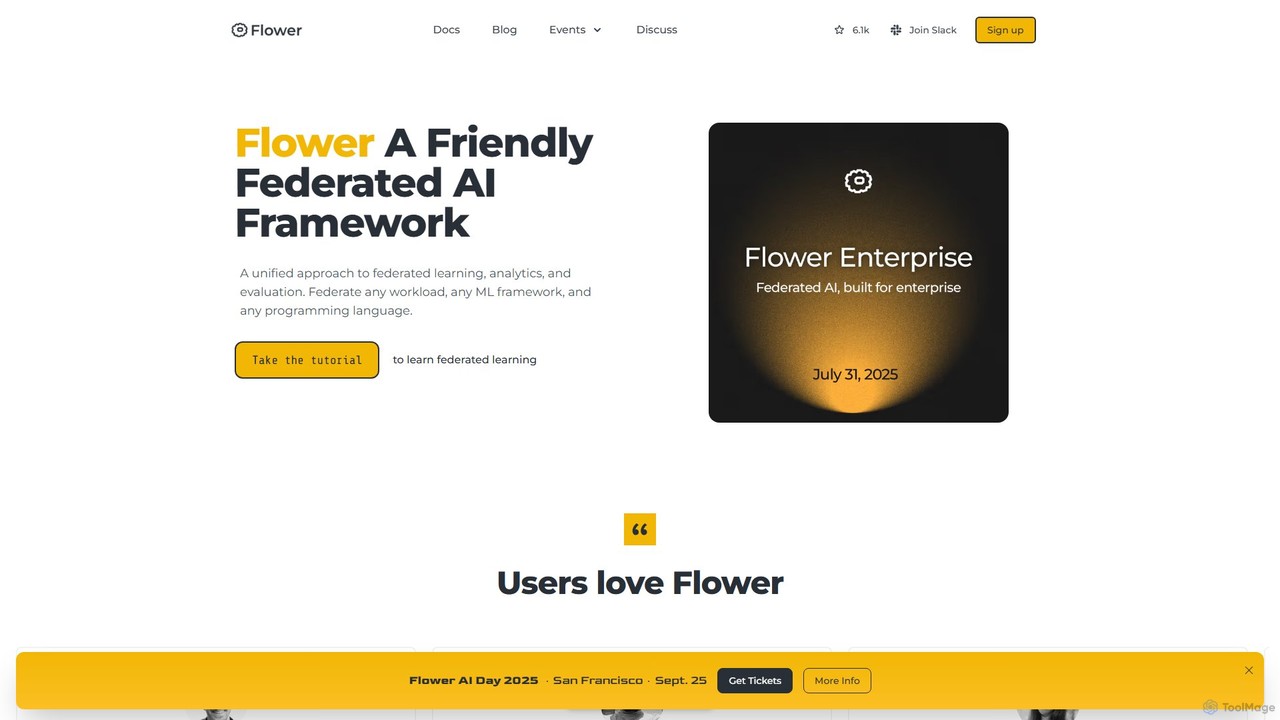
Flower
Flower is a friendly, open-source framework for federated learning, analytics, and evaluation. It enables training AI models on decentralized data across various devices and platforms without compromising privacy, supporting numerous ML frameworks like PyTorch, TensorFlow, and Hugging Face.
Frameworks
Neuralhub
Neuralhub is a collaborative platform designed to simplify neural network development. It provides an integrated environment for AI enthusiasts, researchers, and engineers to build, experiment, and share deep learning models, featuring a visual builder and an extensive library of pre-built components.
Machine LearningPyBrain Categories
PyBrain Embed Widget
Copy this embed code to place the badge on your blog, article, or product site and send readers directly to this ToolMage detail page.

Related AI tools
Fast.ai
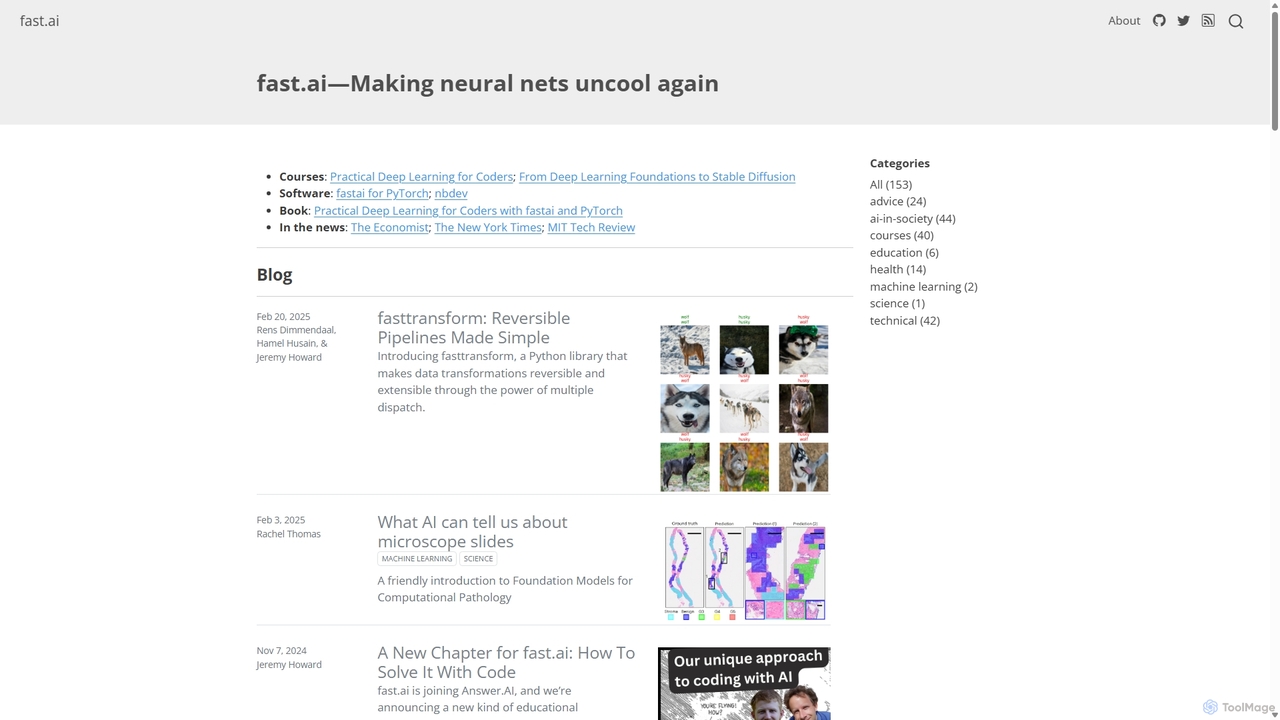
Fast.ai is a research institute dedicated to making deep learning accessible to everyone. It offers free courses, an open-source software library (fastai), cutting-edge research, and a vibrant community, empowering coders of all backgrounds to become deep learning practitioners.
Machine LearningTensorFlow
TensorFlow is an end-to-end open-source platform for machine learning developed by Google. It provides a comprehensive, flexible ecosystem of tools, libraries, and community resources that lets researchers and developers build and deploy ML-powered applications. From beginners to experts, TensorFlow offers intuitive high-level APIs for easy model building and powerful low-level APIs for advanced research, enabling deployment across servers, edge devices, and browsers.
Frameworks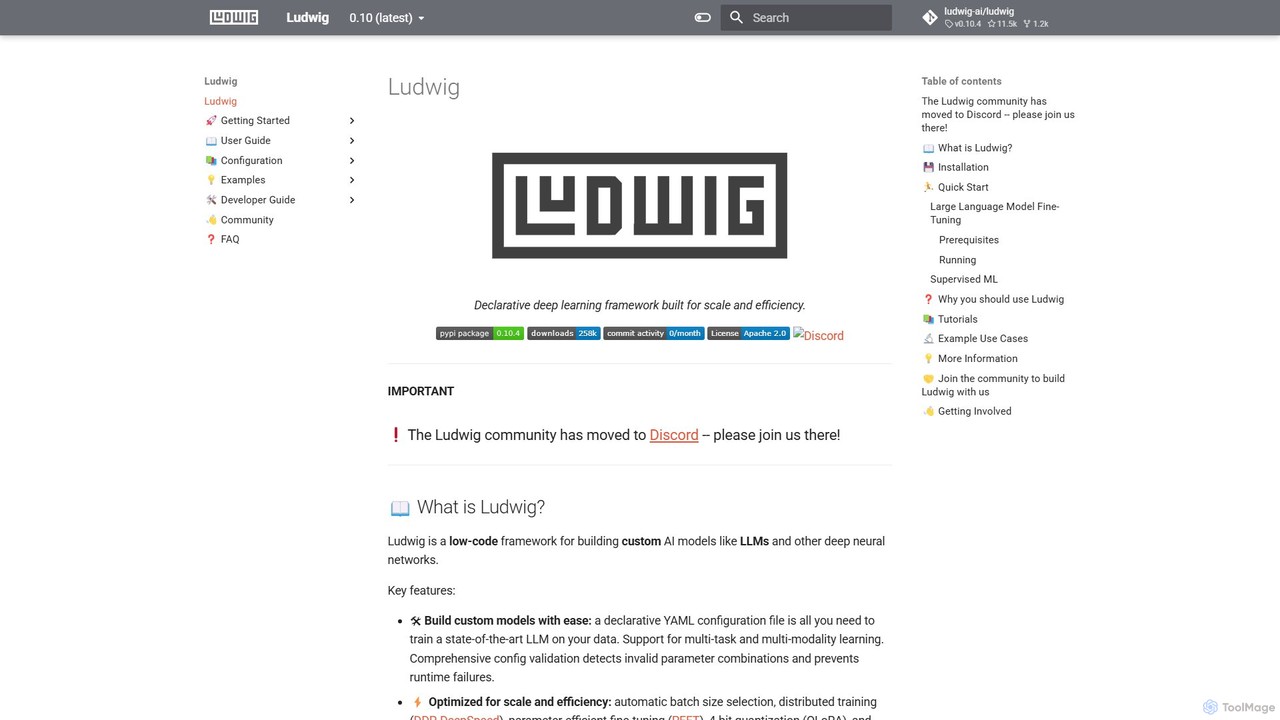
Ludwig
Ludwig is a low-code, open-source deep learning framework that simplifies building and training custom AI models. Using declarative YAML configurations, users can easily create complex models, including LLMs, for multi-modal and multi-task learning without extensive boilerplate code. It's designed for scalability, production-readiness, and integrates with popular tools like HuggingFace and MLFlow.
Model Training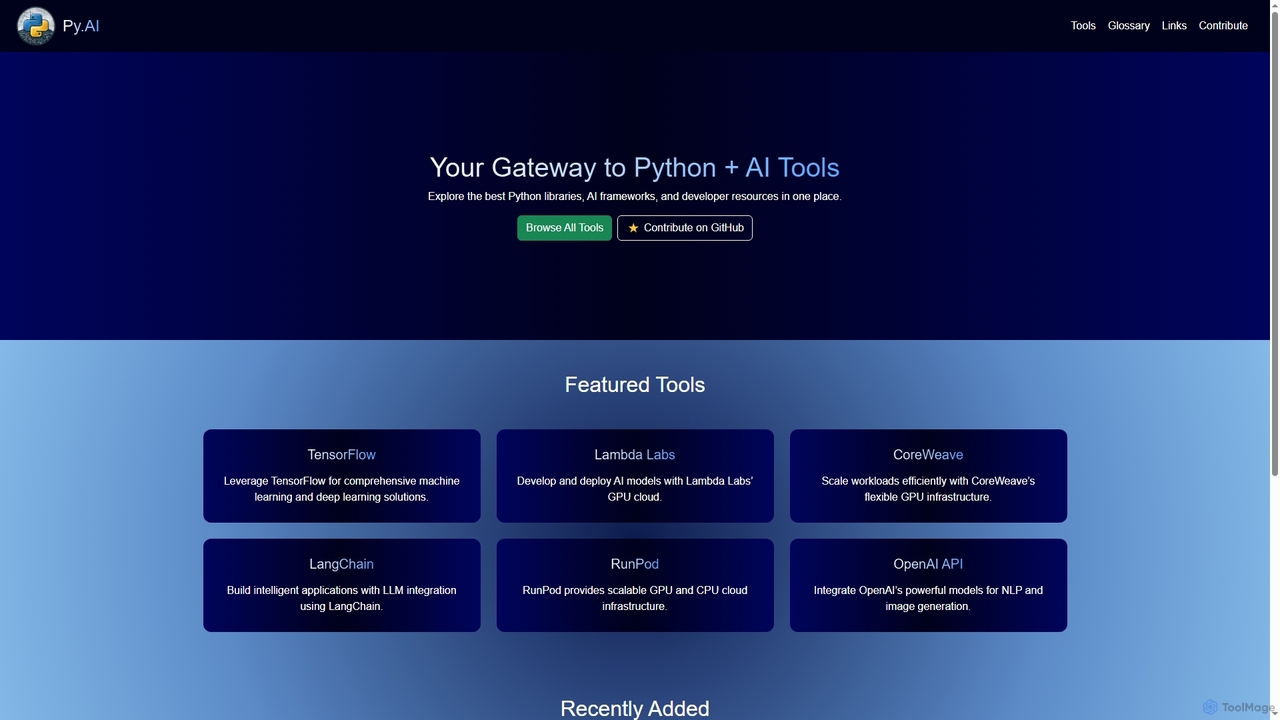
Py
Py is a curated online directory serving as a comprehensive gateway to the best Python libraries, AI frameworks, and developer resources. It helps users explore, discover, and find tools to enhance their machine learning and AI projects.
Tool DiscoveryPyTorch
PyTorch is an open-source machine learning framework based on the Torch library, used for applications such as computer vision and natural language processing. It offers a flexible, Python-first environment that accelerates the path from research prototyping to production deployment.
Deep LearningGradio
Gradio is an open-source Python library that allows you to quickly build and share user-friendly web interfaces for your machine learning models, APIs, or any Python function. No web development experience is required.
Data VisualizationFlower
Flower is a friendly, open-source framework for federated learning, analytics, and evaluation. It enables training AI models on decentralized data across various devices and platforms without compromising privacy, supporting numerous ML frameworks like PyTorch, TensorFlow, and Hugging Face.
FrameworksNeuralhub
Neuralhub is a collaborative platform designed to simplify neural network development. It provides an integrated environment for AI enthusiasts, researchers, and engineers to build, experiment, and share deep learning models, featuring a visual builder and an extensive library of pre-built components.
Machine Learning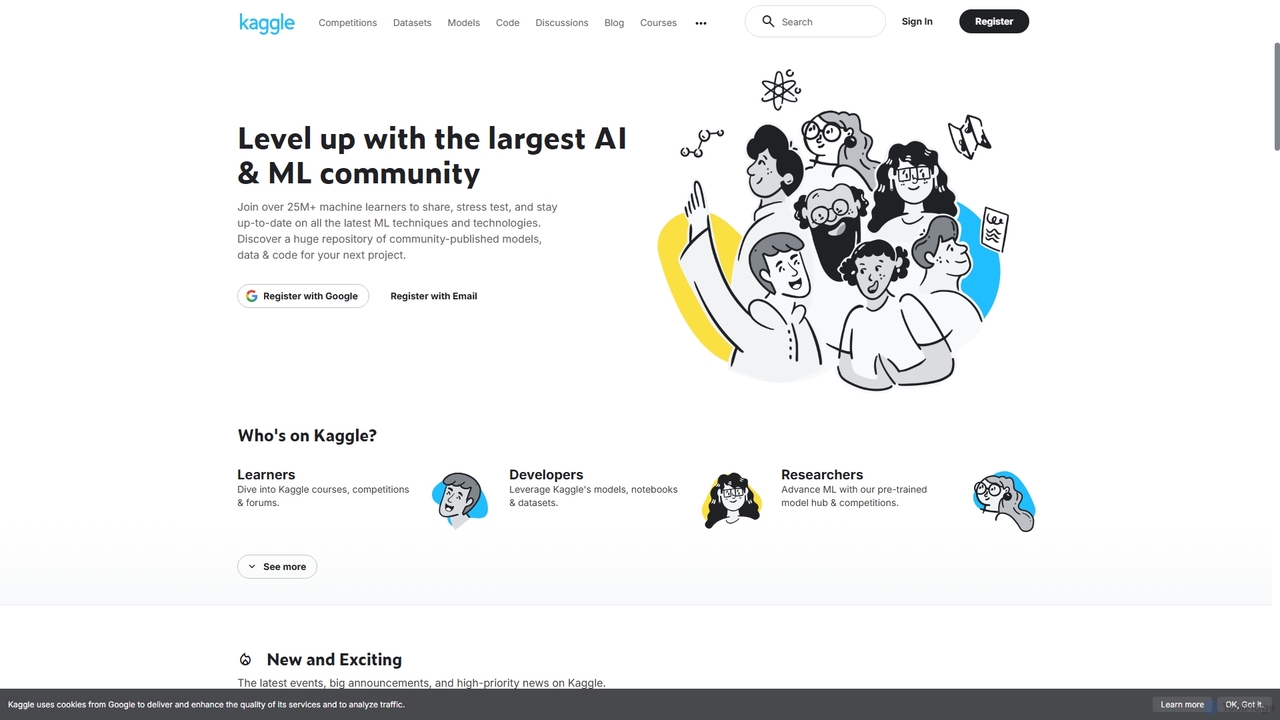
Kaggle
Kaggle is the world's largest online community for data scientists and machine learning practitioners. Owned by Google, it provides a platform to explore datasets, build models in a web-based environment, compete in machine learning challenges, and access educational resources. It offers free access to powerful computational resources, including GPUs and TPUs, making it an essential tool for anyone from beginners to seasoned experts in the AI and data science fields.
Datasets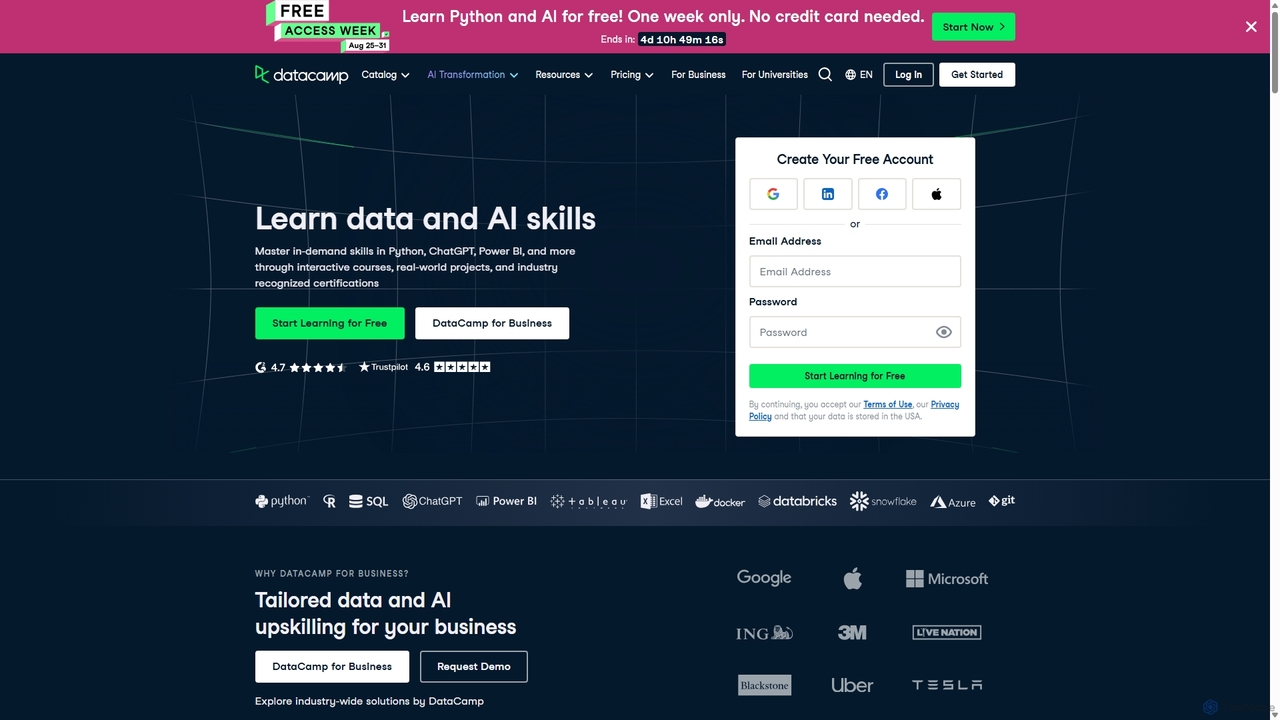
DataCamp
DataCamp is an interactive online learning platform for data science and AI. It offers hands-on courses in Python, R, SQL, Power BI, and more. Through a 'learn-by-doing' approach with in-browser coding, real-world projects, and career tracks, it empowers individuals and businesses to build job-ready data skills, from beginner to expert level.
Data Science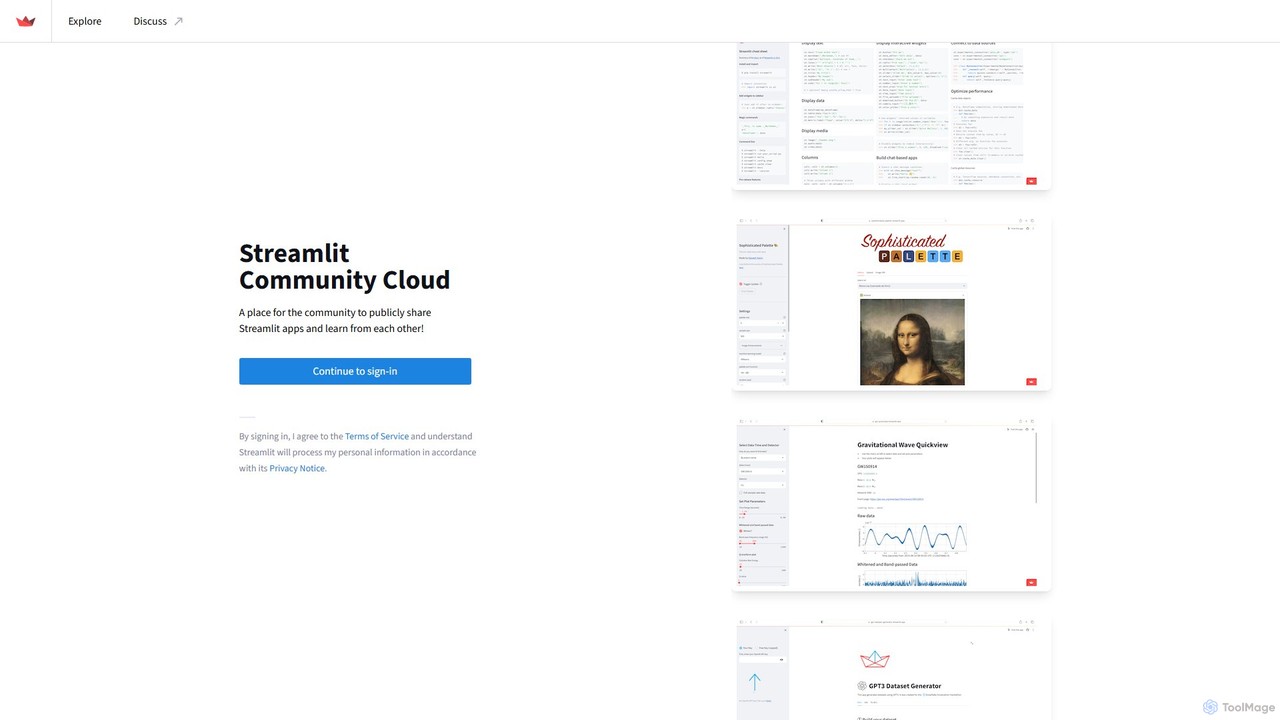
Streamlit
Streamlit is an open-source Python framework that enables developers and data scientists to build and share beautiful, custom web apps for machine learning and data science in minutes. The Streamlit Community Cloud provides a free platform to deploy, manage, and share these public applications with the world, fostering a collaborative environment for innovation.
Data Visualization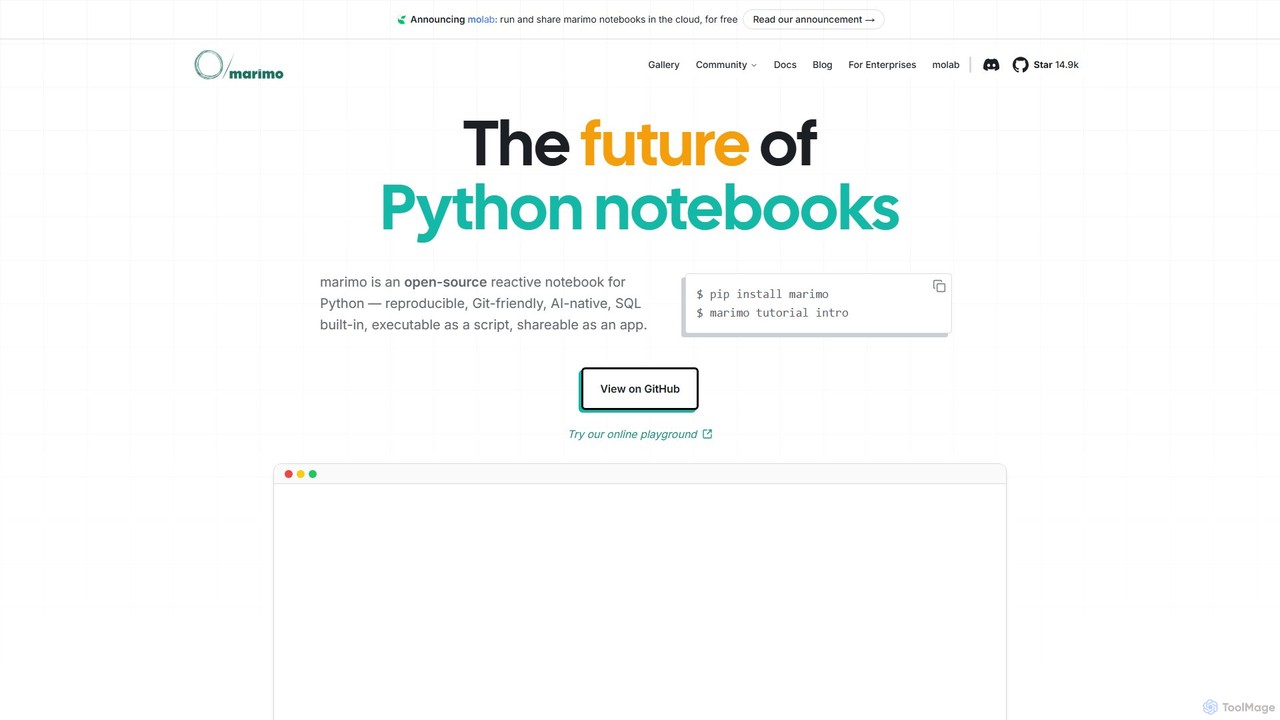
marimo
marimo is an open-source reactive Python notebook for modern data science and AI. It offers a reproducible, Git-friendly, and interactive environment where notebooks are pure Python scripts. Features include built-in AI assistance, SQL cells, and the ability to share notebooks as web apps, streamlining the workflow from experiment to production.
Data Visualization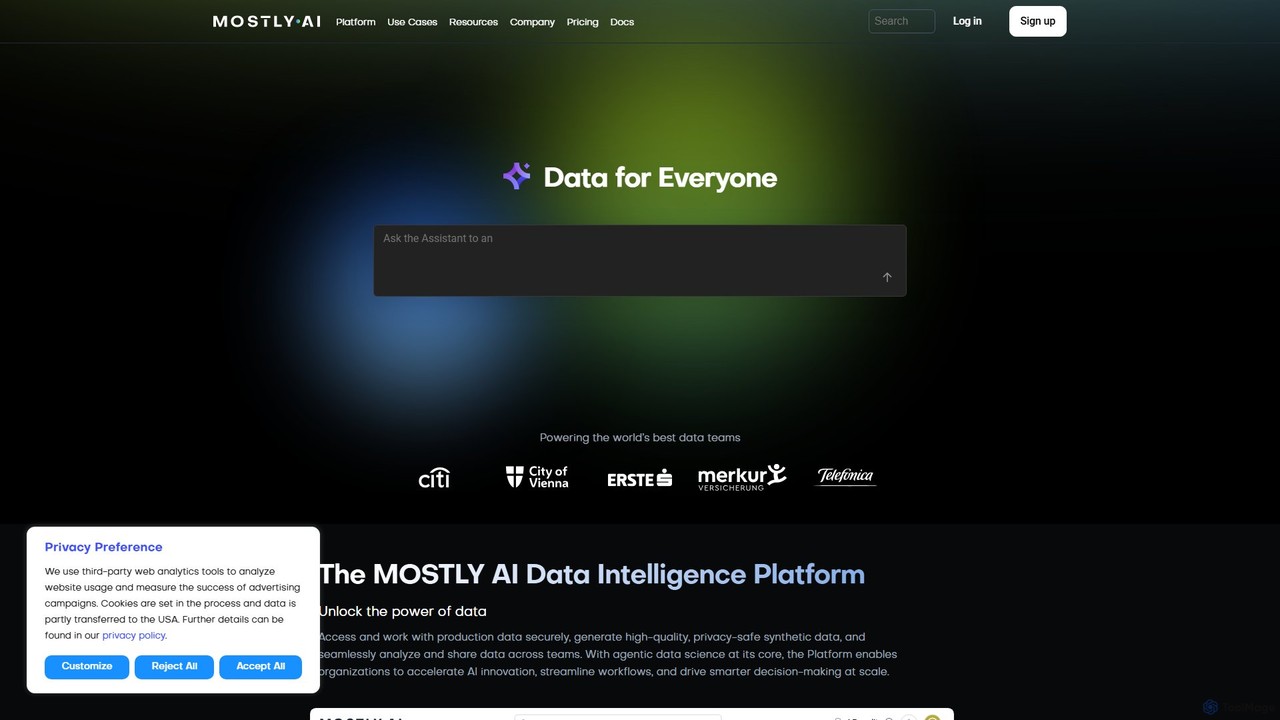
MOSTLY AI
MOSTLY AI is a Data Intelligence Platform that specializes in generating high-quality, privacy-safe synthetic data. It enables organizations to securely access, analyze, and share data, accelerating AI innovation and streamlining workflows while ensuring full compliance with privacy regulations.
Machine Learning
MindSpore
MindSpore is an open-source, all-scenario AI computing framework designed for developers and data scientists. It provides a developer-friendly experience with flexible deployment across cloud, edge, and device environments. It excels in distributed training for large models and offers specialized toolkits for scientific computing (AI4S), ensuring high performance and efficiency, especially on Ascend hardware.
Scientific Computing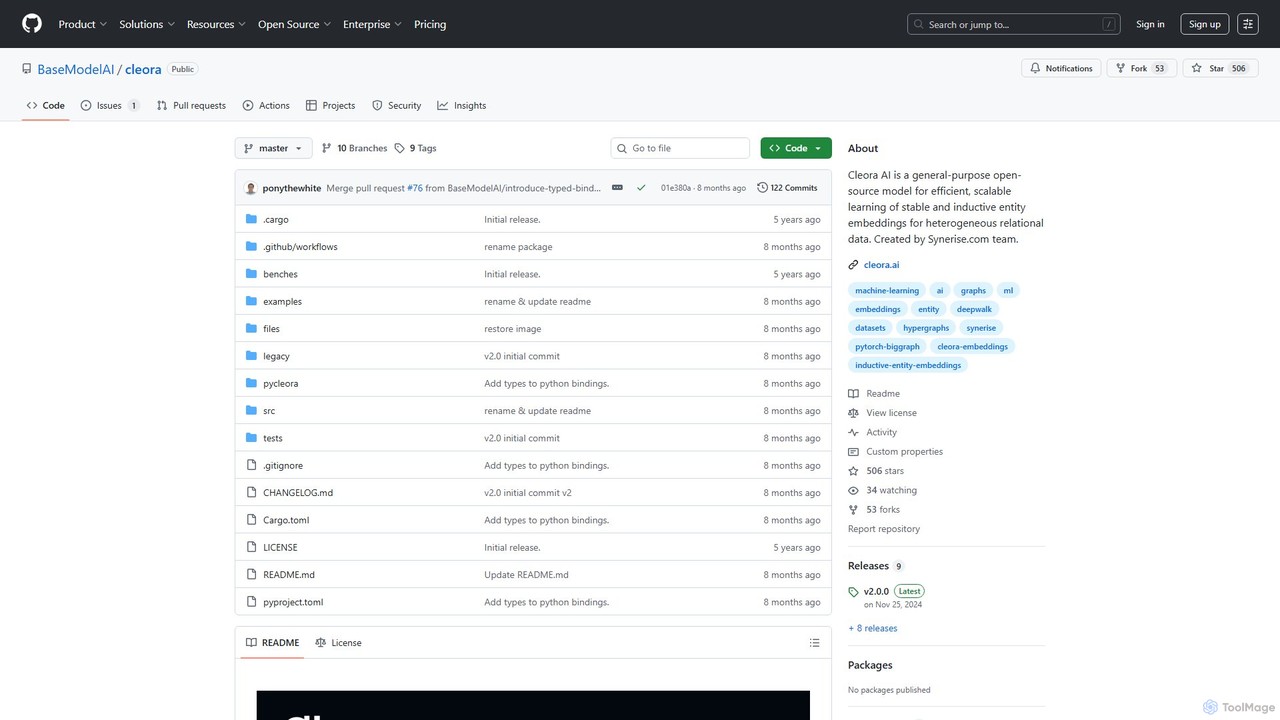
Cleora
Cleora is an open-source, high-performance model for creating stable and inductive entity embeddings from large-scale, heterogeneous relational data and hypergraphs. Written in Rust with a Python API, it offers unparalleled speed and scalability for tasks like recommendation systems and graph analytics.
Embedding Models
PyBrain Comments (0)
Sign in to comment.
Sign inNo comments yet.