ToolMage
Sign in

Best 4 Web App for Development

Popular Web App in Development include UI Bakery, Gradio, Craftable PRO, and Dropbase, helping you work more efficiently.

Gradio
Free

Gradio

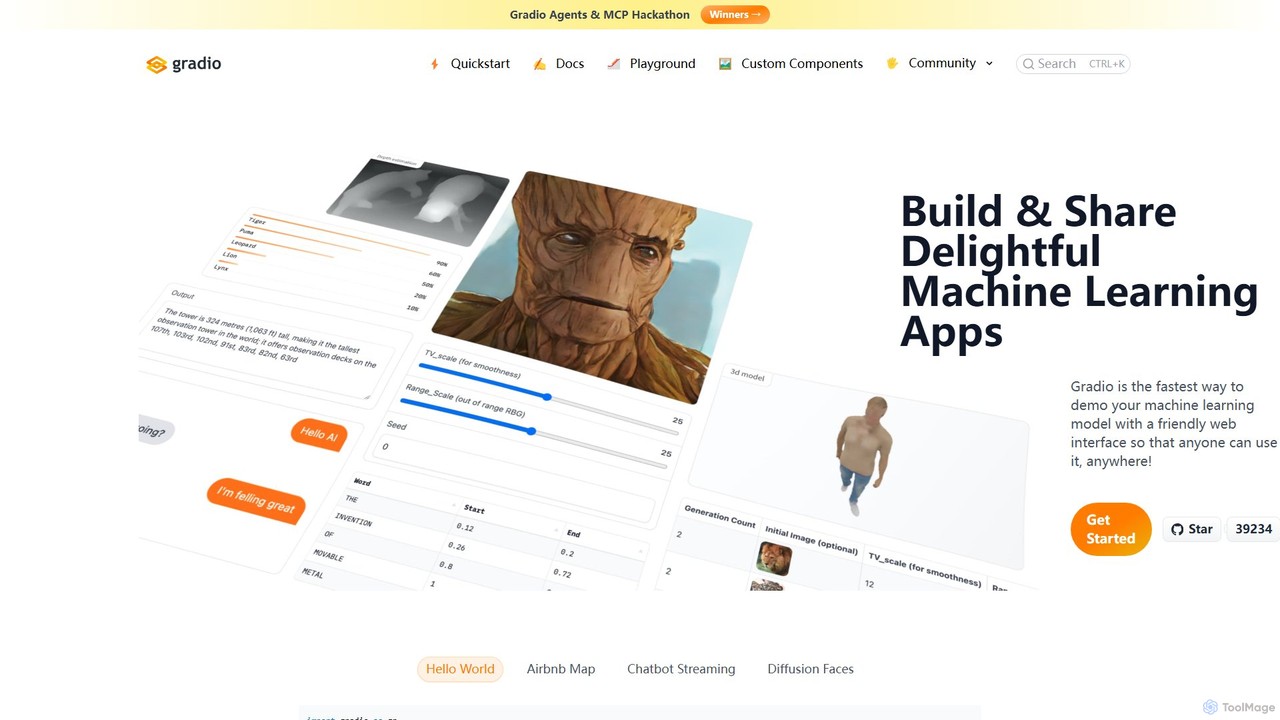
Gradio is an open-source Python library that allows you to quickly build and share user-friendly web interfaces for your machine learning models, APIs, or any Python function. No web development experience is required.

Data Visualization
Visits 225.9KFavorites 141Likes 146
Dropbase
Freemium

Dropbase

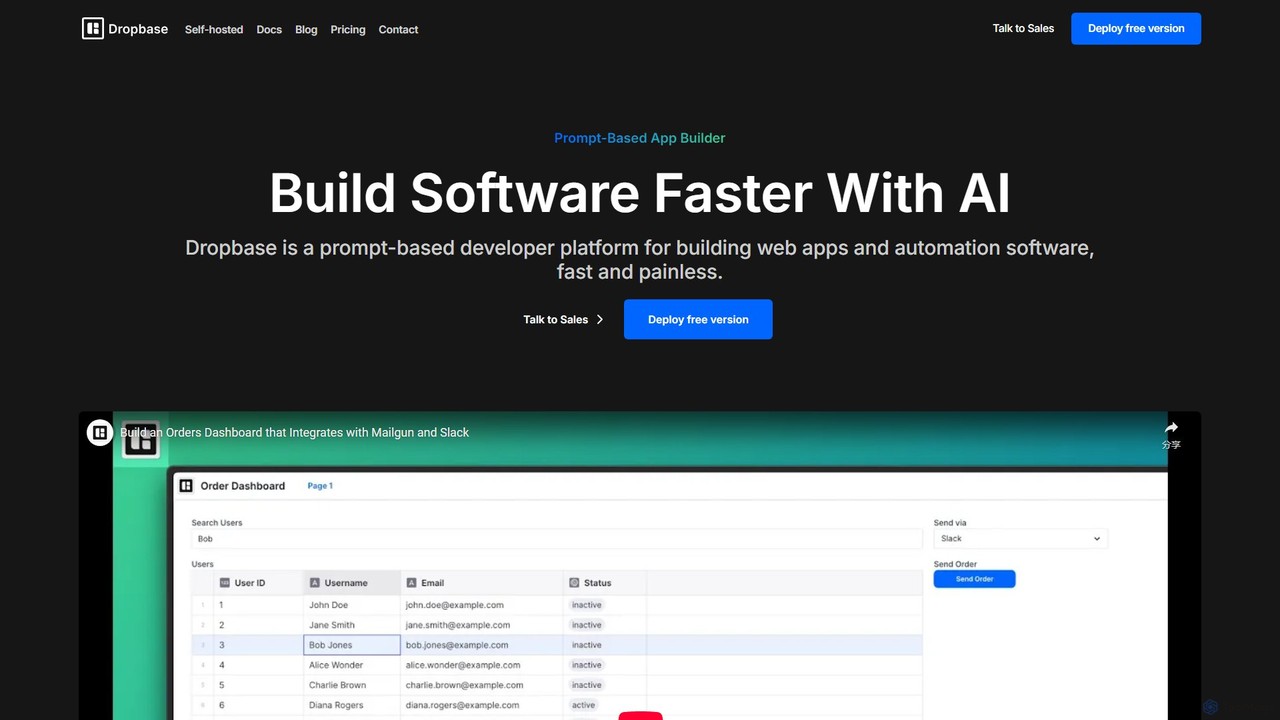
Dropbase is an AI-powered, prompt-based application builder designed for Python developers. It enables the rapid creation of internal tools, admin panels, and database editors directly within your existing codebase. By leveraging AI for code generation and providing essential UI components, Dropbase accelerates development, offers full Python flexibility, and ensures security with self-hosting options.

Database
Visits 6.3KFavorites 156Likes 161
Craftable PRO
Paid

Craftable PRO

Craftable PRO is a powerful Laravel CRUD generator and admin panel toolkit designed for developers. It dramatically accelerates the development of admin panels, CRMs, and CMSs by automating the creation of CRUD interfaces, user management, roles, permissions, and more, all with a beautiful, modern UI.

Backend
Visits 6.7KFavorites 152Likes 147
UI Bakery
Freemium

UI Bakery

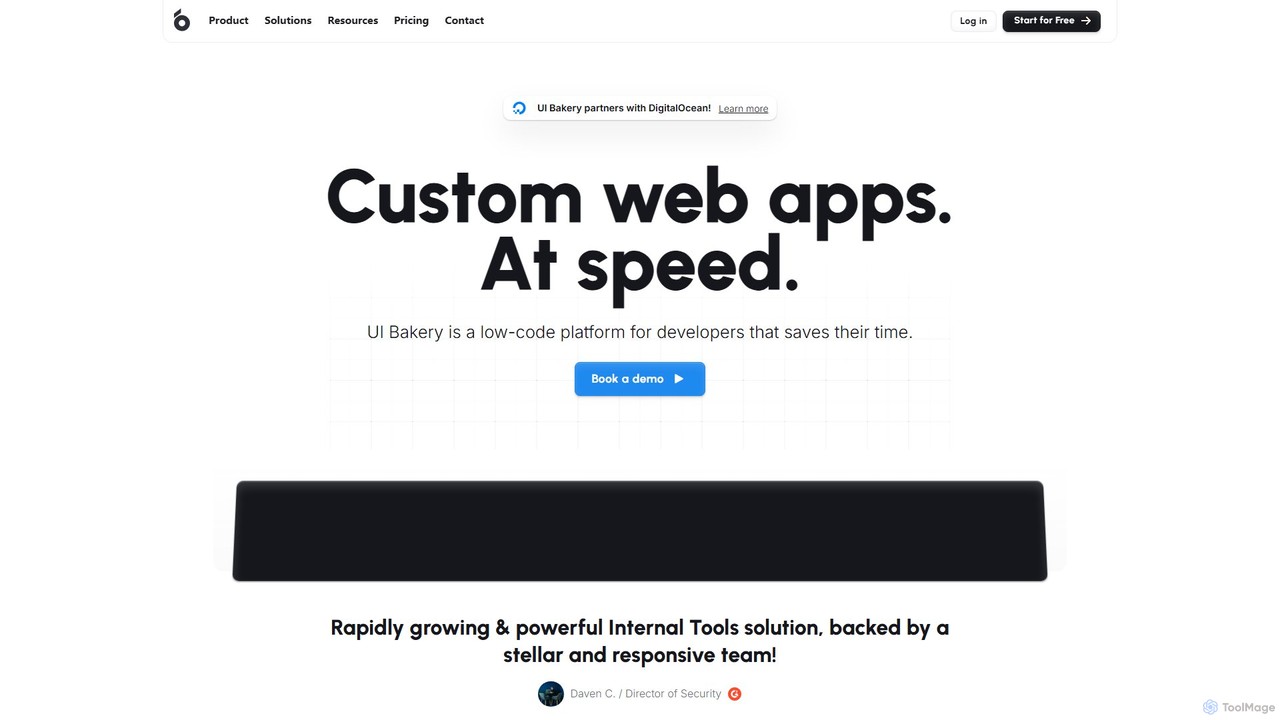
UI Bakery is a developer-focused low-code platform for rapidly building internal tools, admin panels, and customer portals. It features a drag-and-drop UI builder, extensive data integrations, AI-powered app generation, and robust Git version control to accelerate the entire development lifecycle.

Crm
Visits 327.9KFavorites 164Likes 147

About Web App

AI Web App builders are tools that use artificial intelligence to automate the creation of functional, data-driven web applications. They translate natural language prompts, sketches, or visual inputs into production-ready code for both frontend and backend components. This significantly accelerates the development lifecycle, enabling users to build and deploy complex applications with minimal manual coding. These tools are distinct from simple website builders as they handle backend logic, database connections, and user authentication, making them ideal for creating interactive software as a service (SaaS) products, internal tools, and custom dashboards.

Core Features

  • Full-Stack Code Generation: Creates code for both the user interface (HTML, CSS, JavaScript frameworks) and server-side logic (Python, Node.js) from a single prompt.
  • AI-Powered UI/UX Design: Generates responsive layouts, user interface components, and design systems based on textual descriptions or wireframes.
  • Automated Database Schema: Defines database models, fields, and relationships automatically based on the application's feature requirements.
  • One-Click Deployment: Streamlines the process of deploying the entire application stack to cloud hosting providers.
  • API Integration Assistance: Helps connect the web app to third-party services by generating the necessary API integration code.

Use Cases

These tools are widely used by startup founders to rapidly build and test Minimum Viable Products (MVPs). Full-stack developers leverage them to accelerate tedious tasks like setting up boilerplate code and building standard components. Additionally, product managers and business analysts use them to create custom internal tools and data dashboards without relying on extensive engineering resources.

How to Choose

When selecting an AI Web App builder, first consider the target technology stack (e.g., React, Vue, Python, Go) to ensure compatibility with your team's expertise. Evaluate the level of code customization and exportability; some tools offer more flexibility than others. Also, assess its integration capabilities with databases and external APIs, and consider the scalability of its deployment options for future growth.

Web App use cases

1

Rapid MVP Development for Startups

A startup founder with a clear business idea but limited technical resources needs to validate their concept with real users quickly. Using an AI Web App builder, they describe the core features: user registration, a dashboard for data visualization, and a payment gateway integration. The AI generates a complete full-stack application with a React frontend and a Python backend in a matter of hours. This allows the founder to launch a functional Minimum Viable Product (MVP) in days instead of months, gathering crucial user feedback and demonstrating traction to potential investors much faster.

2

Building Custom Internal Tools for Enterprises

A marketing department needs a custom tool to track campaign performance across multiple channels, aggregating data from various APIs. Instead of waiting in a long IT queue, a project manager uses an AI Web App builder. They specify the required data sources, define the dashboard layout, and set up user roles for team members. The tool generates a secure, internal web application that automatically fetches and displays the data in real-time. This empowers the team to make data-driven decisions independently, saving time and internal development costs.

3

Creating Interactive Prototypes from Designs

A UI/UX designer has created high-fidelity mockups in Figma for a new web application. To get meaningful feedback on user flows, they need an interactive prototype. They use an AI Web App builder that integrates with Figma. The tool automatically converts the static design components into functional React components, creating a clickable, data-aware prototype. This allows stakeholders and test users to interact with a realistic version of the app, providing much richer feedback than static images and helping to identify usability issues early in the design process.

4

Automating Frontend Component Generation

A frontend developer is tasked with building a complex data grid with features like sorting, filtering, and pagination. This is a time-consuming task that involves writing a lot of boilerplate code. Instead, the developer uses an AI Web App builder by providing a detailed prompt: "Create a responsive data table component in Vue.js that fetches data from an API endpoint, with columns for User, Email, and Status. Include client-side sorting and pagination." The AI generates the complete Vue component file, including the template, script, and styles, which the developer can then directly integrate into their existing codebase, saving several hours of manual work.

5

Developing Custom E-commerce Storefronts

A small business owner wants a unique online store with specific features, such as a product customizer and a subscription model, which are not well-supported by template-based platforms like Shopify. They use an AI Web App builder to describe their ideal storefront and business logic. The AI generates a complete e-commerce application, including product pages, a shopping cart, user accounts, and a custom backend to manage subscriptions. This provides a highly tailored solution that fits their unique business model without the high cost and long timeline of hiring a development agency.

6

Building Data-Driven Dashboards

A data analyst needs to create an interactive dashboard to present sales data from a SQL database to the management team. The dashboard must include filterable charts and data tables. Using an AI Web App builder, the analyst writes a prompt like: "Build a web app with a secure login. After login, display a dashboard connected to a PostgreSQL database. Show a bar chart of sales by region and a table of top 10 products. Add a date range filter." The AI generates the application, including the backend code for database queries and the frontend components for visualization, enabling the analyst to deliver a professional, interactive report without deep web development skills.

Web App FAQ

What is an AI Web App builder?

An AI Web App builder is a software development tool that uses artificial intelligence to generate full-stack web applications from natural language descriptions, designs, or other inputs. Unlike traditional development, it automates the writing of code for both the frontend (user interface) and backend (server logic, databases). Key features often include UI generation, database schema creation, and automated deployment, drastically reducing development time and technical barriers for creating complex, data-driven applications.

How to choose the right AI Web App builder?

To choose the right tool, consider these factors:

  • Technology Stack: Ensure the tool generates code in the programming languages and frameworks your team uses (e.g., React, Python, Go).
  • Customization & Ejectability: Check if you can export the source code and modify it freely. This is crucial for long-term maintenance and scalability.
  • Integration Capabilities: Verify its ability to connect with your existing databases, APIs, and third-party services.
  • Target User: Some tools are better for non-technical users (no-code focus), while others are designed for developers to accelerate their workflow. Choose one that matches your skill level.
What's the difference between an AI Web App builder and a website builder like Wix?

The key difference lies in functionality and complexity. A traditional website builder like Wix or Squarespace is excellent for creating static or content-focused websites (like blogs and portfolios) using pre-made templates. An AI Web App builder, on the other hand, is designed to create dynamic, data-driven applications. It generates backend logic, manages databases, and handles user authentication, allowing you to build complex software like SaaS platforms, internal dashboards, or custom CRMs, which is beyond the scope of a typical website builder.

Can I export the code generated by these AI tools?

Yes, many leading AI Web App builders are designed for professional developers and allow for full source code export. This feature, sometimes called 'ejecting', gives you a complete, human-readable codebase (e.g., in React, Vue, or Python) that you can host anywhere and modify independently of the tool. However, some simpler, no-code-oriented platforms may operate as closed systems where code export is limited or not available. It's a critical feature to check if you anticipate needing full control and long-term ownership of your application.

Who are AI Web App builders best for?

AI Web App builders serve a wide range of users. They are ideal for:

  • Startups and Entrepreneurs: To quickly build and launch MVPs (Minimum Viable Products) to test ideas and attract investment.
  • Full-Stack Developers: To automate boilerplate setup, generate components, and accelerate the overall development process.
  • Product Managers and Business Analysts: To create internal tools, dashboards, and prototypes without depending on engineering teams.
  • Non-Technical Founders: To bring their application ideas to life with minimal coding knowledge, bridging the gap between concept and a functional product.