ToolMage
Sign in

Best 15 No Code Platform for Development

Popular No Code Platform in Development include Coze, Appy Pie App Maker, Pickaxe, NoCode, Promptly, foxyapps, launchlemonade, Frontly, The Forge AI, and wov, helping you work more efficiently.

Prometora
Paid

Prometora

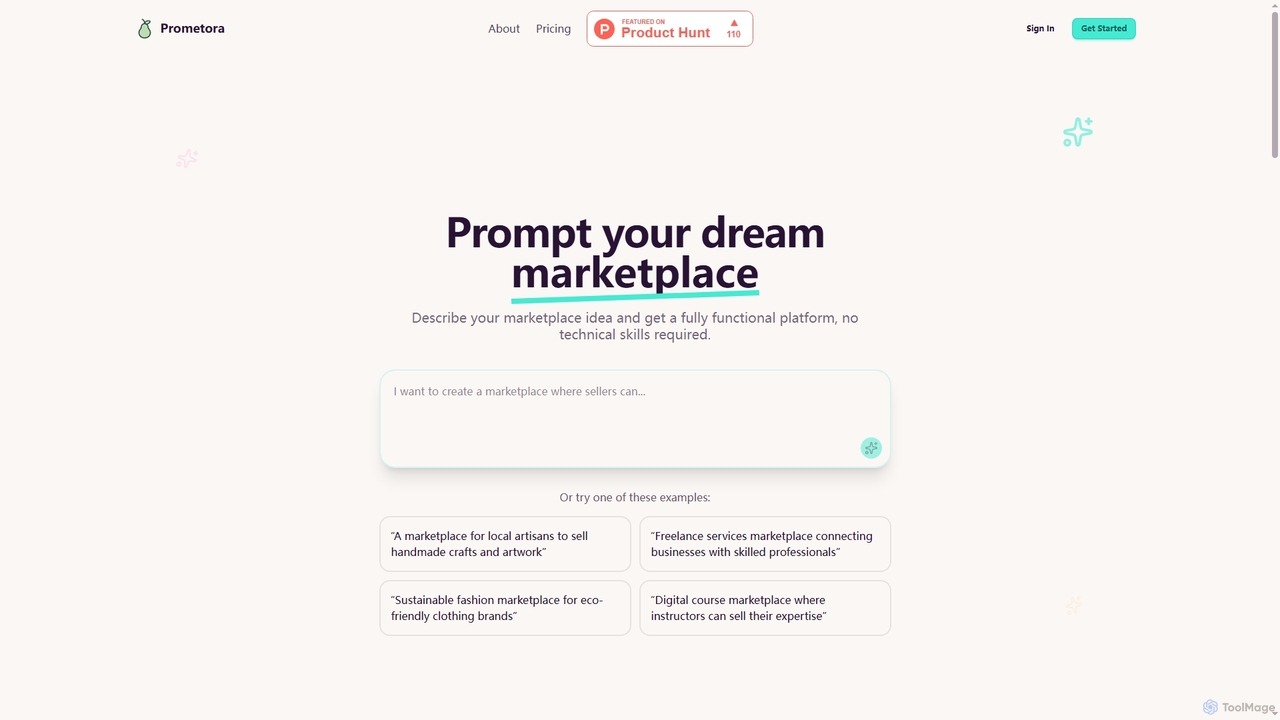
Prometora is an AI-powered no-code platform that enables non-technical founders to launch fully functional online marketplaces in hours. Describe your marketplace idea, and Prometora generates a platform complete with multi-vendor payments, analytics, and customer management, eliminating the need for coding or expensive developers.

Marketplace Builder
Visits 8.1KFavorites 118Likes 110
Coze
Free

Coze

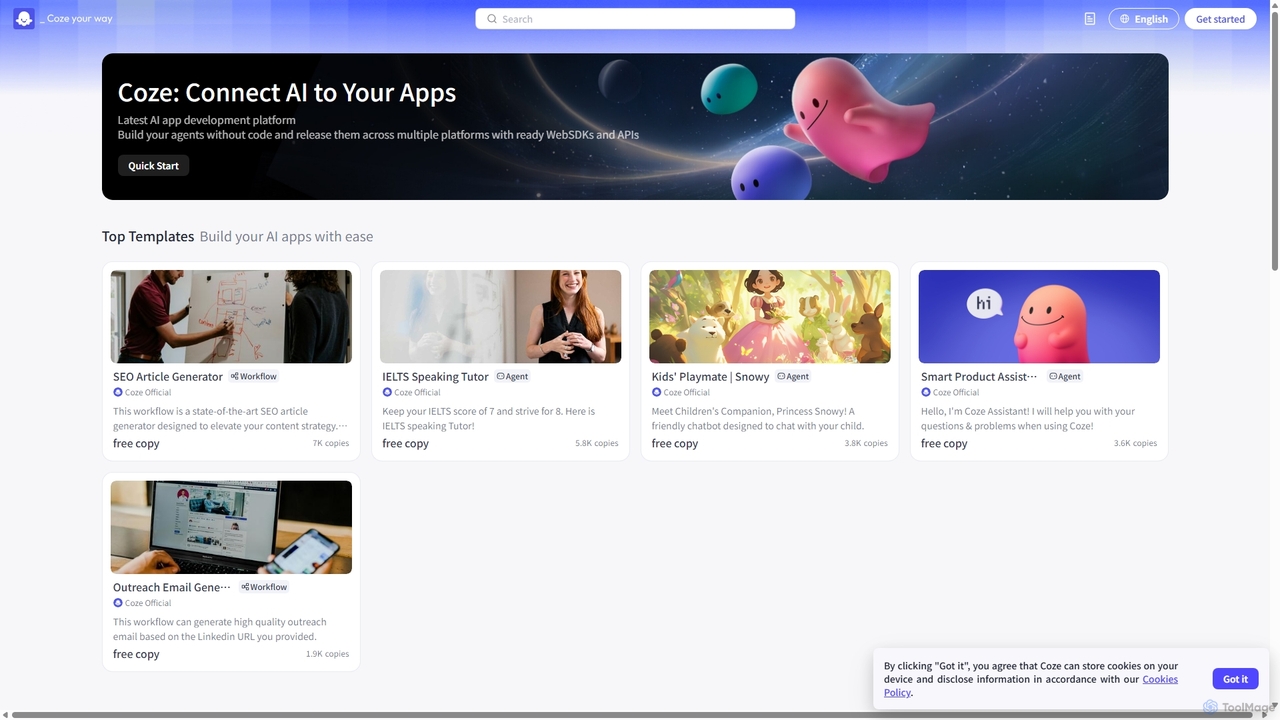
A next-generation, no-code AI application development platform that allows users to quickly build, debug, and deploy AI chatbots. Integrate powerful LLMs, plugins, and knowledge bases to create custom AI agents for various platforms like Discord, Telegram, and websites.

Bot Builder
Visits 696KFavorites 115Likes 123
Libralm
Freemium

Libralm

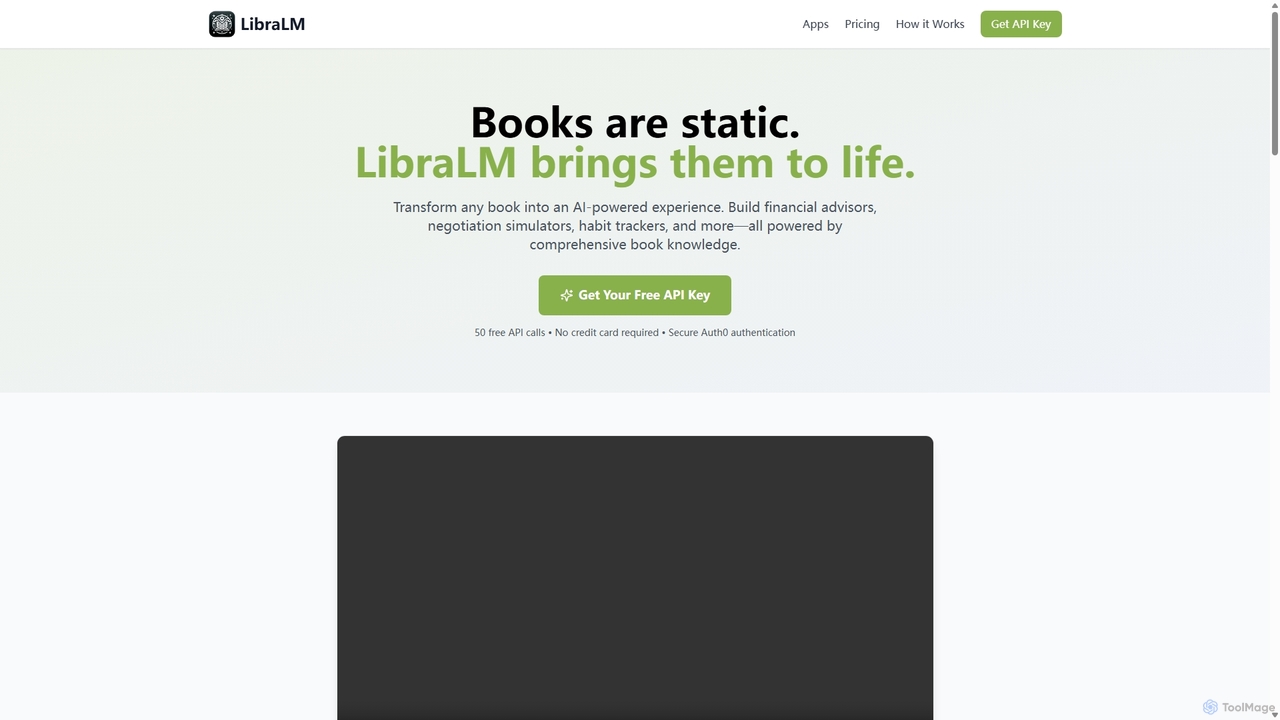
Libralm is a no-code platform that transforms bestselling book summaries into interactive AI-powered applications. In minutes, users can create games, simulators, and advisors based on the core concepts of over 50 popular books, integrating directly with tools like Claude Desktop.

No Code Platform
Visits 7.1KFavorites 179Likes 184
Promptly
Freemium

Promptly

Promptly is a no-code platform for enterprises to build, deploy, and scale generative AI applications. It enables users to create custom chatbots, internal tools, and automated workflows by connecting their own data to powerful LLMs like GPT-4 and Google PALM without writing any code.

Chatbot Builder
Visits 25.9KFavorites 127Likes 138
wov
Freemium

wov

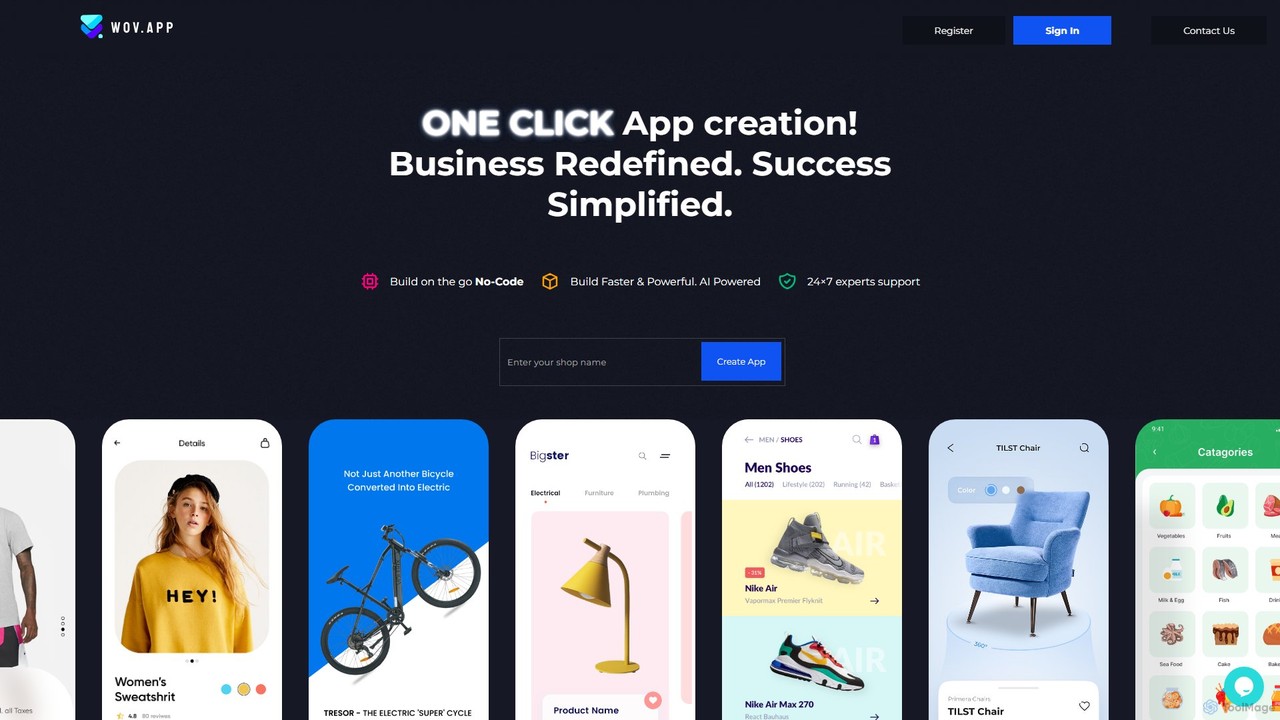
wov is an AI-powered, no-code platform that enables e-commerce businesses to create native mobile shopping apps for Android and iOS. It seamlessly integrates with Shopify, WooCommerce, and other major platforms, offering a drag-and-drop editor, customizable templates, and real-time previews. wov simplifies the entire process from design to publishing on the App Store and Google Play, making mobile commerce accessible to everyone.

No Code Platform
Visits 11.4KFavorites 156Likes 158
CalStudio
Paid

CalStudio

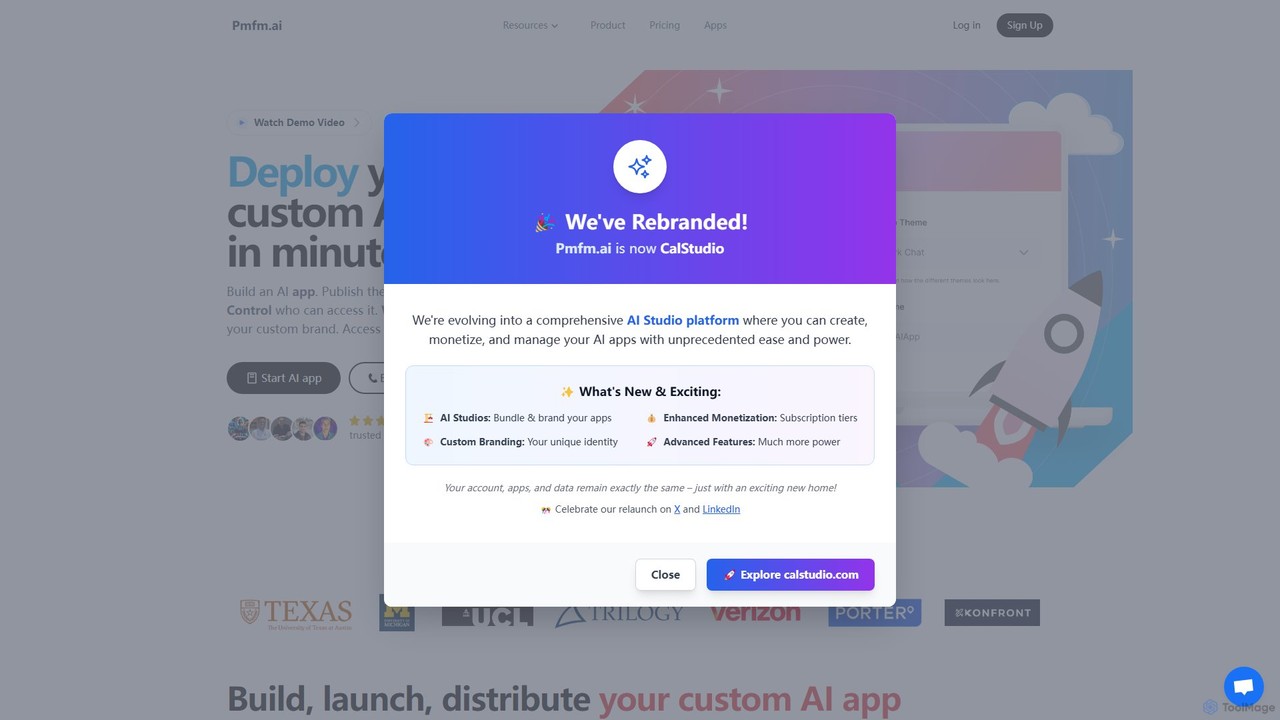
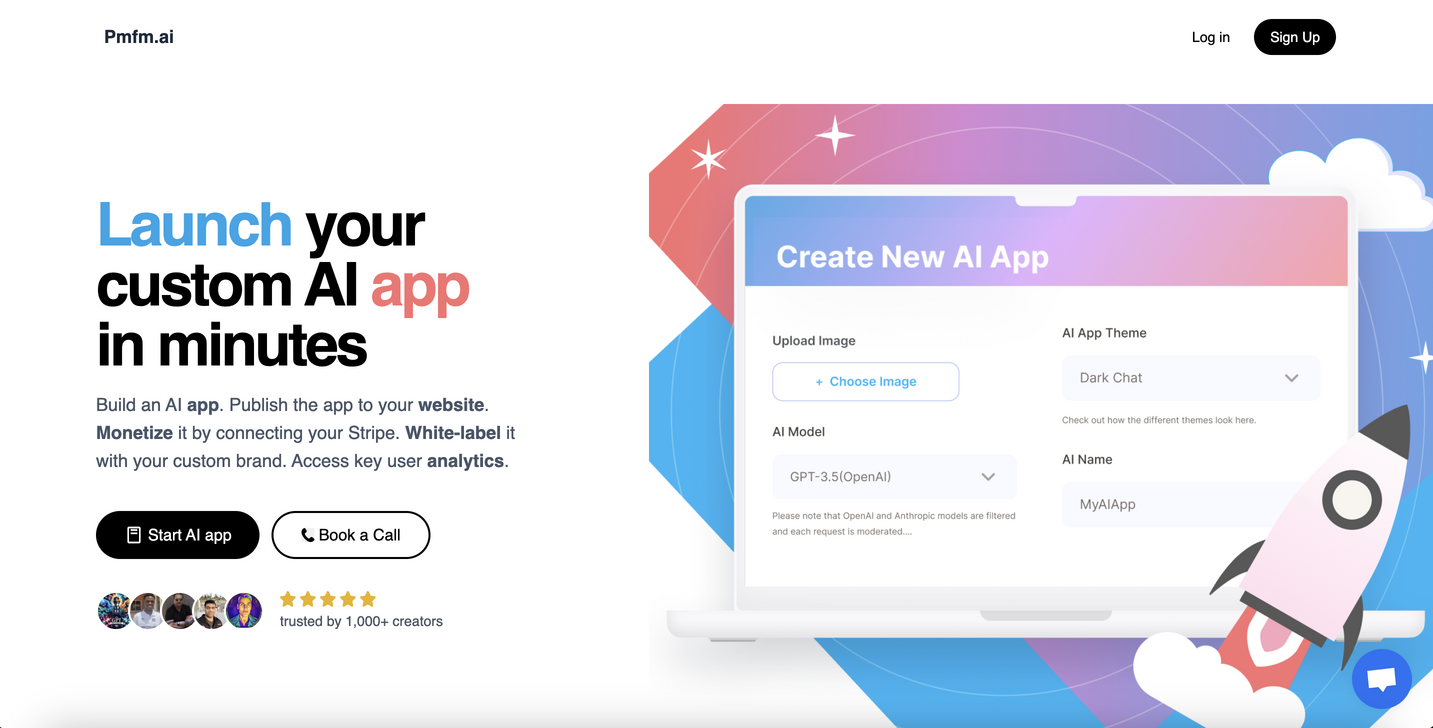
CalStudio is a no-code platform that empowers entrepreneurs, businesses, and creators to build, launch, and monetize custom AI applications. Easily create AI chatbots, assistants, and tools using models like GPT-4, Claude 3, and Gemini, then embed them on your website, integrate with payment systems, and deploy on custom domains without writing a single line of code.

Saas
Visits 6.4KFavorites 156Likes 152
launchlemonade
Freemium

launchlemonade

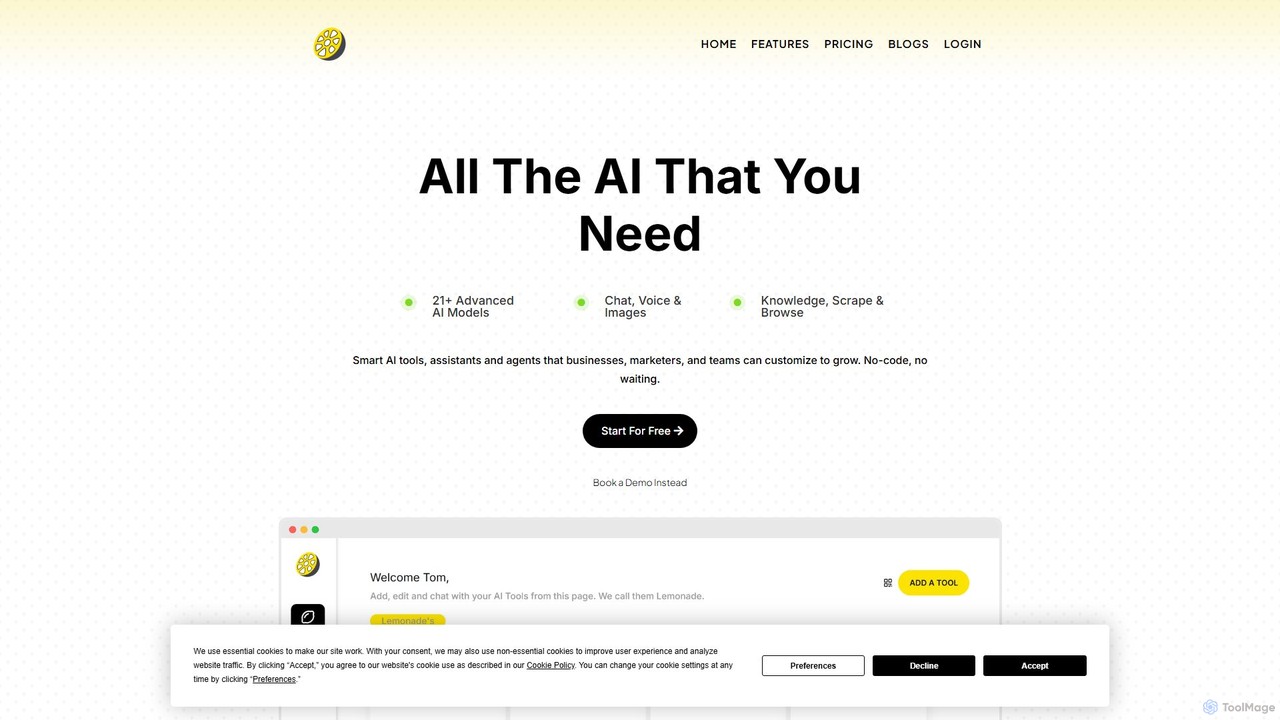
A no-code platform for non-technical users to build, customize, and monetize powerful AI assistants and agents. It provides access to over 21 advanced AI models like GPT-4o, Claude 3.5, and Llama 3, allowing businesses to create tailored tools for specific tasks, automate workflows, and even sell their AI creations under their own brand.

Chatbot Builder
Visits 18.1KFavorites 176Likes 173
The Forge AI
Freemium

The Forge AI

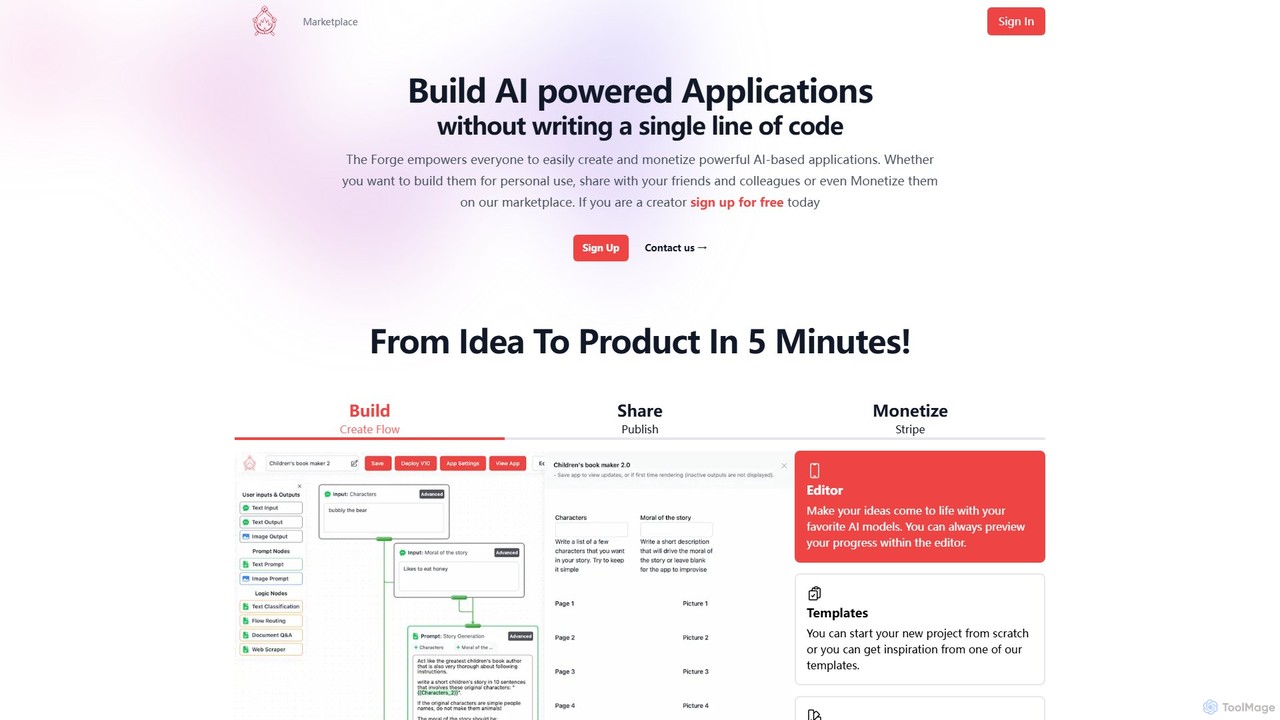
A no-code platform that empowers anyone to build, share, and monetize AI-powered applications. Turn your ideas into functional web apps, APIs, or embedded tools in minutes, and distribute them on a dedicated marketplace.

No Code Platform
Visits 11.8KFavorites 143Likes 139
Frontly
Freemium

Frontly

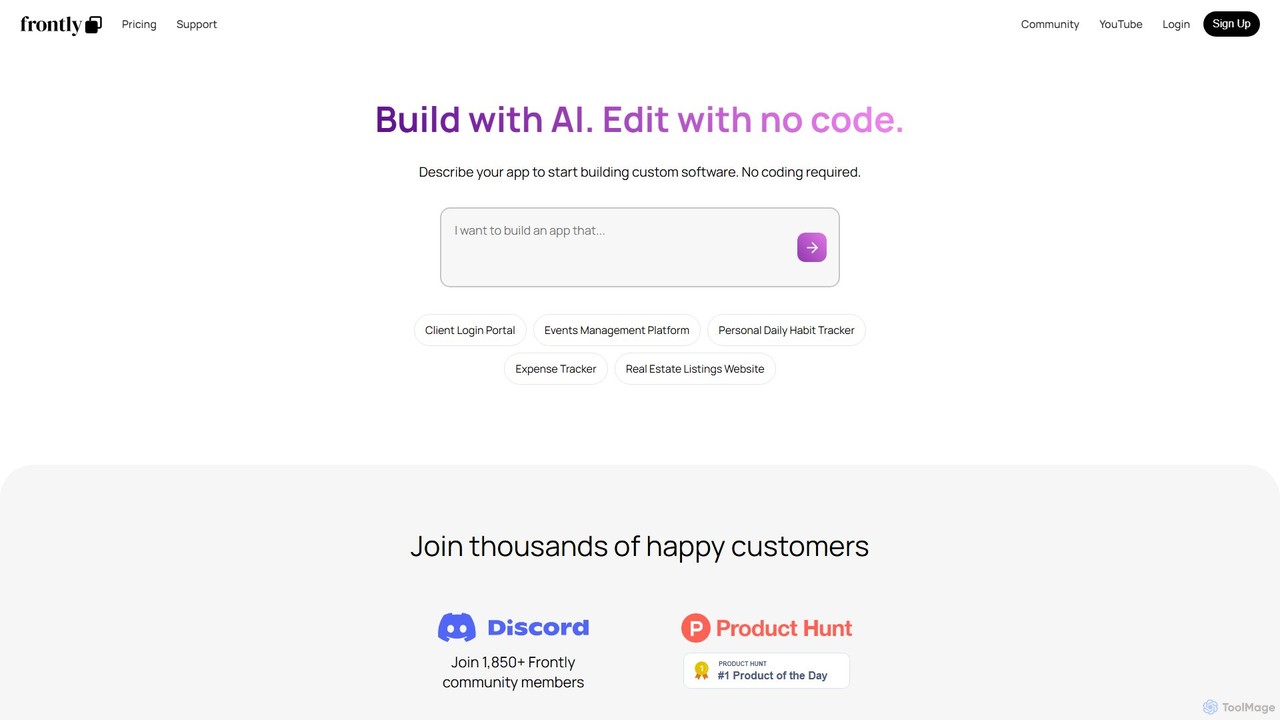
Frontly is an AI-powered no-code platform that enables users to build custom web applications, internal tools, and client portals simply by describing their needs. It combines AI generation with a powerful no-code editor for full customization.

Client Management
Visits 13.2KFavorites 123Likes 141
UnifiedStacks
Freemium

UnifiedStacks

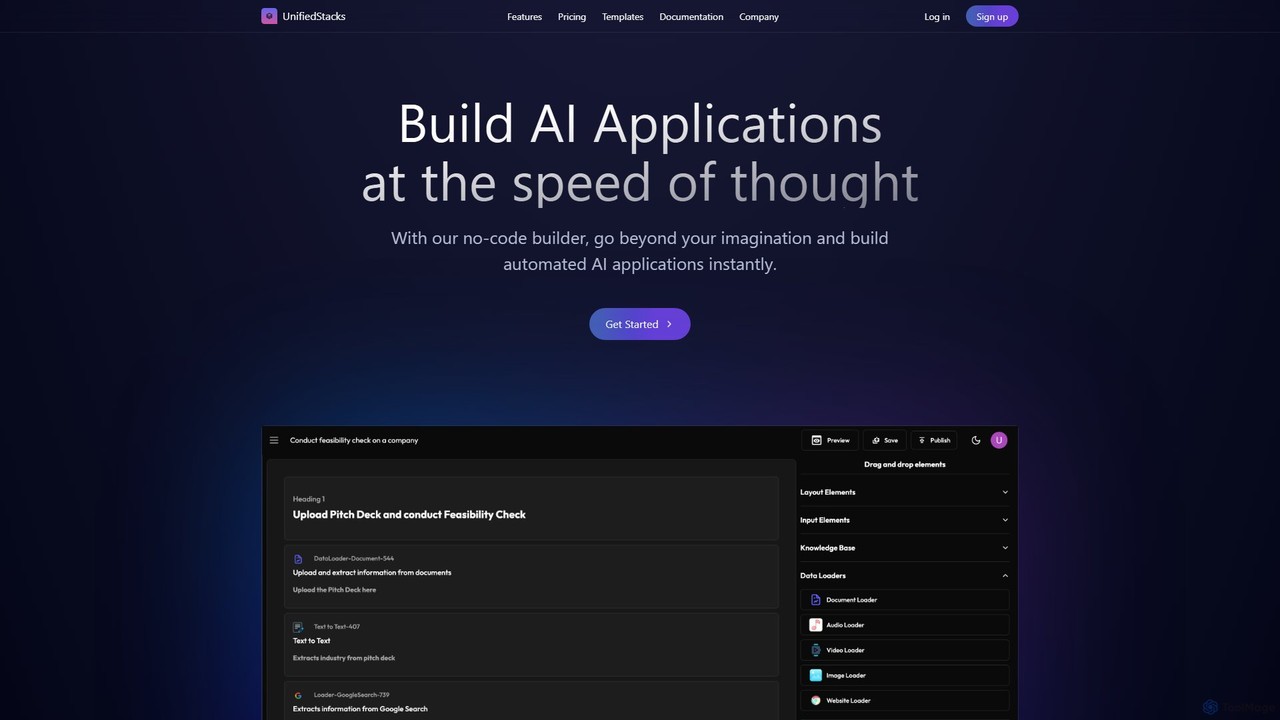
UnifiedStacks is an intuitive no-code platform that allows users to build and deploy production-ready AI applications instantly. Using a drag-and-drop builder, you can connect to internal data, access state-of-the-art AI models, and automate complex workflows across various business functions without writing a single line of code.

Ai App Builder
Visits 7KFavorites 144Likes 160
Imagica
Freemium

Imagica

Imagica is a powerful no-code platform that allows users to build, deploy, and monetize custom AI applications in minutes. Simply describe your idea in plain language to create functional apps with features like chat interfaces, real-time data integration, multimodal capabilities (text, image, audio, video), and built-in monetization. It's designed for creators, entrepreneurs, and businesses to turn ideas into products at the speed of thought.

Chatbot Builder
Visits 6.5KFavorites 146Likes 142
foxyapps
Freemium

foxyapps

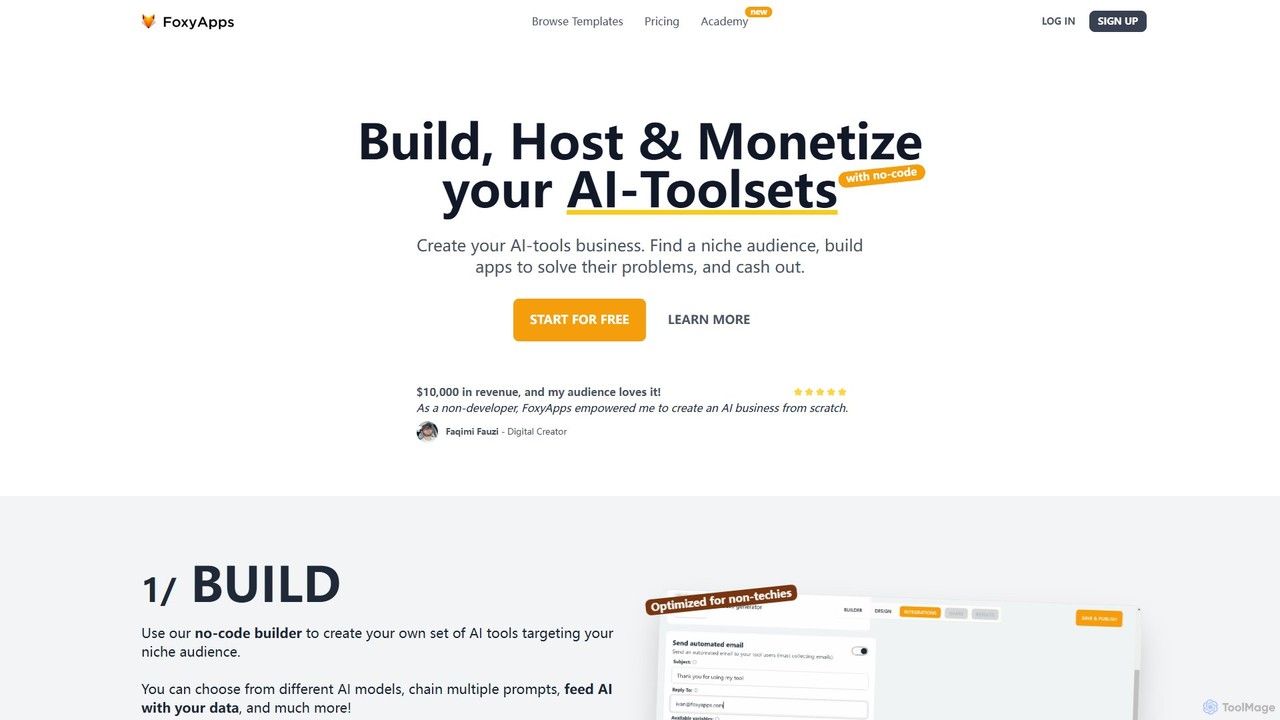
Foxyapps is a no-code platform that empowers users to build, host, and monetize their own AI-powered toolsets. Designed for non-developers, creators, and entrepreneurs, it allows you to create a white-label micro-SaaS business in minutes, using powerful AI models like GPT-4, Claude, and Gemini, with zero commission on your sales.

Saas
Visits 21.3KFavorites 154Likes 139
Appy Pie App Maker
Freemium

Appy Pie App Maker

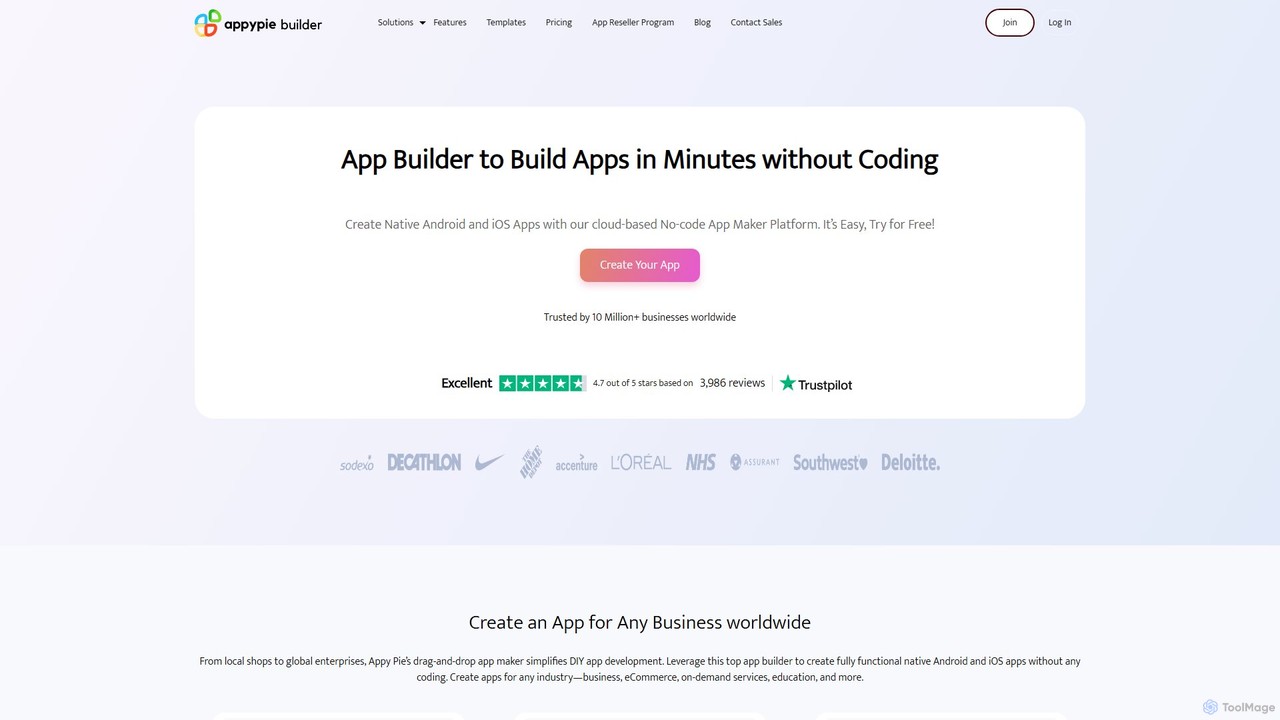
An AI-powered, no-code app development platform that allows users to create native Android and iOS mobile apps using a simple drag-and-drop interface. Build professional apps for any industry—eCommerce, restaurants, churches, and more—without writing a single line of code. Trusted by over 10 million businesses worldwide.

App Builder
Visits 286.3KFavorites 123Likes 120
Pickaxe
Freemium

Pickaxe

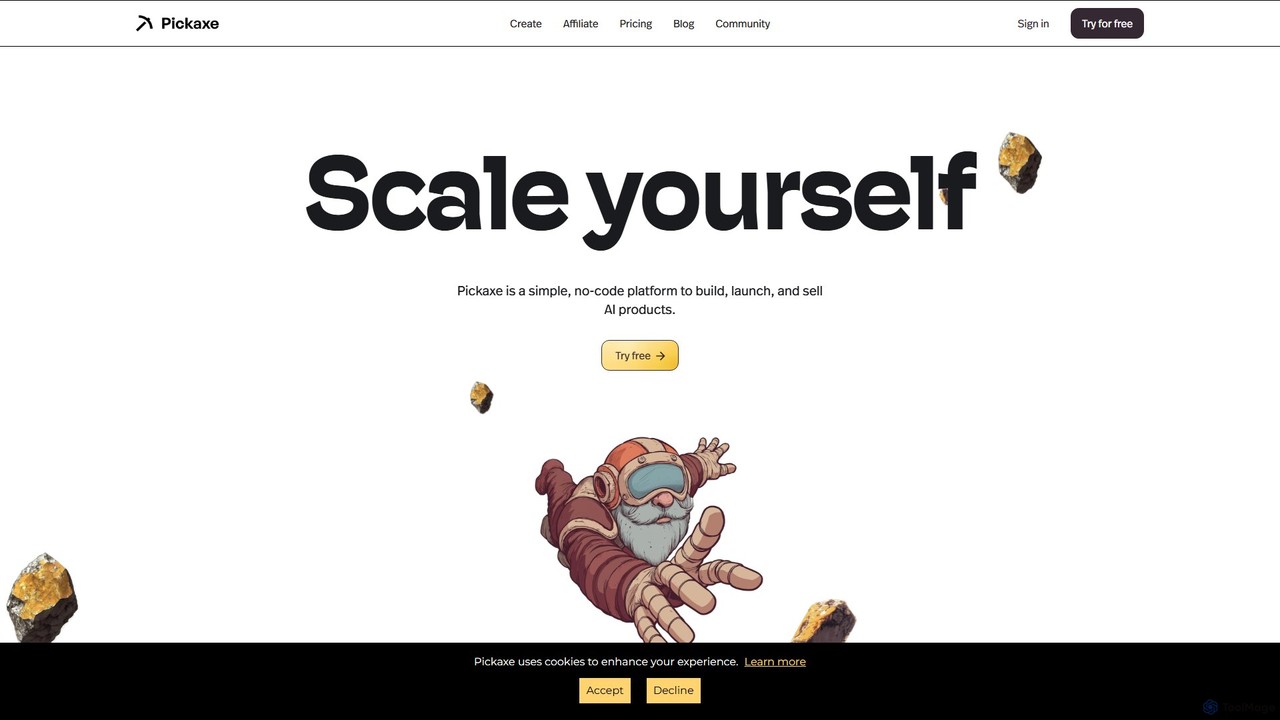
Pickaxe is a simple, no-code platform designed for creators and entrepreneurs to build, deploy, and monetize custom AI agents. Train AI on your own data, expertise, and documents to create personalized tools, chatbots, and automated workflows that you can embed anywhere or sell as a service.

Chatbot Builder
Visits 187.3KFavorites 112Likes 112
NoCode
Freemium

NoCode

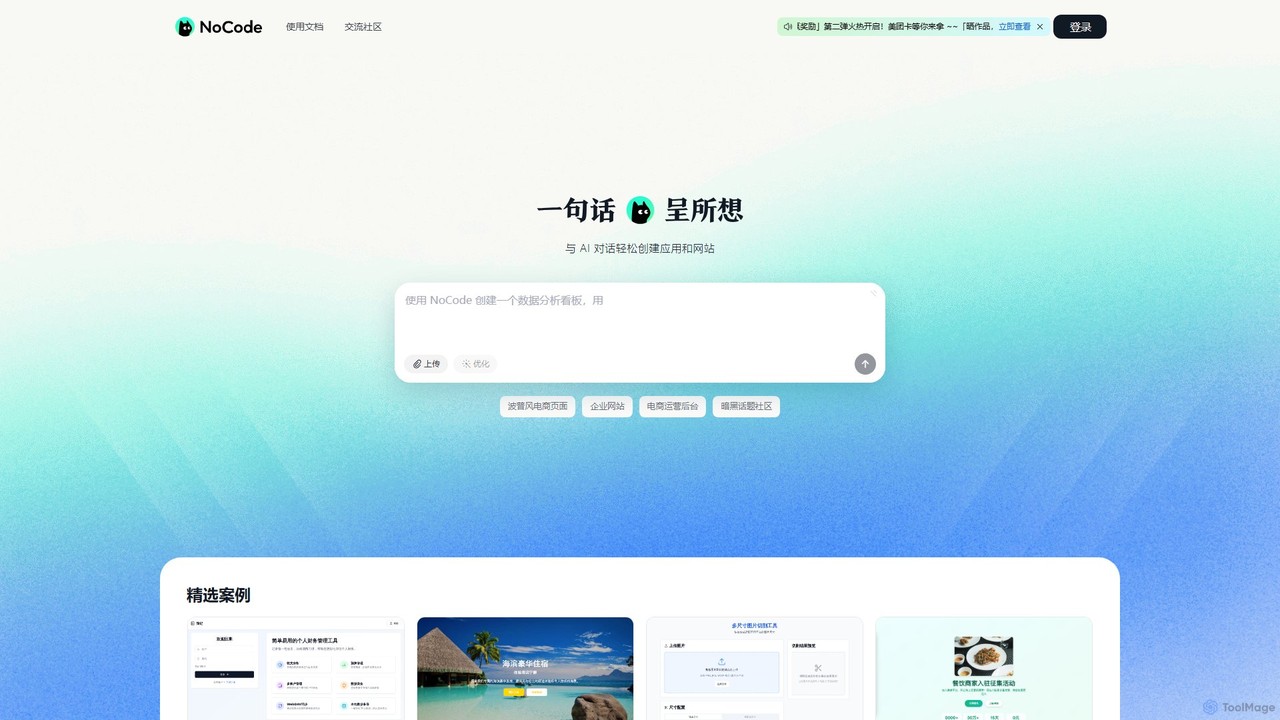
NoCode is an AI-powered, conversational no-code platform that allows users to build websites, applications, and internal tools simply by describing their needs in natural language. It transforms text prompts into functional digital products, from e-commerce sites to data management dashboards, without writing a single line of code.

Internal Tools
Visits 46.8KFavorites 135Likes 133

About No Code Platform

No Code Platforms are a category of AI-powered tools that enable users to build software applications and automate workflows without writing traditional code. These platforms leverage visual development environments, drag-and-drop interfaces, and pre-built components to simplify the creation process. They empower citizen developers and businesses to rapidly prototype, deploy, and iterate on digital solutions, significantly reducing development time and costs.

Core Features

  • Visual Builder: Drag-and-drop interface for designing user interfaces and application logic.
  • Pre-built Components: Libraries of ready-to-use elements like forms, buttons, and data tables.
  • Workflow Automation: Tools to define and automate business processes and data flows.
  • Database Integration: Seamless connection to various data sources and creation of custom databases.
  • API Connectivity: Ability to integrate with external services and third-party applications.

Use Cases

No Code Platforms are widely adopted across various industries for accelerating digital transformation. They are ideal for small businesses needing custom internal tools, marketing teams launching landing pages, or entrepreneurs validating new app ideas without extensive coding knowledge.

How to Choose

When selecting a No Code Platform, consider its scalability for future growth, the breadth of its integration capabilities with existing systems, the learning curve for your team, and its pricing model. Evaluate whether it supports your specific application type (web, mobile, internal tools) and offers adequate security features.

Featured tool rankings

No Code Platform use cases

1

Build Internal Business Tools

Small to medium-sized businesses often need custom dashboards, CRM systems, or project management tools. A non-technical operations manager can use a No Code Platform to visually design and deploy an internal tool for tracking inventory or managing customer requests, integrating with existing spreadsheets or databases, thereby streamlining daily operations and improving data accessibility without hiring developers.

2

Launch Web & Mobile Applications

Entrepreneurs or startups can rapidly develop Minimum Viable Products (MVPs) for web or mobile apps. A product manager can use a No Code Platform to create a functional prototype of a social networking app or an e-commerce storefront, complete with user authentication and database functionalities, allowing for quick market testing and investor feedback before investing in traditional coding.

3

Automate Business Workflows

Marketing or HR departments frequently deal with repetitive tasks like lead nurturing or onboarding processes. A marketing specialist can configure a No Code Platform to automate email sequences, update CRM records, and send notifications based on user actions on a website, significantly reducing manual effort and ensuring consistent communication across customer touchpoints.

4

Create Custom Customer Portals

Companies often require secure portals for customers to access information, submit requests, or manage their accounts. A customer service lead can design a branded customer portal using a No Code Platform, allowing users to view order history, update personal details, or submit support tickets, enhancing customer experience and reducing direct support inquiries.

5

Develop Event Registration Systems

Event organizers need efficient ways to manage registrations, payments, and attendee communication. A marketing coordinator can build a comprehensive event registration website with integrated payment gateways, automated confirmation emails, and attendee list management features using a No Code Platform, simplifying the entire event setup and management process.

6

Data Collection and Reporting Dashboards

Teams need to collect data from various sources and visualize it for decision-making. A business analyst can leverage a No Code Platform to create custom forms for data input, connect to external APIs for real-time data, and build interactive dashboards to monitor key performance indicators (KPIs), providing actionable insights without complex data engineering.

No Code Platform FAQ

What are No Code Platforms?

No Code Platforms are visual development environments that enable individuals to create software applications, websites, and automated workflows without writing any programming code. They achieve this by providing intuitive drag-and-drop interfaces, pre-built components, and visual logic builders, making app development accessible to non-technical users, often referred to as citizen developers.

How do No Code Platforms differ from Low Code Platforms?

No Code Platforms are designed for users with little to no coding knowledge, offering a purely visual interface for building applications. Low Code Platforms, while also using visual tools, require some coding expertise for customization, integration, or complex logic. No code aims for complete abstraction from code, whereas low code accelerates development for professional developers by minimizing repetitive coding.

Who can benefit most from using No Code Platforms?

No Code Platforms primarily benefit citizen developers, small business owners, entrepreneurs, and non-technical professionals in roles like marketing, HR, or operations. They are ideal for quickly prototyping ideas, building internal tools, automating routine tasks, or launching customer-facing applications without the need to hire or rely heavily on professional software developers.

What types of applications can be built with No Code Platforms?

A wide range of applications can be built using No Code Platforms, including internal business tools (CRMs, project trackers), web applications (e-commerce sites, landing pages, membership portals), mobile apps (for iOS/Android), automated workflows, data collection forms, and customer portals. The complexity and scalability vary by platform, but many can handle robust solutions.

What are the key considerations when choosing a No Code Platform?

When selecting a No Code Platform, evaluate its specific features for your project needs (e.g., mobile vs. web focus), scalability for future growth, integration capabilities with your existing tech stack, and the learning curve for your team. Also, consider the platform's pricing model, community support, security features, and the flexibility it offers for customization and data ownership.