
Vizcom Overview
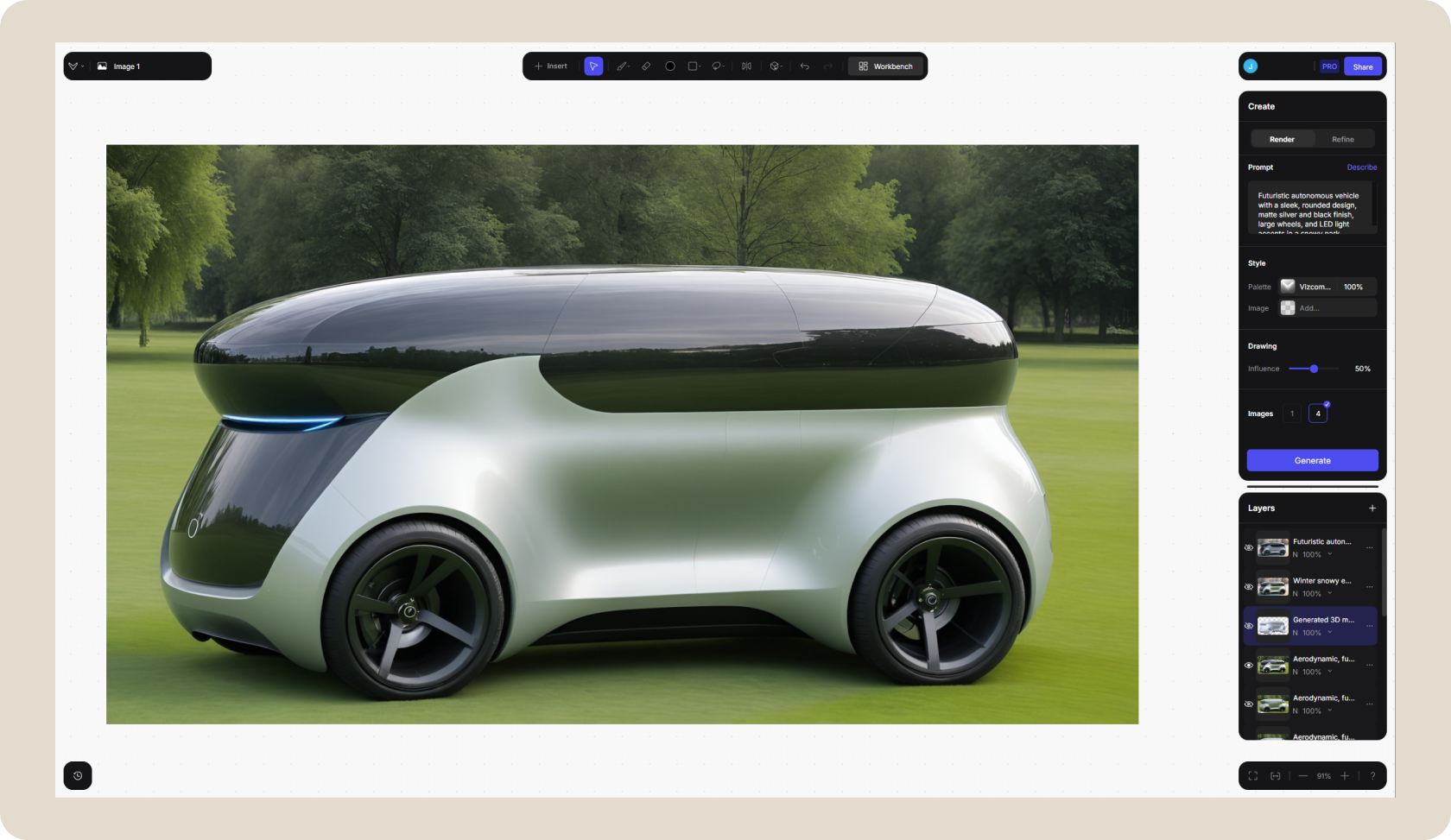
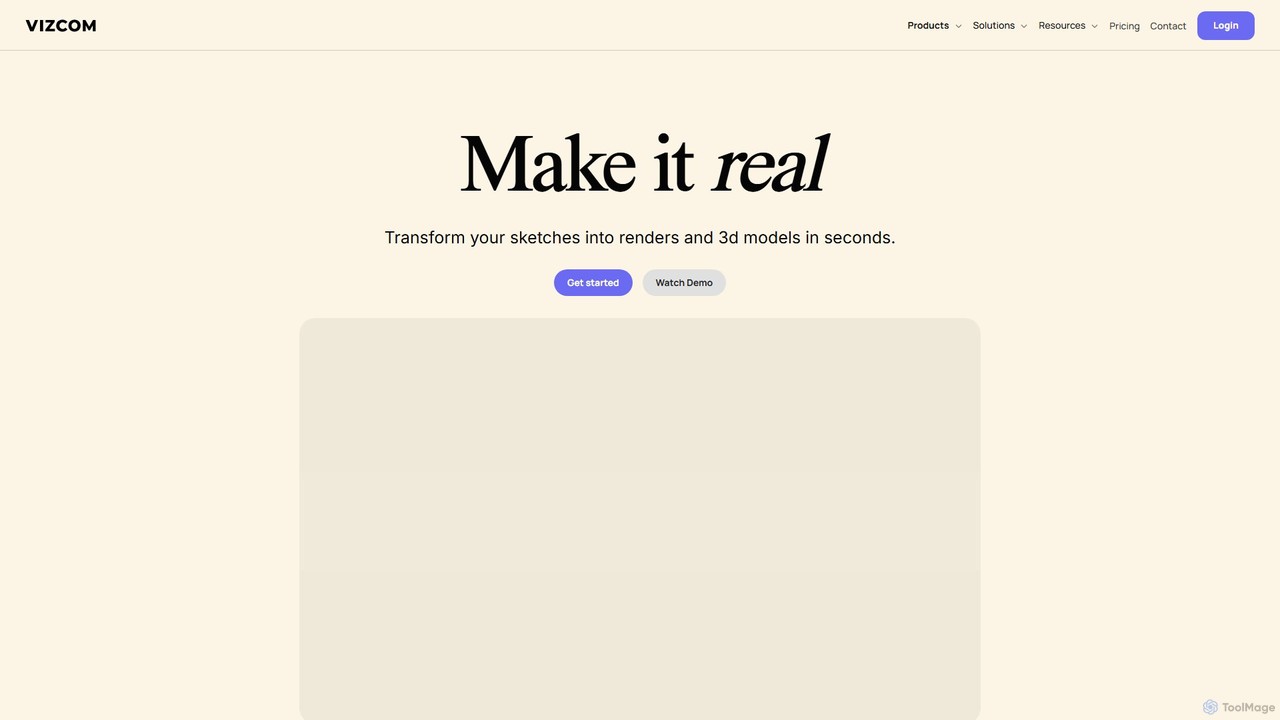
Vizcom is a revolutionary AI design tool engineered to dramatically accelerate the creative workflow for professionals in product design, automotive design, and concept art. It bridges the gap between initial concept and tangible visualization by transforming simple sketches into stunning, high-fidelity renders and even 3D models almost instantaneously. This allows designers and teams to iterate on ideas at an unprecedented speed, moving from a rough drawing to a polished concept in mere seconds.
The platform operates on a simple yet powerful premise: bring your ideas to life visually without the traditional time-consuming bottlenecks of manual rendering and modeling. Whether you're sketching directly within Vizcom's digital studio, uploading a photo of a paper drawing, or importing existing 3D models, the AI interprets your input and generates visually rich outputs based on text prompts and stylistic preferences. With features like the infinite canvas 'Workbench' and real-time collaboration, Vizcom fosters a dynamic environment for creative exploration and team synergy.
How to use Vizcom
The workflow in Vizcom is designed to be intuitive and seamless, allowing creators to focus on design rather than complex software operations. The process can be broken down into a few simple steps:
- Sketch or Import: Start by either drawing your concept directly on Vizcom's canvas using its built-in drawing tools or simply take a picture of your physical sketch and upload it. You can also import existing 3D models (OBJ, FBX) to use as a base.
- Render with AI: Use natural language prompts to describe the desired materials, lighting, and environment. Select from a range of default styles or apply your own custom 'Palette' to ensure brand consistency and a unique aesthetic. The AI will generate a high-quality rendering in seconds.
- Iterate and Refine: Explore countless variations by adjusting your prompts or modifying the sketch. Use familiar tools like layers, lasso, and brush selections to refine specific parts of the image. The 'Live Render' feature provides real-time feedback as you draw.
- Generate 3D Models: With a single click, transform your 2D rendering into a 3D model. This allows you to view your design from every angle and assess its form and proportions more effectively.
- Export and Share: Export your final designs as high-resolution PNGs, layered PSDs, or 3D models. The models can be used for augmented reality (AR) viewing, 3D printing, or further refinement in other 3D software.
Core Features of Vizcom
- AI Sketch to Render: Instantly convert hand-drawn or digital sketches into photorealistic images.
- 3D Model Generation: Create 3D models directly from your 2D renderings with one click.
- Custom Palettes: Train the AI on your specific style, brand imagery, or material references to generate on-brand, consistent visuals.
- Live Render: See your sketches transform into renders in real-time as you draw, providing instant visual feedback.
- Video Generation: Create short video clips showcasing the design process or object rotation.
- Infinite Canvas (Workbench): A boundless creative space for teams to explore, iterate, and connect ideas collaboratively.
- Advanced Drawing & Selection Tools: A full suite of familiar tools including layers, brushes, lasso, and Bezier curves for precise control.
- Team Collaboration: Features designed for teams, including shared files, folders, user roles (Admin, Editor, Viewer), and private team spaces.
- Desktop Application: Available for both Mac and Windows for a seamless desktop experience.
Use Cases for Vizcom
Vizcom is versatile and serves a wide range of creative industries:
- Industrial & Product Design: Rapidly visualize and iterate on concepts for consumer electronics, furniture, and other physical products.
- Automotive Design: Quickly create detailed exterior and interior concepts for cars, exploring different shapes, materials, and finishes.
- Footwear & Fashion: Generate realistic renderings of new sneaker designs, apparel, and accessories.
- Concept Art & Entertainment: Develop visual concepts for characters, environments, and props for games and films.
- Architectural Visualization: Create quick conceptual renderings of buildings and interior spaces.
Advantages of Vizcom
Vizcom offers a significant competitive edge by enhancing both speed and creativity. Its main advantages include:
- Unmatched Speed: Reduces the design-to-render timeline from hours or days to mere seconds, enabling rapid iteration.
- Creative Exploration: Encourages experimentation and the discovery of "happy accidents" by making it easy to generate numerous variations.
- Enhanced Collaboration: Centralizes the creative process, allowing teams to work together in real-time on a shared canvas.
- Style Consistency: The 'Palettes' feature ensures that all AI-generated content aligns with a specific project or brand aesthetic.
- Intuitive Workflow: Combines the familiarity of traditional drawing tools with the power of AI, making it accessible to designers of all skill levels.
Pricing and Plans
Vizcom offers a tiered pricing structure to accommodate individuals, professionals, and large organizations:
- Starter Plan: $0/month. This free plan includes basic AI creation tools, standard render speed, community support, and limitations on files and generations (e.g., 3 files, 2 3D models/month).
- Professional Plan: $40/month (billed annually) or a higher monthly rate. Aimed at individual professionals, this plan includes everything in Starter plus full design privacy, fast renders, custom palettes, significantly higher limits for 3D models (50/month) and video generations (10/month), 5 hours of Live Render, and priority support.
- Enterprise Plan: Custom pricing. Designed for teams and organizations, this plan includes everything in Professional plus unlimited fastest renders, unlimited seats and teams, concierge AI model training, advanced export options (4K, Quad Mesh), SSO, dedicated support, and more.
Traffic
Latest traffic
Status
Monthly traffic trend
- 2025-9: 191.0K
- 2026-1: 62.8K
- 2026-2: 59.1K
- 2026-3: 66.5K
- 2026-4: 55.1K
- 2026-5: 15.0K
Geography
Top 5 countries / regions
- 🇺🇸United States40.3%
- 🇻🇳Vietnam17.1%
- 🇮🇳India16.7%
- 🇮🇹Italy13.1%
- 🇩🇪Germany12.8%
Traffic sources
| Source type | Percentage |
|---|---|
Referral | 84.2% |
Direct | 15.8% |
Top keywords
| Keyword | Cost per click |
|---|---|
| 2d to 3d | $0.98 |
| background remove | $0.36 |
| vizcom | $1.16 |
| vizcom ai | $3.19 |
| 퍜채ㅡ | $0.00 |
Vizcom Videos on YouTube


Andrew Hay

Andrew Hay

PI - Fashion's Technology Community
Vizcom Alternatives
Roughly
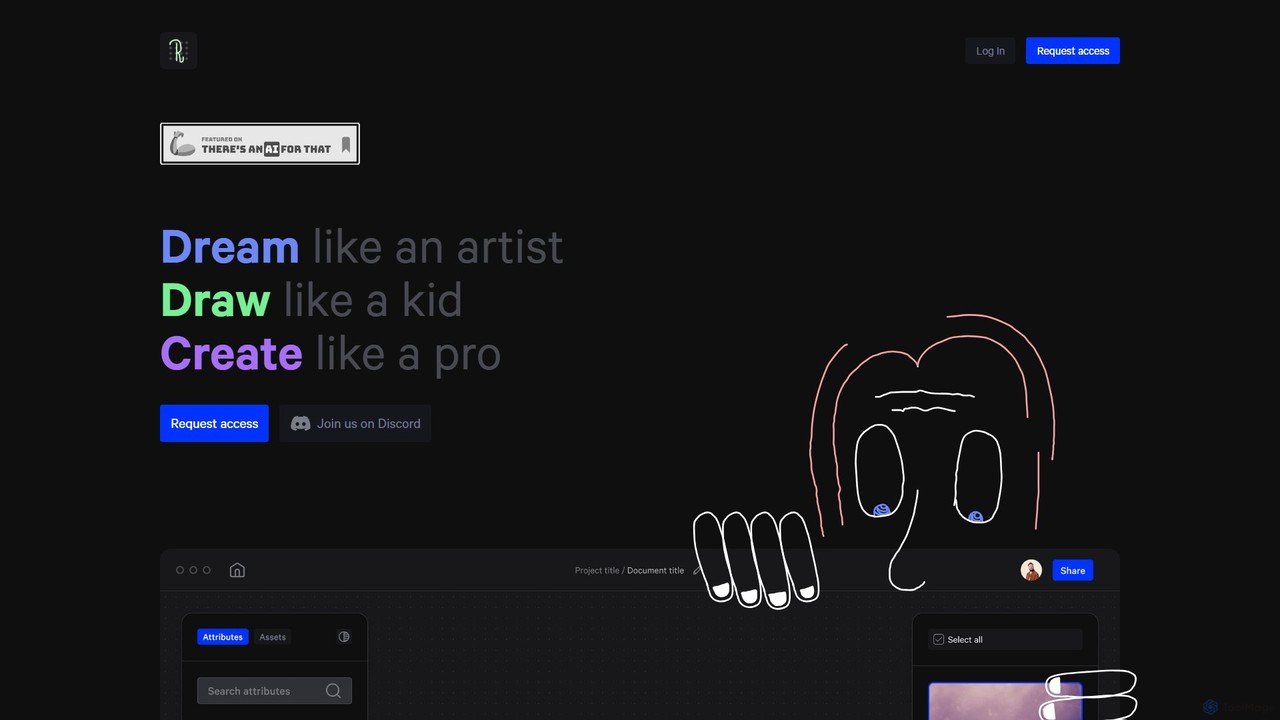
Roughly is an AI-powered design platform that transforms rough sketches and text prompts into professional-quality images. Ideal for artists, designers, and creators across various fields like architecture, fashion, and game design, it offers an intuitive 'sketch-to-image' workflow to rapidly visualize and iterate on creative concepts.
Concept Art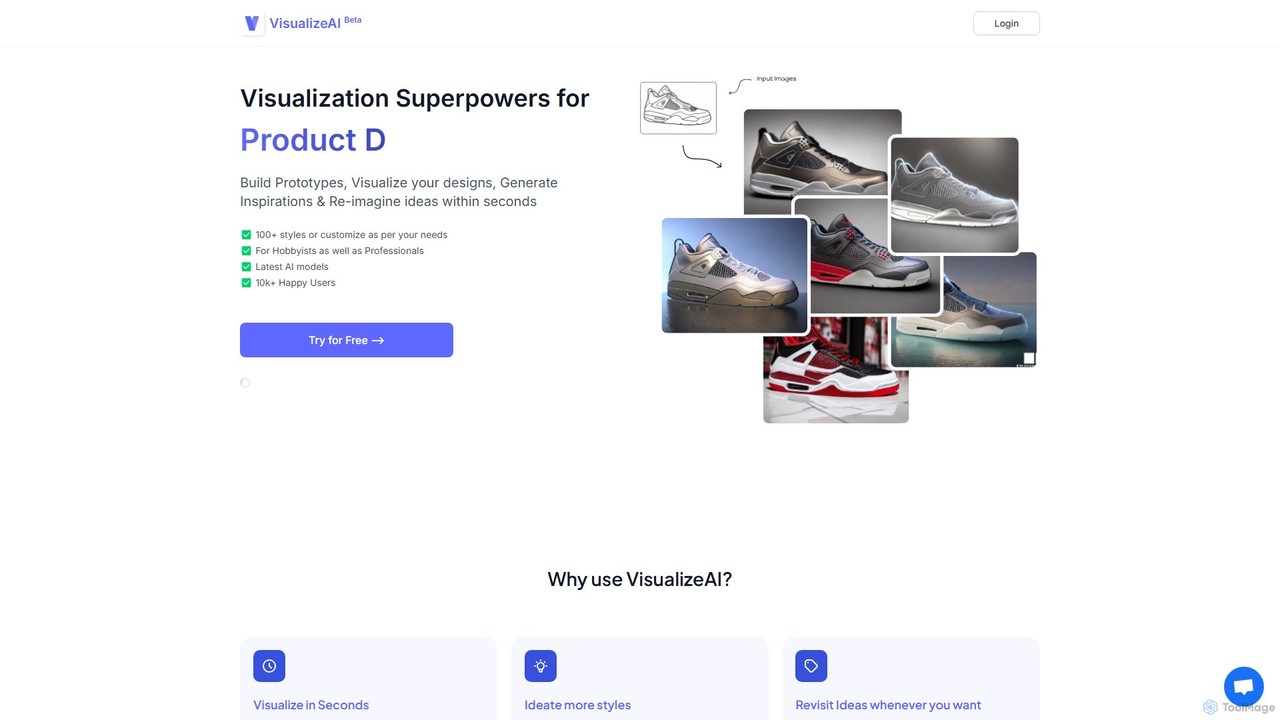
VisualizeAI
VisualizeAI is an AI-powered design visualization tool that transforms sketches, images, and basic models into high-quality renders in seconds. It's designed for architects, interior designers, and product designers to rapidly prototype, generate inspiration, and re-imagine ideas with over 100 styles.
Architecture
SuperCraft
SuperCraft is an AI-powered design platform that enables teams to create and iterate on physical products using natural language. From initial sketches or text prompts, users can generate realistic product renders, explore design variations, create 3D models, and collaborate in real-time on an infinite canvas. It's built for speed and intuitive workflows, streamlining product, packaging, and industrial design.
3D Modeling
dimensions.ink
Dimensions.ink is an AI-powered creative suite for generating stunning 2D and 3D visuals. It transforms text prompts into high-quality concept art, product mockups, architectural visualizations, and intricate 3D models, empowering designers, artists, and creators to bring their ideas to life with unprecedented speed and ease.
Concept ArtVizcom Categories
Vizcom Embed Widget
Copy this embed code to place the badge on your blog, article, or product site and send readers directly to this ToolMage detail page.

Related AI tools
SuperCraft
SuperCraft is an AI-powered design platform that enables teams to create and iterate on physical products using natural language. From initial sketches or text prompts, users can generate realistic product renders, explore design variations, create 3D models, and collaborate in real-time on an infinite canvas. It's built for speed and intuitive workflows, streamlining product, packaging, and industrial design.
3D Modeling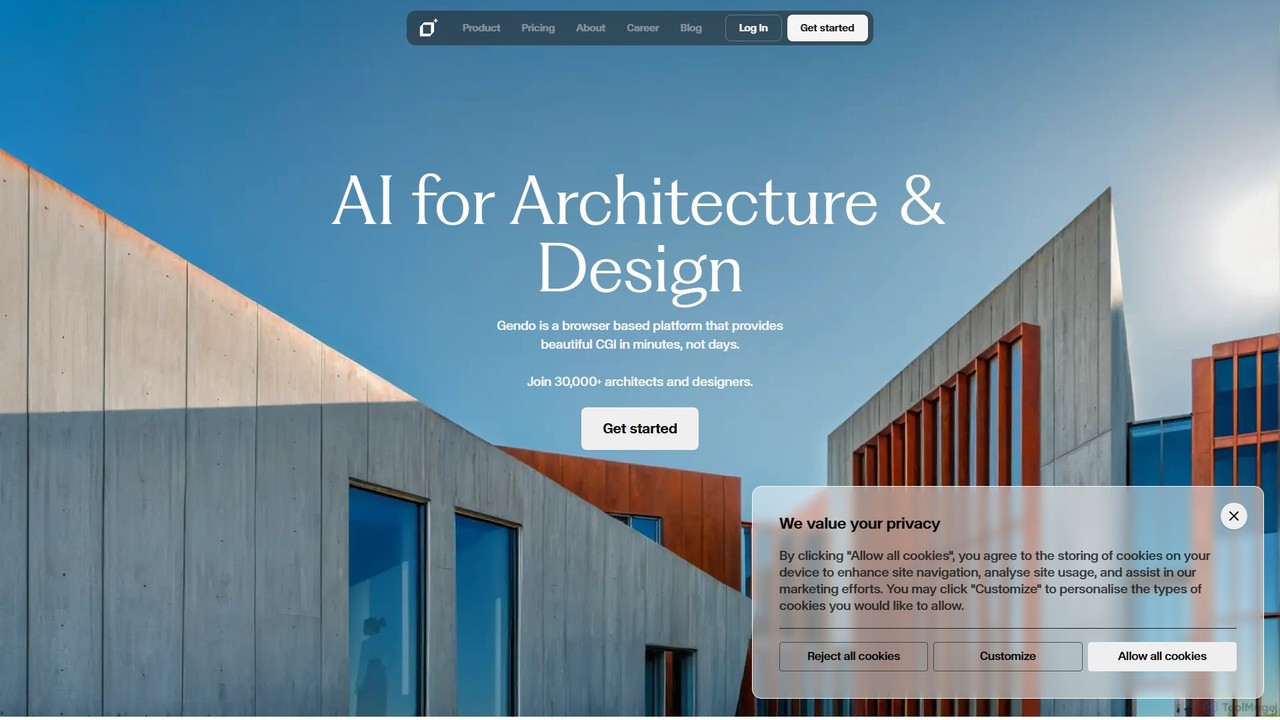
Gendo
Gendo is an AI-powered, browser-based platform for architects and designers to create high-quality CGI visualizations in minutes. It transforms sketches and designs into realistic images, allows for instant material changes, and offers versatile style transfers, streamlining the entire design and rendering workflow.
Generative ArtVisualizeAI
VisualizeAI is an AI-powered design visualization tool that transforms sketches, images, and basic models into high-quality renders in seconds. It's designed for architects, interior designers, and product designers to rapidly prototype, generate inspiration, and re-imagine ideas with over 100 styles.
Architecturedimensions.ink
Dimensions.ink is an AI-powered creative suite for generating stunning 2D and 3D visuals. It transforms text prompts into high-quality concept art, product mockups, architectural visualizations, and intricate 3D models, empowering designers, artists, and creators to bring their ideas to life with unprecedented speed and ease.
Concept Art
Jeweality
Jeweality is an AI-powered platform designed for the jewelry industry, enabling designers and manufacturers to transform ideas, sketches, and text into professional, high-quality jewelry designs and renders in minutes.
Image Generator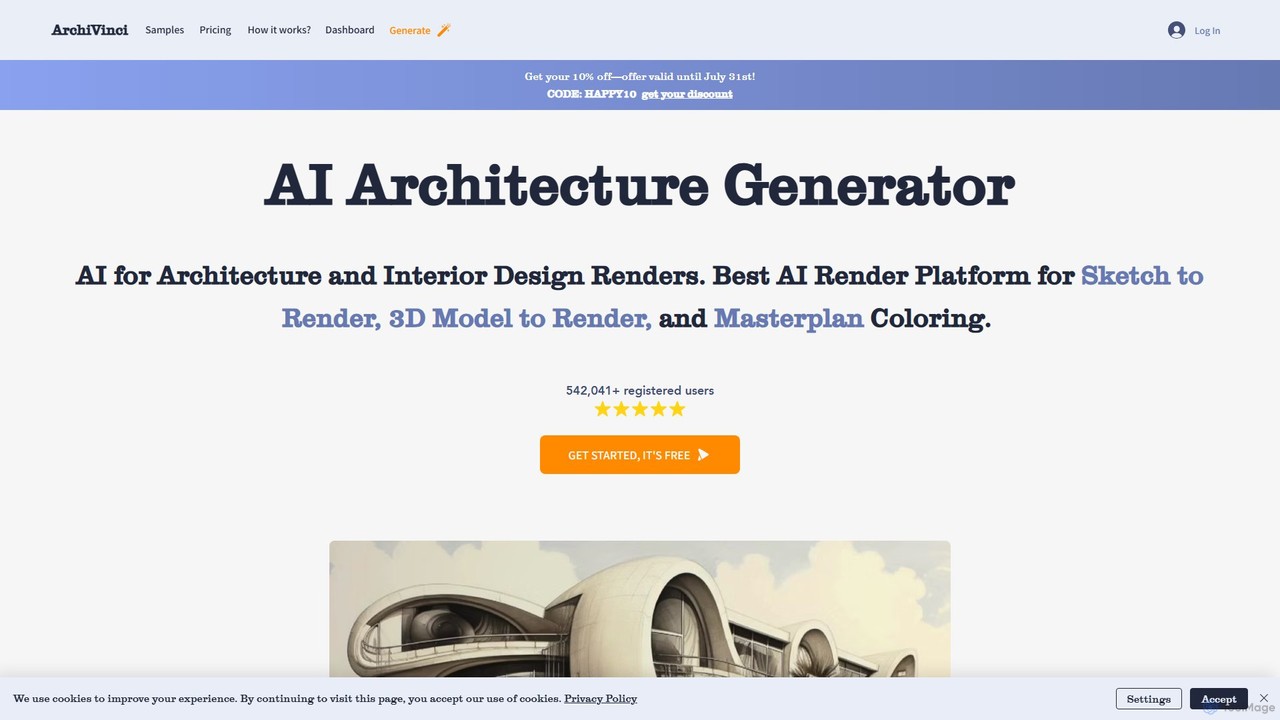
ArchiVinci
ArchiVinci is an AI-powered design platform for architects and interior designers. It transforms sketches, photos, and 3D models into stunning, photorealistic renders in seconds. With features for exterior design, interior redesign, virtual staging, and masterplan coloring, ArchiVinci streamlines the entire architectural visualization process, offering a wide range of styles and powerful modification tools to bring creative visions to life effortlessly.
Architecture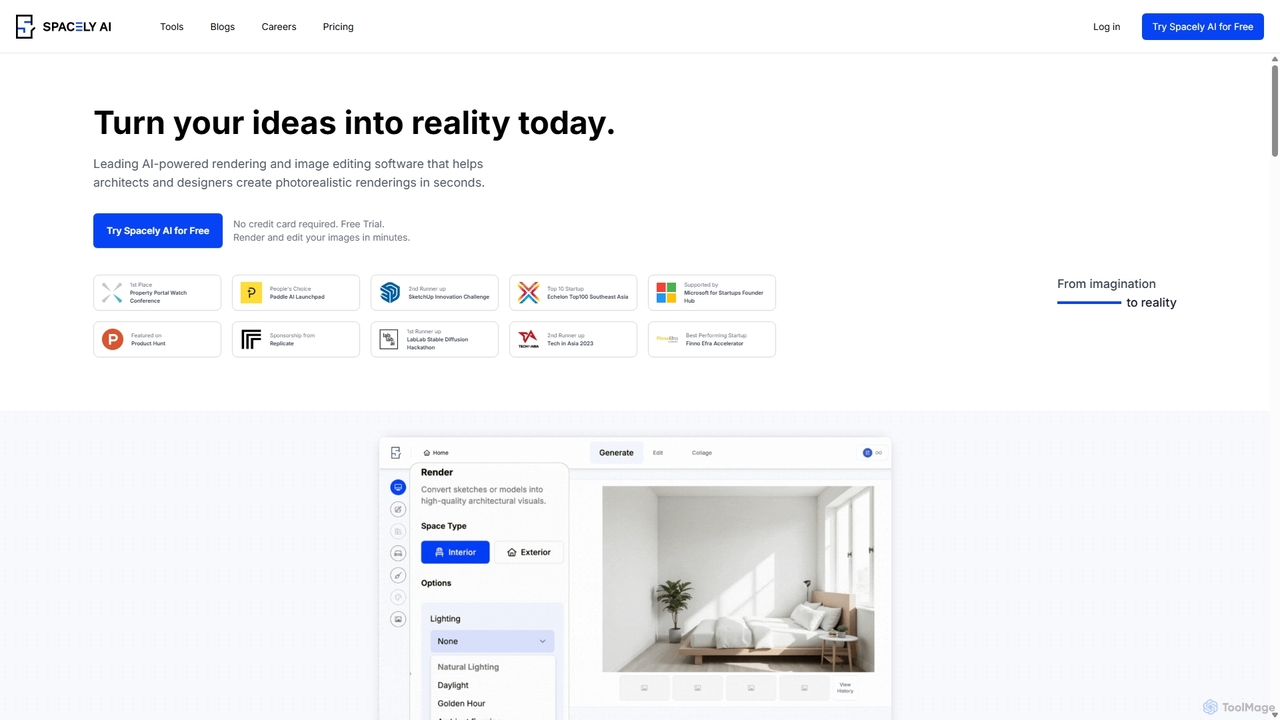
Spacely
Spacely is an AI-powered design platform that enables architects, interior designers, and real estate professionals to generate photorealistic interior and exterior renderings in seconds. It offers a suite of tools for virtual staging, style transfer, and precise image editing, transforming sketches or photos into stunning visualizations effortlessly.
Architecture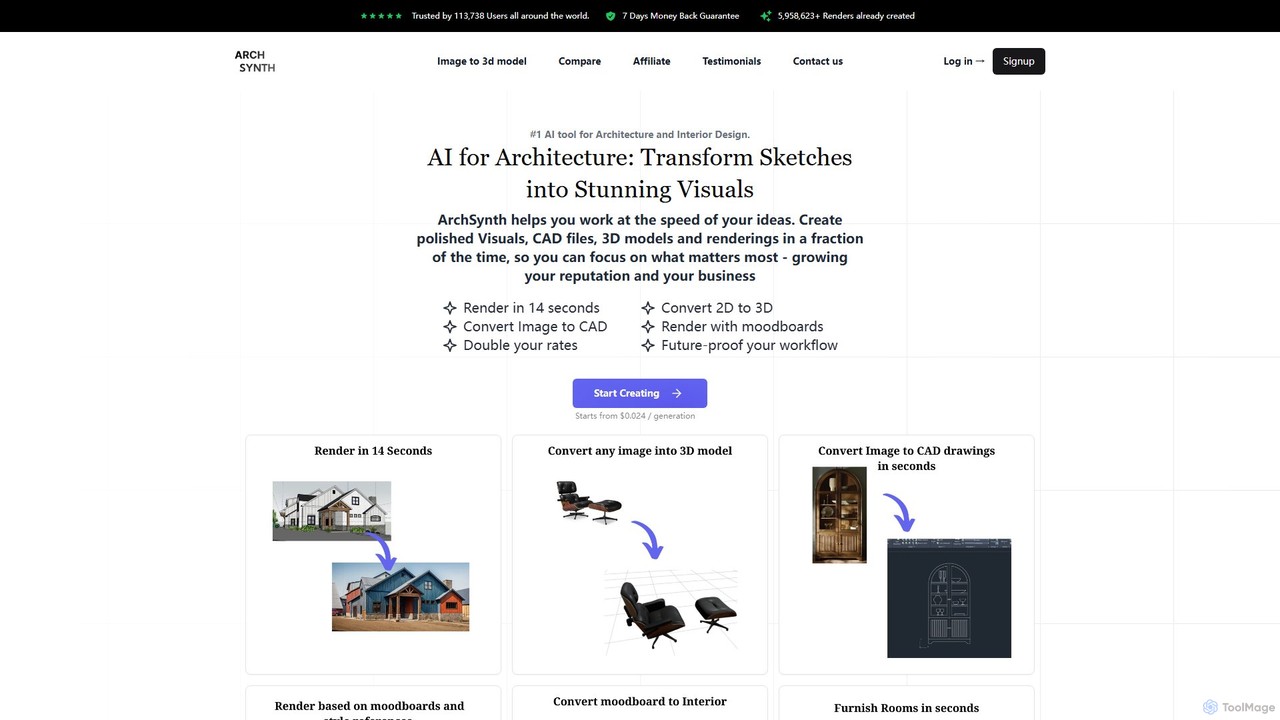
Archsynth
Archsynth is an all-in-one AI platform for architects and interior designers, transforming sketches, images, and text into stunning renders, 3D models, and CAD files in seconds. It streamlines the design workflow with features like AI remodeling, virtual staging, and landscape design, boosting productivity and creativity.
Generation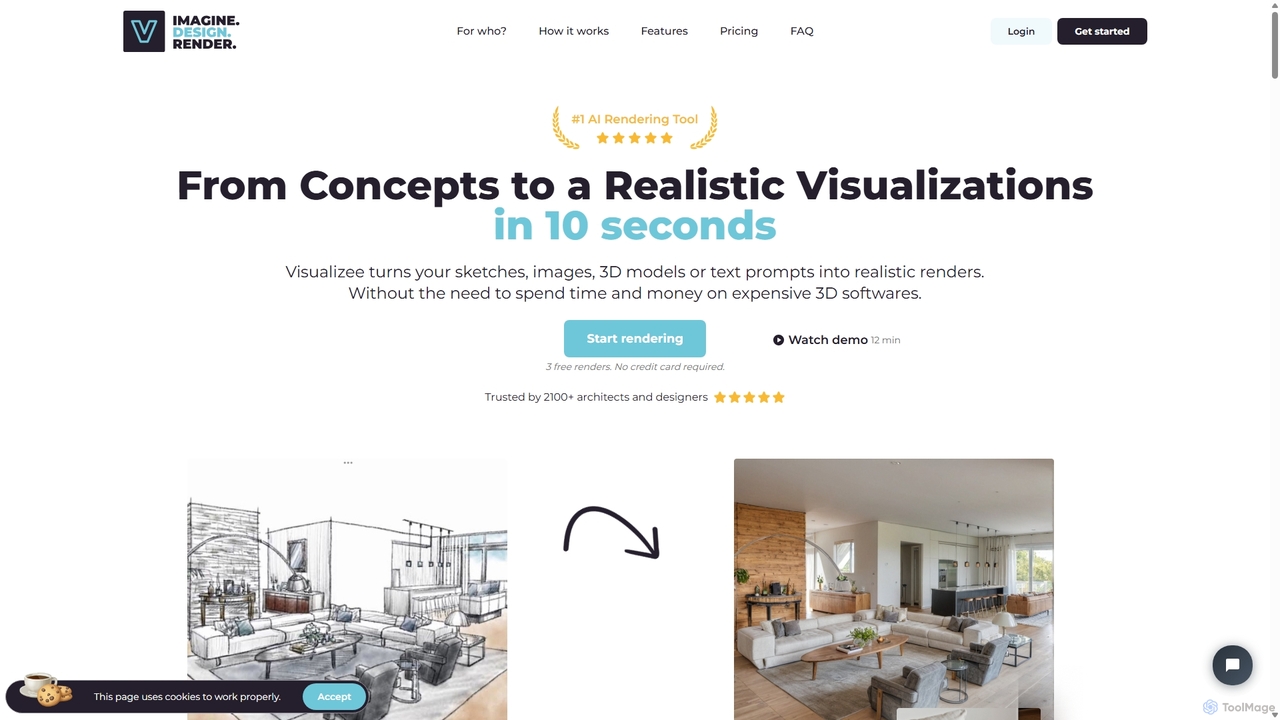
Visualizee.ai
Visualizee.ai is a leading AI rendering tool that transforms sketches, 3D models, and text prompts into high-resolution (up to 8K) photorealistic visuals in seconds. Ideal for architects, designers, and creators, it features advanced tools like inpainting and upscaling to bring creative ideas to life with precision and speed.
Visualization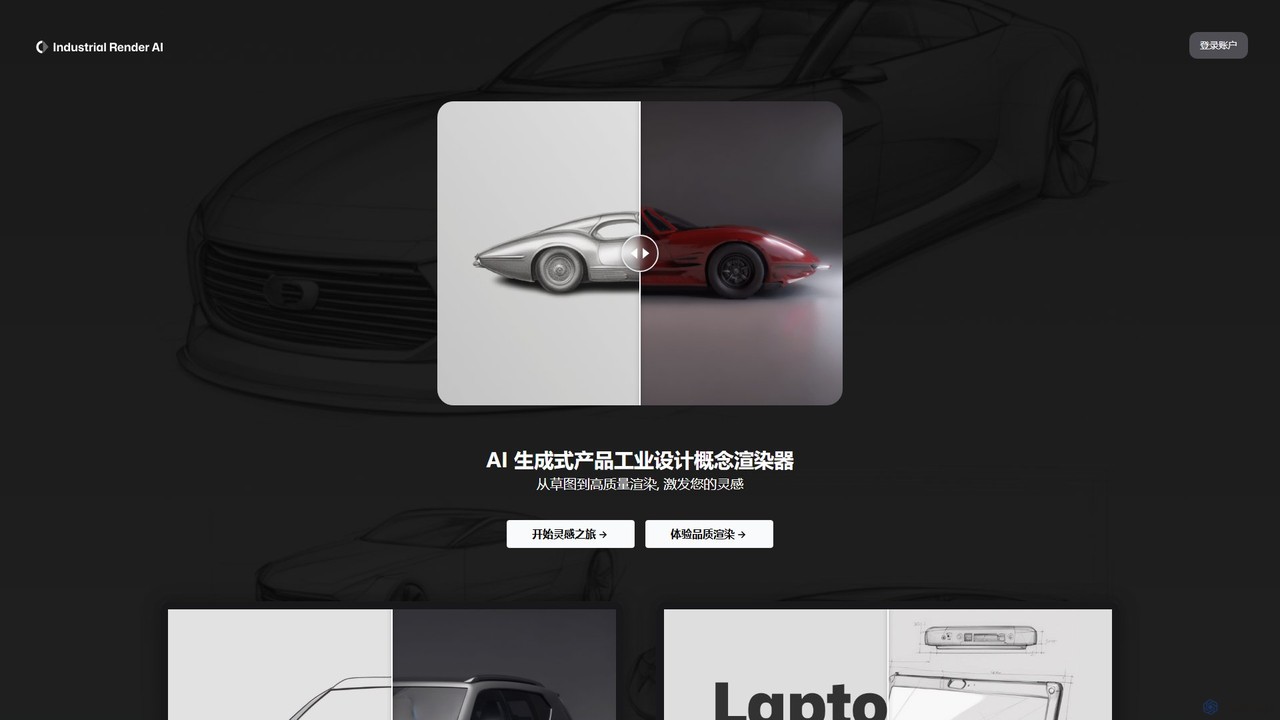
Industrial Render AI
An AI-powered tool for industrial designers that transforms sketches and ideas into photorealistic product renderings. It also functions as a GPT-based assistant to provide design inspiration, analyze trends, and accelerate the creative process from concept to visualization.
3D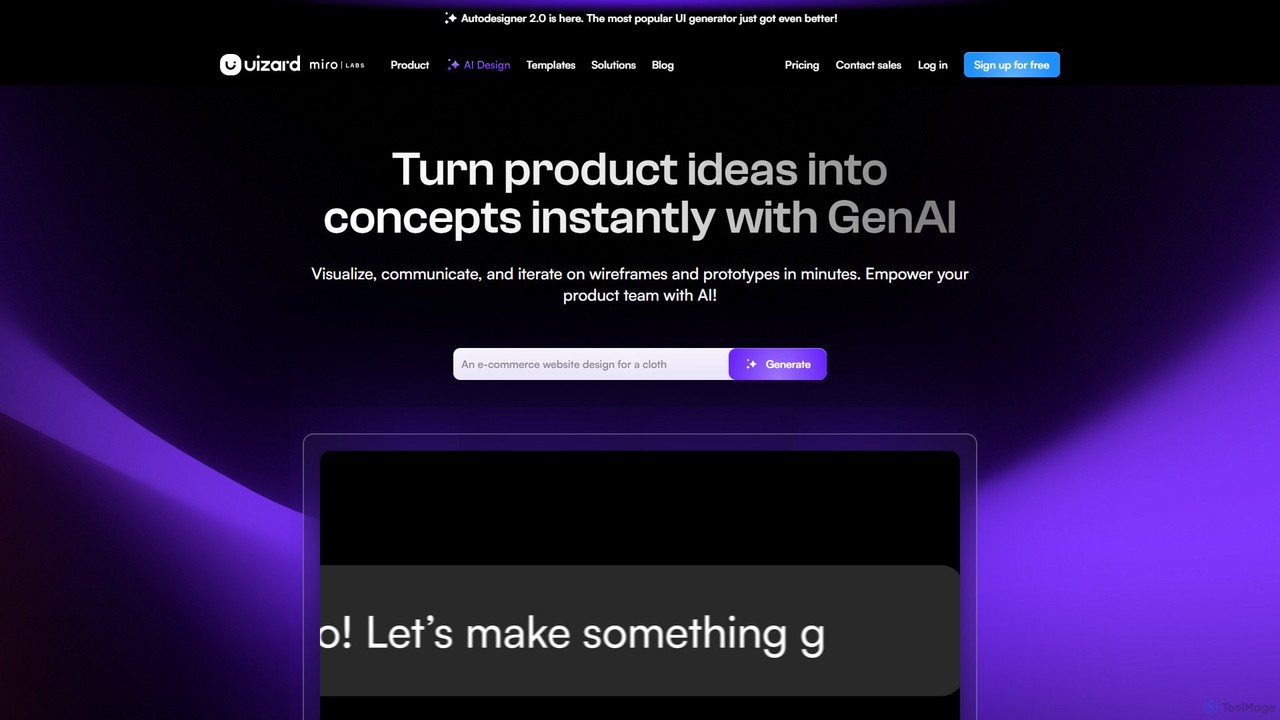
Uizard
Uizard is an AI-powered UI design tool that empowers both designers and non-designers to create stunning websites, web apps, and mobile app mockups in minutes. Transform text prompts, hand-drawn sketches, or screenshots into editable, interactive prototypes. It's designed for rapid ideation, real-time collaboration, and streamlining the entire product design workflow from concept to handoff.
Ui Ux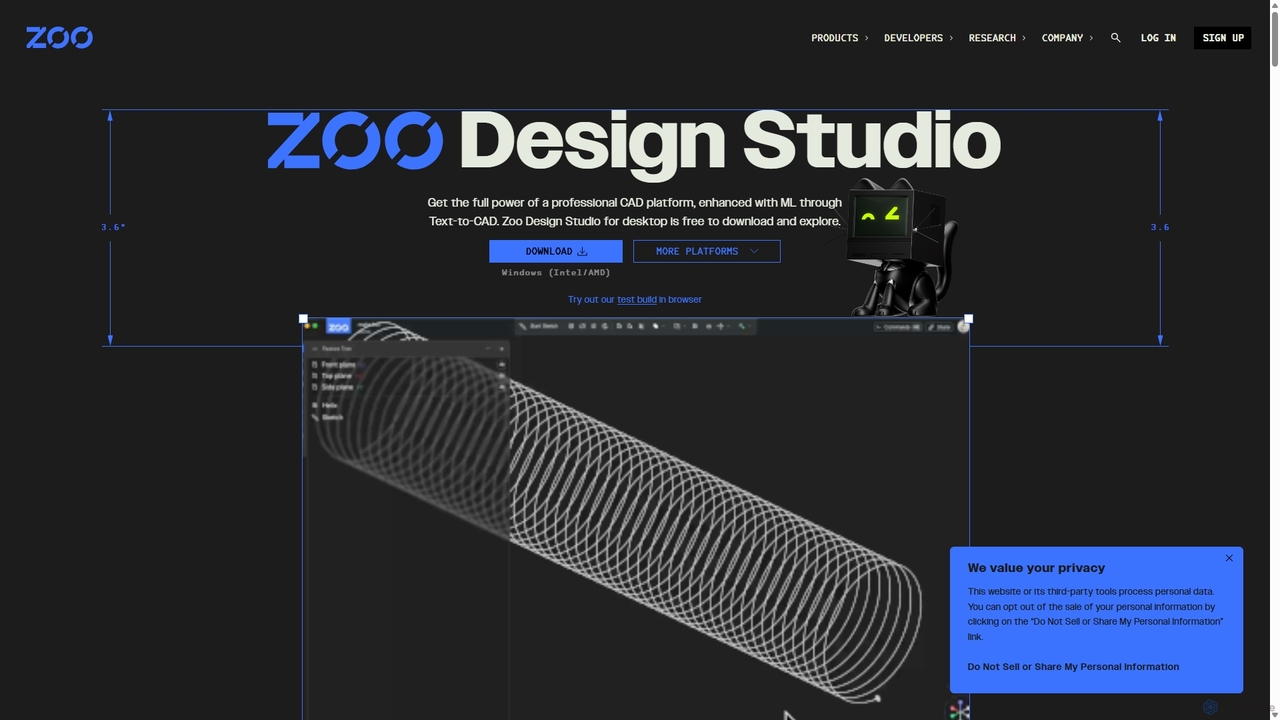
Zoo
Zoo is a next-generation, AI-powered CAD platform featuring Text-to-CAD technology. It combines traditional 3D modeling with machine learning and programmatic design, enabling engineers and designers to create complex mechanical models from simple text prompts. Built on a high-performance, GPU-accelerated geometry engine, Zoo accelerates the entire design workflow from concept to manufacturing.
3D Modeling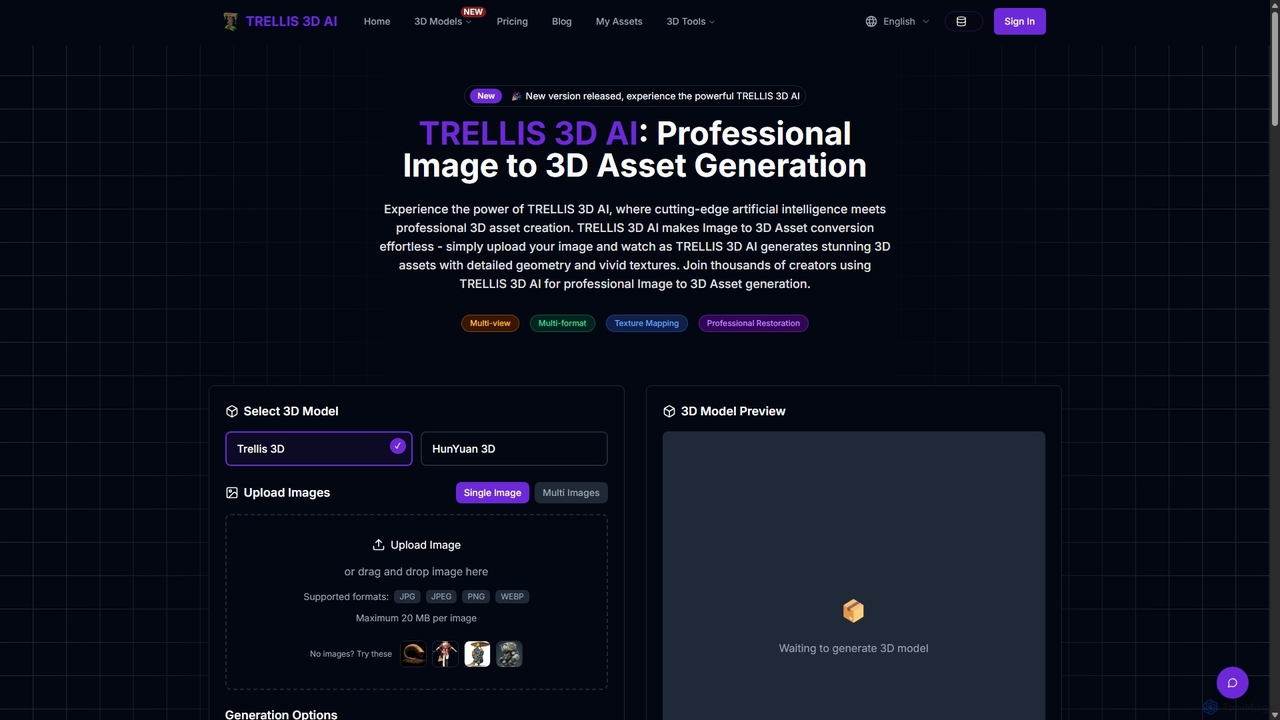
TRELLIS 3D AI
TRELLIS 3D AI is a cutting-edge tool that transforms 2D images into high-quality 3D assets in seconds. Using advanced AI technology, it generates detailed geometry and vivid textures from single or multiple images. It supports various export formats, making it ideal for game developers, 3D artists, and designers looking to accelerate their workflow and create professional-grade 3D models effortlessly.
Image To 3D
heroify
Heroify is an AI-powered platform for generating high-quality 3D models and design assets from 2D images and text prompts. It's designed for designers, developers, and creators to accelerate their workflow and bring creative visions to life with ease.
Image To 3D
Vizcom Comments (0)
Sign in to comment.
Sign inNo comments yet.