

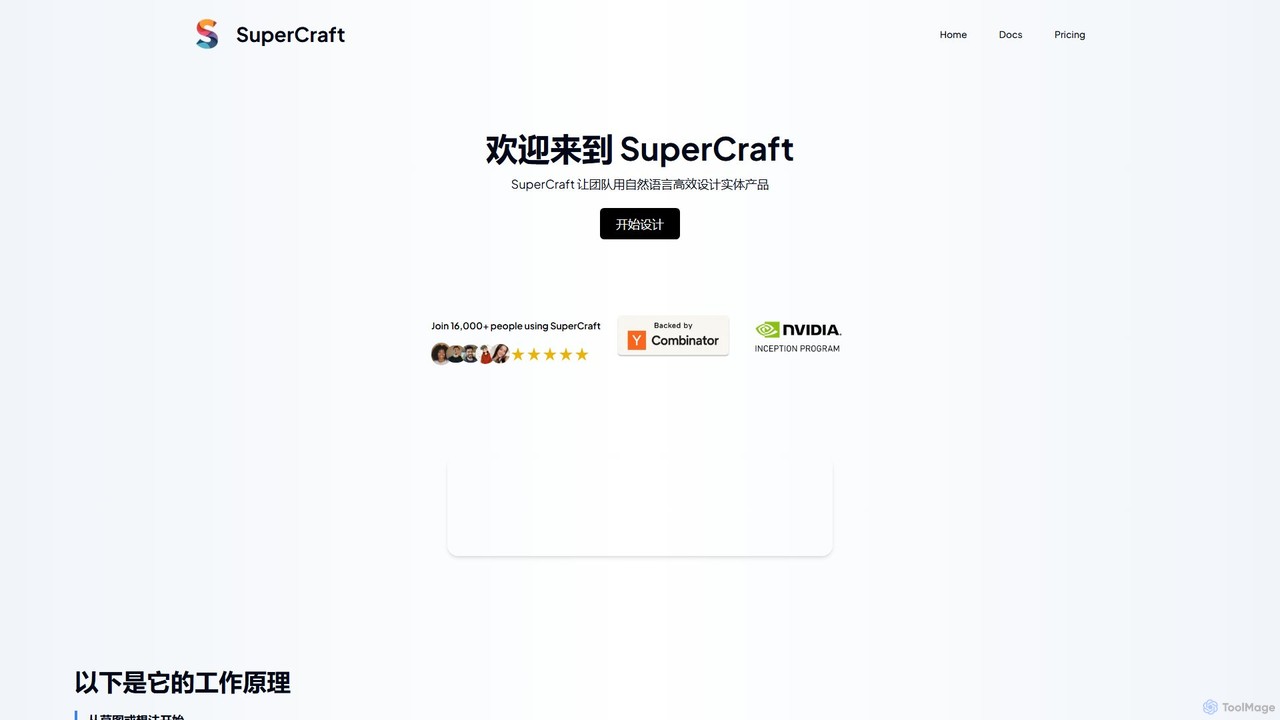
SuperCraft Overview
SuperCraft is a revolutionary AI-powered design platform that transforms the way physical products are conceptualized and created. It empowers designers, creative professionals, and teams to move from a simple idea or sketch to a high-fidelity product render using natural language commands. By replacing the steep learning curves of traditional design software with an intuitive, text-based interface, SuperCraft dramatically accelerates the design process. The platform is built around a collaborative, infinite canvas called a "Board," where users can visually map out their creative journey, explore endless variations, and work together in real-time to bring their visions to life.
How to use SuperCraft
The workflow in SuperCraft is designed to be fluid and intuitive, centered around a node-based system on an infinite canvas. Here’s a typical process:
- Start Your Board: A "Board" is your project's living document. You can start by right-clicking on the canvas, using the '+' button, or simply describing your initial idea in a text prompt.
- Add Initial Nodes: Begin with a foundational node. This could be a `Sketch` node where you upload a drawing, a `Text to Image` node to generate initial concepts from a description, or an `Image` node to upload an existing reference.
- Generate and Refine: Connect new nodes to your initial concept. Use the `Generate Design` or `Render` node to transform a rough sketch into a polished, realistic render. You can guide the AI with text prompts to define materials, lighting, and style.
- Iterate with Commands: Use powerful nodes like `Instruct` or `Edit` to make changes using natural language. For example, you could type "make the bottle cap metallic gold" or "change the background to a marble countertop."
- Precise Editing with Inpainting: For targeted changes, use the `Inpaint` node. Simply draw a mask over the area you want to modify (e.g., a logo on a package) and describe the desired change in text.
- Explore Variations: Use the `Evolve` node to create new variations of an existing design. You can guide the changes with text or let the AI generate similar but distinct options, allowing for rapid exploration of different creative paths.
- Create 3D Models: Convert any 2D design into a 3D model with the `3D Generation` node. You can then view the model from multiple angles, providing a comprehensive understanding of the product's form.
- Collaborate: Invite team members to your board. They can leave comments, approve or reject designs, and even branch off from existing nodes to explore their own ideas without disrupting the main workflow.
Core Features of SuperCraft
- Natural Language Interface: The core of SuperCraft. Design and edit using simple text commands, making the creative process more accessible and faster than traditional button-and-menu-based software.
- Sketch-to-Render Conversion: Instantly transform rough hand-drawn sketches or wireframes into photorealistic product renders.
- Advanced AI Generation: Includes Text-to-Image, Image-to-Image, and SVG generation to create a wide range of visual assets from scratch or based on existing inputs.
- Node-Based Infinite Canvas: Organize your entire design process on a "Board." Connect nodes to create complex workflows, branch out to explore different ideas, and maintain a clear visual history of your project's evolution.
- Precise Editing Tools: Features like `Inpaint` allow for localized edits, while `Remove Background` and `Composer` (for layering) give you fine-grained control over the final image.
- 3D Model Generation: Effortlessly convert 2D product designs into interactive 3D models, perfect for prototyping and visualization from all angles.
- Real-Time Collaboration: Invite stakeholders to your design board to add comments, provide feedback, and approve designs, streamlining the decision-making process.
- High-Speed Performance: Generate images from sketches or prompts in as little as one second, enabling rapid iteration and experimentation.
Use Cases for SuperCraft
SuperCraft is versatile and can be applied across various industries for designing physical products:
- Brand & Packaging Design: Quickly conceptualize and visualize packaging for products like beer cans, food bags, and cosmetic boxes. Iterate on branding, logos, and materials in real-time.
- Industrial & Product Design: Develop concepts for consumer electronics, furniture, automotive parts, and more. Explore form, function, and aesthetics with unparalleled speed.
- Clothing & Apparel: Design garments and accessories, experimenting with different fabrics, patterns, and styles on virtual models.
- Interior & Architecture: Create mockups for interior spaces, design custom furniture, and visualize architectural concepts and in-store displays like endcaps.
- Marketing & Advertising: Generate high-quality product mockups and lifestyle shots for marketing campaigns without the need for expensive photoshoots.
Advantages of SuperCraft
- Accelerated Workflow: Go from idea to final render in minutes, not days. The AI-powered tools and natural language interface remove technical barriers and speed up every stage of design.
- Intuitive and Accessible: With a low learning curve, SuperCraft opens up product design to a broader range of creatives, not just those with extensive 3D/CAD software experience.
- Limitless Creativity: The node-based system allows for infinite branching and experimentation. Never lose a good idea; simply create a new branch and explore it without limit.
- Enhanced Collaboration: The shared design boards create a single source of truth for teams, improving communication and making the feedback and approval cycle more efficient.
- Cost-Effective: Reduces the need for multiple specialized software licenses and expensive physical prototypes or photoshoots in the early stages of design.
Pricing and Plans
SuperCraft offers a tiered pricing structure to suit different needs:
- Free Plan: $0/month. Ideal for trying out the platform. Includes 30 iterations, standard quality exports, a watermark, limited 3D generations, and is for non-commercial use only.
- Concept Plan: $29.99/month per user. Designed for design professionals and creatives. Offers unlimited iterations, unlimited 3D generations, 4K exports, no watermark, and full commercial use rights.
- Business Plan: Custom pricing. Tailored for businesses and teams with bespoke needs. Includes all Concept features plus collaborative boards, team management, SSO integration, a priority processing queue, and a custom Service Level Agreement (SLA).
Traffic
Latest traffic
Status
Monthly traffic trend
- 2025-9: 8.0K
- 2026-1: 18.0K
- 2026-2: 50.6K
- 2026-3: 26.3K
- 2026-4: 19.9K
- 2026-5: 7.5K
Geography
Top 5 countries / regions
- 🇩🇪Germany46.9%
- 🇺🇸United States45.0%
- 🇮🇩Indonesia8.1%
Top keywords
| Keyword | Cost per click |
|---|---|
| ai craft | $2.26 |
| larry fortensky | $0.00 |
| supercraft | $2.24 |
| supercraft ai | $0.00 |
| supercraftai | $0.00 |
SuperCraft Videos on YouTube


SuperCraft Alternatives
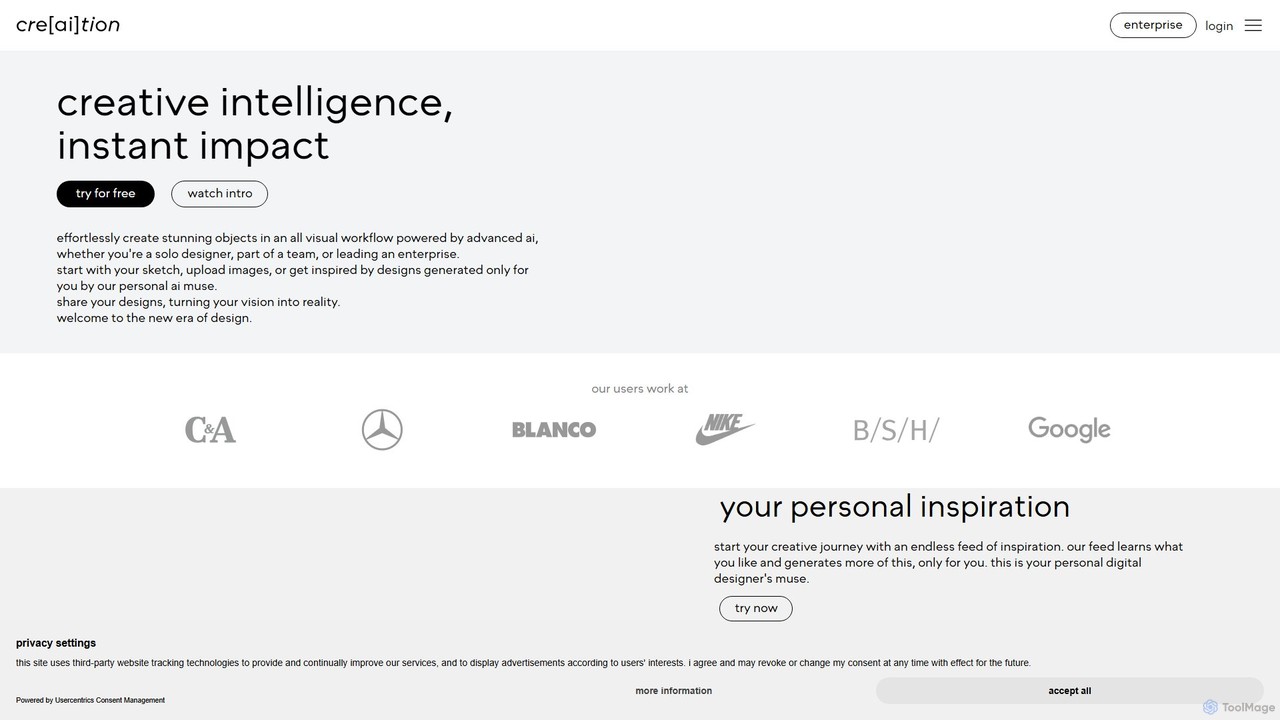
creaition
creaition is an AI-powered design platform that transforms creative workflows with a purely visual interface. It enables designers, teams, and enterprises to generate stunning objects from sketches, merge designs, and explore infinite variations without writing text prompts. It offers personalized inspiration feeds, collaborative boards, and advanced editing tools to accelerate the design process from concept to reality.
Concept Art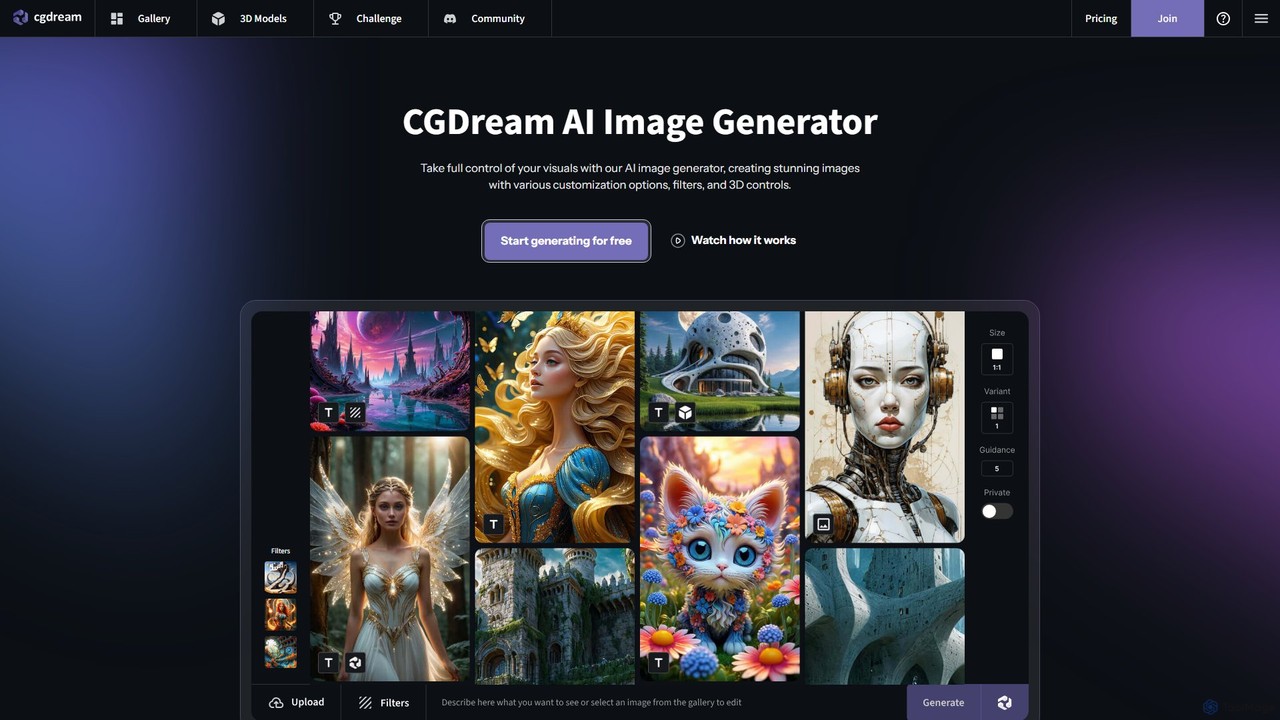
cgdream
cgdream is a versatile AI creative suite that empowers users to visualize their ideas through a wide range of tools. It excels in generating high-quality images from text or other images, creating 3D models, and offers specialized generators for anime, logos, characters, and more. With a generous free plan and scalable premium options, it caters to hobbyists, artists, designers, and marketing professionals.
3D Modeling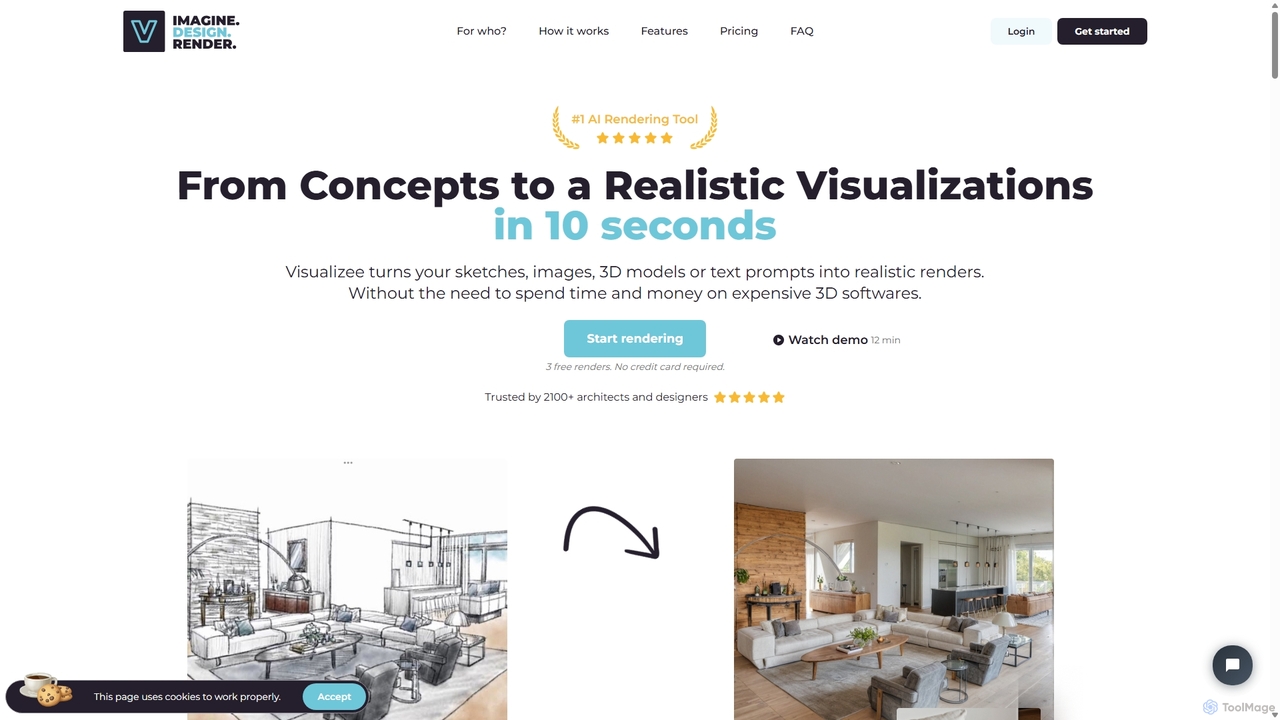
Visualizee.ai
Visualizee.ai is a leading AI rendering tool that transforms sketches, 3D models, and text prompts into high-resolution (up to 8K) photorealistic visuals in seconds. Ideal for architects, designers, and creators, it features advanced tools like inpainting and upscaling to bring creative ideas to life with precision and speed.
Visualization
CSM
CSM is an advanced AI platform that rapidly transforms images, text, and sketches into game-ready 3D assets and worlds. It's designed for game developers, product designers, and 3D artists to supercharge their workflows in Unity, Unreal, and Blender with features like Image-to-Kit, AI Retexturing, and Text-to-4D generation.
3D Modeling
Roughly
Roughly is an AI-powered design platform that transforms rough sketches and text prompts into professional-quality images. Ideal for artists, designers, and creators across various fields like architecture, fashion, and game design, it offers an intuitive 'sketch-to-image' workflow to rapidly visualize and iterate on creative concepts.
Concept ArtSuperCraft Categories
SuperCraft Embed Widget
Copy this embed code to place the badge on your blog, article, or product site and send readers directly to this ToolMage detail page.

Related AI tools
Vizcom
Vizcom is an AI-powered design platform that transforms your sketches into photorealistic renders and 3D models in seconds. It's built for designers, artists, and creative teams to accelerate the ideation and visualization process, enabling rapid exploration of countless design variations with intuitive tools and collaborative features.
Concept ArtVisualizee.ai
Visualizee.ai is a leading AI rendering tool that transforms sketches, 3D models, and text prompts into high-resolution (up to 8K) photorealistic visuals in seconds. Ideal for architects, designers, and creators, it features advanced tools like inpainting and upscaling to bring creative ideas to life with precision and speed.
Visualization
dimensions.ink
Dimensions.ink is an AI-powered creative suite for generating stunning 2D and 3D visuals. It transforms text prompts into high-quality concept art, product mockups, architectural visualizations, and intricate 3D models, empowering designers, artists, and creators to bring their ideas to life with unprecedented speed and ease.
Concept Art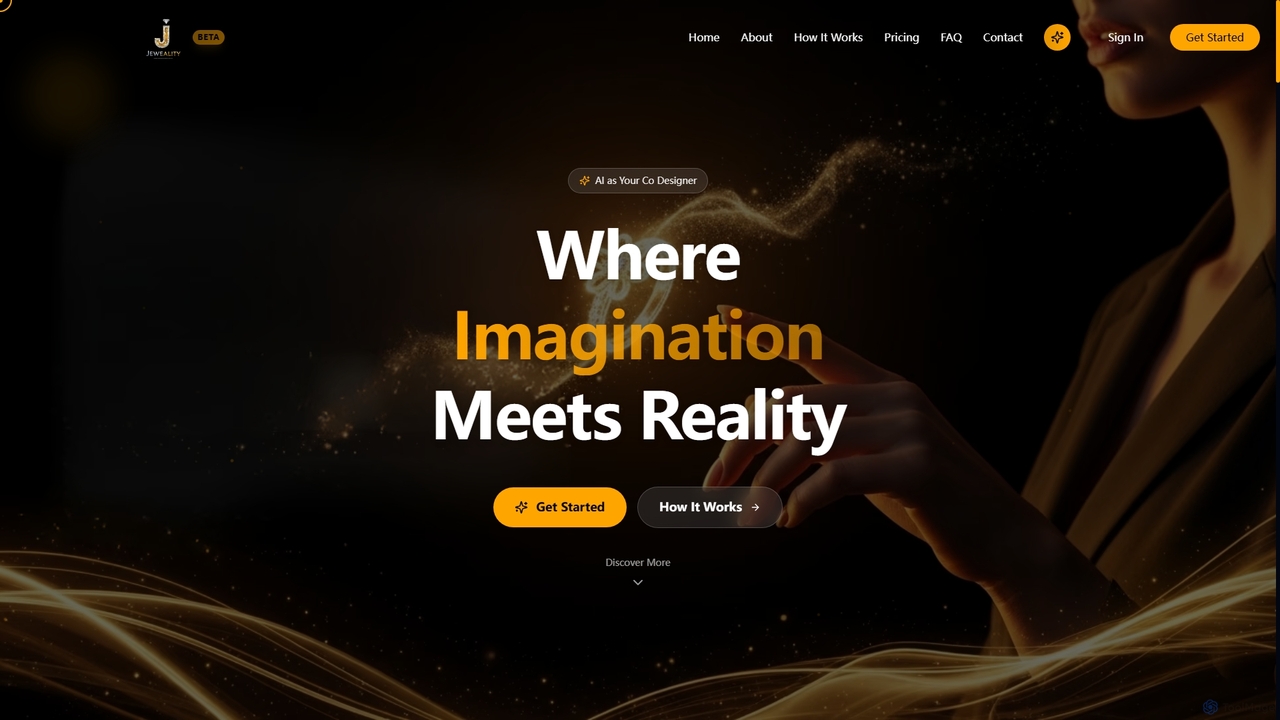
Jeweality
Jeweality is an AI-powered platform designed for the jewelry industry, enabling designers and manufacturers to transform ideas, sketches, and text into professional, high-quality jewelry designs and renders in minutes.
Image Generator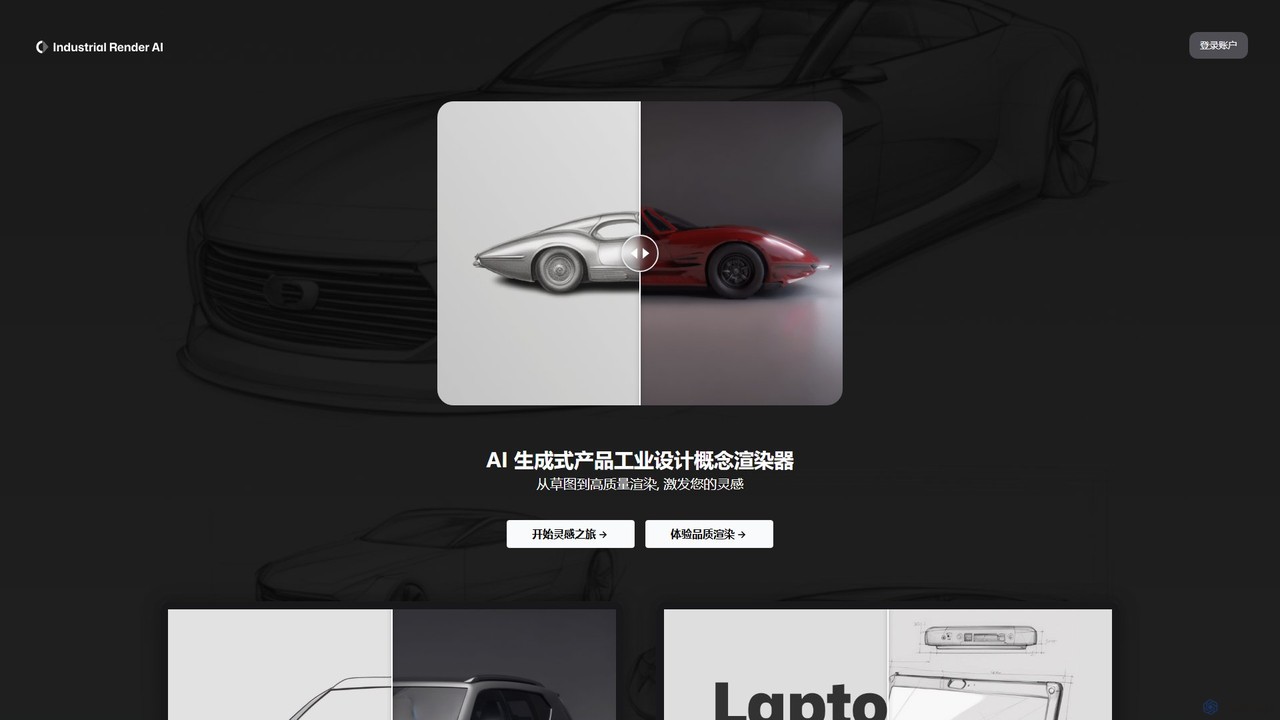
Industrial Render AI
An AI-powered tool for industrial designers that transforms sketches and ideas into photorealistic product renderings. It also functions as a GPT-based assistant to provide design inspiration, analyze trends, and accelerate the creative process from concept to visualization.
3D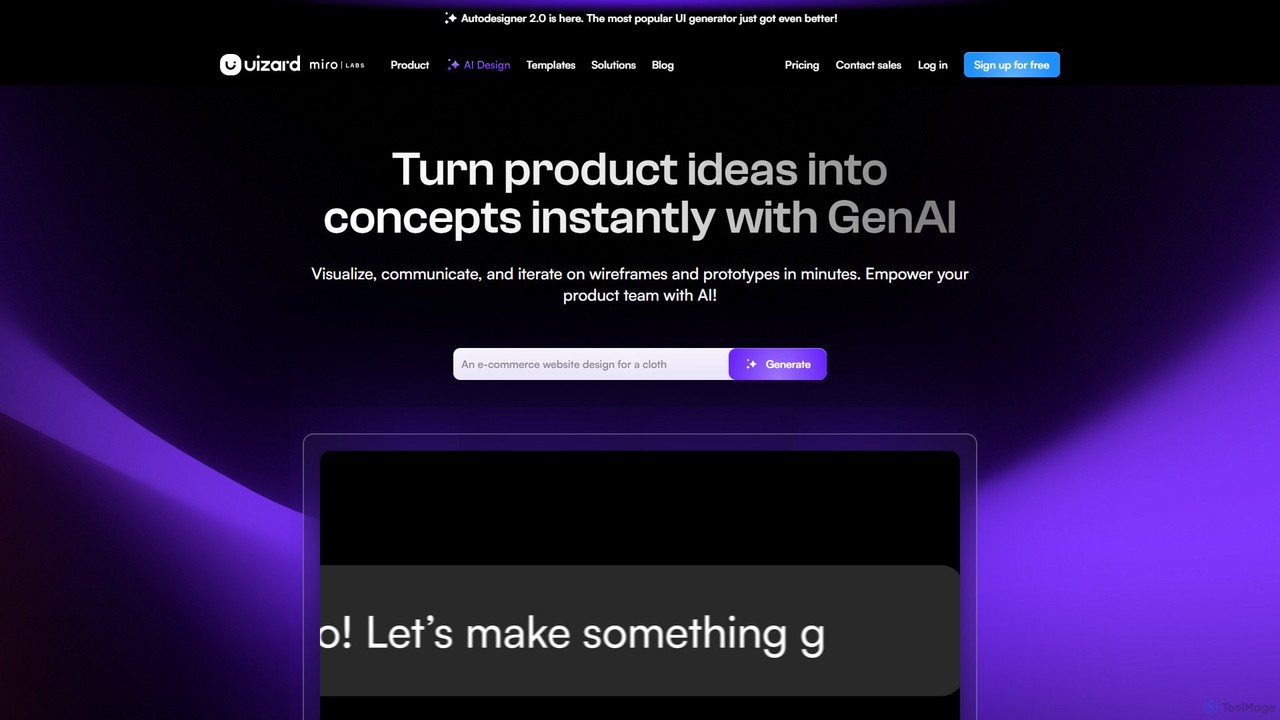
Uizard
Uizard is an AI-powered UI design tool that empowers both designers and non-designers to create stunning websites, web apps, and mobile app mockups in minutes. Transform text prompts, hand-drawn sketches, or screenshots into editable, interactive prototypes. It's designed for rapid ideation, real-time collaboration, and streamlining the entire product design workflow from concept to handoff.
Ui Ux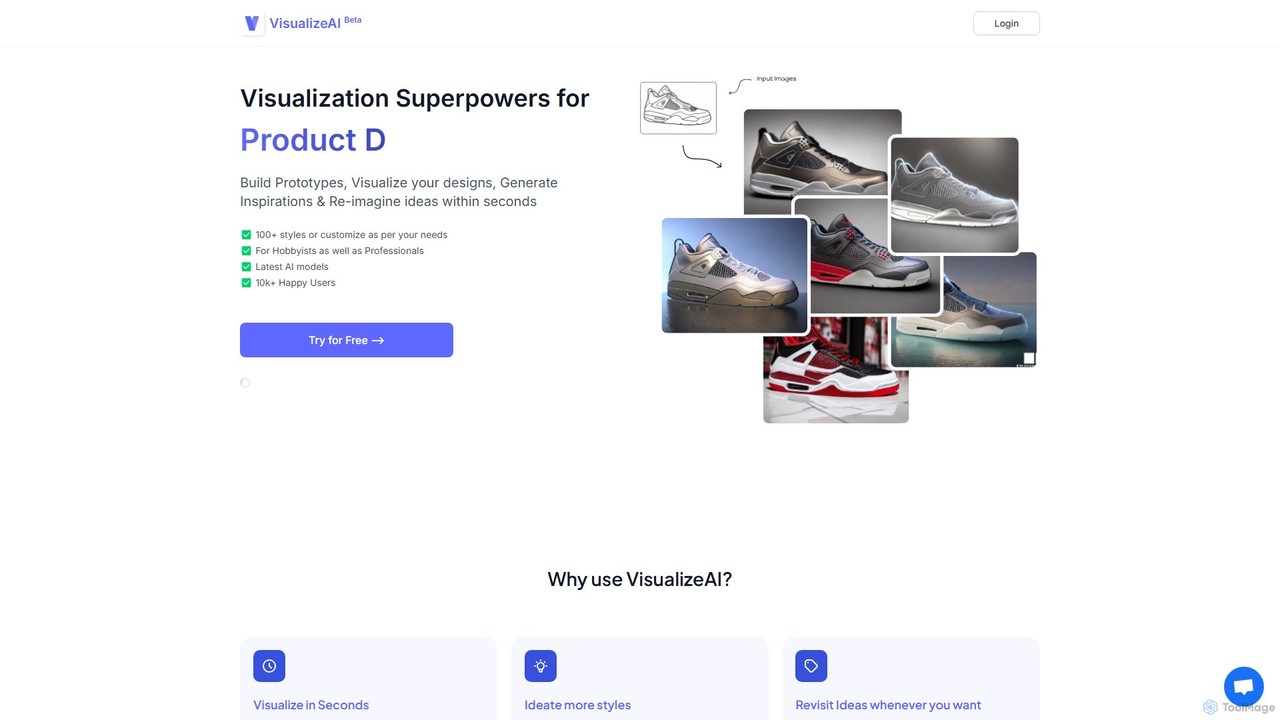
VisualizeAI
VisualizeAI is an AI-powered design visualization tool that transforms sketches, images, and basic models into high-quality renders in seconds. It's designed for architects, interior designers, and product designers to rapidly prototype, generate inspiration, and re-imagine ideas with over 100 styles.
Architecture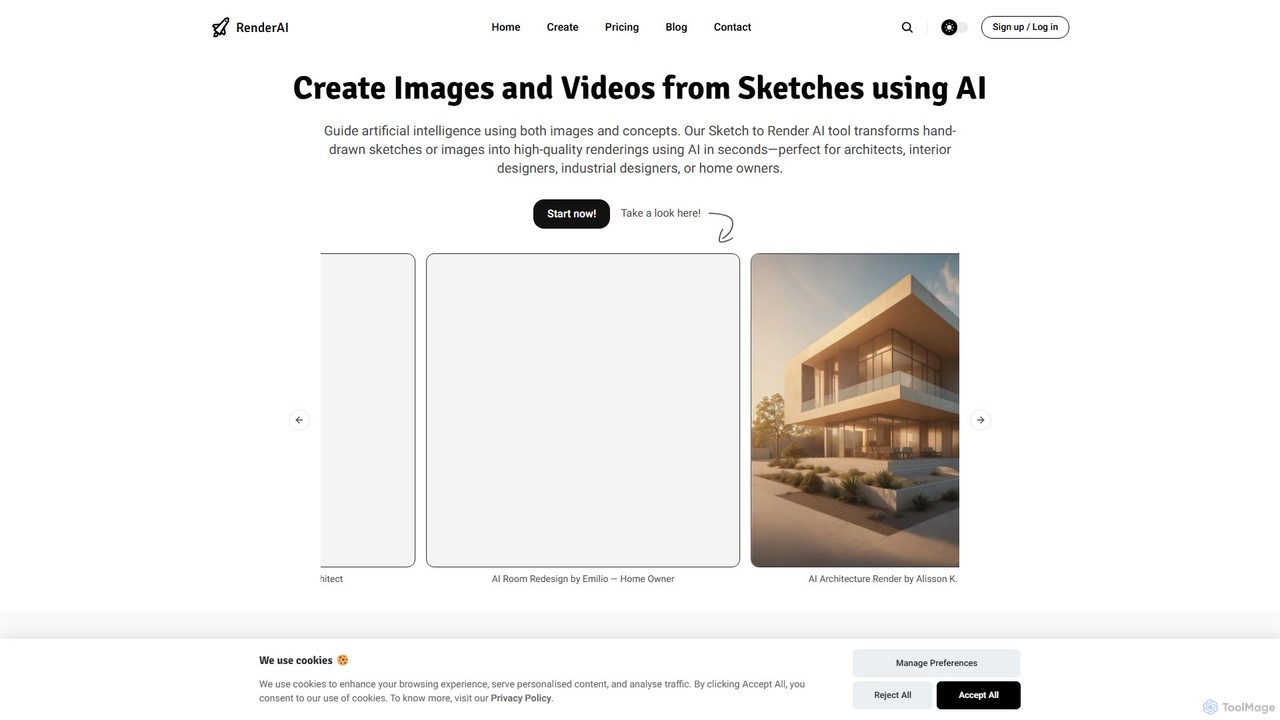
RenderAI
RenderAI is an AI-powered platform that transforms sketches, drawings, and screenshots into photorealistic renders and videos in seconds. Designed for architects, designers, marketers, and homeowners, it eliminates the need for complex 3D software, enabling rapid visualization of concepts for presentations, marketing, and project approvals.
3D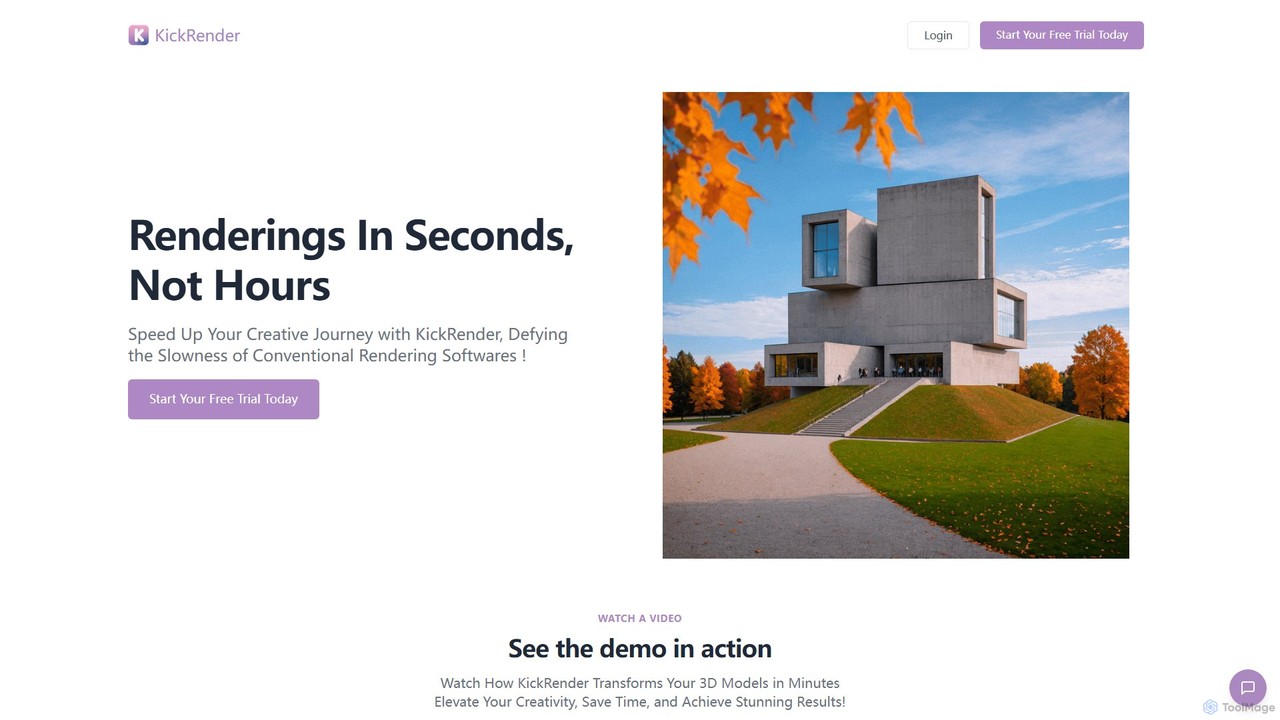
KickRender
KickRender is an AI-powered rendering tool that transforms 3D models and sketches into stunning visualizations in seconds. It integrates seamlessly with Rhino and supports image uploads from Archicad, Revit, and Sketchup. By using simple text prompts, designers and architects can rapidly iterate on ideas, bypassing the slow process of traditional rendering.
Visualization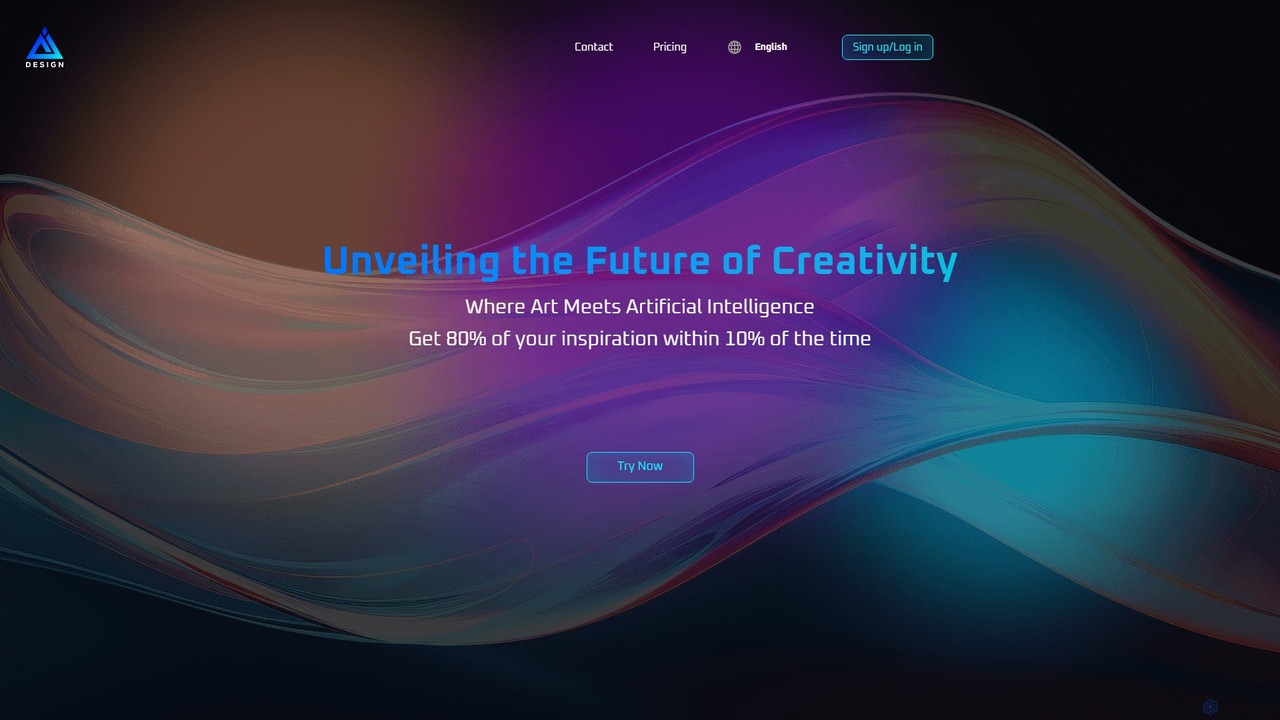
aidesigns
aidesigns is an AI-powered design platform that transforms ideas into stunning visual assets. It specializes in creating unique logos, product appearances, packaging designs, and posters, leveraging advanced AI to streamline the creative process for brands and designers.
3D
usersketch
usersketch is an AI-powered platform designed to accelerate the UX/UI design process. It enables users to instantly generate wireframes, user flows, sitemaps, and personas from simple text descriptions. Ideal for product managers, designers, and developers, it streamlines ideation, prototyping, and collaboration, turning concepts into visual designs in minutes.
Ux Designcreaition
creaition is an AI-powered design platform that transforms creative workflows with a purely visual interface. It enables designers, teams, and enterprises to generate stunning objects from sketches, merge designs, and explore infinite variations without writing text prompts. It offers personalized inspiration feeds, collaborative boards, and advanced editing tools to accelerate the design process from concept to reality.
Concept Art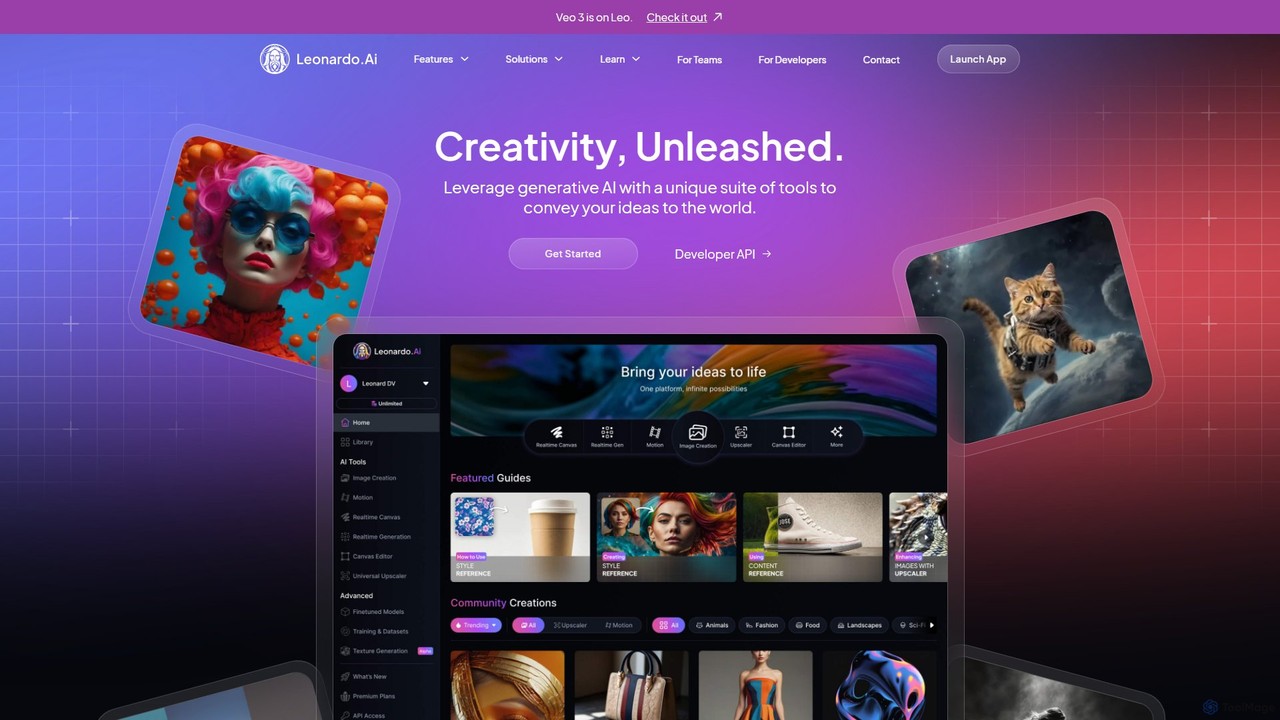
Leonardo.ai
Leonardo.ai is a comprehensive generative AI suite for creating high-quality visual assets. It offers a wide range of tools, including image and video generation, AI Canvas, 3D texturing, and numerous fine-tuned models. Ideal for individual creators, collaborative teams, and developers, it emphasizes quality, speed, and style consistency.
Generative Art
Midjourney
Midjourney is a powerful AI image generator that creates stunning, high-quality, and artistic visuals from simple text prompts. Operating primarily through Discord, it's renowned for its unique aesthetic, advanced customization options, and vibrant creative community, making it a top choice for artists, designers, and creators.
Digital Art
SuperCraft Comments (0)
Sign in to comment.
Sign inNo comments yet.