Design Best in category 10 results Product Design AI Tool

Popular AI tools in the Product Design field of Design include Tripo3D、Customily、Vibe Coding Academy、SuperCraft、CSM、Baked Design、Roughly、diatech、creaition、Genie Printer, etc., helping you quickly improve efficiency.

Vibe Coding Academy

Vibe Coding Academy

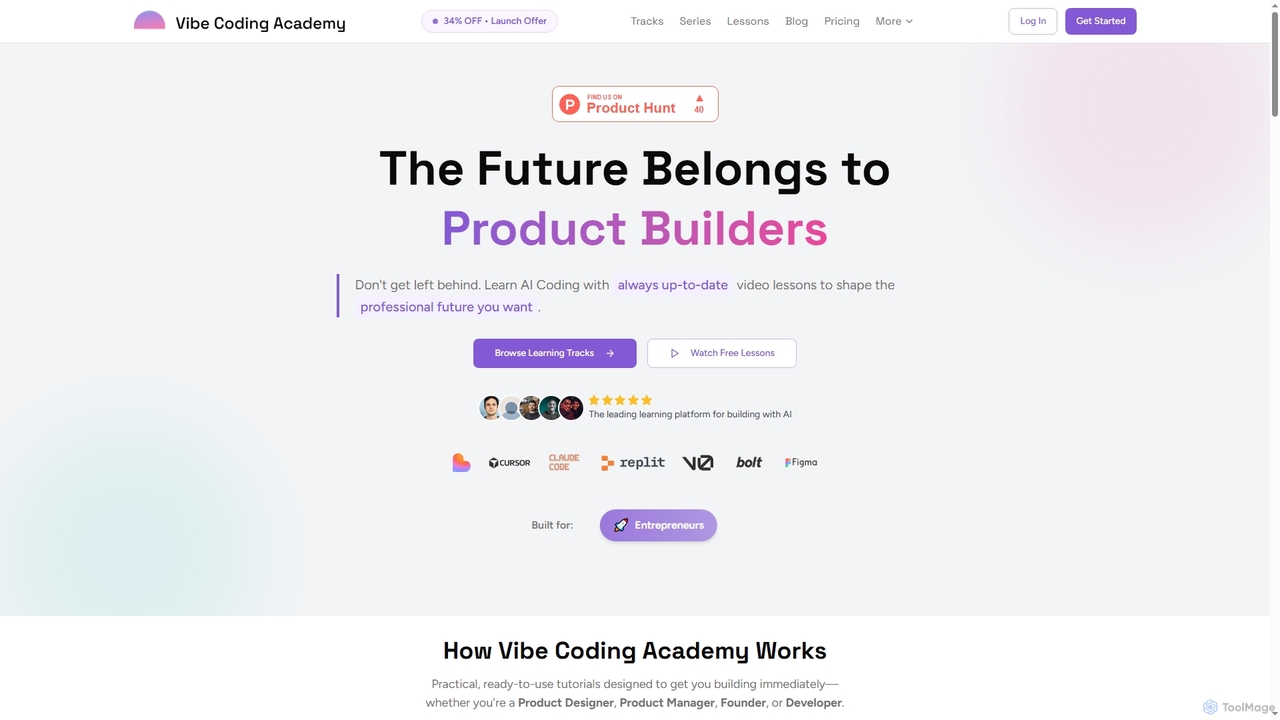
Vibe Coding Academy offers AI-powered coding education through practical video tutorials, ready-to-use prompts, and structured learning tracks. It …

33.3K
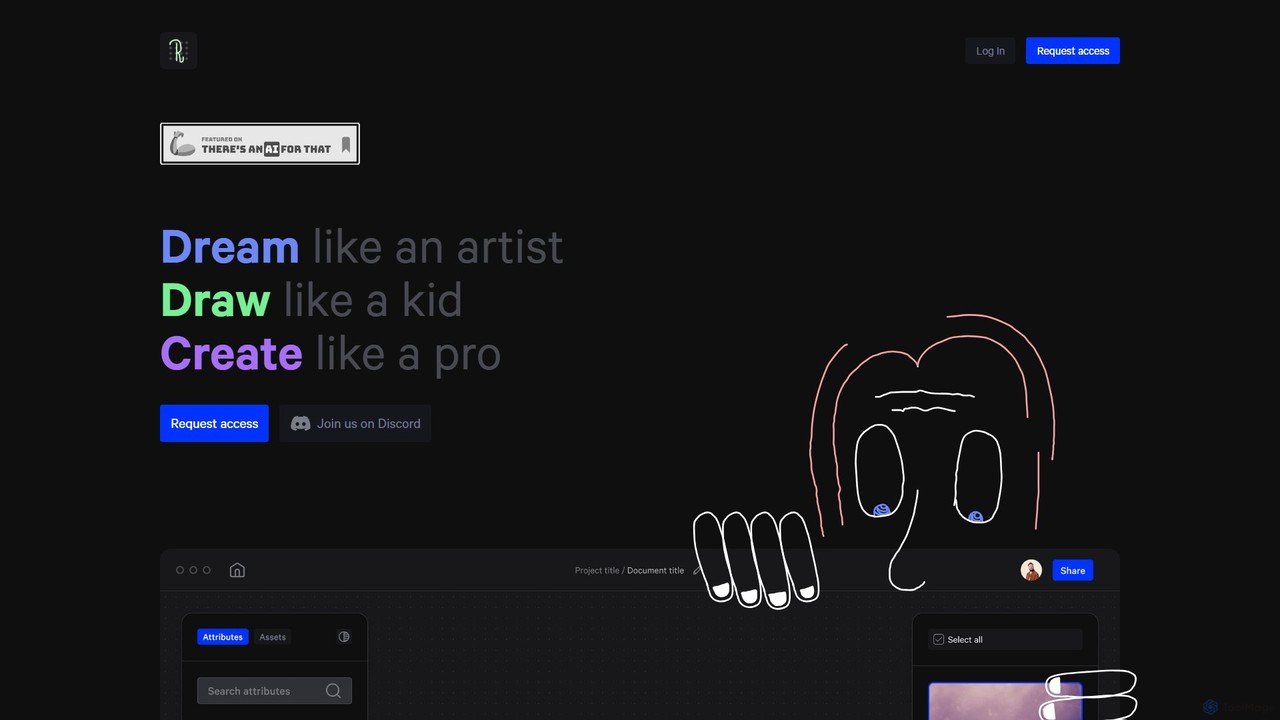
creaition

creaition

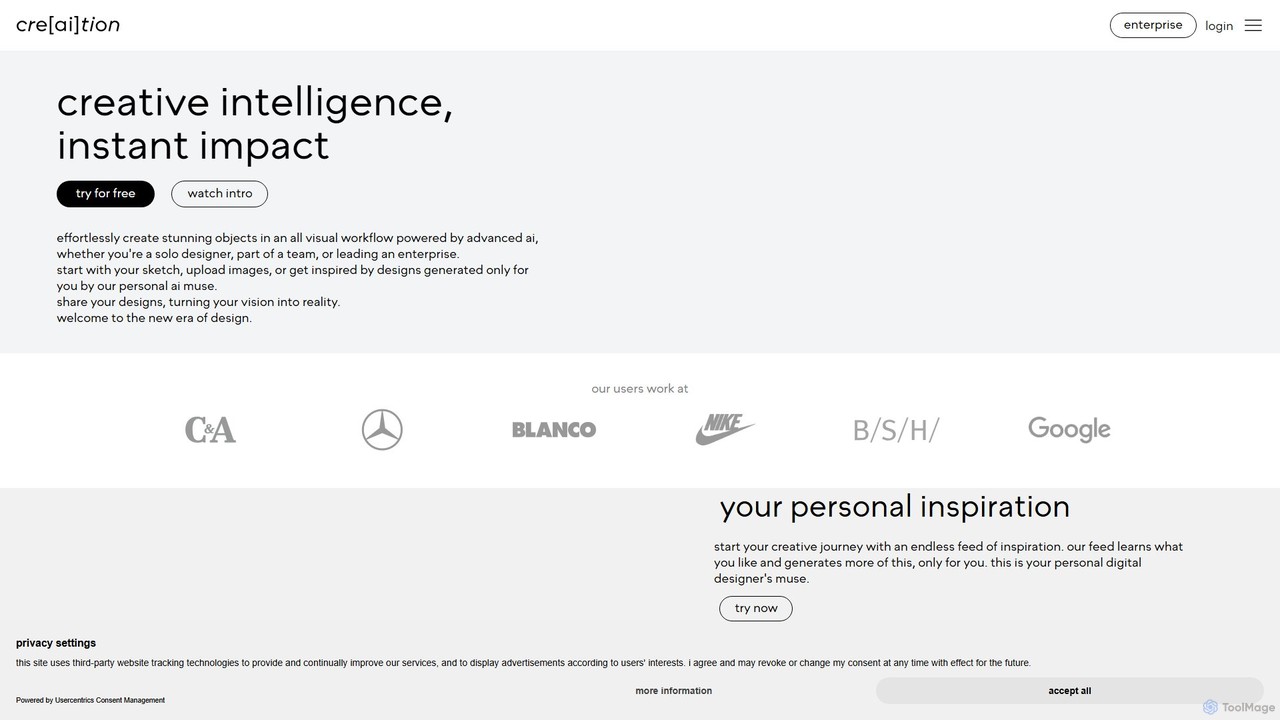
creaition is an AI-powered design platform that transforms creative workflows with a purely visual interface. It enables designers, …

3.2K
Tripo3D

Tripo3D

Tripo3D is a powerful AI 3D model generator that creates high-quality 3D models from text, images, or doodles …

6.1M
Baked Design

Baked Design

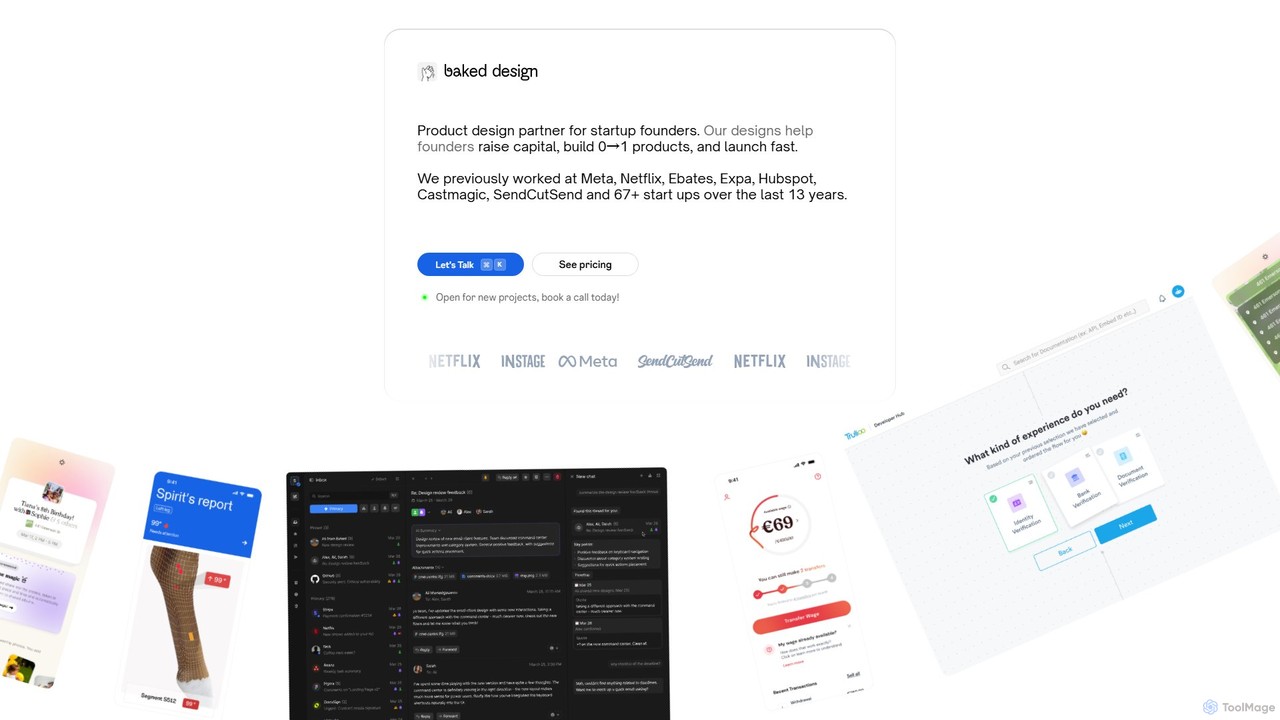
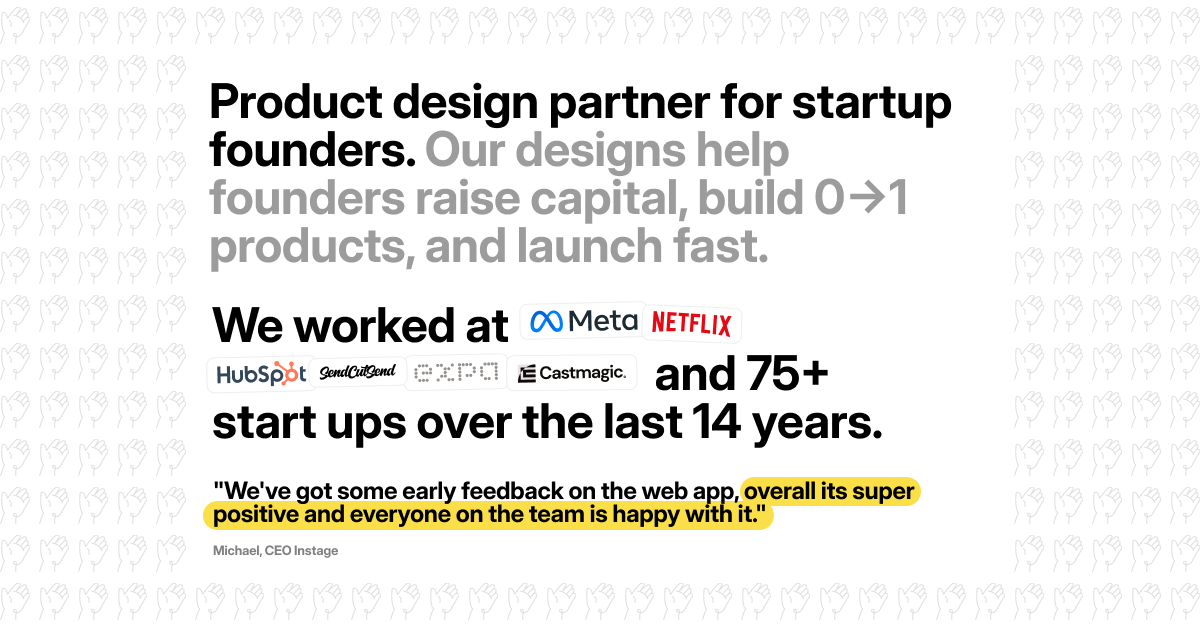
Baked Design is a product design partner for startups, offering world-class design services on a flexible monthly subscription. …

6.8K
SuperCraft

SuperCraft

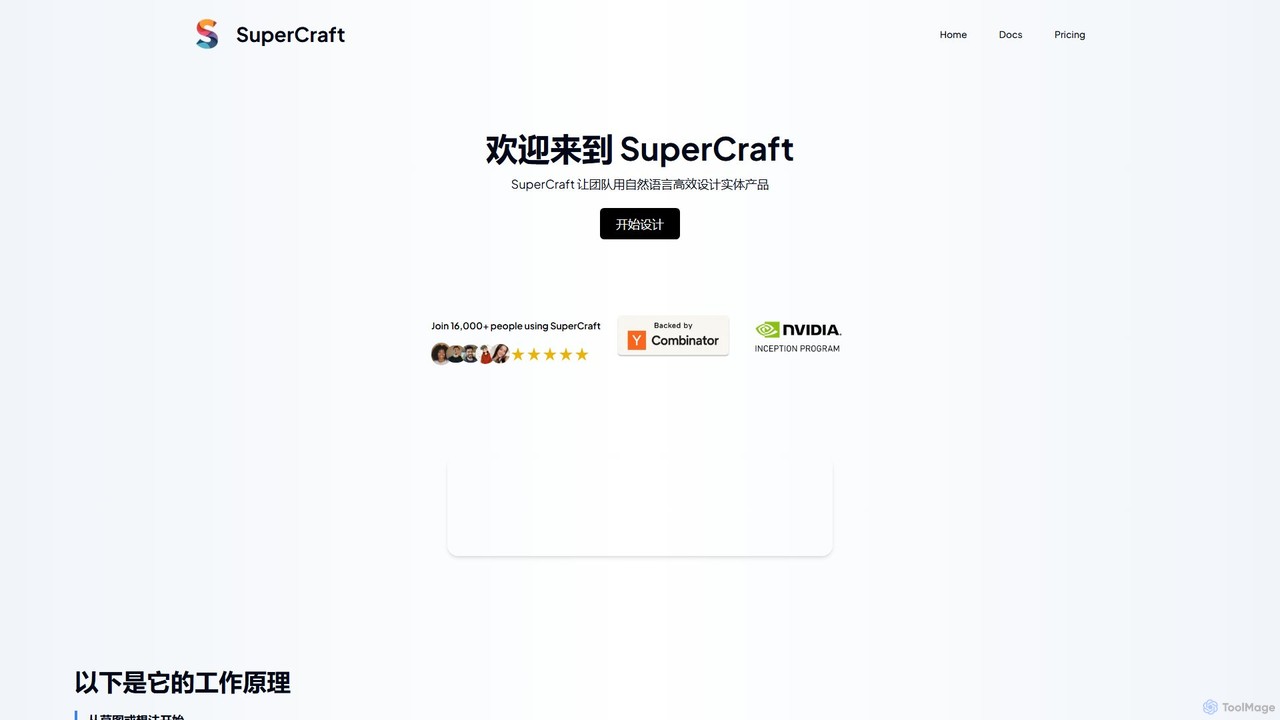
SuperCraft is an AI-powered design platform that enables teams to create and iterate on physical products using natural …

22.9K
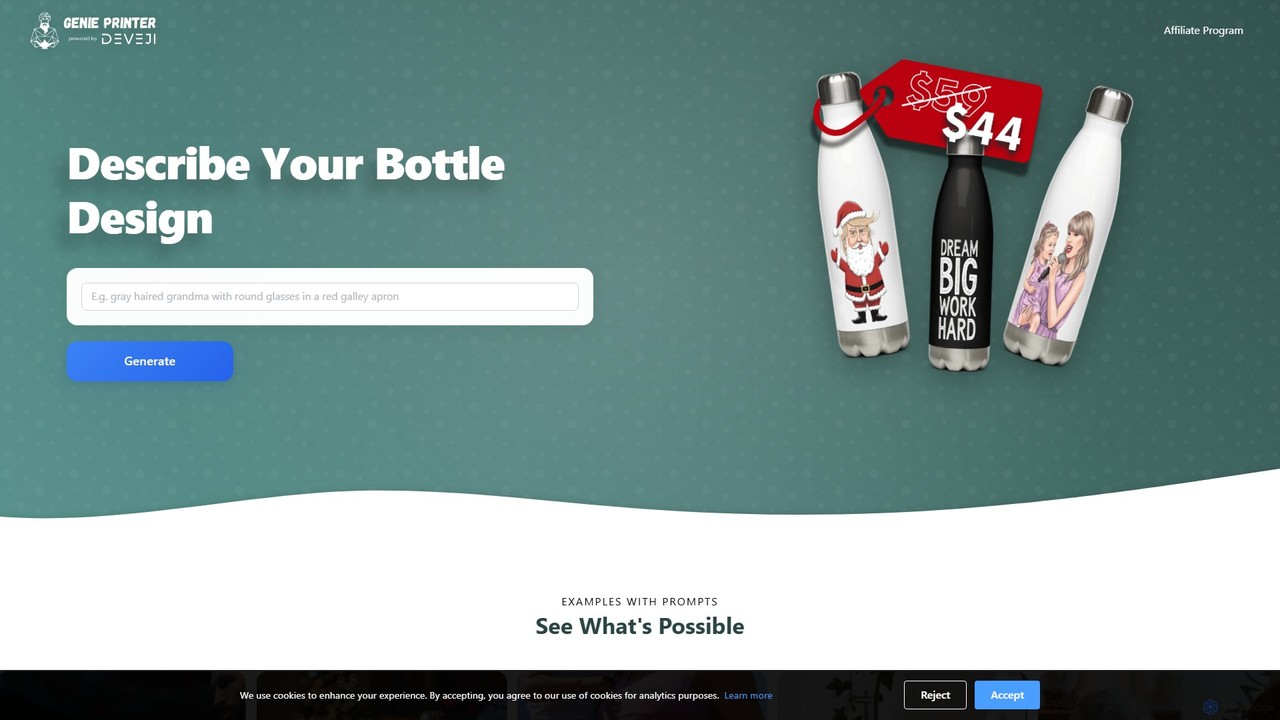
Genie Printer

Genie Printer

Genie Printer is an AI-powered design tool that lets you create unique, custom-printed stainless steel water bottles. Simply …

2.9K
diatech

diatech

diatech is a comprehensive AI-powered suite for the diamond and jewelry industry. It offers four integrated solutions: Diatech …

3.4K
Roughly

Roughly

Roughly is an AI-powered design platform that transforms rough sketches and text prompts into professional-quality images. Ideal for …

3.5K
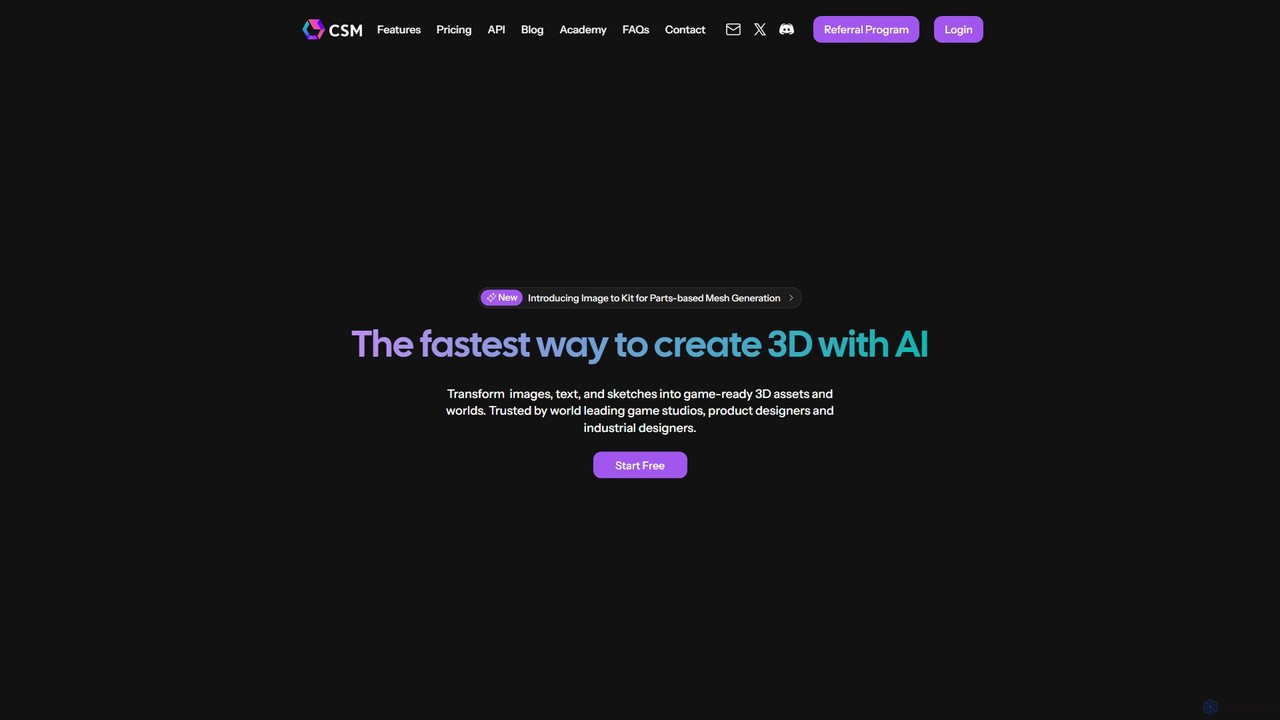
CSM

CSM

CSM is an advanced AI platform that rapidly transforms images, text, and sketches into game-ready 3D assets and …

15.6K
Customily

Customily

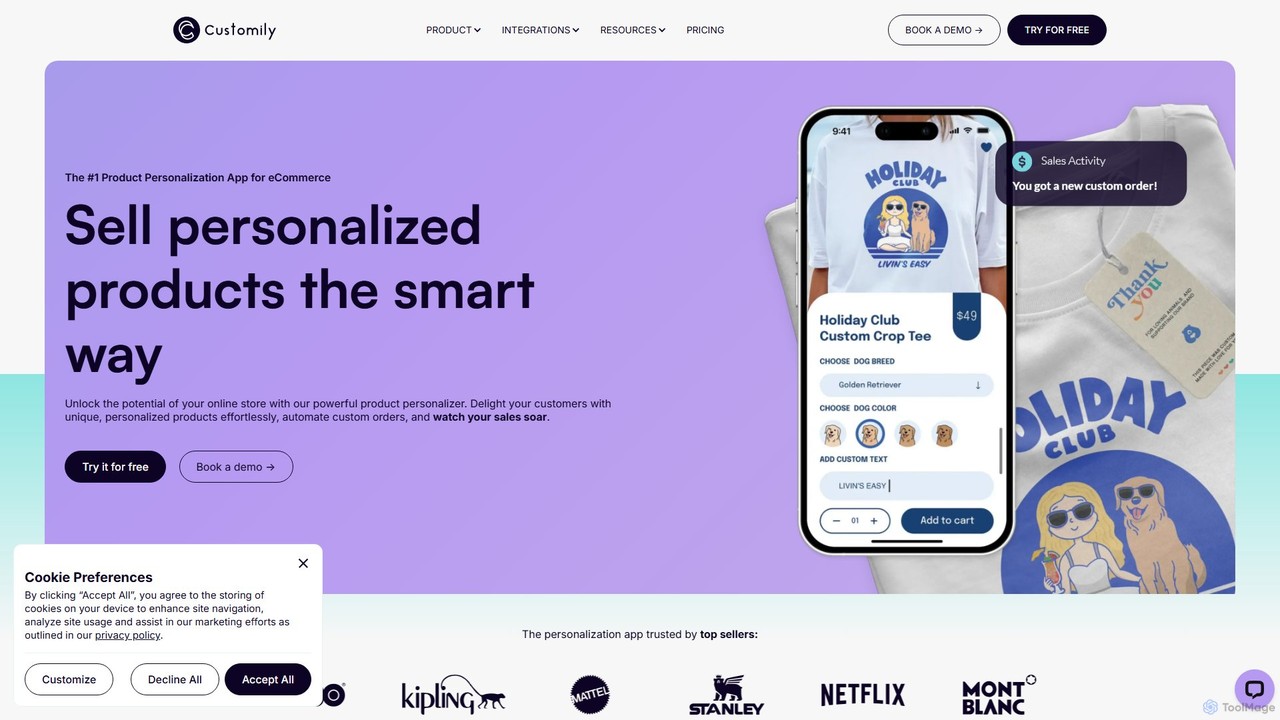
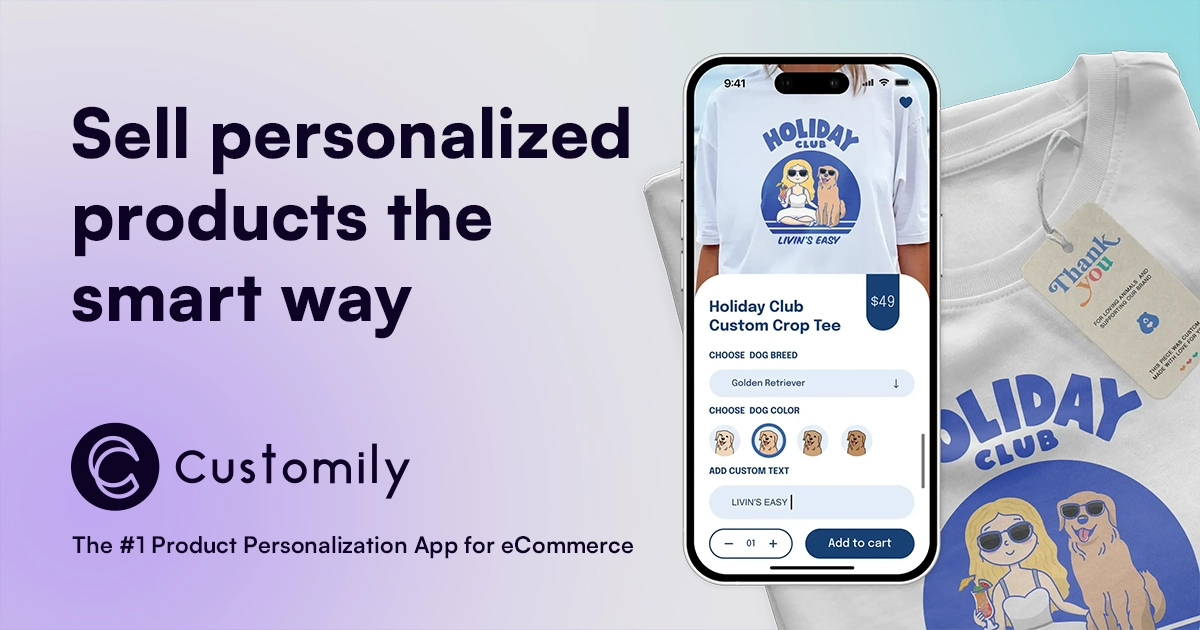
Customily is a leading product personalization software for e-commerce businesses. It allows online stores to offer customers advanced …

153.9K

About Product Design

AI Product Design tools are a specialized class of software that uses artificial intelligence to automate and accelerate the entire product development lifecycle. These tools leverage generative models to transform text prompts, user data, or rough sketches into tangible design assets like user flows, wireframes, high-fidelity mockups, and even functional code. Their primary value lies in drastically reducing manual effort, enabling rapid iteration, and ensuring design consistency across complex projects. This allows teams to move from initial idea to interactive prototype much faster than with traditional design methods.

Core Features

  • Text-to-UI Generation: Creates wireframes, mockups, and complete user interfaces from simple text descriptions.
  • Design System Automation: Automatically generates and maintains consistent UI components, styles, and documentation.
  • User Flow & Journey Mapping: Analyzes inputs to visualize user paths and create logical application structures.
  • Rapid Prototyping: Instantly produces multiple design variations and interactive prototypes for testing and feedback.
  • Design-to-Code Conversion: Translates design files from platforms like Figma into production-ready front-end code (e.g., HTML, CSS, React).

Applicable Scenarios

These tools are invaluable for product managers, UI/UX designers, and front-end developers, especially in fast-paced environments like startups and agile development teams. They are used for quickly building Minimum Viable Products (MVPs), exploring diverse design concepts without significant time investment, and scaling design systems efficiently. They also serve as a crucial bridge between design and engineering teams by automating the handoff process.

Selection Criteria

When choosing an AI Product Design tool, consider its integration capabilities with your existing workflow (e.g., Figma, Sketch, Jira). Evaluate the quality and customizability of the generated designs and code. Assess the tool's specific strengths—whether in ideation, prototyping, or code generation—to ensure it aligns with your primary needs. Also, consider the learning curve and collaboration features for team-based projects.

Product DesignUse Cases

1

Rapid MVP Prototyping for Startups

A startup founder with a limited budget needs to validate a new app idea with potential investors. Instead of hiring a design agency, they use an AI product design tool. They input their core features and target audience as text prompts. Within hours, the AI generates a complete set of interactive wireframes and a high-fidelity clickable prototype. This allows them to present a tangible product concept, gather early feedback, and secure funding weeks faster than traditional methods would allow.

2

Generating UI Variations for A/B Testing

A UX designer is tasked with optimizing a checkout page to increase conversion rates. Manually creating multiple distinct design variations for A/B testing would be time-consuming. Using an AI tool, the designer provides a baseline design and specifies goals like 'simplify the layout' or 'make the call-to-action more prominent'. The AI generates ten different layout options in minutes, complete with varied component styles and arrangements. The designer can then select the most promising candidates for live testing, accelerating the optimization cycle significantly.

3

Automating Design System Component Creation

A large company is scaling its digital products and needs to maintain a consistent user experience. A design team lead uses an AI tool to automate the creation of their design system. They upload their brand guidelines, including colors, typography, and logo. The AI then generates a comprehensive library of UI components—buttons, forms, cards, modals—that are all perfectly on-brand. This not only saves hundreds of design hours but also ensures any new feature or product built by any team will adhere to the established visual identity, reducing design debt.

4

Converting Figma Designs to Production-Ready Code

A front-end developer receives a complex, high-fidelity design in Figma from the UI/UX team. Manually translating this design into clean, responsive HTML, CSS, and React components is a meticulous and error-prone process. The developer uses a design-to-code AI tool. They import the Figma file, and the AI analyzes the layout, components, and styles, converting it into structured code. This reduces development time by over 50%, minimizes discrepancies between design and implementation, and allows the developer to focus on business logic and functionality rather than pixel-perfect styling.

5

Synthesizing User Research into Personas and Journey Maps

A product manager has just completed a series of user interviews but faces the daunting task of analyzing hours of transcripts to extract key insights. They upload the raw interview data into an AI product design tool. The AI processes the natural language, identifies recurring themes, pain points, and user goals. It then automatically generates detailed user personas and visualizes the entire customer journey map. This transforms a week-long qualitative analysis task into a single-day activity, providing the entire team with a clear, data-driven understanding of their users.

6

Creating High-Fidelity Mockups from Sketches

During a brainstorming session, a designer quickly draws a few rough concepts for a new mobile app screen on a whiteboard. Instead of manually recreating these ideas in a digital tool, they take a photo of the whiteboard sketch and upload it to an AI design tool. The AI recognizes the hand-drawn elements like boxes, text, and image placeholders and instantly converts them into a polished, high-fidelity digital mockup using a standard UI component library. This allows the team to immediately see a realistic version of their idea and iterate on it digitally without the delay of manual recreation.

Product DesignFrequently Asked Questions