
Flux Overview
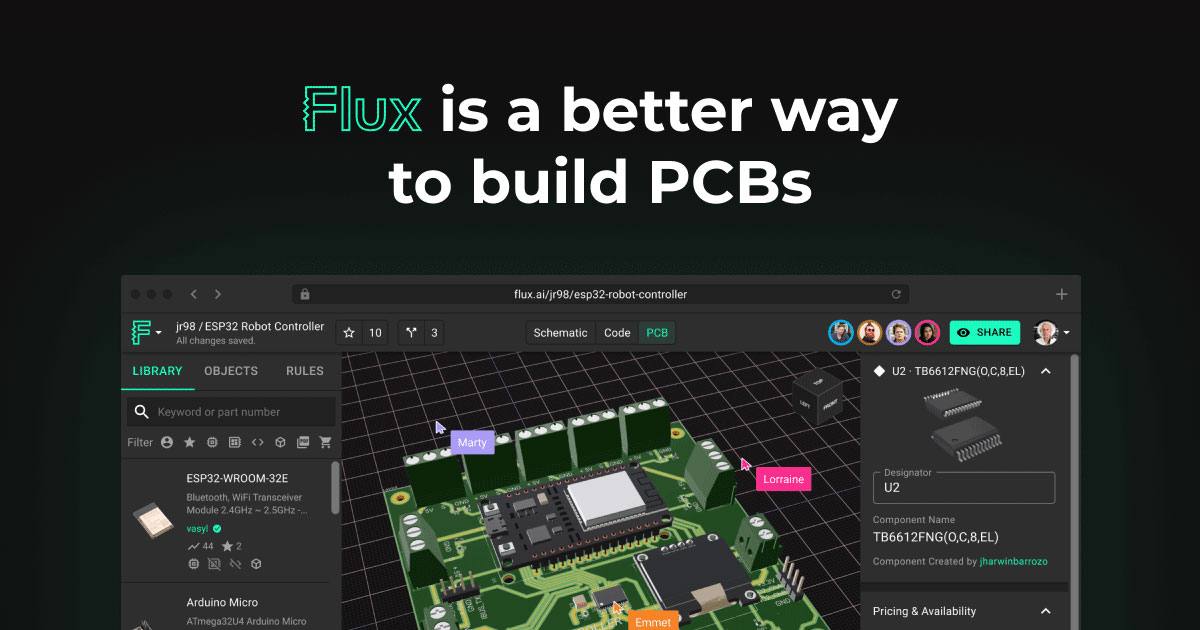
Flux is a next-generation, browser-based platform designed to streamline and accelerate the entire hardware design workflow, from initial concept to manufacturable PCB. It fundamentally changes how engineers, hobbyists, and teams approach electronics design by integrating powerful AI capabilities and real-time collaboration features into an intuitive, accessible interface. Unlike traditional, desktop-based software, Flux operates entirely in the cloud, eliminating the need for complex installations and powerful local hardware.
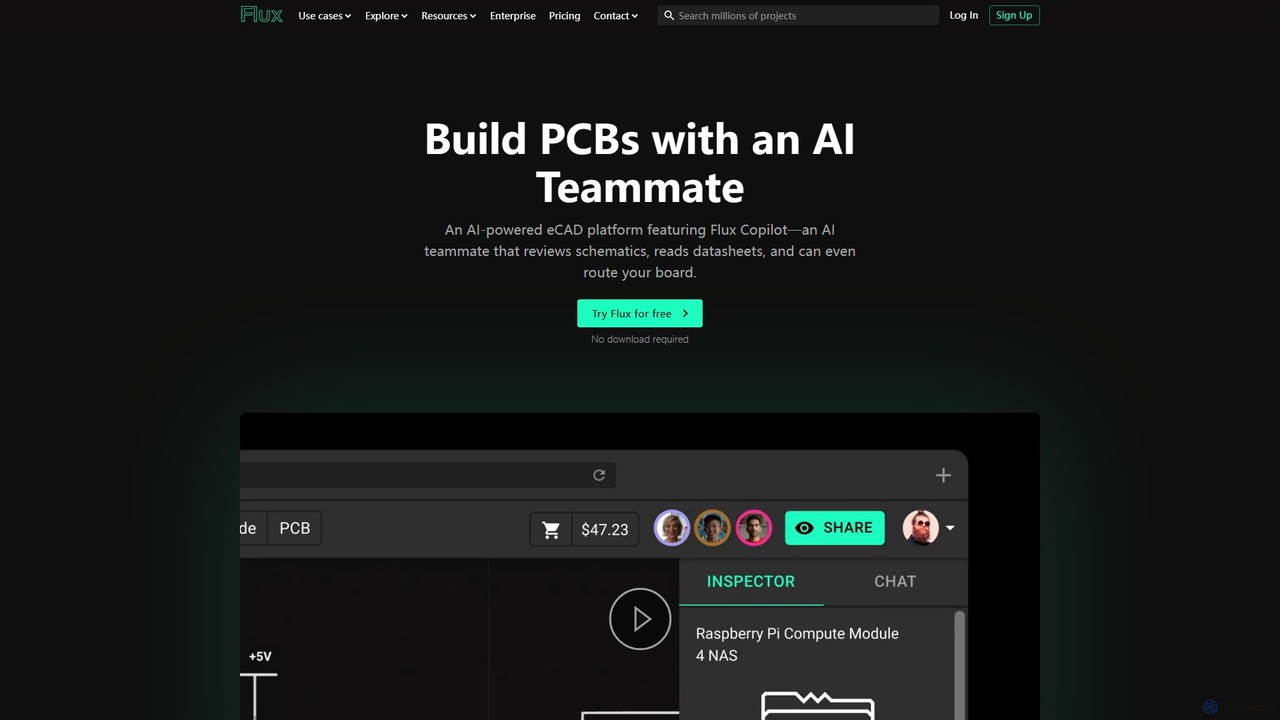
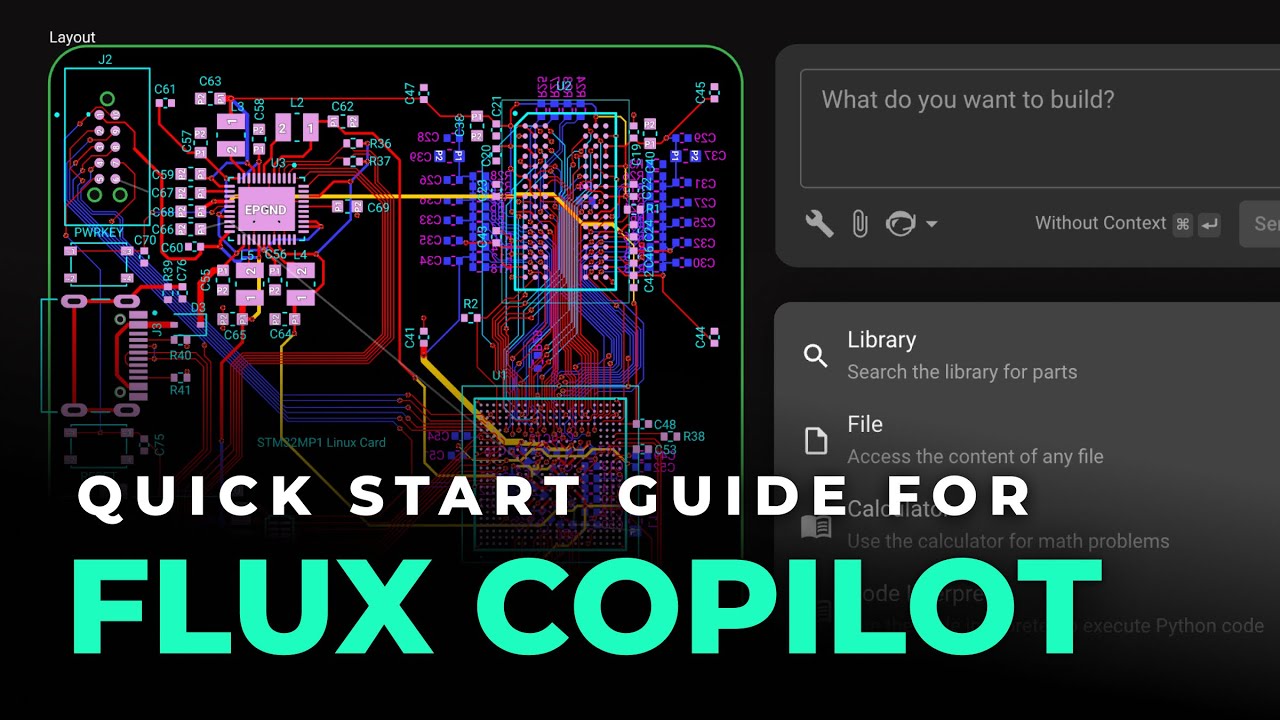
The centerpiece of Flux is its AI Copilot, a sophisticated assistant that tackles one of the most time-consuming aspects of PCB design: routing. With a single click, the AI Auto-Layout feature intelligently routes the connections on your board, producing clean, professional, and human-like results that are easy to understand and modify. The AI learns from user interactions, continuously improving its ability to create balanced and efficient layouts that adhere to real-world design principles.
How to use Flux
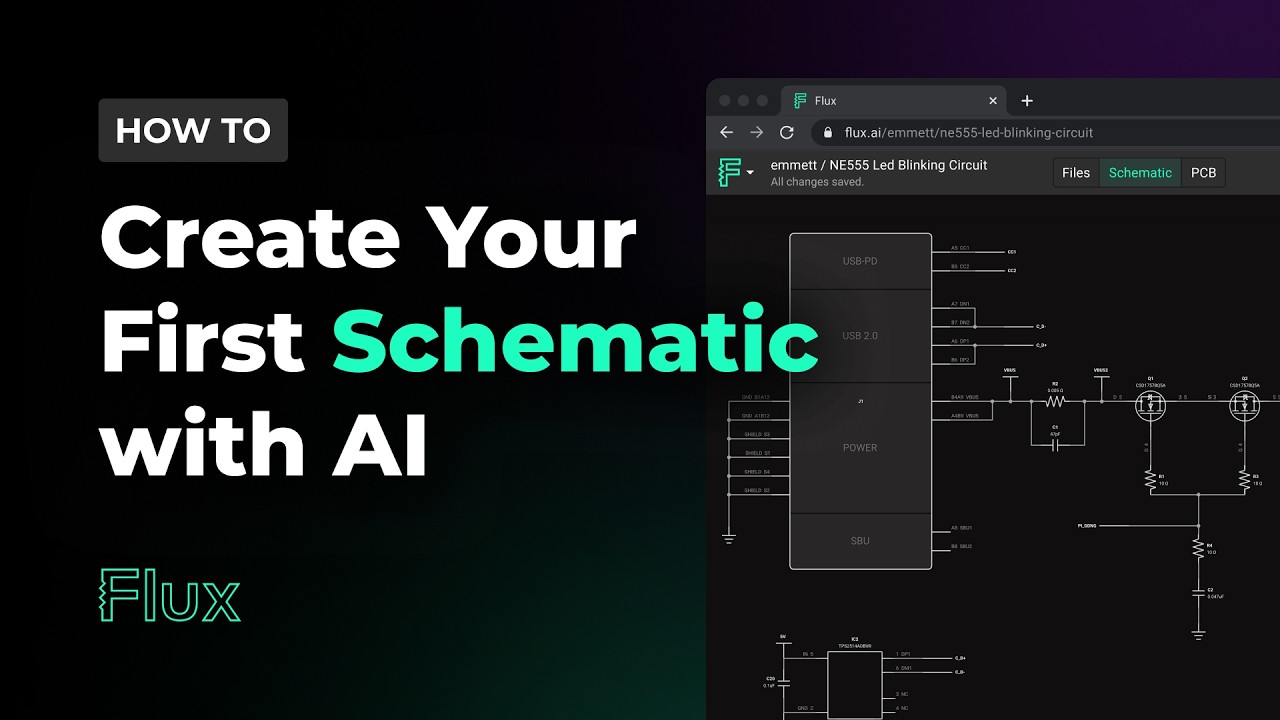
Using Flux is designed to be an intuitive process. First, you start a new project, either from a blank canvas or by selecting one of the many available project templates. You then create your circuit diagram in the schematic editor, easily searching for and adding components from Flux's extensive, community-supported library. Once the schematic is complete, you transition to the PCB layout view. After placing your components, you can invoke the AI Copilot to perform the auto-routing. For critical or high-speed traces, you can route them manually and then let the AI complete the remaining connections. Throughout the process, you can use the integrated circuit simulator to test and verify your design's behavior. Collaboration is seamless; team members can join the project to review, comment, and edit in real-time. Finally, once the design is perfected, you can export the necessary Gerber files for manufacturing.
Core Features of Flux
- AI Copilot (Auto-Layout): A one-click AI-powered routing engine that creates clean, human-like, and manufacturable PCB layouts, saving hours of manual work.
- Browser-Based and Collaborative: Design from any device with a web browser. Invite team members to collaborate in real-time, with changes synced instantly for everyone.
- Integrated Circuit Simulator: Test, debug, and validate your circuit's functionality directly within the platform, speeding up the iteration cycle.
- Vast Component Library: Access a rich, community-driven library of millions of components, complete with datasheets, footprints, and 3D models. Includes a section for common parts and reference designs.
- Project Templates: Kickstart your designs with a wide range of pre-built templates for various applications, from simple circuits to complex microcontroller boards.
- Built-in Version Control: A Git-like version control system is integrated, allowing you to track every change, review history, and manage design revisions effortlessly.
- Seamless Schematic-to-PCB Workflow: A tightly integrated experience that makes transitioning from a logical circuit diagram to a physical board layout smooth and error-free.
Use Cases for Flux
Flux is versatile enough to support a wide range of users. For hobbyists and makers, it provides an accessible entry point into electronics design without a steep learning curve. For startups and hardware companies, it enables rapid prototyping and iteration, significantly reducing the time-to-market for new products. In educational settings, Flux serves as an excellent tool for teaching students the principles of circuit design and PCB layout in a modern, interactive environment. For professional engineering teams, its collaborative features and powerful AI assistant streamline complex projects, allowing engineers to focus on high-level design challenges rather than tedious routing tasks.
Advantages of Flux
The primary advantage of Flux is its massive boost in efficiency. The AI Copilot automates what was once a painstaking manual process. Its browser-based nature provides unparalleled accessibility and facilitates seamless teamwork, breaking down the barriers of traditional desktop software. The platform is uniquely positioned to be both powerful for experts and intuitive for beginners, thanks to its smart defaults and customizable options. The human-centric AI output ensures that designs are not just functional but also professional and easy to iterate upon.
Pricing and Plans
Flux operates on a freemium model, ensuring accessibility for all user levels. The pricing structure typically includes:
- Free Plan: Designed for students, hobbyists, and open-source projects. It offers access to the core features for public projects.
- Pro Plan: A subscription-based plan for professionals who require private projects, advanced features, and more extensive use of the AI Copilot.
- Organization Plan: Custom-priced plans for teams and businesses, providing centralized management, advanced security, dedicated support, and team-wide collaboration tools.
Traffic
Latest traffic
Status
Monthly traffic trend
- 2026-1: 579.8K
- 2026-2: 669.3K
- 2026-3: 872.2K
- 2026-4: 717.3K
- 2026-5: 695.5K
Geography
Top 5 countries / regions
- 🇺🇸United States47.0%
- 🇮🇳India27.5%
- 🇩🇪Germany11.3%
- 🇬🇧United Kingdom8.2%
- 🇧🇷Brazil6.0%
Traffic sources
| Source type | Percentage |
|---|---|
Direct | 88.3% |
Referral | 8.7% |
Email | 3.0% |
Flux Videos on YouTube


Thrive Media

Amir Tutorial


Flux Alternatives
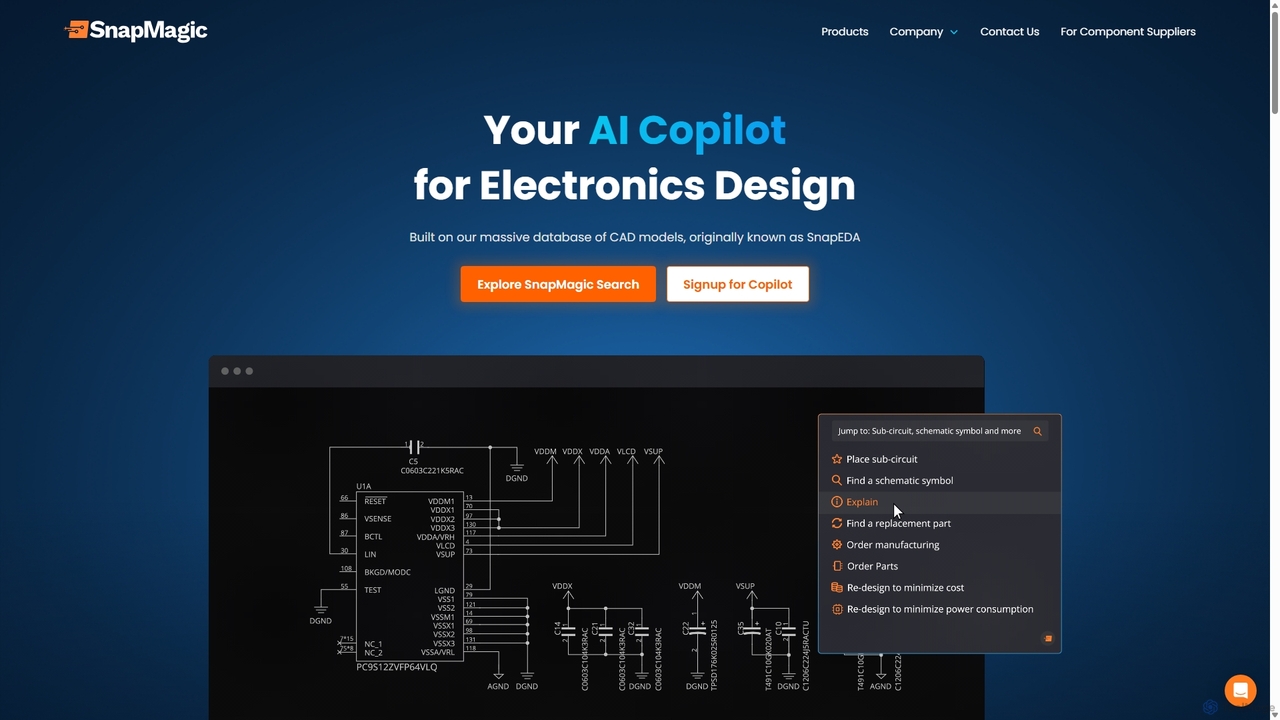
SnapMagic
SnapMagic is an AI copilot for electronics design, automating and accelerating the circuit board creation process. It uses AI to auto-complete circuits, optimize your Bill of Materials (BOM) for cost and power, and provides real-time supply chain data. Engineers can interact with designs using natural language, streamlining repetitive tasks and fostering innovation from concept to manufacturing.
Hardware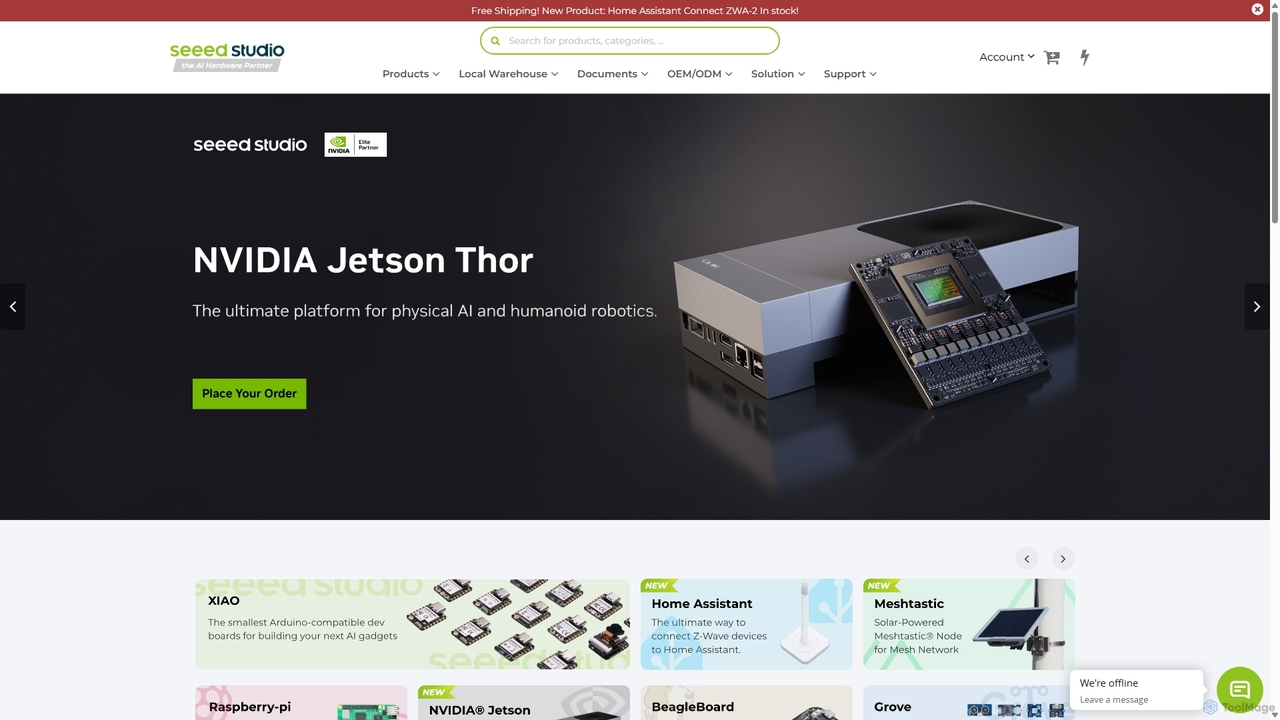
Seeed Studio
Seeed Studio is a leading IoT hardware platform for developers and businesses. It provides a vast range of open-source hardware, development kits, sensors, and AI-accelerated modules, specializing in edge computing. From prototyping with Raspberry Pi and NVIDIA Jetson to scalable manufacturing services (OEM/ODM), Seeed Studio empowers innovators to build and deploy real-world IoT and Edge AI solutions for smart agriculture, industry, and cities.
Edge Computing
usersketch
usersketch is an AI-powered platform designed to accelerate the UX/UI design process. It enables users to instantly generate wireframes, user flows, sitemaps, and personas from simple text descriptions. Ideal for product managers, designers, and developers, it streamlines ideation, prototyping, and collaboration, turning concepts into visual designs in minutes.
Ux Design
Lovable
Lovable is an AI-powered development platform that allows you to build web applications and websites through a simple conversational interface. Describe your idea in plain English, and the AI will generate the full-stack application, enabling rapid prototyping and development for both technical and non-technical users.
Low Code No CodeFlux Categories
Flux Embed Widget
Copy this embed code to place the badge on your blog, article, or product site and send readers directly to this ToolMage detail page.

Related AI tools
datasheet.chat
An AI-powered assistant for engineers and designers. Instantly analyze technical datasheets by chatting with them. Upload any PDF, ask complex questions in natural language, and get precise answers, summaries, and component comparisons in seconds. Streamline your workflow and eliminate manual data extraction.
Hardware EngineeringSnapMagic
SnapMagic is an AI copilot for electronics design, automating and accelerating the circuit board creation process. It uses AI to auto-complete circuits, optimize your Bill of Materials (BOM) for cost and power, and provides real-time supply chain data. Engineers can interact with designs using natural language, streamlining repetitive tasks and fostering innovation from concept to manufacturing.
Hardware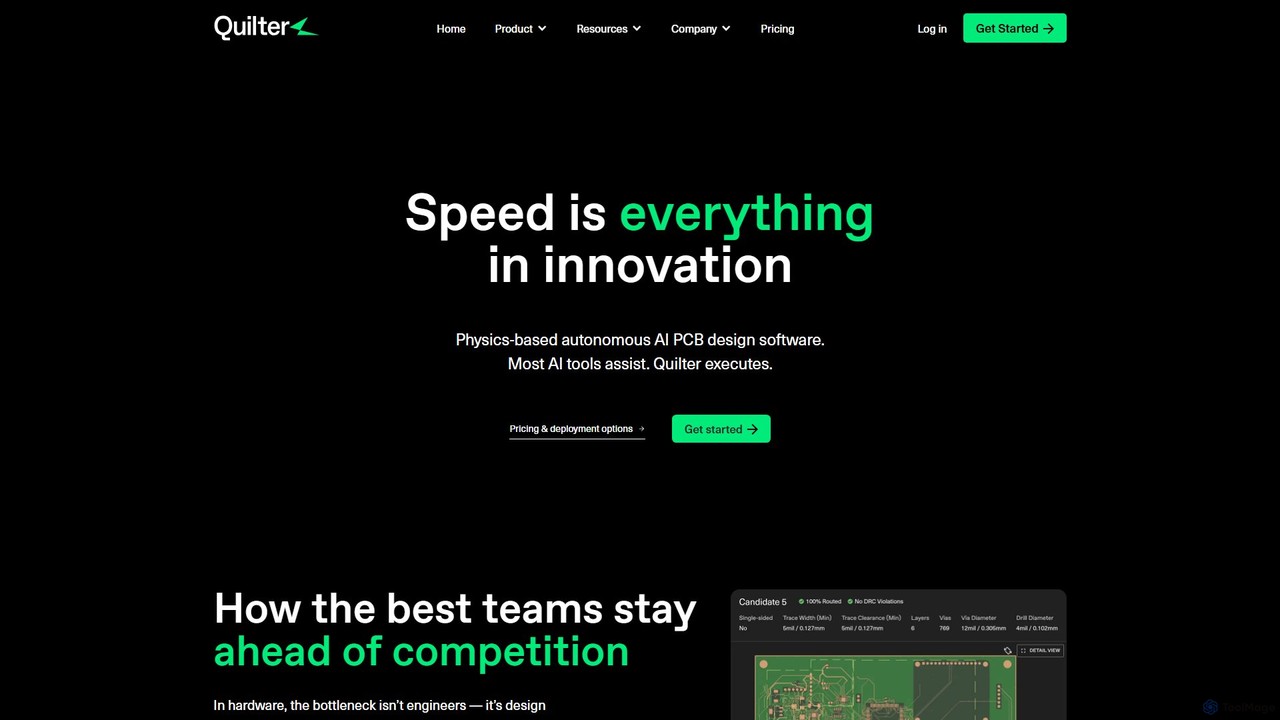
Quilter
Quilter is a physics-based AI platform that automates PCB layout, transforming the design process from weeks to hours. It enables hardware teams to rapidly iterate on prototypes and test boards by autonomously handling component placement and routing. It integrates seamlessly with existing workflows and prioritizes IP security with options for on-prem deployment.
Hardware Development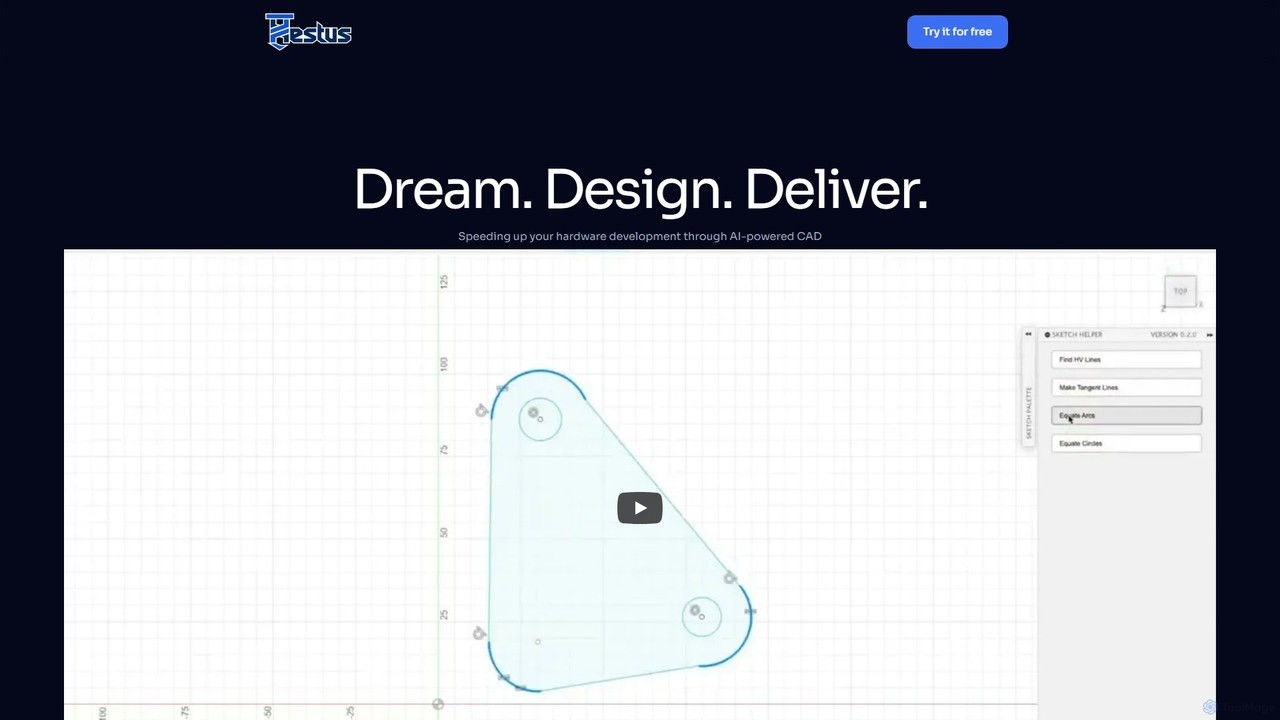
Hestus
Hestus is an AI-powered CAD assistant for Autodesk Fusion 360 that accelerates hardware development. It automates mundane sketching tasks like adding constraints, generating geometry, and applying dimensions, allowing engineers to focus on creative design and innovation.
Developer Tools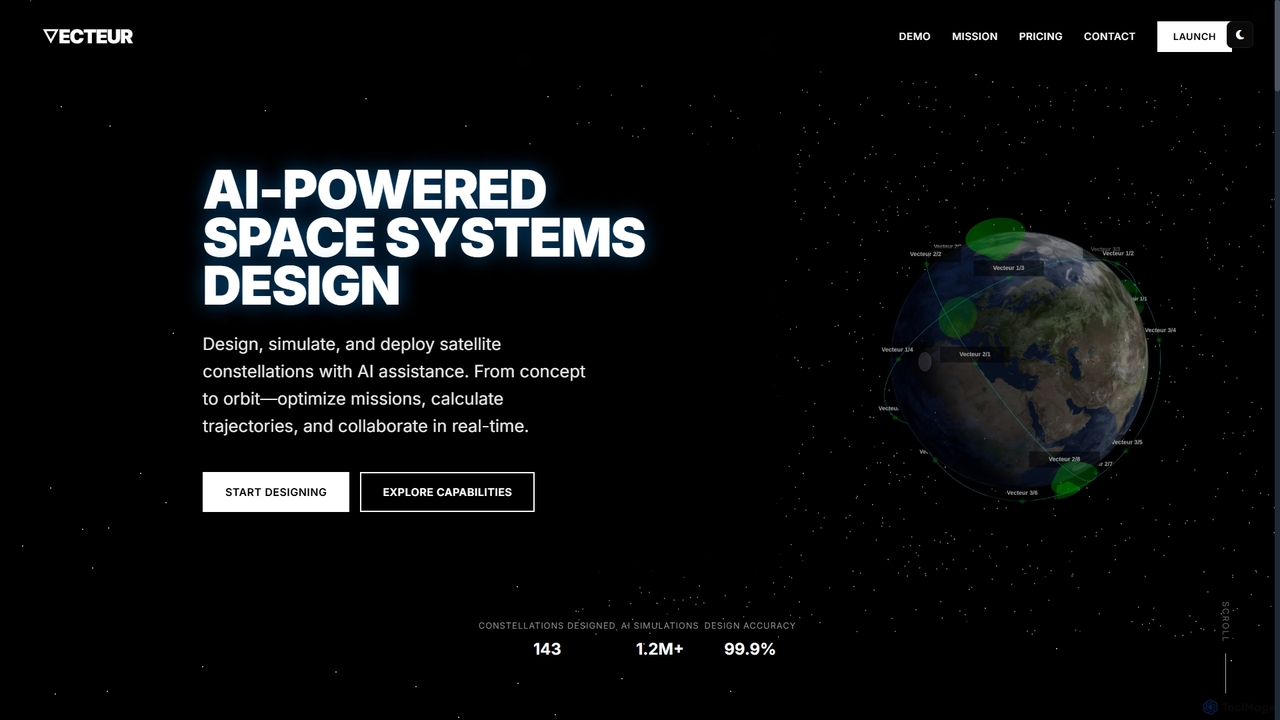
Vecteur
Vecteur is an AI-powered platform revolutionizing space systems engineering, enabling users to design, simulate, and deploy satellite constellations with unprecedented speed and accuracy. It offers intelligent design assistance, real-time simulation, and collaborative environments for various space missions.
Generative Design
Jyek
Jyek is an AI agent platform that understands objectives, creates execution plans, uses tools, and delivers verifiable results for complex, multi-step tasks.
AutomationSeeed Studio
Seeed Studio is a leading IoT hardware platform for developers and businesses. It provides a vast range of open-source hardware, development kits, sensors, and AI-accelerated modules, specializing in edge computing. From prototyping with Raspberry Pi and NVIDIA Jetson to scalable manufacturing services (OEM/ODM), Seeed Studio empowers innovators to build and deploy real-world IoT and Edge AI solutions for smart agriculture, industry, and cities.
Edge Computingusersketch
usersketch is an AI-powered platform designed to accelerate the UX/UI design process. It enables users to instantly generate wireframes, user flows, sitemaps, and personas from simple text descriptions. Ideal for product managers, designers, and developers, it streamlines ideation, prototyping, and collaboration, turning concepts into visual designs in minutes.
Ux Design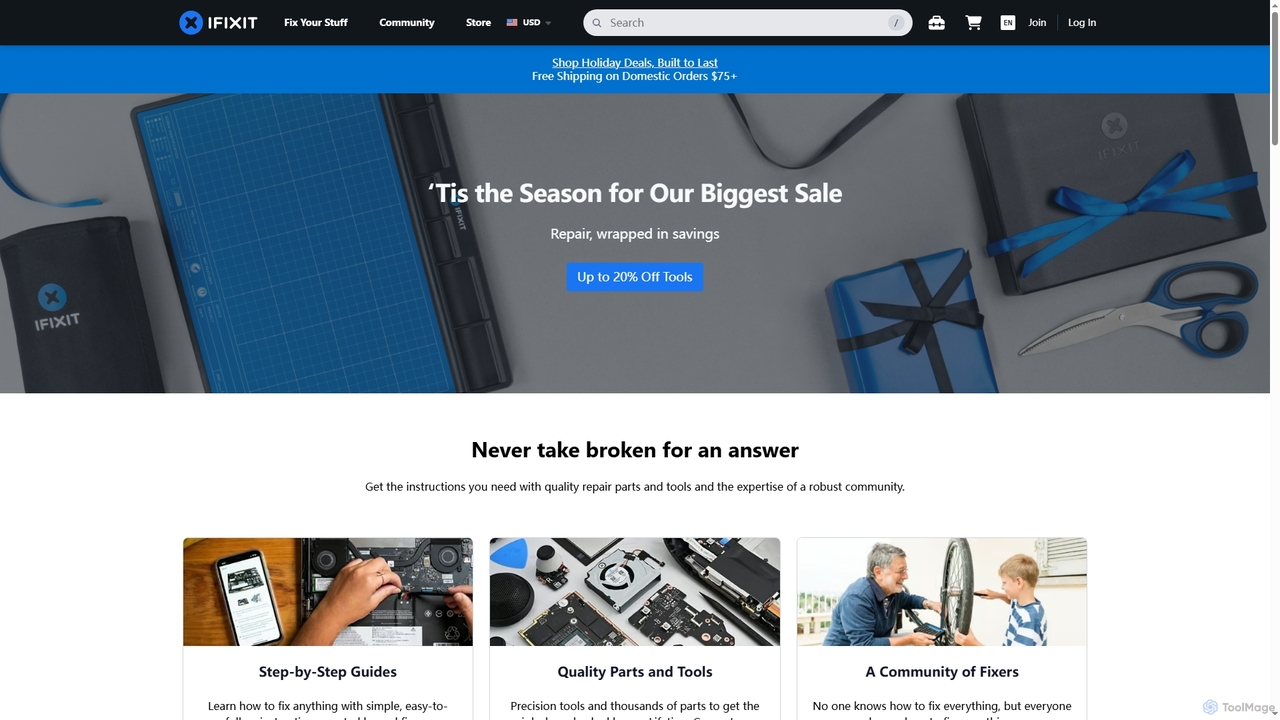
iFixit
iFixit is the world's largest online repair community, providing free, step-by-step repair manuals, quality replacement parts, and precision tools. It empowers individuals to fix their own devices, from electronics to appliances, and actively advocates for the Right to Repair movement, fostering a more sustainable and repairable future for all.
Technical Support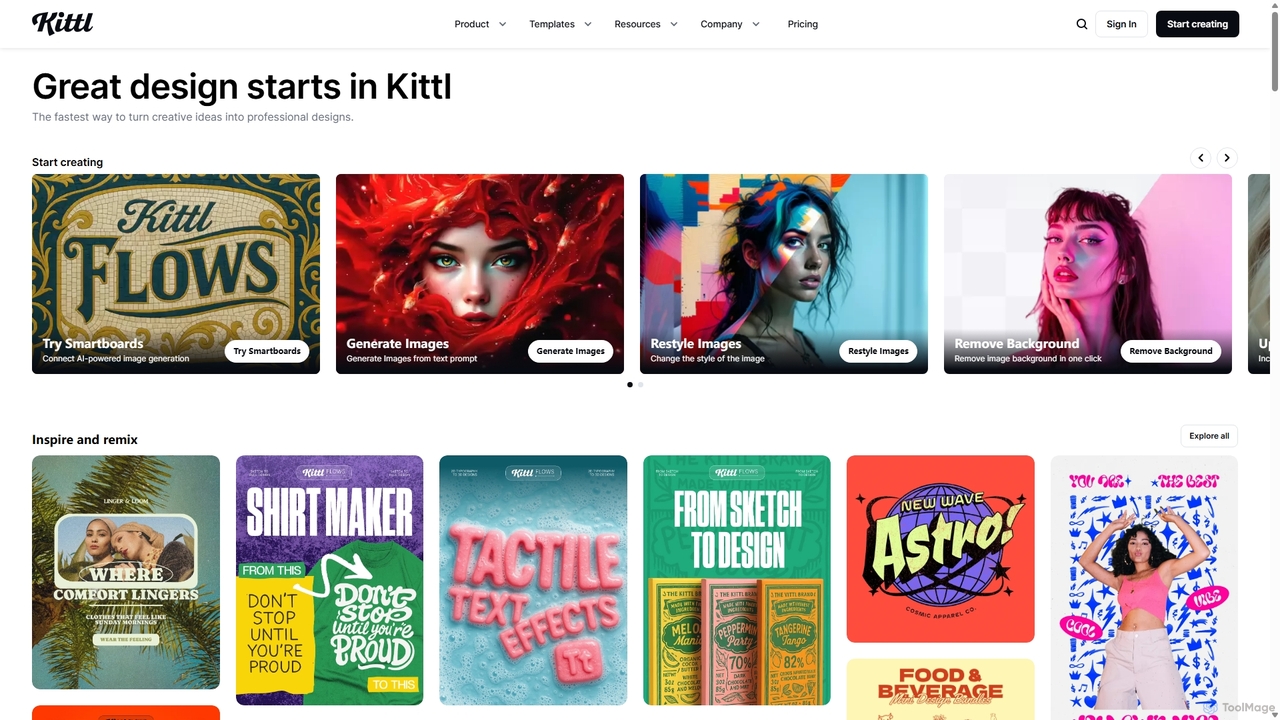
Kittl
Kittl is an intuitive, AI-powered collaborative design platform that simplifies the creation of professional graphics. It combines an advanced editor, powerful AI tools, a vast asset library, and unique text effects, making it ideal for everything from logos and t-shirts to social media posts and marketing materials.
Graphic Design
ParakeetAI
ParakeetAI is a real-time AI interview assistant that provides instant, intelligent answers to any job interview question. It supports coding challenges, works with any video platform like Zoom or Teams, and uses advanced models like GPT-4 to help you land your next job effortlessly.
Interview Preparation
UpCodes
UpCodes is an AI-powered platform providing a searchable, up-to-date database of building codes and standards. It helps architects, engineers, and construction professionals quickly find, interpret, and collaborate on code requirements, streamlining the design and compliance process.
Architecture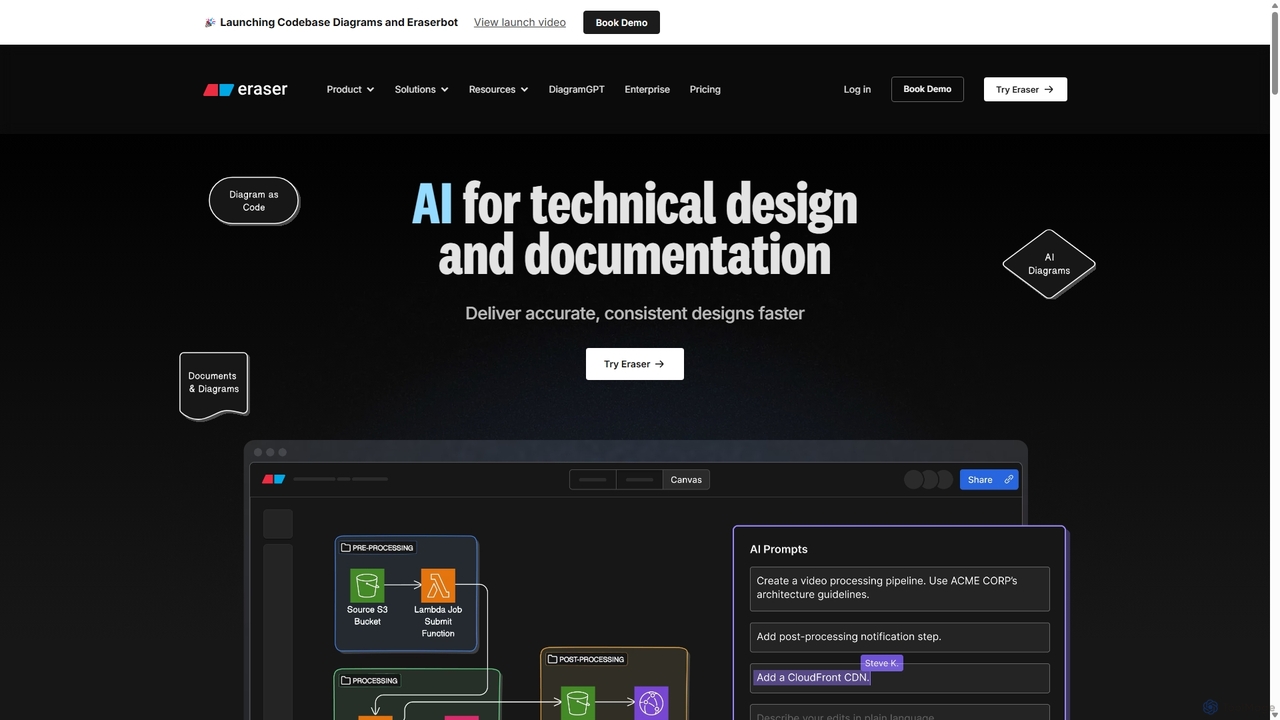
Eraser
Eraser is an AI-powered co-pilot for technical design and documentation, built for engineering teams. It enables users to generate and edit diagrams like architecture, flowcharts, and ERDs using natural language prompts. It combines a collaborative canvas with a markdown editor and diagram-as-code functionality to streamline the entire design process, from brainstorming to documentation.
Whiteboard
JobCopilot
JobCopilot is an AI-powered platform that automates the entire job application process. It helps users get more interviews by automatically searching for and applying to relevant jobs on over 300,000 company career pages. After a one-time setup, the AI copilot handles repetitive form-filling, tailors resumes, and tracks applications, saving users hours of manual work each week and ensuring they never miss an opportunity.
Personal Assistant
Flux Comments (0)
Sign in to comment.
Sign inNo comments yet.