

UpCodes Overview
UpCodes is a revolutionary, AI-powered platform designed specifically for the Architecture, Engineering, and Construction (AEC) industry. It addresses the long-standing challenge of navigating the complex, fragmented, and ever-changing landscape of building codes. By digitizing and organizing national, state, and local codes into a single, easily searchable database, UpCodes empowers professionals to find the exact information they need in seconds, rather than hours. This not only accelerates project timelines but also significantly reduces the risk of costly errors, omissions, and compliance failures.
The platform is more than just a search engine; it's a comprehensive compliance and collaboration tool. It provides real-time updates, shows local amendments alongside base codes, and allows users to compare changes between different code cycles. This ensures that project teams are always working with the most current and accurate information, tailored to their specific project jurisdiction.
How to use UpCodes
Getting started with UpCodes is straightforward. First, create an account on their website, which includes a 2-week free trial to explore the premium features. Once registered, you can select your project's jurisdiction (e.g., California, New York City) to load the relevant set of codes. Use the powerful, AI-driven search bar to look for regulations using keywords, concepts, or specific code section numbers. The search results are delivered instantly. You can then click into the code sections, see how they are amended by local laws, and use the platform's tools to highlight important text, add private or shared comments, and create project-specific folders to organize your research. For enhanced workflow integration, professionals can use the UpCodes plugin for Autodesk Revit to check their designs for code compliance in real-time without leaving their modeling environment.
Core Features of UpCodes
- Comprehensive Code Library: Complete access to an extensive library of international, national, state, and local building codes, including IBC, IRC, NEC, NFPA, and more.
- AI-Powered Search: An intelligent search engine that understands industry terminology and natural language to deliver highly relevant results instantly.
- Real-time Updates & Amendments: Codes are continuously updated, and local amendments are clearly displayed, ensuring you always have the most current regulations.
- Code Comparison Tool: Easily compare different code versions side-by-side to quickly identify changes and understand their impact.
- Team Collaboration: Share code sections, add comments, and create shared project folders to keep your entire team aligned and informed.
- Project-Based Organization: Manage compliance for multiple projects by organizing code research, checklists, and team discussions into dedicated project spaces.
- Autodesk Revit Integration: A powerful plugin that brings code compliance checking directly into your design workflow, flagging potential issues in your BIM model.
- Code Calculators & Diagrams: Integrated tools and visual aids to help interpret and apply complex code requirements, such as egress calculations and accessibility standards.
Use Cases for UpCodes
UpCodes is an indispensable tool for a wide range of professionals. Architects use it during the schematic design and construction documentation phases to ensure their plans are compliant from the outset. Engineers rely on it to quickly reference specific structural, mechanical, or electrical codes. Contractors and builders use it on-site via mobile devices to resolve construction queries and ensure they pass inspections. Plan reviewers and building officials leverage it to streamline their review process, checking submissions against the latest, jurisdiction-specific codes with greater efficiency and accuracy. Real estate developers also use it for due diligence to understand the regulatory constraints and opportunities for a potential project.
Advantages of UpCodes
The primary advantage of UpCodes is the massive gain in efficiency. It transforms the tedious task of code research into a fast and seamless process. This leads to increased accuracy, reducing the risk of non-compliance which can result in costly rework and project delays. The collaborative features foster better communication and a shared understanding of requirements across the entire project team. By integrating directly with design tools like Revit, it bridges the gap between design and compliance, creating a more proactive and streamlined workflow. Ultimately, UpCodes provides a competitive edge by enabling faster, smarter, and more reliable project delivery.
Pricing and Plans
UpCodes offers a freemium model with several tiers to suit different needs. A 2-week free trial is available for paid plans.
Free Plan: Offers limited access to a selection of codes, suitable for occasional reference.
Pro Plan: Designed for individual professionals, this plan provides full access to all codes, advanced search capabilities, code comparison tools, and personal project organization. It is typically billed on a per-user, monthly or annual basis.
Team Plan: Built for small to medium-sized firms, this includes all Pro features plus team collaboration tools, shared project folders, and centralized billing.
Enterprise Plan: A custom solution for large organizations, offering everything in the Team plan plus features like API access for custom integrations, advanced security protocols, and dedicated account management.
Traffic
Latest traffic
Status
Monthly traffic trend
- 2025-9: 1.2M
- 2026-1: 1.0M
- 2026-2: 1.1M
- 2026-3: 1.2M
- 2026-4: 1.2M
- 2026-5: 987.3K
Geography
Top 5 countries / regions
- 🇺🇸United States97.4%
- 🇵🇭Philippines1.2%
- 🇮🇳India0.8%
- 🇨🇦Canada0.4%
- 🇻🇳Vietnam0.3%
Traffic sources
| Source type | Percentage |
|---|---|
Direct | 82.0% |
Referral | 15.0% |
Email | 3.0% |
Top keywords
| Keyword | Cost per click |
|---|---|
| michigan residential code natural gas sizing table | $0.00 |
| pool code walking area | $0.00 |
| upcodes | $4.06 |
| upcodes cbc 2025 | $0.00 |
| upcodes maryland | $0.00 |
UpCodes Videos on YouTube



UpCodes Alternatives
Cogram
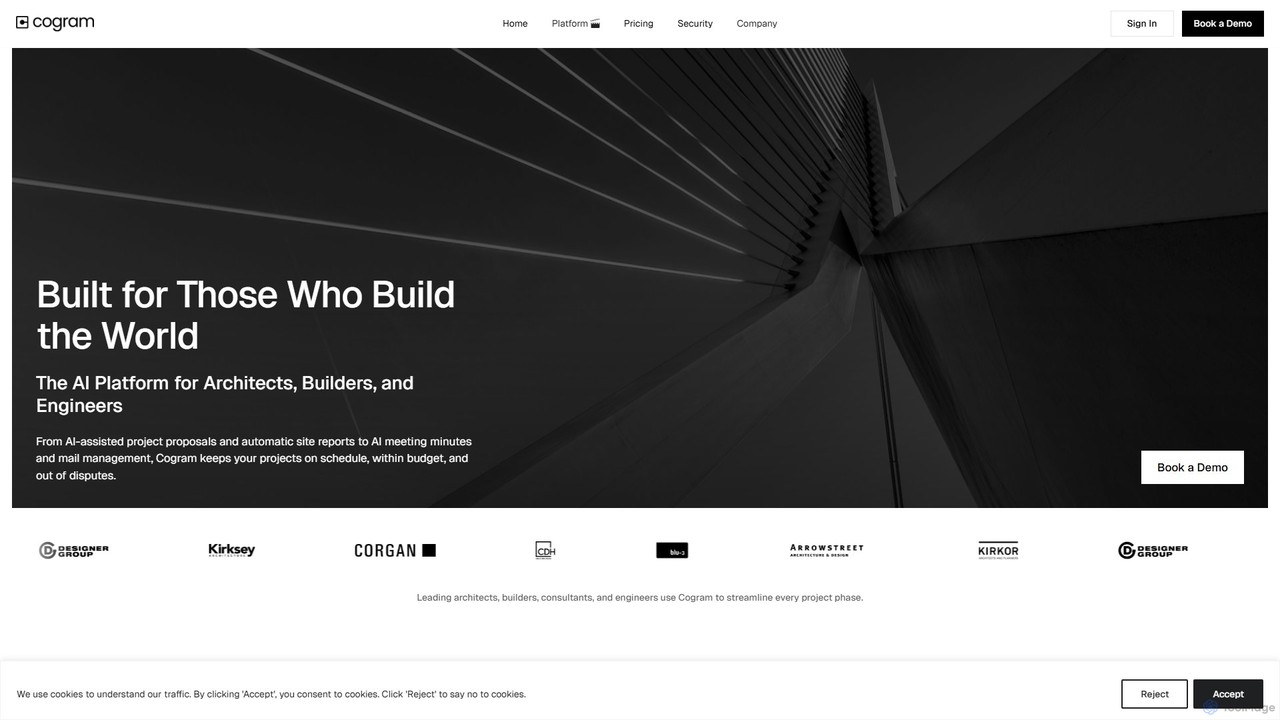
Cogram is an AI-powered platform specifically designed for the Architecture, Engineering, and Construction (AEC) industry. It acts as a central knowledge base, allowing architects, builders, and engineers to instantly find answers from vast project documentation, automate reporting, and analyze complex data. By connecting to all project files, Cogram helps teams reduce time spent on information retrieval, mitigate risks, and improve project outcomes.
Document Analysis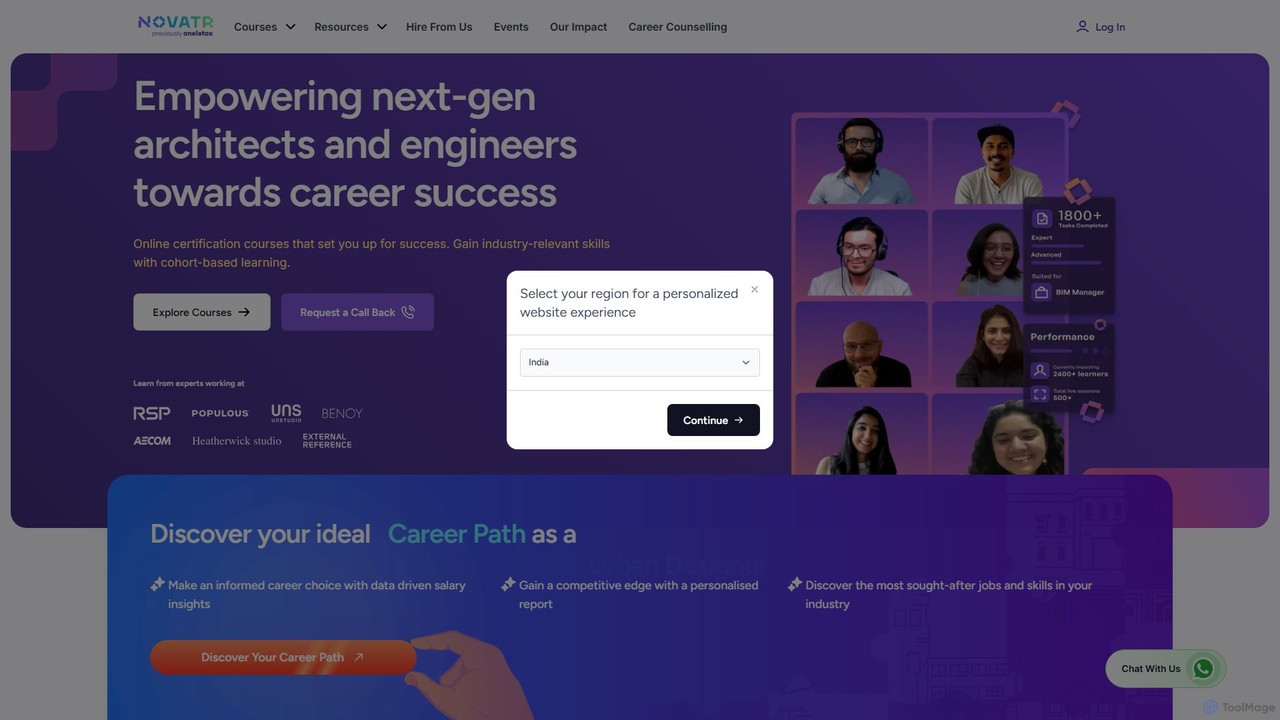
Novatr
Novatr is an EdTech platform offering online professional certification courses for architects, engineers, and designers in the AEC industry. It focuses on tech-first skills like BIM, Computational Design, and AI in design, connecting learners with industry experts and real-world projects to accelerate their careers.
Architecture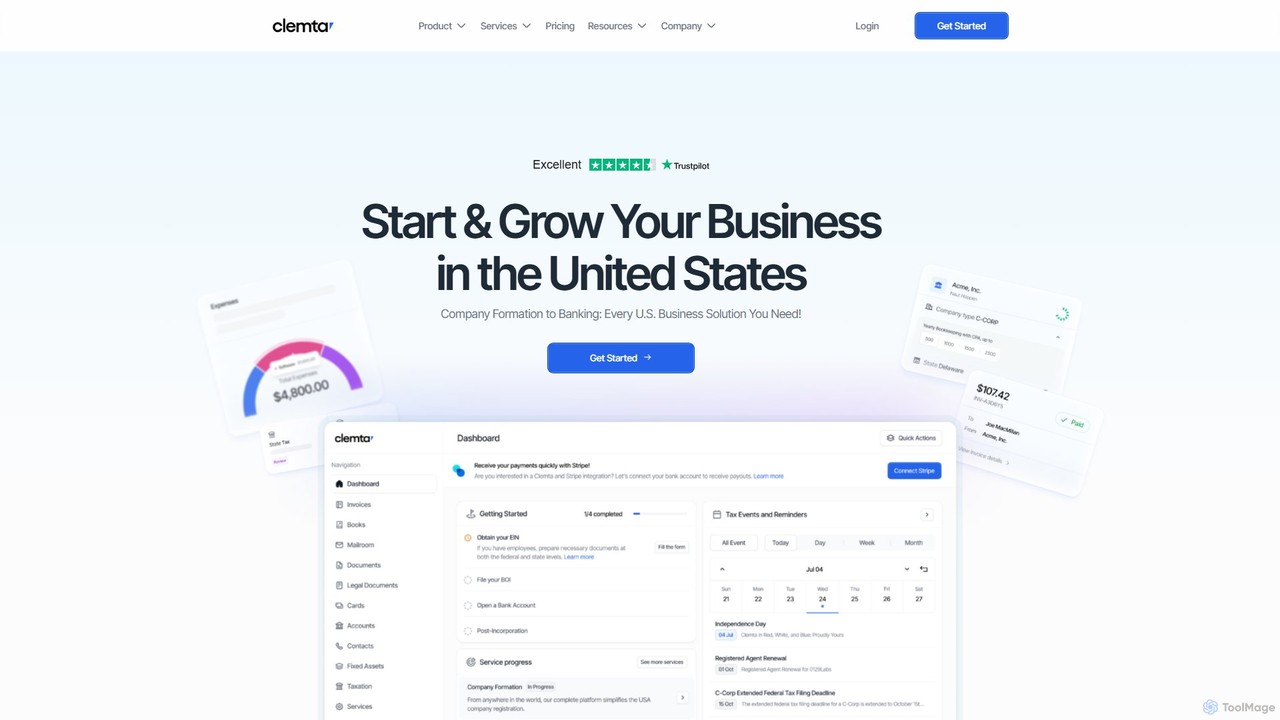
Clemta
Clemta is an AI-powered, all-in-one platform for global entrepreneurs to start, manage, and grow a US business. It simplifies company formation (LLC/C-Corp), EIN/ITIN applications, banking, bookkeeping, tax filing, and compliance, making US market entry accessible from anywhere in the world.
Startup
Hypar
Hypar is a cloud-based generative design platform for the Architecture, Engineering, and Construction (AEC) industry. It empowers users to automate building design processes, rapidly generate and evaluate thousands of design options, and collaborate seamlessly in a data-driven environment.
3D Modeling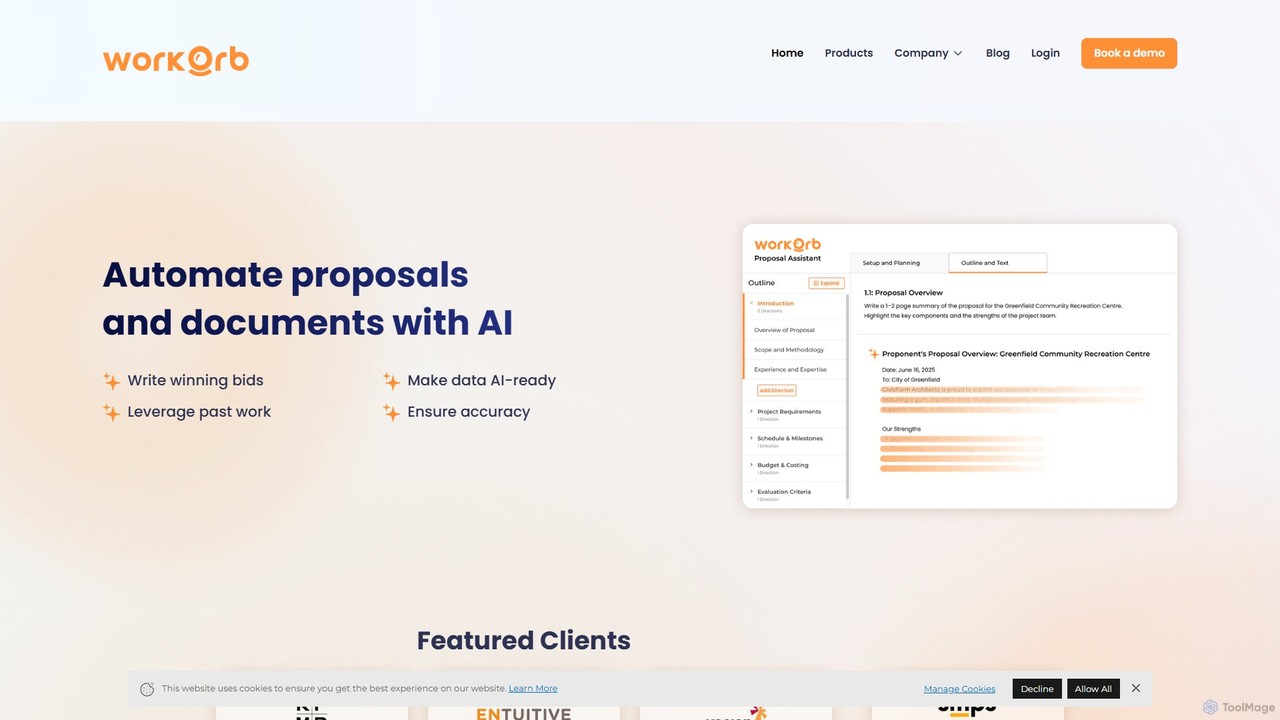
Workorb
Workorb is an AI platform designed for the Architecture, Engineering, and Construction (AEC) industry to automate proposal generation and business development. It creates a centralized Knowledge Hub by automatically cleaning and organizing your firm's data, enabling you to draft winning bids, summarize RFPs, and ensure compliance with minimal manual effort.
SalesUpCodes Categories
UpCodes Embed Widget
Copy this embed code to place the badge on your blog, article, or product site and send readers directly to this ToolMage detail page.

Related AI tools
Cogram
Cogram is an AI-powered platform specifically designed for the Architecture, Engineering, and Construction (AEC) industry. It acts as a central knowledge base, allowing architects, builders, and engineers to instantly find answers from vast project documentation, automate reporting, and analyze complex data. By connecting to all project files, Cogram helps teams reduce time spent on information retrieval, mitigate risks, and improve project outcomes.
Document AnalysisNovatr
Novatr is an EdTech platform offering online professional certification courses for architects, engineers, and designers in the AEC industry. It focuses on tech-first skills like BIM, Computational Design, and AI in design, connecting learners with industry experts and real-world projects to accelerate their careers.
ArchitectureHypar
Hypar is a cloud-based generative design platform for the Architecture, Engineering, and Construction (AEC) industry. It empowers users to automate building design processes, rapidly generate and evaluate thousands of design options, and collaborate seamlessly in a data-driven environment.
3D Modeling
Jyek
Jyek is an AI agent platform that understands objectives, creates execution plans, uses tools, and delivers verifiable results for complex, multi-step tasks.
AutomationWorkorb
Workorb is an AI platform designed for the Architecture, Engineering, and Construction (AEC) industry to automate proposal generation and business development. It creates a centralized Knowledge Hub by automatically cleaning and organizing your firm's data, enabling you to draft winning bids, summarize RFPs, and ensure compliance with minimal manual effort.
Sales
Mason
Mason is an AI-powered platform designed to revolutionize the homebuilding industry. It leverages artificial intelligence for generative design, project management, and cost estimation, enabling architects, builders, and developers to construct homes more efficiently, accurately, and sustainably.
3D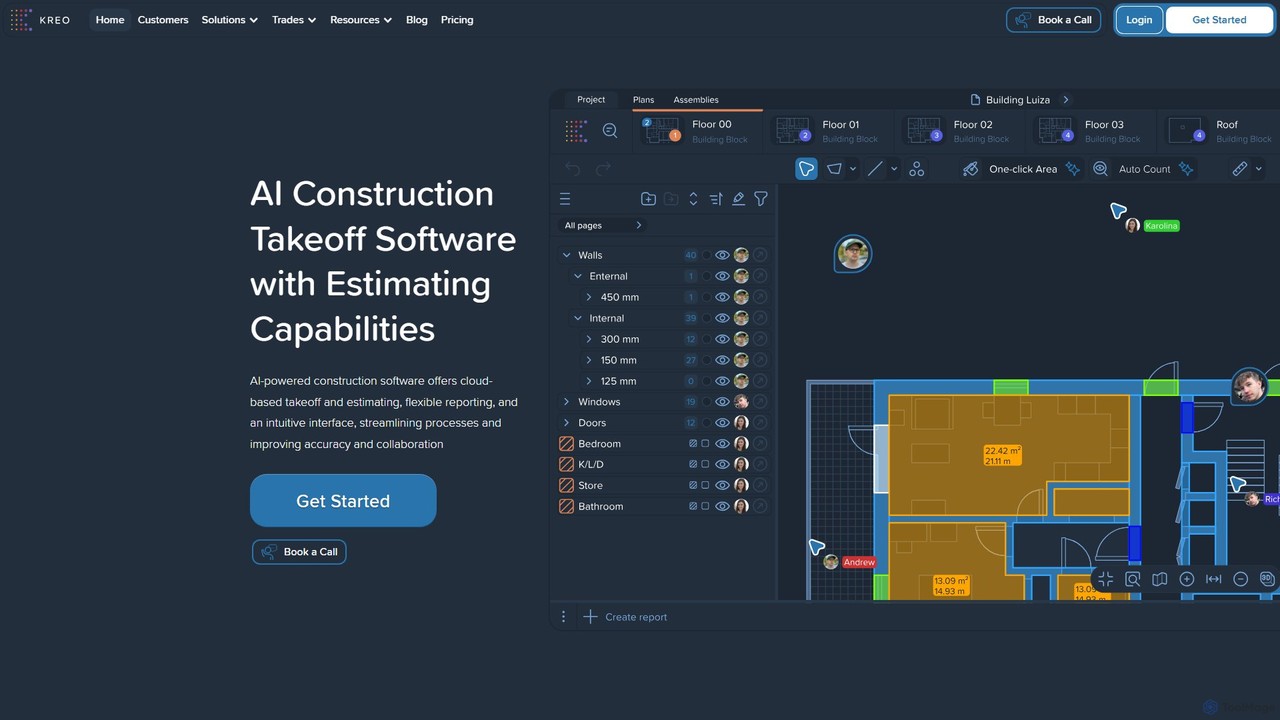
Kreo
Kreo is an AI-powered cloud platform for the construction industry, designed to automate and streamline quantity takeoffs, cost estimation, and bid preparation. It uses machine learning to analyze 2D plans and BIM models, drastically reducing manual work for quantity surveyors, estimators, and contractors, leading to faster and more accurate pre-construction workflows.
Cost Estimation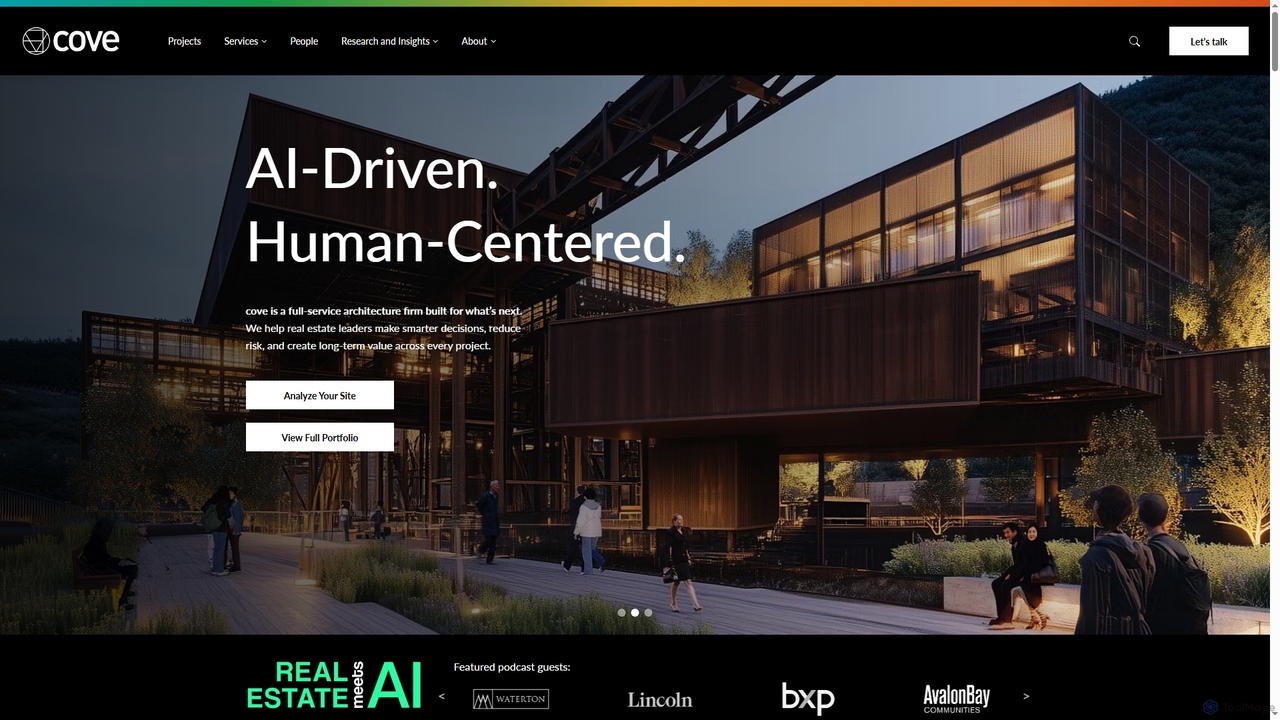
Cove
Cove is a full-service architecture firm that integrates proprietary AI technology to assist real estate leaders and developers. It enhances decision-making, reduces project risks, and creates long-term value by combining deep design expertise with AI-driven analysis for site evaluation, permitting, and performance optimization.
3D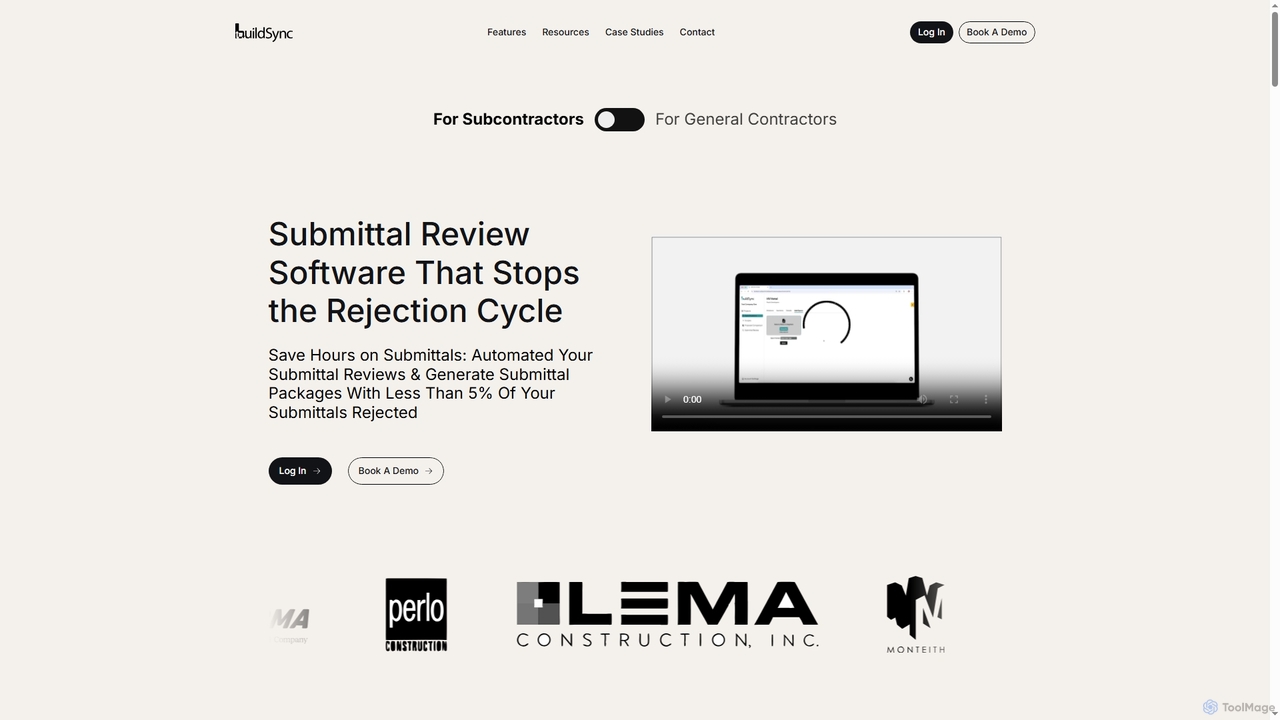
BuildSync
BuildSync is an AI-powered construction submittal review software designed to automate the verification of project compliance and generation of submittal packages. It helps general contractors and subcontractors drastically reduce submittal rejection rates, save hours on manual reviews, and accelerate project timelines.
Document Analysis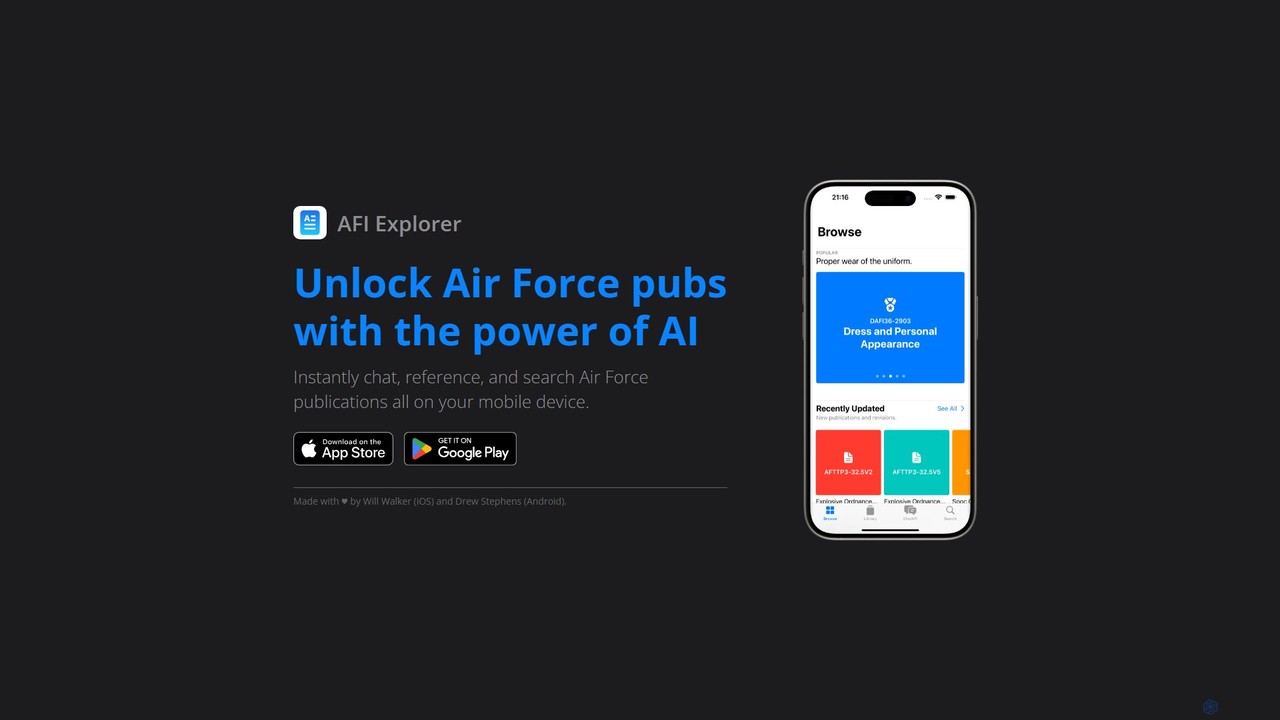
AFI Explorer
AFI Explorer is an AI-powered mobile application designed for U.S. Air Force personnel. It provides instant chat, search, and reference capabilities for the entire library of Air Force publications, instructions (AFIs), and manuals, turning complex documents into a conversational knowledge base.
Research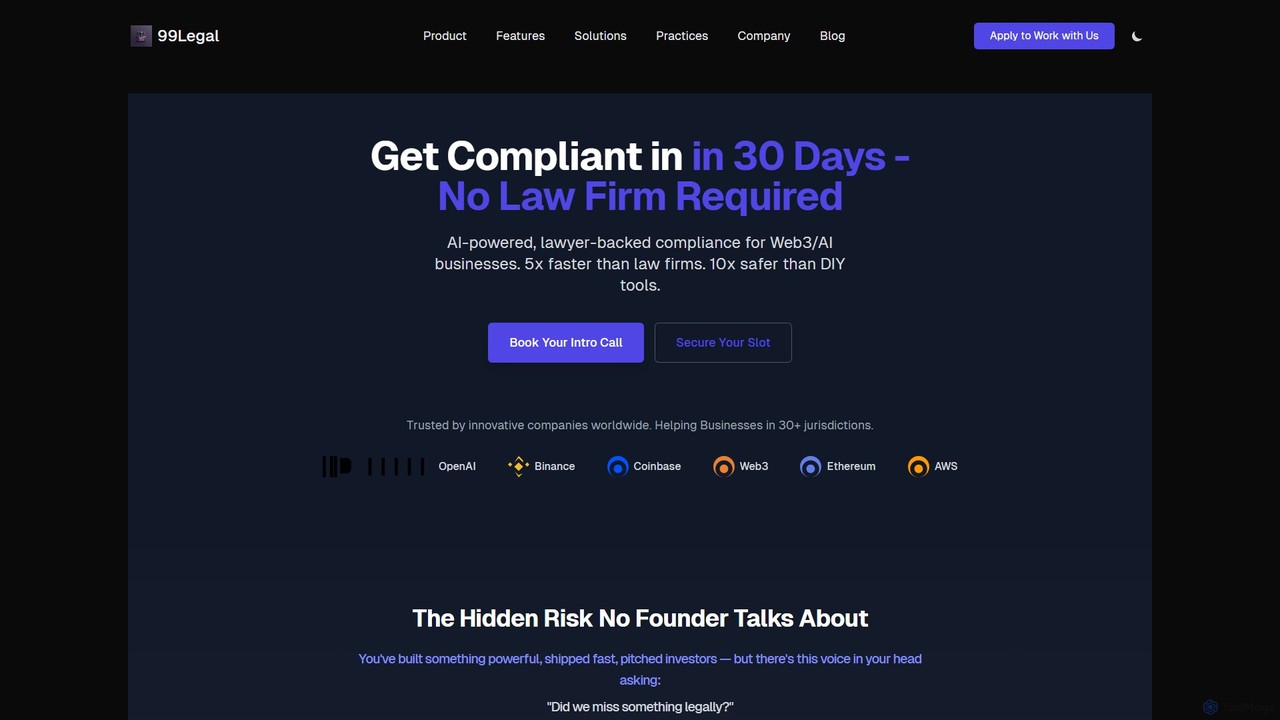
99Legal
99Legal is an AI-powered, lawyer-backed compliance service for Web3 and AI businesses. It offers a Legal Gap Analysis & Roadmap to identify and mitigate legal risks across 30+ jurisdictions. The service is 5x faster than traditional law firms and 10x safer than DIY solutions, providing founders with clear, actionable plans for regulations like MiCA, GDPR, and VASP.
Startups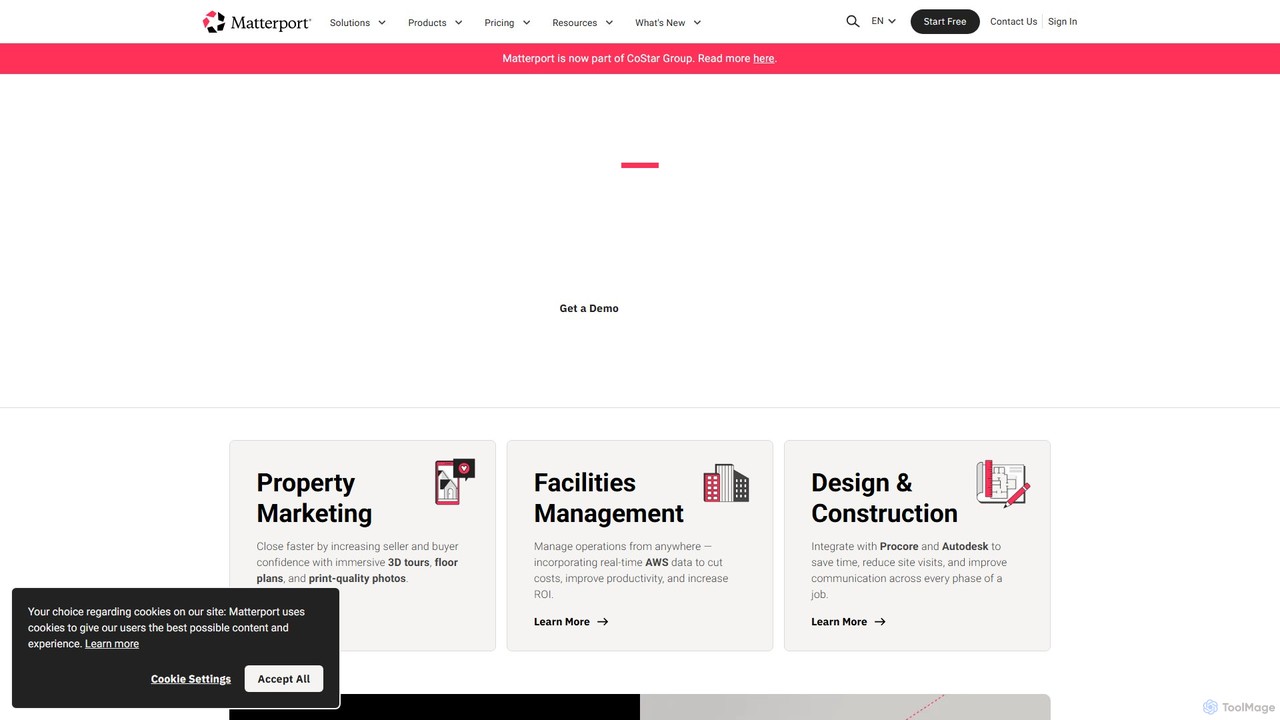
Matterport
Matterport is a leading AI-powered platform for creating immersive 3D digital twins of physical spaces. It enables users to capture, share, and collaborate on interactive 3D models for industries like real estate, construction, and facilities management. The platform transforms spatial data into photorealistic, dimensionally-accurate virtual experiences, complete with integrated data and tools.
3D Modeling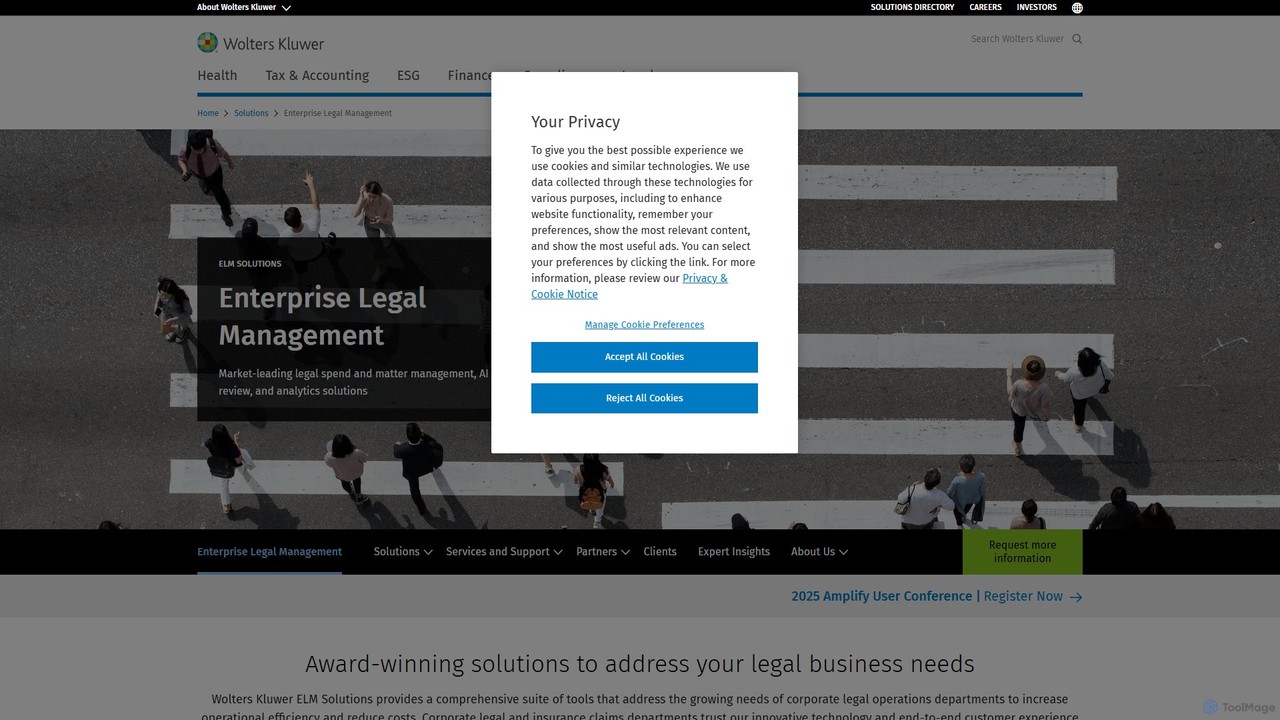
Wolters Kluwer ELM Solutions
An AI-powered Enterprise Legal Management (ELM) platform for corporate legal departments. It streamlines matter management, controls legal spend with intelligent e-billing, and provides data-driven insights to mitigate risk and optimize legal operations.
Enterprise Resource Planning
Ironclad
Ironclad is an AI-powered Contract Lifecycle Management (CLM) platform designed to streamline the entire contracting process for legal and business teams. It automates workflows, enables seamless collaboration, and uses AI to extract critical data from contracts, providing a centralized, searchable repository for all agreements.
Sales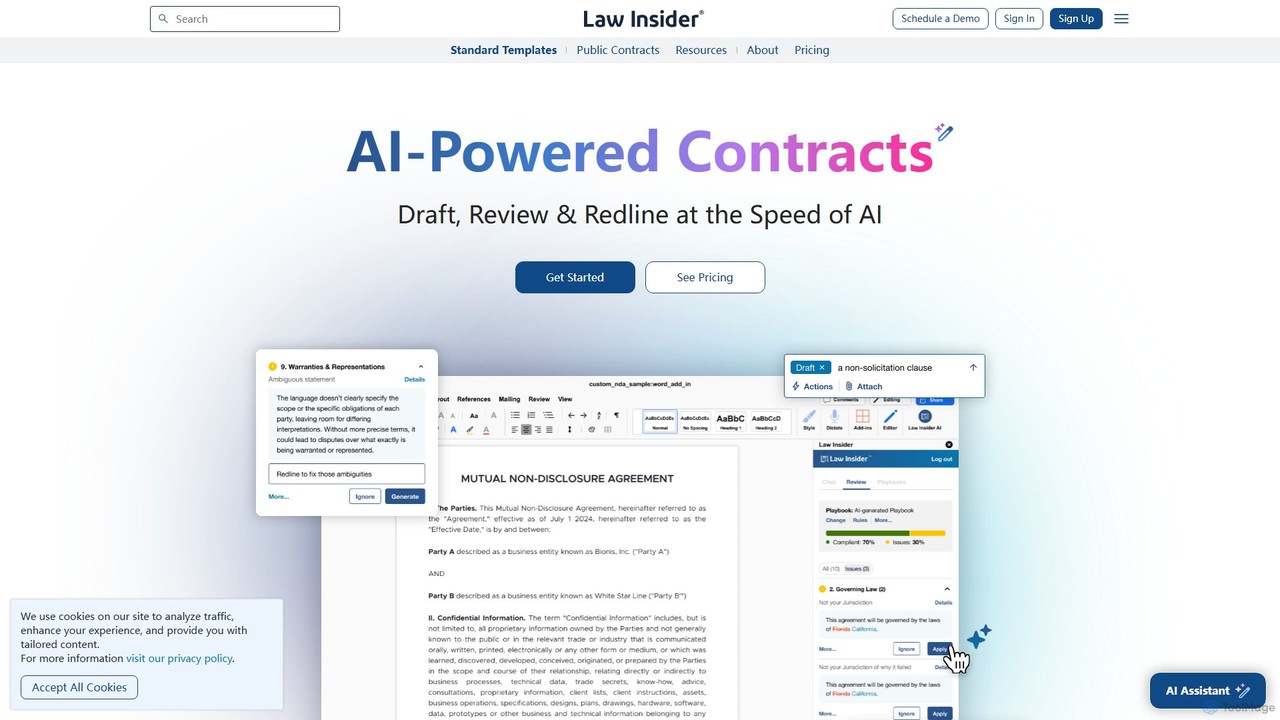
Law Insider
Law Insider is an AI-powered platform for legal professionals, offering tools to draft, review, and redline contracts with unprecedented speed. It leverages the world's largest public contract database to provide data-backed insights, AI-driven suggestions, and standardized templates, streamlining the entire contract lifecycle.
Compliance
UpCodes Comments (0)
Sign in to comment.
Sign inNo comments yet.