Business Best in category 3 results Enterprise Resource Planning AI Tool

Popular AI tools in the Enterprise Resource Planning field of Business include Workday、Wolters Kluwer ELM Solutions、QuickAppFlow, etc., helping you quickly improve efficiency.

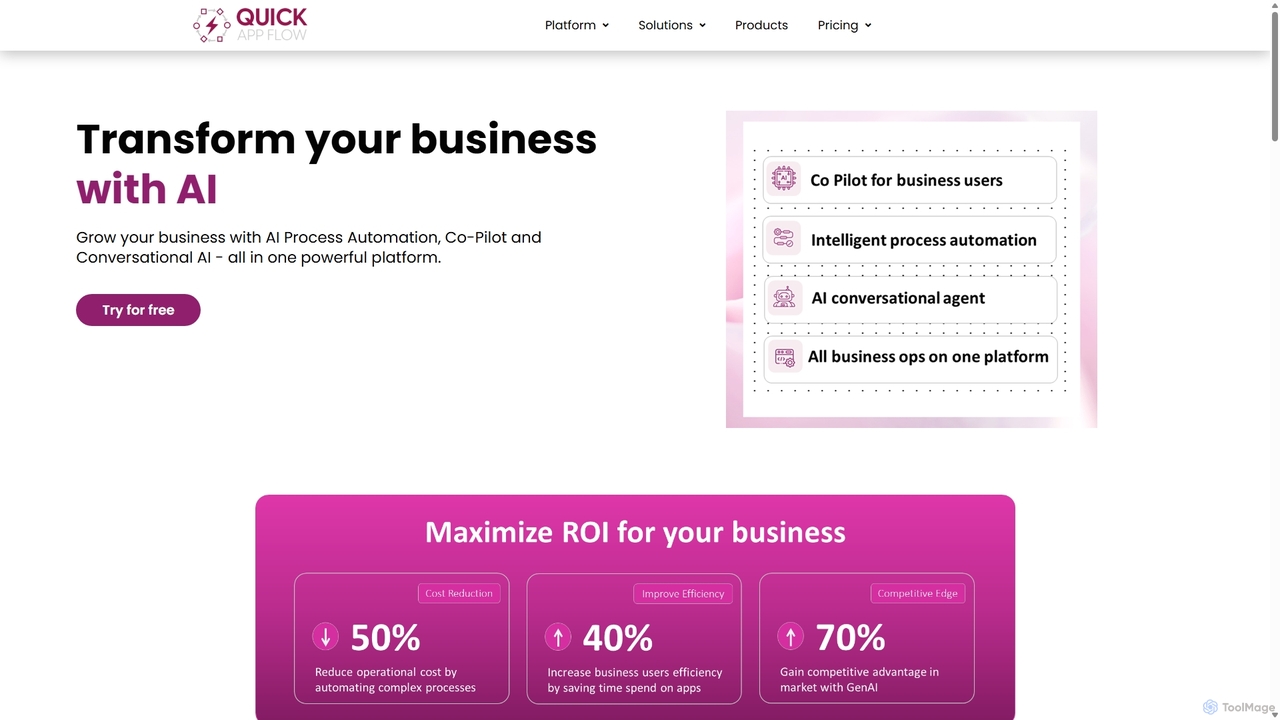
QuickAppFlow

QuickAppFlow

QuickAppFlow is an AI-powered low-code/no-code platform designed to build custom enterprise applications, automate complex workflows, and launch SaaS …

3.7K
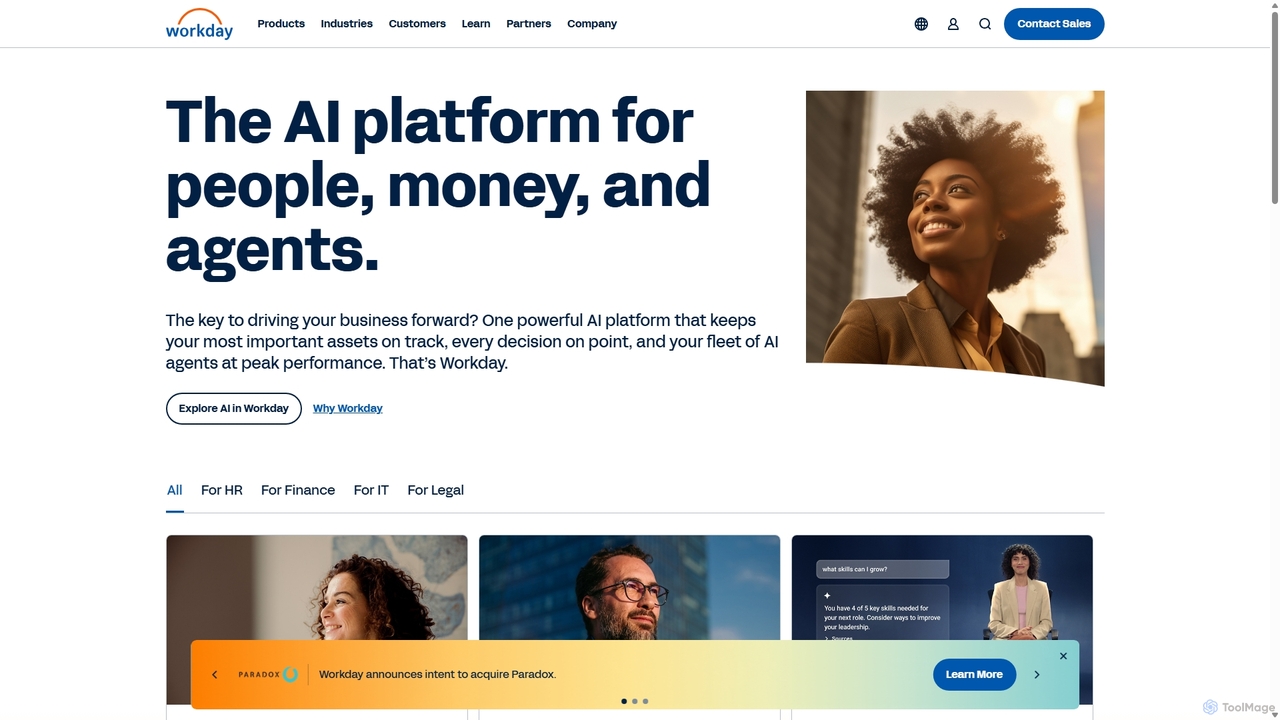
Workday

Workday

Workday is an enterprise-grade, AI-powered cloud platform for Human Capital Management (HCM), financial management, planning, and spend management. …

5.5M
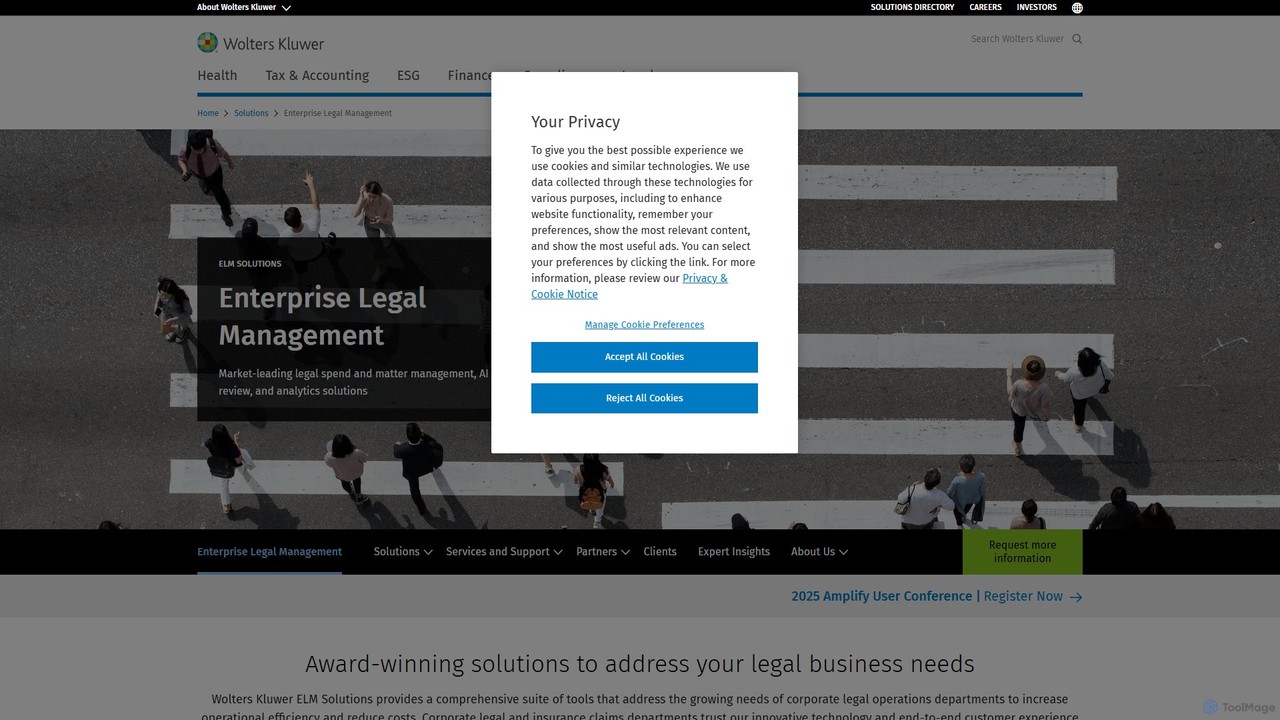
Wolters Kluwer ELM Solutions

Wolters Kluwer ELM Solutions

An AI-powered Enterprise Legal Management (ELM) platform for corporate legal departments. It streamlines matter management, controls legal spend …

3.3M

About Enterprise Resource Planning

AI-powered Enterprise Resource Planning (ERP) tools are integrated systems that use artificial intelligence to manage and automate core business processes. These platforms leverage machine learning and predictive analytics to provide intelligent insights across finance, HR, supply chain, and manufacturing. This intelligent automation helps businesses optimize resource allocation, forecast demand with greater accuracy, and make proactive, data-driven decisions. Unlike traditional ERPs, AI-driven systems can identify potential disruptions and recommend optimal solutions before they impact operations.

Core Features

  • Predictive Analytics: Utilizes historical data and machine learning to forecast sales, inventory needs, and financial trends.
  • Intelligent Process Automation (IPA): Automates routine tasks such as invoice processing, order entry, and financial reconciliation.
  • AI-Powered Supply Chain Optimization: Analyzes real-time data to optimize logistics, manage inventory levels, and mitigate supply chain risks.
  • Smart Financial Management: Employs AI to detect anomalies, prevent fraud, and streamline financial closing processes.

Use Cases

AI ERP systems are crucial for data-intensive industries like manufacturing, retail, logistics, and professional services. Roles such as operations managers, financial controllers, and supply chain analysts use these tools to automate complex workflows. For example, a manufacturer can use AI to dynamically adjust production schedules based on real-time demand, while a retail company can optimize pricing and inventory across all its channels.

How to Choose

When selecting an AI ERP tool, evaluate its modular architecture to ensure it can scale with your business. Assess the depth of its AI capabilities—whether it offers simple automation or true predictive analytics. Verify its integration ecosystem to confirm it connects seamlessly with your existing CRM and other business applications. Finally, ensure the platform offers functionality tailored to your specific industry's needs and compliance requirements.

Enterprise Resource PlanningUse Cases

1

Automated Financial Closing and Reporting

Finance teams often spend days on manual reconciliation and report generation during month-end closing. An AI-powered ERP automates these tasks by continuously reconciling accounts, flagging anomalies in real-time, and generating comprehensive financial statements automatically. This reduces the closing cycle from days to hours, minimizes human error, and frees up financial analysts to focus on strategic analysis rather than data entry.

2

Intelligent Demand Forecasting for Retail

For retail planners, accurately predicting product demand is critical to avoid stockouts or overstocking. An AI ERP analyzes historical sales data, market trends, social media sentiment, and even weather patterns to generate highly accurate demand forecasts. This allows retailers to optimize inventory levels, plan promotions more effectively, and ensure the right products are in the right place at the right time, improving sales and customer satisfaction.

3

Dynamic Production Scheduling in Manufacturing

Production managers in manufacturing face constant changes, from new rush orders to machine downtime. An AI ERP can create and dynamically adjust production schedules in real-time. It considers factors like material availability, machine capacity, labor skills, and order priority to generate the most efficient schedule. If a disruption occurs, the system automatically recalculates and suggests the best alternative plan, minimizing delays and maximizing throughput.

4

Proactive Supply Chain Risk Management

Supply chain analysts need to anticipate disruptions before they happen. An AI ERP monitors a vast range of data sources, including supplier performance, logistics data, geopolitical events, and weather forecasts. It uses this information to predict potential delays or shortages and alerts managers proactively. The system can also simulate the impact of different risks and recommend mitigation strategies, such as rerouting shipments or engaging alternate suppliers, building a more resilient supply chain.

5

AI-Driven Talent Management and HR Planning

HR managers can use an AI ERP to move beyond administrative tasks and focus on strategic talent management. The system analyzes employee performance data, skills, and career goals to identify high-potential employees, predict attrition risks, and suggest personalized development plans. It can also help with workforce planning by forecasting future skill needs based on business strategy, ensuring the company has the right talent to achieve its long-term objectives.

6

Optimized Field Service Operations

For businesses with field service teams, such as maintenance or installation companies, efficient scheduling is key. An AI ERP automates the dispatch process by assigning technicians to jobs based on real-time location, skill set, availability, and job priority. It can also predict maintenance needs for customer equipment, allowing for proactive service calls that prevent costly breakdowns. This optimizes travel time, improves first-time fix rates, and enhances overall customer satisfaction.

Enterprise Resource PlanningFrequently Asked Questions