

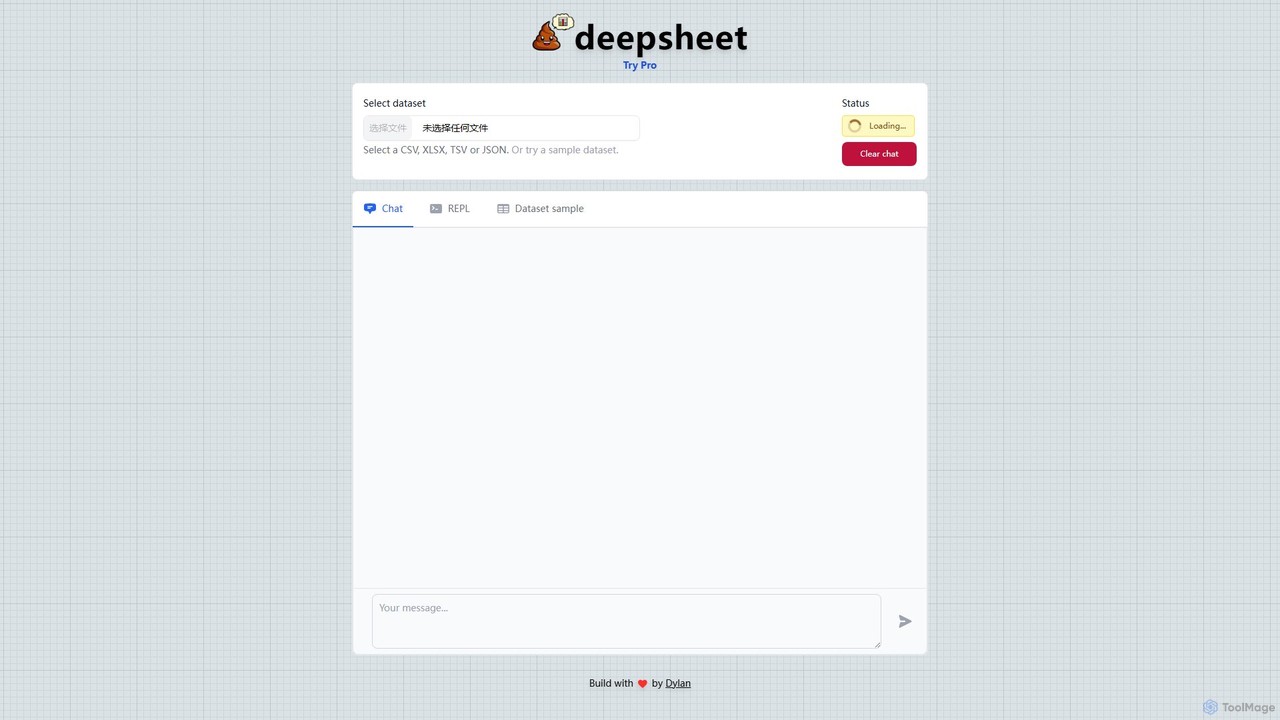
deepsheet Overview
deepsheet is an innovative, AI-driven platform designed to revolutionize the way users interact with their data. It transforms complex data analysis into a simple conversational experience. By leveraging the power of advanced language models, deepsheet allows anyone, regardless of their technical expertise, to unlock valuable insights from their datasets. Users can simply upload their data in common formats like CSV, XLSX, TSV, or JSON, and then start a conversation with their data. Ask questions in plain English, and the AI will process the request, perform the necessary analysis, and provide answers, summaries, and even visualizations in real-time.
The platform is built to be intuitive and accessible, removing the steep learning curve often associated with traditional data analysis software and programming languages like Python or R. It's an ideal tool for business analysts, marketers, students, and small business owners who need to make data-driven decisions quickly and efficiently.
How to use deepsheet
Using deepsheet is a straightforward, three-step process designed for maximum simplicity and efficiency:
- Upload Your Dataset: Begin by navigating to the deepsheet homepage. You'll find a clear prompt to 'Select dataset'. Click on it and choose the file you wish to analyze from your local computer. The platform supports a variety of formats, including CSV, XLSX, TSV, and JSON. For new users, there's also an option to use a sample dataset to explore the tool's capabilities immediately.
- Start a Conversation: Once your dataset is loaded, the chat interface becomes active. This is where the magic happens. In the message box, type your questions or commands in natural language. For example, you could ask, 'What are the total sales for last quarter?', 'Show me a bar chart of sales by country', or 'Find all customers from New York with more than 5 purchases'.
- Analyze and Visualize: Press 'Send', and the AI will interpret your query, run the analysis on your data, and present the results directly in the chat. The output can be a simple text answer, a summary table, or a generated chart. You can continue the conversation to refine your analysis, ask follow-up questions, or request different types of visualizations until you have the insights you need. The platform also includes a 'REPL' (Read-Eval-Print Loop) mode for more technical users who may want to inspect or run generated code snippets.
Core Features of deepsheet
- Natural Language Processing (NLP) Chat Interface: The core of deepsheet is its ability to understand and process queries written in plain English, making data analysis as easy as talking to a colleague.
- Multi-Format Data Support: Easily upload and work with the most common data file formats, including CSV, XLSX, TSV, and JSON.
- Automated Data Analysis: The AI handles the complex backend processes of data parsing, filtering, aggregation, and calculation automatically.
- Instant Data Visualization: Request various types of charts and graphs (e.g., bar charts, line graphs, pie charts) on the fly to better understand trends and patterns in your data.
- Code Generation (REPL): For transparency and advanced use, the tool can show the underlying code (likely Python/Pandas) it generates to perform the analysis, which is useful for learning and verification.
- Freemium Model: A free tier allows users to test the basic functionality, with a Pro plan available for more advanced features, larger datasets, and higher usage limits.
Use Cases for deepsheet
deepsheet is a versatile tool applicable across various domains:
- Business Intelligence: Business analysts can quickly analyze sales figures, track KPIs, and generate reports for stakeholders without relying on a dedicated data science team.
- Marketing Analysis: Marketers can upload campaign data to analyze performance, segment customers, and measure ROI from different channels.
- Academic Research: Students and researchers can perform exploratory data analysis on their datasets, test hypotheses, and visualize results for papers and presentations without needing to learn complex statistical software.
- Financial Analysis: Small business owners and financial analysts can analyze financial statements, track expenses, and identify trends in revenue streams.
- Operations Management: Operations managers can analyze inventory data, supply chain logistics, and production metrics to optimize processes.
Advantages of deepsheet
The primary advantage of deepsheet is its democratization of data analysis. It empowers non-technical users to perform sophisticated data exploration that was previously the domain of experts. This leads to faster decision-making, increased productivity, and a more data-literate culture within an organization. Its intuitive chat interface significantly reduces the time and effort required to get from raw data to actionable insights. Furthermore, its lightweight, web-based nature means there's no software to install, making it accessible from anywhere.
Pricing and Plans
deepsheet operates on a freemium model, ensuring accessibility for all users.
- Free Plan: Ideal for individuals, students, and small-scale projects. This plan typically includes a limited number of queries per month, a cap on dataset size, and access to core features like chat-based analysis and standard visualizations.
- Pro Plan: Designed for professionals, teams, and businesses with more demanding needs. The Pro plan, accessible via the 'Try Pro' button, unlocks unlimited queries, support for larger datasets, priority processing, advanced analysis features, and potentially API access for integration with other workflows. While specific pricing is not listed on the main page, similar tools in the market are typically priced on a monthly subscription basis.
deepsheet Alternatives

Ajelix
Ajelix is an AI-powered suite of tools designed to enhance productivity for Excel and Google Sheets users. It acts as an AI data analyst, automating tasks, generating formulas and VBA scripts, creating insightful reports, and providing advanced data analysis through a simple chat interface.
Business Intelligence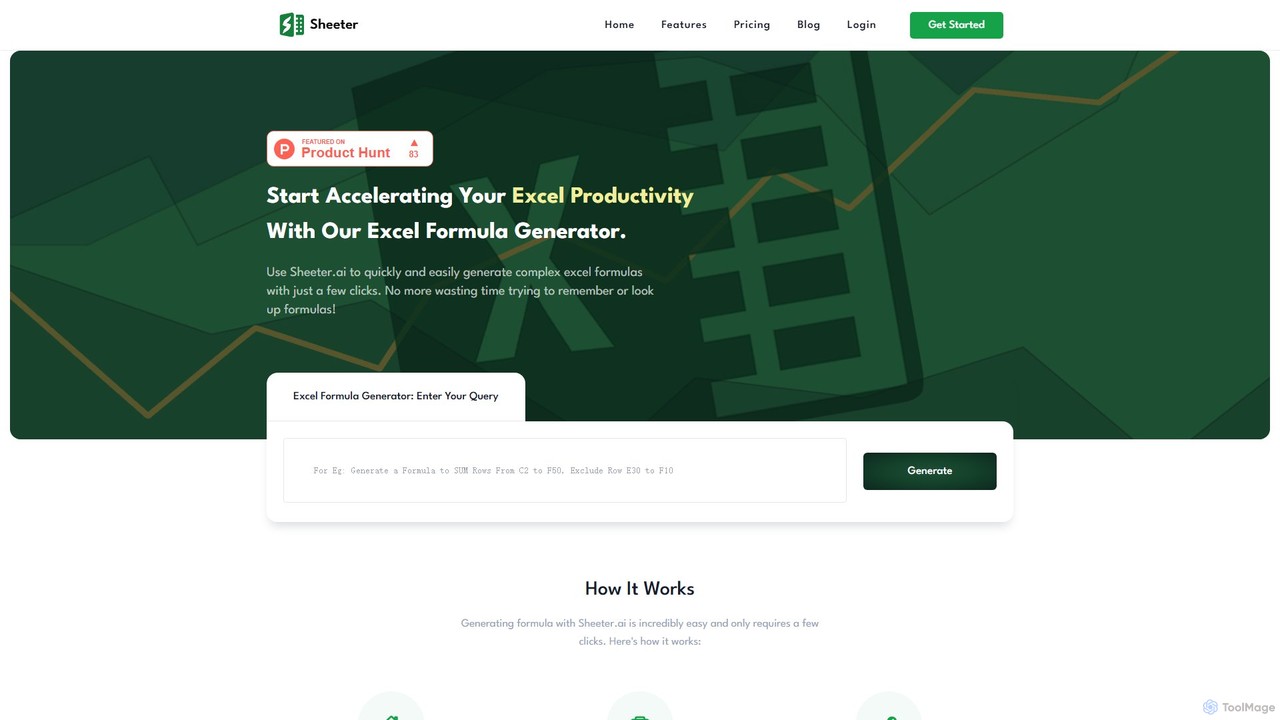
sheeter
Sheeter is an AI-powered tool that generates complex formulas for Excel and Google Sheets from plain English descriptions. It also creates VBA scripts, Google Apps Scripts, and Regex, significantly boosting spreadsheet productivity and saving users time by eliminating the need to memorize or look up formulas.
Data Analysis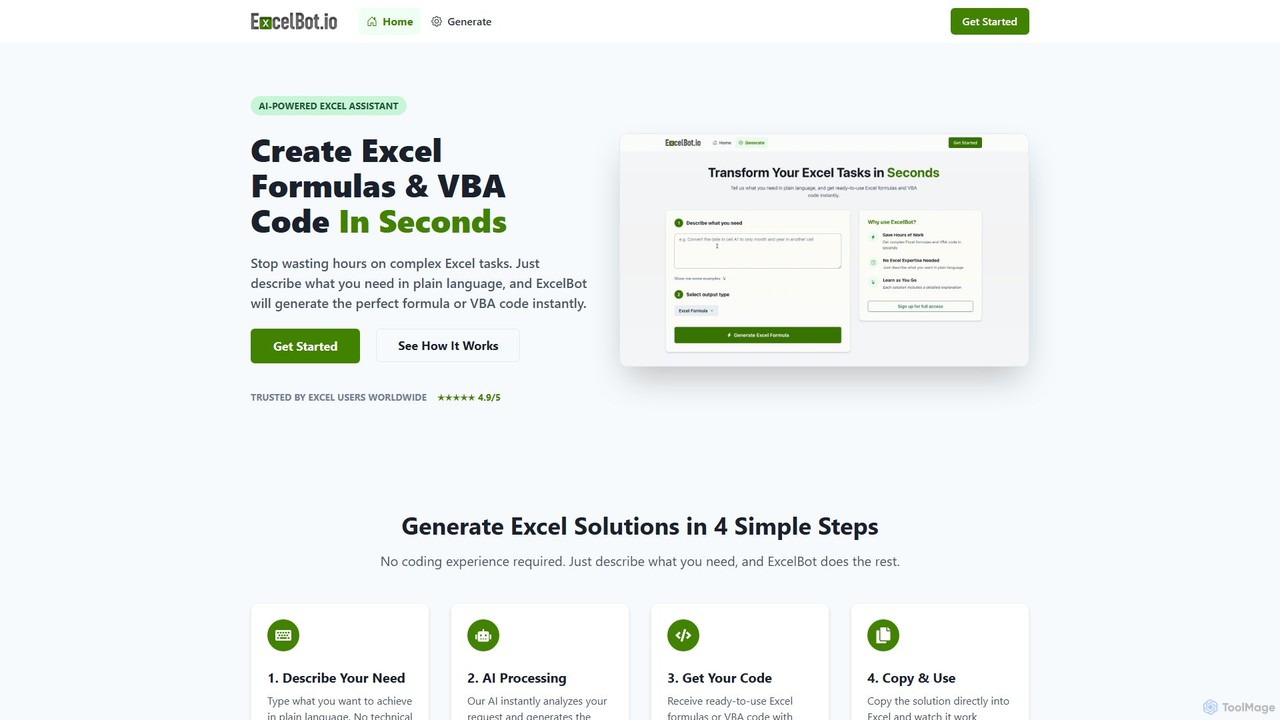
ExcelBot
ExcelBot is an AI-powered assistant that instantly generates complex Excel formulas and VBA code from plain English descriptions. Designed for users of all skill levels, from beginners to data analysts, it saves hours of manual work, boosts productivity, and helps users learn by providing detailed explanations for every solution. Simply describe your task, and ExcelBot delivers the ready-to-use code in seconds.
Data Automation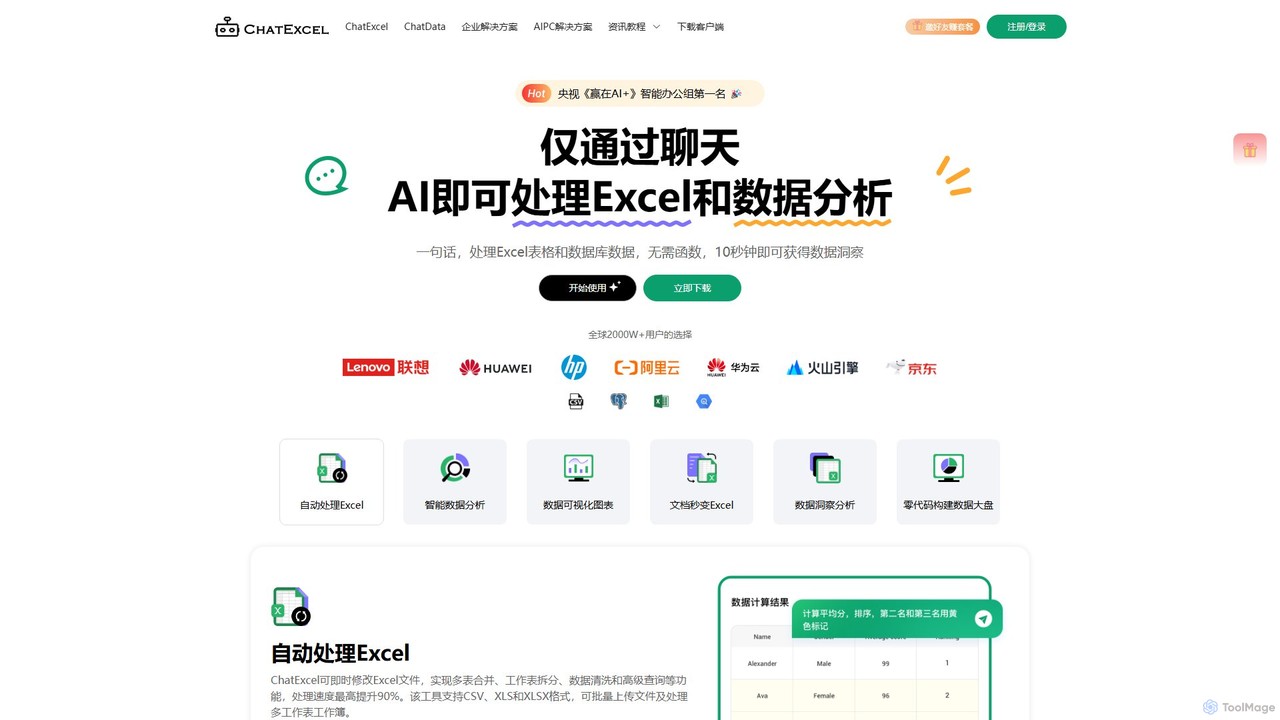
ChatExcel
ChatExcel is an AI-powered data analysis tool that allows users to process spreadsheets and analyze data through a simple chat interface. It automates tasks like data cleaning, merging, and analysis, and generates over 100 types of charts and visualizations from natural language commands. No coding or complex formulas required, boosting productivity by up to 90%.
Business Intelligence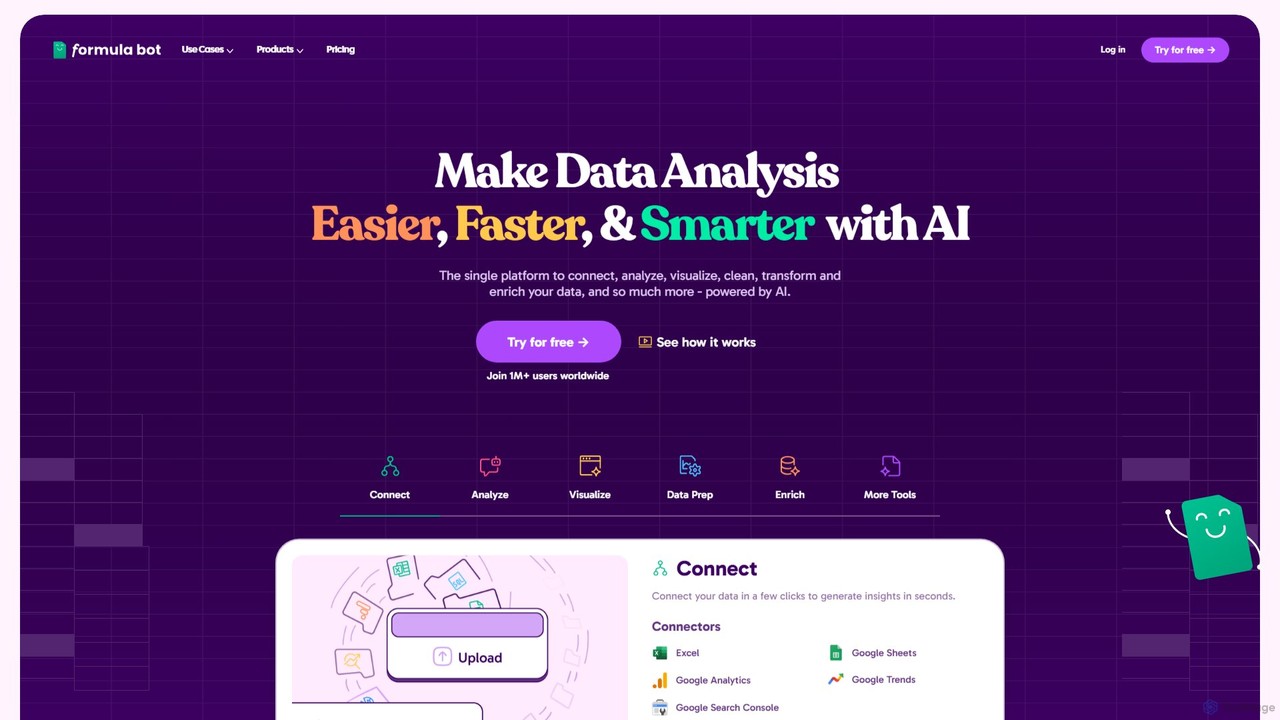
Formula Bot
Formula Bot is an AI-powered data analysis platform that simplifies working with spreadsheets and data. It allows users to generate Excel formulas, SQL queries, and VBA code from simple text instructions, analyze data through a conversational chat interface, and automate tasks like data cleaning and enrichment.
Data Visualizationdeepsheet Categories
deepsheet Embed Widget
Copy this embed code to place the badge on your blog, article, or product site and send readers directly to this ToolMage detail page.

Related AI tools
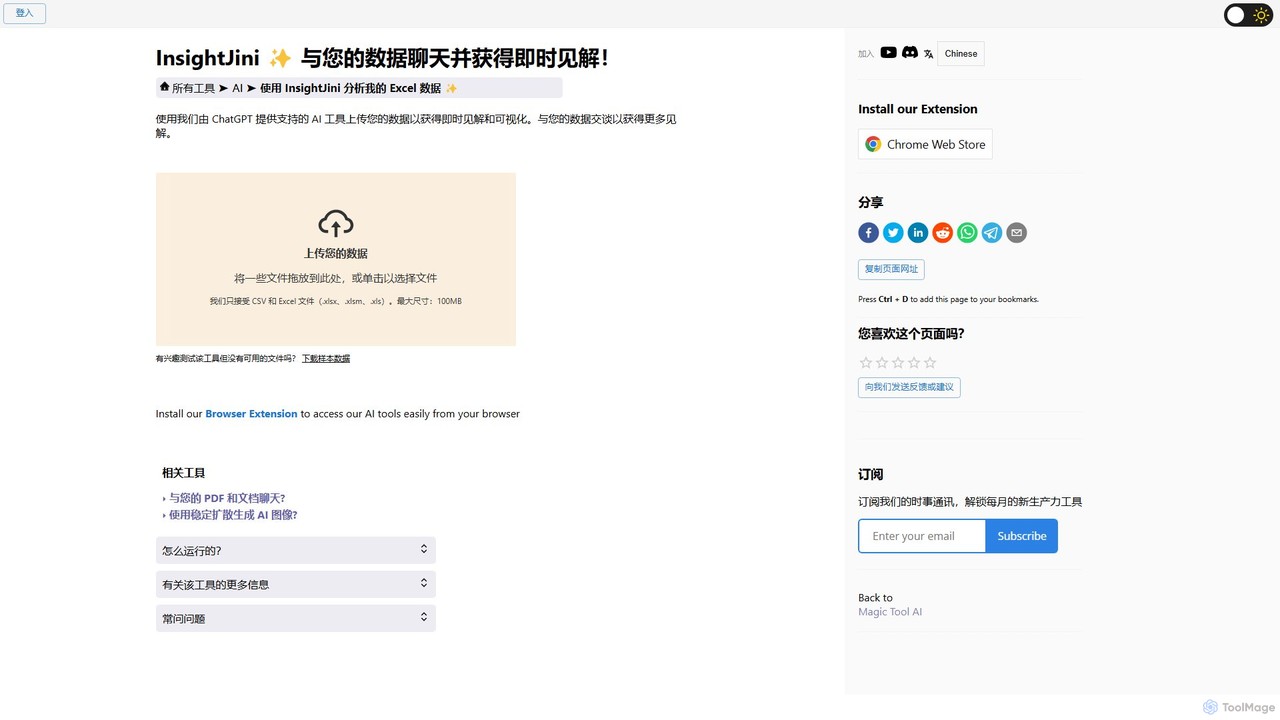
InsightJini
InsightJini is a ChatGPT-powered AI tool that transforms data analysis. Simply upload your Excel or CSV files and start a conversation to uncover instant insights, generate visualizations, and explore your data without writing a single line of code. It's the fastest, most intuitive way to understand your data.
Data Visualization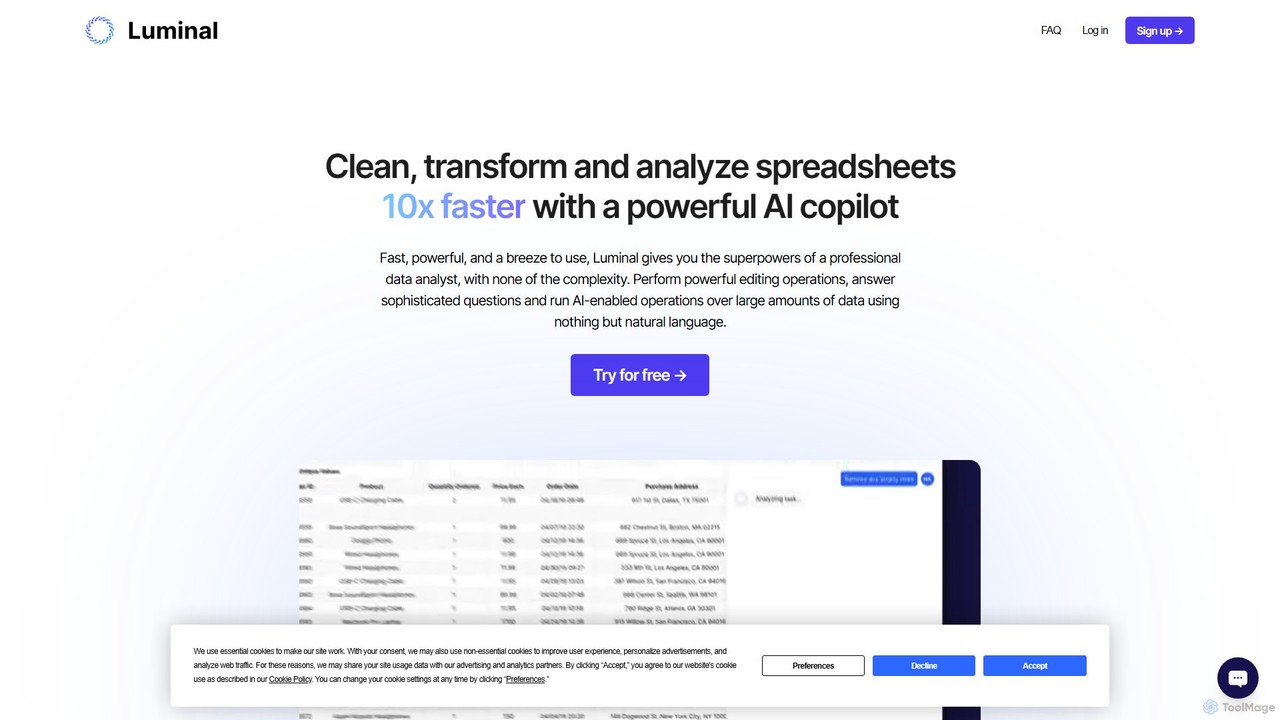
Luminal
Luminal is a powerful AI copilot that revolutionizes spreadsheet management. It allows users to clean, transform, analyze, and visualize data up to 10x faster using simple, natural language commands. Eliminate complex formulas and manual data processing, saving hours of work on large datasets.
Data ManagementAjelix
Ajelix is an AI-powered suite of tools designed to enhance productivity for Excel and Google Sheets users. It acts as an AI data analyst, automating tasks, generating formulas and VBA scripts, creating insightful reports, and providing advanced data analysis through a simple chat interface.
Business IntelligenceChatExcel
ChatExcel is an AI-powered data analysis tool that allows users to process spreadsheets and analyze data through a simple chat interface. It automates tasks like data cleaning, merging, and analysis, and generates over 100 types of charts and visualizations from natural language commands. No coding or complex formulas required, boosting productivity by up to 90%.
Business IntelligenceFormula Bot
Formula Bot is an AI-powered data analysis platform that simplifies working with spreadsheets and data. It allows users to generate Excel formulas, SQL queries, and VBA code from simple text instructions, analyze data through a conversational chat interface, and automate tasks like data cleaning and enrichment.
Data Visualization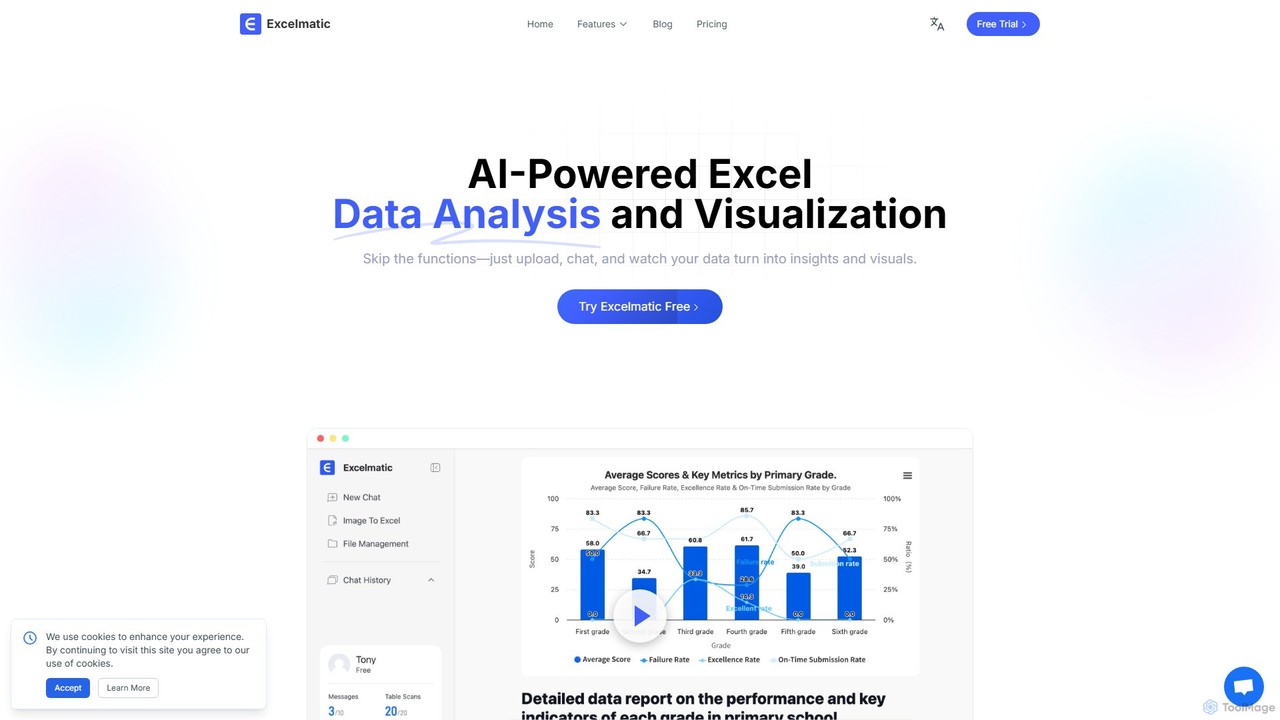
excelmatic
Excelmatic is an AI-powered assistant that transforms your Excel and spreadsheet tasks. Simply upload your data, ask questions in plain English, and instantly get data analysis, visualizations, and generated formulas. It's a no-code solution designed to automate data cleaning, chart creation, and insight discovery, making data accessible to everyone.
Business Intelligence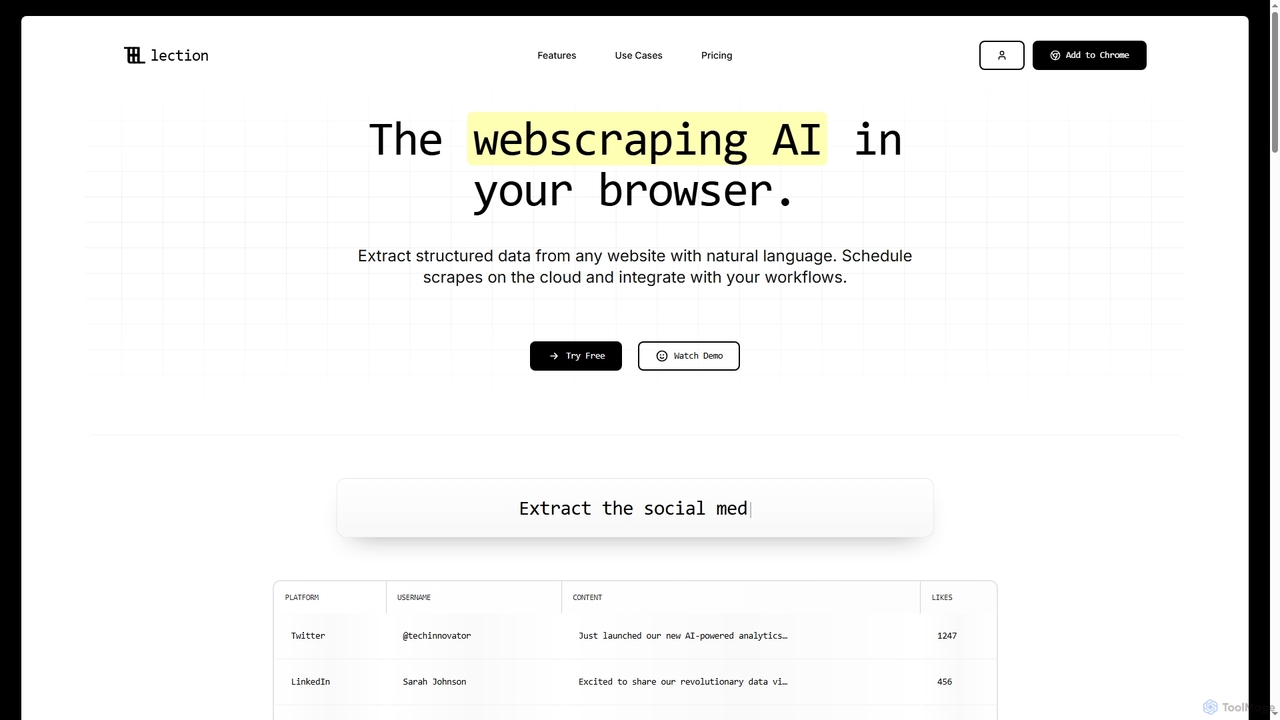
Lection
Lection is an AI-powered web scraping agent that allows users to extract structured data from any website using natural language. It automates data collection, integrates with popular workflows, and provides clean, validated data without requiring any coding expertise.
3D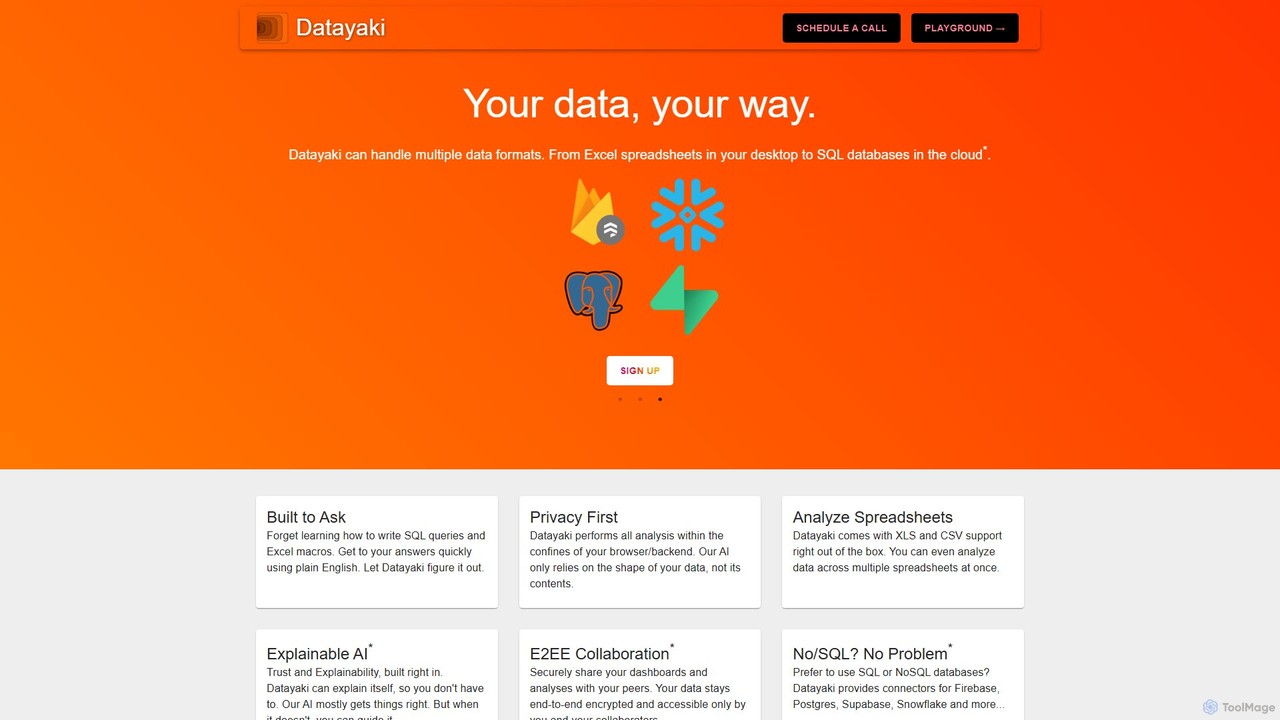
Datayaki
Datayaki is an AI-powered data analyst that lets you find insights from your data by asking questions in plain English. It supports formats like Excel and CSV, eliminating the need for SQL or complex formulas. With a strong focus on privacy, all analysis is performed locally in your browser, ensuring your data remains secure and confidential. It's designed for professionals and teams who need fast, accessible, and secure data analysis.
Data Visualization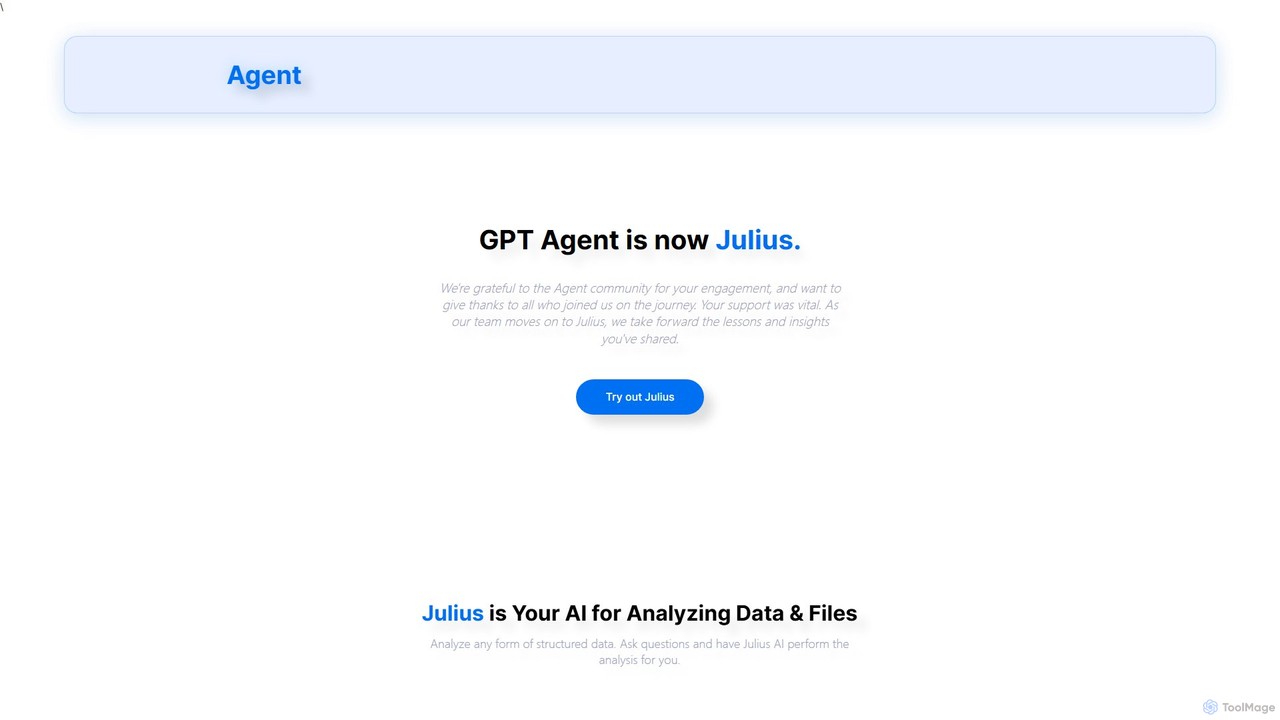
gptagent
gptagent has rebranded to Julius, an AI data analyst that allows you to analyze data and files using natural language. Upload structured data, ask questions, and instantly generate visualizations, perform statistical analysis, and build models without writing any code. It transforms complex data tasks into simple conversations.
Business Intelligence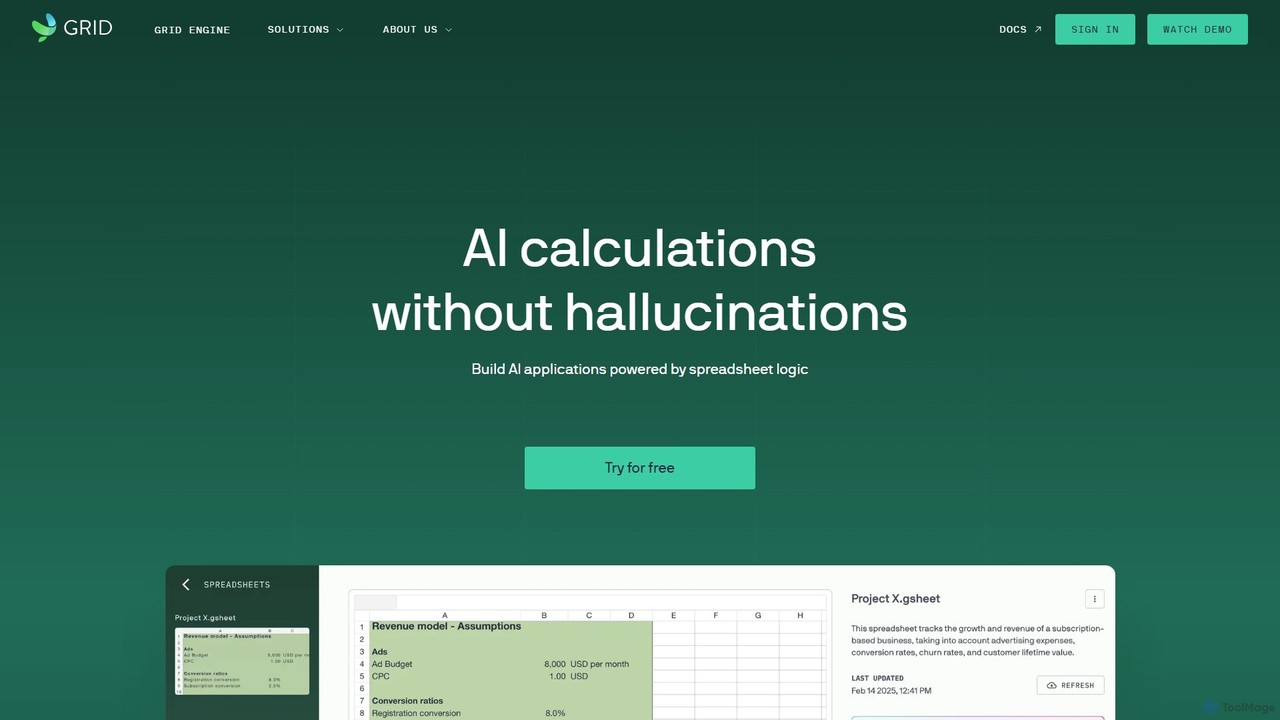
GRID
GRID is an AI-first platform that transforms your existing spreadsheets into powerful, interactive web applications and AI-driven tools. It leverages the logic and data within your Excel and Google Sheets files to build reliable calculators, dashboards, and models that can be queried using natural language, eliminating AI hallucinations.
Business Intelligence
Jyek
Jyek is an AI agent platform that understands objectives, creates execution plans, uses tools, and delivers verifiable results for complex, multi-step tasks.
Automation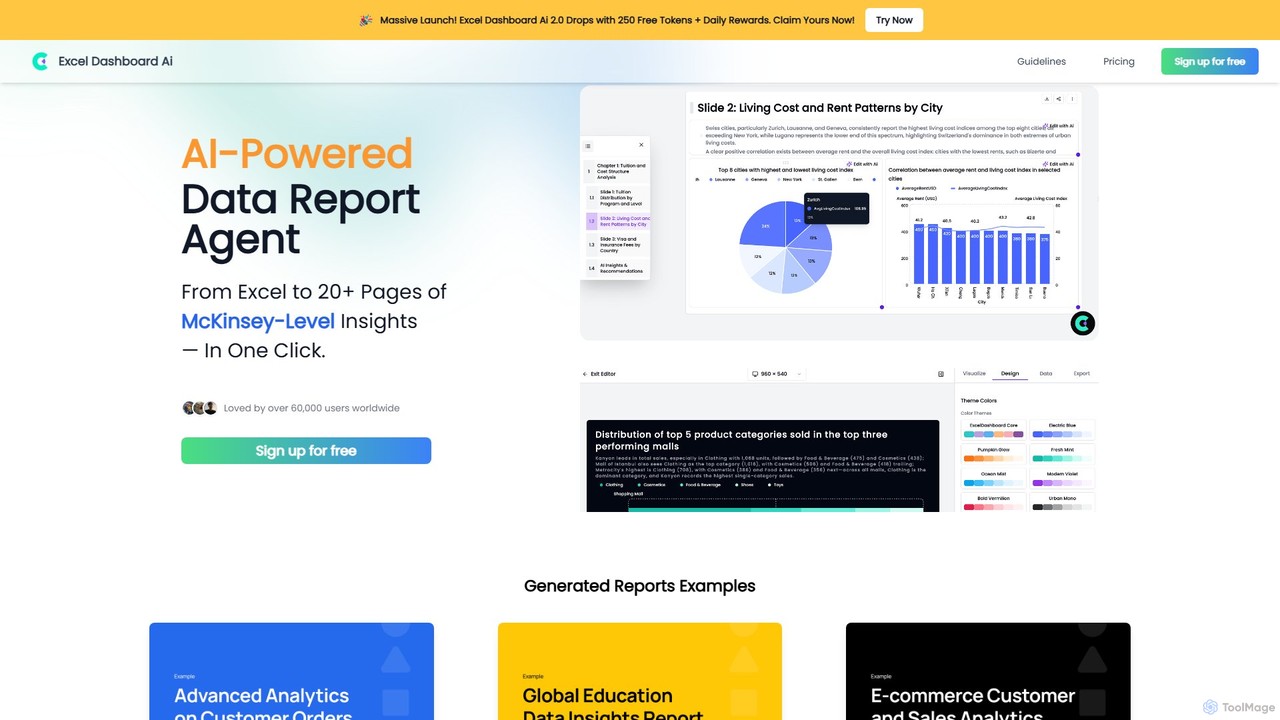
ExcelDashboard.ai
ExcelDashboard.ai is an AI-powered data analysis tool that instantly transforms raw Excel or CSV files into interactive dashboards and comprehensive, multi-page reports. With a single click, it generates deep, McKinsey-level insights, visualizes data, and allows users to explore information using natural language commands. It's designed for users of all skill levels to make data-driven decisions without needing programming expertise.
Business Intelligence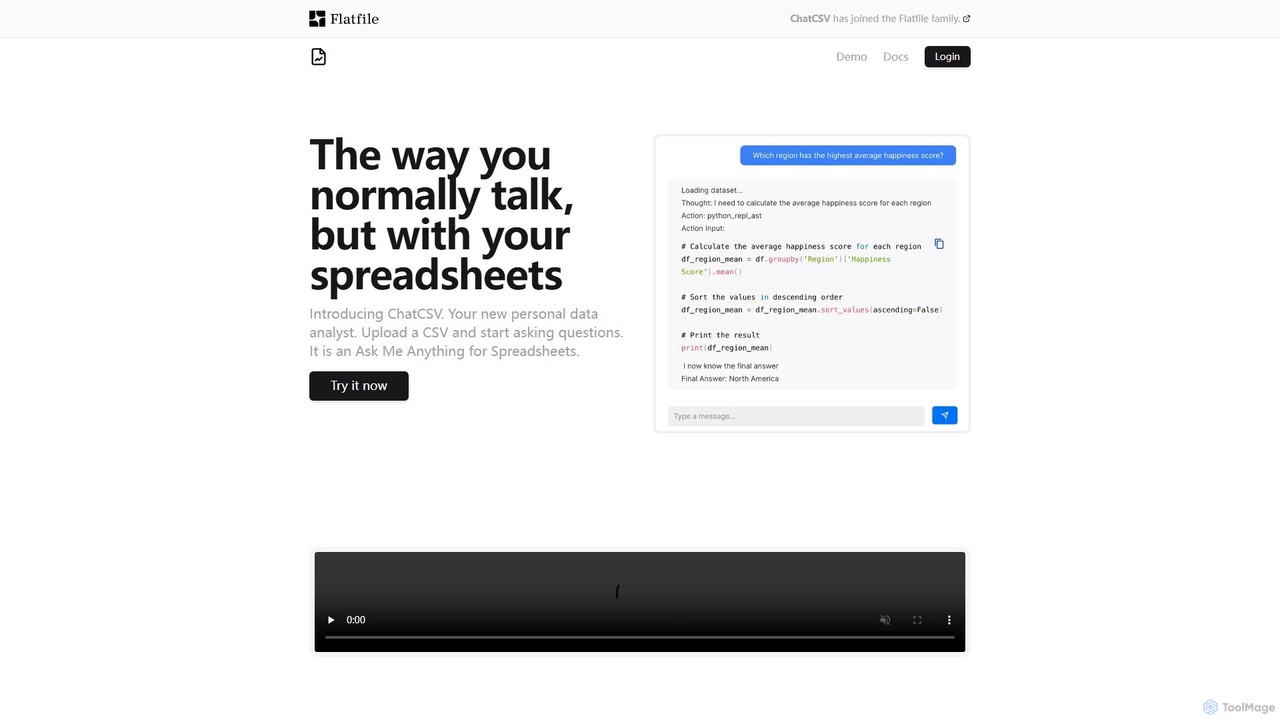
ChatCSV
ChatCSV is an AI-powered data analyst that allows you to interact with your CSV files using natural language. Upload your spreadsheet and ask questions to get instant insights, analysis, and data visualizations without writing any code or complex formulas.
Business Intelligence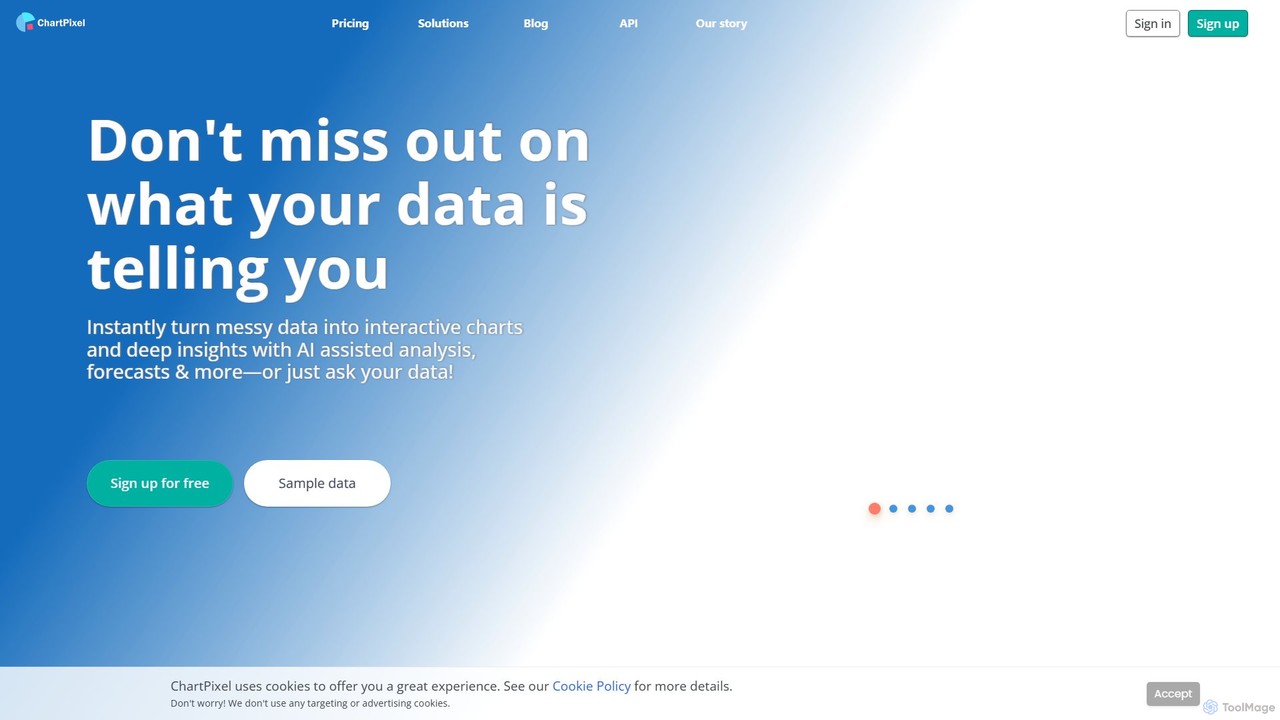
ChartPixel
ChartPixel is an AI-powered data analysis and visualization platform that instantly transforms raw, messy data into interactive charts and actionable insights. With a no-code interface, it allows users to chat with their data, generate forecasts, and uncover statistical patterns effortlessly. It's designed for everyone from students and researchers to business professionals, ensuring secure and reliable data-driven decision-making.
Business Intelligence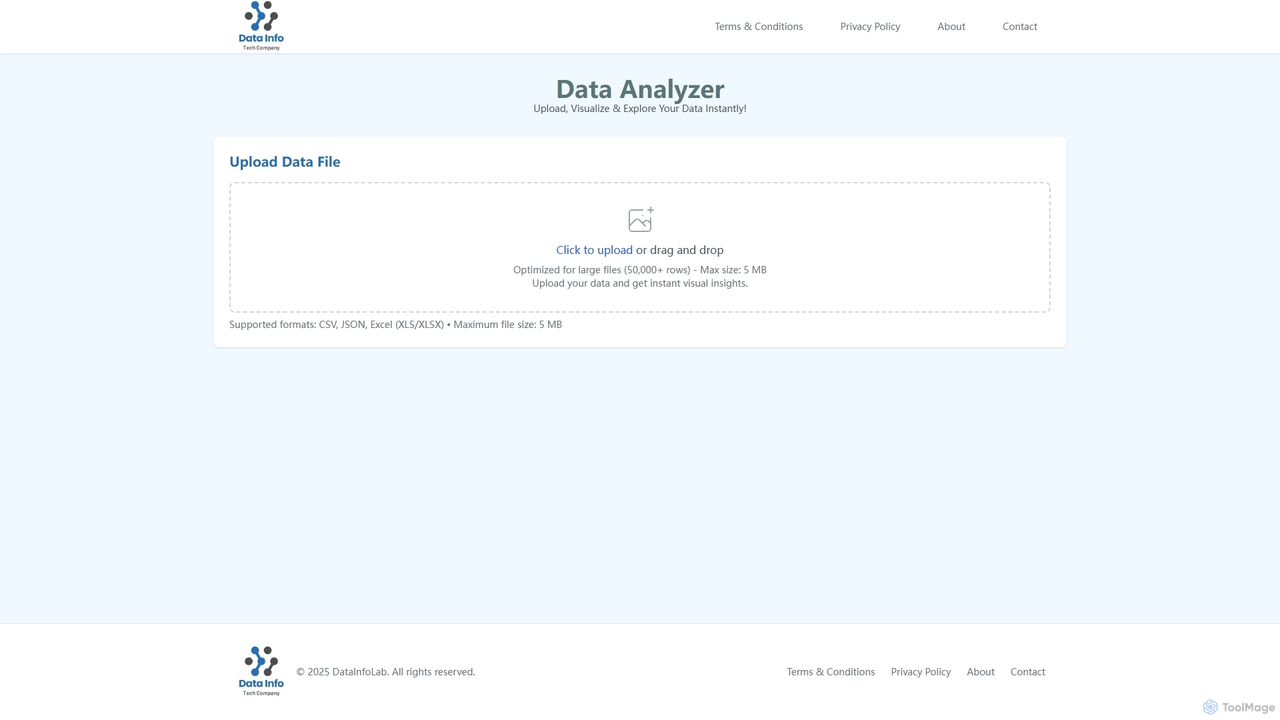
Data Analyzer
Data Analyzer is an intuitive AI-powered tool designed for instant data visualization and exploration. Users can upload various data file formats like CSV, JSON, and Excel to quickly gain visual insights and understand global statistics, trends, and data patterns. It's optimized to handle large datasets, making complex data analysis accessible and efficient.
Visualization
deepsheet Comments (0)
Sign in to comment.
Sign inNo comments yet.