

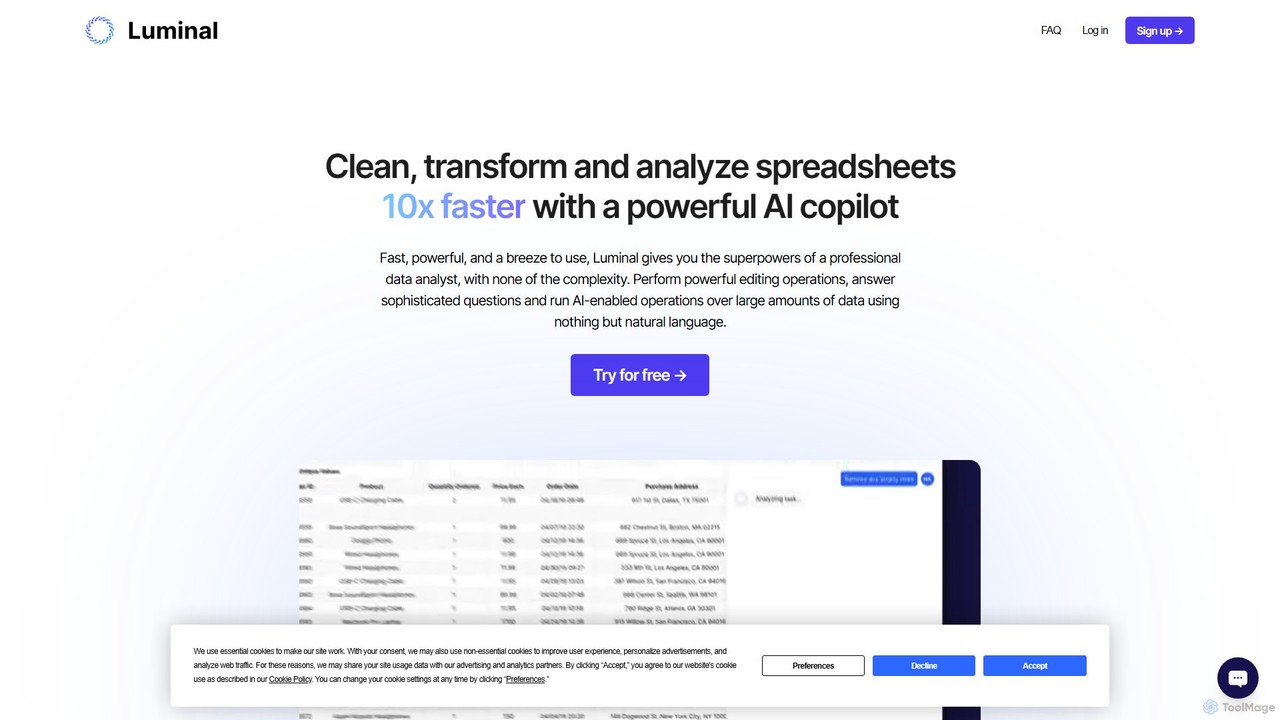
Luminal Overview
Luminal is an innovative AI-powered copilot designed to make spreadsheet tasks faster, more intuitive, and significantly more efficient. It empowers users to clean, transform, and analyze vast amounts of data at speeds up to 10 times faster than traditional methods. By leveraging the power of natural language processing, Luminal removes the need for complex formulas and scripts, making advanced data analysis accessible to everyone, from seasoned data professionals to casual spreadsheet users. It acts as a personal data analyst, ready to execute complex commands and provide insightful answers in seconds.
The platform is built to handle real-world data challenges, capable of processing spreadsheets with tens of thousands or even millions of rows. Whether you're dealing with messy, disorganized data or need to perform sophisticated calculations, Luminal streamlines the entire workflow. It's a versatile tool designed for both professional and personal use, helping users unlock the full potential of their data without the steep learning curve of conventional data analysis software.
How to use Luminal
Getting started with Luminal is designed to be a seamless and straightforward experience, broken down into three simple steps:
- Upload a File: Begin by uploading your spreadsheet. Luminal supports a wide range of popular formats, including .csv, .xlsx, .xls, and .xlsm. The platform is optimized to handle large files, so you can confidently upload datasets with thousands or even millions of rows.
- Submit Your Prompt to the AI: Once your file is uploaded, simply type your request in plain, natural language. You can ask Luminal to perform a variety of tasks. Common requests include cleaning data (e.g., 'remove all duplicate rows'), reformatting columns (e.g., 'change the date format to YYYY-MM-DD'), making calculations (e.g., 'calculate the total sales for each region'), or asking complex questions (e.g., 'which product category had the highest growth last quarter?').
- Watch Luminal Take Action: In just a few moments, Luminal's AI will process your request and apply the changes to your spreadsheet. Crucially, it also provides a clear, step-by-step explanation of the actions it performed, ensuring transparency and allowing you to verify the results.
Core Features of Luminal
- Natural Language Interface: Interact with your data by simply typing commands in plain English or many other languages. This eliminates the need to remember or look up complex spreadsheet formulas.
- Advanced Data Cleaning and Formatting: Effortlessly clean massive datasets. Luminal can handle tasks like removing duplicates, filling in missing values, standardizing formats, and intelligently categorizing entries based on custom rules.
- Sophisticated Data Analysis: Ask complex questions and get instant answers from your data. Luminal can perform aggregations, calculations, and statistical analysis, saving you from hours of manual processing.
- AI-Powered Data Visualization: Create compelling charts, graphs, and maps directly from your data by describing what you want to see. For example, you can ask it to 'create a bar chart showing sales by country'.
- Multi-language Support: Luminal is accessible to a global audience, understanding prompts in numerous languages including Chinese, Spanish, French, Japanese, and more.
- Enterprise-Grade Security: Your data is protected with secure hosting in the US/EU and end-to-end encryption (both in-transit and at-rest), ensuring your sensitive information remains safe and confidential.
Use Cases for Luminal
Luminal is a versatile tool applicable across various professional and personal scenarios:
- Business Analysts: Quickly clean and analyze marketing campaign data, sales figures, or customer feedback without writing complex SQL queries or Excel macros.
- Financial Professionals: Reformat financial statements, consolidate reports from different sources, and perform quick calculations on large transactional datasets.
- Researchers & Academics: Clean and organize survey results, experimental data, or public datasets for analysis, significantly speeding up the research workflow.
- Operations Managers: Analyze inventory logs, track performance metrics, and categorize operational data to identify inefficiencies and opportunities for improvement.
- Personal Use: Manage personal budgets, organize large collections of items, plan events, or tackle any spreadsheet-intensive task without the usual hassle.
Advantages of Luminal
Using Luminal provides a distinct competitive edge through several key benefits:
- Unprecedented Speed: Complete data tasks in seconds that would normally take hours, boosting productivity by a factor of 10x.
- Simplicity and Accessibility: The natural language interface makes powerful data analysis accessible to users of all skill levels, democratizing data insights.
- Powerful Scalability: Confidently work with datasets containing up to a million rows, a task that often crashes traditional spreadsheet software.
- Significant Time Savings: By automating tedious and repetitive tasks, Luminal frees up valuable time for users to focus on strategic thinking and decision-making.
- Transparency and Trust: The AI provides clear explanations for every action it takes, giving you full visibility and control over the data transformation process.
Pricing and Plans
Luminal offers a flexible pricing structure to suit different needs, including a free plan to get started.
- Preview (Free): Get started at no cost and receive up to 5 assistant interactions.
- Plus Plan ($10/month): Ideal for regular users, offering up to 150 assistant interactions per month.
- Professional Plan ($30/month): Designed for heavy users and professionals, providing up to 500 assistant interactions per month.
- Enterprise Plan (Custom): For businesses with extensive needs, offering a flexible, tailored plan with custom interaction limits and support. Contact sales for a quote.
Traffic
Latest traffic
Status
Monthly traffic trend
- 2025-9: 3.3K
- 2026-1: 5.2K
- 2026-2: 4.0K
- 2026-3: 2.5K
- 2026-4: 937
- 2026-5: 1.0K
Geography
Top 5 countries / regions
- 🇺🇸United States50.6%
- 🇮🇱Israel45.3%
- 🇮🇳India4.2%
Top keywords
| Keyword | Cost per click |
|---|---|
| get luminal | $0.00 |
| is luminal ai hiring | $0.00 |
| luminal | $0.45 |
| luminalos links | $0.00 |
| luminar copilot | $0.00 |
Luminal Alternatives
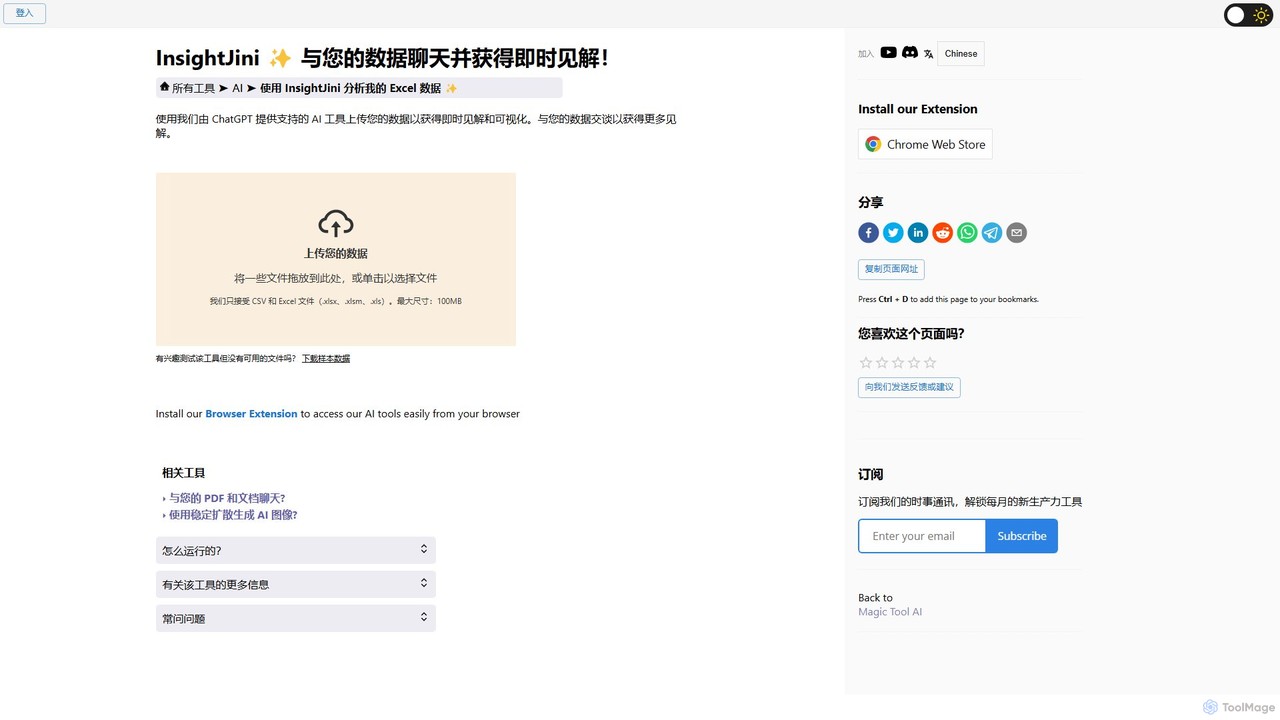
InsightJini
InsightJini is a ChatGPT-powered AI tool that transforms data analysis. Simply upload your Excel or CSV files and start a conversation to uncover instant insights, generate visualizations, and explore your data without writing a single line of code. It's the fastest, most intuitive way to understand your data.
Data Visualization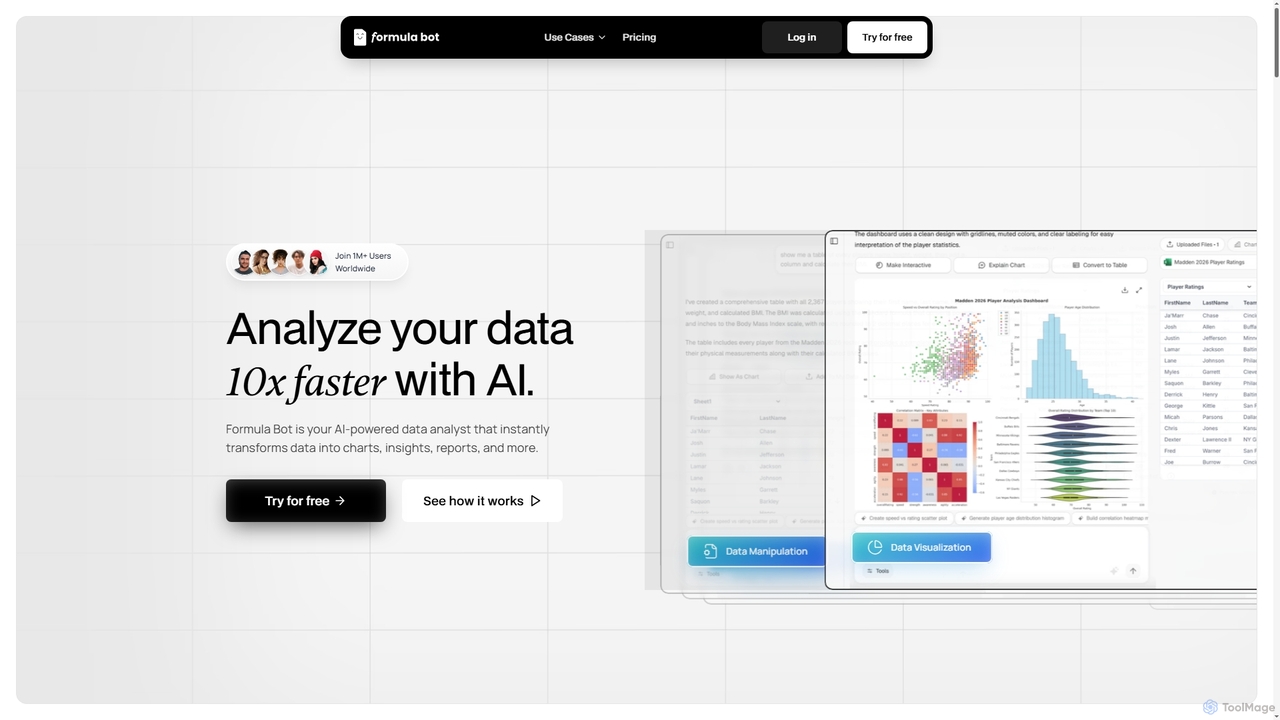
Formula Bot
Formula Bot is an AI-powered data analyst that instantly transforms raw data into actionable insights, stunning charts, and comprehensive reports. It also offers specialized AI tools for generating Excel formulas, converting PDFs to Excel, and providing step-by-step homework assistance across various subjects, streamlining data handling and learning processes for users worldwide.
Visualization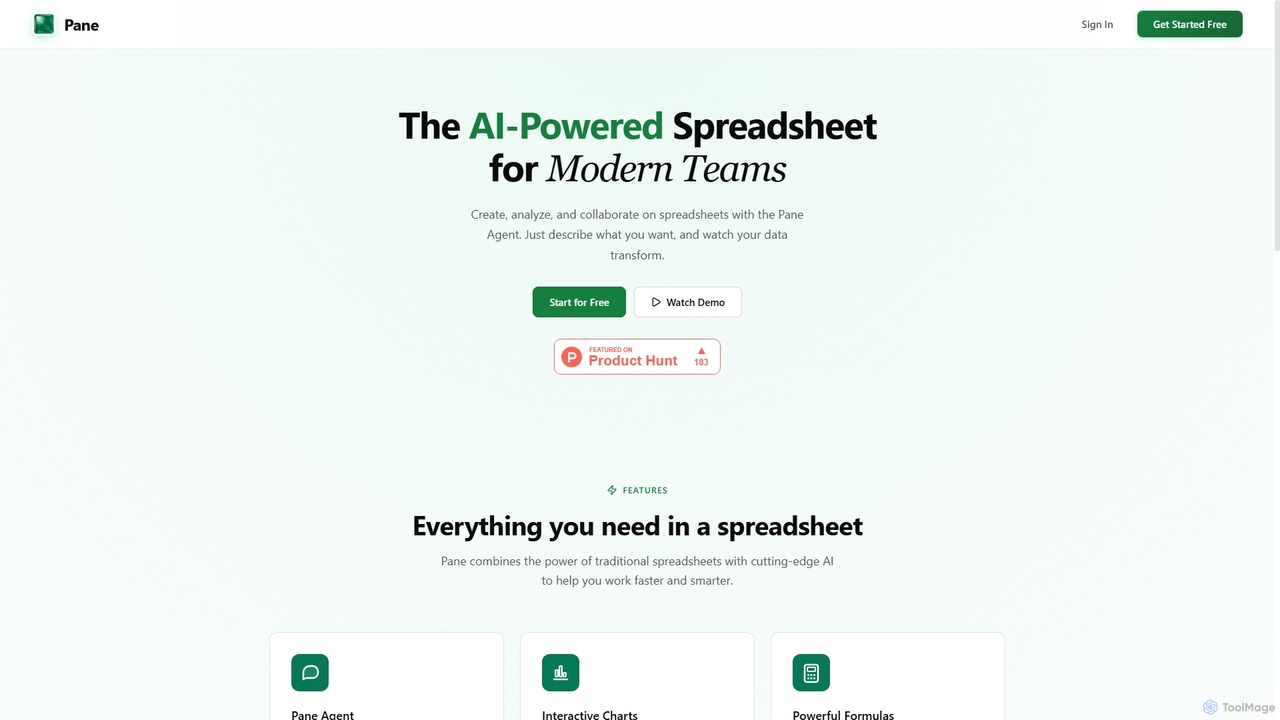
Pane
Pane is an AI-native spreadsheet designed for modern teams, integrating artificial intelligence to streamline data creation, analysis, and collaboration. It allows users to interact with their data using natural language commands, automate tasks, and generate professional dashboards effortlessly, enhancing productivity and insights.
Teamwork
AIColumns
AIColumns is an AI-powered data assistant that supercharges your spreadsheets. It integrates seamlessly with platforms like Google Sheets and Excel, allowing you to use natural language to clean data, generate complex formulas, create visualizations, and uncover actionable insights instantly.
Intelligence
ChatExcel
ChatExcel is an AI-powered data analysis tool that allows users to process spreadsheets and analyze data through a simple chat interface. It automates tasks like data cleaning, merging, and analysis, and generates over 100 types of charts and visualizations from natural language commands. No coding or complex formulas required, boosting productivity by up to 90%.
Business IntelligenceLuminal Categories
Luminal Embed Widget
Copy this embed code to place the badge on your blog, article, or product site and send readers directly to this ToolMage detail page.

Related AI tools
AIColumns
AIColumns is an AI-powered data assistant that supercharges your spreadsheets. It integrates seamlessly with platforms like Google Sheets and Excel, allowing you to use natural language to clean data, generate complex formulas, create visualizations, and uncover actionable insights instantly.
IntelligenceChatExcel
ChatExcel is an AI-powered data analysis tool that allows users to process spreadsheets and analyze data through a simple chat interface. It automates tasks like data cleaning, merging, and analysis, and generates over 100 types of charts and visualizations from natural language commands. No coding or complex formulas required, boosting productivity by up to 90%.
Business Intelligence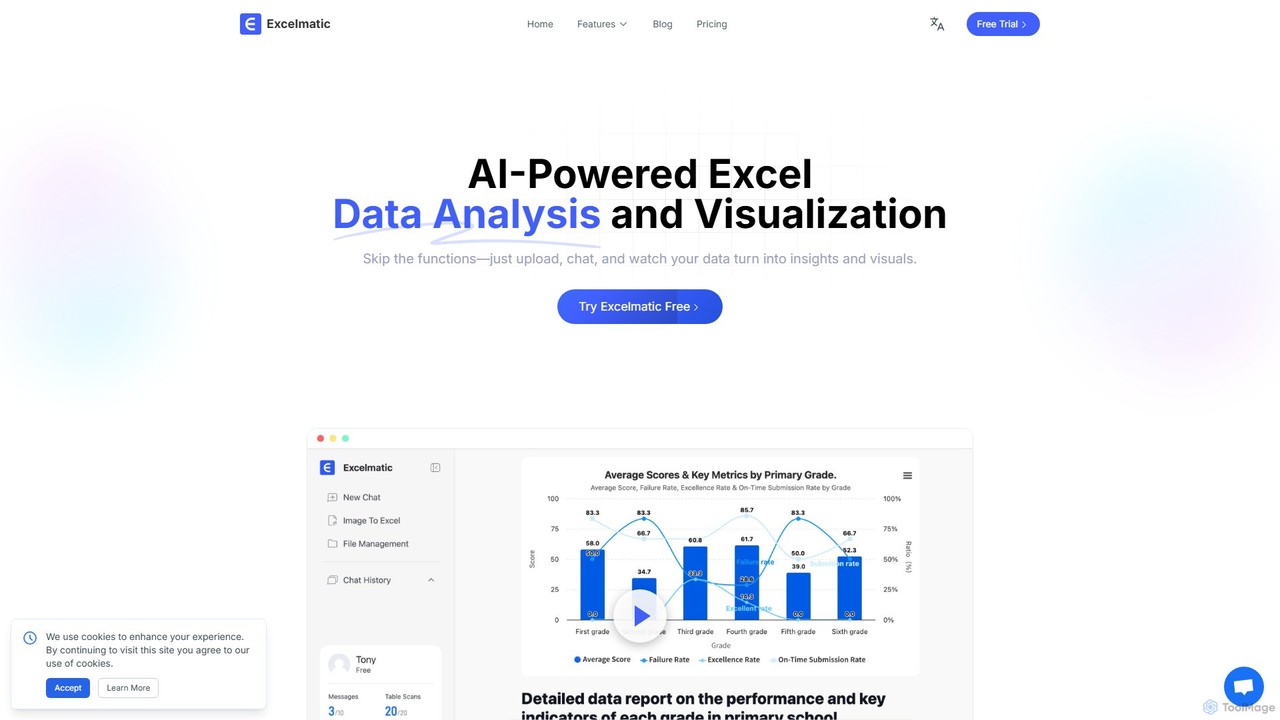
excelmatic
Excelmatic is an AI-powered assistant that transforms your Excel and spreadsheet tasks. Simply upload your data, ask questions in plain English, and instantly get data analysis, visualizations, and generated formulas. It's a no-code solution designed to automate data cleaning, chart creation, and insight discovery, making data accessible to everyone.
Business Intelligence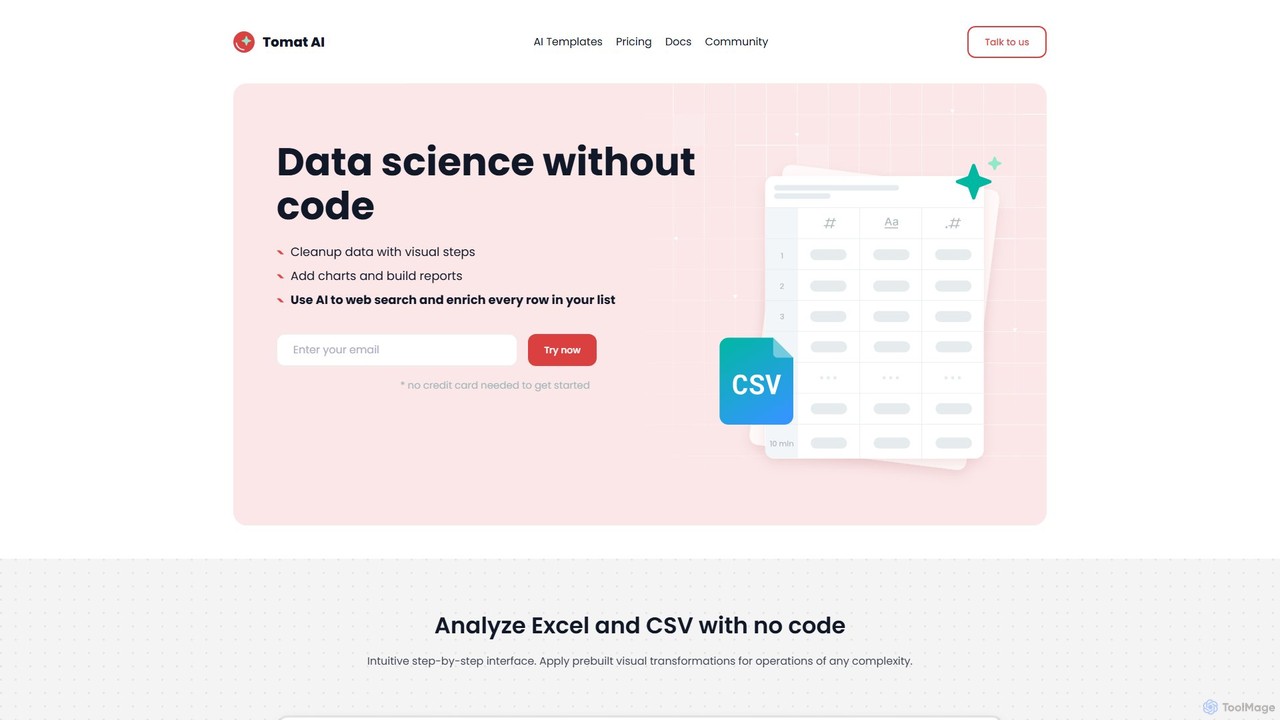
Tomat.AI
Tomat.AI is a no-code data science tool that empowers users to clean, analyze, and enrich data from Excel and CSV files. It features a visual, step-by-step interface and powerful AI capabilities for tasks like bulk web research, data extraction, and text transformation, all without writing a single line of code. It's a desktop app designed for security and handling large datasets efficiently.
Data Enrichment
Jyek
Jyek is an AI agent platform that understands objectives, creates execution plans, uses tools, and delivers verifiable results for complex, multi-step tasks.
Automation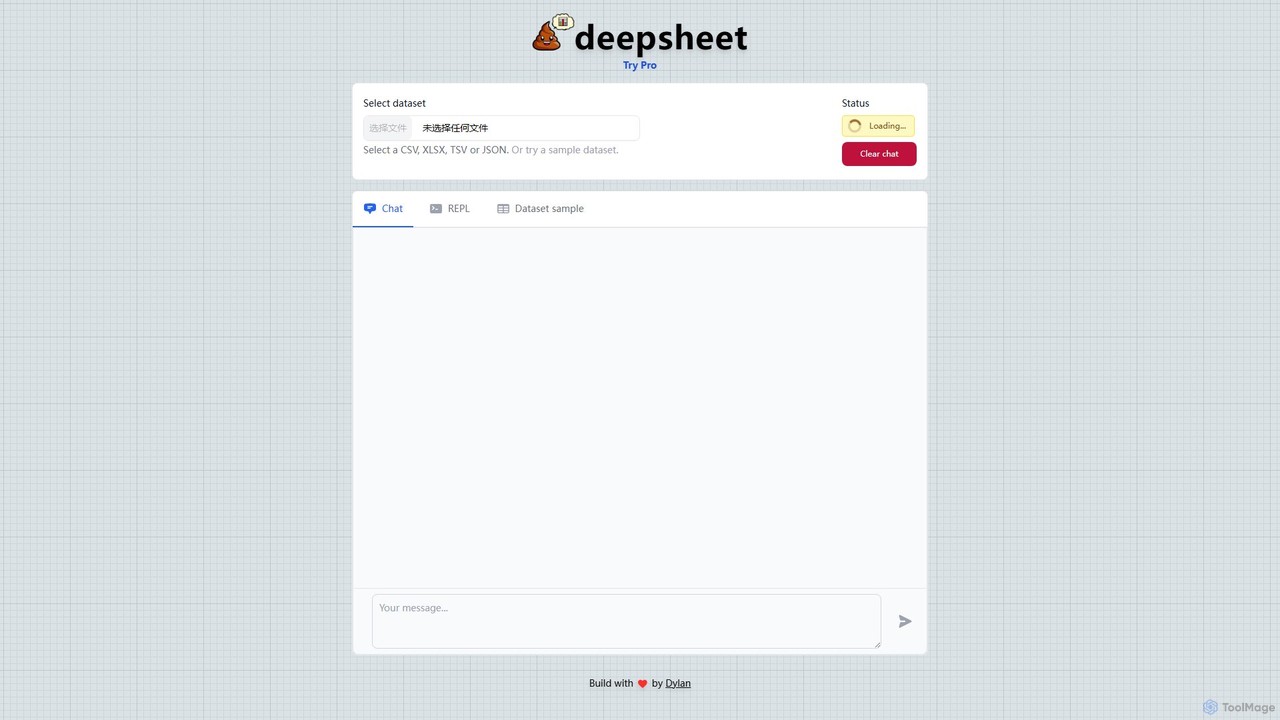
deepsheet
deepsheet is an AI-powered data analysis tool that allows users to interact with spreadsheets and datasets using natural language. Upload CSV, XLSX, or JSON files and ask questions in a chat interface to get insights, generate visualizations, and perform data transformations without writing code.
3DInsightJini
InsightJini is a ChatGPT-powered AI tool that transforms data analysis. Simply upload your Excel or CSV files and start a conversation to uncover instant insights, generate visualizations, and explore your data without writing a single line of code. It's the fastest, most intuitive way to understand your data.
Data Visualization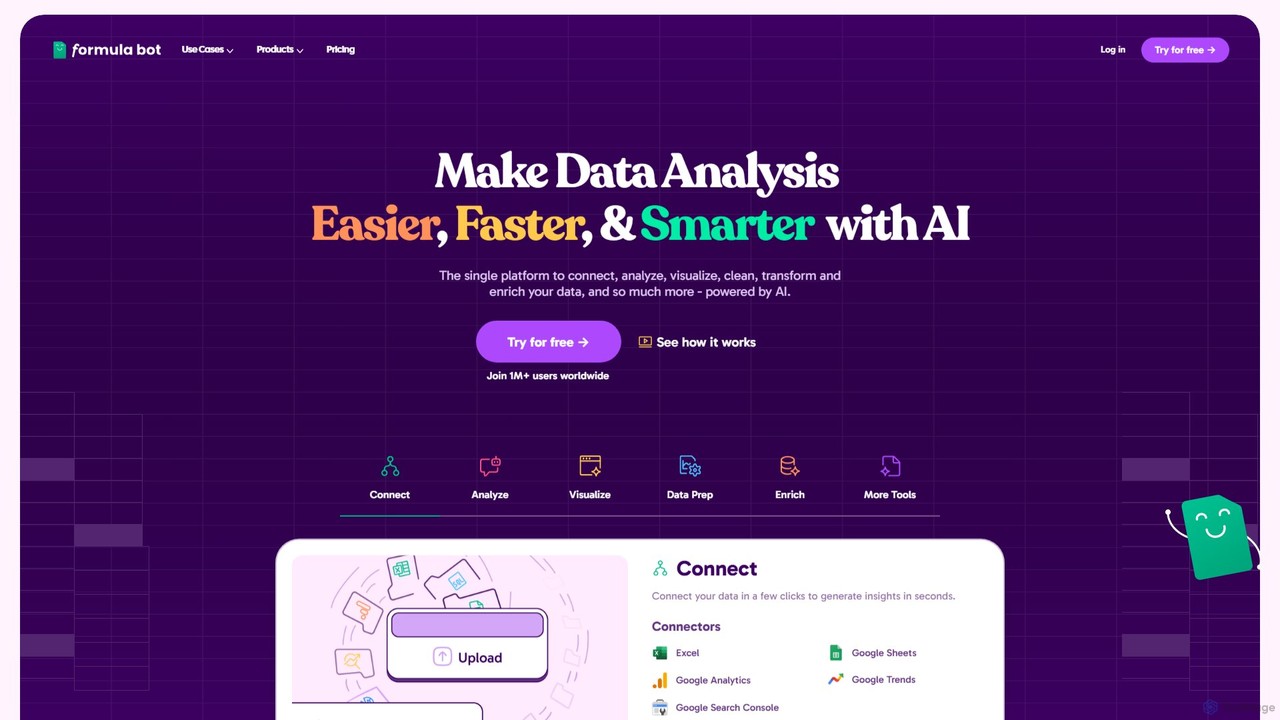
Formula Bot
Formula Bot is an AI-powered data analysis platform that simplifies working with spreadsheets and data. It allows users to generate Excel formulas, SQL queries, and VBA code from simple text instructions, analyze data through a conversational chat interface, and automate tasks like data cleaning and enrichment.
Data Visualization
Ajelix
Ajelix is an AI-powered suite of tools designed to enhance productivity for Excel and Google Sheets users. It acts as an AI data analyst, automating tasks, generating formulas and VBA scripts, creating insightful reports, and providing advanced data analysis through a simple chat interface.
Business Intelligence
Sourcetable
Sourcetable is an AI-powered spreadsheet that combines the functionality of traditional spreadsheets with an AI data analyst. It allows users to connect to live data sources, ask questions in plain English, generate formulas, create charts, and automate reports. By integrating AI, Python, and SQL capabilities directly into the spreadsheet interface, Sourcetable empowers users of all skill levels to perform complex data analysis, cleaning, and visualization tasks effortlessly, turning raw data into actionable insights in seconds.
No Code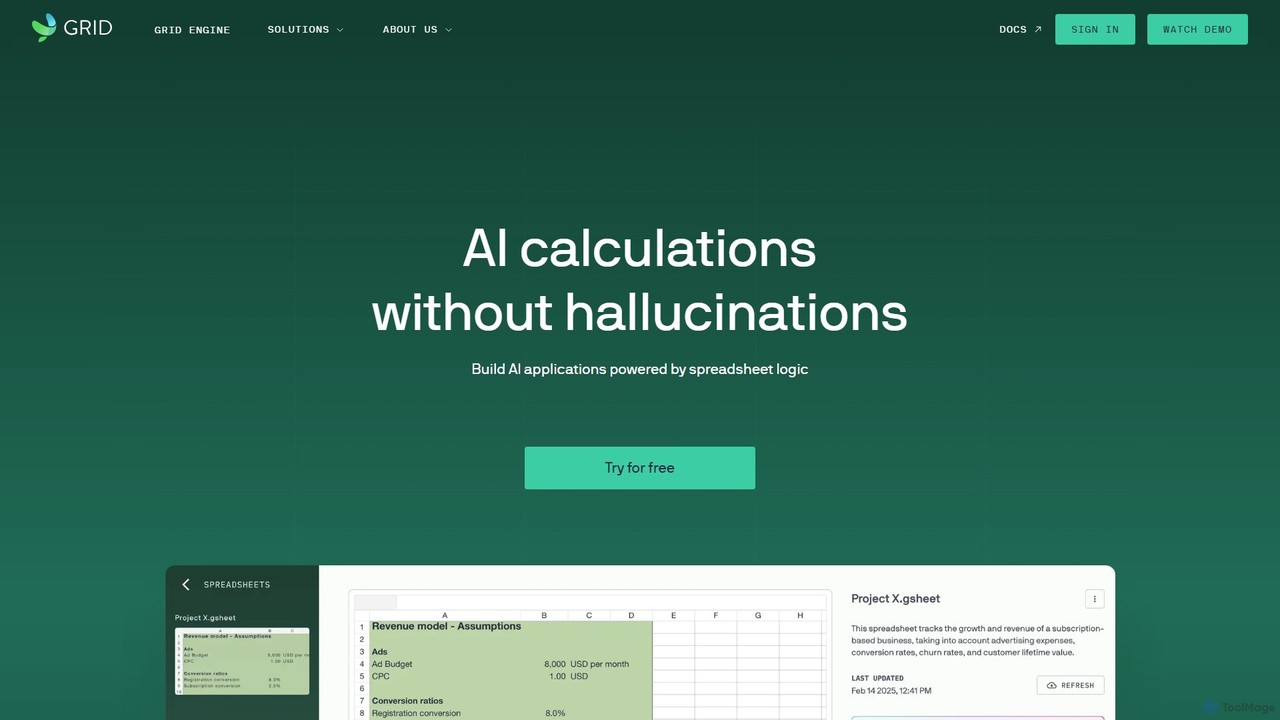
GRID
GRID is an AI-first platform that transforms your existing spreadsheets into powerful, interactive web applications and AI-driven tools. It leverages the logic and data within your Excel and Google Sheets files to build reliable calculators, dashboards, and models that can be queried using natural language, eliminating AI hallucinations.
Business Intelligence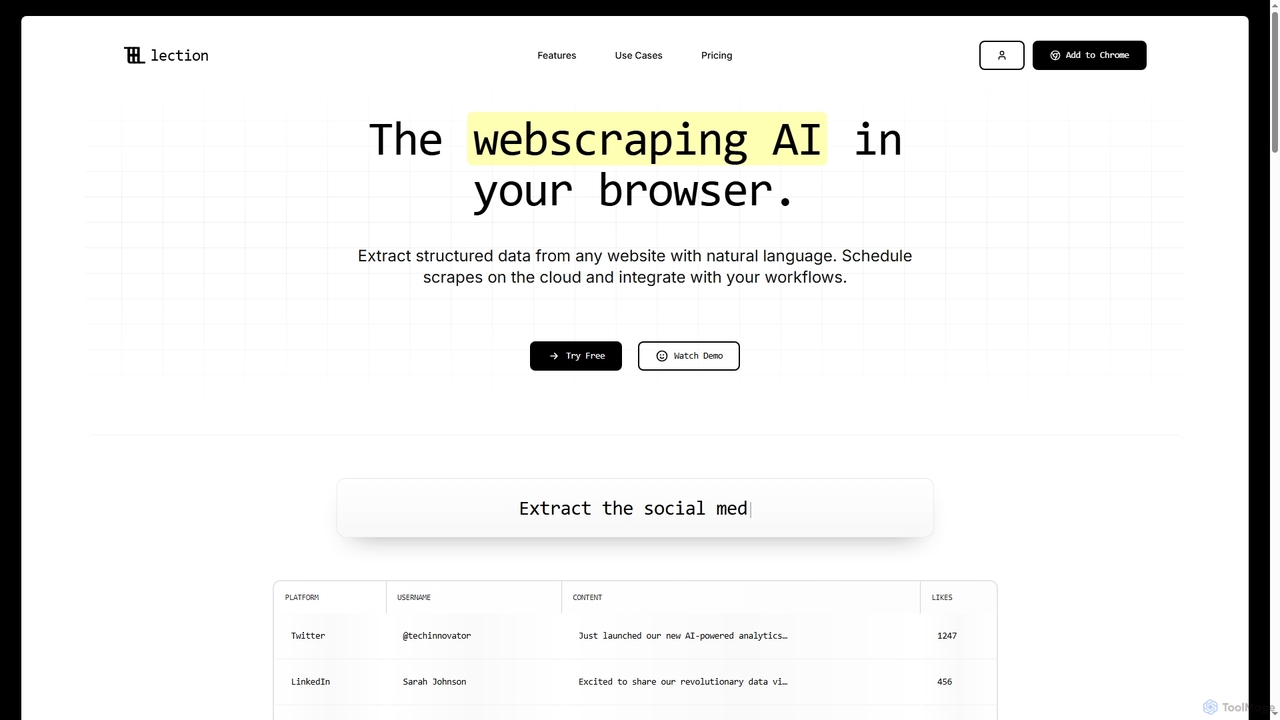
Lection
Lection is an AI-powered web scraping agent that allows users to extract structured data from any website using natural language. It automates data collection, integrates with popular workflows, and provides clean, validated data without requiring any coding expertise.
3D
table.studio
table.studio is an AI-powered data workspace that combines the simplicity of a spreadsheet with the power of a database and AI. Use natural language to query, analyze, and visualize your data, automating tedious tasks and uncovering insights instantly. It's designed for teams to collaborate on data projects in real-time.
Database Management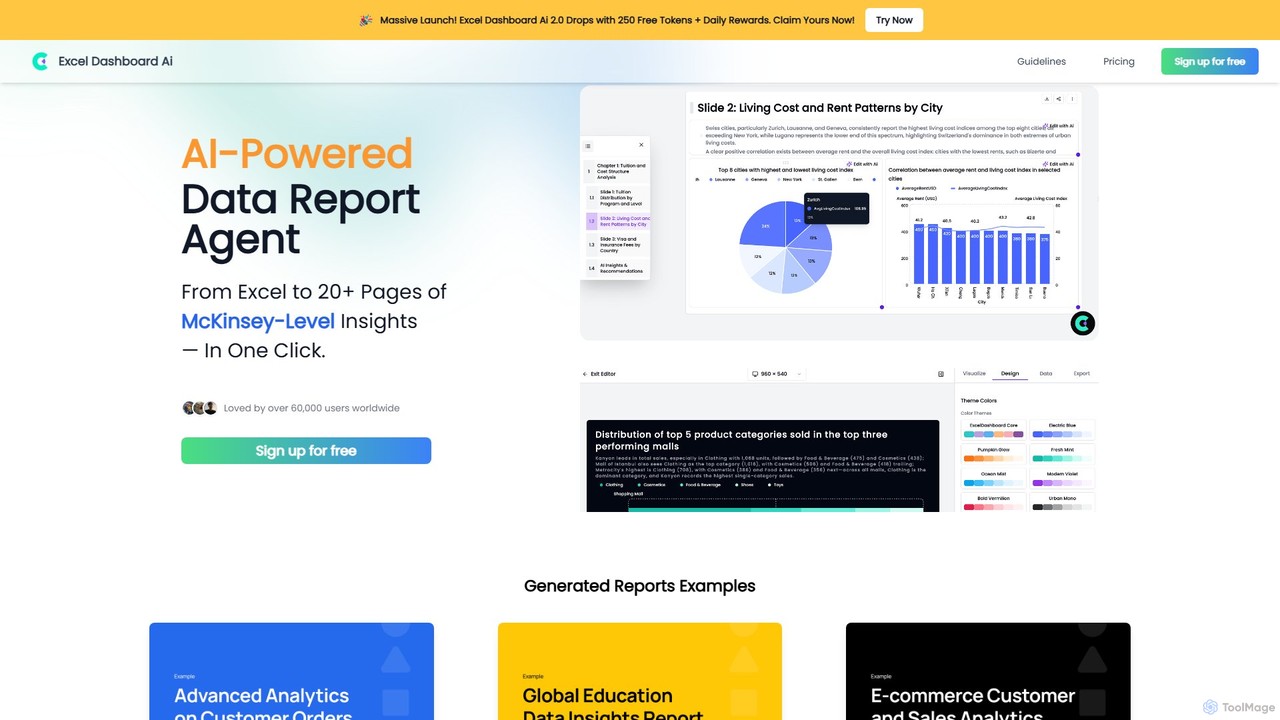
ExcelDashboard.ai
ExcelDashboard.ai is an AI-powered data analysis tool that instantly transforms raw Excel or CSV files into interactive dashboards and comprehensive, multi-page reports. With a single click, it generates deep, McKinsey-level insights, visualizes data, and allows users to explore information using natural language commands. It's designed for users of all skill levels to make data-driven decisions without needing programming expertise.
Business Intelligence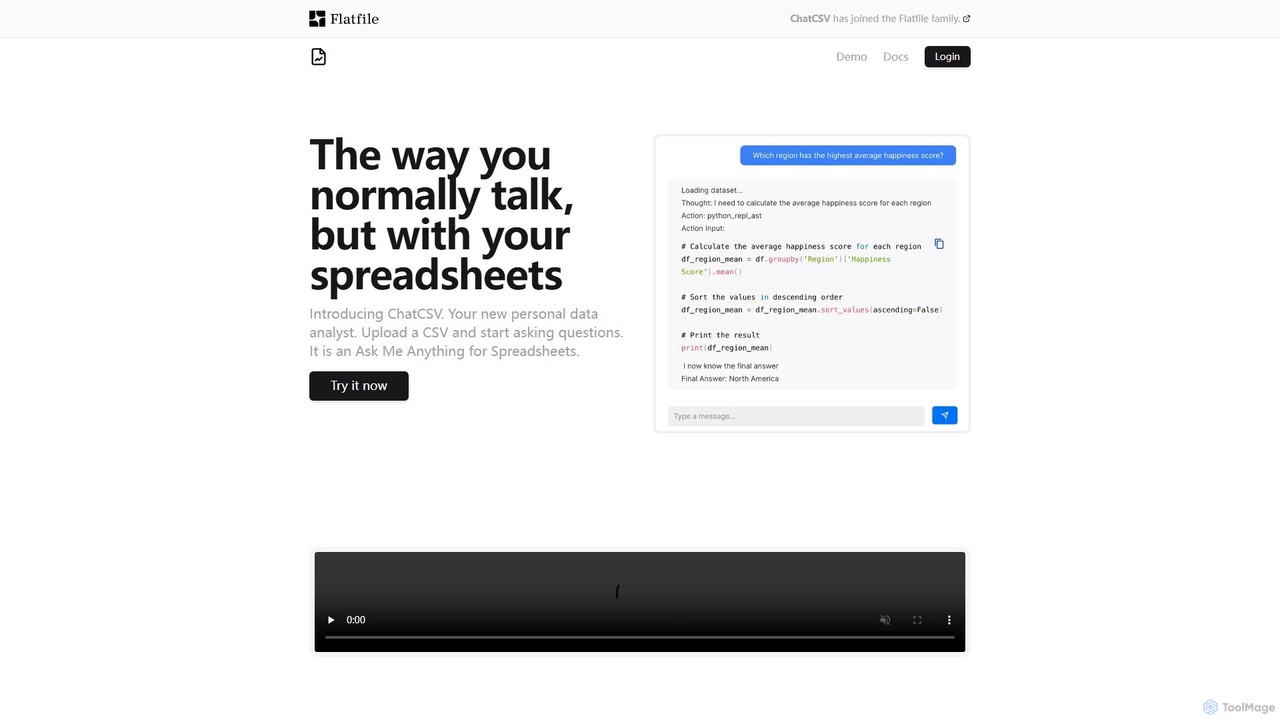
ChatCSV
ChatCSV is an AI-powered data analyst that allows you to interact with your CSV files using natural language. Upload your spreadsheet and ask questions to get instant insights, analysis, and data visualizations without writing any code or complex formulas.
Business Intelligence
Luminal Comments (0)
Sign in to comment.
Sign inNo comments yet.