

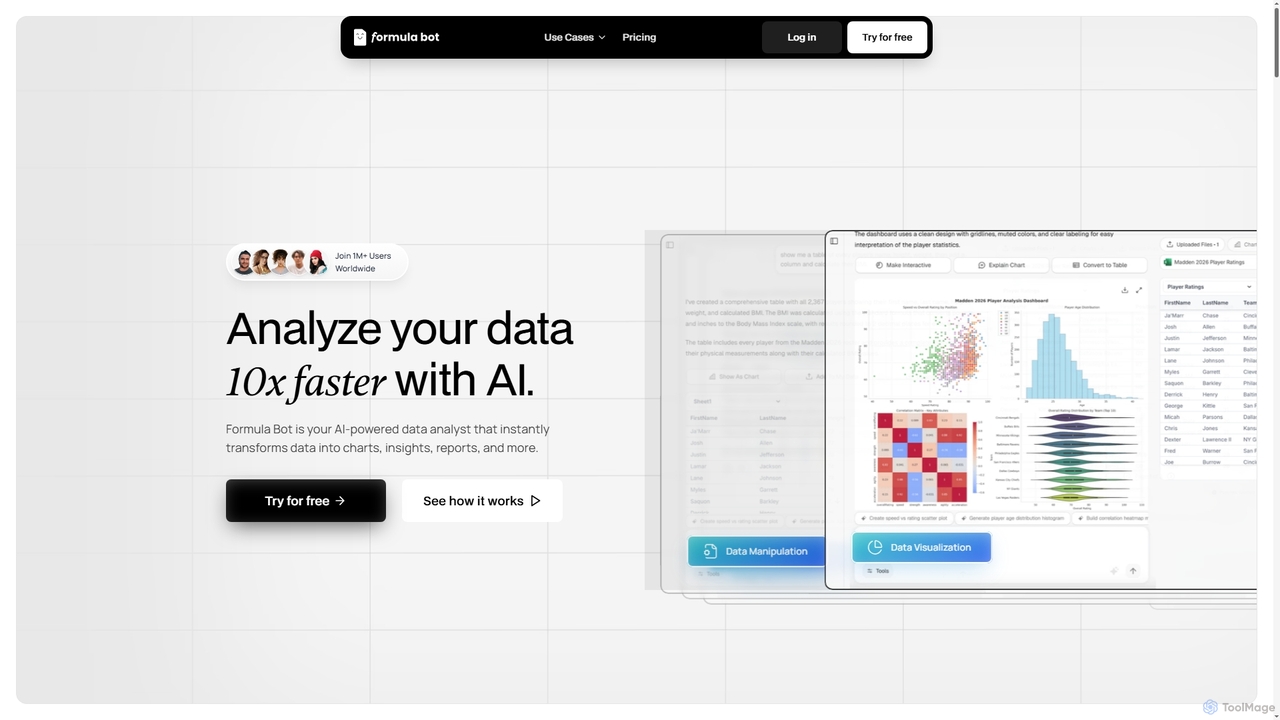
Formula Bot Overview
Formula Bot is a comprehensive AI-powered platform designed to revolutionize data analysis, spreadsheet management, and academic support. Trusted by over 1 million users globally, including Fortune 500 companies, government entities, and small to medium-sized businesses, it acts as your personal AI data analyst. The platform excels at transforming complex data into clear visuals, insightful reports, and organized information through simple conversational queries. Beyond core data analysis, Formula Bot integrates a suite of specialized AI tools, including an advanced Excel formula generator, a rapid PDF to Excel converter, and an intelligent AI homework helper, making it a versatile solution for professionals and students alike.
How to use Formula Bot
Using Formula Bot is intuitive and conversational. Users can upload, connect, and combine data from multiple sources like Excel, Google Sheets, Google Analytics, MSSQL, MySQL, and Postgres. Once data is added, simply ask questions in plain English, such as "How were daily sales last week?" or "What's the total monthly profit?". The AI will instantly process the query, generate relevant charts, tables, and actionable insights. For text analysis, users can upload text and ask for sentiment detection or keyword extraction. For spreadsheet tasks, describe the desired Excel formula in plain English or upload a PDF for instant conversion to Excel. Students can chat with the AI homework helper, upload PDFs or images, and ask for step-by-step solutions, essay assistance, or topic explanations.
Core Features of Formula Bot
- AI Data Analysis Chat: Transform data into visualizations, spreadsheets, and insights through natural language conversations.
- Data Visualization: Instantly convert data into clear visuals like line, column, and bar charts.
- Data Manipulation & Organization: Reshape, clean, merge, filter, and reformat messy datasets.
- Text Analysis: Perform sentiment detection, keyword extraction, and translation on text data.
- Excel Formula Generator: Generate complex Excel formulas from plain English descriptions and explain existing ones.
- PDF to Excel AI Converter: Convert PDF files into editable Excel spreadsheets in seconds, with options to customize extracted data.
- AI Homework Helper: Provides step-by-step math solutions, essay writing assistance, summarization, grammar support, and citation generation for students.
- Advanced Analysis Tools: Includes correlation analysis, exploratory analysis, KPI tracking, web & media analysis.
- Code Generation: Generate SQL queries, Excel VBA code, Google Apps Scripts, and Regex from text instructions.
- Secure & Scalable: Data is securely stored, encrypted, and processed in an isolated environment, capable of handling massive files with dedicated RAM and CPU.
- Ready-made Templates: Kickstart analysis quickly with pre-built templates.
Use Cases for Formula Bot
Formula Bot serves a wide array of applications across various roles. Marketers can analyze campaign results, track web trends, and understand media impact. Data analysts can perform correlation and exploratory analysis, monitor KPIs, and generate comprehensive reports much faster. Founders can gain quick insights into business performance. Students benefit from instant homework help for math, essay writing, and research, along with tools for summarization and study guide generation. Financial professionals can convert quarterly PDF reports into actionable Excel files for reporting and comparison. Sales teams can analyze performance across territories, while HR staff can manage employee information more efficiently by converting PDF forms. Project coordinators can track initiatives and update timelines by extracting data from status reports.
Advantages of Formula Bot
Formula Bot offers significant advantages by accelerating data analysis and simplifying complex tasks. Its natural language interface makes advanced data analysis accessible to non-experts, eliminating the need for complex coding or manual formula writing. The ability to instantly generate charts, insights, and reports saves hours of manual work, boosting productivity tenfold. Security is paramount, with private-by-design data storage and processing. The platform is highly scalable, handling massive files and complex models with ease. Furthermore, its integrated suite of tools, from Excel formula generation to PDF conversion and academic support, provides a versatile, all-in-one solution that adapts to diverse user needs, from everyday analysis to specialized tasks.
Pricing and Plans
Formula Bot offers flexible pricing plans, available monthly or yearly, with a free trial option to get started. The plans are structured to cater to different usage levels:
- STARTER ($18/month): Ideal for everyday analysis, reports, and smaller data tasks. Includes 250 messages/month, 100 tool credits (for PDF to Excel, enrichments, web scraping, formula generations), access to premium AI models, unlimited file uploads, unlimited chats, a 50MB file upload limit, 10 uploaded files per chat, fast responses (4CPU, 2RAM), and access to Excel & Google Sheets add-ons.
- PRO ($29/month): The most popular choice, suitable for large files, machine learning, qualitative analysis, and high tool usage. Includes everything in the Starter plan, plus 5,000 tool credits, a 100MB file upload limit, 20 uploaded files per chat, faster responses (6CPU, 3RAM), and use on multiple devices at once.
- MAX ($55/month): Designed for big data, machine learning, qualitative analysis, and even higher tool usage. Includes everything in the Pro plan, plus 20,000 tool credits, a 500MB file upload limit, the fastest speed and performance (8CPU, 4RAM), and 30 uploaded files per chat.
Formula Bot FAQ
Traffic
Latest traffic
Status
Monthly traffic trend
- 2026-1: 115.8K
- 2026-2: 45.4K
- 2026-3: 3.6K
- 2026-4: 2.0K
- 2026-5: 3.5K
Geography
Top 5 countries / regions
- 🇯🇵Japan100.0%
Top keywords
| Keyword | Cost per click |
|---|---|
| formula bharat login | $0.00 |
Formula Bot Alternatives
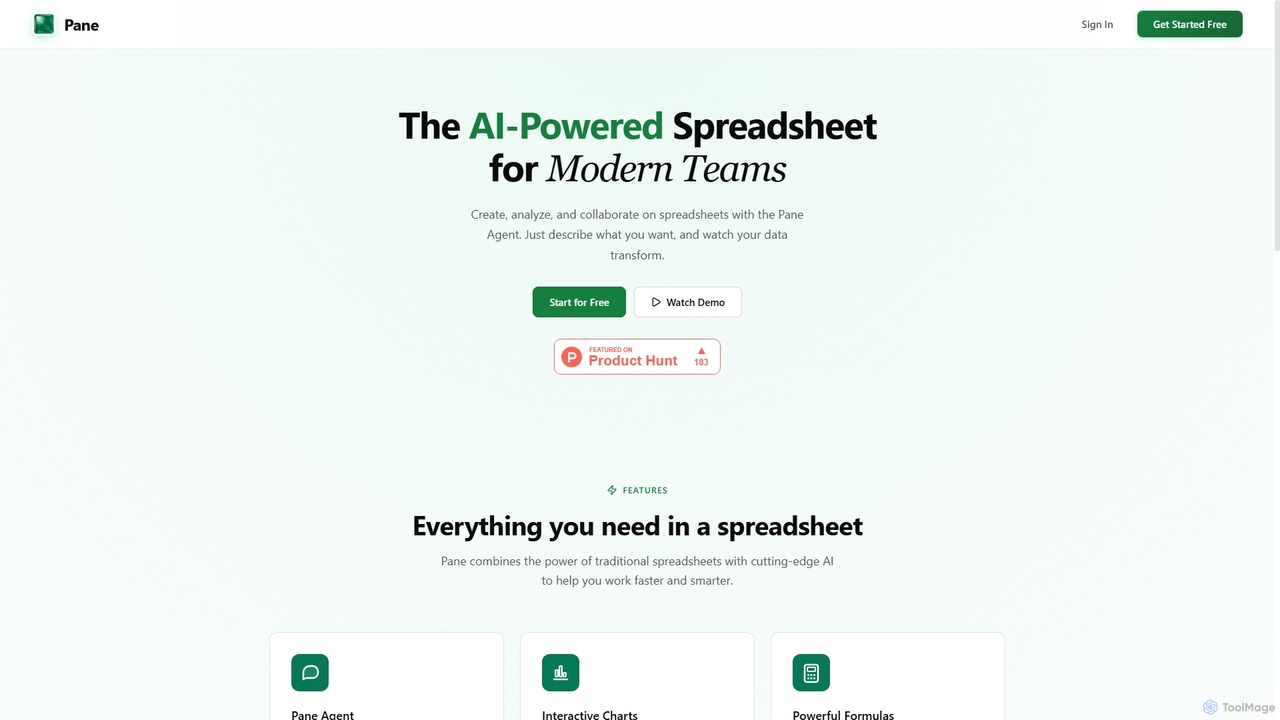
Pane
Pane is an AI-native spreadsheet designed for modern teams, integrating artificial intelligence to streamline data creation, analysis, and collaboration. It allows users to interact with their data using natural language commands, automate tasks, and generate professional dashboards effortlessly, enhancing productivity and insights.
Teamwork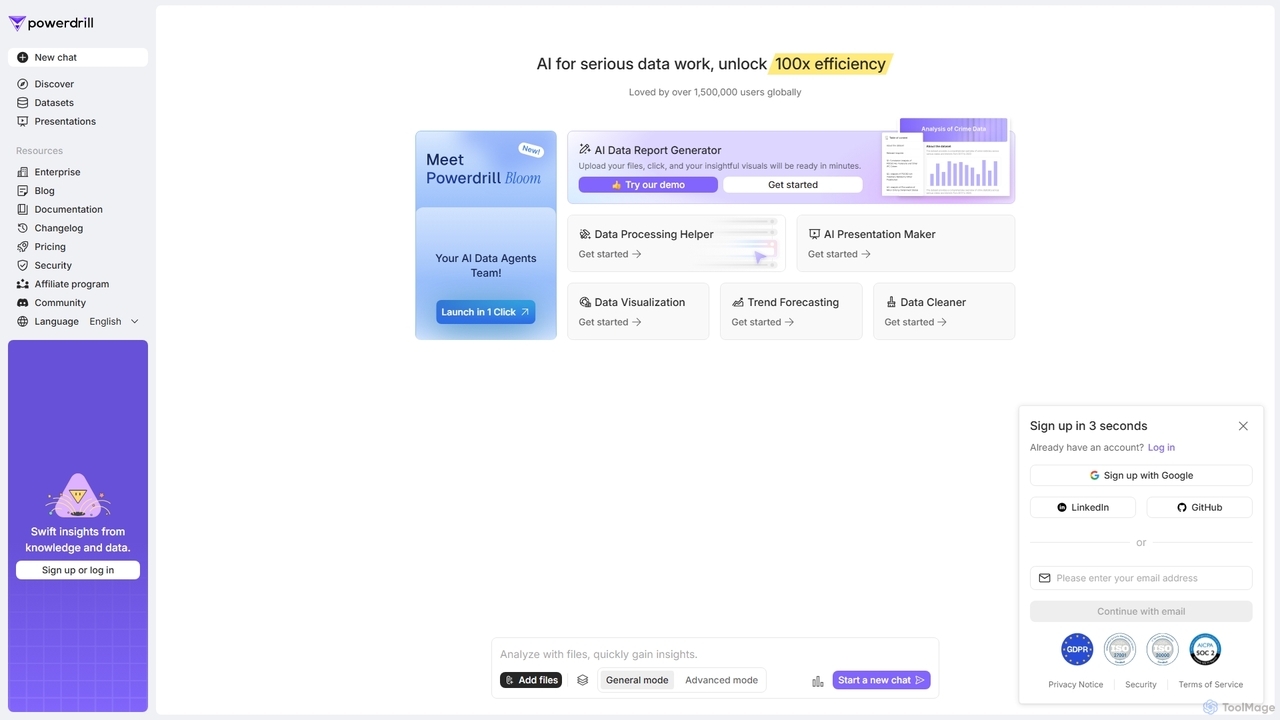
Powerdrill
Powerdrill is an AI-powered data analysis platform designed for serious data work, enabling users to unlock 100x efficiency. It automates the entire process from data processing and cleaning to visualization, report generation, and trend forecasting. Simply upload your files (Excel, CSV, PDF) or connect to a database, and let the AI generate actionable insights, interactive charts, and comprehensive presentations in minutes.
Business Intelligence

Sheetplus
Sheetplus is an AI-powered toolkit designed to supercharge your spreadsheet experience in Google Sheets and Excel. By leveraging natural language, it allows users to generate complex formulas, clean and analyze data, automate tasks, and extract insights without writing code. It acts as an intelligent assistant, making data management faster, more intuitive, and accessible to everyone, regardless of their technical expertise.
Automation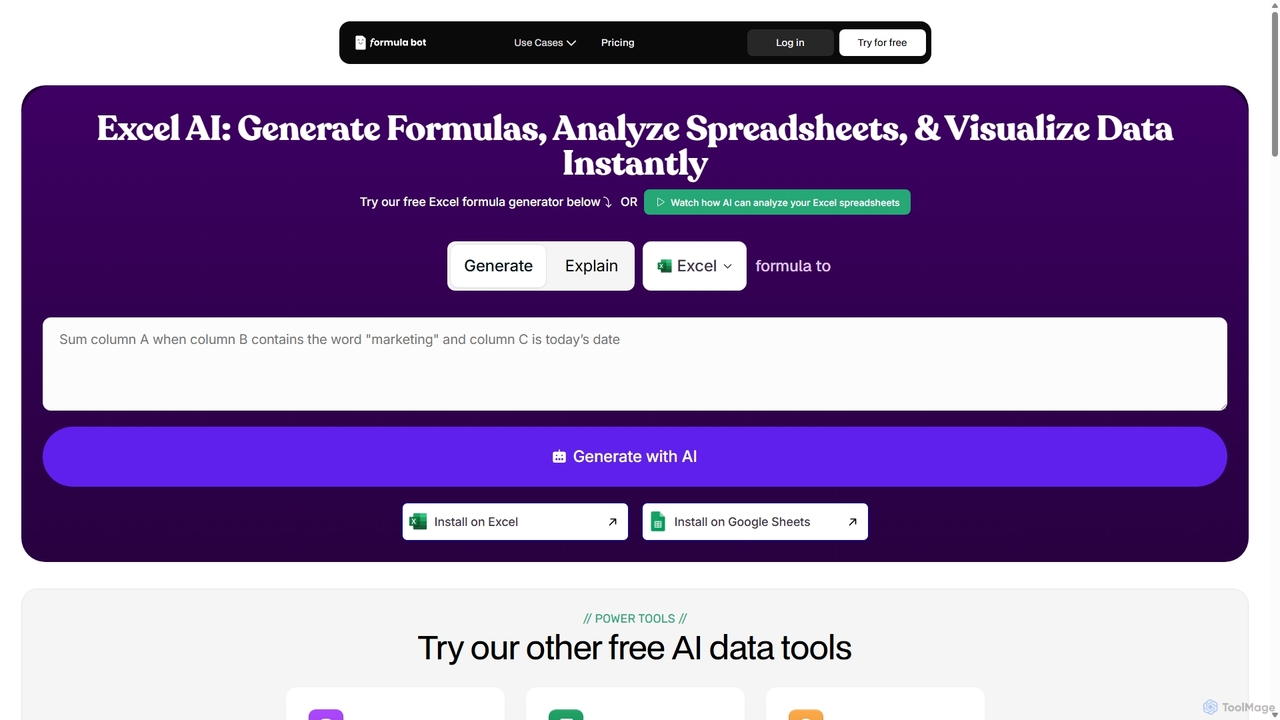
ExcelFormulaBot
ExcelFormulaBot is an AI-powered tool that generates complex Excel and Google Sheets formulas from text instructions in seconds. It also analyzes data, creates charts, generates VBA/SQL code, and explains formulas, making spreadsheet tasks faster and more accessible for everyone, from beginners to experts.
Data AnalysisFormula Bot Categories
Formula Bot Jobs
Formula Bot Embed Widget
Copy this embed code to place the badge on your blog, article, or product site and send readers directly to this ToolMage detail page.

Related AI tools
Sheetplus
Sheetplus is an AI-powered toolkit designed to supercharge your spreadsheet experience in Google Sheets and Excel. By leveraging natural language, it allows users to generate complex formulas, clean and analyze data, automate tasks, and extract insights without writing code. It acts as an intelligent assistant, making data management faster, more intuitive, and accessible to everyone, regardless of their technical expertise.
AutomationPowerdrill
Powerdrill is an AI-powered data analysis platform designed for serious data work, enabling users to unlock 100x efficiency. It automates the entire process from data processing and cleaning to visualization, report generation, and trend forecasting. Simply upload your files (Excel, CSV, PDF) or connect to a database, and let the AI generate actionable insights, interactive charts, and comprehensive presentations in minutes.
Business IntelligenceExcelFormulaBot
ExcelFormulaBot is an AI-powered tool that generates complex Excel and Google Sheets formulas from text instructions in seconds. It also analyzes data, creates charts, generates VBA/SQL code, and explains formulas, making spreadsheet tasks faster and more accessible for everyone, from beginners to experts.
Data Analysis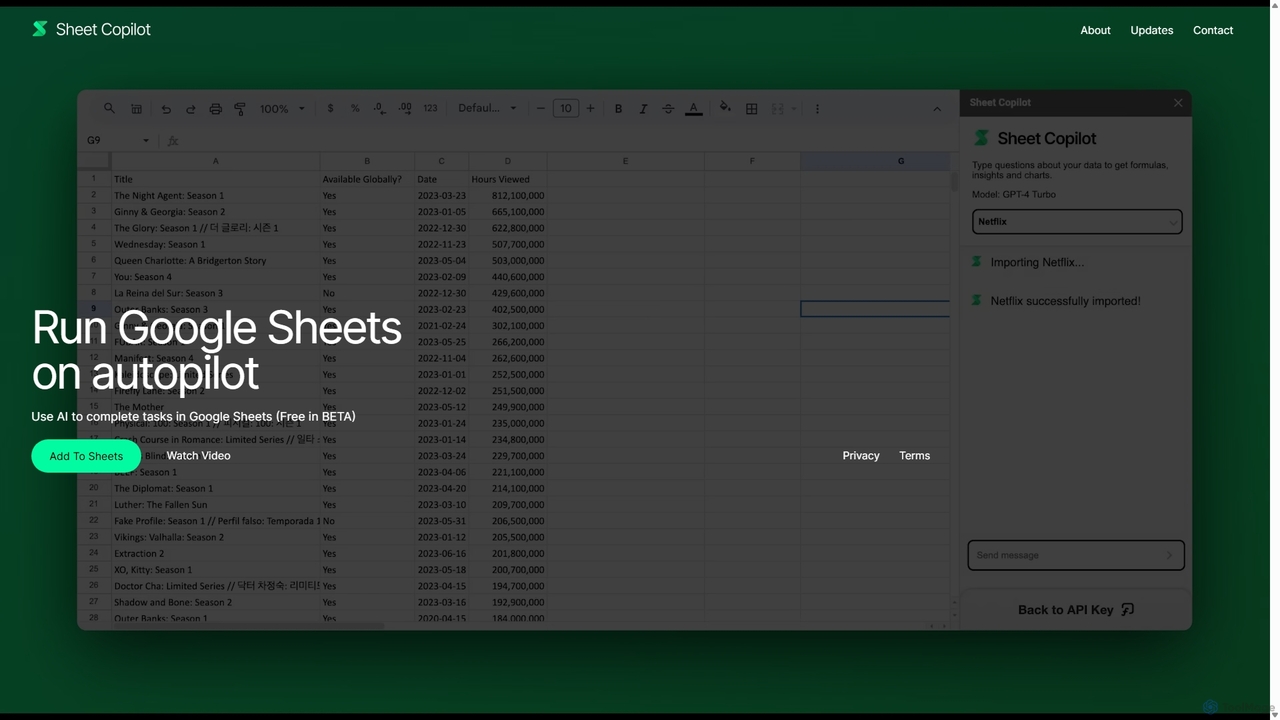
Sheet Copilot
Sheet Copilot is an AI-powered assistant that automates tasks and answers questions directly within Google Sheets. By using natural language commands, you can clean data, generate formulas, create summaries, and analyze information without writing complex functions. It's currently free in beta and operates using your own OpenAI API key for enhanced privacy and security.
Automation
GPT Workspace
GPT Workspace integrates AI-powered features directly into Google Workspace applications like Docs, Sheets, Slides, and Gmail. It enhances productivity by automating content creation, data analysis, email drafting, and document editing, allowing users to leverage the power of models like GPT-4o seamlessly within their existing workflow.
Document Management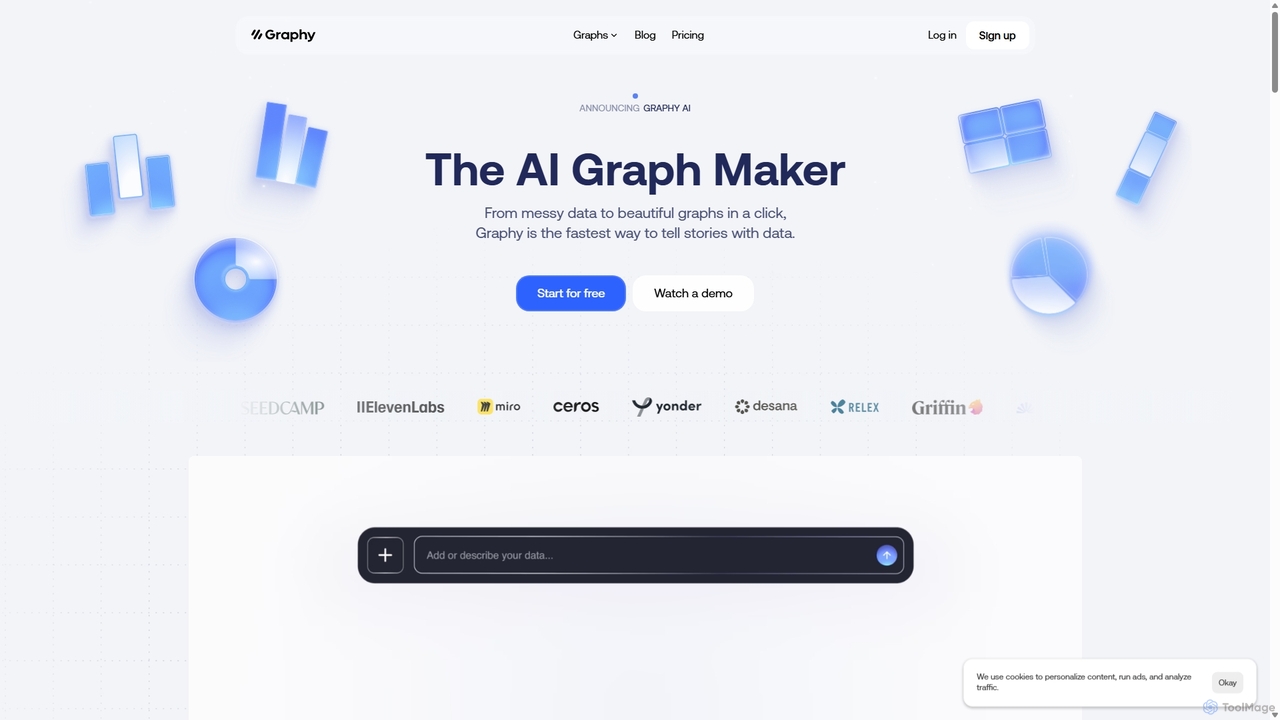
Graphy
Graphy is an AI-powered data visualization tool that transforms raw data into beautiful, interactive charts and graphs in seconds. It simplifies data storytelling by automatically identifying key insights, allowing users to chat with their data, and offering extensive customization. Ideal for marketers, analysts, and teams who need to create compelling visual reports and presentations without complex software.
3D
EasyAIBridge
EasyAIBridge transforms your spreadsheets into instant, actionable insights using advanced AI. Simply type your questions in natural language, and AI automatically generates charts, reports, and data extractions from Google Sheets, Excel, and CSV files, making complex data analysis effortless and secure.
Business Intelligence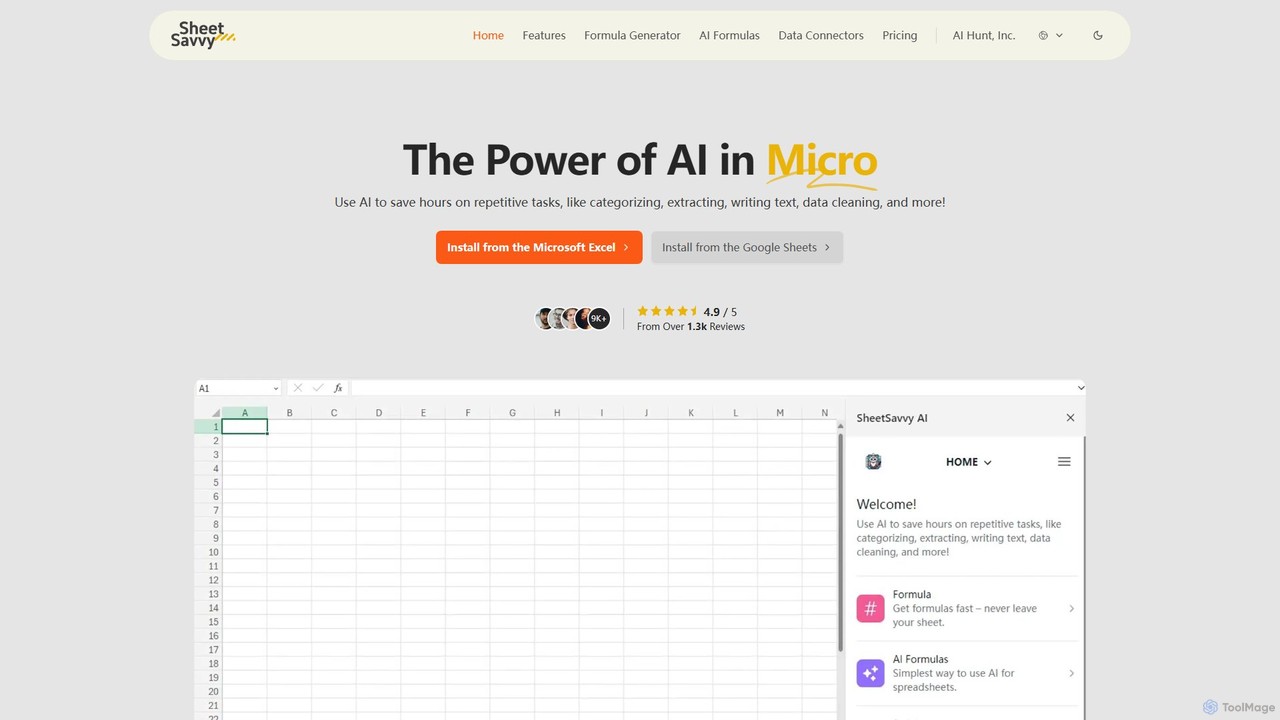
SheetSavvy AI
SheetSavvy AI is an AI-powered assistant for Google Sheets and Microsoft Excel, designed to automate repetitive tasks. It features a formula generator, AI-driven formulas for data cleaning and analysis, and seamless data connectors to import live data, significantly boosting spreadsheet productivity.
Finance
Jyek
Jyek is an AI agent platform that understands objectives, creates execution plans, uses tools, and delivers verifiable results for complex, multi-step tasks.
Automation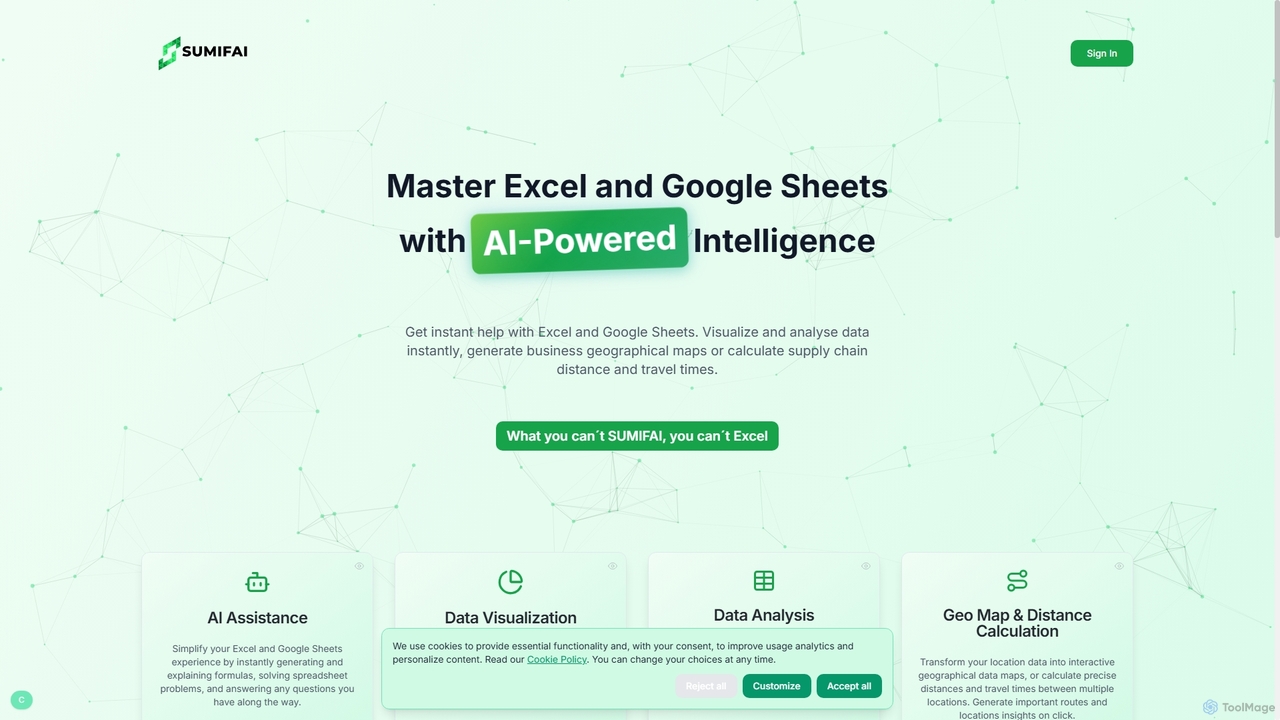
Sumifai
Sumifai is an AI-powered assistant for Excel and Google Sheets that simplifies spreadsheet tasks. It instantly generates and explains formulas, analyzes data, creates visualizations, and even builds interactive geographical maps from location data. Designed for all skill levels, it helps users uncover insights and streamline workflows without requiring technical expertise.
Business Intelligence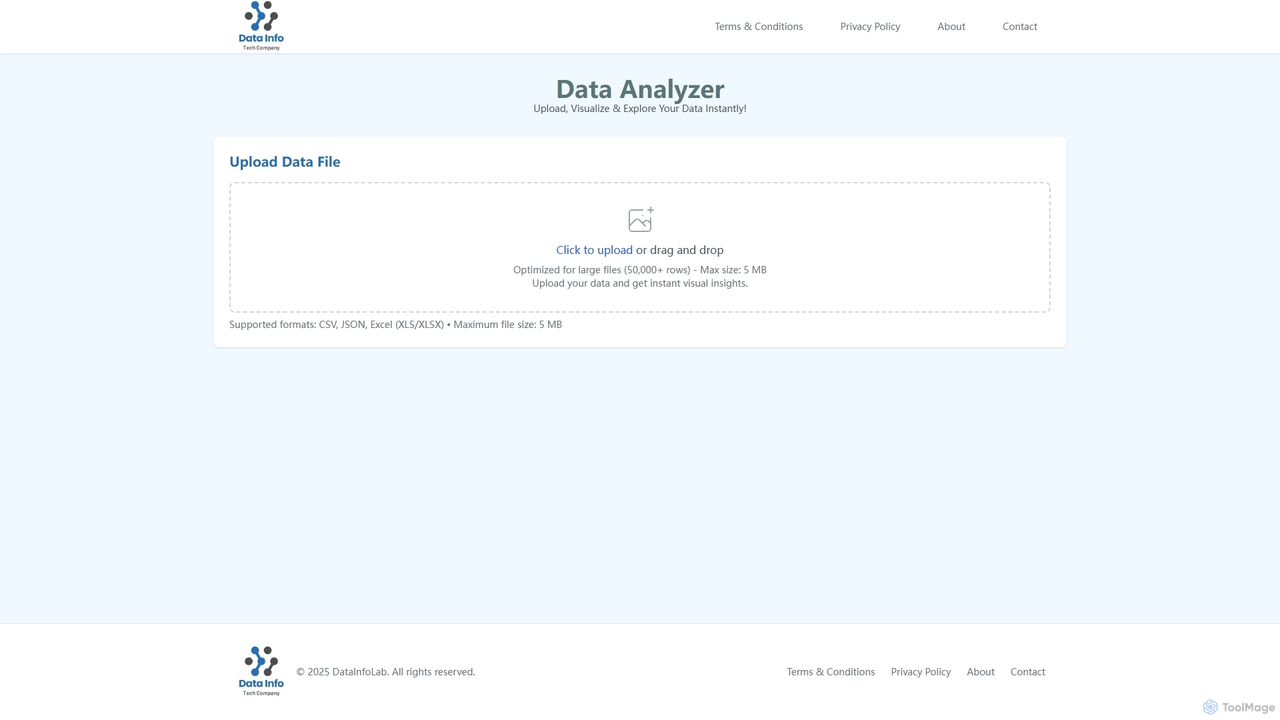
Data Analyzer
Data Analyzer is an intuitive AI-powered tool designed for instant data visualization and exploration. Users can upload various data file formats like CSV, JSON, and Excel to quickly gain visual insights and understand global statistics, trends, and data patterns. It's optimized to handle large datasets, making complex data analysis accessible and efficient.
Visualization
Metatable
Metatable is an AI-powered data assistant that revolutionizes how you interact with spreadsheets and tabular data. Simply use natural language prompts to clean, analyze, transform, and visualize your data instantly. It eliminates complex formulas and manual tasks, making data analysis accessible to everyone, from data analysts to business managers.
Analytics
ChartGen
ChartGen is an AI-powered chart generator that transforms raw data into stunning, professional visualizations in seconds. Users simply upload CSV or Excel files, describe their desired chart in plain English, and the AI instantly creates various chart types like bar, line, and pie charts. It's designed for quick, effortless data visualization without requiring design or coding skills.
Charts & Graphs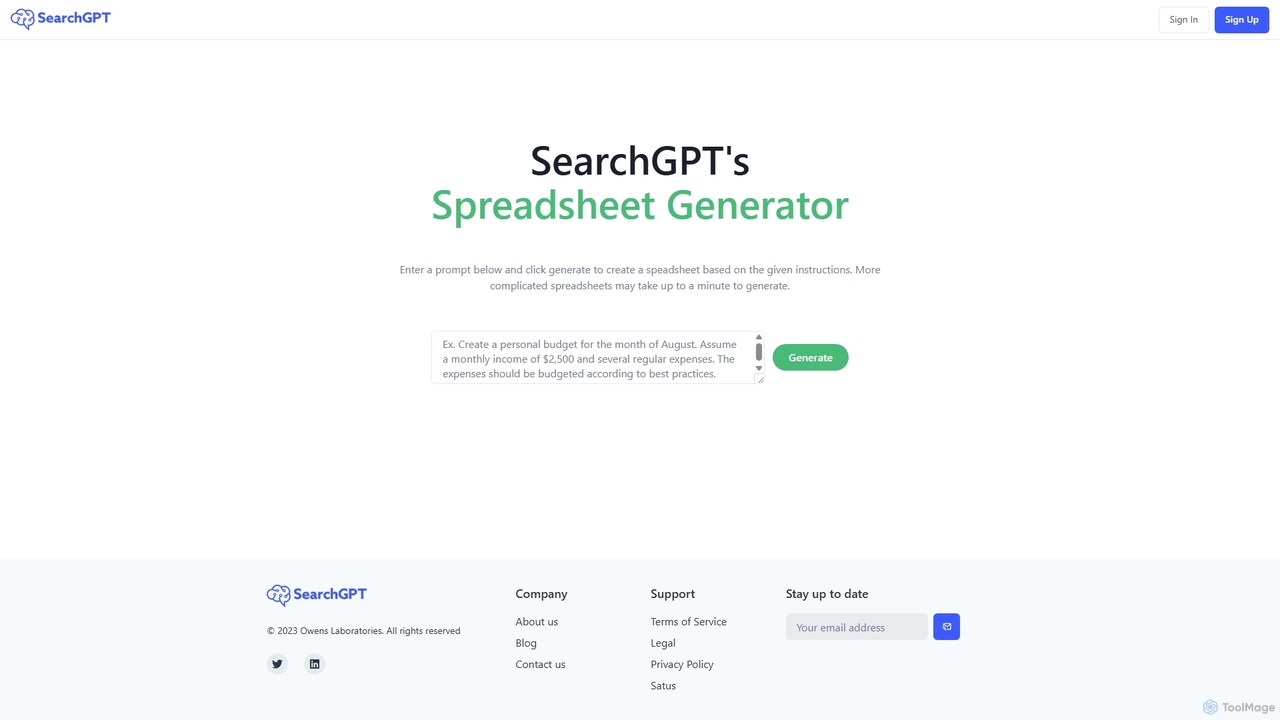
SearchGPT
SearchGPT is an AI-powered spreadsheet generator that transforms simple text prompts into fully functional and data-populated spreadsheets. Instantly create complex tables, formulas, and reports, automating tedious data entry and analysis tasks to boost productivity.
Finance
Formula Bot Comments (0)
Sign in to comment.
Sign inNo comments yet.