

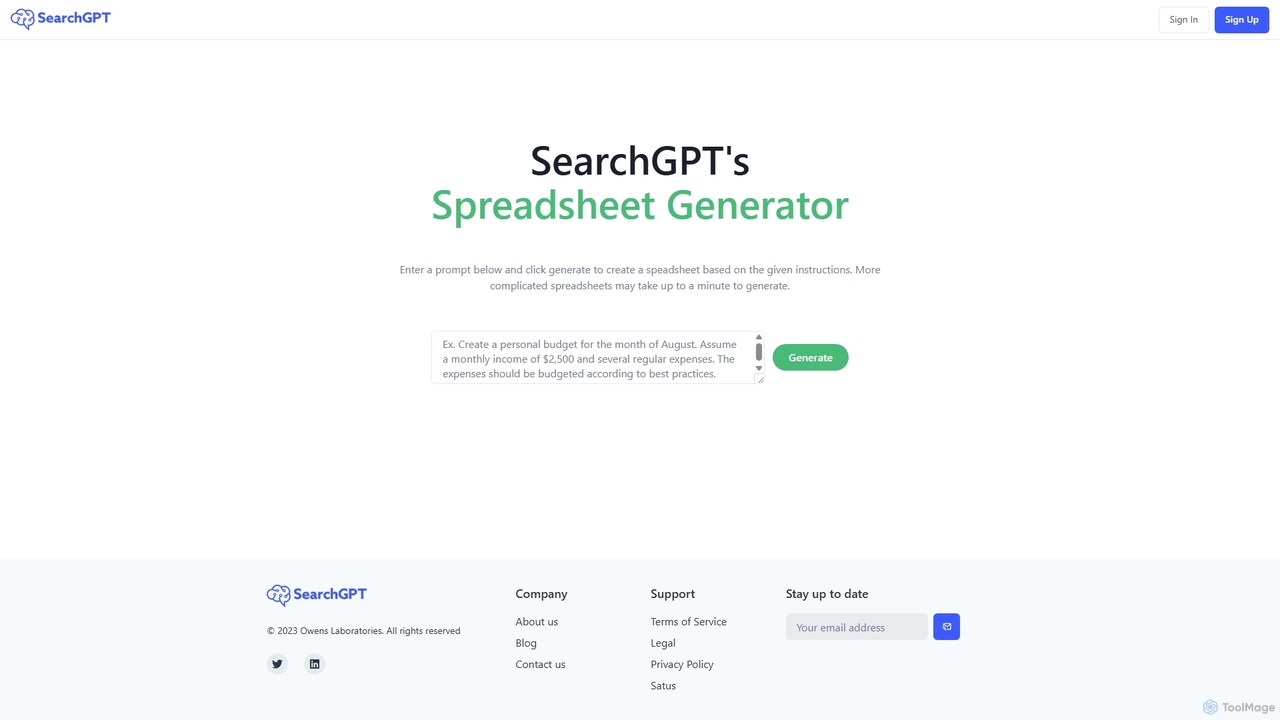
SearchGPT Overview
SearchGPT is a revolutionary AI tool designed to streamline and automate the creation of spreadsheets. By leveraging advanced natural language processing, it allows users to generate complex, well-structured, and data-rich spreadsheets simply by typing a descriptive prompt. This eliminates the need for manual data entry, complex formula writing, and tedious formatting, making it an indispensable asset for professionals across various industries. Whether you need to create a financial model, a marketing content calendar, a project management tracker, or a sales dashboard, SearchGPT can produce it in seconds.
The platform is built for both simplicity and power. It can interpret nuanced instructions, fetch real-time data from the web to populate cells, and even generate sophisticated formulas like VLOOKUPs or pivot table summaries based on your request. This capability transforms the way users interact with data, turning a simple idea into an actionable spreadsheet instantly.
How to use SearchGPT
Using SearchGPT is an incredibly straightforward process, designed for users of all skill levels:
- Enter Your Prompt: Navigate to the SearchGPT homepage and find the input box. Type a clear and detailed description of the spreadsheet you want to create. For example, 'Create a monthly budget for a small business with columns for Income Source, Date, Amount, and Expense Category. Add a summary section that calculates total income, total expenses, and net profit.'
- Generate the Spreadsheet: After typing your prompt, click the 'Generate' button. The AI will analyze your request, structure the data, fetch any necessary information, and build the spreadsheet. More complex requests may take up to a minute to process.
- Review and Refine: Once generated, the spreadsheet will be displayed for your review. If it's not exactly what you wanted, you can refine your prompt with more specific details and regenerate it.
- Download: When you are satisfied with the result, you can download the spreadsheet in popular formats such as .xlsx for Microsoft Excel or .csv for universal compatibility.
Core Features of SearchGPT
- Natural Language to Spreadsheet: The core functionality that converts plain text instructions into structured spreadsheets.
- Real-Time Data Fetching: Can automatically search the web and populate your spreadsheet with up-to-date information, such as stock prices, population data, or company details.
- Complex Formula Generation: Intelligently creates mathematical, logical, and lookup formulas based on the user's prompt, saving hours of manual work.
- Custom Template Creation: Instantly generates templates for various use cases like project plans, financial statements, inventory lists, and CRM trackers.
- Multiple Export Formats: Supports exporting to widely-used formats including Excel (.xlsx) and CSV, ensuring seamless integration with your existing workflow.
- Intuitive and User-Friendly Interface: No steep learning curve. The tool is designed for immediate use without requiring any technical expertise in spreadsheets.
Use Cases for SearchGPT
SearchGPT is versatile and can be applied in numerous professional and personal scenarios:
- Finance and Accounting: Creating financial models, budget trackers, expense reports, and investment portfolios.
- Marketing and Sales: Building content calendars, tracking campaign performance, generating lead lists, and creating sales dashboards.
- Project Management: Designing Gantt charts, task lists, resource allocation plans, and project timelines.
- Human Resources: Compiling employee directories, tracking recruitment pipelines, and managing payroll data.
- Academia and Research: Organizing research data, creating literature review tables, and managing experimental results.
- Small Business Owners: Managing inventory, tracking sales, creating customer databases, and planning business finances.
Advantages of SearchGPT
The primary advantage of SearchGPT is its massive boost in efficiency. It automates what is often a time-consuming and error-prone task. By eliminating manual data entry and formula creation, it frees up valuable time for users to focus on analysis and decision-making. It also democratizes data management, allowing individuals without advanced Excel skills to create powerful, professional-grade spreadsheets. The ability to pull in live data ensures that the generated documents are always relevant and accurate.
Pricing and Plans
SearchGPT operates on a freemium model, making it accessible to a wide range of users.
- Free Plan: Ideal for casual users, offering a limited number of spreadsheet generations per month to test the core features.
- Pro Plan: Aimed at professionals and businesses, this plan typically offers unlimited generations, access to advanced features like API integration, priority support, and the ability to handle more complex data requests.
For the most current and detailed pricing information, please visit the official SearchGPT website.
Traffic
Latest traffic
Status
Monthly traffic trend
- 2025-9: 2.8K
- 2026-1: 3.5K
- 2026-2: 2.4K
- 2026-3: 3.7K
- 2026-4: 2.2K
- 2026-5: 1.8K
Geography
Top 5 countries / regions
- 🇺🇸United States39.9%
- 🇮🇳India32.3%
- 🇭🇳Honduras27.7%
Top keywords
| Keyword | Cost per click |
|---|---|
| searchgpt | $0.29 |
| официальный searchgpt | $0.00 |
SearchGPT Alternatives
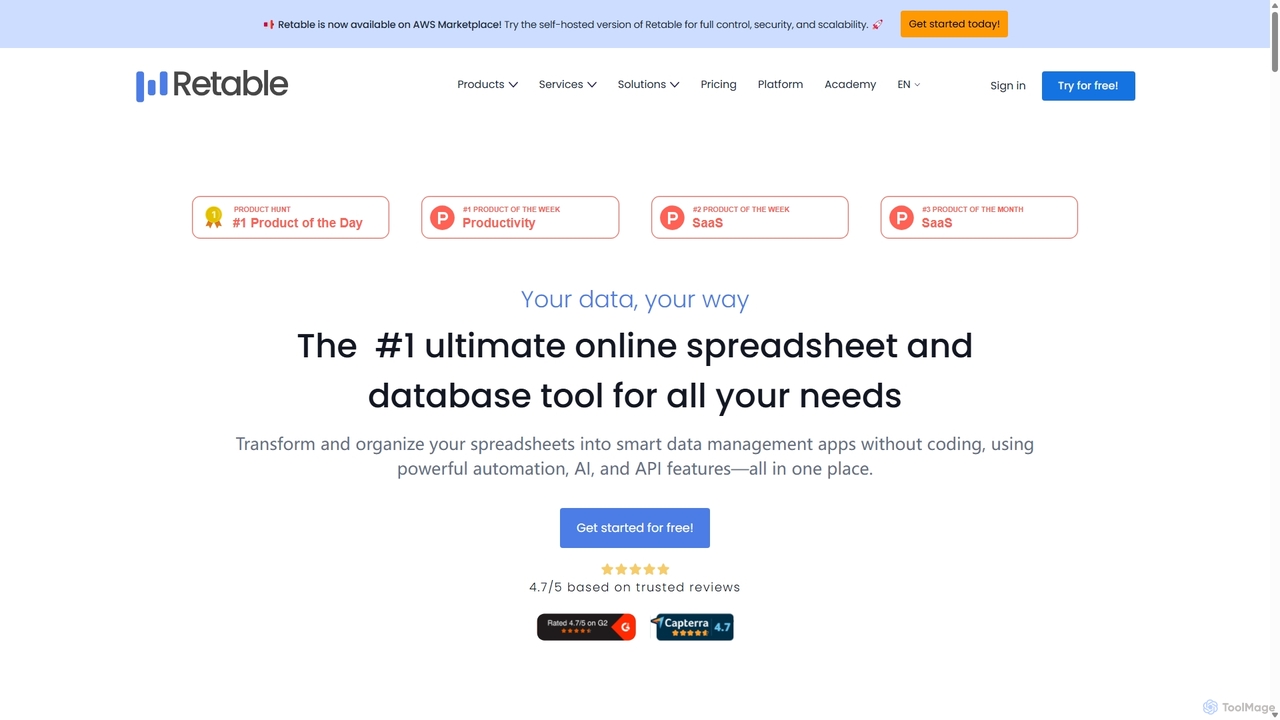
Retable
Retable is a powerful no-code online spreadsheet and database solution. It transforms your data into smart, collaborative applications with features like AI integration, multiple data views, and workflow automation, making it an ideal Airtable alternative for teams of all sizes.
Project Management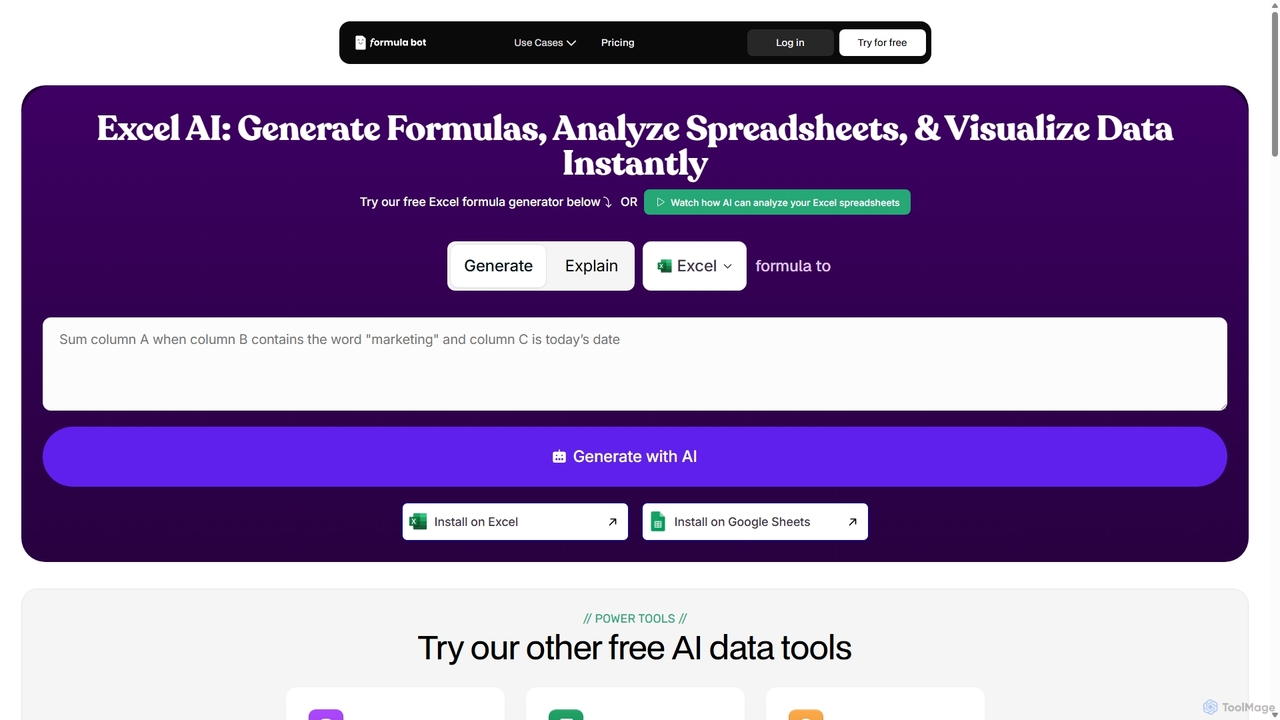
ExcelFormulaBot
ExcelFormulaBot is an AI-powered tool that generates complex Excel and Google Sheets formulas from text instructions in seconds. It also analyzes data, creates charts, generates VBA/SQL code, and explains formulas, making spreadsheet tasks faster and more accessible for everyone, from beginners to experts.
Data Analysis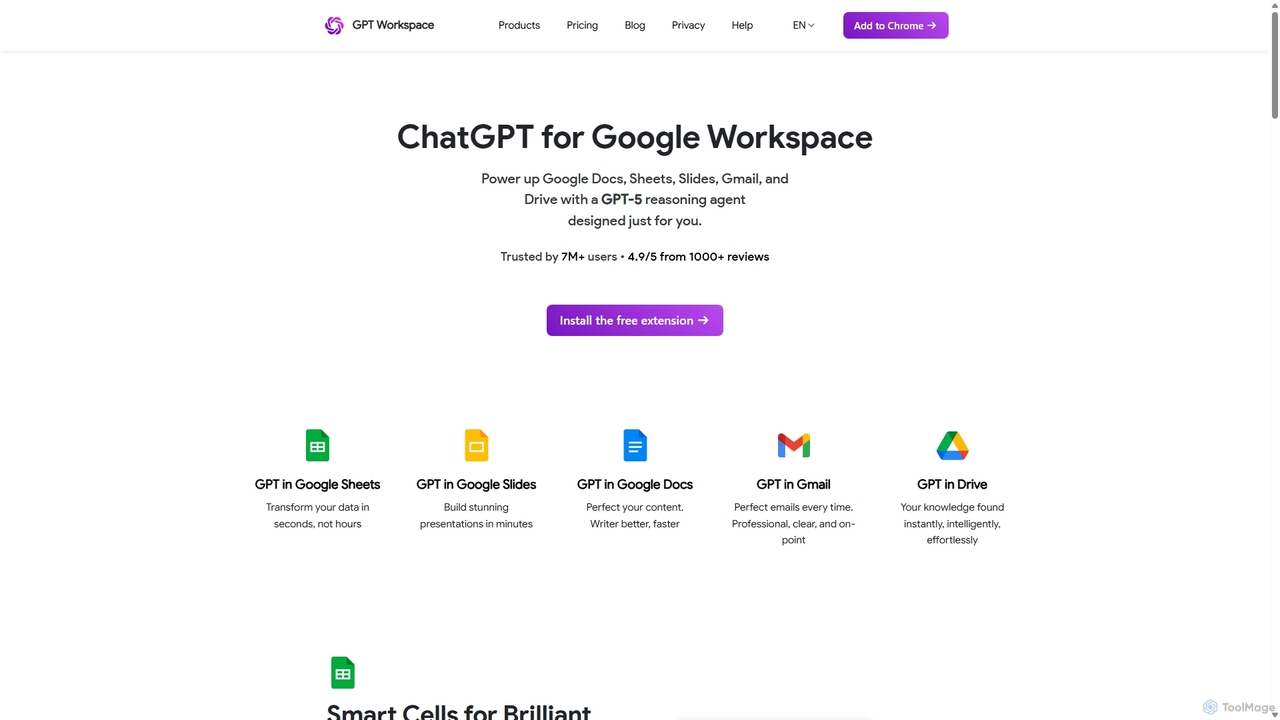
GPT Workspace
GPT Workspace integrates AI-powered features directly into Google Workspace applications like Docs, Sheets, Slides, and Gmail. It enhances productivity by automating content creation, data analysis, email drafting, and document editing, allowing users to leverage the power of models like GPT-4o seamlessly within their existing workflow.
Document Management
Sheet Copilot
Sheet Copilot is an AI-powered assistant that automates tasks and answers questions directly within Google Sheets. By using natural language commands, you can clean data, generate formulas, create summaries, and analyze information without writing complex functions. It's currently free in beta and operates using your own OpenAI API key for enhanced privacy and security.
Automation
Sheetplus
Sheetplus is an AI-powered toolkit designed to supercharge your spreadsheet experience in Google Sheets and Excel. By leveraging natural language, it allows users to generate complex formulas, clean and analyze data, automate tasks, and extract insights without writing code. It acts as an intelligent assistant, making data management faster, more intuitive, and accessible to everyone, regardless of their technical expertise.
AutomationSearchGPT Categories
SearchGPT Jobs
SearchGPT Embed Widget
Copy this embed code to place the badge on your blog, article, or product site and send readers directly to this ToolMage detail page.

Related AI tools
Retable
Retable is a powerful no-code online spreadsheet and database solution. It transforms your data into smart, collaborative applications with features like AI integration, multiple data views, and workflow automation, making it an ideal Airtable alternative for teams of all sizes.
Project ManagementExcelFormulaBot
ExcelFormulaBot is an AI-powered tool that generates complex Excel and Google Sheets formulas from text instructions in seconds. It also analyzes data, creates charts, generates VBA/SQL code, and explains formulas, making spreadsheet tasks faster and more accessible for everyone, from beginners to experts.
Data AnalysisGPT Workspace
GPT Workspace integrates AI-powered features directly into Google Workspace applications like Docs, Sheets, Slides, and Gmail. It enhances productivity by automating content creation, data analysis, email drafting, and document editing, allowing users to leverage the power of models like GPT-4o seamlessly within their existing workflow.
Document ManagementSheet Copilot
Sheet Copilot is an AI-powered assistant that automates tasks and answers questions directly within Google Sheets. By using natural language commands, you can clean data, generate formulas, create summaries, and analyze information without writing complex functions. It's currently free in beta and operates using your own OpenAI API key for enhanced privacy and security.
Automation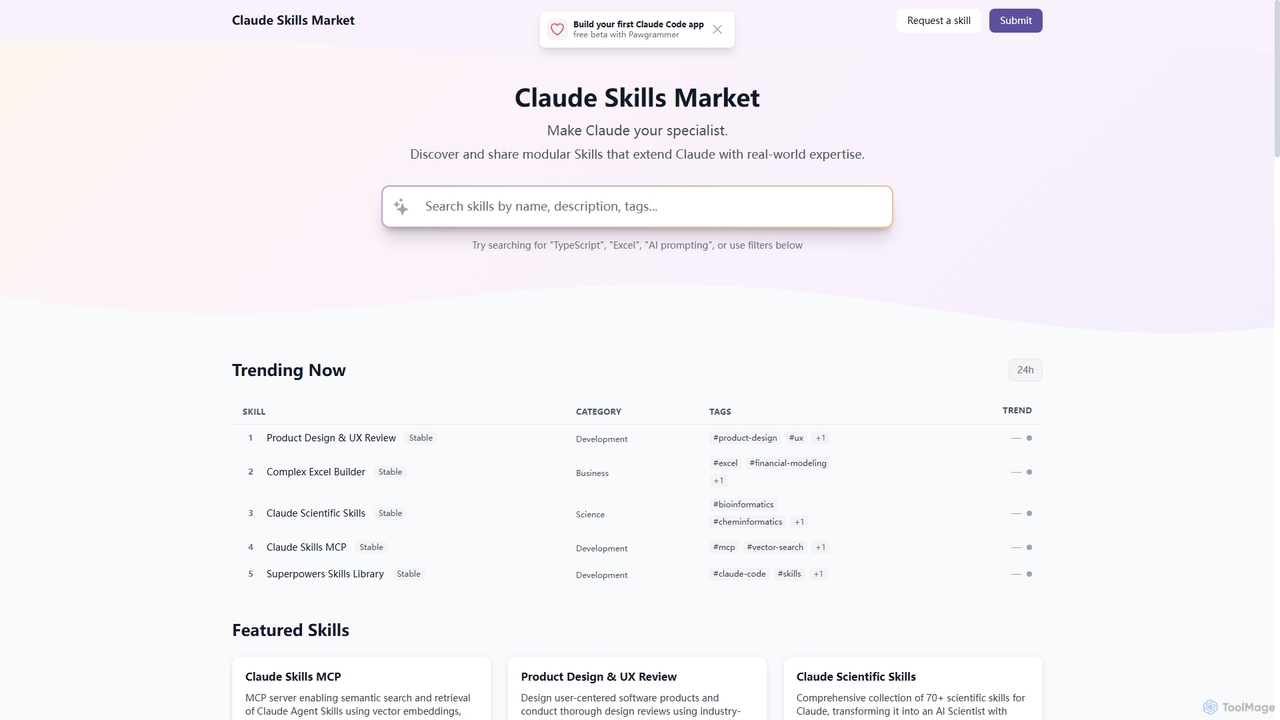
Skills
Skills is a dynamic marketplace designed to extend Claude's capabilities with specialized, real-world expertise. It offers a diverse collection of modular tools, transforming Claude into a specialist across various domains like product design, financial modeling, scientific research, and software development.
Prompt Engineering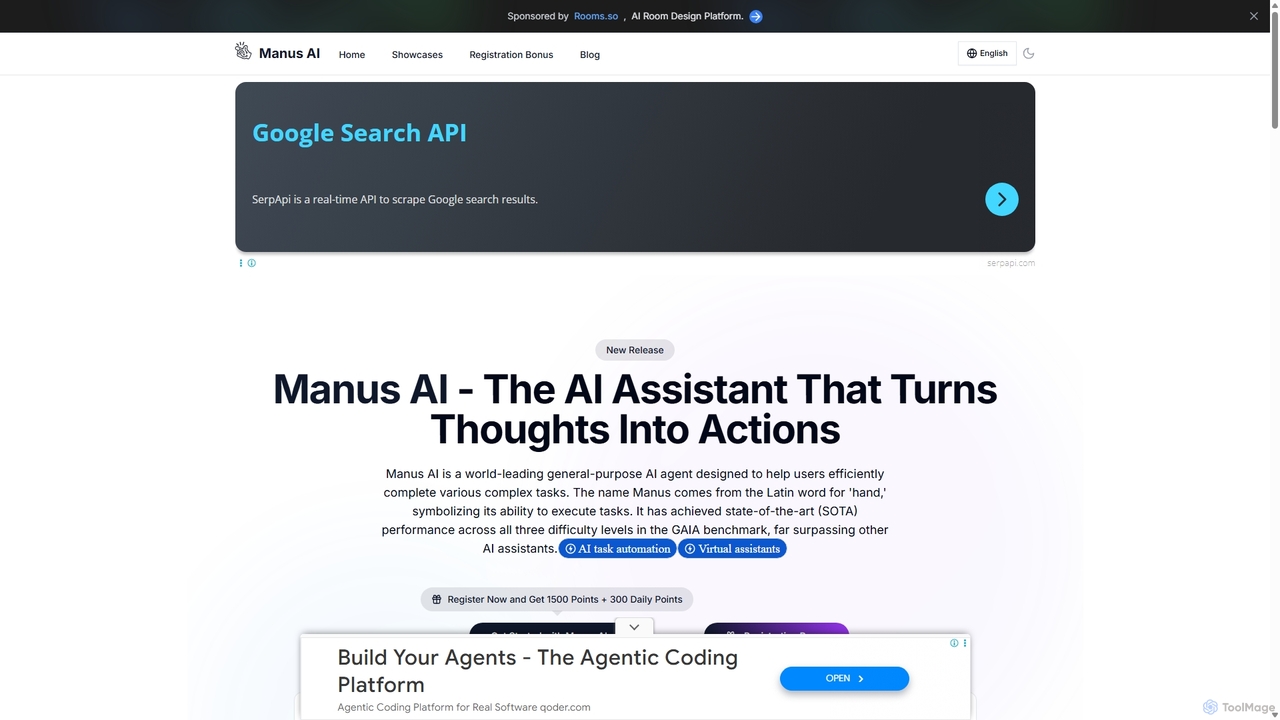
Manus AI
Manus AI is a world-leading general-purpose AI agent designed to transform thoughts into actions. It autonomously plans and executes complex tasks by intelligently calling various tools, functioning more like a human colleague than a traditional chatbot. It excels in data analysis, code development, content creation, and in-depth research.
Data Analysis
Microsoft Copilot
Microsoft Copilot is your everyday AI companion, enhancing productivity and creativity. It provides intelligent search, content generation, and image creation capabilities by leveraging the latest AI models like GPT-4 and DALL-E 3. Integrated across the Microsoft ecosystem, it assists with writing, coding, planning, and design tasks.
Image Generator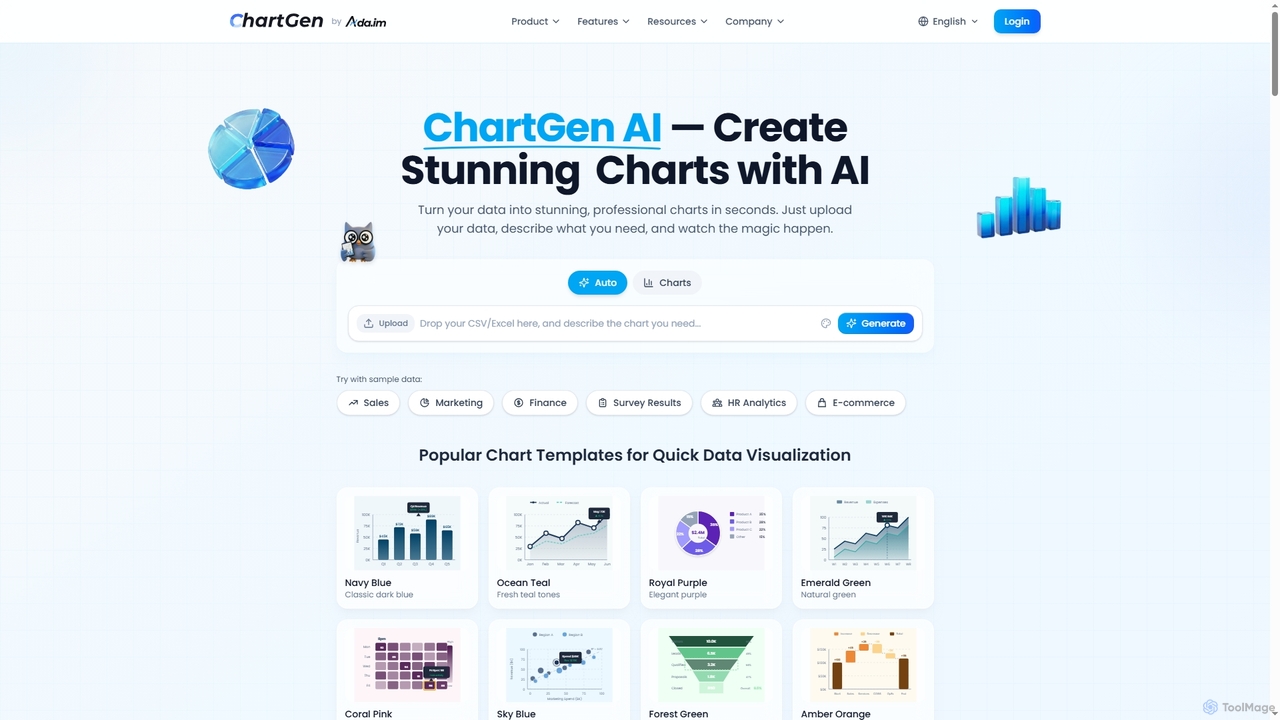
ChartGen
ChartGen is an AI-powered chart generator that transforms raw data into stunning, professional visualizations in seconds. Users simply upload CSV or Excel files, describe their desired chart in plain English, and the AI instantly creates various chart types like bar, line, and pie charts. It's designed for quick, effortless data visualization without requiring design or coding skills.
Charts & Graphs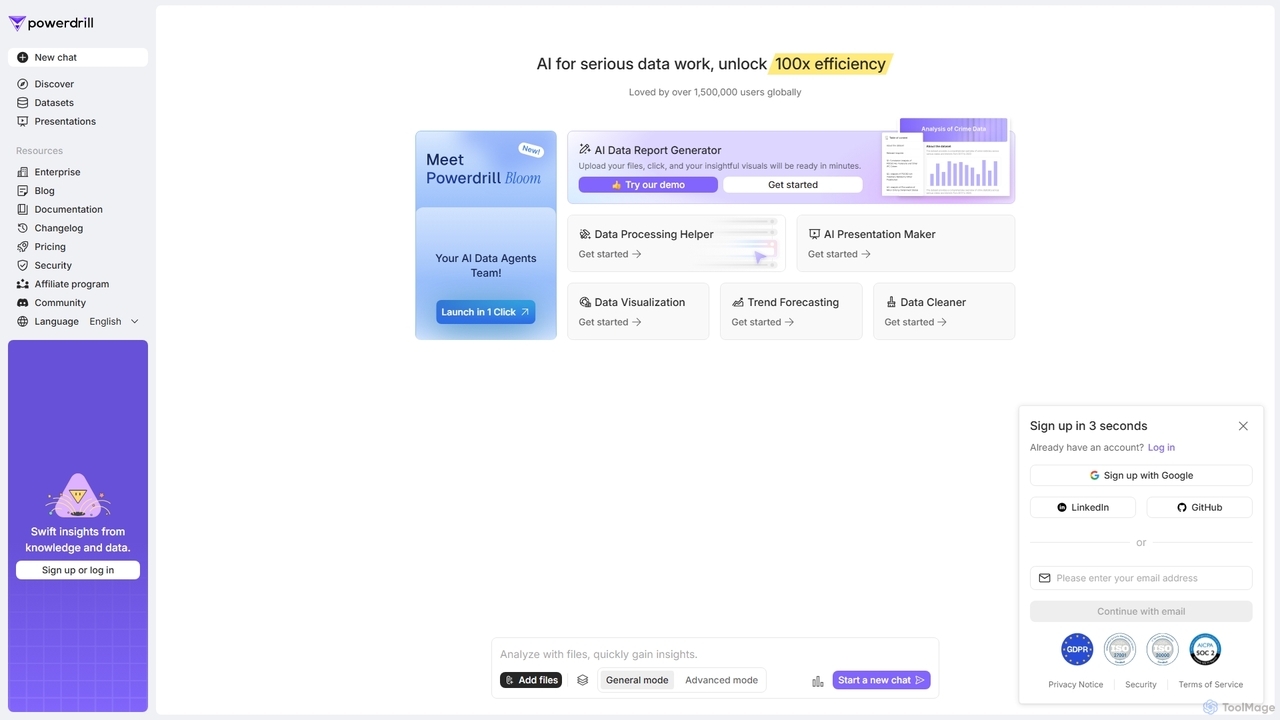
Powerdrill
Powerdrill is an AI-powered data analysis platform designed for serious data work, enabling users to unlock 100x efficiency. It automates the entire process from data processing and cleaning to visualization, report generation, and trend forecasting. Simply upload your files (Excel, CSV, PDF) or connect to a database, and let the AI generate actionable insights, interactive charts, and comprehensive presentations in minutes.
Business Intelligence
Jyek
Jyek is an AI agent platform that understands objectives, creates execution plans, uses tools, and delivers verifiable results for complex, multi-step tasks.
Automation
Chatsheet
Chatsheet is an AI-powered spreadsheet platform that automates research, content creation, and data analysis. Using a familiar spreadsheet interface, users can build complex, no-code workflows to process documents, scrape websites, and generate personalized content at scale, effectively turning each cell into a smart AI agent.
Spreadsheets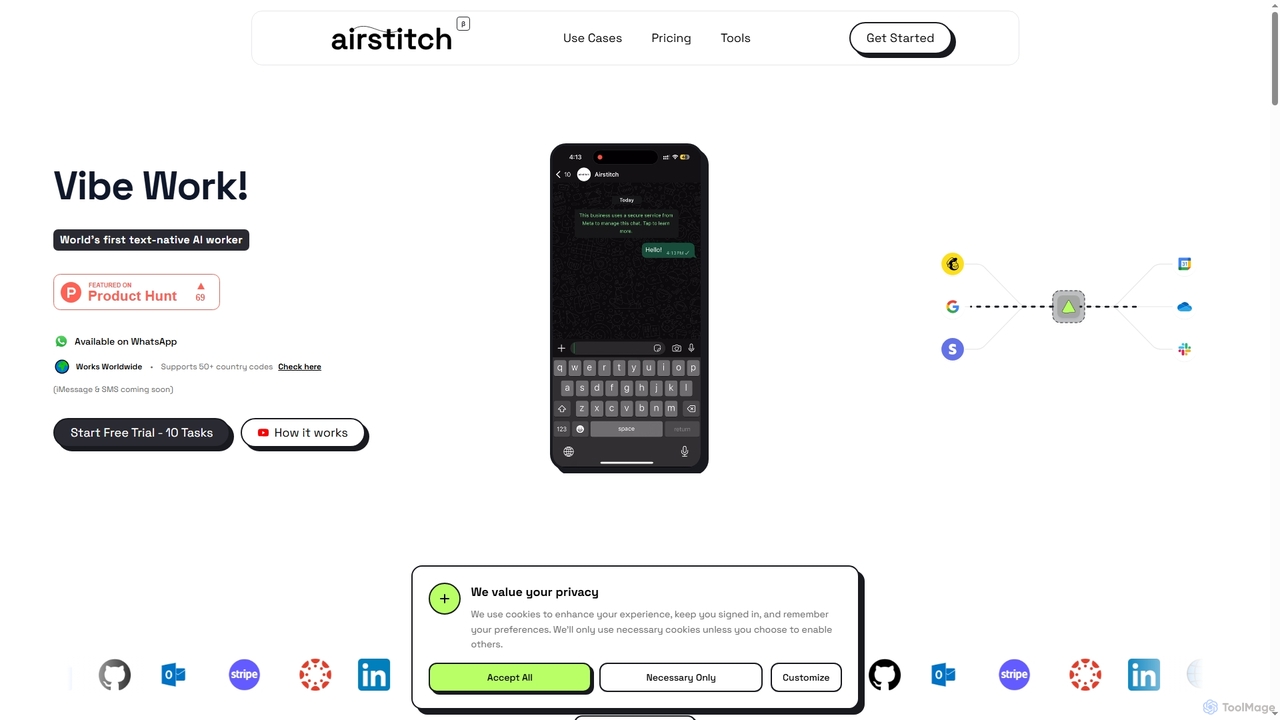
Airstitch
Airstitch is an AI-powered work assistant that automates over 40 hours of operational tasks weekly using natural language commands. It works 24/7, integrating with various apps to streamline workflows, manage communications, analyze data, and handle administrative duties, freeing up human resources for strategic work.
Operations Management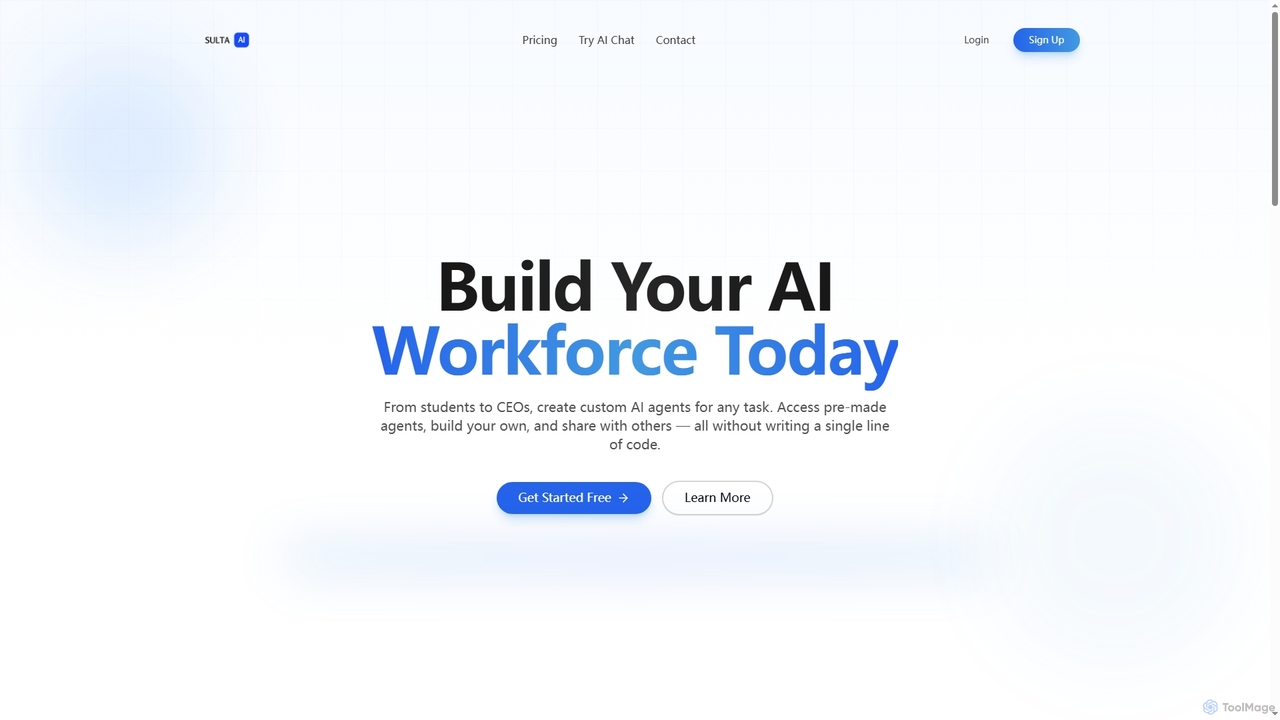
Sulta AI
Sulta AI is a no-code platform empowering users to build and deploy custom AI agents for any task, from student research to business operations. It offers a rich library of pre-built agents, community sharing, and data training capabilities to revolutionize individual and team workflows without writing a single line of code.
Content Generation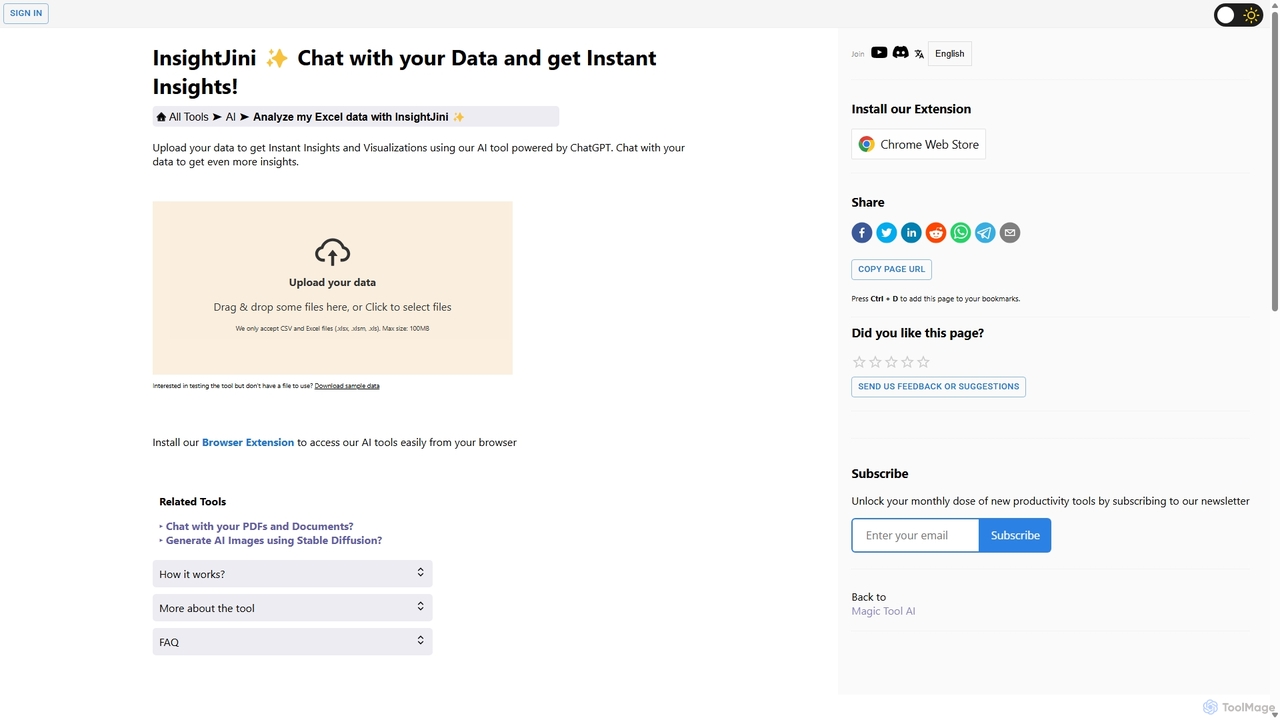
InsightJini
InsightJini is an AI-powered data analysis tool that lets you chat with your Excel and CSV files. Upload your data to instantly generate visualizations and insights without any coding. Its conversational interface, powered by ChatGPT, makes data exploration intuitive and accessible for everyone.
Business Intelligence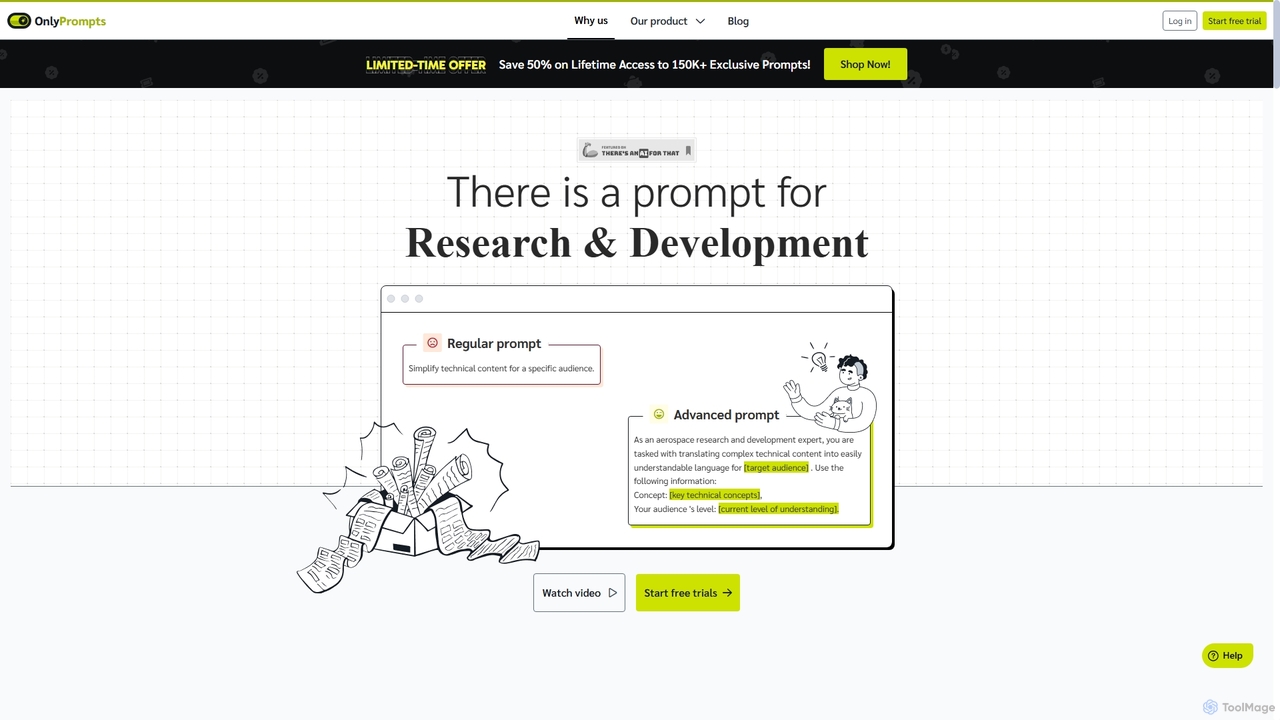
OnlyPrompts
OnlyPrompts is the ultimate AI prompt library, offering over 150,000 expertly crafted prompts for 37,000+ tasks. It features an integrated AI assistant compatible with GPT-4 and Claude 3, side-by-side prompt testing, and customizable templates. Designed for professionals in marketing, HR, finance, and more, it streamlines workflows, enhances productivity, and elevates the quality of AI-generated content.
Operations
SearchGPT Comments (0)
Sign in to comment.
Sign inNo comments yet.