
ExcelDashboard.ai Overview
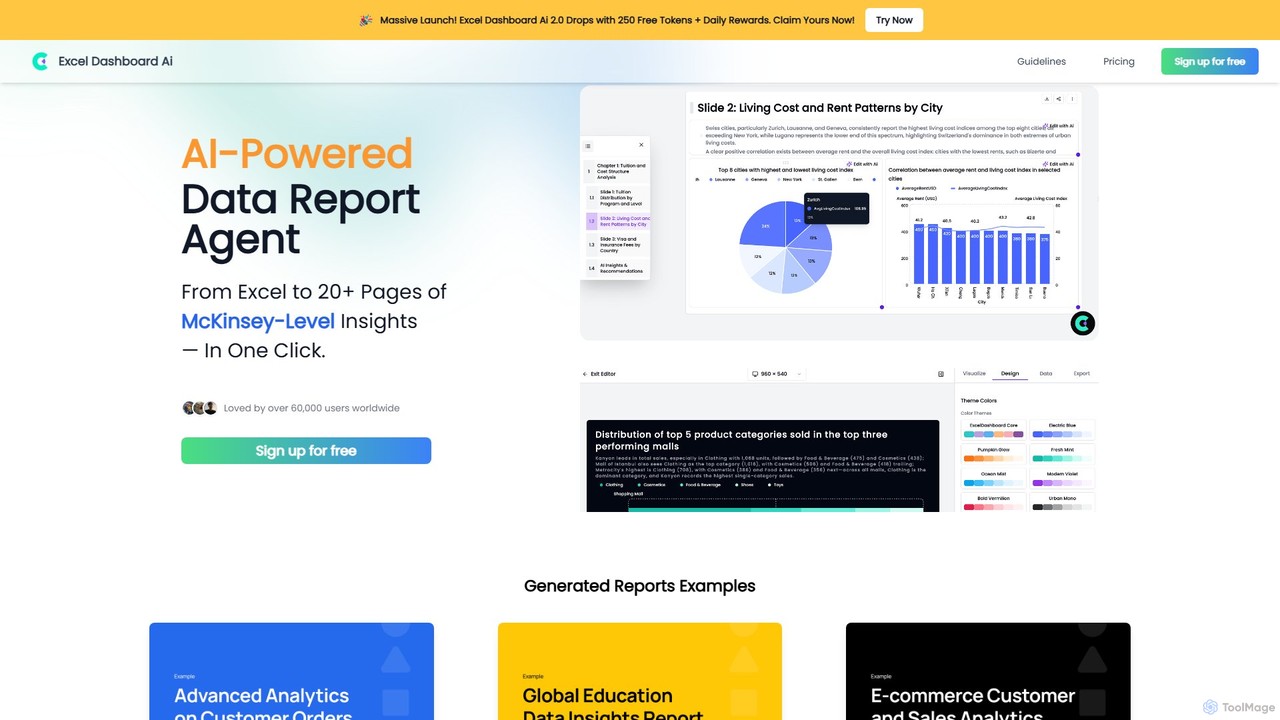
ExcelDashboard.ai is a revolutionary AI-powered data report agent designed to bridge the gap between raw data and actionable insights. It empowers users to convert standard Excel or CSV files into dynamic, interactive dashboards and extensive, professional-grade reports of over 20 pages with just a single click. Trusted by over 60,000 users, this tool automates the entire data analysis and visualization process, delivering what it describes as "McKinsey-Level Insights" without requiring any programming or data science skills.
The platform's core philosophy is to simplify data exploration. Instead of manually creating charts and pivot tables, users can upload their data and let the AI automatically explore various analytical dimensions. It suggests different perspectives and angles to analyze the data, which users can then refine or customize using simple natural language commands. This interactive process makes data analysis more intuitive and accessible to a broader audience, from business analysts to marketers and students.
How to use ExcelDashboard.ai
Using ExcelDashboard.ai is a straightforward, three-step process designed for maximum efficiency:
- Upload Your Data: Begin by uploading your data file in Excel (.xlsx) or CSV format. For best results, ensure your data is clean and well-structured. This means having a single data table per sheet, clear and descriptive column headers in the first row, no blank rows or columns within the data, and using common, universal terms for field names. Avoid complex layouts like multi-section financial statements or invoices in a single sheet.
- AI-Powered Analysis & Generation: Once uploaded, the AI gets to work. It automatically analyzes your data and generates up to 10 different analytical dimensions or perspectives for you to explore. You can review these suggestions and use natural language to edit, lock in your preferred perspectives, or ask the AI to regenerate new ones. With your chosen dimension, generate the full interactive dashboard with a single click.
- Interact, Customize, and Export: The generated dashboard is fully interactive. You can ask the AI questions about the charts, and it will provide interpretations and highlight key information. Use natural language commands to generate new charts and add them to your dashboard. Finally, you can download the entire dashboard as a comprehensive, 20+ page data analysis report in an editable PPT format, allowing for further customization and presentation.
Core Features of ExcelDashboard.ai
- One-Click Dashboard Generation: Instantly converts raw data from Excel/CSV files into fully interactive dashboards.
- AI-Powered Insight Discovery: The AI automatically explores data to suggest multiple analysis dimensions and uncovers hidden patterns.
- Natural Language Interaction: Users can ask questions, refine analysis, and generate new charts using plain English commands.
- Automated Chart Interpretation: The AI explains the meaning of each chart and highlights key takeaways, saving time on manual interpretation.
- Comprehensive Report Export: Generates detailed, 20+ page reports in an editable PowerPoint (PPT) format, ready for presentation.
- Batch Analysis: Effortlessly explore diverse data dimensions to gain a holistic view of your information.
- No-Code Platform: Requires no programming or technical skills, making advanced data analysis accessible to everyone.
Use Cases for ExcelDashboard.ai
ExcelDashboard.ai is versatile and can be applied across various industries and roles:
- Business Analysts: Quickly analyze sales data, customer behavior, and operational metrics to create weekly or monthly reports.
- Marketers: Track campaign performance, analyze customer segmentation, and visualize e-commerce sales data to optimize marketing strategies.
- Financial Professionals: Convert structured financial statements into visual dashboards to analyze trends in revenue, expenses, and profitability.
- Educators and Researchers: Analyze research data, such as global education statistics, to identify trends and present findings effectively.
- Small Business Owners: Gain quick insights into their business performance without hiring a dedicated data analyst.
Advantages of ExcelDashboard.ai
The primary advantage of ExcelDashboard.ai is its combination of speed, simplicity, and power. It democratizes data analysis by eliminating technical barriers. Users can achieve in minutes what would typically take hours or days of manual work in Excel or other BI tools. The AI-driven insights provide a deeper level of analysis than standard reporting, while the natural language interface makes the platform incredibly user-friendly. The ability to export fully editable, professional-grade reports is a significant benefit for anyone needing to present their findings to stakeholders.
Pricing and Plans
ExcelDashboard.ai offers a freemium model with several tiers to suit different needs. Prices shown are for annual billing, which includes a 25% discount.
- Free Plan: $0/month. Includes 250 AI credits upon signup, 1 data file upload, and PPT export. Ideal for casual users.
- Standard Plan: $7.43/month (billed annually). Includes 600 AI credits per month, up to 30 data file uploads, PPT export, and removes the 'Made with ExcelDashboardAi' badge.
- Plus Plan: $14.25/month (billed annually). Includes 1500 AI credits per month, up to 30 data file uploads, and all features of the Standard plan.
- Pro Plan: $36.75/month (billed annually). Includes 6000 AI credits per month, up to 50 data file uploads, priority support, and all features of the Plus plan.
Traffic
Latest traffic
Status
Monthly traffic trend
- 2025-9: 12.4K
- 2026-1: 12.1K
- 2026-2: 6.8K
- 2026-3: 6.7K
- 2026-4: 7.6K
- 2026-5: 7.3K
Geography
Top 5 countries / regions
- 🇮🇳India42.5%
- 🇨🇴Colombia18.5%
- 🇸🇦Saudi Arabia17.9%
- 🇺🇸United States10.7%
- 🇧🇷Brazil10.3%
Traffic sources
| Source type | Percentage |
|---|---|
Direct | 95.2% |
Referral | 4.8% |
Top keywords
| Keyword | Cost per click |
|---|---|
| excel dashboard creator ai | $0.00 |
| excel file to ai dashboard | $0.00 |
| excel file to report with dashboard ai tool | $0.00 |
| excel to dashboard | $0.00 |
| انشاء داش بورد لملف اكسل ai | $0.00 |
ExcelDashboard.ai Alternatives

Othor AI
Othor AI is a no-code business intelligence platform that transforms your data into actionable insights in seconds. It automatically generates narrative-driven reports, smart charts, and predictive analytics, enabling anyone in your organization to make faster, data-driven decisions without technical expertise. Connect your data sources and get instant dashboards and executive summaries.
Business Intelligence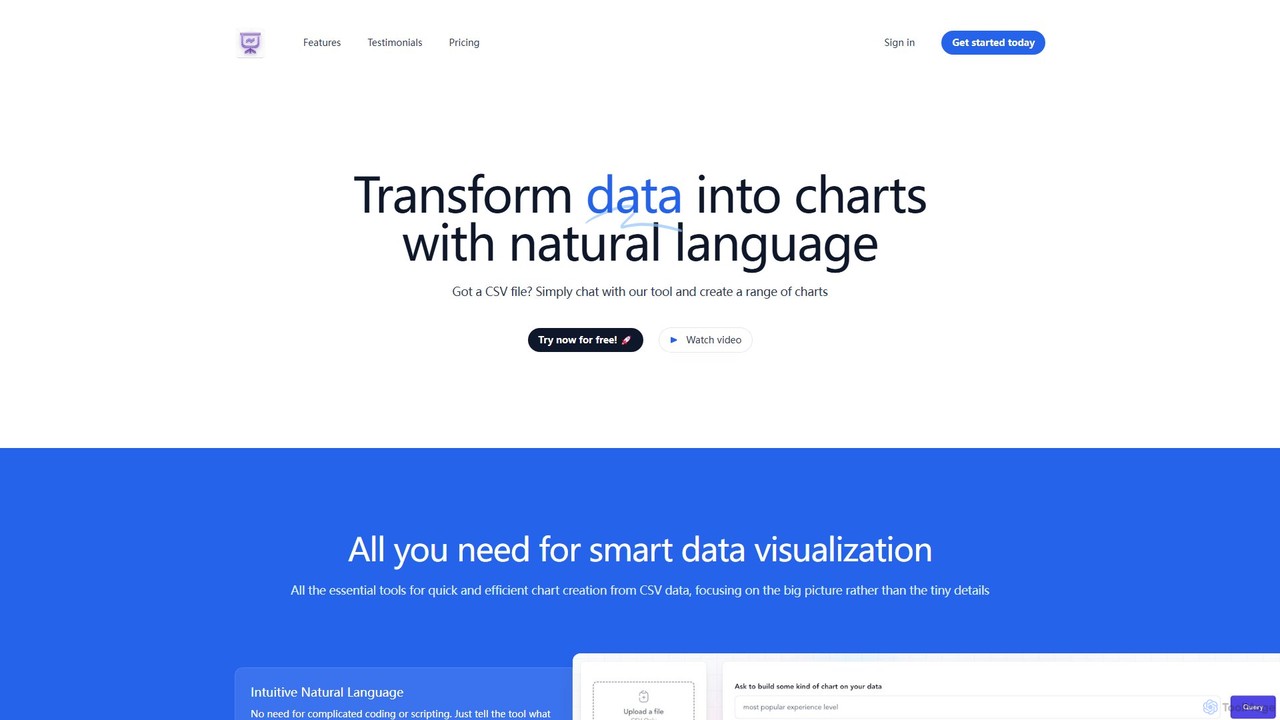
chat2csv
chat2csv is an AI-powered data visualization tool that transforms CSV files into various charts using simple, natural language commands. No coding is required. Just upload your data, chat with the AI, and instantly generate bar charts, pie charts, line graphs, and more. It's designed for quick, intuitive analysis while prioritizing user data privacy.
Business Intelligence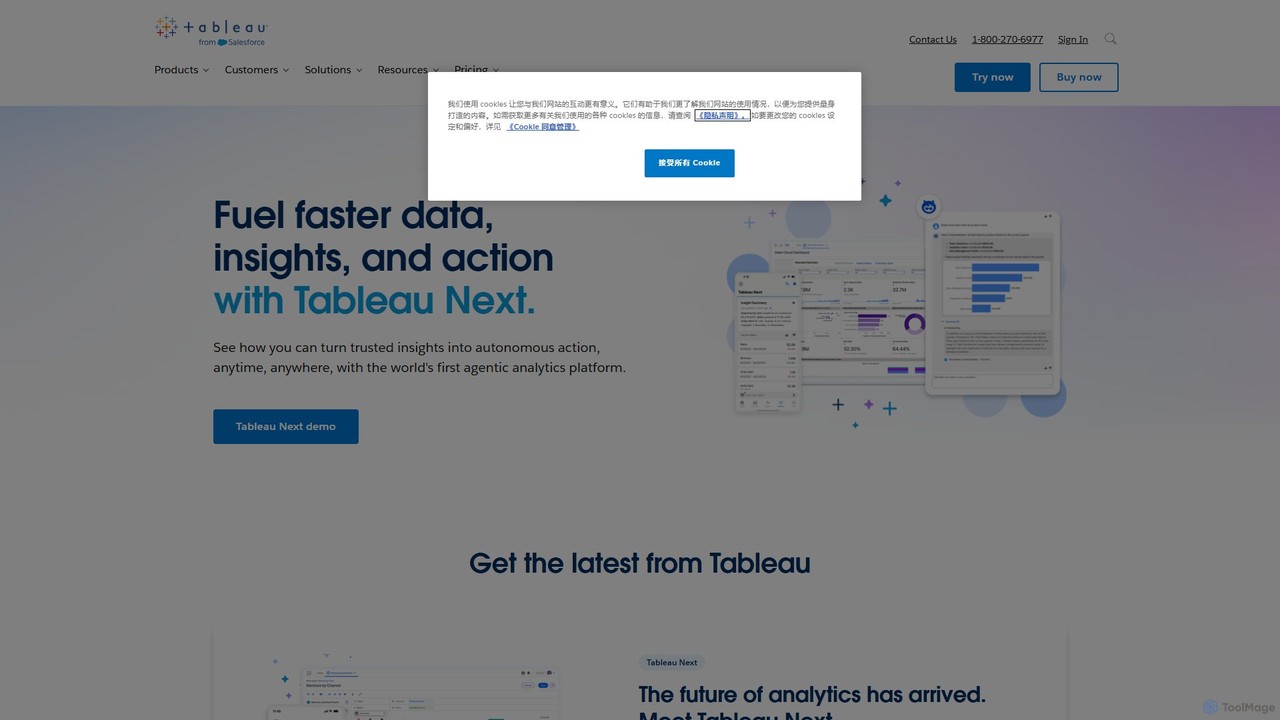
Tableau
Tableau is a leading AI-powered business intelligence and analytics platform that helps people see and understand data. It enables users to create interactive dashboards, perform complex data analysis, and share insights across their organization, enhanced by AI features like Tableau Agent for accelerated decision-making.
Business Intelligence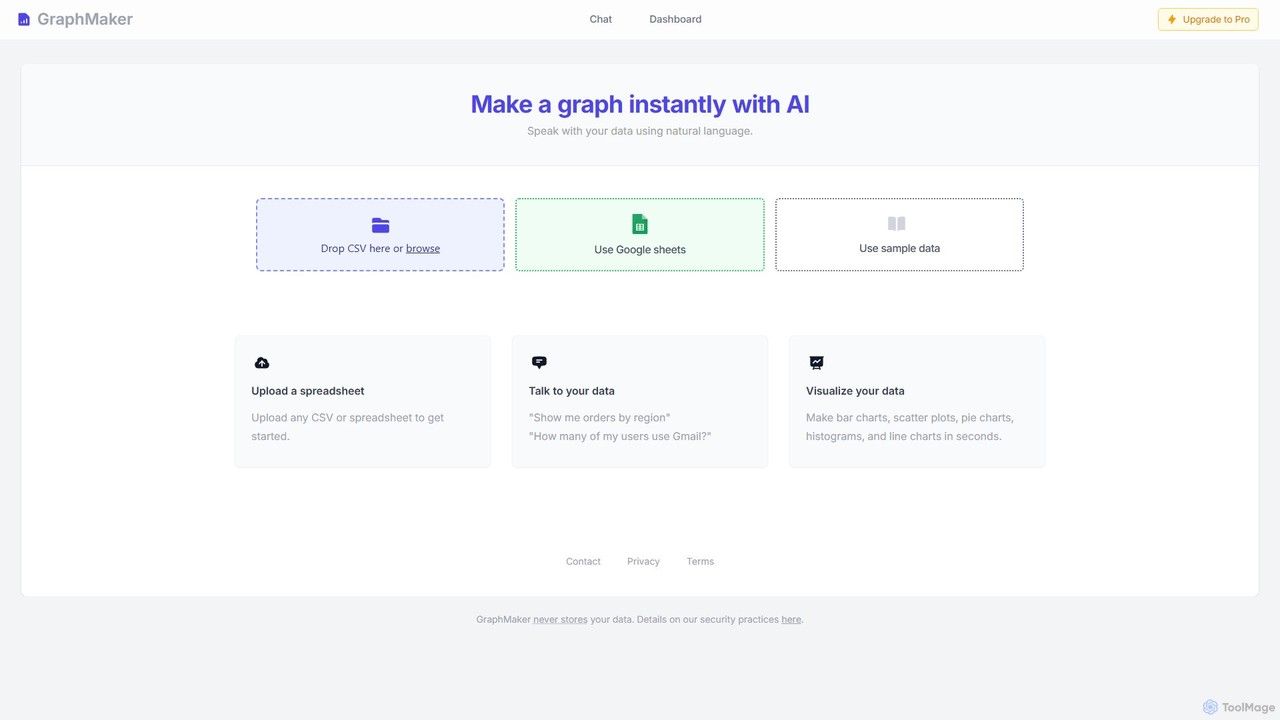
GraphMaker
GraphMaker is an AI-powered data visualization tool that allows you to create various charts and graphs in seconds. Simply upload your data from a CSV file or Google Sheets, and use natural language commands to generate insightful visualizations like bar charts, pie charts, and histograms. It's designed for speed, simplicity, and security, as it never stores your data.
Business Intelligence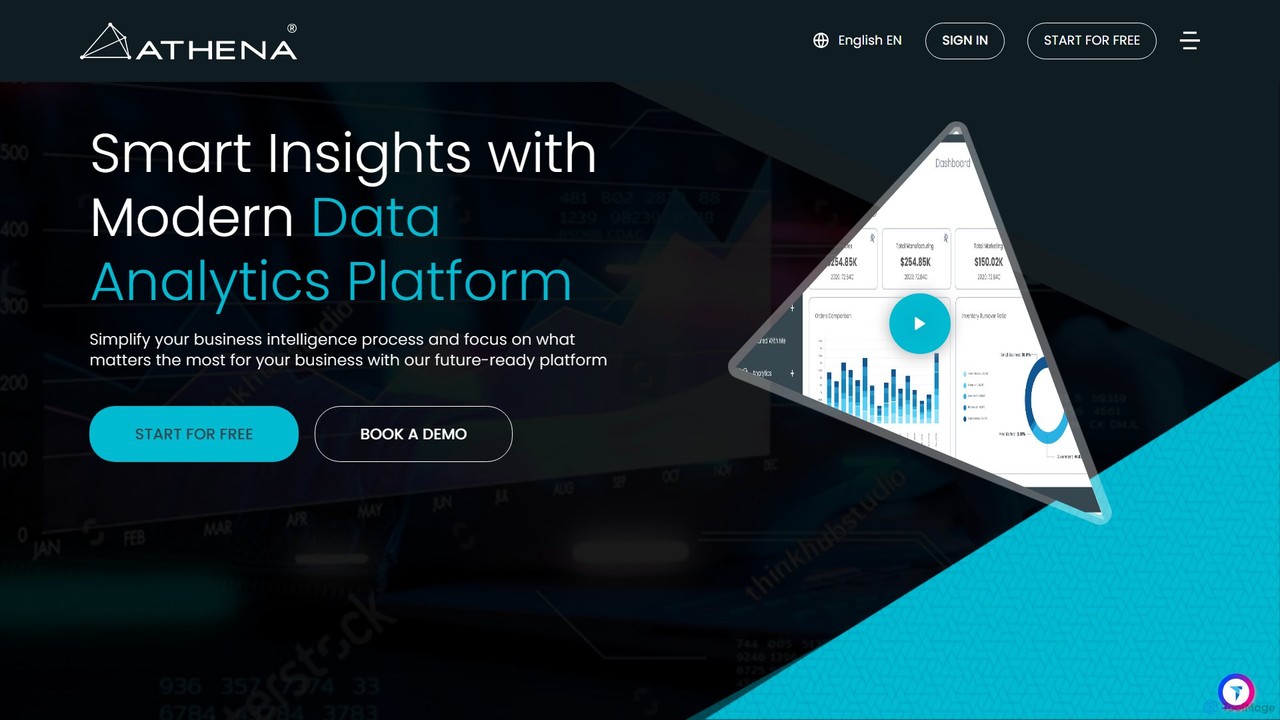
Athena
Athena is an AI-powered data analytics and business intelligence platform designed to simplify complex data. It connects to diverse data sources, provides advanced visualization tools, and delivers real-time, actionable insights through intuitive dashboards and automated reports, empowering businesses of all sizes to make smarter, data-driven decisions.
Business IntelligenceExcelDashboard.ai Categories
ExcelDashboard.ai Embed Widget
Copy this embed code to place the badge on your blog, article, or product site and send readers directly to this ToolMage detail page.

Related AI tools
Othor AI
Othor AI is a no-code business intelligence platform that transforms your data into actionable insights in seconds. It automatically generates narrative-driven reports, smart charts, and predictive analytics, enabling anyone in your organization to make faster, data-driven decisions without technical expertise. Connect your data sources and get instant dashboards and executive summaries.
Business Intelligencechat2csv
chat2csv is an AI-powered data visualization tool that transforms CSV files into various charts using simple, natural language commands. No coding is required. Just upload your data, chat with the AI, and instantly generate bar charts, pie charts, line graphs, and more. It's designed for quick, intuitive analysis while prioritizing user data privacy.
Business Intelligence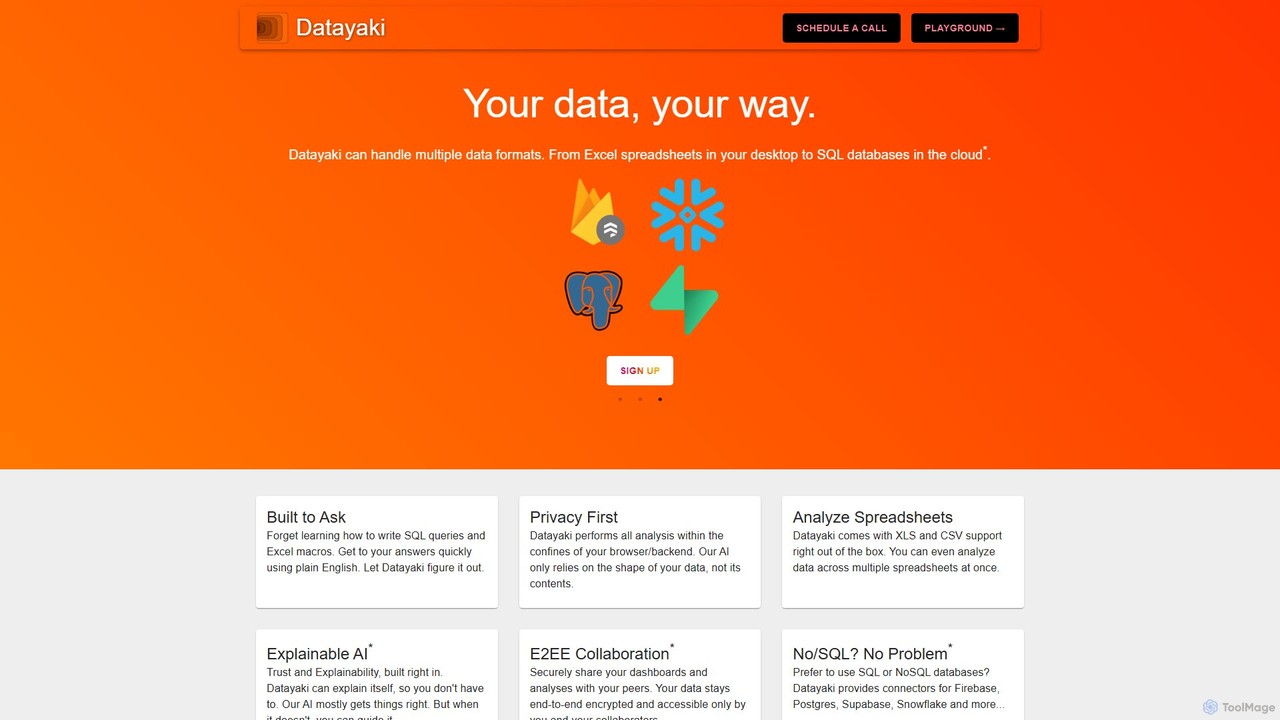
Datayaki
Datayaki is an AI-powered data analyst that lets you find insights from your data by asking questions in plain English. It supports formats like Excel and CSV, eliminating the need for SQL or complex formulas. With a strong focus on privacy, all analysis is performed locally in your browser, ensuring your data remains secure and confidential. It's designed for professionals and teams who need fast, accessible, and secure data analysis.
Data Visualization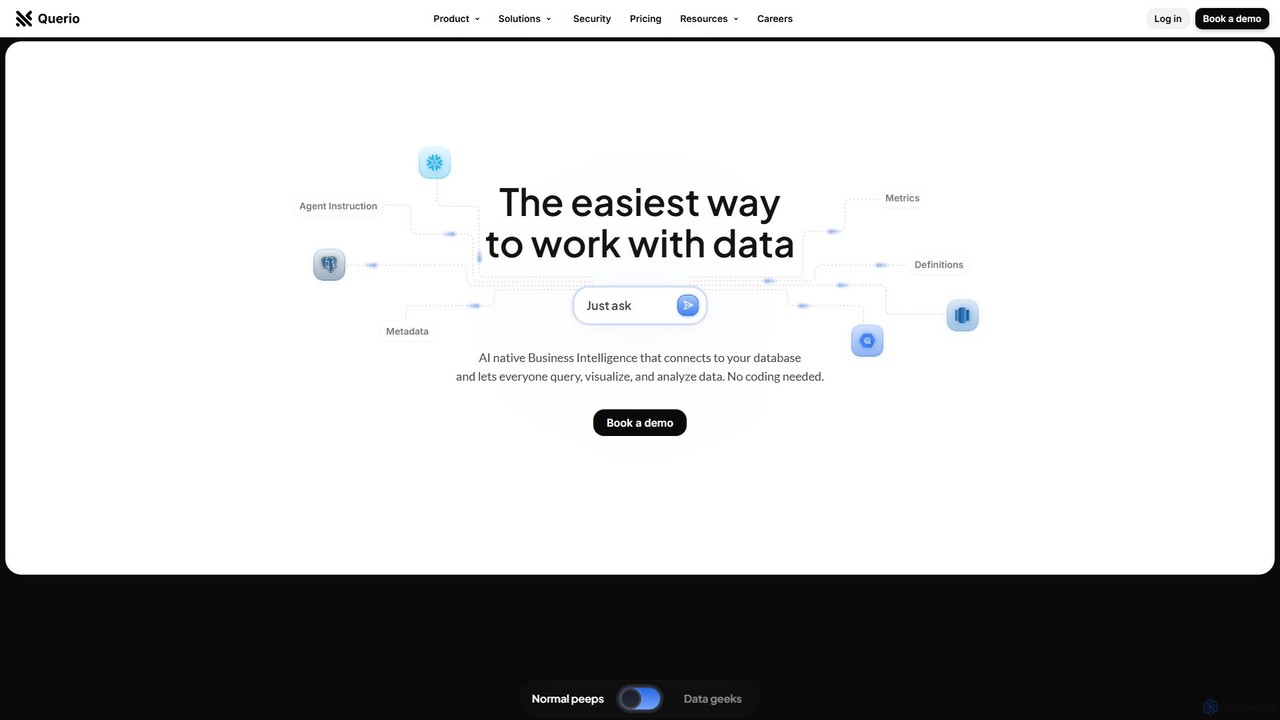
Querio
Querio is an AI-native Business Intelligence (BI) platform that allows teams to analyze their data using natural language. Connect directly to your database and ask questions to generate queries, visualizations, and reports without writing any code. It's designed for both technical and non-technical users to make data-driven decisions quickly.
Business Intelligence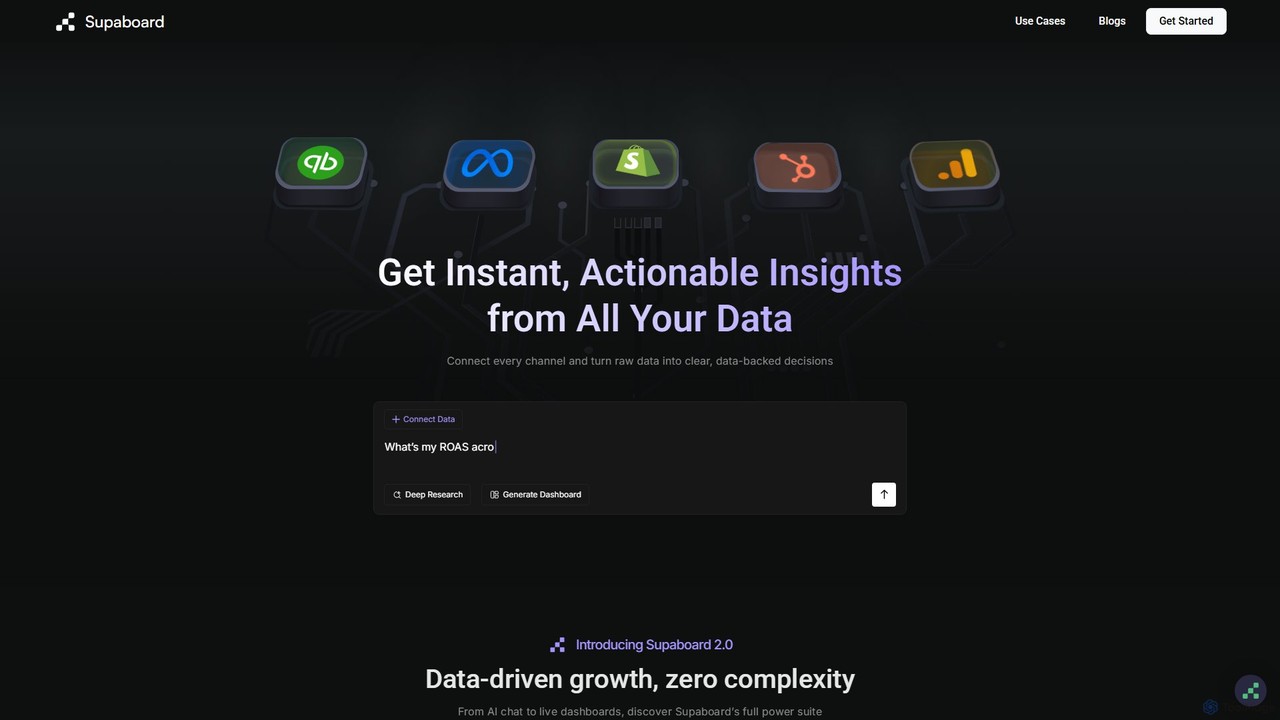
Supaboard
Supaboard is an AI-powered business intelligence platform that connects all your data sources into a unified hub. It transforms raw data into actionable insights and live dashboards, allowing teams to make data-backed decisions quickly without needing to write code or wrangle spreadsheets.
Business Intelligence
Ajelix
Ajelix is an AI-powered suite of tools designed to enhance productivity for Excel and Google Sheets users. It acts as an AI data analyst, automating tasks, generating formulas and VBA scripts, creating insightful reports, and providing advanced data analysis through a simple chat interface.
Business Intelligence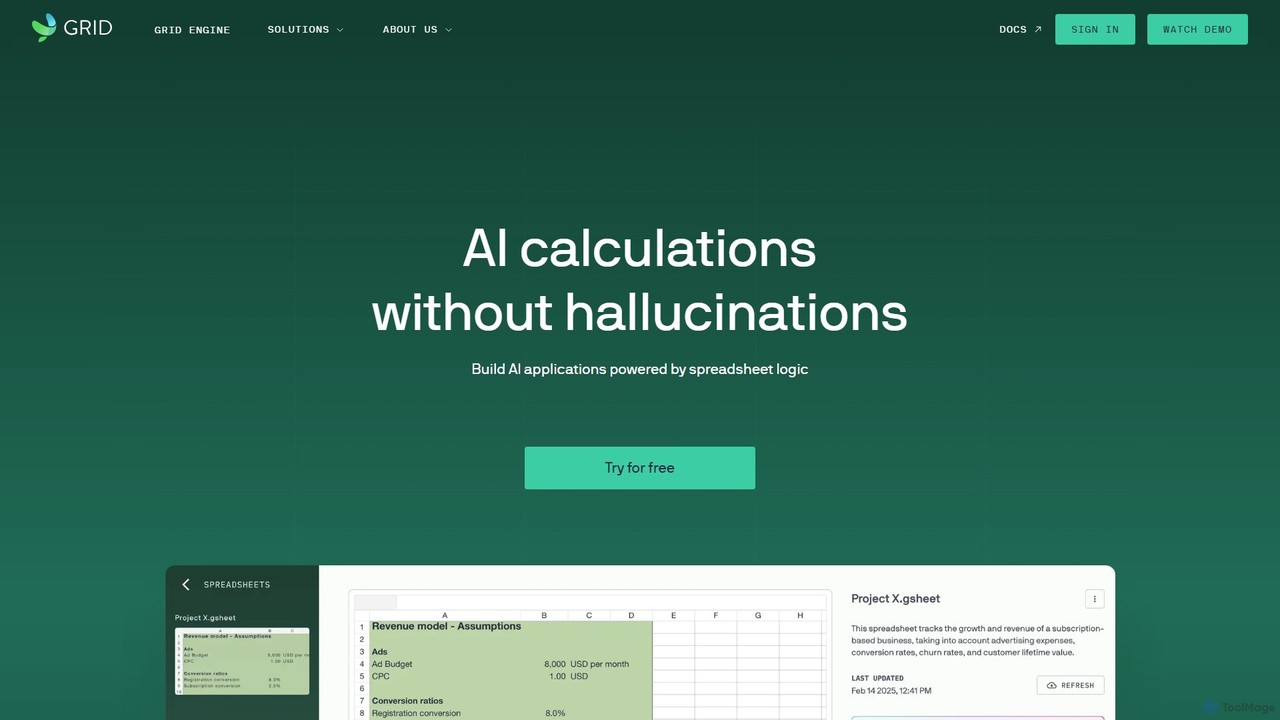
GRID
GRID is an AI-first platform that transforms your existing spreadsheets into powerful, interactive web applications and AI-driven tools. It leverages the logic and data within your Excel and Google Sheets files to build reliable calculators, dashboards, and models that can be queried using natural language, eliminating AI hallucinations.
Business Intelligence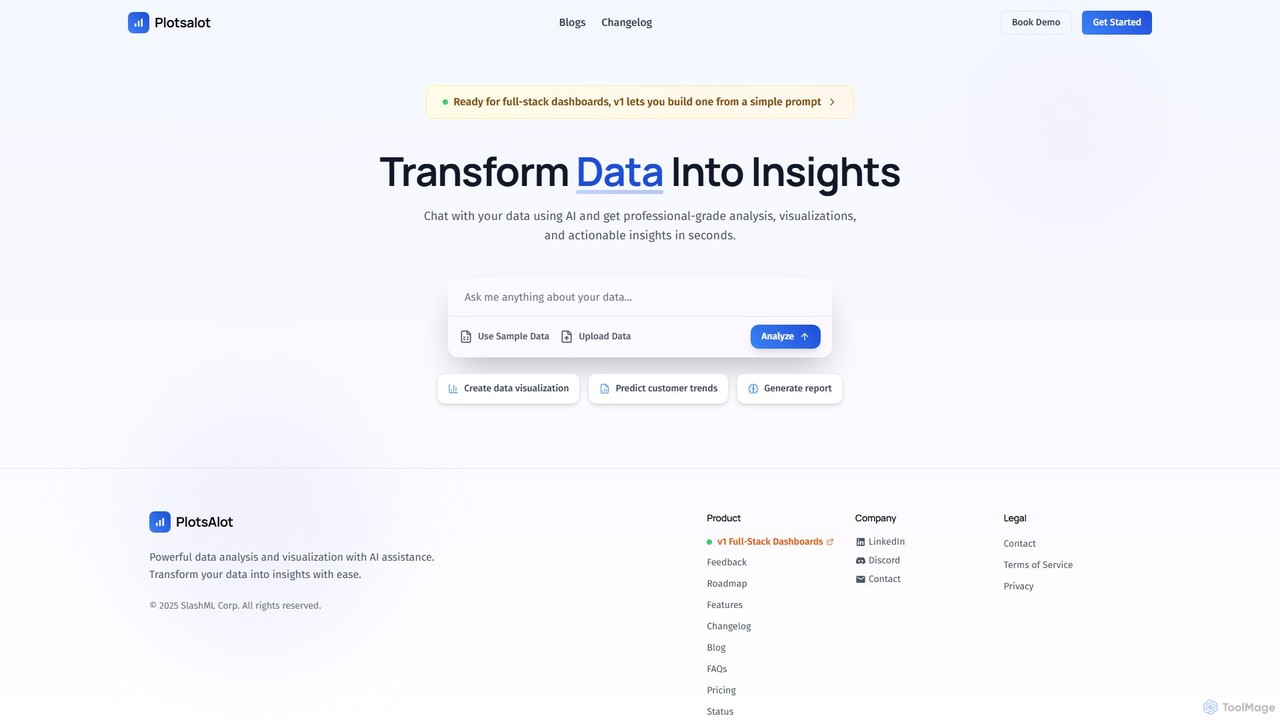
PlotsAlot
PlotsAlot is an AI-powered data analysis and visualization platform that transforms raw data into professional-grade charts, dashboards, and actionable insights. Simply upload your data and use natural language prompts to chat with it, perform advanced analysis, and predict trends in seconds.
Business IntelligenceTableau
Tableau is a leading AI-powered business intelligence and analytics platform that helps people see and understand data. It enables users to create interactive dashboards, perform complex data analysis, and share insights across their organization, enhanced by AI features like Tableau Agent for accelerated decision-making.
Business Intelligence
InsightJini
InsightJini is a ChatGPT-powered AI tool that transforms data analysis. Simply upload your Excel or CSV files and start a conversation to uncover instant insights, generate visualizations, and explore your data without writing a single line of code. It's the fastest, most intuitive way to understand your data.
Data Visualization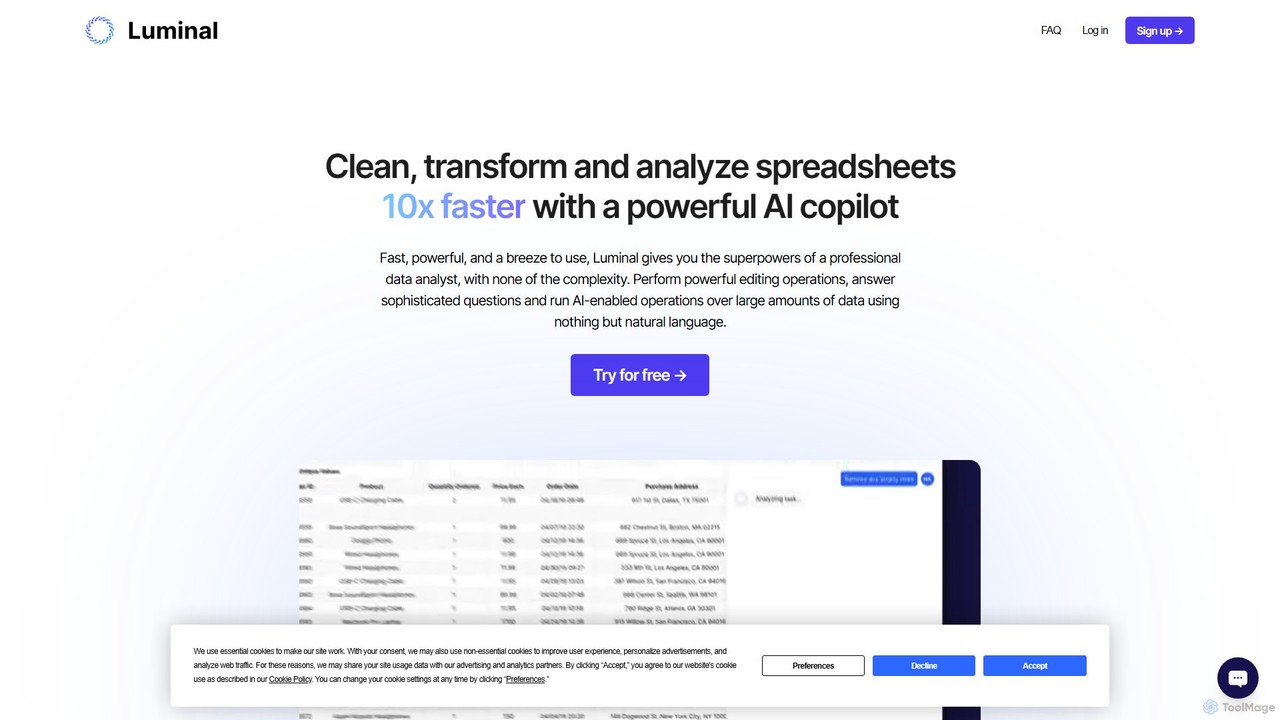
Luminal
Luminal is a powerful AI copilot that revolutionizes spreadsheet management. It allows users to clean, transform, analyze, and visualize data up to 10x faster using simple, natural language commands. Eliminate complex formulas and manual data processing, saving hours of work on large datasets.
Data Management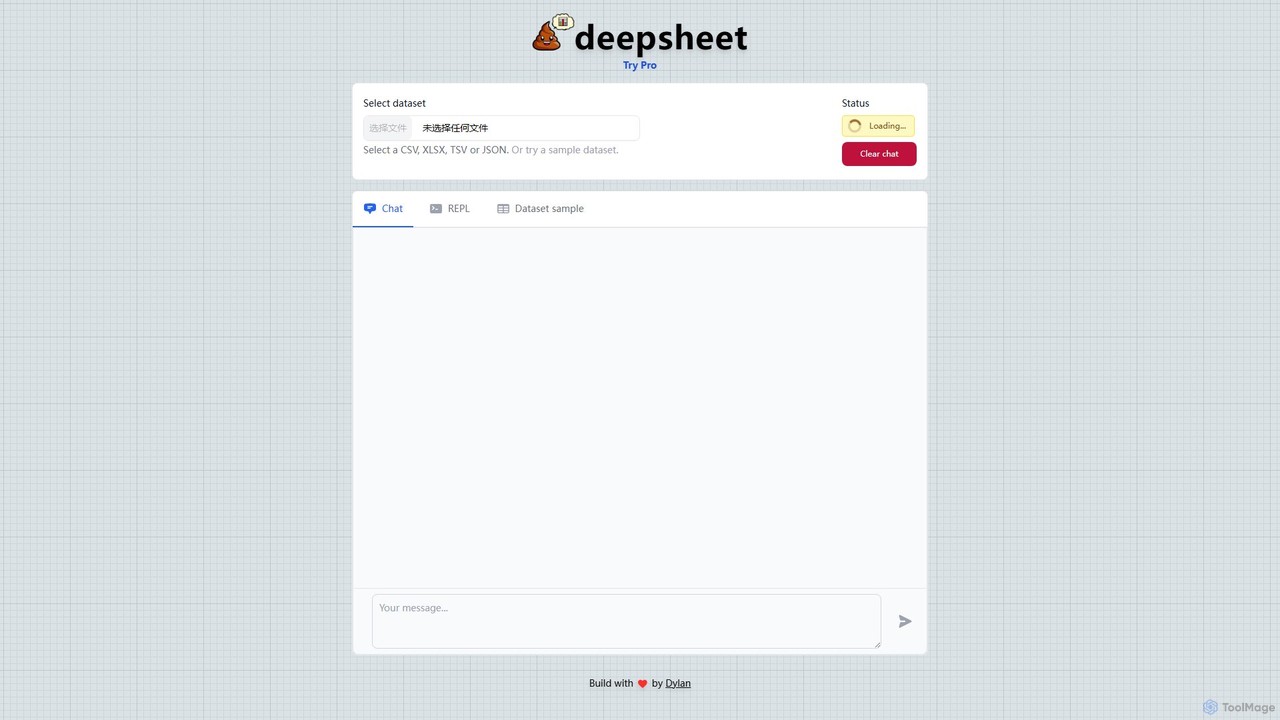
deepsheet
deepsheet is an AI-powered data analysis tool that allows users to interact with spreadsheets and datasets using natural language. Upload CSV, XLSX, or JSON files and ask questions in a chat interface to get insights, generate visualizations, and perform data transformations without writing code.
3D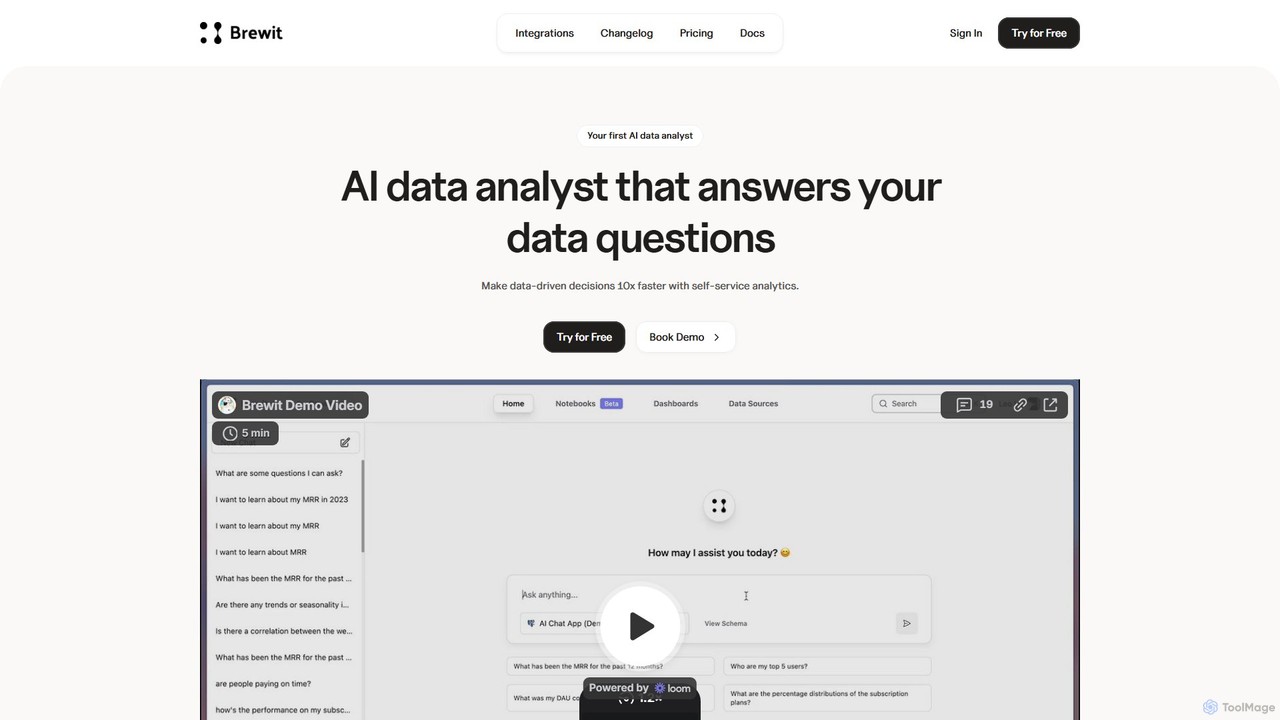
Brewit
Brewit is an AI-powered analytics platform that enables users to perform self-service data analysis. Connect to your databases, chat in natural language to query data, generate SQL, and create interactive visualizations and reports. It simplifies business intelligence, making data accessible to everyone in the organization, regardless of their technical skills.
Database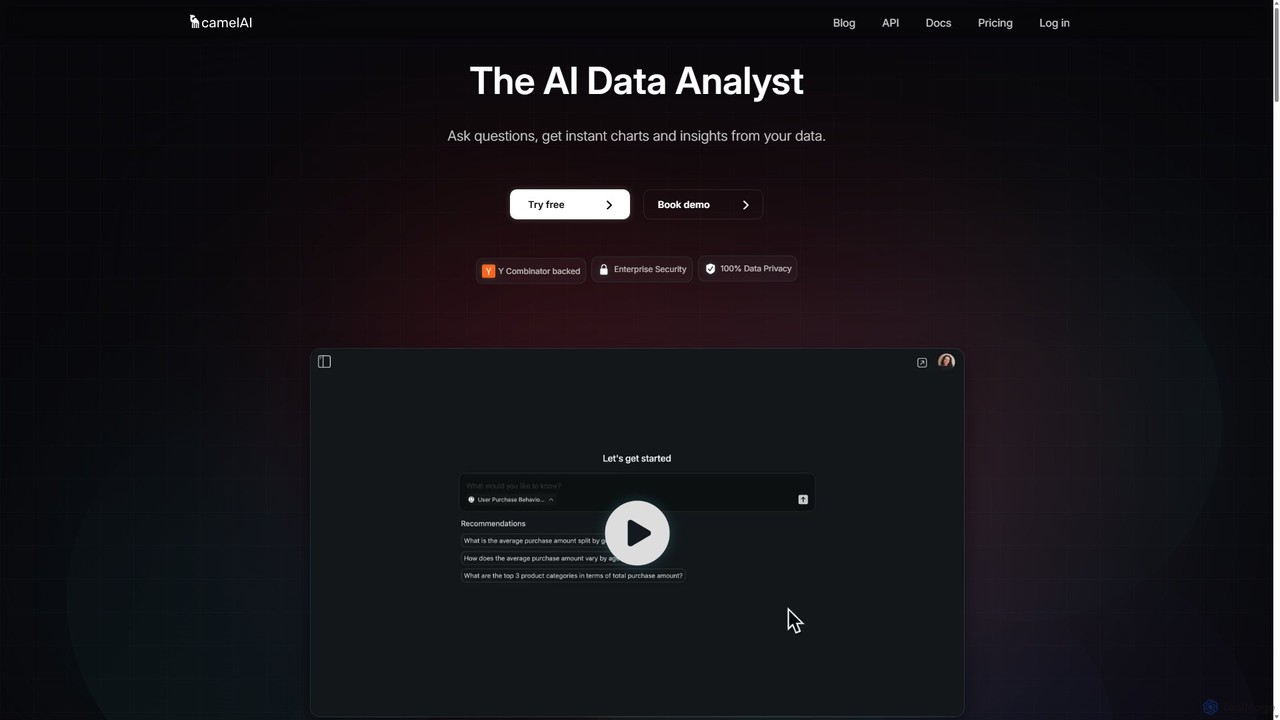
camelAI
camelAI is an AI-powered data analysis platform that enables users to query their databases using natural language. It eliminates the need for SQL, providing instant answers with interactive charts and tables, making data-driven decision-making accessible to everyone in an organization.
Business Intelligence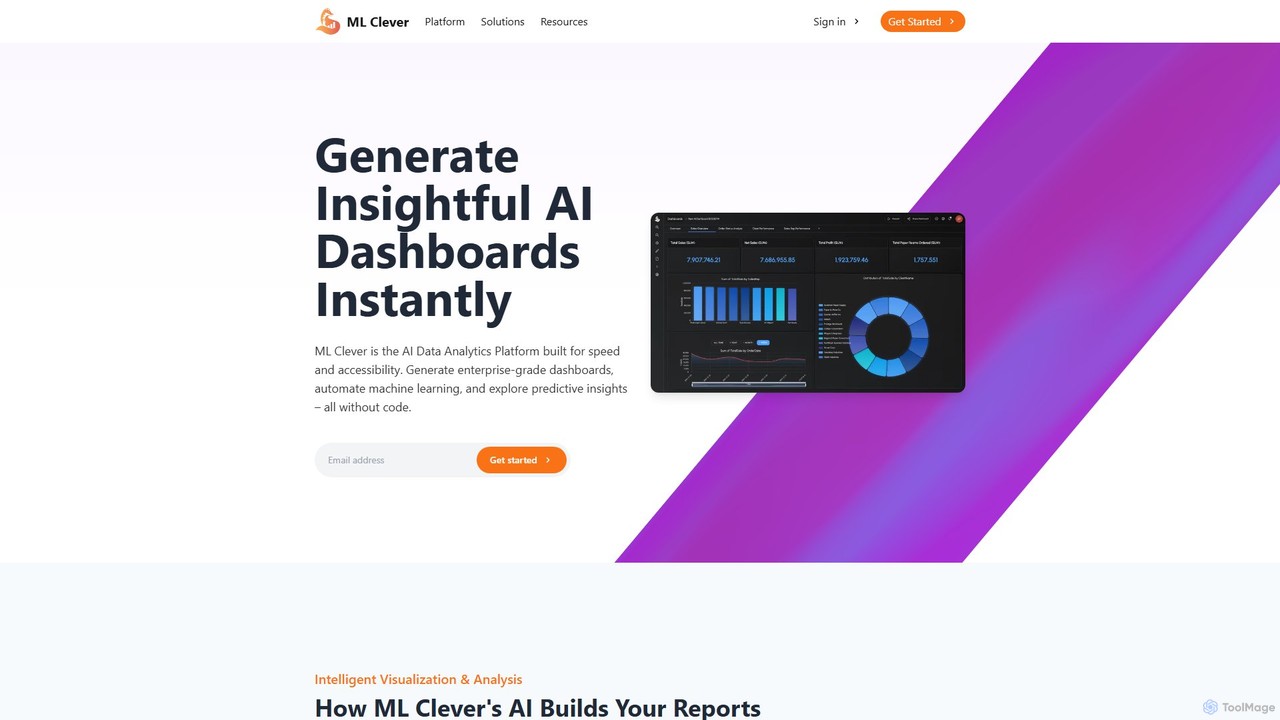
mlclever
mlclever is a no-code AI analytics platform that instantly generates interactive dashboards and builds predictive models. It automates data analysis, visualization, and machine learning, empowering business users to uncover insights from their data for sales, finance, and marketing without any technical expertise.
Business Intelligence
ExcelDashboard.ai Comments (0)
Sign in to comment.
Sign inNo comments yet.