

Datayaki Overview
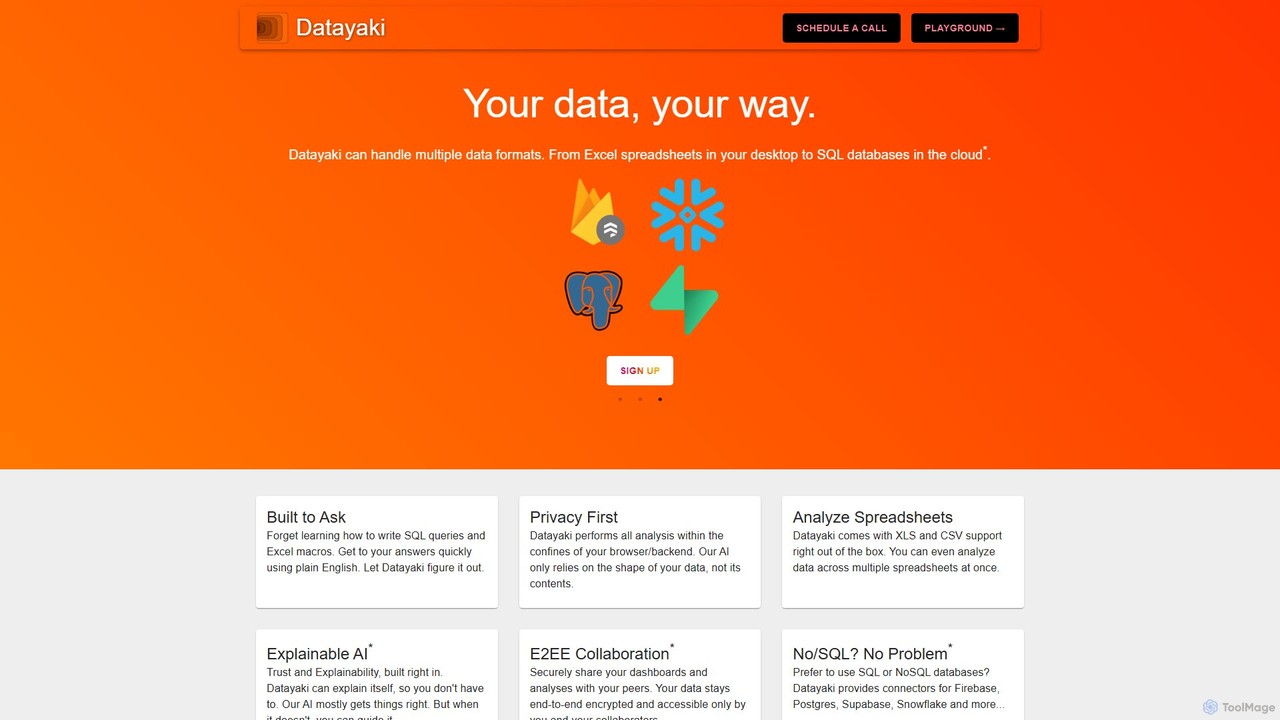
Datayaki positions itself as your personal AI data analyst, designed to democratize data analysis by making it as simple as asking a question. This powerful tool empowers users to interact with their data using natural language, bypassing the steep learning curve of SQL, Python, or complex Excel macros. It is built for anyone, from business professionals and academic researchers to any individual needing to extract meaningful insights from their datasets quickly and efficiently.
The core philosophy of Datayaki is "Your data, your way," with a paramount emphasis on privacy and security. Unlike many cloud-based AI tools, Datayaki processes all information directly within the user's browser or backend. This means your sensitive data never leaves your control. The AI is engineered to understand the structure (schema) of your data, not its content, ensuring complete confidentiality.
How to use Datayaki
Using Datayaki is designed to be an intuitive, three-step process: Ask → Analyze.
- Sign Up and Connect Data: Get started by signing up, typically with a Google account. You can immediately upload your data files. Datayaki supports common formats like Excel (.xls, .xlsx) and CSV right out of the box. You can even load and analyze data across multiple spreadsheets simultaneously.
- Ask Questions in Plain English: Once your data is loaded, you can start querying. Instead of writing code, simply type your questions into the prompt. For example, you could ask, "What were the top 5 selling products last quarter?" or "Show the monthly revenue trend for the past year."
- Receive Instant Insights: Datayaki's AI interprets your question, performs the necessary calculations and analysis on your data, and presents the findings. These insights can be in the form of text summaries, tables, or data visualizations, allowing you to understand the results at a glance.
- Guide and Refine (Upcoming Feature): While the AI is highly accurate, the platform will allow users to guide or correct its interpretations, ensuring the results are always aligned with the user's intent.
Core Features of Datayaki
- Natural Language Querying: Interact with your data using simple, conversational English, making data analysis accessible to everyone.
- Privacy-First Architecture: All analysis is performed locally in your browser or on your backend. Your data content is never sent to external servers, guaranteeing privacy.
- Multi-Format Support: Natively handles Excel (XLS, XLSX) and CSV files. Users can analyze data across multiple files at once.
- Database Connectors (Upcoming): Future versions will include connectors for popular SQL and NoSQL databases like Firebase, Postgres, Supabase, and Snowflake, expanding its use to more complex data infrastructures.
- Explainable AI (Upcoming): The tool will be able to explain its analysis process and results, building trust and transparency.
- Secure E2EE Collaboration (Upcoming): Teams will be able to securely share dashboards and analyses with end-to-end encryption, ensuring that only authorized collaborators can access the information.
Use Cases for Datayaki
Datayaki is versatile and can be applied across various domains:
- Business Intelligence: Marketing managers can analyze campaign ROI, customer segmentation, and lead conversion rates from exported reports.
- Sales Analysis: Sales teams can track performance against targets, identify regional trends, and analyze product sales without waiting for an analyst.
- Academic Research: Researchers and students can quickly process survey results, experimental data, and other datasets without needing to code in R or Python.
- Financial Operations: Finance professionals can perform ad-hoc analysis on financial statements, expense reports, and budget forecasts.
- Startups & Small Businesses: Founders and small teams can make data-driven decisions by quickly analyzing their operational data without hiring a dedicated data scientist.
Advantages of Datayaki
The primary advantage of Datayaki is its ability to make sophisticated data analysis incredibly accessible and secure.
- No Technical Skills Required: Eliminates the barrier to entry for data analysis, empowering business users to get their own answers.
- Enhanced Productivity: Delivers insights in seconds, dramatically speeding up the decision-making process.
- Uncompromised Security: The local-first processing model is a significant differentiator for organizations concerned with data privacy and compliance.
- Cost-Effective: Reduces reliance on specialized data analysts or expensive, complex BI software suites, potentially saving teams significant costs.
Pricing and Plans
Datayaki appears to operate on a freemium model. There is a "Sign Up" option, likely for a free or trial individual plan, allowing users to test the core functionalities. For teams and enterprise use, the website encourages scheduling a call, which suggests custom-priced plans with advanced features like enhanced collaboration, dedicated support, and extensive database connectors. For specific details, it is best to visit the official website or contact their sales team.
Traffic
Latest traffic
Status
Monthly traffic trend
- 2025-8: 90
- 2025-9: 397
- 2026-3: 0
- 2026-4: 0
- 2026-5: 201
Top keywords
| Keyword | Cost per click |
|---|---|
| yakki ai | $0.00 |
Datayaki Alternatives
thebricks
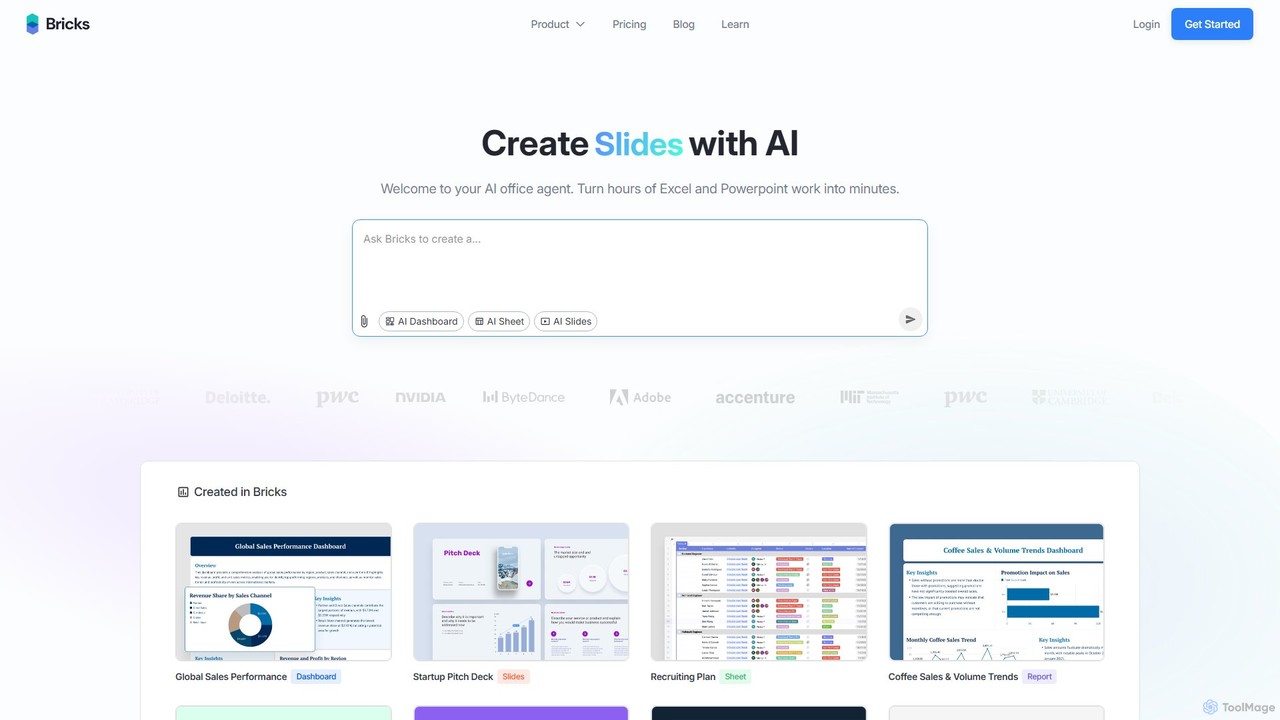
thebricks is an AI-powered workspace that transforms data analysis and reporting. It allows users to create interactive dashboards, dynamic spreadsheets, and professional slides using simple natural language prompts. Turn hours of manual work in Excel and PowerPoint into minutes, streamlining your workflow and boosting productivity.
Business Intelligence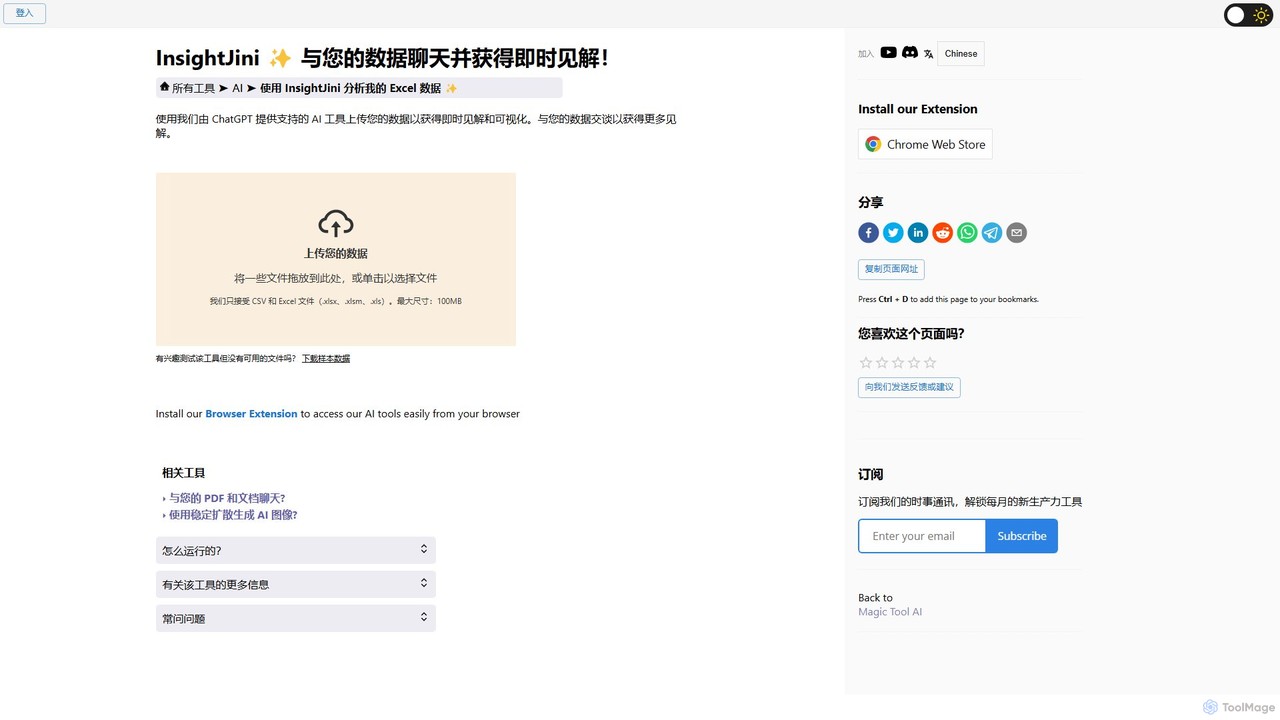
InsightJini
InsightJini is a ChatGPT-powered AI tool that transforms data analysis. Simply upload your Excel or CSV files and start a conversation to uncover instant insights, generate visualizations, and explore your data without writing a single line of code. It's the fastest, most intuitive way to understand your data.
Data Visualization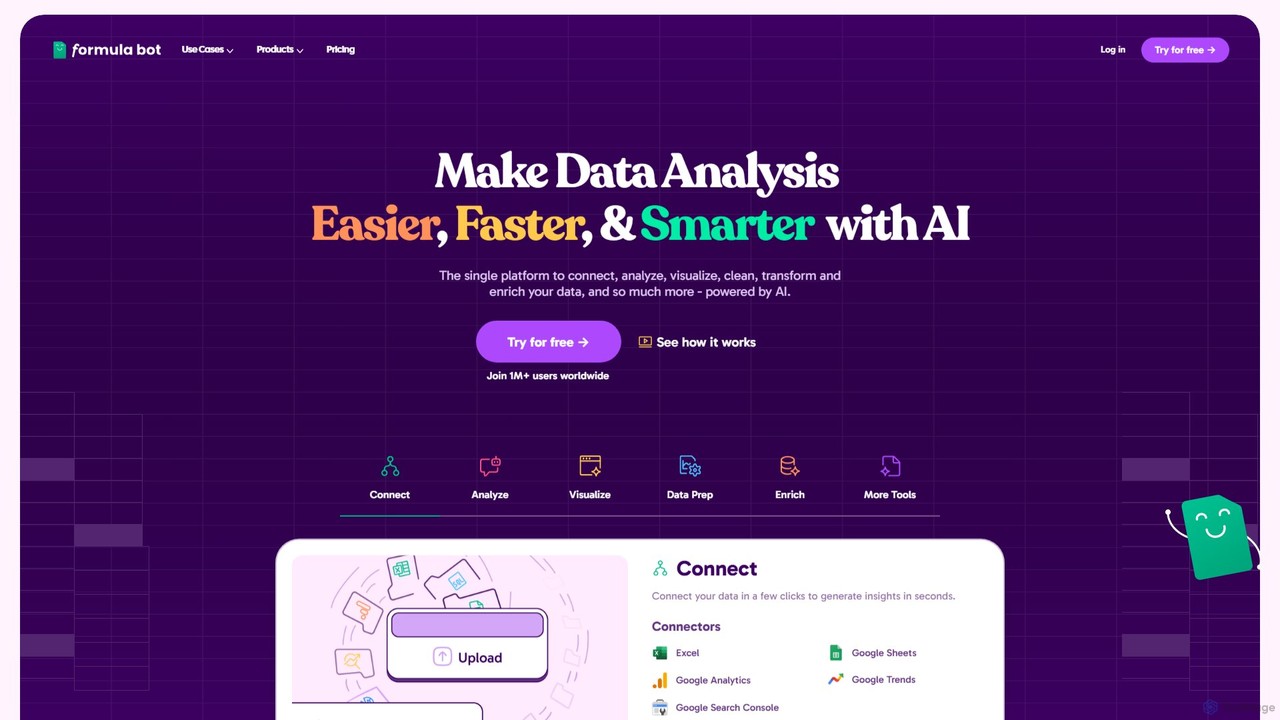
Formula Bot
Formula Bot is an AI-powered data analysis platform that simplifies working with spreadsheets and data. It allows users to generate Excel formulas, SQL queries, and VBA code from simple text instructions, analyze data through a conversational chat interface, and automate tasks like data cleaning and enrichment.
Data Visualization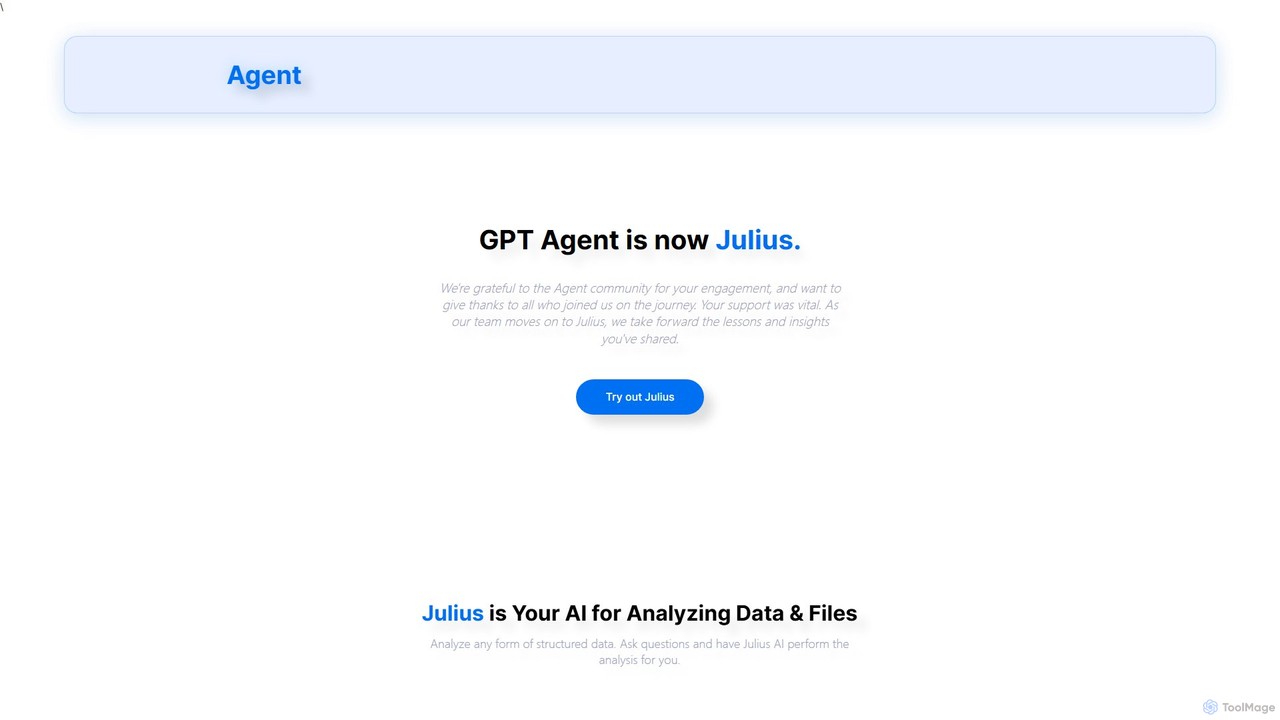
gptagent
gptagent has rebranded to Julius, an AI data analyst that allows you to analyze data and files using natural language. Upload structured data, ask questions, and instantly generate visualizations, perform statistical analysis, and build models without writing any code. It transforms complex data tasks into simple conversations.
Business Intelligence
Ajelix
Ajelix is an AI-powered suite of tools designed to enhance productivity for Excel and Google Sheets users. It acts as an AI data analyst, automating tasks, generating formulas and VBA scripts, creating insightful reports, and providing advanced data analysis through a simple chat interface.
Business IntelligenceDatayaki Categories
Datayaki Embed Widget
Copy this embed code to place the badge on your blog, article, or product site and send readers directly to this ToolMage detail page.

Related AI tools
airwiz
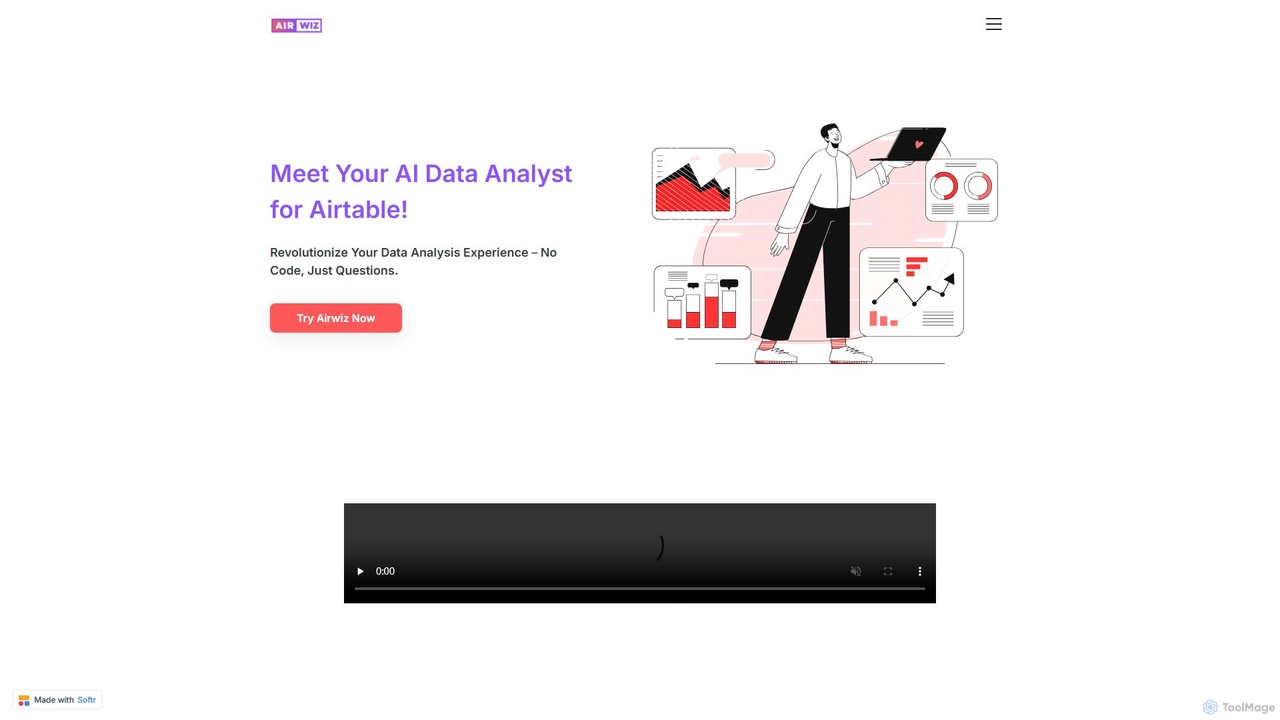
Airwiz is an AI-powered data analyst designed specifically for Airtable. It allows users to ask complex questions about their data in plain English and receive instant, actionable insights. With seamless integration and no coding required, Airwiz democratizes data analysis, enabling teams in product, finance, and operations to make faster, data-driven decisions directly from their Airtable bases.
No CodeAjelix
Ajelix is an AI-powered suite of tools designed to enhance productivity for Excel and Google Sheets users. It acts as an AI data analyst, automating tasks, generating formulas and VBA scripts, creating insightful reports, and providing advanced data analysis through a simple chat interface.
Business Intelligence
Stadai
Stadai is an advanced AI-powered platform for data analysis, business intelligence, and predictive modeling. It empowers users to transform complex data into actionable insights, automate reporting, and forecast trends through an intuitive, no-code interface.
Business Intelligence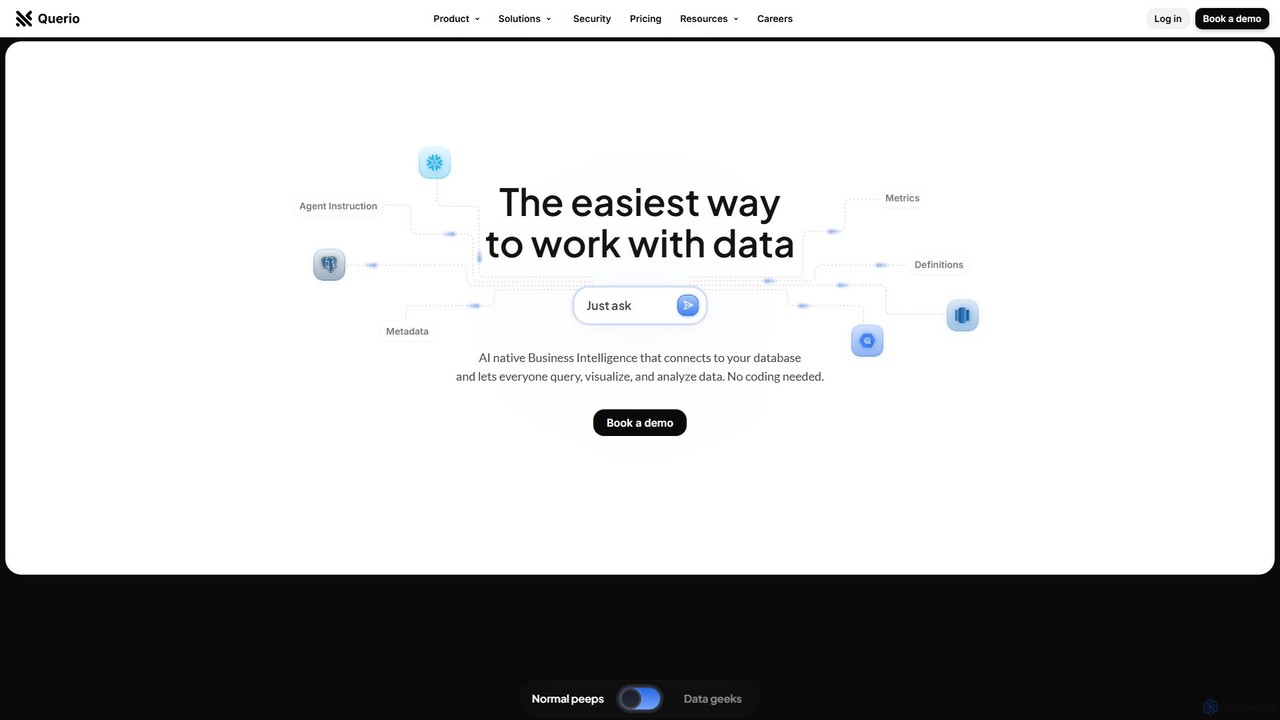
Querio
Querio is an AI-native Business Intelligence (BI) platform that allows teams to analyze their data using natural language. Connect directly to your database and ask questions to generate queries, visualizations, and reports without writing any code. It's designed for both technical and non-technical users to make data-driven decisions quickly.
Business Intelligence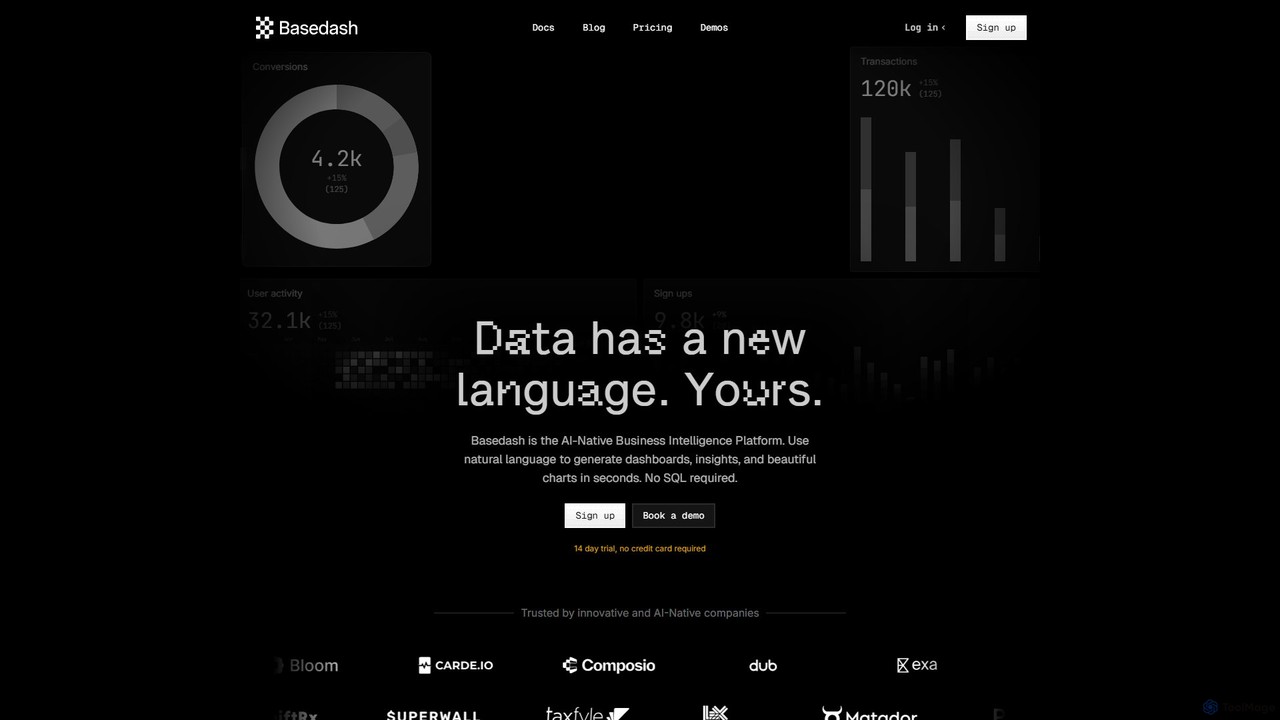
Basedash
Basedash is an AI-native business intelligence platform that allows teams to interact with their data using natural language. Generate beautiful dashboards, charts, and insights in seconds without writing any SQL code. Connect your data sources and simply ask questions to get answers.
Business Intelligence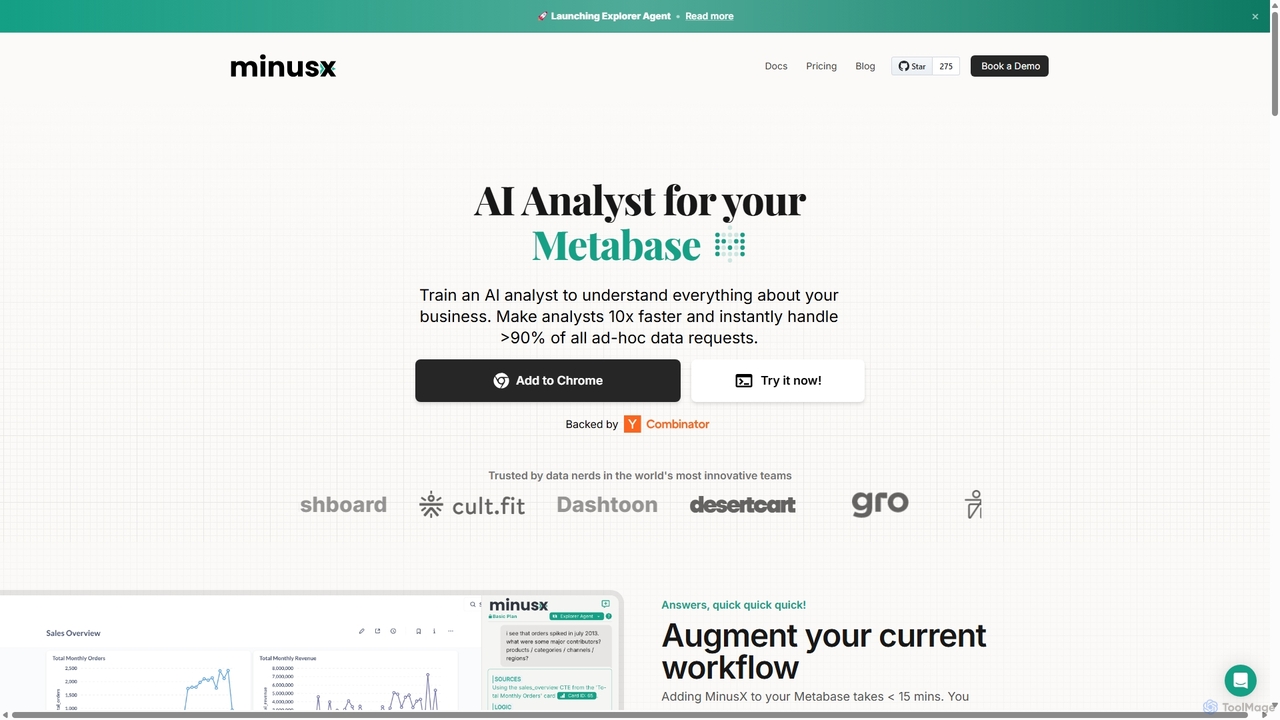
Minusx
Minusx is an AI data analyst designed to integrate seamlessly with Metabase. It empowers data analysts, business users, and executives to query data using natural language, handling over 90% of ad-hoc requests instantly. By acting as a Chrome extension within your existing workflow, Minusx enhances productivity, codifies business knowledge through 'Context Engineering', and provides quick, accurate insights directly from your dashboards and reports, all while ensuring data security.
Analytics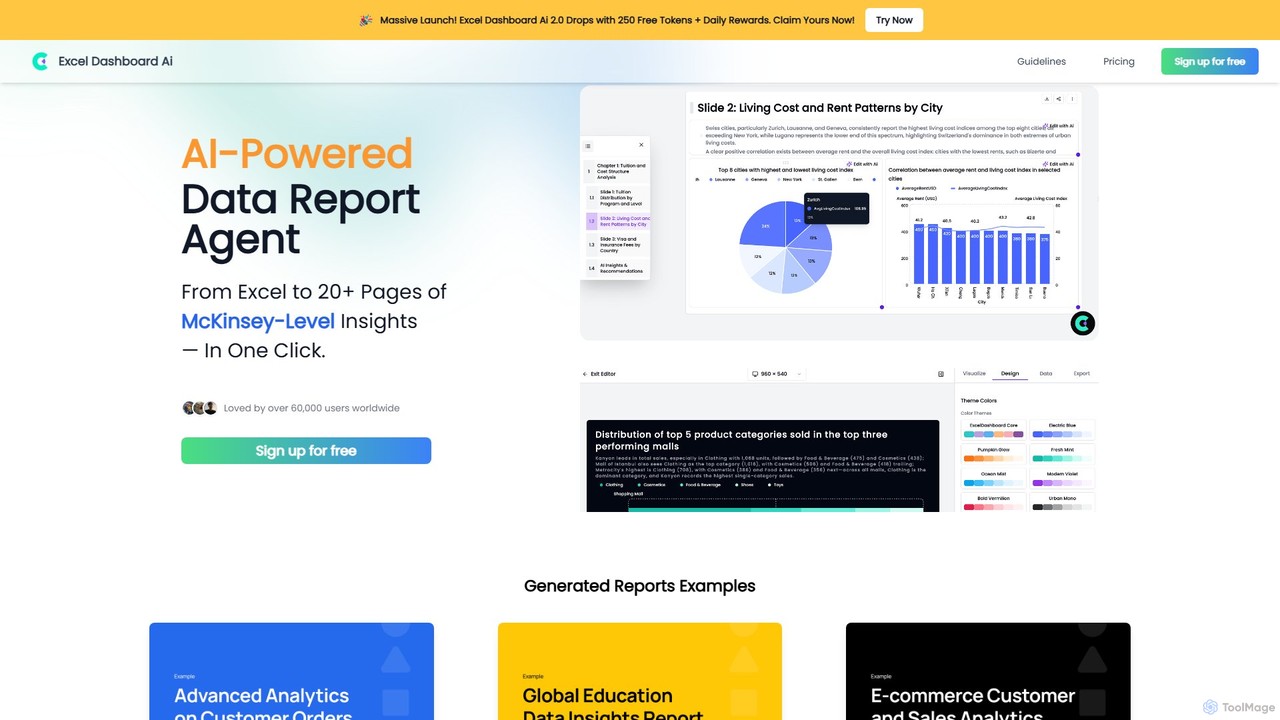
ExcelDashboard.ai
ExcelDashboard.ai is an AI-powered data analysis tool that instantly transforms raw Excel or CSV files into interactive dashboards and comprehensive, multi-page reports. With a single click, it generates deep, McKinsey-level insights, visualizes data, and allows users to explore information using natural language commands. It's designed for users of all skill levels to make data-driven decisions without needing programming expertise.
Business Intelligence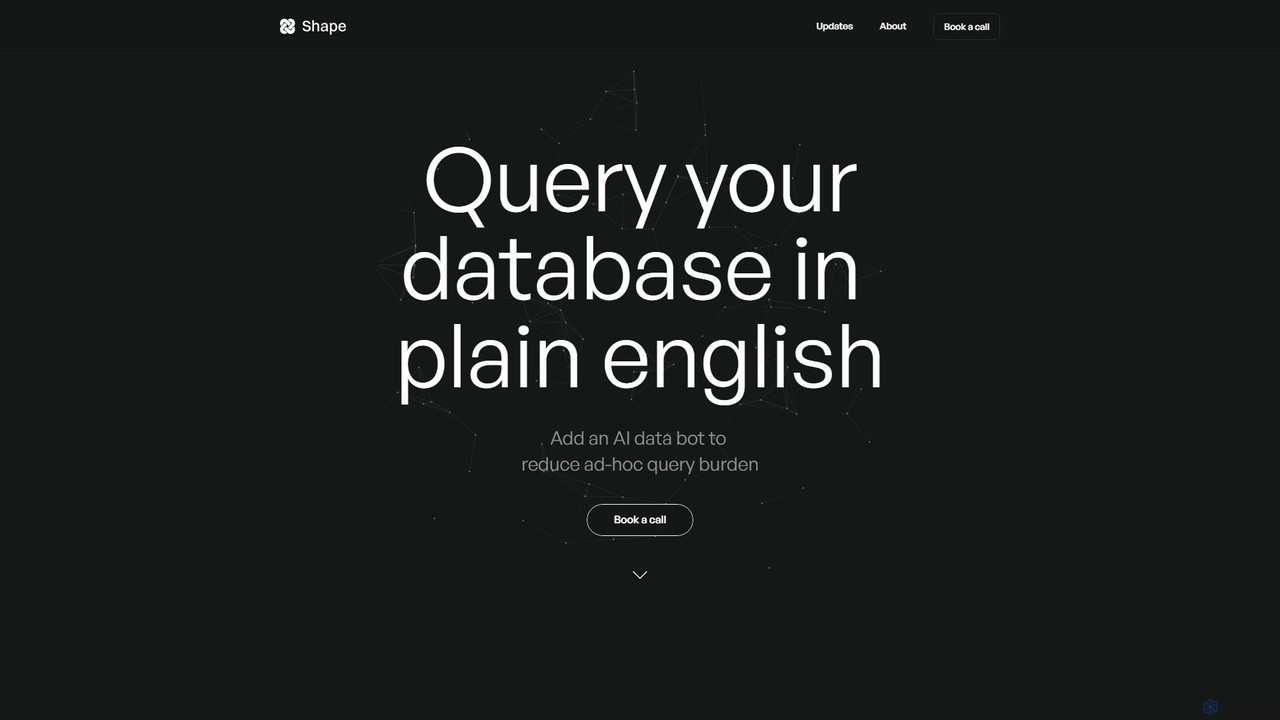
Shape
Shape is an AI-powered data analyst that allows teams to query their databases using plain English. It connects to your existing data stack and enables non-technical users to get instant answers to complex data questions through integrations like Slack and Microsoft Teams. By translating natural language into advanced SQL, Shape provides nuanced answers, automated visualizations, and frees up data analysts from ad-hoc query burdens, making data accessible to everyone in the organization.
Api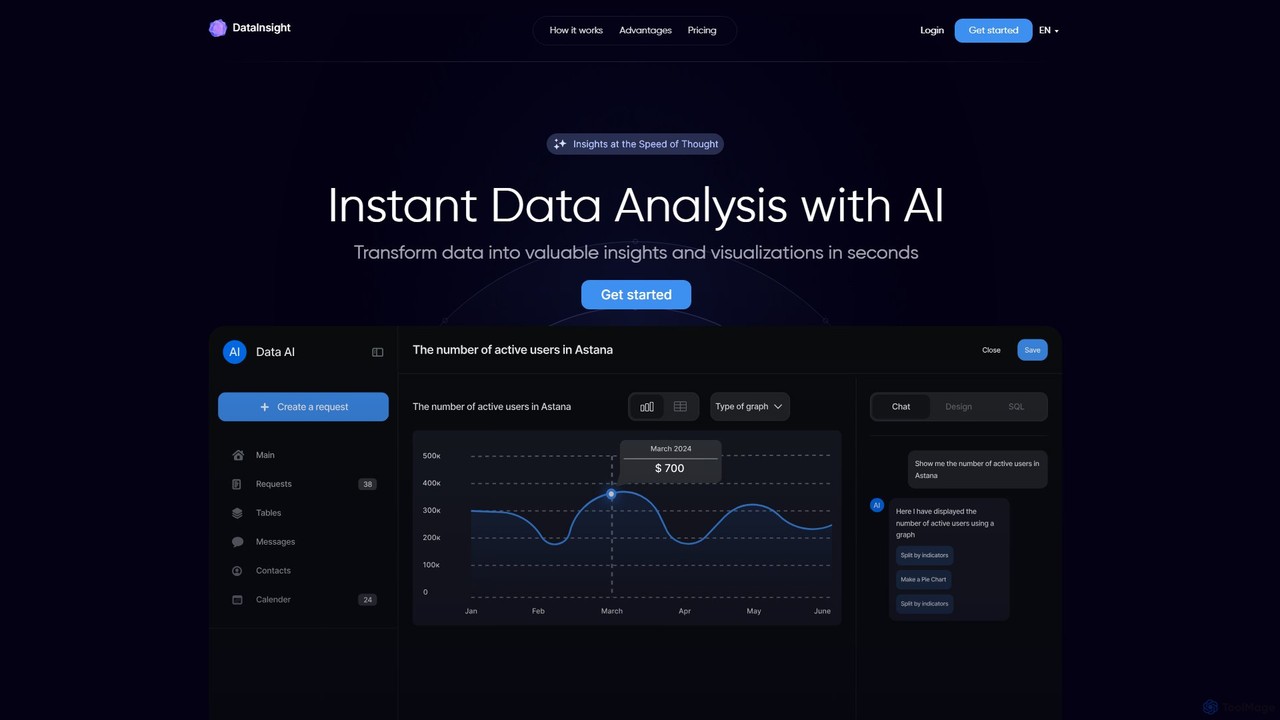
DataInsight
DataInsight is an AI-powered platform that transforms your business data into actionable insights and visualizations in seconds. Connect your databases like Postgres, MySQL, and BigQuery, and ask questions in plain English to receive instant answers. Generate custom graphs and tables, export reports, and replace the need for multiple analytics tools or a dedicated data analyst. It's a fast, secure, and cost-effective solution for data-driven decision-making.
Business Intelligence
pandalyst
Pandalyst is an AI-powered data analysis platform that transforms how you interact with data. Ask questions in natural language and receive instant visualizations, insights, and reports. It automates complex data tasks, making business intelligence accessible to everyone, from analysts to business leaders, without writing a single line of code.
Low Code No Code
Jyek
Jyek is an AI agent platform that understands objectives, creates execution plans, uses tools, and delivers verifiable results for complex, multi-step tasks.
Automation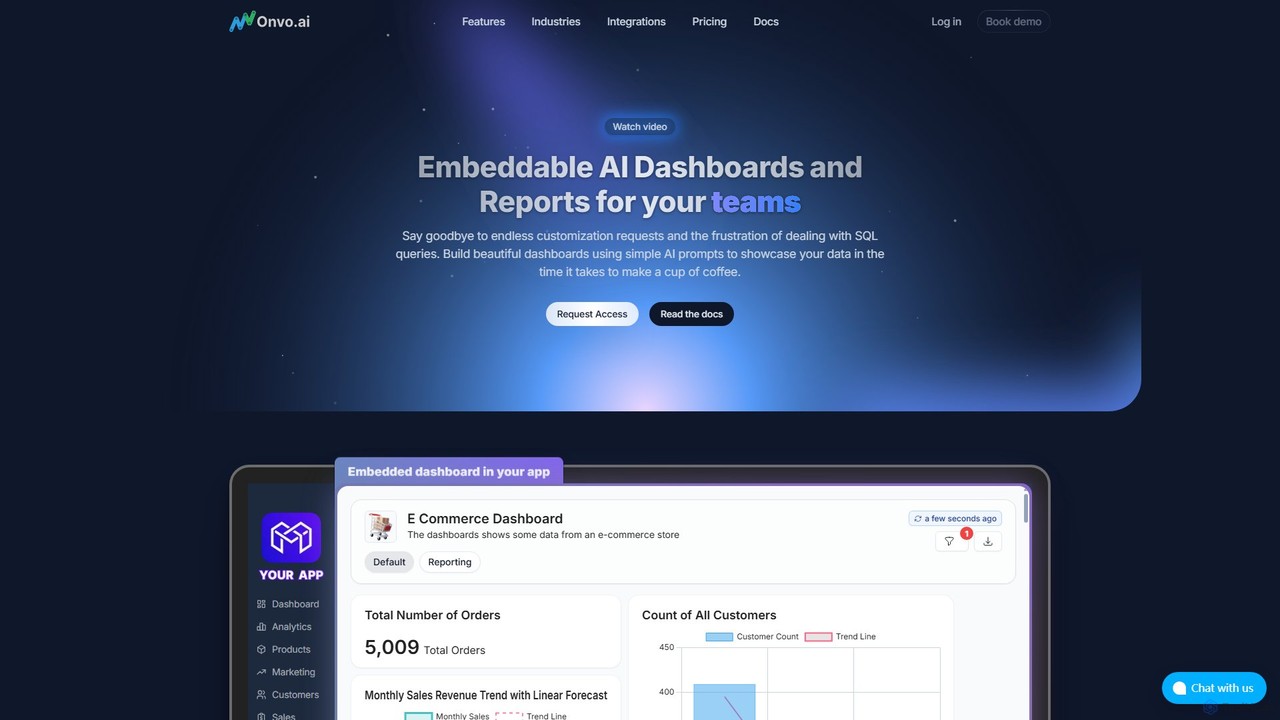
Onvo AI
Onvo AI is a powerful platform for building and embedding AI-driven dashboards and reports directly into your applications. It replaces complex SQL queries with simple natural language prompts, allowing both technical and non-technical users to create stunning data visualizations effortlessly. This solution saves significant engineering resources and empowers your teams and customers with secure, self-service analytics.
Business Intelligence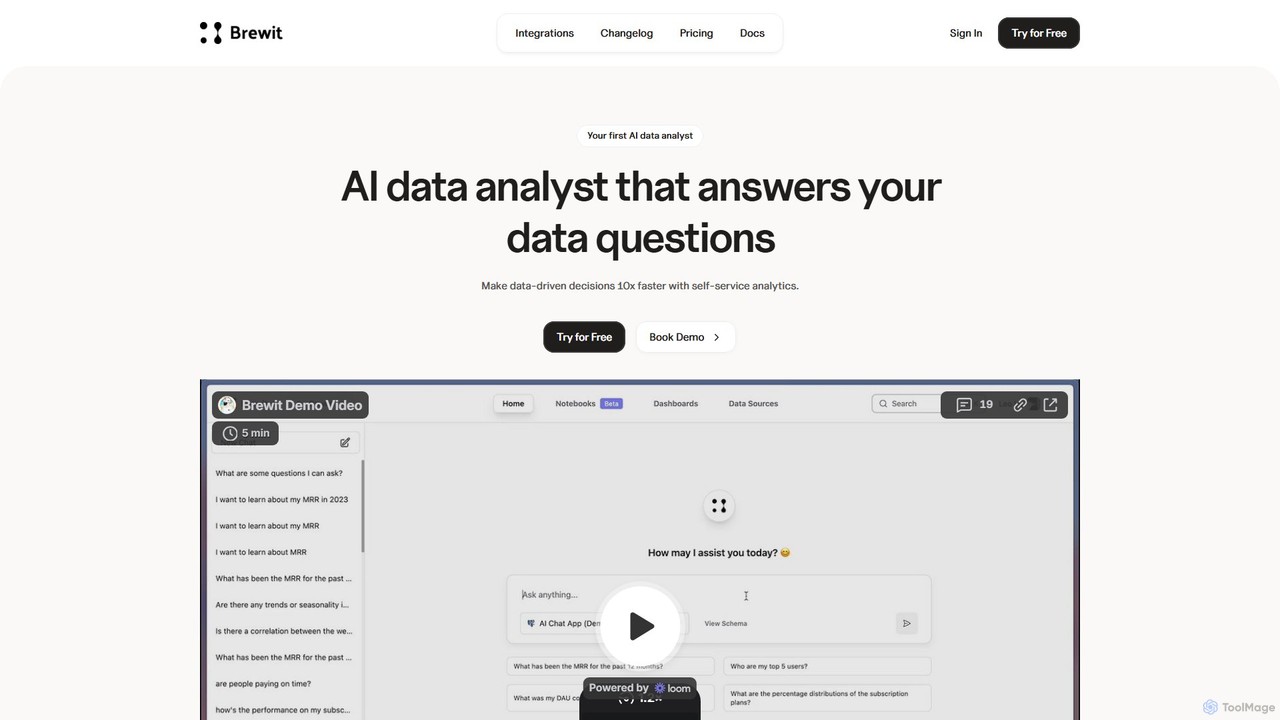
Brewit
Brewit is an AI-powered analytics platform that enables users to perform self-service data analysis. Connect to your databases, chat in natural language to query data, generate SQL, and create interactive visualizations and reports. It simplifies business intelligence, making data accessible to everyone in the organization, regardless of their technical skills.
Databasethebricks
thebricks is an AI-powered workspace that transforms data analysis and reporting. It allows users to create interactive dashboards, dynamic spreadsheets, and professional slides using simple natural language prompts. Turn hours of manual work in Excel and PowerPoint into minutes, streamlining your workflow and boosting productivity.
Business IntelligenceInsightJini
InsightJini is a ChatGPT-powered AI tool that transforms data analysis. Simply upload your Excel or CSV files and start a conversation to uncover instant insights, generate visualizations, and explore your data without writing a single line of code. It's the fastest, most intuitive way to understand your data.
Data Visualization
Datayaki Comments (0)
Sign in to comment.
Sign inNo comments yet.