

Excelly Overview
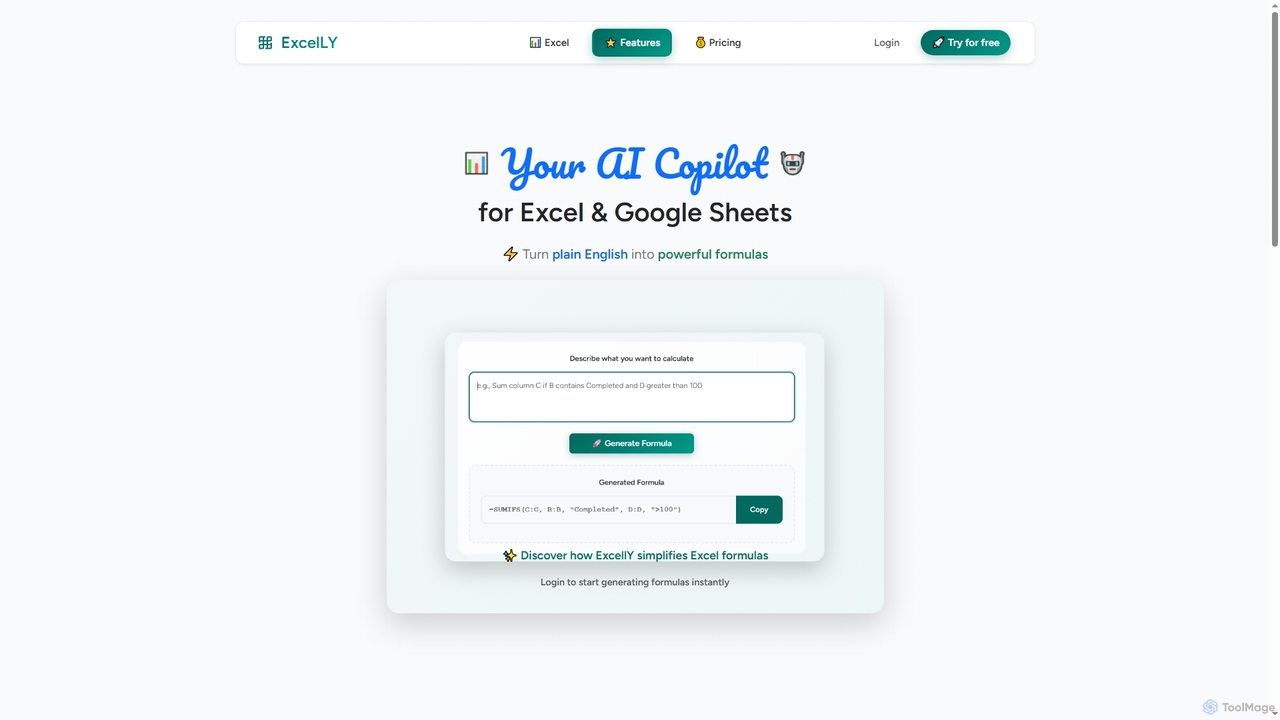
Excelly is an innovative AI-powered copilot designed to revolutionize how users interact with Microsoft Excel and Google Sheets. By leveraging advanced artificial intelligence, Excelly enables individuals to effortlessly generate complex spreadsheet formulas from simple, natural language prompts. This eliminates the need for extensive syntax memorization and deep formula knowledge, making powerful data manipulation accessible to everyone.
How to use Excelly
To use Excelly, users simply log in to the platform. Once logged in, they can input their desired outcome or task in plain English. Excelly's AI then processes this prompt and generates the appropriate Excel or Google Sheets formula. Users can also input an existing complex formula to receive a clear, step-by-step explanation of its functionality and optimal use cases.
Core Features of Excelly
- Effortless Formula Generation: Instantly create complex Excel and Google Sheets formulas using natural language prompts, eliminating the need for manual syntax recall.
- Formula Explanation: Gain a deep understanding of intricate formulas through detailed, step-by-step explanations, clarifying their mechanics and appropriate applications.
- Cross-Platform Compatibility: Seamlessly generate and explain formulas for both Microsoft Excel and Google Sheets, with platform-specific adaptations.
- Request History: (Pro Plan) Access a full history of generated and explained formulas for easy reference and learning.
- Priority Support: (Pro Plan) Receive priority email support for any queries or assistance needed.
- Early Access: (Pro Plan) Get early access to new features and enhancements.
Use Cases for Excelly
Excelly is ideal for a wide range of applications, from automating routine data entry and calculations for business professionals to assisting students in understanding complex statistical functions. Data analysts can quickly generate intricate formulas for reporting, while marketing managers can streamline campaign performance tracking. Anyone who regularly works with spreadsheets, regardless of their technical proficiency, can use Excelly to save time, reduce errors, and enhance their analytical capabilities.
Advantages of Excelly
The primary advantage of Excelly lies in its ability to democratize spreadsheet mastery. It significantly reduces the learning curve associated with complex formulas, allowing users to achieve professional-grade results without extensive training. The instant generation and clear explanations boost productivity, minimize errors, and foster a deeper understanding of spreadsheet logic. Its cross-platform support for both Excel and Google Sheets adds to its versatility, making it a valuable tool for a broad user base.
Pricing and Plans
Excelly offers simple and transparent pricing with two main plans:
- Free Plan: Available forever at $0. Includes 10 requests per month, access to basic formula features, Excel & Google Sheets support, and community support.
- Pro Plan: Priced at $7/month. Offers unlimited requests, an advanced formula explainer, full request history, priority email support, all basic features, and early access to new features.
Both plans provide access to all formula types, Excel & Google Sheets compatibility, and regular updates. Users can cancel anytime without hidden fees.
Excelly FAQ
Excelly Alternatives

Sheetplus
Sheetplus is an AI-powered toolkit designed to supercharge your spreadsheet experience in Google Sheets and Excel. By leveraging natural language, it allows users to generate complex formulas, clean and analyze data, automate tasks, and extract insights without writing code. It acts as an intelligent assistant, making data management faster, more intuitive, and accessible to everyone, regardless of their technical expertise.
Automation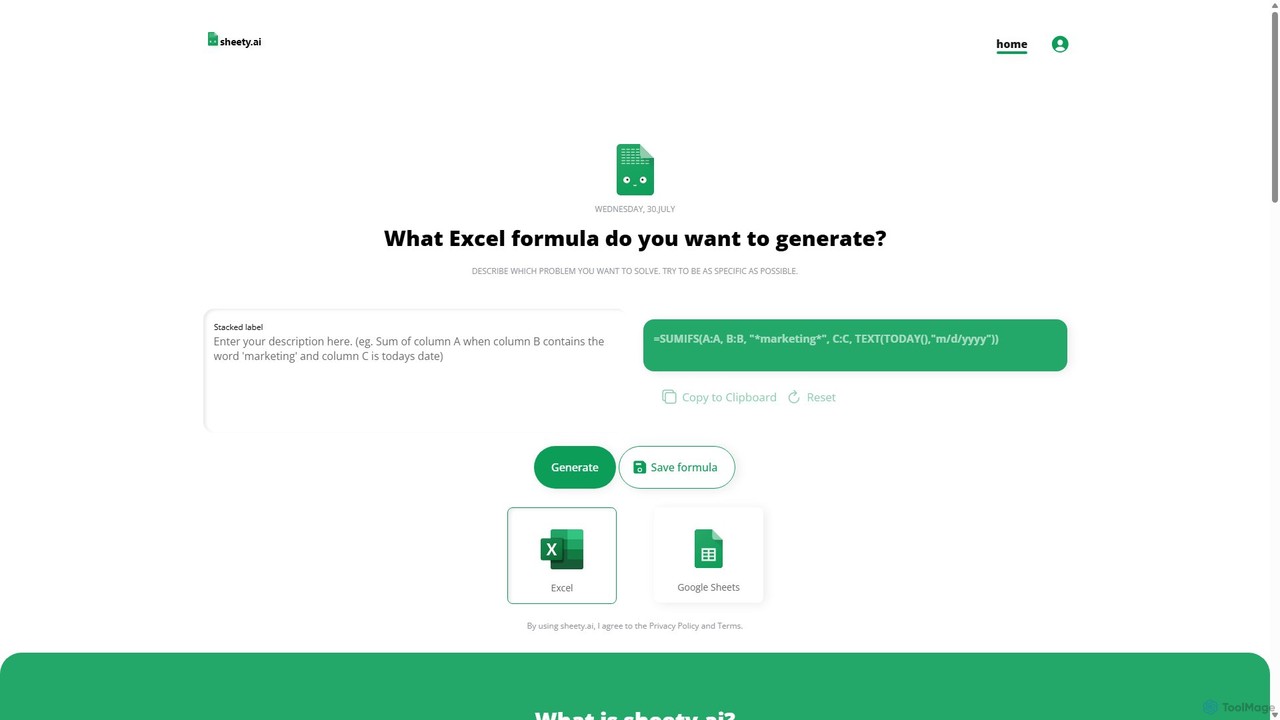
sheety.ai
sheety.ai is an AI-powered tool that instantly generates complex spreadsheet formulas for Excel and Google Sheets from natural language descriptions. Simply describe the problem you want to solve, and the AI will provide the correct formula, saving you time and eliminating the need to memorize syntax. It's designed for everyone from students to financial analysts, boosting productivity and data accuracy.
Data Processing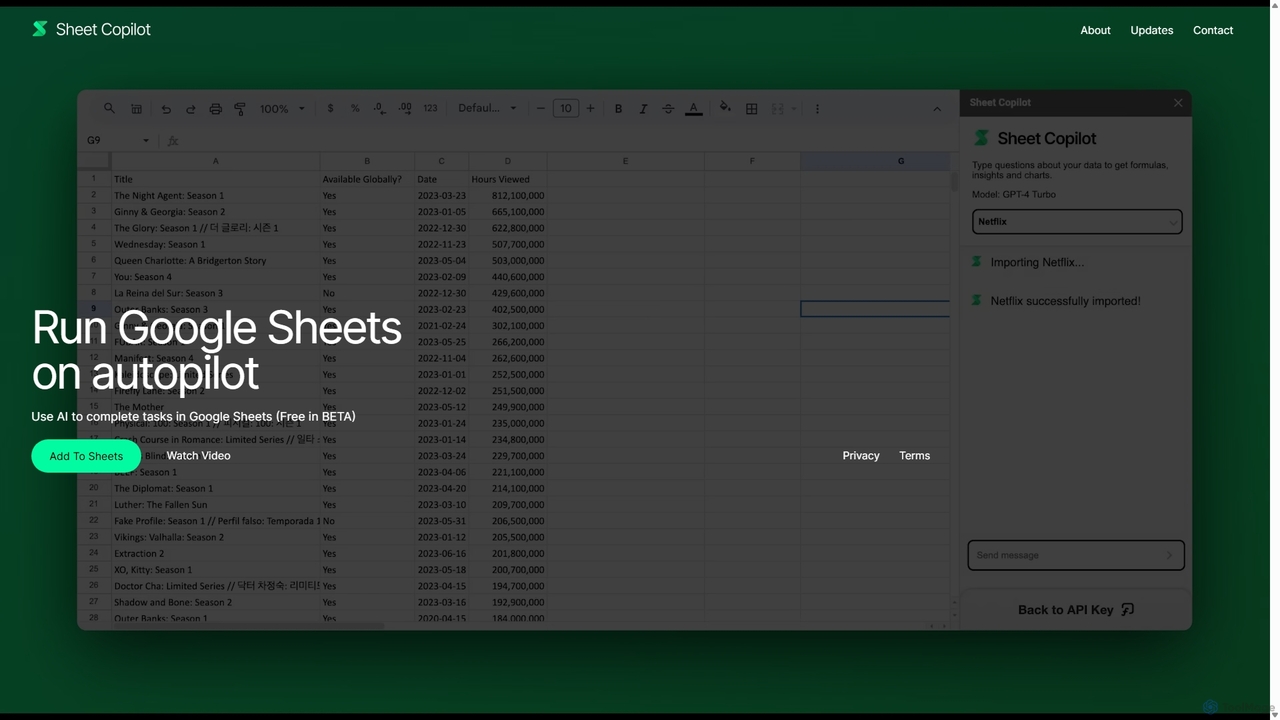
Sheet Copilot
Sheet Copilot is an AI-powered assistant that automates tasks and answers questions directly within Google Sheets. By using natural language commands, you can clean data, generate formulas, create summaries, and analyze information without writing complex functions. It's currently free in beta and operates using your own OpenAI API key for enhanced privacy and security.
Automation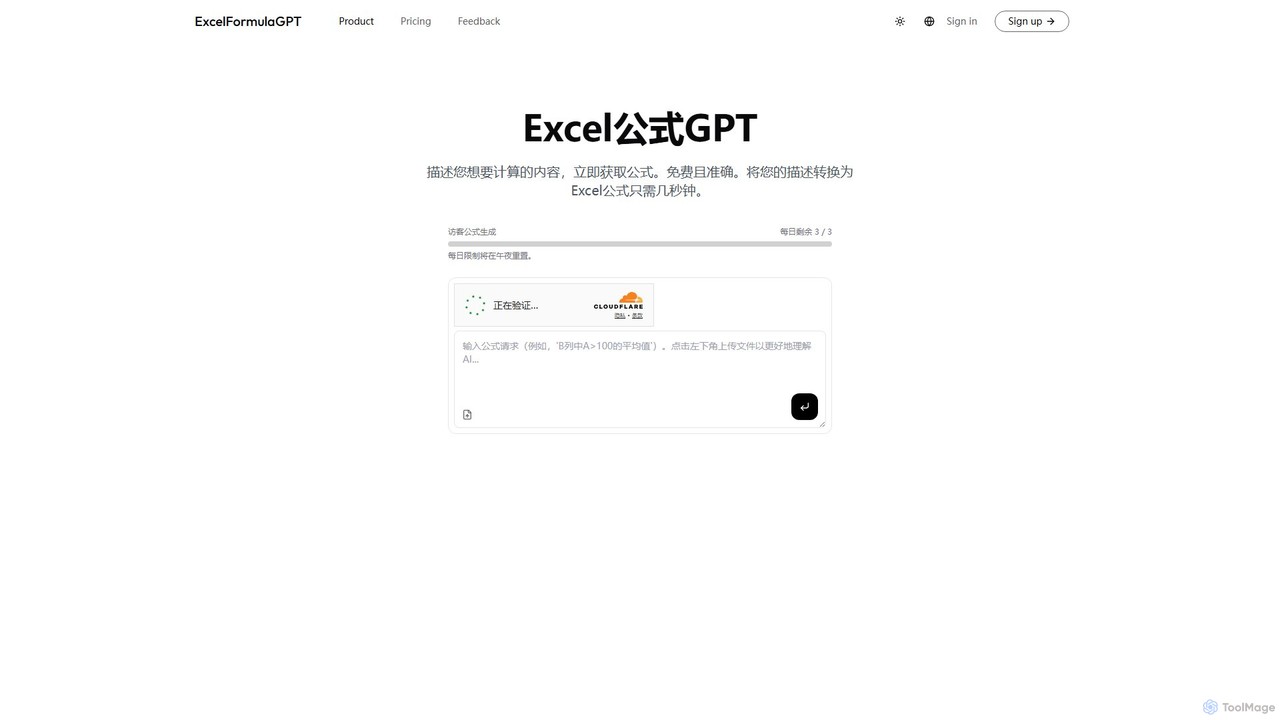
excelformulagpt
excelformulagpt is an AI-powered tool that instantly converts natural language descriptions into complex Excel and Google Sheets formulas. It helps users save time, reduce errors, and boost productivity without needing to memorize complex syntax. Features include formula generation, context-aware suggestions from uploaded files, and formula explanations.
Automation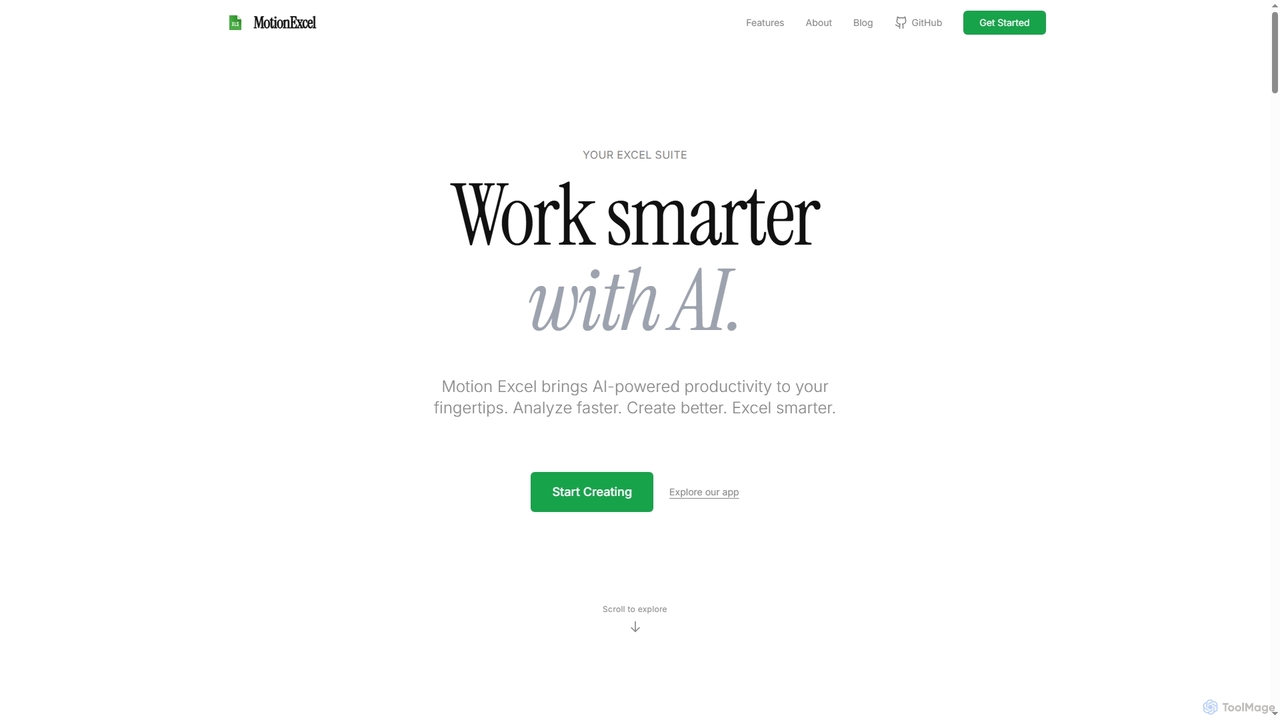
MotionExcel
MotionExcel is an AI-powered spreadsheet editor that integrates artificial intelligence, Python, and SQL to transform data analysis and automation. It helps users analyze data faster, create better insights, and work smarter with intelligent agents and advanced features.
SpreadsheetExcelly Categories
Excelly Jobs
Excelly Embed Widget
Copy this embed code to place the badge on your blog, article, or product site and send readers directly to this ToolMage detail page.

Related AI tools
Sheetplus
Sheetplus is an AI-powered toolkit designed to supercharge your spreadsheet experience in Google Sheets and Excel. By leveraging natural language, it allows users to generate complex formulas, clean and analyze data, automate tasks, and extract insights without writing code. It acts as an intelligent assistant, making data management faster, more intuitive, and accessible to everyone, regardless of their technical expertise.
AutomationSheet Copilot
Sheet Copilot is an AI-powered assistant that automates tasks and answers questions directly within Google Sheets. By using natural language commands, you can clean data, generate formulas, create summaries, and analyze information without writing complex functions. It's currently free in beta and operates using your own OpenAI API key for enhanced privacy and security.
Automationsheety.ai
sheety.ai is an AI-powered tool that instantly generates complex spreadsheet formulas for Excel and Google Sheets from natural language descriptions. Simply describe the problem you want to solve, and the AI will provide the correct formula, saving you time and eliminating the need to memorize syntax. It's designed for everyone from students to financial analysts, boosting productivity and data accuracy.
Data ProcessingMotionExcel
MotionExcel is an AI-powered spreadsheet editor that integrates artificial intelligence, Python, and SQL to transform data analysis and automation. It helps users analyze data faster, create better insights, and work smarter with intelligent agents and advanced features.
Spreadsheet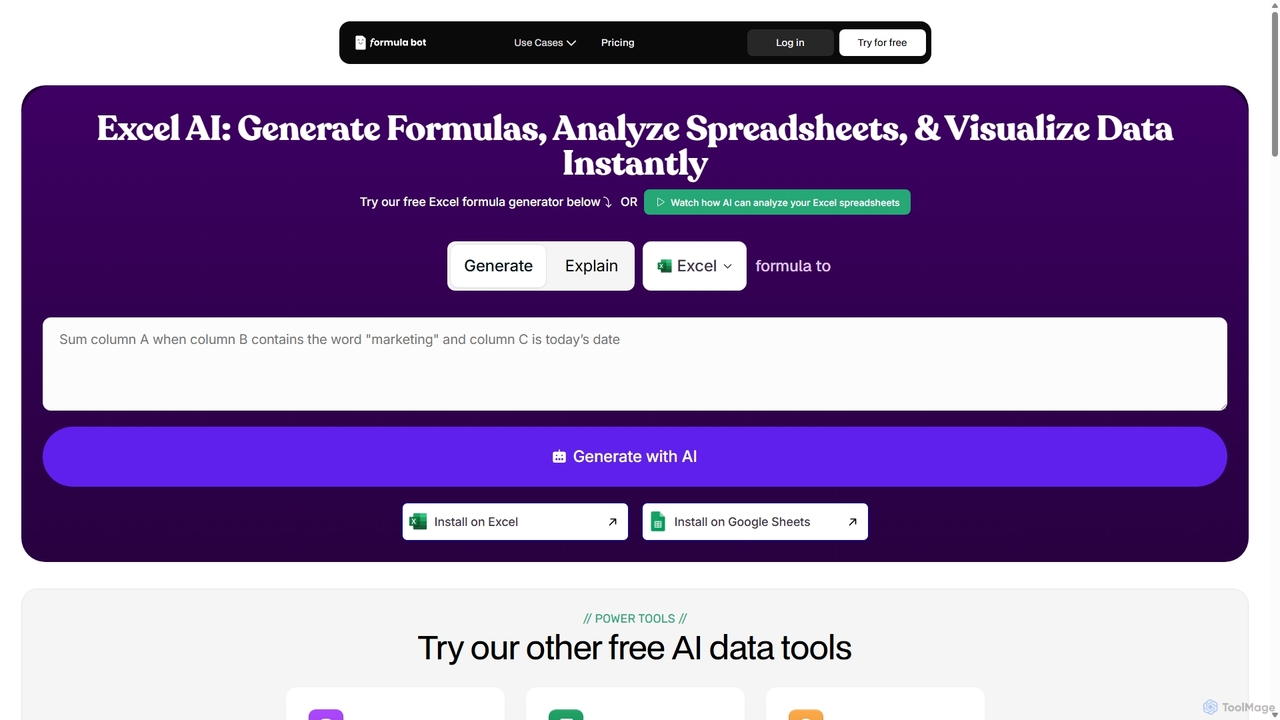
ExcelFormulaBot
ExcelFormulaBot is an AI-powered tool that generates complex Excel and Google Sheets formulas from text instructions in seconds. It also analyzes data, creates charts, generates VBA/SQL code, and explains formulas, making spreadsheet tasks faster and more accessible for everyone, from beginners to experts.
Data Analysis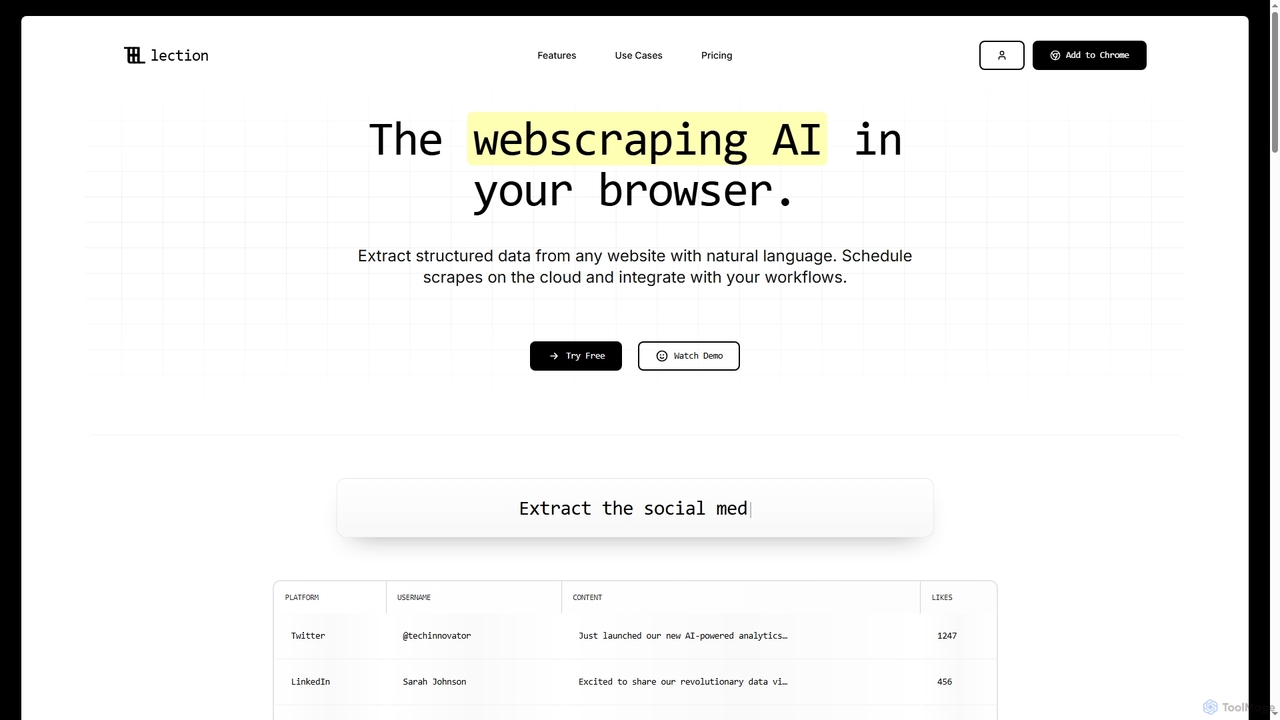
Lection
Lection is an AI-powered web scraping agent that allows users to extract structured data from any website using natural language. It automates data collection, integrates with popular workflows, and provides clean, validated data without requiring any coding expertise.
3Dexcelformulagpt
excelformulagpt is an AI-powered tool that instantly converts natural language descriptions into complex Excel and Google Sheets formulas. It helps users save time, reduce errors, and boost productivity without needing to memorize complex syntax. Features include formula generation, context-aware suggestions from uploaded files, and formula explanations.
Automation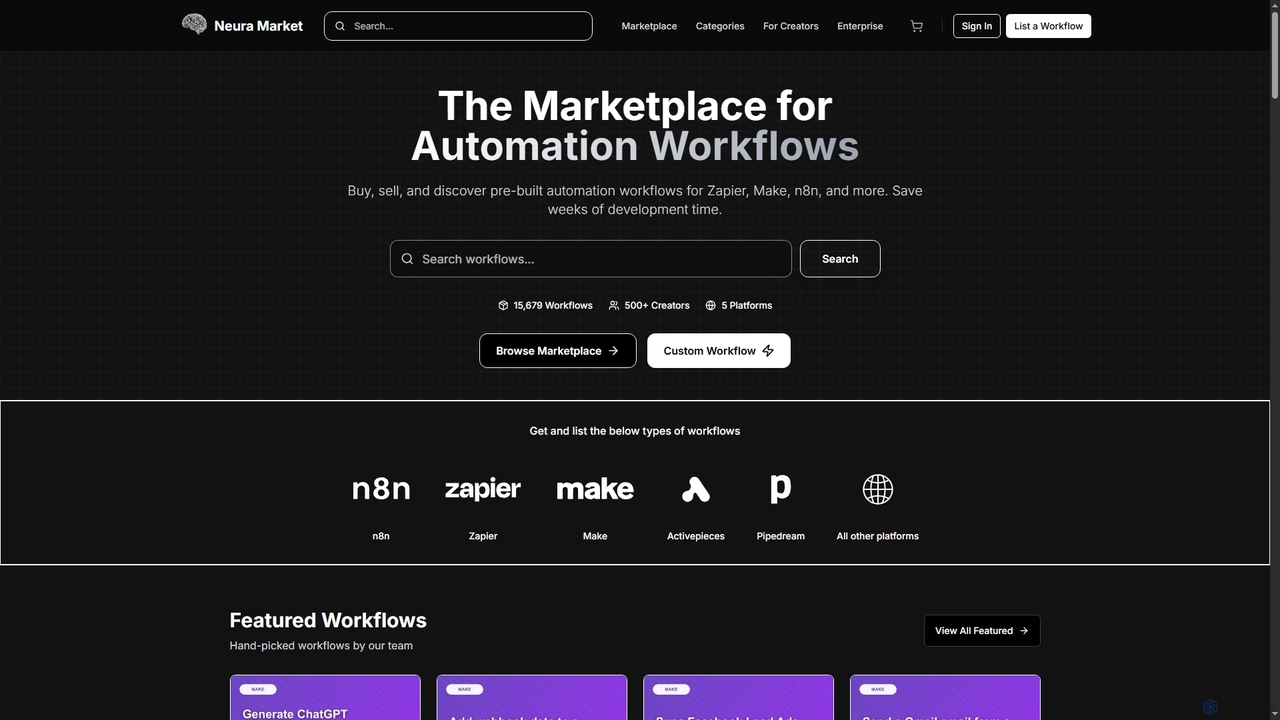
Neura
Neura is the leading marketplace for discovering, buying, and selling pre-built automation workflows. It empowers individuals and enterprises to streamline operations, integrate AI tools like ChatGPT, and save significant development time across platforms such as Zapier, Make, and n8n. With a vast library of workflows and a robust creator ecosystem, Neura simplifies complex automation tasks for various business needs.
Workflow Automation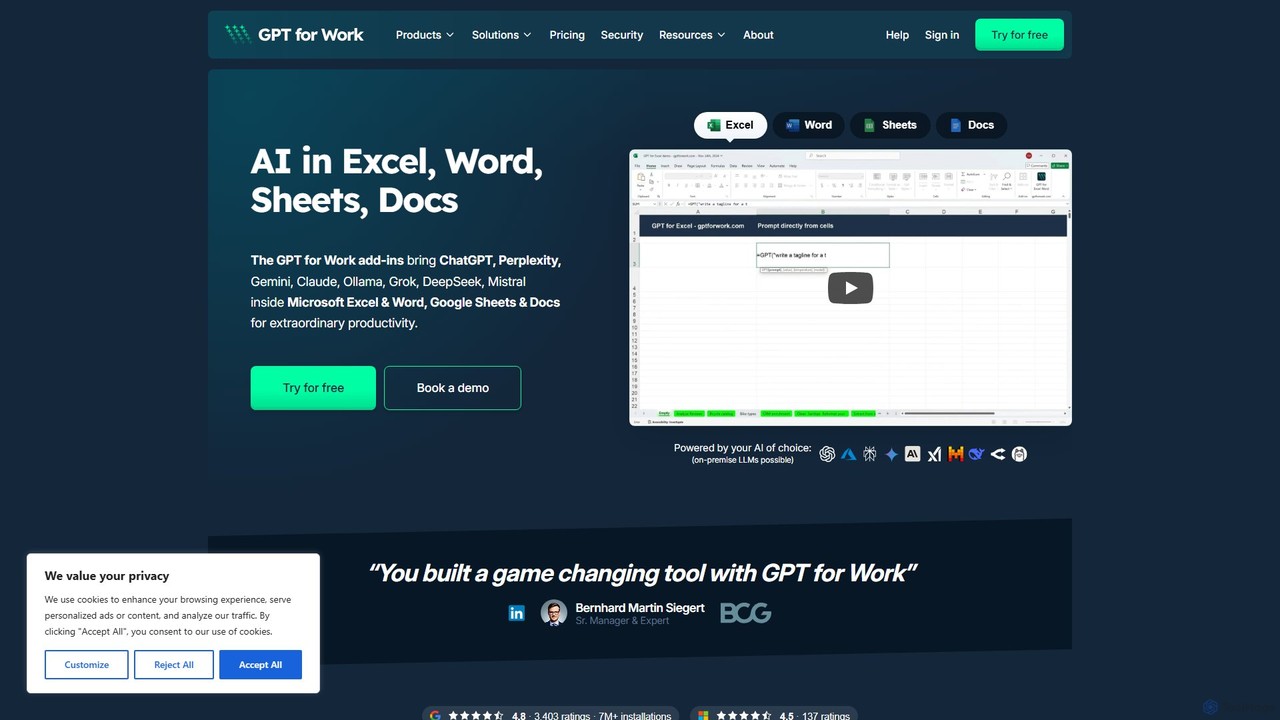
GPT for Work
A powerful AI add-on that integrates GPT capabilities directly into Google Sheets, Docs, Microsoft Excel, and Word. Automate tasks, generate text, analyze data, and create formulas using simple commands, boosting your productivity without leaving your documents.
Document Assistant
Wallo
Wallo is an AI-powered assistant for Excel and Google Sheets designed to streamline your spreadsheet tasks. It allows you to generate complex formulas, explain existing ones, and even create VBA scripts simply by describing your needs in plain English. You can also chat directly with your spreadsheets, asking questions about your data to get instant answers. Wallo aims to save you time and eliminate the frustration of working with complex data, making spreadsheet management more intuitive and efficient for users of all skill levels.
Automation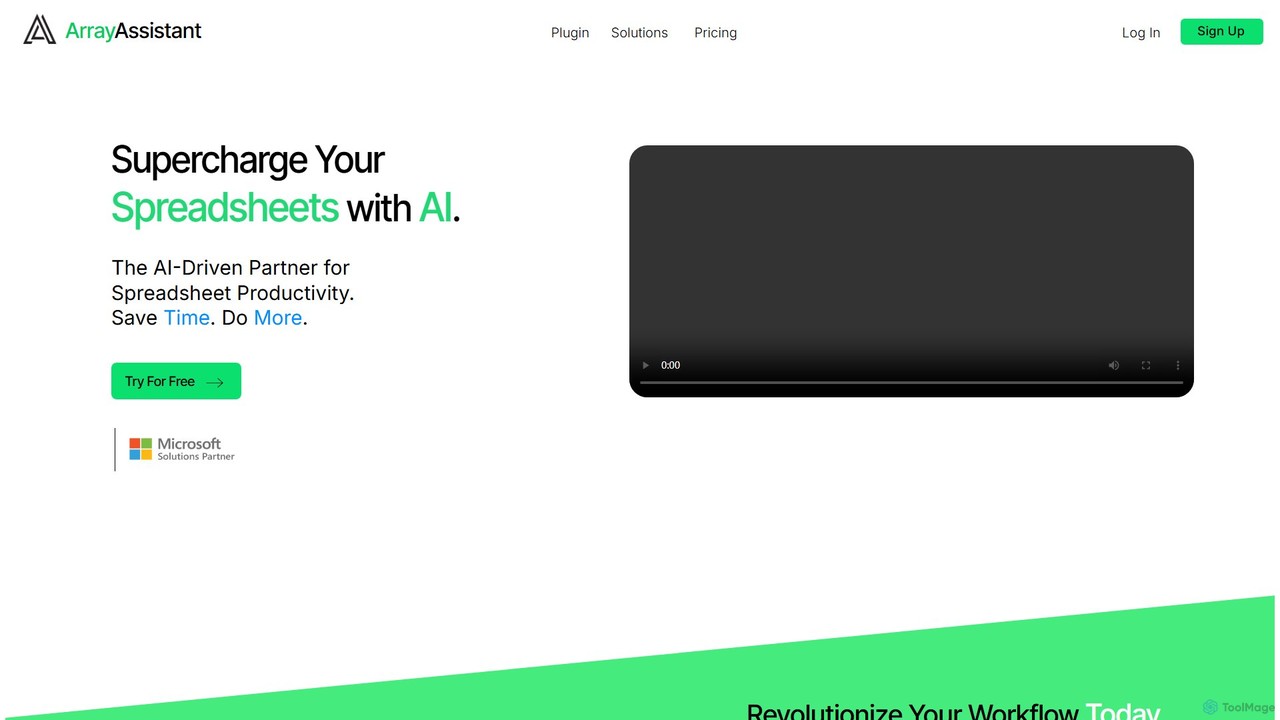
Array Assistant
Array Assistant is an AI-powered plugin for spreadsheets that supercharges your productivity. It helps you generate complex formulas, clean and organize data, summarize text, explain problems, and design automations, all within your existing workflow. Ideal for professionals, students, and anyone who uses spreadsheets.
Finance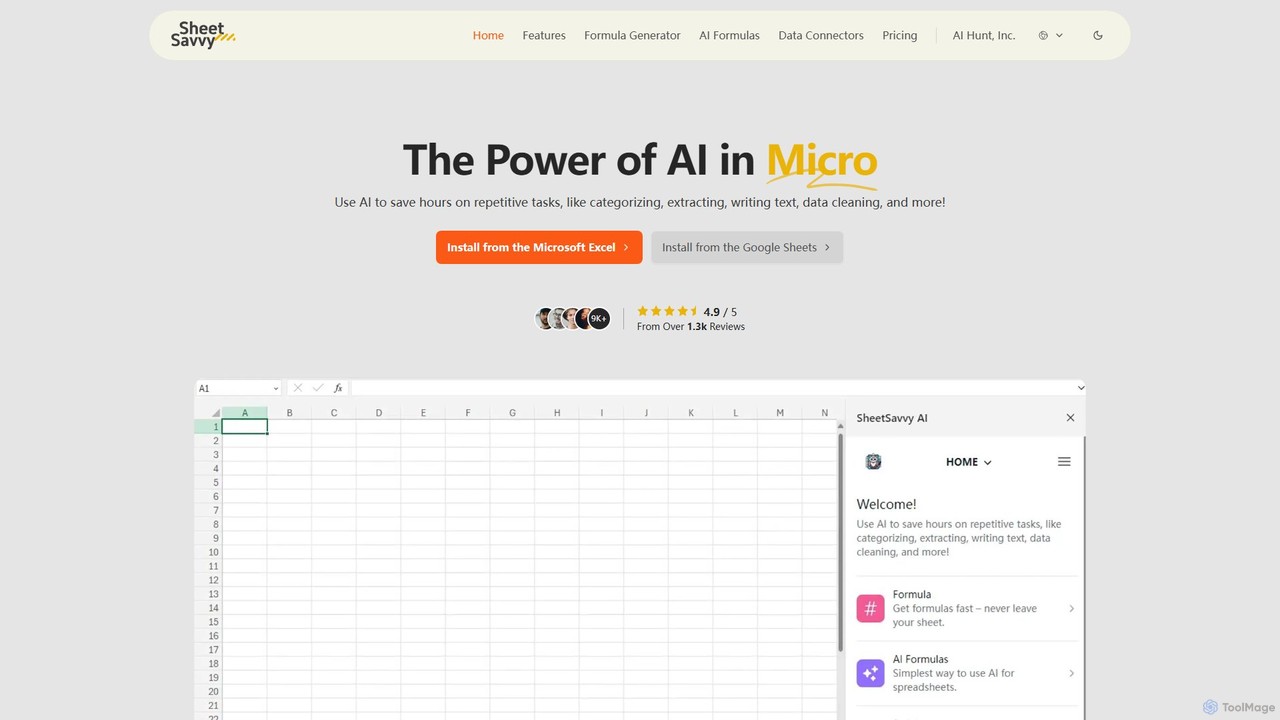
SheetSavvy AI
SheetSavvy AI is an AI-powered assistant for Google Sheets and Microsoft Excel, designed to automate repetitive tasks. It features a formula generator, AI-driven formulas for data cleaning and analysis, and seamless data connectors to import live data, significantly boosting spreadsheet productivity.
Finance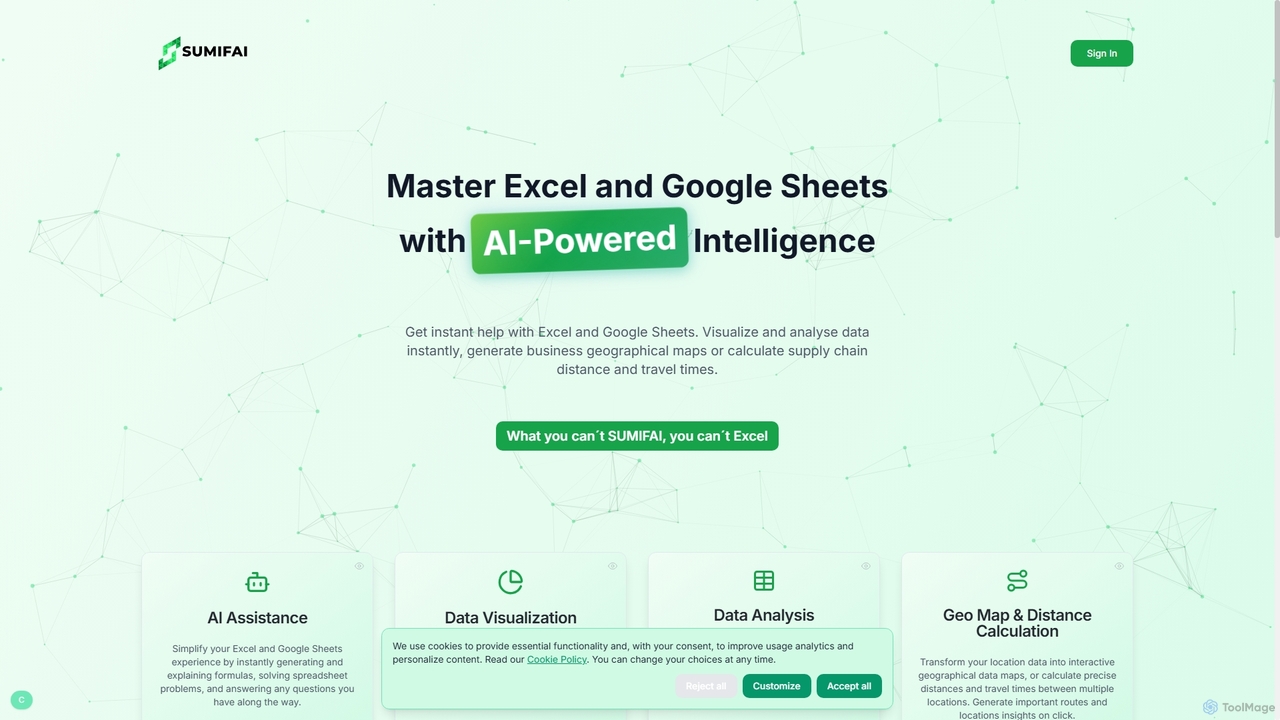
Sumifai
Sumifai is an AI-powered assistant for Excel and Google Sheets that simplifies spreadsheet tasks. It instantly generates and explains formulas, analyzes data, creates visualizations, and even builds interactive geographical maps from location data. Designed for all skill levels, it helps users uncover insights and streamline workflows without requiring technical expertise.
Business Intelligence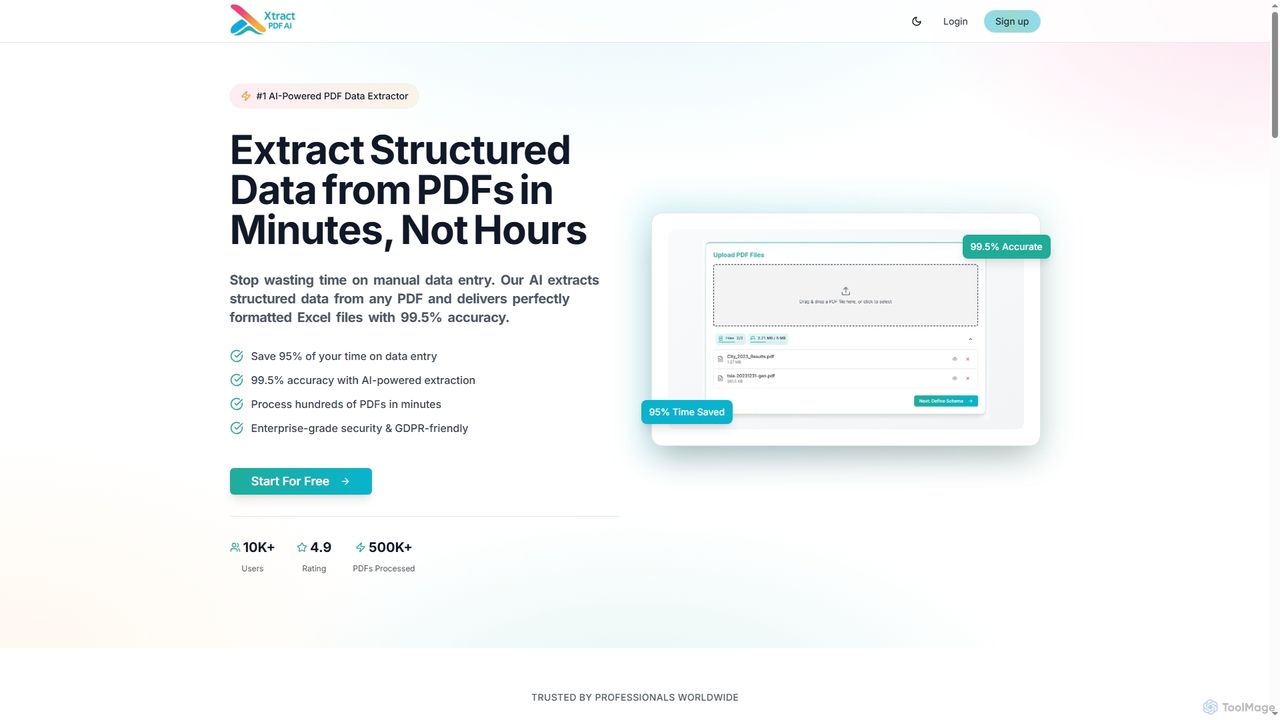
Xtractpdfai
Xtractpdfai is an AI-powered tool designed to extract structured data from PDF documents and convert them into perfectly formatted Excel, CSV, or JSON files. It boasts 99.5% accuracy and significantly reduces manual data entry time, making document processing efficient and secure for professionals.
Data Automation
CSVLens
CSVLens is an AI-powered CSV analyzer that allows users to load large CSV files instantly and ask questions in plain English to get immediate insights and charts. It processes data 100% locally in your browser, ensuring privacy and speed without any file uploads.
Natural Language Processing
Excelly Comments (0)
Sign in to comment.
Sign inNo comments yet.