

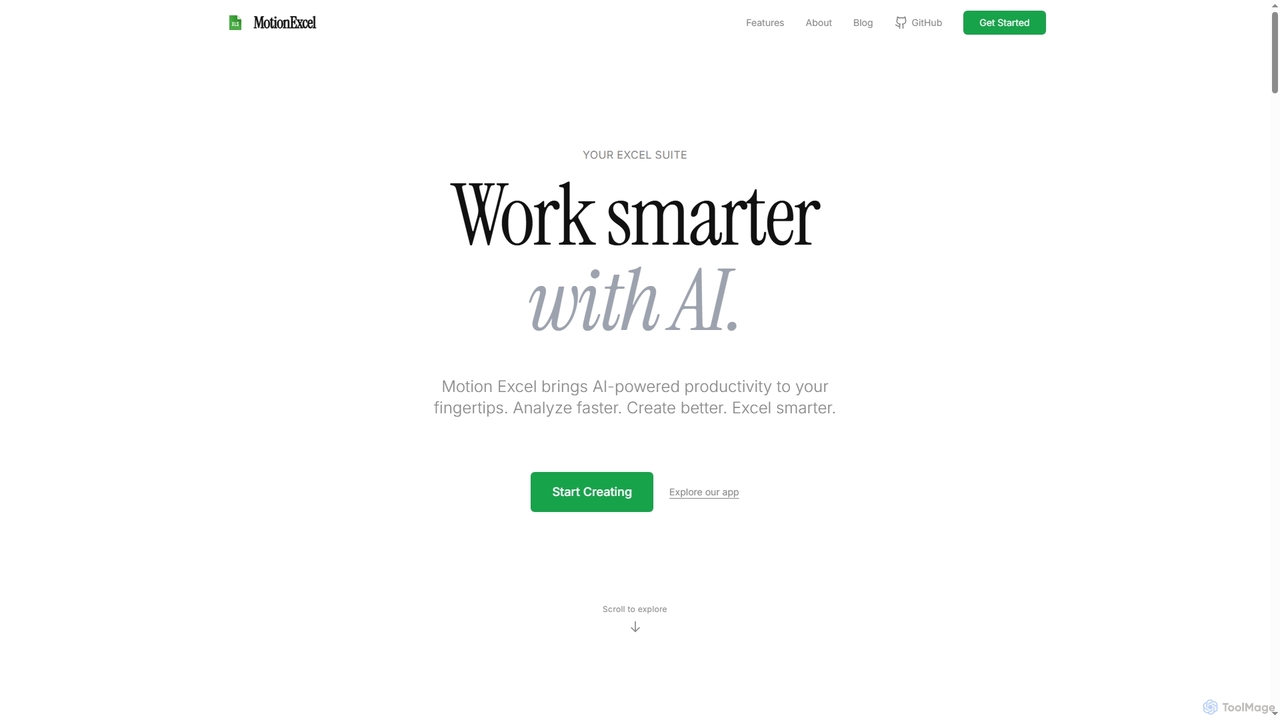
MotionExcel Overview
MotionExcel is a cutting-edge AI-powered spreadsheet suite designed to enhance productivity and streamline data workflows. By bringing advanced artificial intelligence capabilities directly to your fingertips, MotionExcel empowers users to analyze data faster, create more insightful reports, and operate with greater efficiency. It moves beyond traditional spreadsheet functions by incorporating autonomous AI agents that automate complex data tasks and deliver actionable insights in seconds.
How to use MotionExcel
To begin using MotionExcel, you can directly access its AI-powered spreadsheet editor on the website without requiring a login. For AI-driven analysis, select specific ranges in your workbook that you want the AI agent to focus on. Then, switch to 'ask mode' to engage in detailed question-and-answer sessions with your Excel files, or simply ask questions about your data in plain English. You can also write and run Python and SQL scripts directly within the browser, create dynamic dashboards, and leverage the built-in Data Scientist Agent for automated forecasts.
Core Features of MotionExcel
- AI-Powered Data Analysis: Leverage intelligent AI agents for natural language queries, automated pattern detection, anomaly identification, and context-aware recommendations.
- Python & SQL Integration: Write and execute Python scripts and SQL queries directly within the spreadsheet environment, supporting direct connections to databases like PostgreSQL, MySQL, SQL Server, and Snowflake.
- Interactive Dashboards & Visualizations: Create dynamic, animated dashboards with real-time visualizations, pivot tables (drag-and-drop), and automatically generated charts.
- Built-in Data Scientist Agent: Automatically runs advanced machine learning models (e.g., Random Forest, XGBoost) for expert forecasts and insights.
- Automated Data Cleaning: Intelligently identifies and fixes errors, removes duplicates, and standardizes data formats.
- Smart Pivot Tables: AI-assisted creation of complex analyses with suggested visualizations.
- Predictive Analytics: Forecast future trends without requiring complex statistical knowledge.
- Real-Time Collaboration: Features intelligent recommendations to help teams work together more efficiently.
Use Cases for MotionExcel
MotionExcel is ideal for professionals who regularly work with large datasets and require advanced analytical capabilities. It can be used for financial modeling, sales forecasting, market trend analysis, operational reporting, and business intelligence. Data analysts can leverage its AI agents for quick insights, while data scientists can utilize Python and SQL integration for complex machine learning tasks. Business managers can create interactive dashboards to monitor key performance indicators, and anyone needing to clean, analyze, or visualize data efficiently will find MotionExcel invaluable.
Advantages of MotionExcel
MotionExcel offers significant advantages by combining the familiarity of a spreadsheet with the power of AI. It drastically reduces the time spent on manual data tasks, enhances the accuracy of analysis through intelligent automation, and provides deeper insights with advanced machine learning models. The ability to integrate Python and SQL natively eliminates the need to switch between multiple tools, creating a seamless workflow. Its user-friendly interface, coupled with powerful AI capabilities, makes complex data analysis accessible to a wider range of users, ultimately boosting overall productivity and decision-making.
MotionExcel FAQ
MotionExcel Alternatives
Metatable
Metatable is an AI-powered data assistant that revolutionizes how you interact with spreadsheets and tabular data. Simply use natural language prompts to clean, analyze, transform, and visualize your data instantly. It eliminates complex formulas and manual tasks, making data analysis accessible to everyone, from data analysts to business managers.
Analytics
ClientReports.ai
ClientReports.ai is an AI-powered platform designed to automate and streamline the creation of client reports. It enables professionals across various industries to generate, customize, and deliver insightful reports in minutes, saving significant time and effort. The tool leverages AI for content generation, data analysis, and offers secure, collaborative features.
Reporting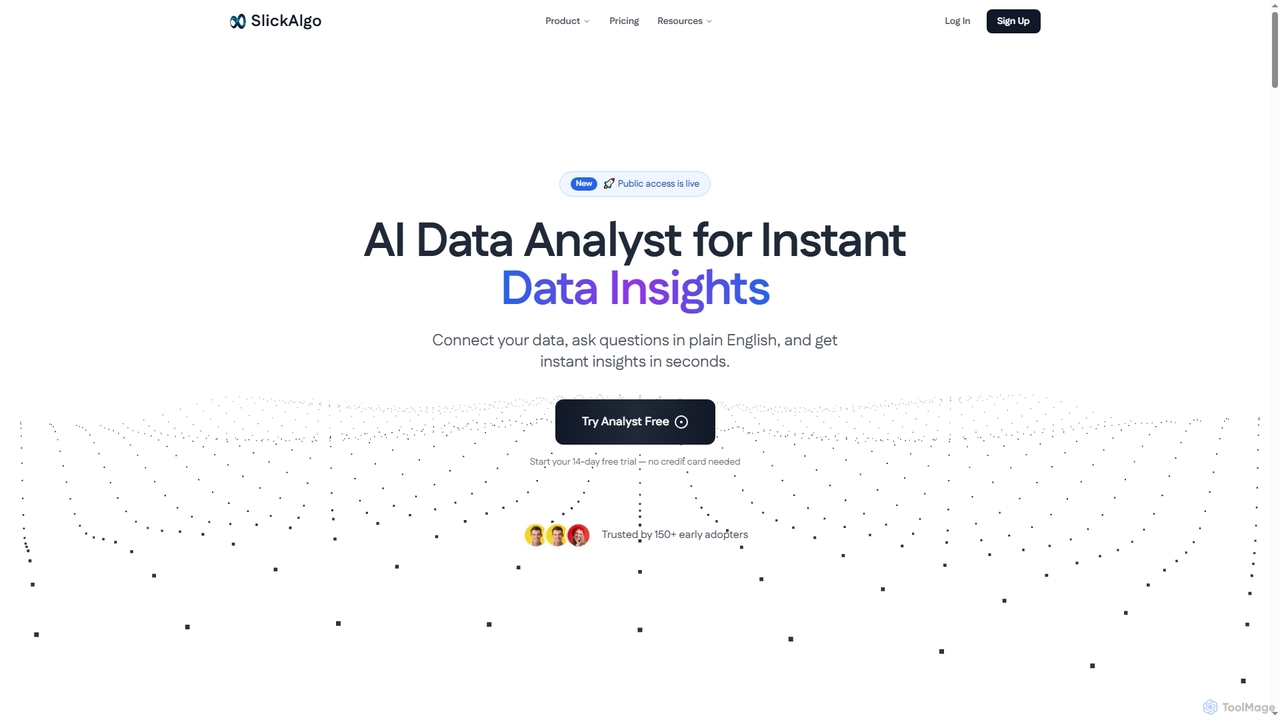
SlickAlgo
SlickAlgo is an AI data analyst platform that transforms natural language questions into instant data insights, Python code, and interactive dashboards. It connects to over 50 data sources, enabling businesses to make data-driven decisions without coding.
3D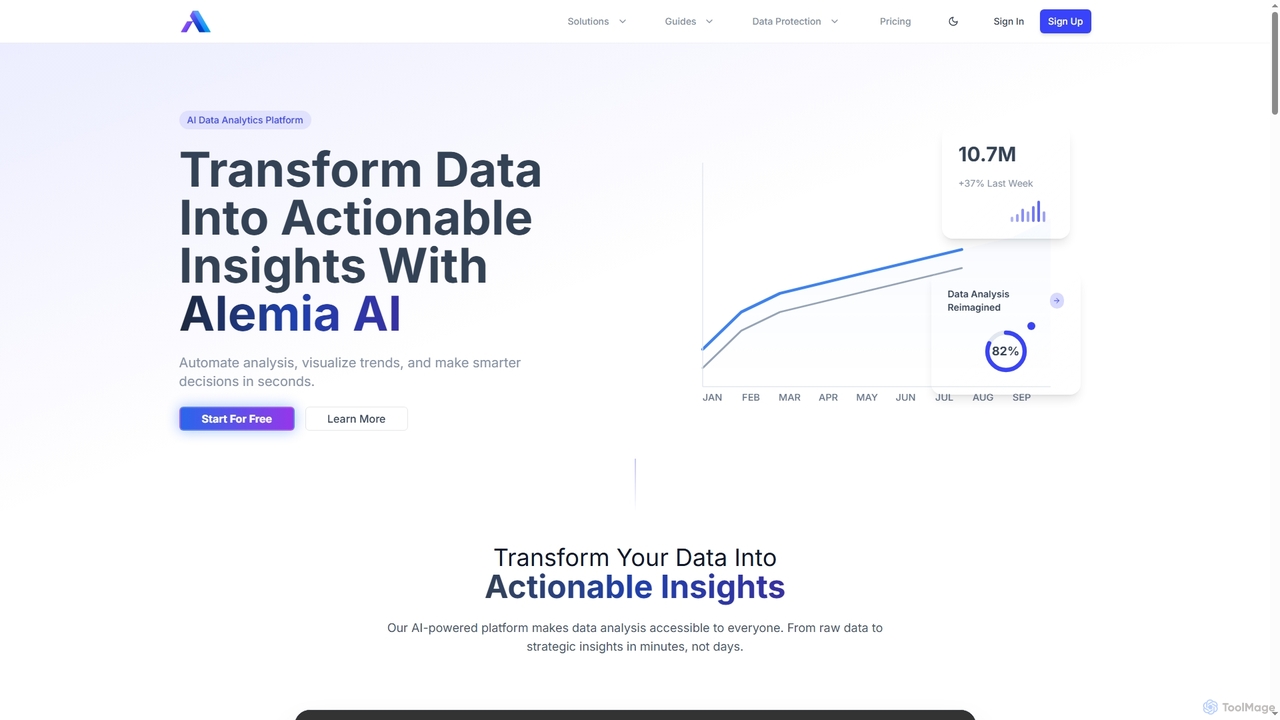
Alemia
Alemia is an AI-powered data analytics platform that transforms raw data into actionable insights, visualizations, and reports. It enables users to ask questions in plain English and receive instant, intelligent analysis, making data-driven decision-making accessible to everyone without requiring technical skills.
3D
Sheetplus
Sheetplus is an AI-powered toolkit designed to supercharge your spreadsheet experience in Google Sheets and Excel. By leveraging natural language, it allows users to generate complex formulas, clean and analyze data, automate tasks, and extract insights without writing code. It acts as an intelligent assistant, making data management faster, more intuitive, and accessible to everyone, regardless of their technical expertise.
AutomationMotionExcel Categories
MotionExcel Jobs
MotionExcel Embed Widget
Copy this embed code to place the badge on your blog, article, or product site and send readers directly to this ToolMage detail page.

Related AI tools
SlickAlgo
SlickAlgo is an AI data analyst platform that transforms natural language questions into instant data insights, Python code, and interactive dashboards. It connects to over 50 data sources, enabling businesses to make data-driven decisions without coding.
3DAlemia
Alemia is an AI-powered data analytics platform that transforms raw data into actionable insights, visualizations, and reports. It enables users to ask questions in plain English and receive instant, intelligent analysis, making data-driven decision-making accessible to everyone without requiring technical skills.
3DMetatable
Metatable is an AI-powered data assistant that revolutionizes how you interact with spreadsheets and tabular data. Simply use natural language prompts to clean, analyze, transform, and visualize your data instantly. It eliminates complex formulas and manual tasks, making data analysis accessible to everyone, from data analysts to business managers.
Analytics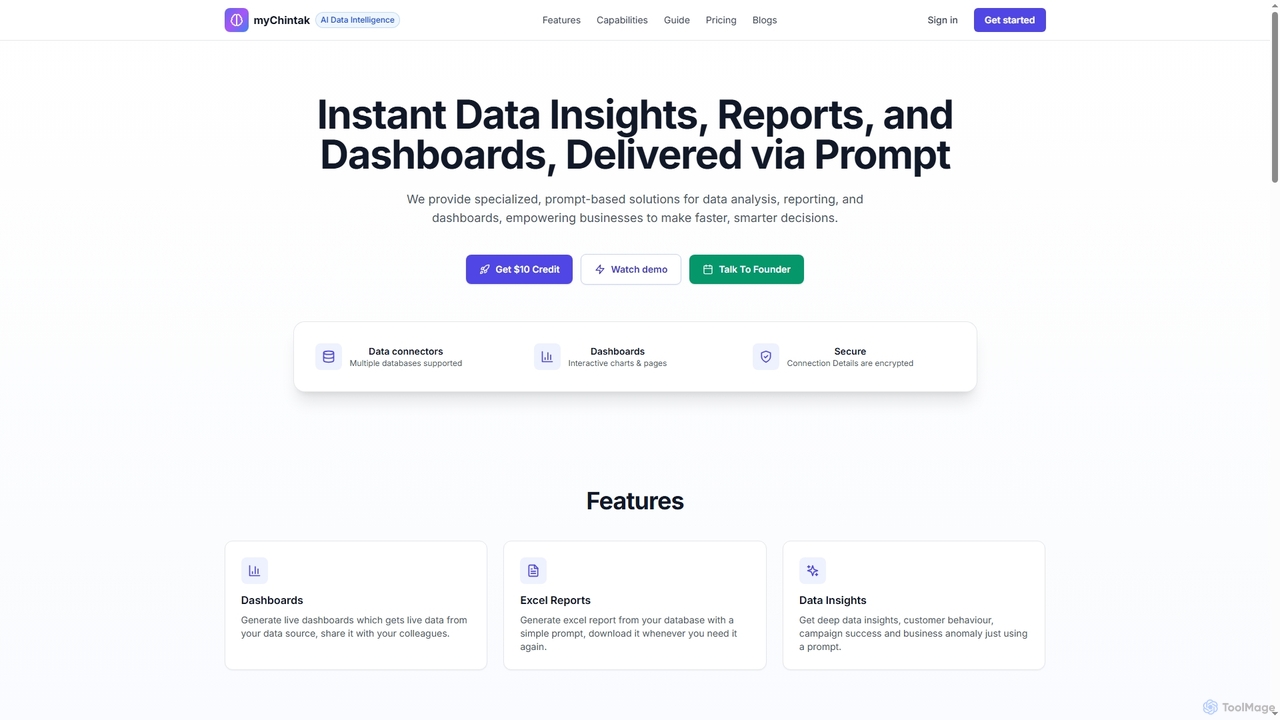
myChintak
myChintak is an AI-powered platform that transforms natural language prompts into instant data insights, dynamic reports, and interactive dashboards. It connects to various data sources, enabling businesses to quickly analyze performance, understand customer behavior, and make data-driven decisions without complex coding.
3DSheetplus
Sheetplus is an AI-powered toolkit designed to supercharge your spreadsheet experience in Google Sheets and Excel. By leveraging natural language, it allows users to generate complex formulas, clean and analyze data, automate tasks, and extract insights without writing code. It acts as an intelligent assistant, making data management faster, more intuitive, and accessible to everyone, regardless of their technical expertise.
Automation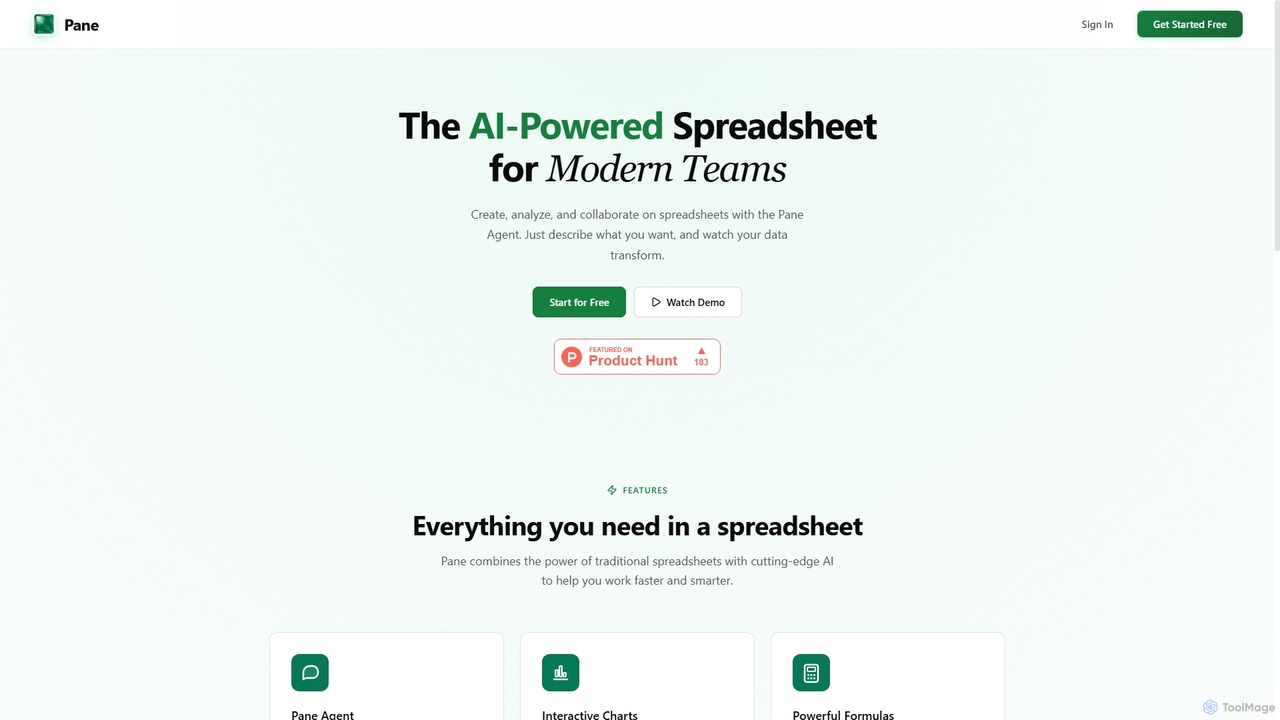
Pane
Pane is an AI-native spreadsheet designed for modern teams, integrating artificial intelligence to streamline data creation, analysis, and collaboration. It allows users to interact with their data using natural language commands, automate tasks, and generate professional dashboards effortlessly, enhancing productivity and insights.
Teamwork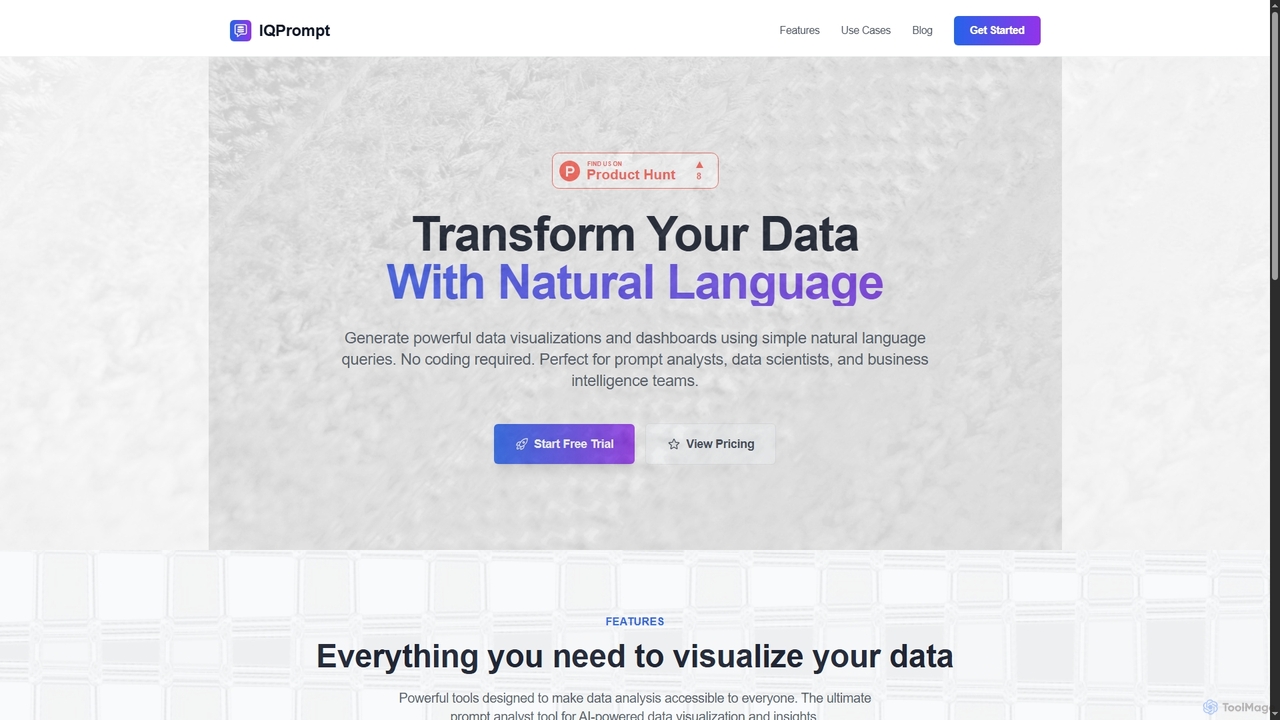
IQPrompt
IQPrompt is an AI-powered data analysis tool that transforms natural language queries into powerful data visualizations and dashboards. It enables prompt analysts, data scientists, and business teams to gain instant insights without requiring any coding or SQL knowledge, supporting connections to major databases.
VisualizationClientReports.ai
ClientReports.ai is an AI-powered platform designed to automate and streamline the creation of client reports. It enables professionals across various industries to generate, customize, and deliver insightful reports in minutes, saving significant time and effort. The tool leverages AI for content generation, data analysis, and offers secure, collaborative features.
Reporting
Lumenore
Lumenore is an AI-powered, no-code business intelligence and data analytics platform designed to transform complex data into actionable insights. It offers a complete analytics workspace with advanced features like Gen AI-powered Natural Language Query (NLQ), automated insights, and data storytelling, enabling businesses to make faster, informed decisions without requiring deep technical expertise.
3D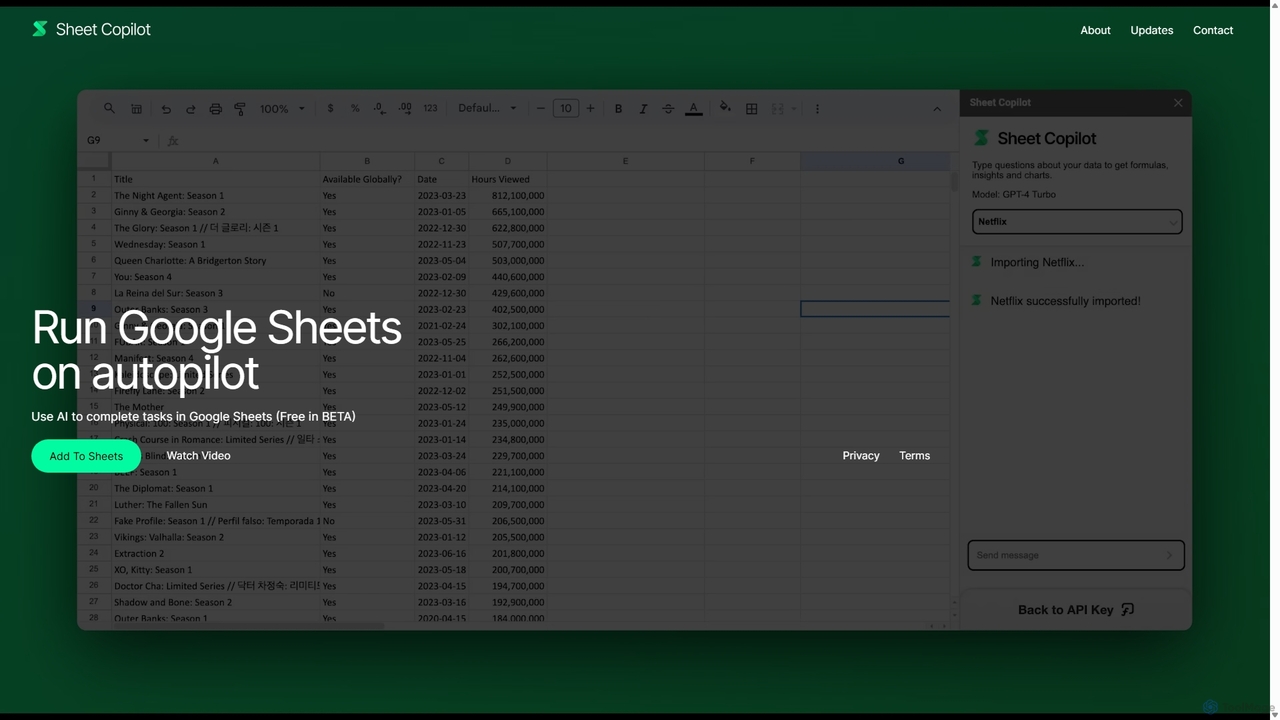
Sheet Copilot
Sheet Copilot is an AI-powered assistant that automates tasks and answers questions directly within Google Sheets. By using natural language commands, you can clean data, generate formulas, create summaries, and analyze information without writing complex functions. It's currently free in beta and operates using your own OpenAI API key for enhanced privacy and security.
Automation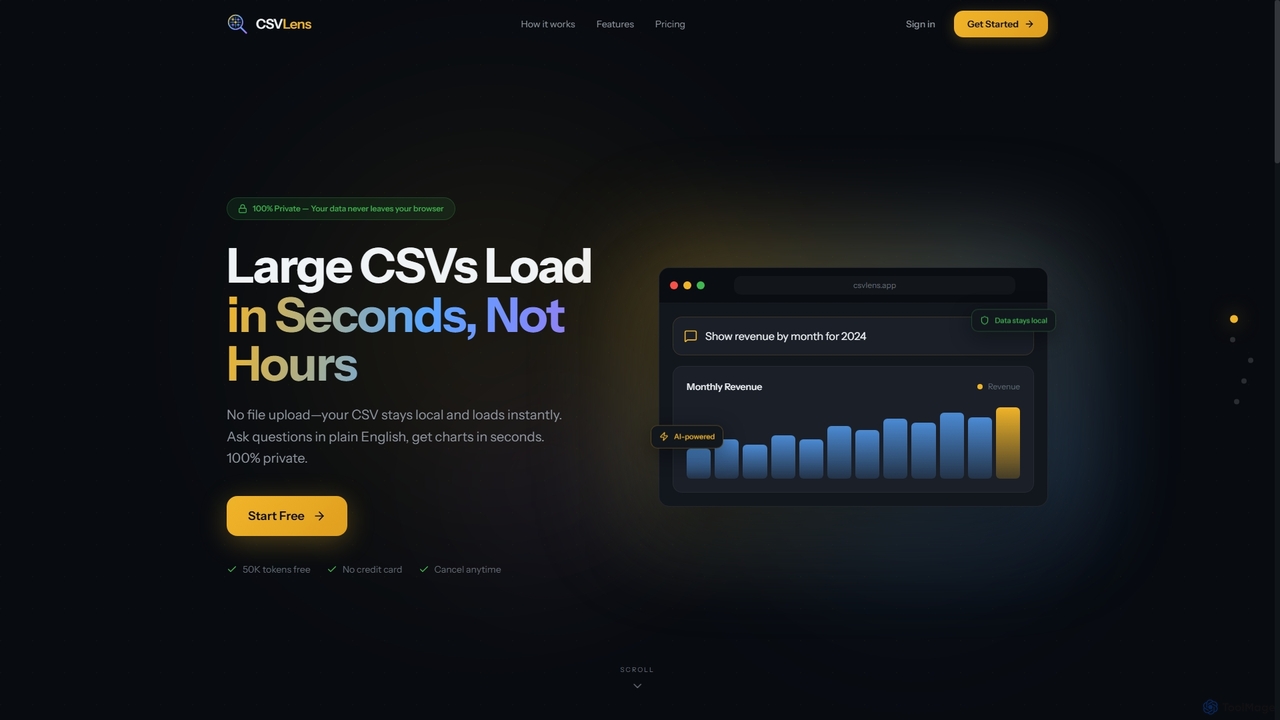
CSVLens
CSVLens is an AI-powered CSV analyzer that allows users to load large CSV files instantly and ask questions in plain English to get immediate insights and charts. It processes data 100% locally in your browser, ensuring privacy and speed without any file uploads.
Natural Language Processing
0101 Digital
0101 Digital is a leading AI solutions provider specializing in transforming businesses through custom AI development, product innovation, and strategic AI consulting. They deliver scalable, outcome-focused solutions, including their unique DPaaS (Delivery Pods as a Service) model, to clients across various industries globally, ensuring measurable ROI and competitive advantage.
Custom Development
ChatBiReport
ChatBiReport is an AI-powered business intelligence assistant that transforms raw data into stunning, interactive charts and reports using natural language descriptions. It simplifies data visualization and reporting for businesses.
3D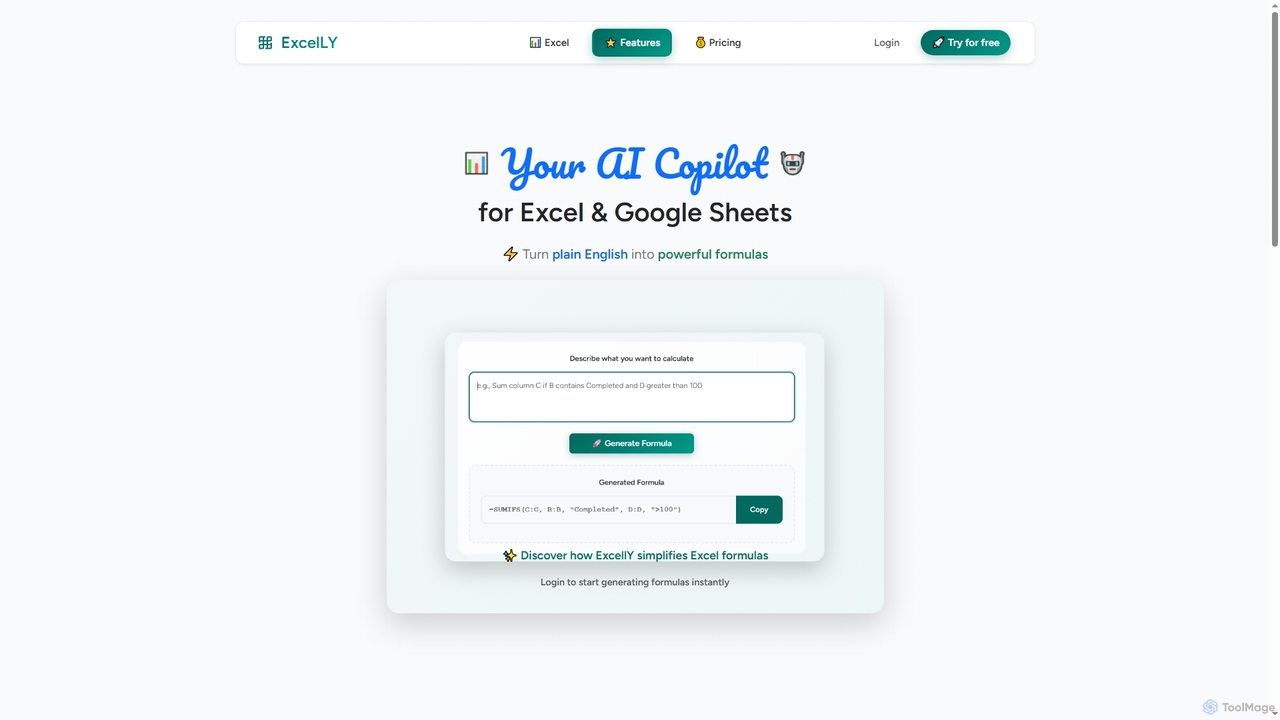
Excelly
Excelly is an AI copilot for Excel and Google Sheets that transforms plain English descriptions into complex formulas instantly. It also provides step-by-step explanations, boosting productivity and simplifying spreadsheet tasks for users of all skill levels.
Formula Generation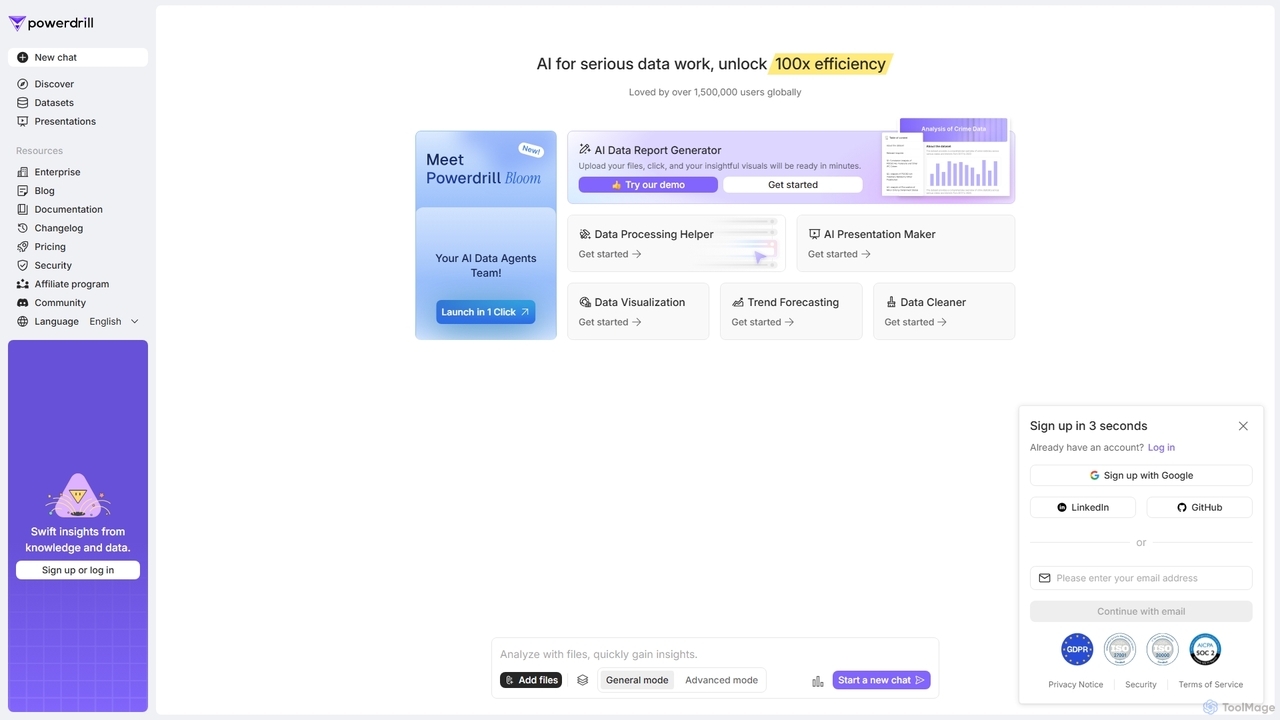
Powerdrill
Powerdrill is an AI-powered data analysis platform designed for serious data work, enabling users to unlock 100x efficiency. It automates the entire process from data processing and cleaning to visualization, report generation, and trend forecasting. Simply upload your files (Excel, CSV, PDF) or connect to a database, and let the AI generate actionable insights, interactive charts, and comprehensive presentations in minutes.
Business Intelligence
MotionExcel Comments (0)
Sign in to comment.
Sign inNo comments yet.