

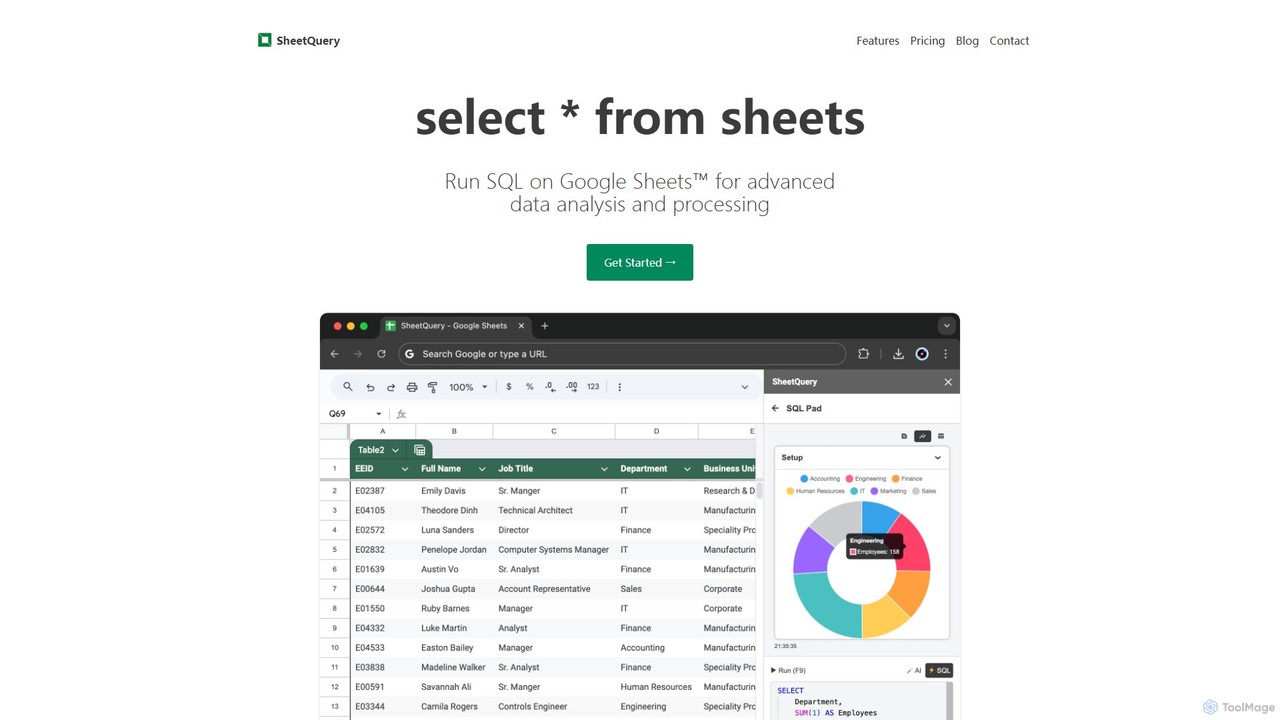
SheetQuery Overview
SheetQuery is a powerful tool designed to supercharge your Google Sheets by enabling you to run complex SQL queries directly on your spreadsheet data. It bridges the gap between the user-friendly interface of Google Sheets and the robust data manipulation capabilities of a relational database. For anyone who finds themselves limited by standard spreadsheet functions, SheetQuery offers a seamless way to perform advanced data analysis, bulk operations, and data integration without ever leaving the Google Sheets environment.
By treating your sheets as database tables, SheetQuery allows you to leverage the full power of SQL. You can execute sophisticated SELECT statements, JOIN data from multiple sheets, UNION different data sets, and use advanced features like window functions and common table expressions (CTEs) for in-depth analysis. This transforms your static spreadsheets into dynamic, queryable data sources.
How to use SheetQuery
Using SheetQuery is straightforward, designed for both SQL experts and those new to database queries. The process typically involves:
- Installation: Install the SheetQuery add-on for Google Sheets from the Google Workspace Marketplace.
- Open the Interface: Once installed, open SheetQuery from the 'Extensions' menu in your Google Sheet. This will launch a dedicated interface for writing and executing your queries.
- Write Your Query: In the SheetQuery editor, write your SQL command. You refer to your sheets as tables, using a specific syntax like
"SheetName!A1:Z1000?headers=1"to define the data range and indicate that the first row contains headers. - Execute and See Results: Run the query. For a
SELECTquery, the results can be output to a new sheet. ForUPDATE,DELETE, orINSERTqueries, the changes are applied directly to your specified sheet, allowing for powerful, in-place data modification.
Core Features of SheetQuery
- Advanced SQL Queries: Go beyond simple filtering. Use
JOINto combine data from different sheets (e.g., joining an 'Employees' sheet with a 'Departments' sheet), andUNIONto merge rows from multiple sources. Utilize window functions likeSUM(...) OVER (PARTITION BY ...)for complex calculations. - Bulk Updates: The
UPDATEstatement enables you to modify thousands of rows at once based on complex conditions. For example, you can update the status of all tasks to 'Overdue' if their due date has passed, all within a single query. - Precise Bulk Deletes: Use the
DELETEstatement to remove rows that meet specific, multi-layered criteria. This is far more efficient and less error-prone than manually filtering and deleting rows in Google Sheets. - Versatile Bulk Inserts: The
INSERTstatement allows you to add new data seamlessly. You can merge data from other sheets or, more powerfully, import data directly from external APIs. Using the built-infetchfunction, you can pull JSON data from any URL and insert it into your sheet. - API Data Integration: Fetch and parse JSON data from any REST API directly into your Google Sheets. This automates the process of importing external data for reporting and analysis.
Use Cases for SheetQuery
SheetQuery is versatile and can be applied across various domains:
- Business Intelligence & Data Analysis: Analysts can join sales, marketing, and customer support data spread across multiple sheets to create a unified view for comprehensive reporting, without needing a separate database.
- Project Management: Project managers can bulk update task statuses, reassign priorities, or archive completed tasks across large project plans with a single command.
- Sales & CRM: Sales teams can clean up their lead lists by deleting inactive contacts, update lead statuses in bulk based on recent activity, or merge new leads from a separate file.
- Inventory Management: E-commerce managers can update stock levels, flag items for reorder, or remove discontinued products from their inventory sheets using conditional SQL queries.
- Financial Reporting: Accountants can consolidate financial data from different monthly or quarterly sheets, calculate departmental totals using window functions, and prepare data for financial modeling.
Advantages of SheetQuery
The primary advantage of SheetQuery is its ability to bring database-level power to the accessible and collaborative environment of Google Sheets.
- Efficiency: Automate repetitive and time-consuming data manipulation tasks. What would take hours of manual filtering, copying, and pasting can be done in seconds.
- Power and Flexibility: Overcome the limitations of built-in spreadsheet formulas. Perform complex joins, aggregations, and conditional updates that are difficult or impossible with standard functions.
- Data Integrity: Reduce the risk of human error that comes with manual data editing. SQL queries provide a repeatable and auditable way to modify data.
- Cost-Effective: The pay-as-you-go pricing model is ideal for users who don't need a full-time database but require powerful data processing capabilities on an ad-hoc basis. There are no fixed monthly costs.
Pricing and Plans
SheetQuery operates on a simple and transparent pay-as-you-go pricing model, eliminating the need for monthly subscriptions. This makes it accessible for both frequent and occasional users.
- Credit-Based System: You purchase query credits to use the service.
- Pricing: 1 query costs 1 credit.
- Credit Cost: 1 credit is priced at $0.02.
This model ensures you only pay for what you actually use, providing a highly flexible and affordable solution for advanced data processing in Google Sheets.
Traffic
Latest traffic
Status
Monthly traffic trend
- 2025-8: 84
- 2025-9: 349
- 2026-3: 0
- 2026-4: 133
- 2026-5: 643
Geography
Top 5 countries / regions
- 🇲🇾Malaysia91.3%
- 🇮🇳India8.7%
Top keywords
| Keyword | Cost per click |
|---|---|
| how to show departmentwise salary distribution in google sheets | $0.00 |
| sheetquery | $0.00 |
SheetQuery Alternatives
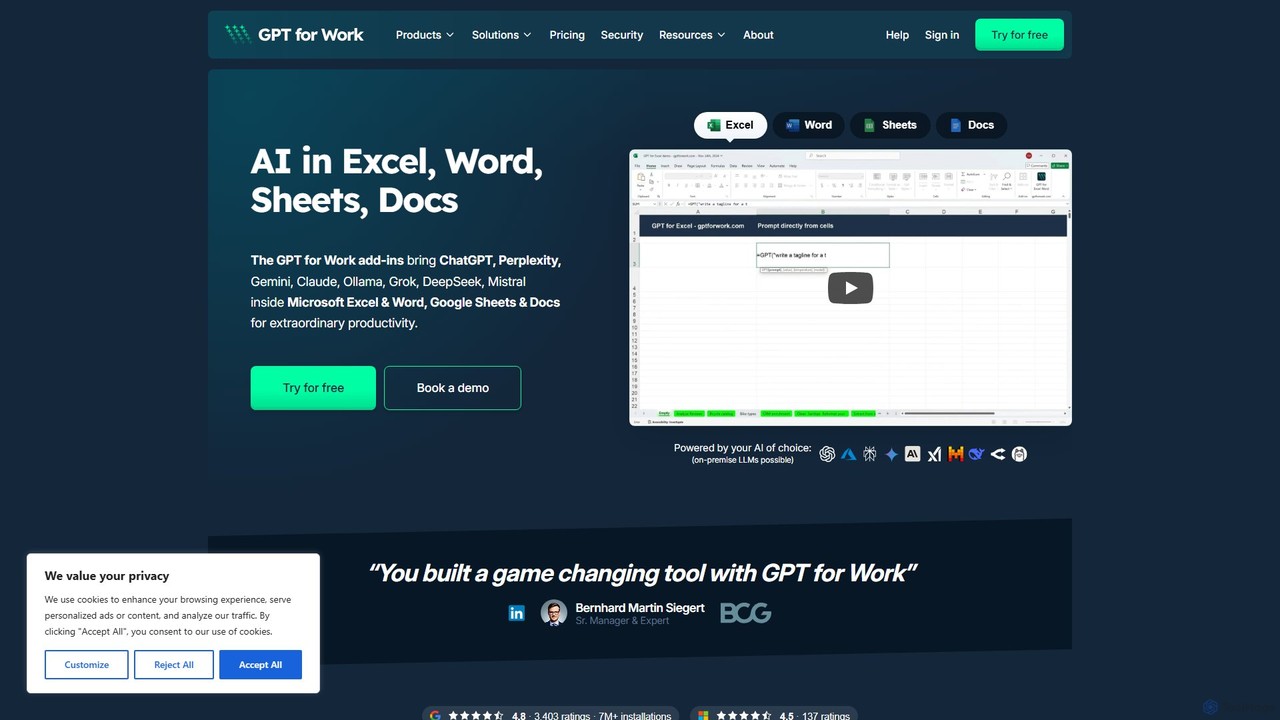
GPT for Work
A powerful AI add-on that integrates GPT capabilities directly into Google Sheets, Docs, Microsoft Excel, and Word. Automate tasks, generate text, analyze data, and create formulas using simple commands, boosting your productivity without leaving your documents.
Document Assistant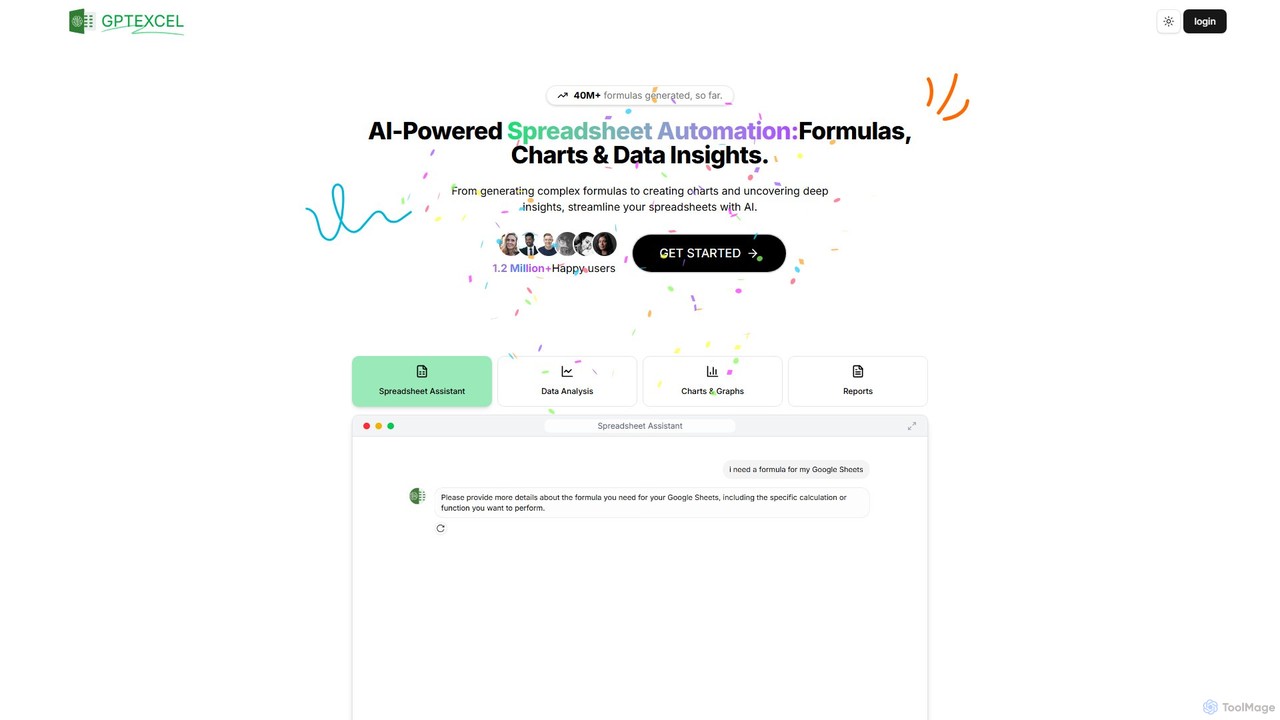
GPTExcel
GPTExcel is an AI-powered assistant that revolutionizes spreadsheet workflows. It generates complex formulas, automation scripts (VBA, Apps Script), SQL queries, and Regex from natural language. It also enables users to chat with their data, convert images to tables, create charts, and perform in-depth data analysis, supporting platforms like Excel, Google Sheets, and Airtable.
Sql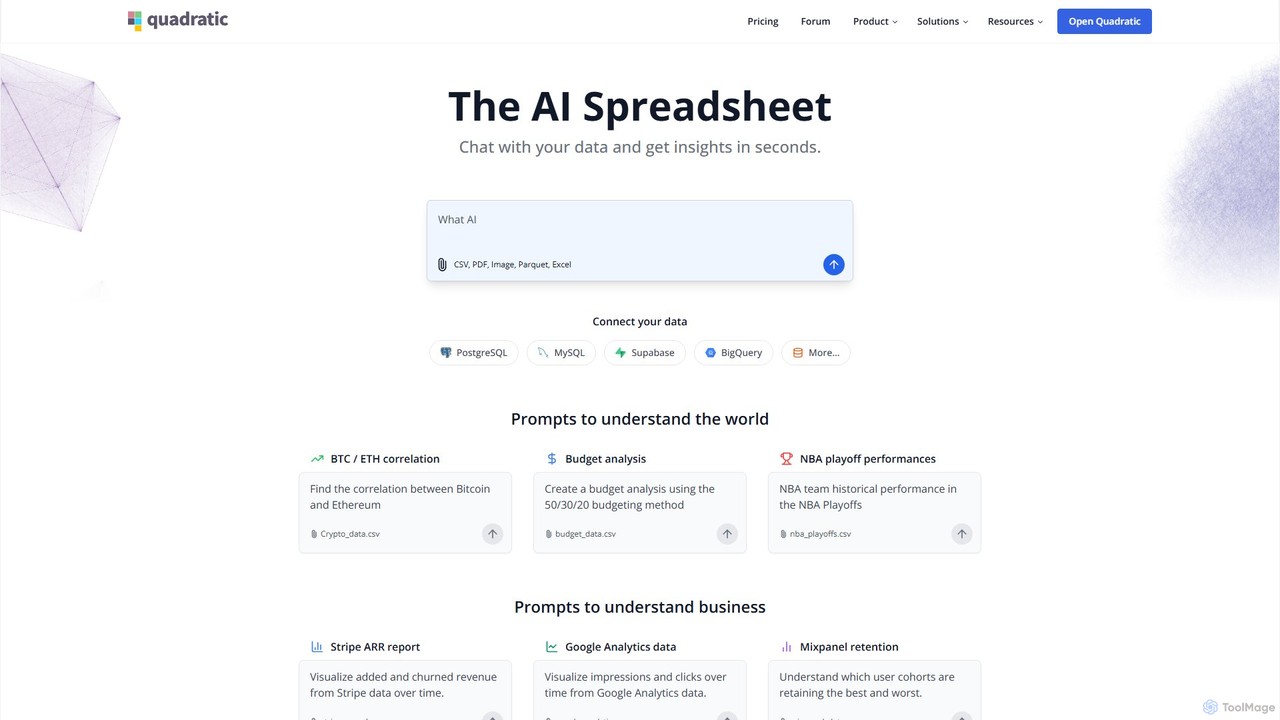
Quadratic
Quadratic is a powerful AI spreadsheet that integrates a familiar interface with Python, SQL, and natural language prompts. Connect directly to live databases, analyze data, extract information from PDFs, and create visualizations instantly. It's a secure, collaborative platform for data analysts, business professionals, and developers.
Business Intelligence
Ajelix
Ajelix is an AI-powered suite of tools designed to enhance productivity for Excel and Google Sheets users. It acts as an AI data analyst, automating tasks, generating formulas and VBA scripts, creating insightful reports, and providing advanced data analysis through a simple chat interface.
Business Intelligence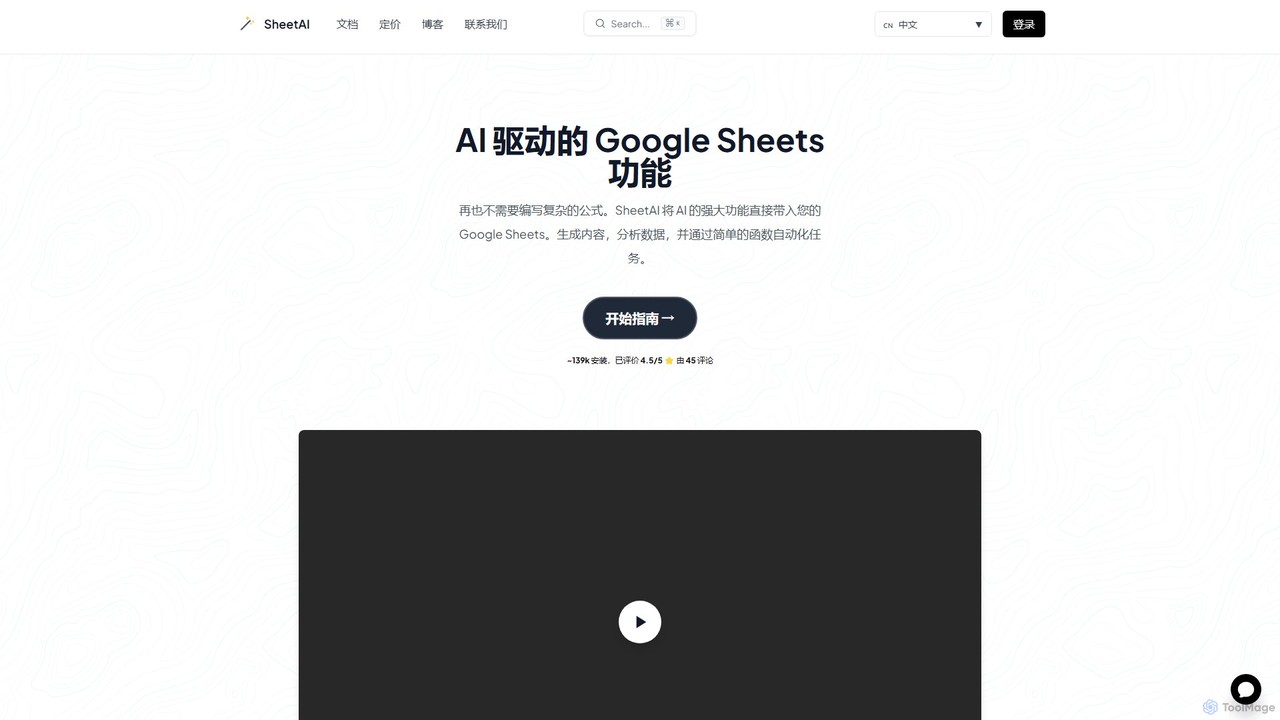
SheetAI
SheetAI integrates the power of AI directly into Google Sheets, allowing users to generate content, analyze data, and automate tasks using simple functions. It eliminates the need for complex formulas, making spreadsheet management more efficient and intuitive for everyone.
No CodeSheetQuery Categories
SheetQuery Embed Widget
Copy this embed code to place the badge on your blog, article, or product site and send readers directly to this ToolMage detail page.

Related AI tools
GPT for Work
A powerful AI add-on that integrates GPT capabilities directly into Google Sheets, Docs, Microsoft Excel, and Word. Automate tasks, generate text, analyze data, and create formulas using simple commands, boosting your productivity without leaving your documents.
Document AssistantGPTExcel
GPTExcel is an AI-powered assistant that revolutionizes spreadsheet workflows. It generates complex formulas, automation scripts (VBA, Apps Script), SQL queries, and Regex from natural language. It also enables users to chat with their data, convert images to tables, create charts, and perform in-depth data analysis, supporting platforms like Excel, Google Sheets, and Airtable.
SqlQuadratic
Quadratic is a powerful AI spreadsheet that integrates a familiar interface with Python, SQL, and natural language prompts. Connect directly to live databases, analyze data, extract information from PDFs, and create visualizations instantly. It's a secure, collaborative platform for data analysts, business professionals, and developers.
Business IntelligenceAjelix
Ajelix is an AI-powered suite of tools designed to enhance productivity for Excel and Google Sheets users. It acts as an AI data analyst, automating tasks, generating formulas and VBA scripts, creating insightful reports, and providing advanced data analysis through a simple chat interface.
Business IntelligenceSheetAI
SheetAI integrates the power of AI directly into Google Sheets, allowing users to generate content, analyze data, and automate tasks using simple functions. It eliminates the need for complex formulas, making spreadsheet management more efficient and intuitive for everyone.
No Code
table.studio
table.studio is an AI-powered data workspace that combines the simplicity of a spreadsheet with the power of a database and AI. Use natural language to query, analyze, and visualize your data, automating tedious tasks and uncovering insights instantly. It's designed for teams to collaborate on data projects in real-time.
Database Management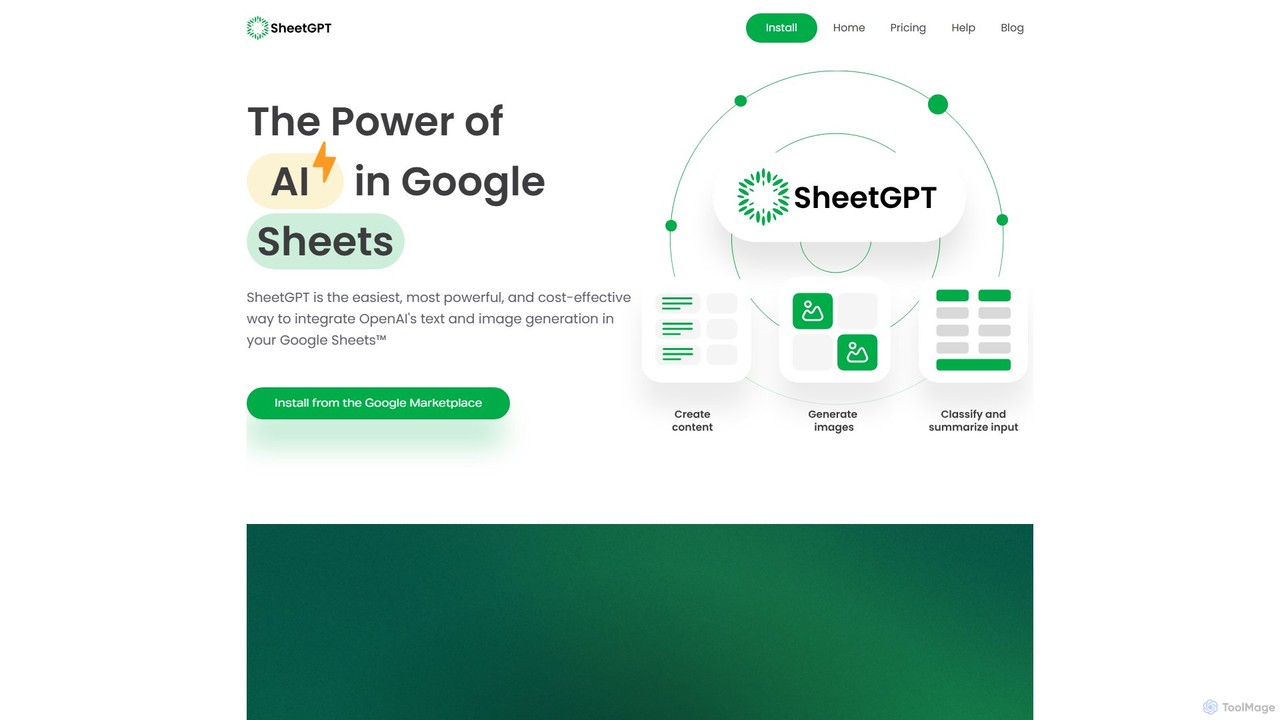
SheetGPT
SheetGPT is a powerful Google Sheets™ add-on that integrates OpenAI's GPT technology directly into your spreadsheets. It allows users to generate text and images, analyze data, create content, and automate workflows using simple functions, without needing API keys. It's designed for individuals and teams to enhance productivity in marketing, research, and content creation.
Seo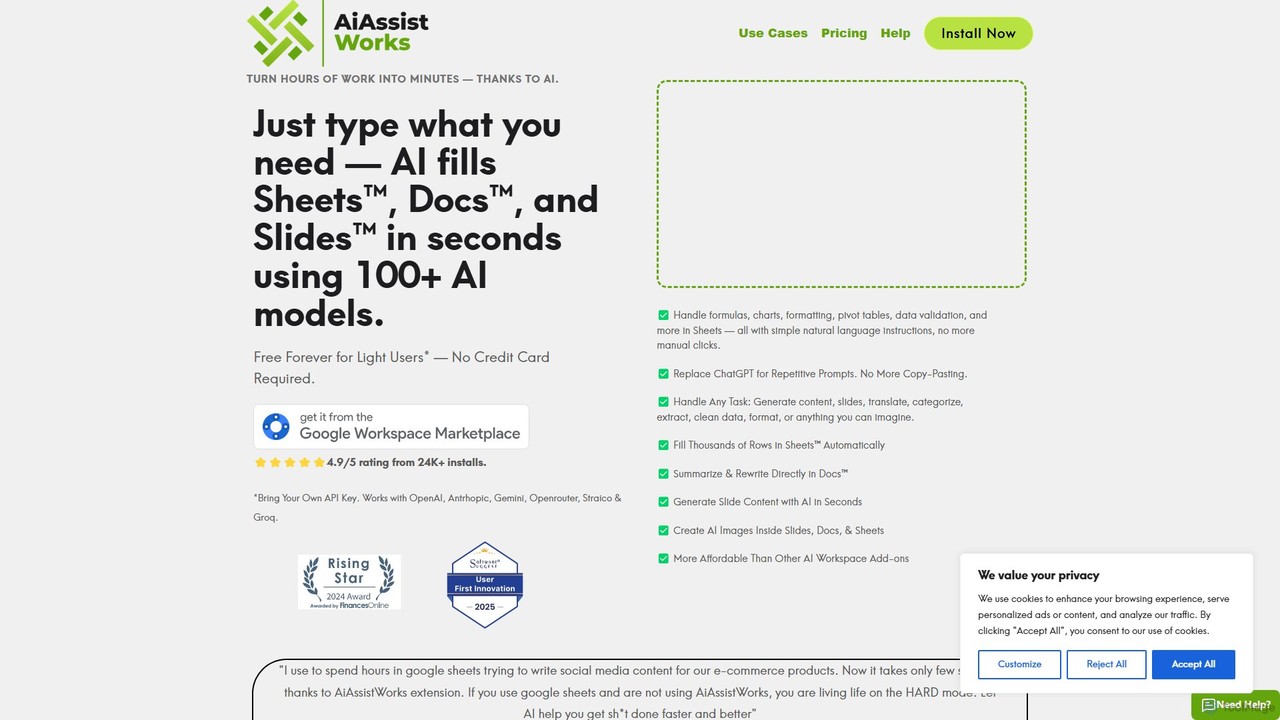
AiAssistWorks
AiAssistWorks is a powerful AI assistant that integrates directly into Google Sheets™, Slides™, and Docs™. It automates tasks, generates content, and analyzes data, helping you work smarter and faster within your existing Google Workspace environment. From writing drafts to creating complex formulas, AiAssistWorks boosts your productivity.
Content Creation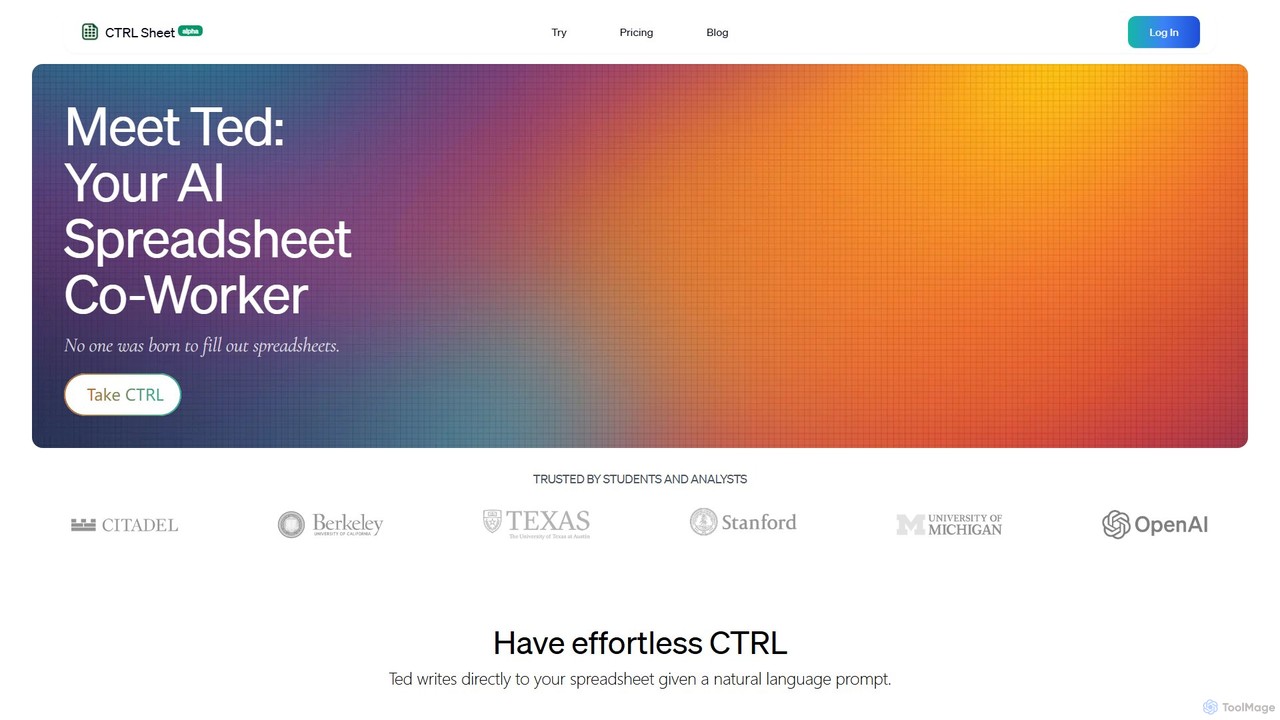
CTRL Sheet
CTRL Sheet is an AI-powered spreadsheet co-worker named Ted that automates data tasks. It allows users to interact with spreadsheets using natural language, extract data from various files like PDFs and images, and generate complex formulas effortlessly. It's designed to save time and reduce errors for students, analysts, and professionals.
Task Automation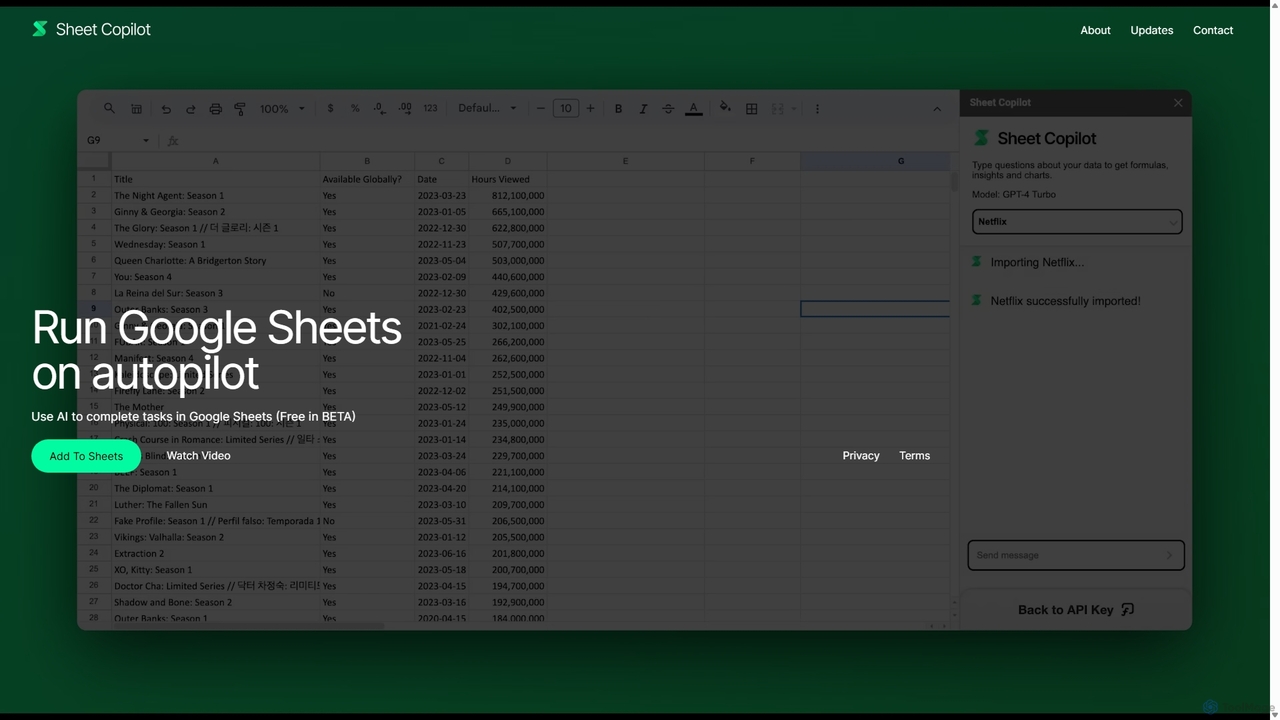
Sheet Copilot
Sheet Copilot is an AI-powered assistant that automates tasks and answers questions directly within Google Sheets. By using natural language commands, you can clean data, generate formulas, create summaries, and analyze information without writing complex functions. It's currently free in beta and operates using your own OpenAI API key for enhanced privacy and security.
Automation
Arcwise
Arcwise is an AI copilot for Google Sheets that supercharges your spreadsheet workflows. It connects directly to your data warehouses and BI tools, allowing you to query, analyze, and visualize complex data using natural language, all within the familiar spreadsheet environment.
Business Intelligence
excelformulagpt
excelformulagpt is an AI-powered tool that instantly converts natural language descriptions into complex Excel and Google Sheets formulas. It helps users save time, reduce errors, and boost productivity without needing to memorize complex syntax. Features include formula generation, context-aware suggestions from uploaded files, and formula explanations.
Automation
Charm
Charm was an AI-powered assistant integrated directly into Google Sheets as an add-on. It was designed to automate complex text-based tasks, such as cleaning messy data, generating content, summarizing text, and classifying information, without requiring traditional formulas or coding. Please note: Charm was officially shut down on September 15, 2023.
Automation
Sheetplus
Sheetplus is an AI-powered toolkit designed to supercharge your spreadsheet experience in Google Sheets and Excel. By leveraging natural language, it allows users to generate complex formulas, clean and analyze data, automate tasks, and extract insights without writing code. It acts as an intelligent assistant, making data management faster, more intuitive, and accessible to everyone, regardless of their technical expertise.
Automation
Prompting Sheets
Prompting Sheets is an AI-powered add-on for Google Sheets that transforms your spreadsheets into dynamic tools. It allows users to generate custom project plans, to-do lists, and automate data analysis and content creation using powerful AI formulas and an integrated chatbot, eliminating the need for generic templates.
Project Management
SheetQuery Comments (0)
Sign in to comment.
Sign inNo comments yet.