
Arcwise Overview
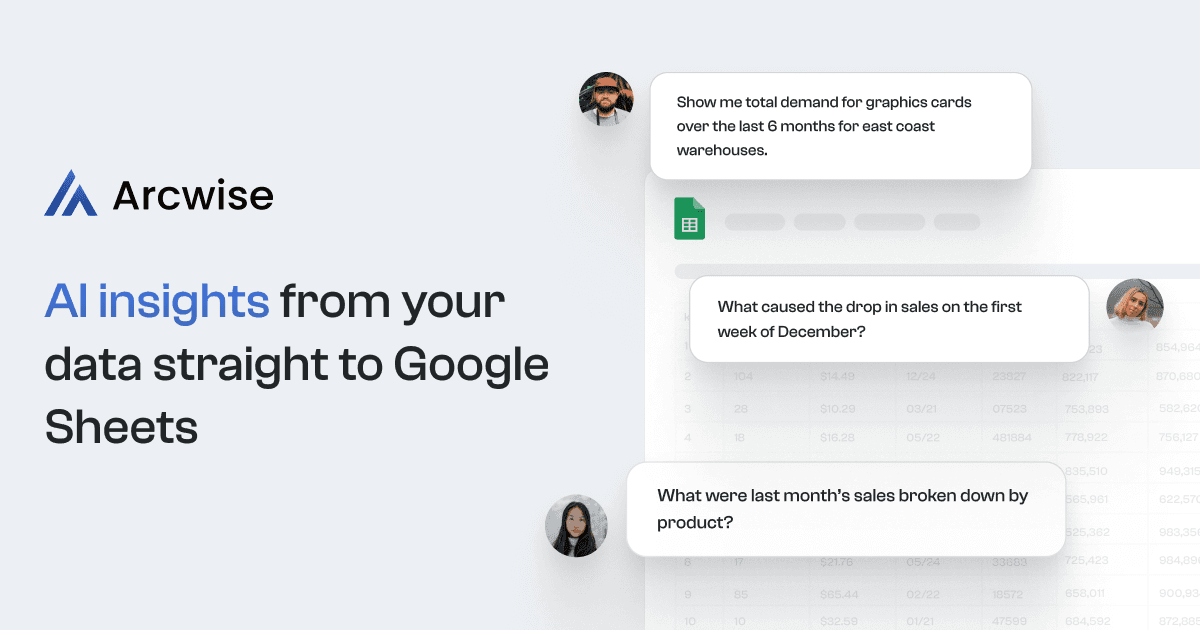
Arcwise is a powerful AI platform designed to enhance data analysis and reporting directly within Google Sheets. It acts as an intelligent bridge between your complex data sources—like Snowflake, BigQuery, and Databricks—and your everyday spreadsheet. By integrating seamlessly as a Chrome extension, Arcwise empowers users of all technical levels to interact with their data conversationally. You can ask questions in plain English, and the AI will automatically generate the necessary SQL queries, pull the relevant data, and create tables or visualizations on the spot. This eliminates the need for manual SQL coding or switching between multiple applications, dramatically accelerating the data-to-insight process.
The platform is built with team collaboration and enterprise needs in mind. It not only fetches data but also helps you understand it by providing instant statistics and trend analysis. For advanced users and data teams, Arcwise offers the ability to fine-tune large language models (LLMs) based on your organization's specific data and metadata. This ensures that the AI's responses become increasingly accurate and relevant over time. With a strong focus on security, Arcwise is SOC 2 Type II and GDPR compliant, ensuring your data is handled with the highest standards of privacy and protection.
How to use Arcwise
Getting started with Arcwise is a straightforward, three-step process designed for quick integration into your existing workflow:
- Connect Your Data Sources: First, connect Arcwise to your company's data warehouses (e.g., Snowflake, BigQuery, Databricks) and BI or SaaS tools (e.g., Salesforce, Looker, NetSuite). This allows the AI to access the necessary data for your analysis.
- Install the Chrome Extension: Install the Arcwise Chrome extension. This embeds the AI's capabilities directly into the Google Sheets interface, making it accessible right where you work.
- Start Asking Questions: Once set up, you can begin querying your data using natural language. Simply type questions like "What were our top 5 products by revenue last quarter?" or "Show me the user growth trend for the past six months." The AI will process your request and deliver the results as tables, reports, or charts in your spreadsheet.
Core Features of Arcwise
- Natural Language Data Querying: Ask questions in plain English to get instant data insights, stats, and trends without writing a single line of SQL.
- Direct Google Sheets Integration: Works as a Chrome extension, bringing powerful data analysis capabilities into the familiar Google Sheets environment.
- Broad Data Connectivity: Connects to major data warehouses like Snowflake, BigQuery, and Databricks, as well as popular SaaS platforms.
- Automatic Data Visualization: Automatically generates charts and graphs from your query responses to help you easily identify patterns and trends.
- Customizable AI Models: Offers the ability to fine-tune an LLM on your company's metadata, improving the AI's performance and relevance over time. You can bring your own model or have Arcwise build one for you.
- Enterprise-Grade Security: SOC 2 Type II and GDPR compliant, with a commitment to data privacy. It uses Azure OpenAI and does not persist your query data on its servers.
- Data Deep Dive: Allows you to double-click into results, investigate the drivers of changes, and even correct errors in the source data.
Use Cases for Arcwise
Arcwise is versatile and can be applied across various business functions:
- Business Intelligence & Analytics: Analysts can rapidly generate ad-hoc reports and explore datasets without waiting for engineering resources, saving several hours per week.
- Financial Planning & Analysis: Finance teams can build dynamic financial models in Google Sheets, pulling real-time data from sources like NetSuite to ensure accuracy and timeliness.
- Sales & Marketing Operations: Teams can track campaign performance, analyze sales pipelines, and understand customer behavior by querying data from Salesforce and other CRMs directly.
- Product Management: Product managers can monitor key product metrics and investigate user behavior trends by asking direct questions about their product data.
Advantages of Arcwise
The primary advantage of Arcwise is its ability to democratize data access and analysis. It significantly boosts productivity by automating tedious data-pulling and reporting tasks. By operating within Google Sheets, it lowers the learning curve and allows teams to leverage a tool they are already comfortable with. This leads to faster, more agile decision-making, as insights can be generated in minutes, not hours or days. The customizable AI and strong security posture make it a reliable and scalable solution for businesses of any size.
Pricing and Plans
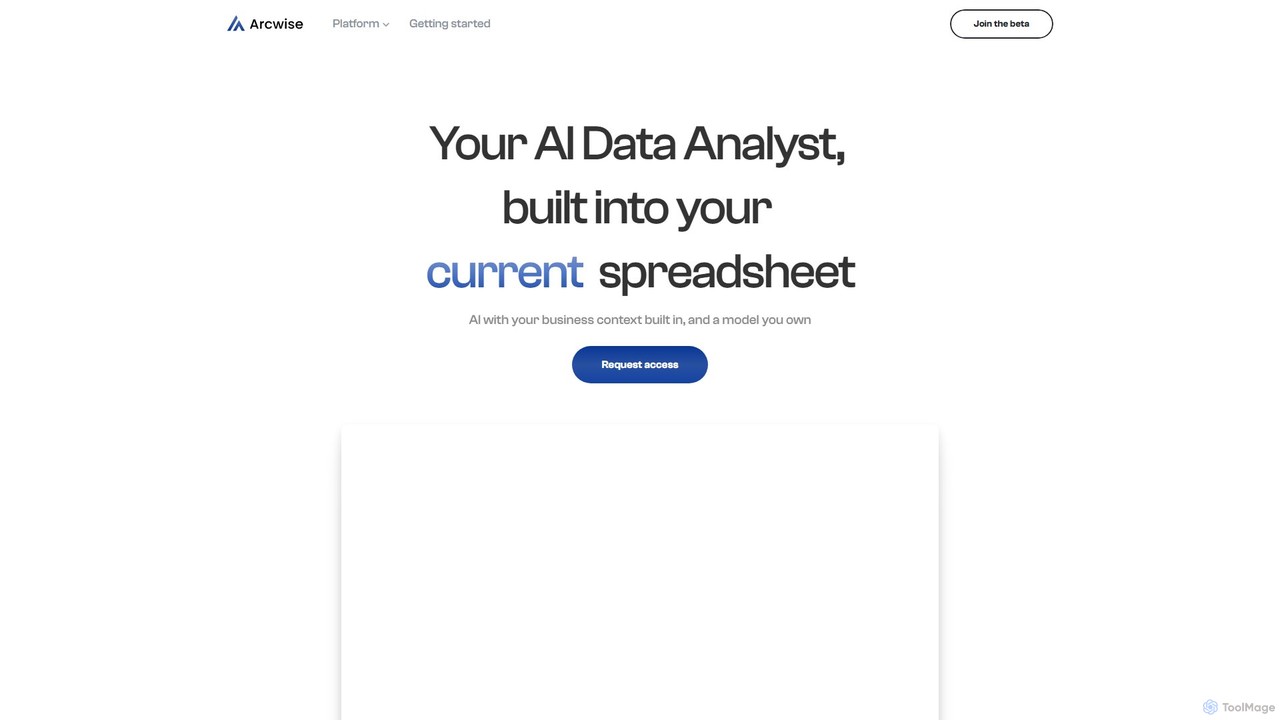
Arcwise is currently available for teams through a limited beta program. Interested users can request access via the official website to join the beta and receive updates. The platform appears to operate on a freemium or tiered model, as indicated by the separate terms of use for free and paid services. For specific details on pricing and plans tailored to your team's needs, it is best to contact the Arcwise team directly by requesting access.
Traffic
Latest traffic
Status
Monthly traffic trend
- 2025-9: 7.0K
- 2026-1: 3.8K
- 2026-2: 1.8K
- 2026-3: 1.2K
- 2026-4: 1.9K
- 2026-5: 3.4K
Geography
Top 5 countries / regions
- 🇻🇳Vietnam84.6%
- 🇦🇷Argentina9.2%
- 🇺🇸United States6.2%
Top keywords
| Keyword | Cost per click |
|---|---|
| archiwise ai | $0.00 |
| arclist app | $0.00 |
| arcwise ai | $0.00 |
| existe alguna ia para hojas de calculo que sea buena para contabilidad? | $0.00 |
| extensión de google workspace | $0.00 |
Arcwise Alternatives
ChatExcel
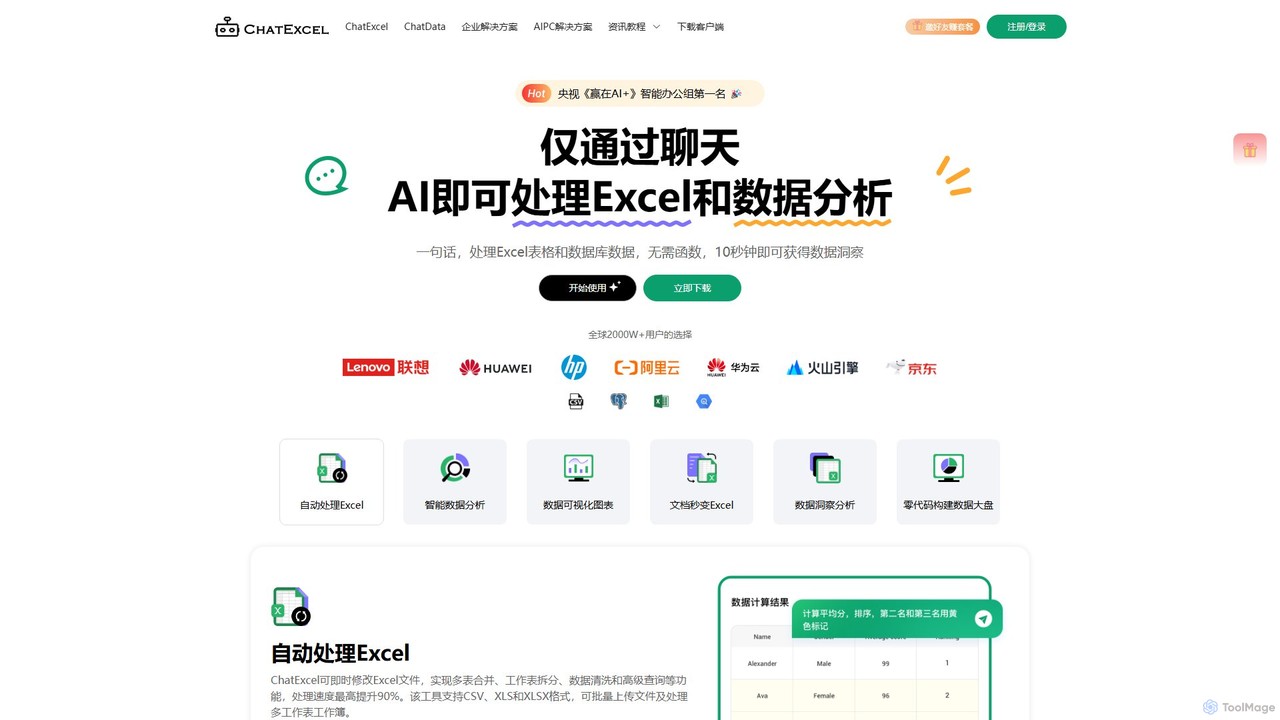
ChatExcel is an AI-powered data analysis tool that allows users to process spreadsheets and analyze data through a simple chat interface. It automates tasks like data cleaning, merging, and analysis, and generates over 100 types of charts and visualizations from natural language commands. No coding or complex formulas required, boosting productivity by up to 90%.
Business Intelligence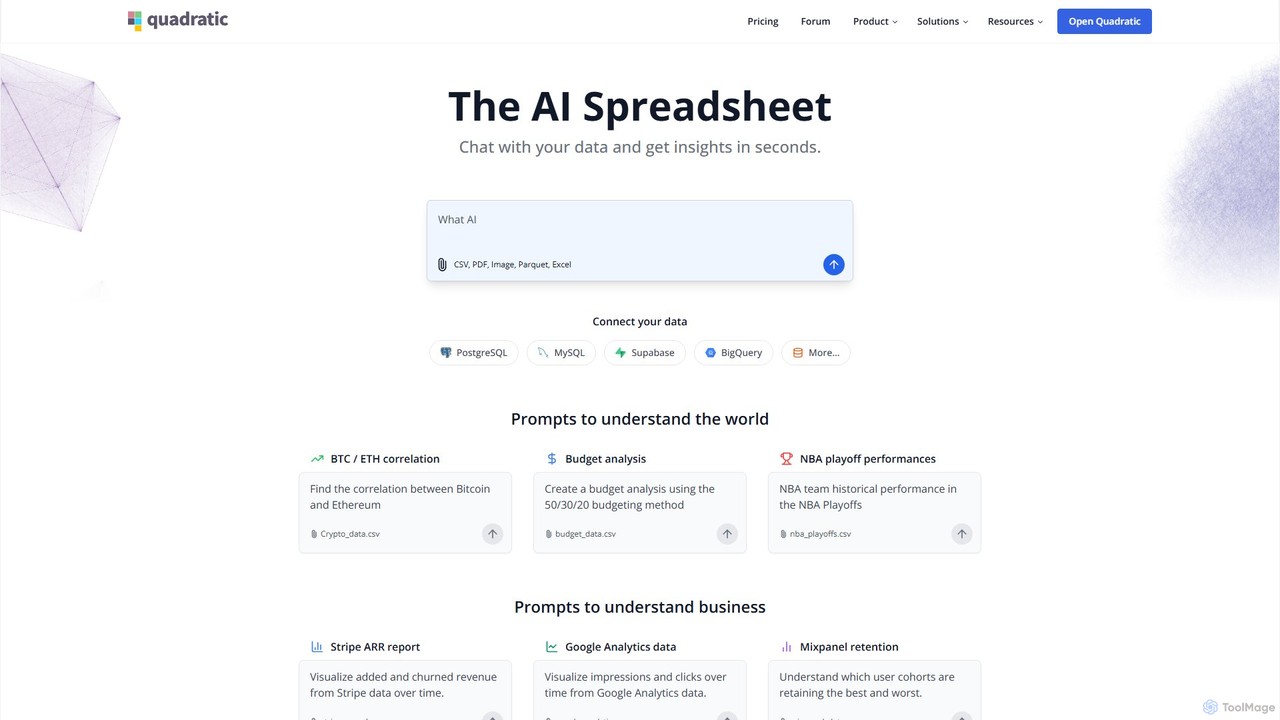
Quadratic
Quadratic is a powerful AI spreadsheet that integrates a familiar interface with Python, SQL, and natural language prompts. Connect directly to live databases, analyze data, extract information from PDFs, and create visualizations instantly. It's a secure, collaborative platform for data analysts, business professionals, and developers.
Business Intelligence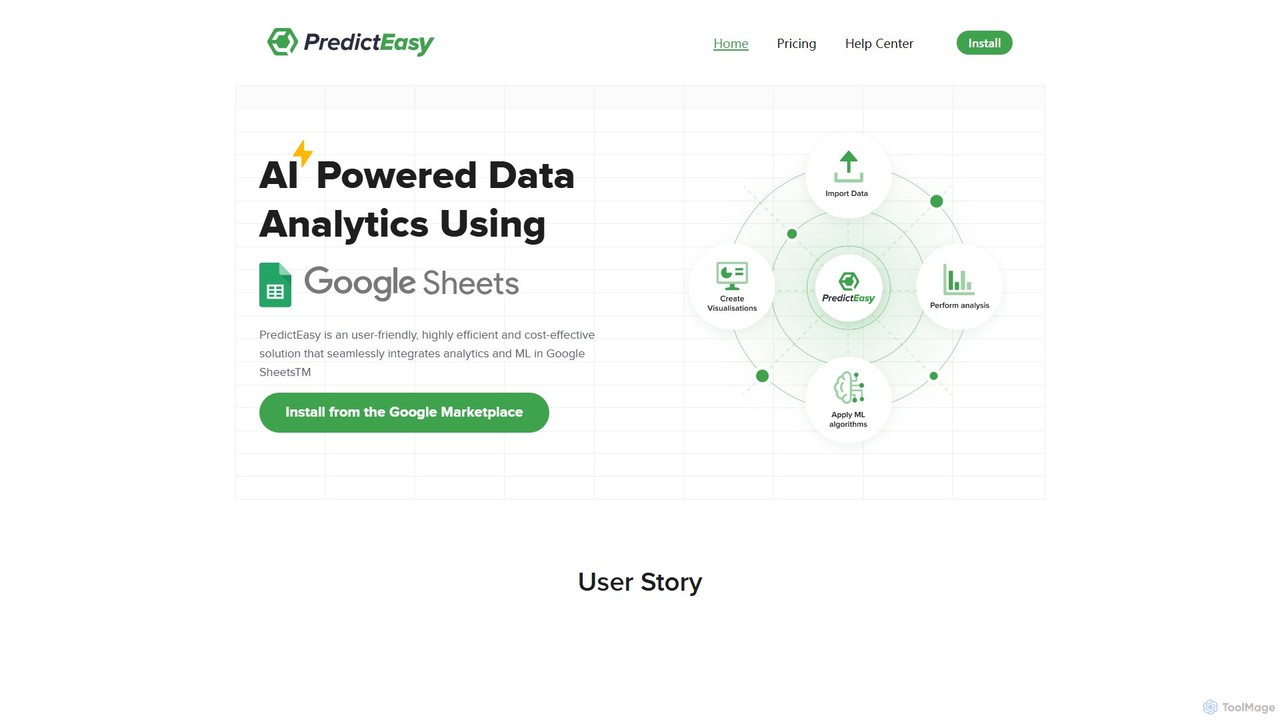
PredictEasy
PredictEasy is a powerful no-code AI add-on for Google Sheets that democratizes data analytics. It allows users to perform advanced tasks like predictive modeling, time-series forecasting, NLP, and statistical analysis with just a few clicks. Ideal for business professionals, researchers, and data analysts, it transforms your spreadsheet into a sophisticated data science tool, enabling data-driven decisions without writing any code.
Business Intelligence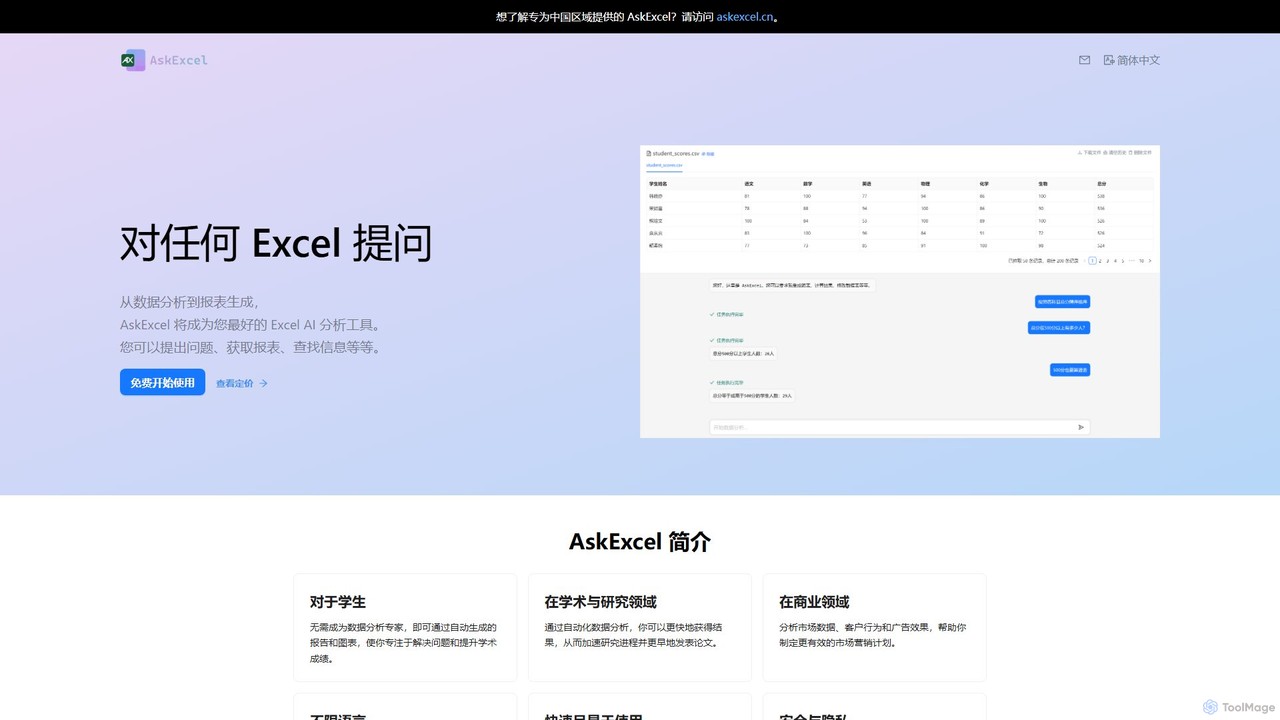
AskExcel
AskExcel is an AI-powered data analysis tool that transforms your Excel spreadsheets into interactive conversations. Simply upload your file, ask questions in natural language, and instantly receive data analysis, reports, and visualizations without writing any formulas or code.
Business Intelligence
Sheet Copilot
Sheet Copilot is an AI-powered assistant that automates tasks and answers questions directly within Google Sheets. By using natural language commands, you can clean data, generate formulas, create summaries, and analyze information without writing complex functions. It's currently free in beta and operates using your own OpenAI API key for enhanced privacy and security.
AutomationArcwise Categories
Arcwise Embed Widget
Copy this embed code to place the badge on your blog, article, or product site and send readers directly to this ToolMage detail page.

Related AI tools

Ajelix
Ajelix is an AI-powered suite of tools designed to enhance productivity for Excel and Google Sheets users. It acts as an AI data analyst, automating tasks, generating formulas and VBA scripts, creating insightful reports, and providing advanced data analysis through a simple chat interface.
Business Intelligence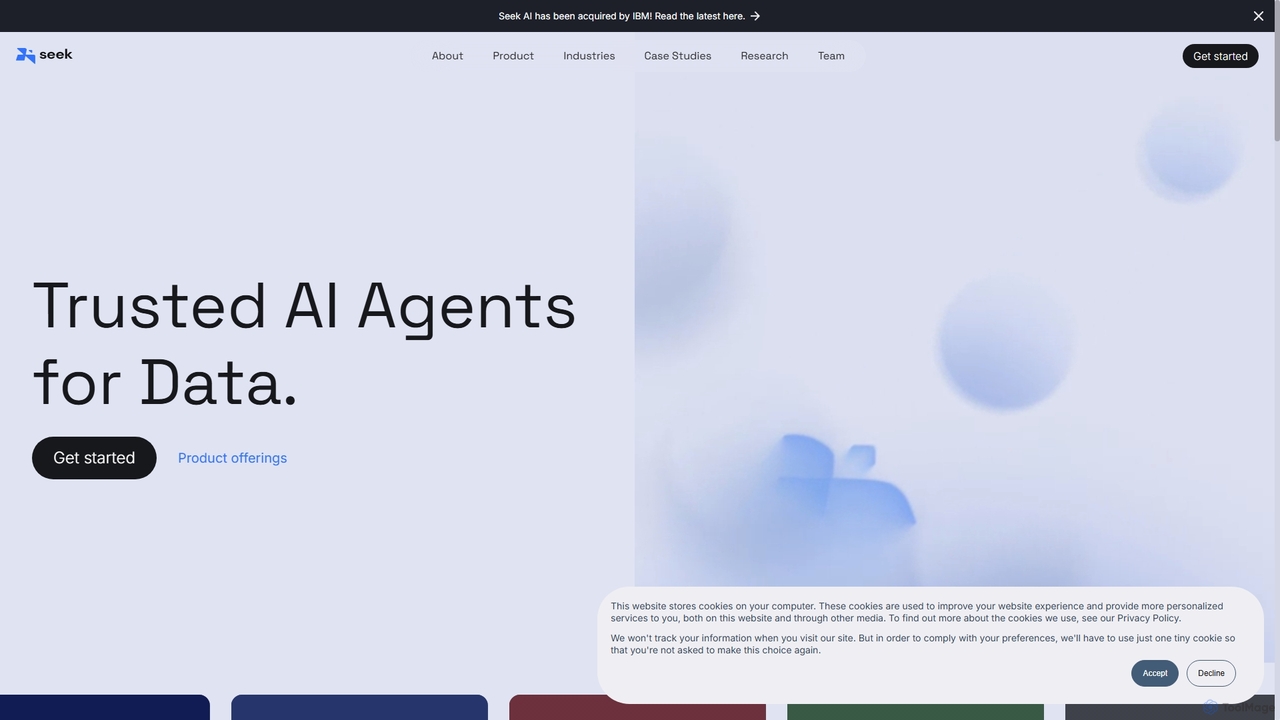
Seek AI
Seek AI is a generative AI platform for data analytics that empowers users to query databases, generate reports, and create visualizations using natural language. It automates the text-to-SQL process, making data accessible to non-technical users and accelerating insights for data teams.
Business Intelligence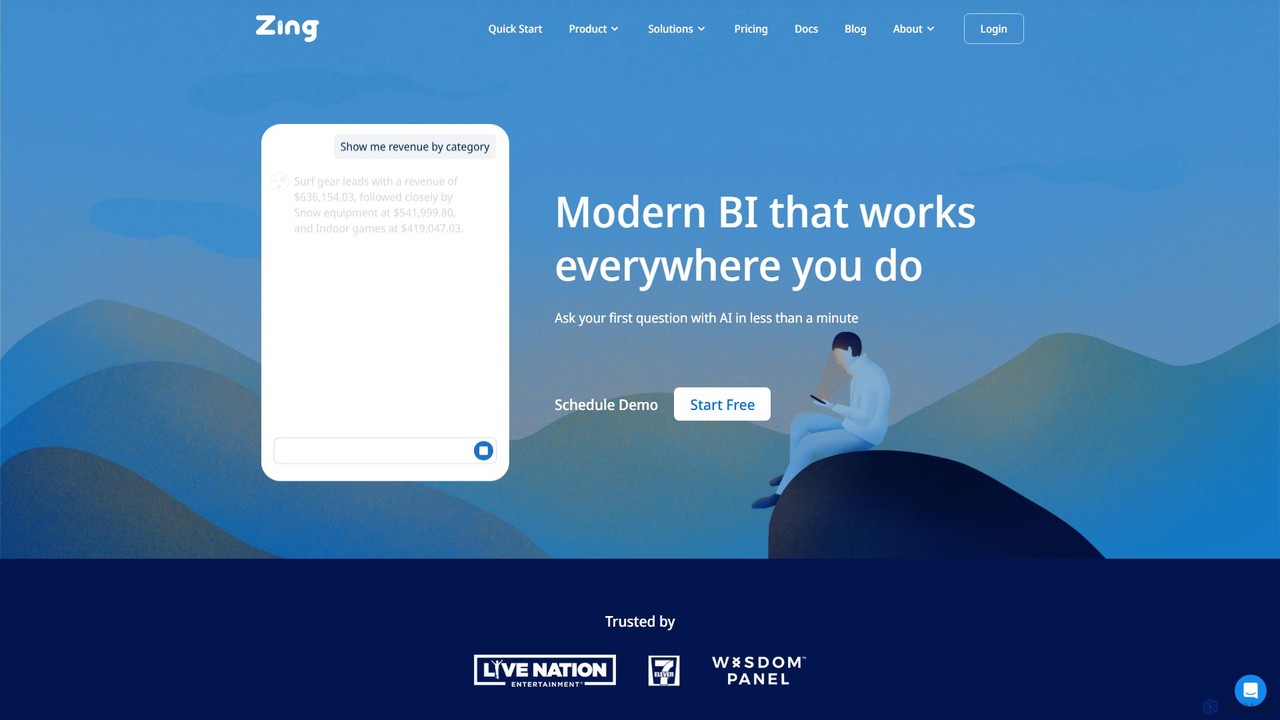
Zing Data
Zing Data is a GenAI-powered business intelligence (BI) platform that enables users to query data using natural language. It works across web and mobile, connecting to various data sources to create interactive visualizations and real-time alerts without complex data modeling, making data analysis accessible to everyone.
Business IntelligenceChatExcel
ChatExcel is an AI-powered data analysis tool that allows users to process spreadsheets and analyze data through a simple chat interface. It automates tasks like data cleaning, merging, and analysis, and generates over 100 types of charts and visualizations from natural language commands. No coding or complex formulas required, boosting productivity by up to 90%.
Business IntelligenceQuadratic
Quadratic is a powerful AI spreadsheet that integrates a familiar interface with Python, SQL, and natural language prompts. Connect directly to live databases, analyze data, extract information from PDFs, and create visualizations instantly. It's a secure, collaborative platform for data analysts, business professionals, and developers.
Business IntelligencePredictEasy
PredictEasy is a powerful no-code AI add-on for Google Sheets that democratizes data analytics. It allows users to perform advanced tasks like predictive modeling, time-series forecasting, NLP, and statistical analysis with just a few clicks. Ideal for business professionals, researchers, and data analysts, it transforms your spreadsheet into a sophisticated data science tool, enabling data-driven decisions without writing any code.
Business IntelligenceAskExcel
AskExcel is an AI-powered data analysis tool that transforms your Excel spreadsheets into interactive conversations. Simply upload your file, ask questions in natural language, and instantly receive data analysis, reports, and visualizations without writing any formulas or code.
Business Intelligence
AIColumns
AIColumns is an AI-powered data assistant that supercharges your spreadsheets. It integrates seamlessly with platforms like Google Sheets and Excel, allowing you to use natural language to clean data, generate complex formulas, create visualizations, and uncover actionable insights instantly.
Intelligence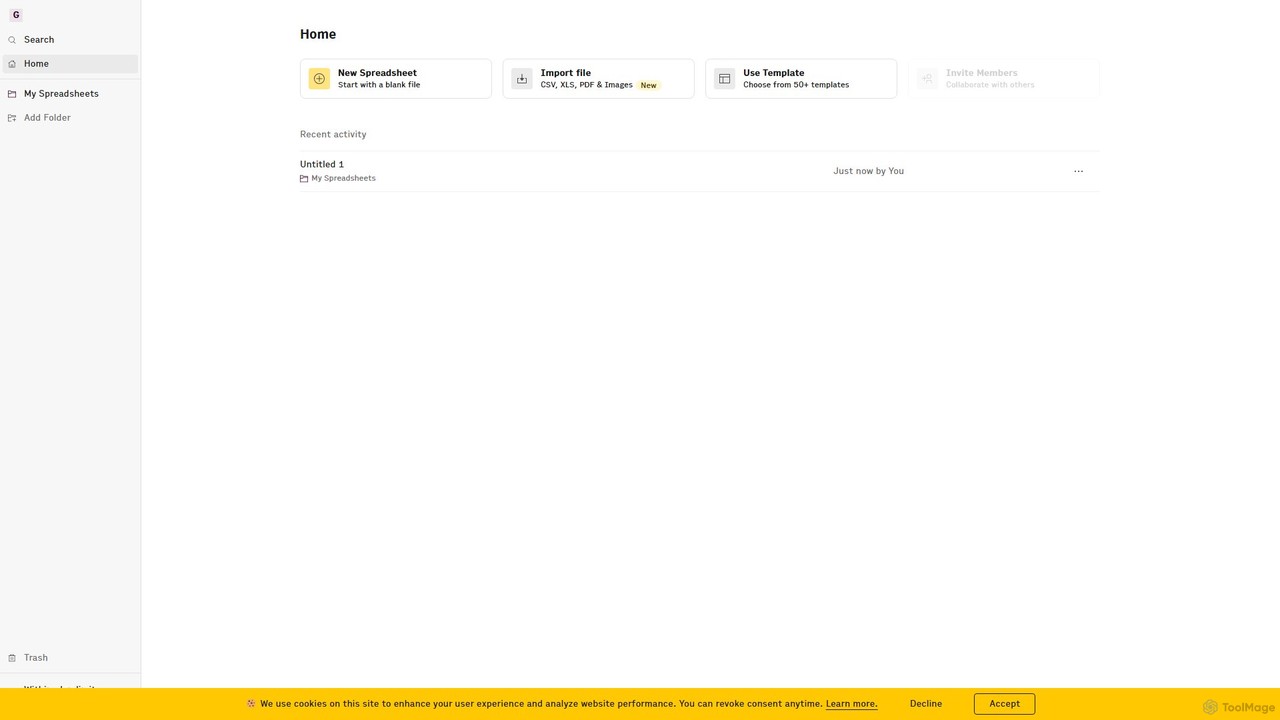
Rows
Rows is a next-generation spreadsheet that combines a familiar interface with powerful AI capabilities and seamless data integration. Connect to over 50 sources like Google Analytics, social media, and databases to automate data analysis, create live dashboards, and generate insights with an AI Analyst copilot.
Reporting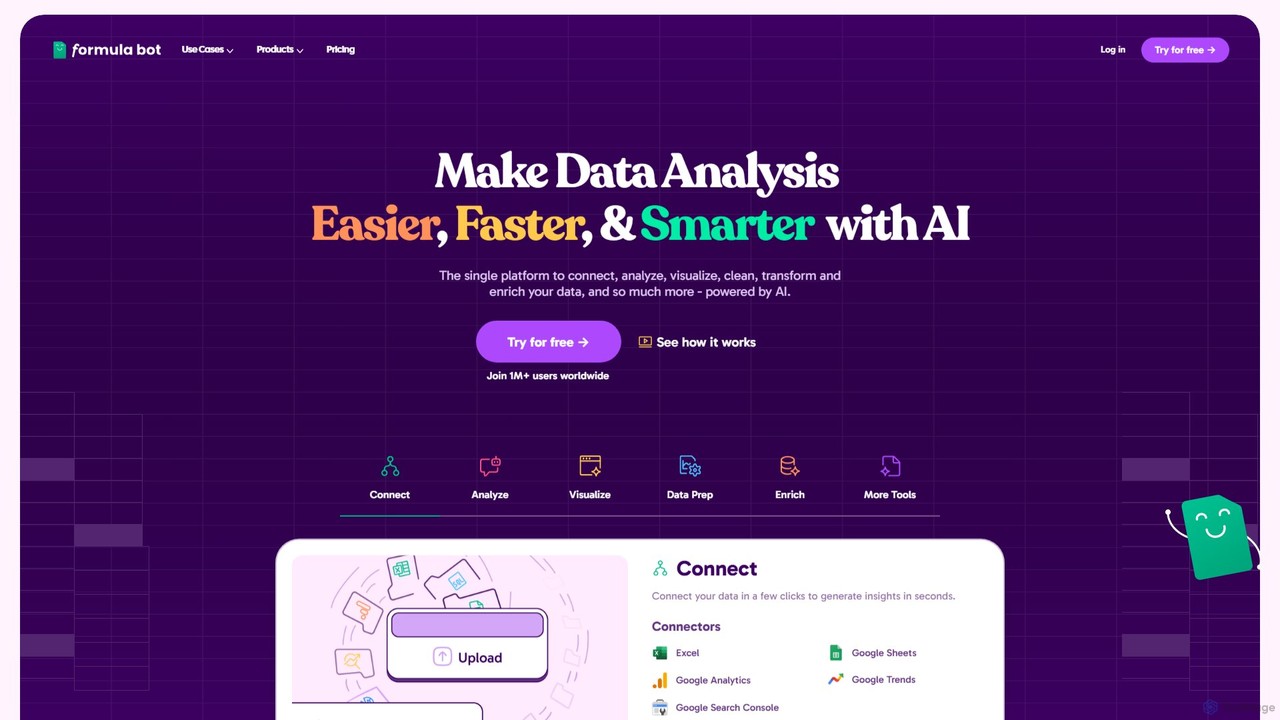
Formula Bot
Formula Bot is an AI-powered data analysis platform that simplifies working with spreadsheets and data. It allows users to generate Excel formulas, SQL queries, and VBA code from simple text instructions, analyze data through a conversational chat interface, and automate tasks like data cleaning and enrichment.
Data Visualization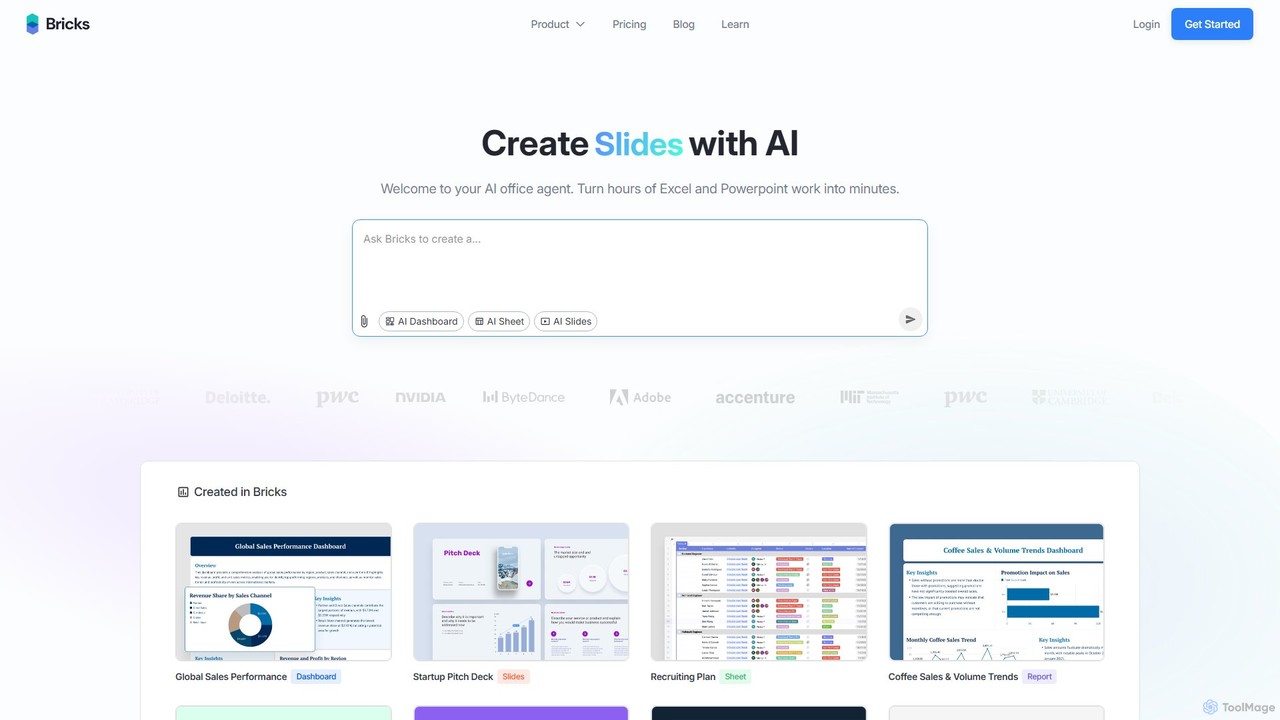
thebricks
thebricks is an AI-powered workspace that transforms data analysis and reporting. It allows users to create interactive dashboards, dynamic spreadsheets, and professional slides using simple natural language prompts. Turn hours of manual work in Excel and PowerPoint into minutes, streamlining your workflow and boosting productivity.
Business Intelligence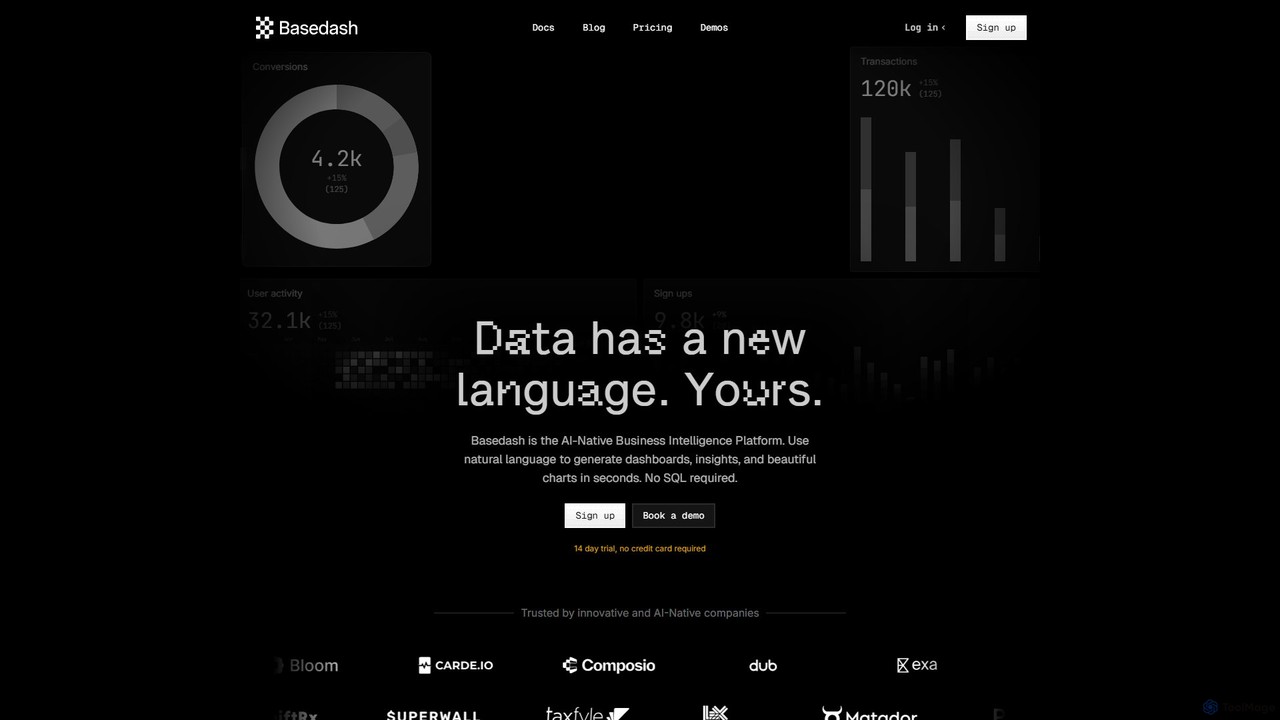
Basedash
Basedash is an AI-native business intelligence platform that allows teams to interact with their data using natural language. Generate beautiful dashboards, charts, and insights in seconds without writing any SQL code. Connect your data sources and simply ask questions to get answers.
Business Intelligence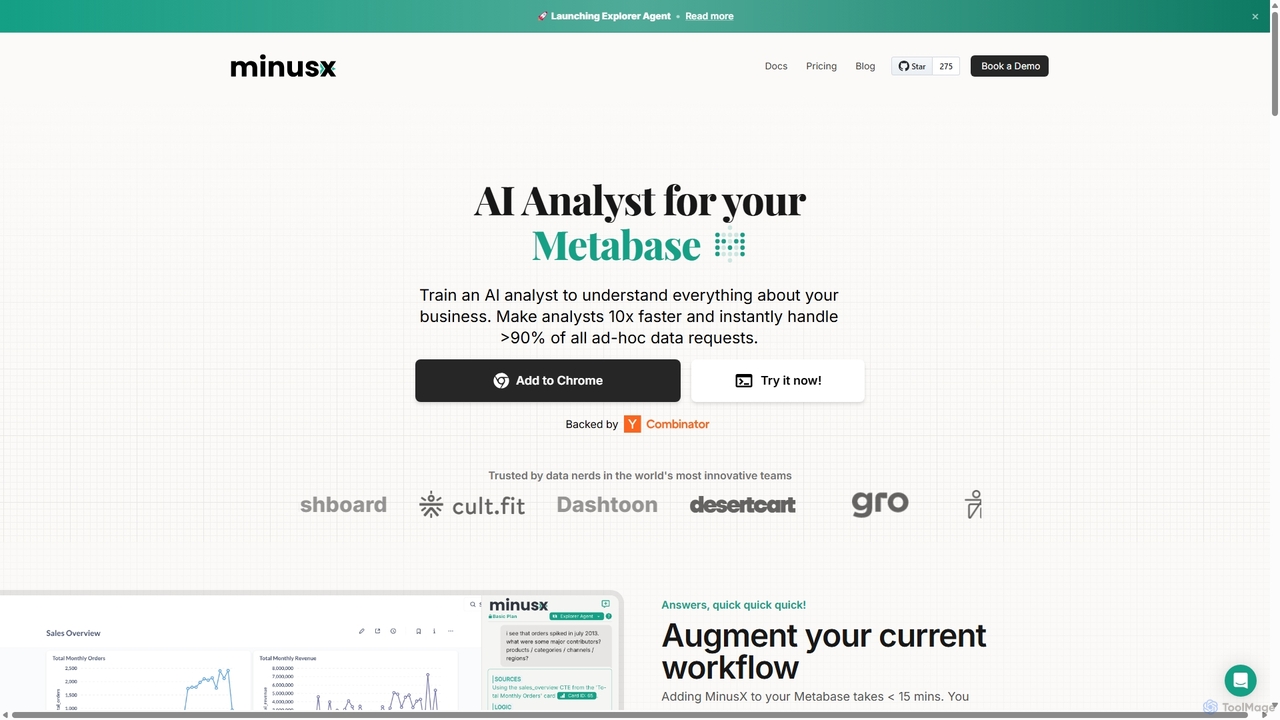
Minusx
Minusx is an AI data analyst designed to integrate seamlessly with Metabase. It empowers data analysts, business users, and executives to query data using natural language, handling over 90% of ad-hoc requests instantly. By acting as a Chrome extension within your existing workflow, Minusx enhances productivity, codifies business knowledge through 'Context Engineering', and provides quick, accurate insights directly from your dashboards and reports, all while ensuring data security.
Analytics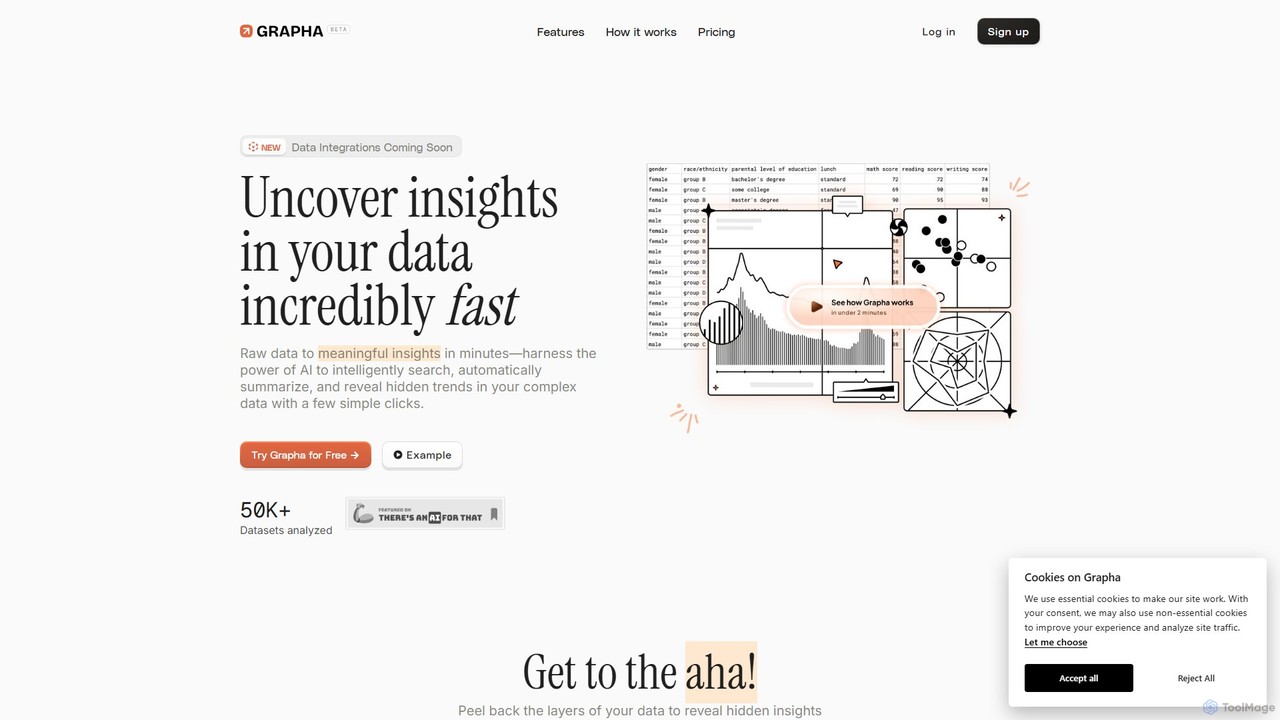
Grapha.ai
Grapha.ai is an AI-powered data exploration tool that transforms complex datasets into clear, actionable insights. Using a natural language copilot, users can search, summarize, and visualize data without any coding. It's designed for everyone, from business analysts to small business owners, to uncover hidden trends and make data-driven decisions in minutes.
Business Intelligence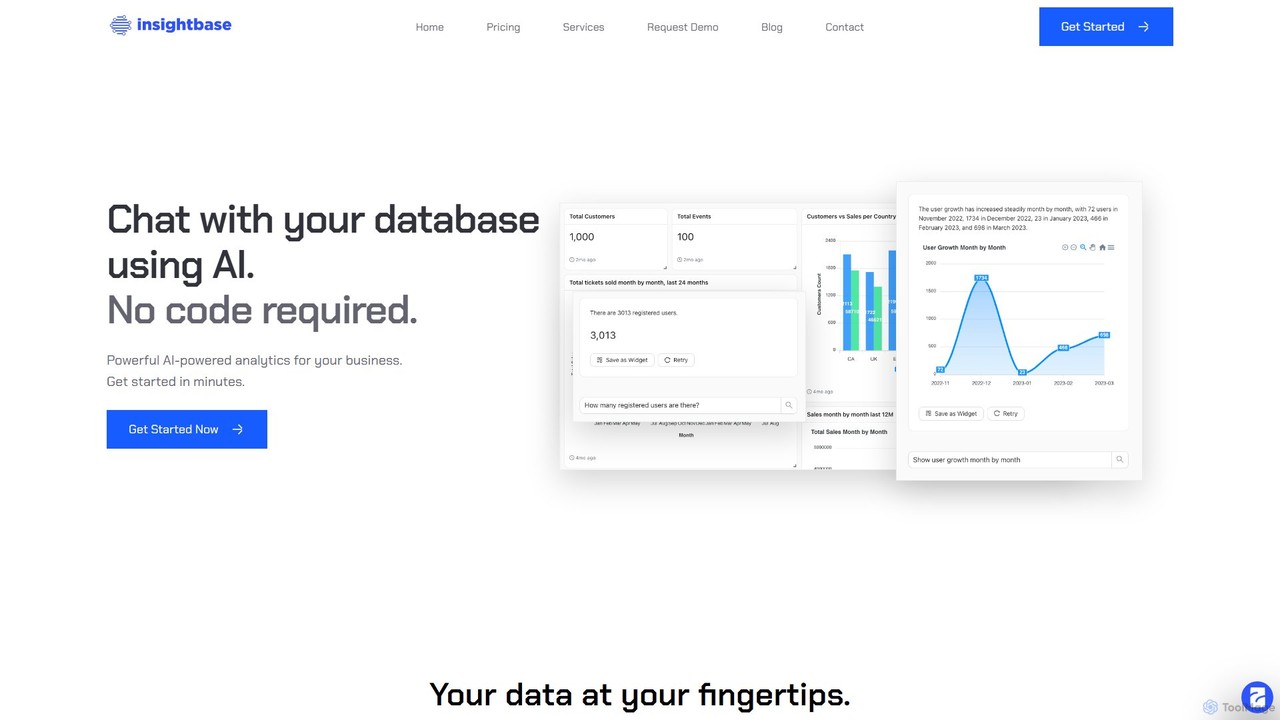
InsightBase
InsightBase is an AI-powered business intelligence platform that allows you to chat with your database using natural language. It empowers both non-technical and technical users to build dashboards, generate reports, and gain data-driven insights in minutes, without needing to write complex SQL queries.
Business Intelligence
Arcwise Comments (0)
Sign in to comment.
Sign inNo comments yet.