

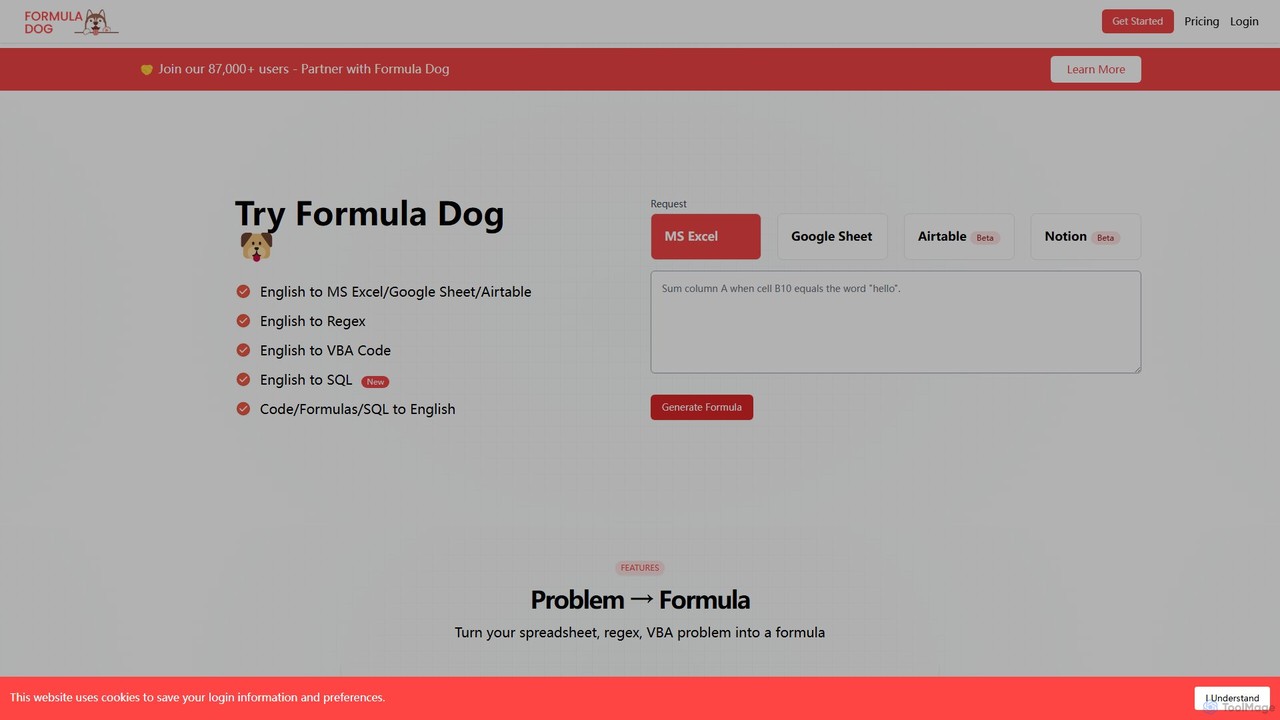
Formula Dog Overview
Formula Dog is a revolutionary AI-powered assistant designed to bridge the gap between human language and the complex syntax of spreadsheets, databases, and code. Trusted by over 87,000 users, this tool empowers you to focus on the 'what' rather than the 'how' of data manipulation. Whether you're a data analyst, a marketer, a project manager, or simply someone who frequently uses spreadsheets, Formula Dog can dramatically accelerate your workflow and eliminate the frustration of debugging complex formulas or writing scripts from scratch.
The platform's core capability is its ability to translate simple, natural language instructions into ready-to-use outputs for various platforms, including Microsoft Excel, Google Sheets, Airtable, and even Notion. Beyond generation, it also serves as a powerful learning tool by providing clear, step-by-step explanations for any formula, code, or SQL query you provide, demystifying complex logic in seconds.
How to use Formula Dog
Using Formula Dog is an intuitive and straightforward process designed for maximum efficiency:
- Select Your Tool: Begin by choosing your target application from the dropdown menu, such as MS Excel, Google Sheets, Airtable, Regex, VBA, or SQL.
- Describe Your Need: In the text input box, write a clear and simple description of what you want to achieve. For example, instead of trying to remember the VLOOKUP syntax, you could type, "Find the price of 'Product X' from the 'Products' sheet in column D, matching it with the product ID in cell A2."
- Generate and Copy: Click the "Generate Formula" button. The AI will process your request and provide the precise formula or code snippet in moments. You can then copy it directly into your application.
- Explain a Formula: To understand an existing formula or code, select the "Explanation" feature. Paste the complex formula or script into the input box, and the AI will break it down into a simple, human-readable explanation.
- Use Integrations: For an even more seamless experience, install the Formula Dog Add-on for Google Sheets to generate and insert formulas without ever leaving your spreadsheet. An MS Excel Add-on is also in development.
Core Features of Formula Dog
- English to Formula Generation: Instantly converts your text descriptions into accurate formulas for MS Excel, Google Sheets, Airtable, and Notion (Beta).
- English to Regex Generation: Effortlessly create complex Regular Expressions for text validation, extraction, and manipulation by simply describing the pattern you need.
- English to VBA & SQL Generation: Automate tasks in Excel with VBA code or interact with your databases using SQL queries, all generated from plain English prompts.
- Formula & Code Explainer: Demystifies any formula, code snippet (VBA), or SQL query by providing a detailed, step-by-step explanation of its function and logic.
- Google Sheets Add-on: A fully launched add-on that integrates Formula Dog's capabilities directly into your Google Sheets workspace.
- MS Excel Add-on: A dedicated add-on for Microsoft Excel is currently in development to bring the same level of convenience to Excel users.
Use Cases for Formula Dog
Formula Dog is a versatile tool applicable across various roles and industries:
- Financial Analysts: Quickly generate formulas for calculating Compound Annual Growth Rate (CAGR), Net Present Value (NPV), or create VBA scripts to automate the consolidation of monthly financial reports.
- Marketing Professionals: Create Regex to extract all email addresses or social media handles from a block of text, or build a Google Sheets dashboard formula to track campaign performance across multiple sources.
- Sales Operations: Develop Airtable formulas to automatically score and assign leads based on criteria like company size, location, and source.
- Project Managers: Generate formulas to automatically calculate task completion percentages, identify overdue tasks, or create conditional formatting rules in a project timeline.
- Developers & Data Scientists: Rapidly prototype SQL queries for data exploration or generate Regex for data cleaning and preprocessing tasks, saving valuable development time.
Advantages of Formula Dog
Partnering with Formula Dog provides a significant competitive edge:
- Time-Saving: Drastically reduces the time spent on Googling syntax, writing, and debugging formulas or code.
- Increased Accuracy: AI-generated outputs minimize the risk of human error, leading to more reliable data and analysis.
- Accessibility & Empowerment: Makes advanced data manipulation accessible to users of all skill levels, not just formula experts or programmers.
- Enhanced Learning: The explanation feature acts as a personal tutor, helping you understand the logic behind complex operations and improving your skills over time.
- Multi-Platform Support: A single, unified solution for your needs across Excel, Google Sheets, Airtable, Regex, VBA, and SQL.
Pricing and Plans
Formula Dog operates on a freemium model, offering plans suitable for different levels of usage. While you should visit the official website for the most up-to-date information, the plans are typically structured as follows:
- Free Plan: Ideal for occasional users, offering a limited number of free formula/code generations per month to test the core features.
- Pro Plan: A subscription-based plan for professionals and power users, providing a high volume of monthly requests, access to all generator types, and priority customer support.
- Business Plan: Designed for teams and organizations, this plan includes all Pro features along with team management capabilities, centralized billing, and potentially API access for custom integrations.
Traffic
Latest traffic
Status
Monthly traffic trend
- 2025-7: 3.9K
- 2025-8: 4.0K
- 2025-9: 2.8K
- 2026-3: 0
- 2026-4: 0
- 2026-5: 1.3K
Geography
Top 5 countries / regions
- 🇮🇳India100.0%
Top keywords
| Keyword | Cost per click |
|---|---|
| do formula | $0.00 |
| formula dog ai | $0.00 |
Formula Dog Alternatives

Ajelix
Ajelix is an AI-powered suite of tools designed to enhance productivity for Excel and Google Sheets users. It acts as an AI data analyst, automating tasks, generating formulas and VBA scripts, creating insightful reports, and providing advanced data analysis through a simple chat interface.
Business Intelligence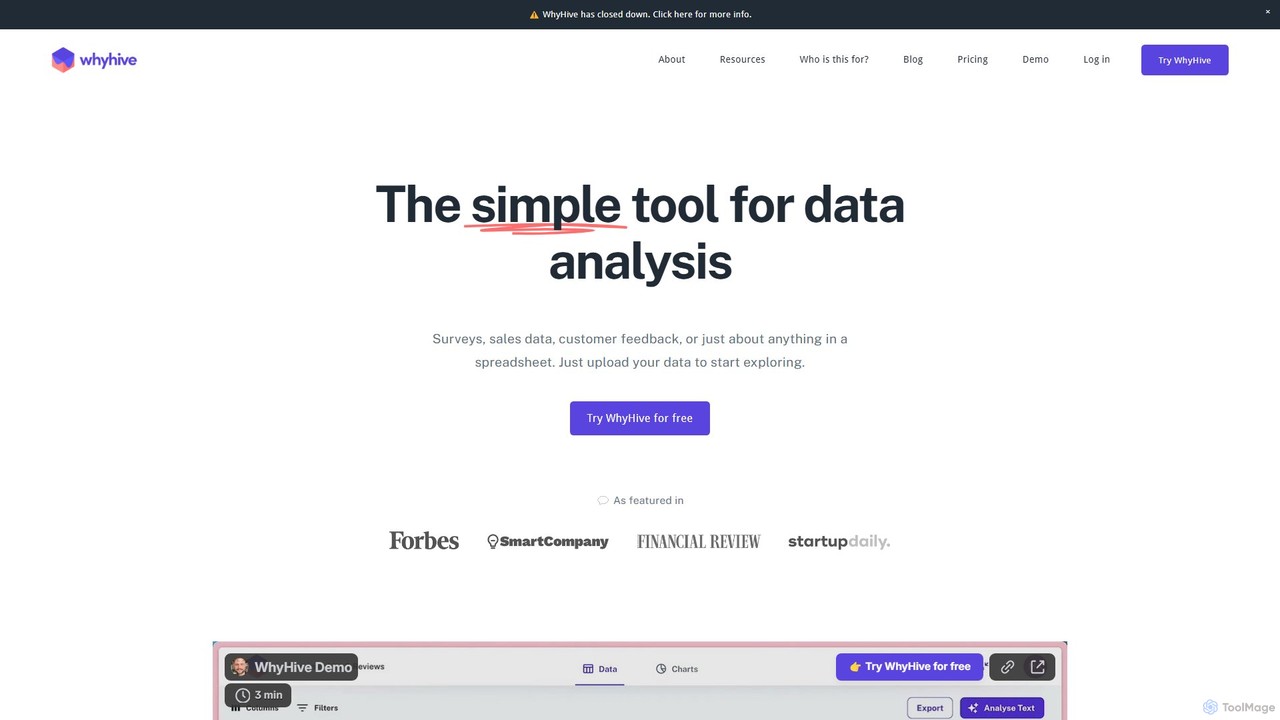
WhyHive
WhyHive is an AI-powered data analysis tool designed for simplicity. It transforms spreadsheets, surveys, and customer feedback into clear insights and visualizations. Ideal for marketers, researchers, and startups, it automates text analysis and charting, making data accessible to everyone without technical expertise.
Customer Feedback
Formula Bot
Formula Bot is an AI-powered data analysis platform that simplifies working with spreadsheets and data. It allows users to generate Excel formulas, SQL queries, and VBA code from simple text instructions, analyze data through a conversational chat interface, and automate tasks like data cleaning and enrichment.
Data Visualization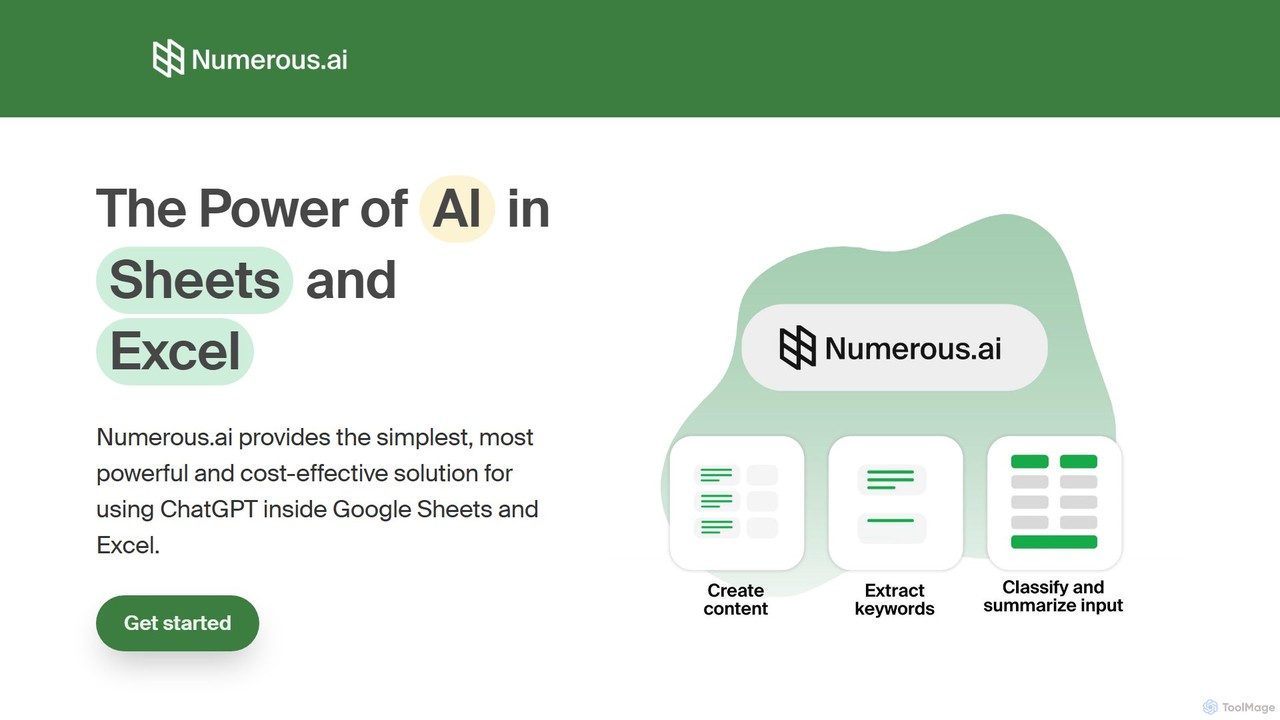
Numerous.ai
Numerous.ai is a powerful AI assistant that integrates directly into Google Sheets and Excel. It allows users to automate tasks, generate content, clean and classify data, and perform complex analysis using a simple '=AI()' function, without needing any API keys or coding skills.
Data Analysis
SheetAI
SheetAI integrates the power of AI directly into Google Sheets, allowing users to generate content, analyze data, and automate tasks using simple functions. It eliminates the need for complex formulas, making spreadsheet management more efficient and intuitive for everyone.
No CodeFormula Dog Categories
Formula Dog Embed Widget
Copy this embed code to place the badge on your blog, article, or product site and send readers directly to this ToolMage detail page.

Related AI tools
Formula Bot
Formula Bot is an AI-powered data analysis platform that simplifies working with spreadsheets and data. It allows users to generate Excel formulas, SQL queries, and VBA code from simple text instructions, analyze data through a conversational chat interface, and automate tasks like data cleaning and enrichment.
Data VisualizationNumerous.ai
Numerous.ai is a powerful AI assistant that integrates directly into Google Sheets and Excel. It allows users to automate tasks, generate content, clean and classify data, and perform complex analysis using a simple '=AI()' function, without needing any API keys or coding skills.
Data AnalysisSheetAI
SheetAI integrates the power of AI directly into Google Sheets, allowing users to generate content, analyze data, and automate tasks using simple functions. It eliminates the need for complex formulas, making spreadsheet management more efficient and intuitive for everyone.
No Code
sheeter
Sheeter is an AI-powered tool that generates complex formulas for Excel and Google Sheets from plain English descriptions. It also creates VBA scripts, Google Apps Scripts, and Regex, significantly boosting spreadsheet productivity and saving users time by eliminating the need to memorize or look up formulas.
Data Analysis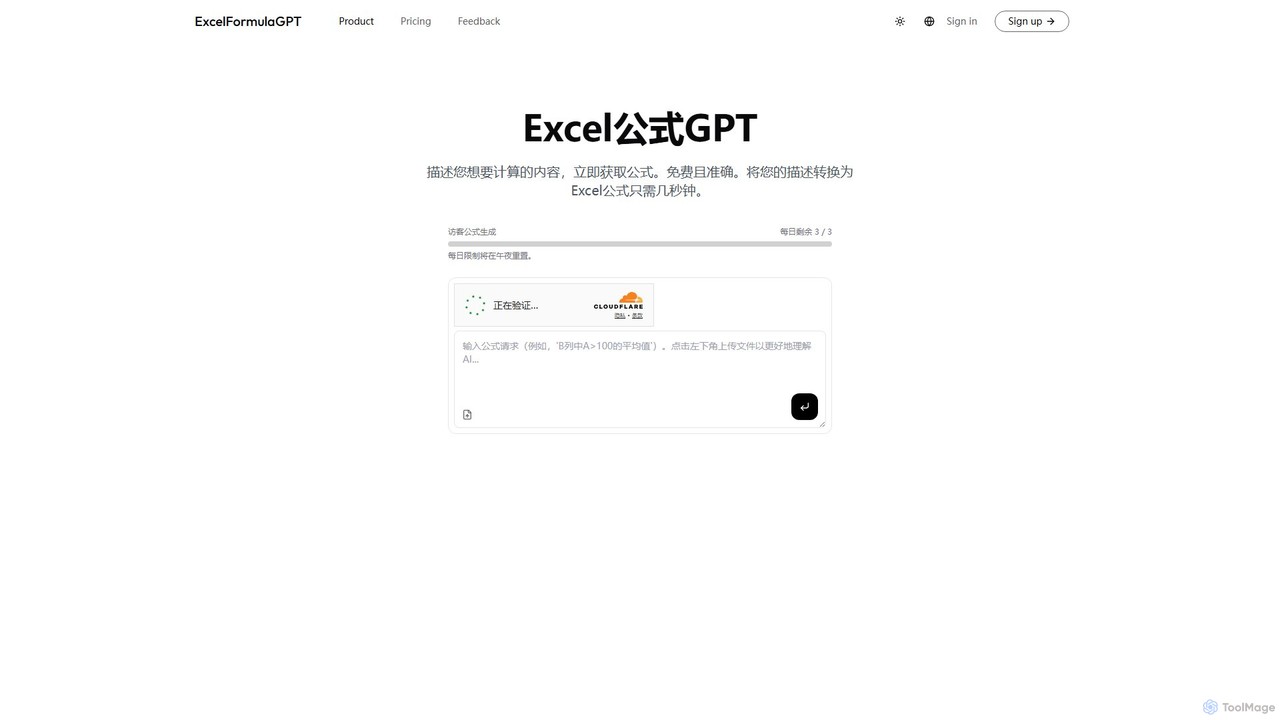
excelformulagpt
excelformulagpt is an AI-powered tool that instantly converts natural language descriptions into complex Excel and Google Sheets formulas. It helps users save time, reduce errors, and boost productivity without needing to memorize complex syntax. Features include formula generation, context-aware suggestions from uploaded files, and formula explanations.
Automation
Sheetplus
Sheetplus is an AI-powered toolkit designed to supercharge your spreadsheet experience in Google Sheets and Excel. By leveraging natural language, it allows users to generate complex formulas, clean and analyze data, automate tasks, and extract insights without writing code. It acts as an intelligent assistant, making data management faster, more intuitive, and accessible to everyone, regardless of their technical expertise.
Automation
Prompting Sheets
Prompting Sheets is an AI-powered add-on for Google Sheets that transforms your spreadsheets into dynamic tools. It allows users to generate custom project plans, to-do lists, and automate data analysis and content creation using powerful AI formulas and an integrated chatbot, eliminating the need for generic templates.
Project Management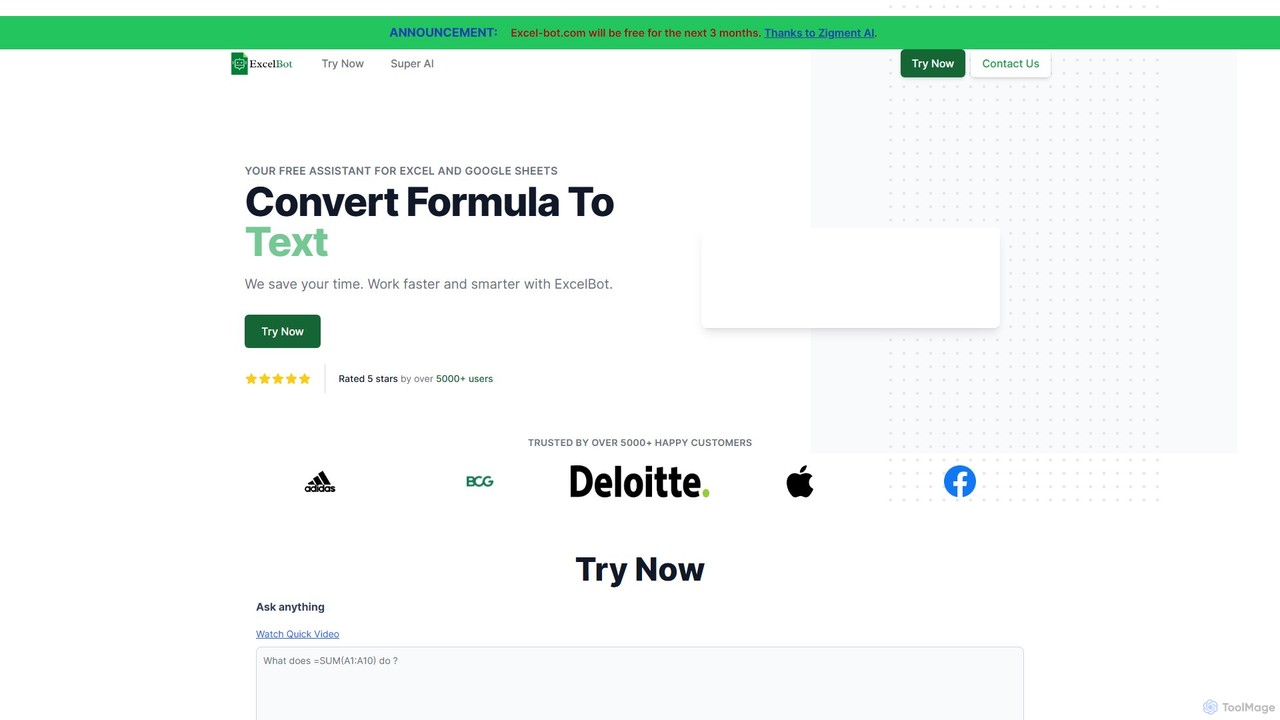
Excel Bot
Excel Bot is an AI-powered assistant for Microsoft Excel and Google Sheets. It converts your plain text instructions into complex formulas instantly, saving you time and reducing errors. Simply describe what you need, and the AI generates the correct formula for you.
Finance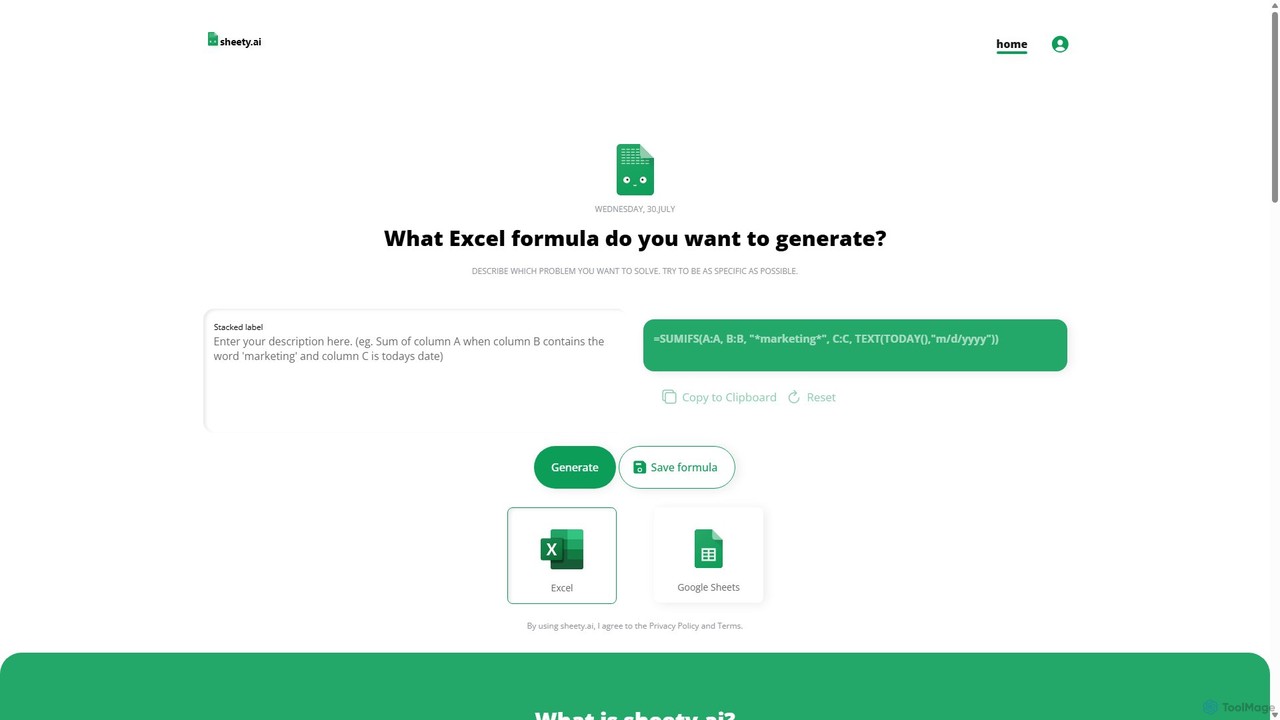
sheety.ai
sheety.ai is an AI-powered tool that instantly generates complex spreadsheet formulas for Excel and Google Sheets from natural language descriptions. Simply describe the problem you want to solve, and the AI will provide the correct formula, saving you time and eliminating the need to memorize syntax. It's designed for everyone from students to financial analysts, boosting productivity and data accuracy.
Data ProcessingAjelix
Ajelix is an AI-powered suite of tools designed to enhance productivity for Excel and Google Sheets users. It acts as an AI data analyst, automating tasks, generating formulas and VBA scripts, creating insightful reports, and providing advanced data analysis through a simple chat interface.
Business Intelligence
ChatExcel
ChatExcel is an AI-powered data analysis tool that allows users to process spreadsheets and analyze data through a simple chat interface. It automates tasks like data cleaning, merging, and analysis, and generates over 100 types of charts and visualizations from natural language commands. No coding or complex formulas required, boosting productivity by up to 90%.
Business Intelligence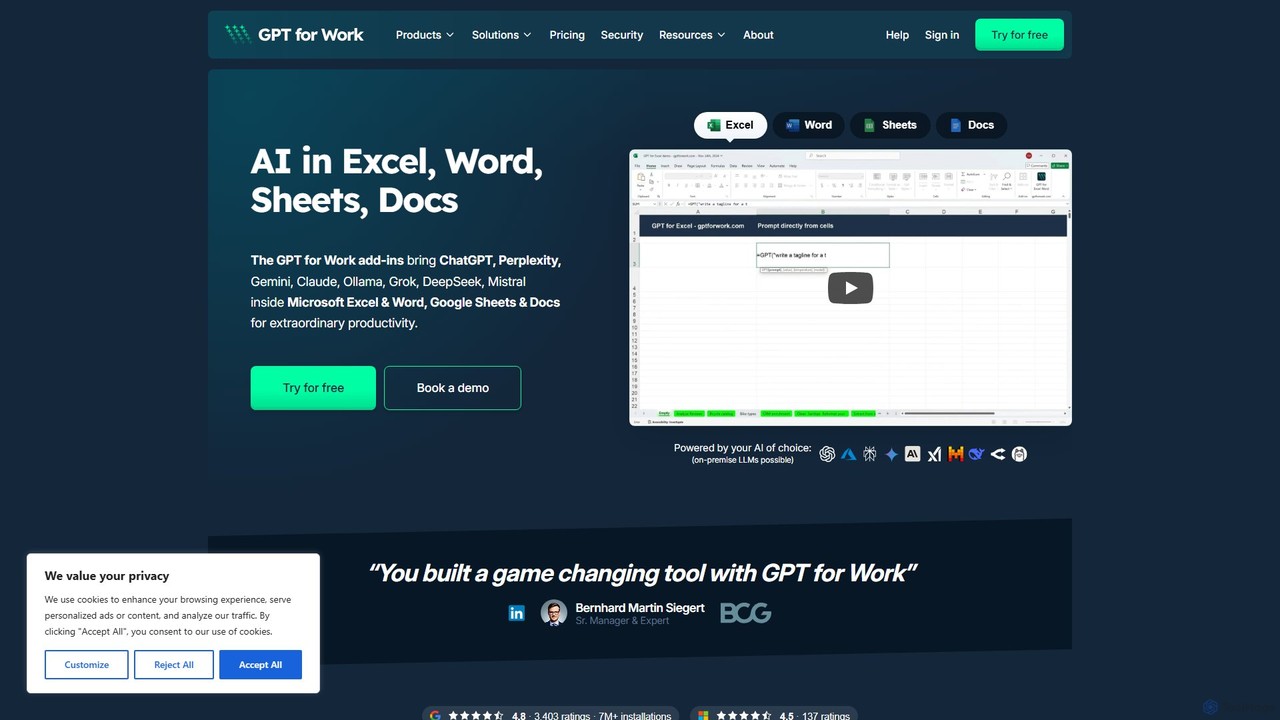
GPT for Work
A powerful AI add-on that integrates GPT capabilities directly into Google Sheets, Docs, Microsoft Excel, and Word. Automate tasks, generate text, analyze data, and create formulas using simple commands, boosting your productivity without leaving your documents.
Document Assistant
thebricks
thebricks is an AI-powered workspace that transforms data analysis and reporting. It allows users to create interactive dashboards, dynamic spreadsheets, and professional slides using simple natural language prompts. Turn hours of manual work in Excel and PowerPoint into minutes, streamlining your workflow and boosting productivity.
Business Intelligence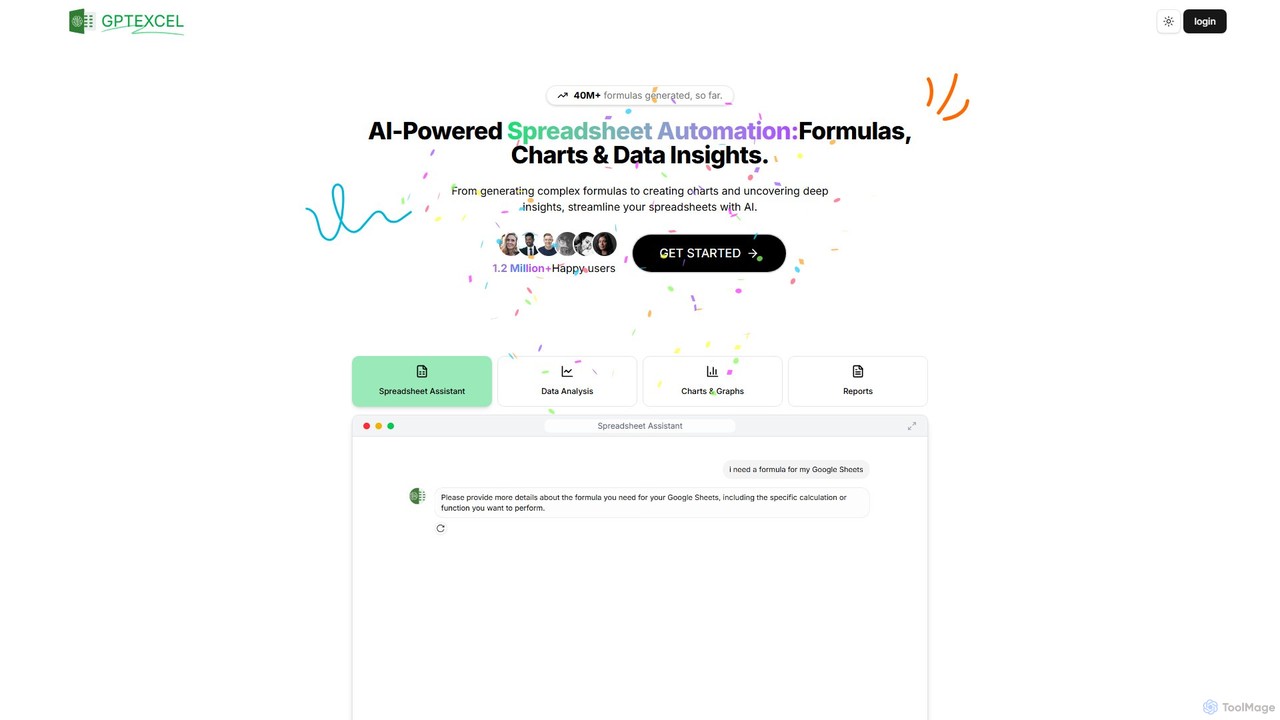
GPTExcel
GPTExcel is an AI-powered assistant that revolutionizes spreadsheet workflows. It generates complex formulas, automation scripts (VBA, Apps Script), SQL queries, and Regex from natural language. It also enables users to chat with their data, convert images to tables, create charts, and perform in-depth data analysis, supporting platforms like Excel, Google Sheets, and Airtable.
Sql
Sourcetable
Sourcetable is an AI-powered spreadsheet that combines the functionality of traditional spreadsheets with an AI data analyst. It allows users to connect to live data sources, ask questions in plain English, generate formulas, create charts, and automate reports. By integrating AI, Python, and SQL capabilities directly into the spreadsheet interface, Sourcetable empowers users of all skill levels to perform complex data analysis, cleaning, and visualization tasks effortlessly, turning raw data into actionable insights in seconds.
No Code
Formula Dog Comments (0)
Sign in to comment.
Sign inNo comments yet.