


PDF AI Sheet Overview
PDF AI Sheet is a powerful and innovative Google Sheet add-on designed to streamline the process of extracting and analyzing information from PDF documents. Developed by CapGo.AI, this tool transforms your spreadsheet into an intelligent data extraction hub, allowing you to interact with hundreds of PDFs simultaneously without ever leaving the Google Sheets environment. It's built for professionals, researchers, and anyone who needs to process large volumes of documents efficiently.
The core concept of PDF AI Sheet is simple yet revolutionary: it enables you to "chat" with your PDFs. By using a straightforward formula, you can ask specific questions to your documents, and the AI will find and return the relevant information directly into a cell. This eliminates the tedious, time-consuming task of manually opening each file, searching for data, and copy-pasting it into a spreadsheet. The tool is particularly effective for bulk operations, where you need to ask the same question across a large set of documents, such as financial reports, legal contracts, or academic papers.
How to use PDF AI Sheet
Getting started with PDF AI Sheet is a simple, three-step process designed for maximum efficiency:
- Install and Activate: First, install the PDF AI Sheet add-on from the Google Workspace Marketplace. Once installed, you can activate it directly from the "Extensions" menu in any Google Sheet.
- Upload PDFs and Get IDs: To make your PDFs accessible to the AI, you need to upload them to the CapGo.ai platform. This service processes your documents and assigns a unique PDF ID to each one. This ID is what you'll use to reference the document in your spreadsheet.
- Chat and Extract with a Formula: In your Google Sheet, use the formula
=ai_pdf(prompt, PDF_ID). In this formula, 'prompt' is the question you want to ask (e.g., "What was the total revenue in 2023?"), and 'PDF_ID' is the unique identifier for your document. You can place your PDF IDs in one column and your questions in another, then drag the formula down to apply the query to all your documents in bulk. For added precision, you can append a '1' to the formula (=ai_pdf(prompt, PDF_ID, 1)) to include the source page number in the output, making verification easy.
Core Features of PDF AI Sheet
- Bulk PDF Interaction: Ask questions to hundreds or thousands of PDFs at once using a simple, draggable Google Sheet formula.
- Direct Integration with Google Sheets: All operations are performed within the familiar spreadsheet interface, eliminating the need for external software or complex workflows.
- AI-Powered Data Extraction: Leverages advanced AI to understand the context of your questions and accurately extract specific information, summaries, or data points.
- Source Page Referencing: Optionally include the exact page number where the information was found, which is crucial for academic research, legal review, and financial auditing.
- Scalable Document Processing: Designed to handle large-scale data extraction tasks, saving countless hours of manual labor.
- Simple Formula-Based Operation: No coding skills required. If you can use a basic spreadsheet formula, you can use PDF AI Sheet.
Use Cases for PDF AI Sheet
PDF AI Sheet is a versatile tool applicable across various industries:
- Financial Analysis: Analysts can extract key financial metrics (e.g., revenue, net income, EBITDA) from dozens of quarterly or annual reports simultaneously to perform comparative analysis.
- Legal Professionals: Lawyers and paralegals can quickly scan through hundreds of contracts or legal documents to find specific clauses, dates, or terms.
- Academic Research: Researchers can gather data points, summaries, or citations from a vast library of research papers without reading each one manually.
- Market Research: Extract consumer feedback, statistics, and trends from multiple market reports or survey results in PDF format.
- Human Resources: HR managers can screen resumes in bulk by asking targeted questions like "Does this candidate have experience with Python?" or "What is their highest level of education?".
Advantages of PDF AI Sheet
The primary advantage of PDF AI Sheet is its massive efficiency gain. It automates a traditionally manual and error-prone process, allowing users to focus on analysis rather than data collection. Its seamless integration with Google Sheets means there is no learning curve for anyone already familiar with spreadsheets. The scalability of the tool allows for the processing of document sets of any size, from a handful to thousands. Furthermore, the inclusion of page number references adds a layer of trust and verifiability that is often missing in other data extraction tools.
Pricing and Plans
PDF AI Sheet operates on a freemium model, making it accessible for users to try before committing. While specific pricing details are available on the CapGo.AI website, the structure typically includes:
- Free Tier: Allows users to process a limited number of PDFs or make a certain number of AI queries per month, ideal for small projects or testing the tool's capabilities.
- Pro Tier: A paid monthly subscription that offers a significantly higher volume of PDF processing, more queries, and priority support. This is suitable for individual professionals and researchers.
- Business/Enterprise Tier: Custom plans for teams and organizations with very large-scale needs, offering unlimited processing, dedicated support, and advanced security features.
PDF AI Sheet Alternatives

Sheet Copilot
Sheet Copilot is an AI-powered assistant that automates tasks and answers questions directly within Google Sheets. By using natural language commands, you can clean data, generate formulas, create summaries, and analyze information without writing complex functions. It's currently free in beta and operates using your own OpenAI API key for enhanced privacy and security.
Automation
Sheetplus
Sheetplus is an AI-powered toolkit designed to supercharge your spreadsheet experience in Google Sheets and Excel. By leveraging natural language, it allows users to generate complex formulas, clean and analyze data, automate tasks, and extract insights without writing code. It acts as an intelligent assistant, making data management faster, more intuitive, and accessible to everyone, regardless of their technical expertise.
Automation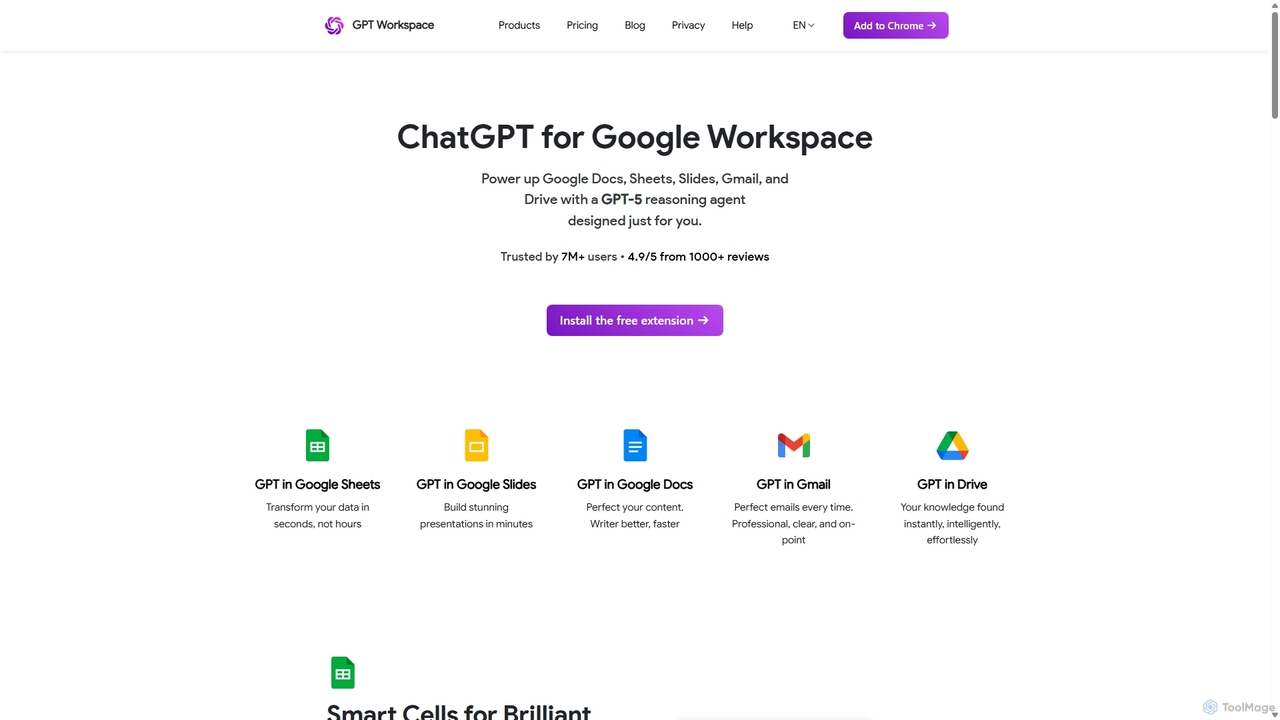
GPT Workspace
GPT Workspace integrates AI-powered features directly into Google Workspace applications like Docs, Sheets, Slides, and Gmail. It enhances productivity by automating content creation, data analysis, email drafting, and document editing, allowing users to leverage the power of models like GPT-4o seamlessly within their existing workflow.
Document Management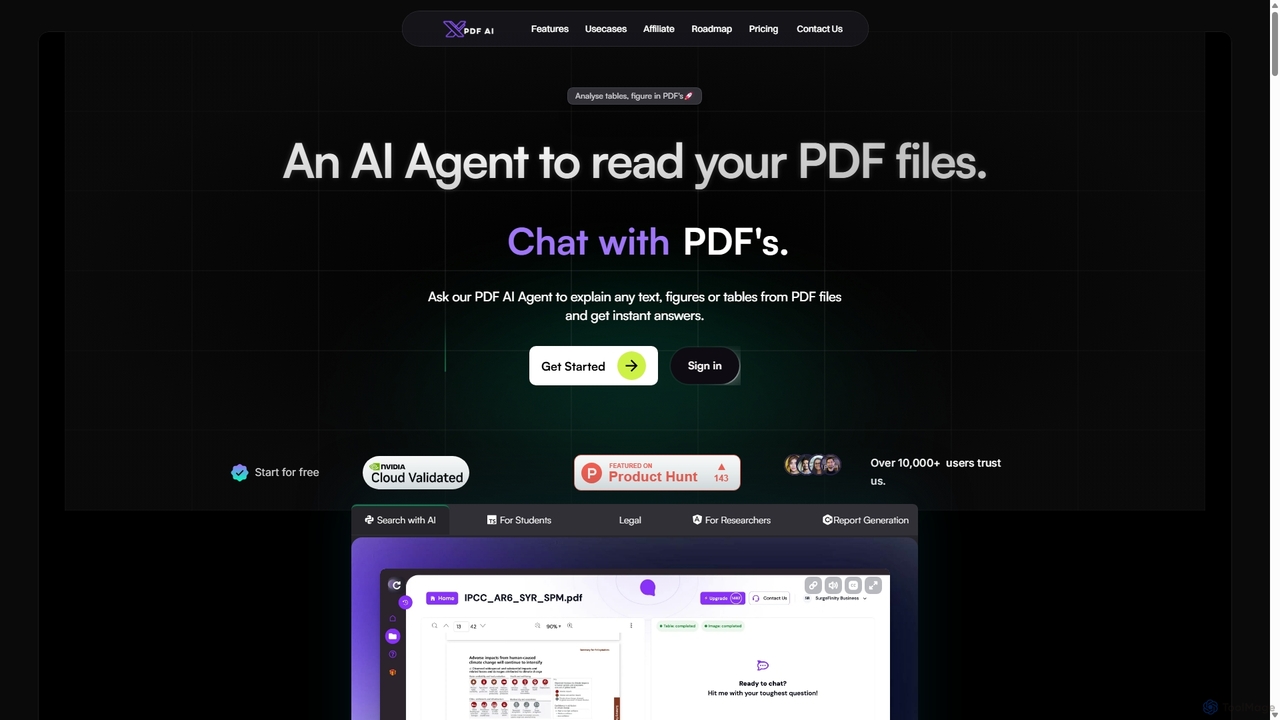
XPDF AI
xPDF AI is a personal AI assistant that transforms your interaction with PDF documents. Chat with any PDF, ask questions, and get instant answers from text, tables, and figures. It features multimodal analysis, an AI summarizer, report generation, and a voice-activated interface, making it an essential tool for students, researchers, and professionals to quickly extract insights and boost productivity.
Data Extraction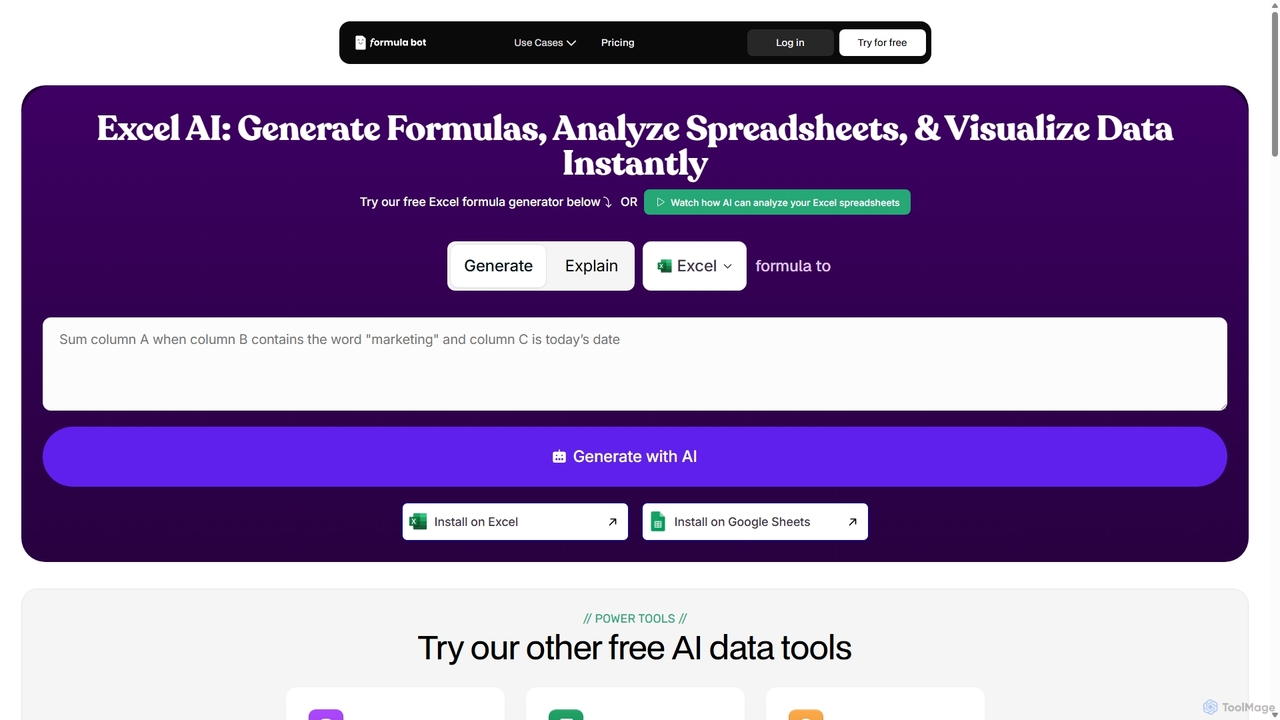
ExcelFormulaBot
ExcelFormulaBot is an AI-powered tool that generates complex Excel and Google Sheets formulas from text instructions in seconds. It also analyzes data, creates charts, generates VBA/SQL code, and explains formulas, making spreadsheet tasks faster and more accessible for everyone, from beginners to experts.
Data AnalysisPDF AI Sheet Categories
PDF AI Sheet Jobs
PDF AI Sheet Embed Widget
Copy this embed code to place the badge on your blog, article, or product site and send readers directly to this ToolMage detail page.

Related AI tools
Sheet Copilot
Sheet Copilot is an AI-powered assistant that automates tasks and answers questions directly within Google Sheets. By using natural language commands, you can clean data, generate formulas, create summaries, and analyze information without writing complex functions. It's currently free in beta and operates using your own OpenAI API key for enhanced privacy and security.
AutomationXPDF AI
xPDF AI is a personal AI assistant that transforms your interaction with PDF documents. Chat with any PDF, ask questions, and get instant answers from text, tables, and figures. It features multimodal analysis, an AI summarizer, report generation, and a voice-activated interface, making it an essential tool for students, researchers, and professionals to quickly extract insights and boost productivity.
Data ExtractionSheetplus
Sheetplus is an AI-powered toolkit designed to supercharge your spreadsheet experience in Google Sheets and Excel. By leveraging natural language, it allows users to generate complex formulas, clean and analyze data, automate tasks, and extract insights without writing code. It acts as an intelligent assistant, making data management faster, more intuitive, and accessible to everyone, regardless of their technical expertise.
Automation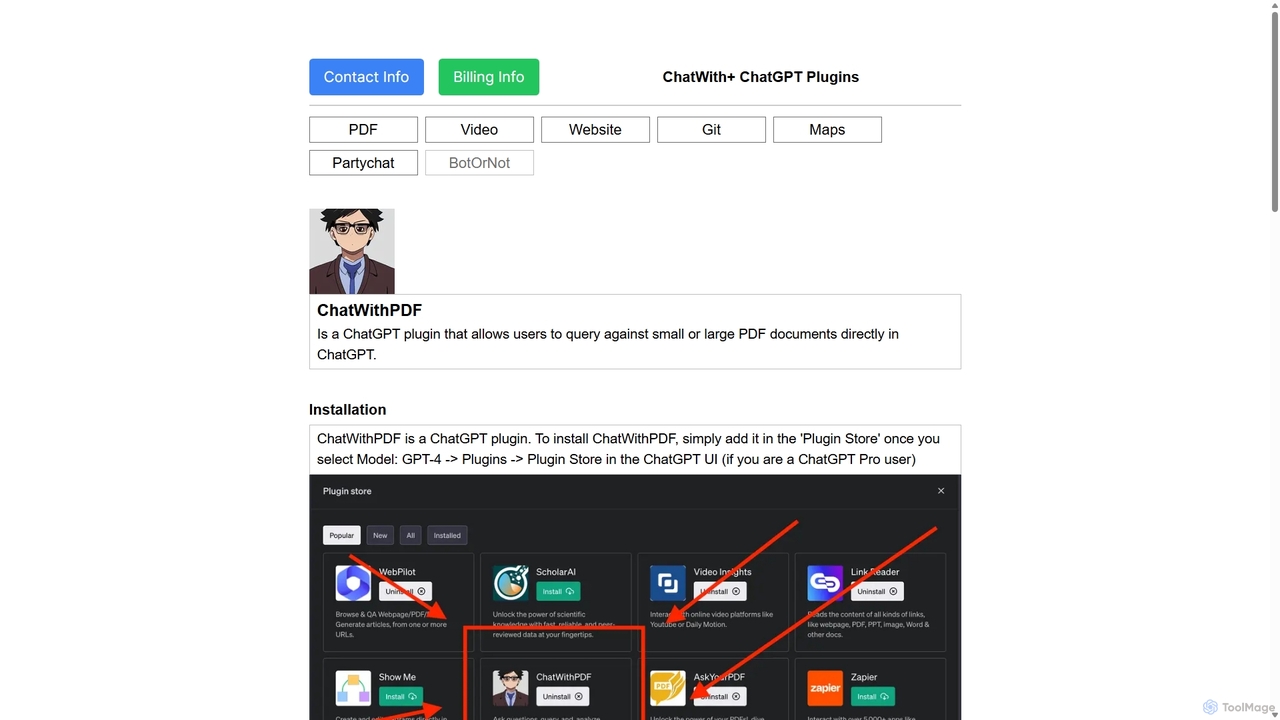
ChatWithPDF
A powerful ChatGPT plugin that allows you to have interactive conversations with any PDF document. Simply provide a public URL to a PDF, and you can ask questions, request summaries, and extract specific information directly within the ChatGPT interface. Ideal for students, researchers, and professionals.
Data Extraction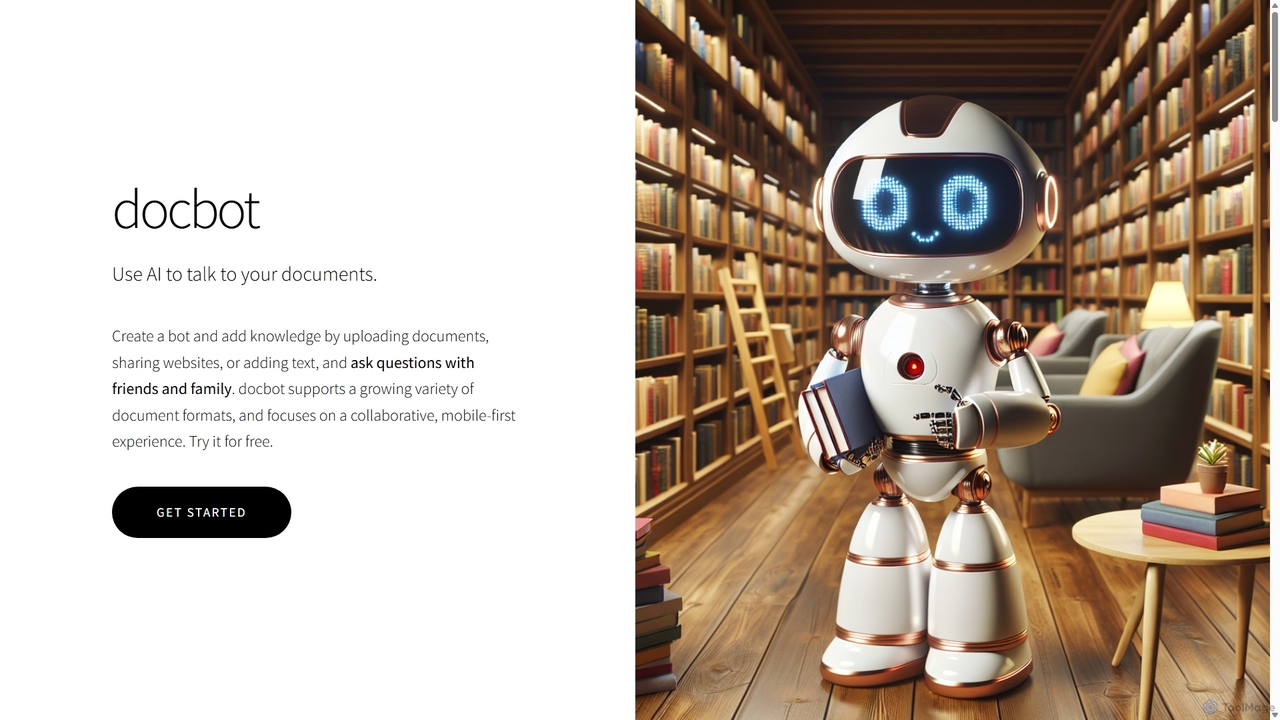
Docbot
Docbot is an AI-powered tool that transforms your documents, websites, and texts into interactive chatbots. Upload various file formats to create a personalized knowledge base, ask questions in natural language, and collaborate by sharing your bots with friends, family, or teams. It's a mobile-first platform designed for easy information retrieval and sharing.
Knowledge Base
PDF Interact
PDF Interact is an AI-powered chat assistant that transforms how you engage with your documents. Simply upload a PDF and ask questions in natural language to get instant answers, summaries, and key insights. Ideal for students, researchers, and professionals looking to save time and analyze complex information efficiently.
Data Analysis
Pdfai
Pdfai is an AI-powered document assistant that allows you to chat with your PDF files. Instantly get summaries, ask complex questions, and extract key information from research papers, reports, and contracts. Boost your productivity and unlock insights from your documents in seconds.
Data Analysis
ChatPDF
ChatPDF is an AI-powered platform that allows you to interact with your documents as if you were having a conversation. Simply upload a PDF, and the AI will help you summarize content, answer specific questions, and extract key information in seconds. It's designed for students, researchers, and professionals to enhance productivity and understanding.
Research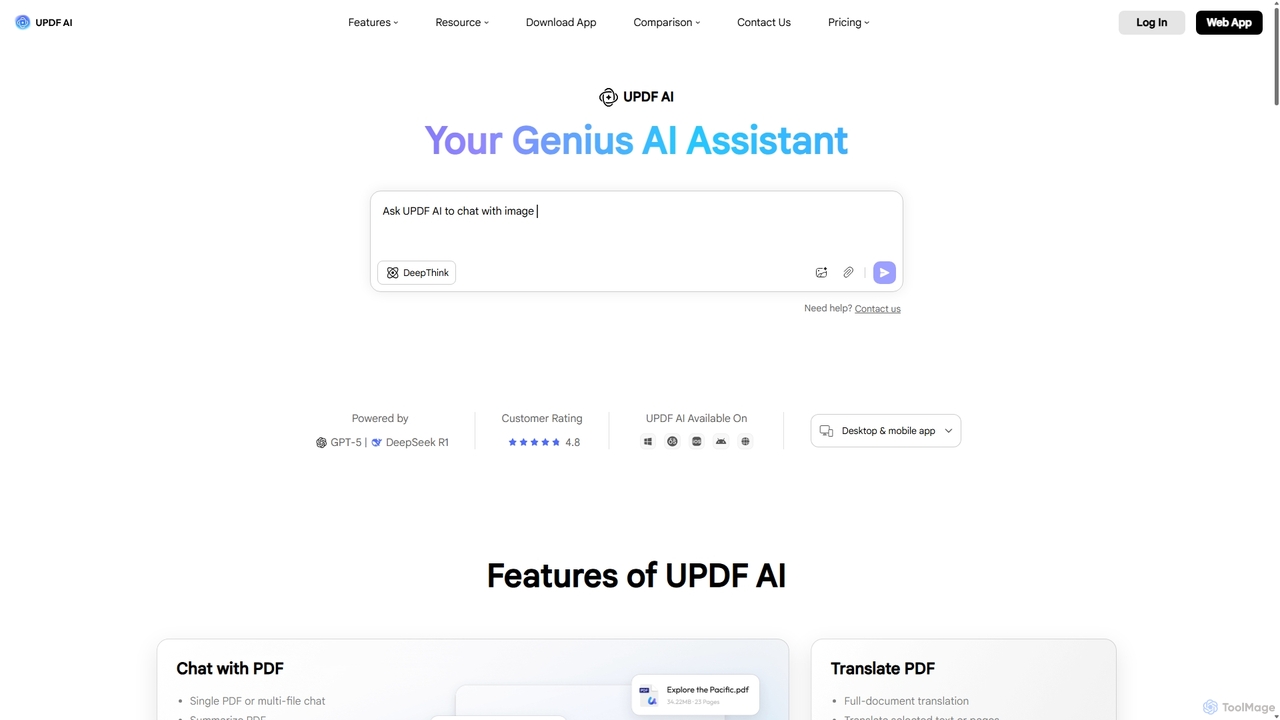
UPDF AI
UPDF AI is a powerful AI assistant integrated into the UPDF editor, designed to revolutionize how you interact with PDF documents. It allows you to chat with your PDFs, get instant summaries, translate entire documents or selected text, explain complex data, and even convert dense content into visual mind maps. Available on Windows, macOS, iOS, Android, and the web, it streamlines workflows for students, researchers, and professionals by making document comprehension and analysis faster and more efficient.
Research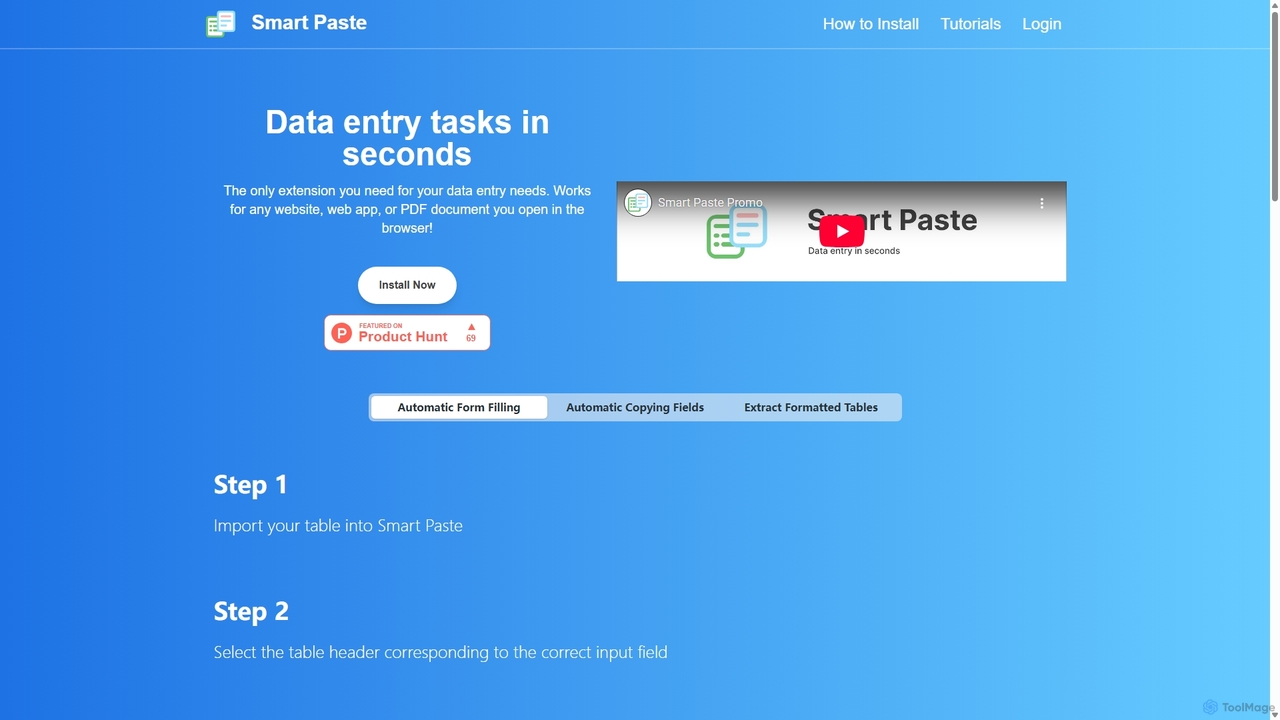
Smartpaste
smartpaste is a powerful browser extension designed to automate data entry tasks. It allows users to effortlessly extract tables and specific data fields from any website or PDF, and instantly paste them into spreadsheets. It also automates form filling from your data, saving hours of manual work and reducing errors, all while ensuring your data remains secure on your computer.
Chrome Extensions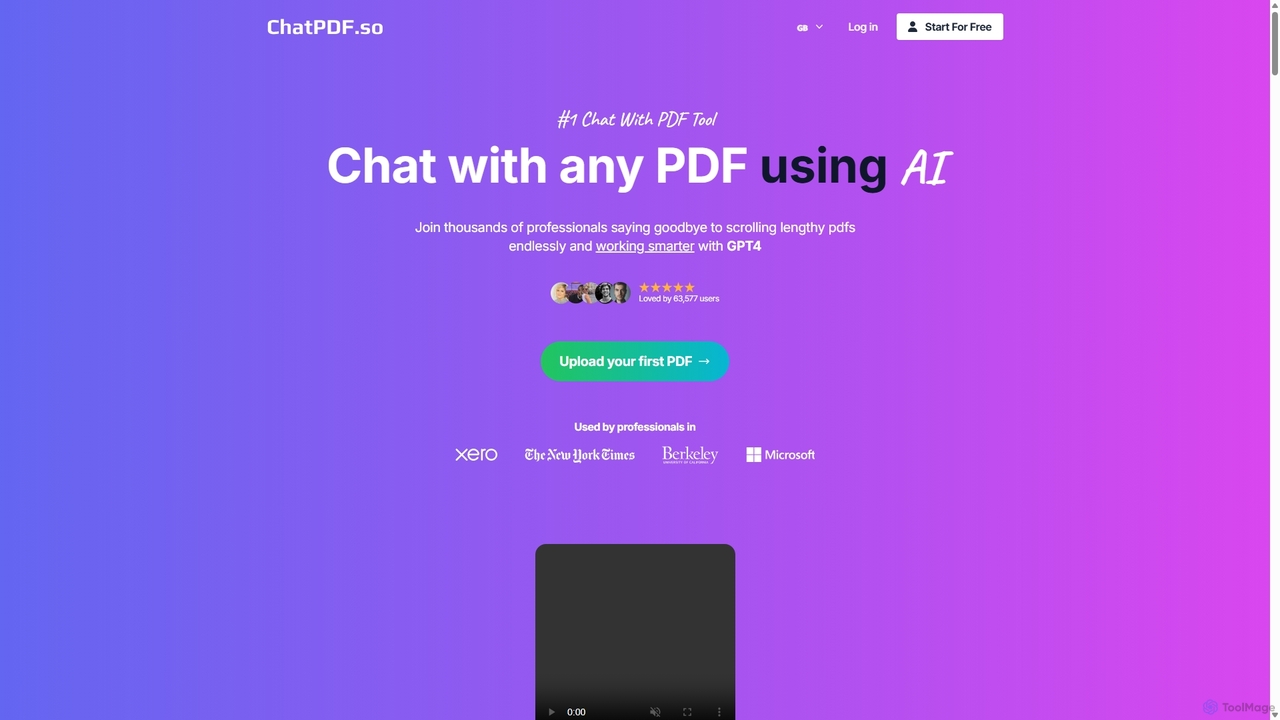
ChatPDF.so
ChatPDF.so is an AI-powered tool that allows you to chat with any PDF document. Instantly get answers, summaries, and insights from textbooks, research papers, legal contracts, and more. Supports bulk uploads, multi-document conversations, and chatbot creation.
Chatbot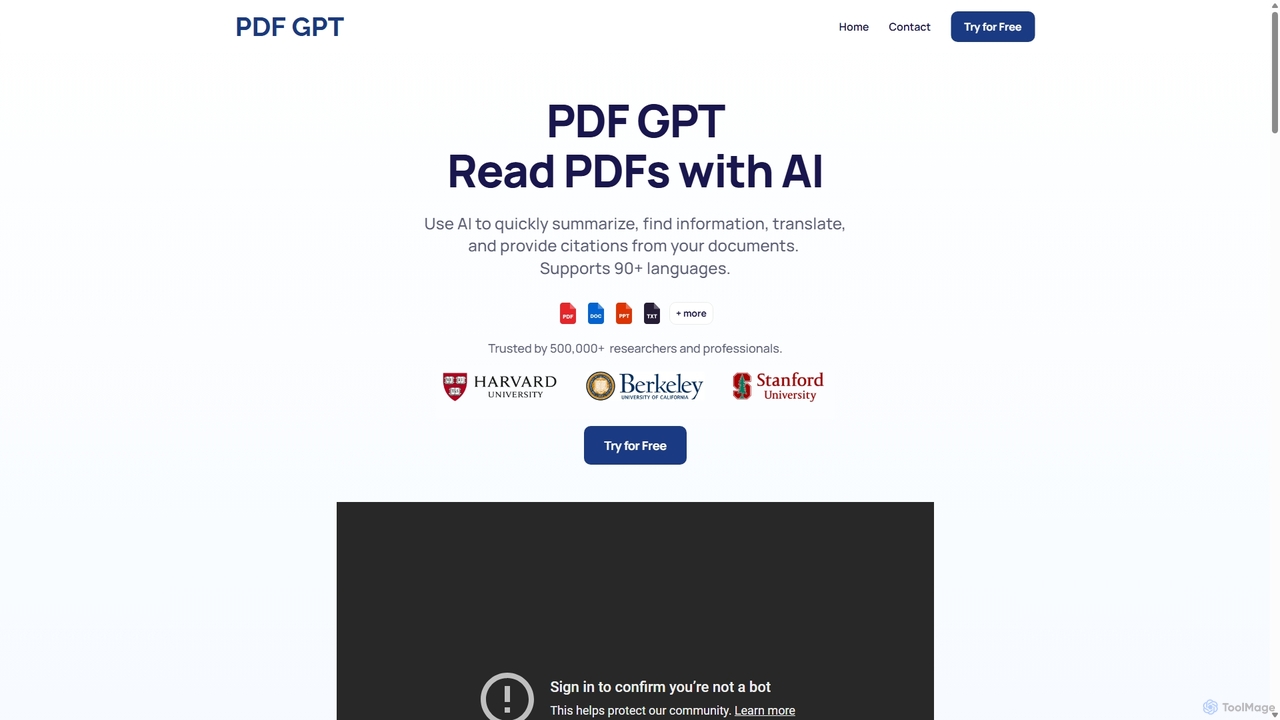
PDF GPT
PDF GPT is an AI-powered tool that lets you chat with your PDF documents. Instantly summarize long reports, find specific information, get answers with citations, and search across multiple files. It supports over 90 languages, making it ideal for researchers, students, and professionals to enhance productivity and document comprehension.
Data Management
ChatDox
ChatDox is an advanced AI-powered document intelligence platform that transforms how you interact with your files. Upload documents like PDFs, DOCX, and more, and instantly get answers, summaries, and insights through a simple chat interface. It's designed for professionals, researchers, and students to quickly extract information and enhance productivity.
Knowledge Management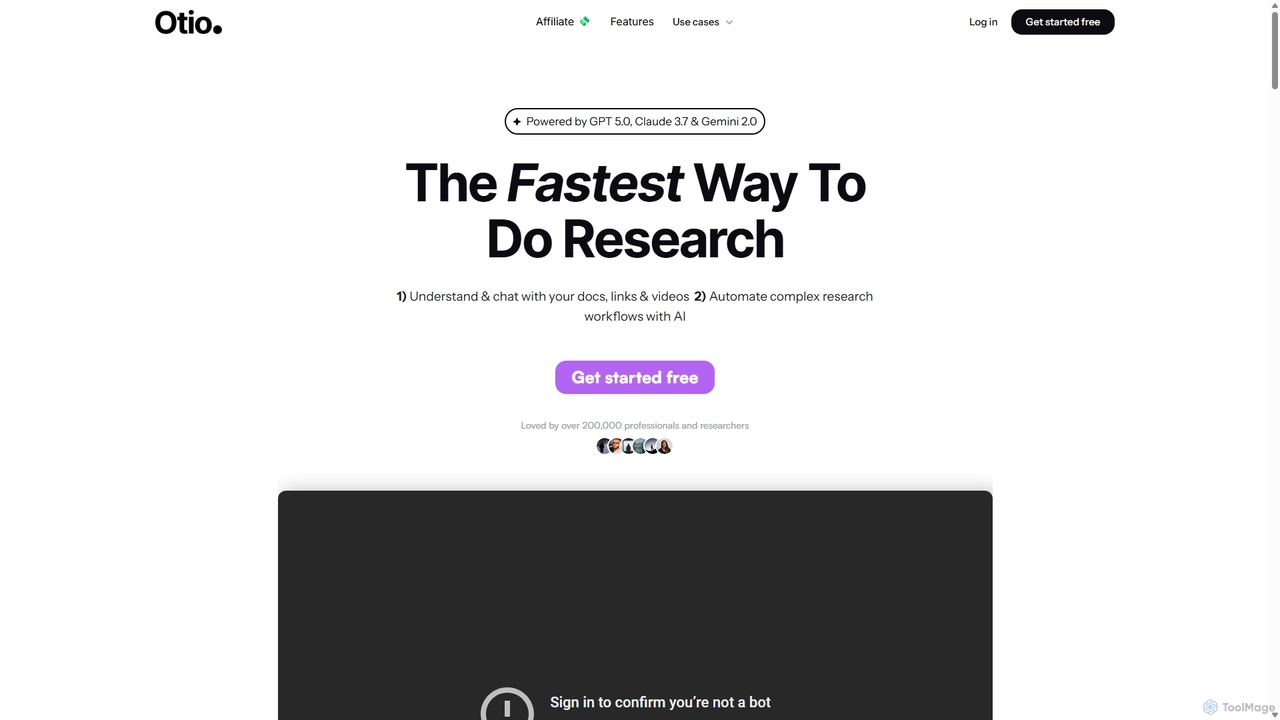
Otio
Otio is an AI-powered research and writing partner that streamlines your workflow. It allows you to understand and chat with documents, links, and videos, automate complex research tasks, and draft reports in an integrated AI editor. It's designed for students, researchers, and professionals to extract insights and produce high-quality written content efficiently.
Workflow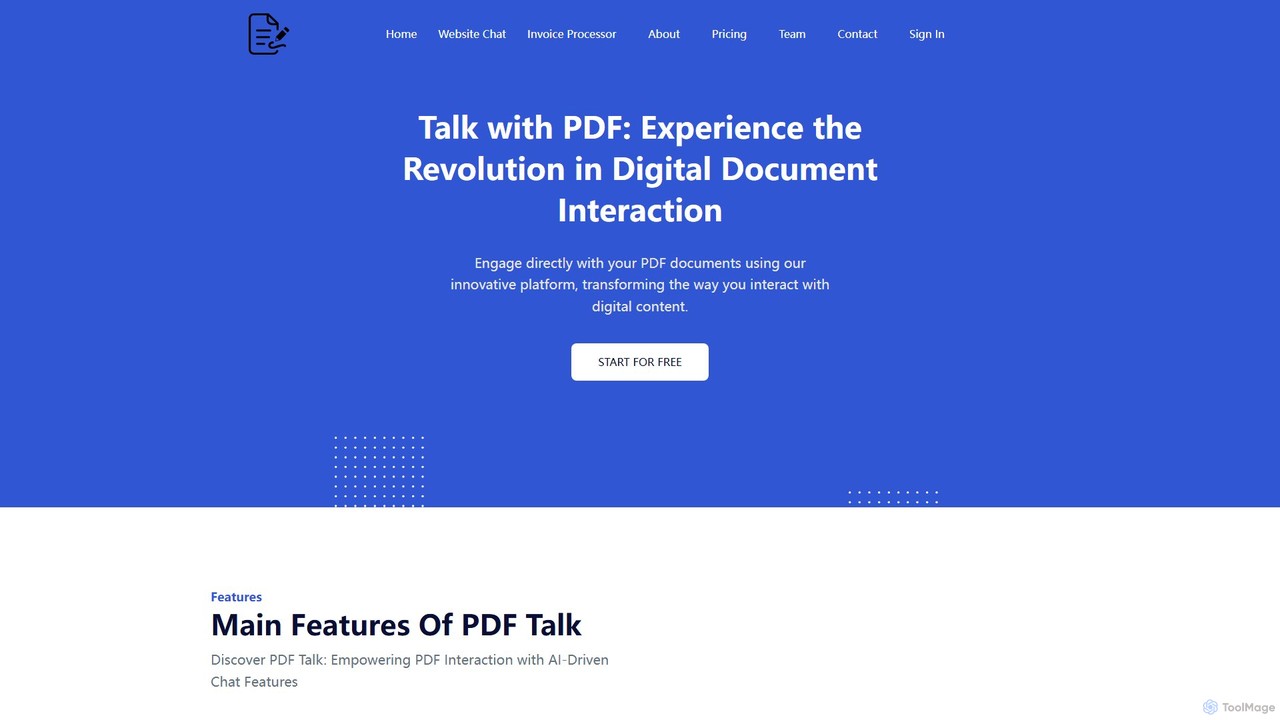
pdf_talk
pdf_talk is an AI-powered platform that revolutionizes how you interact with documents. Simply upload your PDF files and start a conversation. Ask questions, request summaries, and extract key information instantly. It supports querying across multiple documents, making it ideal for students, researchers, and professionals.
Data Extraction
PDF AI Sheet Comments (0)
Sign in to comment.
Sign inNo comments yet.