

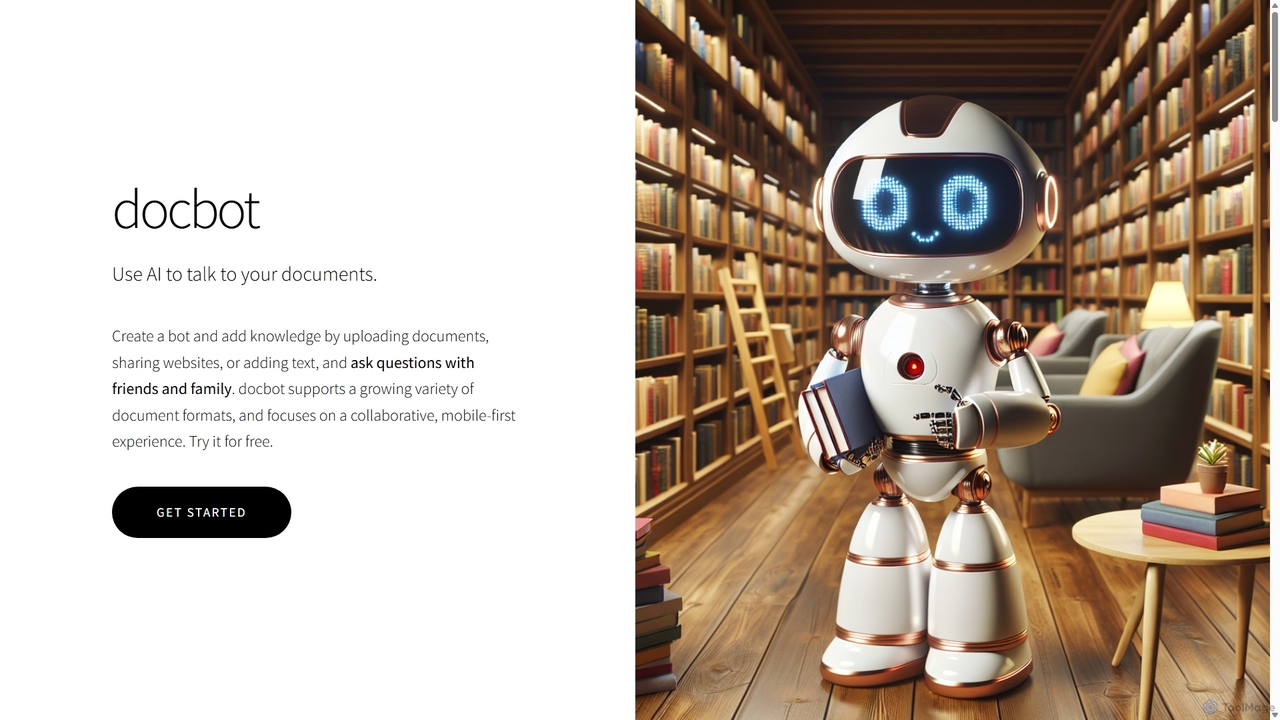
Docbot Overview
Docbot is an innovative AI-powered platform that allows you to engage in conversations with your documents. By transforming static files, websites, and text into interactive chatbots, Docbot makes information retrieval intuitive, efficient, and collaborative. Powered by the advanced GPT-4o model, it can understand and answer complex questions posed in natural language, acting as a personal expert on your provided content. The platform is designed with a mobile-first approach, ensuring a seamless experience across all devices without the need for any installations.
The core idea behind Docbot is to break down the barriers between you and your information. Instead of manually sifting through pages of a PDF, company guidelines, or lecture notes, you can simply ask your custom-built bot for the answer. This is particularly useful for students, researchers, small teams, and even for personal organization, making knowledge accessible and shareable in a completely new way.
How to use Docbot
Getting started with Docbot is a straightforward process designed for users of all technical levels:
- Create a Bot: Sign up for an account and create your first bot. You can create multiple bots, each with its own distinct knowledge base, for different projects or subjects.
- Add Knowledge: Populate your bot with information. You can upload files directly from your device (including taking a photo of a document), share a public website URL, or simply paste in text. Docbot supports a wide array of formats.
- AI Processing: Once you've added your sources, Docbot's AI will automatically process, summarize, and catalogue the information to build a comprehensive knowledge base.
- Start Chatting: Open the chat interface and start asking questions in plain English. The bot will provide answers based on the documents you provided.
- Share and Collaborate: You can keep your bot private, invite specific members (like friends, family, or colleagues) to chat with it, or make it public for anyone to access.
Core Features of Docbot
- Multi-Format Support: Upload and process a wide variety of formats, including PDFs, Word documents, slideshows, EPUBs, images of text, public websites, and structured text like JSON and CSV.
- GPT-4o Powered Conversations: Utilizes the state-of-the-art GPT-4o model to provide natural, accurate, and context-aware answers to your questions.
- Collaborative Bots: Easily share your knowledge bases. Add members to private bots for team collaboration or make them public to serve as a resource for a wider audience.
- Mobile-First and Cross-Platform: Access and manage your bots from any device, whether on a desktop or a smartphone, through a simple and responsive web interface. No app installation is required.
- Secure and Private: All user data, including documents and queries, is encrypted both in transit and at rest, ensuring your information remains confidential.
- Multiple Bot Management: Create and manage separate bots for different topics, projects, or audiences, each with its own unique knowledge and members.
Use Cases for Docbot
Docbot's versatility makes it suitable for a wide range of applications:
- For Students: Upload textbooks, lecture notes, and research papers to create a personalized study assistant that can help you review for exams and clarify concepts.
- For Researchers: Consolidate academic papers, articles, and data into a single, searchable knowledge base to accelerate literature reviews and analysis.
- For Small Businesses: Build an internal helpdesk or knowledge base from company policies, training manuals, and product documentation for employees to query.
- For Personal Use: Organize personal documents, recipes, travel itineraries, or manuals and share them easily with family members.
- For Content Creators: Feed your research materials into a bot to quickly find facts, quotes, and data points for articles, videos, or podcasts.
Advantages of Docbot
Docbot offers several key advantages over traditional document management. Its primary strength is efficiency—it drastically reduces the time spent searching for specific information. The collaborative features foster seamless knowledge sharing within groups. Its user-friendly, mobile-first design ensures accessibility for everyone, regardless of technical expertise. Finally, its support for a vast range of file types makes it a highly versatile and centralized knowledge hub.
Pricing and Plans
Docbot operates on a freemium model, making it accessible for everyone to try.
- Free Plan: Ideal for personal use and testing, this plan includes a free quota for creating a limited number of bots, uploading a certain amount of data, and asking a set number of questions per month.
- Premium Plans: For users with greater needs, Docbot offers premium subscriptions available for purchase within the app. These plans typically include higher limits on bots, document uploads, and questions, along with priority support and potentially advanced features.
Users can create an account to start with the free plan and upgrade at any time as their needs grow.
Docbot Alternatives
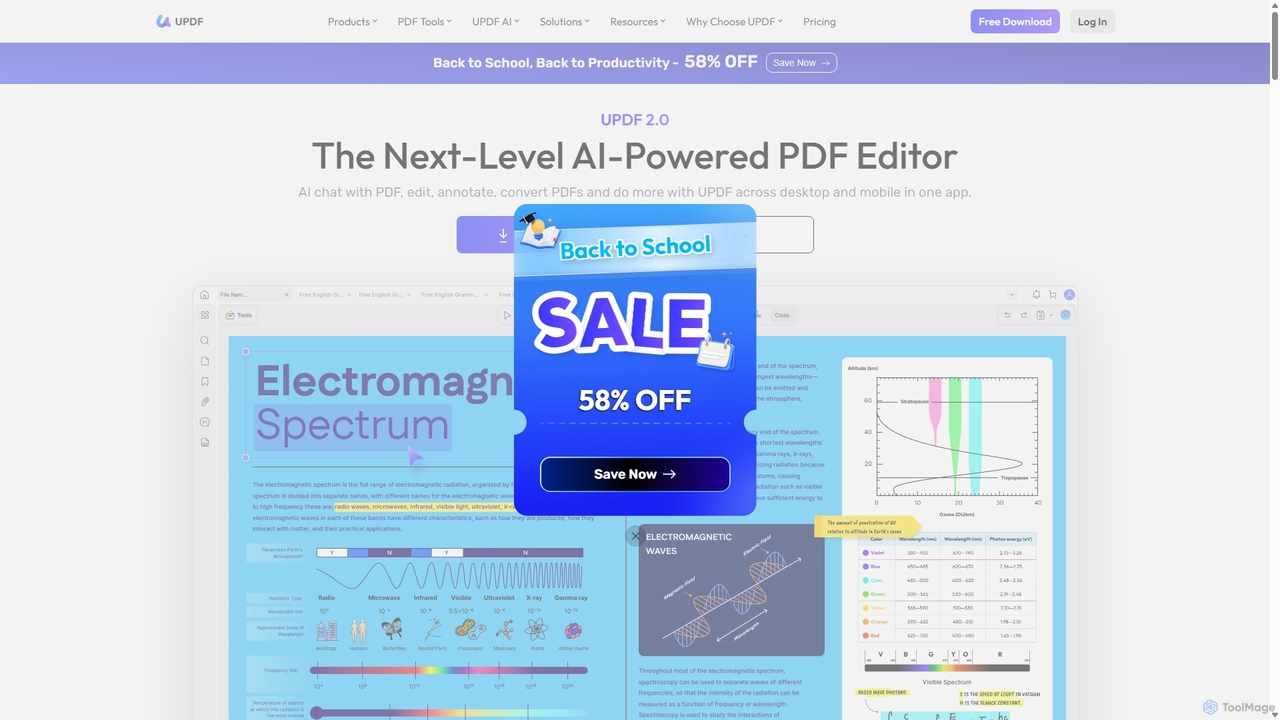
UPDF
UPDF is an AI-integrated, all-in-one PDF editor that allows users to edit, annotate, convert, summarize, translate, and chat with PDF documents. It offers a seamless experience across Windows, macOS, iOS, and Android, boosting productivity for individuals, students, and businesses.
Document Analysis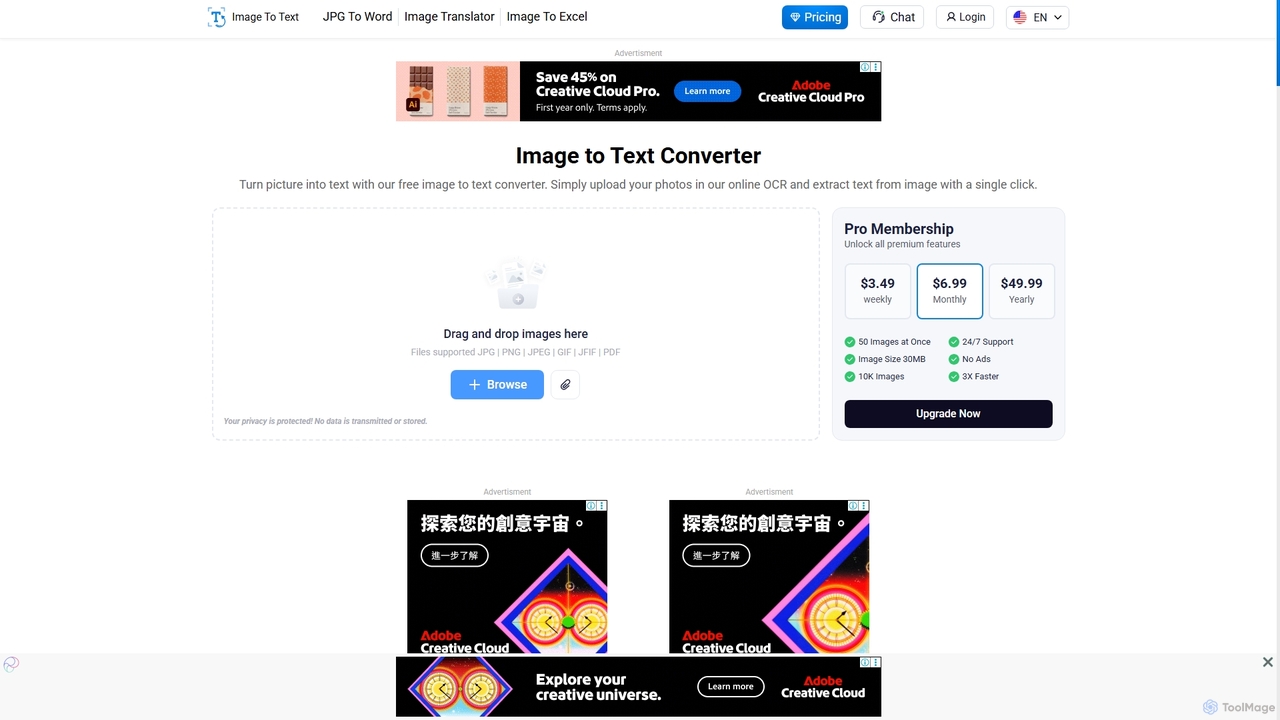
Imagetotext.io
A powerful online OCR tool that accurately converts images into editable text. It supports various formats, multiple languages, and even extracts text from low-resolution images and mathematical equations. Ideal for students, professionals, and anyone needing to digitize documents quickly and for free.
Study Tools
PDF Interact
PDF Interact is an AI-powered chat assistant that transforms how you engage with your documents. Simply upload a PDF and ask questions in natural language to get instant answers, summaries, and key insights. Ideal for students, researchers, and professionals looking to save time and analyze complex information efficiently.
Data Analysis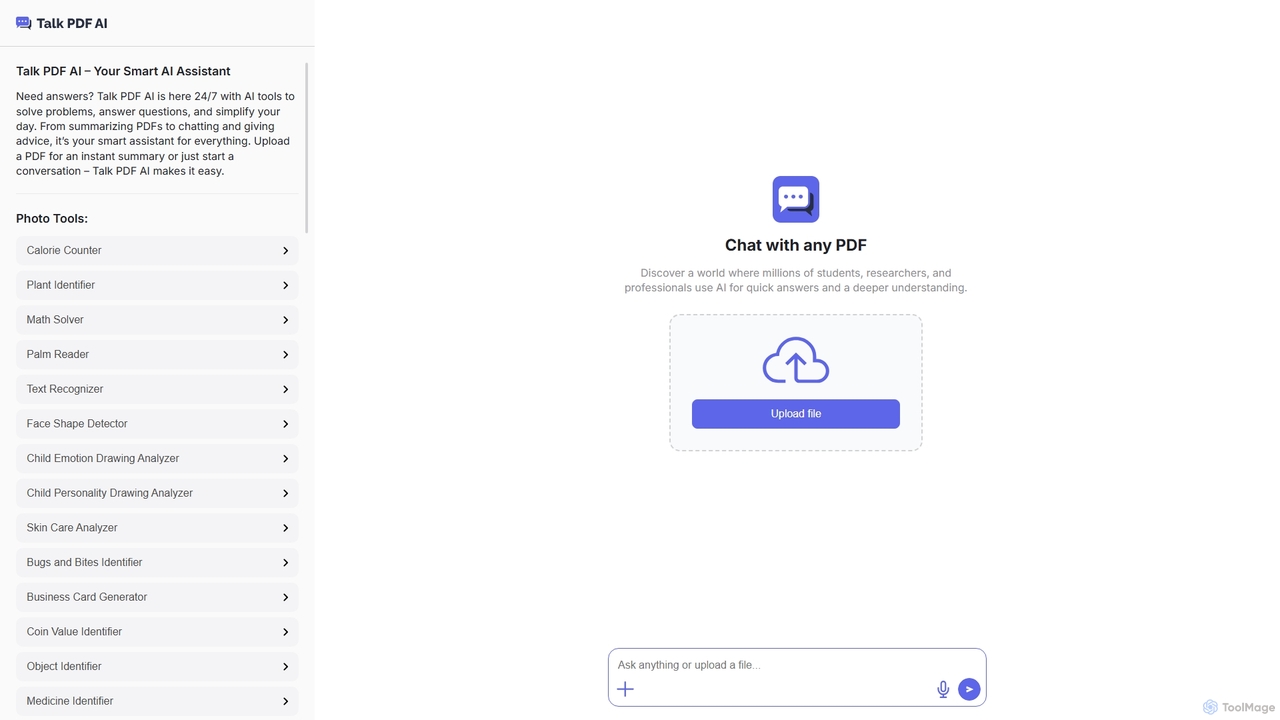
TalkPDF
TalkPDF is an intelligent AI assistant designed to simplify daily tasks by offering a wide array of tools. It excels at interacting with PDFs, providing instant summaries, answering questions, and facilitating conversations. Beyond PDF capabilities, it integrates numerous AI-powered photo, text, and audio tools for diverse needs.
Writing Assistant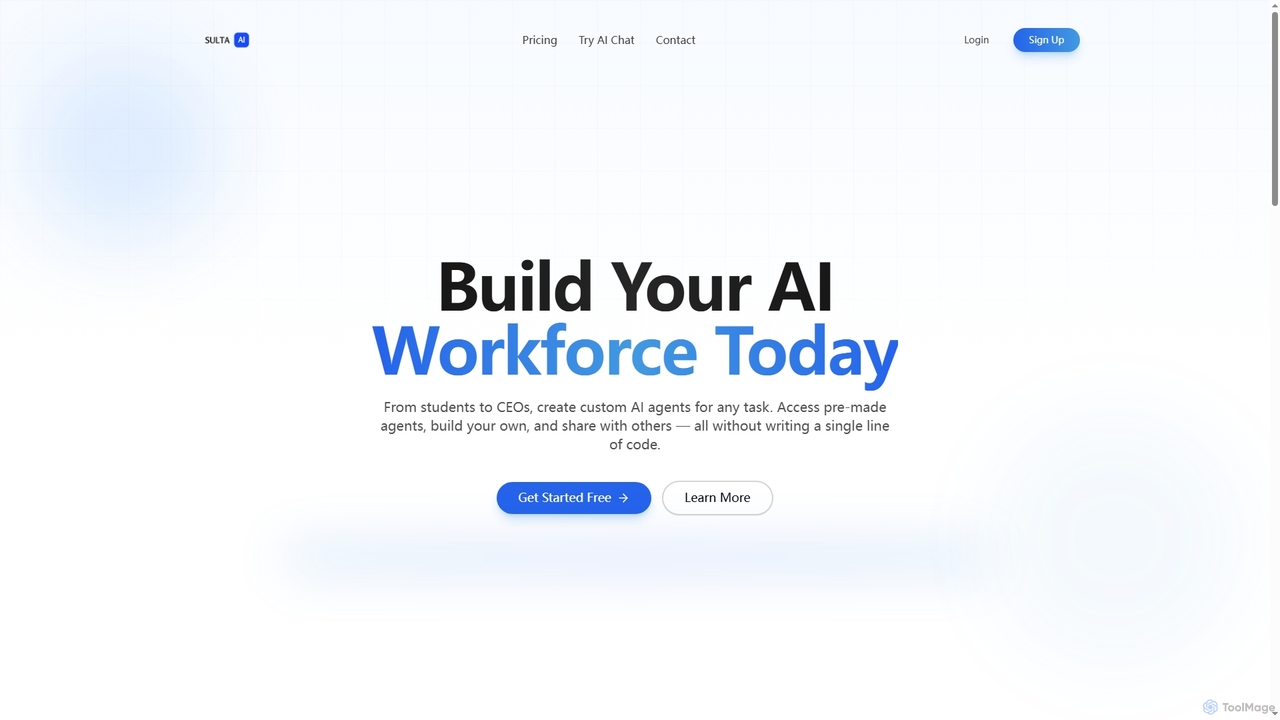
Sulta AI
Sulta AI is a no-code platform empowering users to build and deploy custom AI agents for any task, from student research to business operations. It offers a rich library of pre-built agents, community sharing, and data training capabilities to revolutionize individual and team workflows without writing a single line of code.
Content GenerationDocbot Categories
Docbot Jobs
Docbot Embed Widget
Copy this embed code to place the badge on your blog, article, or product site and send readers directly to this ToolMage detail page.

Related AI tools
PDF Interact
PDF Interact is an AI-powered chat assistant that transforms how you engage with your documents. Simply upload a PDF and ask questions in natural language to get instant answers, summaries, and key insights. Ideal for students, researchers, and professionals looking to save time and analyze complex information efficiently.
Data Analysis
Pdfai
Pdfai is an AI-powered document assistant that allows you to chat with your PDF files. Instantly get summaries, ask complex questions, and extract key information from research papers, reports, and contracts. Boost your productivity and unlock insights from your documents in seconds.
Data Analysis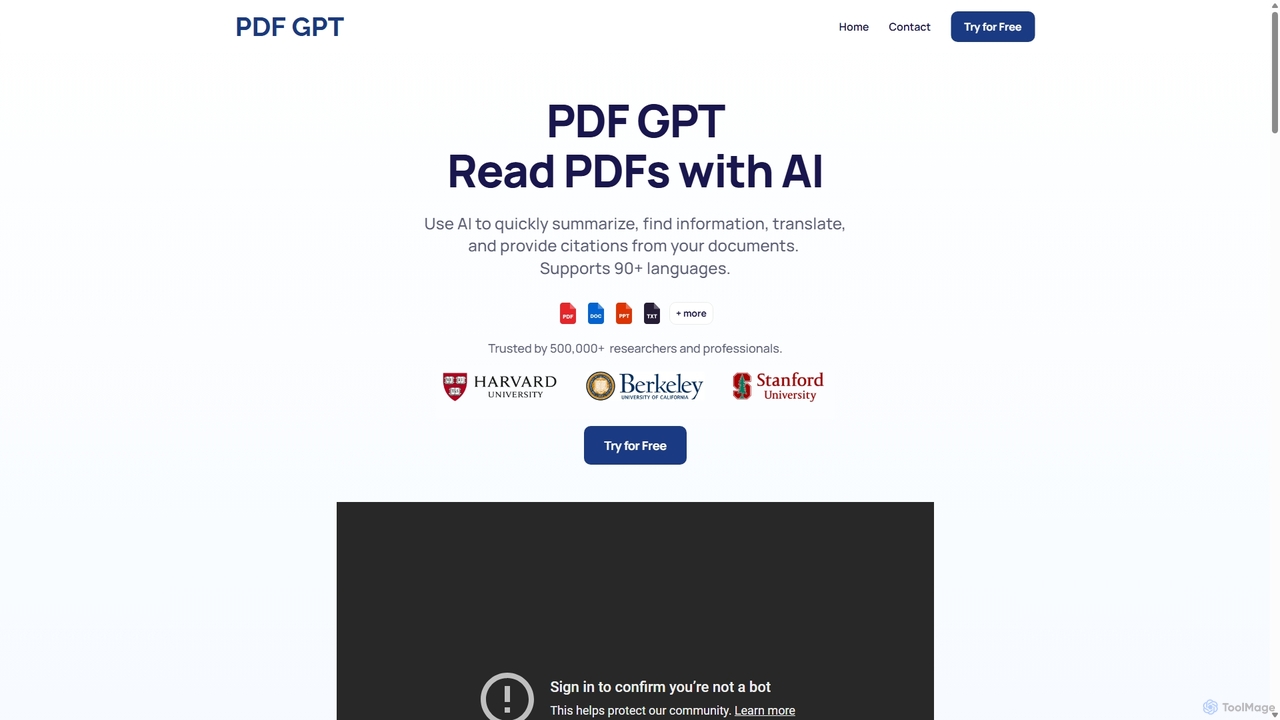
PDF GPT
PDF GPT is an AI-powered tool that lets you chat with your PDF documents. Instantly summarize long reports, find specific information, get answers with citations, and search across multiple files. It supports over 90 languages, making it ideal for researchers, students, and professionals to enhance productivity and document comprehension.
Data Management
PDF AI Sheet
A Google Sheet add-on that allows you to chat with and extract information from multiple PDF documents in bulk directly within your spreadsheets. Automate data analysis and research by asking questions to your PDFs using a simple formula.
Extraction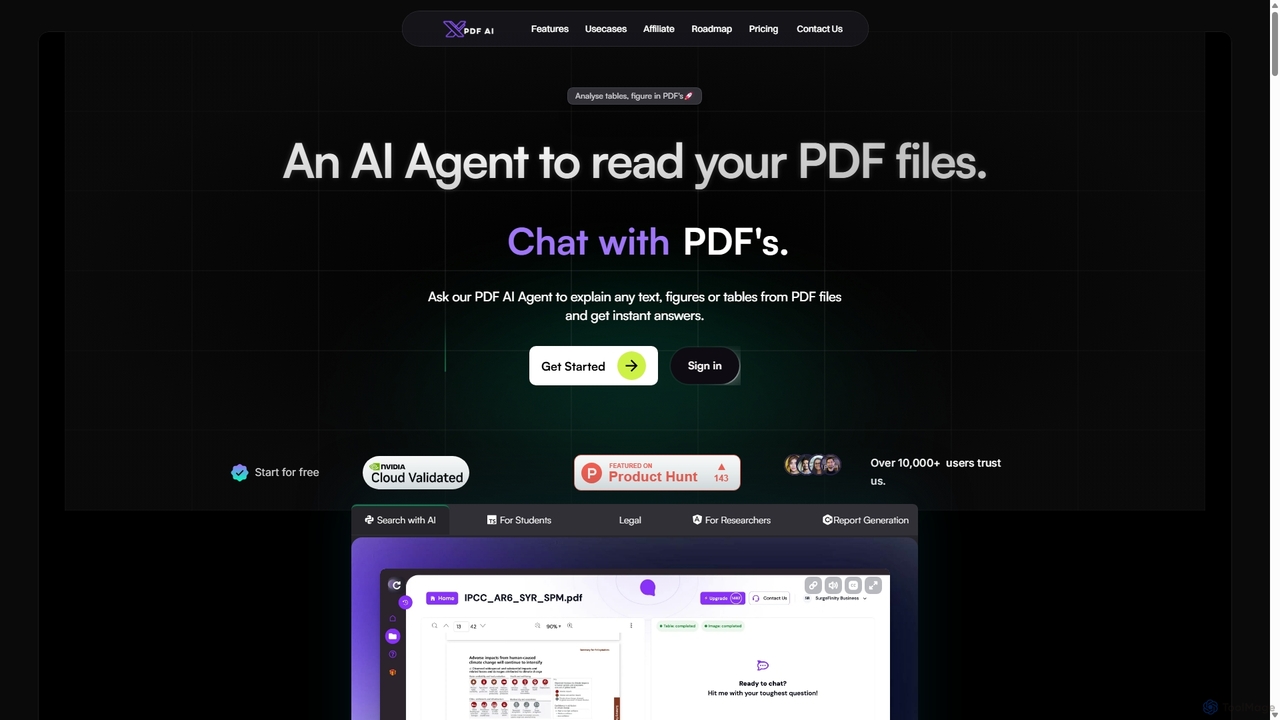
XPDF AI
xPDF AI is a personal AI assistant that transforms your interaction with PDF documents. Chat with any PDF, ask questions, and get instant answers from text, tables, and figures. It features multimodal analysis, an AI summarizer, report generation, and a voice-activated interface, making it an essential tool for students, researchers, and professionals to quickly extract insights and boost productivity.
Data Extraction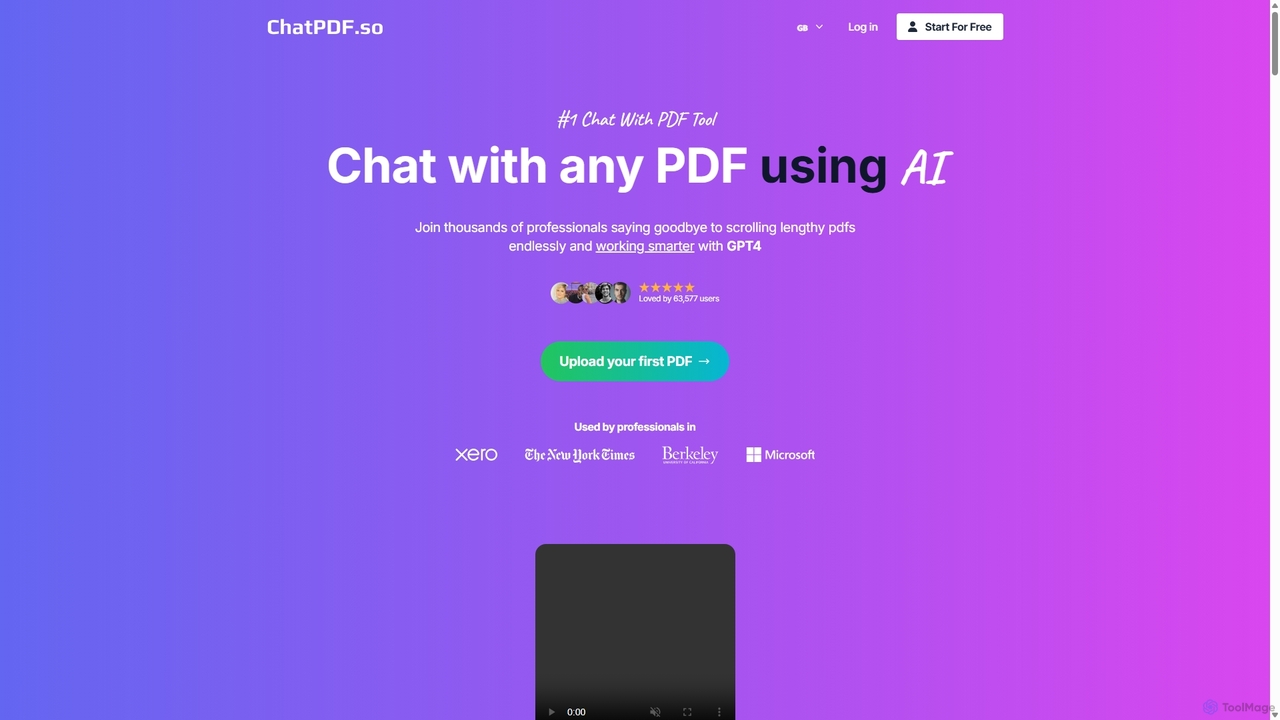
ChatPDF.so
ChatPDF.so is an AI-powered tool that allows you to chat with any PDF document. Instantly get answers, summaries, and insights from textbooks, research papers, legal contracts, and more. Supports bulk uploads, multi-document conversations, and chatbot creation.
Chatbot
UPDF AI
UPDF AI is a powerful AI assistant integrated into the UPDF editor, designed to revolutionize how you interact with PDF documents. It allows you to chat with your PDFs, get instant summaries, translate entire documents or selected text, explain complex data, and even convert dense content into visual mind maps. Available on Windows, macOS, iOS, Android, and the web, it streamlines workflows for students, researchers, and professionals by making document comprehension and analysis faster and more efficient.
Research
ChatDocuments
ChatDocuments is an AI-powered platform that allows you to interact with your documents through a conversational chat interface. Upload PDFs, Word files, and other formats to ask questions, get instant summaries, extract key information, and gain insights without manually reading through pages. It's designed to boost productivity for students, researchers, and professionals.
Data Analysis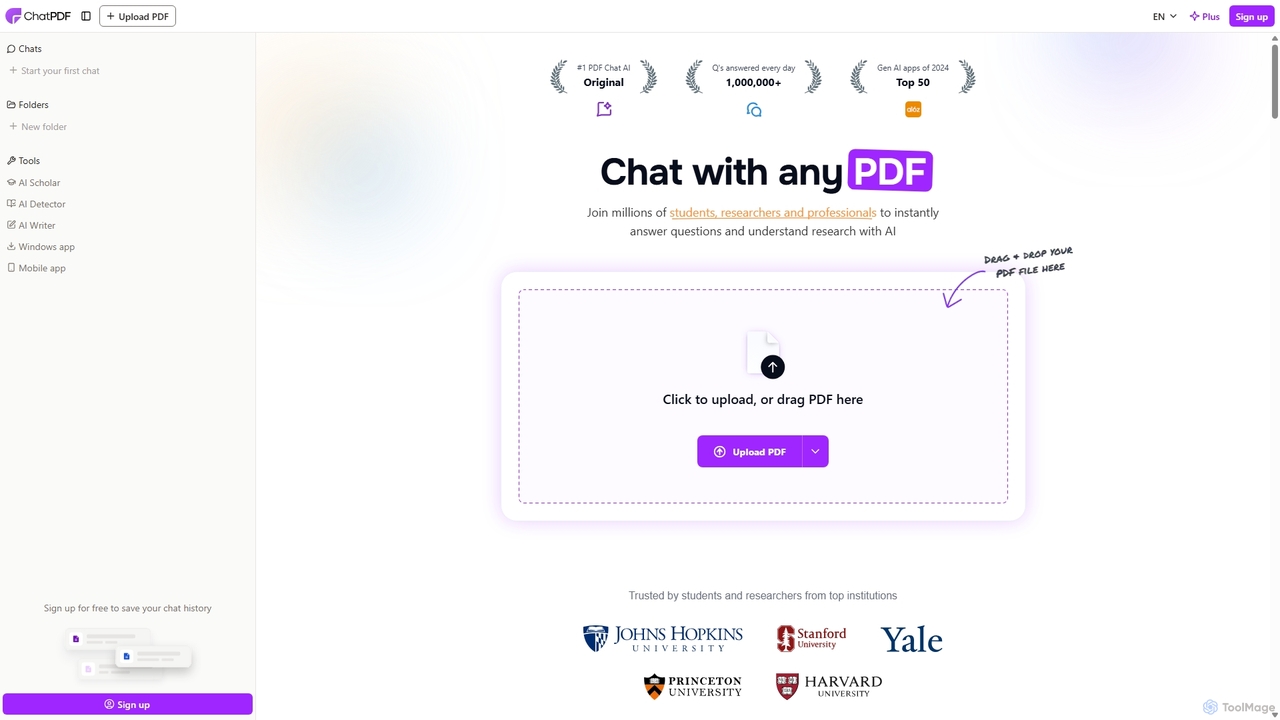
ChatPDF
ChatPDF is an AI-powered platform that allows you to interact with your documents as if you were having a conversation. Simply upload a PDF, and the AI will help you summarize content, answer specific questions, and extract key information in seconds. It's designed for students, researchers, and professionals to enhance productivity and understanding.
Research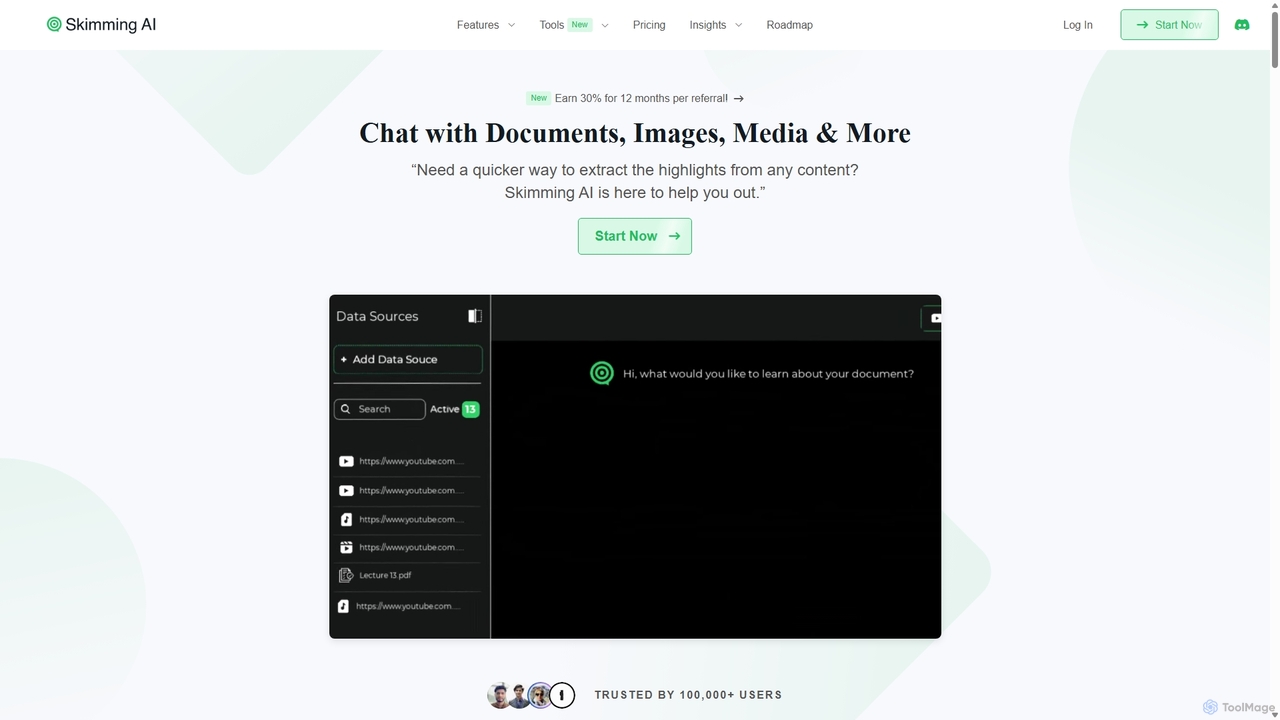
Skimming AI
Skimming AI is a versatile AI-powered platform that allows you to chat with and summarize a wide range of content, including documents, PDFs, YouTube videos, audio, images, and social media posts. Instantly extract key insights, ask questions, and get accurate answers without sifting through hours of material. It's designed to boost productivity for students, researchers, and professionals by making information consumption faster and more efficient across multiple formats and languages.
Analysis
PDF Summarizer
PDF Summarizer is an AI-powered tool that lets you understand documents in seconds. Upload PDFs, Word files, or PowerPoints, and instantly get summaries or ask specific questions. It supports multi-file chats for comprehensive research, works with any language, and provides source-linked answers for easy verification. Ideal for students, researchers, and professionals looking to save time and extract key information efficiently.
Analysis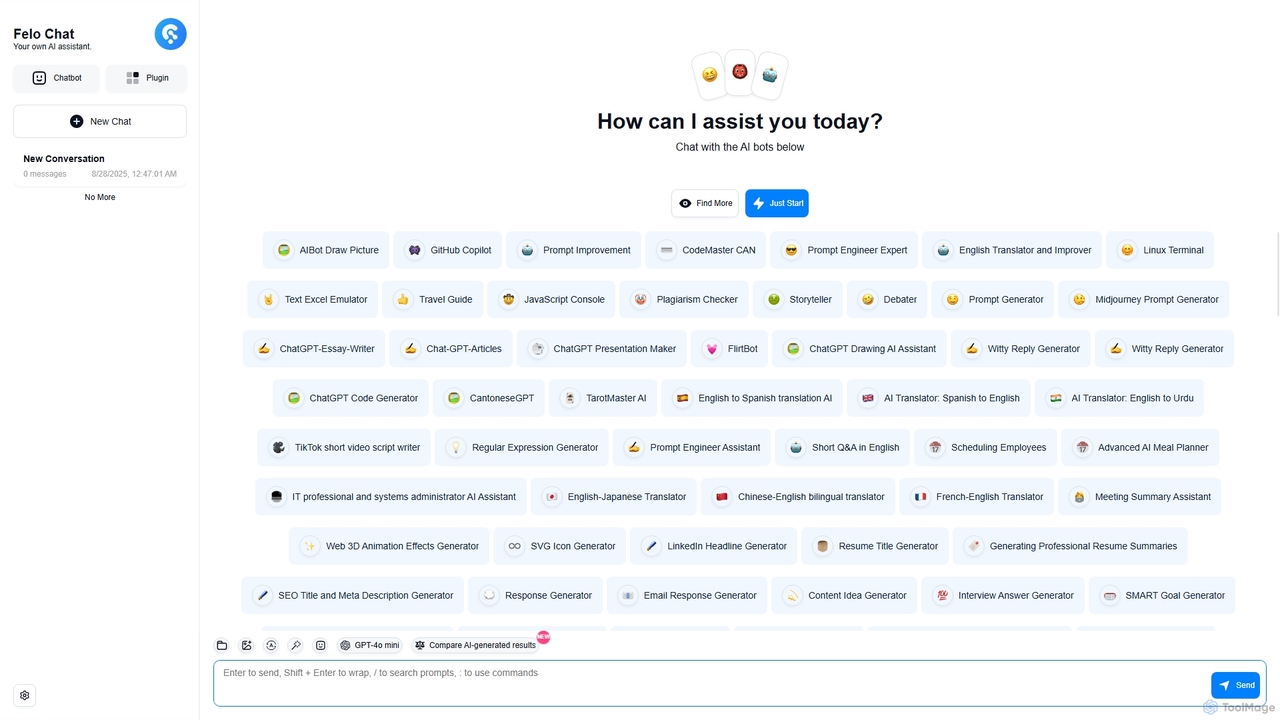
Felo Chat
Felo Chat is a versatile AI assistant platform providing free access to leading AI models like GPT-4o, Claude, and Gemini. It features an extensive library of specialized AI bots for various tasks, from coding and content creation to translation and data analysis. With support for text, file, and image uploads, Felo Chat serves as a comprehensive, all-in-one solution for professionals, students, and creatives.
Code Assistant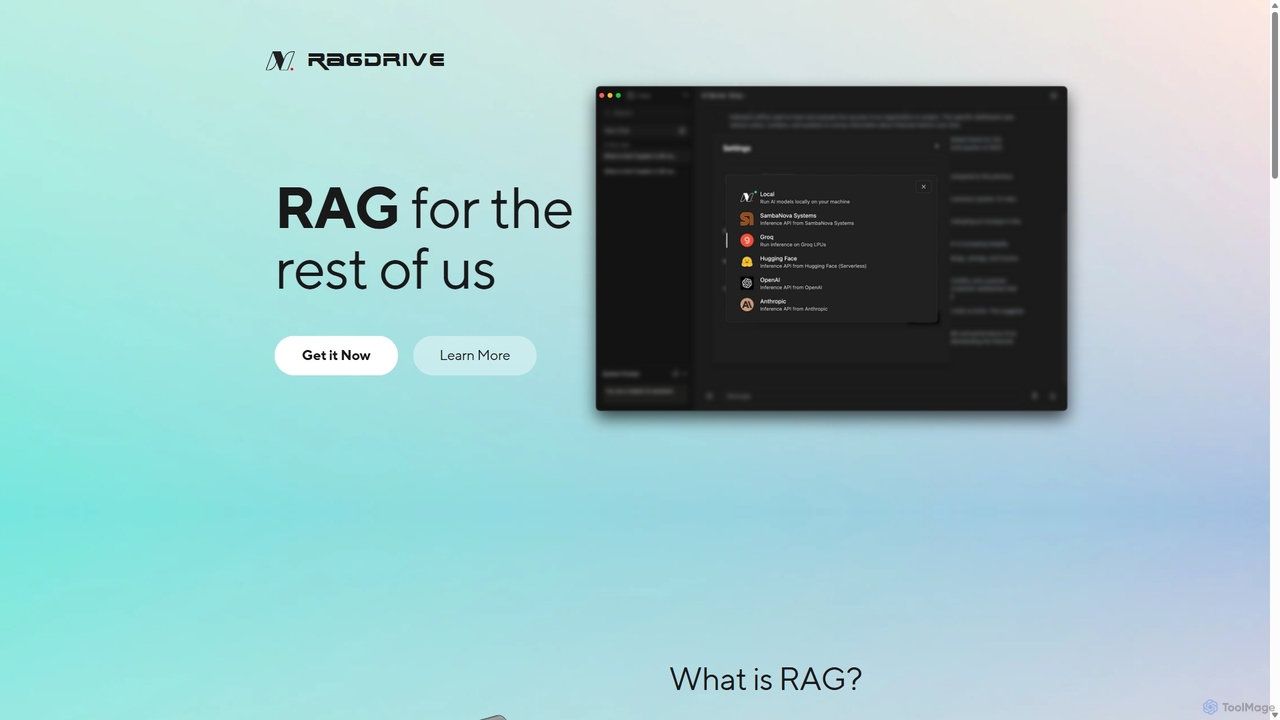
RAGDrive
RAGDrive is a free, open-source, and no-code tool that allows you to chat with your documents privately and offline. Using RAG technology, it turns your files into an interactive knowledge base, accessible across Windows, Mac, iOS, and Android.
Open Source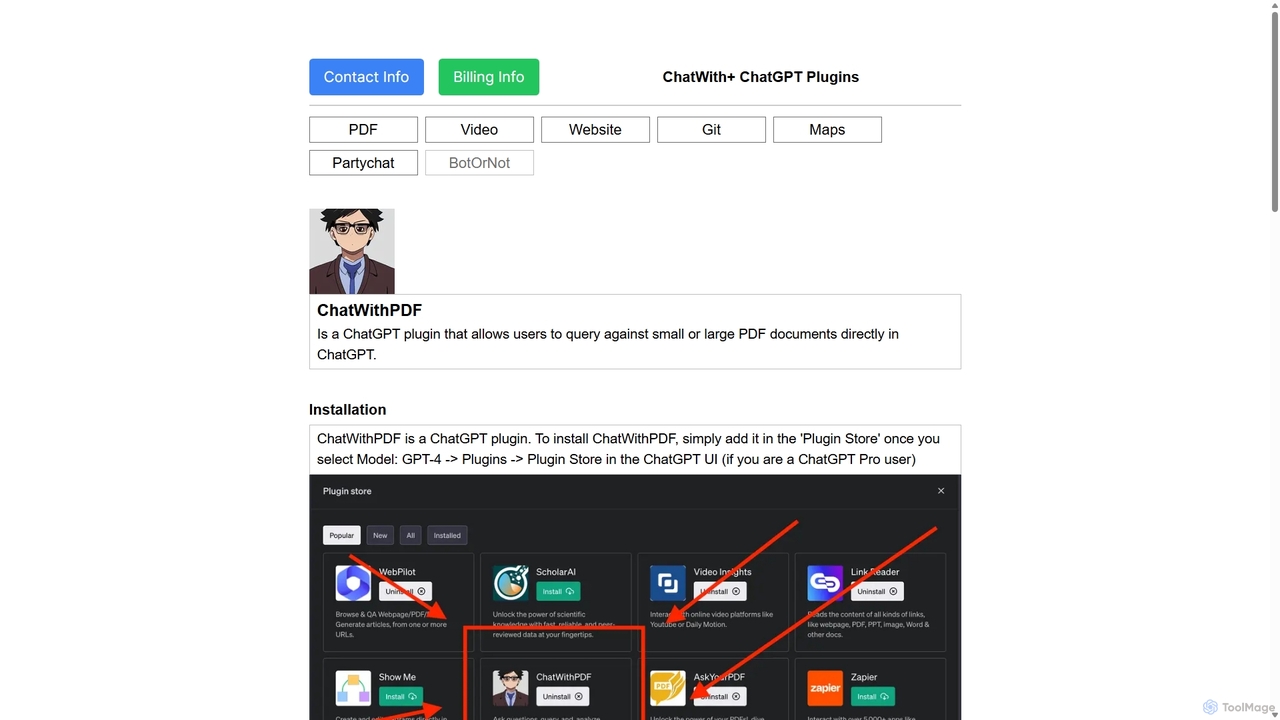
ChatWithPDF
A powerful ChatGPT plugin that allows you to have interactive conversations with any PDF document. Simply provide a public URL to a PDF, and you can ask questions, request summaries, and extract specific information directly within the ChatGPT interface. Ideal for students, researchers, and professionals.
Data Extraction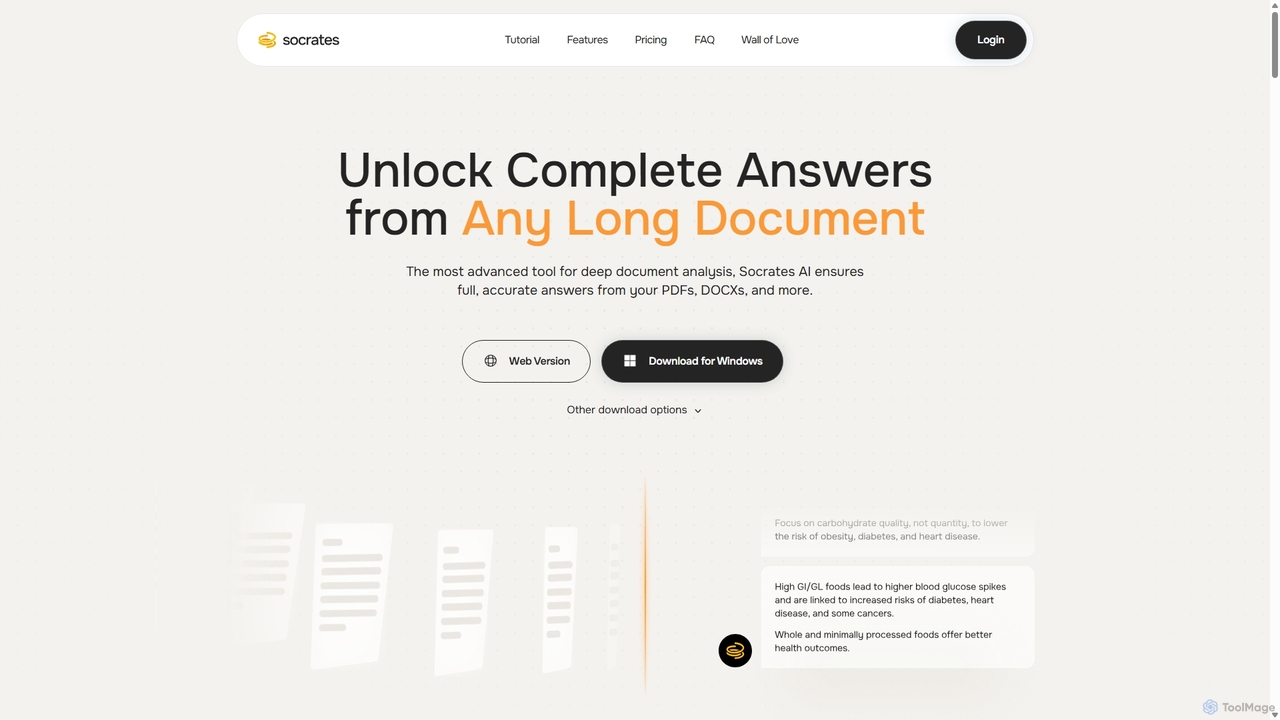
Socrates
Socrates is an advanced AI tool for deep document analysis. It allows users to upload long documents like PDFs and DOCX to get complete, accurate answers. Its unique 'Deep Dive' feature provides thorough analysis, while features like Table AI and Local LLM support cater to researchers, legal professionals, and students seeking detailed insights with enhanced data privacy.
Data Analysis
Docbot Comments (0)
Sign in to comment.
Sign inNo comments yet.