

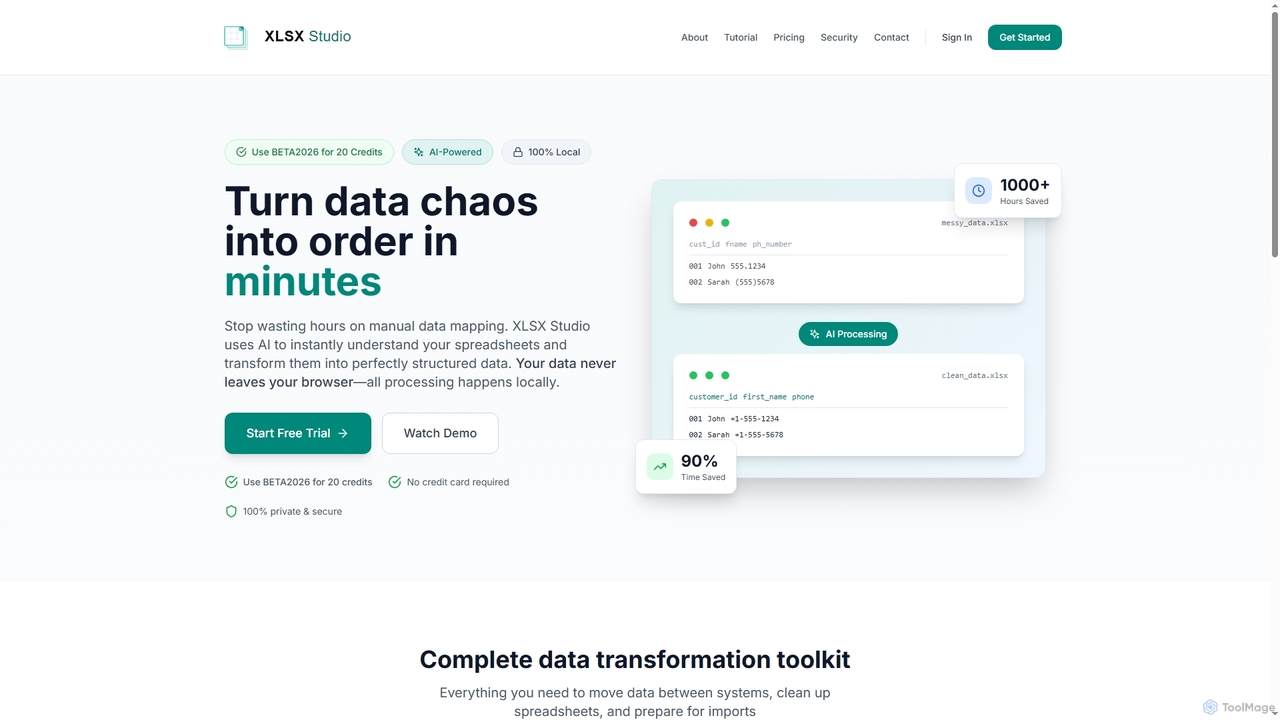
XLSX Studio Overview
XLSX Studio is an innovative, AI-powered solution designed to streamline and secure spreadsheet data transformation directly within your browser. It effectively turns data chaos into order by leveraging artificial intelligence to instantly understand spreadsheet structures and automate the conversion into clean, perfectly structured data. Crucially, all data processing occurs locally, ensuring your sensitive information never leaves your browser, guaranteeing 100% privacy and security.
How to use XLSX Studio
To use XLSX Studio, users typically start by uploading their messy spreadsheet files directly into the browser-based interface. The AI then automatically analyzes the data, identifies patterns, and suggests transformations. Users can utilize features like AI Column Mapping to match different schemas, Smart Data Cleaning for standardization, and Column Restructuring for reordering or splitting data. The tool provides a visual interface for drag-and-drop column reordering and renaming. Finally, data quality checks help identify and rectify issues before export, ensuring data is ready for its target system. A free trial is available to begin, and a demo can be watched for guidance.
Core Features of XLSX Studio
- AI Column Mapping: Automatically understands and maps columns between different schemas (e.g., "Customer ID" = "Client #" = "cust_id").
- Multi-Source Merge: Combines three or more files using primary keys with conflict resolution capabilities.
- Smart Data Cleaning: Automatically standardizes data formats (e.g., phone numbers, emails, names, dates).
- Column Restructuring: Reorders, renames, splits, and merges columns to match target schemas via drag-and-drop.
- Data Quality Checks: Detects format issues, duplicates, and missing required fields; validates email/phone formats and flags date inconsistencies.
- Excel Table Converter: Cleans up messy Excel files with inconsistent structures, smart header detection, and multi-file consolidation.
- Schema Mapper: Generates database schemas (DDL/SQL, JSON) from Excel files with auto data type detection and primary key identification.
- XLSX Anonymizer: Protects sensitive data through intelligent type detection, selective anonymization, and preservation of data patterns, all locally.
Use Cases for XLSX Studio
XLSX Studio is ideal for professionals who regularly deal with disparate data sources, requiring frequent data cleaning, transformation, and migration. It's perfectly suited for migrating data between different systems, preparing data for CRM or ERP imports, consolidating reports from various departments, standardizing customer contact lists, anonymizing sensitive datasets for sharing, or generating database schemas from existing spreadsheets. Any scenario involving "data chaos" in spreadsheets can benefit from its automated, secure processing capabilities.
Advantages of XLSX Studio
The primary advantages of XLSX Studio include significant time savings (up to 90%) by automating manual data mapping, enhanced data quality through intelligent cleaning and validation, and unparalleled security due to 100% local, browser-based processing with no server uploads. Its AI-powered capabilities reduce human error, while the comprehensive toolkit provides everything needed for complex data transformations. The "no credit card required" for trial and the use of a BETA code for credits also offer an accessible entry point.
XLSX Studio FAQ
XLSX Studio Alternatives
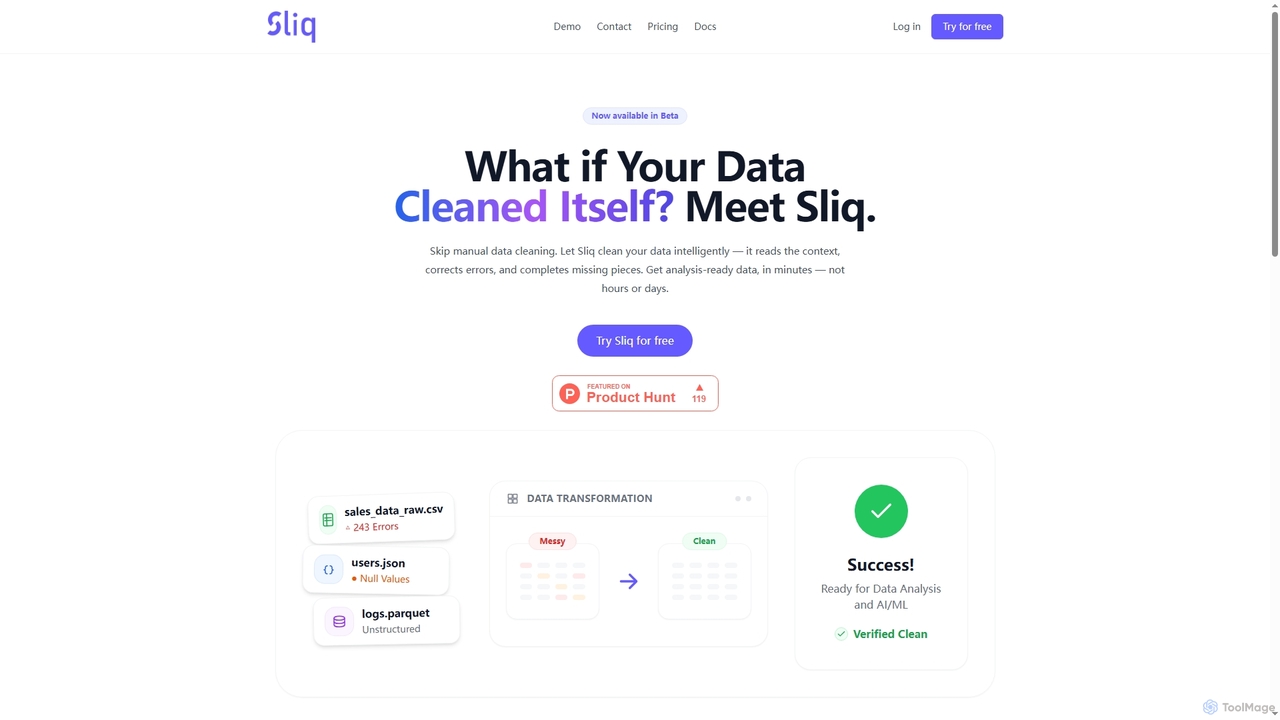
Sliq
Sliq is an AI-powered data cleaning platform designed to automate the traditionally manual and time-consuming process of data preparation. It intelligently corrects errors, fills in missing information, and transforms messy datasets into analysis-ready formats within minutes, supporting various data types like CSV, JSON, and Parquet.
Machine Learning Operations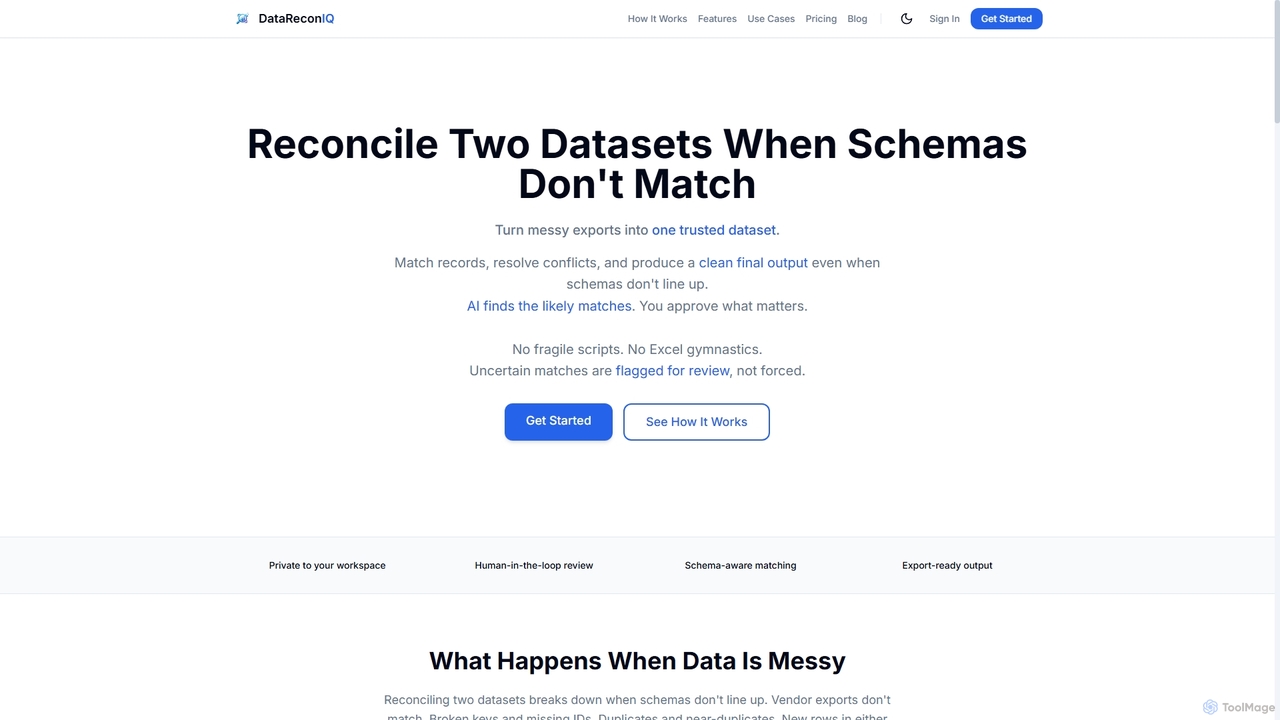
DataReconIQ
DataReconIQ is an AI-powered data reconciliation software designed to match, merge, and clean two datasets, even when schemas don't align. It intelligently identifies matches, flags conflicts for human review, and produces a trusted, normalized output with a full audit trail.
Data Reconciliation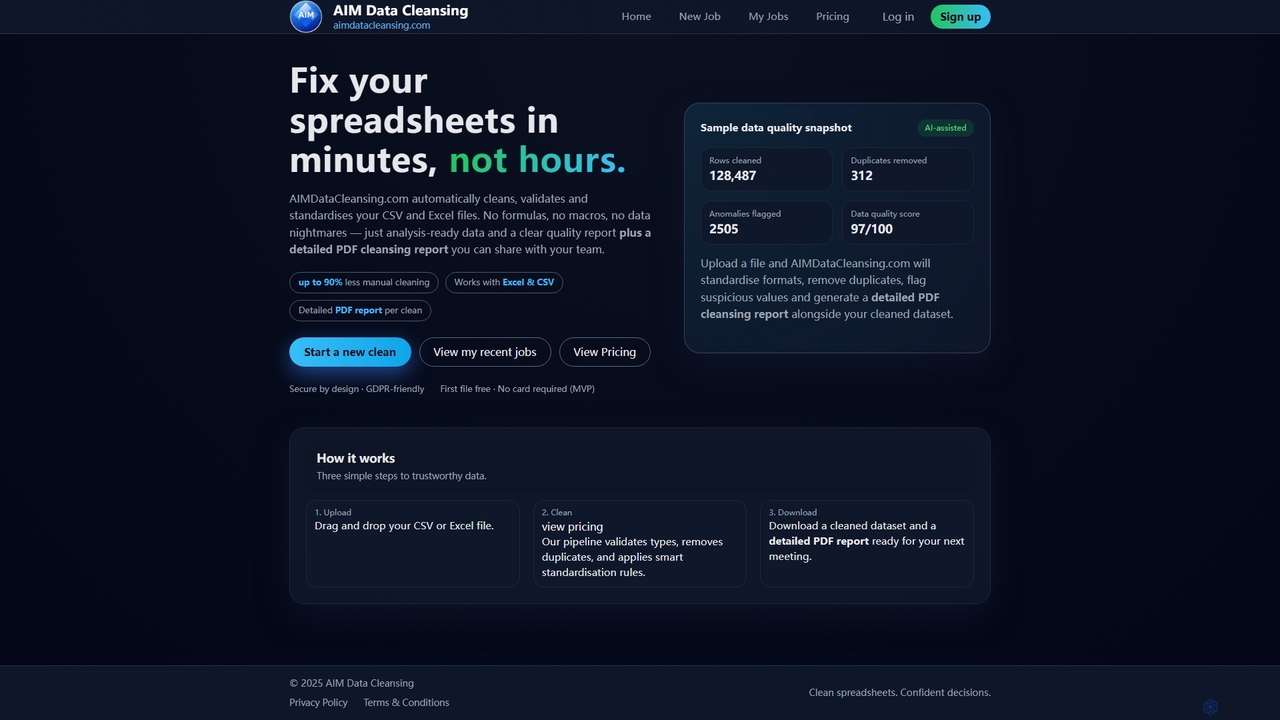
AIMDataCleansing
AIMDataCleansing is an AI-assisted online tool that automatically cleans, validates, and standardizes CSV and Excel files in minutes. It helps users transform messy spreadsheets into analysis-ready data by removing duplicates, flagging anomalies, and standardizing formats, all without manual formulas or macros.
Automation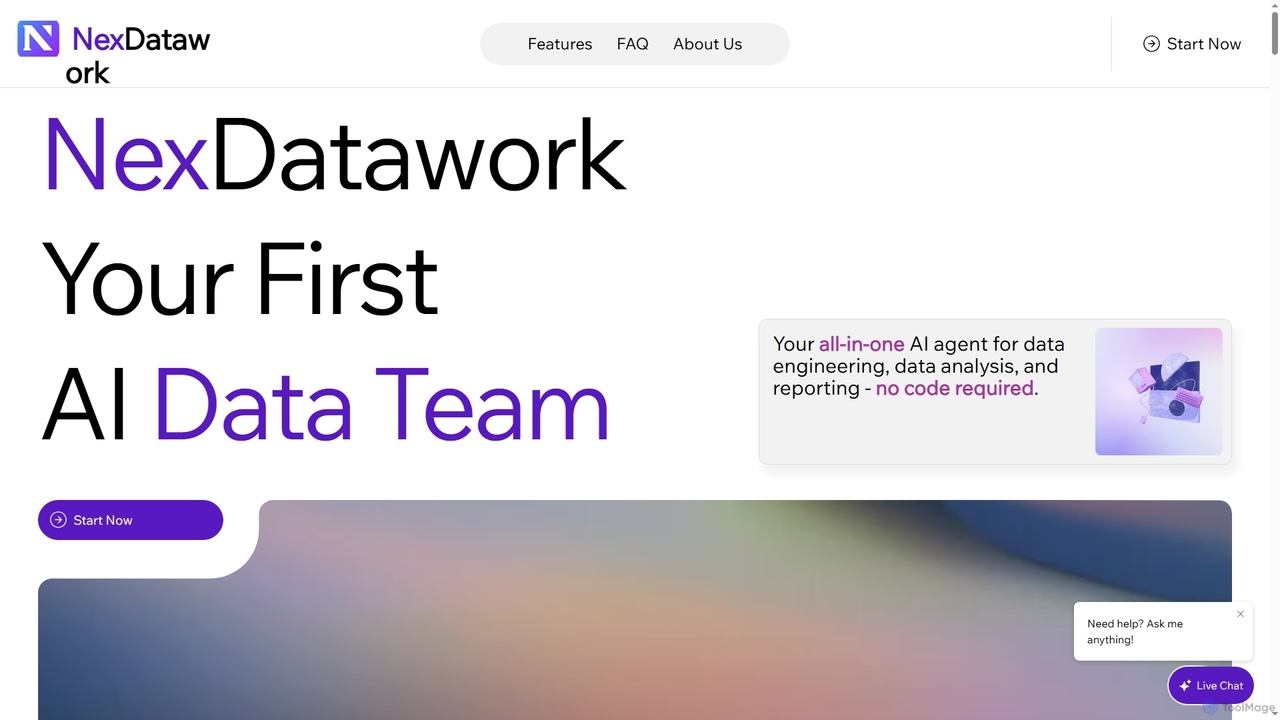
NexDatawork
NexDatawork is an all-in-one AI data agent designed for data engineering, analysis, and reporting, requiring no code. It transforms raw data into actionable insights, automates workflows, and generates comprehensive reports, empowering individuals and teams to make data-driven decisions faster and more efficiently.
Business Intelligence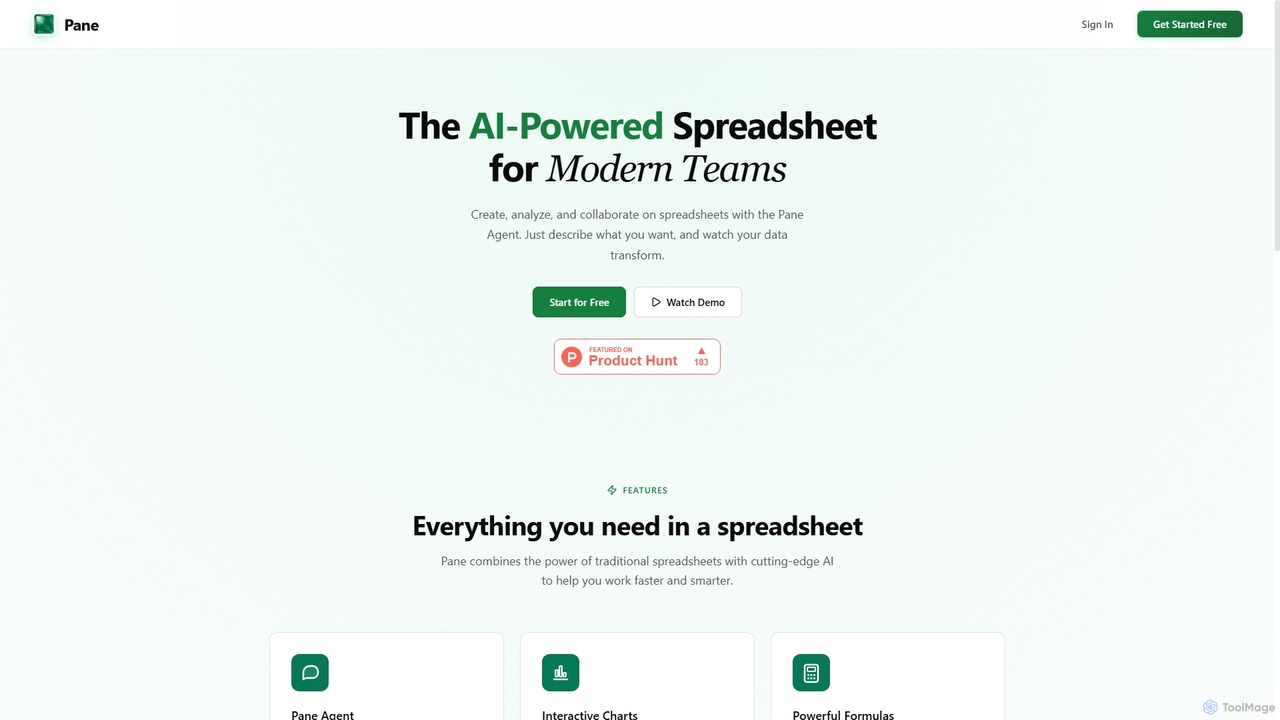
Pane
Pane is an AI-native spreadsheet designed for modern teams, integrating artificial intelligence to streamline data creation, analysis, and collaboration. It allows users to interact with their data using natural language commands, automate tasks, and generate professional dashboards effortlessly, enhancing productivity and insights.
TeamworkXLSX Studio Categories
XLSX Studio Jobs
XLSX Studio Embed Widget
Copy this embed code to place the badge on your blog, article, or product site and send readers directly to this ToolMage detail page.

Related AI tools
AIMDataCleansing
AIMDataCleansing is an AI-assisted online tool that automatically cleans, validates, and standardizes CSV and Excel files in minutes. It helps users transform messy spreadsheets into analysis-ready data by removing duplicates, flagging anomalies, and standardizing formats, all without manual formulas or macros.
AutomationDataReconIQ
DataReconIQ is an AI-powered data reconciliation software designed to match, merge, and clean two datasets, even when schemas don't align. It intelligently identifies matches, flags conflicts for human review, and produces a trusted, normalized output with a full audit trail.
Data ReconciliationSliq
Sliq is an AI-powered data cleaning platform designed to automate the traditionally manual and time-consuming process of data preparation. It intelligently corrects errors, fills in missing information, and transforms messy datasets into analysis-ready formats within minutes, supporting various data types like CSV, JSON, and Parquet.
Machine Learning OperationsPane
Pane is an AI-native spreadsheet designed for modern teams, integrating artificial intelligence to streamline data creation, analysis, and collaboration. It allows users to interact with their data using natural language commands, automate tasks, and generate professional dashboards effortlessly, enhancing productivity and insights.
Teamwork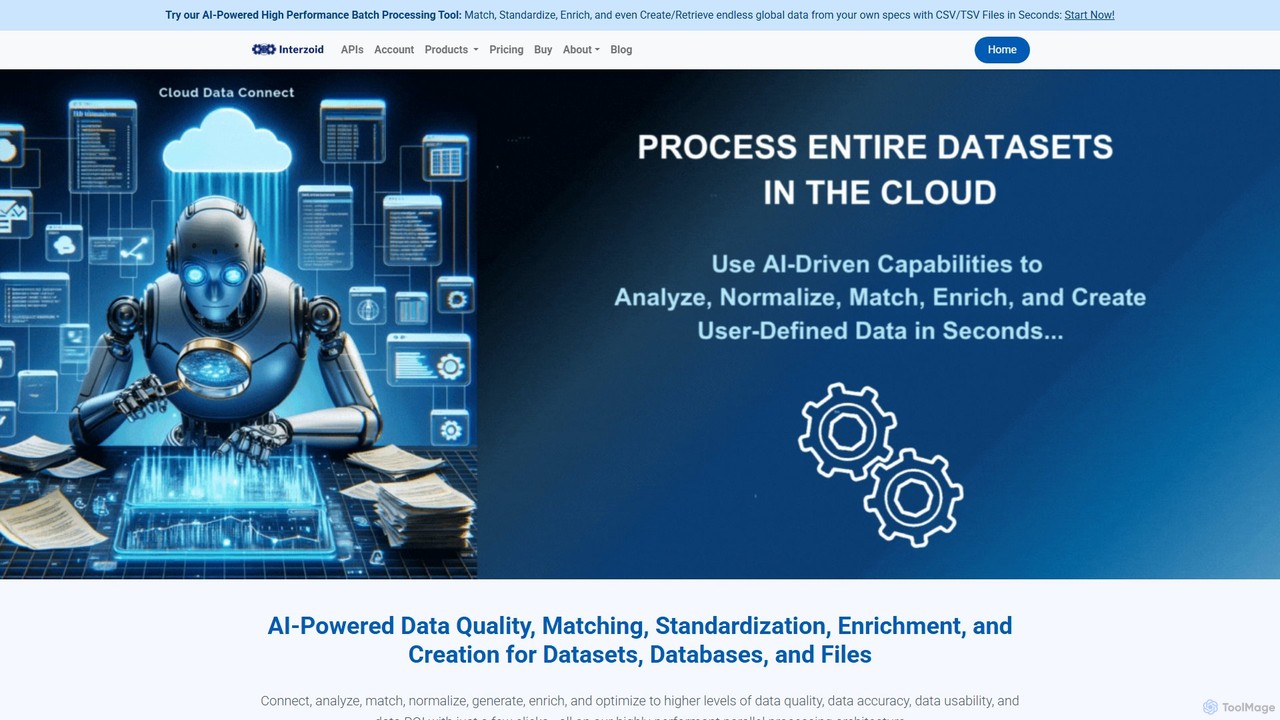
connect
connect by Interzoid is an AI-powered platform for data quality, matching, and enrichment. It helps businesses clean, standardize, and enhance their datasets, databases, and files. Using advanced algorithms and generative AI, it identifies duplicates, corrects inconsistencies, and appends custom real-world data on demand. Available via a no-code web app or a powerful REST API, connect streamlines data pipelines and improves data ROI for marketing, CRM, and analytics.
Data Cleaning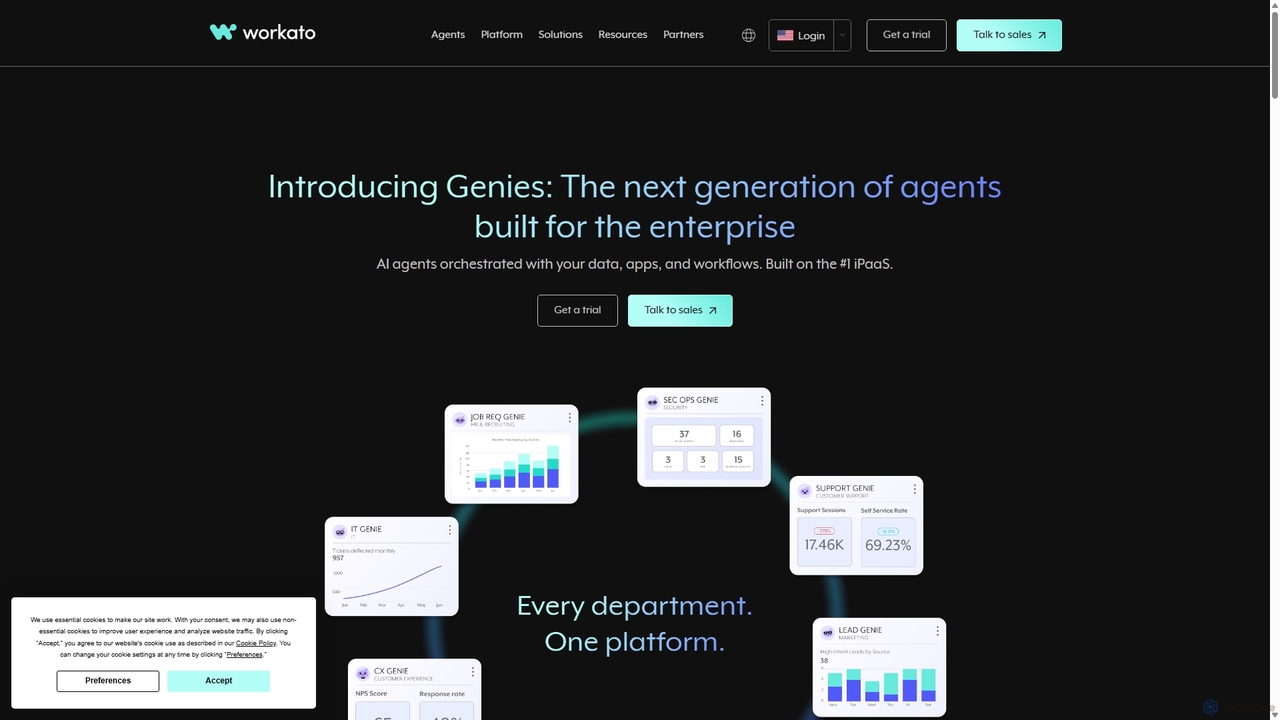
Workato
Workato is a leading AI-powered enterprise automation platform (iPaaS) that enables businesses to integrate applications, automate complex workflows, and deploy AI agents. Its low-code/no-code interface empowers both business and IT users to connect over 1,200 apps and build powerful automations, breaking down data silos and boosting operational efficiency across all departments.
Integration Platform As A Service (Ipaas)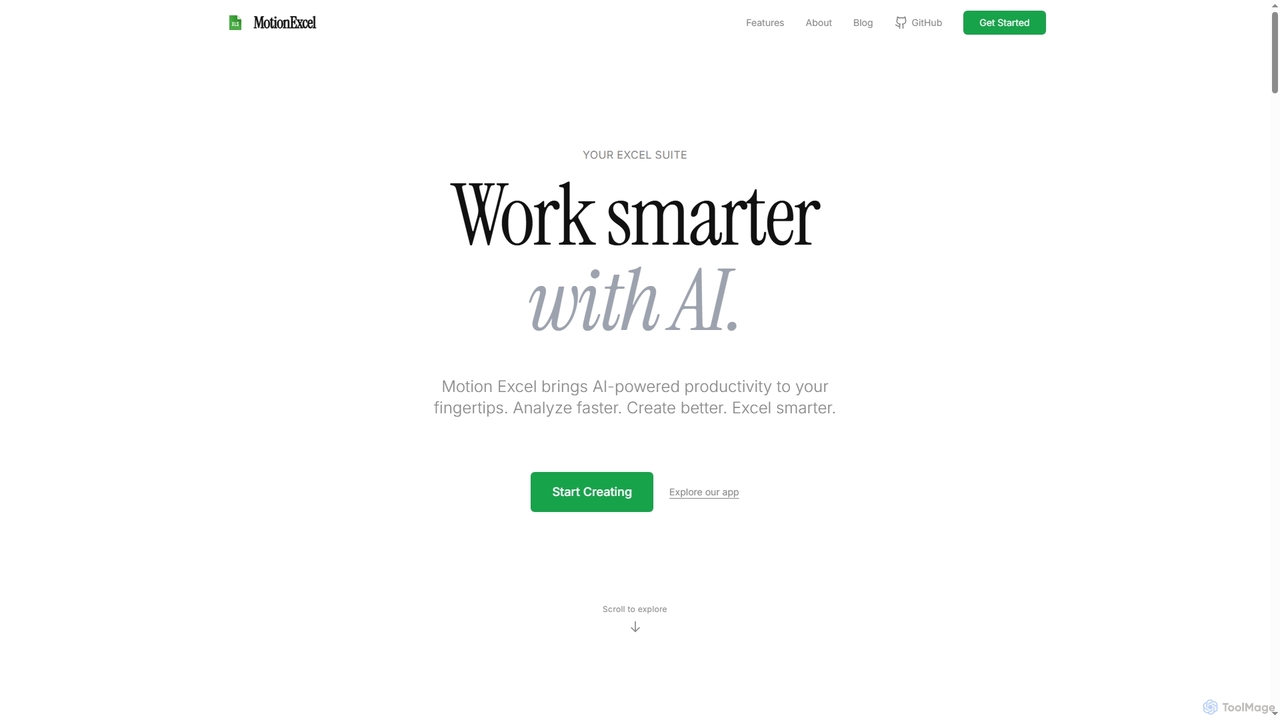
MotionExcel
MotionExcel is an AI-powered spreadsheet editor that integrates artificial intelligence, Python, and SQL to transform data analysis and automation. It helps users analyze data faster, create better insights, and work smarter with intelligent agents and advanced features.
Spreadsheet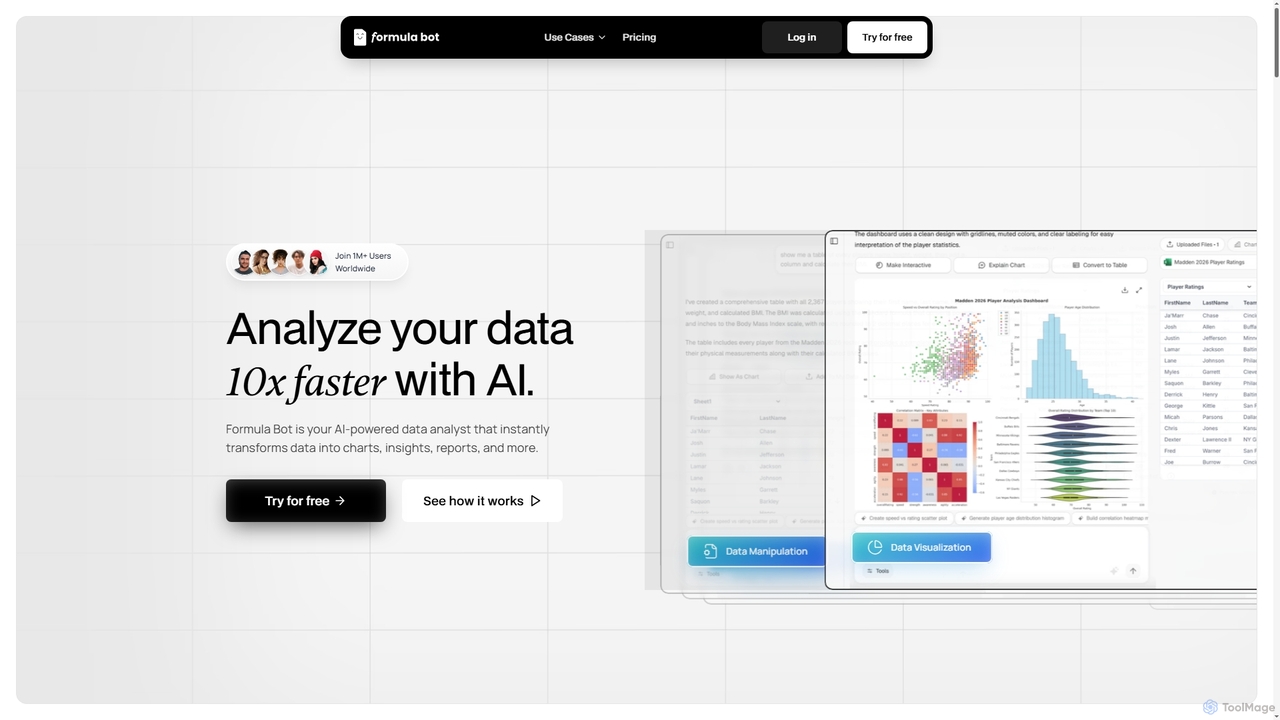
Formula Bot
Formula Bot is an AI-powered data analyst that instantly transforms raw data into actionable insights, stunning charts, and comprehensive reports. It also offers specialized AI tools for generating Excel formulas, converting PDFs to Excel, and providing step-by-step homework assistance across various subjects, streamlining data handling and learning processes for users worldwide.
Visualization
Jyek
Jyek is an AI agent platform that understands objectives, creates execution plans, uses tools, and delivers verifiable results for complex, multi-step tasks.
Automation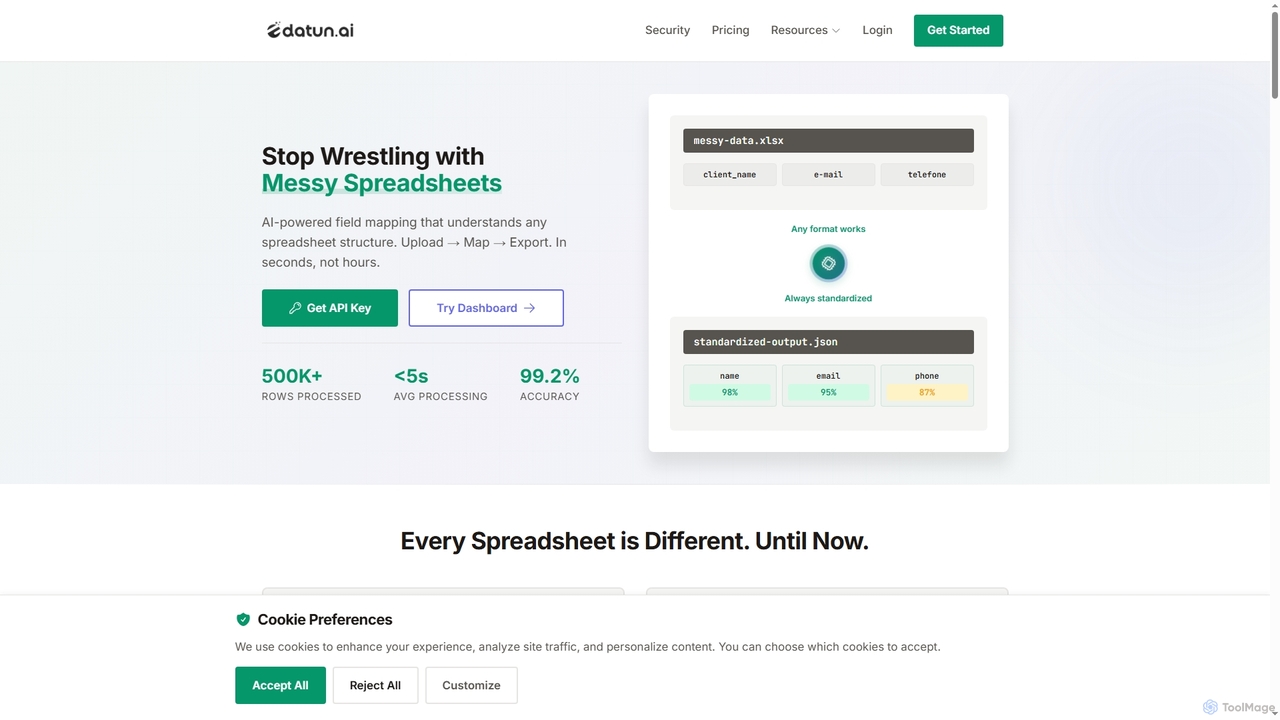
Datun
Datun is an AI-powered platform that automates the processing of messy spreadsheets. It intelligently maps fields from any spreadsheet structure, format, or language, standardizing data in seconds for developers and data teams.
Automation
TheNoah
TheNoah is the world's first pre-trained, zero-code AI platform designed for enterprises and domain experts. It offers over 1000 ready-to-use domain-specific models, AI agents, and data simulation capabilities to rapidly automate workflows, generate actionable insights, and accelerate AI adoption across industries without requiring technical expertise.
Data SimulationNexDatawork
NexDatawork is an all-in-one AI data agent designed for data engineering, analysis, and reporting, requiring no code. It transforms raw data into actionable insights, automates workflows, and generates comprehensive reports, empowering individuals and teams to make data-driven decisions faster and more efficiently.
Business Intelligence
SmartDetect
SmartDetect by IgnidorAI is an enterprise-grade AI platform for intelligent document processing and analysis. It leverages machine learning for precise data extraction, offers real-time processing with instant results, and ensures bank-grade security for all document formats. Designed for businesses seeking efficient and secure document intelligence.
Intelligent Processing
Superglue
Superglue is an AI-powered platform that translates natural language intent into reliable API execution. It enables developers and teams to automate ETL pipelines, build API connectors instantly, migrate data, and create complex workflows using a chat interface or code. It's designed to empower AI agents with dynamic, production-ready tools for any API.
Tooling
Sheet Copilot
Sheet Copilot is an AI-powered assistant that automates tasks and answers questions directly within Google Sheets. By using natural language commands, you can clean data, generate formulas, create summaries, and analyze information without writing complex functions. It's currently free in beta and operates using your own OpenAI API key for enhanced privacy and security.
Automation
XLSX Studio Comments (0)
Sign in to comment.
Sign inNo comments yet.