Business Best in category 2 results Integration Platform As A Service (Ipaas) AI Tool

Popular AI tools in the Integration Platform As A Service (Ipaas) field of Business include Workato、Merge, etc., helping you quickly improve efficiency.

Workato

Workato

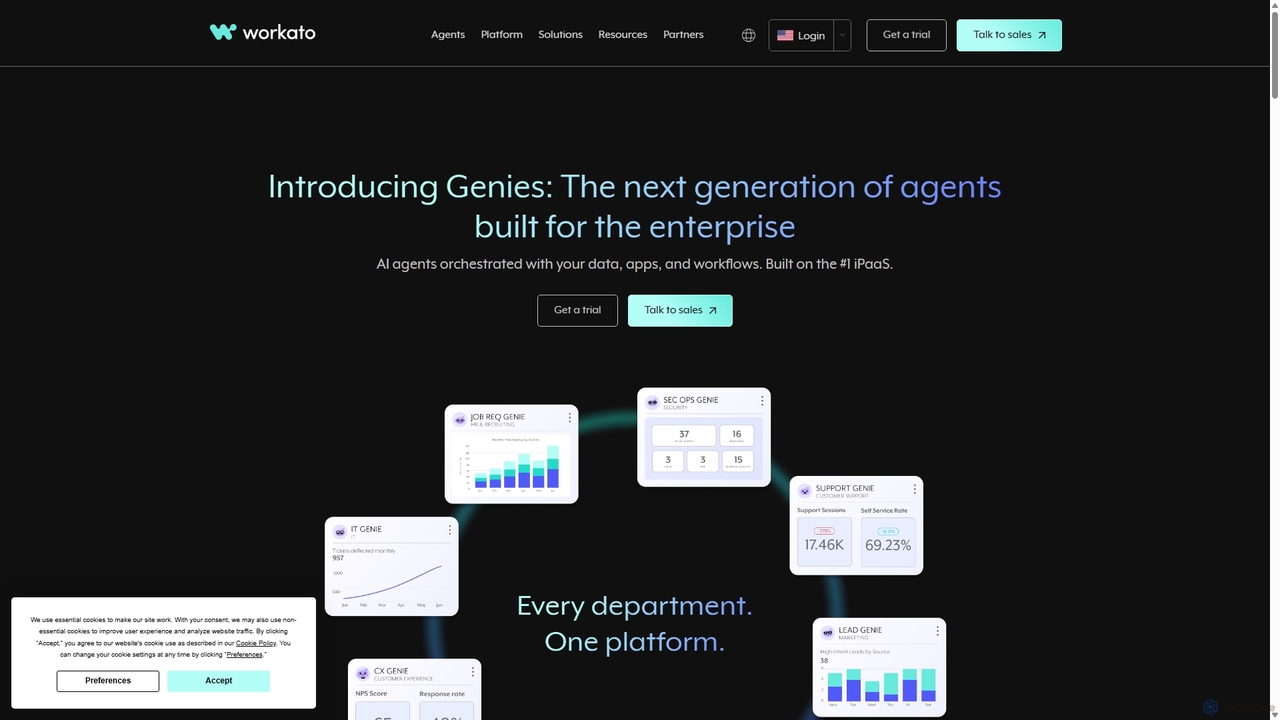
Workato is a leading AI-powered enterprise automation platform (iPaaS) that enables businesses to integrate applications, automate complex workflows, …

422.4K
Merge

Merge

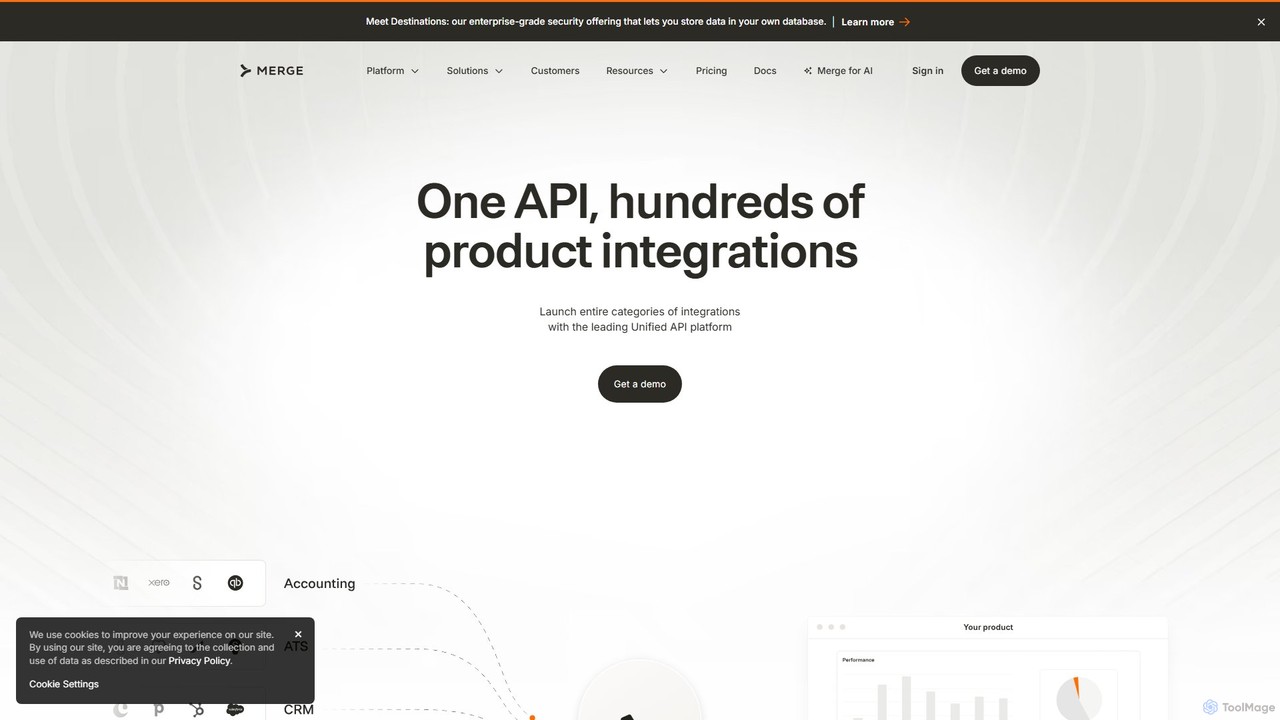
Merge is a leading Unified API platform for B2B companies, enabling them to add hundreds of customer-facing integrations …

318.8K

About Integration Platform As A Service (Ipaas)

Integration Platform as a Service (iPaaS) is a suite of cloud services for developing, executing, and governing integration flows between disparate applications. These platforms use pre-built connectors and visual workflow builders to connect cloud-based and on-premises systems without extensive custom coding. Businesses leverage iPaaS to automate processes, synchronize data in real-time, and break down information silos across departments. This approach significantly accelerates digital transformation by making complex integrations more manageable and accessible to both developers and business users.

Core Features

  • Pre-built Connectors: Provides a vast library of ready-to-use connectors for popular SaaS applications, databases, and APIs, drastically reducing setup time.
  • Visual Workflow Builder: Allows users to design, build, and manage complex integration logic using a drag-and-drop graphical interface.
  • Data Transformation and Mapping: Includes tools to automatically convert and map data between different formats and schemas required by various applications.
  • API Management: Enables the creation, publication, and management of APIs from integration flows, allowing controlled access to data and processes.
  • Centralized Monitoring and Governance: Offers a single dashboard to monitor integration performance, track errors, and manage security policies across all connected systems.

Use Cases

iPaaS is crucial for businesses aiming for operational efficiency. In e-commerce, it automates the entire order-to-fulfillment process by syncing data between platforms like Shopify, NetSuite, and shipping carriers. Marketing teams use it to create a unified customer view by integrating CRM, marketing automation, and customer support tools. IT departments also utilize iPaaS to modernize legacy systems by connecting them to modern cloud services through APIs.

How to Choose

When selecting an iPaaS tool, first evaluate its connector library to ensure it supports your critical business applications. Assess the platform's ease of use and whether its low-code/no-code interface suits your team's technical skills. Consider its scalability to handle your current and future data volumes, and thoroughly review its security features, compliance certifications, and pricing model to ensure it aligns with your business requirements.

Integration Platform As A Service (Ipaas)Use Cases

1

Automate E-commerce Order-to-Fulfillment

An e-commerce manager uses an iPaaS to connect their Shopify store, NetSuite ERP, and ShipStation fulfillment software. When a new order is placed on Shopify, the iPaaS platform automatically creates a sales order in NetSuite and sends shipping details to ShipStation. Once the order is shipped, the platform updates the tracking information back into Shopify and NetSuite. This end-to-end automation eliminates manual data entry, reduces shipping errors, and ensures inventory levels are always accurate across all systems.

2

Synchronize Leads Between CRM and Marketing Platforms

A marketing operations specialist sets up an integration flow to sync data between Salesforce (CRM) and Marketo (Marketing Automation). When a new lead is created in Salesforce or its status changes, the iPaaS instantly updates the corresponding record in Marketo. It also syncs marketing engagement data, like email opens and clicks from Marketo, back to the lead's activity history in Salesforce. This provides the sales team with a complete, real-time view of a lead's interactions, enabling more timely and relevant follow-ups.

3

Automate Employee Onboarding Workflows

An HR manager designs an onboarding workflow using an iPaaS. When a new employee is marked as 'hired' in the HR system (e.g., Workday), the platform triggers a series of actions. It automatically creates a user account in Active Directory, sets up an email account in Google Workspace, assigns initial training tasks in the LMS, and sends a welcome message to the new hire's team channel in Slack. This automates a multi-step, cross-departmental process, ensuring a consistent and efficient day-one experience for every new employee.

4

Create a 360-Degree Customer View

A data analyst uses an iPaaS to aggregate customer data from multiple sources into a central data warehouse like Snowflake. The platform pulls support ticket data from Zendesk, sales activities from Salesforce, and product usage data from a proprietary application database. By transforming and unifying this data, the company creates a comprehensive 360-degree view of each customer. This unified data empowers support teams with full context, helps marketing personalize campaigns, and allows product teams to analyze feature adoption.

5

Modernize Legacy Systems with APIs

An IT architect needs to connect a modern, cloud-native application with an on-premises legacy database that lacks a modern API. Instead of costly custom development, they use an iPaaS to connect directly to the database. The architect then uses the platform's API management features to build and expose a secure, RESTful API endpoint. This new API acts as a modern wrapper, allowing the new cloud application to easily read and write data to the legacy system without needing to understand its underlying complexity, extending the life of the core system.

6

Automate Financial Reconciliation Processes

A finance controller uses an iPaaS to streamline the monthly reconciliation process. The platform is configured to automatically pull transaction data from multiple sources: Stripe for payments, company bank accounts via Plaid, and employee expense reports from Expensify. The iPaaS then transforms and consolidates this data, pushing it into the accounting software, QuickBooks. This automation reduces the manual effort of data collection and entry by over 90%, minimizes human error, and allows the finance team to close the books faster each month.

Integration Platform As A Service (Ipaas)Frequently Asked Questions