Othor AI
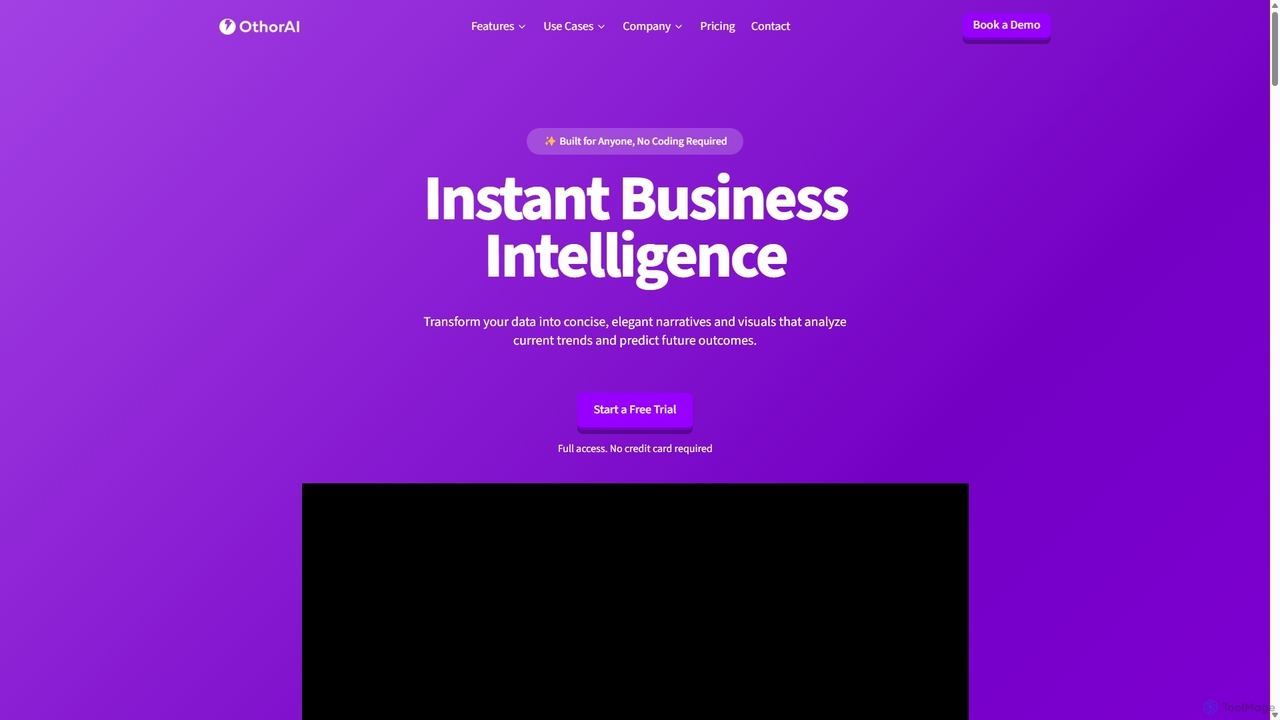
Othor AI is a no-code business intelligence platform that transforms your data into actionable insights in seconds. It …
Othor AI is a no-code business intelligence platform that transforms your data into actionable insights in seconds. It automatically generates narrative-driven reports, smart charts, and predictive analytics, enabling anyone in your organization to make faster, data-driven decisions without technical expertise. Connect your data sources and get instant dashboards and executive summaries.
Templatesgo
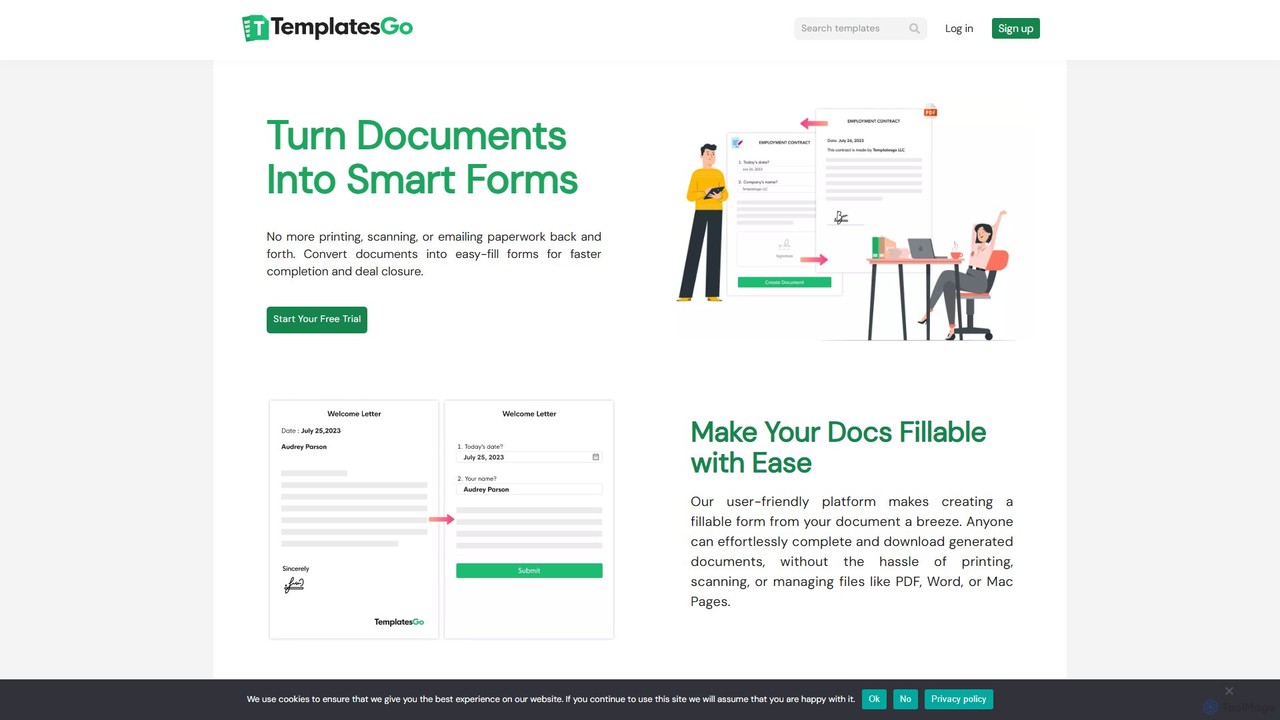
Templatesgo is an online document automation tool that transforms your existing documents into smart, fillable forms. No coding …
Templatesgo is an online document automation tool that transforms your existing documents into smart, fillable forms. No coding required. Simply upload your document, select the fields, and share a link for easy, error-free completion, signing, and management.
excelmatic
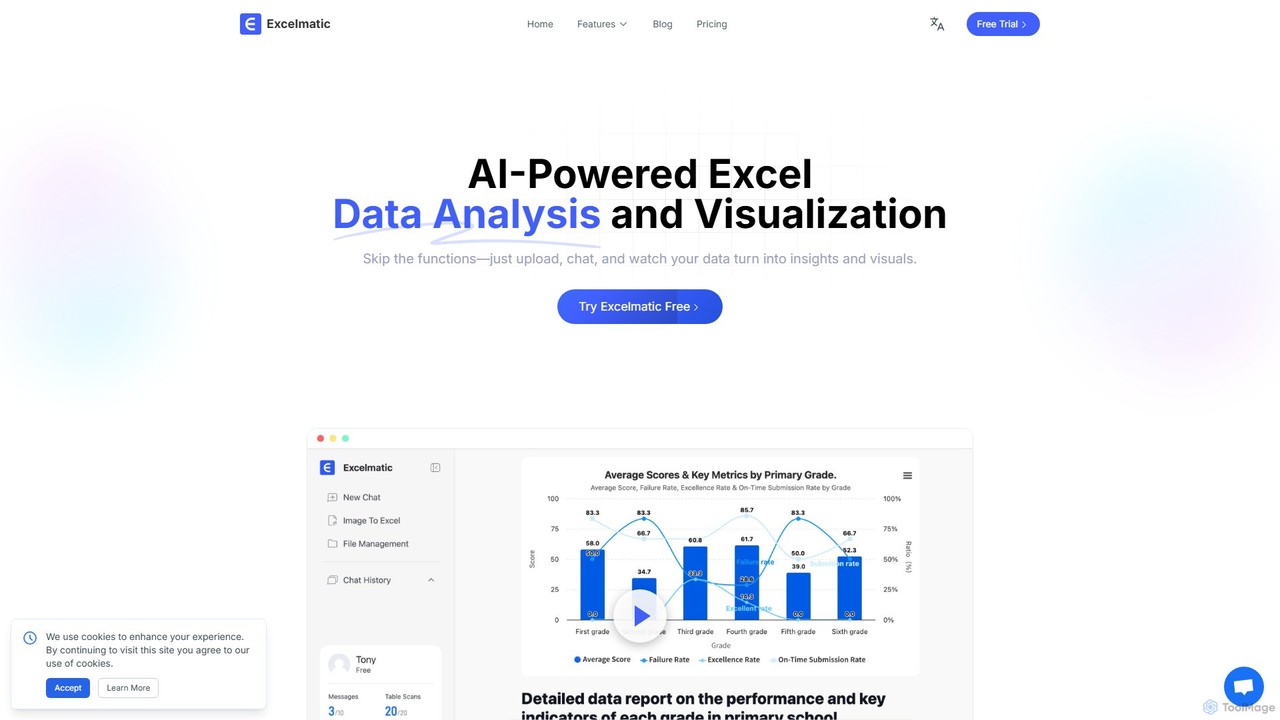
Excelmatic is an AI-powered assistant that transforms your Excel and spreadsheet tasks. Simply upload your data, ask questions …
Excelmatic is an AI-powered assistant that transforms your Excel and spreadsheet tasks. Simply upload your data, ask questions in plain English, and instantly get data analysis, visualizations, and generated formulas. It's a no-code solution designed to automate data cleaning, chart creation, and insight discovery, making data accessible to everyone.
PredictEasy
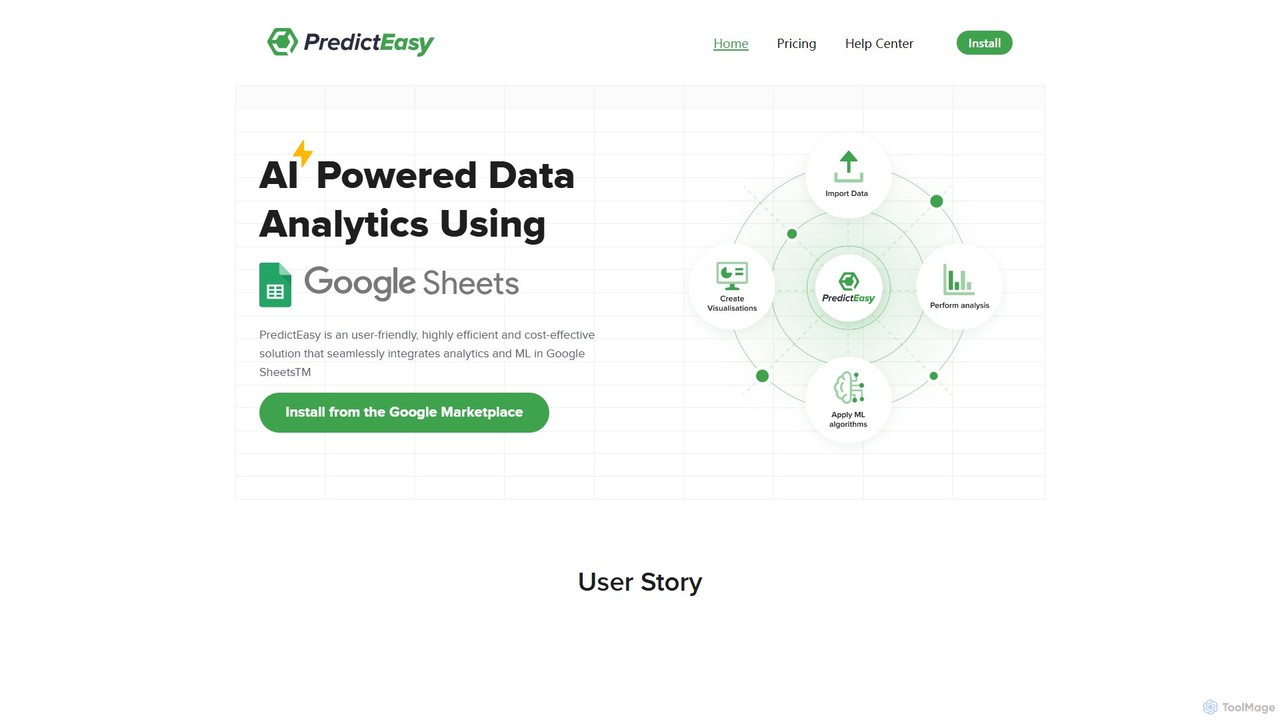
PredictEasy is a powerful no-code AI add-on for Google Sheets that democratizes data analytics. It allows users to …
PredictEasy is a powerful no-code AI add-on for Google Sheets that democratizes data analytics. It allows users to perform advanced tasks like predictive modeling, time-series forecasting, NLP, and statistical analysis with just a few clicks. Ideal for business professionals, researchers, and data analysts, it transforms your spreadsheet into a sophisticated data science tool, enabling data-driven decisions without writing any code.
About Automation
Automation tools are AI-powered solutions designed to streamline repetitive tasks and complex workflows without requiring extensive coding knowledge. These tools leverage advanced artificial intelligence algorithms to execute predefined actions, intelligently integrate disparate applications, and make data-driven decisions autonomously. By automating mundane and time-consuming processes, they significantly enhance operational efficiency, drastically reduce the potential for manual errors, and free up valuable human resources to focus on more strategic, creative, and high-value initiatives. This makes sophisticated process management accessible to a broader audience, aligning perfectly with the principles of No Code development.
Core Features
- Workflow Orchestration: Design, visualize, and execute multi-step automated processes that span across various applications and platforms, ensuring seamless operation.
- Intelligent Data Integration: Automatically connect, transfer, and transform data between disparate systems and services, maintaining data consistency and accuracy.
- Event-Driven Task Scheduling: Configure tasks to automatically trigger based on specific time intervals, external events, or predefined conditions, ensuring timely execution.
- AI-driven Decision Making: Incorporate artificial intelligence to analyze real-time data, identify patterns, and make intelligent, adaptive choices within automated workflows.
- Proactive Error Handling & Monitoring: Implement robust mechanisms to automatically detect, log, and manage issues or failures within automated tasks, providing alerts and ensuring operational continuity.
Applicable Scenarios
Automation tools are indispensable across virtually every sector and department. Marketing teams can automate lead qualification, personalized email campaigns, and social media content distribution. Sales departments streamline CRM updates, follow-up sequences, and proposal generation. HR professionals benefit from automated onboarding, payroll processing, and performance review reminders. Furthermore, IT operations leverage automation for system monitoring and incident response, while customer support uses it for intelligent ticket routing and initial query resolution, drastically improving service delivery and internal efficiency.
How to Choose
When selecting an AI automation tool, prioritize its compatibility and integration capabilities with your existing software ecosystem (e.g., CRM, ERP, marketing automation platforms). Evaluate the tool's flexibility in handling complex, multi-conditional workflows and its scalability to accommodate future business growth. Consider the intuitiveness of its visual workflow builder, the availability of pre-built templates, and the level of technical support offered. Additionally, assess its AI capabilities for advanced decision-making, robust error handling features, comprehensive analytics for performance tracking, and a transparent pricing model that aligns with your usage volume and budget.

AutomationUse Cases
Automate Lead Nurturing and Sales Follow-ups
Marketing and sales teams can use automation tools to automatically send personalized email sequences to new leads based on their engagement. When a lead interacts with specific content, the system can trigger a follow-up email, assign the lead to a sales representative, and update the CRM, ensuring timely and consistent communication without manual intervention. This streamlines the sales funnel, improving conversion rates and accelerating the sales cycle.
Schedule and Publish Social Media Content Automatically
Content creators and social media managers can automate the scheduling and publishing of posts across multiple platforms like Facebook, Instagram, and LinkedIn. By integrating with content calendars and social media accounts, these tools can automatically post updates, images, and videos at optimal times, freeing up significant time. This ensures a consistent online presence, enhances brand visibility, and allows teams to focus on content creation and strategy.
Automate Customer Support Ticket Routing and Initial Responses
Customer service departments can leverage automation to categorize incoming support tickets based on keywords, urgency, or customer history, then intelligently route them to the most appropriate team or agent. The system can also send automated initial responses, provide relevant FAQs, or gather necessary information from the customer, significantly reducing response times, improving service efficiency, and enhancing customer satisfaction.
Synchronize Data Across Multiple Business Applications
Businesses often rely on a diverse ecosystem of tools such as CRM, ERP, project management, and accounting software. Automation tools can seamlessly synchronize data between these disparate systems in real-time. For example, when a new client is added to the CRM, it can automatically create a project in the project management tool, generate an invoice in the accounting software, and update a shared spreadsheet, ensuring data consistency and reducing manual data entry errors.
Automate Employee Onboarding Processes
HR departments can significantly streamline the complex employee onboarding process using automation. When a new hire is added to the HR system, automation tools can trigger a series of actions: sending welcome emails, creating accounts in internal systems (e.g., email, collaboration tools), assigning mandatory training modules, and notifying relevant department heads. This ensures a smooth, consistent, and efficient onboarding experience for new employees, improving their initial engagement.
Automate Business Report Generation and Distribution
Managers, analysts, and business owners can automate the compilation and distribution of regular business reports. By connecting to various data sources like analytics platforms, databases, or spreadsheets, automation tools can extract relevant data, perform calculations, generate customized reports (e.g., weekly sales, monthly marketing performance, quarterly financial summaries), and automatically email them to stakeholders on a predefined schedule, saving countless hours of manual data aggregation and reporting.