No Code Best in category 1 results Database AI Tool

Popular AI tools in the Database field of No Code include Retable, etc., helping you quickly improve efficiency.

Retable

Retable

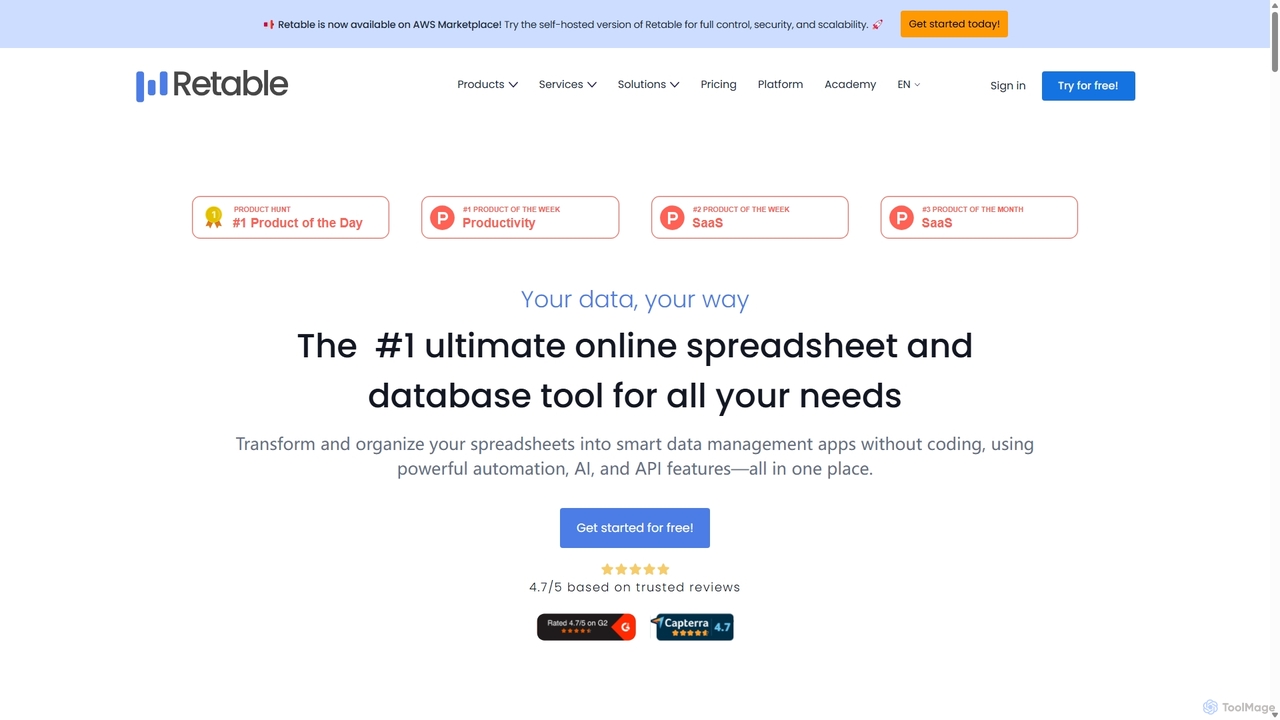
Retable is a powerful no-code online spreadsheet and database solution. It transforms your data into smart, collaborative applications …

56.9K

About Database

No-code Database tools are platforms that empower users to design, build, and manage structured data repositories without writing any code. These tools abstract away complex SQL queries and programming, providing intuitive visual interfaces for data modeling, entry, and retrieval. They enable business users, entrepreneurs, and small teams to create robust data storage solutions for applications, websites, and internal operations. By simplifying database management, they significantly accelerate development cycles and reduce reliance on technical specialists.

Core Features

  • Visual Data Modeling: Design database schemas, tables, and relationships using drag-and-drop interfaces.
  • Intuitive Data Entry: Easily add, edit, and view records through user-friendly forms and spreadsheets.
  • Automated Workflows & Integrations: Connect with other no-code tools and automate data-driven processes.
  • Access Control & Permissions: Manage who can view, edit, or delete specific data sets and fields.
  • Query & Reporting: Filter, sort, and generate reports from your data without complex SQL.

Applicable Scenarios

No-code Database tools are ideal for scenarios requiring flexible data management without deep technical expertise. They are widely used by small businesses for customer relationship management (CRM), by content creators for organizing website content, and by operations teams for tracking inventory or assets. Their visual nature makes them accessible for rapid prototyping and iterative development across various departments.

How to Choose

When selecting a no-code database tool, consider its data model flexibility to ensure it supports your specific data structures and relationships. Evaluate its integration ecosystem to see if it connects seamlessly with your existing no-code stack. Assess scalability and performance capabilities for future growth, and review security features and compliance standards to protect sensitive information. Finally, compare pricing models and community support options.

DatabaseUse Cases

1

Building a Custom CRM or Project Tracker

Small business owners or project managers can leverage no-code database tools to create tailored systems for managing customer leads, tracking sales pipelines, or overseeing project tasks. Users can define custom fields for client information, assign tasks to team members, set deadlines, and monitor progress visually, eliminating the need for expensive, off-the-shelf software.

2

Creating a Product Catalog and Inventory System

E-commerce businesses or retailers can use these tools to build comprehensive product catalogs, storing details like product names, descriptions, prices, images, and stock levels. This enables efficient inventory management, tracking of incoming and outgoing stock, and seamless updates across sales channels, all managed through a user-friendly interface without coding.

3

Developing a Content Management System (CMS)

Bloggers, content creators, or marketing teams can design a custom CMS to organize articles, blog posts, images, videos, and associated metadata. This allows for structured content planning, easy retrieval, and dynamic display on websites or applications, ensuring consistent content delivery and streamlined editorial workflows.

4

Managing Event Registrations and Attendees

Event organizers can utilize no-code databases to handle the entire registration process, from collecting participant details and payment statuses to managing attendee lists and sending automated confirmations. This centralizes all event-related data, simplifies check-ins, and provides a clear overview of attendance, enhancing the overall event management experience.

5

Tracking Internal Operations and Assets

Office managers or departmental leads can implement no-code database solutions to track company assets, employee records, equipment maintenance schedules, or departmental budgets. This provides a centralized, accessible system for operational data, improving transparency, accountability, and efficiency in day-to-day administrative tasks.

6

Building a Knowledge Base or FAQ System

Customer support teams or internal HR departments can create dynamic knowledge bases or FAQ systems using no-code databases. They can store and categorize common questions, detailed answers, and relevant resources, allowing employees or customers to quickly find information, reducing support queries and improving self-service capabilities.

DatabaseFrequently Asked Questions