The Solopreneur Toolkit
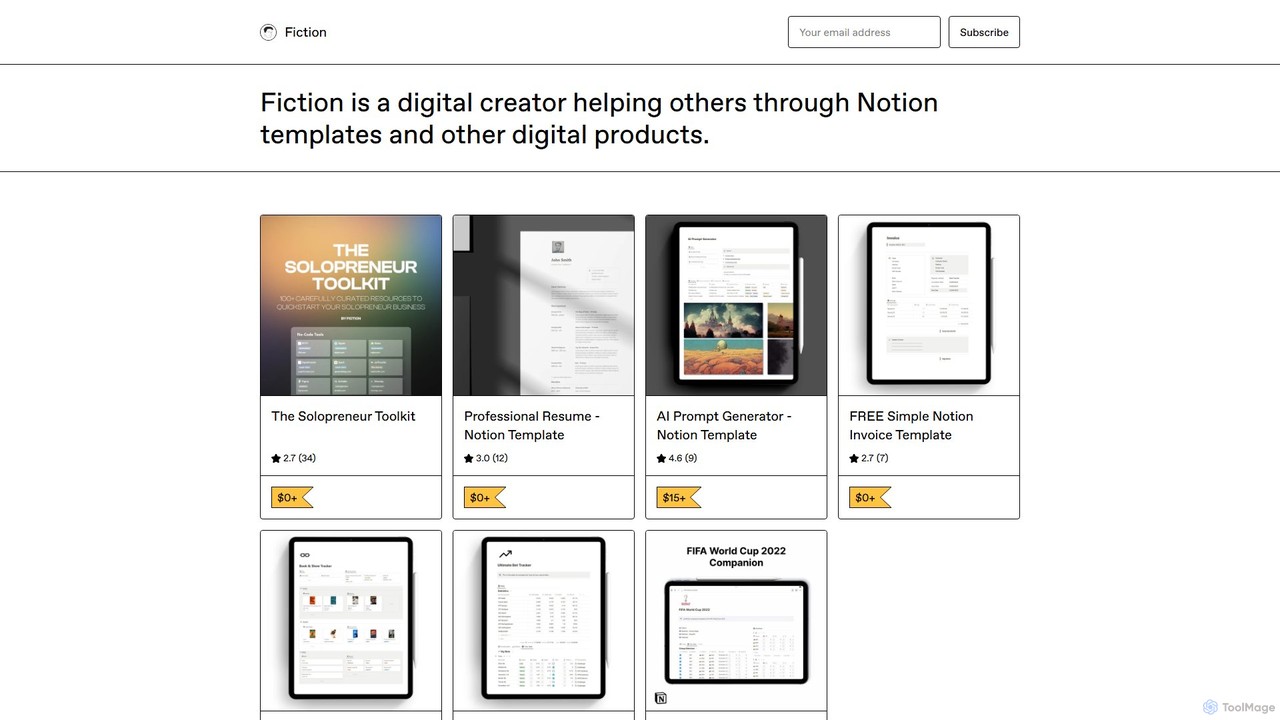
A comprehensive, free Notion template by Fiction, curating over 100 battle-tested tools and resources for solopreneurs. It covers …
A comprehensive, free Notion template by Fiction, curating over 100 battle-tested tools and resources for solopreneurs. It covers no-code, visual design (including AI tools), productivity, social media, and hiring to help you build and scale your business efficiently.
No-Code Scraper
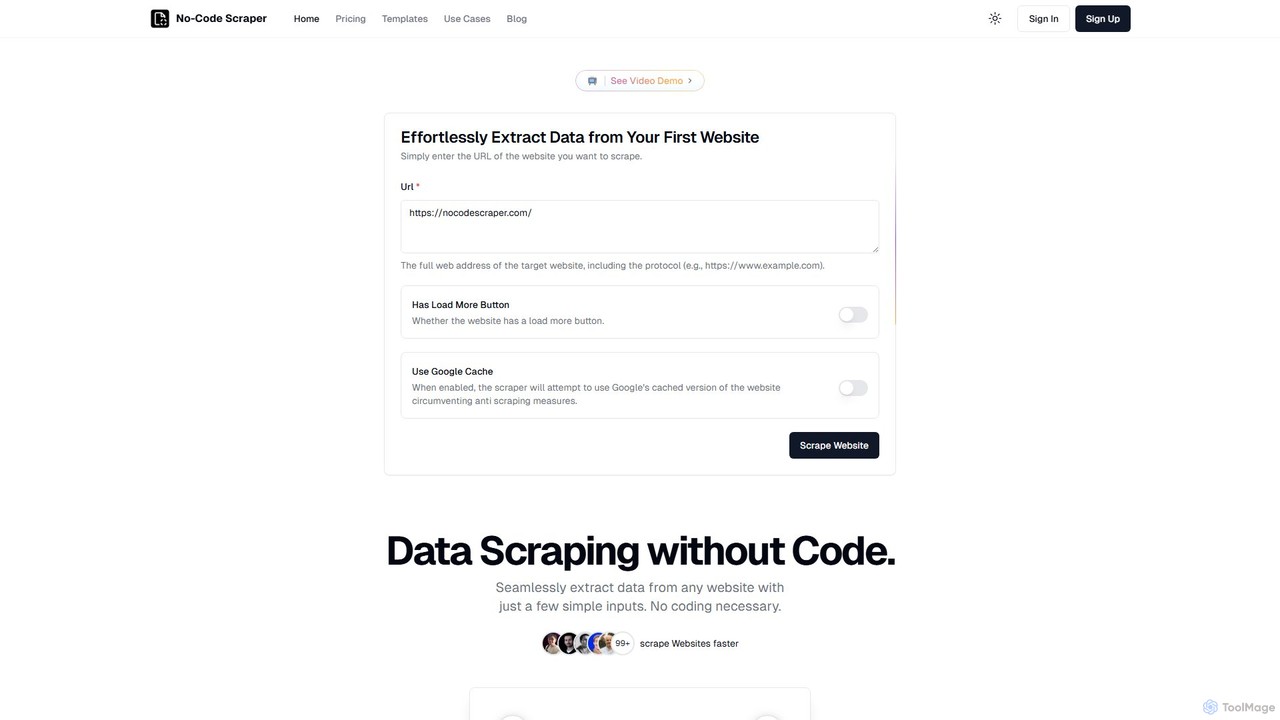
No-Code Scraper is an AI-powered platform that enables users to extract data from any website without writing a …
No-Code Scraper is an AI-powered platform that enables users to extract data from any website without writing a single line of code. It uses large language models to automate data extraction, cleaning, and structuring, making web scraping accessible, reliable, and efficient for everyone.
About Development
No-Code Development tools are a category of platforms that empower users to build sophisticated applications, websites, and automated workflows without writing a single line of traditional code. These tools leverage visual interfaces, drag-and-drop components, and pre-built logic blocks, allowing individuals and teams to rapidly prototype, deploy, and iterate on digital solutions. They democratize software creation, making 'development' accessible to business users, designers, and entrepreneurs, significantly accelerating innovation and reducing reliance on specialized programming skills.
Core Features
- Visual Logic Builders: Design complex conditional logic and automated workflows using intuitive visual interfaces.
- Database & Data Modeling: Structure and manage application data with visual database builders, eliminating the need for SQL.
- API Integration: Connect seamlessly with external services and third-party APIs to extend application functionality without custom code.
- Custom UI/UX Components: Build unique and branded user interfaces using flexible design elements and customizable templates.
- Deployment & Hosting: Publish and host applications directly from the platform with simplified deployment processes.
Applicable Scenarios
No-Code Development tools are ideal for businesses and individuals looking to quickly build and deploy custom digital solutions. They are widely used by startups for rapid prototyping, by small to medium-sized enterprises for internal tool creation, and by marketing teams for building interactive campaigns or customer portals.
How to Choose
When selecting a No-Code Development platform, consider its scalability for future growth, the breadth of its integration ecosystem, and the level of customization it offers for both logic and design. Evaluate the platform's learning curve, community support, and pricing model to ensure it aligns with your team's technical capabilities and budget.

DevelopmentUse Cases
Building a Custom CRM System
Sales teams or small businesses can leverage No-Code Development tools to create a tailored Customer Relationship Management (CRM) system. Instead of relying on generic, expensive software, they can design custom fields, automate lead nurturing sequences, and integrate with communication tools, ensuring the CRM perfectly fits their unique sales process and customer interaction needs, leading to improved lead conversion and client satisfaction.
Automating Onboarding Workflows for HR
HR departments can utilize No-Code Development tools to automate complex employee onboarding processes. This involves creating multi-step workflows for document signing, IT setup requests, training module assignments, and welcome email sequences. By digitizing and automating these tasks, HR teams can significantly reduce manual effort, ensure compliance, and provide a smoother, more engaging experience for new hires, improving efficiency and reducing human error.
Creating a Customer Self-Service Portal
Businesses can develop a custom customer self-service portal using No-Code Development tools, allowing clients to manage their accounts, track orders, access FAQs, or submit support tickets independently. This reduces the burden on customer service teams, provides 24/7 support availability, and enhances customer satisfaction by offering a personalized and efficient way for users to find information and resolve issues without direct intervention.
Developing a Project Management Dashboard
Teams can build highly customized project management dashboards that visualize tasks, deadlines, resource allocation, and progress in a way that perfectly aligns with their specific methodologies (e.g., Agile, Kanban). No-Code Development tools allow for flexible data integration from various sources and the creation of interactive charts and reports, providing real-time insights and improving decision-making without the need for complex coding or expensive off-the-shelf solutions.
Launching an E-commerce Marketplace
Entrepreneurs can use No-Code Development platforms to build and launch a multi-vendor e-commerce marketplace with custom features like vendor dashboards, commission structures, and unique product listing pages. This empowers them to enter the online retail space quickly, test market demand, and scale their business without the significant upfront investment and technical expertise typically required for custom-coded marketplace solutions, accelerating time-to-market.
Rapid Prototyping for Startups
Startups and innovators can leverage No-Code Development tools for rapid prototyping, quickly transforming ideas into functional web or mobile applications. This allows them to validate product concepts with real users, gather early feedback, and iterate on designs without committing extensive development resources. The ability to build and test MVPs (Minimum Viable Products) in days or weeks significantly reduces time-to-market and minimizes financial risk, proving viability before full-scale investment.