ToolMage
Sign in

Best 22 Platform for No Code

Popular Platform in No Code include Wegic, CodeDesign.ai, Cflow, TeamPal, Scade.pro, rocketpages, Riku.AI, Cradl AI, uncody, and Knowlee, helping you work more efficiently.

FormBuilderGPT
Freemium

FormBuilderGPT

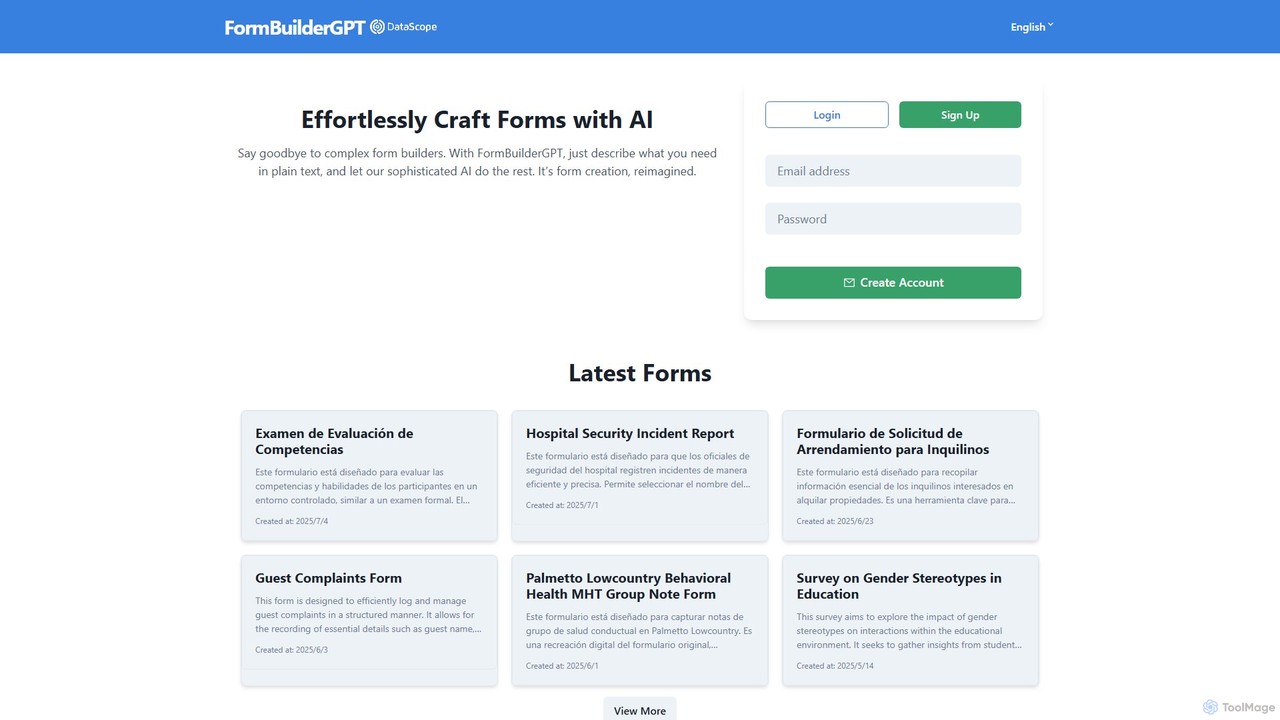
FormBuilderGPT is an AI-powered tool that revolutionizes form creation. Simply describe the form you need in plain text, and the AI will instantly generate a structured, professional form. It eliminates the need for complex drag-and-drop builders, making it ideal for creating surveys, checklists, reports, and data collection forms across various industries.

Data Collection
Visits 6.9KFavorites 131Likes 134
Asekio
Freemium

Asekio

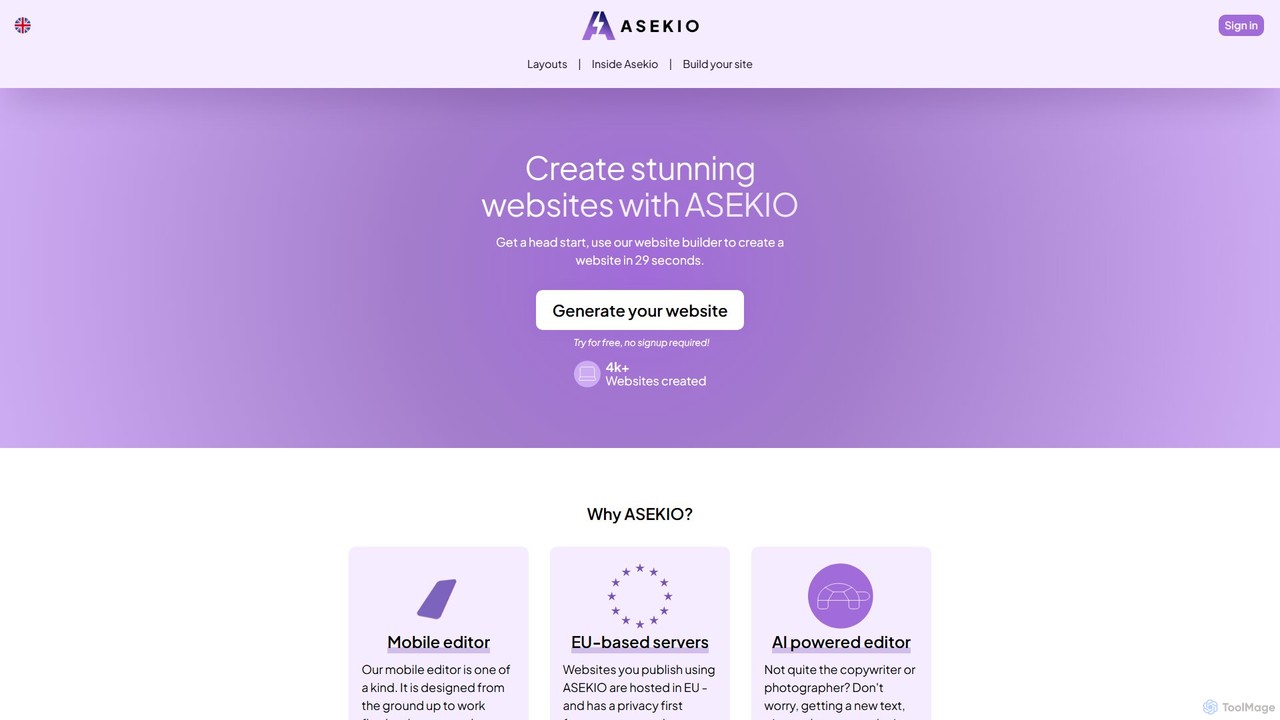
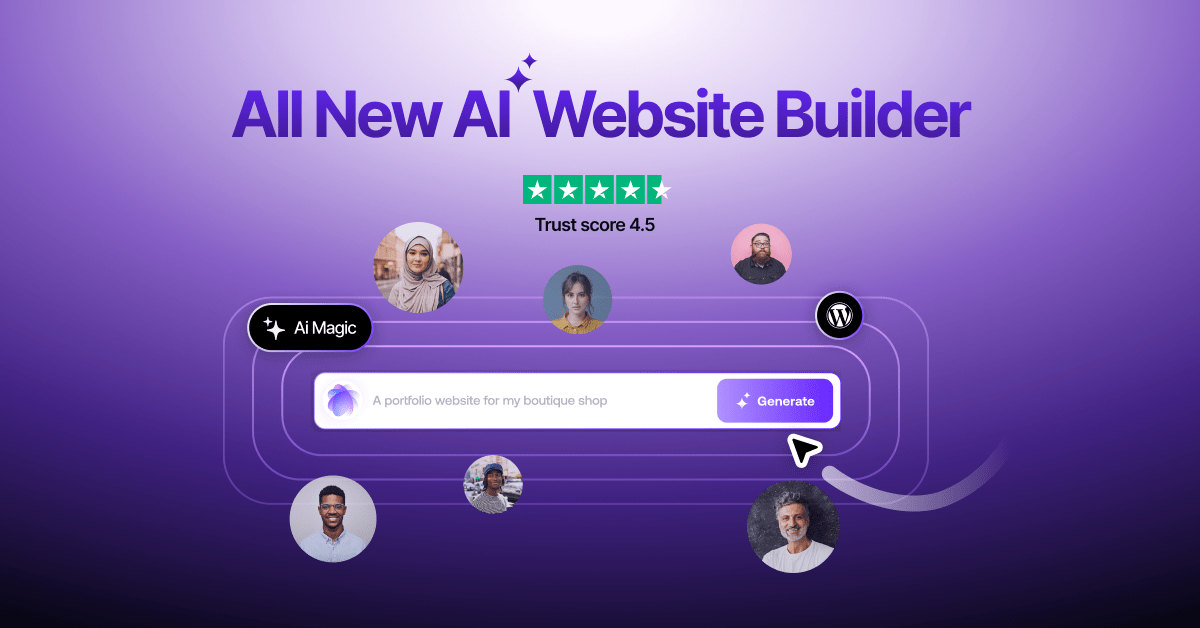
Asekio is an AI-powered website builder that enables users to create stunning, professional websites in under 30 seconds. Designed for small businesses and entrepreneurs, it features a unique mobile-first editor, AI-driven content generation, and EU-based hosting. No coding skills are required to build and launch a fully functional website with custom domains, SEO optimization, and more.

Landing Page Builder
Visits 6.5KFavorites 175Likes 154
Cflow
Freemium

Cflow

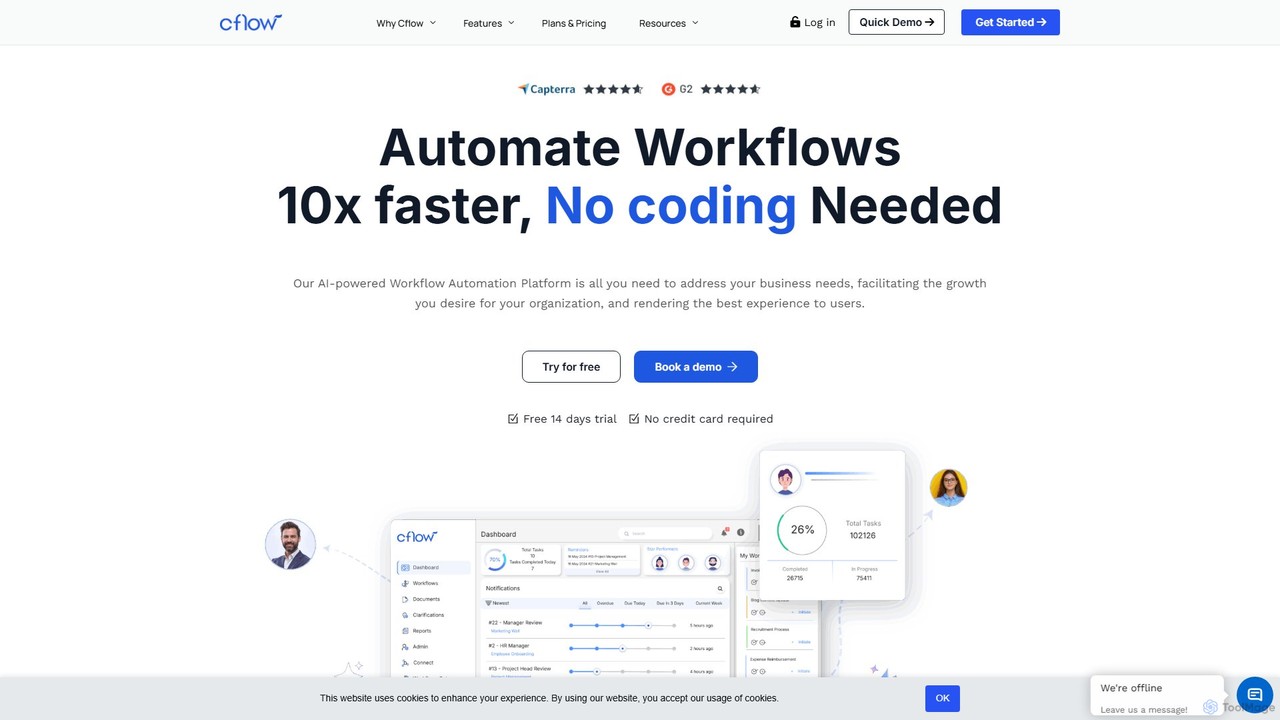
Cflow is an AI-powered, no-code platform for workflow automation and business process management (BPM). It enables businesses to digitize and automate processes across departments like HR, finance, and procurement using a visual builder, OCR, and advanced analytics.

Process Management
Visits 52.5KFavorites 135Likes 151
NeoAnalyst
Freemium

NeoAnalyst

NeoAnalyst is a no-code AI data analysis platform designed for business leaders and analysts. It transforms raw data into actionable insights, visualizations, and statistical recommendations with a single click, eliminating the need for coding or data science expertise. It supports any dataset and provides pre-built models for instant analysis.

Data Analysis
Visits 6.5KFavorites 163Likes 165
rocketpages
Freemium

rocketpages

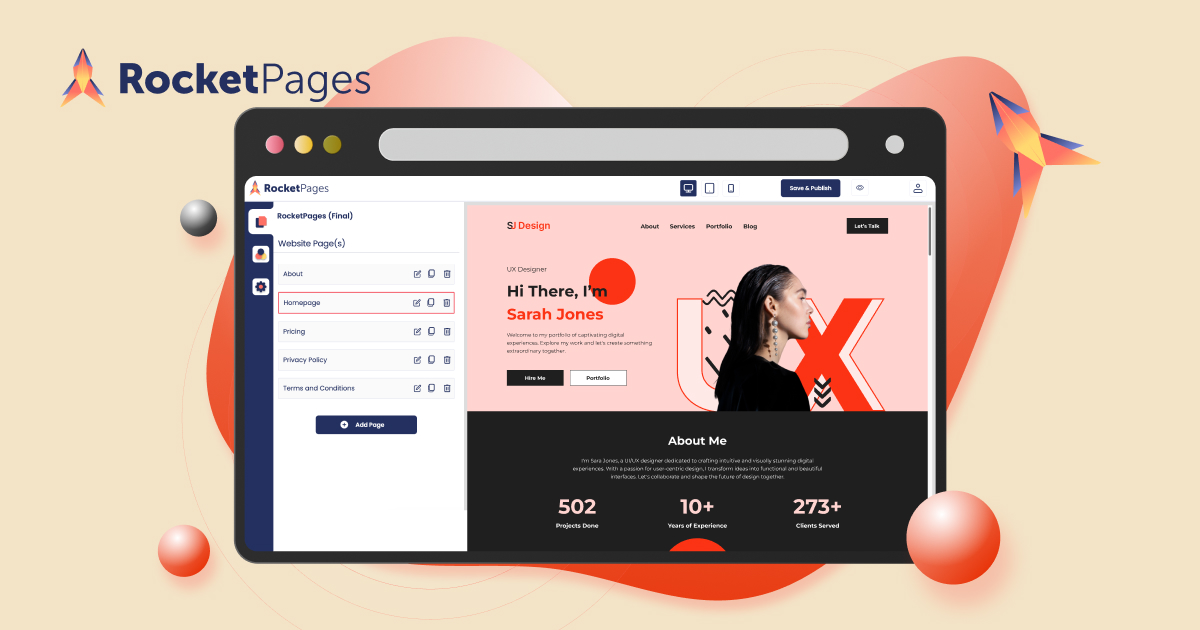
RocketPages is an intuitive, no-code website builder that empowers users to create stunning, professional websites for free. It offers a generous free plan with custom domain support, responsive templates, robust SEO tools, and secure hosting. Features like in-place editing, team collaboration, and upcoming AI-powered content generation make it ideal for small businesses, freelancers, and individuals.

Landing Page Builder
Visits 15.5KFavorites 120Likes 134
Wegic
Freemium

Wegic

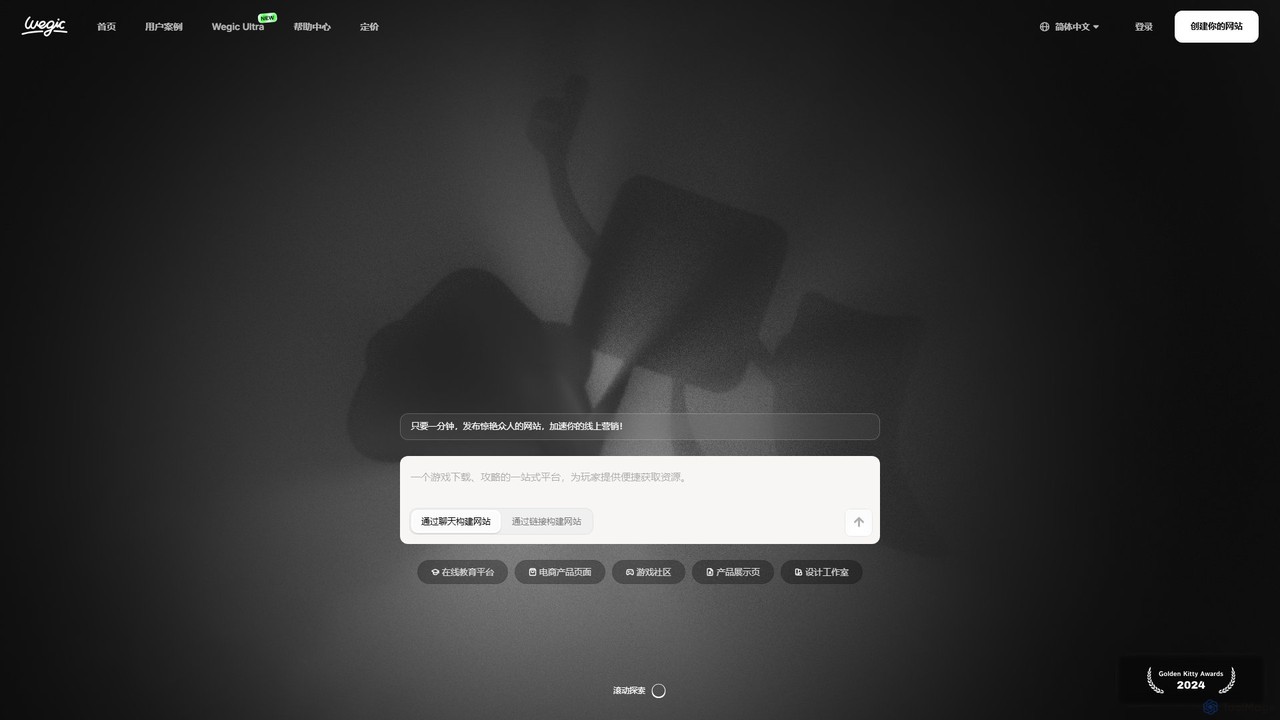
Wegic is an AI-powered website builder that acts as your personal design, development, and management team. Simply describe your ideal website through a conversational chat interface, and Wegic will generate a stunning, fully functional site in just 60 seconds. It's a no-code platform designed for rapid creation, easy editing, and automated optimization, helping you launch and grow your online presence effortlessly.

Landing Page Builder
Visits 197.5KFavorites 162Likes 168
TeamPal
Freemium

TeamPal

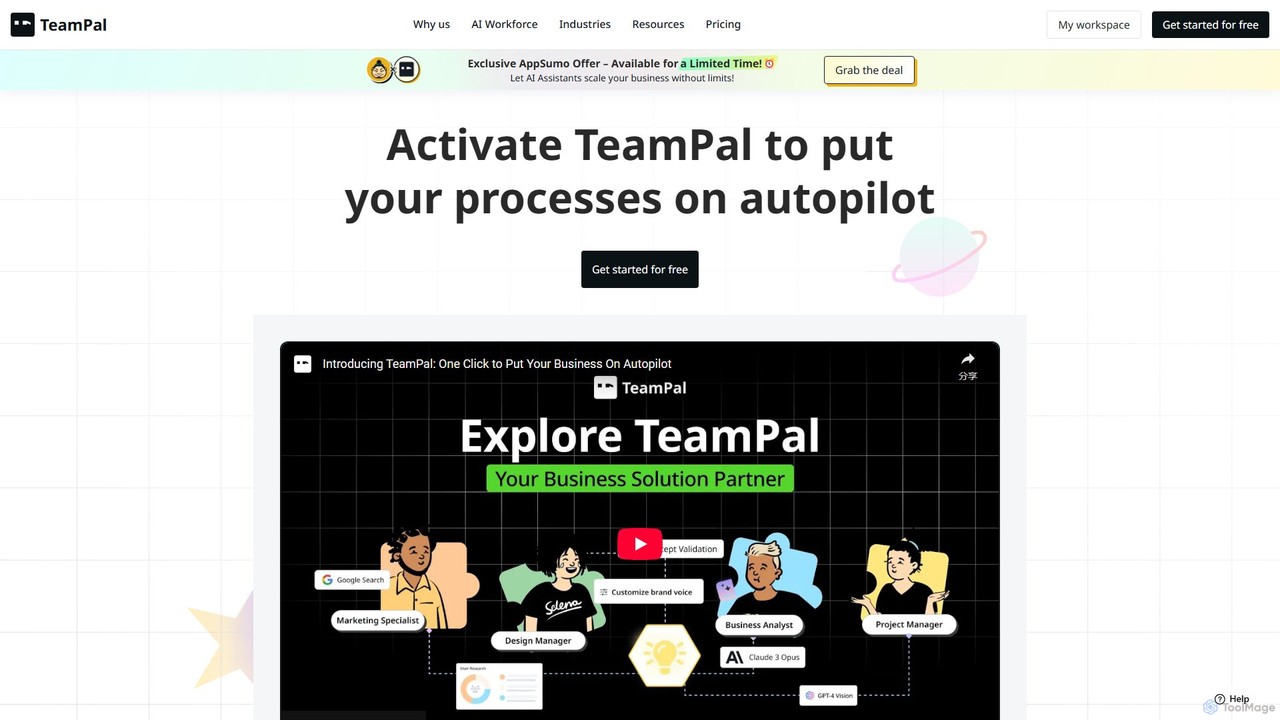
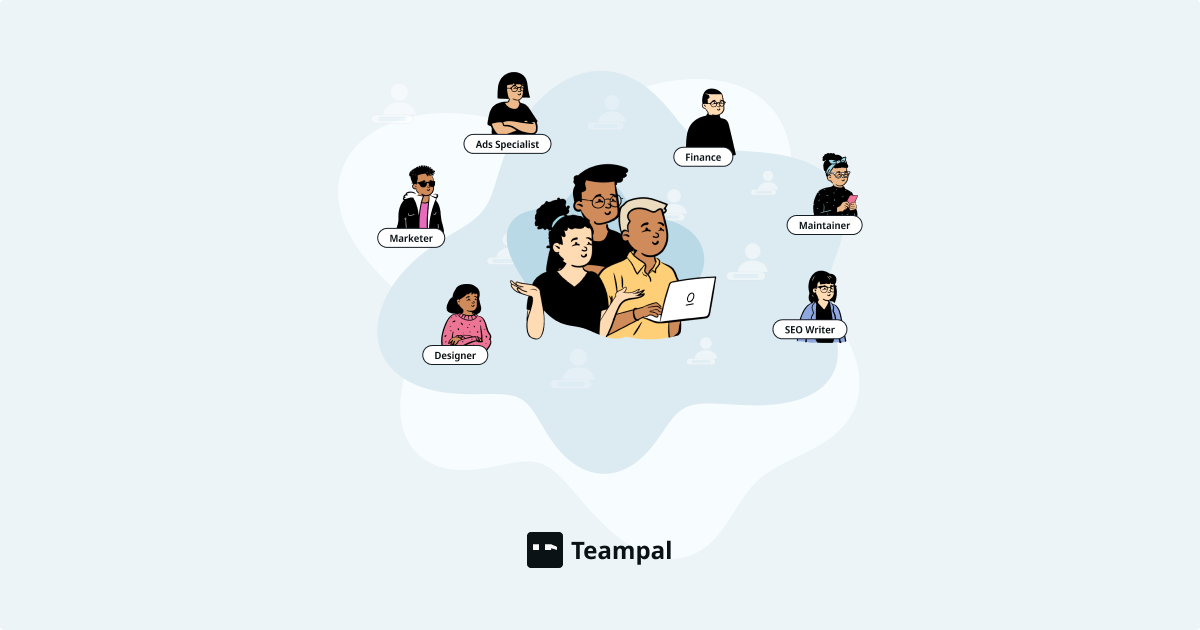
TeamPal is a no-code platform that empowers businesses to build, customize, and deploy an AI workforce. Create specialized AI agents from over 80 templates for roles in marketing, sales, HR, and more. Automate workflows, integrate custom knowledge, and collaborate with your team to enhance productivity and reduce operational costs, all without writing a single line of code.

Team Collaboration
Visits 22.1KFavorites 155Likes 168
emlylabs
Freemium

emlylabs

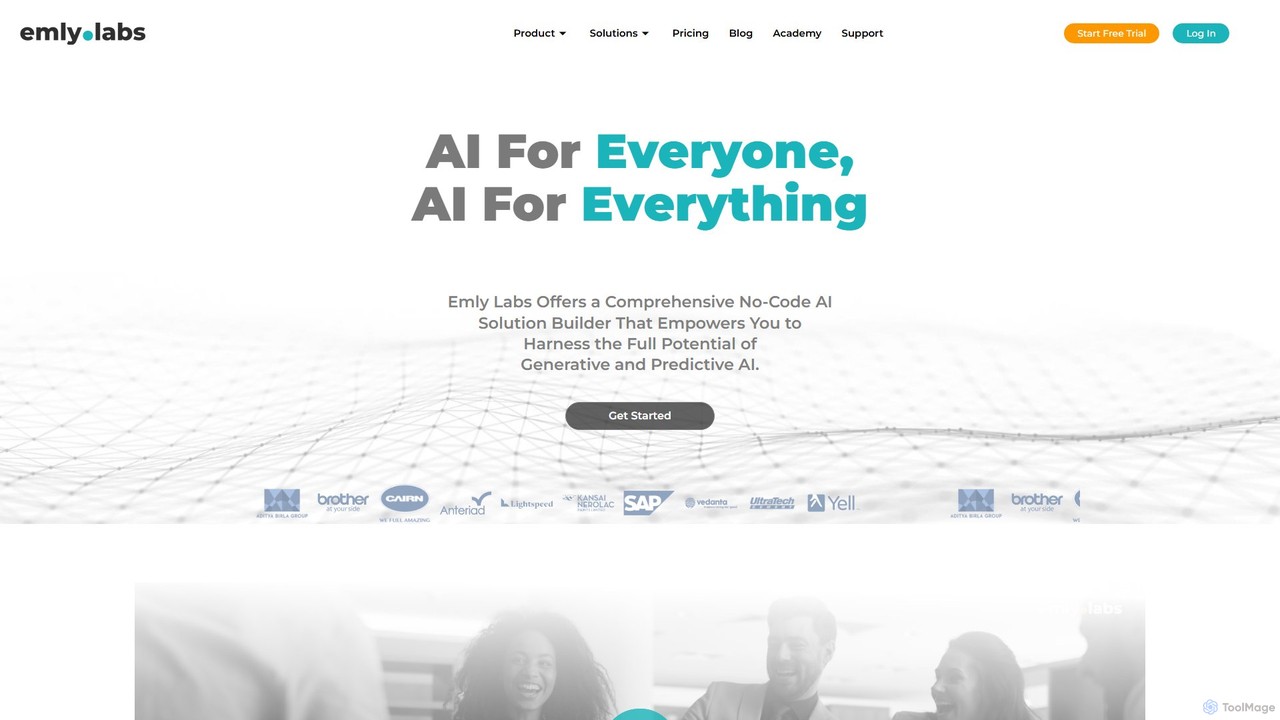
emlylabs is a comprehensive no-code AI platform that empowers users to build, deploy, and manage both generative and predictive AI solutions without writing any code. It's designed for businesses and individuals to harness AI for data preparation, model building, and project management, making advanced AI accessible to everyone.

Data Analysis
Visits 8.2KFavorites 132Likes 129
Riku.AI
Freemium

Riku.AI

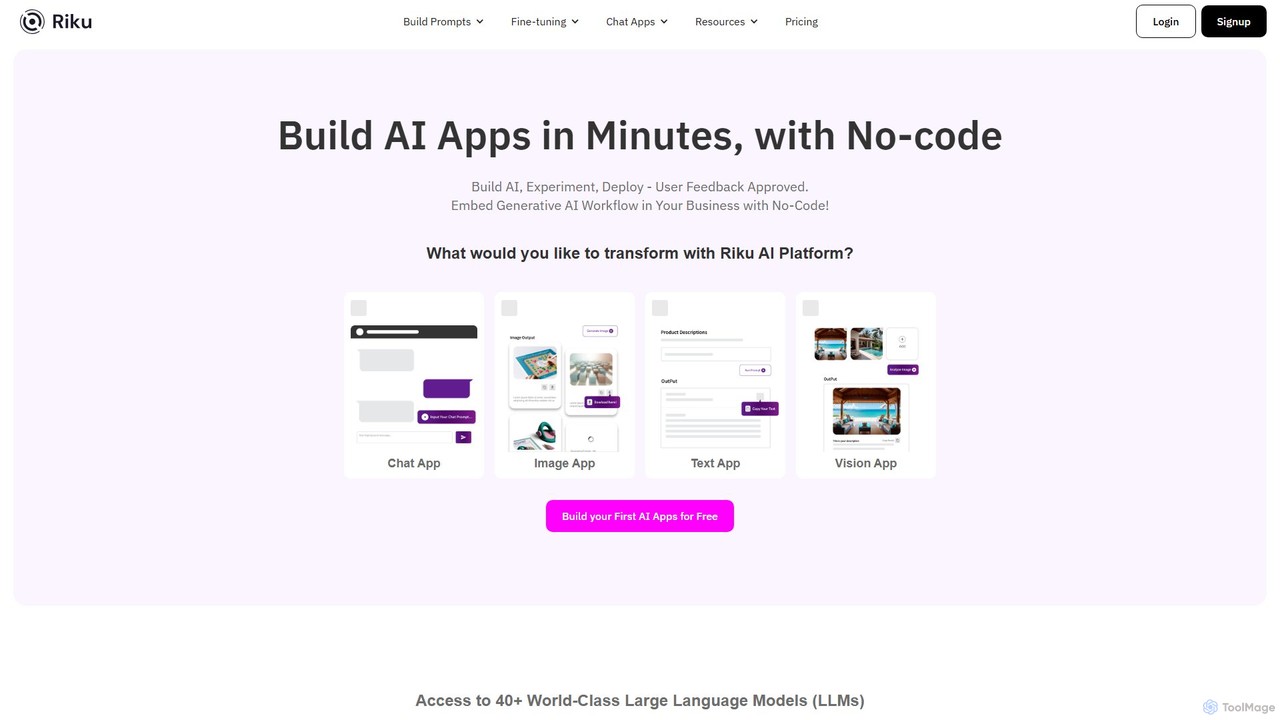
Riku.AI is a powerful no-code platform that enables users to build, experiment with, and deploy custom AI applications in minutes. It provides a centralized hub to access over 40 world-class Large Language Models (LLMs), allowing you to create chatbots, generate content, and automate workflows without any coding knowledge. It's designed for solopreneurs, businesses, and developers alike.

Api
Visits 15KFavorites 124Likes 116
brainybear
Freemium

brainybear

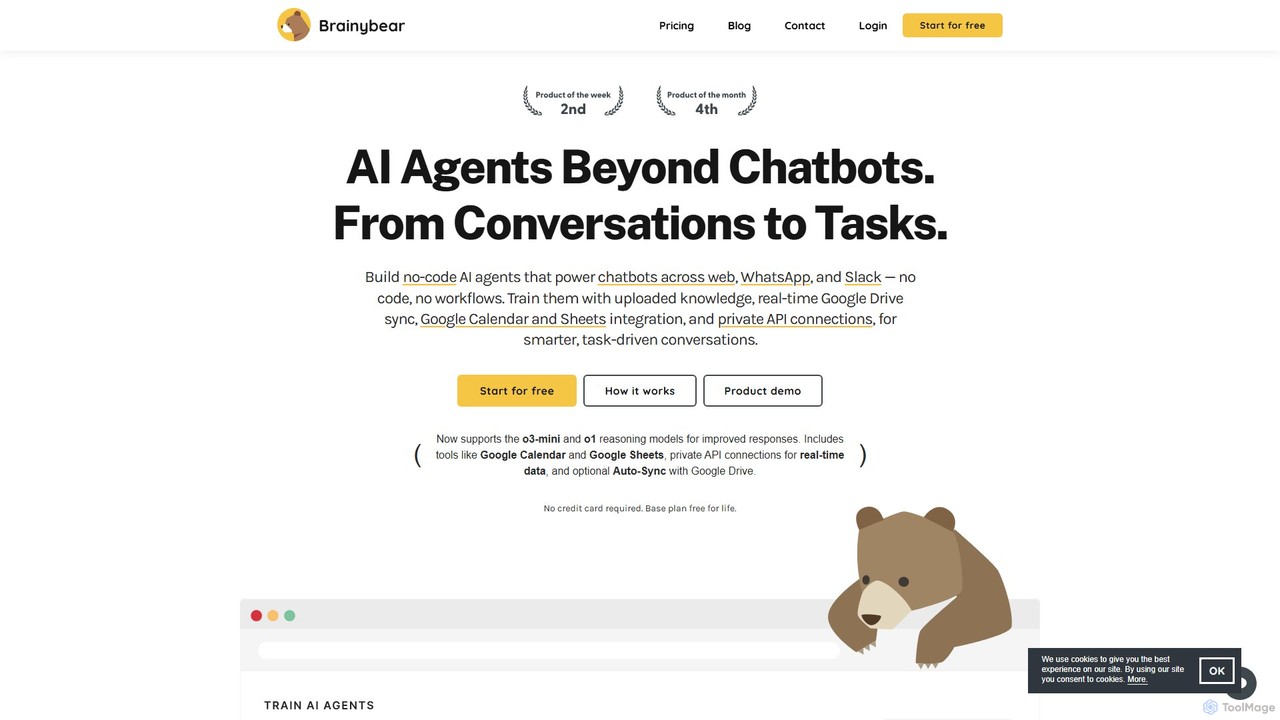
brainybear is a no-code platform for building advanced AI agents that go beyond simple chatbots. Train agents with your own data, integrate with tools like Google Calendar and Slack, and deploy them across web, WhatsApp, and other channels to automate tasks and enhance customer engagement.

Chatbots
Visits 7KFavorites 160Likes 143
CodeDesign.ai
Freemium

CodeDesign.ai

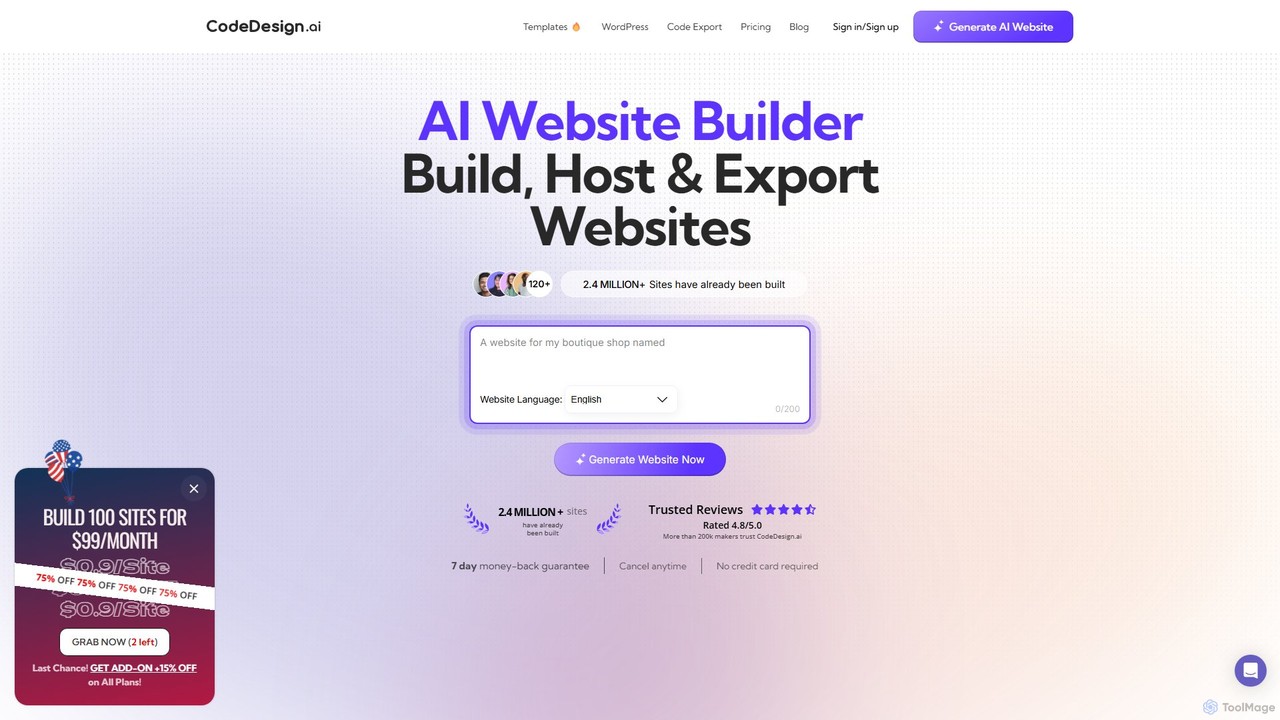
CodeDesign.ai is an AI-powered website builder that enables users to create, host, and export professional websites, landing pages, and sales funnels from simple text prompts. It requires no coding or design skills, offering a seamless drag-and-drop interface, AI-generated content, and extensive customization options.

Landing Page Builder
Visits 185.9KFavorites 159Likes 177
Cradl AI
Freemium

Cradl AI

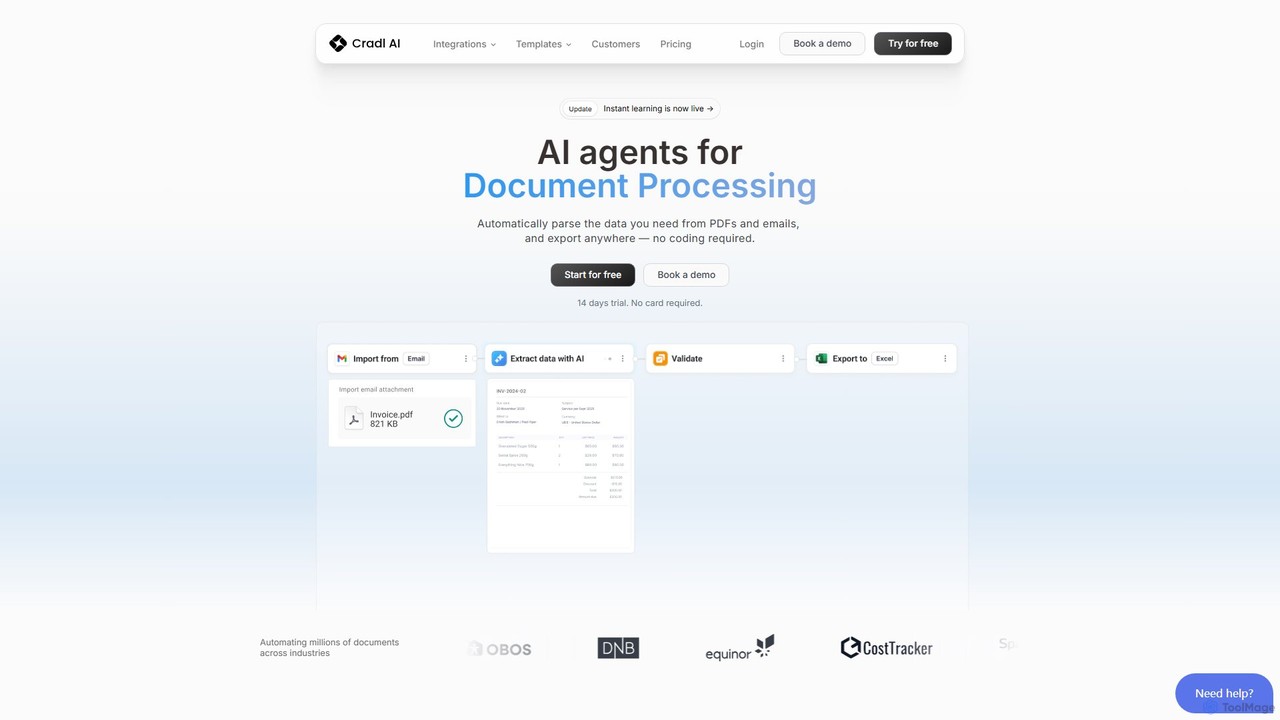
Cradl AI is a no-code platform that uses AI agents to automate document data extraction and workflows. Easily parse data from PDFs, emails, and other documents like invoices and bills of lading, and export it anywhere without writing a single line of code. It features a human-in-the-loop review system for maximum accuracy.

Workflow
Visits 10.4KFavorites 127Likes 128
bahama
Paid

bahama

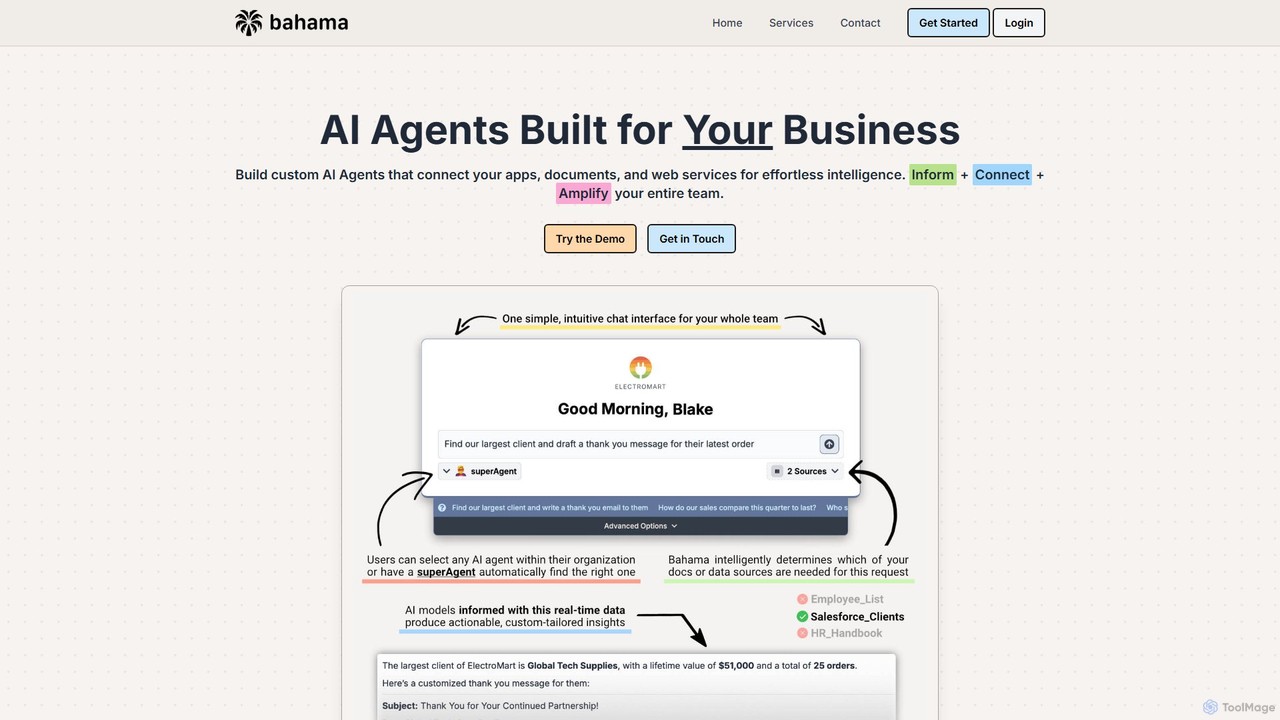
Bahama is a no-code platform for building custom AI agents for businesses. It connects to your existing apps, documents, and web services (like Salesforce and Zendesk) to create intelligent assistants. These agents help teams automate workflows, retrieve data instantly, and improve customer support through a simple chat interface, making AI adoption easy and secure.

Ai Agent Builder
Visits 6.4KFavorites 181Likes 177
ScrapeComfort
Freemium

ScrapeComfort

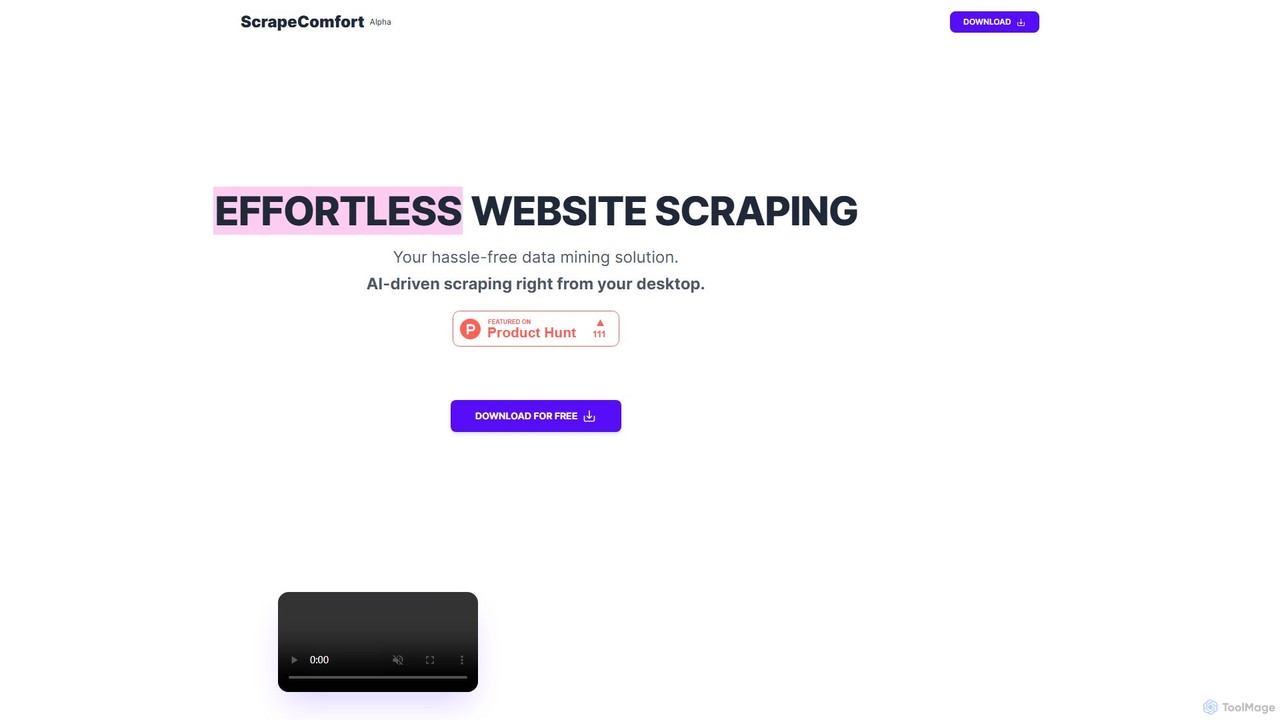
ScrapeComfort is an AI-powered, no-code desktop application for effortless web scraping. It leverages ChatGPT to let you extract data from any website using simple plain-text commands, eliminating the need for technical skills like CSS selectors or XPaths. It's designed for users of all levels to automate data collection for market research, lead generation, and data analysis.

Scraping
Visits 6.5KFavorites 152Likes 147
Webifier
Freemium

Webifier

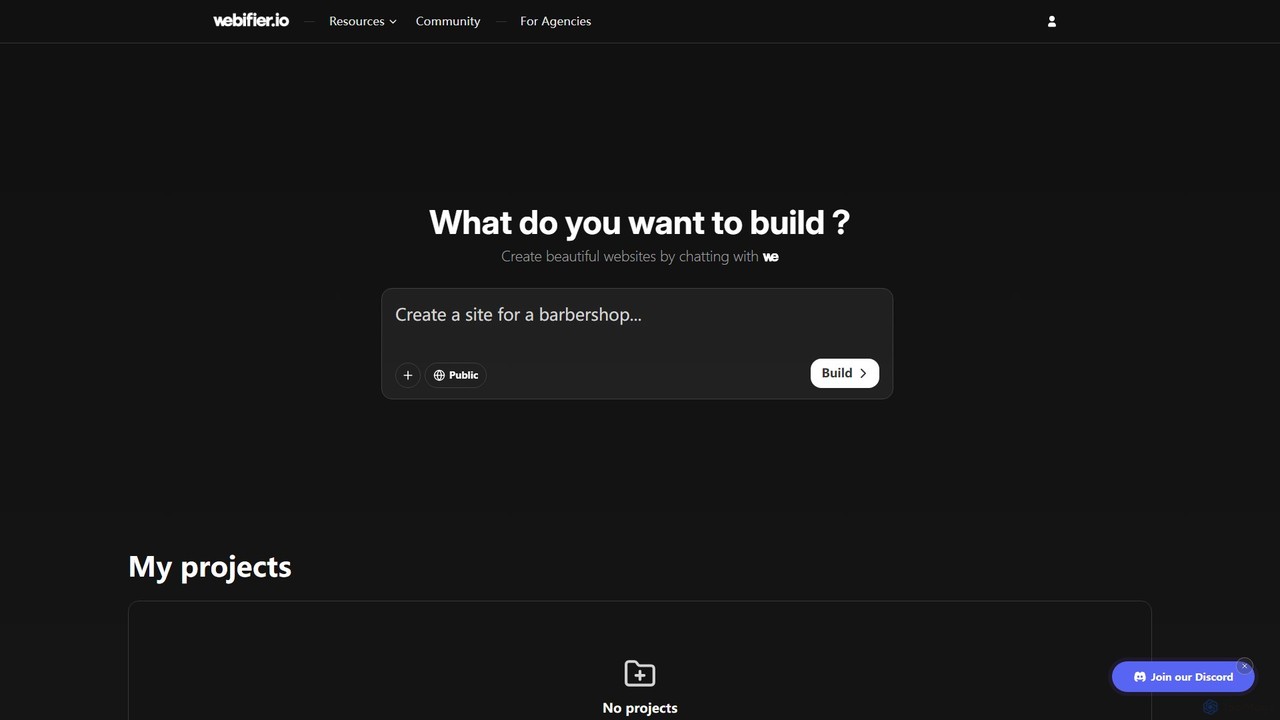
Webifier is an AI-powered website builder that allows you to create professional, fully-functional websites in just 5 minutes. Simply describe your desired website through a chat interface, and the AI will generate a beautiful, customizable design. No coding or design experience is required.

Platform
Visits 6.5KFavorites 159Likes 150
Knowlee
Freemium

Knowlee

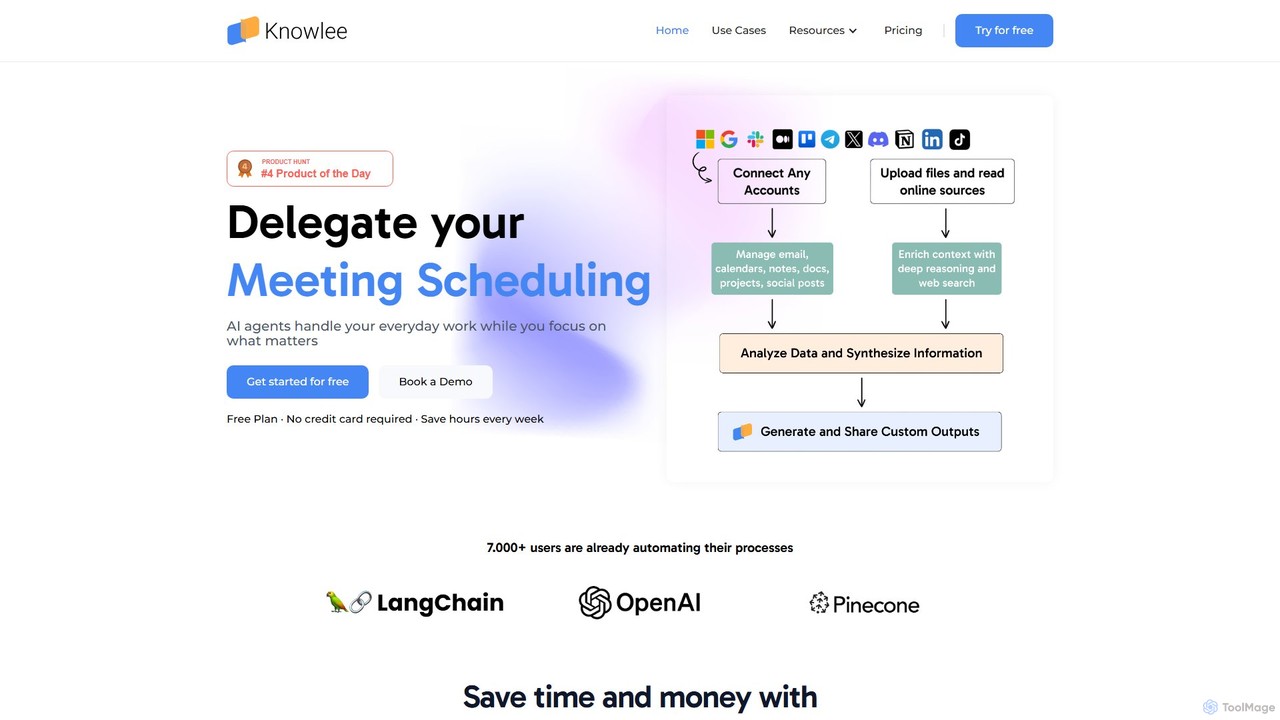
Knowlee is a no-code AI automation platform that enables you to build and deploy a team of AI agents. These agents can automate tasks across sales, marketing, HR, and project management by integrating with your existing tools like Google Workspace, Slack, and Notion. Streamline workflows, enhance productivity, and unlock new operational efficiencies without writing a single line of code.

Workflow Management
Visits 9.2KFavorites 150Likes 151
Magpai
Freemium

Magpai

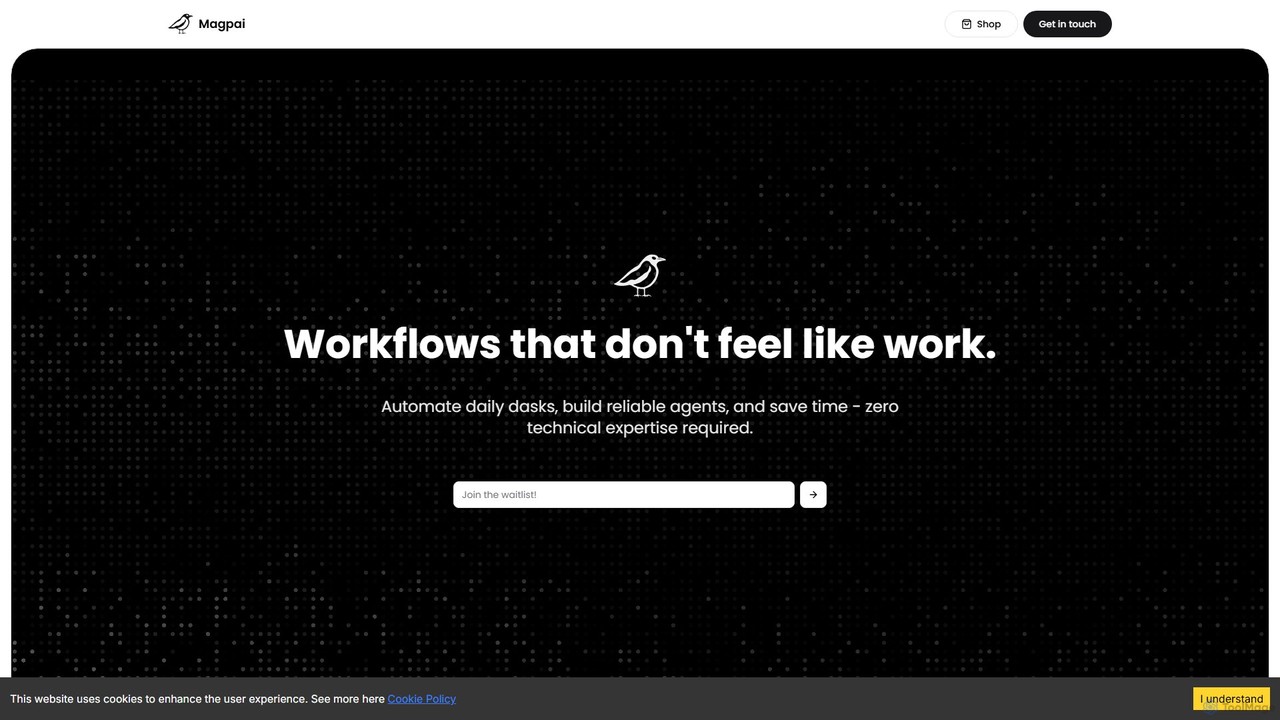
Magpai is a user-friendly, no-code AI platform designed to automate daily tasks and build custom workflows. Positioned as the 'Canva of automation,' it allows anyone, regardless of technical skill, to create powerful AI agents and streamline business processes through an intuitive drag-and-drop interface. It serves various industries, from marketing to manufacturing, offering both a DIY platform and expert-built solutions.

Workflow Management
Visits 6.3KFavorites 142Likes 152
Writelytic
Paid

Writelytic

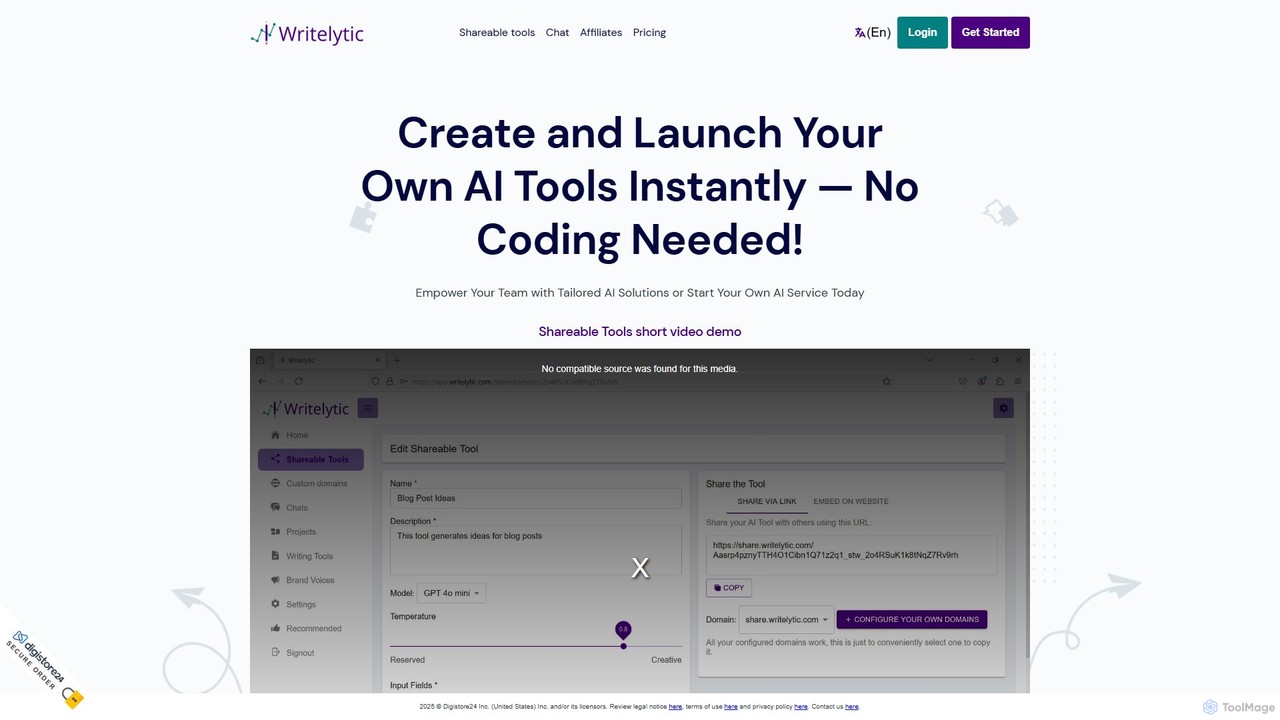
Writelytic is a no-code platform that allows users to instantly create and launch custom AI tools. It's designed for entrepreneurs, agencies, and teams to build tailored AI solutions, resell them under their own brand with whitelabeling options, or use a suite of pre-built writing tools for content creation, marketing, and social media. It features a prompt enhancer, brand voice learning, and supports over 95 languages.

Saas
Visits 6.4KFavorites 114Likes 105
uncody
Freemium

uncody

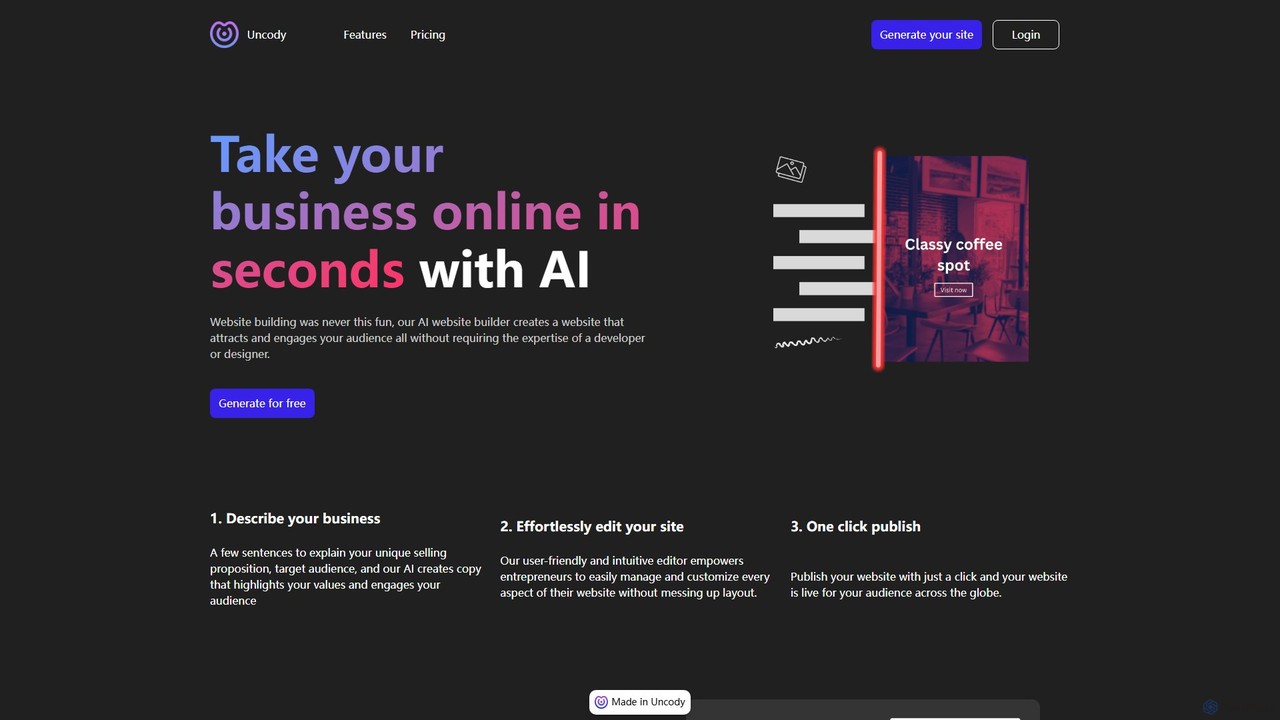
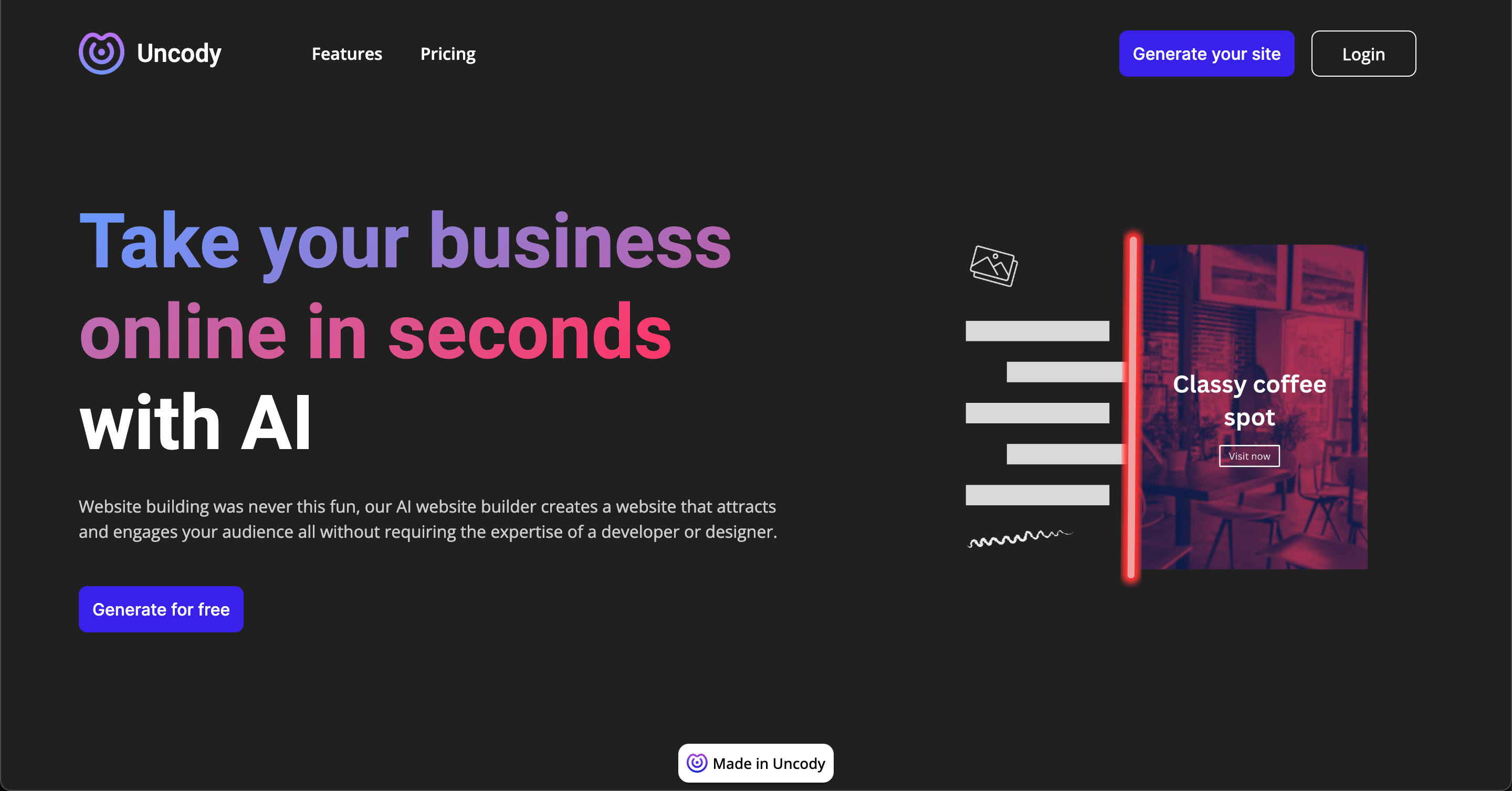
uncody is an AI-powered website builder that enables users to create stunning, professional websites in seconds without any coding or design skills. It's designed for small businesses and solopreneurs, offering an all-in-one solution with AI content generation, an intuitive editor, hosting, SEO, and security.

Landing Page Builder
Visits 10.1KFavorites 163Likes 164
Scade.pro
Freemium

Scade.pro

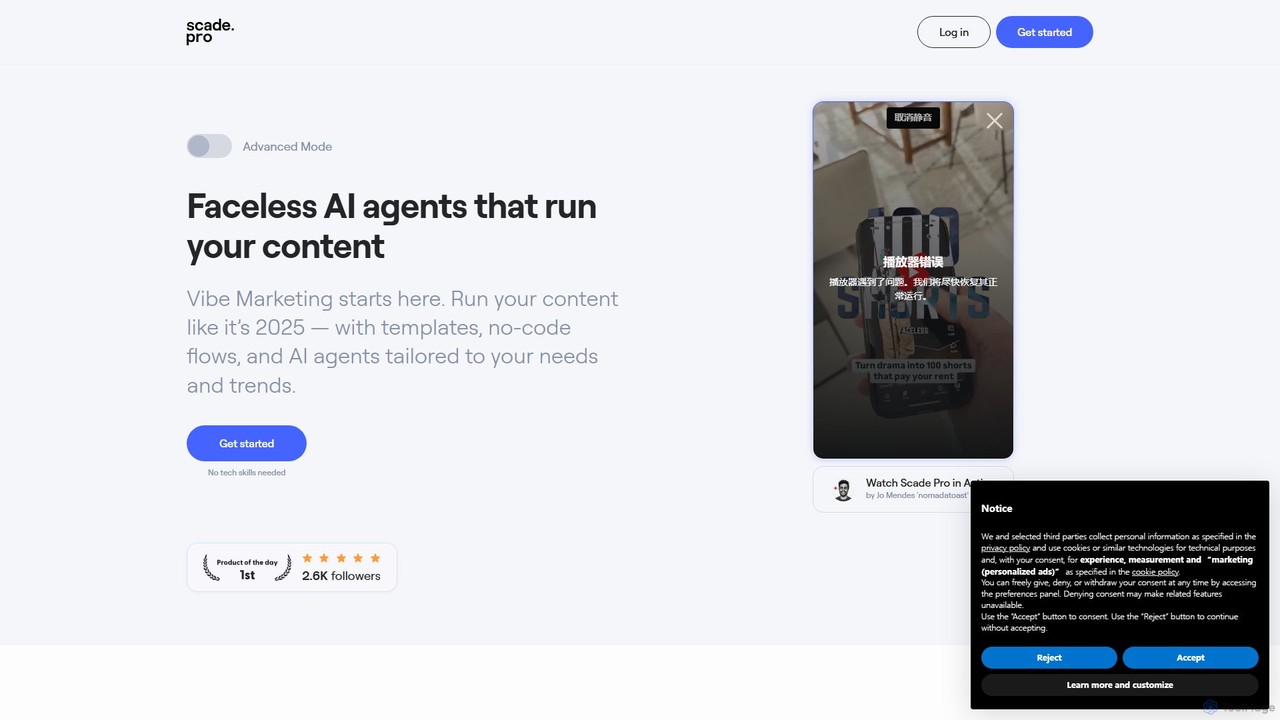
Scade.pro is a unified AI integration platform that simplifies access to various AI models through a single API. It empowers developers and no-coders to rapidly build and deploy AI features without managing multiple APIs, keys, or billing systems.

Api
Visits 21.4KFavorites 129Likes 129
Embed
Freemium

Embed

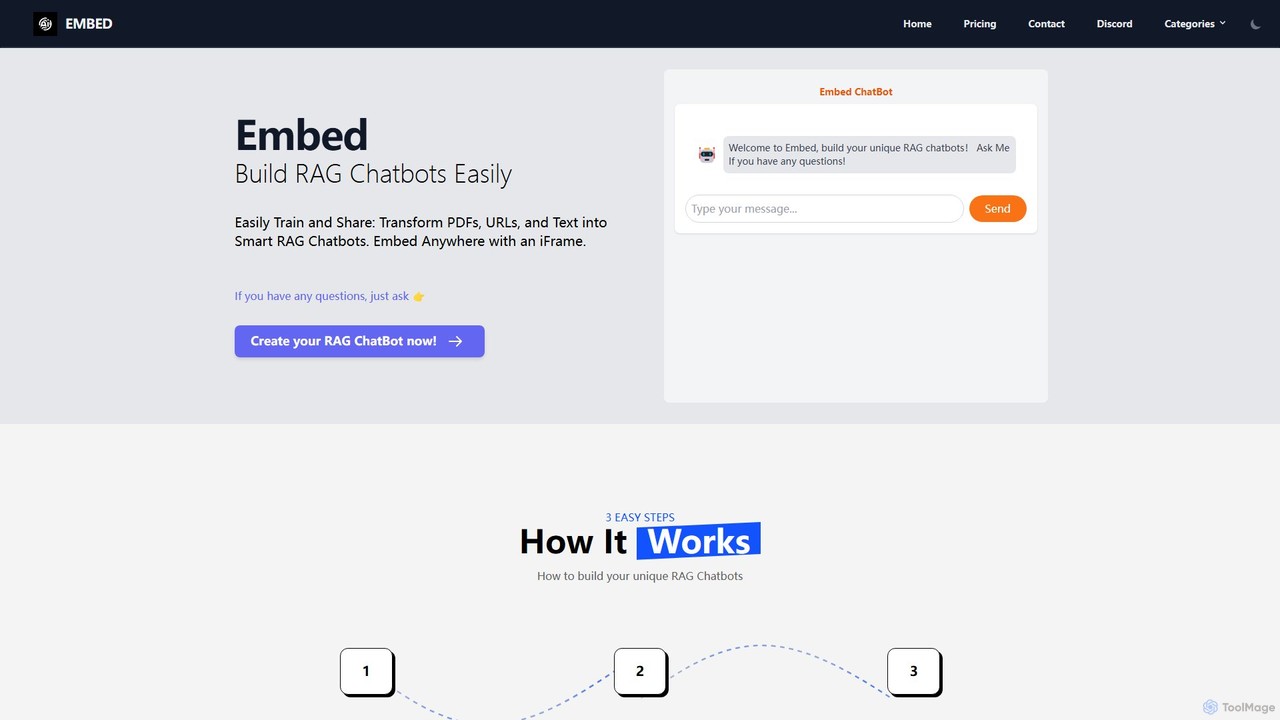
A no-code platform to easily build and train custom RAG (Retrieval-Augmented Generation) chatbots. Transform your PDFs, URLs, and text into intelligent chatbots, select from models like GPT, Gemini, or Llama3, and embed them anywhere on your website using a simple iFrame.

Automation
Visits 6.4KFavorites 137Likes 143
AI web designer
Freemium

AI web designer

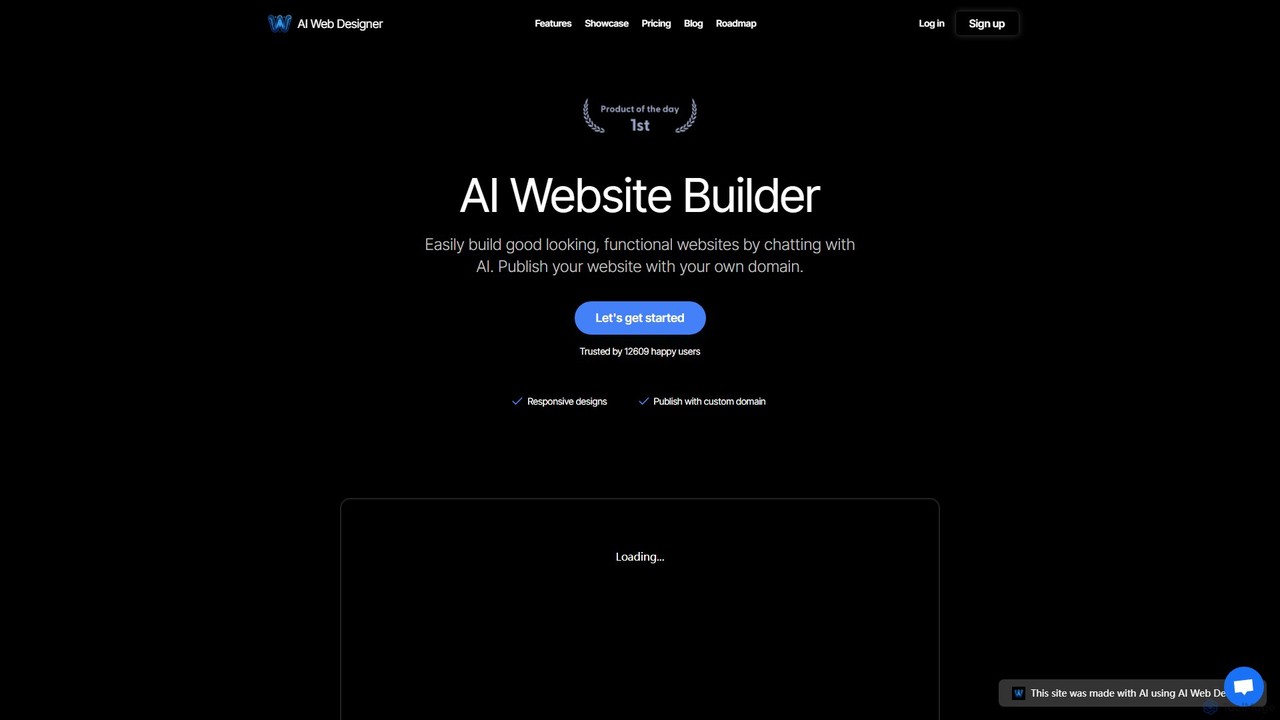
AI Web Designer is a revolutionary AI-powered website builder that allows you to create stunning, functional websites in minutes simply by chatting with an AI. No coding or design experience is needed. Just describe your ideal website, and the AI, powered by Claude 3.5 Sonnet, will generate it for you. Easily edit elements, add sections, and publish with your own custom domain.

Web Design
Visits 6.5KFavorites 153Likes 170

About Platform

No-Code Platforms are integrated development environments that enable users to build and launch complete software applications without writing code. These tools combine a visual interface, a database, user interface (UI) builder, and workflow automation logic into a single cohesive system. They empower non-technical creators and businesses to develop custom web apps, internal tools, and mobile applications from start to finish. This end-to-end capability distinguishes them from single-purpose no-code tools by providing a comprehensive solution for application lifecycle management.

Core Features

  • Visual Application Builder: A drag-and-drop interface for designing user interfaces and application layouts visually.
  • Integrated Database: Built-in data storage and management capabilities to handle all application data securely.
  • Workflow & Logic Automation: Tools to define complex business logic, conditional actions, and automated processes without code.
  • User Authentication: Pre-built systems for user sign-up, login, access control, and profile management.
  • One-Click Deployment: Simplified hosting and deployment processes to make applications live on the web quickly.

Use Cases

No-Code Platforms are ideal for entrepreneurs building a Minimum Viable Product (MVP), businesses creating custom internal tools like CRMs or project dashboards, and agencies developing client applications without large development teams. They are also used by product managers for rapid prototyping and validation of new ideas.

How to Choose

When selecting a No-Code Platform, evaluate its scalability for future growth and user load. Assess the depth of its logic and workflow capabilities to ensure it can handle your required complexity. Also, consider the availability of integrations with other services, the platform's learning curve, and the quality of its community support and documentation.

Featured tool rankings

Platform use cases

1

Build a Custom Internal CRM

A sales manager needs a CRM tailored to their team's unique workflow, which off-the-shelf solutions don't offer. Using a No-Code Platform, they visually design a database for contacts, deals, and interactions. They build custom dashboards to track sales performance and create automated workflows that send follow-up reminders. The entire custom CRM is built and deployed in weeks, not months, providing a perfect-fit solution without relying on the IT department.

2

Launch a Minimum Viable Product (MVP)

An entrepreneur has an idea for a two-sided marketplace app but lacks coding skills and funding for developers. They use a No-Code Platform to build the core functionality: user profiles for buyers and sellers, a listing database, and a simple messaging system. This allows them to launch a functional MVP quickly, test market demand, and gather user feedback before investing in custom development, significantly reducing risk and initial costs.

3

Create a Client Portal for an Agency

A marketing agency wants to provide clients with a secure portal to view project progress, access reports, and approve assets. With a No-Code Platform, they build a portal with user authentication, where each client sees only their own data. The platform's database stores project files and status updates, while automated workflows notify clients of new uploads, streamlining communication and improving the overall client experience.

4

Develop a Mobile App for a Small Business

A local restaurant wants a simple mobile app for customers to view the menu, make reservations, and join a loyalty program. Using a mobile-focused No-Code Platform, the owner can design the app's interface, connect it to a simple database of menu items and reservations, and publish it to app stores. This provides a professional mobile presence without the high cost and long timeline associated with hiring an app development agency.

5

Automate Internal Business Processes

An HR department spends hours manually processing employee leave requests and expense reports submitted via email. They use a No-Code Platform to build an internal tool where employees can submit forms. The platform's workflow automation routes requests to the correct manager for approval, updates a central database, and sends notifications, reducing manual work by over 80% and minimizing errors.

6

Build a Community or Membership Website

A content creator wants to build a private community website with exclusive content for paying members. A No-Code Platform allows them to create a site with secure member login, integrate with a payment gateway like Stripe for subscriptions, and manage a database of members and content. They can build features like forums or member directories, creating a full-featured platform without writing a single line of code.

Platform FAQ

What is a No-Code Platform?

A No-Code Platform is an all-in-one software development environment that allows you to build, deploy, and manage complete applications without coding. Unlike single-purpose tools, they integrate a visual UI builder, a database, and workflow automation, enabling the creation of complex systems like custom CRMs, marketplaces, or internal tools from a single interface.

How do No-Code Platforms differ from No-Code Website Builders?

The key difference is scope and functionality. A website builder (like Wix or Squarespace) is primarily for creating static or content-driven websites. A No-Code Platform (like Bubble or Adalo) is for building dynamic, data-driven web and mobile applications with complex logic, user accounts, and interactive databases. You build an application on a platform, whereas you build a site with a builder.

Who should use a No-Code Platform?

No-Code Platforms are ideal for a wide range of users, including entrepreneurs testing an MVP, small to medium-sized businesses creating custom internal tools, product managers prototyping new features, and agencies building applications for clients. Essentially, anyone who needs a custom software solution but lacks the time, budget, or technical skills for traditional development can benefit.

What are the limitations of No-Code Platforms?

While powerful, No-Code Platforms can have limitations. These may include less flexibility for highly custom UI/UX design, potential performance constraints for extremely large-scale applications, and "vendor lock-in," where migrating your application to another service can be difficult. It's also important to understand the platform's specific logic capabilities, as some complex algorithms may still require code.

How do I choose the right No-Code Platform?

To choose the right platform, consider these factors:

  • Application Type: Does the platform specialize in web apps, mobile apps, or internal tools?
  • Scalability: Can it handle your expected user load and data volume?
  • Integration: Does it connect with the other tools and services you use?
  • Learning Curve: How intuitive is the interface, and what learning resources are available?
  • Pricing: Understand the pricing model and how it scales with users or usage.