

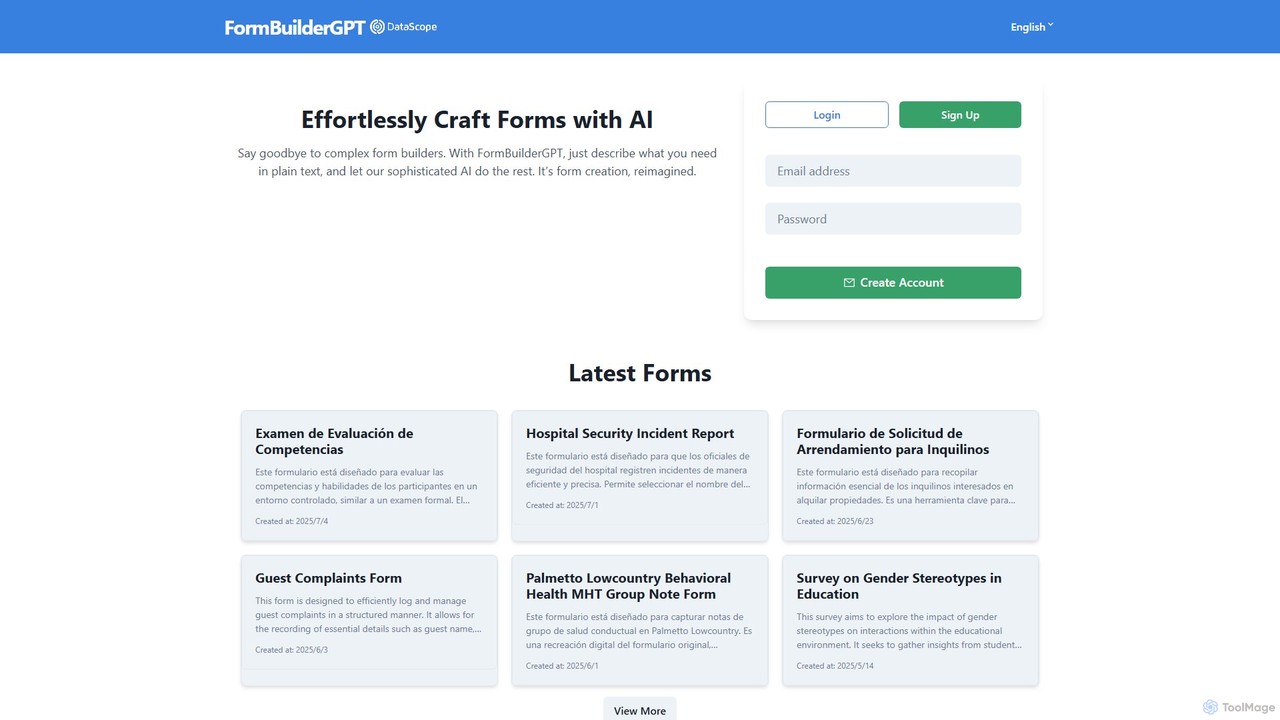
FormBuilderGPT Overview
FormBuilderGPT, developed by DataScope Labs, is a sophisticated AI tool designed to completely reimagine the form creation process. It moves away from traditional, often cumbersome, drag-and-drop interfaces and introduces a revolutionary approach: generating forms from simple text descriptions. Users can articulate their requirements in natural language, and the AI interprets this input to construct a fully functional, professional-grade form. This makes the process incredibly fast, intuitive, and accessible to everyone, regardless of their technical skills.
The platform is built for versatility, catering to a vast array of data collection needs. Whether you need a simple contact form, a complex multi-section inspection checklist, or a detailed survey, FormBuilderGPT can handle it. The AI is capable of creating various field types, including text inputs, dropdown menus, date selectors, file uploads, and signature fields, ensuring that the generated forms are both comprehensive and practical.
How to use FormBuilderGPT
Using FormBuilderGPT is designed to be a seamless and straightforward experience. The process is as simple as having a conversation:
- Create an Account: Start by signing up for an account on the FormBuilderGPT website.
- Describe Your Form: In the main interface, simply type a description of the form you want to create. Be as descriptive as possible. For example, you could write, "Create a hotel guest complaint form with fields for guest name, room number, check-in date, a dropdown for the complaint area like Housekeeping or Front Office, and a text box for a detailed description of the issue."
- AI Generation: The AI will process your text and instantly generate the form based on your description.
- Review and Use: The generated form is ready for immediate use. You can share it to collect responses or integrate it into your workflows. The platform also features a library of pre-generated forms that you can use or customize.
- Data Management: As responses are collected, the data is organized and can often be exported for further analysis, for instance, as an Excel file.
Core Features of FormBuilderGPT
- Natural Language Form Generation: The core feature is its ability to build forms from plain text descriptions, eliminating the need for manual design.
- Extensive Form Template Library: The platform includes a rich library of pre-built forms for various sectors, such as safety inspections, HR, healthcare, real estate, and customer service.
- Multi-Field Support: Generates forms with a wide range of input types, including text, numbers, dates, dropdowns, file attachments, and digital signatures.
- Multi-Language Capability: The tool can understand descriptions and generate forms in multiple languages, as demonstrated by its English and Spanish examples.
- Data Export: Allows users to easily download collected data in structured formats like Excel for analysis and reporting.
- Printable and Digital Formats: Forms can be used online for digital data collection or printed for physical use.
Use Cases for FormBuilderGPT
FormBuilderGPT's flexibility makes it suitable for a wide range of industries and applications:
- Business & Operations: Creating visitor logs, transport service requests, and extensive compliance checklists.
- Safety & Inspection: Generating safety checklists for equipment like angle grinders, overhead cranes, and asbestos removal, as well as inspection reports for fuel tanks and silos.
- Healthcare: Designing forms for patient information, HIPAA compliance checklists, behavioral health group notes, and hospital incident reports.
- Human Resources: Building forms for competency evaluations, new appointment interviews, and PPE delivery confirmation.
- Real Estate: Crafting tenant lease applications and apartment transfer checklists.
- Customer Service: Logging guest complaints and gathering customer feedback.
- Education: Creating surveys on topics like gender stereotypes or understanding students' linguistic needs.
Advantages of FormBuilderGPT
The primary advantage of FormBuilderGPT is its incredible efficiency and ease of use. It drastically reduces the time and effort required to create forms. By using natural language, it lowers the barrier to entry, allowing non-technical users to build complex, professional forms without any training. This leads to increased productivity and allows teams to focus on collecting and analyzing data rather than on the mechanics of form building. Its versatility across numerous industries makes it a one-stop solution for all data collection needs.
Pricing and Plans
FormBuilderGPT appears to operate on a freemium model. Users can create an account for free to start building forms. This likely includes a certain number of forms or submissions. For more advanced features, higher limits, and enterprise-level use cases, paid plans are expected to be available. For specific and up-to-date pricing information, it is recommended to visit the official FormBuilderGPT website.
Traffic
Latest traffic
Status
Monthly traffic trend
- 2025-7: 2.5K
- 2025-8: 531
- 2025-9: 1.5K
- 2026-3: 0
- 2026-4: 0
- 2026-5: 192
Geography
Top 5 countries / regions
- 🇨🇱Chile100.0%
Top keywords
| Keyword | Cost per click |
|---|---|
| builder io forms | $0.00 |
| form builder assistant | $0.00 |
| gpt form builder | $0.00 |
FormBuilderGPT Alternatives
Jotform
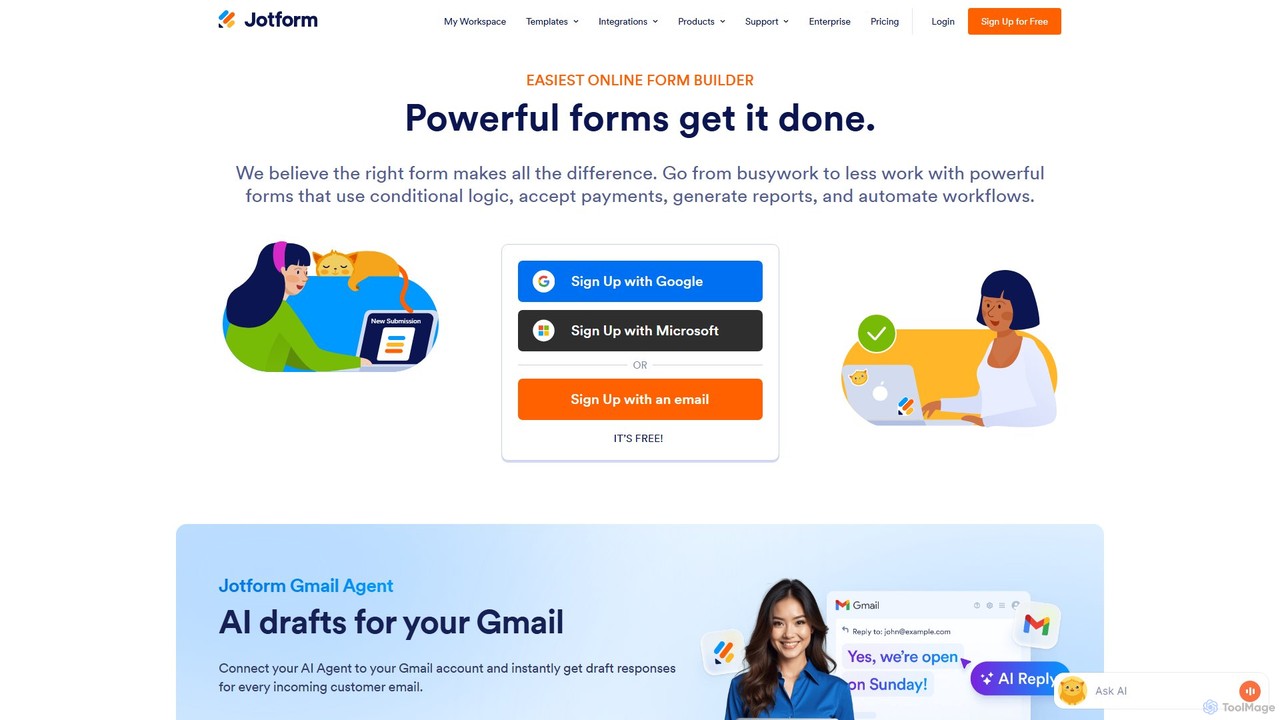
Jotform is a powerful no-code online form builder that allows anyone to create custom forms for data collection, payments, and workflow automation. With a drag-and-drop interface, over 10,000 templates, and extensive integrations, it simplifies everything from lead generation and surveys to event registrations and e-commerce. Its robust security features, including HIPAA and PCI compliance, make it a trusted choice for over 30 million users worldwide.
Data Collection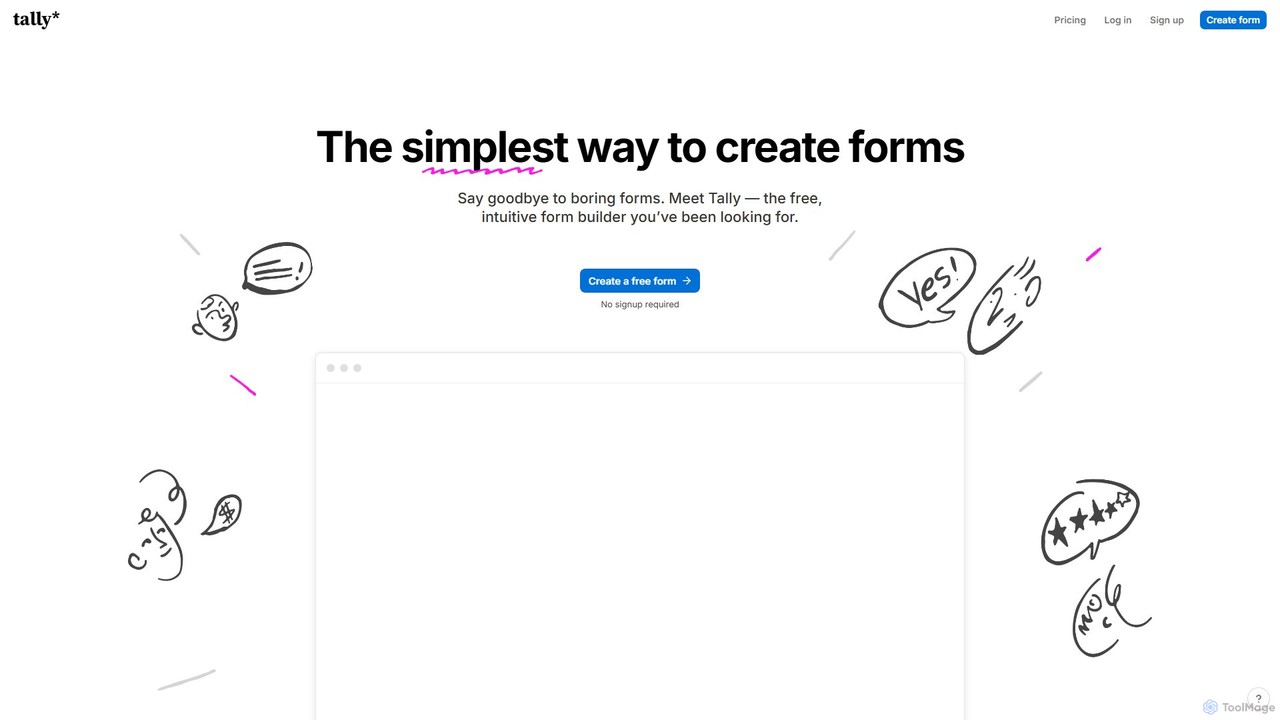
Tally
Tally is an intuitive and powerful online form builder that works like a text document. It offers unlimited forms and submissions for free, making it easy to create everything from simple surveys to complex checkout forms without any coding knowledge. It's a privacy-focused, user-friendly alternative to traditional form builders.
Data Collection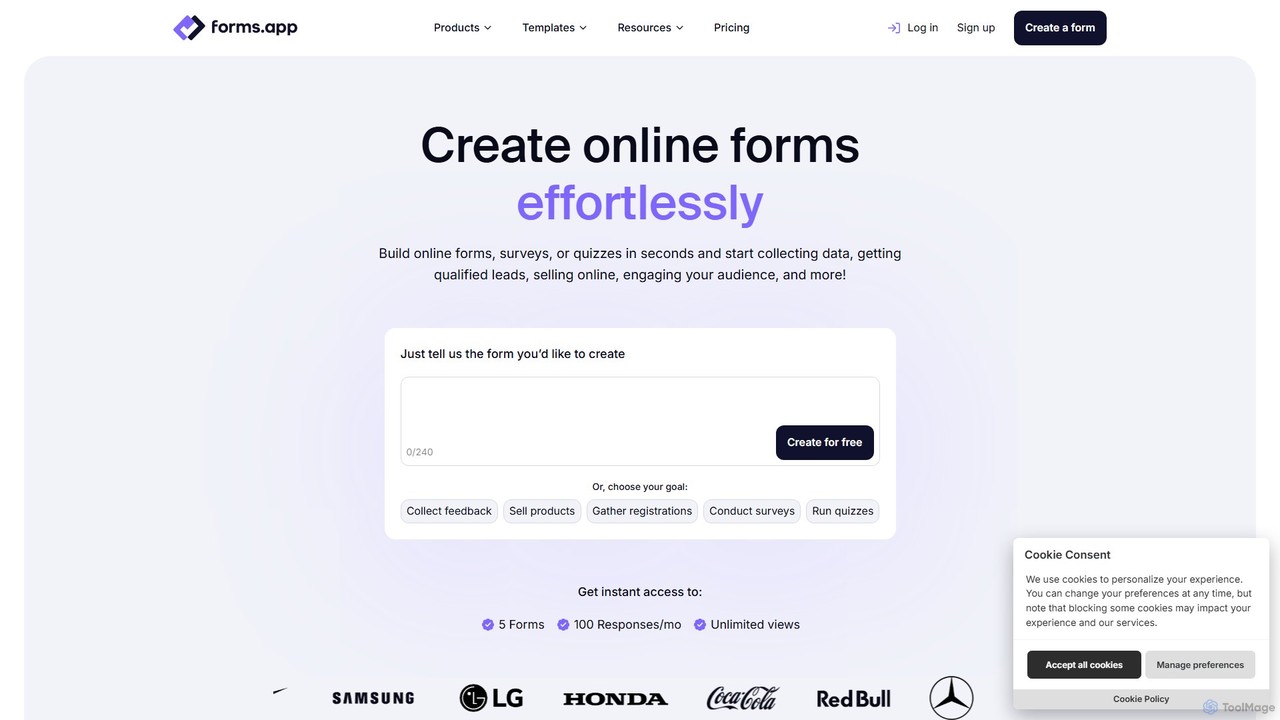
forms.app
forms.app is an AI-powered online form builder that enables users to effortlessly create forms, surveys, and quizzes. It features an intuitive drag-and-drop interface, AI-driven question and response generation, extensive customization options, and seamless integrations to automate data collection and workflows.
Data Collection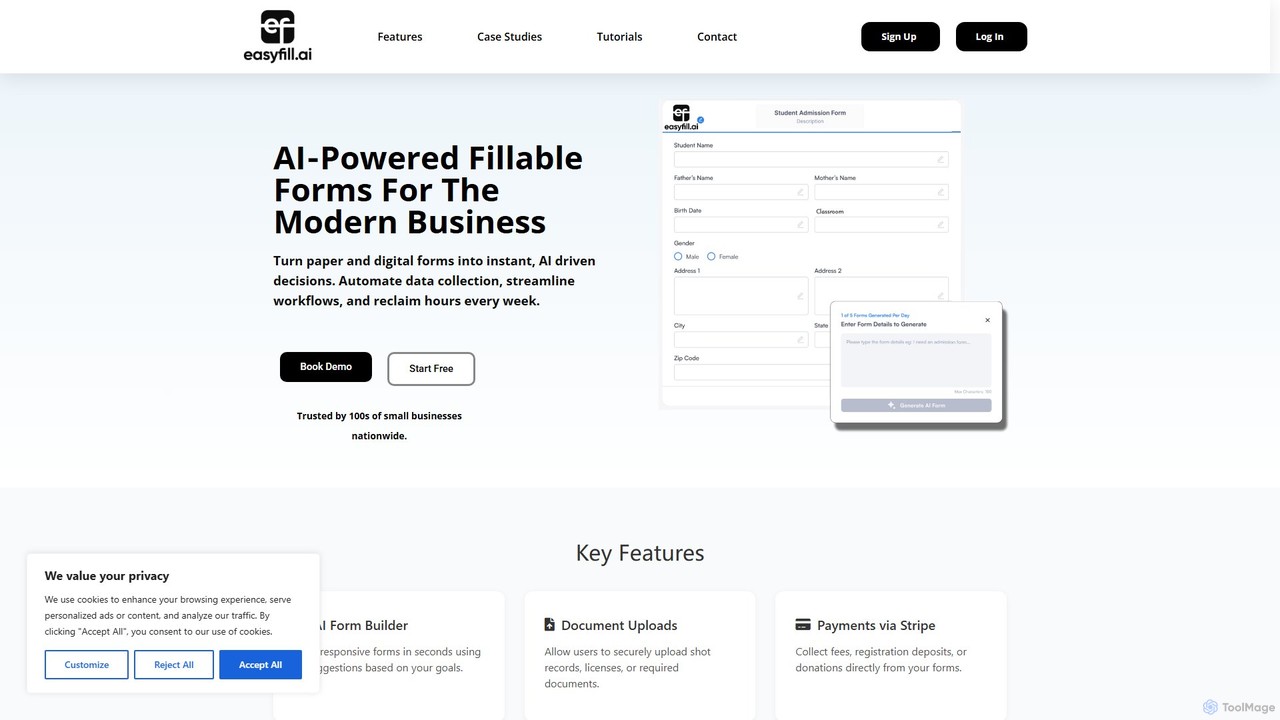
easyfill
easyfill is an AI-powered form builder that transforms data collection for modern businesses. It allows you to convert paper and digital documents into intelligent, fillable forms, automate workflows, and extract insights, all in a matter of minutes.
Workflow Management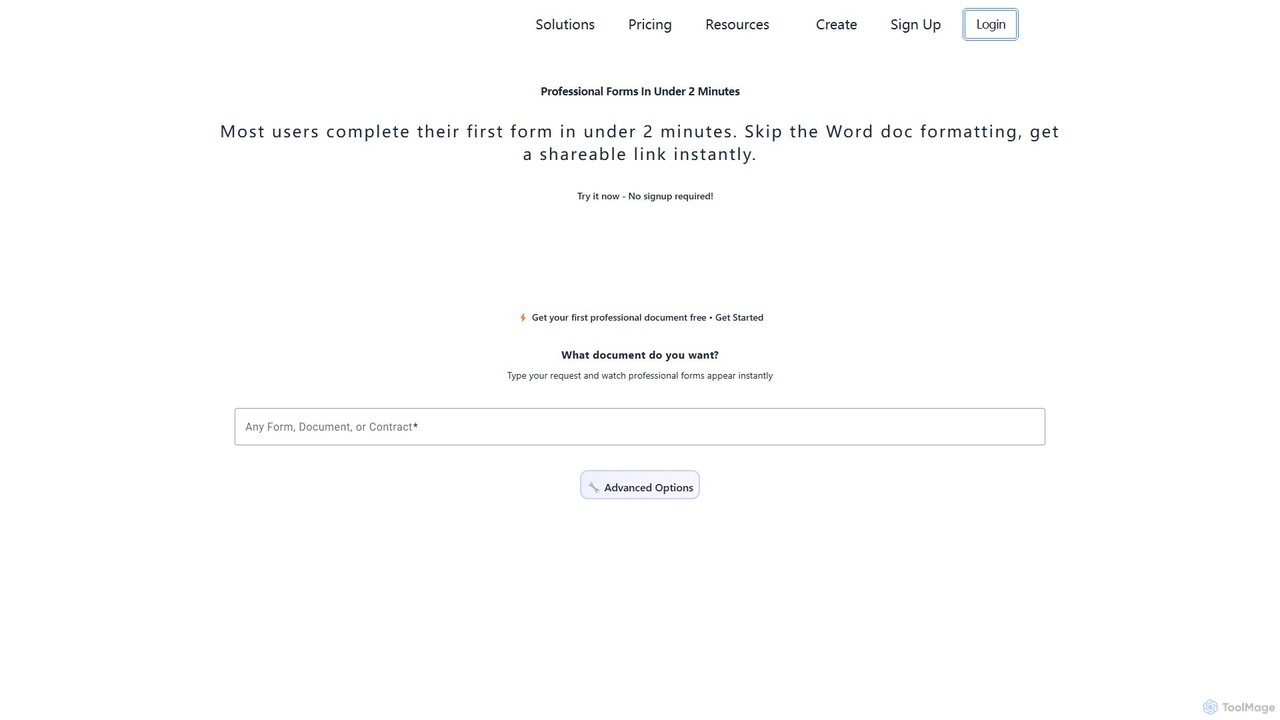
Formzil
Formzil is an AI-powered form builder that creates professional forms, surveys, and contracts in minutes. Simply describe the document you need, and the AI generates it instantly. It's designed to save hours of work, improve data collection, and enhance client interactions with features like conditional logic, custom branding, and analytics.
Data CollectionFormBuilderGPT Categories
FormBuilderGPT Embed Widget
Copy this embed code to place the badge on your blog, article, or product site and send readers directly to this ToolMage detail page.

Related AI tools
Formzil
Formzil is an AI-powered form builder that creates professional forms, surveys, and contracts in minutes. Simply describe the document you need, and the AI generates it instantly. It's designed to save hours of work, improve data collection, and enhance client interactions with features like conditional logic, custom branding, and analytics.
Data Collection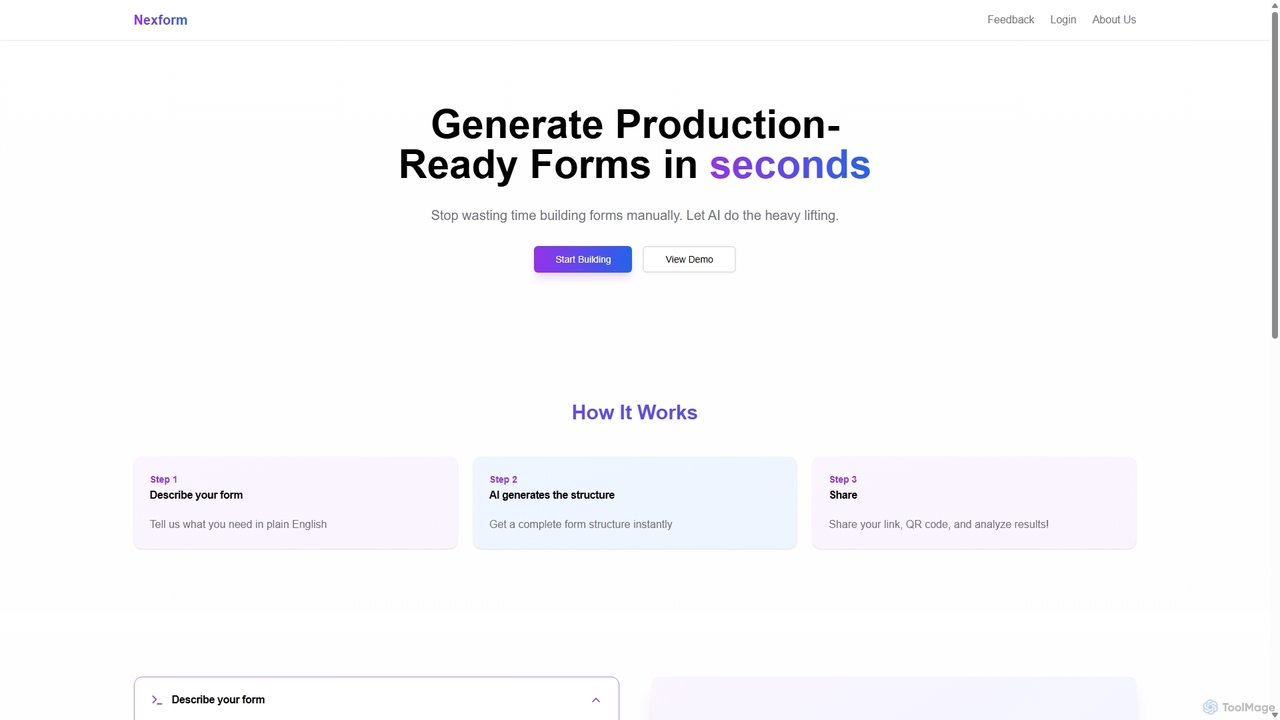
Nexform
Nexform is an AI-powered form builder that transforms plain text descriptions into fully functional, production-ready web forms in seconds. It automates the entire form creation process, from structure generation to smart validation, empowering developers and businesses to build and deploy forms with unprecedented speed and efficiency.
No Code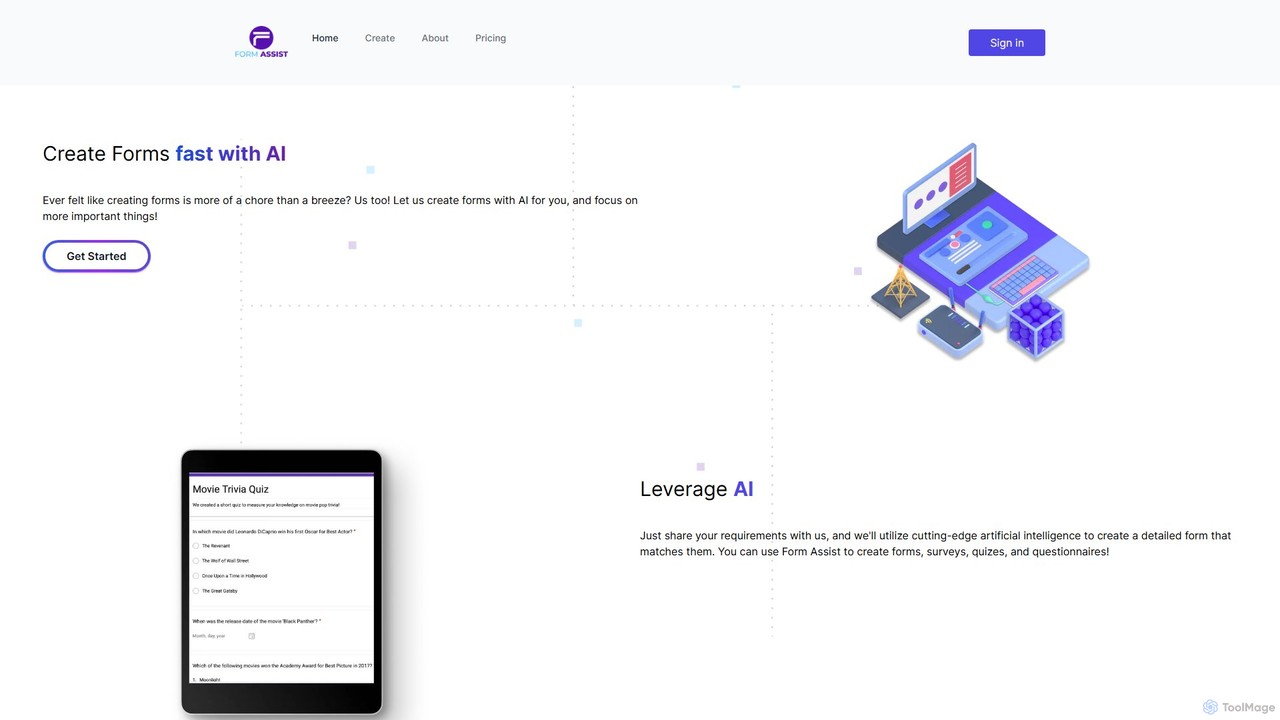
form_assist
form_assist is an AI-powered tool that simplifies the creation of forms, surveys, quizzes, and questionnaires. Simply describe your requirements in a chat interface, and the AI generates a detailed Google Form directly in your Google Drive. It supports multiple languages and offers a flexible, token-based pricing model.
Data CollectionJotform
Jotform is a powerful no-code online form builder that allows anyone to create custom forms for data collection, payments, and workflow automation. With a drag-and-drop interface, over 10,000 templates, and extensive integrations, it simplifies everything from lead generation and surveys to event registrations and e-commerce. Its robust security features, including HIPAA and PCI compliance, make it a trusted choice for over 30 million users worldwide.
Data CollectionTally
Tally is an intuitive and powerful online form builder that works like a text document. It offers unlimited forms and submissions for free, making it easy to create everything from simple surveys to complex checkout forms without any coding knowledge. It's a privacy-focused, user-friendly alternative to traditional form builders.
Data Collection
Jinshuju
Jinshuju is a versatile data platform that enables anyone to create online forms, surveys, and quizzes. It integrates AI for smart exam creation, simplifying data collection for event registration, customer feedback, online payments, and professional assessments. It's designed for ease of use, security, and efficiency across multiple industries.
Data Collection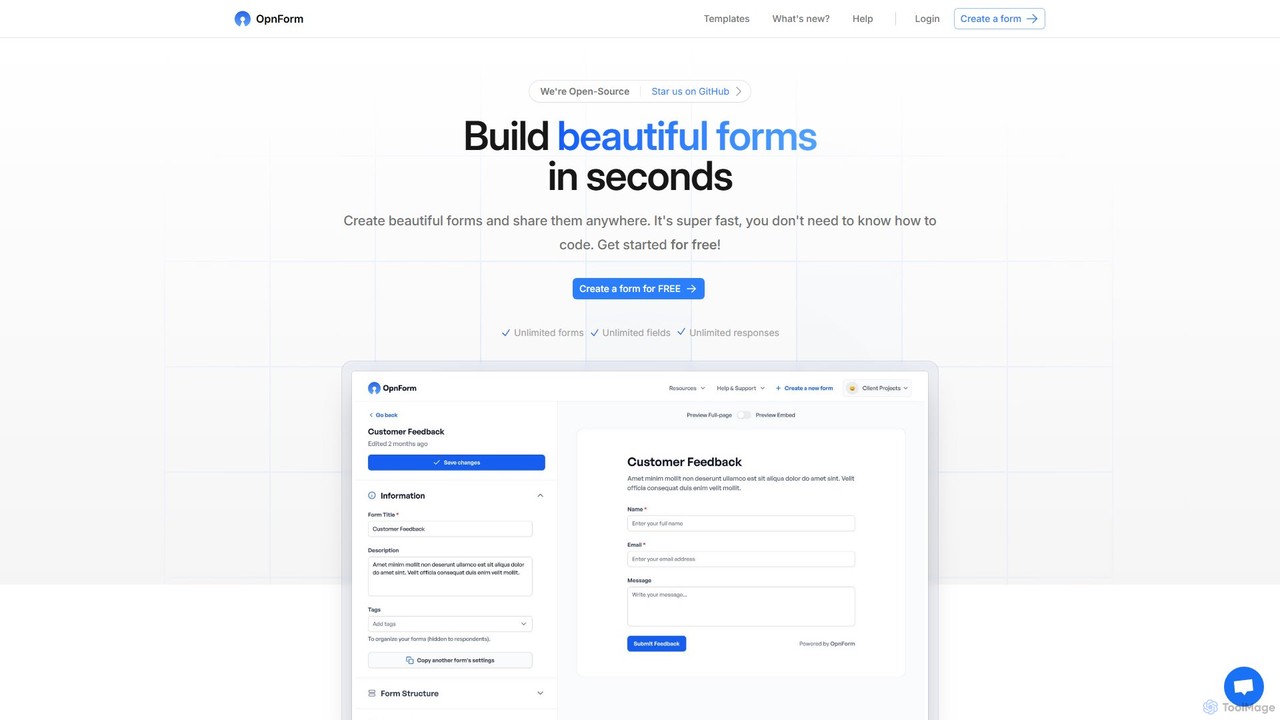
OpnForm
OpnForm is an open-source, AI-powered form builder that allows users to create unlimited beautiful forms for free. With its intuitive no-code interface, AI form generation from text prompts, and extensive customization options, it's perfect for surveys, contact forms, and data collection. It offers a generous free plan and powerful pro features like advanced integrations, custom domains, and API access.
Open Source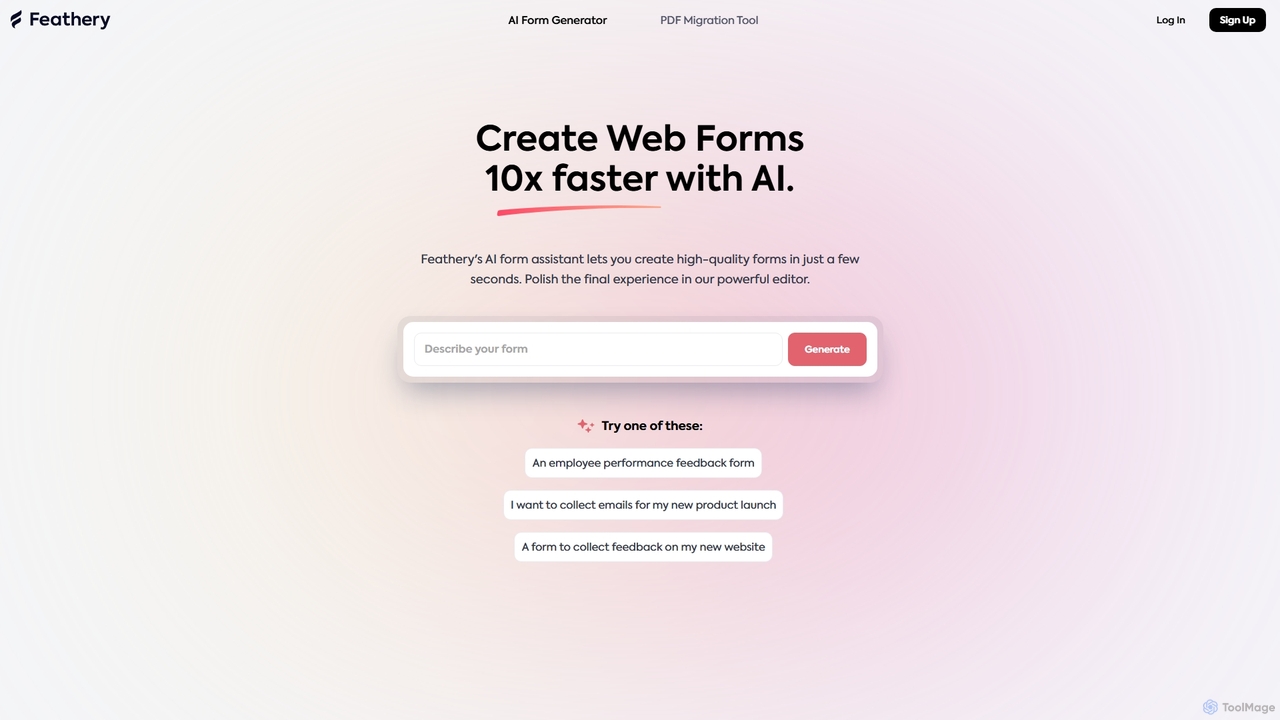
Feathery
Feathery is an AI-powered form builder that accelerates web form creation by 10x. Use natural language to generate complex forms in seconds, or instantly convert static PDFs into interactive digital forms. Refine and customize your forms with a powerful no-code editor for a perfect user experience.
Data Collection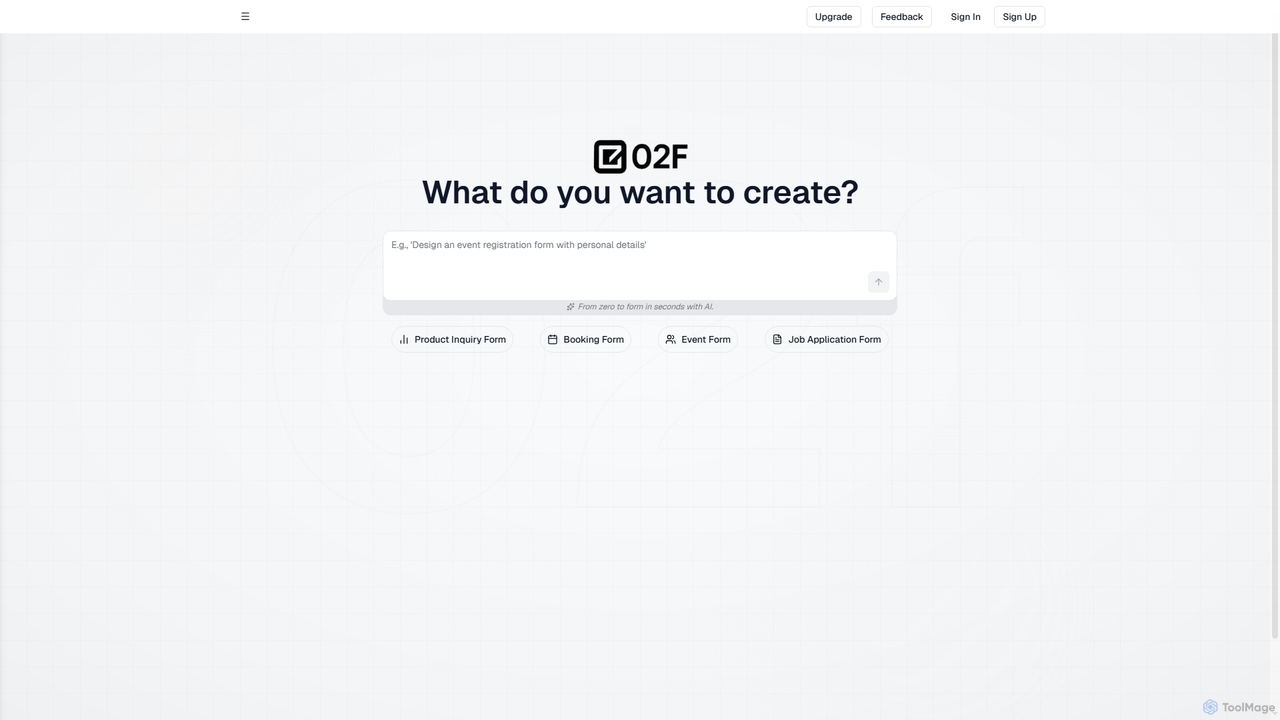
02F
02F is an AI-powered online form builder that enables users to create various types of forms in seconds using natural language prompts. From event registration to job applications, it streamlines the form creation process, making data collection efficient and accessible.
Data Collection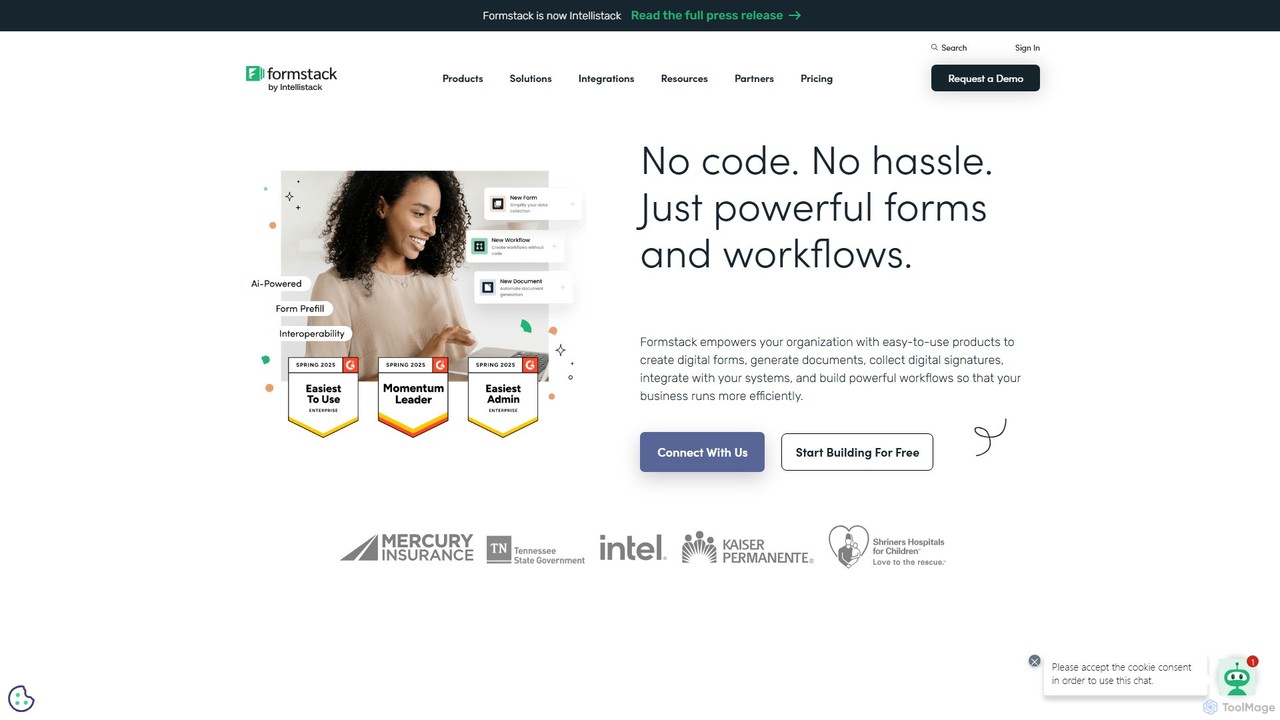
Formstack
Formstack is a versatile no-code workplace productivity platform that automates data collection, document generation, and e-signatures. It empowers businesses to create custom online forms, streamline workflows, and eliminate manual processes without any coding, saving significant time and resources.
Document Management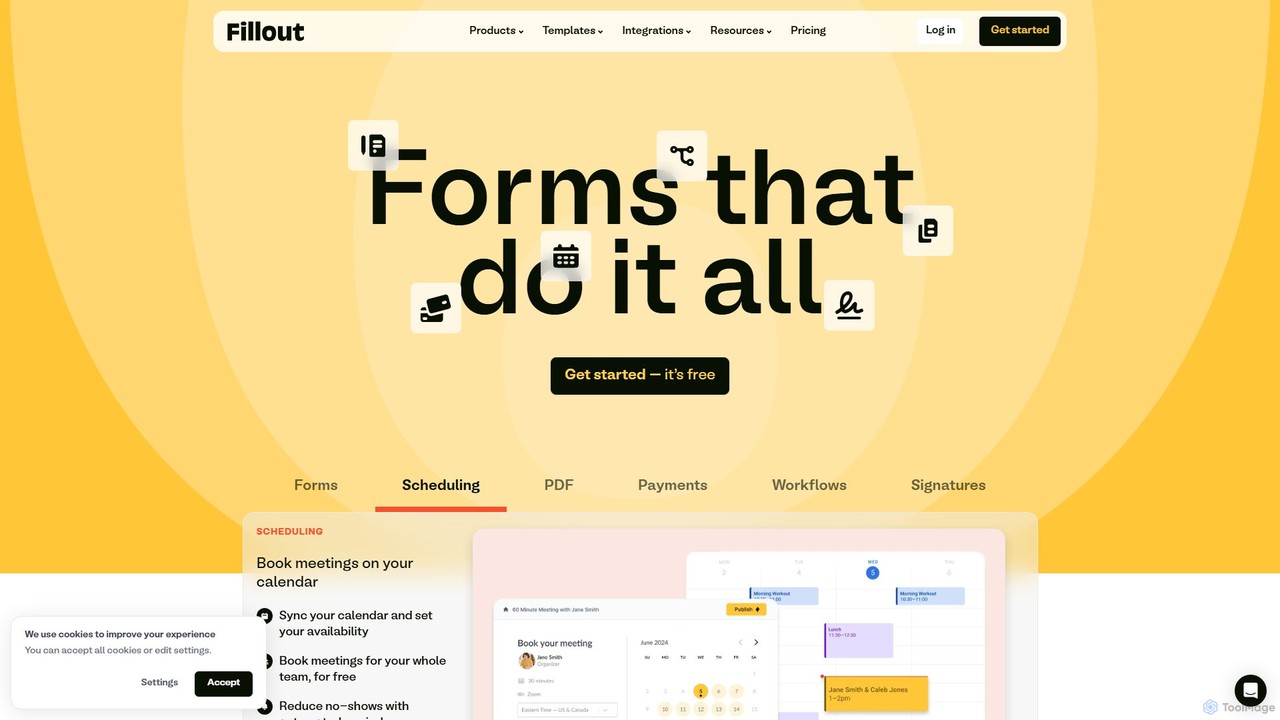
Fillout
Fillout is a powerful, modern form builder designed to create highly customizable and brand-aligned forms, surveys, and quizzes. It excels at automating data collection and workflows through deep, native integrations with tools like Airtable, Notion, and Salesforce. Features include scheduling, payments, e-signatures, and advanced conditional logic, making it a comprehensive solution for businesses to streamline data intake securely and efficiently.
Workflow Automation
GuidedTrack
GuidedTrack is a powerful no-code platform for creating interactive web applications, complex surveys, educational modules, and prototypes. It empowers marketers, researchers, educators, and entrepreneurs to build and deploy sophisticated digital experiences without writing a single line of code, using an intuitive, text-based language.
Prototyping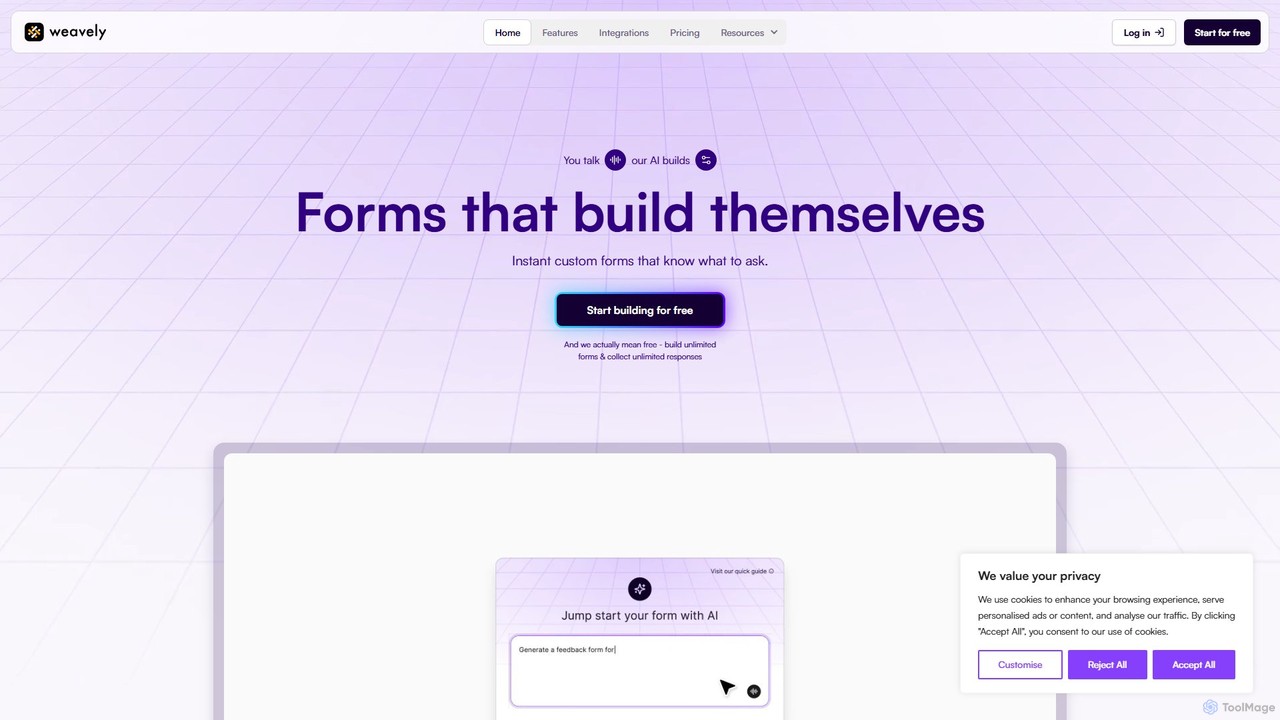
Weavely
Weavely is an AI-powered form builder that creates intelligent, conversational forms instantly. Just describe your needs, and Weavely generates relevant questions and logic, streamlining data collection. It's a smarter, more engaging alternative to traditional tools like Google Forms and Typeform, designed to boost completion rates and save you time.
Surveys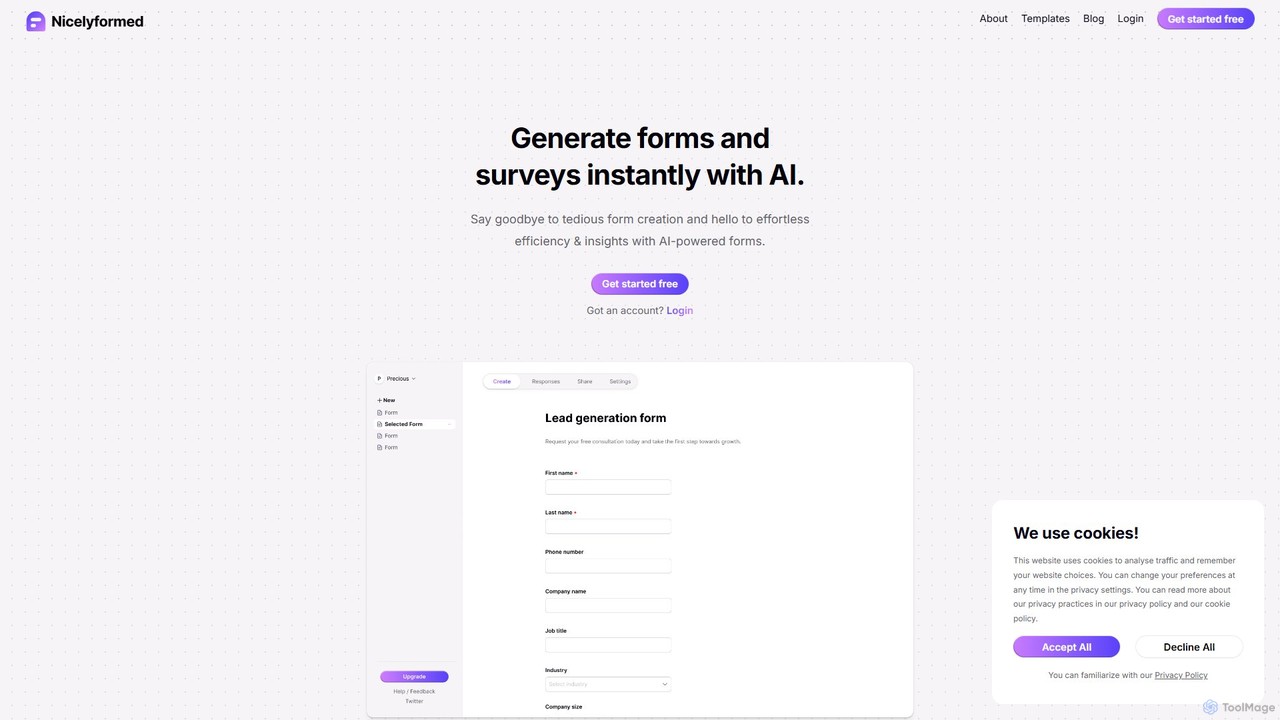
Nicelyformed
Nicelyformed is an AI-powered form and survey builder that allows you to create beautiful, effective forms in seconds using simple text prompts. It streamlines data collection and provides actionable insights through natural language analysis, eliminating the tedious process of manual form creation.
Lead Generationforms.app
forms.app is an AI-powered online form builder that enables users to effortlessly create forms, surveys, and quizzes. It features an intuitive drag-and-drop interface, AI-driven question and response generation, extensive customization options, and seamless integrations to automate data collection and workflows.
Data Collection
FormBuilderGPT Comments (0)
Sign in to comment.
Sign inNo comments yet.