
No Code Best in category 1 results Automation Builder AI Tool

Popular AI tools in the Automation Builder field of No Code include Flowdrop, etc., helping you quickly improve efficiency.

Flowdrop

Flowdrop

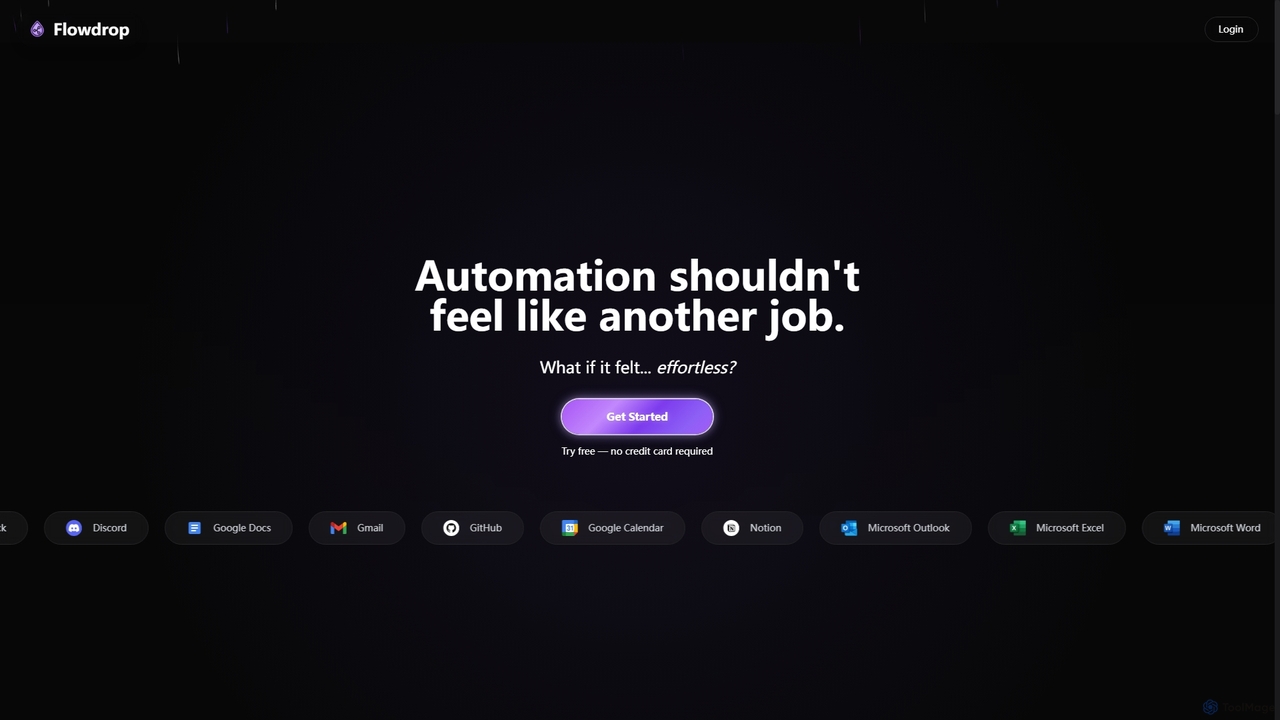
Flowdrop is an AI-powered, no-code workflow builder designed for non-coders, enabling rapid deployment of production automations in under …

2.2K

About Automation Builder

Automation Builder tools are a class of no-code platforms designed to create automated workflows and processes without writing any code. These tools empower users to connect various applications, automate repetitive tasks, and streamline operations through intuitive visual interfaces. They significantly enhance productivity by eliminating manual effort and ensuring consistent execution across business functions.

Core Features

  • Visual Workflow Editor: Drag-and-drop interface for designing complex automation sequences.
  • Extensive App Integrations: Connects hundreds of third-party applications and services seamlessly.
  • Conditional Logic & Branching: Allows for dynamic decision-making within workflows based on specific criteria.
  • Data Mapping & Transformation: Transfers and formats data between different applications accurately and efficiently.
  • Scheduled & Event-Triggered Automations: Initiates workflows based on time intervals or specific events like new emails or form submissions.

Use Cases

Businesses across various sectors leverage Automation Builders to optimize their operations. Marketing teams automate lead nurturing sequences, sales teams streamline CRM updates, and HR departments automate onboarding processes. These tools are invaluable for anyone looking to reduce manual workload and improve operational efficiency across departments.

How to Choose

When selecting an Automation Builder, consider its integration ecosystem, ensuring it supports all your essential applications. Evaluate the complexity of the workflows you need to build and check if the platform offers advanced features like conditional logic and custom code blocks (for hybrid needs). Also, assess pricing models, scalability, and the availability of pre-built templates to accelerate deployment and ease of use.

Automation BuilderUse Cases

1

Automate Lead Nurturing Email Sequences

Marketing teams utilize automation builders to create personalized email sequences that automatically send to new leads based on their engagement with website content or previous communications. This ensures timely follow-ups and keeps leads engaged without manual intervention, freeing up marketers for strategic tasks and improving conversion rates.

2

Streamline Customer Onboarding Processes

SaaS companies or service providers can automate the entire customer onboarding journey. When a new customer signs up, the automation builder can trigger welcome emails, create tasks in project management tools, add them to a CRM, and even schedule initial training calls, ensuring a smooth and consistent experience from day one.

3

Sync Data Across Disparate Business Applications

Businesses often use multiple tools like CRM, accounting software, and project management platforms. Automation builders can automatically sync data between these systems. For example, when a sale is closed in the CRM, it can automatically create an invoice in the accounting software and update a project status, eliminating manual data entry and reducing errors across the board.

4

Automate Social Media Content Distribution

Content creators and marketing managers can use automation builders to automatically post new blog articles or product updates across various social media platforms. Once a new piece of content is published, the builder can trigger posts on Twitter, LinkedIn, and Facebook, saving significant time and ensuring a consistent online presence without manual scheduling.

5

Automate Internal Reporting and Notifications

Teams can set up automated reports and notifications to stay informed. For instance, a daily summary of sales figures can be compiled from a CRM and automatically sent to a Slack channel or email. Or, if a critical system alert occurs, an automation can immediately notify the IT team via SMS, ensuring quick response times and proactive problem-solving.

6

Automate E-commerce Order Fulfillment

E-commerce businesses can automate steps from order placement to shipping. When an order is received, the automation builder can update inventory, notify the warehouse, generate shipping labels, and send tracking information to the customer, significantly speeding up the fulfillment process and improving customer satisfaction through timely updates and delivery.

Automation BuilderFrequently Asked Questions