Flowdrop
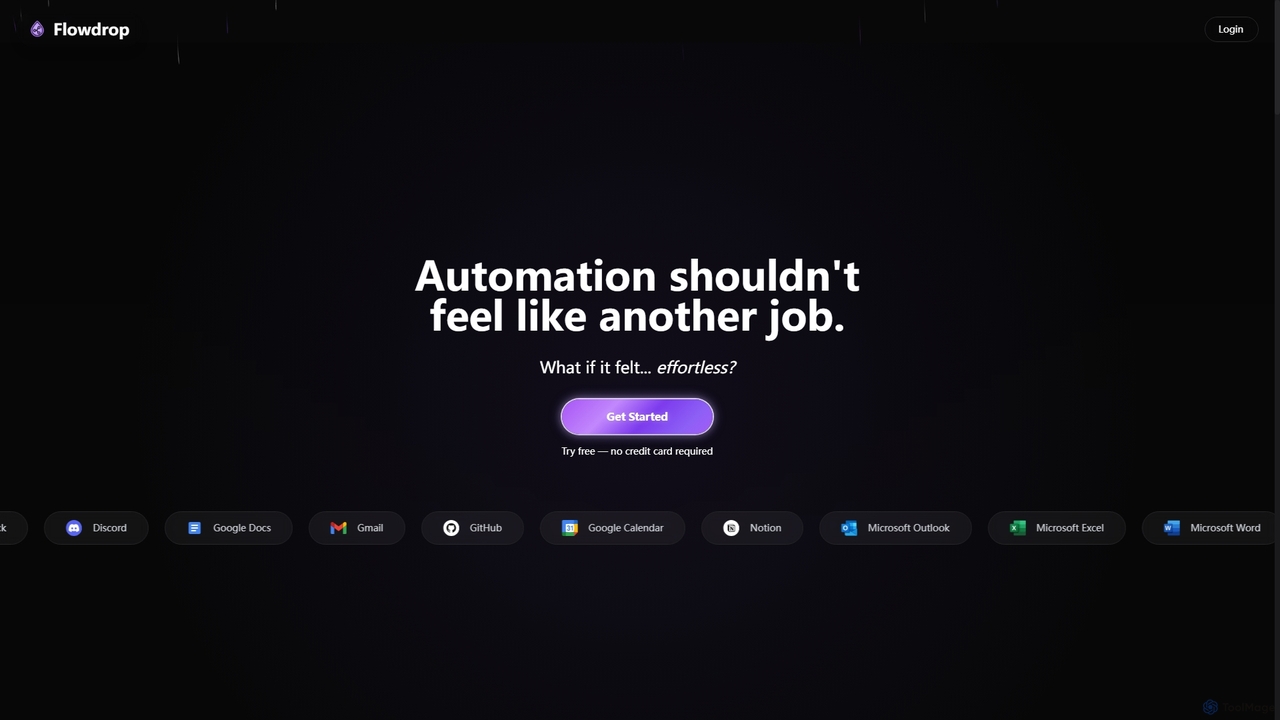
Flowdrop is an AI-powered, no-code workflow builder designed for non-coders, enabling rapid deployment of production automations in under …
Flowdrop is an AI-powered, no-code workflow builder designed for non-coders, enabling rapid deployment of production automations in under five minutes. It simplifies complex tasks through intuitive visual tools and conversational AI, making automation effortless and accessible for individuals and teams.
About Process Automation
Process Automation tools are a class of AI-powered software designed to execute complex, multi-step business workflows with minimal human intervention. They leverage technologies like Robotic Process Automation (RPA), machine learning, and API integrations to connect disparate systems and automate sequences of tasks. The primary value of these tools is in streamlining repetitive, rule-based operations, which significantly increases efficiency, reduces human error, and allows employees to focus on more strategic, high-value work. They act as a digital workforce that can operate 24/7 across various departments like finance, HR, and IT.
Core Features
- Visual Workflow Builder: Allows users to design, build, and manage complex automation sequences using a drag-and-drop interface.
- AI-Powered Data Extraction: Utilizes OCR and NLP to automatically read and extract structured information from unstructured documents like invoices, emails, and contracts.
- API Integration Connectors: Provides a library of pre-built connectors to seamlessly link with hundreds of cloud applications (e.g., CRM, ERP, HRIS).
- Software Bots (RPA): Deploys software robots to mimic human actions on user interfaces, enabling automation of legacy systems without APIs.
- Conditional Logic & Decision Making: Implements rules and machine learning models to handle exceptions and make decisions within an automated process.
Use Cases
Process Automation is widely adopted in industries with high-volume, standardized tasks. In finance, it's used for automating invoice processing and financial reconciliation. Human Resources departments use it to streamline employee onboarding and offboarding. In customer service, it automates ticket routing and response generation, while IT operations rely on it for user provisioning and system monitoring.
How to Choose
When selecting a Process Automation tool, first evaluate its integration capabilities to ensure it connects with your existing software stack. Consider the platform's ease of use—whether you need a no-code solution for business users or a more robust platform for developers. Assess its scalability to handle increasing transaction volumes and complexity. Finally, examine the specific AI features offered, such as document understanding or predictive analytics, to ensure they match your specific automation goals.

Process AutomationUse Cases
Automating Invoice Processing in Finance
An Accounts Payable specialist often spends hours manually entering data from PDF invoices into an ERP system, matching them with purchase orders, and routing them for approval. A Process Automation tool can completely streamline this. The tool automatically ingests invoices from an email inbox, uses AI-powered OCR to extract key data like vendor name, invoice number, and amount. It then validates this data against the purchase order in the ERP system. If everything matches, it routes the invoice to the designated manager for approval via Slack or email, significantly reducing processing time from minutes to seconds per invoice and minimizing the risk of late payment fees.
Streamlining New Employee Onboarding in HR
For HR departments, onboarding a new employee involves a series of repetitive tasks: creating accounts, sending welcome documents, and scheduling orientation meetings. A process automation workflow can be triggered the moment a candidate is marked as 'hired' in the Applicant Tracking System (ATS). The tool then automatically creates user accounts in IT systems (like Google Workspace or Office 365), sends a personalized welcome email with necessary documents, and adds the new hire to a predefined onboarding journey in the HRIS. This ensures a consistent, error-free experience for every new employee and frees up HR personnel to focus on the human aspects of onboarding.
Automating Customer Support Ticket Routing
Customer support teams receive hundreds of tickets daily that need to be categorized and assigned to the right agent. Manually, this is slow and prone to error. A process automation tool integrated with a helpdesk system like Zendesk or Jira can use Natural Language Processing (NLP) to analyze the content of each new ticket. It identifies keywords, sentiment, and urgency to automatically categorize the ticket (e.g., 'Billing Inquiry', 'Technical Bug') and assign it to the agent or team with the relevant expertise. This ensures faster response times, improves customer satisfaction, and allows support managers to focus on performance analysis rather than manual triage.
Automating Lead Nurturing in Marketing
A marketing team needs to nurture leads from various channels. Instead of manually sending follow-up emails, a process automation tool can connect the website's lead capture form to the CRM and email marketing platform. When a new lead downloads an e-book, a workflow is triggered. The tool adds the lead to the CRM with the appropriate tag, waits two days, then sends a personalized follow-up email. If the lead clicks a link in the email, they are added to a more targeted nurturing sequence. If they don't engage after a week, a task is created for a sales representative to make a call. This ensures timely and relevant communication with every lead, increasing conversion rates.
Managing User Access in IT Operations
IT administrators are constantly managing user access requests for new hires, promotions, and departures. This manual process is time-consuming and poses security risks. Process automation can integrate the HRIS with IT service management tools like Active Directory. When an employee's status changes in the HR system (e.g., 'Terminated'), a workflow automatically de-provisions their access to all connected applications, revokes VPN access, and archives their email account. For new hires, it automatically provisions access based on their role and department. This enhances security by ensuring access is revoked promptly and reduces the manual workload on the IT team.
Syncing Data Across E-commerce Platforms
An e-commerce manager running stores on multiple platforms (e.g., Shopify, Amazon, Etsy) needs to keep inventory and order data consistent. Manually updating each platform is inefficient. A process automation tool can act as a central hub. When a sale occurs on Amazon, the tool automatically reduces the stock count for that product on Shopify and Etsy. When a new product is added to Shopify, the workflow automatically creates a corresponding listing on the other platforms, pulling product descriptions and images. This ensures data accuracy across all channels, prevents overselling, and saves the manager hours of repetitive data entry work.