ToolMage
Sign in

Best 91 No Code & Low Code AI tools

Popular No Code & Low Code AI tools include CrewAI, TestSprite, Nyckel, Lyzr, Xunfei Spark Agent Development Platform, Autify, Spheron, AITable.ai, ChatBotKit, and Rowboat, helping you work more efficiently.

Kodey
Paid

Kodey

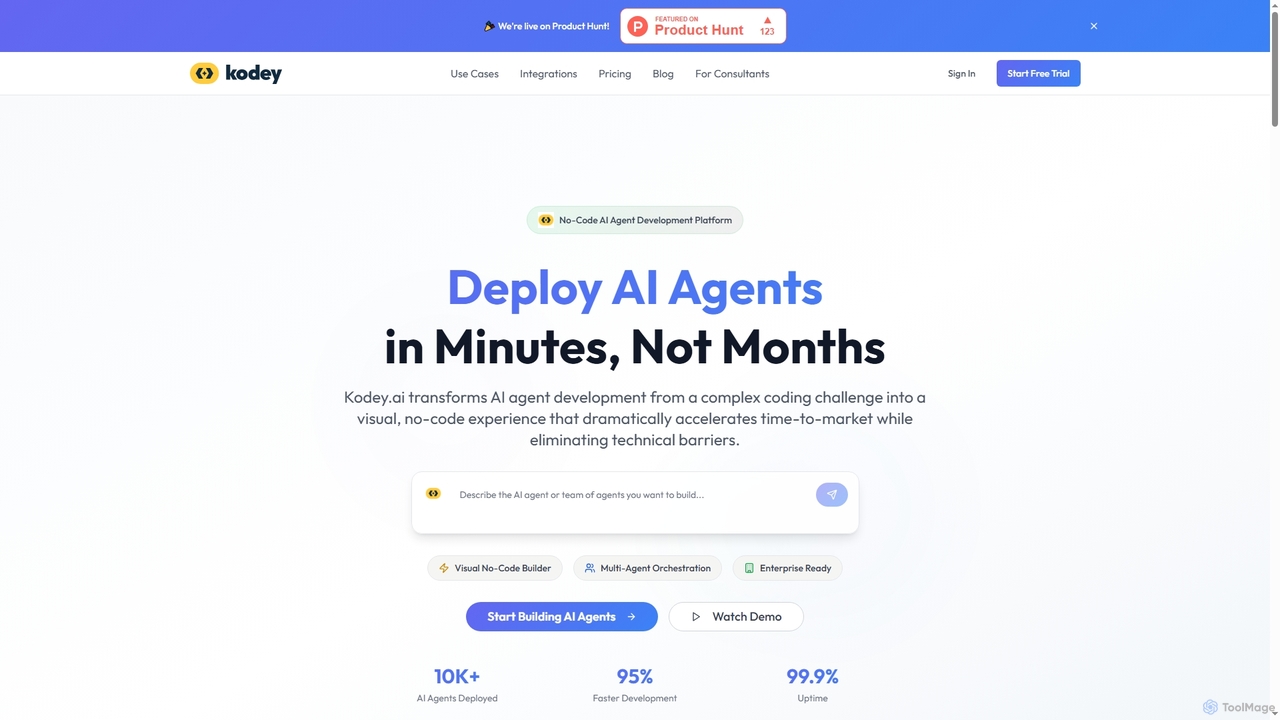
A no-code platform for building and deploying autonomous AI agent teams. Kodey enables users to visually create, orchestrate, and scale sophisticated AI agents for tasks like customer support, sales automation, and data analysis, integrating with thousands of business tools without writing any code.

Chatbot
Visits 6.5KFavorites 131Likes 129
AI Lab
Freemium

AI Lab

AI Lab is a no-code visual workspace for building machine learning models and data science pipelines. It enables users of all technical levels to create, train, and deploy AI applications through an intuitive drag-and-drop interface, accelerating development and making AI accessible.

Forecasting
Visits 6.4KFavorites 156Likes 169
Devspace
Freemium

Devspace

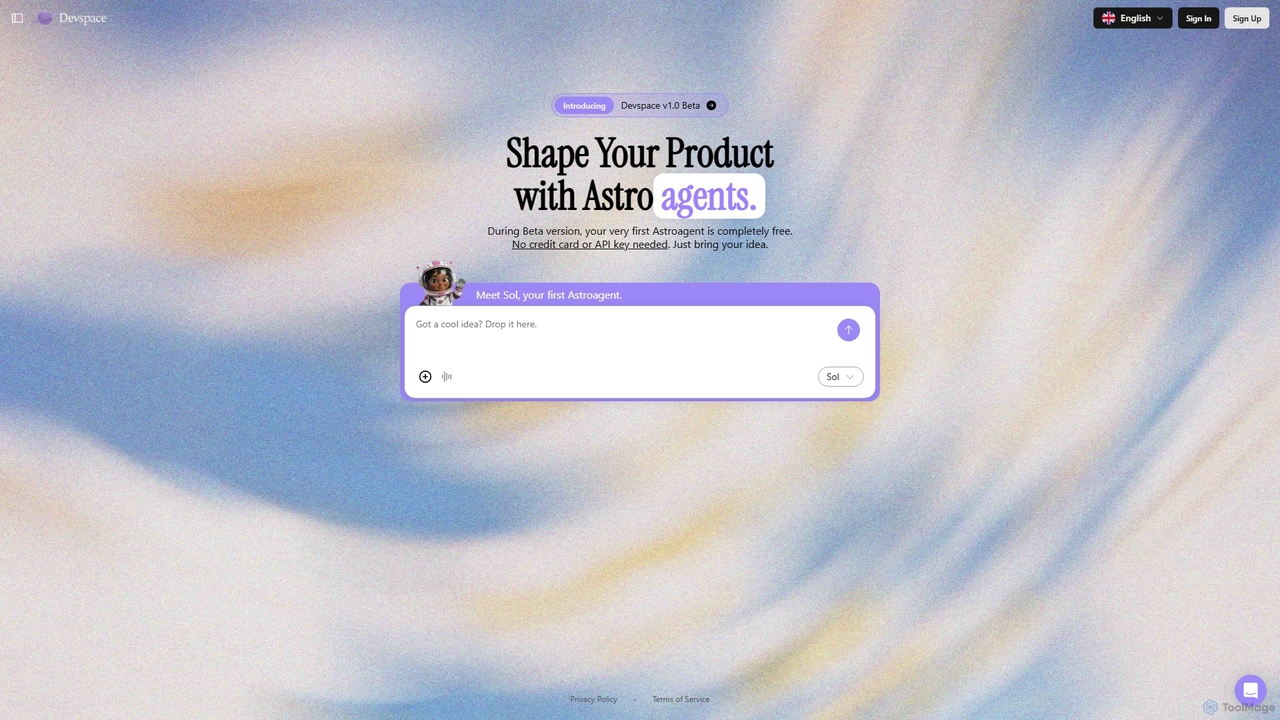
Devspace is an AI-powered development platform that allows users to build and shape products using conversational agents called "Astroagents." Currently in its v1.0 Beta, it enables you to turn your ideas into reality simply by describing them. The first Astroagent is free, requiring no credit card or API key to get started.

Code Generation
Visits 6.4KFavorites 127Likes 143
Dashup
Freemium

Dashup

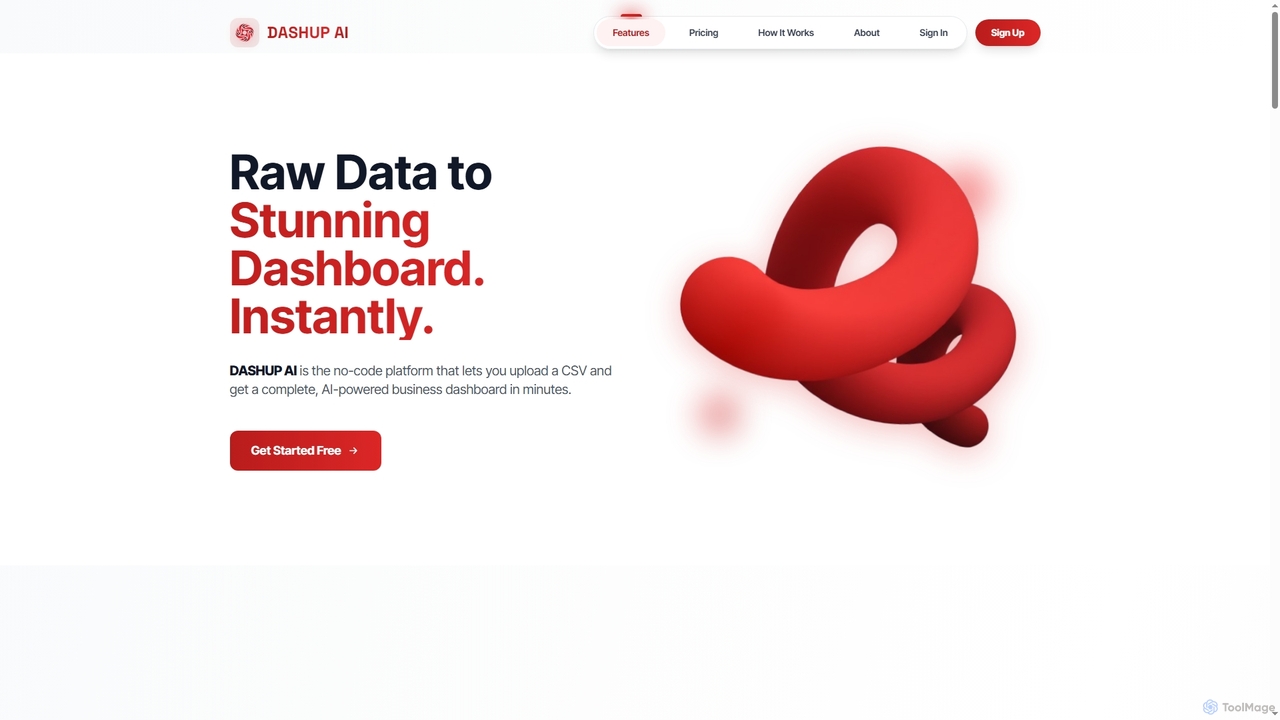
Dashup is a no-code AI platform that instantly transforms raw CSV data into stunning, interactive business dashboards. Simply upload your file, choose a template, and let the AI suggest key metrics and visualizations. No SQL or technical skills required. Go from spreadsheet to actionable insights in minutes, making data-driven decisions faster and easier.

Business Intelligence
Visits 9.1KFavorites 124Likes 120
Wemob
Paid

Wemob

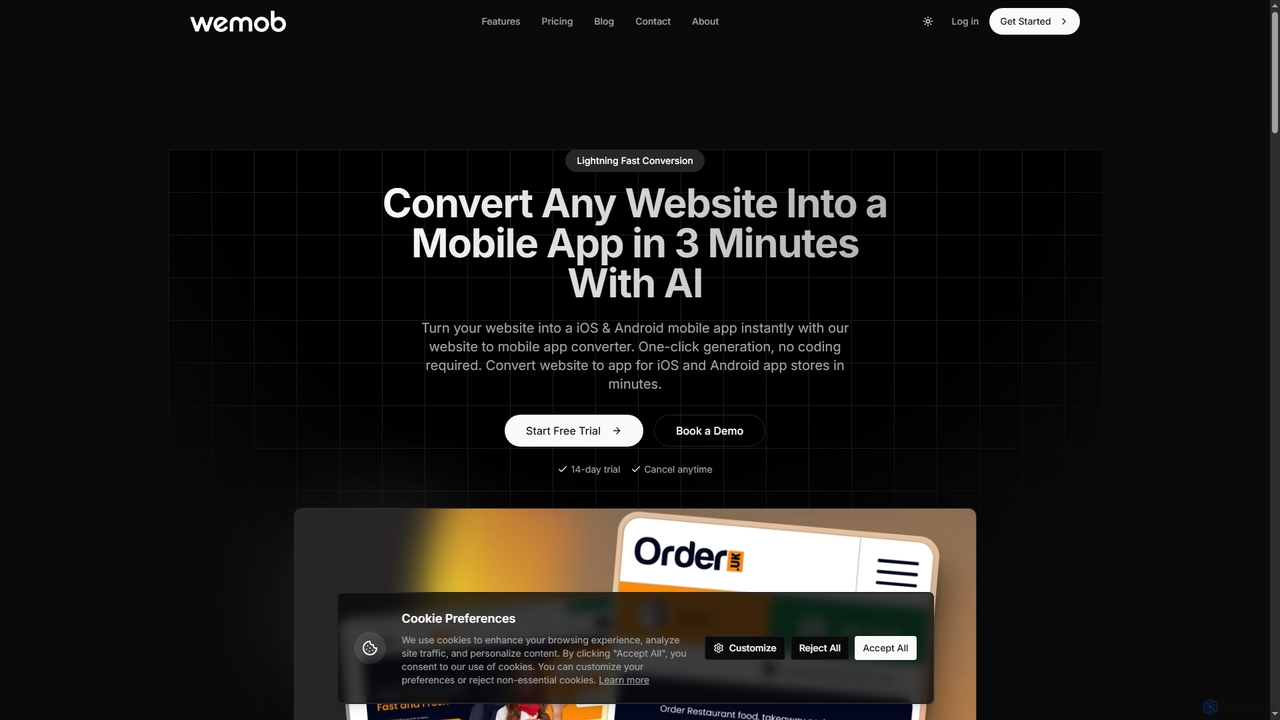
Wemob is an AI-powered platform that converts any website into a native iOS and Android mobile app in just 3 minutes, no coding required. It features push notifications, custom branding, real-time updates, and automated app store deployment.

Mobile Development
Visits 7.4KFavorites 162Likes 175
Flowbot
Freemium

Flowbot

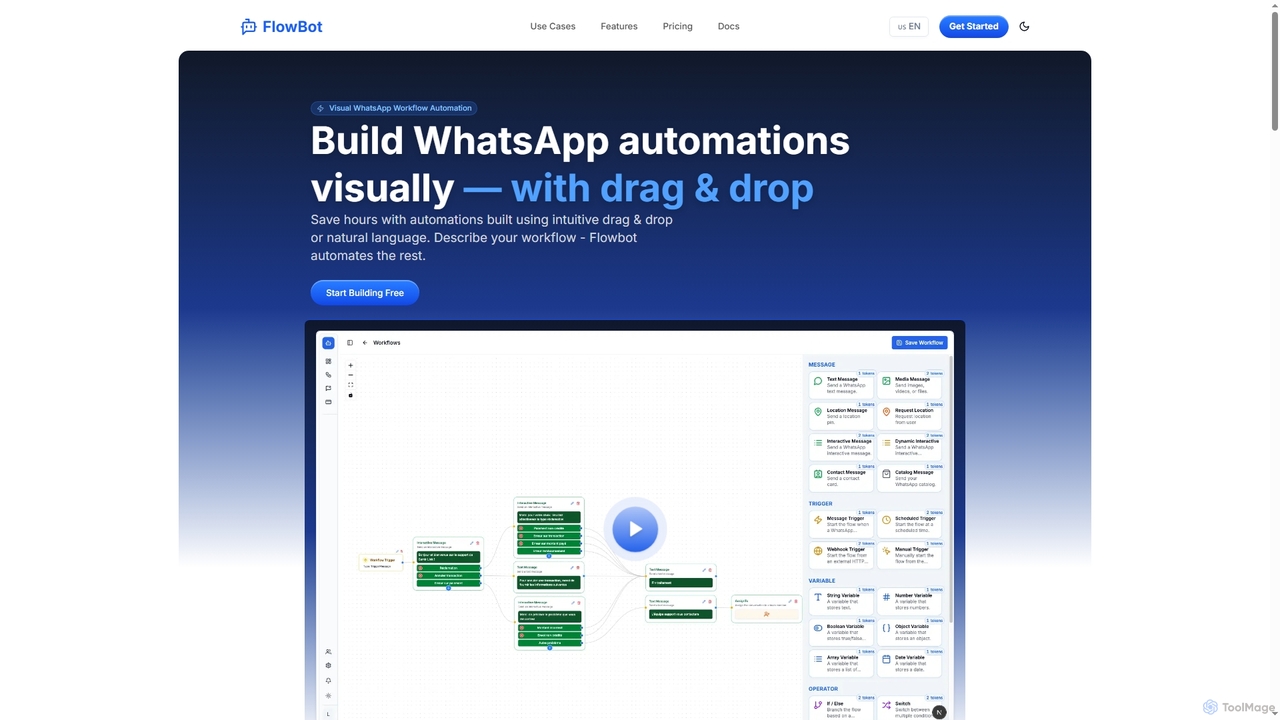
A no-code platform for building WhatsApp automation workflows and chatbots. It features a visual drag-and-drop builder, AI-powered agents, and integrations with tools like Google Sheets and CRMs to streamline customer support, marketing, and communications.

Chatbot
Visits 6.9KFavorites 140Likes 148
Mcpfy
Freemium

Mcpfy

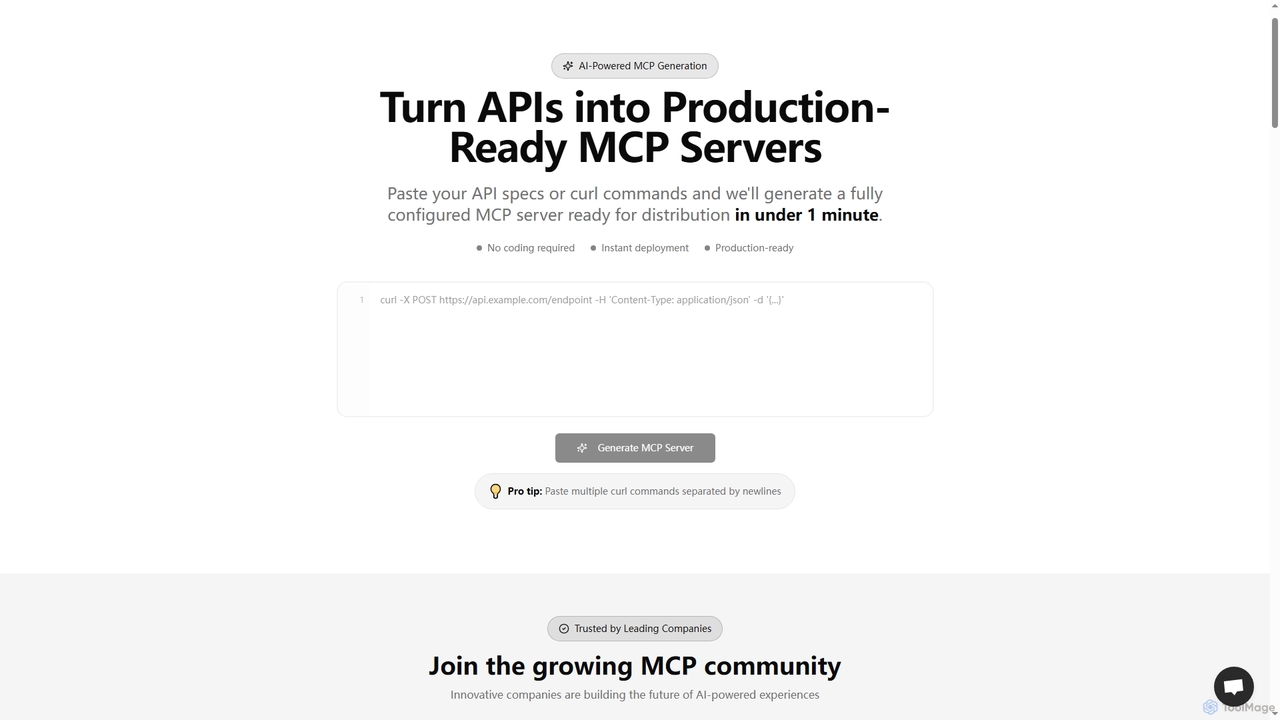
An AI-powered platform that generates production-ready MCP (Model Context Protocol) servers from API specs or curl commands in under a minute. It enables businesses to securely connect their APIs and data sources with AI assistants like ChatGPT and Claude, offering instant deployment, customer analytics, and enterprise-grade security without coding.

Integration
Visits 6.3KFavorites 136Likes 148
OmniChat AI
Paid

OmniChat AI

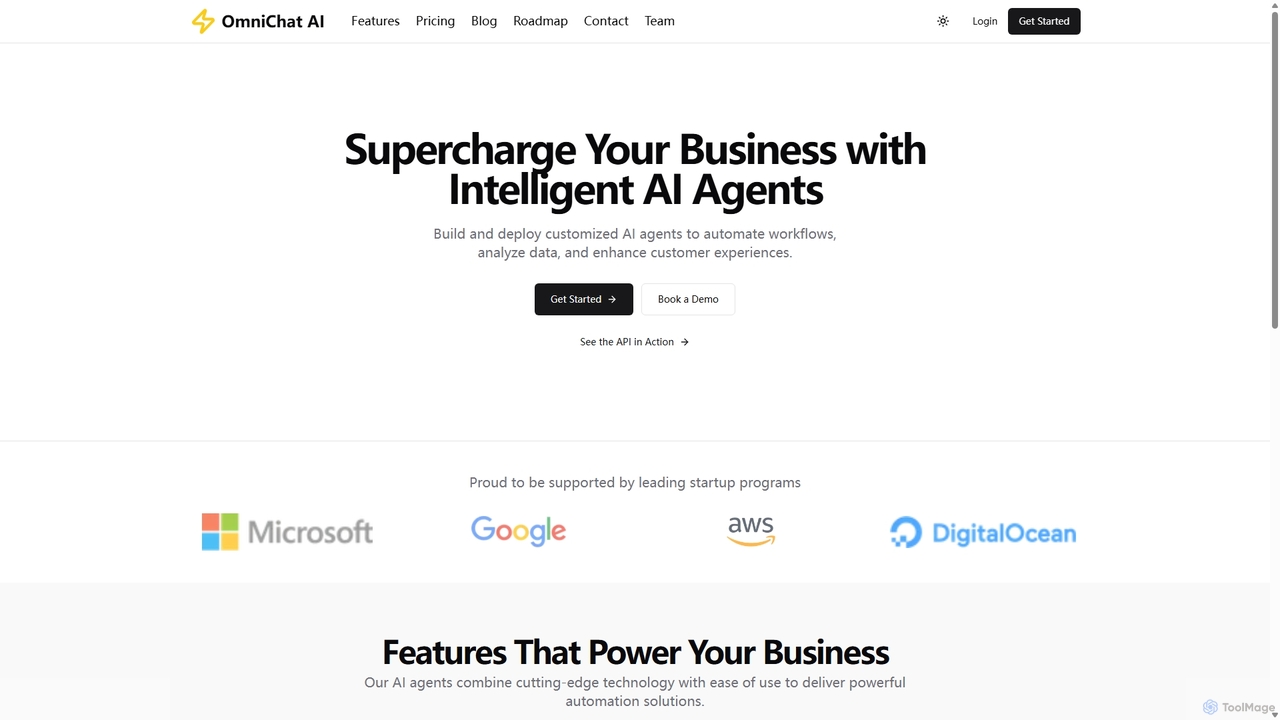
OmniChat AI is a powerful SaaS platform for building and deploying custom AI agents without coding. It enables businesses to automate workflows, analyze data, and enhance customer experiences through intelligent, API-integratable agents with advanced analytics and enterprise-grade security.

Chatbot
Visits 6.7KFavorites 130Likes 130
Gradientj
Freemium

Gradientj

Gradientj is a powerful platform for developers and businesses to build, test, and deploy autonomous AI agents. It provides a comprehensive suite of tools, including a reasoning engine, pre-built components, and seamless integrations, to transform complex workflows into intelligent, automated processes from prompt to production.

Intelligence
Visits 7.4KFavorites 134Likes 150
Custom Vision
Freemium

Custom Vision

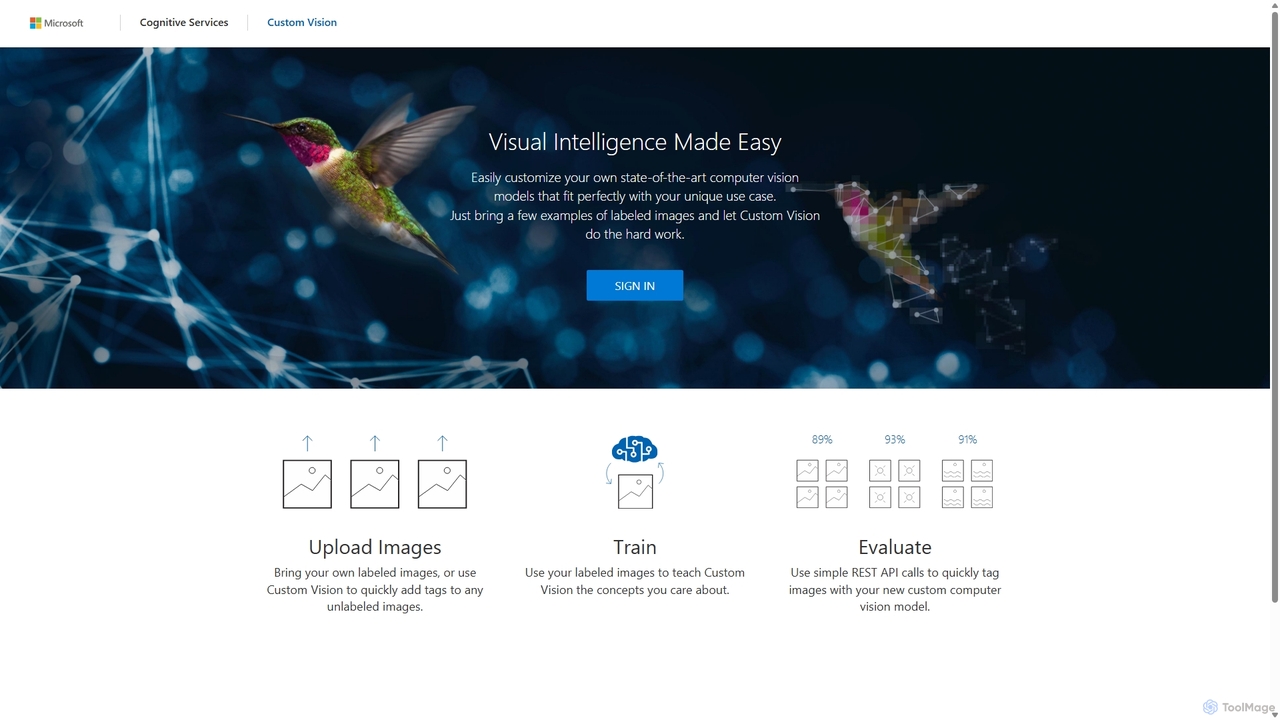
An AI service from Microsoft Azure that allows you to build, deploy, and improve your own custom image classifiers and object detectors. Easily create state-of-the-art computer vision models tailored to your specific needs with a user-friendly interface and a powerful REST API, no deep machine learning expertise required.

Machine Learning
Visits 11.6KFavorites 144Likes 130
Toolhouse
Freemium

Toolhouse

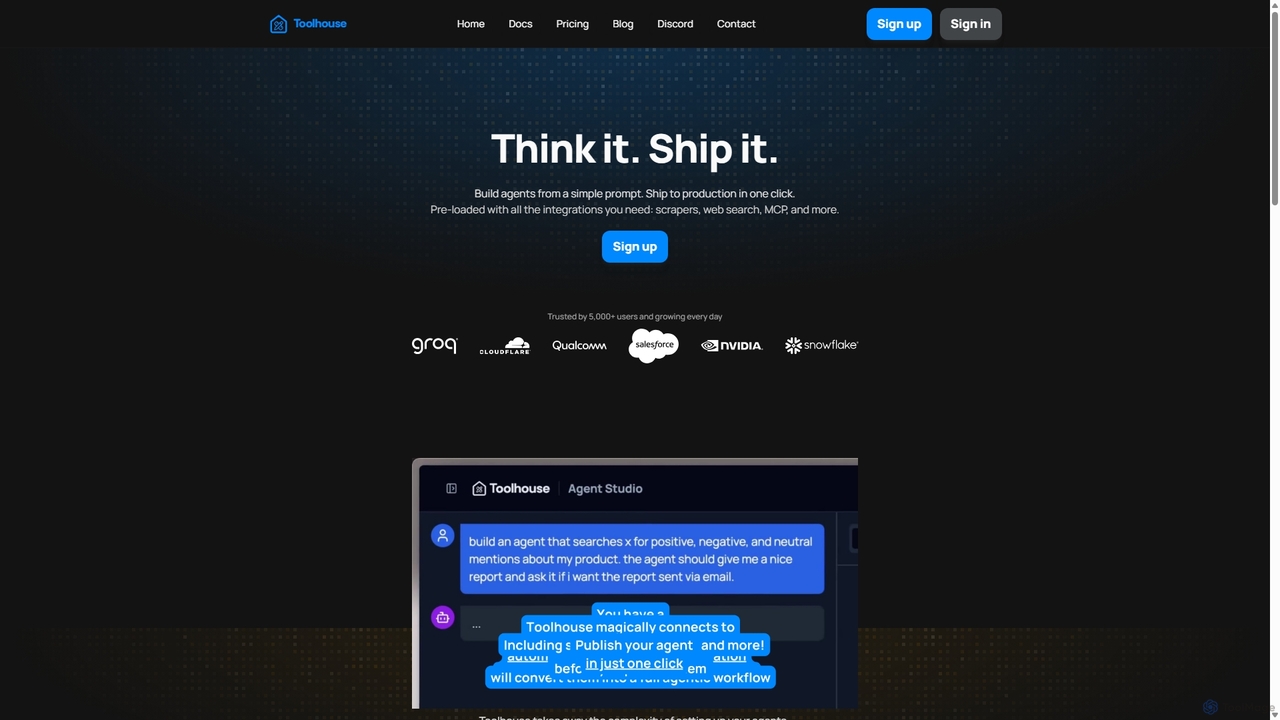
Toolhouse is a no-code/low-code platform that democratizes AI agent creation. It allows developers to build, deploy, and manage production-grade AI agents from simple prompts. With pre-built integrations for web scraping, search, RAG, and databases, Toolhouse abstracts away the complexity of infrastructure, enabling one-click deployment of agents as scalable APIs. It's designed to empower developers of all skill levels to ship AI-powered applications quickly.

Agent Development
Visits 11.4KFavorites 130Likes 146
Zahara.ai

Zahara.ai

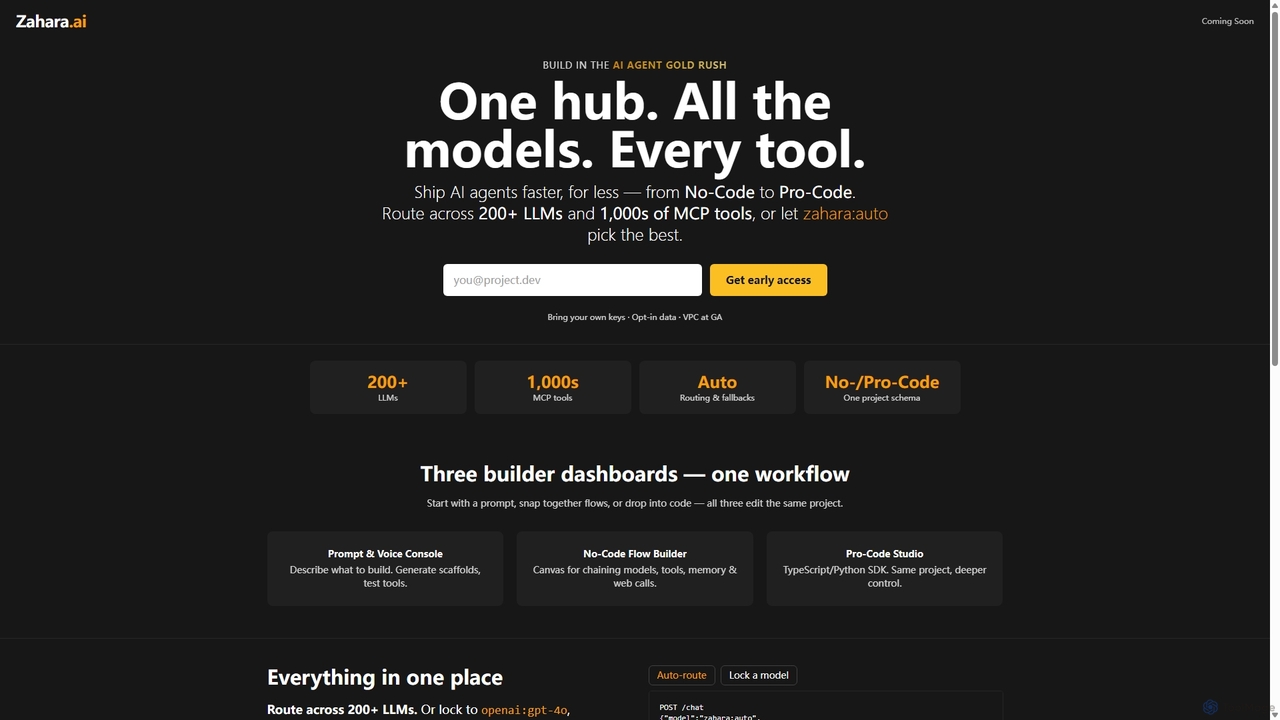
Zahara.ai is a unified development hub for building, deploying, and monetizing AI agents. It provides access to over 200 LLMs and thousands of tools, supporting a flexible workflow from No-Code to Pro-Code. Features like automatic model routing and integrated cost management streamline the entire agent creation lifecycle.

Agent Builder
Visits 7.4KFavorites 129Likes 123
ChatBotKit
Freemium

ChatBotKit

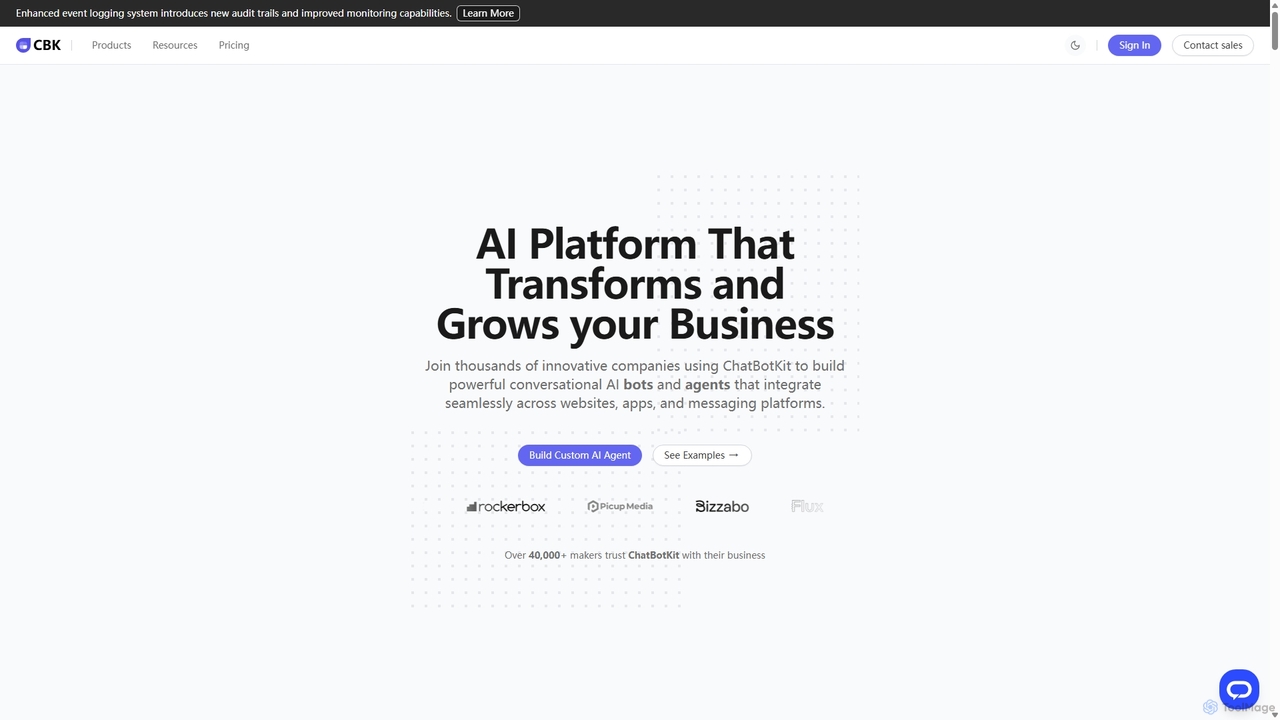
ChatBotKit is a comprehensive conversational AI platform for building, deploying, and managing custom AI bots and agents. It offers a suite of modular tools, seamless integrations with websites and messaging apps like Slack and WhatsApp, and intuitive templates for rapid development. Ideal for businesses seeking to enhance customer engagement, automate tasks, and streamline workflows with powerful, customizable AI solutions.

Chatbots
Visits 65.4KFavorites 142Likes 149
Enzyme
Freemium

Enzyme

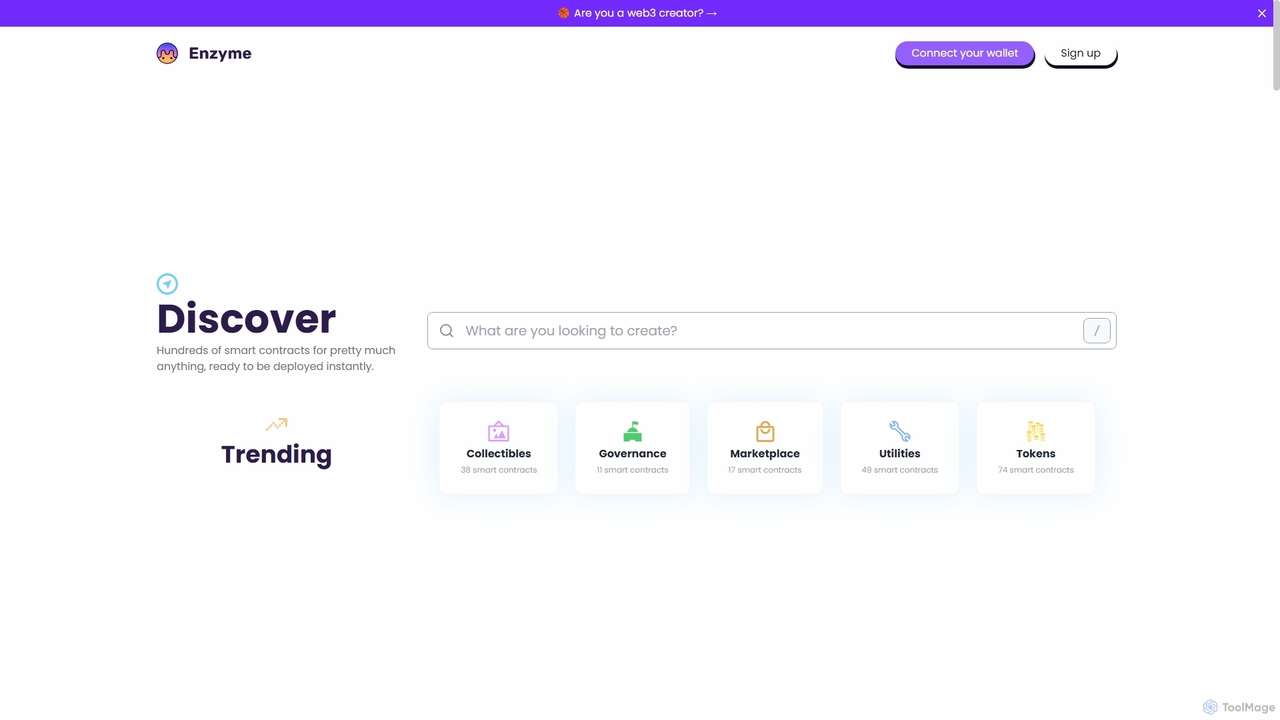
Enzyme is a no-code platform that empowers creators, developers, and brands to design, launch, and manage Web3 projects. It provides a vast library of pre-built, secure smart contracts for NFTs, DAOs, DeFi, and more, enabling instant deployment on multiple blockchains without writing a single line of code.

Blockchain
Visits 6.4KFavorites 147Likes 129
Xunfei Spark Agent Development Platform
Freemium

Xunfei Spark Agent Development Platform

A comprehensive, one-stop platform by iFlytek for building, debugging, and deploying AI agents. Powered by the Spark Large Language Model, it enables developers to create intelligent applications through a low-code interface, an extensive plugin marketplace, and robust management tools, covering the entire agent lifecycle.

Agent Builder
Visits 100.3KFavorites 112Likes 130
OnDemand AI Agents

OnDemand AI Agents

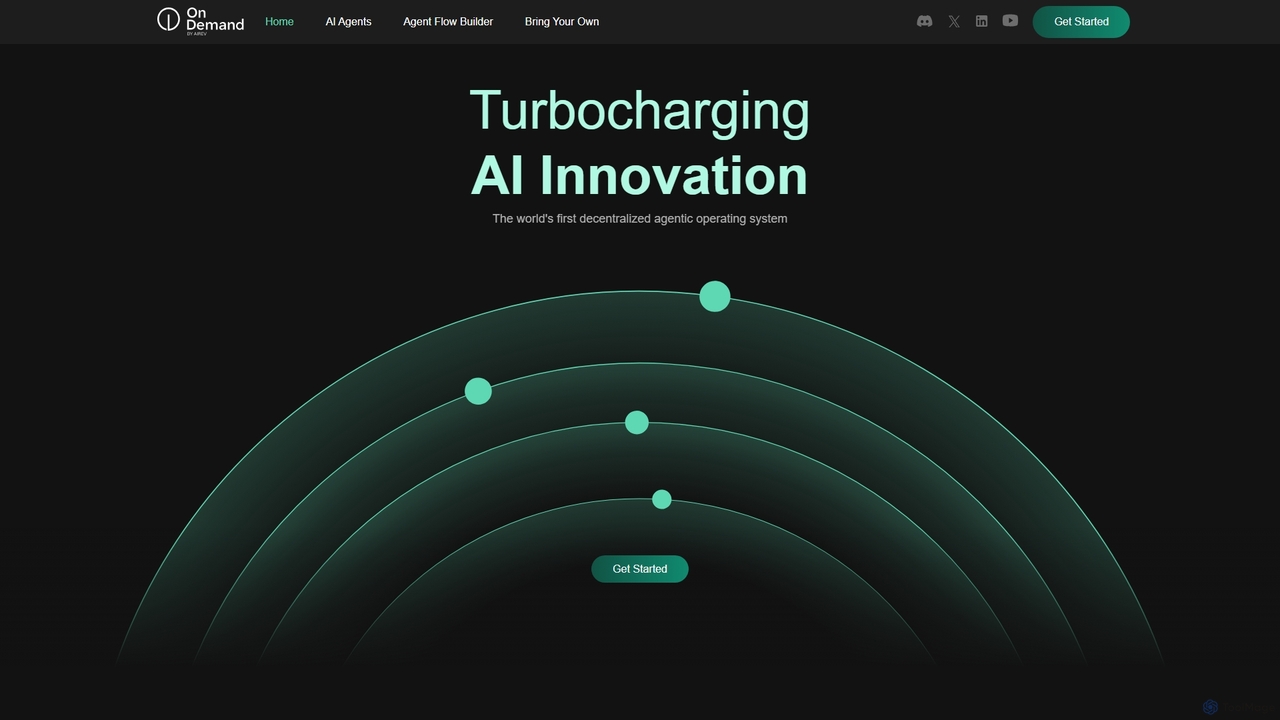
OnDemand AI Agents is a decentralized, RAG-powered Platform-as-a-Service (PaaS) designed to revolutionize business operations. It provides a comprehensive suite of tools for building, automating, and scaling AI-powered applications. Users can leverage pre-built agents, create custom ones, visually orchestrate complex workflows, and integrate their own models (BYOM/BYOI) in a flexible, secure, and scalable environment without needing an extensive development team.

Workflow Automation
Visits 29.5KFavorites 157Likes 140
Lobe
Free

Lobe

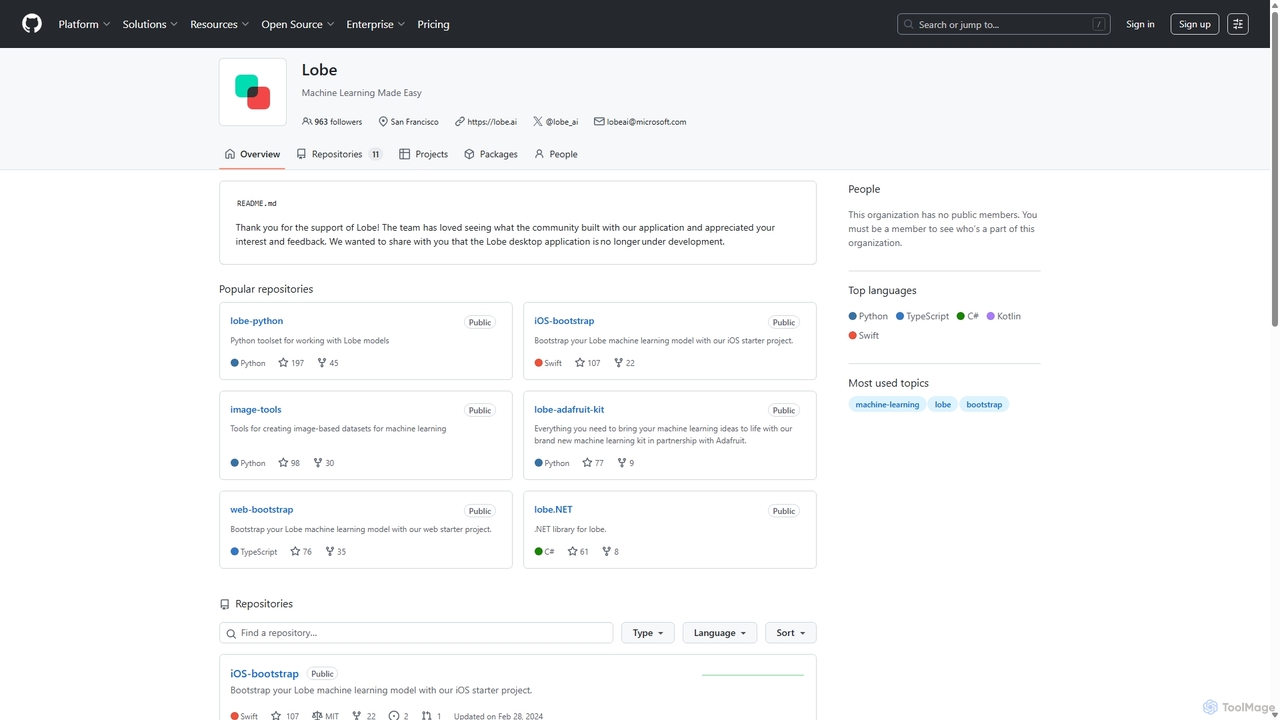
Lobe is a free, user-friendly desktop application for Mac and PC that simplifies the process of training custom machine learning models. It enables users to build, manage, and export image classification models without writing a single line of code, making AI accessible to everyone.

Machine Learning
Visits 6.6KFavorites 146Likes 152
easysite
Freemium

easysite

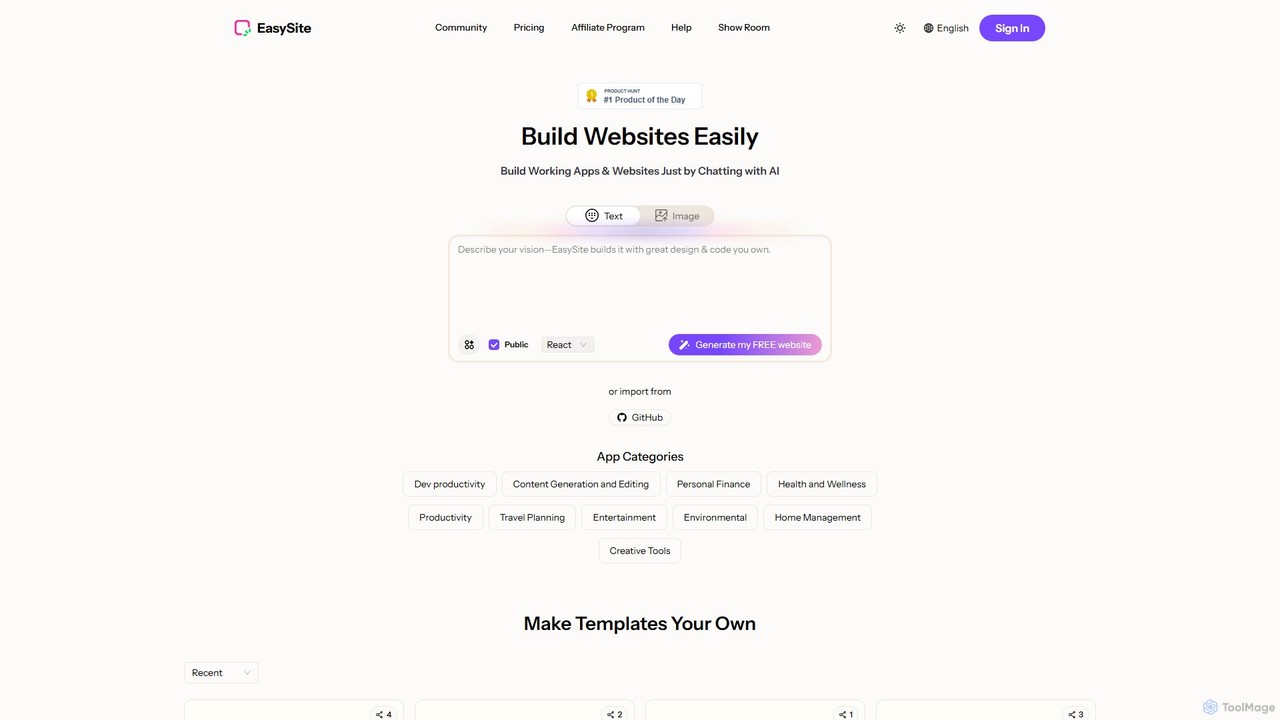
easysite is an AI-powered platform that enables users to build fully functional websites, web applications, and native mobile apps simply by chatting. It features an integrated database (Mini CRM), one-click mobile app conversion, and robust tools for creating SEO-friendly, high-converting digital experiences without writing any code.

Landing Page Builder
Visits 13.9KFavorites 157Likes 140
goaigenie
Freemium

goaigenie

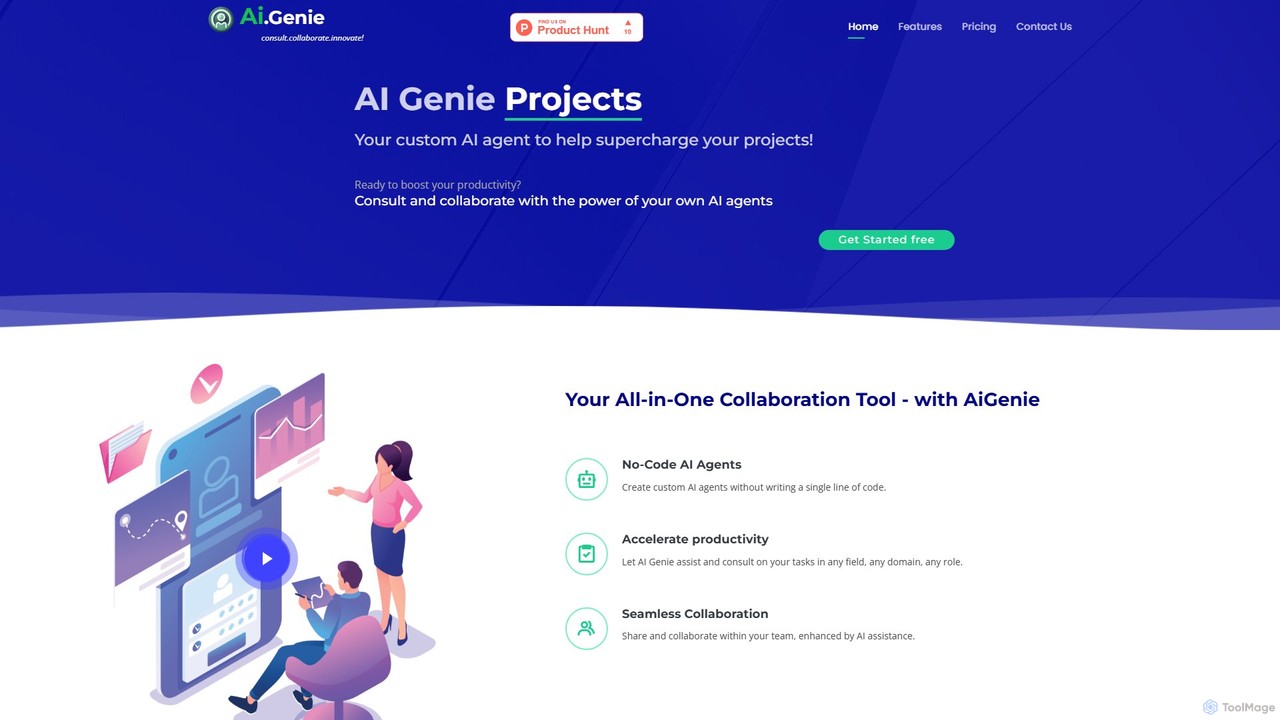
goaigenie is an all-in-one, no-code AI collaboration platform designed to boost productivity. It allows users to create custom AI agents for any task, manage projects, and collaborate seamlessly with teams. Build knowledge bases from files and websites to power your AI, all within a secure, privacy-focused environment.

Agent Builder
Visits 7.3KFavorites 121Likes 111
Nexalio
Paid

Nexalio

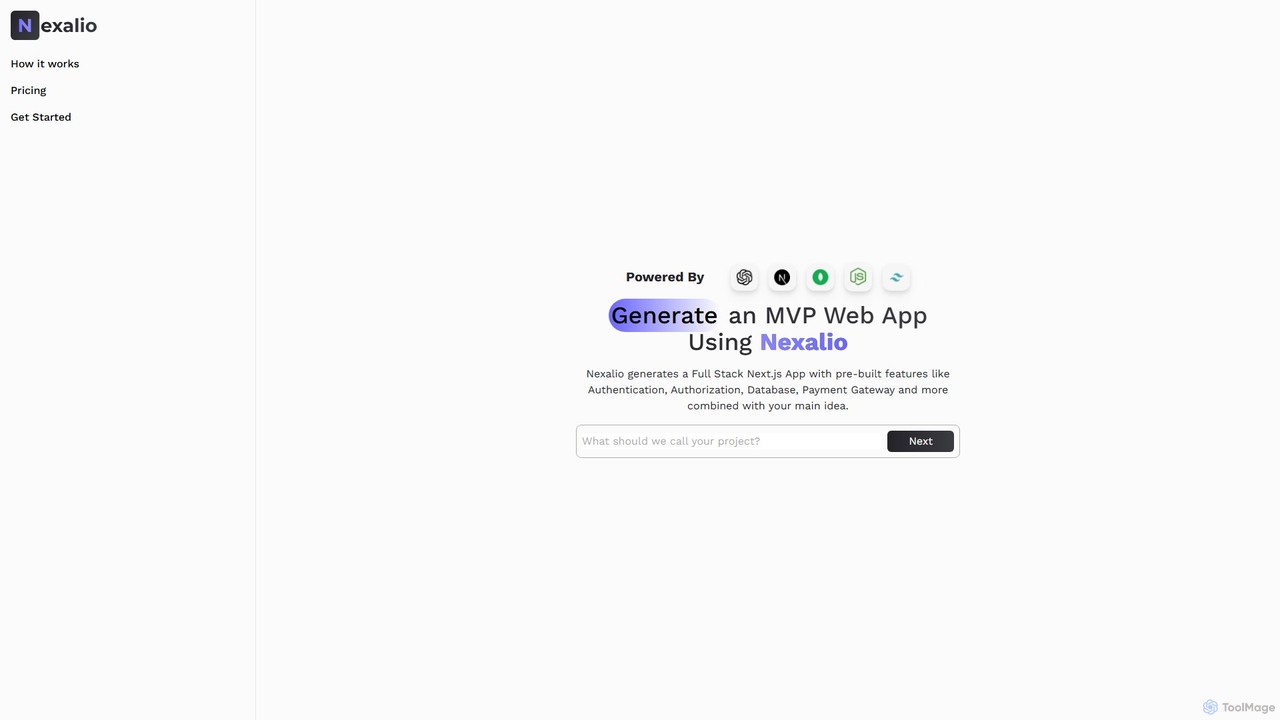
Nexalio is an AI-powered platform that accelerates web development by generating full-stack Next.js applications. Simply describe your project, and Nexalio delivers a complete MVP with pre-built features like authentication, database integration, payment gateways, and more, saving you weeks of development time.

Code Generation
Visits 6.4KFavorites 138Likes 116
Chipp
Freemium

Chipp

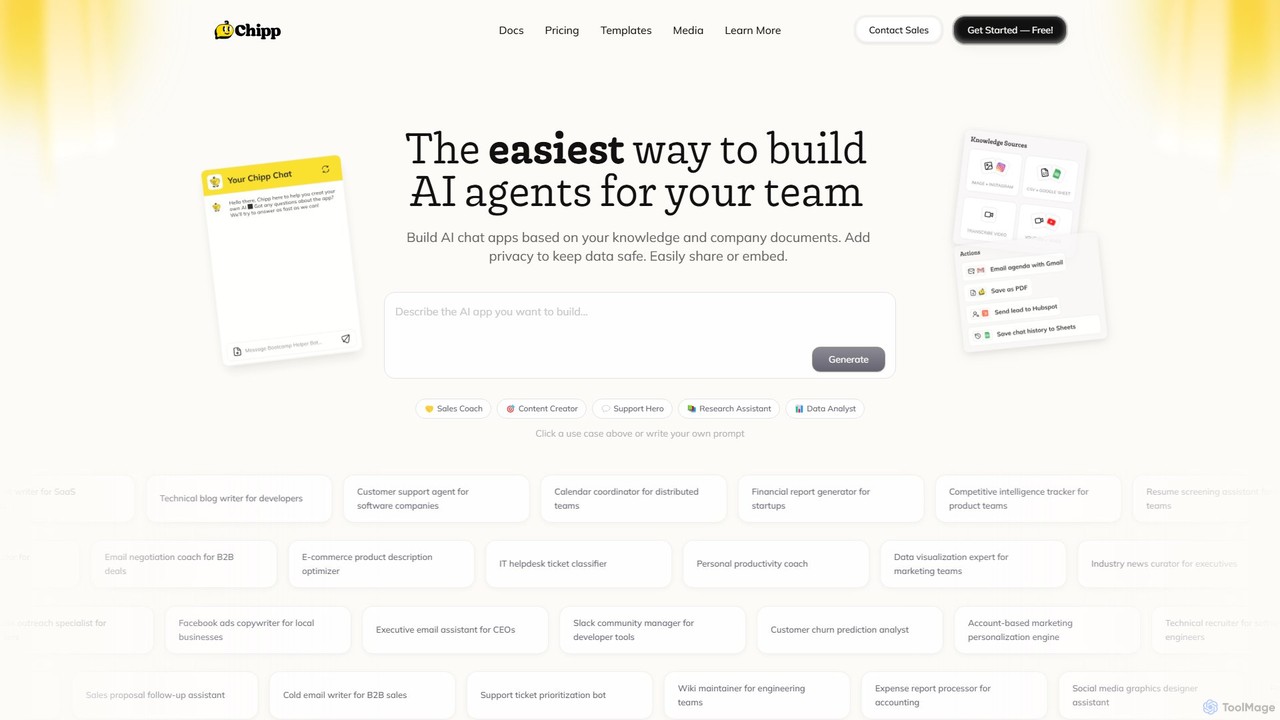
Chipp is a no-code platform that empowers teams and individuals to build, share, and monetize custom AI agents. Based on your own knowledge bases and company documents, you can create specialized chatbots for sales, customer support, data analysis, and more, with a strong focus on privacy and ease of use.

Help Desk
Visits 32KFavorites 140Likes 149
GenFuse AI
Freemium

GenFuse AI

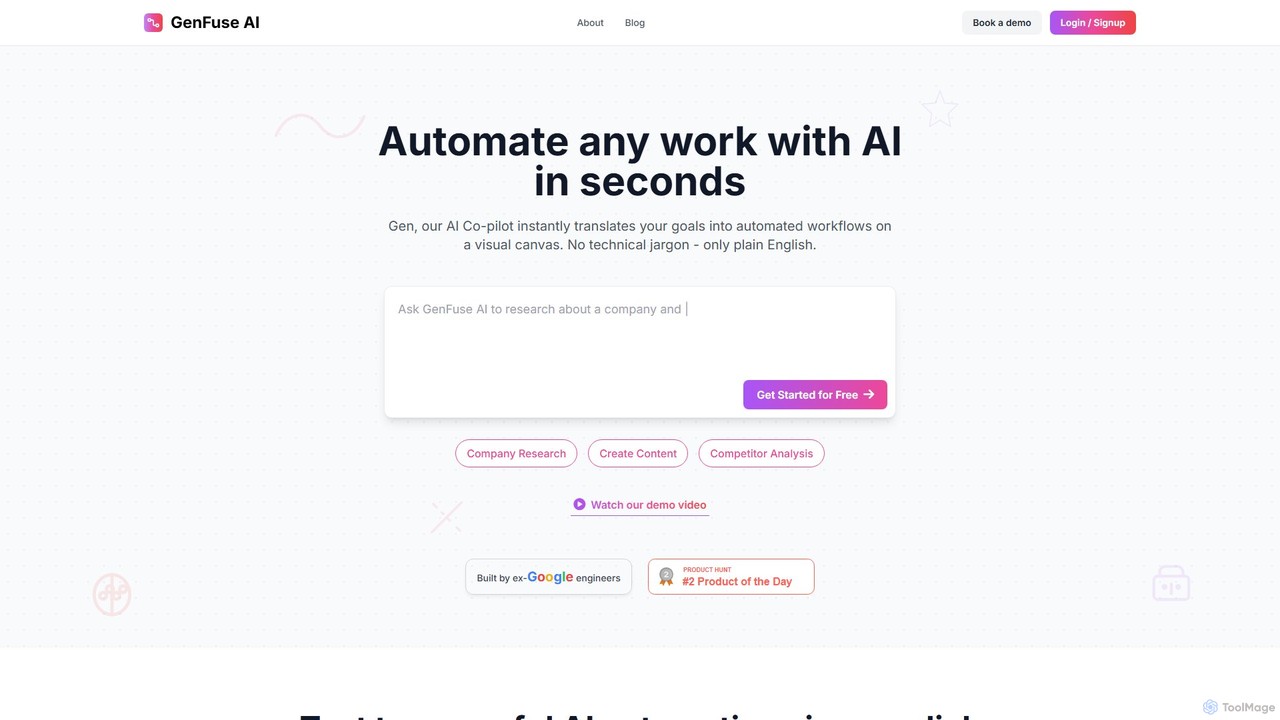
GenFuse AI is an AI-native platform that transforms your goals into automated workflows using plain English. Built by ex-Google engineers, it allows you to connect your apps, automate repetitive tasks, and build complex agentic automations without any coding or technical jargon. Simply describe what you want, and the AI builds it.

Marketing Automation
Visits 14.4KFavorites 152Likes 171
PlexeAI
Paid

PlexeAI

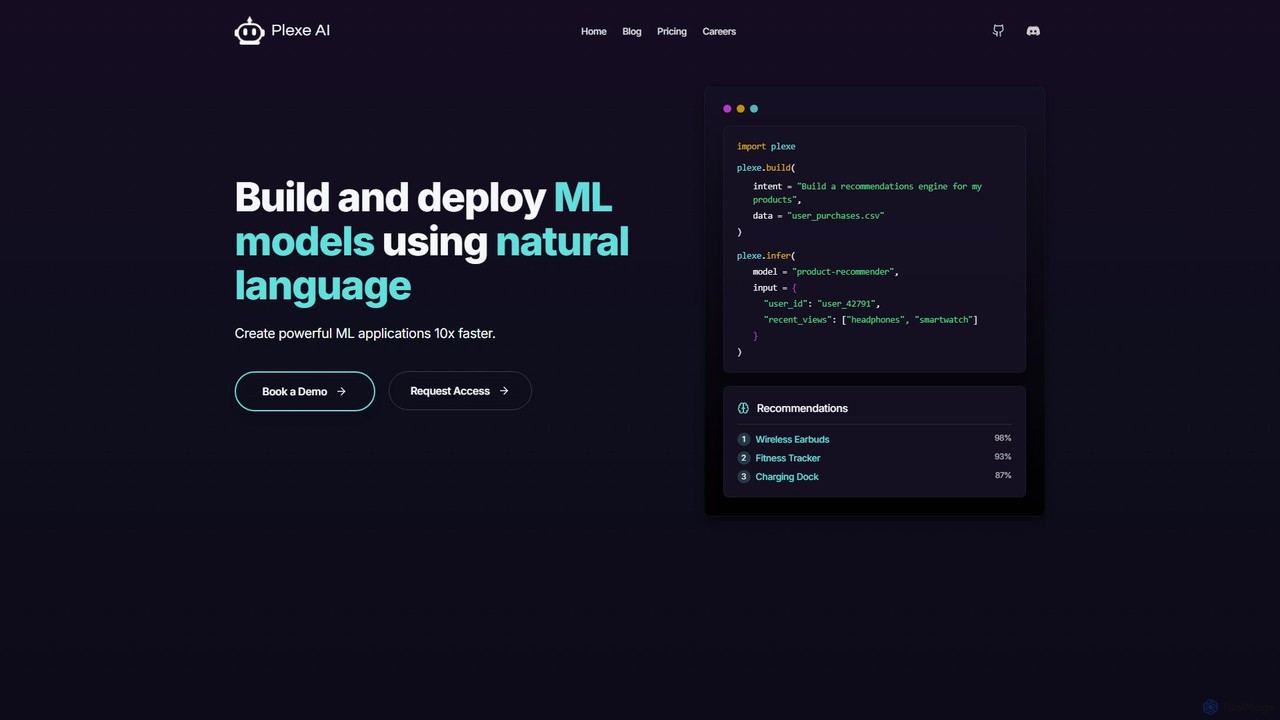
PlexeAI is a no-code/low-code platform that empowers users to build, train, and deploy custom machine learning models using simple natural language commands. It automates data preprocessing and offers one-click API deployment, making it up to 10x faster to integrate powerful AI capabilities like recommendation engines or predictive analytics into applications without extensive coding knowledge.

Automl
Visits 8KFavorites 123Likes 131
aixblock
Freemium

aixblock

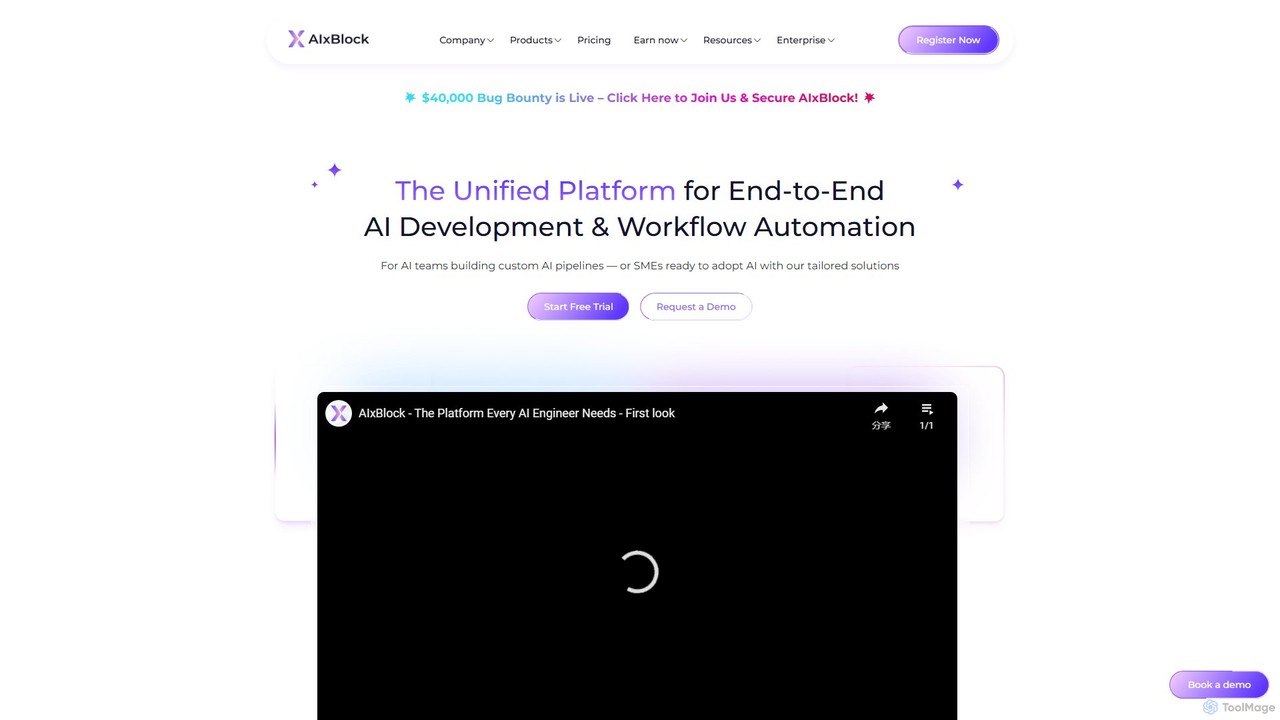
AIxBlock is a unified, decentralized platform for end-to-end AI development and workflow automation. It empowers AI teams and SMEs to build, train, deploy, and monetize custom AI models and automate complex workflows using a low-code builder, all while leveraging cost-effective decentralized resources like compute and data labeling.

Machine Learning
Visits 11.4KFavorites 136Likes 126

About No Code & Low Code

No Code & Low Code platforms are innovative development tools that enable users to create applications and automate workflows with minimal or no traditional programming. These platforms leverage visual interfaces, drag-and-drop functionalities, and pre-built components, significantly accelerating the development process. They empower business users and developers alike to build custom software solutions, fostering rapid innovation and digital transformation across organizations. This approach democratizes technology, allowing a broader range of individuals to contribute to software creation.

Core Features

  • Visual Development Interfaces: Intuitive drag-and-drop editors for designing user interfaces and application logic.
  • Pre-built Templates & Components: Ready-to-use modules and templates for common functionalities and industry-specific solutions.
  • Workflow Automation: Tools to design and automate complex business processes and data flows without writing code.
  • Data Integration Capabilities: Seamless connections with existing databases, APIs, and third-party applications.
  • Customization & Extensibility: Options to add custom code (Low Code) or configure advanced logic for unique requirements.

Use Cases

No Code & Low Code tools are widely adopted for various applications, from creating internal operational tools to customer-facing applications. Businesses use them to quickly prototype ideas, build departmental applications, and automate repetitive tasks. They are particularly valuable in scenarios requiring rapid iteration and deployment, such as developing minimum viable products (MVPs) or specialized departmental solutions.

How to Choose

When selecting a No Code or Low Code platform, consider the complexity and scalability of your project, as well as the platform's integration ecosystem. Evaluate the learning curve for your team, the availability of support resources, and the platform's security and compliance features. Assess whether the platform offers sufficient customization options and extensibility to meet both current and future needs, balancing ease of use with powerful capabilities.

Featured tool rankings

No Code & Low Code use cases

1

Rapidly Develop Custom Business Applications

Small to medium-sized businesses can leverage No Code & Low Code platforms to quickly build tailored internal tools like CRM extensions, project management dashboards, or inventory trackers. This enables them to address specific operational gaps without hiring expensive developers or waiting for lengthy development cycles. For instance, a sales team can create a custom lead tracking system that integrates with their existing email platform, improving data accuracy and sales efficiency within weeks.

2

Automate Complex Marketing & Sales Workflows

Marketing and sales professionals can utilize these platforms to automate intricate campaigns, from lead nurturing sequences to personalized customer outreach. By visually designing workflows, they can connect various tools like CRM, email marketing, and social media platforms. For example, a marketing manager can set up an automated system that sends targeted emails based on website visitor behavior, schedules social media posts, and updates CRM records, significantly reducing manual effort and improving campaign responsiveness.

3

Create Interactive Customer Portals & Self-Service Tools

Companies can empower their customers with self-service options by building interactive portals using No Code & Low Code tools. This allows customers to manage their accounts, track orders, access FAQs, or submit support requests independently. A SaaS company, for instance, can develop a customer portal where users can update their subscription details, view usage analytics, and access knowledge base articles, enhancing customer satisfaction and reducing support ticket volume.

4

Streamline HR & Operations Onboarding Processes

HR and operations departments can significantly improve efficiency by automating onboarding and administrative processes. No Code & Low Code platforms enable the creation of digital forms, automated approval workflows, and task assignments for new hires or internal requests. An HR manager can design an onboarding flow that automatically sends welcome emails, assigns training modules, collects necessary documents, and notifies relevant departments, ensuring a smooth and compliant new employee experience.

5

Build Data Collection & Reporting Applications for Field Teams

Organizations with field-based operations, such as construction, logistics, or healthcare, can develop custom mobile applications for data collection and reporting. Field teams can use these apps on tablets or smartphones to capture real-time data, submit inspection reports, or manage inventory on-site. For example, a construction supervisor can use a Low Code app to log daily progress, take photos of site conditions, and instantly share updates with the office, improving project oversight and decision-making.

6

Rapid Prototyping and MVP Development

Entrepreneurs and product managers can quickly validate new business ideas by building Minimum Viable Products (MVPs) with No Code & Low Code platforms. This allows them to test core functionalities and gather user feedback without significant upfront investment in traditional development. A startup founder, for instance, can launch a functional web application for a niche service within weeks, enabling early market testing and iterative improvements based on real user engagement, accelerating time-to-market.

No Code & Low Code FAQ

What are No Code & Low Code platforms?

No Code & Low Code platforms are development environments that allow users to create software applications and automate processes with minimal or no manual coding. No Code tools provide visual drag-and-drop interfaces for non-technical users, while Low Code platforms offer similar visual tools but also allow developers to add custom code for more complex functionalities. They democratize application development, enabling faster innovation and reducing reliance on traditional programming expertise across various industries and business functions.

What is the difference between No Code and Low Code?

The primary difference lies in the target user and the level of customization. No Code platforms are designed for business users and citizen developers, offering purely visual interfaces and pre-built components to create applications without writing any code. They are ideal for simpler, standardized applications. Low Code platforms, conversely, cater to professional developers and power users, providing visual development tools alongside the option to write custom code. This allows for greater flexibility, integration with existing systems, and the development of more complex, enterprise-grade applications, bridging the gap between business needs and technical capabilities.

What are the main benefits of using No Code & Low Code tools?

The main benefits of using No Code & Low Code tools include significantly accelerated development cycles, allowing businesses to bring solutions to market much faster. They reduce development costs by requiring fewer specialized developers and less time. These platforms also foster greater innovation by empowering a wider range of employees to create solutions, leading to increased agility and responsiveness to market changes. Furthermore, they improve collaboration between IT and business teams, ensuring that developed applications closely align with business needs and objectives.

Who can benefit most from No Code & Low Code development?

A wide range of individuals and organizations can benefit from No Code & Low Code development. Business users and citizen developers can create departmental applications or automate personal workflows without IT intervention. Small and medium-sized enterprises (SMEs) can build custom solutions without large development teams. Large enterprises can accelerate digital transformation, prototype new ideas, and offload simpler application development from their core IT teams. Essentially, anyone looking to build applications faster, more cost-effectively, and with less reliance on deep coding expertise stands to gain.

How do I choose the right No Code or Low Code platform for my project?

To choose the right platform, first assess your project's complexity and scalability requirements. For simple, standalone applications, a No Code platform might suffice. For more complex needs, integration with existing systems, or future extensibility, a Low Code platform is often better. Consider the platform's ecosystem, including available integrations, templates, and community support. Evaluate the learning curve for your team, pricing models, and the vendor's reputation for security and compliance. Finally, test a few options with a small pilot project to see which best fits your team's skills and project goals.