No Code & Low Code Best in category 3 results Application Building AI Tool

Popular AI tools in the Application Building field of No Code & Low Code include Autify、OnDemand AI Agents、Devspace, etc., helping you quickly improve efficiency.

Devspace

Devspace

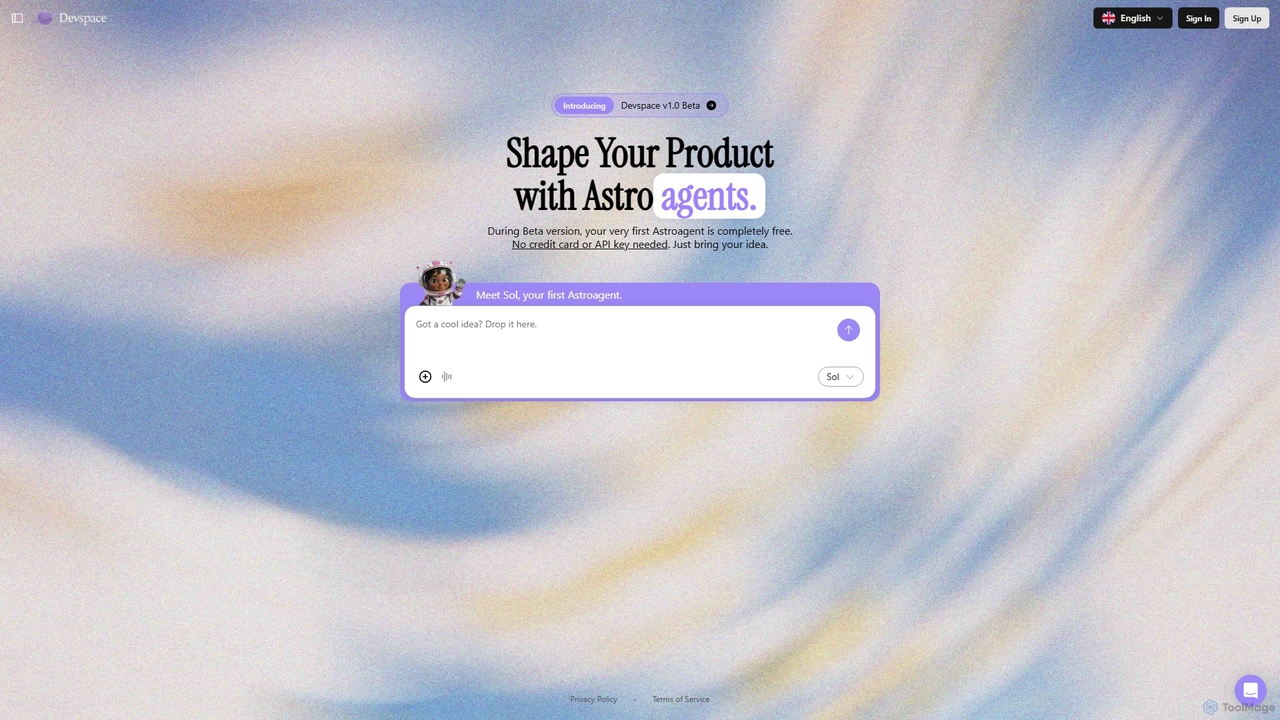
Devspace is an AI-powered development platform that allows users to build and shape products using conversational agents called …

24
OnDemand AI Agents

OnDemand AI Agents

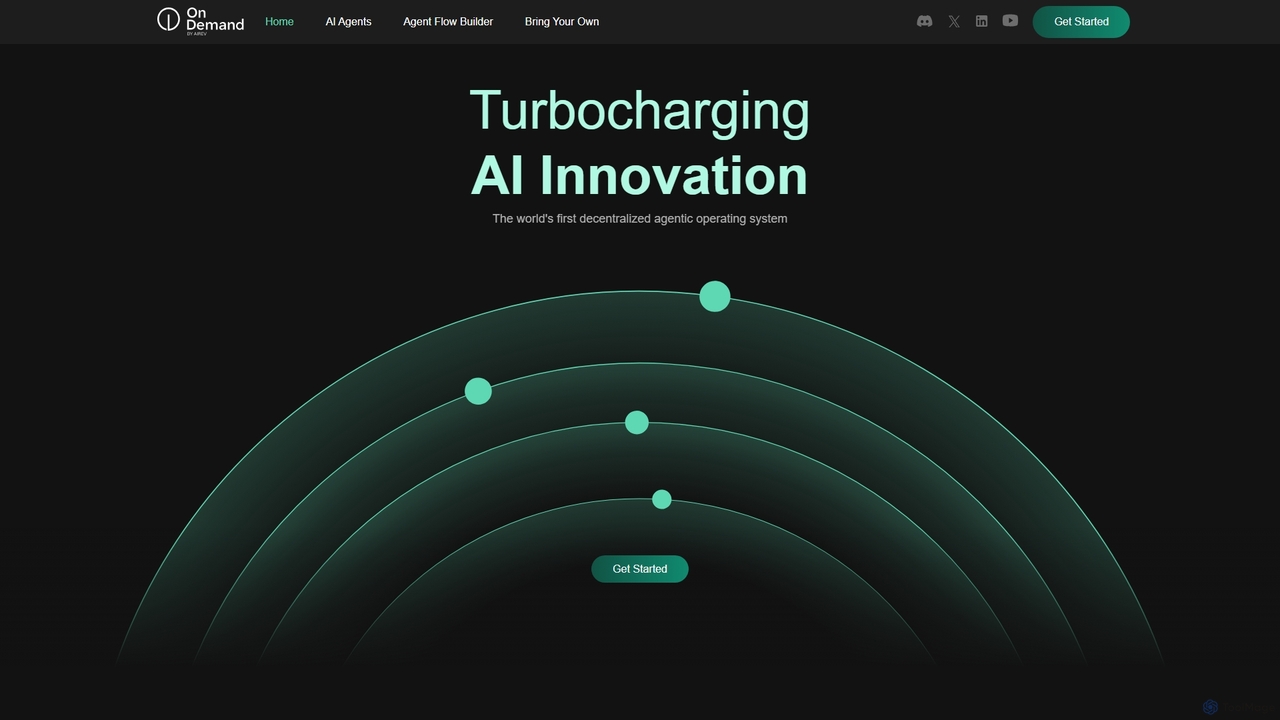
OnDemand AI Agents is a decentralized, RAG-powered Platform-as-a-Service (PaaS) designed to revolutionize business operations. It provides a comprehensive …

23.0K
Autify

Autify

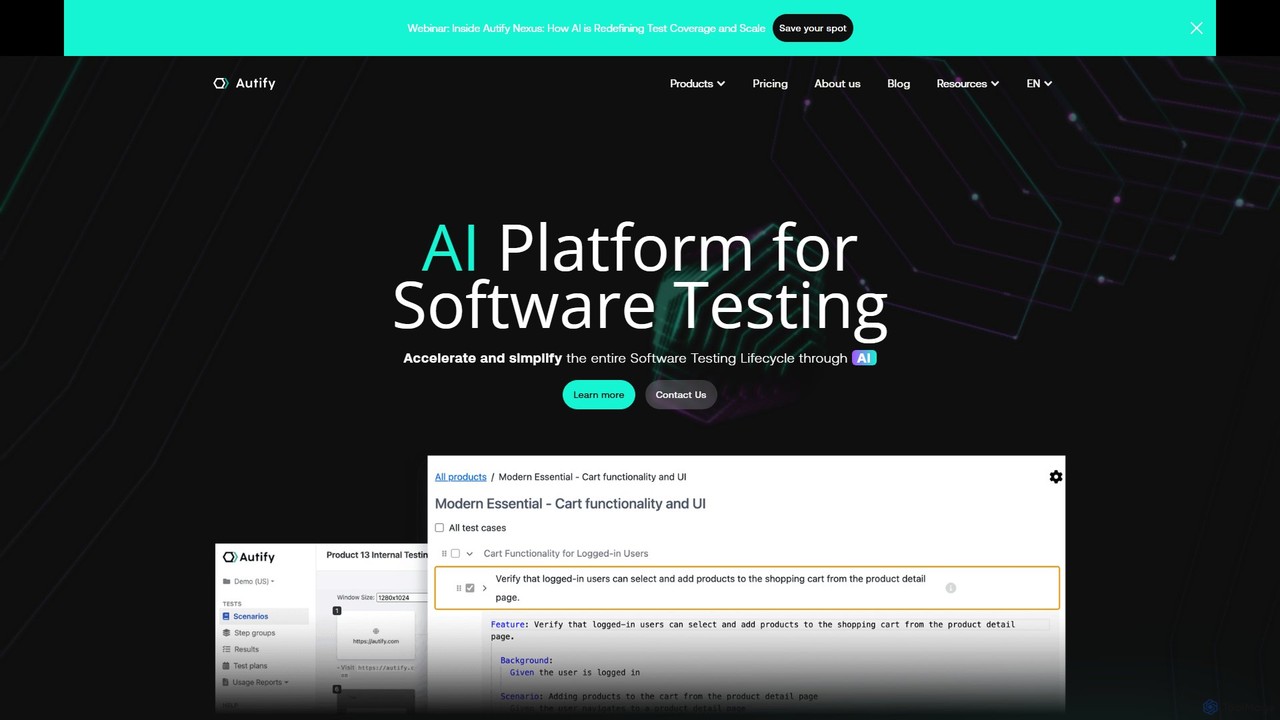
Autify is an AI-powered software test automation platform that helps development and QA teams accelerate their testing process. …

79.8K

About Application Building

Application Building tools are a specialized category of no-code and low-code platforms for designing, developing, and deploying functional software applications. These tools utilize visual interfaces with drag-and-drop components, allowing users to construct user interfaces, manage data, and define complex business logic without writing traditional code. Their primary value lies in empowering non-technical users to create custom solutions and significantly accelerating the development cycle for professional developers. This approach enables the rapid creation of everything from internal tools and customer portals to full-fledged mobile and web apps.

Core Features

  • Visual UI Builder: Design interactive user interfaces for web and mobile apps using a drag-and-drop editor and pre-built components.
  • Data Modeling & Management: Define data structures, connect to external databases, or use a built-in database to store and manage application data.
  • Workflow & Logic Automation: Create complex business logic, user authentication flows, and automated processes using visual workflow editors.
  • API & Third-Party Integration: Connect the application to external services, data sources, and other software via APIs to extend functionality.
  • One-Click Deployment: Publish and host the application on the web or package it for mobile app stores with simplified deployment processes.

Use Cases

These tools are widely used by business analysts, product managers, startup founders, and IT departments. Common applications include building custom internal tools like CRMs or project management systems, developing customer-facing portals for self-service, and rapidly prototyping Minimum Viable Products (MVPs) to test business ideas with minimal investment.

How to Choose

When selecting an Application Building tool, consider the target platform (web, native mobile, or both). Evaluate its scalability and performance capabilities to ensure it can handle your expected user load. Assess the depth of its data management features and integration support for your existing systems. Finally, consider the balance between ease of use and the platform's flexibility for custom logic and design.

Application BuildingUse Cases

1

Build a Custom Internal CRM

A sales manager, without any coding background, uses an application building platform to create a custom Customer Relationship Management (CRM) system. They use the drag-and-drop interface to design forms for lead capture, create a database to store contact information and deal stages, and set up automated email notifications for follow-ups. This custom CRM perfectly matches their team's unique sales process, improving data accuracy and saving hours each week compared to using generic spreadsheets.

2

Launch a Minimum Viable Product (MVP)

A startup founder wants to test a new business idea for a service marketplace. Instead of spending months and a large budget on traditional development, they use an application builder to create an MVP in just a few weeks. The app includes user registration, service listings, a booking system, and a simple payment integration. This allows them to launch quickly, gather real user feedback, and validate market demand before committing to further investment.

3

Develop a Customer Self-Service Portal

A mid-sized e-commerce company builds a secure portal for its customers. Using an application builder, their operations team creates a portal where customers can log in to track their orders, view purchase history, manage their subscription, and submit support tickets. This portal integrates directly with their existing order management system via API, providing real-time data. The result is a significant reduction in customer service calls and an improved overall customer experience.

4

Create a Mobile App for Field Technicians

An operations department for a utility company needs a mobile app for its field technicians. Using a low-code application platform, they build an app that works on both iOS and Android devices. The app allows technicians to receive daily job schedules, access customer information, navigate to job sites, update job statuses in real-time, and capture customer signatures upon completion. This replaces a cumbersome paper-based process, leading to faster invoicing and improved operational efficiency.

5

Automate an Internal Approval Workflow

An HR department builds a web application to manage employee vacation requests. Employees submit their requests through a simple form. The application then automatically routes the request to the employee's manager for approval. If approved, it is sent to HR for final confirmation and the employee's calendar is updated. This automated workflow eliminates manual email chains, reduces approval times from days to hours, and provides a clear audit trail for all requests.

6

Build a Community Event Management Platform

A non-profit organization creates a web application for its members to manage community events. Using a no-code builder, they design a platform where members can view a calendar of upcoming events, register their attendance, and pay for tickets online. Event organizers can use the same platform to create new event pages, manage attendee lists, and send out reminders. This centralized application improves engagement and simplifies event administration for the volunteer team.

Application BuildingFrequently Asked Questions