Velos
Velos is an AI-powered automation platform that acts as an "AI workforce" for your back office. It specializes …
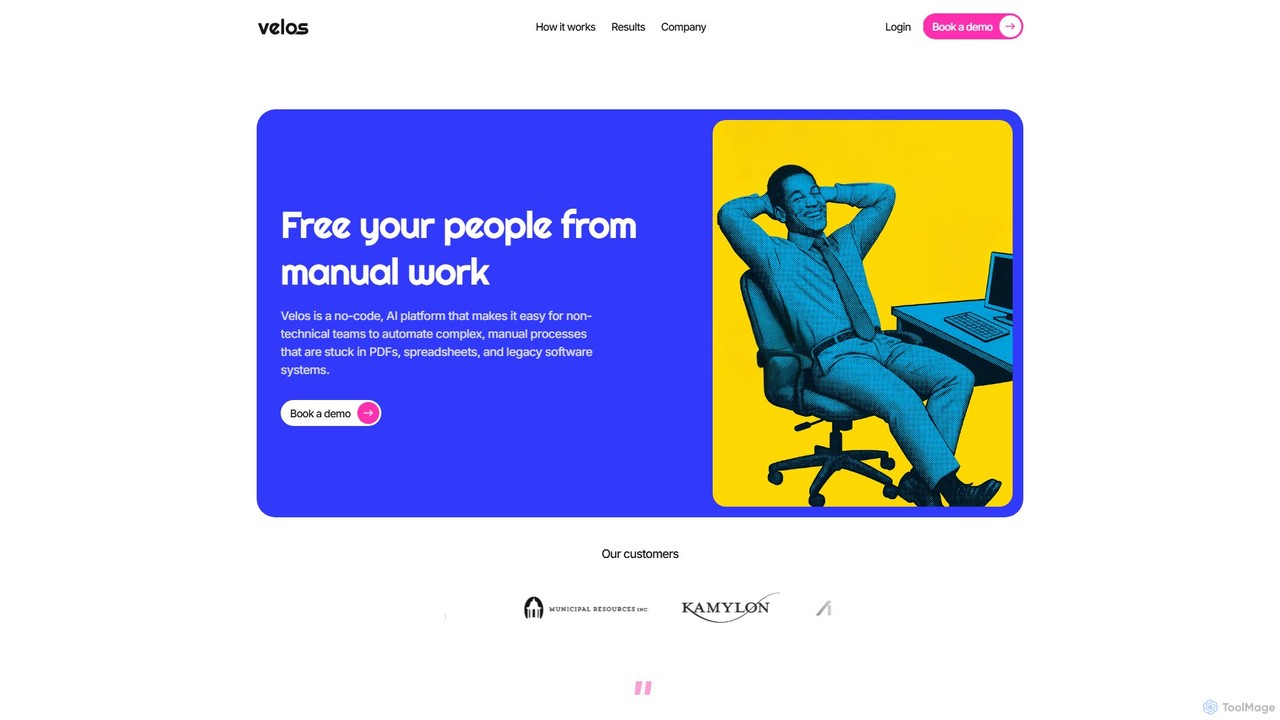
Velos is an AI-powered automation platform that acts as an "AI workforce" for your back office. It specializes in handling complex, manual tasks like data extraction from PDFs and emails, data entry, and decision-making. By combining customizable rules with human-in-the-loop feedback, Velos automates end-to-end workflows, reducing reliance on traditional RPA and offshore teams. It's built for industries like finance, insurance, and government, offering a secure and scalable solution to modernize mission-critical processes.
About Automation Platform
Automation Platforms are tools designed to connect different applications and services, enabling the automation of repetitive tasks and data flows without writing code. They operate on a trigger-and-action principle, where an event in one app initiates a predefined sequence of actions in others. This allows users to build complex, multi-app workflows, significantly boosting productivity and reducing manual data entry. As a specialized category within No-Code & Low-Code, their primary focus is on integration and process automation between existing software.
Core Features
- Visual Workflow Builder: A drag-and-drop interface to design, visualize, and manage automation sequences (workflows).
- Extensive App Connectors: A large library of pre-built integrations for thousands of popular SaaS applications, CRMs, and databases.
- Conditional Logic: The ability to create smart workflows with filters and routers that execute actions only when specific conditions are met.
- Data Mapping and Formatting: Tools to transform and format data as it moves between applications, ensuring compatibility.
- Execution History and Logs: Detailed monitoring of every workflow run, providing logs for easy troubleshooting and performance analysis.
Use Cases
These platforms are widely used by marketing operations teams to automate lead nurturing, sales teams to streamline CRM updates, and HR departments to manage employee onboarding. For instance, a common use case is connecting a web form to a CRM and an email marketing tool, so new leads are automatically added, tagged, and sent a welcome sequence.
How to Choose
When selecting an Automation Platform, evaluate the library of available app connectors to ensure your critical tools are supported. Consider the complexity of workflows you need to build, including multi-step logic and conditional paths. Also, analyze the pricing model (e.g., based on tasks, operations, or active workflows) and the platform's reliability and error-handling capabilities.

Automation PlatformUse Cases
Automate Marketing Lead Nurturing
A marketing manager can use an Automation Platform to connect their website's lead capture form (e.g., Typeform) with their CRM (e.g., HubSpot) and email marketing software (e.g., Mailchimp). When a visitor submits the form, a workflow is triggered. This workflow automatically creates a new contact in the CRM, tags them based on their form responses, and enrolls them in a personalized welcome email sequence. This eliminates manual data entry, ensures immediate follow-up, and improves lead conversion rates without constant monitoring.
Streamline E-commerce Order Fulfillment
An e-commerce store owner using Shopify can automate their order fulfillment process. When a new order is placed, a workflow can instantly send the order details to a fulfillment service like ShipStation, add the customer's information to a Google Sheet for accounting, and send a personalized thank-you SMS via a service like Twilio. This ensures orders are processed faster, reduces the risk of human error in data transfer, and enhances the customer experience with timely communication.
Automate Social Media Content Syndication
A content creator or social media manager can set up a workflow to automatically distribute new content. When a new article is published on their blog's RSS feed, the automation platform detects it. It then automatically generates posts for various social media channels like Twitter, LinkedIn, and Facebook, using the article's title, a short summary, and the featured image. This saves hours of manual posting each week and ensures a consistent presence across all platforms immediately after content goes live.
Manage Customer Support Ticket Escalation
A customer support team using a helpdesk like Zendesk can automate ticket escalation. A workflow can monitor all new incoming tickets. If a ticket contains keywords like 'urgent' or 'outage' and is from a VIP customer, the platform can automatically create a high-priority task in a project management tool like Asana for the engineering team, and simultaneously post an alert in a dedicated Slack channel. This ensures critical issues are addressed immediately by the right people, improving response times and customer satisfaction.
Automate HR Employee Onboarding
An HR specialist can design a workflow to streamline new hire onboarding. When a candidate's status is changed to 'Hired' in an applicant tracking system (ATS) like Greenhouse, it triggers a series of actions. The platform can automatically create user accounts in Google Workspace and Slack, add the new hire to a Trello onboarding board with their first-week tasks, and schedule a series of introductory meetings in their Google Calendar. This ensures a smooth, consistent, and welcoming experience for every new employee from day one.
Sync Financial Data Across Platforms
A finance team or small business owner can automate the synchronization of financial data. For example, when a new invoice is created in an accounting software like QuickBooks, a workflow can automatically log the transaction details in a centralized Google Sheet for reporting. Simultaneously, if the invoice is paid, it can trigger an update in the company's CRM, marking the client's account as paid. This reduces manual reconciliation, ensures data consistency across systems, and provides a real-time view of the company's financial health.