ToolMage
Sign in

Best 2 Spreadsheet AI tools for Data

Popular Spreadsheet AI tools in Data include CapGo.AI and vbacodegenerator, helping you work more efficiently.

CapGo.AI
Freemium

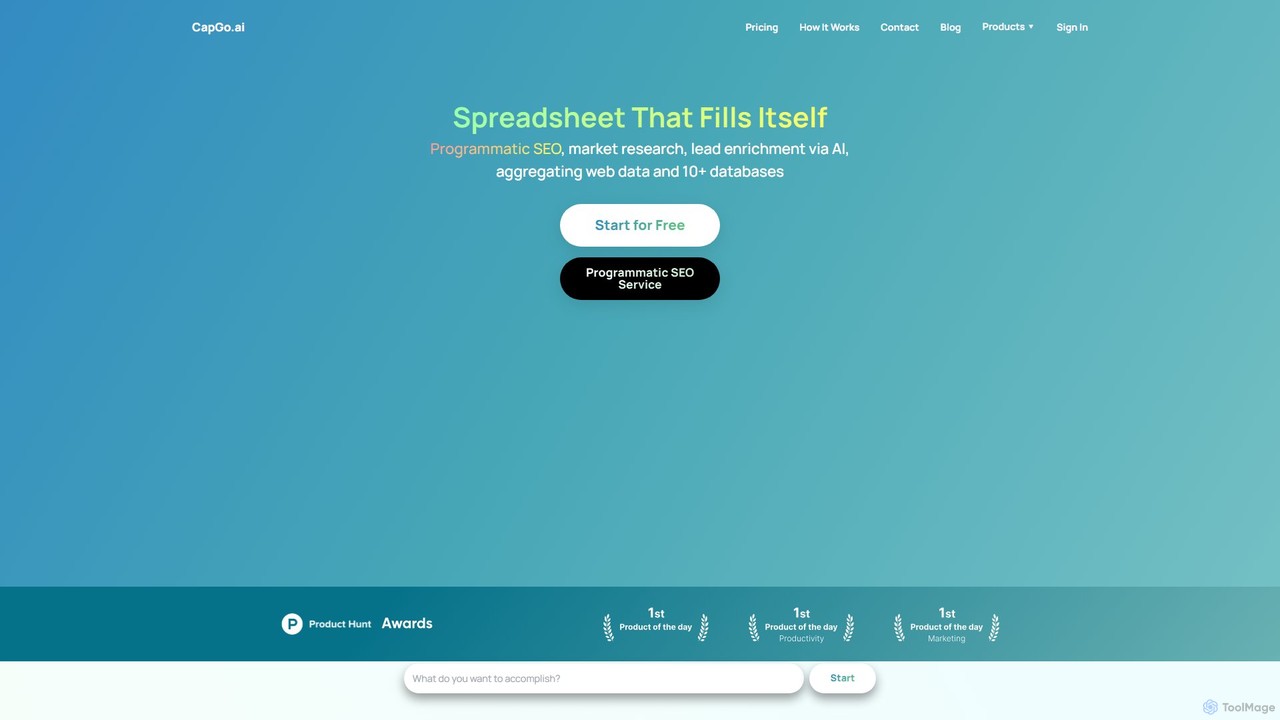
CapGo.AI

CapGo.AI is an AI-powered spreadsheet tool, primarily a Google Sheets add-on, designed to automate data research, lead generation, and programmatic SEO. It populates your sheets with data from the web, LinkedIn, and AI models, streamlining workflows for marketers, sales teams, and researchers.

Spreadsheet
Visits 16.8KFavorites 123Likes 126
vbacodegenerator
Freemium

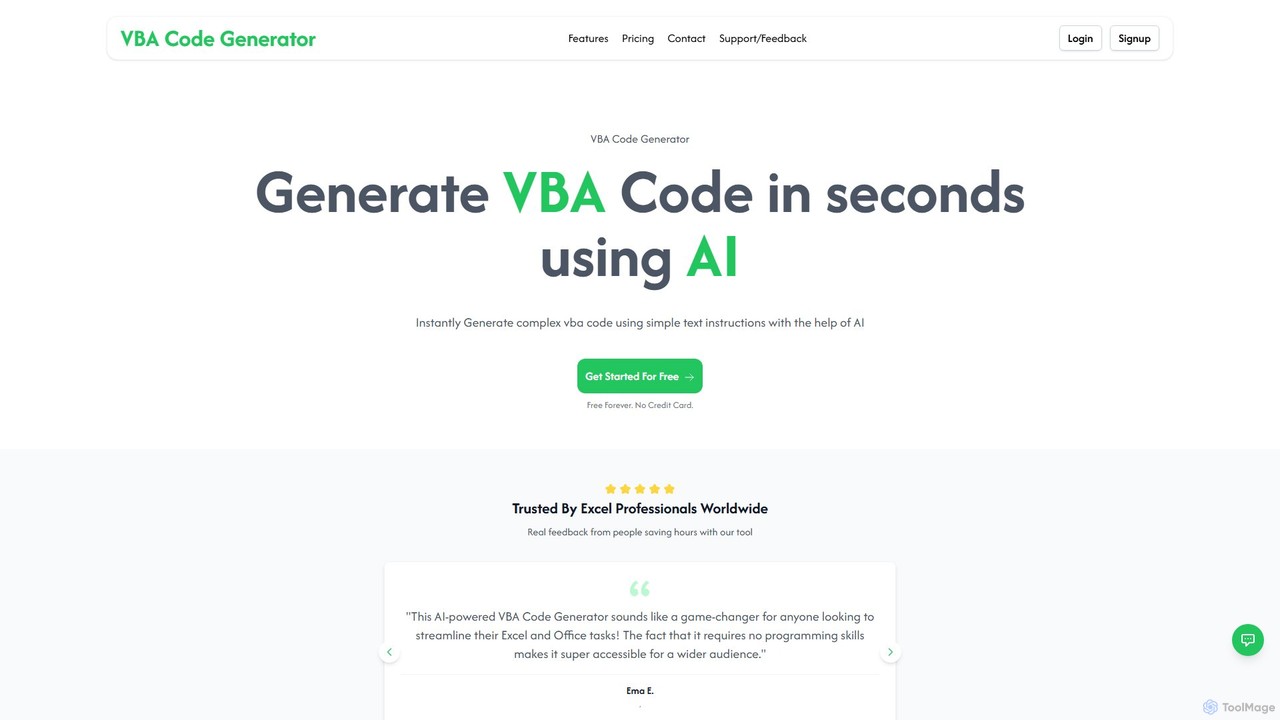
vbacodegenerator

vbacodegenerator is an AI-powered tool that instantly generates Visual Basic for Applications (VBA) code from simple text instructions. Designed for both beginners and experts, it streamlines tasks in Excel, Access, and other Office applications. Eliminate manual coding and save hours by automating complex operations, data management, and report generation with a user-friendly interface. It's a game-changer for anyone looking to boost their productivity in the Microsoft Office suite.

Spreadsheet
Visits 6.8KFavorites 155Likes 141

About Spreadsheet

AI-powered Spreadsheet tools are applications that integrate artificial intelligence to enhance and automate data management, analysis, and manipulation within tabular formats. These tools leverage machine learning algorithms to interpret data, generate insights, clean inconsistencies, and even create formulas or content based on natural language inputs. They significantly streamline complex data operations, transforming traditional spreadsheets into intelligent data workbenches for various business and analytical needs.

Core Features

  • Natural Language to Formula/Query: Convert plain English descriptions into complex spreadsheet formulas or data queries.
  • Data Cleaning & Validation: Automatically identify and correct errors, remove duplicates, and standardize data formats.
  • Predictive Modeling: Generate forecasts and identify trends within datasets using AI-driven statistical analysis.
  • Automated Data Entry & Extraction: Extract structured data from unstructured text or images and populate spreadsheet cells.
  • Insight Generation: Analyze data patterns and suggest actionable insights or visualizations without manual configuration.

Applicable Scenarios

Financial analysts can use AI spreadsheets to quickly build complex financial models and forecasts from raw transaction data. Marketing teams can automate the segmentation of customer lists and analyze campaign performance by simply asking natural language questions. Small business owners can streamline inventory management by automatically updating stock levels from sales data and predicting future demand.

How to Choose

When selecting an AI Spreadsheet tool, consider its integration capabilities with existing spreadsheet software (e.g., Excel, Google Sheets), the range of AI features offered (e.g., NLP, predictive analytics, data cleaning), the accuracy and reliability of its AI models, and its scalability for your data volume. Evaluate the user interface for ease of use, especially for non-technical users, and review the pricing structure relative to the value provided.

Spreadsheet use cases

1

Automating Financial Reporting

Financial analysts can use AI spreadsheet tools to automatically pull data from various sources, reconcile accounts, and generate monthly or quarterly financial reports. The AI can identify discrepancies, categorize transactions, and even suggest narrative summaries for key performance indicators, significantly reducing manual effort and error.

2

Streamlining Marketing Campaign Analysis

Marketing managers can upload campaign performance data into an AI-enhanced spreadsheet. The AI can then automatically identify top-performing channels, segment customer responses, and predict future engagement rates, allowing for rapid optimization of marketing spend and strategy.

3

Enhancing Sales Forecasting Accuracy

Sales teams can leverage AI spreadsheet tools to analyze historical sales data, market trends, and customer demographics. The AI generates more accurate sales forecasts, identifies potential leads, and helps in setting realistic targets, leading to better resource allocation and revenue planning.

4

Simplifying Inventory Management

Retail businesses can integrate their point-of-sale data with an AI spreadsheet to automate inventory tracking. The AI predicts optimal reorder points, identifies slow-moving items, and suggests pricing adjustments, minimizing stockouts and reducing carrying costs.

5

Accelerating Research Data Processing

Researchers can use AI spreadsheet tools to clean, categorize, and analyze large datasets from surveys or experiments. The AI can automatically identify outliers, perform statistical tests, and even generate preliminary findings, speeding up the data processing phase of research projects.

6

Personalizing Customer Relationship Management (CRM) Data

Customer service teams can use AI spreadsheets to enrich and segment CRM data. The AI can analyze customer interactions, identify sentiment, and suggest personalized communication strategies or product recommendations, improving customer satisfaction and retention.

Spreadsheet FAQ

What are AI Spreadsheet tools?

AI Spreadsheet tools are applications that integrate artificial intelligence capabilities directly into spreadsheet environments. They go beyond traditional functions by using machine learning to automate complex data tasks like cleaning, analysis, prediction, and natural language interaction, making data management more intelligent and efficient.

How do AI Spreadsheet tools differ from traditional spreadsheets?

Traditional spreadsheets rely on manual formulas and functions for data manipulation. AI Spreadsheet tools, however, leverage AI algorithms to understand natural language commands, perform advanced predictive analytics, automate data cleaning, and generate insights autonomously, significantly reducing manual effort and enhancing analytical depth.

What are the core benefits of using AI Spreadsheet tools?

The primary benefits include significant time savings through automation of repetitive tasks, improved data accuracy by AI-driven cleaning and validation, enhanced decision-making with predictive analytics and insight generation, and increased accessibility for non-technical users through natural language interfaces.

Who can benefit most from using AI Spreadsheet tools?

Professionals who regularly work with large datasets, such as financial analysts, marketing specialists, data scientists, business intelligence professionals, and operations managers, can greatly benefit. Anyone needing to automate data processing, gain deeper insights, or streamline reporting will find these tools invaluable.

How do I choose the right AI Spreadsheet tool for my needs?

When selecting an AI Spreadsheet tool, evaluate its compatibility with your existing spreadsheet software, the specific AI features it offers (e.g., NLP, forecasting, cleaning), its ease of use, the accuracy of its AI models, and its pricing. Consider your primary data challenges and choose a tool that directly addresses them.