ToolMage
Sign in

Best 4 Browser AI tools

Popular Browser AI tools include Fellou, Strawberry Browser, Microsoft Edge Add-ons, and Composite, helping you work more efficiently.

Composite
Freemium

Composite

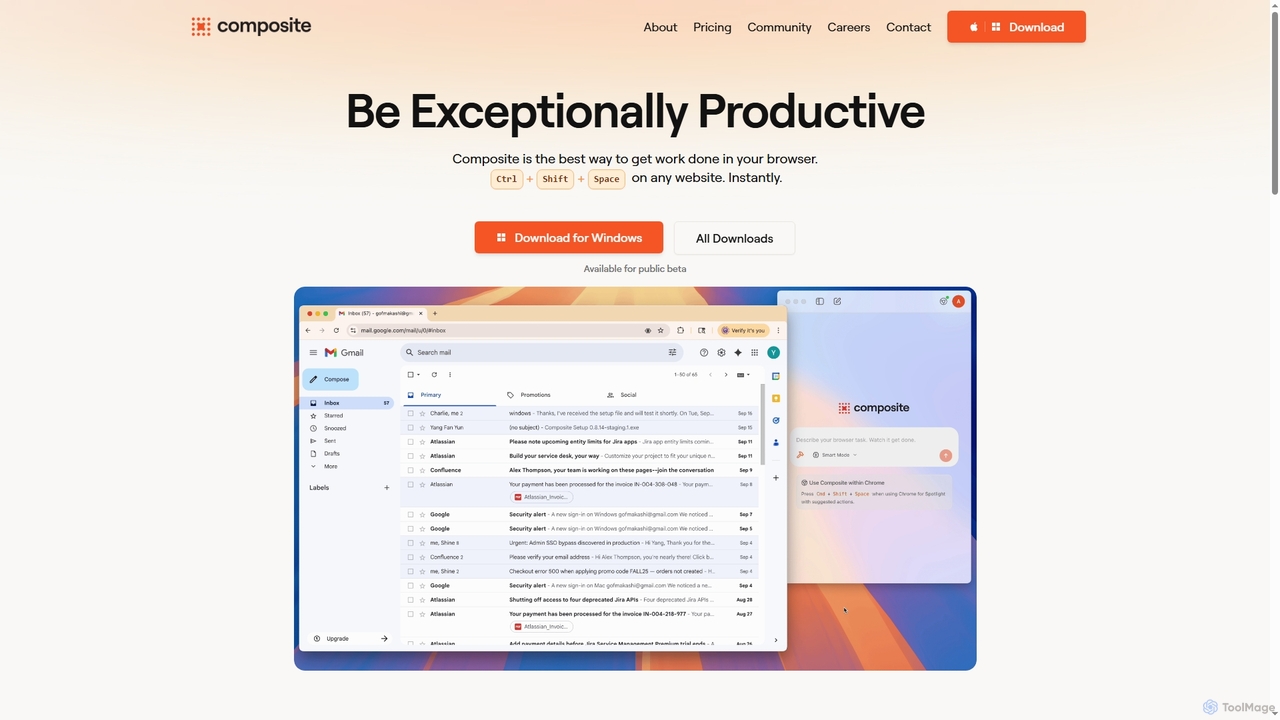
Composite is an AI browser autopilot designed to significantly boost productivity by automating repetitive tasks directly within your existing browser. It learns from your actions, predicts what needs to be done, and executes tasks like clicking, typing, and navigating on your behalf, all without complex setup or migration.

Utility
Visits 18.8KFavorites 147Likes 127
Strawberry Browser
Freemium

Strawberry Browser

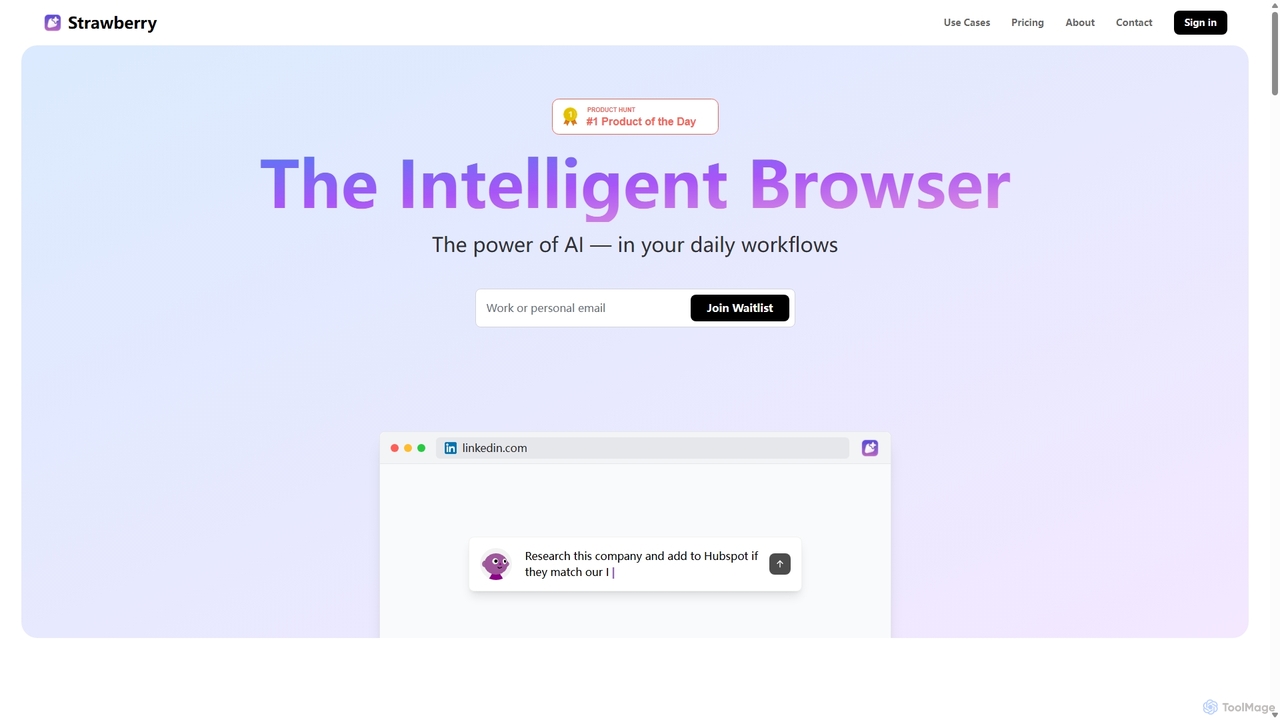
Strawberry Browser is an intelligent, AI-powered browser designed to automate your daily workflows. It allows you to build a team of customizable AI assistants that handle repetitive tasks like research, data extraction, and lead generation directly within your browser. Eliminate grunt work, stay focused, and enhance your productivity.

Ai Assistant
Visits 66.4KFavorites 129Likes 111
Microsoft Edge Add-ons
Freemium

Microsoft Edge Add-ons

The official marketplace for Microsoft Edge extensions, offering a vast library of add-ons to enhance productivity, security, and personalization. Discover AI-powered tools, ad-blockers, password managers, and more to customize your browsing experience.

Extension Store
Visits 61.1KFavorites 125Likes 125
Fellou
Freemium

Fellou

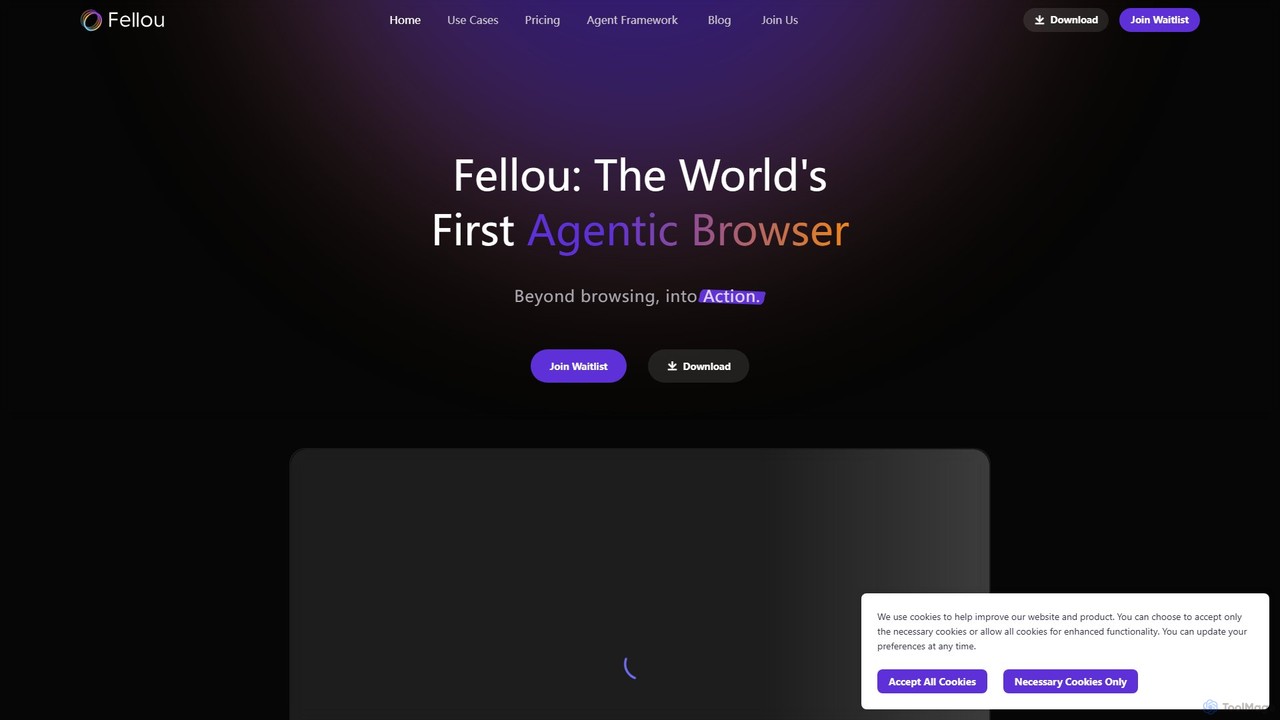
Fellou is the world's first agentic browser, designed to transform browsing into action. It functions as an AI-powered digital partner that automates complex workflows, conducts deep research across public and private websites, and generates insightful reports. With no-code automation and a powerful developer framework, Fellou streamlines tasks from data analysis to social media management, significantly boosting productivity.

Ai Browser
Visits 66.9KFavorites 121Likes 142

About Browser

AI Browsers are a new generation of web browsers integrated with artificial intelligence to enhance the online experience. They leverage large language models (LLMs) and other AI technologies to provide features like intelligent search, on-page content summarization, and automated task execution. This transforms the browser from a simple content viewer into an interactive assistant for research, creation, and productivity. Their core advantage lies in understanding context and automating complex information processing tasks directly within the browsing environment.

Core Features

  • AI-Powered Search: Delivers synthesized answers and summaries from multiple sources instead of just a list of links.
  • On-Page Content Analysis: Instantly summarizes articles, extracts key points, or translates text without leaving the current page.
  • Workflow Automation: Automates repetitive tasks such as data entry, web scraping, or social media monitoring.
  • Integrated Generative AI: Allows users to draft text, write code, or generate ideas using built-in AI models.
  • Contextual Assistance: Provides relevant suggestions, actions, or information based on the content of the current webpage.

Use Cases

AI Browsers are particularly useful for researchers, content creators, developers, and digital marketers who need to process large amounts of online information efficiently. They are applied in academic research for quick literature reviews, in market analysis for competitor tracking, and in software development for understanding code snippets from the web.

How to Choose

When selecting an AI Browser, consider the underlying AI model (e.g., GPT-4, Claude), as this impacts the quality of responses. Evaluate its integration capabilities with other tools and existing browser extensions. Also, review the privacy policy to understand how your data is handled, and choose a browser whose feature set (e.g., search-focused vs. automation-focused) aligns with your primary needs.

Browser use cases

1

Accelerating Academic Research and Literature Review

A graduate student working on a thesis needs to review dozens of academic papers. Instead of manually reading each one, they use an AI Browser to open multiple papers in different tabs. The browser's AI assistant can summarize the abstract and key findings of each paper instantly. The student then asks the AI to compare the methodologies of three selected papers and extract all mentions of a specific protein, compiling the results into a single note. This process reduces the initial literature screening time by over 70%, allowing the student to focus on deeper analysis.

2

Streamlining Market and Competitor Analysis

A marketing manager needs to track competitor activities. They configure their AI Browser to automatically visit five competitor websites daily. The browser's automation feature extracts new product announcements and pricing changes, then uses its summarization capability to condense daily industry news from three blogs into a bulleted list. The final report is automatically saved to a cloud drive. This automated workflow saves the manager approximately 45 minutes each day and ensures they never miss a critical market update, enabling more timely strategic decisions.

3

Efficient Content Curation and Creation

A content creator is tasked with writing a blog post about the future of renewable energy. They use an AI Browser to search for the latest trends, reports, and expert opinions. The browser organizes search results by themes and provides a synthesized summary. The creator highlights key statistics and quotes from various articles, and the AI compiles them into a research document. Finally, using the integrated generative AI, they provide an outline and the compiled research to draft the initial blog post directly in the browser, significantly speeding up the writing process.

4

Automating Data Extraction for Lead Generation

A sales development representative (SDR) needs to build a list of potential leads from an online business directory. Manually copying and pasting names, companies, and contact details is time-consuming. Using an AI Browser with automation capabilities, the SDR creates a simple workflow: 'For each entry on this page, copy the name to column A, the company to column B, and the email to column C of my Google Sheet.' The browser then automatically cycles through all pages of the directory, populating the spreadsheet with hundreds of leads in minutes, a task that would have taken hours manually.

5

Assisting Developers with Code Comprehension

A junior developer is working with an unfamiliar open-source library. They find a complex code snippet on a forum. Instead of spending hours deciphering it, they highlight the code in their AI Browser. The integrated AI assistant explains the code's logic line by line, identifies potential issues, and suggests a more efficient way to implement the function. It can even translate the snippet from Python to JavaScript for a different part of their project. This contextual assistance acts as an on-demand mentor, accelerating the developer's learning and problem-solving process.

6

Personalized Daily News Briefing

An executive wants a quick overview of daily news relevant to their industry without browsing multiple sites. They set up their AI Browser with their topics of interest, such as 'fintech innovations,' 'cybersecurity regulations,' and 'AI market trends.' Each morning, the browser automatically scans a predefined list of news sources. It then generates a concise, 500-word summary of the most important developments, complete with links to the original articles. This personalized briefing is ready for them when they start their day, saving valuable time and keeping them informed.

Browser FAQ

What is an AI Browser?

An AI Browser is a web browser enhanced with artificial intelligence capabilities. Unlike traditional browsers that simply display web pages, an AI Browser actively assists the user by understanding and processing the content on the page. Key features often include AI-powered search that provides direct answers, one-click summarization of articles, and the ability to automate repetitive tasks. Essentially, it turns the browser into an intelligent partner for research, productivity, and content creation.

How do AI Browsers differ from traditional browsers like Chrome or Firefox?

The primary difference lies in interactivity and content processing. Traditional browsers are passive viewers of the web, requiring users to manually perform all actions like searching, copying, and pasting. AI Browsers are active participants. They can:

  • Understand Context: Analyze the content of a page to provide relevant actions or summaries.
  • Automate Tasks: Perform multi-step actions, like scraping data from a page and putting it into a spreadsheet.
  • Synthesize Information: Combine information from multiple sources to answer a complex question directly.

While traditional browsers can be enhanced with extensions, AI Browsers integrate these intelligent capabilities into their core, offering a more seamless and powerful experience.

How to choose the right AI Browser?

Choosing the right AI Browser depends on your specific needs. Consider the following factors:

  • Primary Use Case: Are you focused on research, content creation, or task automation? Some browsers excel at summarizing text, while others have powerful automation builders.
  • Underlying AI Model: The quality of the AI's output (summaries, answers) depends on the large language model it uses (e.g., GPT-4, Claude, Gemini). Check which model powers the browser.
  • Integration and Compatibility: Does it support the extensions you already use? Can it connect with other applications like Notion, Slack, or Google Workspace?
  • Privacy Policy: Understand how the browser handles your data. Does it process information locally or send it to the cloud? Is your browsing history used for training AI models?

Evaluate these points to find a browser that best fits your workflow and privacy standards.

What are the main security and privacy concerns with AI Browsers?

While AI Browsers offer powerful features, it's important to be aware of potential privacy implications. The main concerns typically revolve around data handling:

  • Data Transmission: Many AI features require sending your data (like the text of a webpage or your query) to a third-party server for processing. This could expose sensitive information.
  • Use of Browsing History: Some services might use your browsing data to personalize results or train their AI models. It's crucial to check if you can opt out of this.
  • Security of the AI Provider: The security of your data depends on the security practices of the company providing the AI service.

To mitigate these risks, always read the browser's privacy policy, prefer browsers that offer on-device processing where possible, and be cautious about submitting sensitive personal or financial information through AI features.

Who can benefit most from using an AI Browser?

While anyone can benefit from the enhanced productivity of an AI Browser, certain user groups will find them particularly valuable:

  • Students and Researchers: For quickly summarizing academic papers, gathering data, and organizing research materials.
  • Content Creators and Marketers: For curating content, brainstorming ideas, and drafting articles or social media posts more efficiently.
  • Developers and Programmers: For understanding complex code snippets, debugging, and translating code between languages.
  • Business Professionals: For analyzing market reports, tracking competitors, and automating data entry tasks.

In essence, anyone whose work involves intensive interaction with online information can significantly streamline their workflow with an AI Browser.