

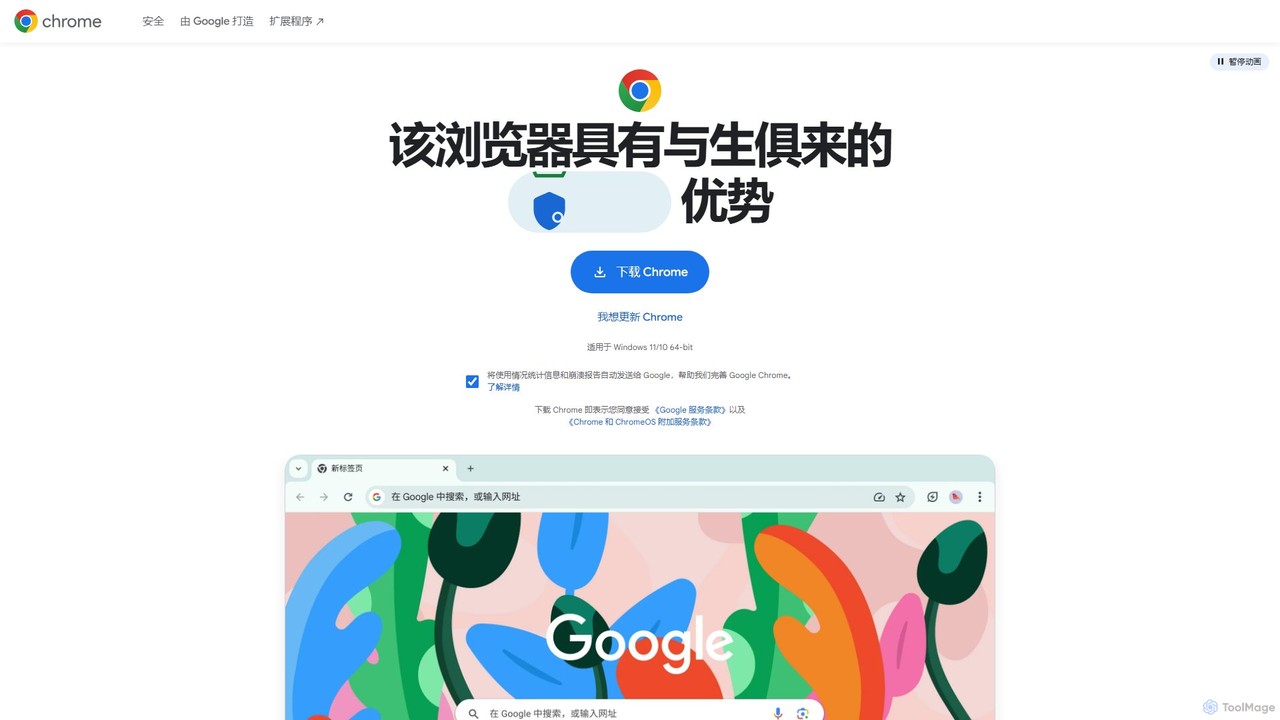
Google Chrome Overview
Google Chrome is a world-leading web browser designed by Google to be fast, simple, and secure. It has become the go-to choice for millions of users worldwide, offering a powerful platform for everything from daily browsing and entertainment to professional work and web development. Chrome is built on the principles of speed and efficiency, leveraging advanced technologies to load pages quickly and manage system resources effectively. Its clean, intuitive interface makes navigation effortless, while its deep integration with the Google ecosystem provides a seamless and connected experience across all your devices.
Recently, Chrome has begun integrating powerful AI capabilities directly into the browser. These features, part of Google's broader AI initiatives, are designed to make browsing smarter and more productive. From organizing tabs automatically to helping you write content on the web and creating unique browser themes, AI is transforming Chrome into a more helpful and personalized tool.
How to use Google Chrome
Getting started with Google Chrome is straightforward. First, download the installer from the official Google Chrome website. The site will automatically detect your operating system (Windows, macOS, or Linux) and provide the correct file. Once downloaded, run the installer and follow the on-screen instructions. After installation, you can sign in with your Google Account. This is a crucial step to unlock Chrome's full potential, as it enables the synchronization of your bookmarks, passwords, history, extensions, and open tabs across all your devices, including your smartphone and tablet. You can then customize your experience by visiting the Chrome Web Store to add extensions and themes that suit your workflow and style.
Core Features of Google Chrome
- Speed and Performance: Built on the high-performance V8 JavaScript engine, Chrome is optimized for speed. Features like Memory Saver and Energy Saver help manage resource usage, ensuring a smooth experience even with many tabs open.
- Advanced Security: Chrome provides robust protection with features like Google Safe Browsing, which warns you about malicious websites and phishing attempts. Automatic updates ensure you always have the latest security patches. The built-in Password Manager securely stores your credentials and can generate strong, unique passwords.
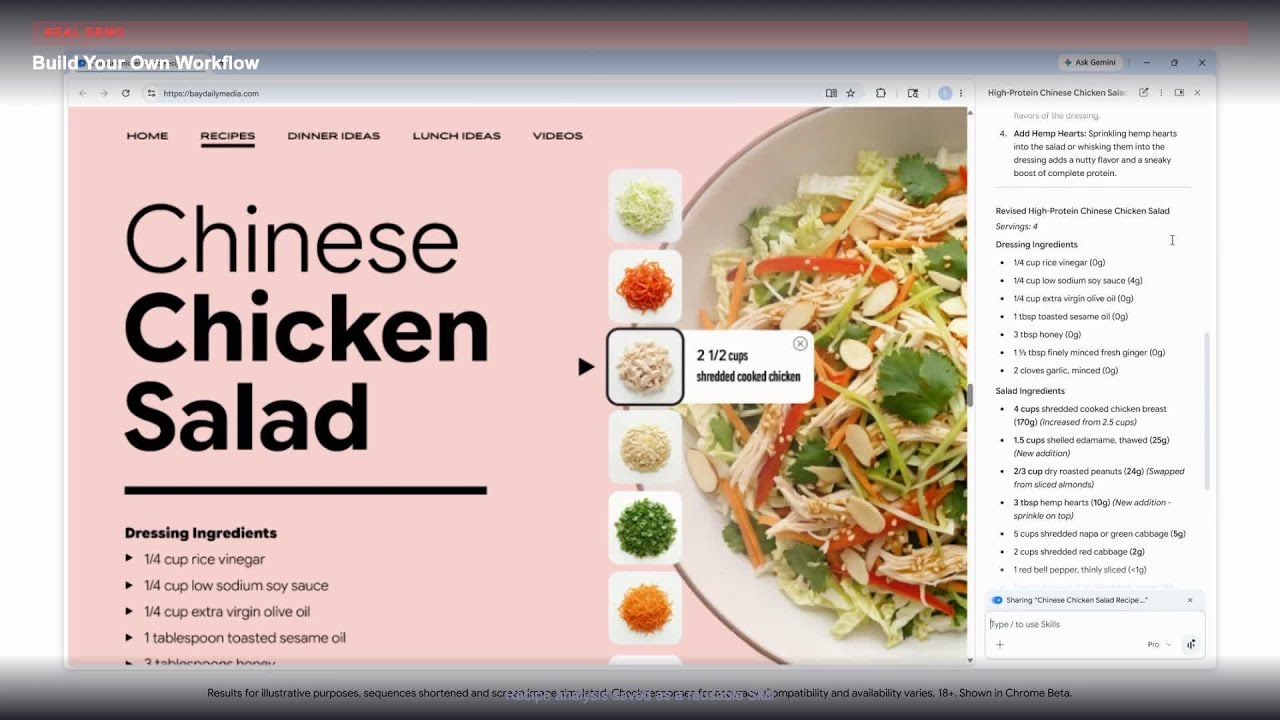
- AI-Powered Enhancements: Chrome is integrating generative AI to enhance the browsing experience. This includes features like an AI-powered tab organizer to group related tabs, a writing assistant ('Help me write') for composing text on websites, and a theme generator to create custom browser looks from a text prompt.
- Cross-Device Sync: Sign in to your Google Account to sync everything seamlessly. Start browsing on your laptop and continue right where you left off on your phone.
- Vast Extension Library: The Chrome Web Store offers thousands of extensions to add new functionality, from ad-blockers and grammar checkers to developer tools and productivity apps.
- Deep Google Integration: Chrome works perfectly with Google services. You can search directly from the address bar (Omnibox), translate web pages with a single click using Google Translate, and access Google Workspace apps like Docs and Drive, even offline.
- Privacy Controls: The Privacy Guide walks you through key privacy settings, giving you control over your data. Chrome is also pioneering new privacy-preserving technologies through the Privacy Sandbox initiative.
Use Cases for Google Chrome
Chrome is a versatile tool suitable for a wide range of users. For personal use, it offers a secure and fast way to shop, stream content, and stay connected. For students and researchers, features like tab groups and the vast extension library make it easy to organize information and cite sources. Professionals benefit from the seamless integration with Google Workspace, allowing for efficient collaboration and the ability to work on documents offline. Web developers rely on Chrome's comprehensive built-in Developer Tools for debugging, testing, and building modern web applications.
Advantages of Google Chrome
The primary advantage of Chrome is its powerful and interconnected ecosystem. The seamless sync across devices and deep integration with Google services create a user experience that is hard to match. Its extensive library of extensions allows for unparalleled customization, enabling users to tailor the browser to their specific needs. Furthermore, Google's commitment to security, with features like automatic updates and proactive threat protection, provides peace of mind. The recent addition of practical AI features positions Chrome at the forefront of browser innovation, making it not just a window to the web, but a smart assistant for navigating it.
Pricing and Plans
Google Chrome is completely free to download and use for both personal and commercial purposes. There are no subscription fees, premium versions, or hidden costs associated with the core browser functionality. Extensions and themes available in the Chrome Web Store are also largely free, though some may be offered by third-party developers on a freemium or paid basis.
Google Chrome Videos on YouTube

Sharon

Digital Sushant


Tech Gyan Expert

Juan Garzon - Tech

NonTechAutomation

Google Chrome Alternatives
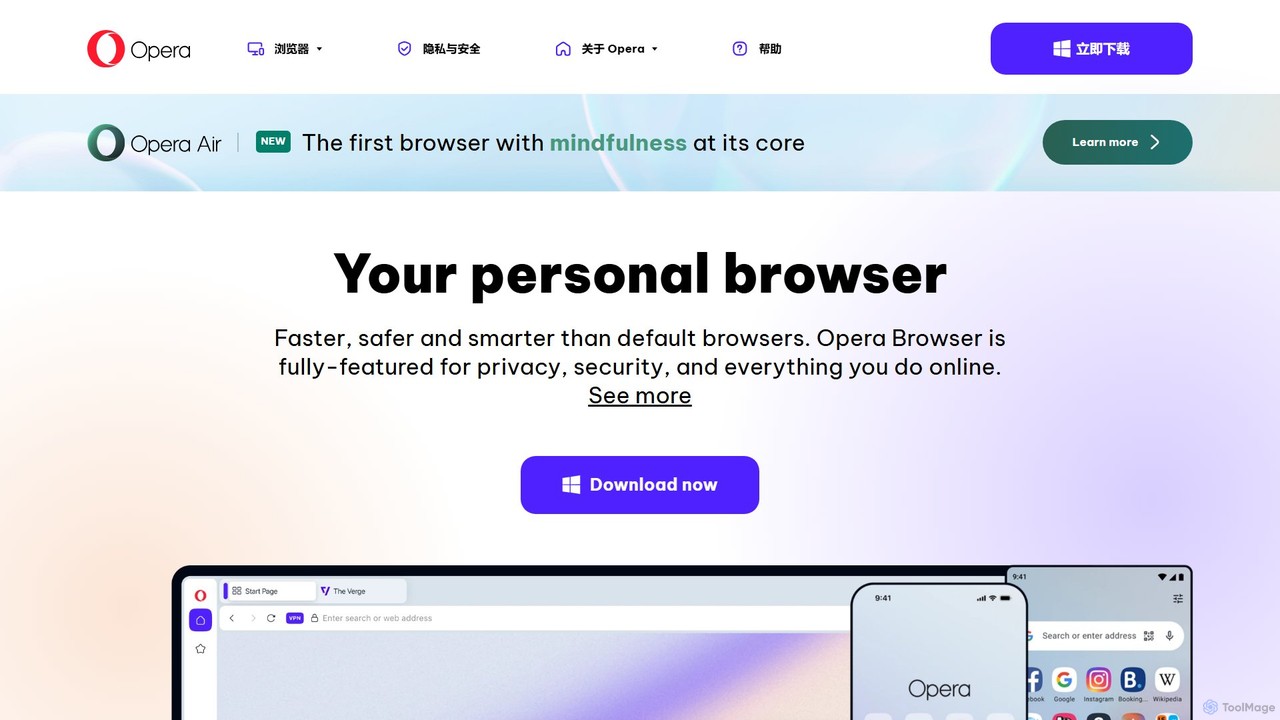
Opera
Opera is a smart, secure web browser with a native AI assistant, Aria. It offers innovative features like Tab Islands for organization, a free built-in VPN, and an ad blocker. Designed for speed and privacy, Opera provides a more productive and distraction-free browsing experience.
Browser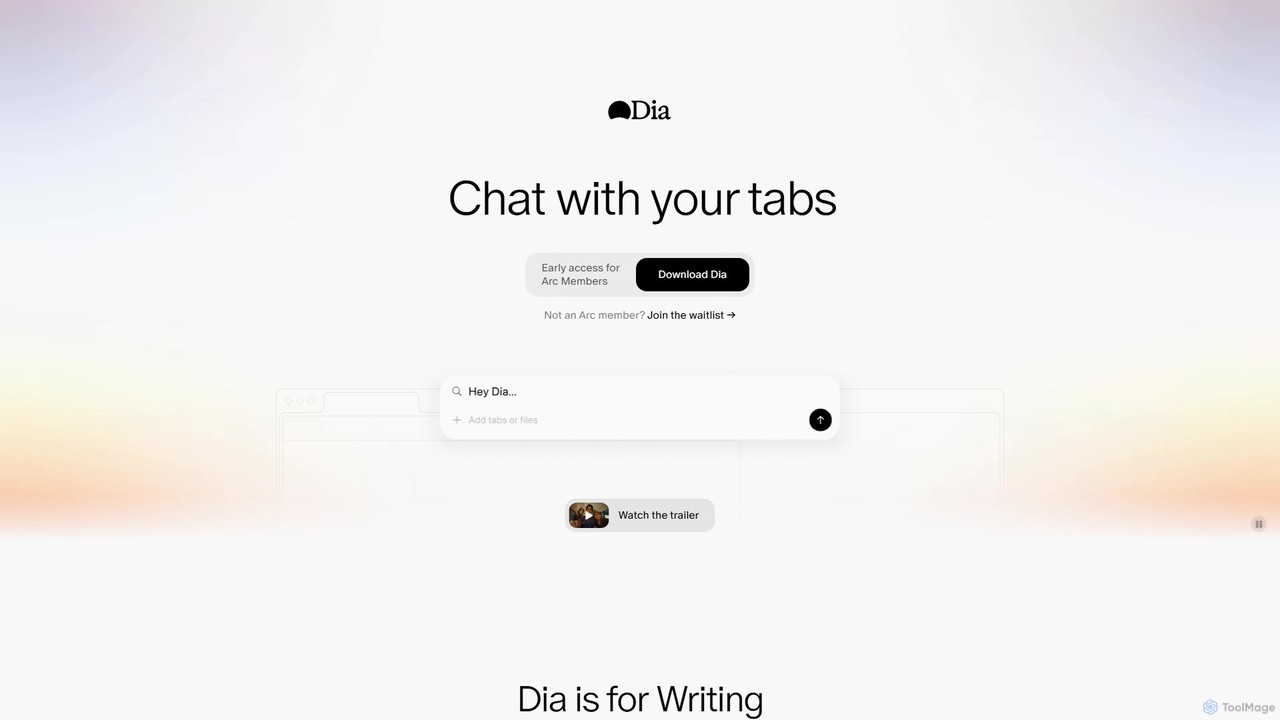
diabrowser
Dia is a revolutionary AI-powered browser for macOS that allows you to chat directly with your open tabs. It acts as a contextual assistant for writing, research, learning, and planning, synthesizing information across multiple pages to provide instant, relevant answers and content without constant copy-pasting.
Learning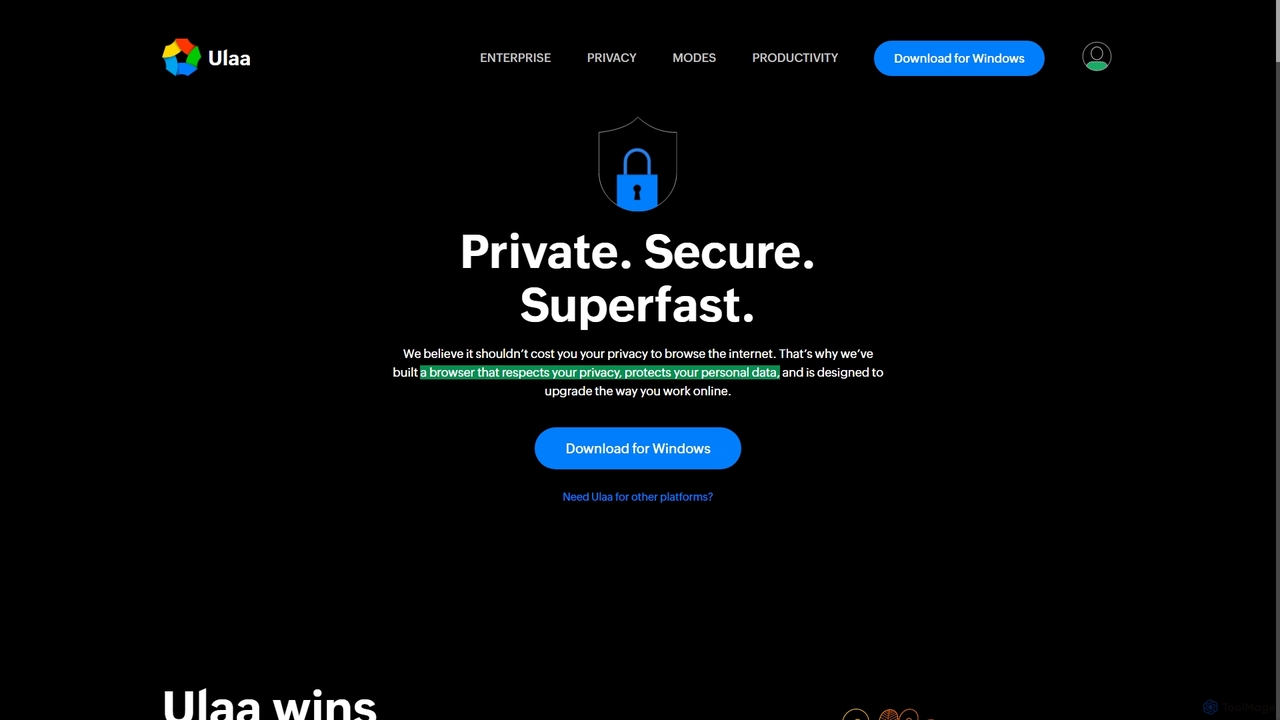
Ulaa Browser
Ulaa Browser, by Zoho, is a privacy-first, Chromium-based web browser designed for individuals and enterprises. It champions security with a built-in ad blocker, phishing protection, and unique browsing "Modes" to isolate work, personal, and other contexts. For businesses, Ulaa Enterprise offers advanced data loss prevention, centralized management, and AI-powered intelligence by Zia to create a secure and productive browsing environment.
Enterprise Software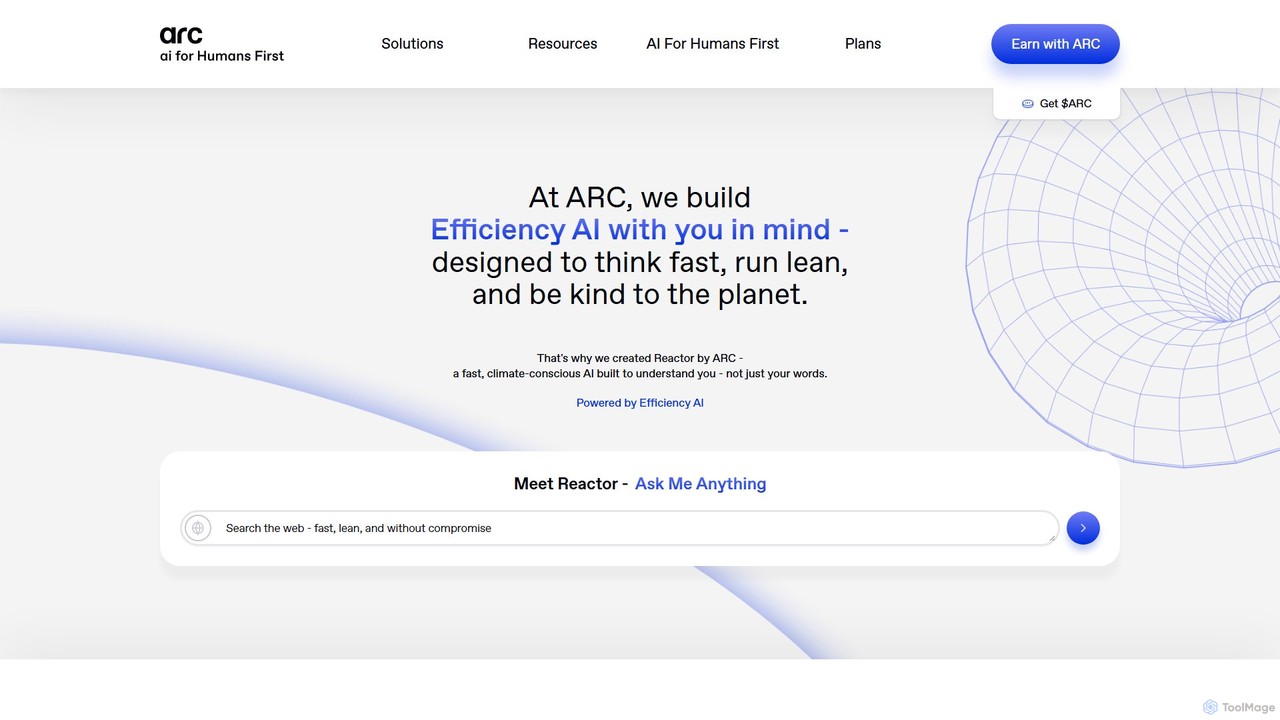
Arc
Arc is a revolutionary browser by The Browser Company, designed to be a smart, organized, and private alternative to Chrome. It integrates AI features to enhance productivity, offers unique organization tools like Spaces and Split View, and provides a seamless, ad-free experience across desktop and mobile.
Search Assistant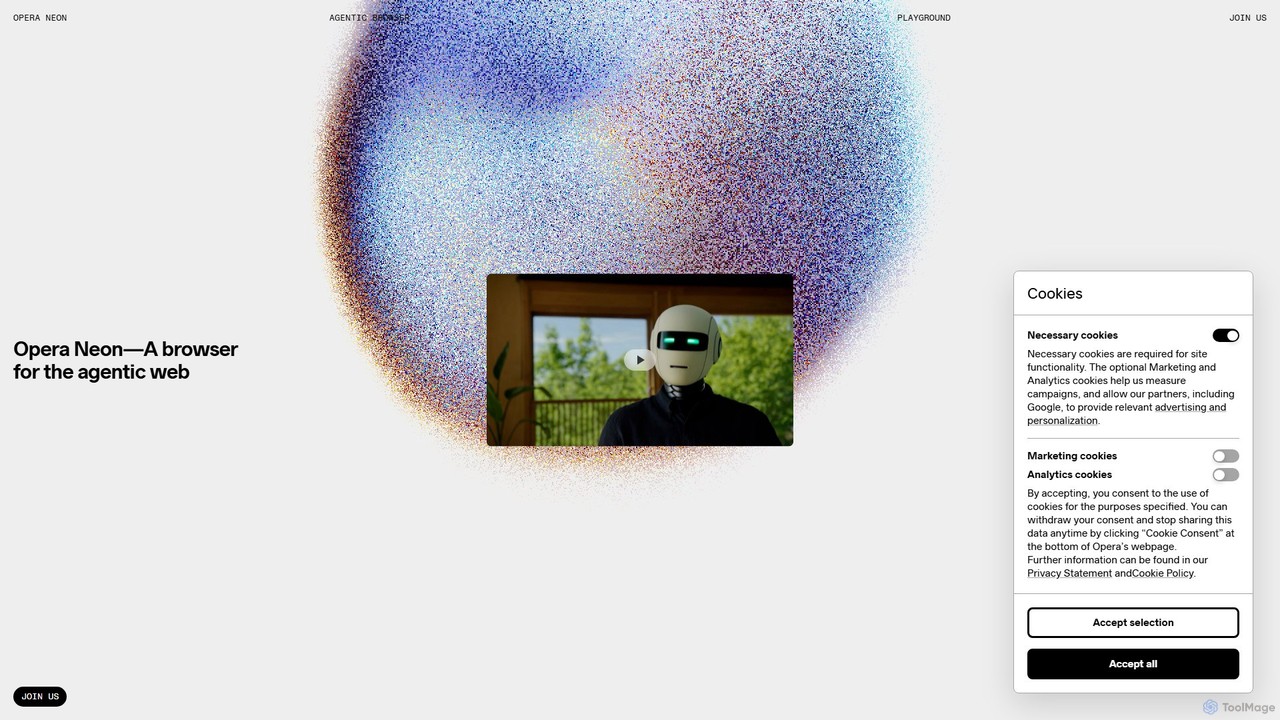
Opera Neon
Opera Neon is a next-generation agentic AI browser designed to understand user intent, automate complex tasks, and create digital content. It integrates AI chat, task automation, and creative generation into a single, seamless browsing experience, acting as a proactive digital assistant.
Low Code No CodeGoogle Chrome Categories
Google Chrome Embed Widget
Copy this embed code to place the badge on your blog, article, or product site and send readers directly to this ToolMage detail page.

Related AI tools
Opera
Opera is a smart, secure web browser with a native AI assistant, Aria. It offers innovative features like Tab Islands for organization, a free built-in VPN, and an ad blocker. Designed for speed and privacy, Opera provides a more productive and distraction-free browsing experience.
Browserdiabrowser
Dia is a revolutionary AI-powered browser for macOS that allows you to chat directly with your open tabs. It acts as a contextual assistant for writing, research, learning, and planning, synthesizing information across multiple pages to provide instant, relevant answers and content without constant copy-pasting.
LearningUlaa Browser
Ulaa Browser, by Zoho, is a privacy-first, Chromium-based web browser designed for individuals and enterprises. It champions security with a built-in ad blocker, phishing protection, and unique browsing "Modes" to isolate work, personal, and other contexts. For businesses, Ulaa Enterprise offers advanced data loss prevention, centralized management, and AI-powered intelligence by Zia to create a secure and productive browsing environment.
Enterprise Software
Raycast
Raycast is a blazingly fast, extendable launcher for macOS that supercharges your productivity. It replaces Spotlight with a powerful command-line interface to control your tools, search files, run scripts, and automate tasks. With an integrated AI assistant, a vast store of community-built extensions, and features like Clipboard History, Snippets, and Window Management, Raycast centralizes your workflow, saving you time and context-switching.
Workflow Automation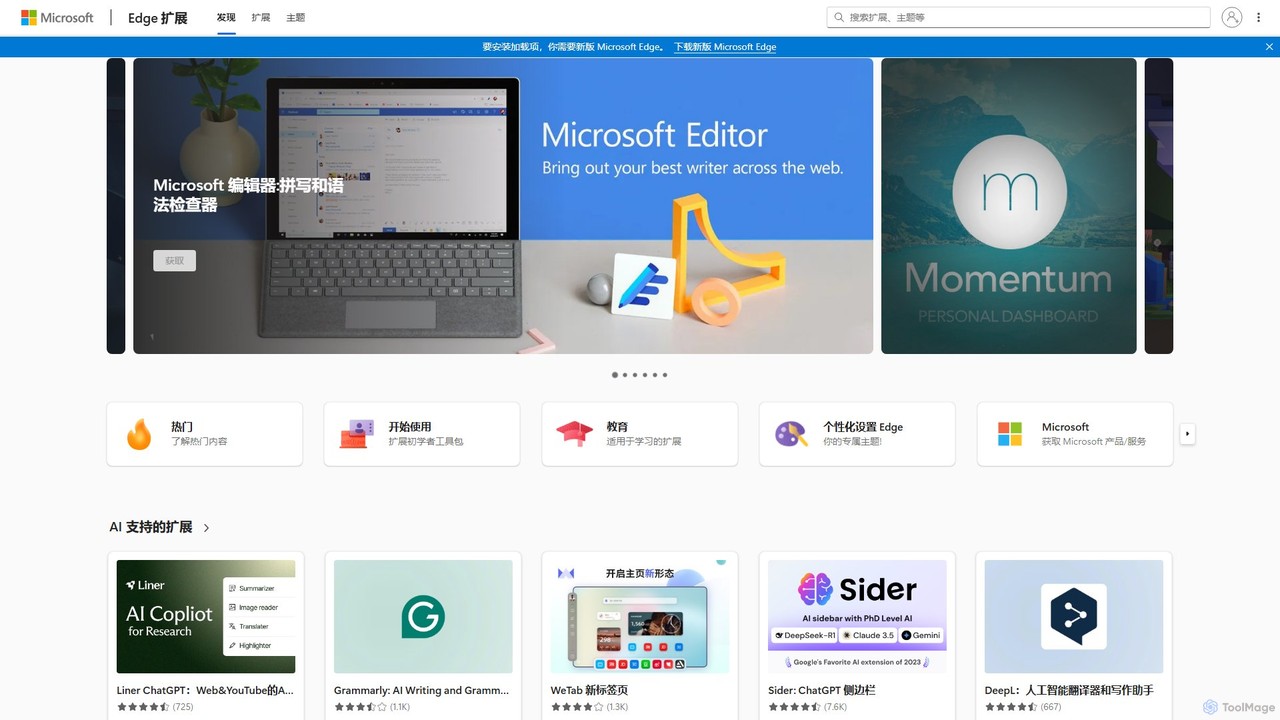
Microsoft Edge Add-ons
The official marketplace for Microsoft Edge extensions, offering a vast library of add-ons to enhance productivity, security, and personalization. Discover AI-powered tools, ad-blockers, password managers, and more to customize your browsing experience.
Extension Store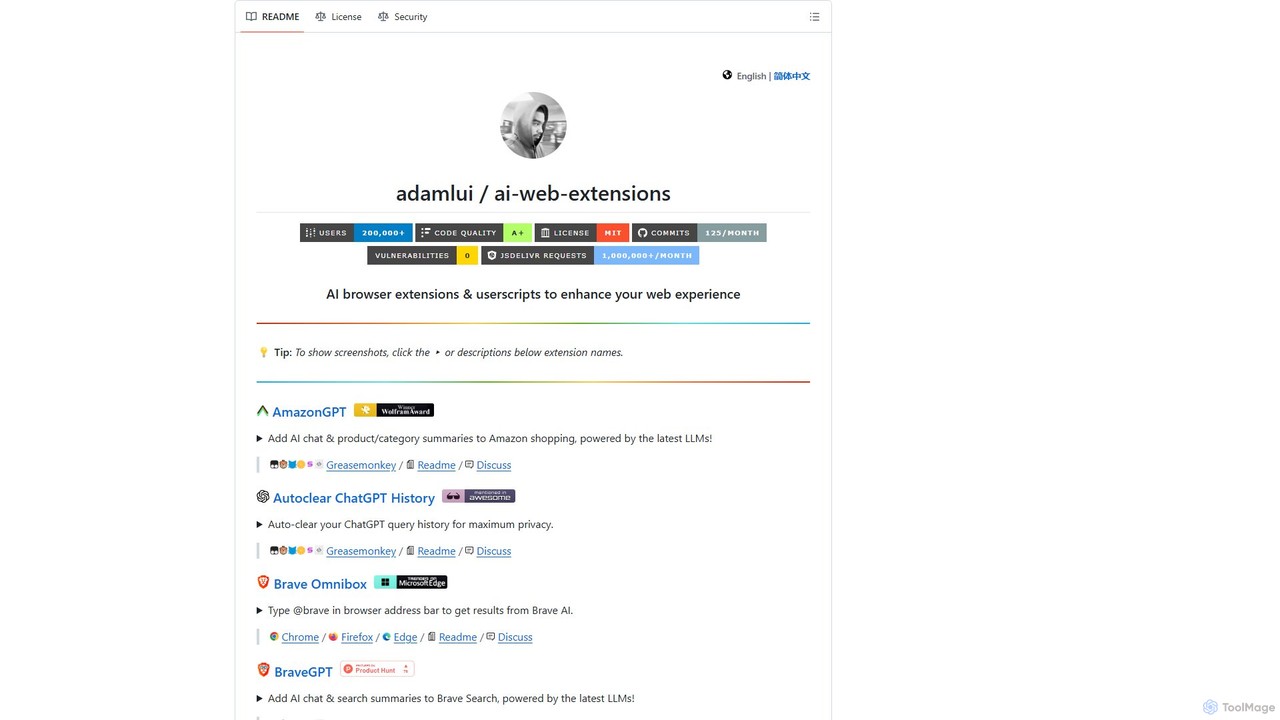
ChatGPT EVO
ChatGPT EVO is a powerful suite of open-source browser extensions and userscripts designed to augment your web experience. It seamlessly integrates AI functionalities from models like ChatGPT into your daily browsing, including search engines, e-commerce sites, and the browser's address bar, boosting productivity and providing instant information.
Code Assistant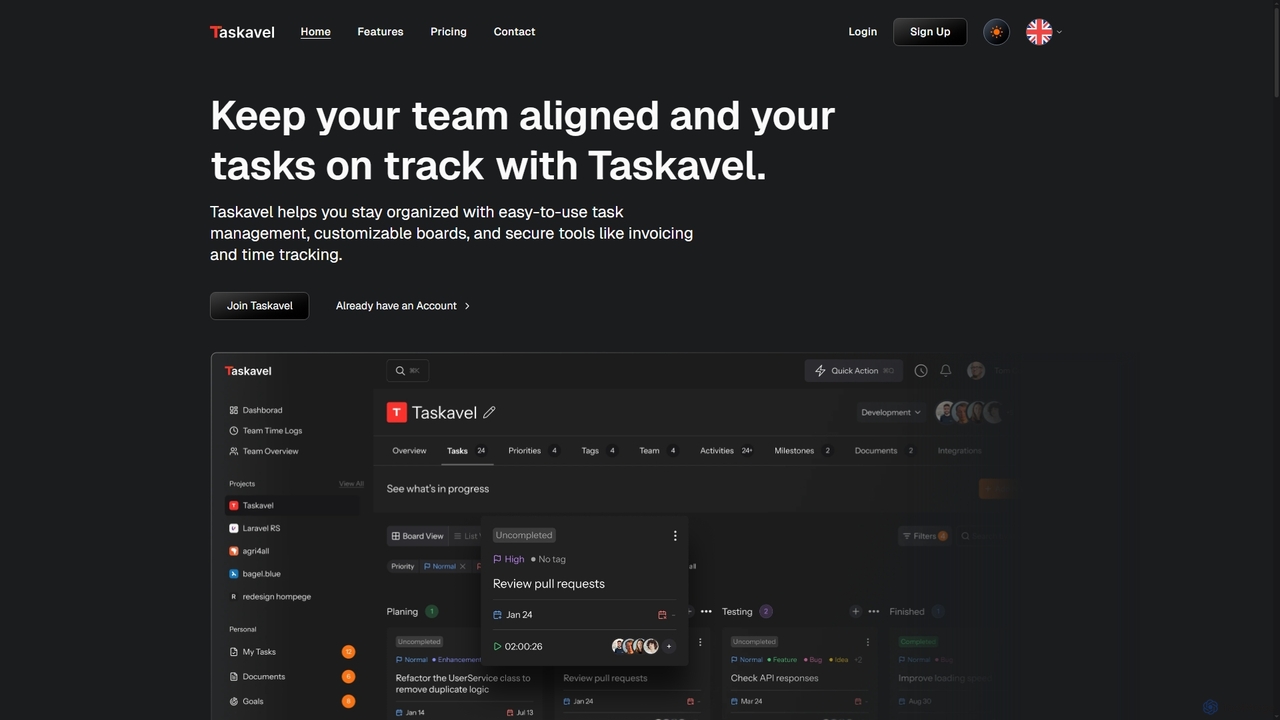
Taskavel
Taskavel is a comprehensive task and project management platform designed to keep teams aligned and tasks on track. It offers intuitive tools like customizable Kanban boards, integrated time tracking, invoicing, and robust collaboration features, especially tailored for developers and agile teams.
Workflow AutomationArc
Arc is a revolutionary browser by The Browser Company, designed to be a smart, organized, and private alternative to Chrome. It integrates AI features to enhance productivity, offers unique organization tools like Spaces and Split View, and provides a seamless, ad-free experience across desktop and mobile.
Search AssistantOpera Neon
Opera Neon is a next-generation agentic AI browser designed to understand user intent, automate complex tasks, and create digital content. It integrates AI chat, task automation, and creative generation into a single, seamless browsing experience, acting as a proactive digital assistant.
Low Code No Code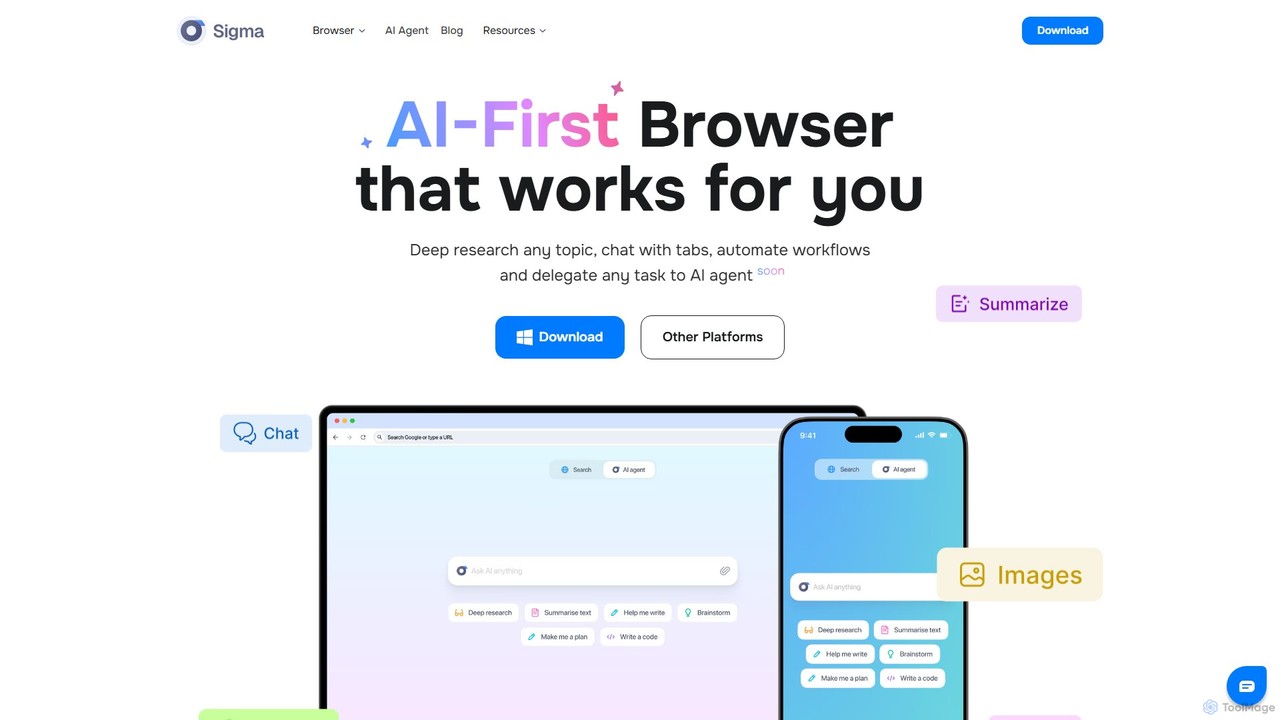
Sigmabrowser
Sigmabrowser is an AI-first browser built on Chromium, designed to automate workflows and enhance productivity. It features an autonomous AI Agent to handle tasks, SigmaGPT for in-browser chat and content generation, and robust privacy protections. It integrates a suite of AI tools for research, writing, and more, transforming your web interaction into an intelligent, efficient experience.
Workflow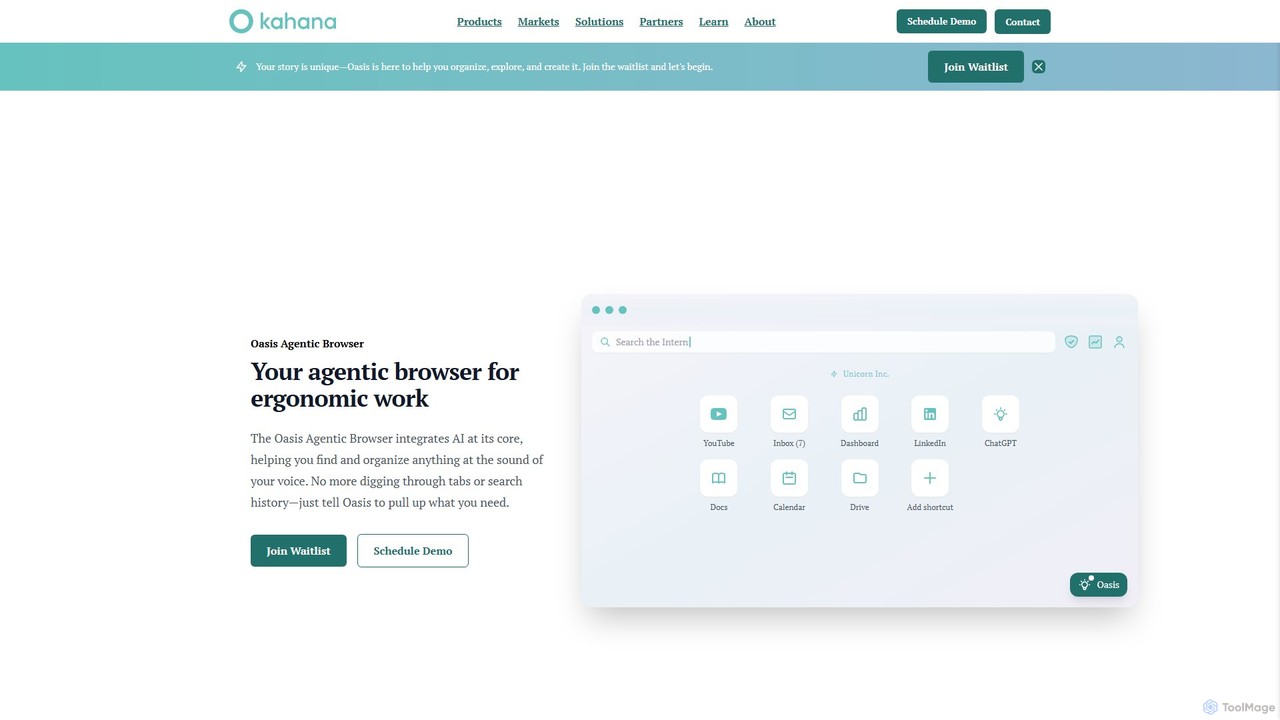
Kahana
Kahana is an AI-powered agentic browser designed to enhance productivity, organization, and security. It replaces the chaos of modern browsing with an intelligent, voice-controlled workspace. Automate workflows, organize ideas into focused hubs, and collaborate securely, all within a browser that acts as your personal productivity companion.
Browser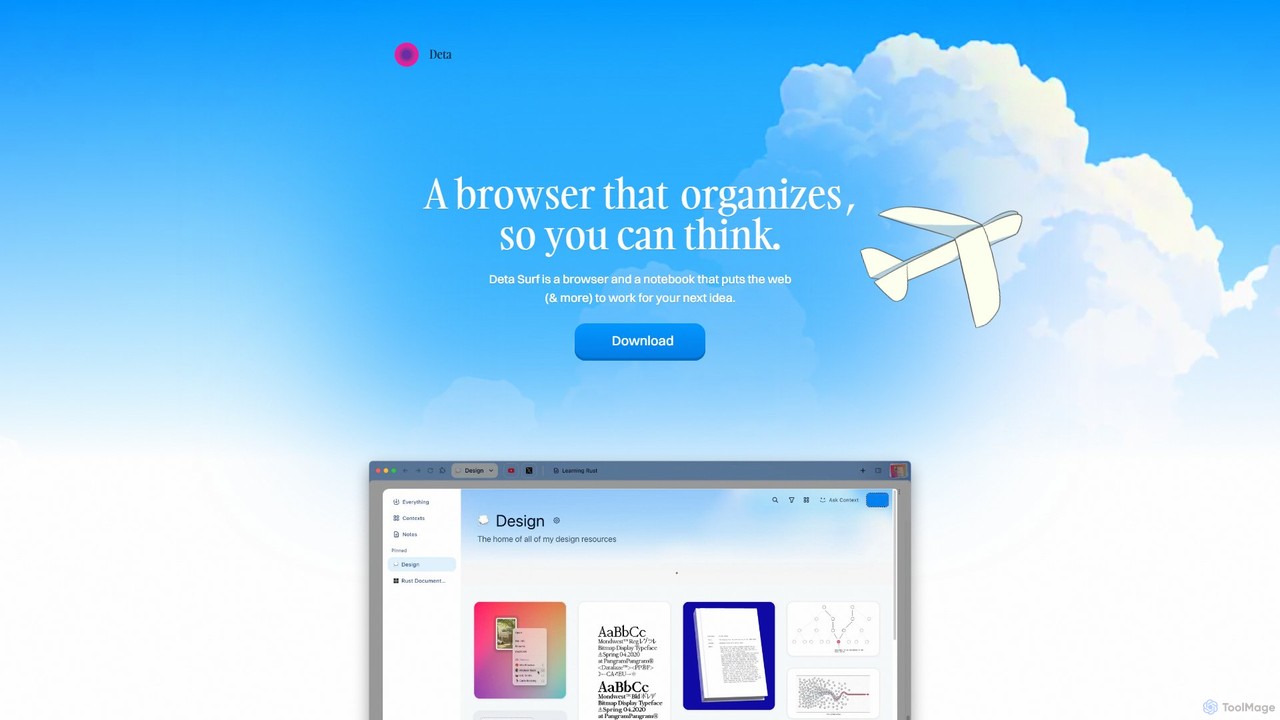
Deta Surf
Deta Surf is an intelligent browser and notebook that organizes your web experience. It uses AI to help you collect, remember, and synthesize information, all while keeping your data private and local on your device. It's designed to reduce context switching and enhance your thinking and creativity.
Browser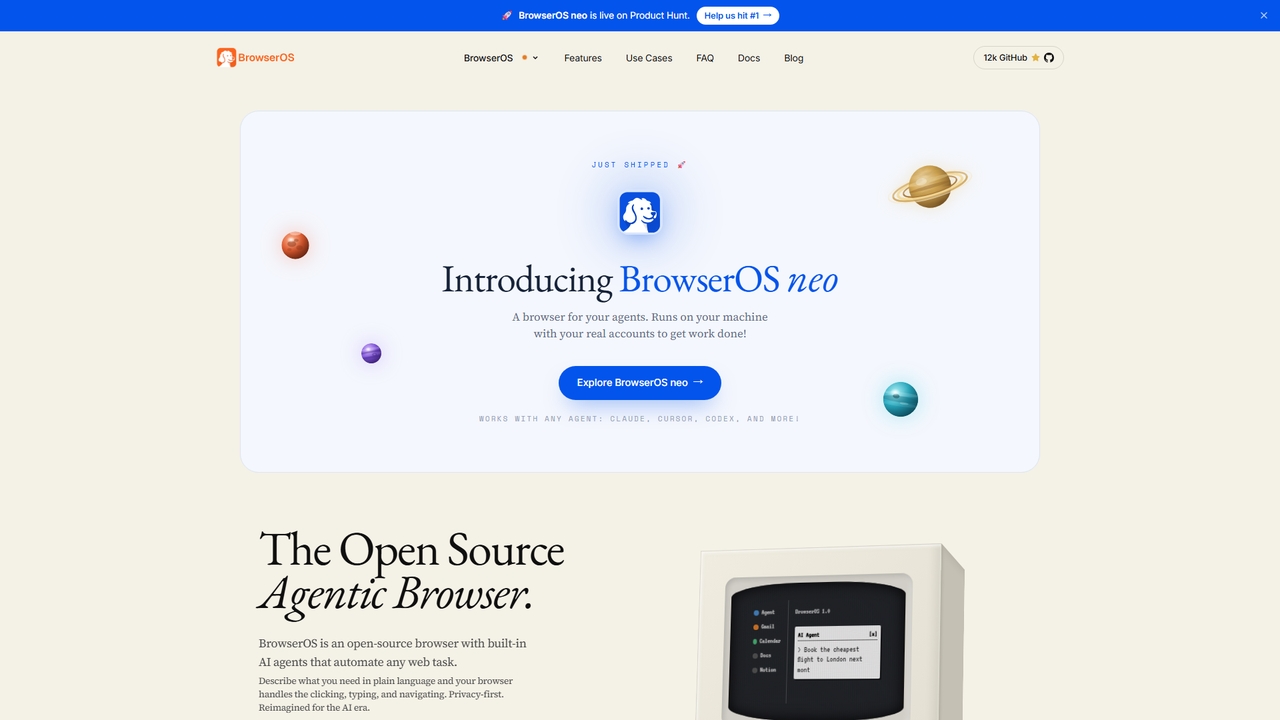
BrowserOS
BrowserOS is an open-source, privacy-first AI browser with built-in AI agents that automate web tasks through natural language. It supports 13 AI providers, 40+ app integrations, and runs locally on macOS, Windows, and Linux.
Web Automation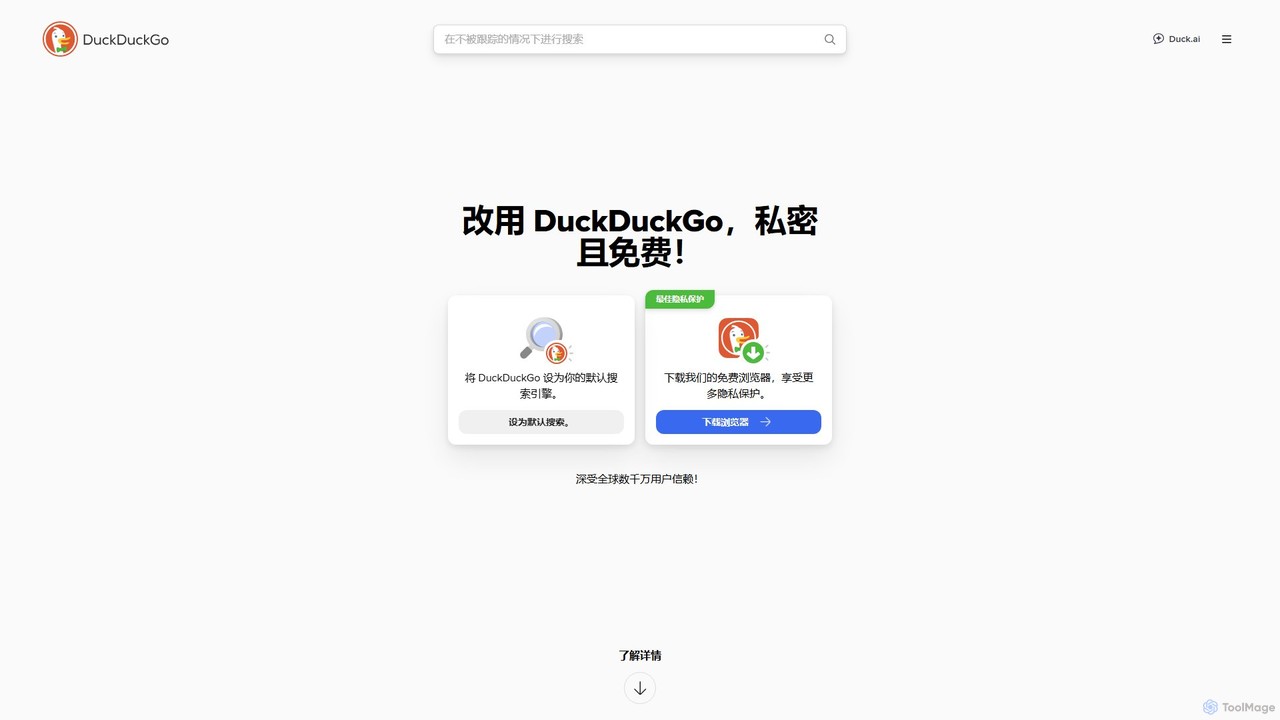
DuckDuckGo
DuckDuckGo is an all-in-one privacy-focused internet suite, featuring a private search engine, a secure browser, and the AI-powered Duck.ai. It protects your online activities by blocking trackers, managing cookie pop-ups, and offering tools like Email Protection and a VPN, all without collecting your personal data.
Chat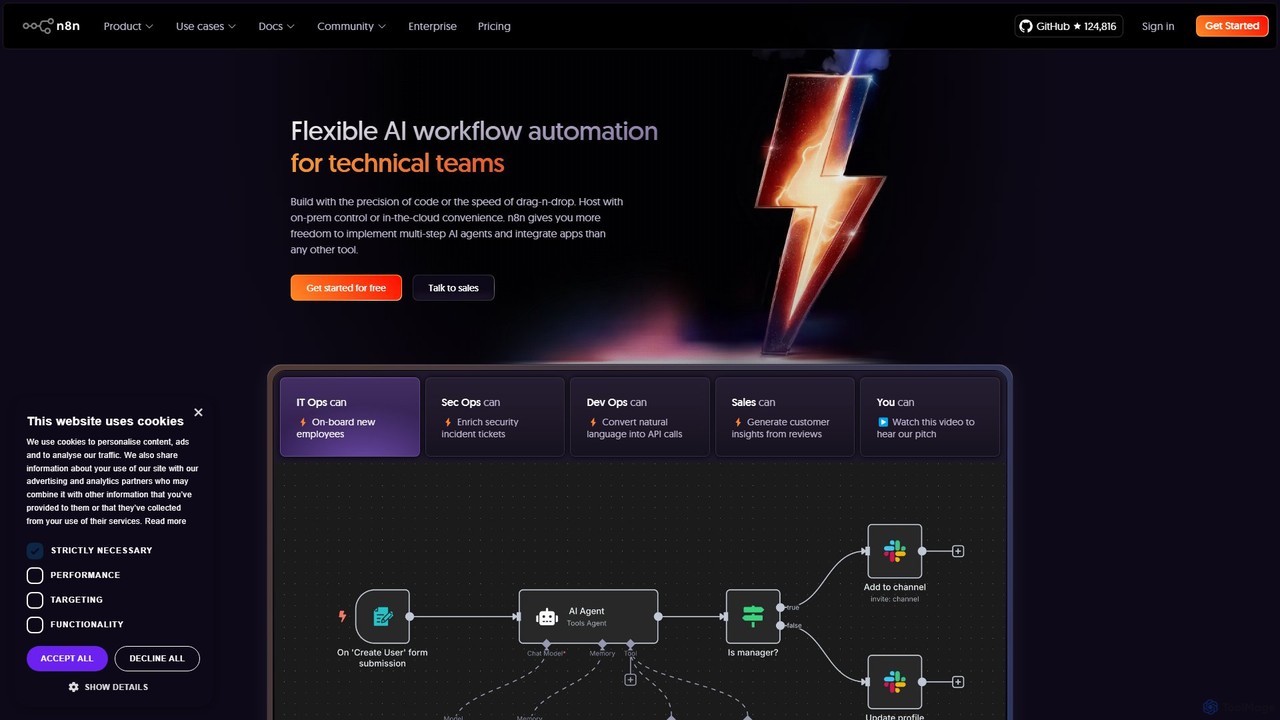
n8n
n8n is a source-available, node-based workflow automation platform designed for both technical and non-technical users. It enables you to connect hundreds of applications and services, including powerful AI models, to automate complex tasks and processes. With options for both cloud hosting and self-hosting, n8n offers unparalleled flexibility, control, and scalability for building everything from simple data syncs to sophisticated AI agents.
Crm
Google Chrome Comments (0)
Sign in to comment.
Sign inNo comments yet.