

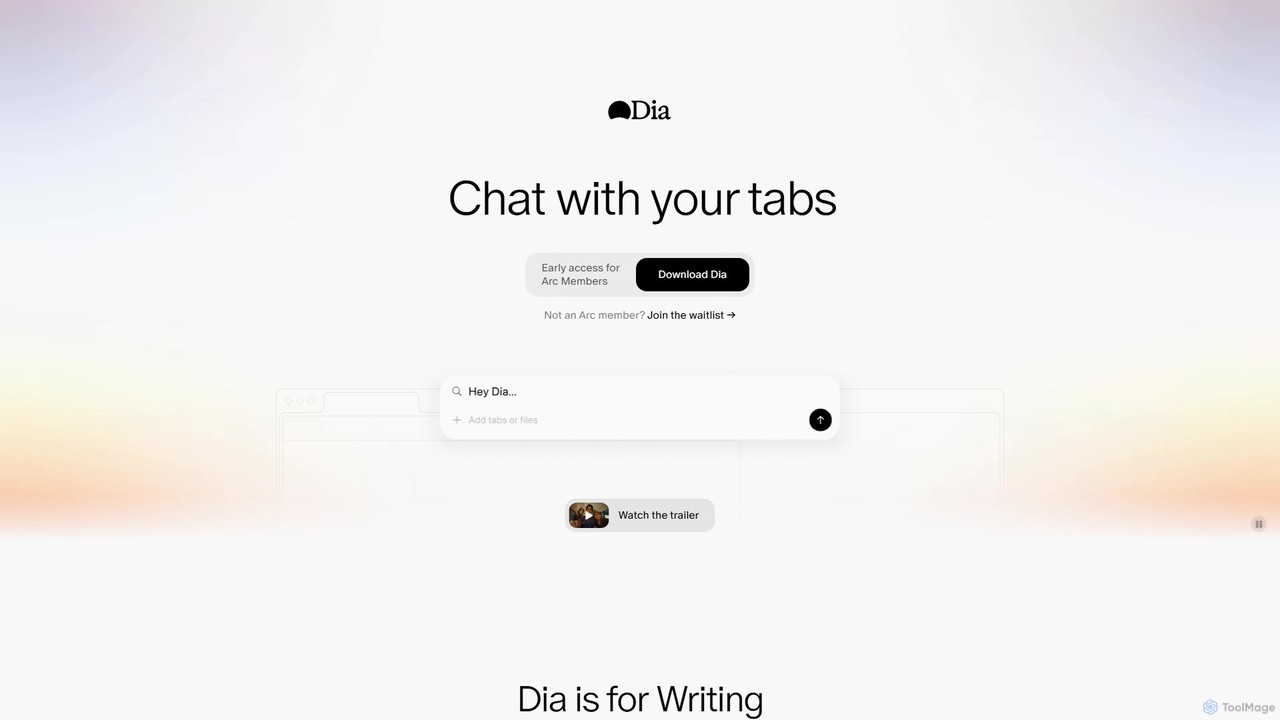
diabrowser Overview
diabrowser, also known as Dia, is a next-generation AI browser designed to fundamentally change how users interact with the internet. Built for macOS (M1 chip or later), Dia integrates a powerful AI assistant directly into the browsing experience, allowing you to use your open tabs as the context for any query. This eliminates the tedious process of switching between windows, copying text, and pasting it into a separate AI chat tool. With Dia, your browser becomes an intelligent partner that understands the information you're looking at, ready to assist with complex tasks instantly.
The core concept of Dia is "Chat with Your Tabs." Whether you have ten articles open for a research paper, multiple product pages for a comparison, or documentation for a coding problem, Dia can read, understand, and synthesize all of it. It's designed to be a versatile assistant, adapting to your specific needs across various domains like writing, learning, planning, and even shopping.
How to use diabrowser
Using Dia is designed to be intuitive and seamlessly integrated into your workflow. First, you open all the web pages relevant to your task in the browser. This could be research sources, product specifications, or project documents. Then, you can interact with the AI in several ways:
- General Queries: Simply ask a question. For example, with several news articles open, you could ask, "Summarize the key arguments from all these tabs."
- In-line Assistance: When typing in any text box on any website, Dia can act as an in-line editor or writing partner. It can help you rephrase sentences, check for tone, or even suggest content based on the context of the page you're on.
- Using Skills: Dia features a powerful "Skills" gallery, which are pre-built or community-created commands for specific tasks. You can activate a skill by typing a slash command (e.g., `/job-summary`, `/ad-writer`, `/deep-dive`). The AI will then execute a specialized workflow using your open tabs as input, such as comparing your resume to a job description or generating ad copy from a product page.
Core Features of diabrowser
- Chat with Tabs: Use the content of all your open tabs as live context for AI conversations, ensuring highly relevant and accurate responses.
- In-line AI Editor: Get real-time writing assistance, from copy editing to content generation, directly within any text field on the web.
- Skills Gallery: Access a library of powerful, customizable commands (Skills) for specialized tasks like marketing, research, development, and planning. Users can also create and share their own Skills.
- Multi-Tab Synthesis: Capable of reading and synthesizing information from dozens of tabs simultaneously to provide comprehensive summaries, comparisons, and analyses.
- Context-Aware Personalization: The AI adapts its responses and suggestions based on your specific context, such as maintaining a particular brand voice for a client or focusing on specific technical requirements.
- Privacy-First Design: Built with a commitment to user privacy, giving you control over your data and not profiting from its sale.
Use Cases for diabrowser
Dia is a versatile tool for a wide range of users:
- Students & Researchers: Quickly find sources, summarize academic papers, create a table of contents for long articles, and get step-by-step explanations for complex problems.
- Writers & Marketers: Generate high-converting ad copy, localize content for different regions, maintain consistent brand voice across platforms, and perform quick research without leaving their draft.
- Developers & Product Managers: Compare SaaS tools, debug code with documentation tabs open, prepare meeting briefs by summarizing attendee LinkedIn profiles, and create mermaid.js diagrams from text.
- Professionals: Analyze job descriptions against their skills, extract to-do lists from emails, and get up to speed on new topics in minutes instead of hours.
- Everyday Users: Make informed shopping decisions by comparing products, plan trips, and explore new hobbies with a knowledgeable assistant.
Advantages of diabrowser
The primary advantage of Dia is its seamless integration of AI into the browsing workflow, which leads to significant efficiency gains. It eliminates context-switching and the manual labor of data aggregation. The "Skills" feature provides unparalleled customizability, allowing users to automate their unique, repetitive tasks. By using on-page content as the source of truth, Dia's outputs are often more accurate and contextually appropriate than those from general-purpose AI chatbots. Its privacy-centric approach also offers peace of mind for users concerned about data handling.
Pricing and Plans
diabrowser is currently in a Beta phase and is available as a free download for early access. Initial access is being rolled out to members of the Arc browser community, with a public waitlist available for other interested users. As the tool is in active development, specific long-term pricing and subscription plans have not yet been announced. For now, users on the waitlist or with early access can use the tool for free.
Traffic
Latest traffic
Status
Monthly traffic trend
- 2025-9: 676.5K
- 2026-1: 578.0K
- 2026-2: 588.2K
- 2026-3: 655.8K
- 2026-4: 612.4K
- 2026-5: 629.7K
Geography
Top 5 countries / regions
- 🇺🇸United States52.7%
- 🇮🇳India22.3%
- 🇩🇪Germany9.4%
- 🇫🇷France9.0%
- 🇧🇷Brazil6.6%
Traffic sources
| Source type | Percentage |
|---|---|
Direct | 90.9% |
Referral | 7.4% |
Email | 1.7% |
Top keywords
| Keyword | Cost per click |
|---|---|
| dia | $1.08 |
| dia browser | $2.12 |
| diabrowser | $3.77 |
| dia browser windows | $0.00 |
| dia ブラウザ | $1.35 |
diabrowser Videos on YouTube


Luxmi Shanker


Our Human Power

The Browser Company
diabrowser Alternatives
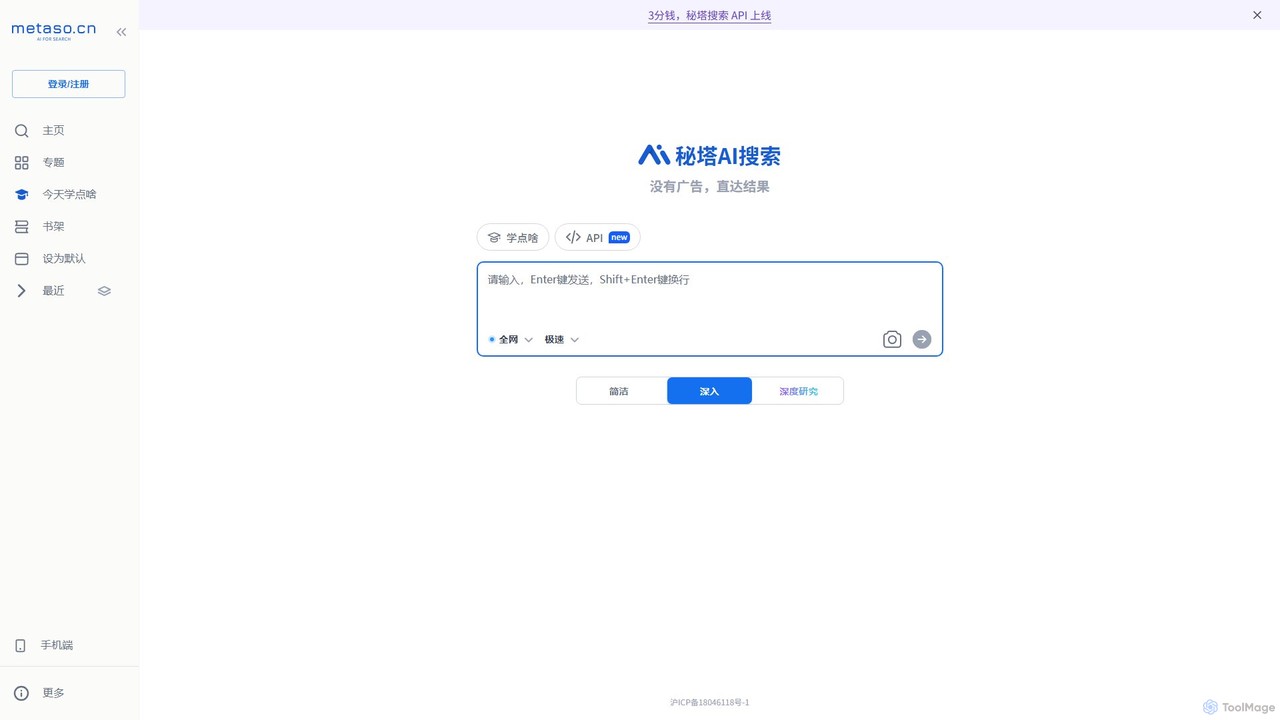
metaso
metaso is an AI-powered answer engine that delivers direct, ad-free results from across the web. It synthesizes information, provides source citations, and offers advanced features like in-depth research reports and document analysis to streamline knowledge discovery for students, researchers, and professionals.
Learning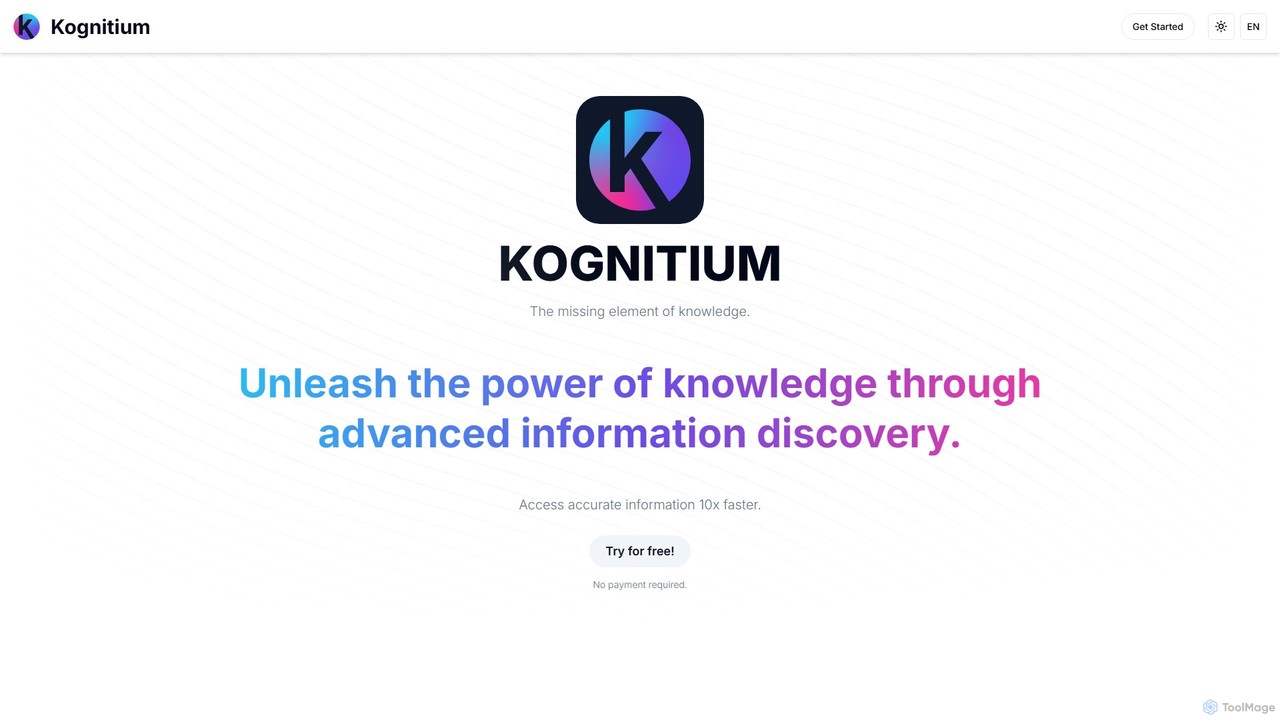
Kognitium
Kognitium is an advanced AI assistant for deep information discovery and knowledge enhancement. It provides highly accurate, up-to-date, and tailored answers across a vast range of disciplines. Unlike standard chatbots, Kognitium understands user intent, offers specialized "Focus Areas" for targeted queries (from coding to legal research), and learns from interactions to deliver a personalized experience for students, professionals, and developers.
Code Assistant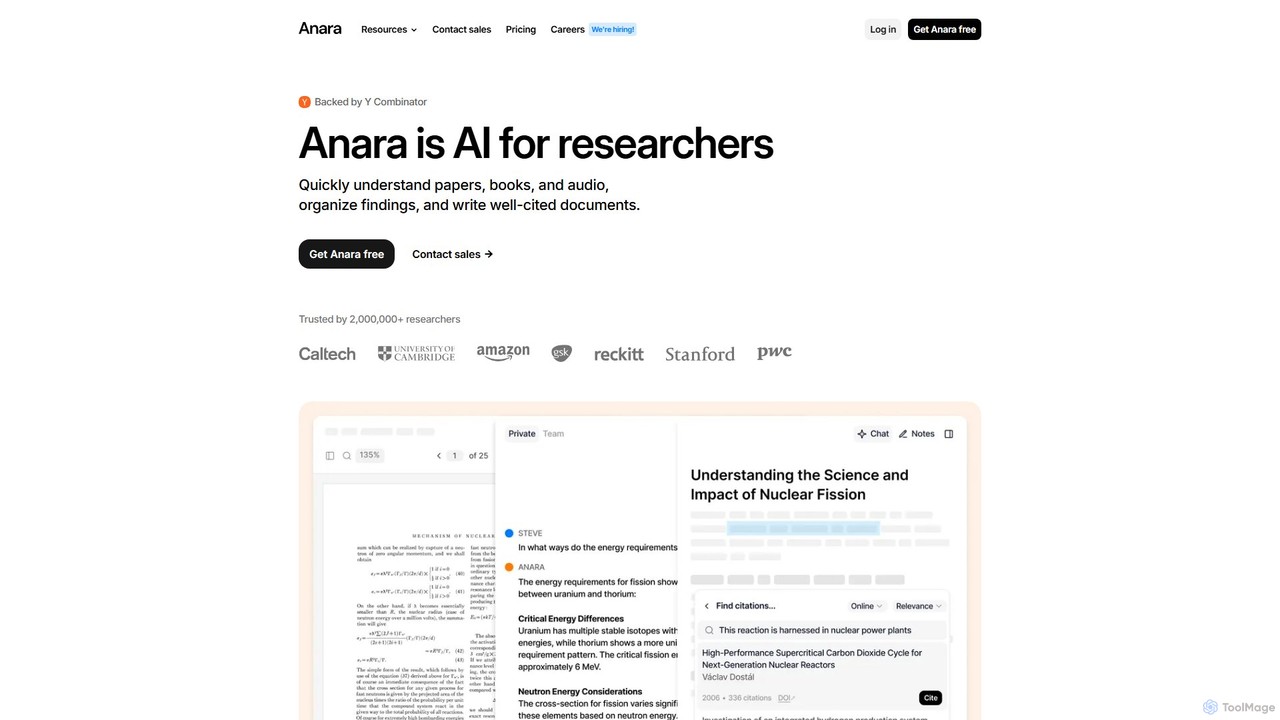
Anara
Anara (formerly Unriddle) is an AI-powered research platform designed to accelerate your workflow. It helps you quickly understand complex documents, books, audio, and video files, organize findings efficiently, and write well-cited papers. It provides referenced answers, ensuring accuracy and verifiability for all AI-generated insights.
Academic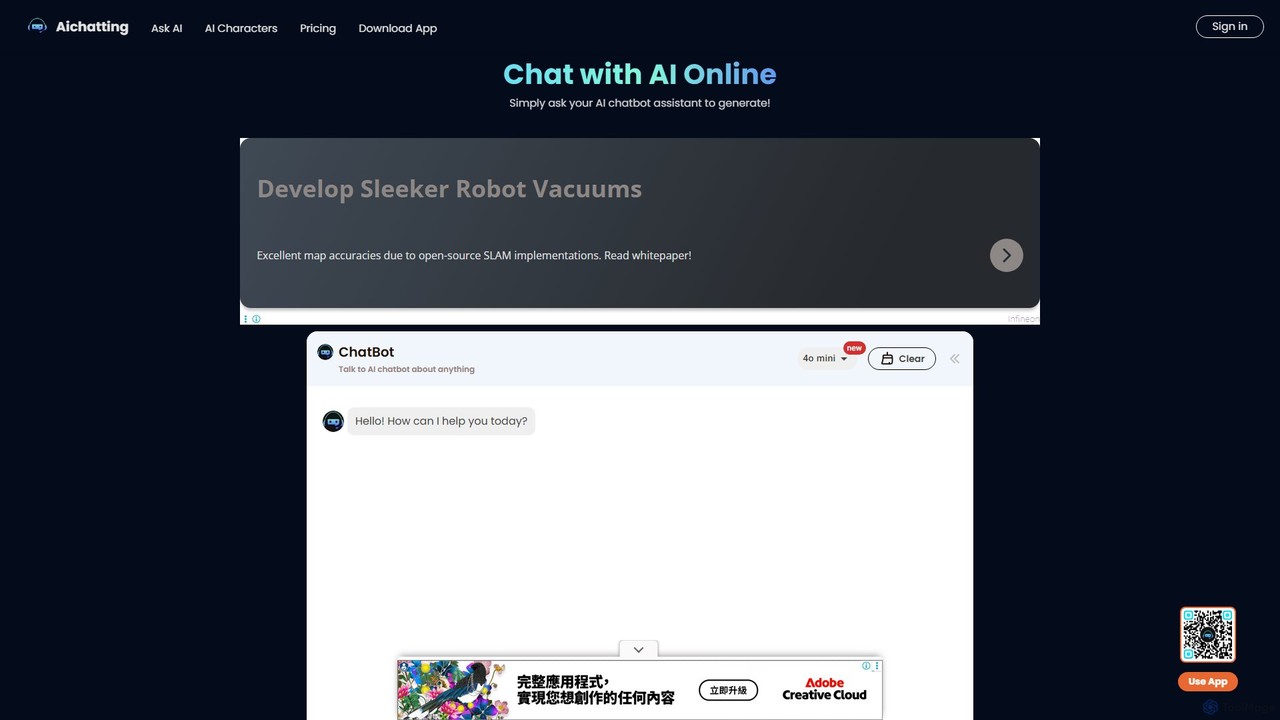
aichatting
aichatting is a versatile AI chatbot platform powered by advanced GPT models. Engage in natural conversations, ask any question, or interact with specialized AI characters for expert advice. It also functions as a powerful writing assistant, helping you generate emails, articles, and creative content 10x faster. Available online and via a mobile app, it's a free and user-friendly tool for productivity, learning, and creativity.
Learning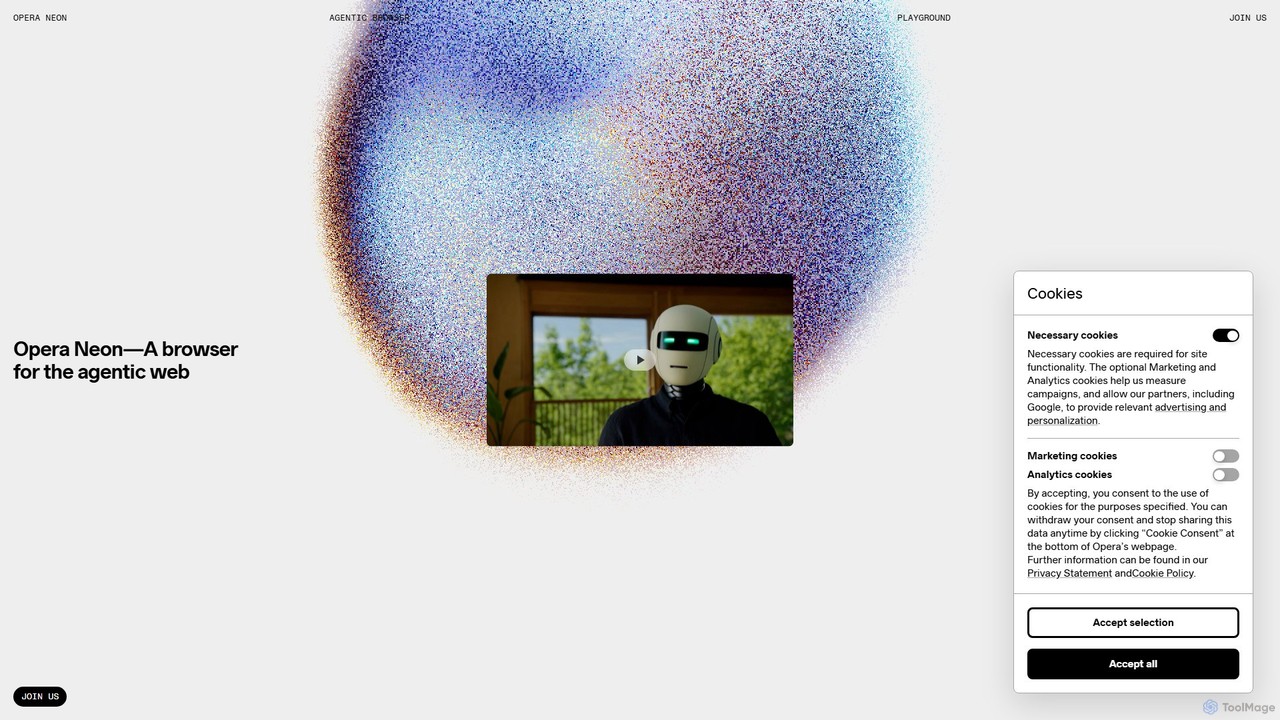
Opera Neon
Opera Neon is a next-generation agentic AI browser designed to understand user intent, automate complex tasks, and create digital content. It integrates AI chat, task automation, and creative generation into a single, seamless browsing experience, acting as a proactive digital assistant.
Low Code No Codediabrowser Categories
diabrowser Embed Widget
Copy this embed code to place the badge on your blog, article, or product site and send readers directly to this ToolMage detail page.

Related AI tools
Upword
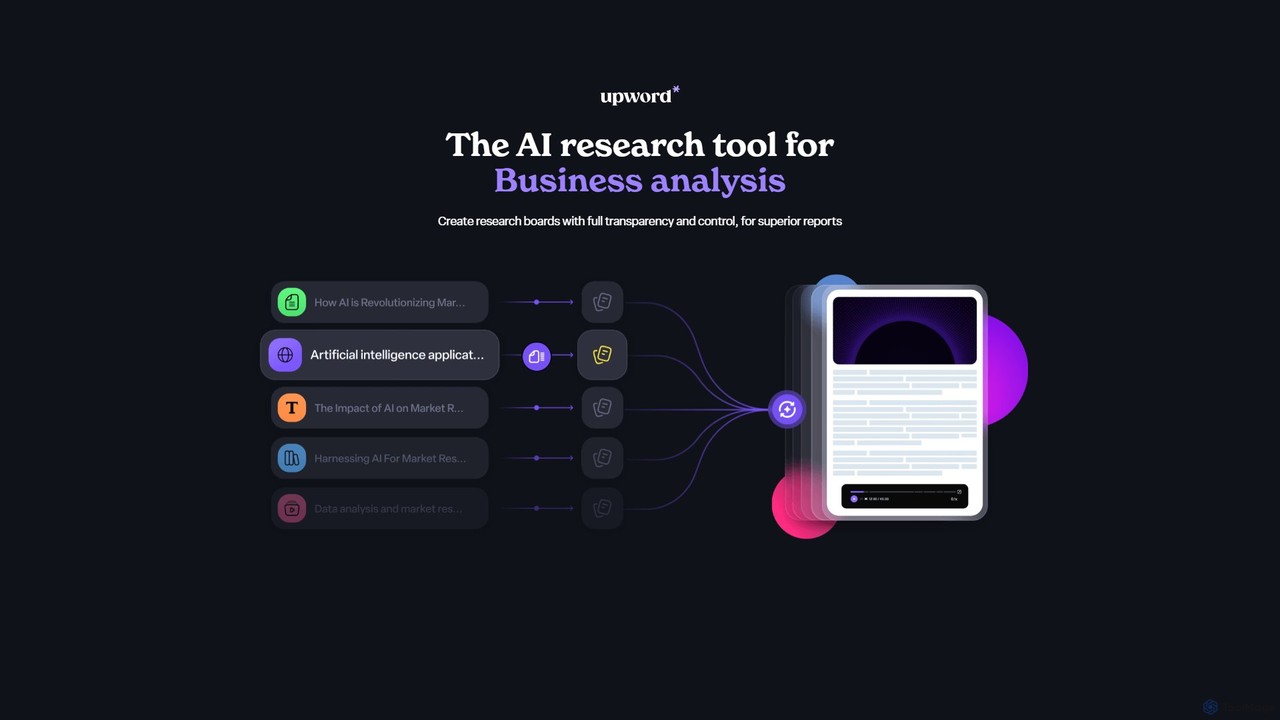
Upword is an AI-powered research platform designed for business analysis and knowledge management. It helps users summarize content from various sources like PDFs, URLs, and YouTube videos, create detailed reports with AI assistance, and organize all research in a centralized, collaborative library. It offers full control over the AI process, ensuring transparent and trustworthy results.
Analysis
Viinyx
Viinyx is an all-in-one AI browser assistant designed to supercharge your productivity. Integrated directly into your browser, it helps you write faster, read smarter, and research more efficiently. Summarize articles and videos, compose emails, and get contextual AI help on any webpage.
Summarizer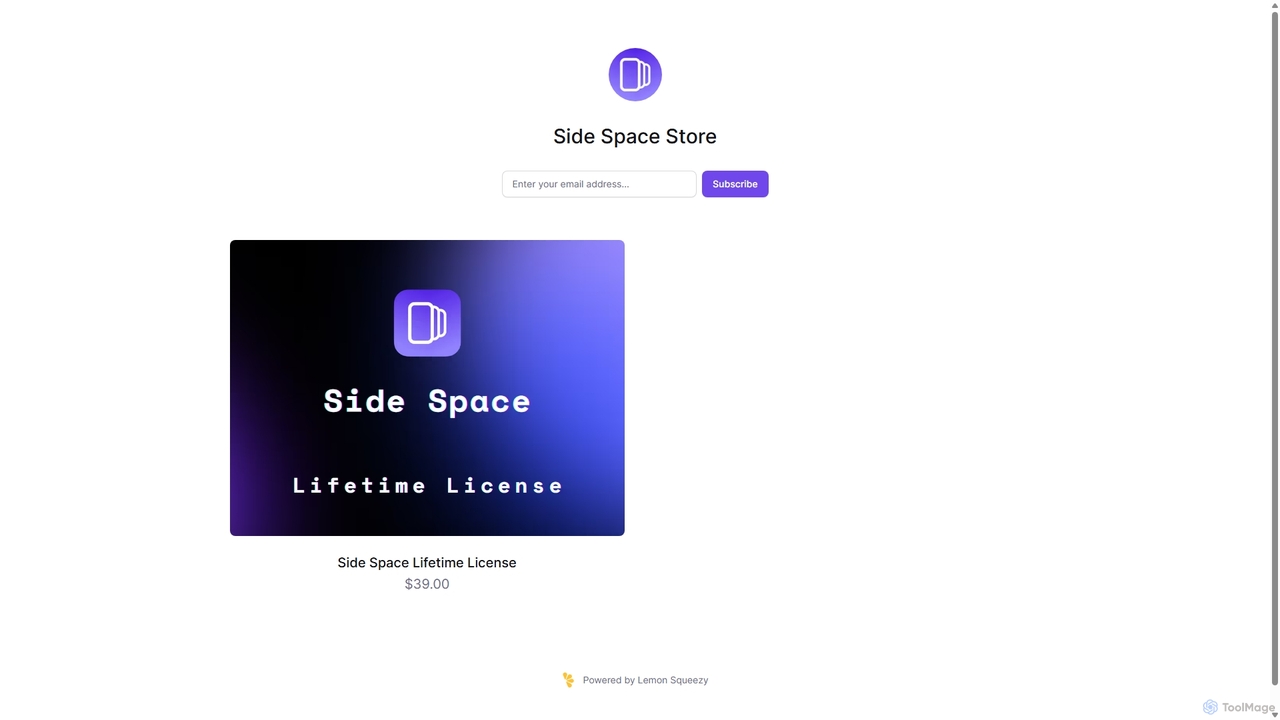
Side Space
Side Space is a powerful AI assistant that integrates seamlessly into your desktop workflow. It operates from a convenient sidebar, providing instant access to AI-powered tools for writing, coding, and general productivity without ever leaving your current application. Enhance your efficiency with contextual actions on selected text and customizable commands.
Code Assistant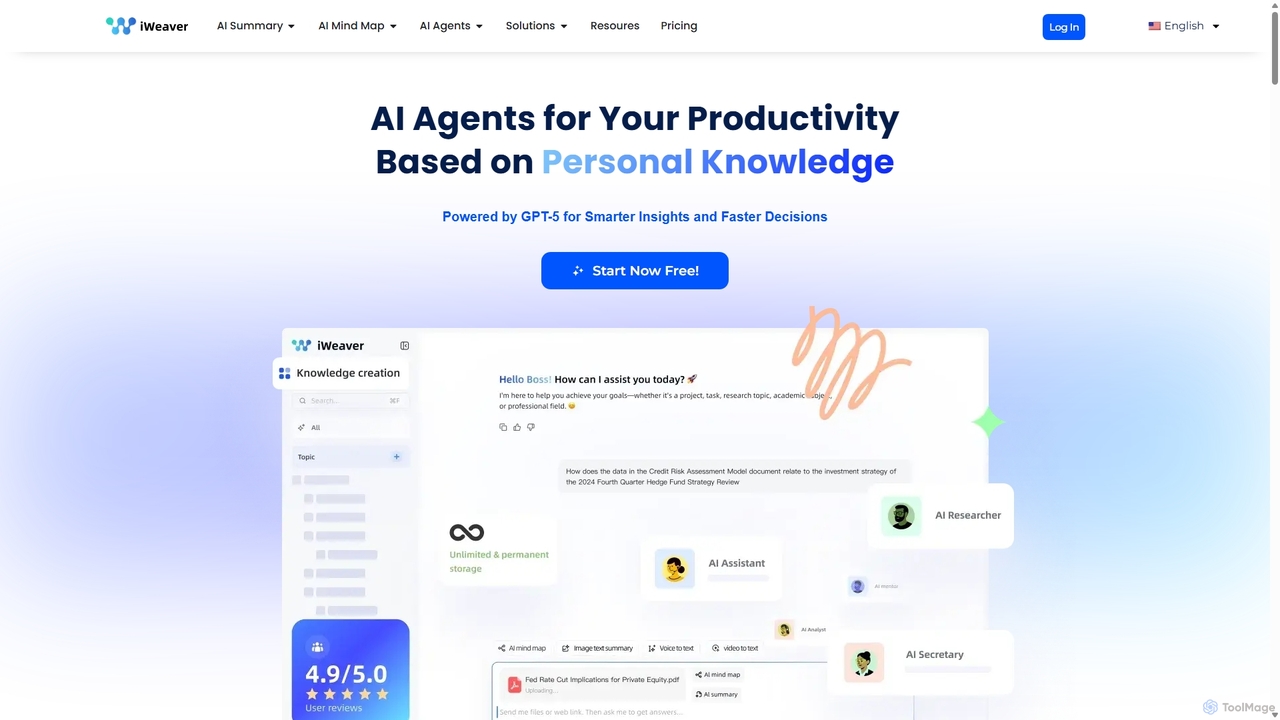
Iweaver
Iweaver is an AI-powered personal knowledge management platform that transforms your documents, images, and videos into an intelligent knowledge base. Utilize over 200 specialized AI agents to automate tasks, generate summaries, create mind maps, and get precise answers from your data. It learns your work habits to provide personalized, context-aware assistance, streamlining workflows for professionals in finance, research, law, and content creation.
Study Tools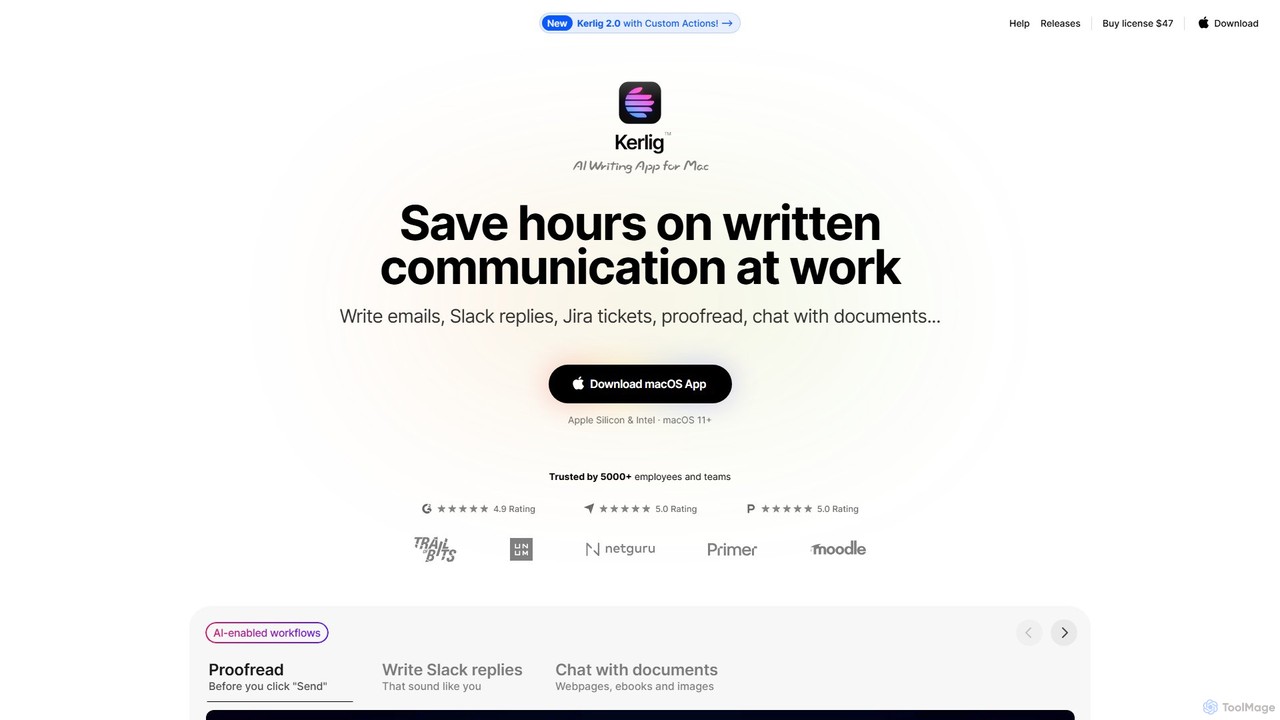
Kerlig
Kerlig is a native AI writing assistant for macOS designed to streamline your communication. It integrates seamlessly into your workflow, allowing you to write emails, proofread text, chat with documents, and generate content using over 350 AI models. With custom actions and a focus on privacy, Kerlig saves you hours by bringing powerful AI to your fingertips, without ever leaving your current application.
Mac Apps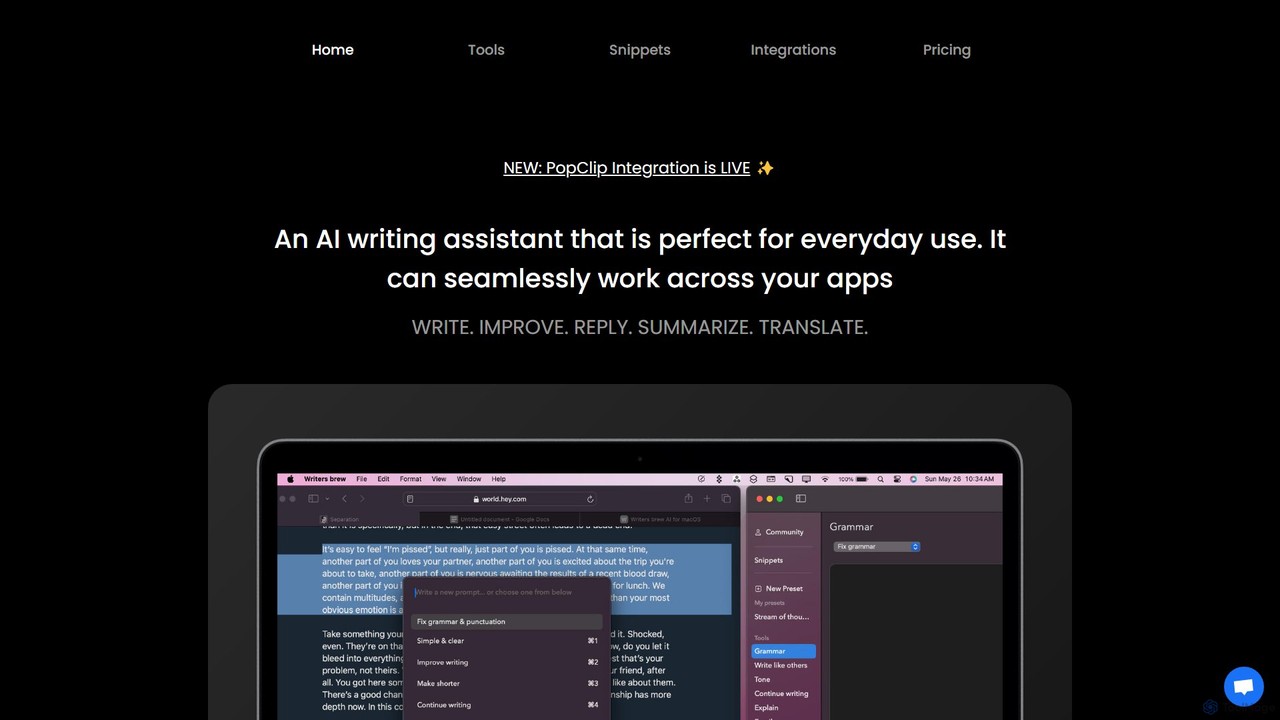
Writers brew
Writers brew is a native AI writing assistant for macOS that integrates seamlessly across all applications. It helps you write, improve, summarize, translate, and reply to text anywhere with a simple keyboard shortcut, also featuring text snippets, OCR, and other productivity utilities.
Macosmetaso
metaso is an AI-powered answer engine that delivers direct, ad-free results from across the web. It synthesizes information, provides source citations, and offers advanced features like in-depth research reports and document analysis to streamline knowledge discovery for students, researchers, and professionals.
Learning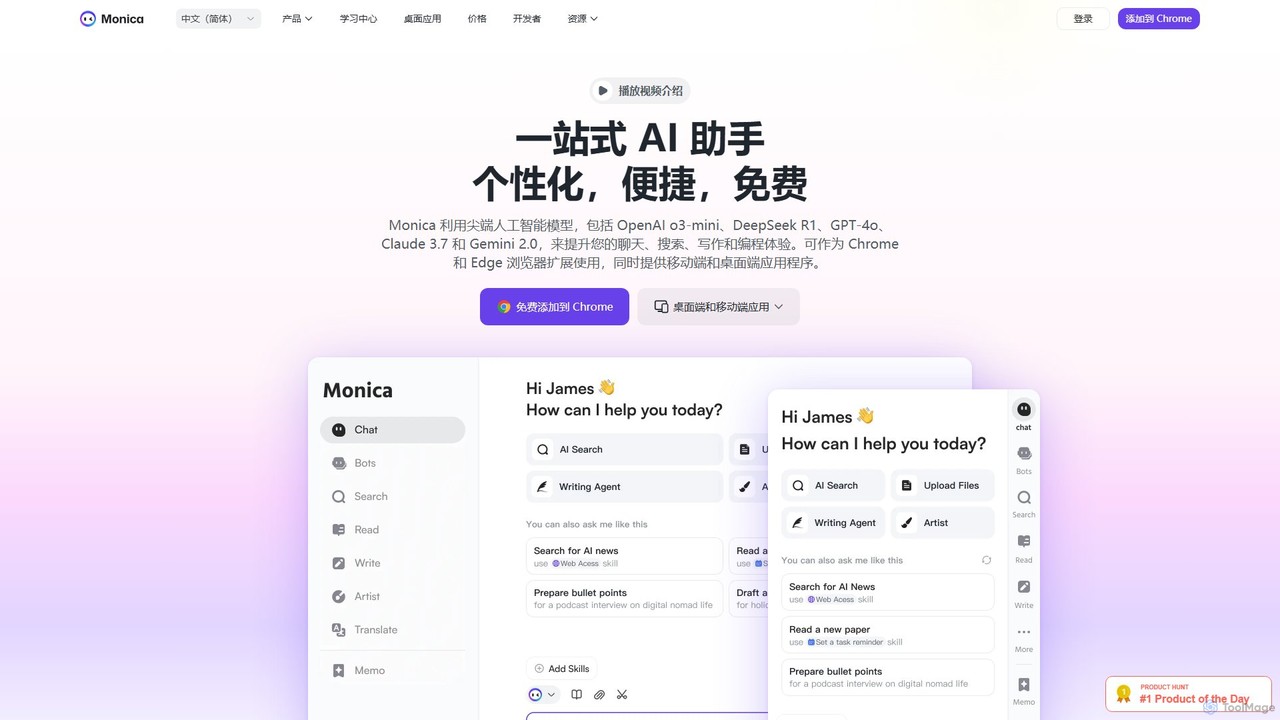
Monica
Monica is an all-in-one AI assistant powered by leading models like GPT-4o, Claude 3.7, and Gemini 1.5. It integrates seamlessly into your workflow as a browser extension, desktop, and mobile app, offering features for chat, search, writing, translation, and image creation to boost productivity.
Chrome Extensions
Gnius.ai
Gnius.ai is an advanced AI-powered knowledge engine and creative partner designed to assist professionals, researchers, and creators. It seamlessly integrates research, content generation, and data analysis into a single, intuitive platform, transforming complex information into actionable insights and high-quality content.
Data Analysis
Toolsmart
Toolsmart is a comprehensive suite of over 50 free AI-powered tools designed to boost productivity. It offers a wide range of utilities in one convenient hub, including PDF converters and editors, social media video downloaders, advanced image editing tools like background and watermark removers, and a variety of AI writing assistants for paraphrasing, summarizing, and humanizing text. No sign-up is required for most tools, providing a fast, accessible, and ad-free user experience for creators, marketers, and professionals.
Pdf
getmerlin
getmerlin is a versatile AI assistant powered by top models like GPT-4o and Claude 3.5. Available as a browser extension and app, it integrates seamlessly into your workflow to summarize content, draft emails, generate text and images, and enhance research on any website. It acts as an all-in-one productivity tool, saving time and money by consolidating multiple AI services into a single subscription.
Chrome Extensions
HARPA AI
HARPA AI is an all-in-one AI browser agent that integrates ChatGPT, Claude, Gemini, and more directly into your browser. It automates web tasks, summarizes content, drafts emails, extracts data, and enhances productivity with over 100 pre-built, page-aware commands. It functions as a versatile copilot for browsing, research, and automation.
Automation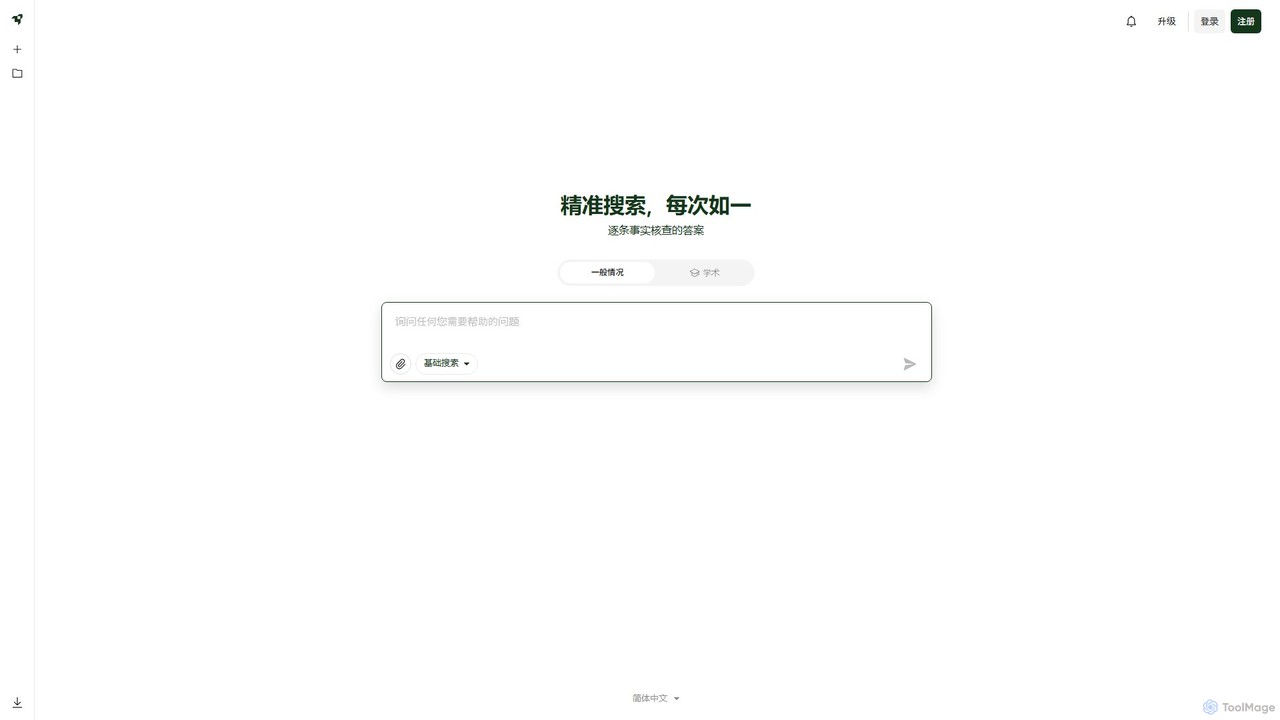
Liner
Liner is an AI-powered research assistant and web highlighter that enhances your online reading and research. It acts as an AI copilot, providing instant, fact-checked answers and summaries on search result pages and websites. Highlight text on any webpage or PDF, organize your findings into collections, and accelerate your learning and productivity.
Search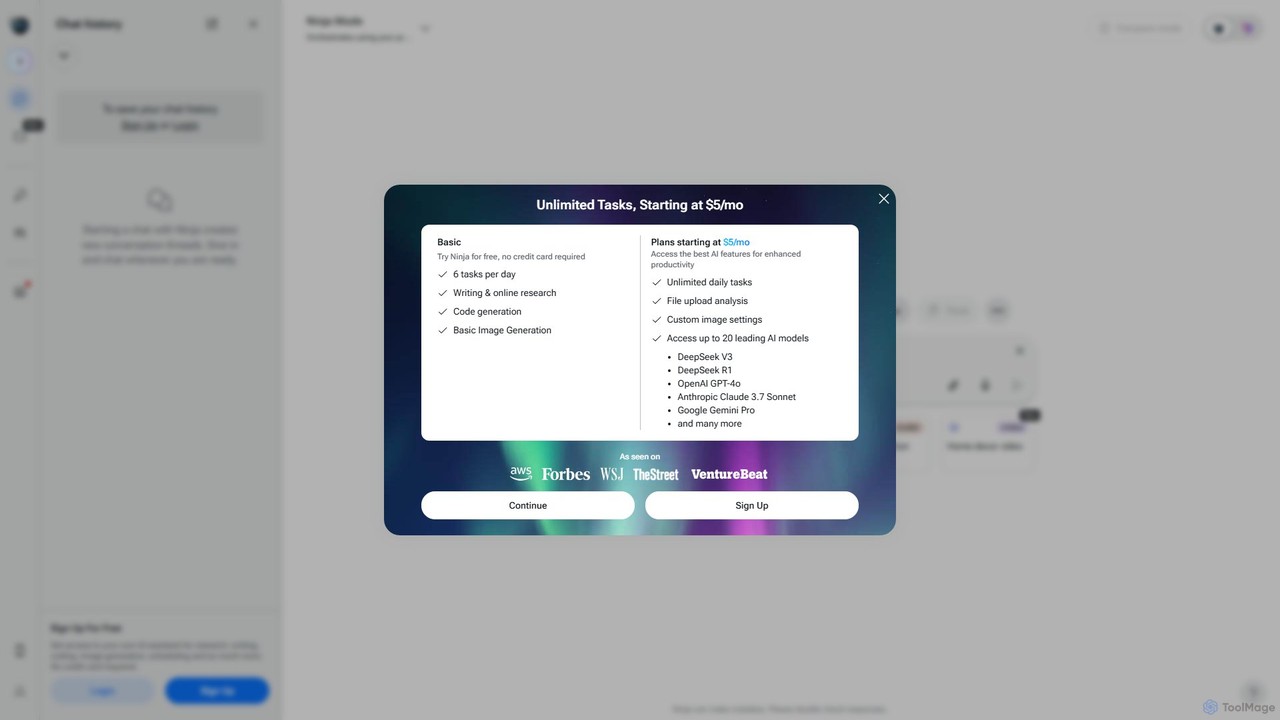
myninja.ai
myninja.ai is an all-in-one AI agent designed to boost productivity. It integrates over 20 leading AI models like GPT-4o, Claude 3.7, and Gemini Pro into a single platform. Users can perform deep research, write code, generate images, analyze files, and schedule meetings, all from one intuitive chat interface. It offers a free plan and affordable premium options starting at $5/mo.
Code Assistant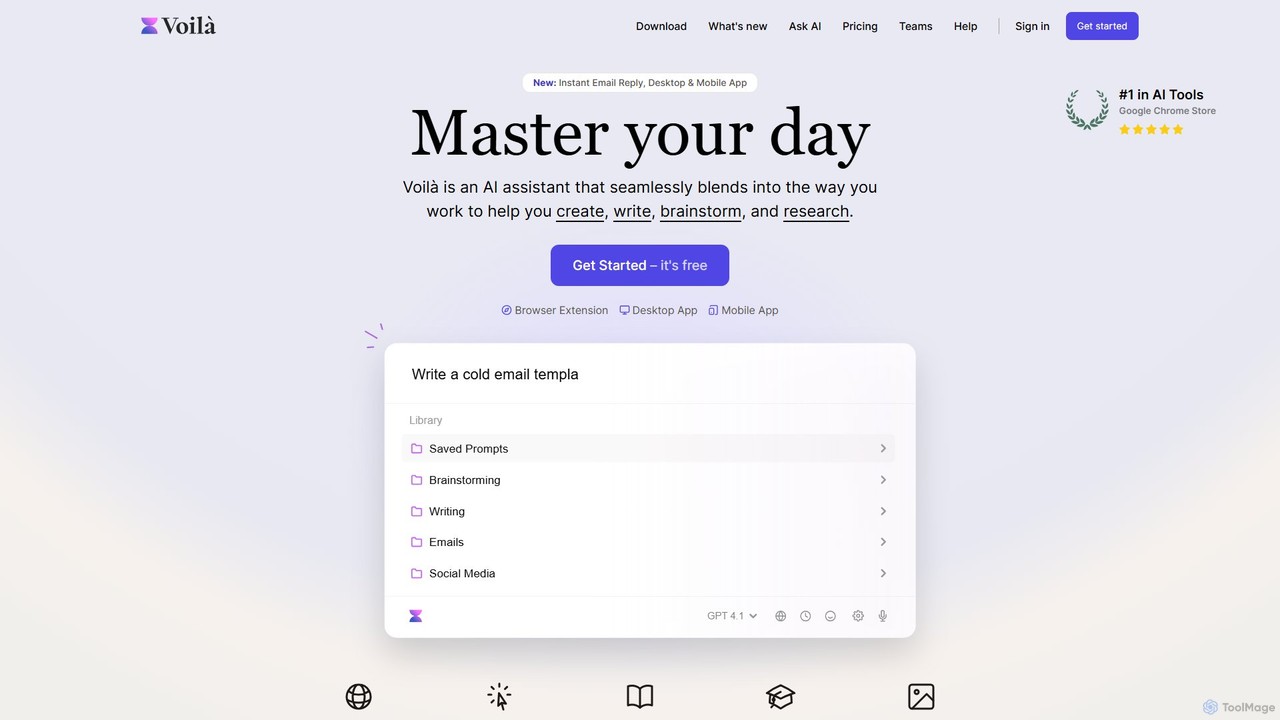
Voilà
Voilà is an all-in-one AI assistant designed to maximize productivity. It functions as a browser extension, desktop, and mobile app, seamlessly integrating into your workflow to help with writing, brainstorming, research, and content creation. It works on any website or app, understanding the context to provide relevant assistance.
Content Creation
diabrowser Comments (0)
Sign in to comment.
Sign inNo comments yet.