


Bing Overview
Bing, developed by Microsoft, has evolved from a traditional search engine into a powerful AI-powered discovery tool. At its core is the integration of Microsoft Copilot (powered by advanced models like OpenAI's GPT-4), which transforms the search experience into a conversational and creative partnership. Instead of just providing a list of links, Bing delivers comprehensive, summarized answers drawn from multiple reliable sources across the web, complete with citations for verification. This makes it an invaluable tool for quick, accurate information gathering.
Beyond answering questions, Bing serves as a versatile creative and productivity assistant. Its AI capabilities extend to generating a wide array of text-based content, from professional emails and detailed reports to creative poems and programming code. Furthermore, through its integration with Image Creator from Microsoft Designer (utilizing DALL-E 3 technology), users can bring their ideas to life by generating unique, high-quality images from simple text descriptions. This seamless fusion of search, chat, and creation makes Bing a comprehensive 'copilot for the web'.
How to use Bing
Using Bing's AI features is intuitive. Simply visit Bing.com or use the integrated Copilot feature in the Microsoft Edge sidebar or Windows search bar. You can start with a standard search query to get traditional results, or switch to the chat mode to engage with the AI. Ask complex questions in natural language, such as 'Explain the theory of relativity in simple terms' or 'Create a 7-day travel itinerary for a trip to Japan.' For content creation, provide a prompt like 'Write a professional email to my team about the new project deadline' or 'Generate a blog post outline about the benefits of remote work.' To create images, describe what you want to see, for example, 'Create an image of a photorealistic astronaut riding a horse on Mars.'
Core Features of Bing
- AI-Powered Answers: Get direct, summarized answers to your queries, synthesized from multiple web sources with footnotes linking back to the original content.
- Conversational Search & Chat: Engage in a natural, back-and-forth dialogue to explore topics, brainstorm ideas, and get detailed explanations.
- Content Generation: Create diverse text content, including emails, essays, code, scripts, social media posts, and more, with specific tone and format instructions.
- AI Image Generation: Generate unique images from text prompts using the integrated Image Creator from Microsoft Designer, powered by DALL-E 3.
- Multi-Modal Input: Search using text, voice, or by uploading an image to find visually similar content or information about the image.
- Deep Ecosystem Integration: Seamlessly integrated into Windows, Microsoft Edge, and the Microsoft 365 suite for a consistent and efficient workflow.
Use Cases for Bing
Bing is a versatile tool for various users. Students and researchers can use it to summarize complex academic papers, find and cite sources, and draft essays. Content creators can brainstorm ideas, write articles, generate social media captions, and create custom images for their posts. Developers can write, debug, and explain code snippets. For professionals, it's useful for drafting emails, creating presentation outlines, and conducting market research. Everyday users can plan trips, find recipes, compare products, and get quick, reliable answers to their daily questions.
Advantages of Bing
The primary advantage of Bing is its free access to state-of-the-art AI models like GPT-4 and DALL-E 3, which are often behind a paywall in other services. Its commitment to providing cited sources enhances transparency and allows users to verify information. By combining search, chat, and generative AI into a single, integrated platform, it offers a streamlined and efficient user experience. Its deep integration with the Microsoft ecosystem makes it an incredibly convenient tool for users of Windows and Microsoft 365.
Pricing and Plans
The core functionalities of Bing search and its integrated Copilot AI are available for free. Microsoft also offers 'Copilot Pro,' a premium subscription plan that provides priority access to the latest models during peak times, faster AI image generation, and enhanced integration with Microsoft 365 apps like Word, Excel, and PowerPoint. This makes Bing a 'freemium' service, catering to both casual users and professionals who require more advanced capabilities.
Bing Alternatives
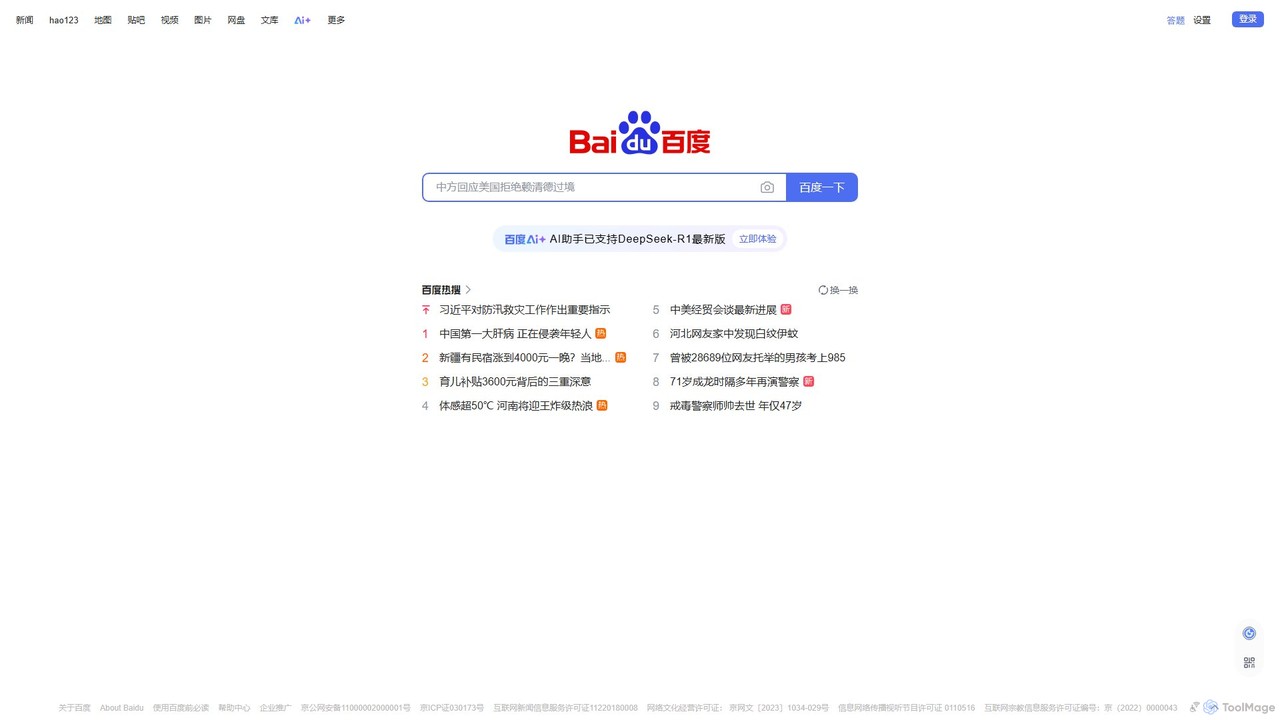
Baidu
Baidu is a comprehensive AI-powered platform that has evolved beyond a traditional search engine. It integrates the powerful ERNIE large language model to provide conversational search, content generation, in-depth Q&A, and a suite of intelligent tools, creating a unified ecosystem for information discovery and creation.
Ai Assistant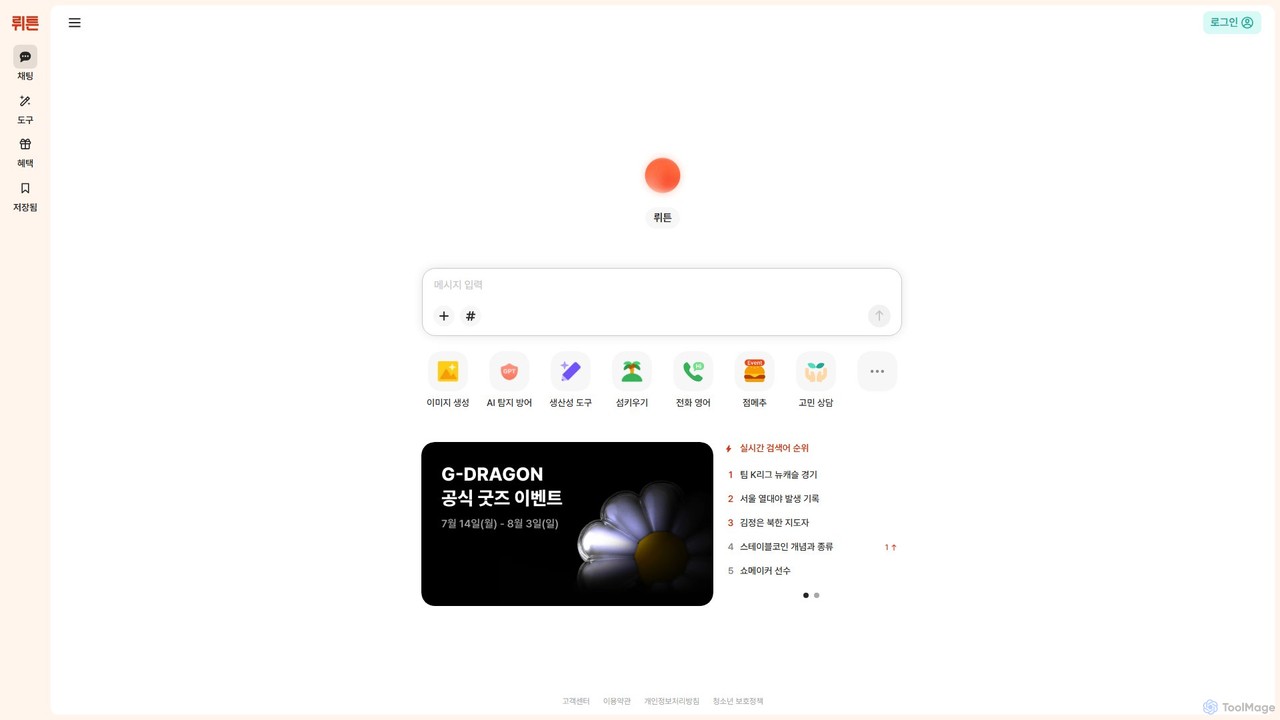
Wrtn
Wrtn is an all-in-one AI portal from South Korea, offering a comprehensive suite of tools for content creation, productivity, and daily life. It integrates advanced text and image generation, real-time web search, AI detection bypass, and unique lifestyle features into a single, user-friendly platform.
Generative Ai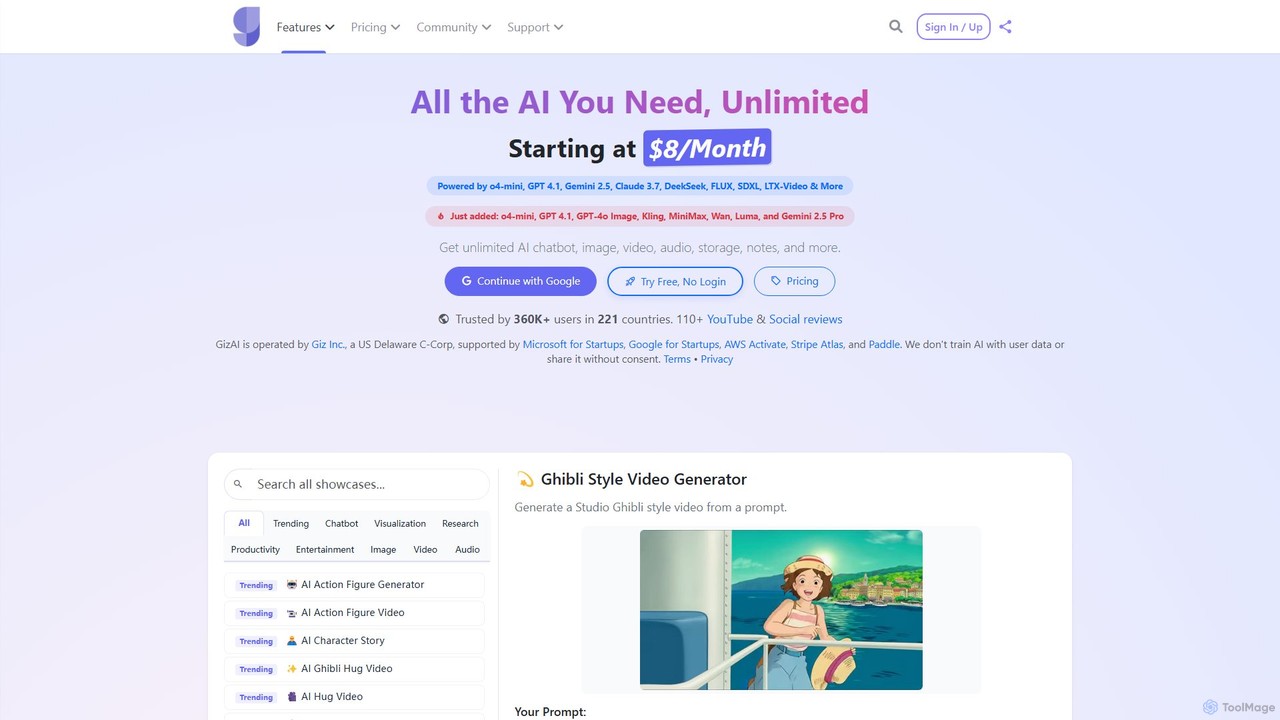
GizAI
GizAI is an all-in-one AI platform that unifies a vast suite of creative and productivity tools. It provides access to leading AI models like GPT-4.1, Claude 3.7, and Gemini 2.5 for generating text, images, video, and audio. The platform also integrates AI-enhanced notes and cloud storage, offering a comprehensive and cost-effective solution to replace multiple separate subscriptions.
Voice Generation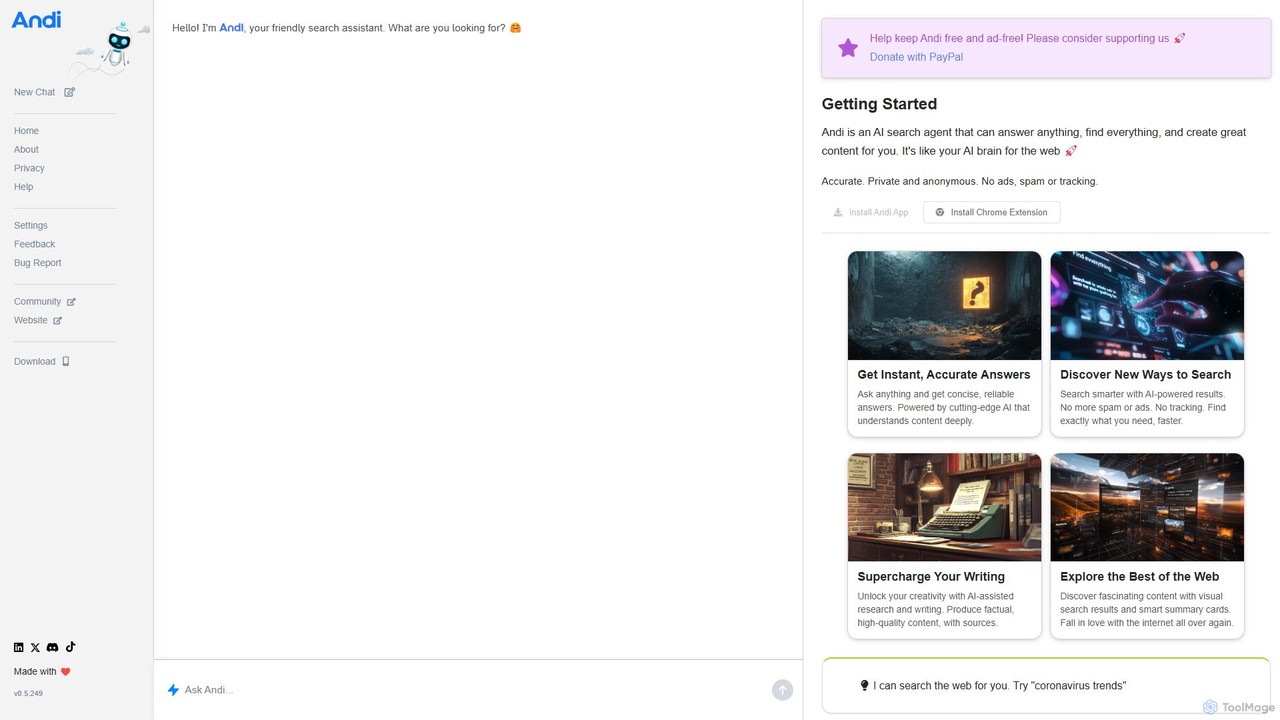
Andi Search
Andi Search is a next-generation AI search assistant that provides direct, accurate answers in a conversational, ad-free, and private interface. It uses generative AI to find, summarize, and explain information from the best sources, cutting through spam and tracking to deliver a smarter, faster search experience.
Research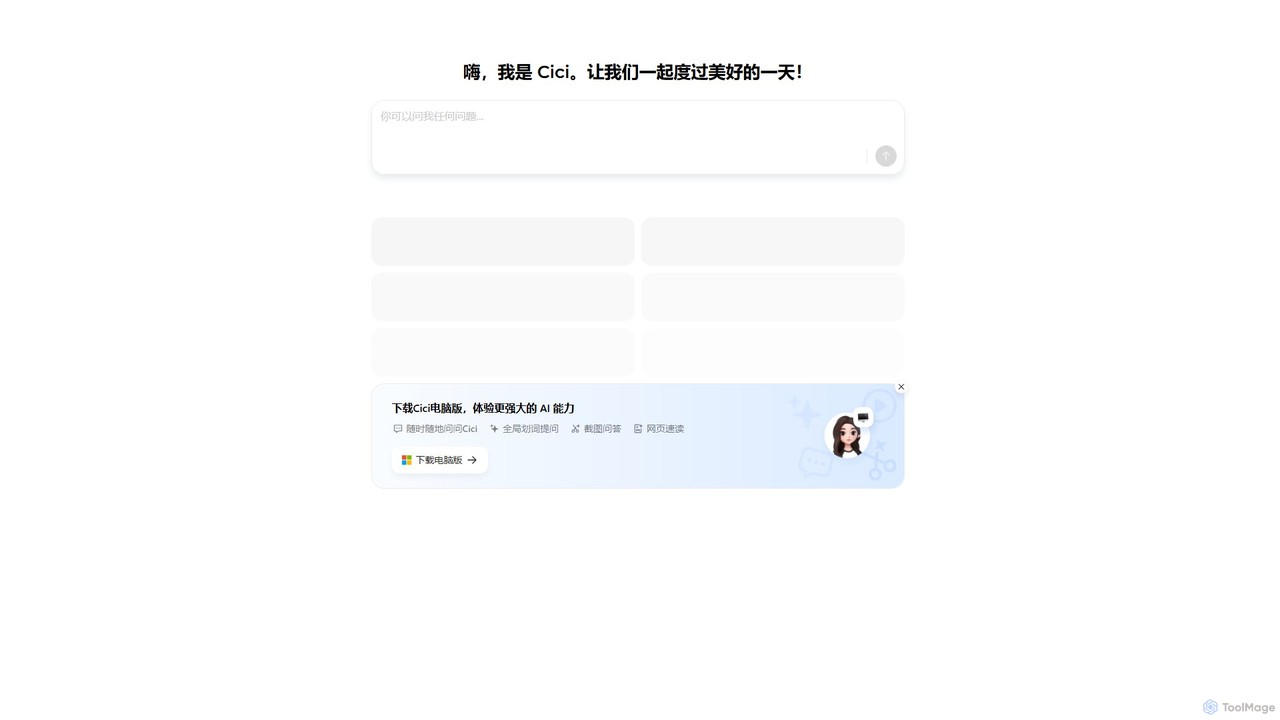
Cici
Cici is an intelligent AI assistant designed to enhance your productivity and creativity. It helps with writing, research, coding, and brainstorming through a versatile conversational interface. Seamlessly integrate Cici into your workflow to get instant answers, generate high-quality content, and automate repetitive tasks.
Code AssistantBing Categories
Bing Embed Widget
Copy this embed code to place the badge on your blog, article, or product site and send readers directly to this ToolMage detail page.

Related AI tools
Baidu
Baidu is a comprehensive AI-powered platform that has evolved beyond a traditional search engine. It integrates the powerful ERNIE large language model to provide conversational search, content generation, in-depth Q&A, and a suite of intelligent tools, creating a unified ecosystem for information discovery and creation.
Ai Assistant
getmerlin
getmerlin is a versatile AI assistant powered by top models like GPT-4o and Claude 3.5. Available as a browser extension and app, it integrates seamlessly into your workflow to summarize content, draft emails, generate text and images, and enhance research on any website. It acts as an all-in-one productivity tool, saving time and money by consolidating multiple AI services into a single subscription.
Chrome Extensions
Merlin AI
Merlin is an all-in-one AI assistant, available as a browser extension and app, that integrates top AI models like GPT-4, Claude 3, and Gemini. It allows you to research, write, summarize content, generate images, and code with a single click on any website, streamlining your workflow and boosting productivity without switching tabs.
Chrome Extensions
Microsoft Copilot
Microsoft Copilot is your everyday AI companion, enhancing productivity and creativity. It provides intelligent search, content generation, and image creation capabilities by leveraging the latest AI models like GPT-4 and DALL-E 3. Integrated across the Microsoft ecosystem, it assists with writing, coding, planning, and design tasks.
Image Generator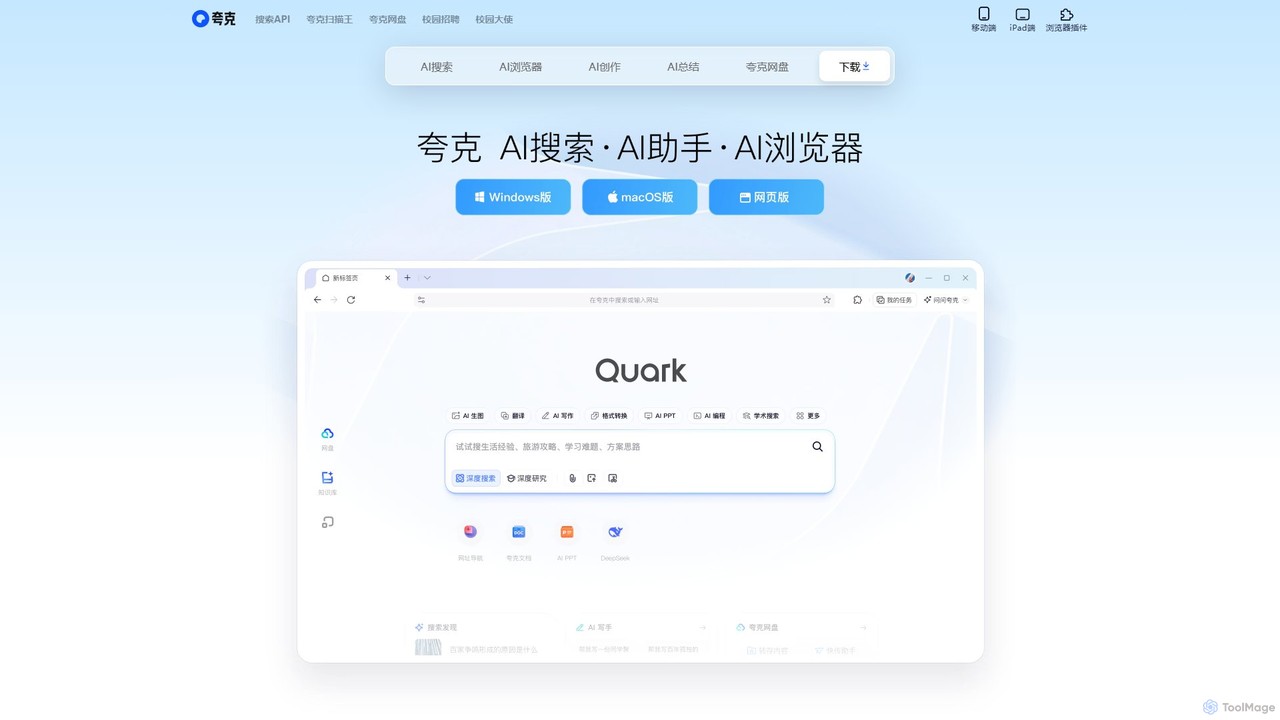
Quark
Quark is an all-in-one AI-powered suite from Alibaba, integrating a smart search engine, a fast browser, a massive cloud drive, and a suite of creative tools. It's designed to boost productivity for students and professionals with features like AI summarization, content generation, and seamless multi-device synchronization.
File Management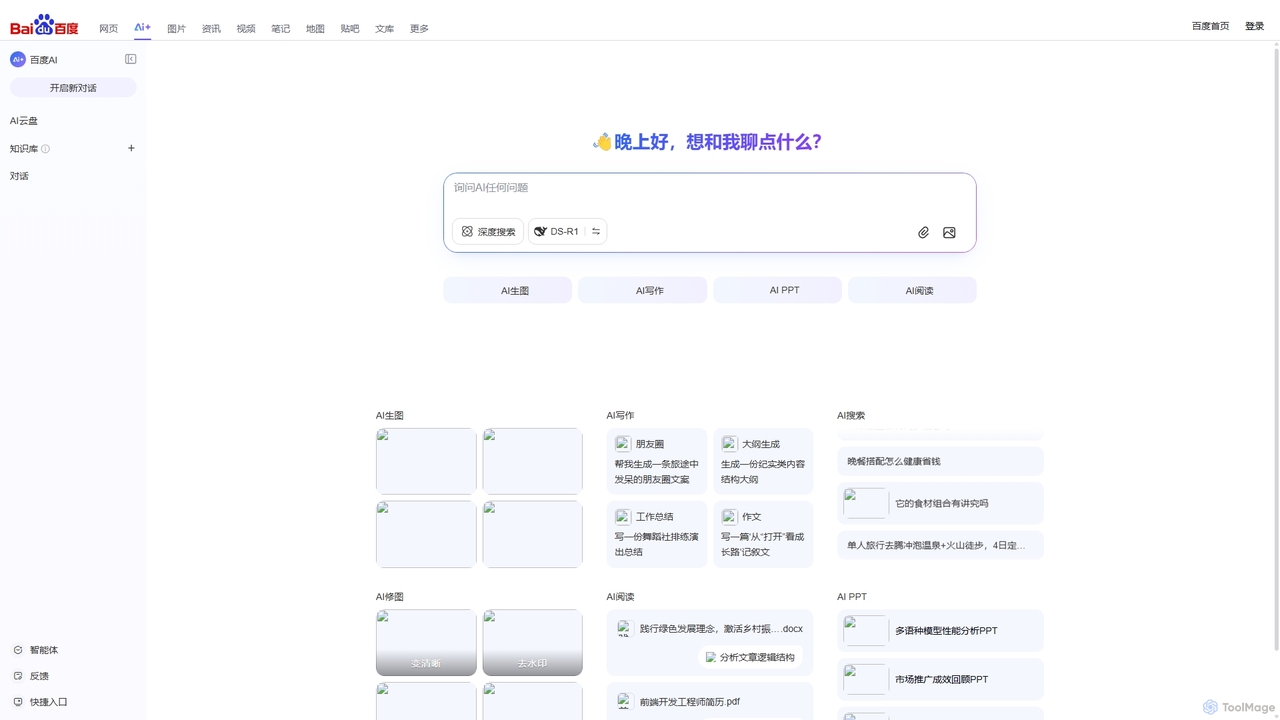
Baidu AI Search
Baidu AI Search is an all-in-one AI-powered platform that integrates conversational search, content creation, document analysis, and image editing. It provides a one-stop solution for work, study, and creative tasks, leveraging Baidu's powerful ERNIE model to deliver comprehensive answers and generate high-quality content.
Writing
Google Gemini
Google Gemini is a powerful, multimodal AI assistant designed to enhance creativity and productivity. It can understand and process text, code, images, and video to help you write, plan, learn, and create. Integrated with Google's ecosystem, it offers features like advanced content generation, deep research, and seamless collaboration within Google apps.
Image Generator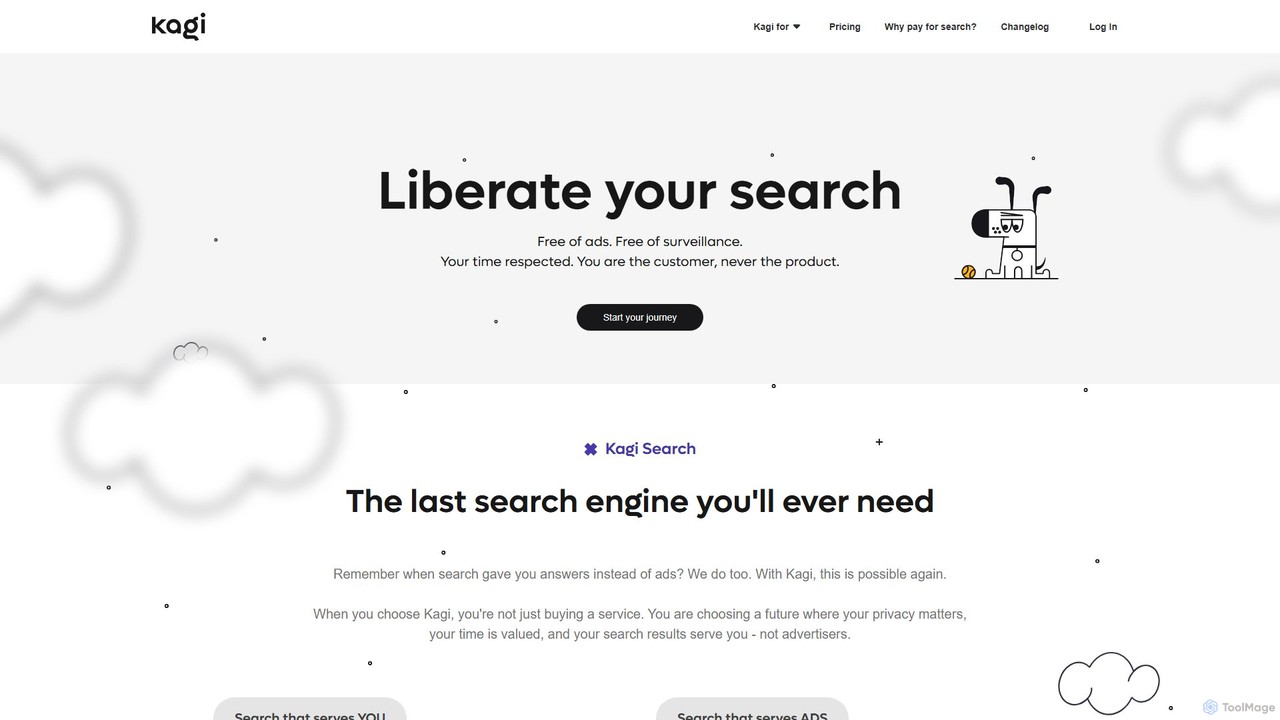
Kagi
Kagi is a premium, user-funded search engine that provides a 100% ad-free, private, and customizable search experience. It enhances productivity with high-quality, unbiased results and an integrated AI Assistant powered by leading large language models. Kagi puts users in control, allowing them to personalize search results and ensuring their data is never sold or used for advertising.
Ai Assistant
Sider
Sider is an all-in-one AI assistant integrated as a browser sidebar and cross-platform app. It combines chat with models like GPT-4 and Claude 3.5, a powerful "Deep Research" agent, a personal knowledge base called "Wisebase," and a suite of tools for summarizing, translating, writing, and image editing to enhance productivity and learning.
Assistant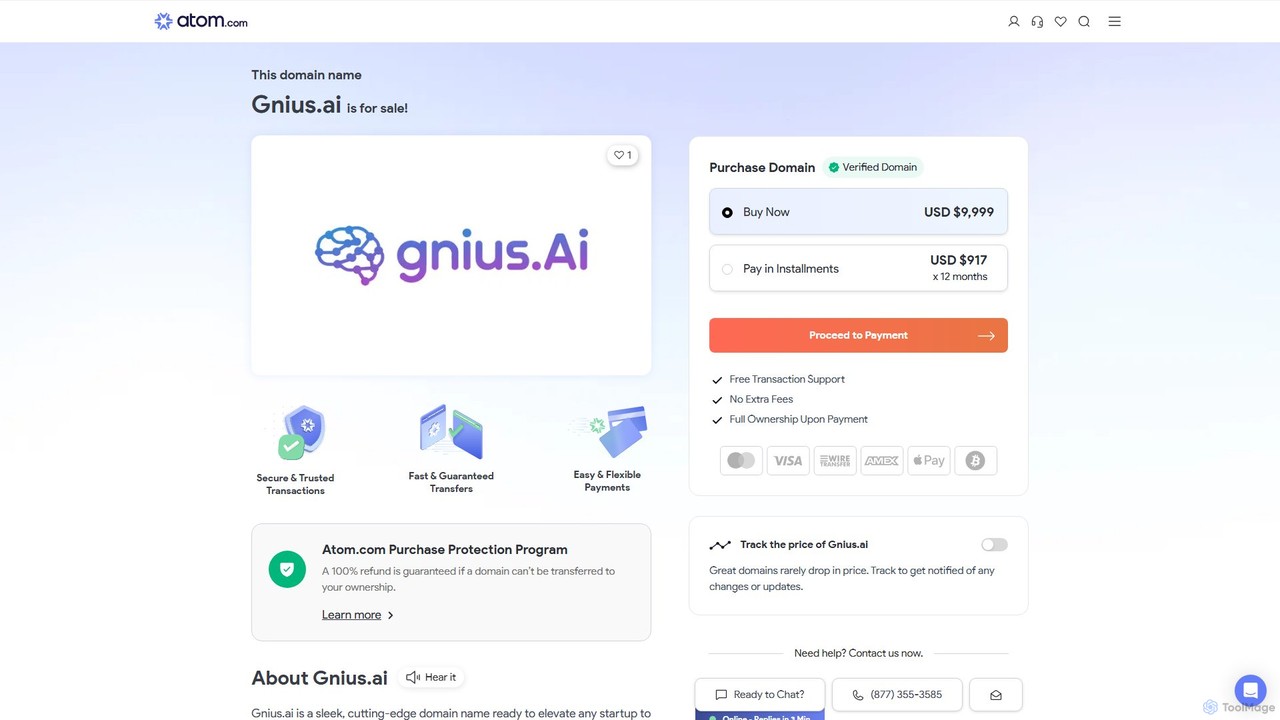
Gnius.ai
Gnius.ai is an advanced AI-powered knowledge engine and creative partner designed to assist professionals, researchers, and creators. It seamlessly integrates research, content generation, and data analysis into a single, intuitive platform, transforming complex information into actionable insights and high-quality content.
Data Analysis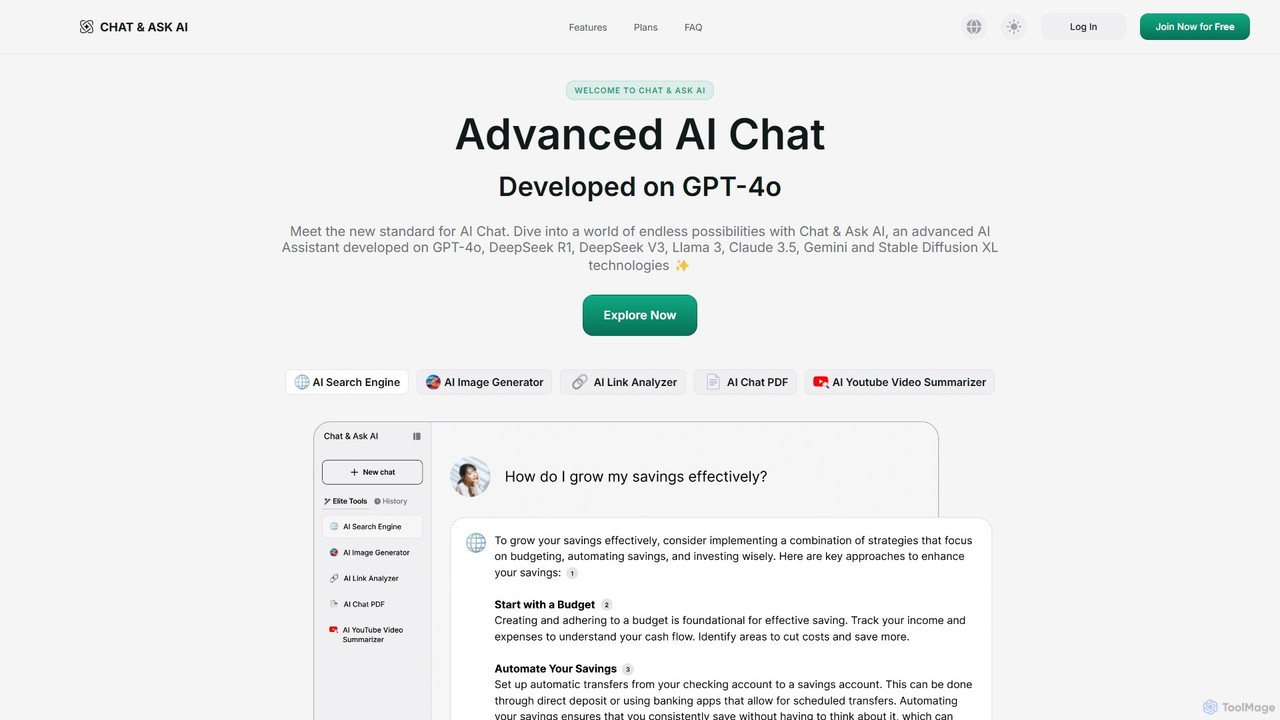
askaichat
askaichat is an all-in-one AI assistant powered by leading models like GPT-4o, Claude 3.5, and Llama 3. It integrates advanced AI chat with powerful tools for image generation, PDF and video summarization, web link analysis, and real-time search. It's designed to boost productivity and creativity for writers, researchers, and professionals by providing a single, versatile platform for diverse tasks.
Image Generator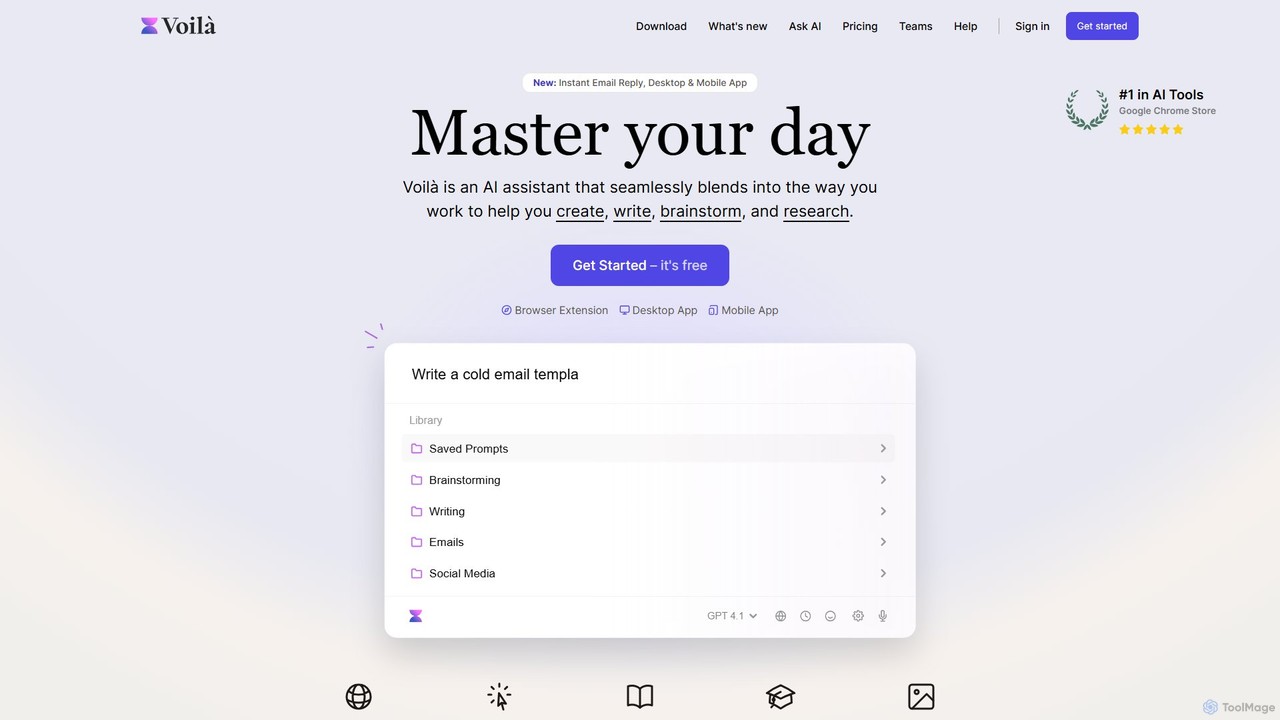
Voilà
Voilà is an all-in-one AI assistant designed to maximize productivity. It functions as a browser extension, desktop, and mobile app, seamlessly integrating into your workflow to help with writing, brainstorming, research, and content creation. It works on any website or app, understanding the context to provide relevant assistance.
Content Creation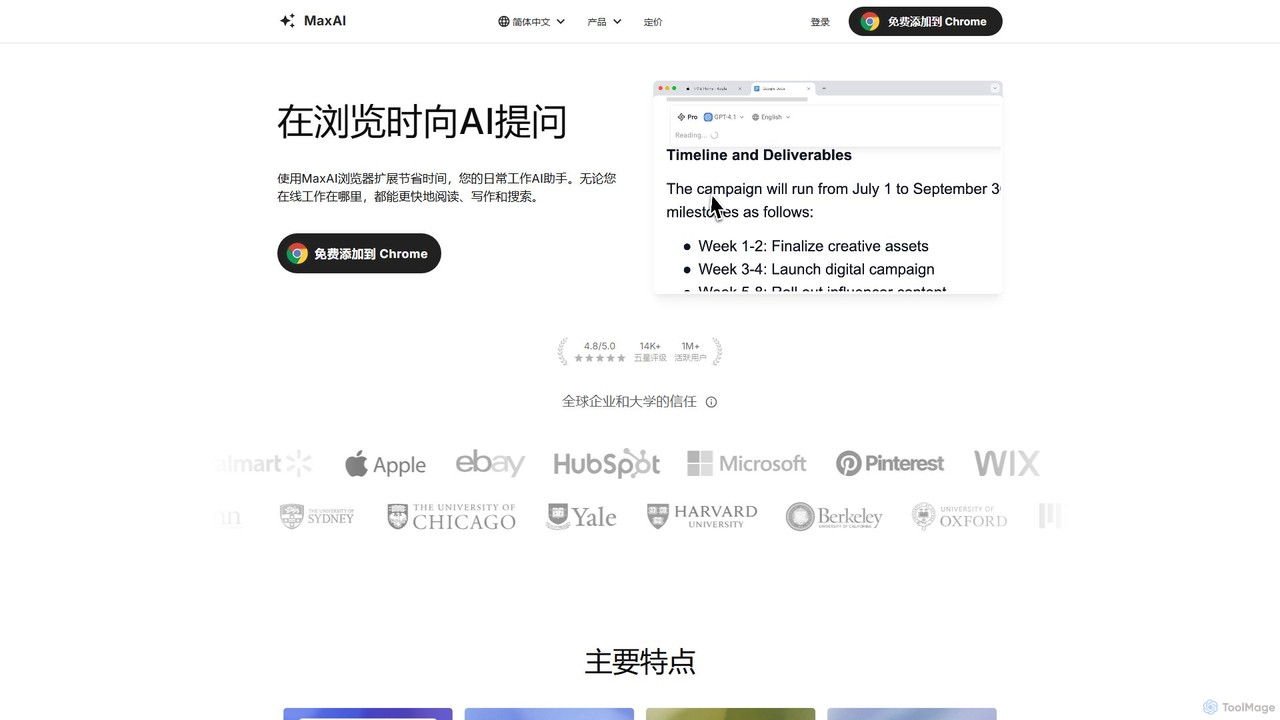
MaxAI
MaxAI is a powerful browser extension that acts as your all-in-one AI assistant. It integrates top AI models like GPT-4o and Claude 3.5 directly into your browser, allowing you to read, write, and research faster. Summarize web pages, improve your writing, translate text, and generate content with a single click, boosting your productivity across all your online activities.
Chrome Extensions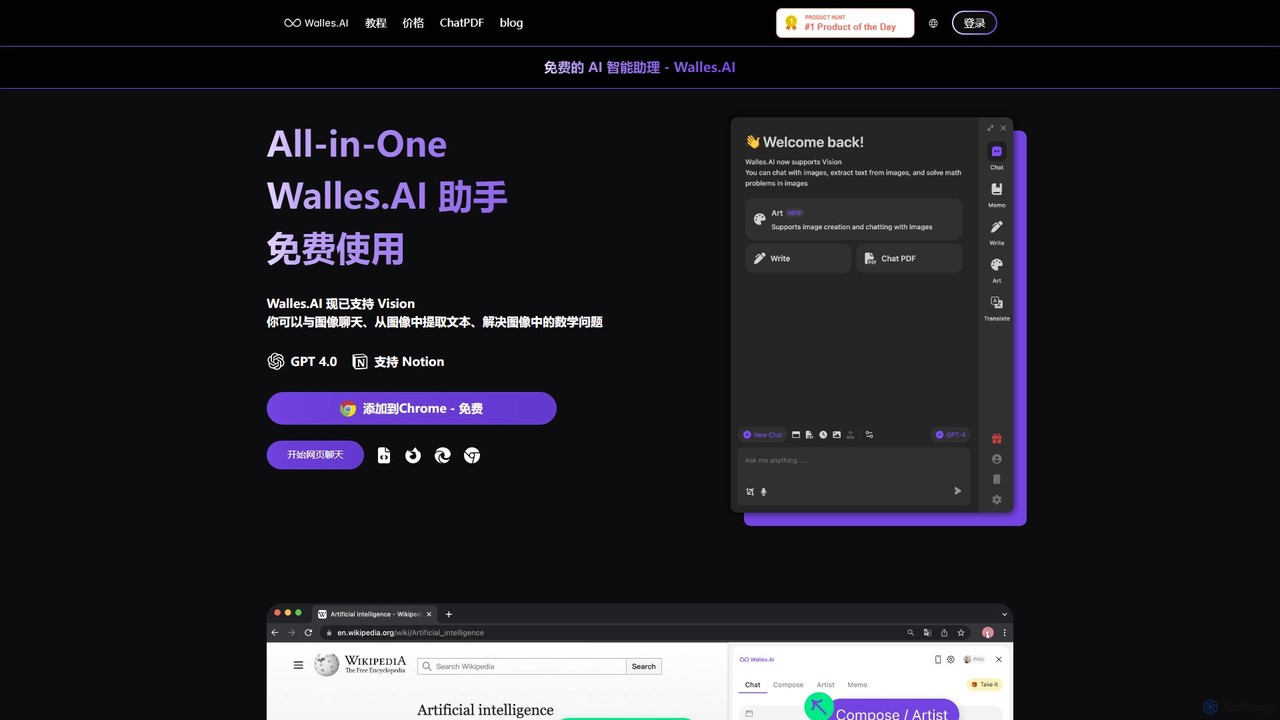
Walles.AI
Walles.AI is an all-in-one AI assistant integrated as a Chrome extension. Powered by GPT-4, it allows you to chat with webpages, PDFs, YouTube videos, and even images. Boost your productivity with instant summarization, translation, text analysis, and seamless integration with Notion.
Study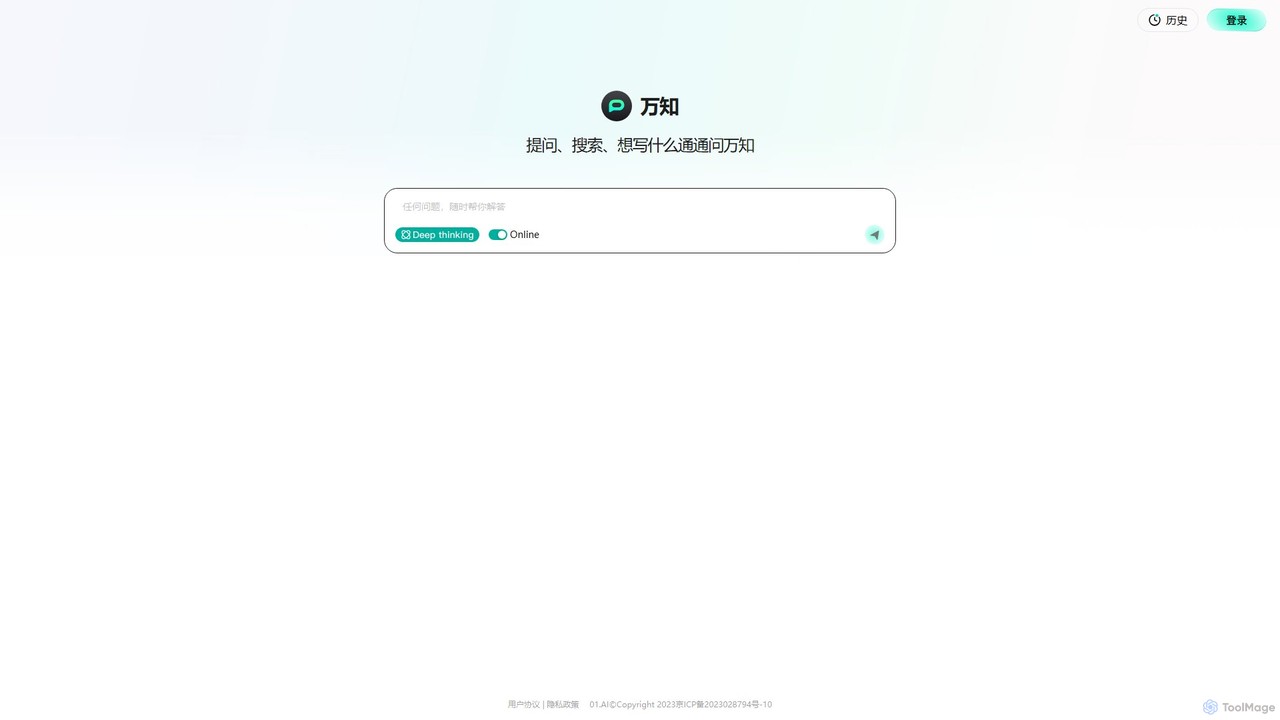
wanzhi01
Wanzhi is an all-in-one AI assistant developed by 01.AI. It seamlessly integrates conversational Q&A, intelligent search with real-time web access, and powerful content generation. Ask complex questions, get summarized search results with sources, or generate various types of written content, all within a single, intuitive interface.
Assistant
Bing Comments (0)
Sign in to comment.
Sign inNo comments yet.