ToolMage
Sign in

Best 1 Web AI tools for Utilities

Popular Web AI tools in Utilities include Arc, helping you work more efficiently.

Arc
Free

Arc

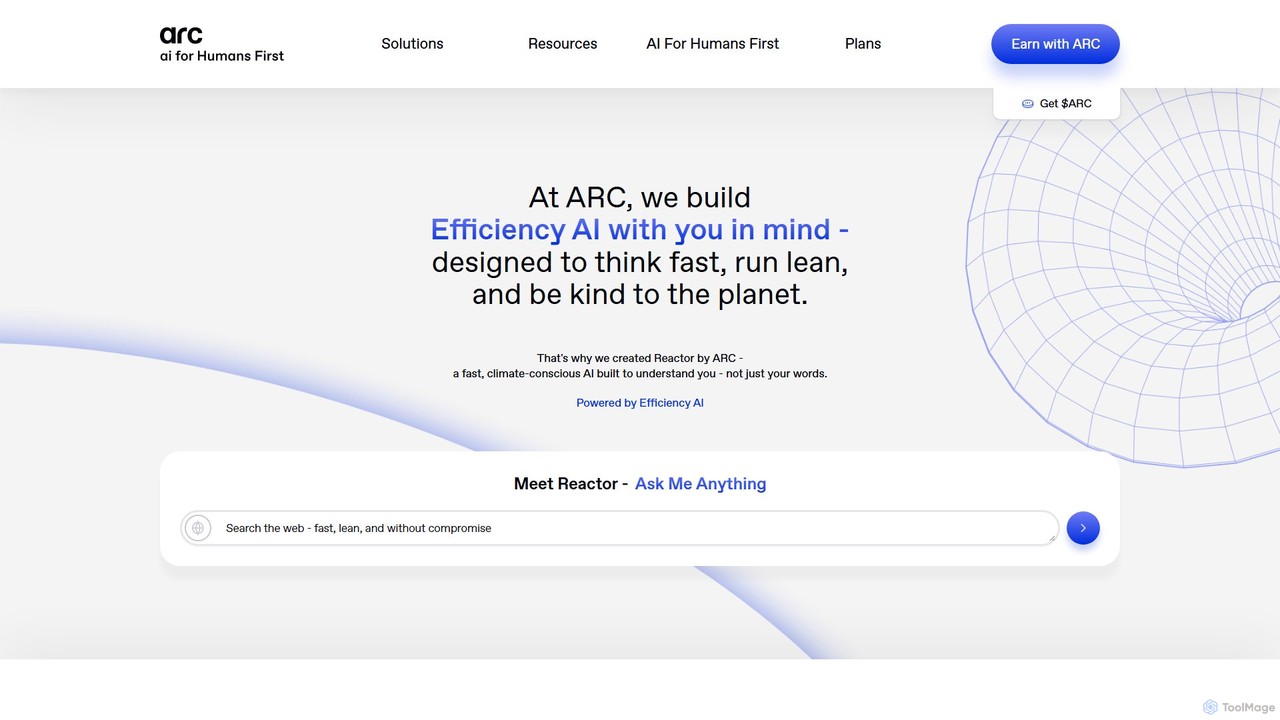
Arc is a revolutionary browser by The Browser Company, designed to be a smart, organized, and private alternative to Chrome. It integrates AI features to enhance productivity, offers unique organization tools like Spaces and Split View, and provides a seamless, ad-free experience across desktop and mobile.

Search Assistant
Visits 753.6KFavorites 134Likes 119

About Web

AI Web tools are a class of utilities that automate interaction with, extract data from, and analyze content on the World Wide Web. Leveraging machine learning and NLP, they intelligently interpret website structures and content, going beyond simple rule-based automation. These tools are essential for transforming unstructured web data into actionable insights for market research, lead generation, and competitive analysis. Unlike generic automation software, they can adapt to website layout changes and handle complex, dynamic web pages with greater reliability.

Core Features

  • Intelligent Data Extraction: Automatically scrapes specific data points like prices, contacts, or reviews from web pages, even with changing layouts.
  • Browser Automation: Simulates human actions such as filling forms, clicking buttons, and navigating multi-page workflows to automate tasks.
  • Content Analysis & Summarization: Processes and understands content directly from a URL to provide summaries, extract keywords, or analyze sentiment.
  • Website Change Monitoring: Continuously tracks specific parts of a web page and sends alerts when content is updated, added, or removed.
  • SERP & SEO Data Collection: Gathers data from Search Engine Results Pages (SERPs) to monitor keyword rankings and analyze competitor strategies.

Use Cases

These tools are widely used by digital marketers for competitor SEO analysis, sales teams for automated lead generation from online directories, and e-commerce managers for real-time price monitoring. Data analysts and researchers also rely on them for large-scale data collection for market intelligence reports.

How to Choose

When selecting an AI Web tool, evaluate its ability to handle dynamic, JavaScript-heavy websites. Consider the user interface—whether it's a no-code visual builder or requires programming. Also, assess its scalability for large tasks, data export options (e.g., API, CSV), and its effectiveness in managing anti-scraping measures.

Featured tool rankings

Web use cases

1

Automated Competitor Price Monitoring

An e-commerce manager uses an AI Web tool to scan the product pages of key competitors daily. The tool is configured to automatically identify and extract product names, prices, and stock levels, even if the site's layout changes. This data is then populated into a dashboard, enabling the manager to make rapid, data-driven pricing adjustments without hours of manual checks, thereby maintaining a competitive edge in the market.

2

Automated Lead Generation from Online Directories

A sales development representative targets businesses in a specific niche. They use an AI Web tool to crawl online directories like Yelp or industry-specific portals. The tool is instructed to find companies matching certain criteria (e.g., location, industry) and extract key information such as business name, phone number, and website URL. This process automates the top of the sales funnel, delivering a consistent list of qualified leads directly to the CRM system for the sales team to pursue.

3

SEO Content Gap and Keyword Analysis

An SEO specialist uses an AI Web tool to analyze the content of top-ranking competitors. They input competitor blog URLs, and the tool crawls all articles, extracts headlines, and identifies the primary keywords and topics covered. It then compares this data against the specialist's own site to generate a 'content gap' report. This report highlights valuable topics competitors are ranking for that the specialist's site has not yet addressed, providing a clear roadmap for future content creation.

4

Real-time Brand Mention Monitoring

A public relations manager sets up an AI Web tool to continuously monitor news sites, blogs, and forums for mentions of their brand. The tool not only finds the mentions but also uses NLP to analyze the sentiment (positive, negative, neutral) of the surrounding text. It sends instant alerts to the PR team for any significant negative mentions, allowing them to respond swiftly to potential crises and proactively manage the brand's online reputation.

5

Automated User Journey Testing for Web Apps

A quality assurance (QA) engineer uses an AI Web tool to automate regression testing. They record a critical user journey, such as signing up, adding an item to a cart, and completing a purchase. The AI tool intelligently identifies elements on the page (like 'Add to Cart' button) by context, not just by their code ID. This makes the test resilient to minor code changes. The tool can then automatically run this test across different browsers and devices after each new software deployment, catching bugs early.

6

Aggregating Real Estate Listings for Analysis

A real estate analyst needs to compile market data from various listing websites. They use an AI Web tool to scrape property details like price, square footage, number of bedrooms, and location from multiple sources. The AI's ability to understand different page layouts allows it to consistently extract the correct data from each site without needing a separate script for each one. This aggregated dataset is then imported into an analytics platform to identify market trends, evaluate investment opportunities, and generate comprehensive reports.

Web FAQ

What are AI Web tools?

AI Web tools are applications that use artificial intelligence to automate interactions with websites, such as data extraction and task automation. Unlike traditional scrapers that rely on fixed code selectors, AI tools can visually understand a webpage's structure and context. This allows them to adapt to site layout changes and reliably extract data or perform actions, making them ideal for complex tasks like price monitoring, lead generation, and automated testing.

How do I choose the right AI Web tool?

To choose the right tool, consider these key factors:

  • Ease of Use: Look for a tool with a no-code, visual interface if you don't have programming skills. If you are a developer, a tool with API access might be more powerful.
  • Target Website Complexity: Ensure the tool can handle dynamic, JavaScript-heavy websites, CAPTCHAs, and login-protected pages if your tasks require it.
  • Scalability and Performance: Evaluate how many tasks can run in parallel and the speed of data extraction. Check for cloud-based options for large-scale projects.
  • Integration Capabilities: Check if it can easily export data to formats like CSV or JSON, or directly integrate with other apps like Google Sheets, Airtable, or your CRM.
What's the difference between an AI Web tool and a traditional web scraper?

The key difference is intelligence and resilience. A traditional web scraper follows rigid rules based on a website's HTML structure (like CSS selectors). If the website's code changes even slightly, the scraper breaks and needs to be reprogrammed. An AI Web tool, however, uses machine learning and computer vision to understand the page like a human does. It identifies elements by their appearance and function (e.g., it looks for a 'price' field near a product image), making it far more adaptable to website updates and less prone to breaking.

What are the main functions of AI Web tools?

The core functions of AI Web tools revolve around intelligent web interaction. Key capabilities include:

  • Adaptive Data Scraping: Extracting structured data from unstructured web pages, even when layouts change.
  • Workflow Automation: Automating multi-step processes like filling out forms, navigating through a site, and performing actions.
  • Content Understanding: Analyzing text on a page for sentiment, summarizing articles, or extracting specific entities like names and dates.
  • Visual Automation: Using computer vision to identify and interact with web elements like buttons and input fields based on their appearance.
Who should use AI Web tools?

AI Web tools are valuable for a wide range of professionals. Marketers and SEO specialists use them for competitor analysis and data collection. Sales teams leverage them for automated lead generation. E-commerce businesses rely on them for price and product monitoring. Additionally, data scientists and analysts use these tools to gather large datasets from the web for research and building machine learning models. Essentially, anyone who needs to extract web data or automate web-based tasks reliably and at scale can benefit.