

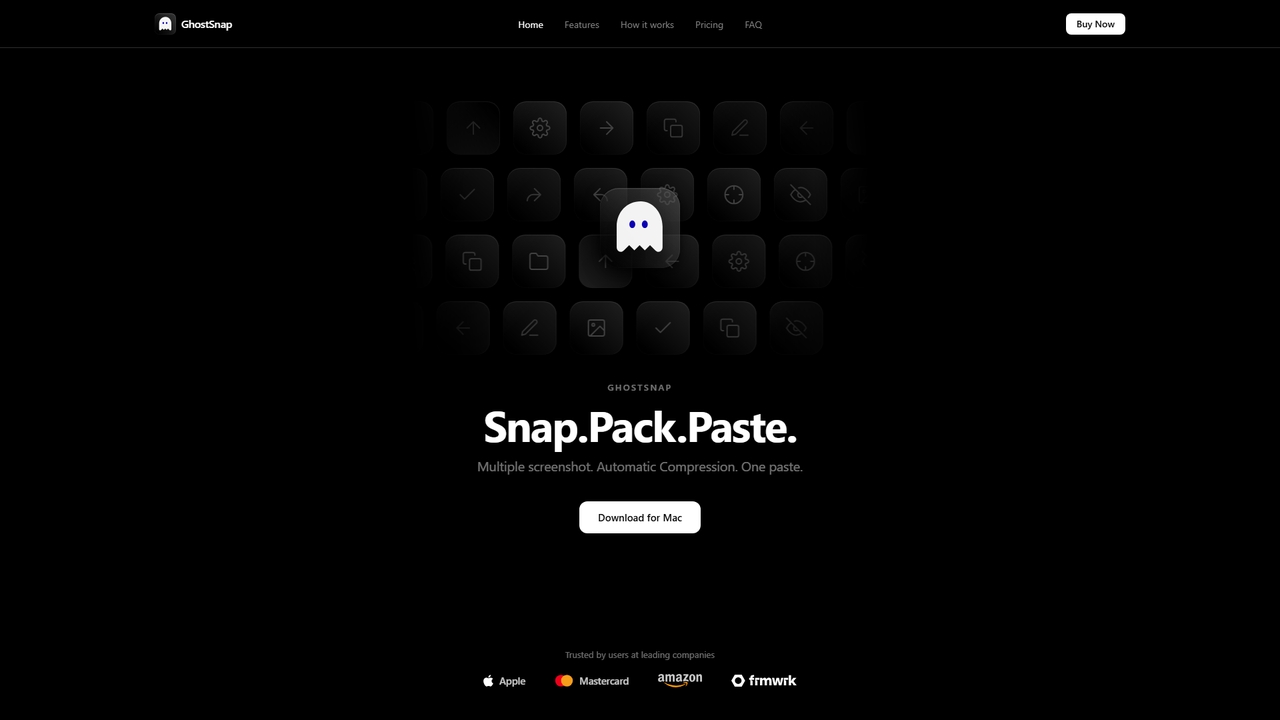
GhostSnap Overview
GhostSnap is a native macOS application designed to revolutionize the way you handle screenshots. Built around the powerful "Snap. Pack. Paste." workflow, it eliminates the repetitive process of taking, saving, and individually pasting multiple screen captures. GhostSnap queues your screenshots silently in the background, automatically compresses them by up to 80% without quality loss, and allows you to paste an entire batch with a single Cmd+V. This not only saves significant time but also reduces the number of tokens consumed when sharing images with AI tools. Beyond simple capture, it includes a built-in OCR engine to extract text from any screen region and annotation tools to highlight or mark up images directly before pasting.
How to use GhostSnap
The workflow is designed to be simple and integrated into your existing macOS habits. 1. Take multiple screenshots consecutively using your standard macOS shortcuts (Cmd+Shift+3/4/5). GhostSnap automatically queues them. 2. Optionally, review and annotate your screenshots. Press Option+Space to open the annotation window, where you can highlight, draw arrows, circle areas, or add text labels. 3. Press Cmd+V once to paste all queued screenshots into your document or chat. The auto-compressed versions are pasted, optimizing file size.
Core Features of GhostSnap
- Batch Clipboard: Take multiple screenshots back-to-back; GhostSnap queues them silently, and one Cmd+V pastes everything together.
- Automatic Compression: Screenshots are automatically compressed by up to 80% in the background, reducing file size without quality loss. This is particularly useful for lowering token consumption in AI applications.
- OCR Text Capture: Drag to select any region of your screen to instantly extract text to the clipboard, supporting capture from multiple areas for batch pasting.
- Annotation Tools: Highlight, draw arrows, circle areas, and add text labels directly on screenshots within an annotation window before they are pasted.
Use Cases for GhostSnap
GhostSnap is ideal for professionals who frequently share multiple screen captures. Common use cases include software developers reporting bugs with annotated sequences, designers sharing multiple UI mockups, researchers compiling data from different screens, content creators gathering visual references, and support staff troubleshooting issues by documenting steps. Its OCR feature is valuable for quickly digitizing text from locked PDFs, videos, or images without retyping.
Advantages of GhostSnap
Key advantages include a significant time-saving workflow that replaces repetitive manual steps, on-device processing for complete privacy (no data is uploaded or tracked), automatic file size reduction which makes sharing faster and is cost-effective for AI token usage, and a simple one-time purchase model. It requires no subscription and works offline, with all data stored locally in a dedicated GhostSnap folder on your Mac.
Pricing and Plans
GhostSnap is available as a one-time purchase. The current Early Bird price is $6.99, discounted from the regular price of $10. This purchase grants a lifetime license that covers two Macs and includes free future updates.
GhostSnap FAQ
GhostSnap Alternatives

Iris
Iris is a seamless AI assistant for macOS, designed to integrate into your workflow. It provides instant access to top AI models like GPT-4o and Claude 3.5, allowing you to chat, capture your screen for context, and get answers without ever leaving your current application. With intuitive gestures and powerful shortcuts, Iris is there when you need it and invisible when you don't.
Coding Assistant
Side Space
Side Space is a powerful AI assistant that integrates seamlessly into your desktop workflow. It operates from a convenient sidebar, providing instant access to AI-powered tools for writing, coding, and general productivity without ever leaving your current application. Enhance your efficiency with contextual actions on selected text and customizable commands.
Code Assistant
Toolin
Toolin is a curated AI tool navigation and discovery platform designed for millions of AI enthusiasts and creators. It helps users find, organize, and share powerful AI tools for various applications, from productivity and content creation to programming and design. The platform also features 'AI Skill Packs,' which are expert-curated collections of tools for specific workflows, fostering a community of knowledge sharing.
Knowledge Sharing
Screenity
Screenity is a powerful, free, and privacy-focused screen and camera recorder for Chrome. It offers unlimited recording, annotation tools, and basic video editing without collecting any user data. Ideal for creating tutorials, demos, and presentations.
Bug Reporting
Raycast
Raycast is a blazingly fast, extensible launcher for macOS that supercharges your productivity. It acts as a central command bar to control your tools, with integrated AI, an extensive extension store, and powerful built-in features like window management and clipboard history. It's designed to reduce context switching and keep you in the flow.
Personal AssistantGhostSnap Categories
GhostSnap Jobs
GhostSnap Embed Widget
Copy this embed code to place the badge on your blog, article, or product site and send readers directly to this ToolMage detail page.

Related AI tools
Iris
Iris is a seamless AI assistant for macOS, designed to integrate into your workflow. It provides instant access to top AI models like GPT-4o and Claude 3.5, allowing you to chat, capture your screen for context, and get answers without ever leaving your current application. With intuitive gestures and powerful shortcuts, Iris is there when you need it and invisible when you don't.
Coding AssistantSide Space
Side Space is a powerful AI assistant that integrates seamlessly into your desktop workflow. It operates from a convenient sidebar, providing instant access to AI-powered tools for writing, coding, and general productivity without ever leaving your current application. Enhance your efficiency with contextual actions on selected text and customizable commands.
Code AssistantScreenity
Screenity is a powerful, free, and privacy-focused screen and camera recorder for Chrome. It offers unlimited recording, annotation tools, and basic video editing without collecting any user data. Ideal for creating tutorials, demos, and presentations.
Bug ReportingRaycast
Raycast is a blazingly fast, extensible launcher for macOS that supercharges your productivity. It acts as a central command bar to control your tools, with integrated AI, an extensive extension store, and powerful built-in features like window management and clipboard history. It's designed to reduce context switching and keep you in the flow.
Personal Assistant
DynamicLake
DynamicLake is a powerful Mac application that brings the iPhone's iconic Dynamic Island experience to macOS, complete with Liquid Glass aesthetics. It transforms the menu bar into an interactive hub for notifications, media control, file management, system utilities, and live activities, enhancing productivity and workflow with a visually stunning and intuitive interface.
NotificationsToolin
Toolin is a curated AI tool navigation and discovery platform designed for millions of AI enthusiasts and creators. It helps users find, organize, and share powerful AI tools for various applications, from productivity and content creation to programming and design. The platform also features 'AI Skill Packs,' which are expert-curated collections of tools for specific workflows, fostering a community of knowledge sharing.
Knowledge Sharing
ChatLLM
ChatLLM is an advanced conversational AI platform designed for professionals and developers. It provides unified access to multiple leading Large Language Models (LLMs) like GPT-4, Claude 3, and more. The platform focuses on enhancing productivity, streamlining workflows, and enabling powerful integrations through a robust API.
Api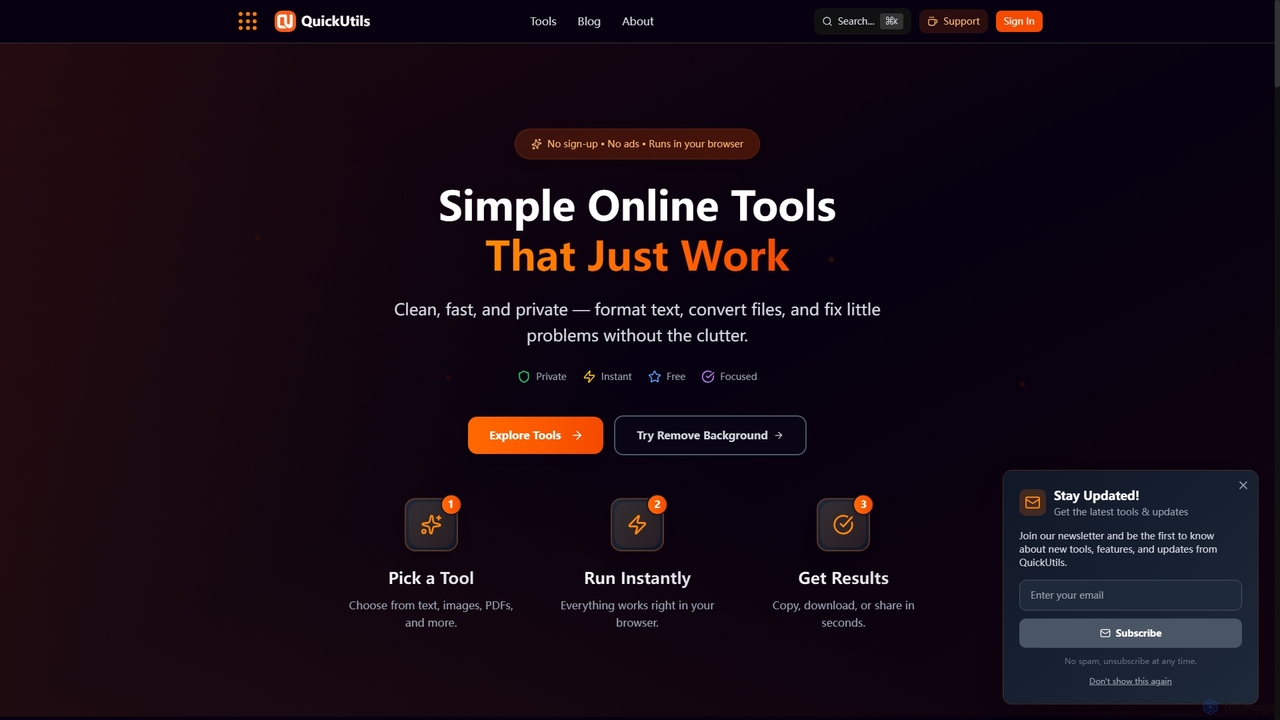
QuickUtils
QuickUtils offers a comprehensive suite of free, privacy-focused online tools designed for instant productivity. From AI-powered image background removal and text paraphrasing to QR code generation and JSON formatting, it provides clean, fast, and secure utilities that run directly in your browser without sign-ups or ads.
Conversion
RewriteBar
RewriteBar is a native macOS menu bar app that acts as your personal AI writing assistant. It works seamlessly across all applications, allowing you to instantly correct grammar, change tone, translate text, summarize content, and more with a simple keyboard shortcut. It supports over 12 AI providers, including local models for ultimate privacy, offering a powerful and flexible writing enhancement experience.
Code Assistant
Jyek
Jyek is an AI agent platform that understands objectives, creates execution plans, uses tools, and delivers verifiable results for complex, multi-step tasks.
Automation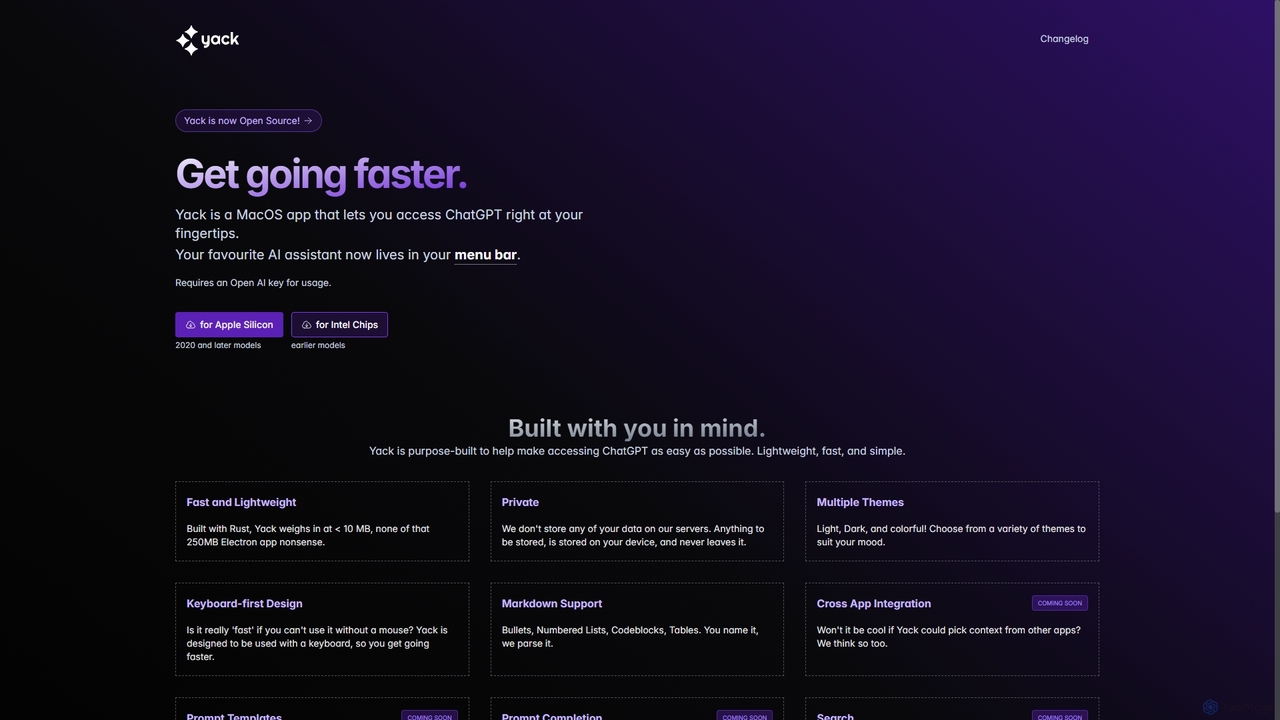
Yack
Yack is a lightweight, fast, and private open-source native macOS application that provides instant access to ChatGPT directly from your menu bar. Built with Rust, it's designed for efficiency with a keyboard-first approach, ensuring you can interact with AI without disrupting your workflow.
Api Client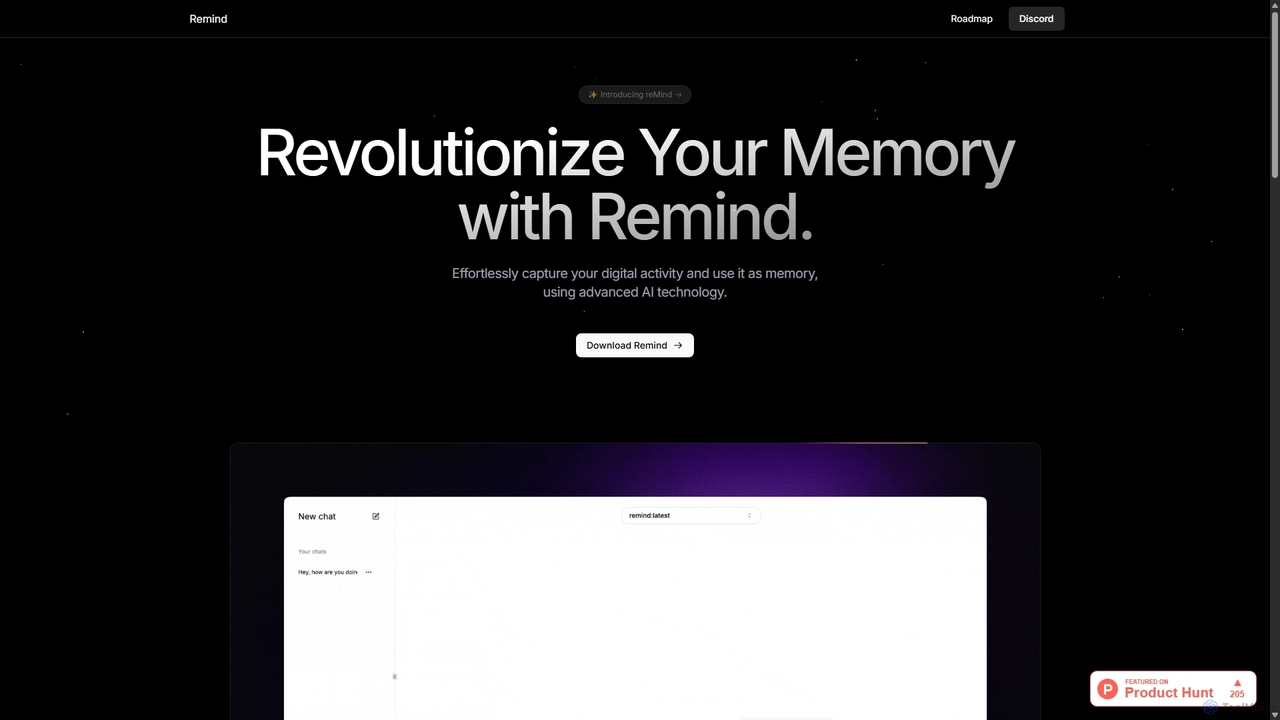
ReMind
reMind is an open-source, privacy-first AI tool that acts as your personal memory. It captures your digital activity locally, allowing you to search and recall anything you've seen or done on your computer using natural language. It runs entirely on your machine for maximum security.
Utilities
NotesCmdr
NotesCmdr is a powerful macOS extension designed to supercharge the native Apple Notes app. It enhances your note-taking workflow by adding features like slash commands for rapid formatting, a dynamic template system, an inline calculator, and intuitive Markdown-style shortcuts. It's the perfect tool for students, professionals, and anyone looking to boost their productivity within the Apple ecosystem.
Note Taking
Omnipilot
Omnipilot is a system-wide AI copilot for macOS, designed to integrate seamlessly into any application. It provides contextual assistance, allowing you to generate text, write code, and automate tasks in any text field, boosting productivity by eliminating the need to switch between apps. Note: Omnipilot has been acquired by and merged into Highlight AI.
Coding Assistant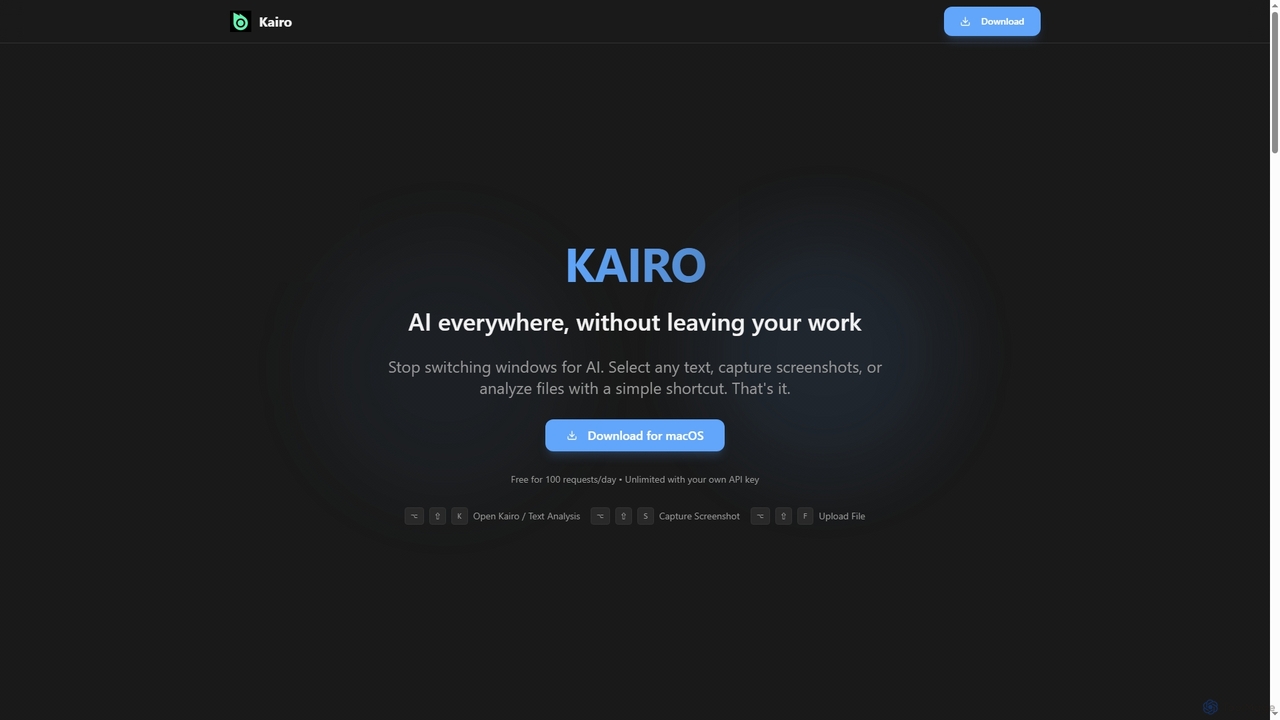
Kairo
Kairo is an AI-powered desktop assistant for macOS that integrates seamlessly into your workflow, eliminating the need to switch applications for AI tasks. It offers smart text transformation, visual analysis of screenshots, and deep analysis of files directly from any app using simple keyboard shortcuts.
Document Analysis
GhostSnap Comments (0)
Sign in to comment.
Sign inNo comments yet.