ToolMage
Sign in

Best 6 Ocr AI tools for Utilities

Popular Ocr AI tools in Utilities include TextPixie, Picture Translate, gengo.app, GhostSnap, AIO Scanner, and Visionlingual, helping you work more efficiently.

GhostSnap
Paid

GhostSnap

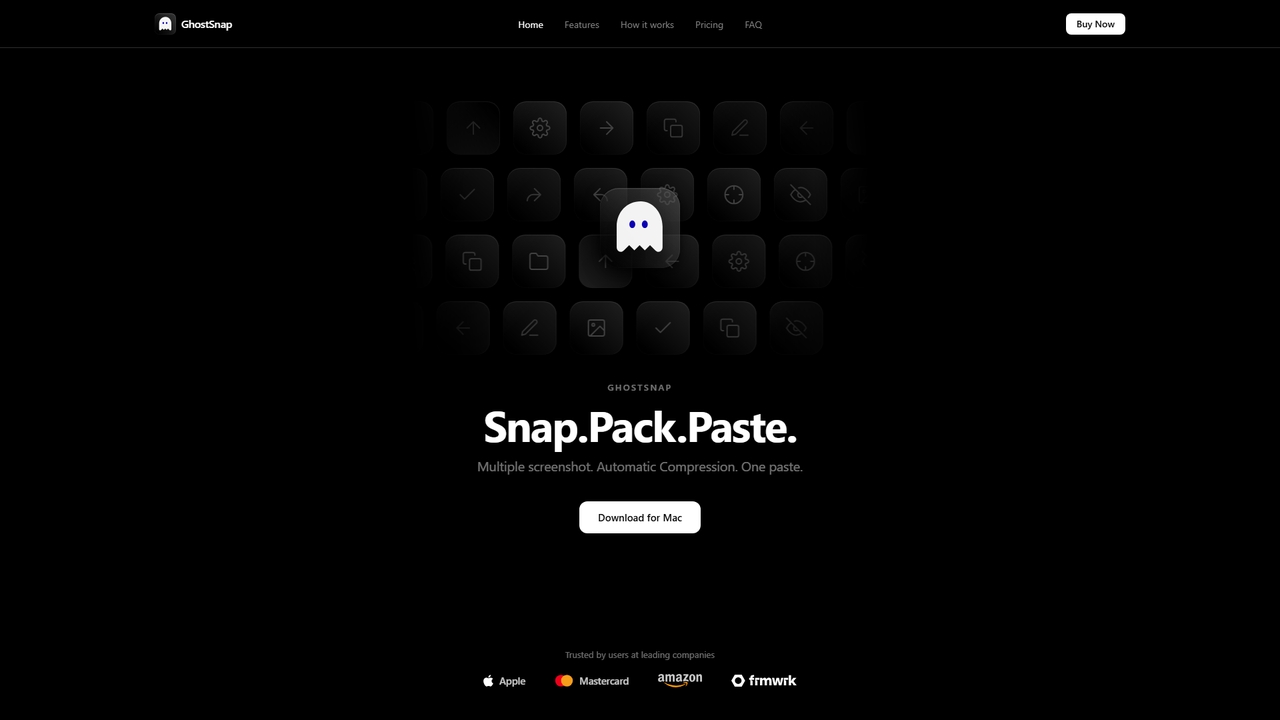
GhostSnap is a macOS productivity tool that streamlines screenshot workflows. It allows users to capture multiple screenshots, automatically compresses them to save space and reduce token usage in AI tools, and pastes them all with a single command. It also features on-device OCR text extraction and image annotation.

Image Tools
Visits 3.7KFavorites 5Likes 2
AIO Scanner

AIO Scanner

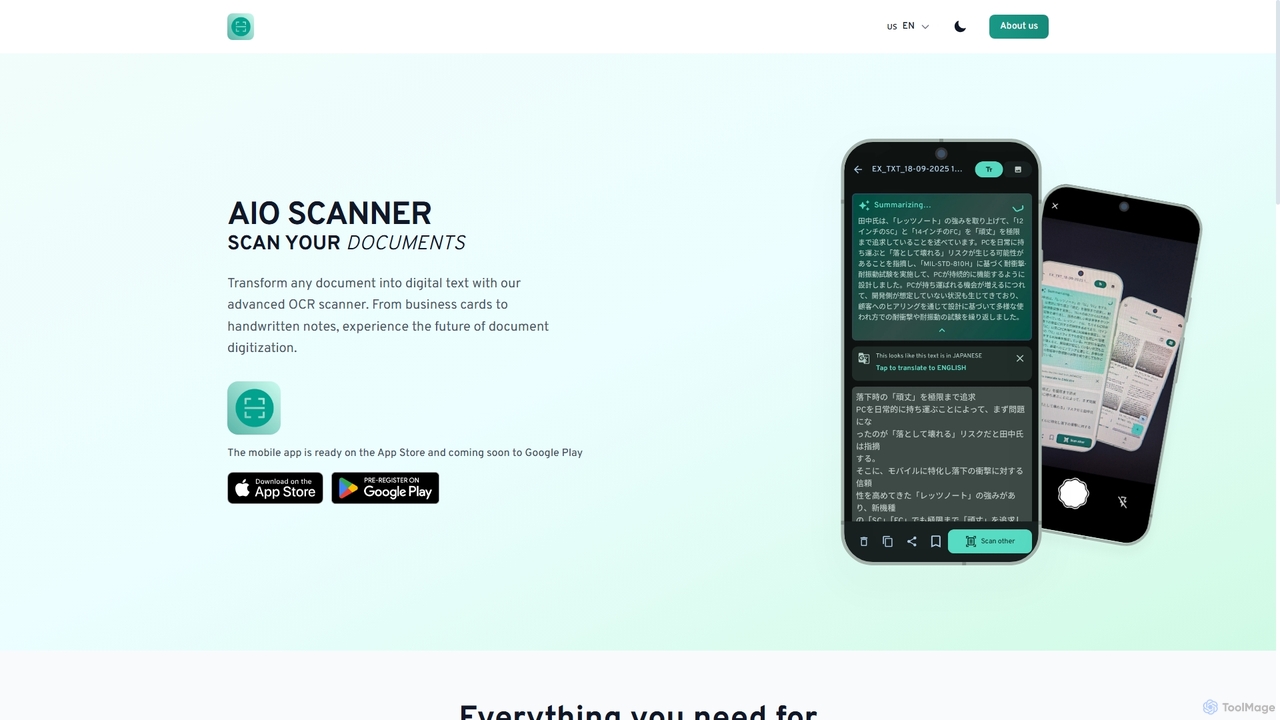
AIO Scanner is an advanced mobile document scanning and OCR tool designed to digitize various physical documents efficiently. It transforms printed text, handwritten notes, and even receipts into editable digital text with high accuracy. Beyond OCR, it offers smart document scanning, QR/barcode detection, AI-powered summarization, and robust security features, making it a comprehensive solution for document management on the go.

Mobile Tools
Visits 3.5KFavorites 21Likes 16
Visionlingual

Visionlingual

Visionlingual is an AI-powered tool designed for instant visual translation. It likely uses OCR technology to recognize and translate text from images, making it ideal for translating signs, documents, and other visual media.

Language Learning
Visits 3.4KFavorites 88Likes 105
gengo.app
Free

gengo.app

gengo.app is a free, web-based reader with an integrated OCR dictionary, designed for Japanese language learners. It helps you read your favorite manga and light novels, turning entertainment into an effective and immersive learning experience based on the AJATT method.

Language Learning
Visits 5.6KFavorites 97Likes 113
Picture Translate
Free

Picture Translate

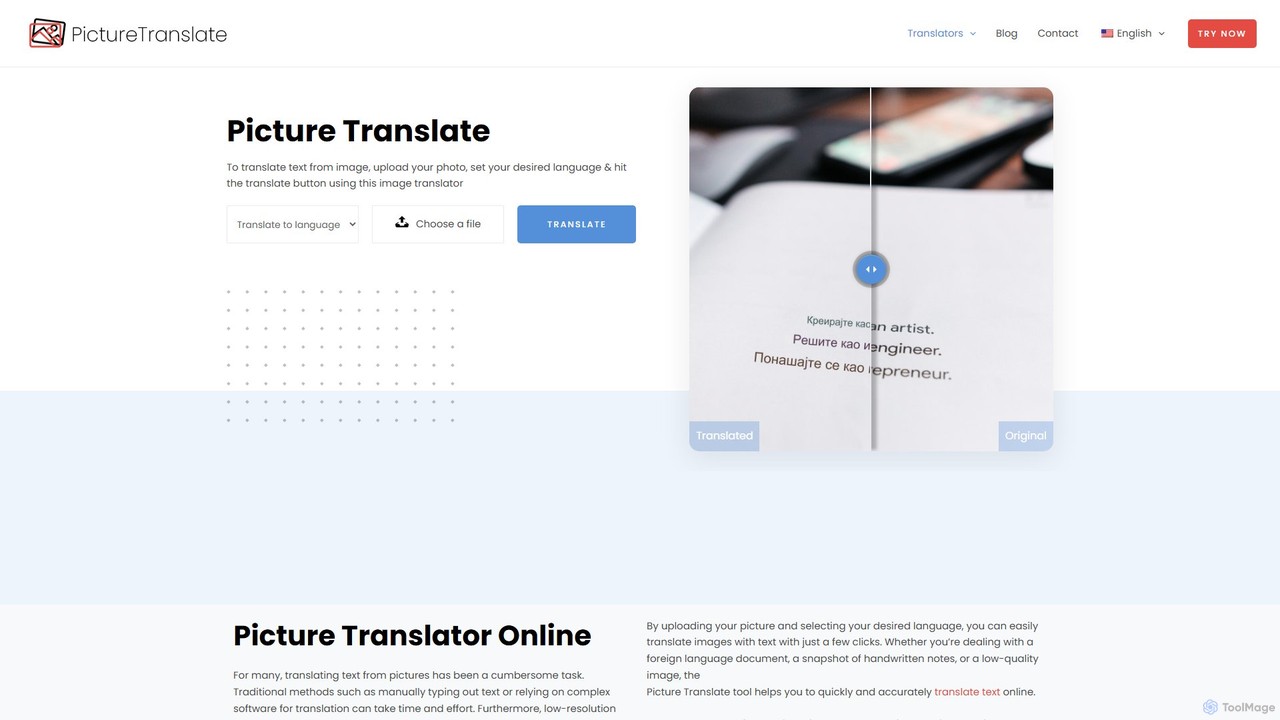
Picture Translate is a free, AI-powered online tool that instantly translates text from images. Using advanced OCR technology, it accurately extracts and translates text from photos, screenshots, and documents into numerous languages. It's ideal for travelers, students, and professionals needing quick, on-the-go translations.

Learning
Visits 6.2KFavorites 83Likes 94
TextPixie
Freemium

TextPixie

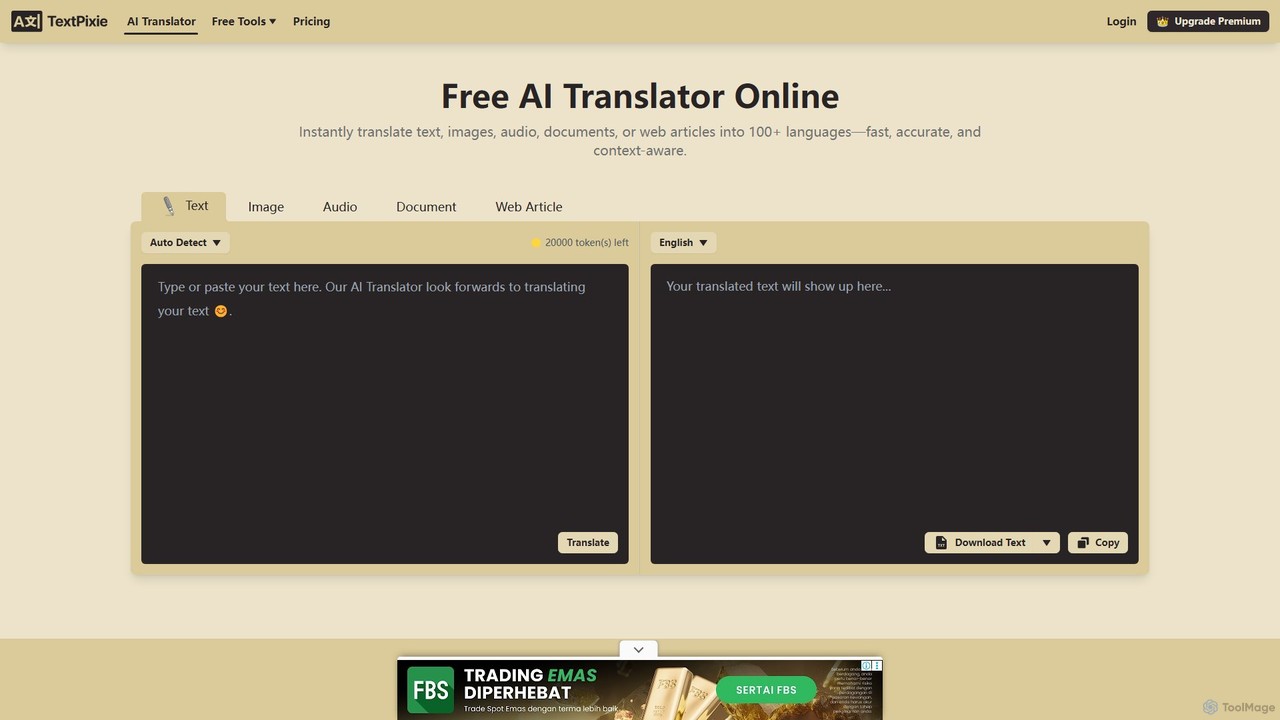
TextPixie is a versatile AI-powered online translator that handles text, images, audio, documents, and web articles. It supports over 100 languages, offering fast, accurate, and context-aware translations. Key features include a powerful OCR for image-to-text extraction and a generous free plan, making it an accessible tool for global communication.

Localization
Visits 40.5KFavorites 124Likes 107

About Ocr

OCR (Optical Character Recognition) tools are a class of software designed to convert various types of documents, such as scanned paper documents, PDF files, or images, into editable and searchable data. These tools employ AI, computer vision, and pattern recognition to identify characters, words, and layouts within an image, transforming them into machine-readable text. The primary value of OCR technology lies in its ability to automate data entry, digitize vast archives, and make content locked within images accessible and usable. Advanced OCR systems can also handle complex layouts, tables, and even handwritten text with high accuracy.

Core Features

  • Text Extraction: Accurately converts printed or typed text from images and PDFs into digital text formats like TXT, DOCX, or searchable PDF.
  • Handwriting Recognition (ICR): Recognizes and digitizes handwritten notes, forms, and documents, though accuracy may vary based on writing style.
  • Layout & Table Analysis: Preserves the original document structure, including columns, tables, and formatting, during the conversion process.
  • Multi-Language Support: Identifies and processes text in numerous languages, often within the same document.
  • Data Extraction: Specifically targets and extracts key information from structured documents like invoices, receipts, and forms (e.g., invoice number, date, total amount).

Use Cases

OCR technology is widely used in industries like finance for automating invoice and receipt processing, in healthcare for digitizing patient records, and in legal for making case files searchable. Libraries and archives use it to create digital versions of books and historical documents. For individuals, it's useful for digitizing personal documents, receipts for expense tracking, or converting notes from a photo into text.

How to Choose

When selecting an OCR tool, consider the required accuracy level for your documents. Evaluate its support for specific languages and its ability to handle complex layouts or handwriting if needed. For business use, check for batch processing capabilities and API integrations to connect with other software like accounting or document management systems. Finally, compare pricing models, whether it's a one-time purchase, a subscription, or pay-per-use.

Featured tool rankings

Ocr use cases

1

Automating Invoice Data Entry

An accounts payable clerk in a medium-sized business receives dozens of PDF invoices from vendors daily. Instead of manually typing invoice numbers, dates, line items, and totals into the accounting software, they use an OCR tool. The tool automatically scans each PDF, extracts the required data fields with high accuracy, and flags any discrepancies for review. This process reduces data entry time by over 80%, minimizes human error, and accelerates the payment cycle, improving vendor relationships.

2

Digitizing Research from Academic Journals

A university researcher needs to analyze hundreds of historical academic papers, many of which are only available as scanned PDFs or images. Manually retyping quotes and data would be extremely time-consuming. By using an OCR tool, the researcher can batch-process all the files. The tool converts the articles into searchable text documents, preserving layouts and footnotes. This allows the researcher to quickly search for keywords, copy-paste citations, and analyze the text programmatically, significantly speeding up the literature review process.

3

Extracting Contact Information from Business Cards

A sales professional attends a conference and collects dozens of business cards. Instead of manually entering each contact into their CRM system, they use a mobile OCR app. They simply take a photo of each business card, and the app automatically identifies and extracts the name, title, company, phone number, and email address. The extracted information is then formatted and can be exported directly to their phone's contacts or the CRM, saving hours of tedious work and ensuring contact data is captured accurately and immediately.

4

Making Legal Archives Searchable

A law firm has decades of case files stored as scanned documents, making it nearly impossible to find specific information quickly. They employ an OCR tool to process their entire digital archive. The software converts millions of pages into fully searchable PDF files. Now, paralegals and attorneys can instantly search across all documents for specific case names, legal precedents, or keywords. This drastically reduces research time from days to minutes and ensures they can leverage historical information effectively in current cases.

5

Converting Handwritten Notes into Digital Text

A student attends lectures and prefers taking notes by hand in a notebook. To organize, search, and share these notes easily, they use an OCR tool with advanced handwriting recognition (ICR). After each class, they take a photo of their notebook pages. The tool converts their cursive or printed handwriting into editable digital text. They can then save the notes in a note-taking app, search for specific topics when studying for exams, and share clean, typed-up versions with classmates who missed the lecture.

6

Extracting Data from Restaurant Menus

A food delivery platform needs to onboard thousands of new restaurants, each with a unique menu format, often provided as a PDF or an image. Manually entering every dish, description, and price is a massive undertaking. The platform uses a sophisticated OCR tool that can understand the complex, multi-column layouts of menus. It extracts dish names, descriptions, prices, and categories (e.g., Appetizers, Main Courses) into a structured format like JSON. This data is then automatically imported into their system, reducing the restaurant onboarding time from hours to minutes per menu.

Ocr FAQ

What are OCR (Optical Character Recognition) tools?

OCR tools are software applications that convert images containing text into machine-readable text data. They analyze a scanned document or a photo and identify characters, words, and sentences, allowing the text to be edited, searched, and indexed. This technology bridges the gap between physical documents and the digital world, making information from paper, PDFs, and images accessible and manageable.

How do I choose the right OCR tool?

Choosing the right OCR tool depends on your specific needs. Consider the following factors:

  • Accuracy: How precise does the text recognition need to be? Look for tools with high accuracy rates for your document types.
  • Language Support: Ensure the tool supports all the languages you need to process.
  • Document Complexity: Do you need to process simple text documents, or complex layouts with tables, columns, and images?
  • Integration: Do you need an API to integrate the OCR functionality into your own applications or workflows?
  • Handwriting Recognition: If you need to process handwritten text, look for tools with strong ICR (Intelligent Character Recognition) capabilities.
What's the difference between OCR and just scanning a document?

Scanning a document creates a digital image of it, like a photograph. The file (e.g., a JPG or a basic PDF) contains pixels, not text characters. You cannot search for words or copy-paste sentences from a scanned image. An OCR tool processes this image file, recognizes the shapes of the letters, and converts them into actual text data. The output is a new file (like a Word document or a searchable PDF) where the text is selectable, editable, and searchable, just like any other digital document.

Can OCR tools recognize handwriting?

Yes, many modern OCR tools can recognize handwriting. This specific capability is often called Intelligent Character Recognition (ICR). The accuracy of handwriting recognition can vary significantly based on the clarity and consistency of the handwriting, the quality of the scan or image, and the sophistication of the ICR engine. Tools trained on large datasets of diverse handwriting styles generally perform better. It is often more challenging than recognizing printed text and may require a review step for critical applications.

Who are the primary users of OCR tools?

OCR tools are used by a wide range of individuals and organizations. Key users include:

  • Businesses: For automating data entry from invoices, receipts, and forms in accounting and administrative departments.
  • Legal and Healthcare Industries: To digitize and make searchable vast archives of paper records, case files, and patient charts.
  • Libraries and Researchers: To convert books, manuscripts, and academic papers into digital, searchable formats.
  • Students: For digitizing textbook pages and handwritten notes for easier studying and organization.
  • Individuals: For managing personal documents, digitizing receipts for expense tracking, and converting text from images for personal use.